Customer Ratings & Reviews
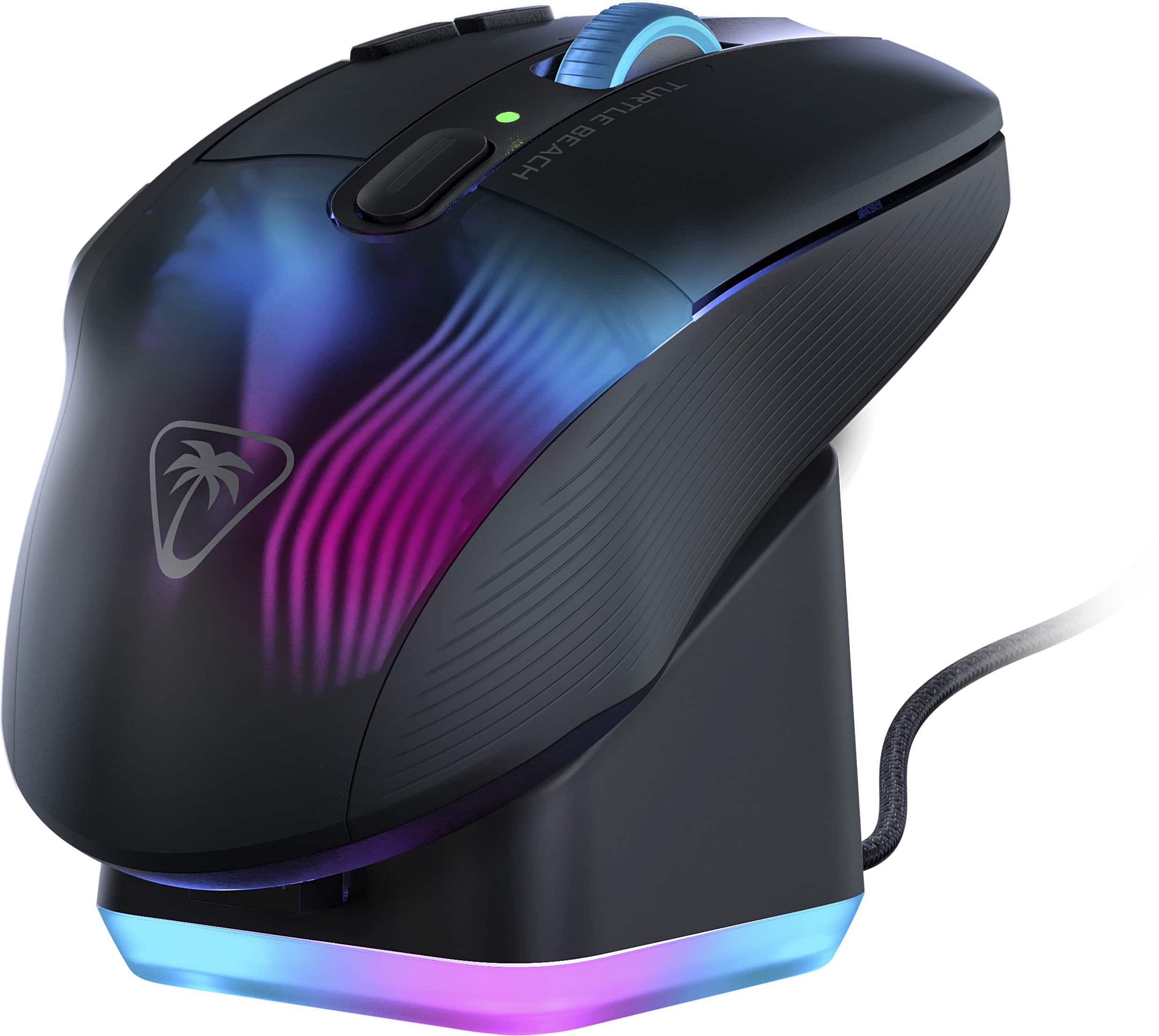
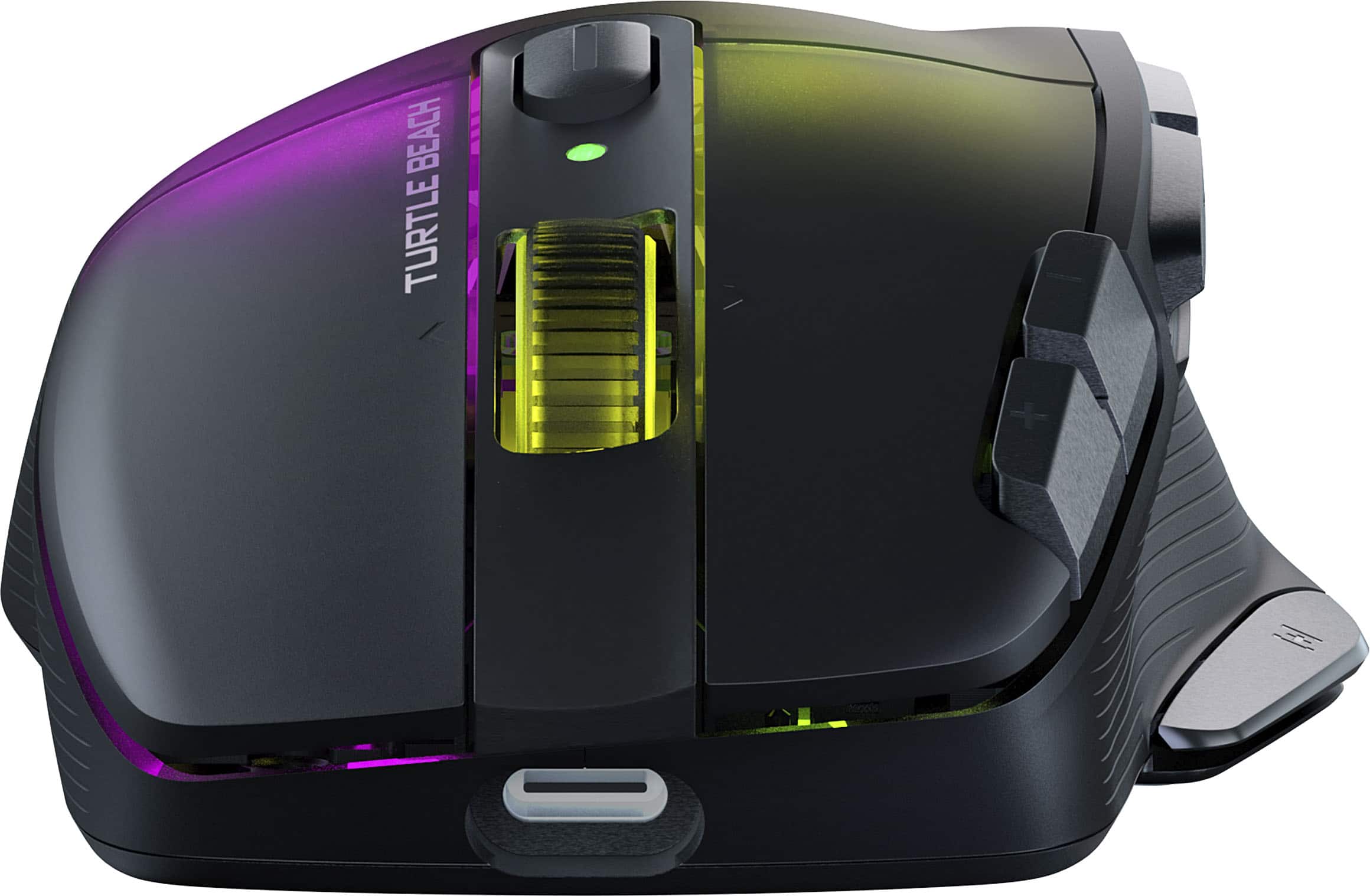
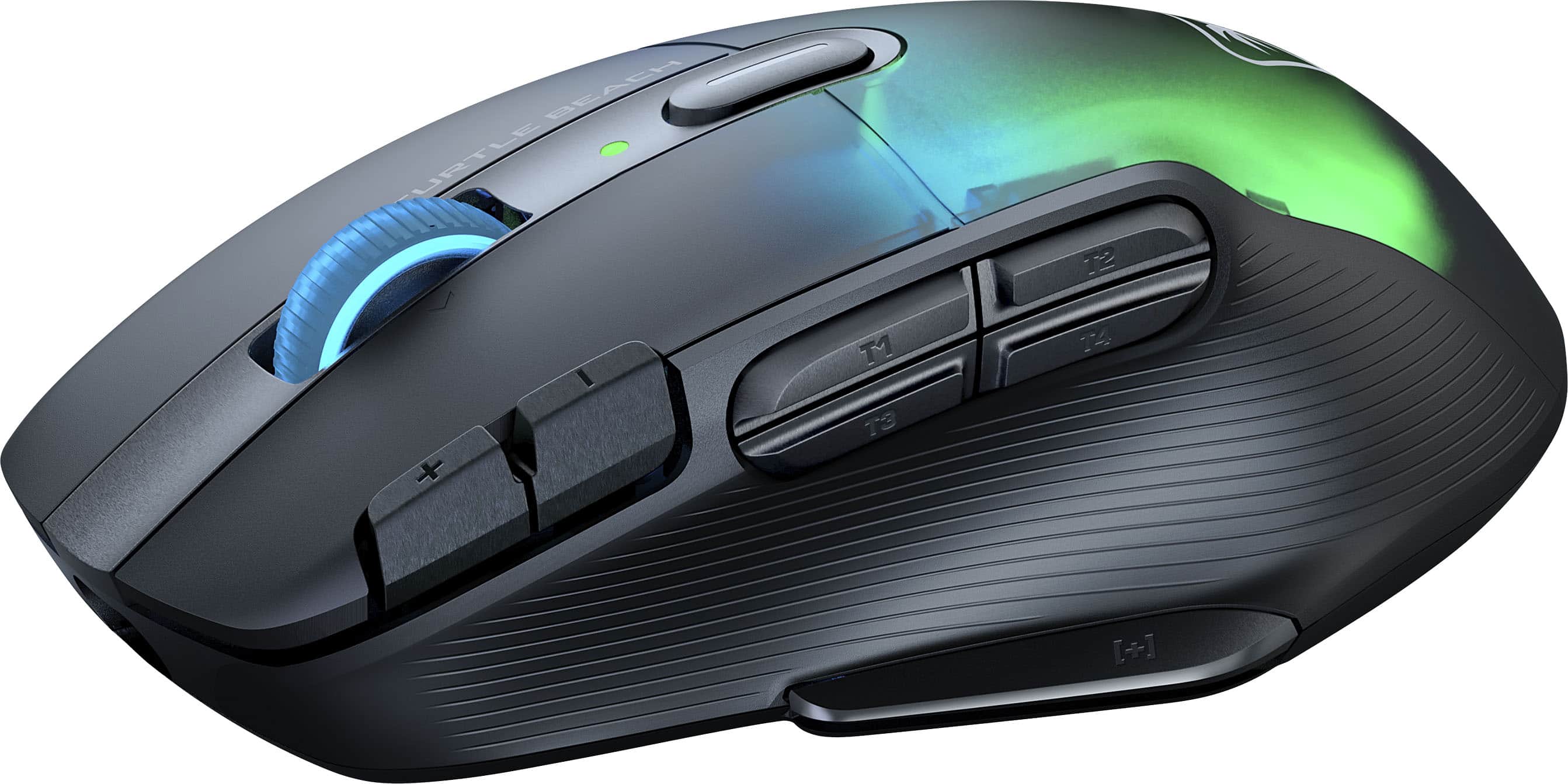
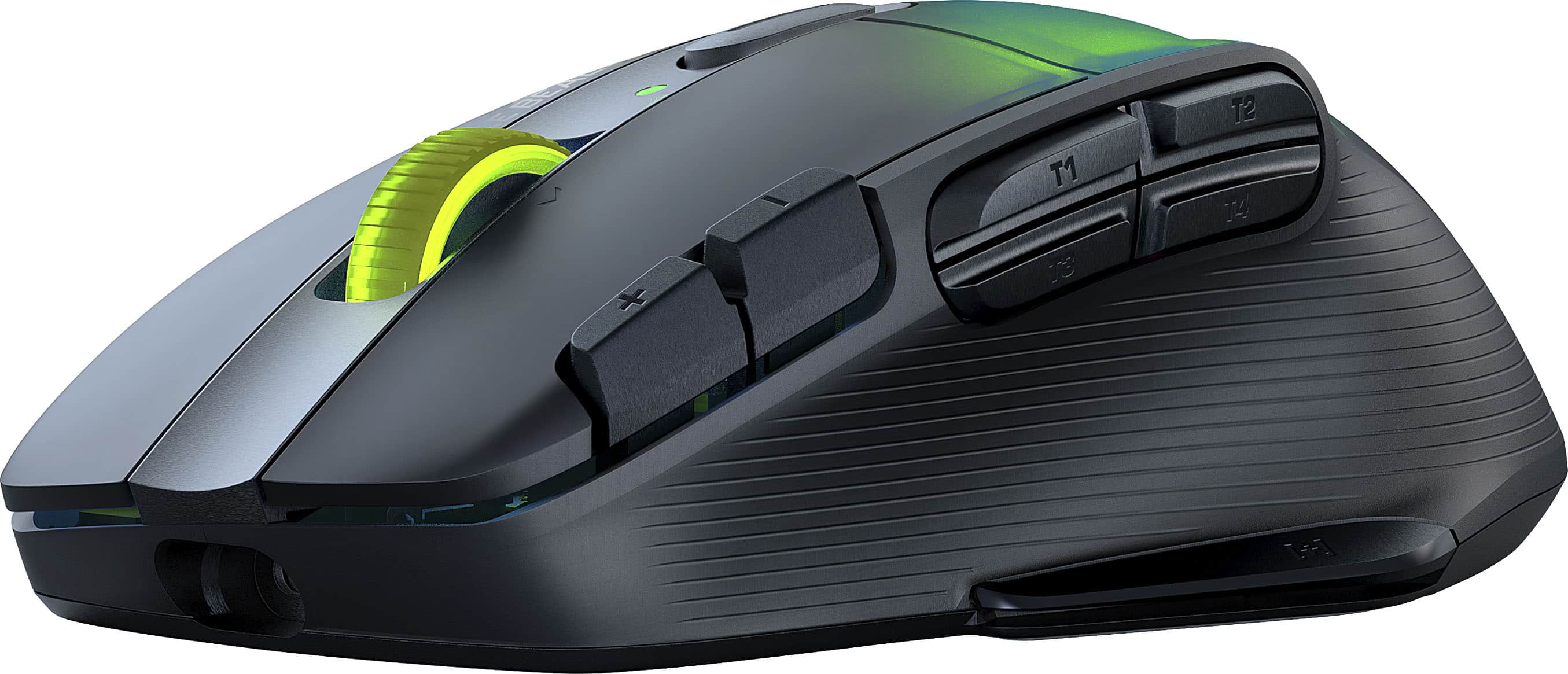
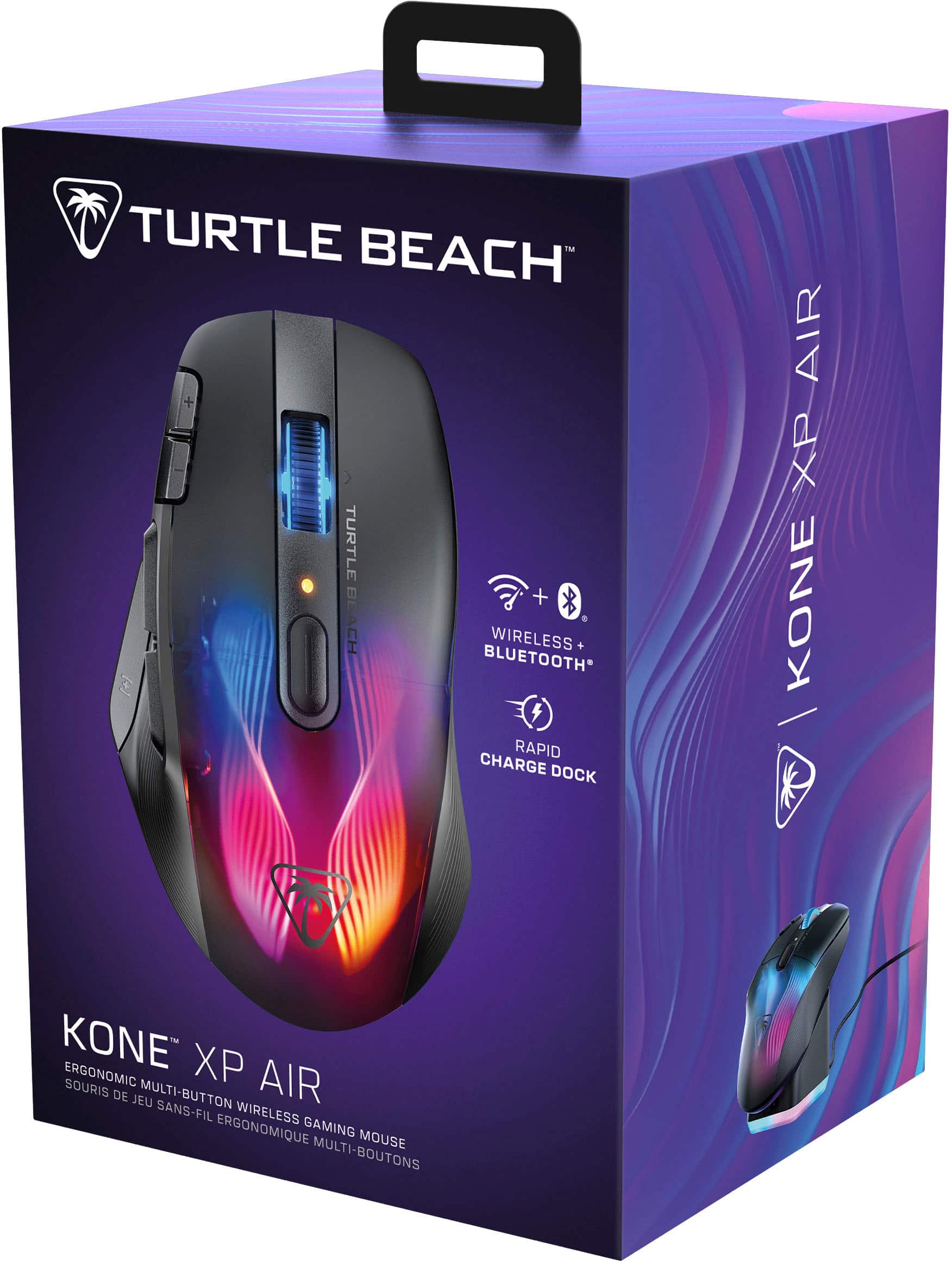
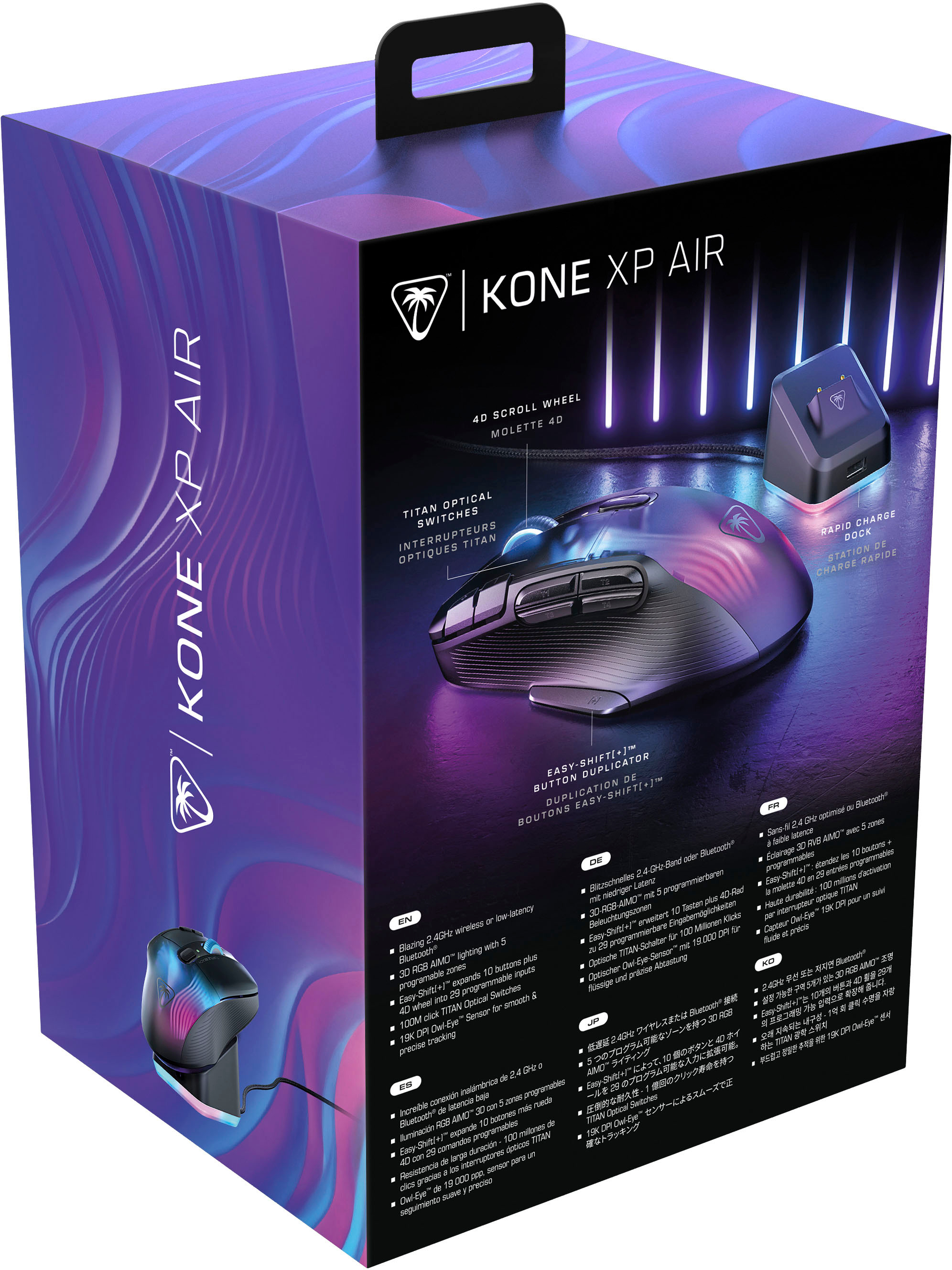
![Easy-Shift[+]TM Use the Easy-Shift[+] button to access up to 29 programmable inputs.](https://pisces.bbystatic.com/image2/BestBuy_US/images/products/e4971d3b-6a34-48fc-b99c-635bcdc1cb40.jpg)

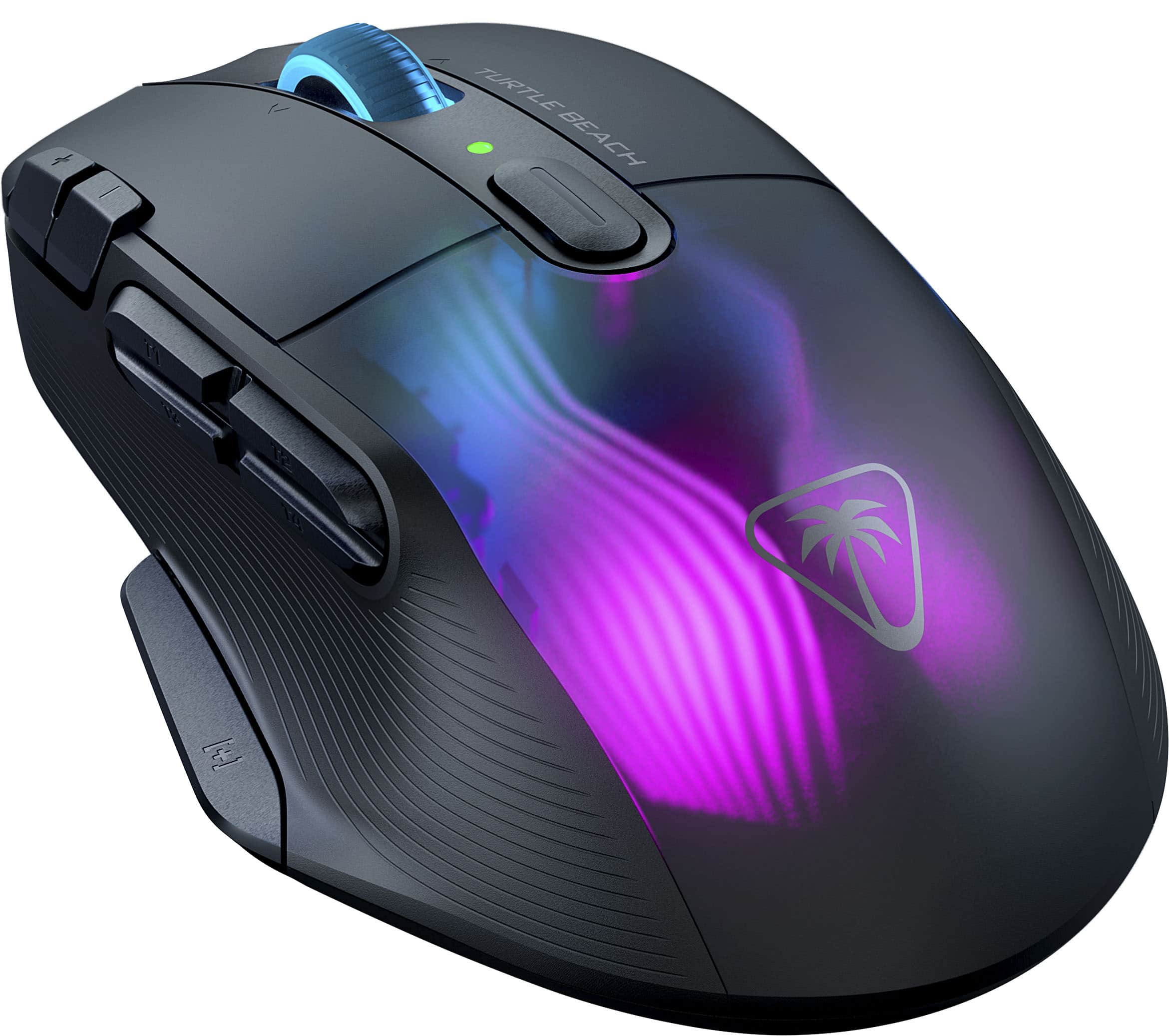
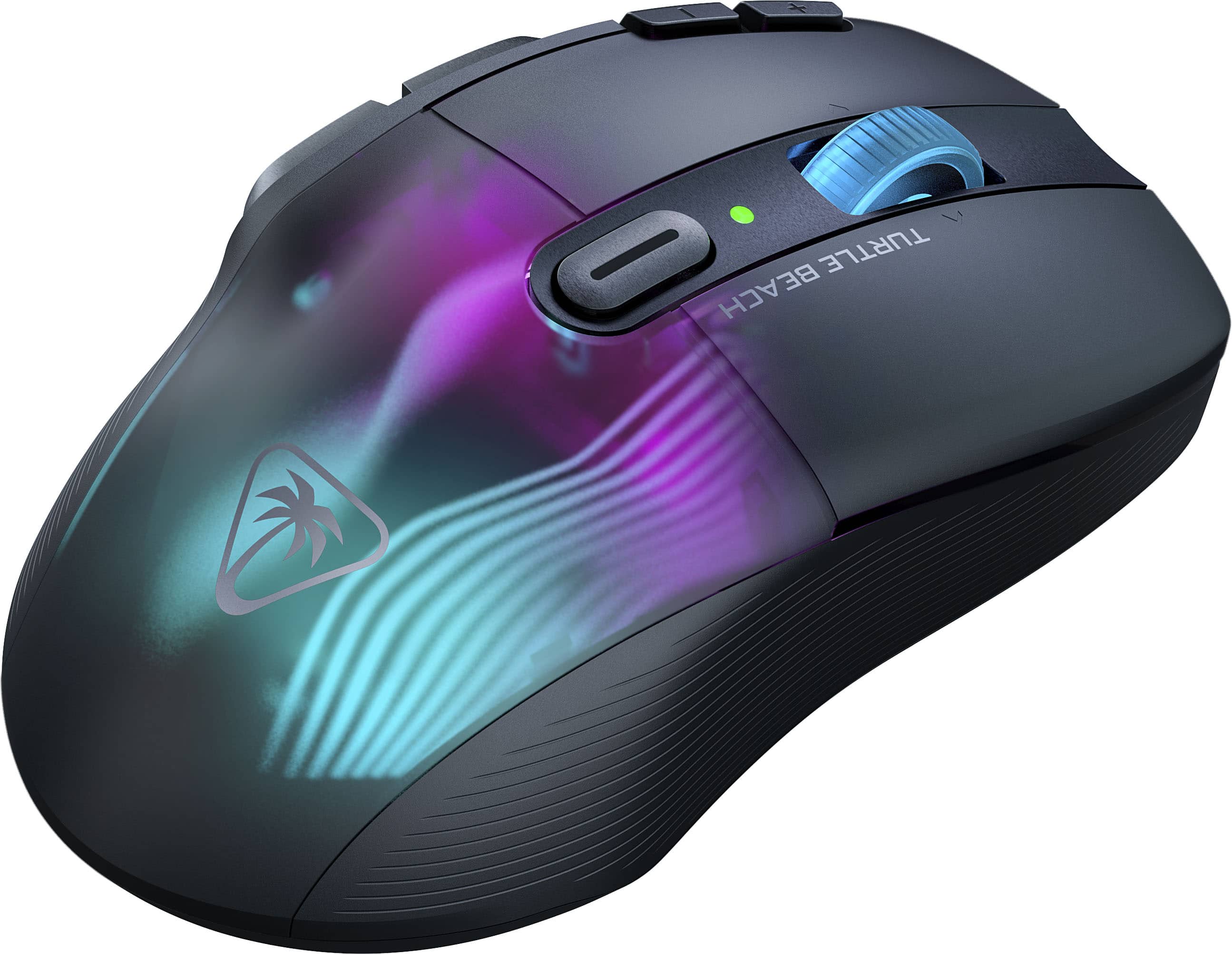
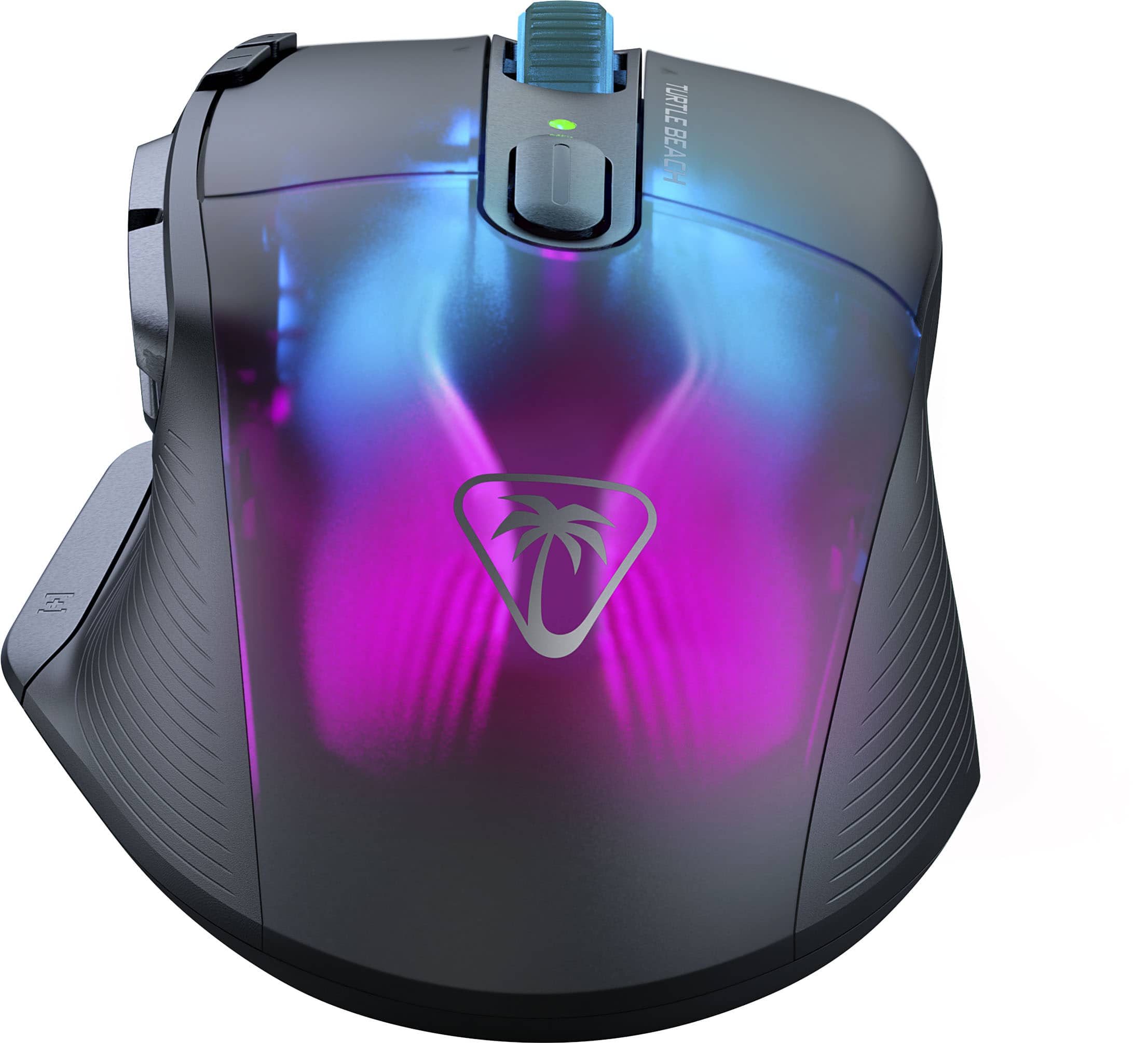
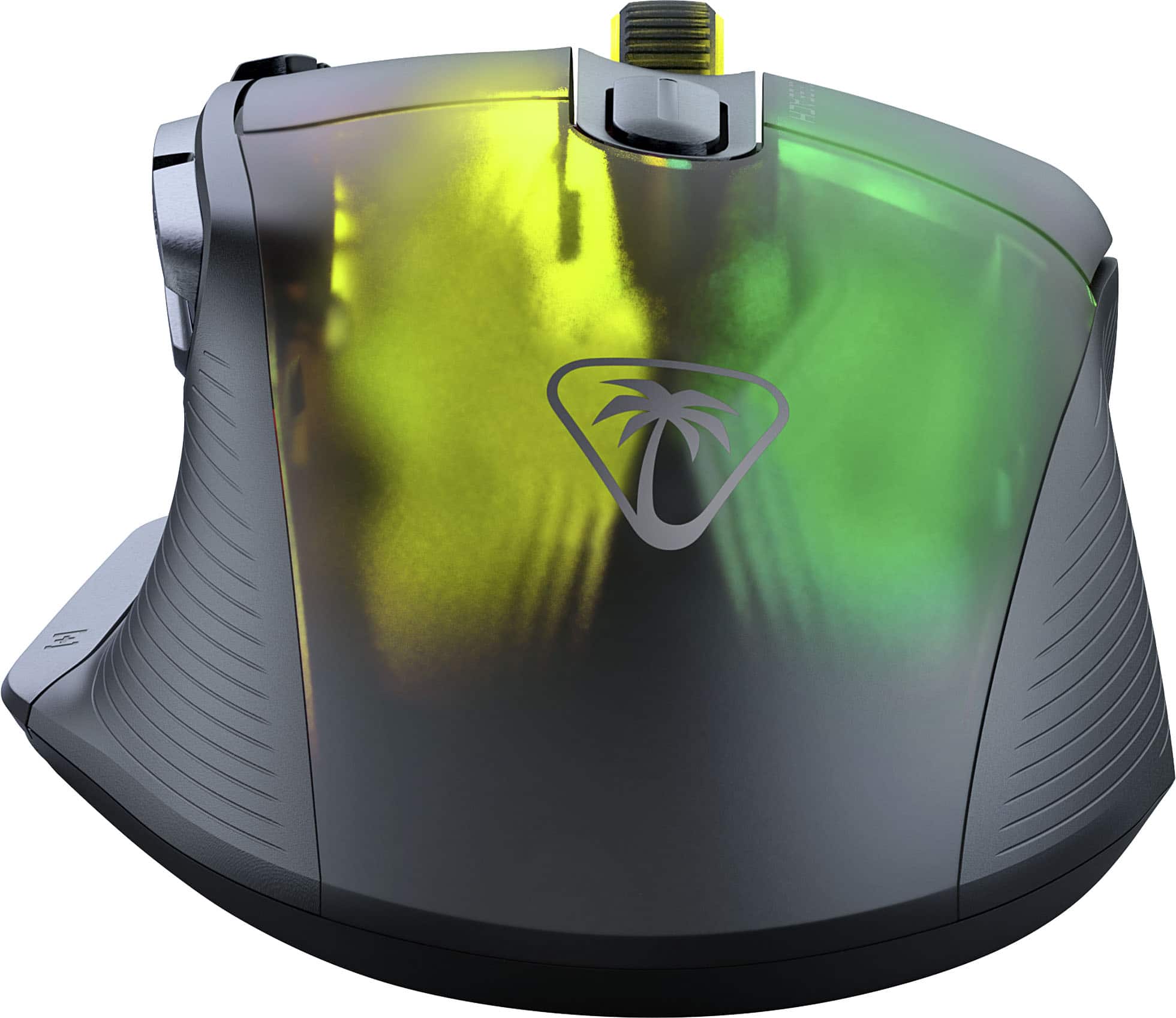
- Model:
- TBM-1101-05
- SKU:
- 6579387
Rating by feature
- Value
Rating 4.1 out of 5 stars
- Quality
Rating 4.4 out of 5 stars
- Ease of Use
Rating 4.3 out of 5 stars
Customers are saying
Customers are pleased with the excellent battery life, convenient wireless design, and comfortable ergonomics. They also appreciate the additional buttons for gaming, stunning RGB lighting, and the included charging dock, contributing to an overall terrific performance and outstanding response time. However, some customers have experienced issues with the software and the scroll wheel, and a few noted initial lag.
This summary was generated by AI based on customer reviews.
- Pros mentioned:Buttons
It’s so smooth and light
||Posted . Owned for 7 months when reviewed.This reviewer received promo considerations or sweepstakes entry for writing a review.So many buttons so many ways to play whatever you want
I would recommend this to a friend Excellent mouse!
||Posted . Owned for 2 months when reviewed.This reviewer received promo considerations or sweepstakes entry for writing a review.Excellent mouse! Very responsive and fast! Love that it has a charging station!
I would recommend this to a friend- Cons mentioned:Software
Dying after 1 year of use
||Posted . Owned for 1 year when reviewed.This reviewer received promo considerations or sweepstakes entry for writing a review.Mouse started fine and had a pretty robust software. Then Roccat was obtained by Turtle Beach, who overhauled the software into a UI nightmare. In addition, my mouse loses wireless connectivity to the receiver frequently (not Bluetooth), the dock disconnects via USB all the time, and no amount of firmware updates, software reinstalls, driver reinstalls, or chats with support seem to be able to fix it. Maybe I got a bad egg but I will be steering clear in the future.
No, I would not recommend this to a friend - Pros mentioned:Buttons
Gaming mouse
||Posted . Owned for 2 weeks when reviewed.This reviewer received promo considerations or sweepstakes entry for writing a review.Very easy to set up and the added buttons help a lot with gaming you can turn up and down the volume through the mouse itself
I would recommend this to a friend - Pros mentioned:Charging dockCons mentioned:Scroll wheel
Ok mouse if it works
||Posted . Owned for 2 months when reviewed.This reviewer received promo considerations or sweepstakes entry for writing a review.Loved the feel and the dock. Made it super easy to remember to charge. Sadly the scroll wheel started failing after less than a month (though it wasn't the first to do so).
No, I would not recommend this to a friendBrand response from Turtle Beach Support
Posted .Hi and thanks for choosing ROCCAT. We are sorry the Kone XP Air's mousewheel is failing on you. Please make sure it is free of any dust or debris, you can use canned air to clean the inside of the mouse. However, this may not be a 100% reliable method, which is why this issue is also covered by our limited 2-year manufacturer's warranty. Please feel free to reach out to our support team using the contact form on our official support website and we will be able to help you!

Brand response from ROCCAT Support
Posted .Hi and thanks for choosing ROCCAT. We are sorry the Kone XP Air's mousewheel is failing on you. Please make sure it is free of any dust or debris, you can use canned air to clean the inside of the mouse. However, this may not be a 100% reliable method, which is why this issue is also covered by our limited 2-year manufacturer's warranty. Please feel free to reach out to our support team using the contact form on our official support website and we will be able to help you!

- Pros mentioned:Charging dock
Amazing.
||Posted . Owned for 2 weeks when reviewed.This reviewer received promo considerations or sweepstakes entry for writing a review.This mouse blew my mind with functionality, looks, and the charging base is super nice! Just pop it on after playing, and im good to go the next round. 10/10!!
I would recommend this to a friend - Pros mentioned:Battery life, Buttons, Charging dockCons mentioned:Software

Solid Customizable Mouse/Charging-Dock combo
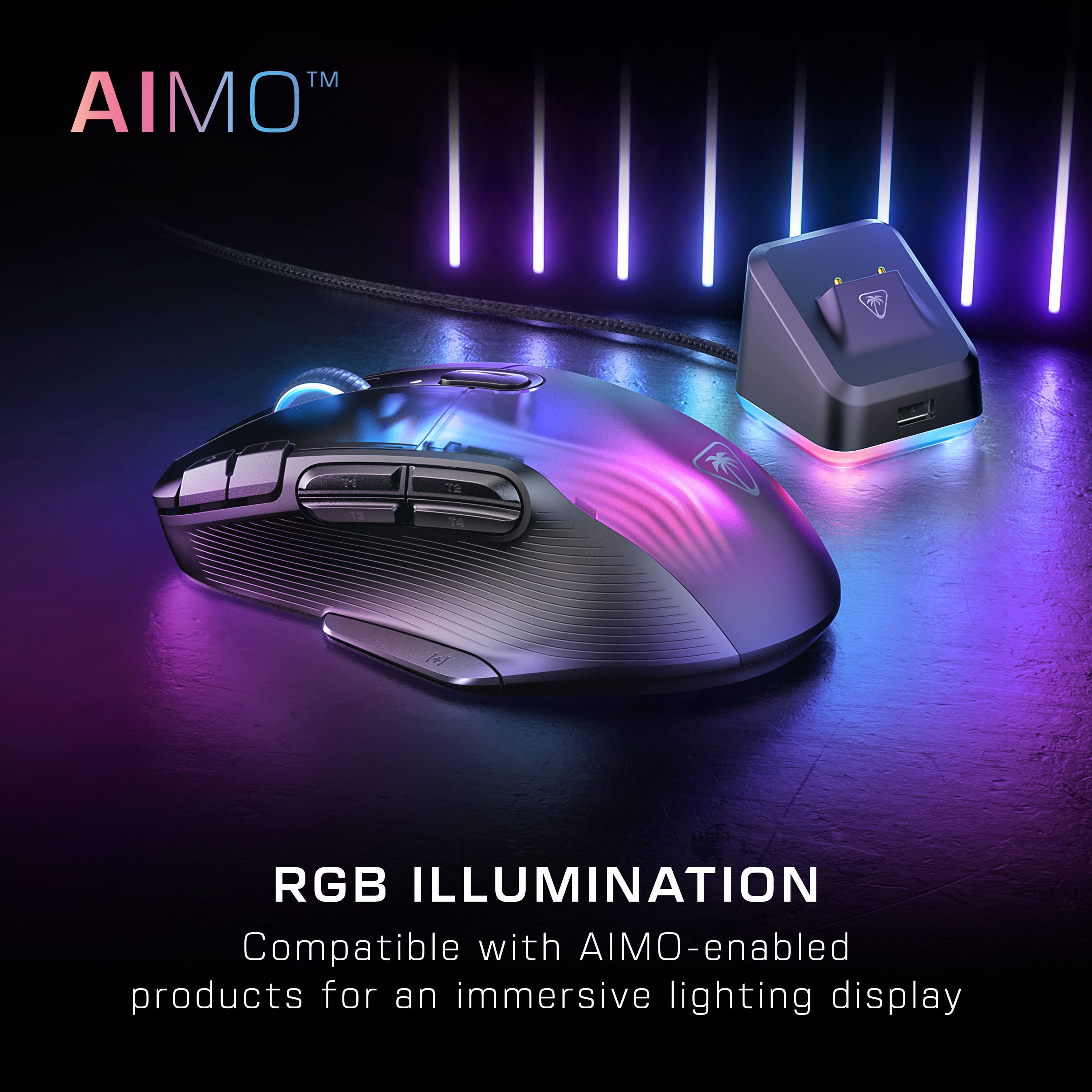
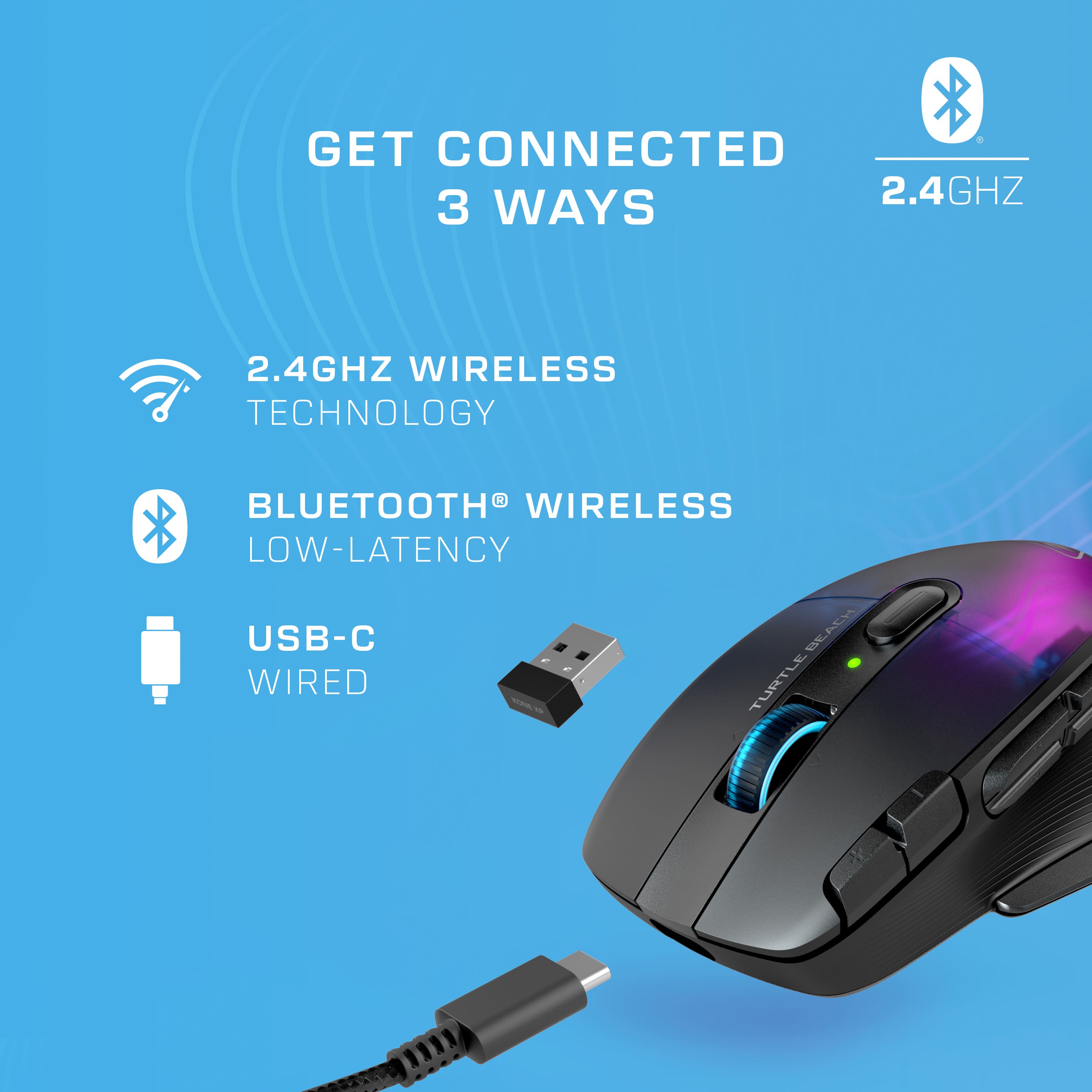
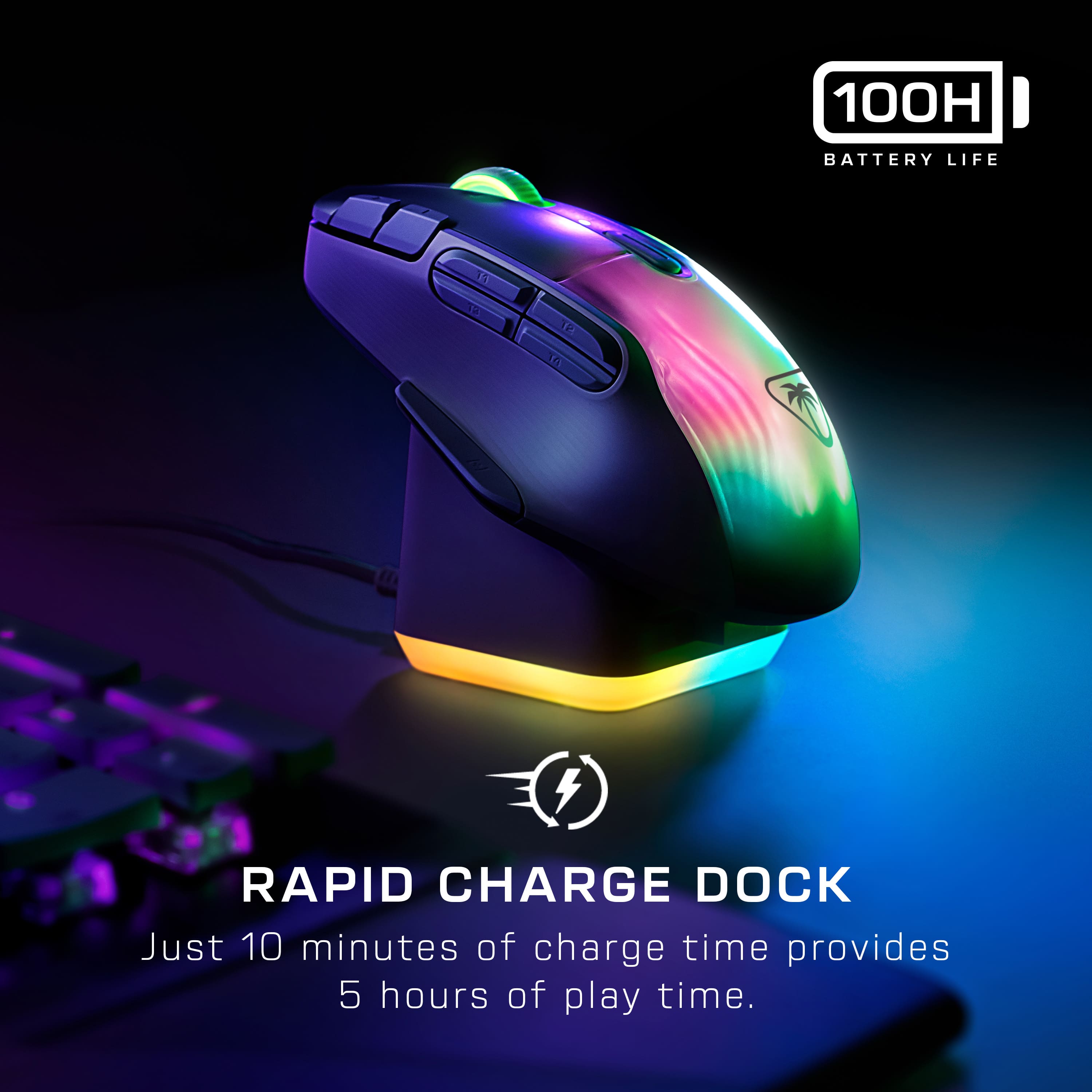
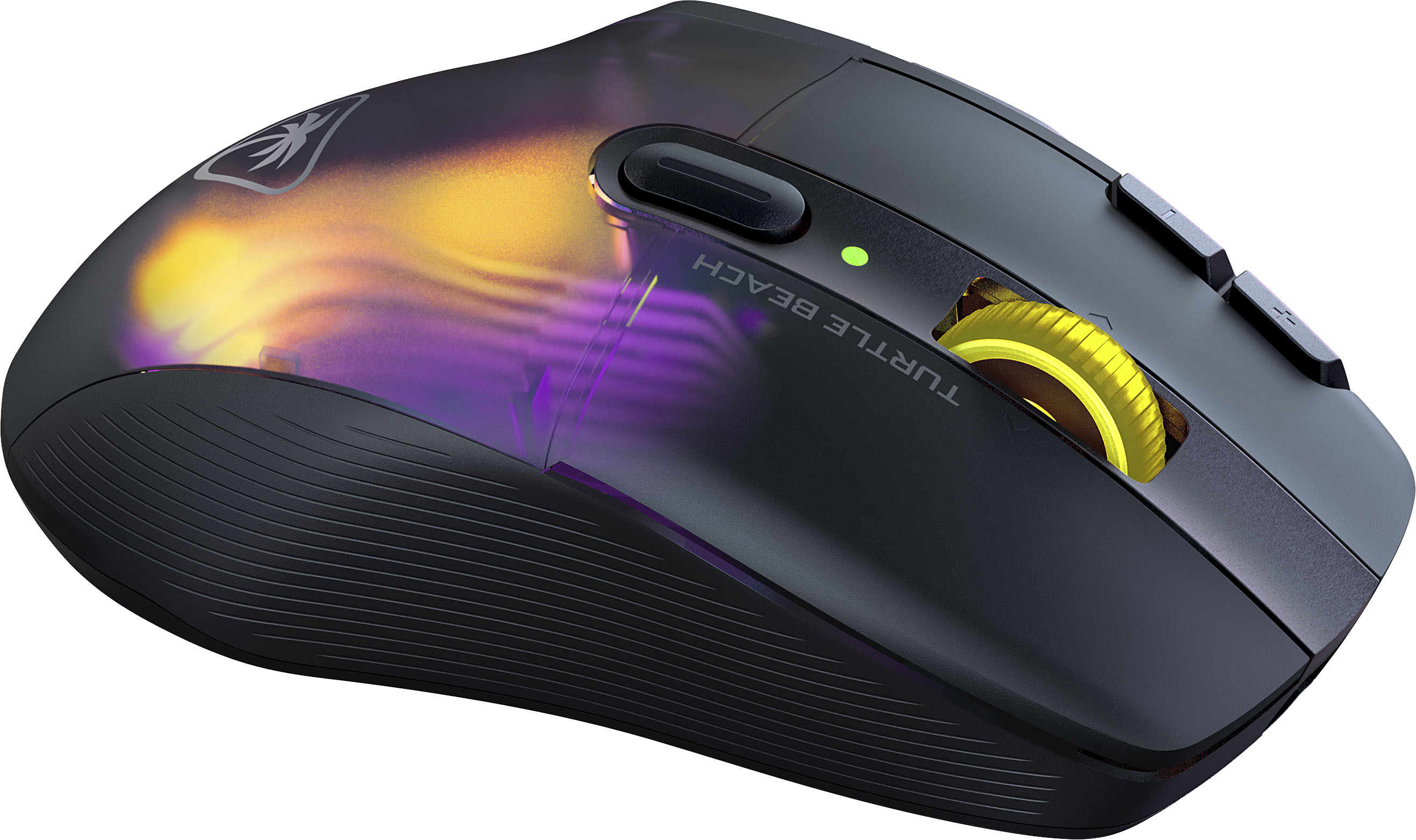
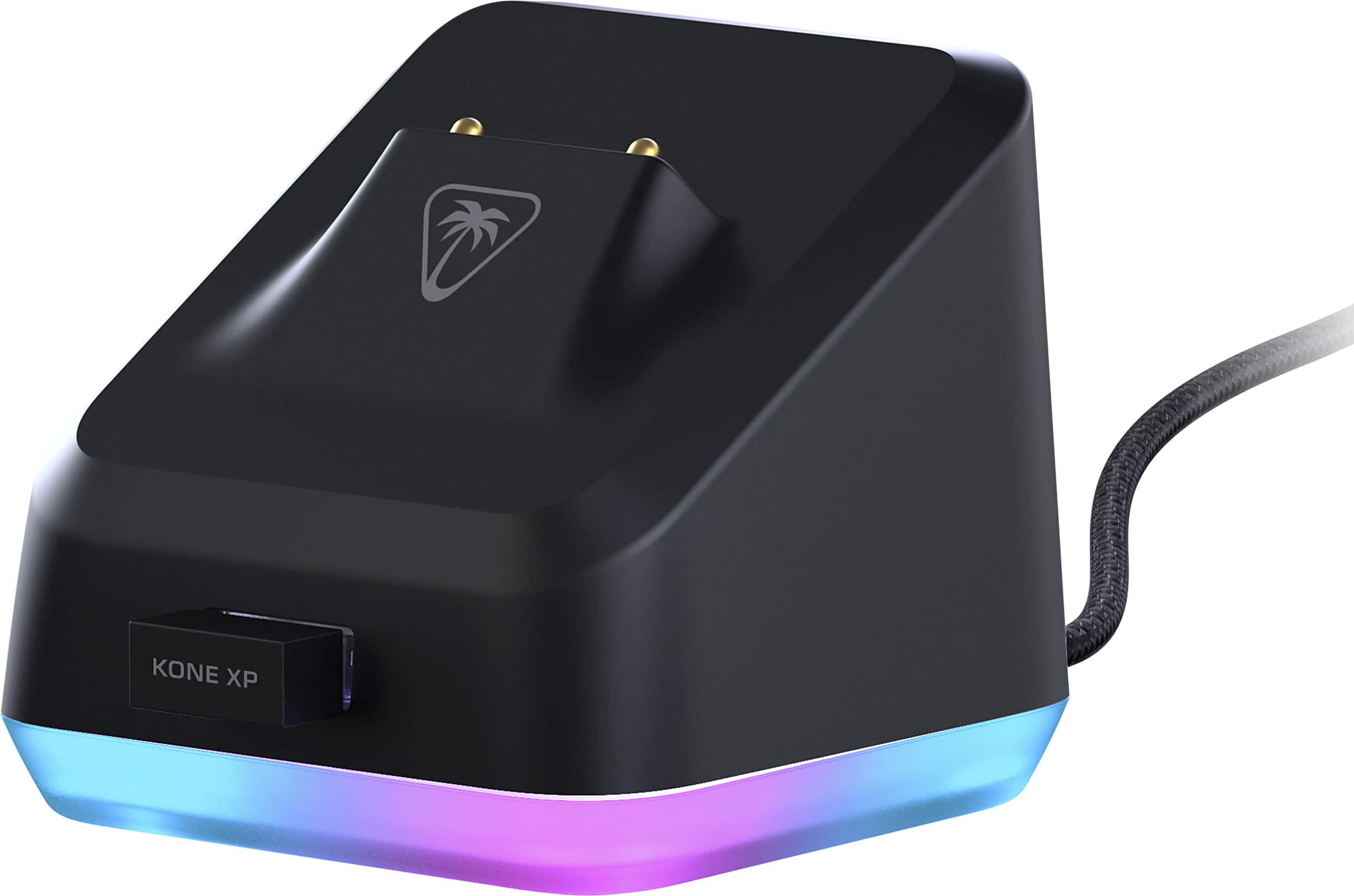
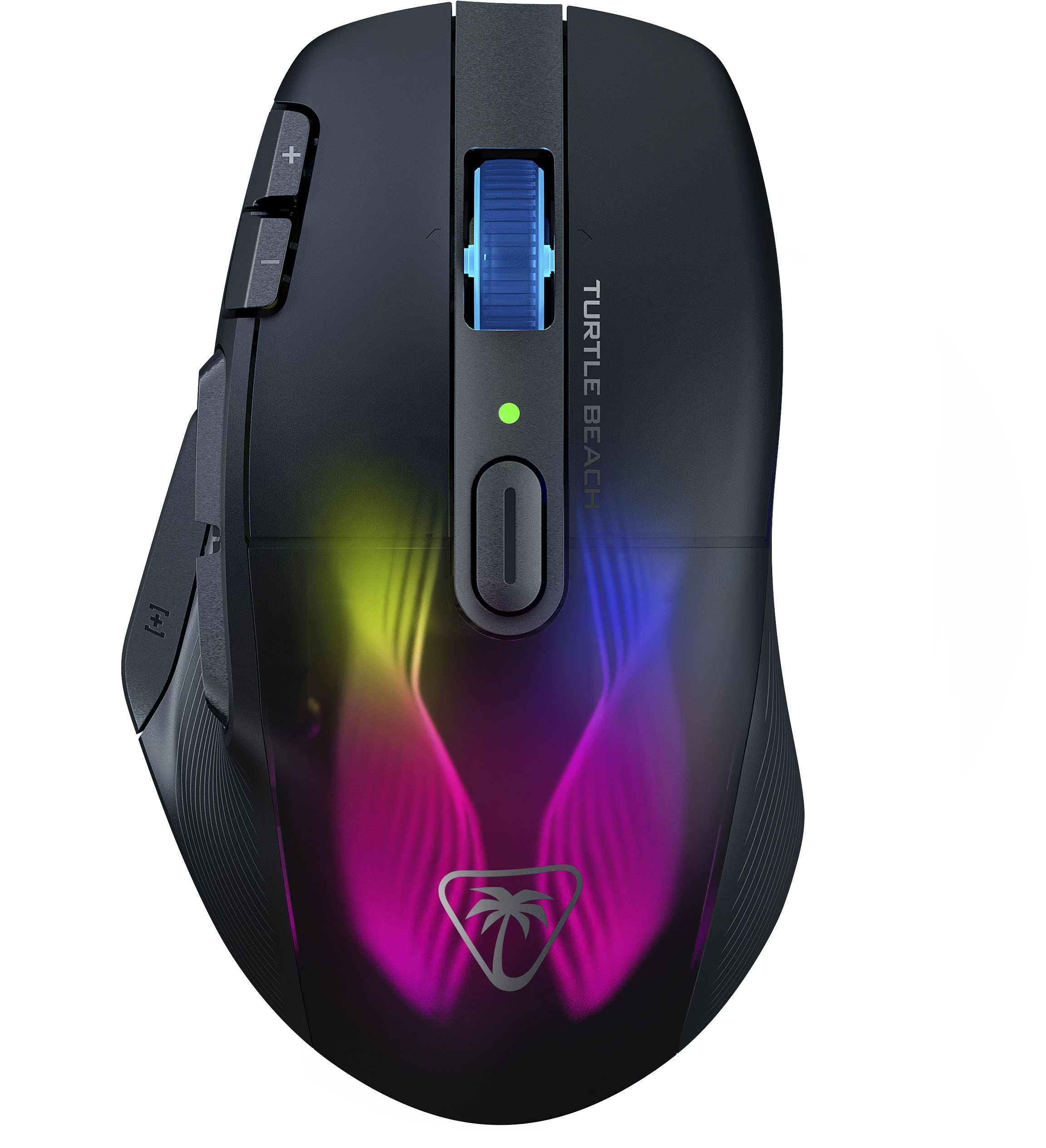
|Posted .This reviewer received promo considerations or sweepstakes entry for writing a review.I’ve been looking for a gaming mouse for a while now, after my last one “died” to a double-click issue on the left button (I ended up ruining it trying to replace the actuator on the left button.) Anyways, I’ve evaluated a couple of gaming mice and I can say that the Roccat Kone XP Air is a fantastic mouse, it has plenty of buttons to assign different functions/macros, it feels very comfortable, it works with great precision, its transparent top shines with the different colors you configure the mouse with and together with the docking station, it is visually appealing. It is just a nice piece of equipment. I’d have given it a 5-star rating, but there are some software related inconveniences that cannot be overlooked. - Pros: plenty of buttons, USB/wireless/Bluetooth connectivity, charge dock, precise, lots of lights. - Cons: cumbersome setup/update. >> Setup First thing to do, to avoid some headaches, go to the Quick Start Guide, and look at the sequence of steps and connection to do. From my experience, the best sequence is, connect the Docking Station to the PC, attach the Wireless dongle to the docking station, then switch the mouse to connect to the Wireless dongle. Finally, download and install the software at: www.roccat.com/downloads. Otherwise you might get my not so ideal experience below. Since this mouse supports Bluetooth, I decided to connect through it and do the whole setup/configuration/customization on Bluetooth. I was expecting for a message to popup to download the support/configuration software for this new device, but nothing. So, per the User’s Guide, I went to the www.roccat.com/downloads site and from there I had to choose the specific version for the device. After installing the Roccat Swarm Software, it wouldn’t recognize my mouse at all. No reinstalling, removing/adding the device would work. So, I plugged in the Wireless dongle and it showed the mouse as being recognized, although I hadn’t yet switched the connectivity of the mouse from Bluetooth to Wireless. I decided to switch the connectivity to Wireless though. It asked then for the Kone XP Air module to be installed (I thought I had installed everything the Roccat Kone XP Air needed, when downloading the Swarm Software.) Anyways installed that and things seem to work fine at that point: connecting Wirelessly to the dongle. >> Customization There are up to five (5) configuration profiles, which in my case are more than enough to cover specific configurations with different games and applications. I found, though, that for the most part, the default button settings for the mouse were well thought out. For example, I love the Easy-Shift + Scroll-wheel default combination to change the volume, one very useful and highly used shortcut in my case. Overall, it is possible to work normally and to play games with the mouse under the default configuration. I have one extra Profile for FPS games, and I might be creating others for other kind of games and applications (I think this could work well for doing some programming and having the buttons execute some common sequence of operations, well a plan for the near future.) The combo Charging Station and Mouse, open for different color combinations to entertain your sight, and decorate your desk. I haven’t paid much attention though to some of the individual components, for example the AIMO Intelligent Lighting System, so it looks like this device will have more surprises for me. >> Software/Firmware update After a day or so of use, a message showed up that a Firmware Update was needed (the Charge Dock and Mouse had warning/exclamation icons over them) and that both the Mouse and the dongle had to be directly connected to the PC to “ensure both get updated.” I decided to leave the wireless dongle attached to the Docking Station, as the Docking Station also showed as needing update. A few minutes of having them wired to the PC won’t bother me, I thought. I didn’t know that it would be two phases of the update, one for the Charging Dock and another for the Mouse, and that it would take hours (about 5) in the first phase and (luckily) “only” about 10 minutes for the second phase. Also, it was not clear in which phase the dongle got any updates, in the first? Or the second? Not a good experience. A few more details, when I started the update process, I thought it would update both devices in a few minutes, I was surprised that it took about 5 hours to complete (insane). Upon unplugging and plugging in the devices as directed in the update completion dialog, I was surprised to get another prompt with a similar message to update the devices and keep them connected to ensure “both get updated”. Well, I already updated the Charging Dock (and I assume the dongle as well, or not?), why do I need to plug it in, right? Only the Mouse was showing a warning sign on its icon (well perhaps the dongle was also not updated yet.) Confusing, so I just decided to leave all plugged in, also there was a warning against “unplugging” the devices or “powering down” the PC while the update in progress. The second phase took about 10 minutes, a way better experience than the several hours of uncertainty. I think a better update experience would have been if the update procedure asked you to connect the dongle and mouse to the Charging Dock. Then any dialogs/messages wouldn’t have caused much confusion since it would have been expected that the whole “bundle” was getting updated somehow. >> Connectivity It looks like the trend nowadays is for gaming mice to come with USB, Bluetooth and wireless connectivity. This is great as it lets you define which works best or which you like best. For example, if Bluetooth has reliability issues you can switch to USB or Wireless modes, although I must say that so far, the Roccat Kone has performed brilliantly with any of those connections (I was always of the idea that wired was superior to all, but with this mouse, things work pretty wirelessly.) In addition, you could control multiple devices with this mouse, one device wired, other Bluetooth and the other with the wireless dongle. That being said, I have had issues with the Swarm App being able to recognize the mouse if I changed it to/from Bluetooth when the Wireless Dongle is attached to the Docking Station (with what I would think was the default setup.) So not sure what is happening here. >> Charging Dock I was initially wondering why the need for a Charging Dock, but I ended up liking it. I can leave the mouse resting there while charging and forget about ever charging it. In fact, I haven’t run out of battery, so I cannot really tell how long it would last. Also, the color schemes in the Charging Dock adds to the overall gaming experience, well also, any other thing you might be doing at the computer, navigating, watching videos, etc. >> Other software comments - I got the Roccat Swarm App Software to crash/hang a couple of times when attaching/detaching devices. I also found that it would take sometimes several minutes to recognize the mouse if I changed its connectivity mode (USB, Bluetooth or wireless.) - As mentioned earlier, sometimes, well, all the time as I am writing this, the Swarm App wouldn’t recognize the Mouse if the dongle was attached to the charging station. - I got in one instance, after switching from Bluetooth to Wireless, that the battery was 255%. Definitely, I think there is more work to be done in the Swarm software.
Cool
||Posted . Owned for 1 week when reviewed.This reviewer received promo considerations or sweepstakes entry for writing a review.Very light and fast mouse. I like the included charger.
I would recommend this to a friendGood But...
||Posted . Owned for 1 month when reviewed.This reviewer received promo considerations or sweepstakes entry for writing a review.Great mouse but the wheel is a bit off and kinda noisy. Looked up other reviews and it's usually very quiet so that must mean I got a crummy one. Unfortunate. It was good other than that though. I'd still get it if you're interested because it didn't sound like that's a common problem.
I would recommend this to a friendBrand response from Turtle Beach Support
Posted .Hello Lori!
We are sorry to hear about the inconvenience you've had with your ROCCAT Kone XP Air scroll wheel.
Please reach out directly to our dedicated Support Team so they can offer assistance. They’re always happy to help and can be reached using the contact form on the official ROCCAT support page. Have a great day!
- Pros mentioned:Battery life
Worth it!!!
||Posted . Owned for 1 week when reviewed.This reviewer received promo considerations or sweepstakes entry for writing a review.Awesome looking gaming mouse. Lasts about10-18 hours on one charge. Highly recommend this mouse for any competitive gamers
I would recommend this to a friend - Pros mentioned:Buttons
Amazing!
||Posted . Owned for 2 weeks when reviewed.This reviewer received promo considerations or sweepstakes entry for writing a review.Great software, easy setup. Works just as well as my favored logitec mouse. All the additional buttons make gamimg easy!
I would recommend this to a friend First wireless mouse
||Posted . Owned for 3 weeks when reviewed.This reviewer received promo considerations or sweepstakes entry for writing a review.I bought this as a replacement to my 5 year old steel series 600 wired mouse. It’s a good mouse for a wireless mouse. The charging stand has to be my favorite part. When I am not using my computer I can dock it and let is charge.The response times okay but the sensitivity is great. I like how you can change the basic rgb right on the mouse.
I would recommend this to a friendOverall pleased
||Posted . Owned for 1 month when reviewed.This reviewer received promo considerations or sweepstakes entry for writing a review.Left click does work for full lenght of button, starts from 3/4 up. Seems design choice?
I would recommend this to a friendBrand response from Turtle Beach Support
Posted .Hello! We are sorry to hear about the experience you've had with your Turtle Beach Product. Our products are each sold with a manufacturer's warranty, and we have a dedicated Support Team available to provide assistance as needed. Please reach out directly to our dedicated Support Team so they can lend a hand. They’re always happy to help and can be reached right from the support section of the Turtle Beach website. Thank you and have a great day!
- Pros mentioned:Rgb lighting

great product
|Posted . Owned for 3 months when reviewed.This reviewer received promo considerations or sweepstakes entry for writing a review.[Employee of bestbuy] love this mouse so much, the material feels good in my hand and the charging is easy and quick, and the colors displayed are very vibrant
I would recommend this to a friend Great buy
|Posted . Owned for 2 months when reviewed.This reviewer received promo considerations or sweepstakes entry for writing a review.[Employee of bestbuy] Item is a little light but a great mouse with easy to use software.
I would recommend this to a friendHigh quality
||Posted . Owned for 6 months when reviewed.This reviewer received promo considerations or sweepstakes entry for writing a review.Loveeee it! Definitely recommend love the option to go wireless or keep it wired!
I would recommend this to a friend- Cons mentioned:Scroll wheel
Mouse scroll wheel lasted 7 months
||Posted . Owned for 7 months when reviewed.This reviewer received promo considerations or sweepstakes entry for writing a review.Purchased this mouse in March of 2025. Nearly 7 months later the scroll wheel is starting to break down. Scrolling down on the mouse wheel will frequently register as an up action as the first input before it correctly starts to scroll down and vice versa. I would heed the other poor 1-star reviews from other reviewers. Was hoping that I wouldn't get the same defective scroll wheel but here we are. Would not recommend.
No, I would not recommend this to a friendBrand response from Turtle Beach Support
Posted .Hello Tom! We are sorry to hear about the experience you've had with your Turtle Beach Product. Our products are each sold with a manufacturer's warranty, and we have a dedicated Support Team available to provide assistance as needed. Please reach out directly to our dedicated Support Team so they can lend a hand. They’re always happy to help and can be reached right from the support section of the Turtle Beach website. Thank you and have a great day!
- Pros mentioned:Charging dock
Better than Logitech G604
||Posted . Owned for less than 1 week when reviewed.This reviewer received promo considerations or sweepstakes entry for writing a review.Bought this as a replacement because the Logitech G604 got discontinued, I like it more.
I would recommend this to a friend Love this mouse!
||Posted . Owned for 6 months when reviewed.This reviewer received promo considerations or sweepstakes entry for writing a review.Love this mouse! The docking station works great and looks great. I was surprised by the quality of this mouse. The sides have a slight tactile feel to them and the black see through body with lighting is just great looking.
I would recommend this to a friendPromising Mouse
||Posted .This reviewer received promo considerations or sweepstakes entry for writing a review.I wanted to love this mouse but had issues that made the mouse unusable. First the mouse would randomly disconnect then reconnect quite often. In the middle of MP games this is inexcusable. Then there's the issues with the button keybinds changing to default. I changed all of the buttons, and they would work, then all of a sudden, they would change back to default and my keybinds were gone. I tried uninstalling the software and resetting the mouse but it didn't fix it. There's promise with the mouse but until these issues are fixed, I can't keep or recommend the mouse.
No, I would not recommend this to a friendBrand response from Turtle Beach Support
Posted .Hello! We are sorry to hear about the experience you've had with your Turtle Beach Product. Our products are each sold with a manufacturer's warranty, and we have a dedicated Support Team available to provide assistance as needed. Please reach out directly to our dedicated Support Team so they can lend a hand. They’re always happy to help and can be reached right from the support section of the Turtle Beach website. Thank you and have a great day!