Customer Ratings & Reviews
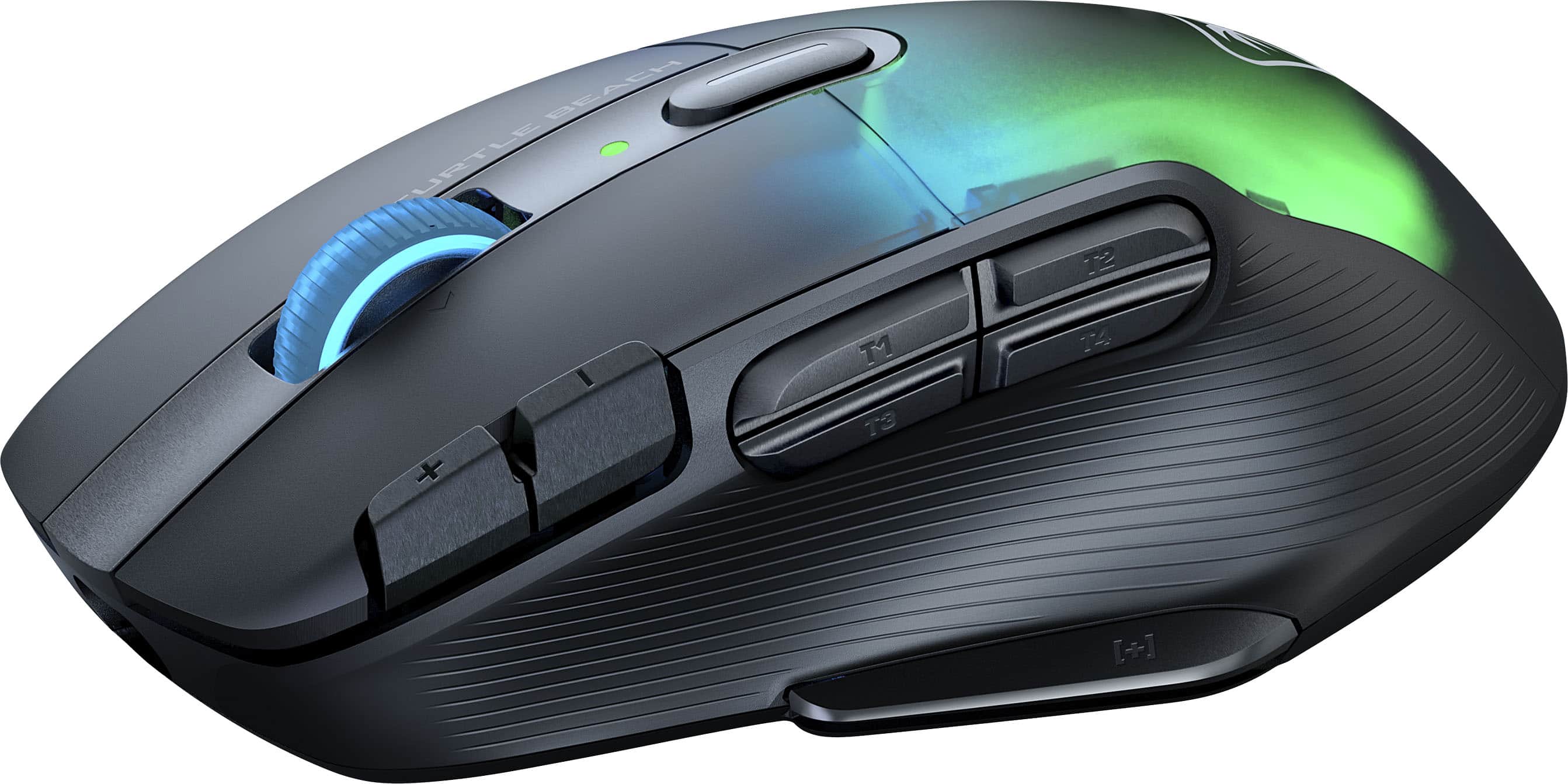
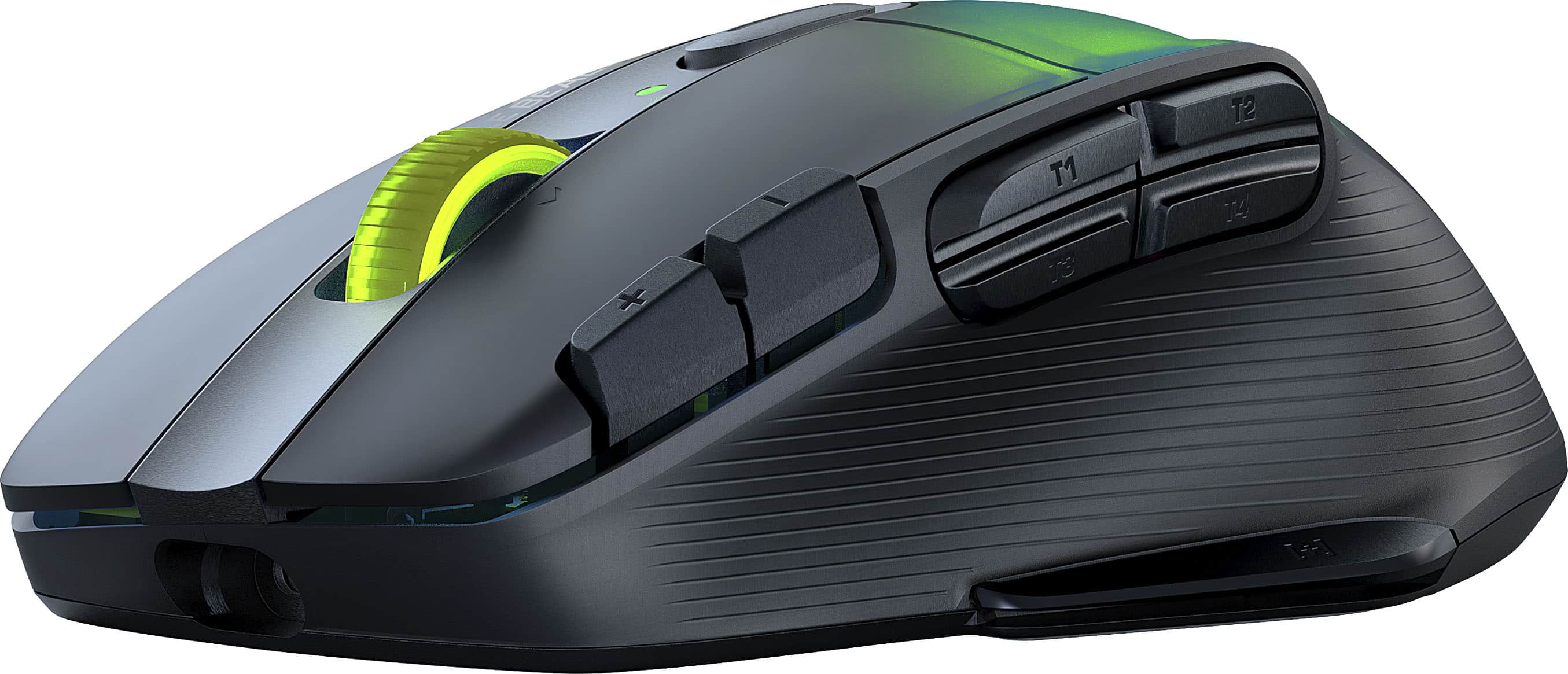
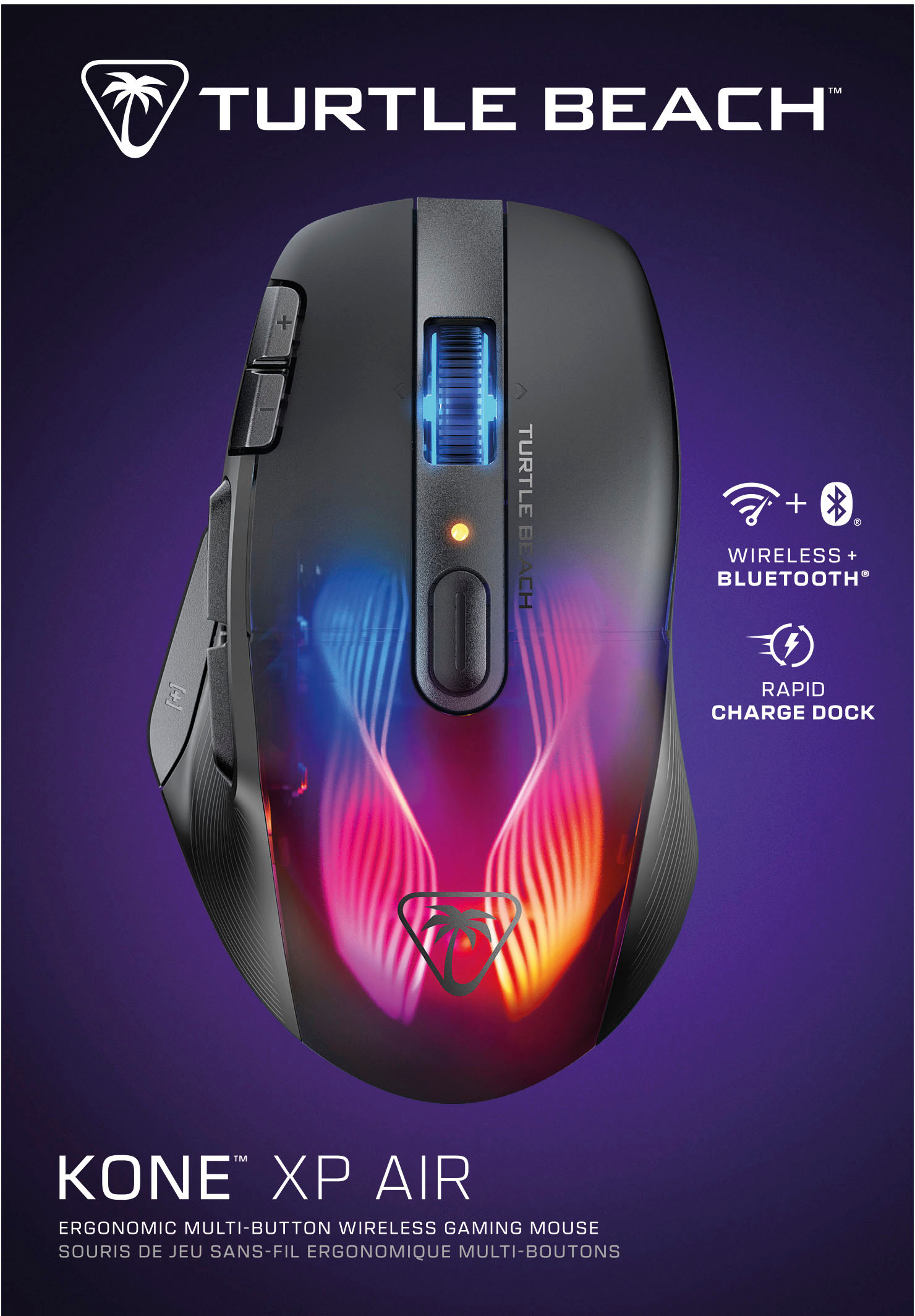
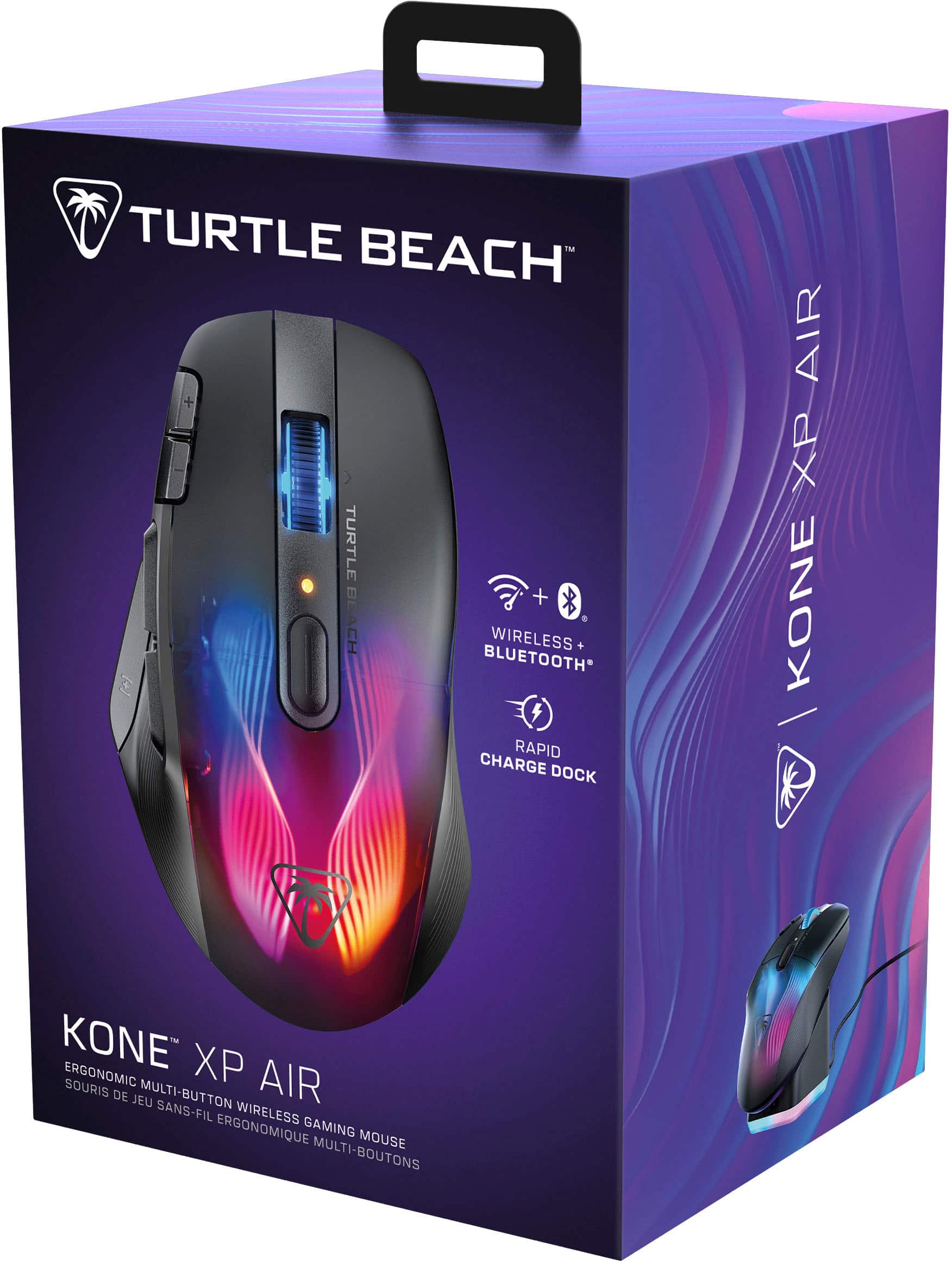
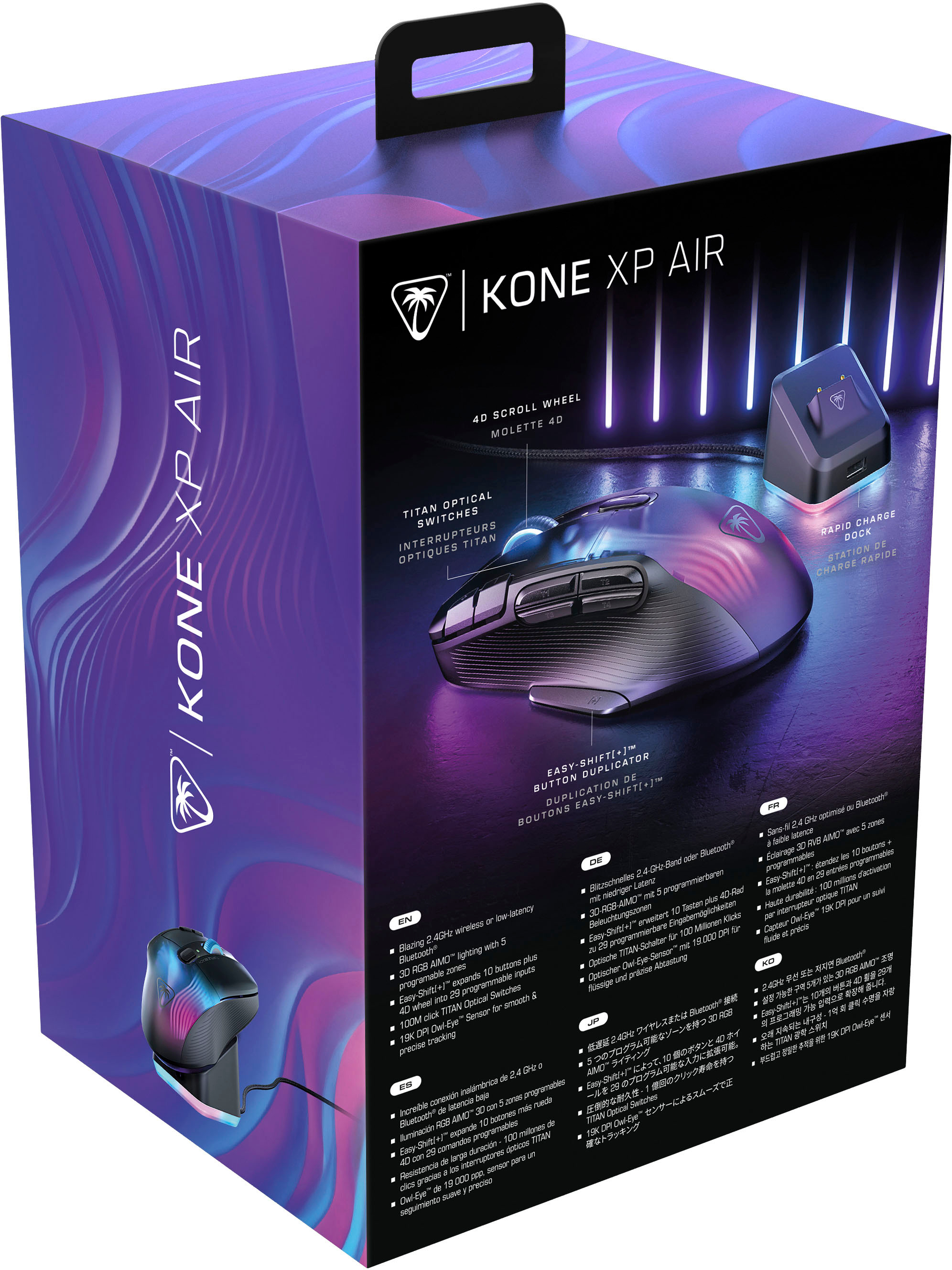
![Easy-Shift[+]TM Use the Easy-Shift[+] button to access up to 29 programmable inputs.](https://pisces.bbystatic.com/image2/BestBuy_US/images/products/e4971d3b-6a34-48fc-b99c-635bcdc1cb40.jpg)
- Model:
- TBM-1101-05
- SKU:
- 6579387
Rating by feature
- Value
Rating 4.1 out of 5 stars
- Quality
Rating 4.4 out of 5 stars
- Ease of Use
Rating 4.3 out of 5 stars
Customers are saying
Customers are pleased with the excellent battery life, convenient wireless design, and comfortable ergonomics. They also appreciate the additional buttons for gaming, stunning RGB lighting, and the included charging dock, contributing to an overall terrific performance and outstanding response time. However, some customers have experienced issues with the software and the scroll wheel, and a few noted initial lag.
This summary was generated by AI based on customer reviews.
Awesome mouse
||Posted . Owned for 1 week when reviewed.This reviewer received promo considerations or sweepstakes entry for writing a review.Awesome mouse , does everything you want and everything the box says it does
I would recommend this to a friendIts good but
||Posted . Owned for 3 weeks when reviewed.This reviewer received promo considerations or sweepstakes entry for writing a review.Its a good mouse but if you hve the extra money i would go for the kine air pro its a better mosue
I would recommend this to a friendBrand response from Turtle Beach Support
Posted .Hello Randy,
Thank you for leaving your feedback; however, is there anything in particular that ROCCAT can assist you with? ROCCAT's Support Team is always happy to help as needed, and they can be reached right from the support section of the ROCCAT website.
Thank you and best regards!
Good for awhile
||Posted . Owned for 1.5 years when reviewed.This reviewer received promo considerations or sweepstakes entry for writing a review.Worked for about 1 1/2 years and now the usb dongle does not connect. The buttons feel fragile.
No, I would not recommend this to a friend- Cons mentioned:Lag
No bueno
||Posted . Owned for 1 month when reviewed.This reviewer received promo considerations or sweepstakes entry for writing a review.Mouse lags. And I’m sure there is a way to zero it in but I’m just not that technical. Ideally you want a plug and play mouse. This isn’t it.
No, I would not recommend this to a friendBrand response from Turtle Beach Support
Posted .Hi and thanks for choosing ROCCAT. We are sorry the mouse isn't working properly right away. Please make sure it is connected to the PC directly and avoid connecting it via USB hubs or KVM switches as these are known to sometimes cause issues. In addition, we always recommend to install Swarm in order to update the firmware of the device. The software will guide you through the process. If those steps don't help and you are still having issues, please reach out to our support team using the contact form on our official support website and you'll get help in no time.
Brand response from ROCCAT Support
Posted .Hi and thanks for choosing ROCCAT. We are sorry the mouse isn't working properly right away. Please make sure it is connected to the PC directly and avoid connecting it via USB hubs or KVM switches as these are known to sometimes cause issues. In addition, we always recommend to install Swarm in order to update the firmware of the device. The software will guide you through the process. If those steps don't help and you are still having issues, please reach out to our support team using the contact form on our official support website and you'll get help in no time.

- Cons mentioned:Software
Not worth the money
||Posted . Owned for 1 week when reviewed.This reviewer received promo considerations or sweepstakes entry for writing a review.Actually just a terrible mouse. The program to update the thing doesn’t even work. Waste of money if you like to change settings on your mouse.
No, I would not recommend this to a friendBrand response from Turtle Beach Support
Posted .Hi and thanks for choosing ROCCAT. We are sorry that Swarm does not seem to be working properly for you. Please feel free to reach out to our support team using the contact form on our official support website and we will be able to assist you in getting the issue resolved.
Brand response from ROCCAT Support
Posted .Hi and thanks for choosing ROCCAT. We are sorry that Swarm does not seem to be working properly for you. Please feel free to reach out to our support team using the contact form on our official support website and we will be able to assist you in getting the issue resolved.
- Pros mentioned:Battery life
Beautiful mouse
||Posted . Owned for 3 weeks when reviewed.This reviewer received promo considerations or sweepstakes entry for writing a review.The amount of hours i put into this mouse has allowed me to play so many games without having to feel restricted by a wire
I would recommend this to a friend - Cons mentioned:Scroll wheel
Scrolling is horrible
||Posted . Owned for 3 months when reviewed.This reviewer received promo considerations or sweepstakes entry for writing a review.Purchased this mouse in the beginning of December and as of right now in March 2024 the scroll mechanism no longer works
No, I would not recommend this to a friendBrand response from Turtle Beach Support
Posted .Hi and thanks for choosing ROCCAT. We are sorry you are having an issue with your mouse. Please try resetting the mouse using Swarm. If that does not help, our support team may have more suggestions on how to fix the issue. If it turns out to be a hardware issue, our 2 year limited manufacturer's warranty has you covered. Please reach out to our support using the contact form on our official support website.
Brand response from ROCCAT Support
Posted .Hi and thanks for choosing ROCCAT. We are sorry you are having an issue with your mouse. Please try resetting the mouse using Swarm. If that does not help, our support team may have more suggestions on how to fix the issue. If it turns out to be a hardware issue, our 2 year limited manufacturer's warranty has you covered. Please reach out to our support using the contact form on our official support website.
- Pros mentioned:Battery life, Charging dock, Rgb lighting

Big fan!
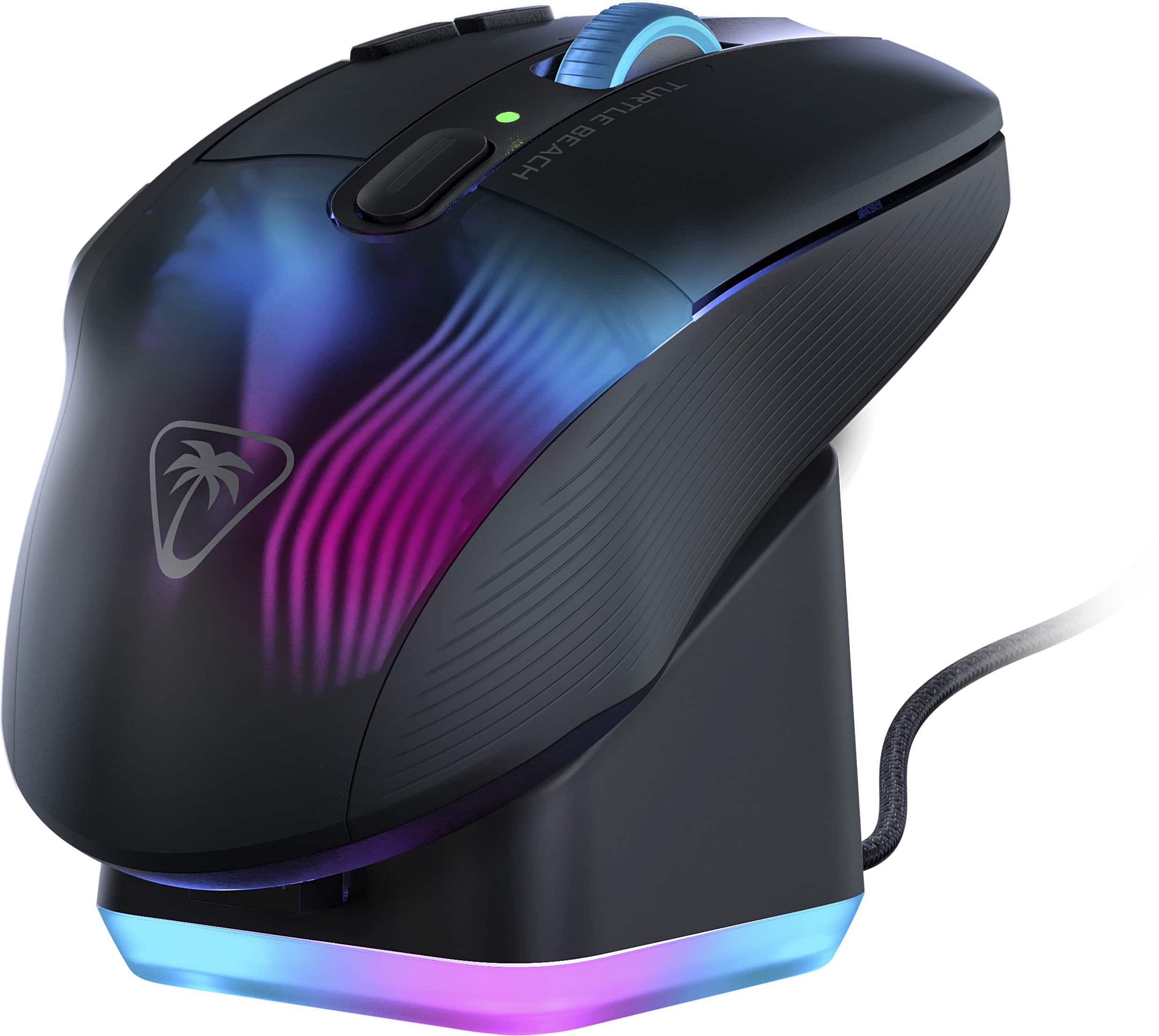
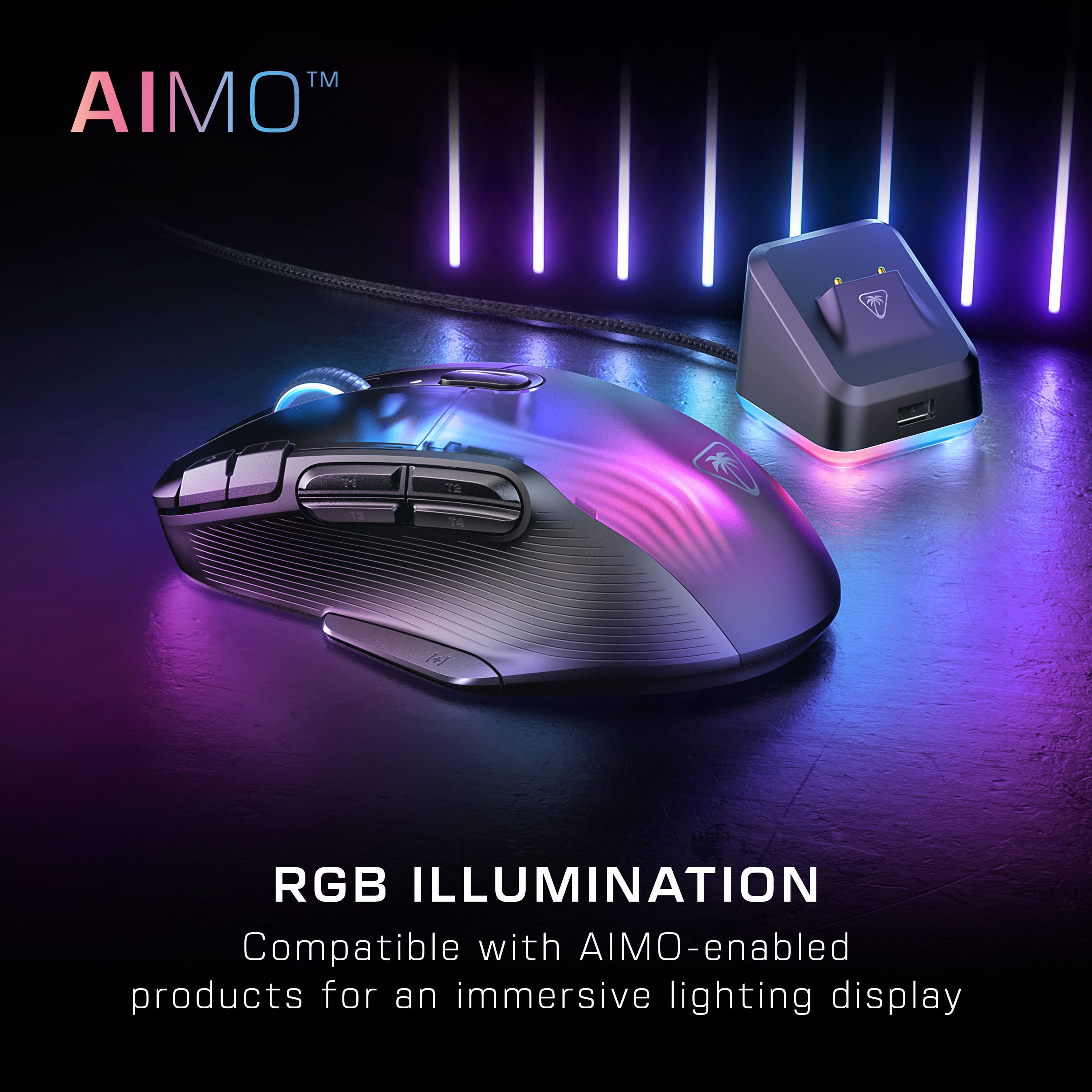
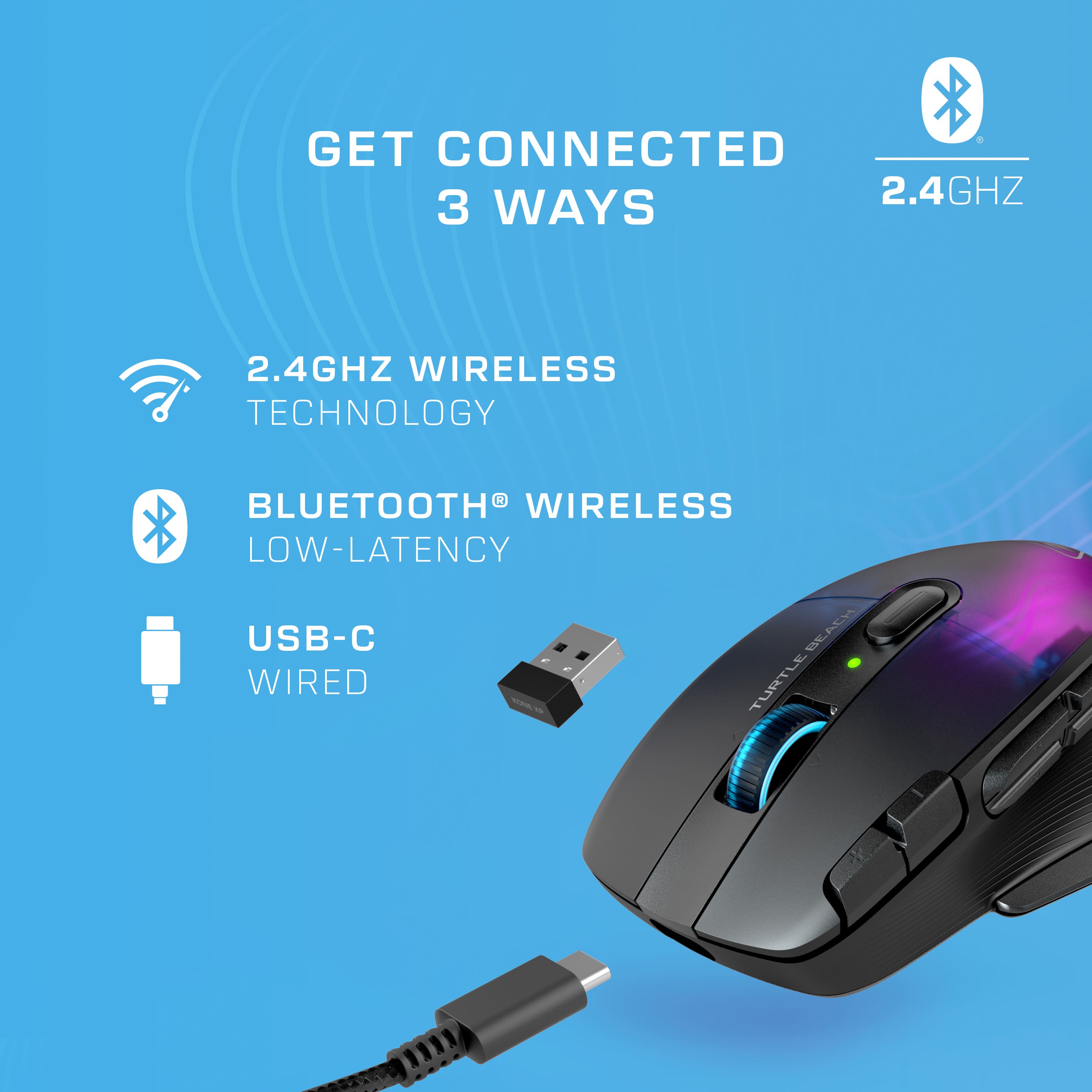
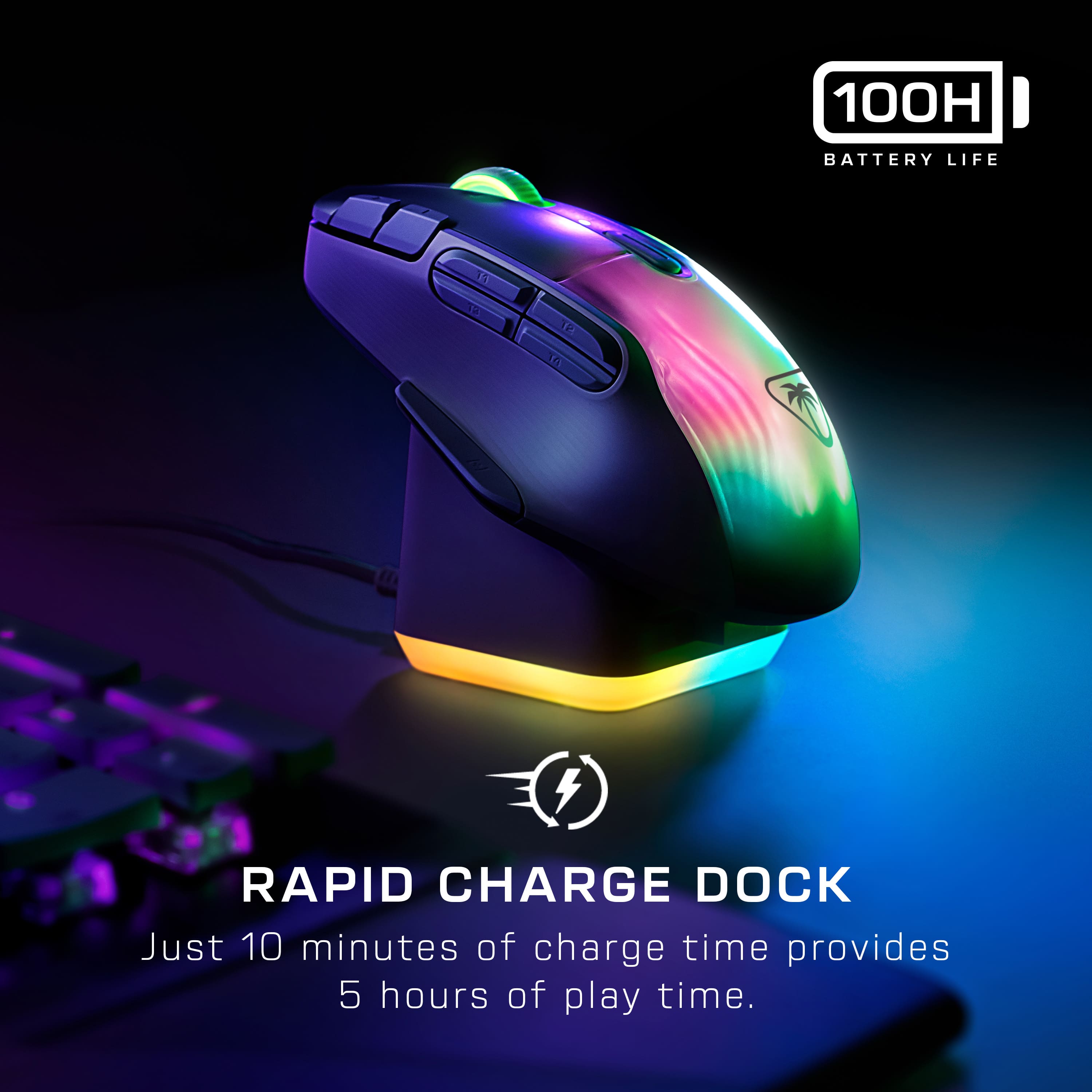
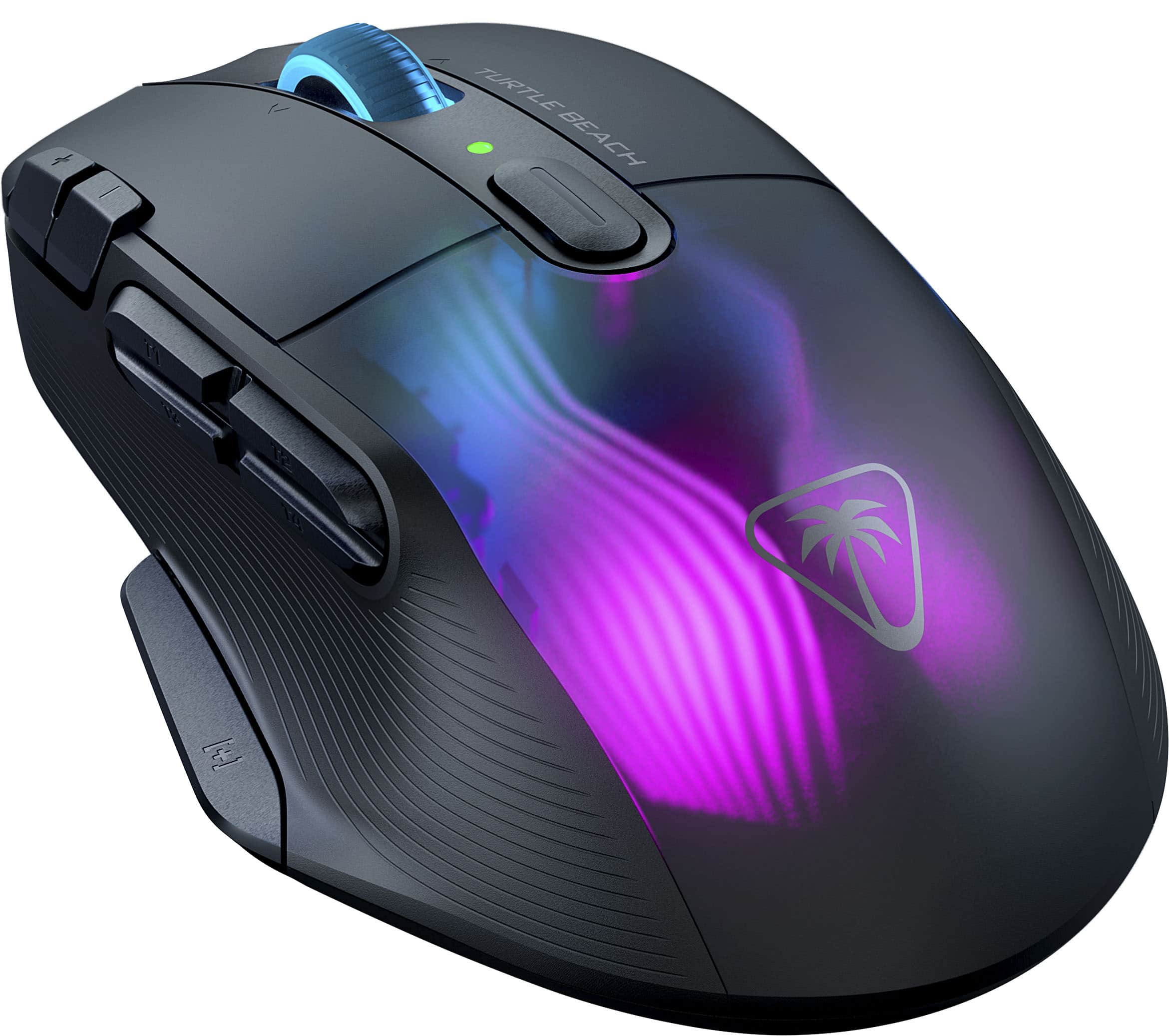
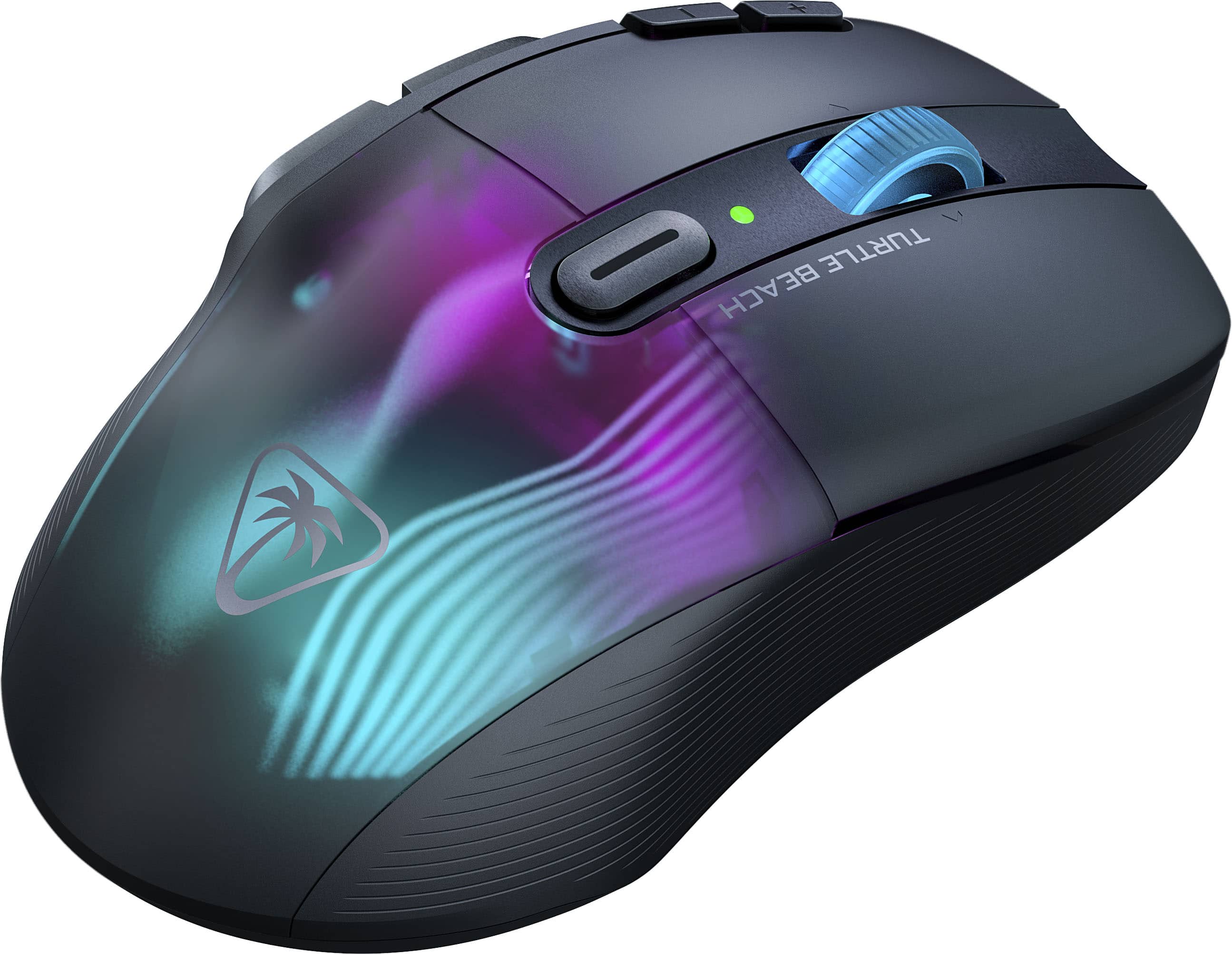
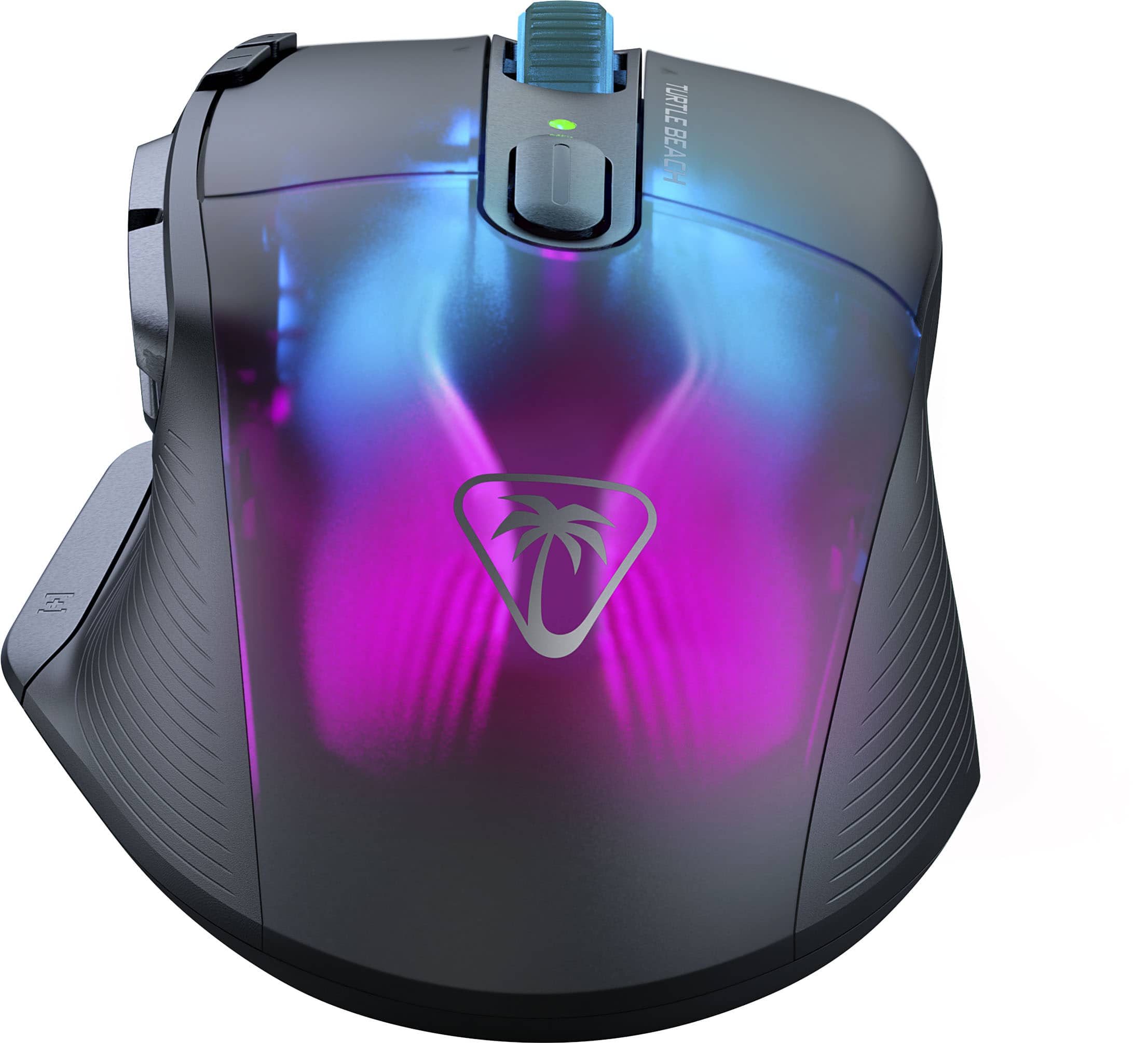
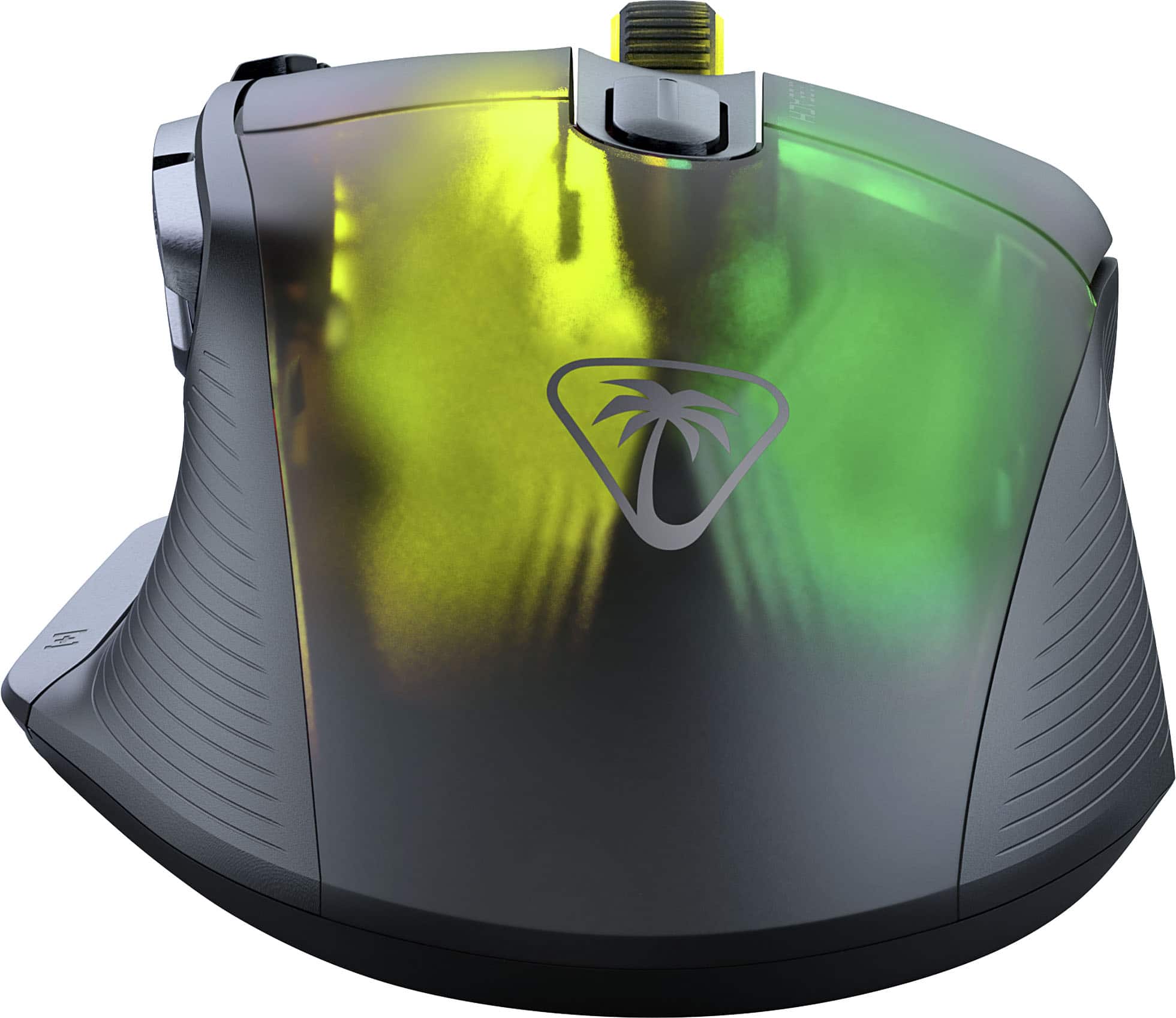
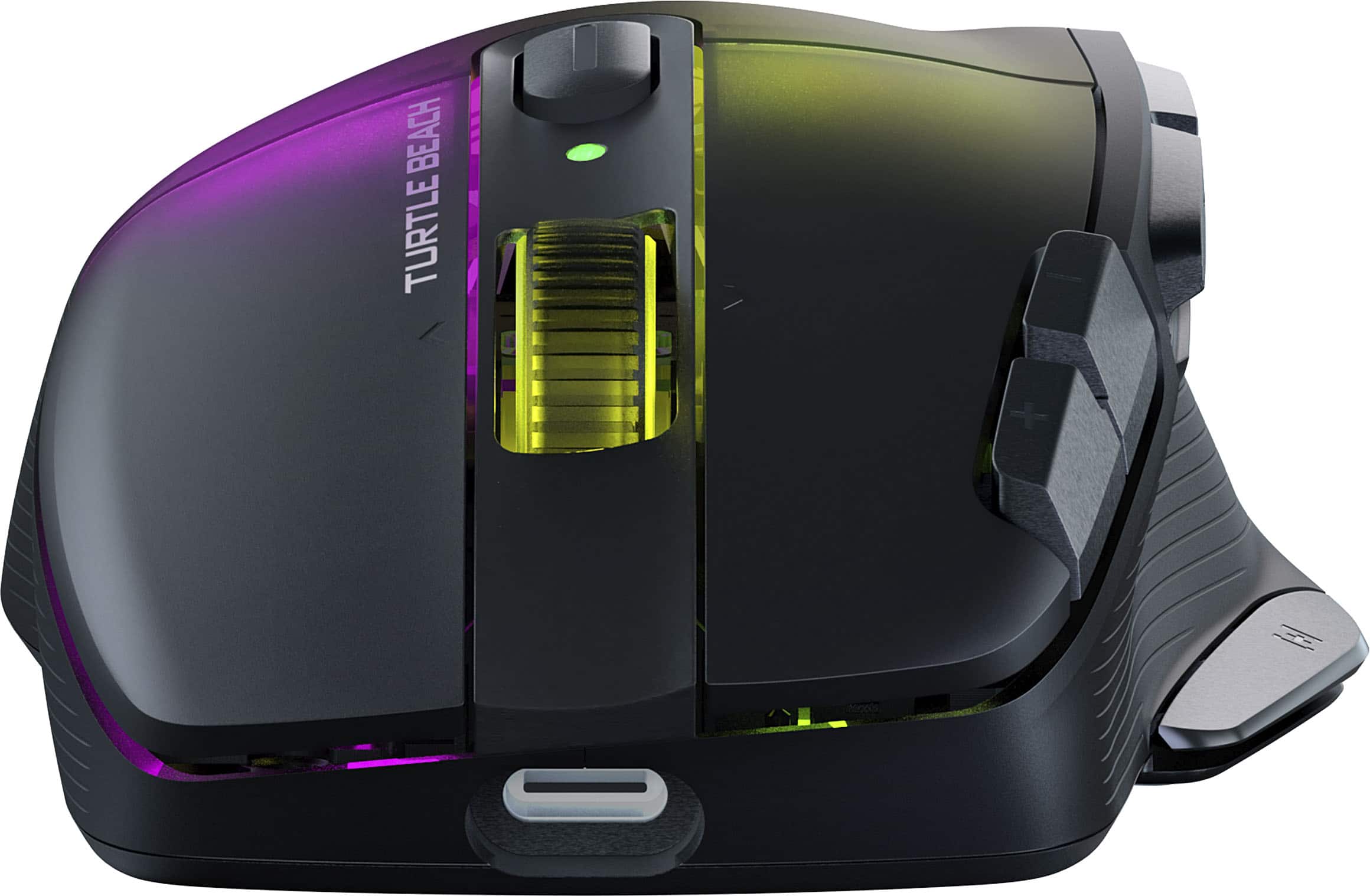
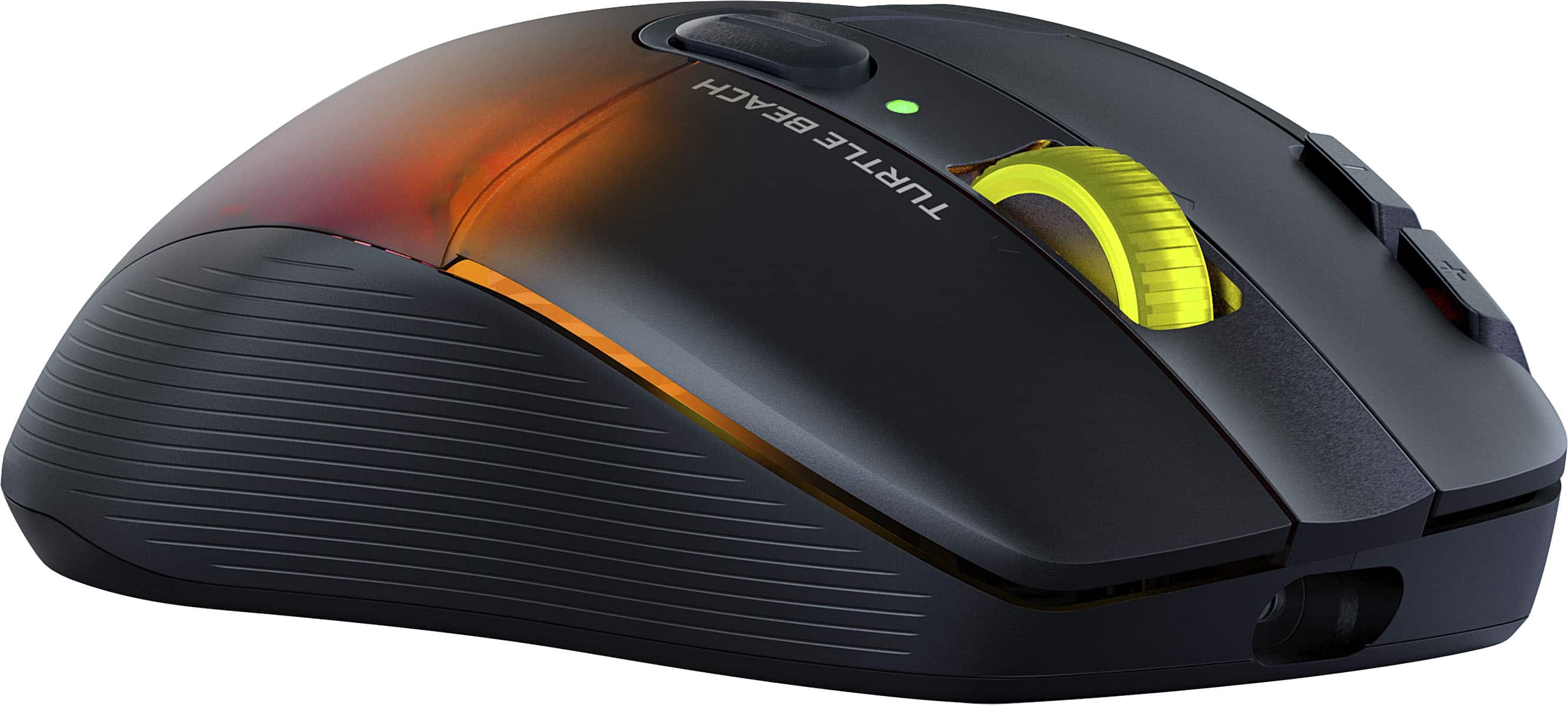
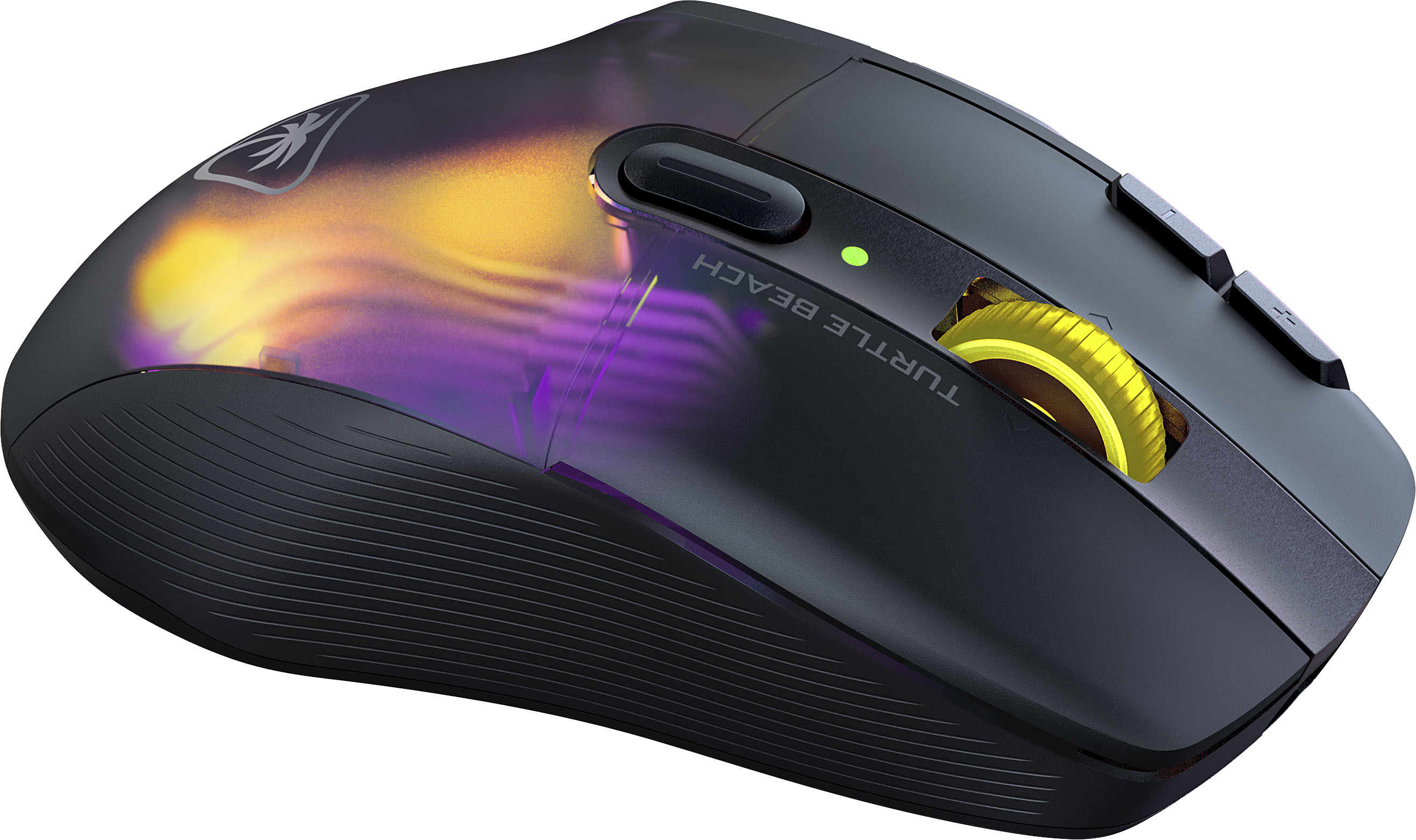
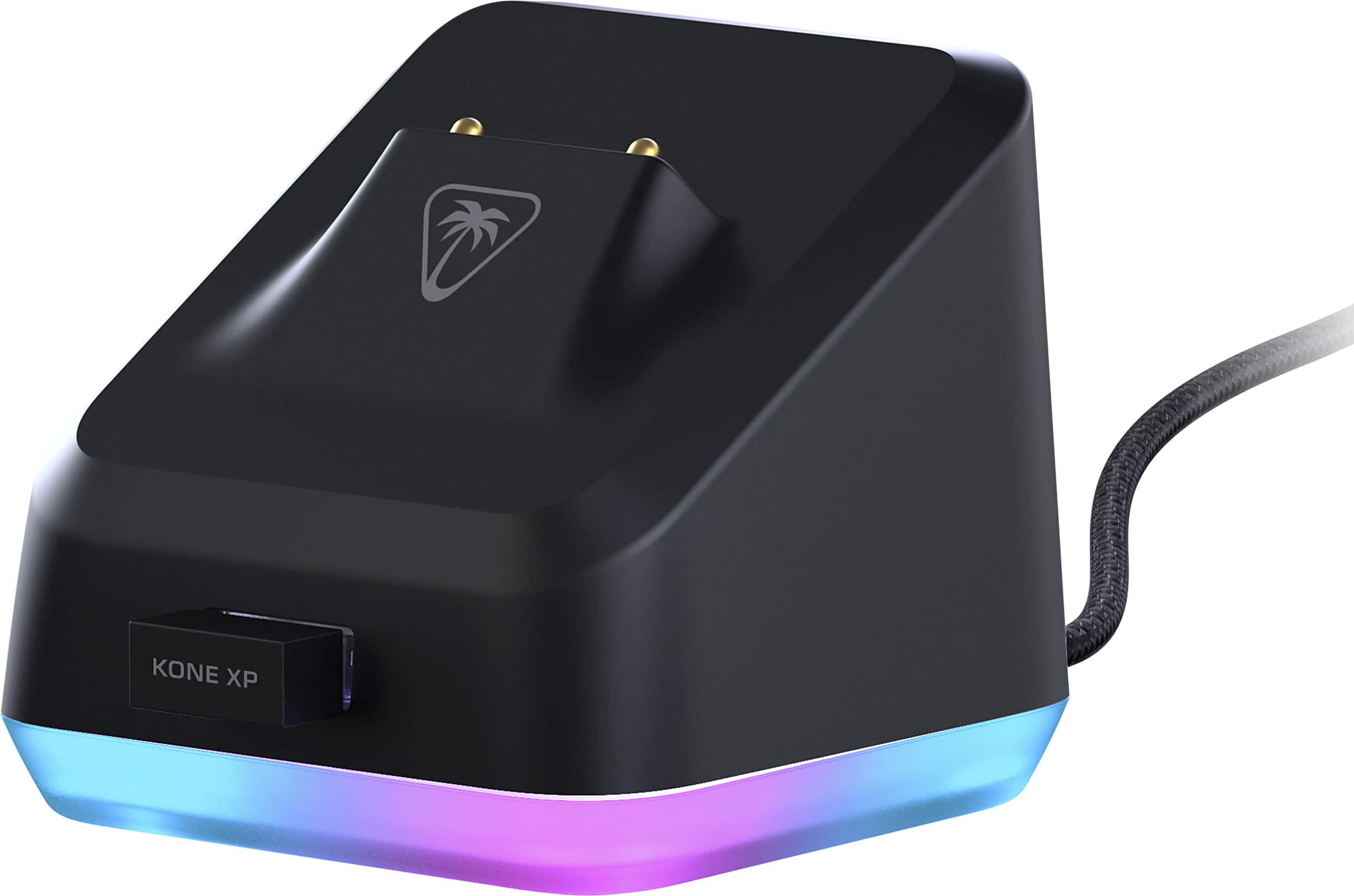
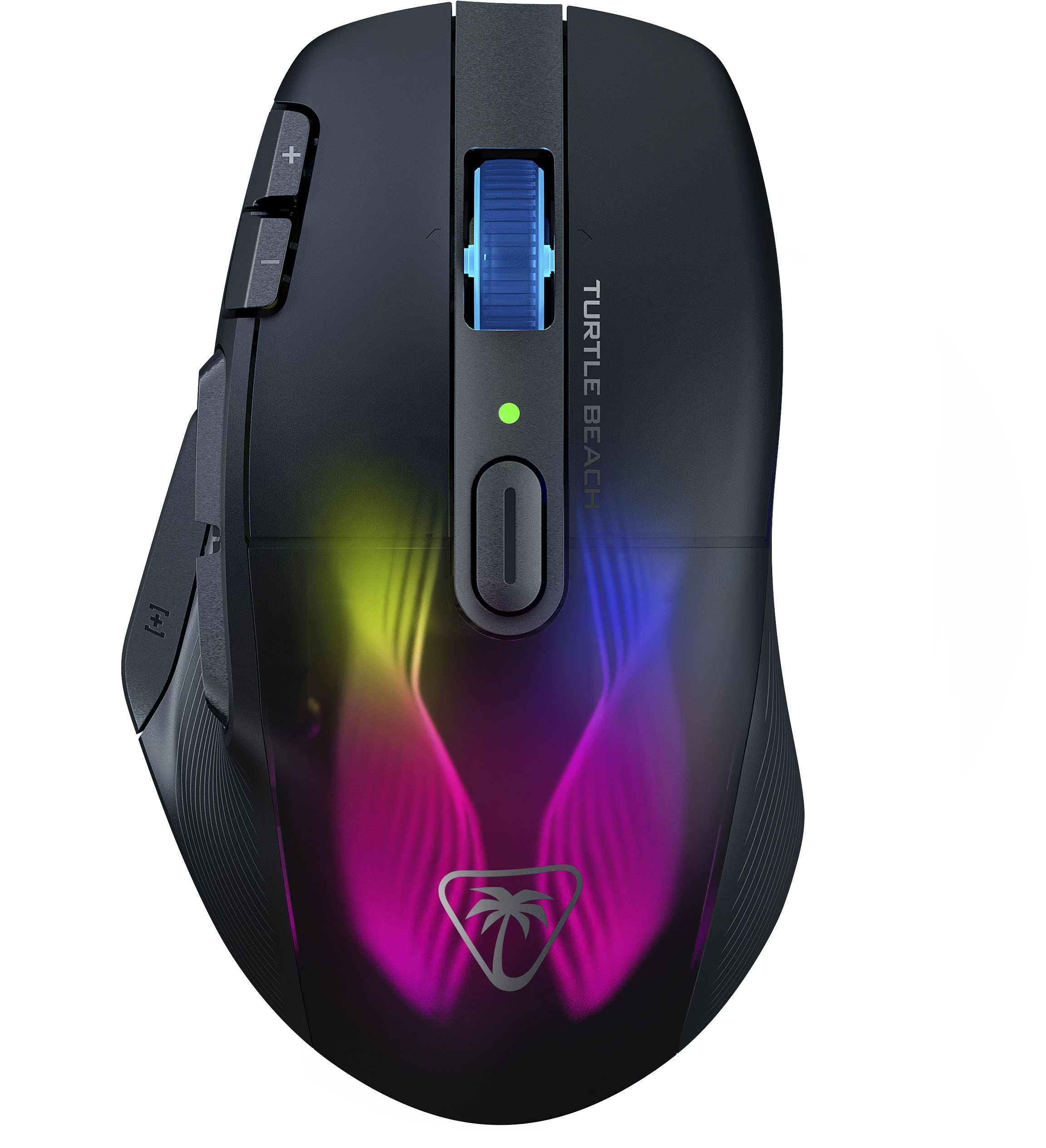
|Posted .This reviewer received promo considerations or sweepstakes entry for writing a review.I am a big fan of the Roccat product line and am glad to see the Kone XP Air in a wireless version. It has a super-comfortable grip with a nice indentation for the thumb. The shape rests easily under your palm, even for a lengthy gaming session. It has 29 programmable buttons - forward, backward, "Q", and "E" - are within easy reach of the thumb. Easy-shift is also accessed by the thumb and allows you to assign different functions to the buttons. Index and middle fingers rest comfortably on either side of of the scroll wheel, which moves smoothly and has a rubberized texture for a solid feel and easy grip. The light changes are controlled by a click on the top of the mouse and provide a cool, colorful light show. I think the neatest feature by far is the charging dock. It plugs into your USB port, has the cool rainbow color change, and the mouse fits snugly on top. It not only provides a perfect way to recharge your mouse, but looks cool in the process. The cord is long enough (nearly 6') so you can place it out of the way if you have limited desktop/gaming space, and it has a rubberized non-slip base to hold it firmly in place. A full charge with the base provides up to 100 gaming hours. It even offers a quick charge feature which gives you up to 5 hours of play in just 10 minutes. The Roccat "sleeps" and turns off the lights when not in use, but wakes back up with a simple touch. I'm just a part-time gamer but for me, the response time is good and I don't see any noticeable lag like you can get with some of the less expensive gaming products. Although this is a "wireless" mouse, you do have the option of using it via bluetooth, or via USB. However, with the results I get via wireless connection, I don't see any need to plug it in!
I would recommend this to a friend baddddd
||Posted .This reviewer received promo considerations or sweepstakes entry for writing a review.laggy trash honestly should be at the dollar store buyer beware
No, I would not recommend this to a friendBrand response from Turtle Beach Support
Posted .Hello! We are sorry to hear about the experience you've had with your Turtle Beach product. Our products are each sold with a manufacturer's warranty, and we have a dedicated Support Team available to assist as needed. Please reach out directly to our dedicated Support Team so they can lend a hand. They’re always happy to help and can be reached using the “Contact Support” link at the bottom of the Turtle Beach homepage. Best Regards!
No clicky
||Posted . Owned for 4 months when reviewed.This reviewer received promo considerations or sweepstakes entry for writing a review.Mouse worked great for about 4.5 months. Then it just stopped registering clicks. Tried all the basic troubleshooting but no dice. Hope ROCCAT can fix. this mouse was tooooooo expensive to crap out after such a short amount of time.
No, I would not recommend this to a friendBrand response from Turtle Beach Support
Posted .Hey there Grumpy,
We’re sorry to hear about your experience with your Kone XP wireless mouse; however, please allow ROCCAT's Support Team to assist you with the inconveniences you described within your feedback. That team is always happy to help as needed under their manufacturer's warranty and they can be reached right from the support section of the ROCCAT website via the Contact Form listed there.
Thank you kindly!
Brand response from ROCCAT Support
Posted .Hi and thanks for choosing ROCCAT. We are sorry the mouse isn't working properly any more. Generally, we'd suggest resetting the mouse through Swarm and utilizing the recovery tool that can be accessed via Swarm's update center. However, if this does not solve the issues you are facing, our support team is happy to assist you in finding a solution. Please feel free to use the contact form on our official website to reach out.
- Cons mentioned:Software
Bad software nice mouse
||Posted . Owned for less than 1 week when reviewed.This reviewer received promo considerations or sweepstakes entry for writing a review.Software sucks on this. Keeps changing on you no. Dpi changes from 400-600 canr raise it any higher than that. Any settings you adjust you have to restart pc. Rgb keeps turning off
No, I would not recommend this to a friendBrand response from Turtle Beach Support
Posted .Good morning,
We appreciate your feedback. Please take the time to reach out to ROCCAT's Support Team so they can assist you in clearing up the issues you encountered with the software. That team can be reached directly from the main ROCCAT website for assistance.
Thank you kindly!
Brand response from ROCCAT Support
Posted .Hi and thanks for choosing ROCCAT. Based on your review we unfortunately can not offer a solution right away as we are missing some details, however, our software should be easy to setup and hold whichever configurations you make - simply make sure you hit "Apply" in the bottom right corner whenever making changes. We have a dedicated team that's trained too help you fix the issues you encounter with the software, so please feel free to reach out to our support by using the contact form on our official website. We are sure that there is a solution for your software issues and we'd be more than happy to help you find it.
Not for me
||Posted . Owned for 1 month when reviewed.This reviewer received promo considerations or sweepstakes entry for writing a review.This has got to be a gamers only type of mouse. Very difficult to programs with standard programs. Returned to store.
No, I would not recommend this to a friendBrand response from ROCCAT Support
Posted .Hi Ken, thank you for choosing ROCCAT. We are very sorry that our mouse did not match your needs. While our target audience mainly are gamers, our products are also often perceived as quite handy for anyone looking for a multi-button and multi-function device for office needs. If you didn't enjoy using the mouse because of the additional button's functions, please note that those can be customized to your liking using our Swarm software. If you ever have questions or need help with one of our products, our support team is also always happy to assist. Simply reach out using the contact form on our official website.
Brand response from Turtle Beach Support
Posted .Hello Ken!
Sorry to hear that you've had a negative experience with your ROCCAT Kone XP Air.
Please know that the ROCCAT Support Team can answer any questions you may have about our products.
They’re always happy to help and can be reached using the contact form on the official ROCCAT support page.
Have a great day!
Journey for the best “gaming mouse” brought you he
||Posted . Owned for less than 1 week when reviewed.This reviewer received promo considerations or sweepstakes entry for writing a review.Went from a good run with a razer basilisk to this. This mouse is just flat out perfection.
I would recommend this to a friendAmazing
||Posted . Owned for 1 week when reviewed.This reviewer received promo considerations or sweepstakes entry for writing a review.I love this mouse so much I had to get the black and the white :)
I would recommend this to a friendAmazing
||Posted . Owned for less than 1 week when reviewed.This reviewer received promo considerations or sweepstakes entry for writing a review.Mouse is amazing definitely recommend for any gamer
I would recommend this to a friendWireless Mouse
||Posted . Owned for 2 weeks when reviewed.This reviewer received promo considerations or sweepstakes entry for writing a review.Wasn't what i expected. I wouldn't recommend this mouse to anyone.
No, I would not recommend this to a friendBrand response from Turtle Beach Support
Posted .Hi Rodney, thanks for choosing ROCCAT. We are sorry that the Kone XP Air did not match your expectations. Although your review doesn't go into any details, please always feel free to reach out to our support team using the contact form on our official website. We can help you both with troubleshooting issues you may be experiencing as well as improving your performance by answering questions. There's also a dedicated section for many devices, including the Kone XP Air, on our support website where you can find answers to a multitude of potential questions.
Brand response from ROCCAT Support
Posted .Hi Rodney, thanks for choosing ROCCAT. We are sorry that the Kone XP Air did not match your expectations. Although your review doesn't go into any details, please always feel free to reach out to our support team using the contact form on our official website. We can help you both with troubleshooting issues you may be experiencing as well as improving your performance by answering questions. There's also a dedicated section for many devices, including the Kone XP Air, on our support website where you can find answers to a multitude of potential questions.
- Pros mentioned:Rgb lighting
ROCCAT Kone XP Air Wireless Optical Gaming Mouse
|Posted .This reviewer received promo considerations or sweepstakes entry for writing a review.The ROCCAT Kone XP Air Wireless Optical Gaming Mouse is an amazing wireless or Bluetooth device. I have used this mouse both wireless with the mini USB connector as well as Bluetooth connection. I have used it with a small ultra laptop as well as my mac without fail. Lighting is really sharp and awesome that it changes as you are using it. Really like the blues, teals, purples, reds, yellow, greens that appear with the black lines in between the colors to make some unique design. Scroll Wheel is soft and quiet while using. I am using this with Windows 11 which identified the mouse quickly on Bluetooth and started working immediately. Mouse is lightweight and easy to use. The buttons can switch windows on the internet browser from one tab to another or windows all together. I have found the instructions simple and to the point no issues with it working as expected. Easy to travel with this mouse as well since it is lightweight, full size mouse but very sleek design makes it easy to pack in your backpack or tote and take it with you to use anywhere.
I would recommend this to a friend - Pros mentioned:Battery life, Charging dock
Super nice customizable mouse.
|Posted .This reviewer received promo considerations or sweepstakes entry for writing a review.Great mouse.... Super customizable. Firmware update was initially confusing. You have to have both mouse and dongle directly connected to PC USB port. It can't pass through the dock. After I figured it out it took about 15 mins to update. Setup was super easy. Both Bluetooth and dongle was easy to connect with windows 11. Light customization was easy. Button configuration was easy too. Software was easy to install and navigate. Drills down on the mouse options pretty well. Precision was nice. I used during both game place and with AutoCad and it worked really well. Battery life was supreme. I used it for 4 days straight for worked and 2 game play sessions at night and the battery held just fine. Feel of the mouse is nice. Fits in your hand nicely and reduces fatigue. The sliders are nice and smooth and fast. The dock is a nice feature to showcase your mouse. This is a pretty nice touch. Overall good mouse. Many options and nice color scheme that is easy to control. I would recommend this mouse.
I would recommend this to a friend - Pros mentioned:Battery life
Super Technology and Great Physical Design
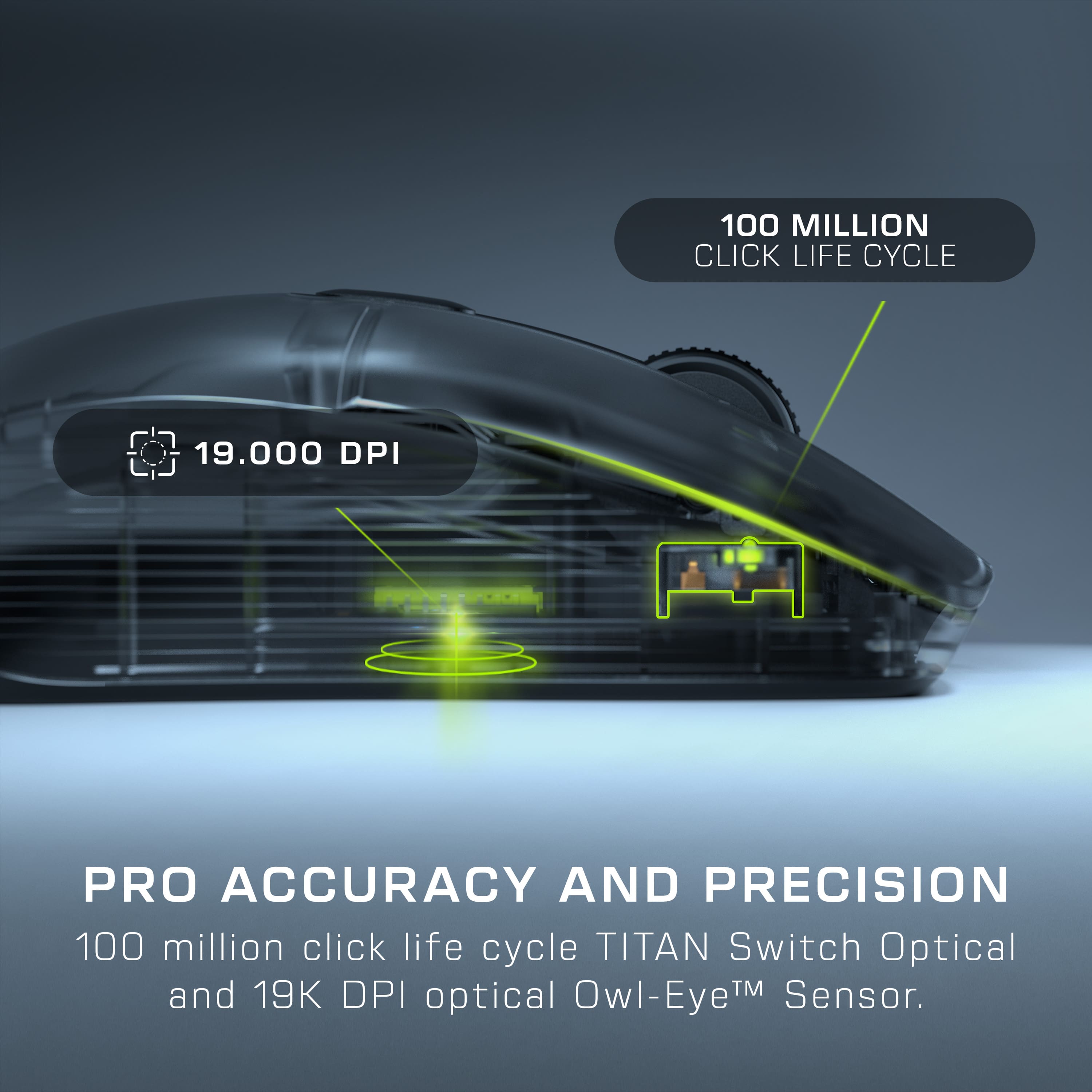
|Posted .This reviewer received promo considerations or sweepstakes entry for writing a review.This mouse feels perfect in my ‘medium size hand. The surface has a matte finish which feels nice and looks great too. The shape where your thumb rests is just the right amount of concave depression to hold your thumb and gives you confident feel against my ring finger on the other side of the mouse. Tip of the cap to the physical design engineers. The translucent shell looks beautiful and artistic with 5 lighting zones - in a word fabulous. The mouse has very crisp button feel and the scroll is the smoothest ever. On top of these features is an innovative charging cradle. You plug the cradle into a computer USB port, and plug the dongle into the charger. Whenever you want to charge the mouse, you can put it on the cradle. The cradle also produces lighting effects. Very nice added feature. You can also plug the dongle directly into the computer port, but I found placing the dongle into the cradle was more useful. The mouse will sit in the cradle above the dongle without interference. This of course is for your wireless 2.4 GHz gaming setup. You can also connect the mouse via Bluetooth. I found the Bluetooth setup nice if I’m traveling. You get 5 hours of play time per charge which is fine for me. Lastly as far as connectivity you can also use the supplied cable directly between mouse and computer. The optical sensor is very precise. It has the ROCCAT’s Optical Titan Switches for very fast registration and 19K DPI sensoring. I played a few games with the mouse and it was fantastic, fast response time and yet it was wireless and easy to manipulate. Another tip of the cap to the technology in this device. Mechanically on the bottom are ‘Teflon like’ skid plates (glides) and this material proved to be a great addition for ease of surface movement. Don’t forget to remove the protective blue skin to reveal the glide surfaces. Run your finger over the blue skin, then remove it and run your finger over the glides – wow, the glides are smoother than a silk tie. Even the charging cable has a cloth like very soft and flexible surface. The web site to download software is wonderful. Well designed and will provide you details on ways to program and setup your mouse as desired. You should use the web site to download the latest software, including the latest firmware. Note when you update firmware that you will connect the mouse directly to a USB port and put the dongle into another USB port – this ensures both device’s firmware is updated. This is a higher end mouse with sophisticated internal technology and a beautiful external design. The translucent shell is just plain gorgeous. The functionality and specifications are tops. Be sure to download the software and use it to set up the parameters the way you like. It is easy – great. I highly recommend this exceptional product.
I would recommend this to a friend - Pros mentioned:Battery life
My new favorite gaming mouse
|Posted .This reviewer received promo considerations or sweepstakes entry for writing a review.I play a lot of competitive PC games. Not that I'm competitive with them or good at them or anything, but I just enjoy them. Call of Duty, Halo Infinite, League of Legends, and these types of games where split seconds of reaction time can win or lose a fight or a game. I've used a pretty broad variety of gaming mice over the last few years and in general, every mouse has had at least one or two perks that I liked more than the others. The ROCCAT Kone XP is a bit different. It's the first mouse I've had with a built in "shift" key right on the thumb to allow for even more customization and hotkey selections. This is extremely useful in so many ways. The default setup even has quick shift functions for CTRL+C and CTRL+V and since I use my setup for both gaming and work, that has been incredibly useful. Battery life is pretty solid, I've put in some big hours so far and not had to recharge. However, I have built the habit of placing the mouse on the dock whenever I am finished, so this likely has helped. The LED styling is very cool with a translucent top though you rarely see it when you're actually using the mouse. Of course, as is common with most gaming mice nowadays, you can load multiple profiles for various games, change your DPI around depending on need, change the hotkeys for each profile, and even line up color themed LED patterns to match the vibe. Also, very lightweight. Would give it 6 stars if I could.
I would recommend this to a friend