Customer Ratings & Reviews
- Model:
- LS570B
- SKU:
- 6577243
Rating by feature
- Value
Rating 4.4 out of 5 stars
- Quality
Rating 4.3 out of 5 stars
- Ease of Use
Rating 4.5 out of 5 stars
to a friend
Customers are saying
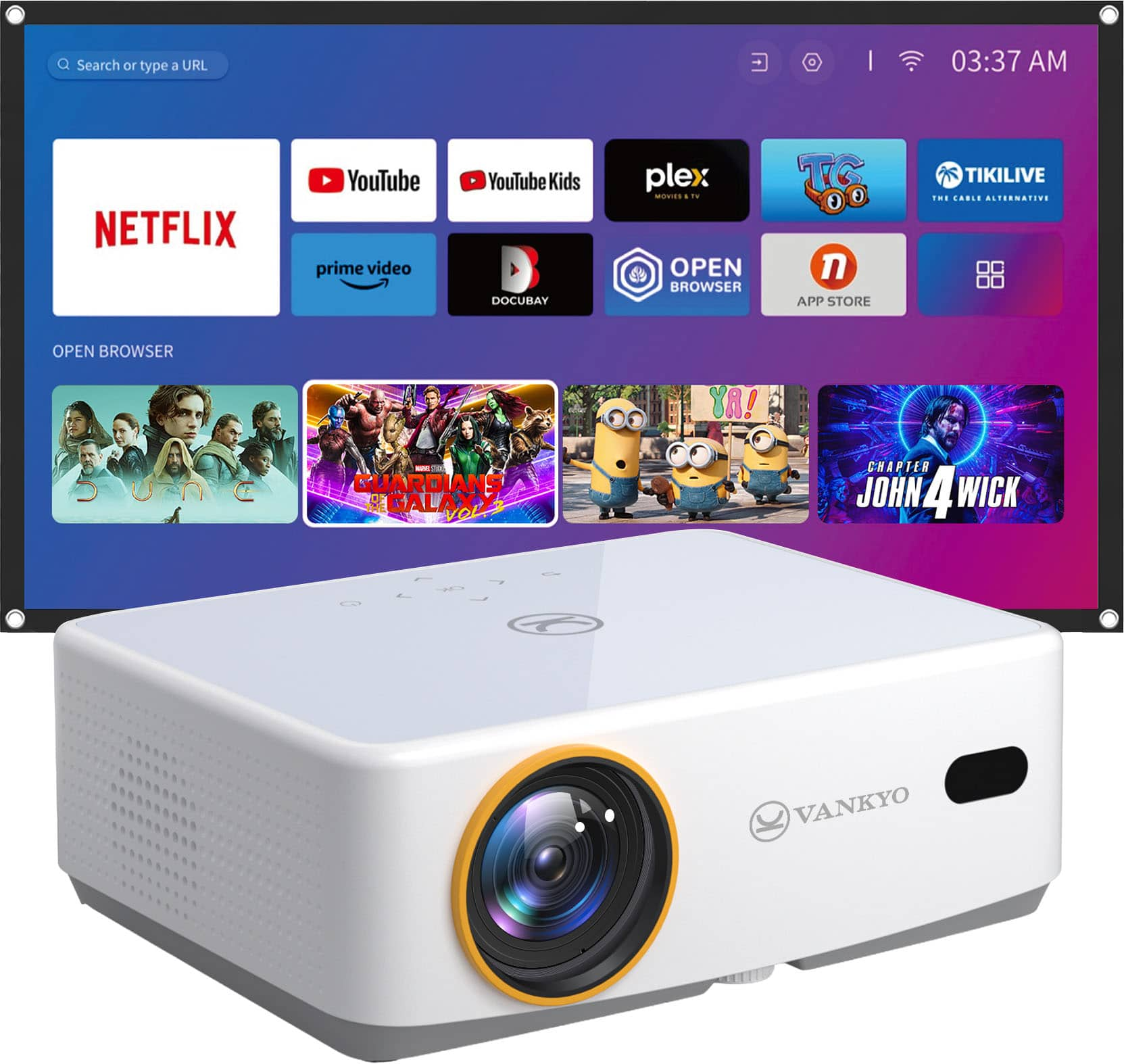
Customers regard the Leisure 570B projector highly for its picture quality and ease of use, with features like auto focus and Bluetooth connectivity adding to its appeal. The projector's compact size is also appreciated for its practicality. However, some customers have expressed concerns about the brightness, screen quality, app availability, keystone correction, and fan noise.
This summary was generated by AI based on customer reviews.

Easy to Use with High Quality Picture
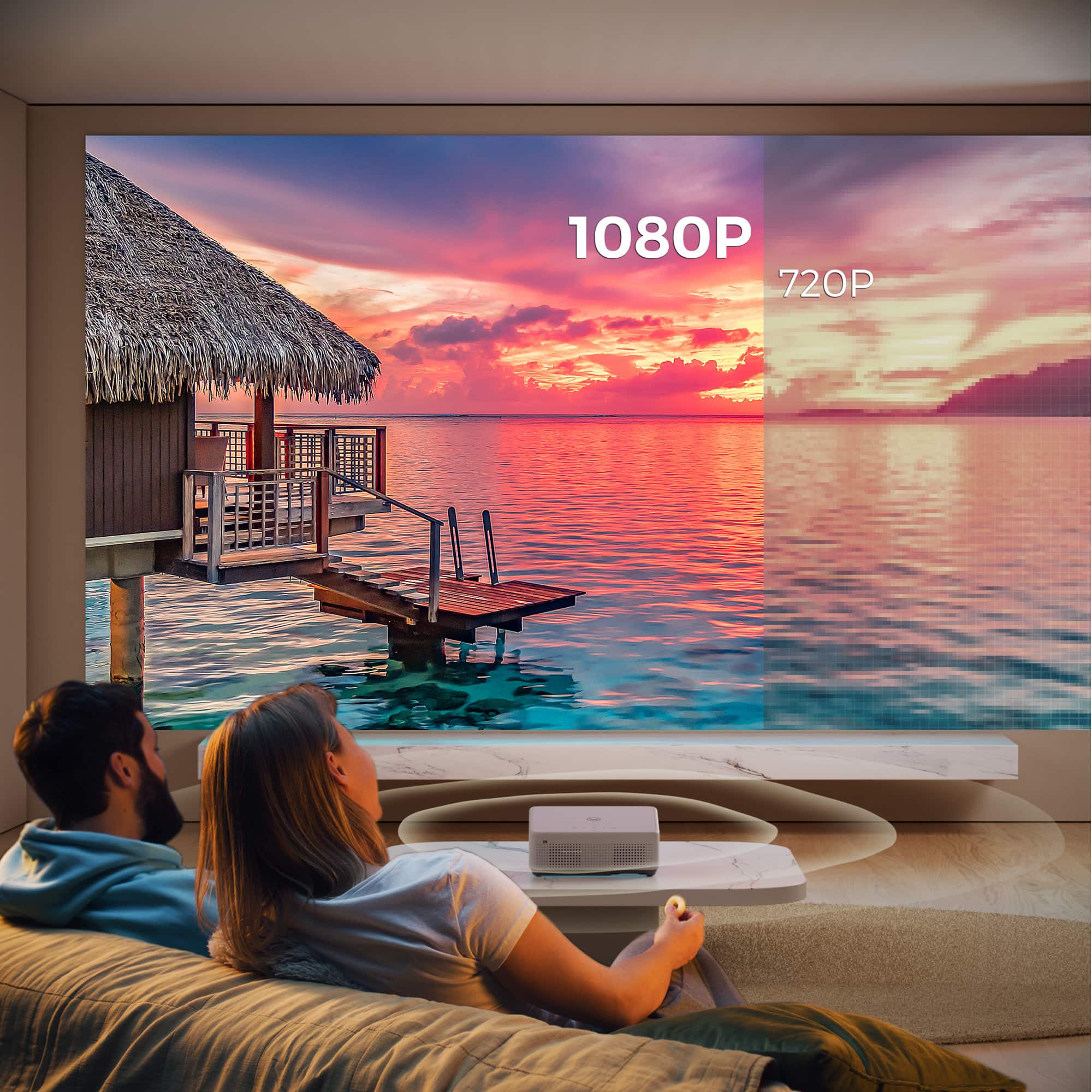
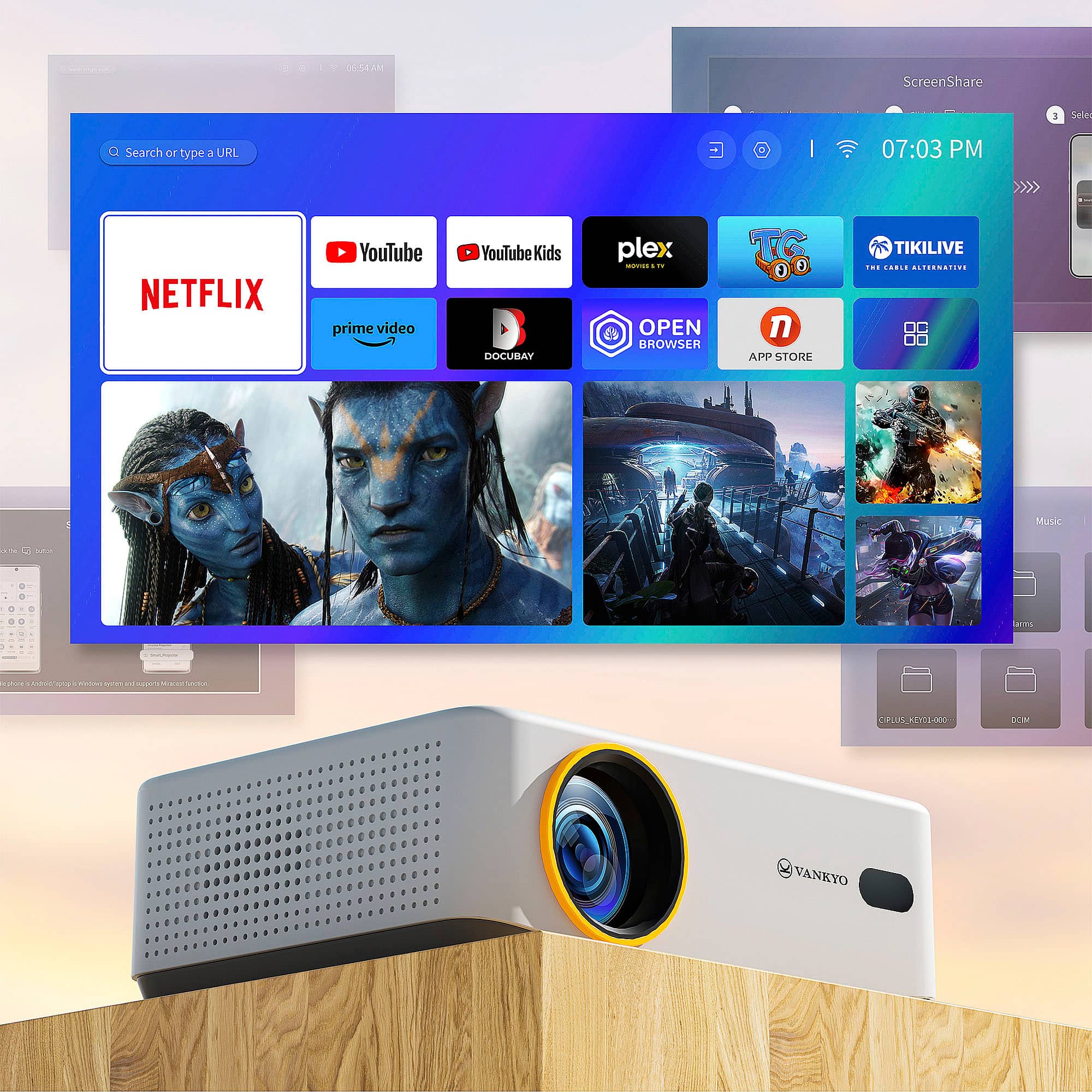
|Posted .This reviewer received promo considerations or sweepstakes entry for writing a review.The Leisure 570 - Smart Native 1080P Projector with WiFi and Bluetooth, Mini Portable Projector With 100" Screen is a compact projector that packs power far beyond its small size. Unlike most small projectors, it comes with built in Netflix, Amazon Prime, YouTube, and other apps so that connection to a Roku, etc. is not nessary for these apps. Although the Dolby surround sound quality is adequate, the Leisure 570 also has Bluetooth capability so that an external Bluetooth speaker can be used. The package also includes a 100’ screen that is serviceable when a better screen is not available. Specifications for the Leisure 570 are somewhat modest. Although the resolution is listed as 1080p and brightness at 200 ANSI lumens. In practice, however, I found the picture crisp, bright, and colorful in all but daylight room conditions. It appeared brighter and more colorful than other projectors that I own with higher brightness ratings. I recommend the Leisure 570 for anyone looking for a compact, easy to use projector with a reasonably high quality picture.
I would recommend this to a friendAn affordable and good portable projector package
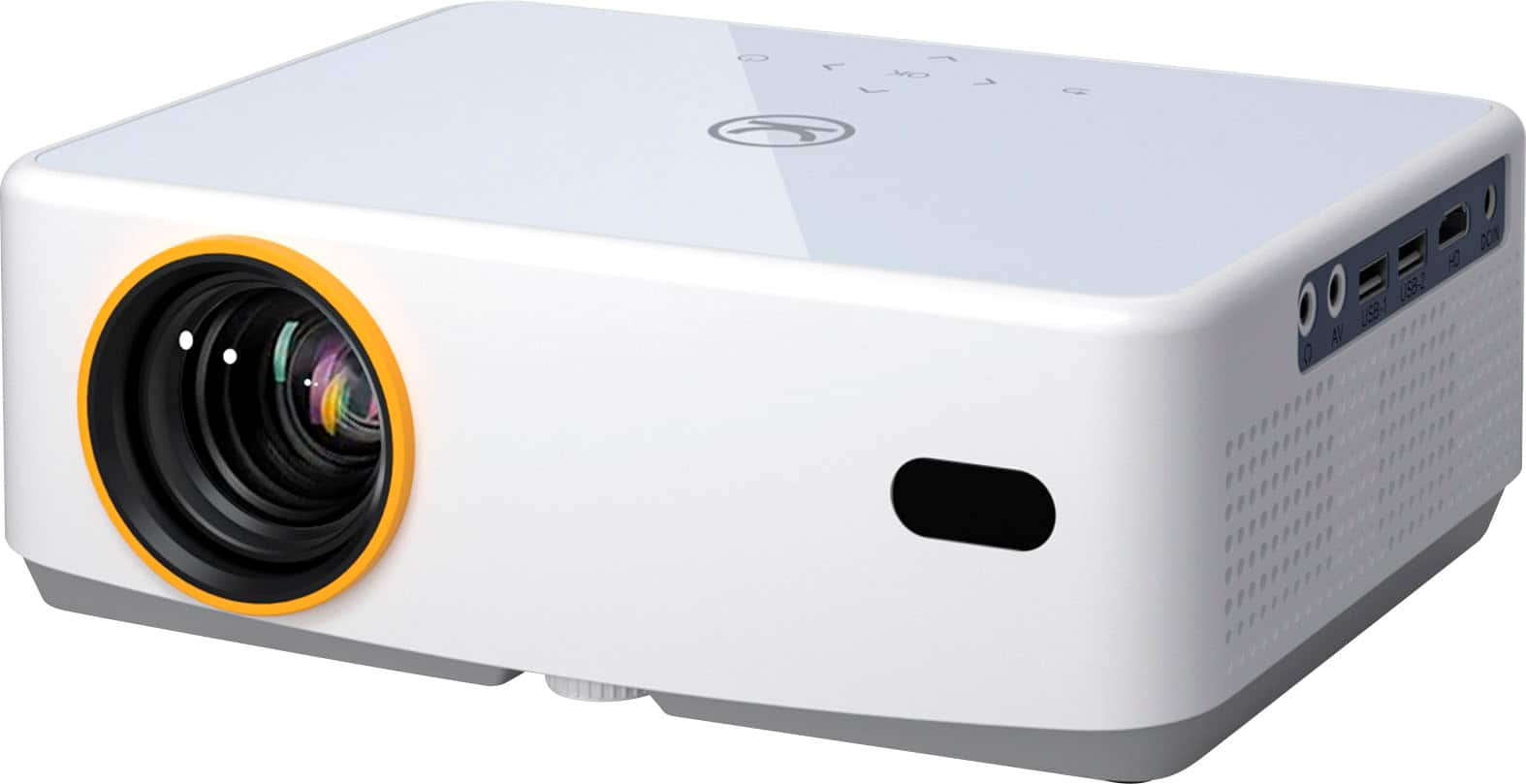
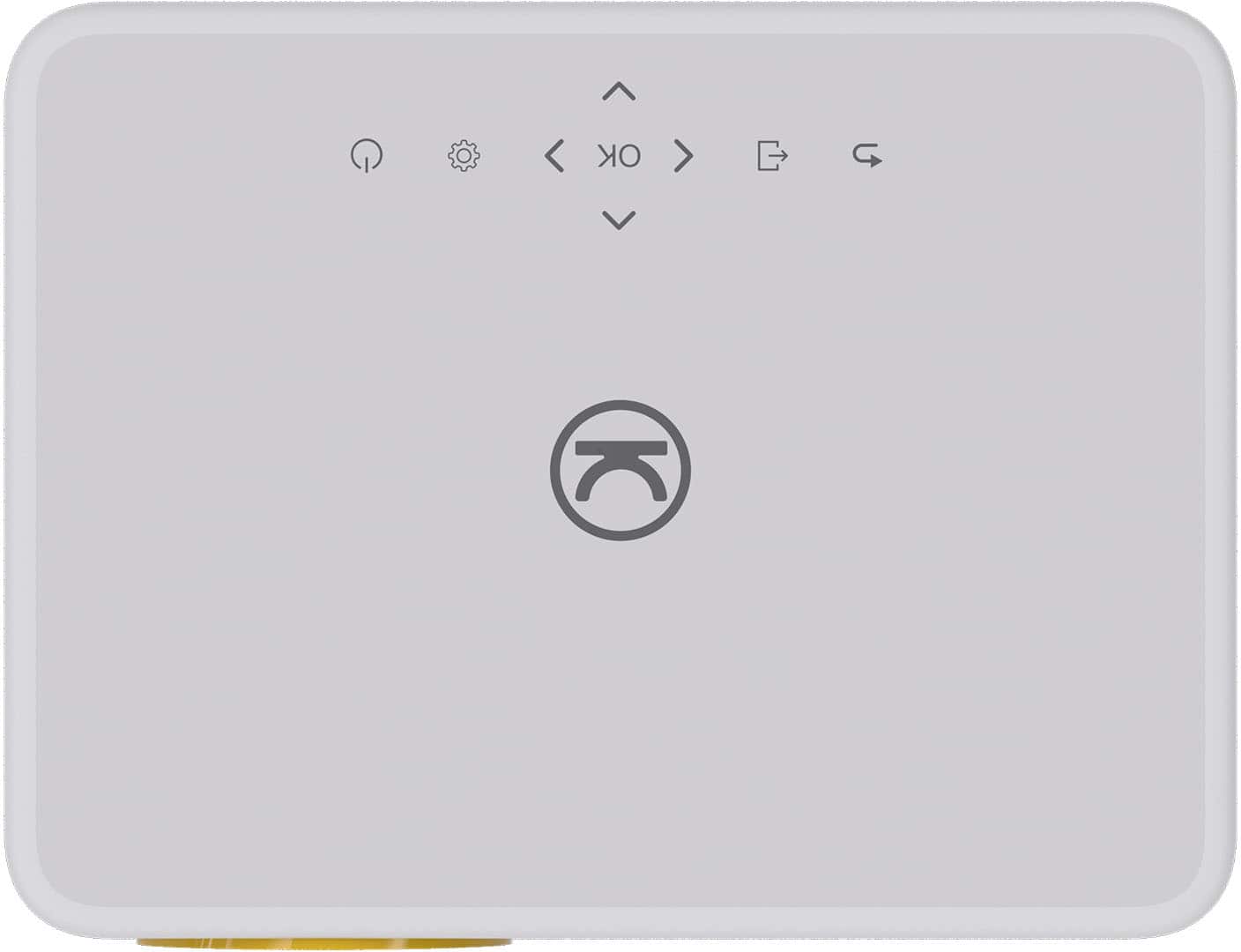
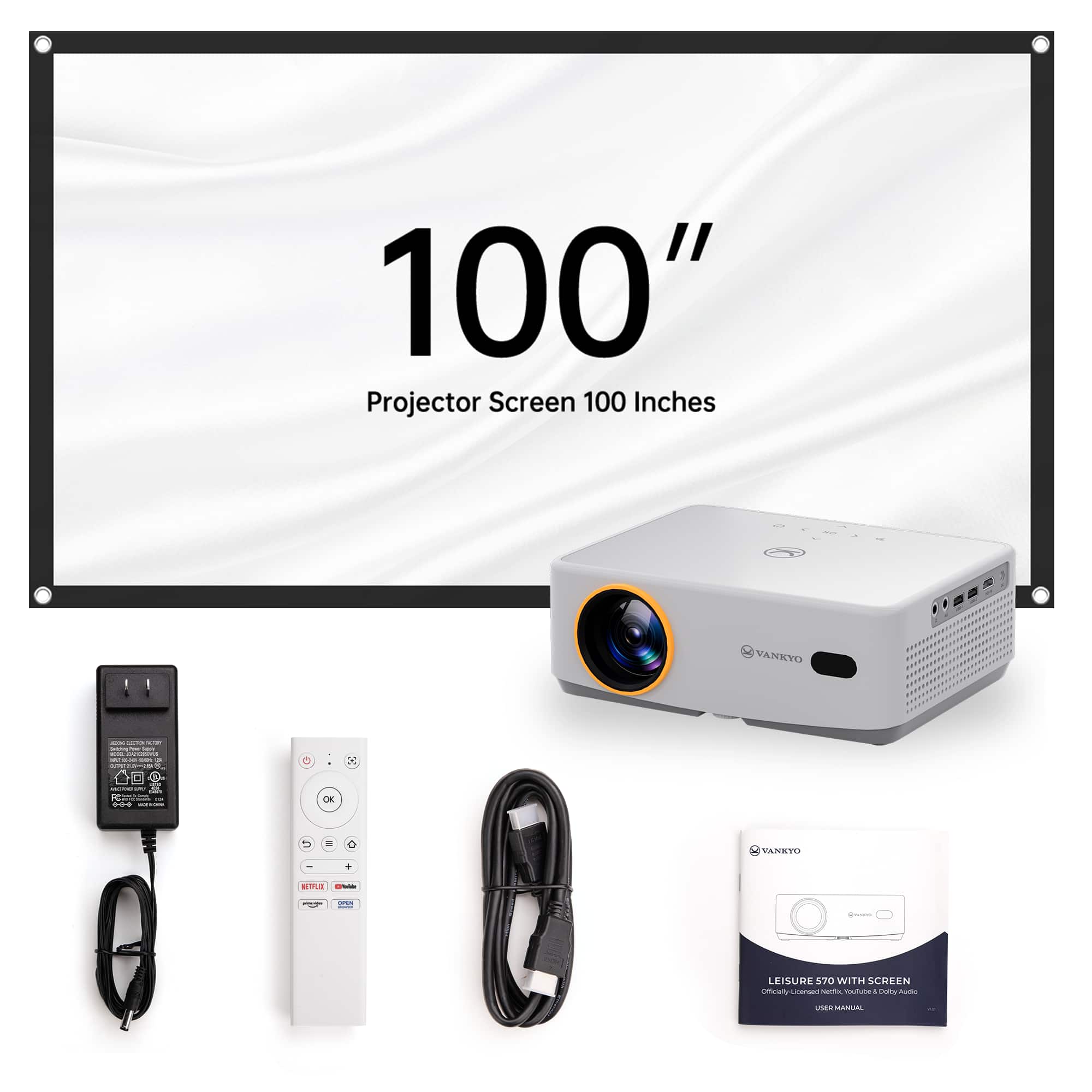
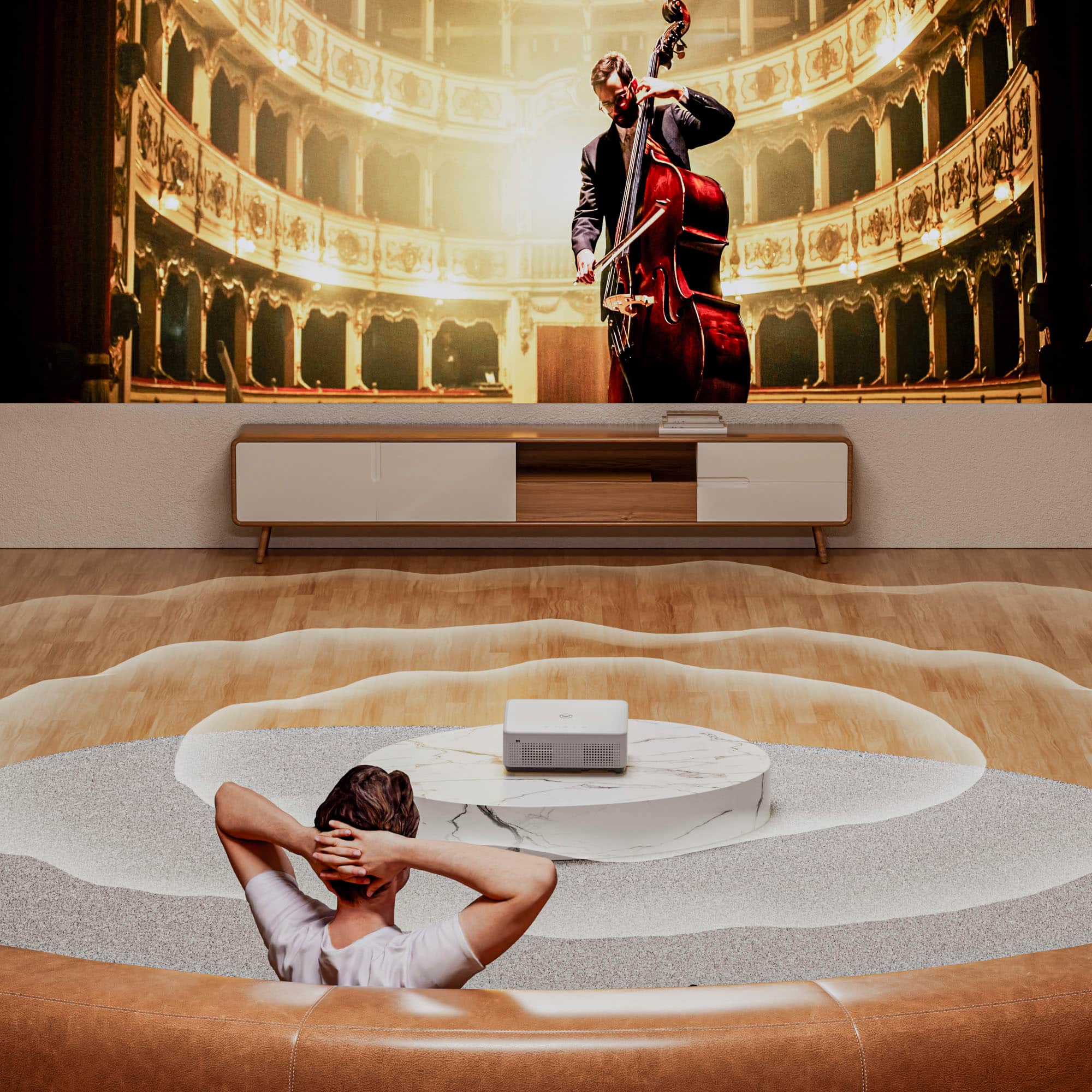
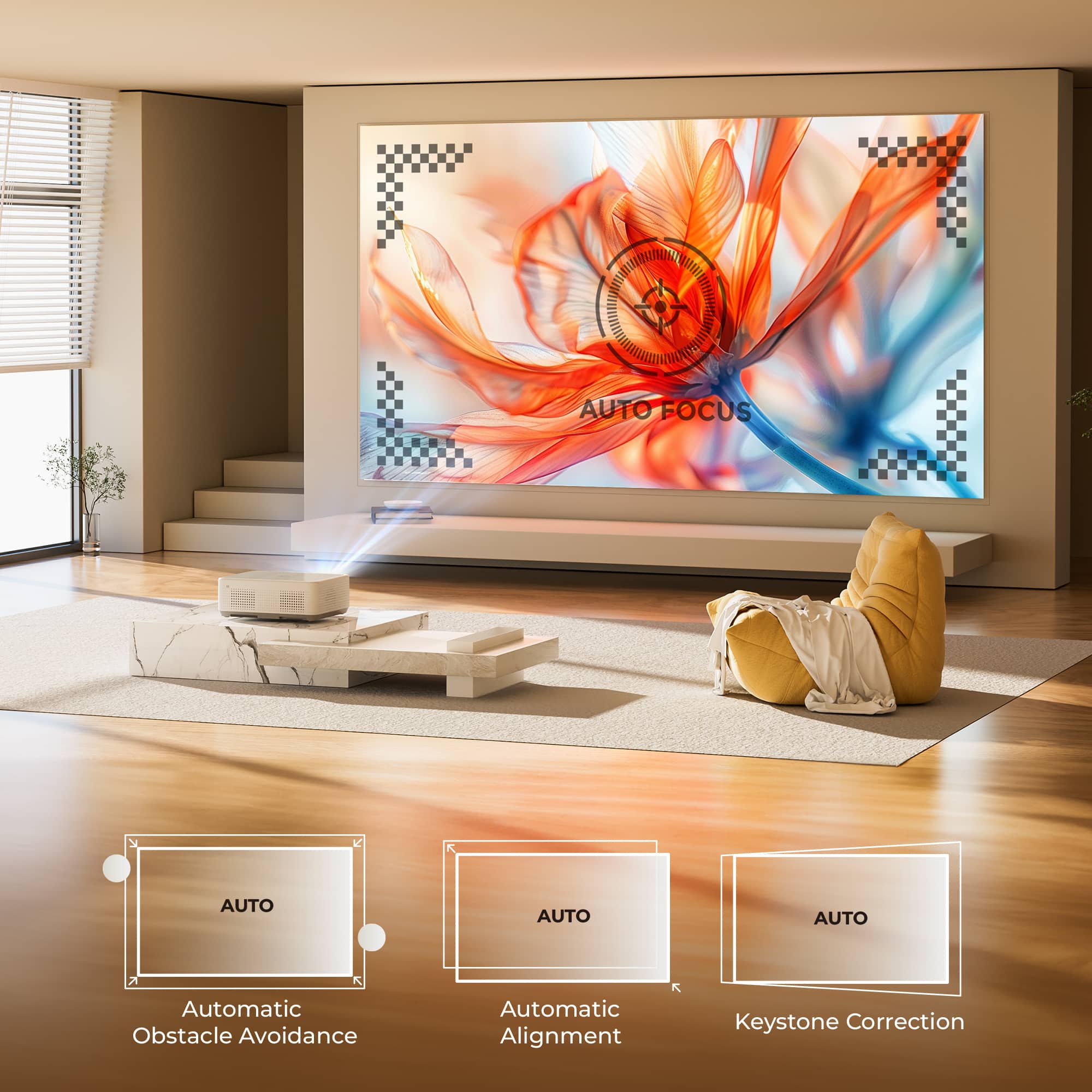
|Posted .This reviewer received promo considerations or sweepstakes entry for writing a review.First impression: My first impression of the Vankyo Leisure 570 is that it is a nice, lightweight, portable projector. The build quality seems good, and it has the right connector ports for a portable projector. It comes with a 100” screen, hanging clips, and everything else you need to enjoy entertainment in a temporary location. I spent close to 10 years in the AV industry designing and installing AV systems. Most of the video systems we installed were projector systems. So, when I got the opportunity to review this portable projector, I couldn’t wait to see how it performs. Technical Specifications: • Brightness 200 Lumens • Resolution 1920x1080 • Aspect Rati0 16:9 (HD) • Contrast 1,000:1 (full on/off) • Display Type TFT LCD x 1 • Color Processing 8-bit • Video Modes 720p, 1080i, 1080p/60 • Data Modes MAX 1920x1080 • Lamp Type LED • Included Lens Fixed focal length, Powered focus • Optional Lenses No • Lens Shift No • Throw Distance 3.7' - 19.7' • Image Size 37.84" - 200.40" • Throw Ratio 1.35:1 (D:W) • Digital Zoom Yes • Projector Size 3.11" x 8.70" x 6.70" (HxWxD) • Weight 2.8 lbs • Audible Noise 40 dB • Internal Speakers 5.0 Watts × 2 • Power 100V - 240V • Connection Panel HDMI, USB x 2, Wireless Networking • Features Auto Focus, Auto Keystone, Streaming Apps What comes in the box: • Projector • Remote Control • Power Supply • HDMI Cable • Quick Start Guide • 100” Portable Screen • Screen Mounting Clips • Lens Cleaning Cloth Setup: Setup is not difficult, but the lack of a manual means you must explore. It does come with a Quick Start Guide which walks you through screen casting, but that’s it. For me that wasn’t difficult, but for someone not experienced with projectors, it might make it more difficult. When you power up the projector for the first time, you go through a simple configuration. You select your location, you can attach it to Wi-Fi, and things like that. Afterwards you are dropped on the home screen and that is where everything happens. I logged into Netflix and selected a movie. I watch a short bit of it just to see the image and hear the audio. When you power the projector up, it goes through a quick auto-focus and auto-keystone procedure. This only takes about 10 seconds, and worked great, even when shooting 3’ away from the projector at an angle. The projector has a tripod mount on the bottom. This is a nice feature for a portable projector. If you bring along a sturdy tripod, it gives you a secured placement for the projector while using it in places like a campsite, the beach, or any other place that might have uneven or unstable ground. Performance: Video: When rating the video quality, you must keep in mind that this is not a high-end home theater projector. This is a portable projector and in this, it does a great job. My favorite part of the projector is the LED light source. Anyone with experience with projectors can tell you how hot a projector lamp gets. If you don’t let it cool down properly, it will remove your skin if you touch it. Having an LED light source helps keep the projector cool and provides protection from fires if used in a wooded area (think camping). The downside of an LED light source is that it is difficult to affordably provide enough light to combat ambient light, and that is the case here. At only 200 lumens, it requires darkness to have a good picture. With the supplied screen, any bright ambient lighting will quickly start to cause washout. A lot of this is due to the screen. It is a simple portable screen, and in this, it doesn’t provide any ambient light rejection. If you use a better portable screen with thicker material and a higher reflective surface, you will do better with ambient light. But it won’t be nearly as portable as the included screen, and portability is the reason for the 570. In my room I had non-direct ambient light from windows. Even with that, it had a very good picture. In this setup, I believe the projector is doing a great job. The native 1080P video with the 1000:1 contrast produces a beautiful picture. With the right screen, you would be hard pressed to believe it is only 200 lumens. BTW, to fill the 100” screen, the projector needs to be 9’-10” away from the screen. Screen Casting: Screen casting is super easy on this projector and adds another input option on the projector. It works with Android, Apple, and Home Share. Follow the instructions in the quick start guide to get screen casting going. I noticed a bit of a lag in looking for a YouTube video to watch. However, once the video started, there was no lag whatsoever. Audio: This is where the projector really shines. I was amazed at how good the built-in audio is. Usually built-in audio is sufficient, but in this projector, it is really good. It’s not high-end audio, but it is clear, sounds great, and can handle high volumes well as long as it doesn’t have any deep bass, such as with explosions. The fact that this projector produces such good audio on the internal speakers means it produces good audio for external speakers. I paired a set of Bluetooth speakers to it and they sounded great, even with deep bass. Conclusion: The Vankyo Leisure 570 Portable Projector with Screen is a great portable projector package. It comes with a screen suitable for night entertainment. The weight and size of the projector and screen makes it easy to carry with you. Adding a hard case for the projector and screen would make it super easy to carry while protecting the projector. The LED light source keeps the power consumption low and heat generation at a safe level. And the video and audio quality are good for a portable projector, especially at the price it sells for. If you are looking for a good, affordable portable projector, I highly recommend the Vankyo Leisure 570 portable projector with included screen.
I would recommend this to a friendGreat Projector for the price point!
|Posted .This reviewer received promo considerations or sweepstakes entry for writing a review.The Vankyo Leisure 570 Smart Projector was a pleasant surprise to me. I have never had a projector and my experience with them is limited. When I set up the Leisure 570 and started going through the menus and settings I was impressed with the comprehensive yet simple menu system that I found very easy to navigate using the included remote. The Vankyo Lesure 570 includes several ways to view media including YouTube, Netflix, Amazon Prime Video and many more movie and media channels. The Leisure 570 even has it’s own app store where I came across games and other media sources including some in foreign languages that I did not understand. Not only that it has a Google web browser. Who would have thought this little Gem could do almost anything? A person could spend hours navigating through all of the possibilities and setting it up to their liking. It is a pretty diverse platform that looks to have something for everyone and it comes in a very small package that you can view and listen to on a big 100” screen or any white wall. Another thing I found is that I was pleasantly surprised by the effectiveness of the picture settings. I was really able to dial in the picture for the content and the environment I was viewing it in. I used custom mode for the picture and tweaked it to my liking. The sound settings were also fairly comprehensive however it sounds so good as is from the factory I decided to just leave it alone. The vankyo Leisure 570 has amazingly full sound considering the small speakers it is working with. I was impressed by the lows and the crispness of people's voices while watching videos.The Leisure 570 also has quite a few choices when it comes to connections. With two USB ports to plug in devices like Googles Chrome Cast and Amazons Fire Sticks as well as and HDMI port it has plenty of ways to plug in physical media devices. However, the Vankyo Leisure 570 also supports wireless mirroring from your smartphone although I had a little trouble connecting that part. The Leisure 570 is a 1080P projector and with it's small footprint and good sound it is a great cost-effective way to entertain a group of people. It can display a picture up to 200” from 20ft away. If you are looking a for a budget-friendly Projector that is good at what it does the Vankyor Leisure 570 is a very good choice.
I would recommend this to a friendBackyard movie night
|Posted .This reviewer received promo considerations or sweepstakes entry for writing a review.The Vankyo Leisure 570B 1080p smart projector if you keep your expectations in line with the projectors capabilities. The first thing people must realize is that this it not a $2000 short throw 4k laser projector that is going to give you cinema quality viewing. It is a serviceable projector that you can use around the house and in the backyard for fun movie nights. In the box you will find the projector, a remote, an hdmi cable and power cable, a 100 inch screen and a carrying case. All of this for less than $250 is a steal in my opinion. The projector has WebOS smart capabilities which means that many native apps such as Netflix and Prime video are available directly on the projector. You don't have to hook up you laptop in order to watch content on your projector. The projector has 200 lumens of brightness which gives you a good picture as long as there is not too much ambient light. The speakers are decent however I use my portable LG speaker so that you can experience all the bass in the movies. I recently set up the projector in my backyard on a tripod so I could watch a baseball game with my son under the stars. If you do want to connect your laptop to the projector you can easily do so via the Hdmi port. I also let my son set up the screen and the projector in our loft so he could play Mario kart against his friends on a100 inch screen. Needless to say I probably will never see the projector again until school starts again in September. Overall Vankyo made an easy to use portable smart projector which is very intuitive. I would definitely recommend this projector to anyone who is in the market for leisurely movie night at home
I would recommend this to a friendGreat First Projector
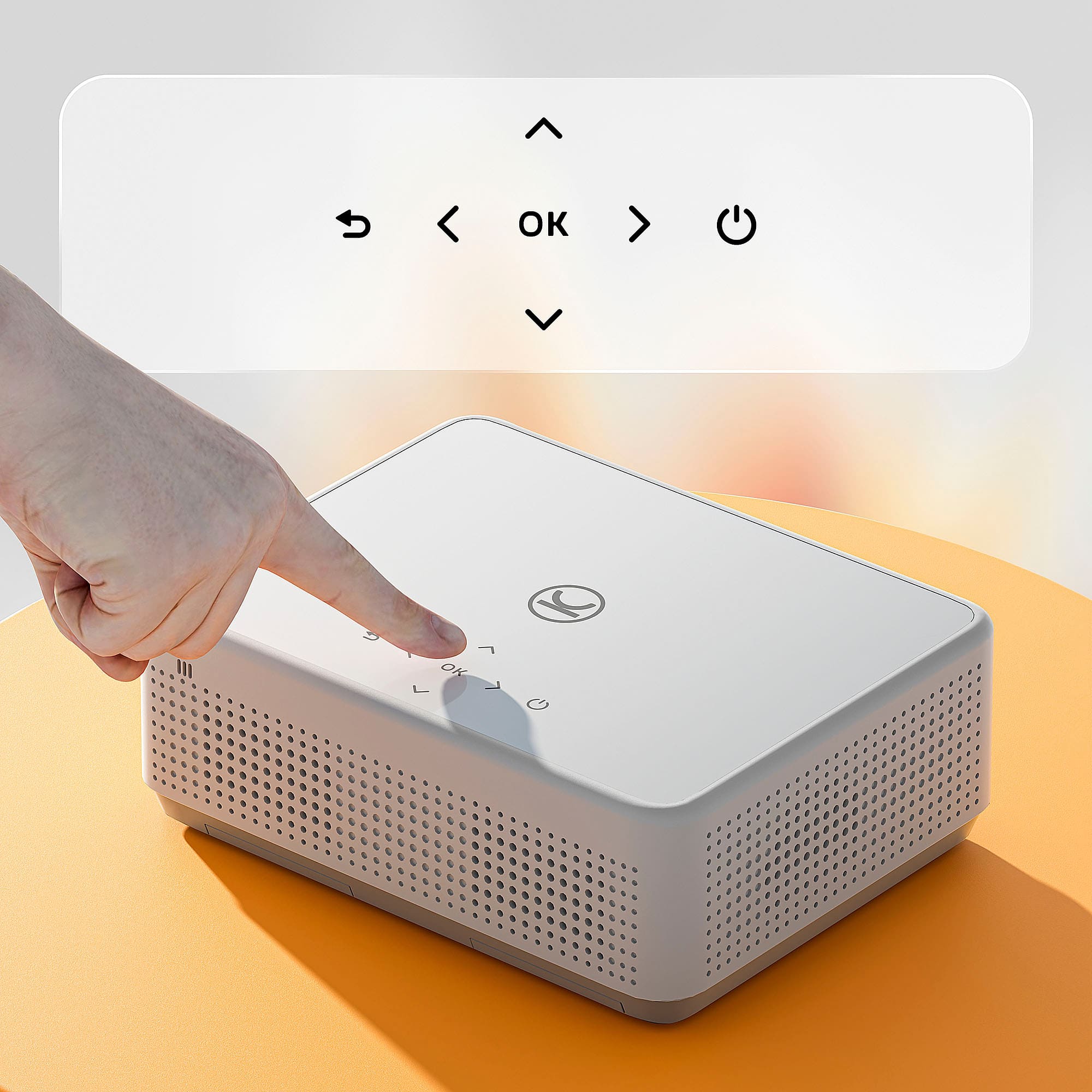
|Posted .This reviewer received promo considerations or sweepstakes entry for writing a review.I haven’t been interested in getting a protector, but when this one became available, I knew exactly how I wanted to use it. I am an elementary art teacher and I like to project images in order to create enlarged or life sized posters, drawings, etc. I specially wanted this protector to be able to protect murals onto walls. I normally use a smart monitor, but it’s touch screen, so it makes it hard to trace images. Using a projector is way easier. Setup is easy enough, but the remote isn’t the best to use on account of button size. This protector comes with entertainment apps like Netflix and Disney+ (neither of which I subscribe to). I do have Prime, but haven’t tried it. I really intended this projector to be used more for my educational/job needs. I didn’t get to snap a picture that shows the image being projected on the wall as I was tracing it, and I almost forgot to snap a picture of the finished product. So for tracing large images, I absolutely love it. I designed the mural using only black line images, so I’m not sure of the overall color picture quality nor the speaker. I do intend to try those out at my next movie night.
I would recommend this to a friendSmall but powerful!
Posted .This reviewer received promo considerations or sweepstakes entry for writing a review.I purchased this a month ago exactly and its been great. I love that it autocorrects to fit whatever size wall you point it at. We watched the OSU game on here and the speakers alone are powerful. You dont even need to connect it to anything. It also has built in apps which is so convenient and I love playing youtube while im cooking on my kitchen wall. Would definately recommend to replace a TV
I would recommend this to a friendWorks well for small uses
|Posted .This reviewer received promo considerations or sweepstakes entry for writing a review.Out of the box I had no issues. Packaged well, but I wish they had some kind of case for it. The one I have had for several years as a small portable projector for work came with a nylon case that everything fit in perfectly and made it easy to take to meetings. Nothing for this one. I will have to mess around. My other small projector I've been using was simly a projector, no smart features. I was actually surprised when I got this one turned on and saw the menu. Many of the standard apps you'd expect to see in a smart TV and such. Granted, I don't use any of them. The little streaming I do from only two sources I use my 4k Apple TV device to do so, to either my OLED TV or my Epson UST laser projector. The TV, and the projector, while they have all the capabilities, are just dumb monitors for me. This will be the same, but at least it HAS the options for things like Netflix and other common streaming apps if you plan on using them. I may be circumventing its auto adjustment simlply due to the location I'm testing it at. I don't have a good way to get it closer to the projector screen I use for my UST projector, so it was sitting on the couch next to me, a good 12 to 14 feet away. So the initial auto adjustment dots and such are half off the edge of the screen, so anytime I tried to use auto adjustment, I was simlpy told after it flashed through a few display attemts to calibrate it, that "autocorrect failed." I was able to zoom it down so that the edges of the picture were well within the edge of my screen, but trying to force the autocorrect again, it simply revereted to the inital larger default screen again, and of course totally deleted my zoom setting when it failed. But I was able to get it set up easily enough in manual mode. Some of the playing with the autocorrect while holding it showed how well the autofocus COULD work if you're using it within the expected paramaters. So that was impressive. But I was stuck using the keystoning and such, and that let me set it just fine. Keystoning was a bit of work trying to get the position right so that the corner adjustments would actually let me adjust things as needed, since you can't exceed the fixed outer limits. So I had to do it a bit past what I wanted and bring things in. And the motorized focus with the remote worked just fine. Initial setup included the option to get it on my wi-fi network, so I did so, and checked for firmware updates. None out of the box as of May 24 2024, so it shipped current, which is something you don't often see. Fan noise is noticeable, but not at all intrusive. It's not at an annoying pitch either, so it won't interfere with anything. I'm limited to testing it at home on my ALR screen, so I'm not getting the full brightness it can actually do since my screen is rejecting a portion of this as ambient light. My screen is set up for my UST laser projector that sits just inches in front of it. The screen isn't designed for light coming from this far back and mostly level. Even still, I have no issues with the picture. It really looks good. Considering I'm used to my Optoma UHD60 4k projector that I had for a few years here at home for movies and gaming, and now my new Epson 4k laser UST projector, I don't feel as all as if this is unusable or anything. I'm actually pretty impressed at the size I'm getting this on the screen and the brightness it's achieving despite the ALR screen. All this on the standard view setting. It has many of the normal projector features you'd expect, including picture defaults, including Standard, Vivid, custom, cinema, sport, hi-bright. Jumping through them didn't give me much difference though either on my normal projector screen or later when I was trying it on a wall in a more normal usage setting. But even the hi-bright only was set to 60 for brightness, where the others were mostly around 50. I didn't have any need in any situation to crank it up any further than that to see it on my screen or the wall. Remote is handy, but not as usable from any other location OTHER than the left side of the unit. And that is one of my complaints - all the inputs are on the left side, not on the rear. I would have preferred them on the back for my needs. The lens cover is actually a flexible rubber, not just a stiff plastic like most, and that's one little touch I really DO appreciate. It goes in easily and stays in place. It comes with a small cloth screen, with eyelets around, but I have absolutely no way I can utilize it so I can't test with it other than to hold it up in front of the projector manually and get a feel for the brightness. Definitely gives this a brighter picture than my ALR screen does. Granted, this isn't going to replace a 4k home theater projector someone may have their entertainment room built around, but for someone who just wants something simple, for a kid's gaming room, for a presentation at work, this will do for this price point.
I would recommend this to a friendClass room
Posted .This reviewer received promo considerations or sweepstakes entry for writing a review.Purchased to teach a class of power engineers on a power point. It worked great .
I would recommend this to a friendDefective remote
Posted .This reviewer received promo considerations or sweepstakes entry for writing a review.The prohector works fine. However the remote is defective. Purchased on 7-12-25. Same day came home and installed it. I added brand new triple A batteries to the remote and jt does not sync or work. We tried different batteries, different pointing the remote to the projector in all angles and still does not work. I know it has to be the remote because it shows no response to the projector. I cant find a replacement for just the remote.
No, I would not recommend this to a friendBrand response from Vankyo Team
Posted .Brand Response from Vankyo Team
We really appreciate your feedback to make this item better. I would like to present our deepest apologies for all the inconvenience.
We are dedicated to ensuring your 100% satisfaction. Please reach out to us via support@ivankyo.com. We are more than happy to assist you further.
We offer a warranty for this product, plus lifetime technical support. Our standard for responding to email quests is less than 24 working hours, and we look forward to hearing from you!
Terrible unit/trashed
Posted .This reviewer received promo considerations or sweepstakes entry for writing a review.When i arrived to pick this item up it looked like it had been used a soccer ball. It was a Christmas present and it was the only one the store had. Very disappointing
No, I would not recommend this to a friendBrand response from Vankyo Team
Posted .Brand Response from Vankyo Team
We really appreciate your feedback to make this item better. I would like to present our deepest apologies for all the inconvenience.
We are dedicated to ensuring your 100% satisfaction. Please reach out to us via support@ivankyo.com. We are more than happy to assist you further.
We offer a warranty for this product, plus lifetime technical support. Our standard for responding to email quests is less than 24 working hours, and we look forward to hearing from you!