Customer Ratings & Reviews
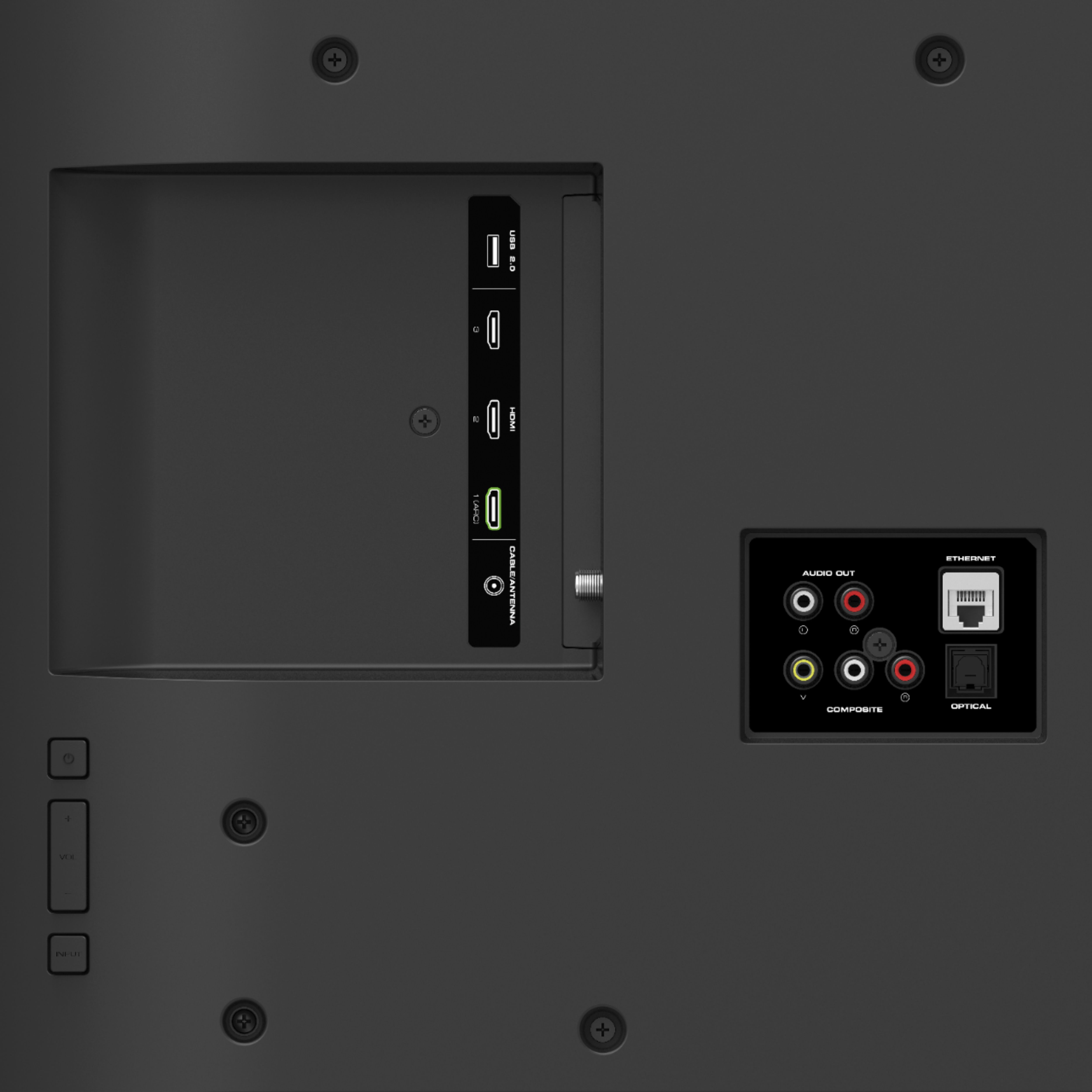
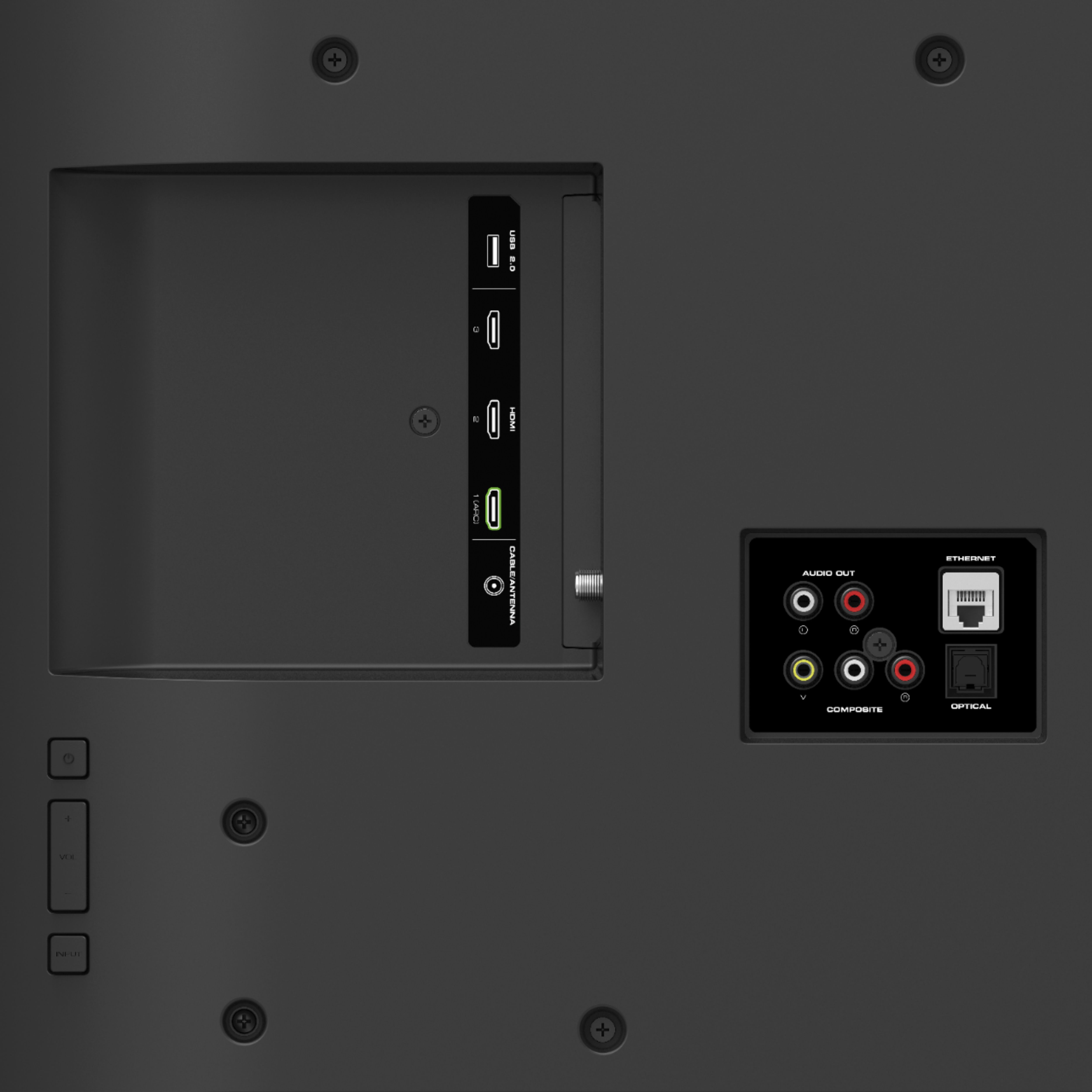
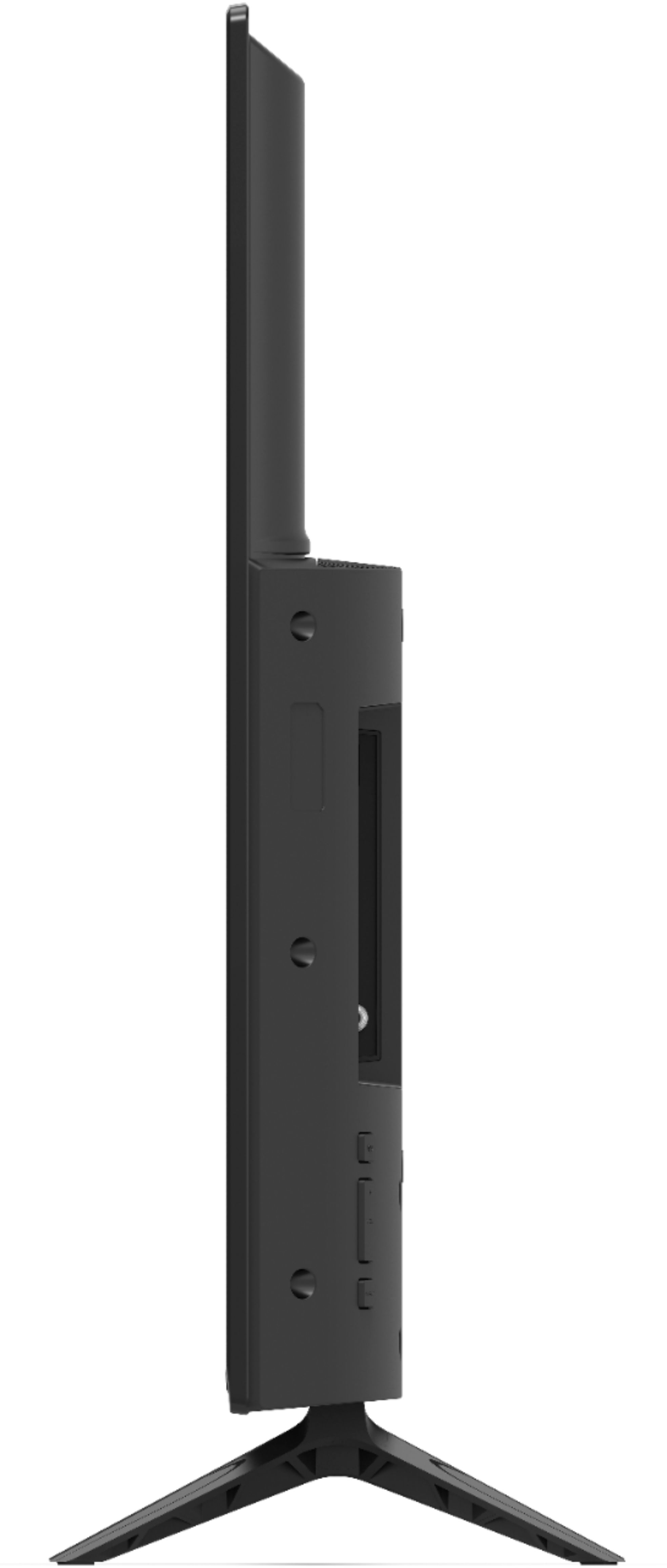

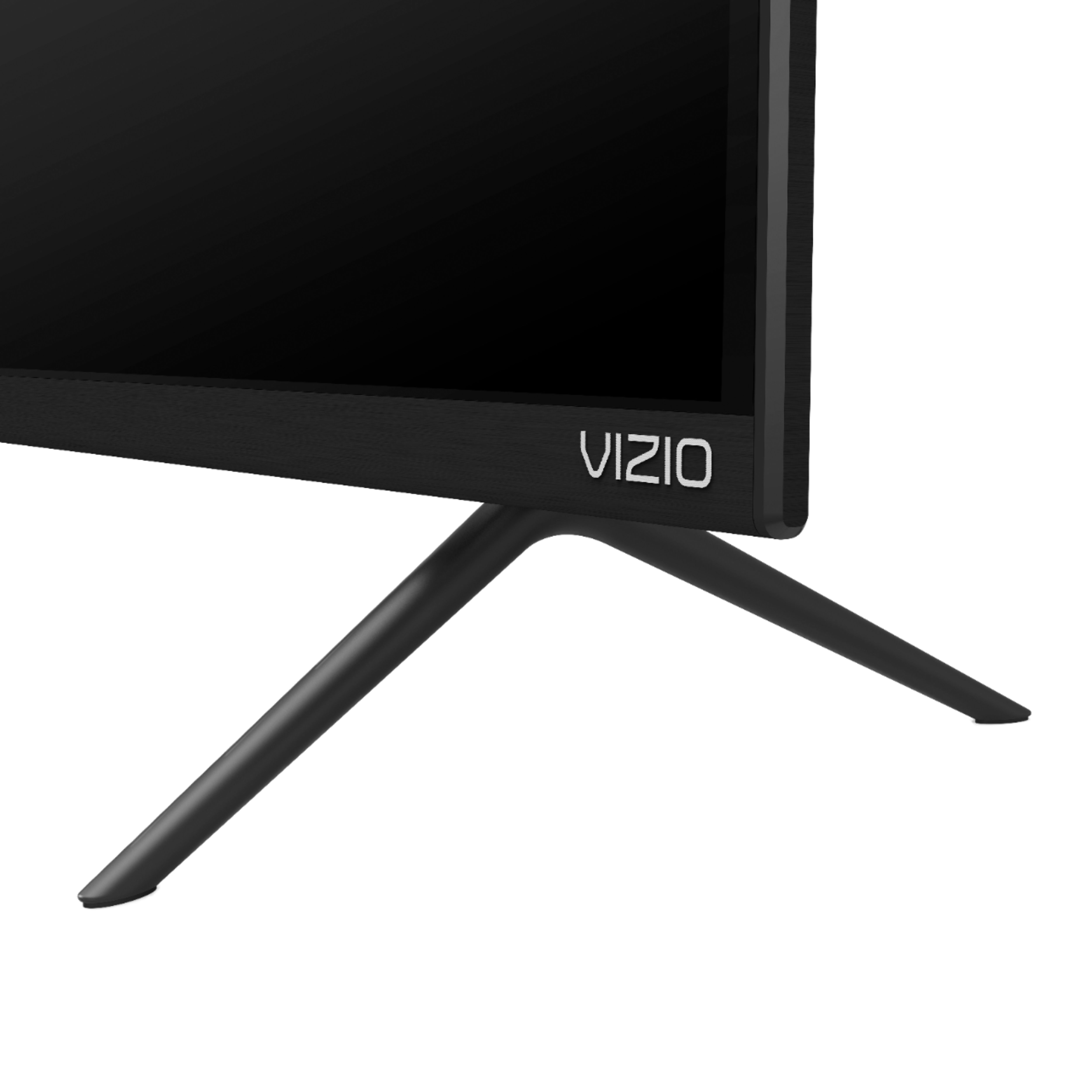







- Model:
- V405-G9
- SKU:
- 6333198
Rating by feature
- Picture Quality
Rating 4.4 out of 5 stars
- Sound Quality
Rating 4.3 out of 5 stars
- Brightness
Rating 4.5 out of 5 stars
Customers are saying
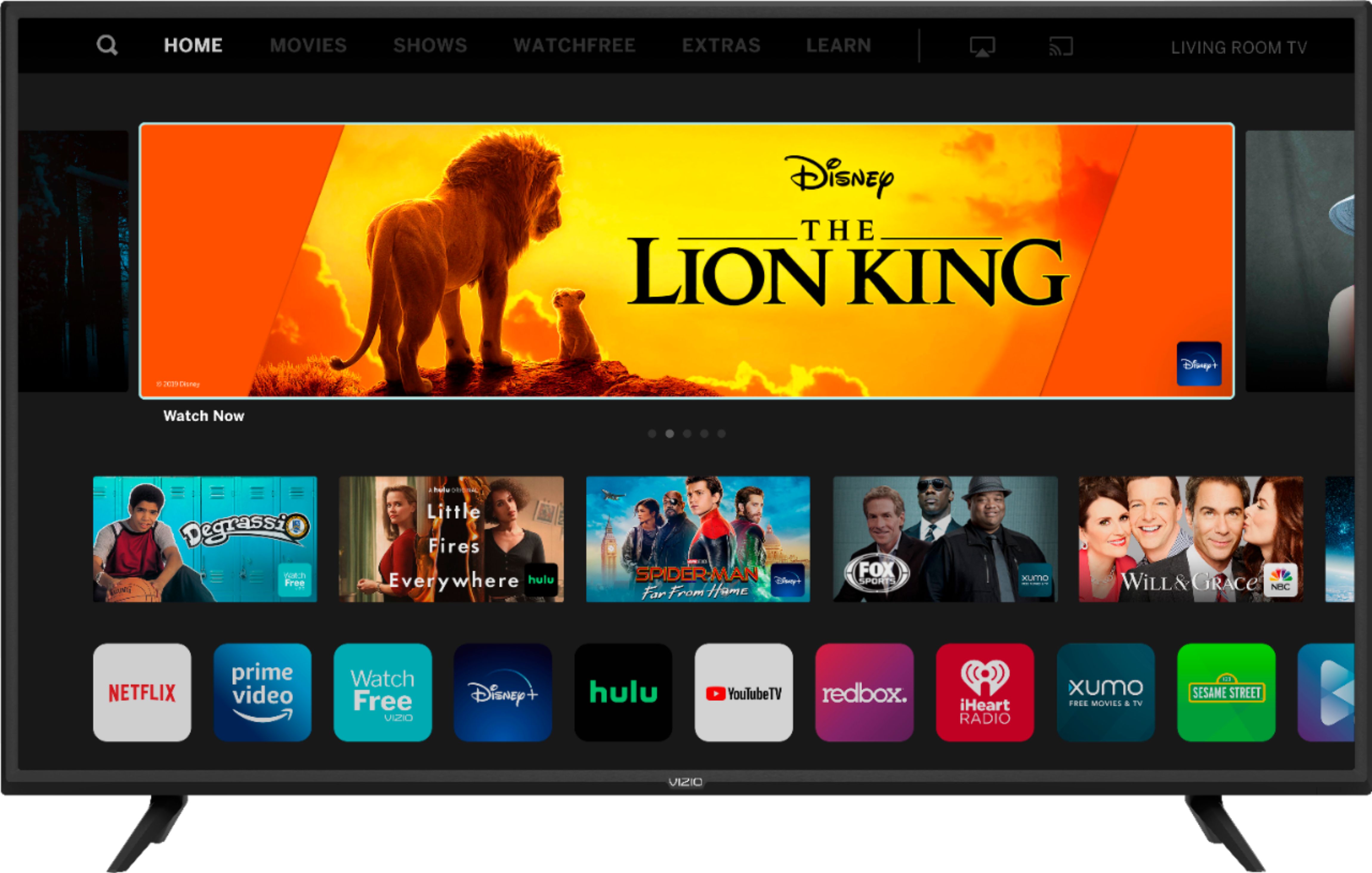
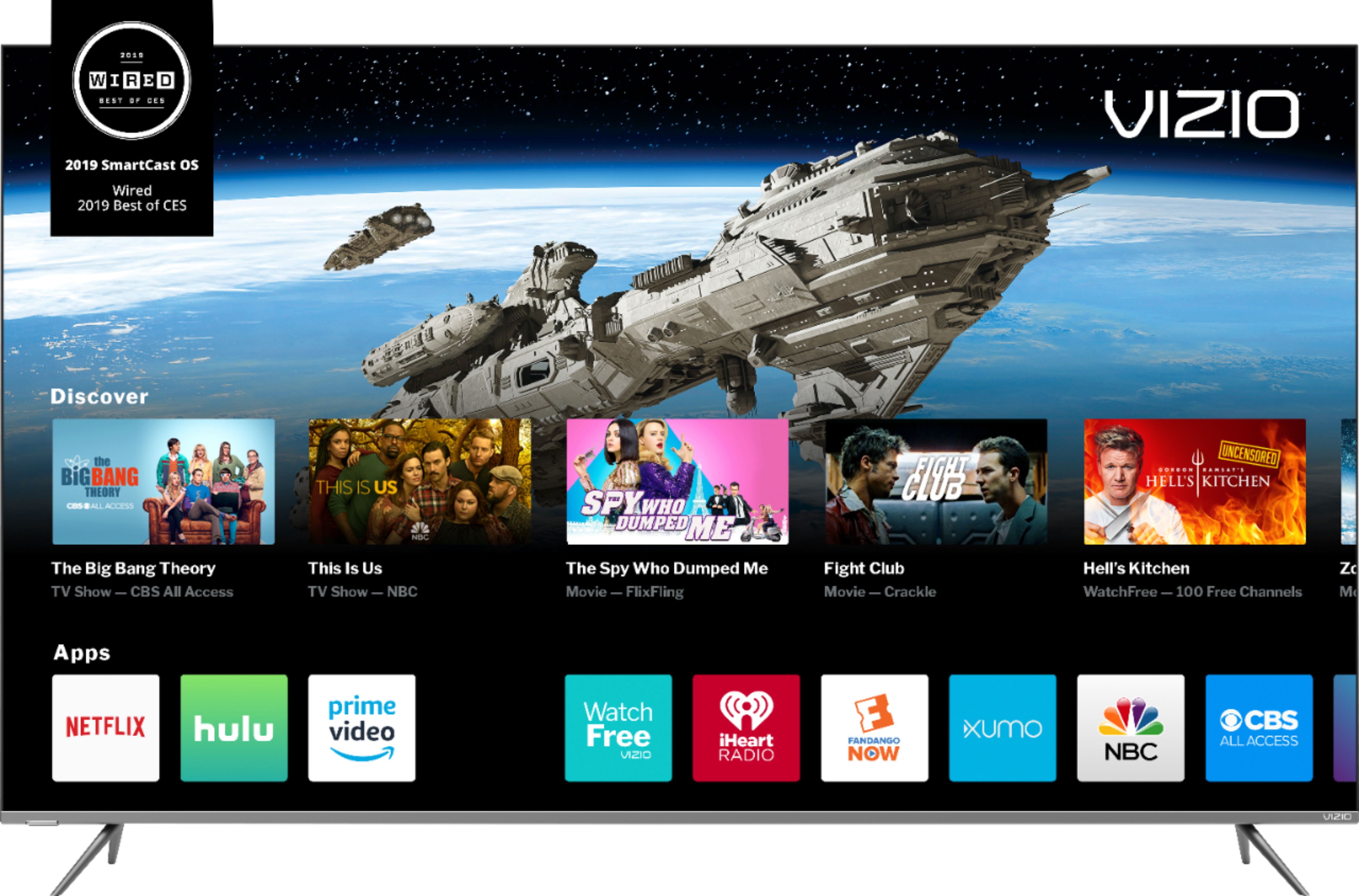
Customers recognize the 40" Class V-Series LED 4K UHD SmartCast TV for its exceptional picture quality and easy setup process. Many customers appreciate the great price for the size of the TV, making it a great value. However, some customers have expressed concerns about the small remote control, limited app selection, and occasional connectivity issues.
This summary was generated by AI based on customer reviews.
good tv for the price so far so good
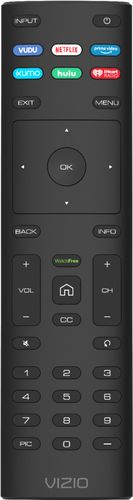
||Posted . Owned for 3 weeks when reviewed.This reviewer received promo considerations or sweepstakes entry for writing a review.remote on the small side makes setup a little difficult
I would recommend this to a friendBrand response from VIZIOEntertainmentExpert
Posted .Hello fastal, we appreciate that you took the time to provide feedback about the remote that came with your television. If you would like a more interactive experience controlling your television we also have a SmartCast application in your mobile devices application store. This application will do everything your current remote does and help you discover what applications will help you watch your favorite shows and movies. We do also support voice control using Amazon Alexa and Google Assistant.

Tv
||Posted . Owned for 1 month when reviewed.This reviewer received promo considerations or sweepstakes entry for writing a review.The TV it's OK sometimes I see line on power up the the screen a minimum top up the the screen IA although I on top it's OK quality I sometimes when I go online I have to reset the the tv pull out from the wall so I can get it back so on and I don't like it I don't think it's worth the money I wish I got the Samsung
No, I would not recommend this to a friend?
||Posted .This reviewer received promo considerations or sweepstakes entry for writing a review.TV was completely smashed when I open the box, had to replace it
No, I would not recommend this to a friendShuts off
||Posted . Owned for 6 months when reviewed.This reviewer received promo considerations or sweepstakes entry for writing a review.Boihht in June 2020 and as of December 2020 it turns off on its own.
No, I would not recommend this to a friendGood TV for the price
||Posted . Owned for 3 weeks when reviewed.This reviewer received promo considerations or sweepstakes entry for writing a review.Well priced but the smart appS are the not the best and not very easy to install
I would recommend this to a friendBrand response from VIZIOEntertainmentExpert
Posted .Hello Rakers, VIZIO is committed to giving consumers access to as much streaming content as possible. SmartCast televisions deliver today’s most popular apps like Netflix, Amazon, Hulu, and others on the SmartCast TV home screen. The TVs also come with Watchfree, a no cost service that provides hundreds of channels with no additional purchase or registration requirements. SmartCast televisions also support Google Chromecast and Apple AirPlay 2 so that you can share content from the latest applications on your phone, tablet, or computer directly to the TV. If you are having issues with your television apps please reach out to our customer support at 877-878-4946 for assistance with your apps.
Not good picture quality
||Posted .This reviewer received promo considerations or sweepstakes entry for writing a review.Even after adjustments picture quality not good. It is like it's faded
No, I would not recommend this to a friendBrand response from VIZIOEntertainmentExpert
Posted .I Addie, At VIZIO we pride ourselves on our highly rated picture quality. To make sure you’re getting the most out of you VIZIO TV, we’d recommend making sure your devices are connected with an HDMI cable, and are set to broadcast in 4K (2160p) or Full HD (1080p). You can also individually adjust your picture settings in the menu. For brighter rooms try using the ‘VIVID’ setting, for darker rooms try ‘Calibrated Dark’. If you’d like any assistance adjusting these settings, our customer support team would love to help you dial in the TV to your preference, you can reach them at
Cannot recommend..!
||Posted . Owned for 1 week when reviewed.This reviewer received promo considerations or sweepstakes entry for writing a review.This television did not have the picture in sync with the sound. I called vizio tech support repeatedly about 5 times and tried repeatedly to fix the problem. Each time they blamed the cable company. I contacted the cable company each time and even had the cable boxes and remote controls exchanged, but still had the problem. Also a couple of the vizio tech support reps were very poor quality. Finally they offered a replacement but I refused and returned it. I bought a Samsung and have no problems..
No, I would not recommend this to a friendGood enough.
||Posted . Owned for 1 month when reviewed.This reviewer received promo considerations or sweepstakes entry for writing a review.Good enough overall but can't add streaming apps that aren't preprogrammed
I would recommend this to a friendBrand response from VIZIOEntertainmentExpert
Posted .Hello jollyrancher, VIZIO is committed to giving consumers access to as much streaming content as possible. SmartCast televisions deliver today’s most popular apps like Netflix, Amazon, Hulu, and others on the SmartCast TV home screen. The TVs also come with Watchfree, a no cost service that provides hundreds of channels with no additional purchase or registration requirements. SmartCast televisions also support Google Chromecast and Apple AirPlay 2 so that you can share content from the latest applications on your phone, tablet, or computer directly to the TV.
Can’t upload
||Posted . Owned for 1 month when reviewed.This reviewer received promo considerations or sweepstakes entry for writing a review.Can’t upload apps to get some shows, but image is clear and I love vizio
No, I would not recommend this to a friendBrand response from VIZIOEntertainmentExpert
Posted .Hello Rock, VIZIO is committed to giving consumers access to as much streaming content as possible. SmartCast televisions deliver today’s most popular apps like Netflix, Amazon, Hulu, and others on the SmartCast TV home screen. The TVs also come with Watchfree, a no cost service that provides hundreds of channels with no additional purchase or registration requirements. SmartCast televisions also support Google Chromecast and Apple AirPlay 2 so that you can share content from the latest applications on your phone, tablet, or computer directly to the TV.
Ok
||Posted . Owned for 3 weeks when reviewed.This reviewer received promo considerations or sweepstakes entry for writing a review.Programming remote not user friendly. Picture ok. Color hard to adjust.
No, I would not recommend this to a friendBrand response from VIZIOEntertainmentExpert
Posted .Hello Deba, the remote that comes with the television is not universal so you cannot program the remote to control 3rd party devices. Also, to make sure you’re getting the most out of you VIZIO TV, we’d recommend making sure your devices are connected with an HDMI cable, and are set to broadcast in 4K (2160p) or Full HD (1080p). You can also individually adjust your picture settings in the menu. For brighter rooms try using the ‘Calibrated’ setting, for darker rooms try ‘Calibrated Dark’. If you’d like any assistance adjusting these settings, our customer support team would love to help you dial in the TV to your preference, you can reach them at 877-878-4946.
remote not user friendly.
||Posted . Owned for 1 month when reviewed.This reviewer received promo considerations or sweepstakes entry for writing a review.cannot easily access hbo,starz,showtime.not in the standard apps.
I would recommend this to a friendBrand response from VIZIOEntertainmentExpert
Posted .Hi cbowens, we appreciate that you took the time to provide feedback about the remote that came with your television. If you would like a more intuitive experience controlling your television, we also have the SmartCast Mobile application in your mobile device’s application store. This application will do everything your current remote does and help you discover what applications will help you watch your favorite shows and movies. We do also support voice control using Amazon Alexa and Google Assistant.
Nothing special
||Posted . Owned for 8 months when reviewed.This reviewer received promo considerations or sweepstakes entry for writing a review.Product is ok. Easy setup and fair image quality. Overall ok...
I would recommend this to a friendGood bedroom t
||Posted . Owned for 3 weeks when reviewed.This reviewer received promo considerations or sweepstakes entry for writing a review.About what I expected, nice slim design, but remote buttons are too small
I would recommend this to a friendBrand response from VIZIOEntertainmentExpert
Posted .Hello Donald, We appreciate that you took the time to provide feedback about the remote that came with your television. If you would like a more intuitive experience controlling your television we also have a SmartCast application in your mobile devices application store. This application will do everything your current remote does and help you discover what applications will help you watch your favorite shows and movies. We do also support voice control using Amazon Alexa and Google Assistant.
- Cons mentioned:Remote control
Horrible, Period!
||Posted . Owned for 2 weeks when reviewed.This reviewer received promo considerations or sweepstakes entry for writing a review.Bought this as I needed the cheapest solution for a workout room with 4K. Remote is goofy at best. Setup was ok. It could never recognize Apple TV through hdmi. Time to go back and get Samsung or LG. No more Visio. Uugghh!
No, I would not recommend this to a friendBrand response from VIZIOEntertainmentExpert
Posted .Hello DBP99, the television should recognize and work with your Apple TV without any issue as long as it is outputting a supported video format. We’d really love the opportunity to have our tech support team run through some troubleshooting steps to see if we can get the TV up and running for you. When you have a free moment, they’re available through text message, chat, or over the phone. Just go to support.VIZIO.com and click on ‘Contact Us’.
Average picture
||Posted . Owned for 1 month when reviewed.This reviewer received promo considerations or sweepstakes entry for writing a review.Not the best picture. Returned it once and still has a lousy picture.
No, I would not recommend this to a friendBrand response from VIZIOEntertainmentExpert
Posted .Hello Marti, Thank you for the feedback. A few things that might help you get the kind of picture quality you are looking for. First, make sure the Display is getting a hi-definition or 4K signal. This means making sure that your source device (like a cable/satellite box) is capable of HD or 4K, and that it's connected to your Display with an HDMI cable that can deliver the HD or 4K picture. You can also change between pre-set picture modes on the display by pressing the PIC button on your remote. This will toggle between a few picture settings that look good in different situations. If your display is in a bright room, try Vivid or Calibrated. If it’s in a dimmer room, try Calibrated Dark.
Not Happy
||Posted . Owned for 3 weeks when reviewed.This reviewer received promo considerations or sweepstakes entry for writing a review.Just disapponted I expect a better picture more color less glare
No, I would not recommend this to a friendBrand response from VIZIOEntertainmentExpert
Posted .Hello wickedslob, Thank you for the feedback. A few things that might help you get the kind of picture quality you are looking for. First, make sure the Display is getting a hi-definition or 4K signal. This means making sure that your source device (like a cable/satellite box) is capable of HD or 4K, and that it's connected to your Display with an HDMI cable that can deliver the HD or 4K picture. You can also change between pre-set picture modes on the display by pressing the PIC button on your remote. This will toggle between a few picture settings that look good in different situations. If your display is in a bright room, try Vivid or Calibrated. If it’s in a dimmer room, try Calibrated Dark.
Does not connect to internet (Netflix, etc.) nor p
||Posted . Owned for 3 weeks when reviewed.This reviewer received promo considerations or sweepstakes entry for writing a review.Does not connect to internet i.e., Netflix, etc. nor PC
No, I would not recommend this to a friendBrand response from VIZIOEntertainmentExpert
Posted .Hello Happy, your television should connect to your private network without any problems. We’d really love the opportunity to have our tech support team run through some troubleshooting steps to see if we can get the TV up and running for you. When you have a free moment, they’re available through text message, chat, or over the phone. Just go to support.VIZIO.com and click on ‘Contact Us’.
I received a 1080p TV when I purchased a 2160p tv
||Posted . Owned for 3 weeks when reviewed.This reviewer received promo considerations or sweepstakes entry for writing a review.I am upset. Very upset. Upset upset kmt kmt kmt kmt kmt
No, I would not recommend this to a friendBrand response from VIZIOEntertainmentExpert
Posted .Hello Janjalee, the television in the discription is a 4K television and will display any 4K content provided to it. Please contact our customer support at 877-878-4946 for assistance with setting up your resolution.
Okay
||Posted . Owned for 1 month when reviewed.This reviewer received promo considerations or sweepstakes entry for writing a review.Okay ..but the video not easy to use...............
I would recommend this to a friendBrand response from VIZIOEntertainmentExpert
Posted .Hello Andre, At VIZIO we pride ourselves on our highly rated picture quality. To make sure you’re getting the most out of you VIZIO TV, we’d recommend making sure your devices are connected with an HDMI cable, and are set to broadcast in 4K (2160p) or Full HD (1080p). You can also individually adjust your picture settings in the menu. For brighter rooms try using the ‘Calibrated’ setting, for darker rooms try ‘Calibrated Dark’. If you’d like any assistance adjusting these settings, our customer support team would love to help you dial in the TV to your preference, you can reach them at 877-878-4946.
Quality picture isn't that good
||Posted . Owned for 1 month when reviewed.This reviewer received promo considerations or sweepstakes entry for writing a review.The tv features ok .quality picture isn't that good.
I would recommend this to a friendBrand response from VIZIOEntertainmentExpert
Posted .Hello Ralph, Thank you for the feedback. A few things that might help you get the kind of picture quality you are looking for. First, make sure the Display is getting a hi-definition or 4K signal. This means making sure that your source device (like a cable/satellite box) is capable of HD or 4K, and that it's connected to your Display with an HDMI cable that can deliver the HD or 4K picture. You can also change between pre-set picture modes on the display by pressing the PIC button on your remote. This will toggle between a few picture settings that look good in different situations. If your display is in a bright room, try Vivid or Calibrated. If it’s in a dimmer room, try Calibrated Dark.