Customer Ratings & Reviews
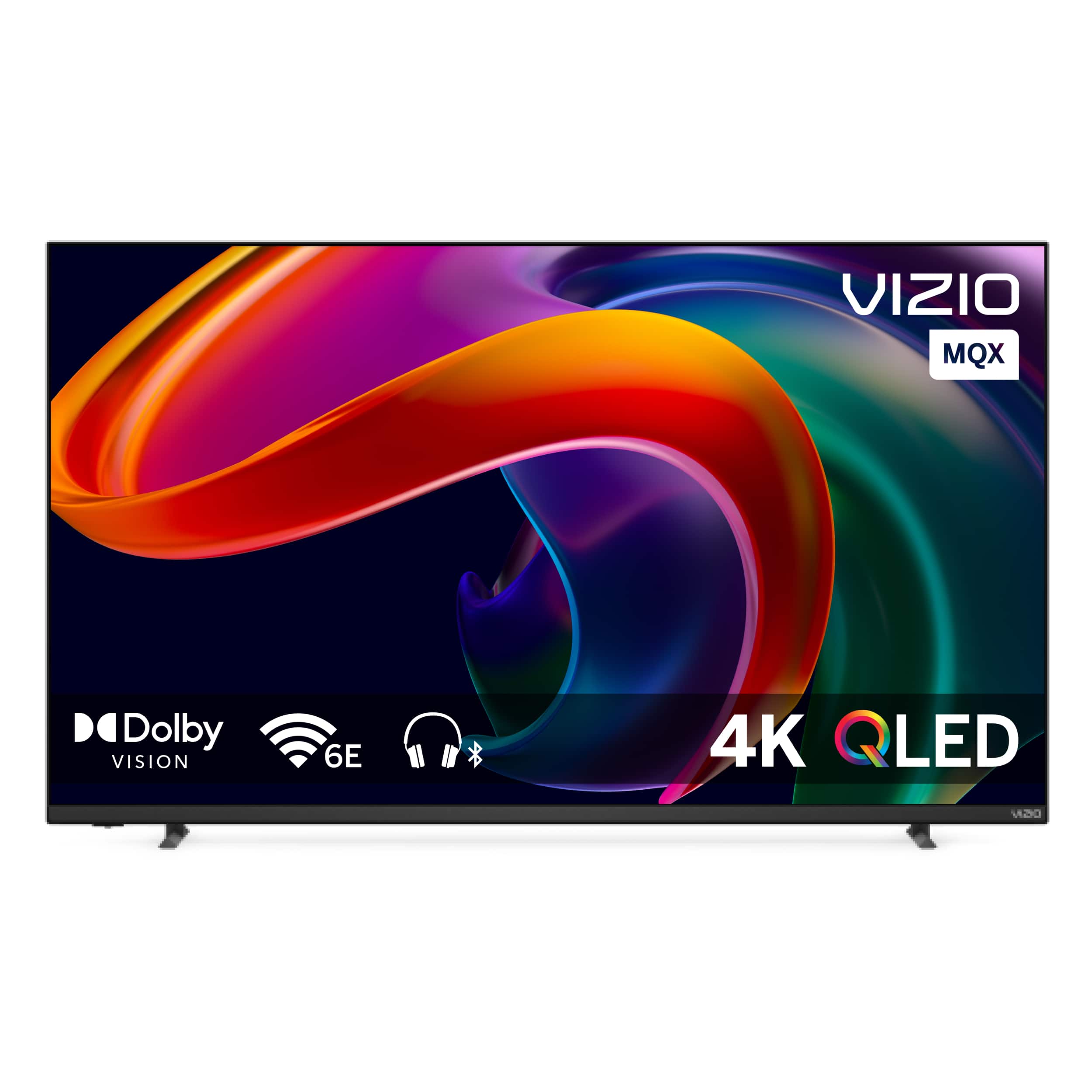
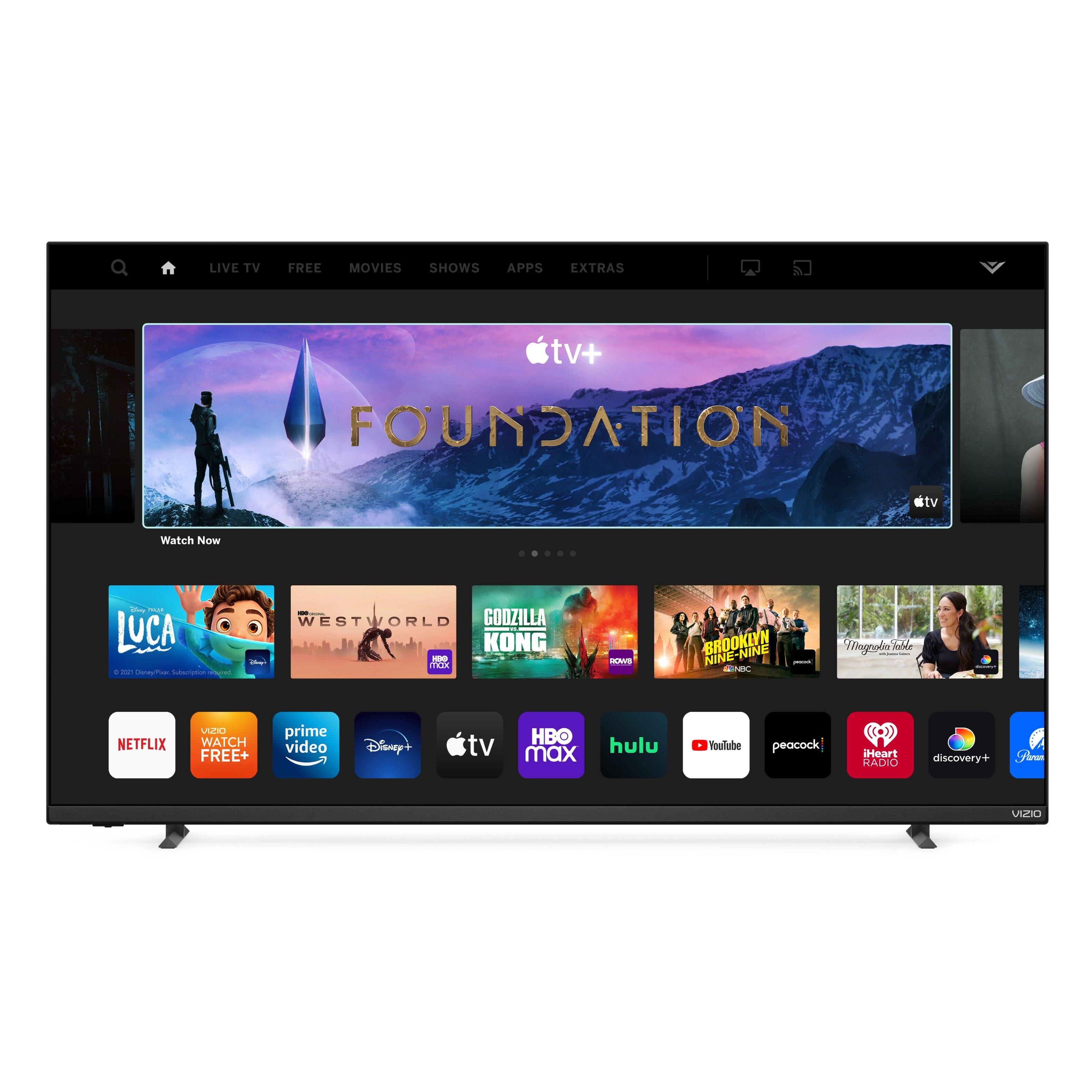
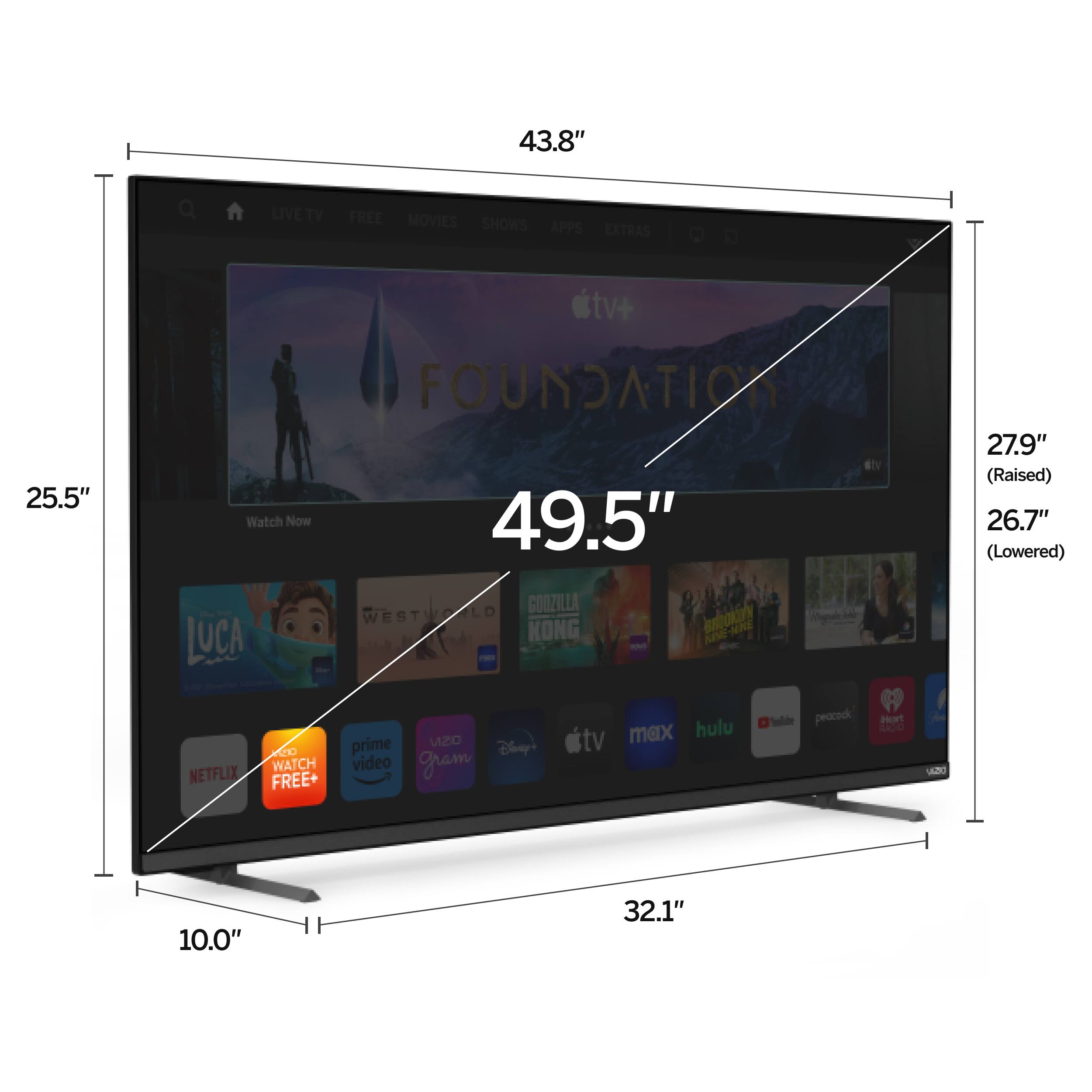
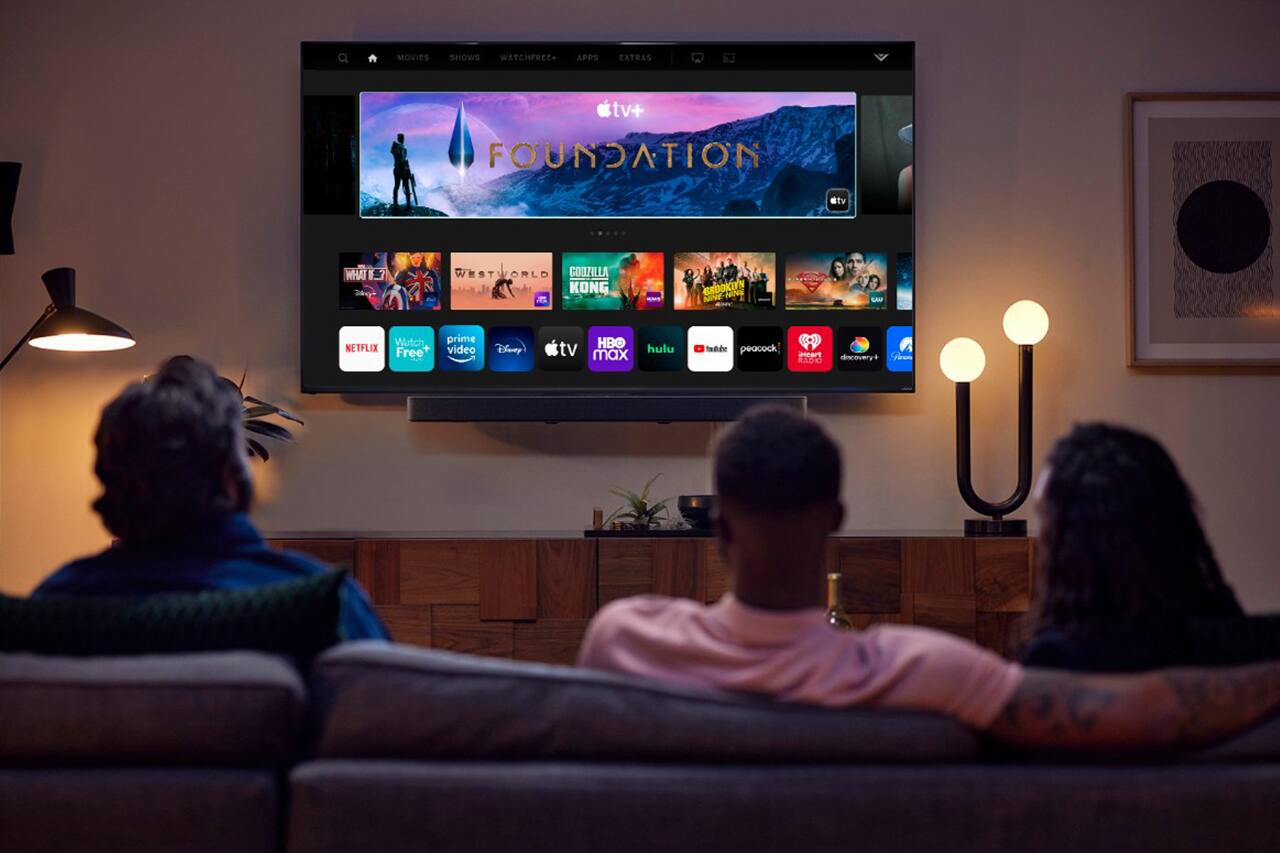
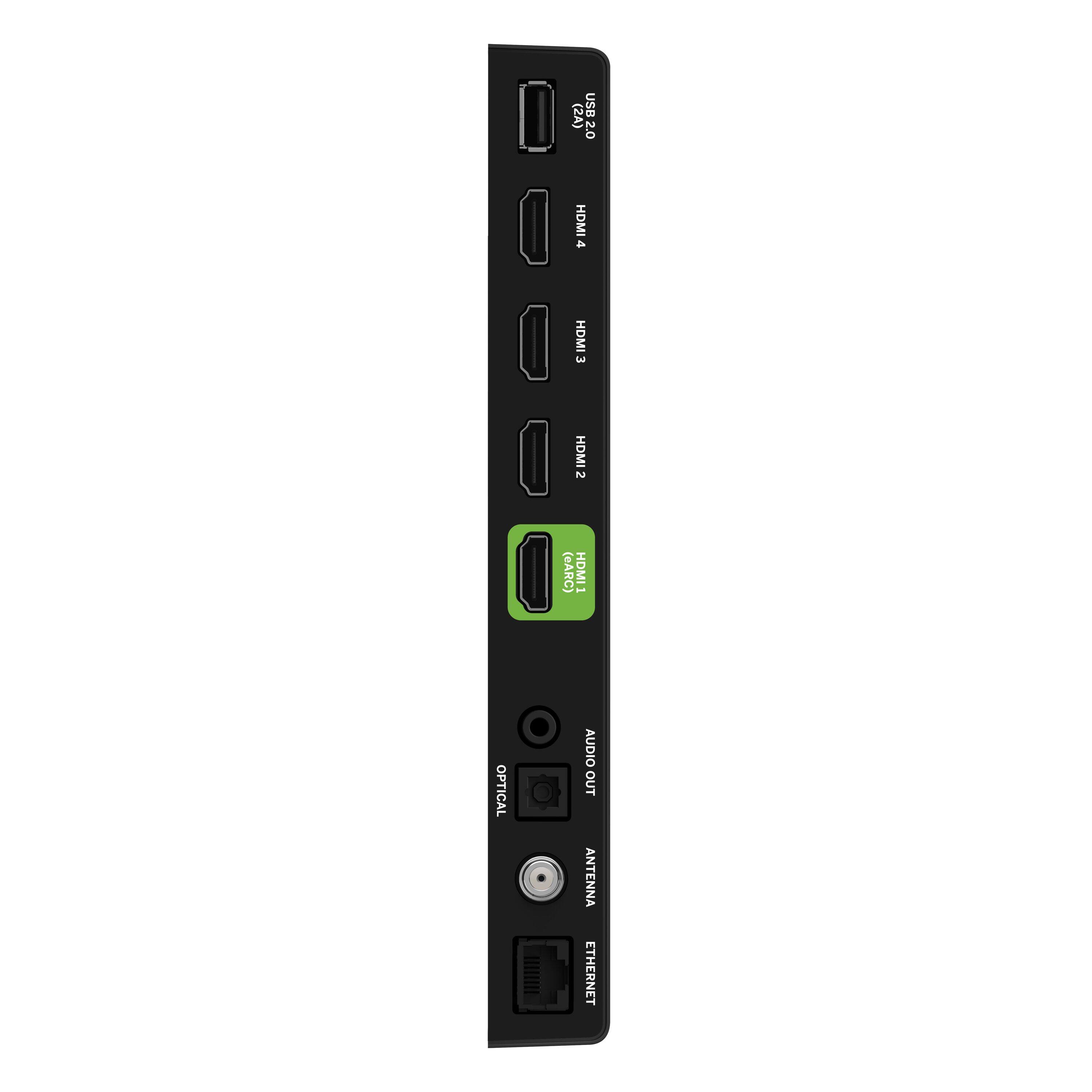
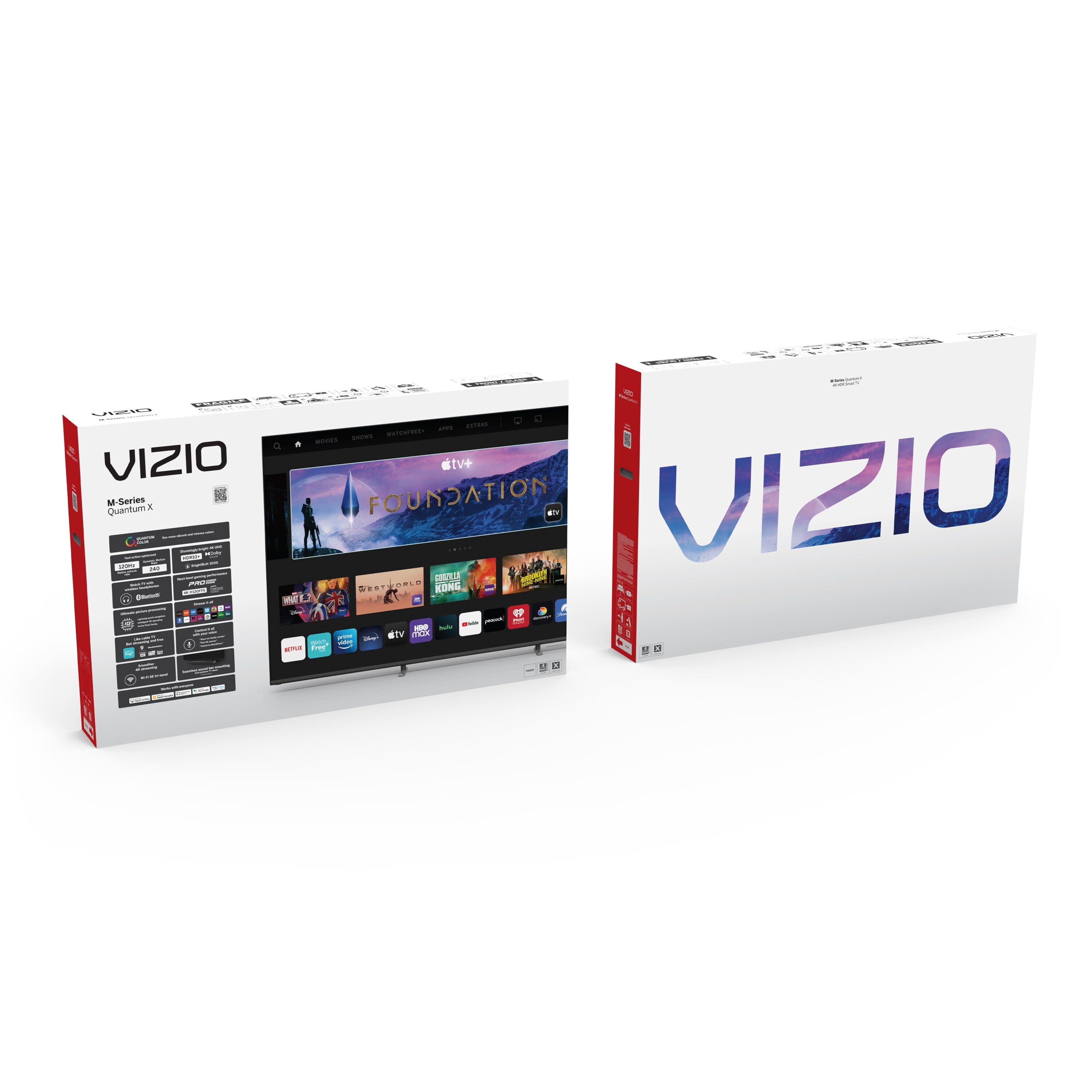


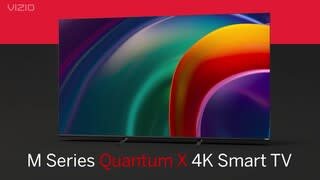



- Model:
- M50QXM-K01
- SKU:
- 6510124
Rating by feature
- Picture Quality
Rating 4.7 out of 5 stars
- Sound Quality
Rating 4.4 out of 5 stars
- Brightness
Rating 4.7 out of 5 stars
Customers are saying
Customers praise the 50" Class MQX Series Premium 4K QLED HDR Smart TV for its exceptional picture quality, making it ideal for gaming and providing an immersive viewing experience. They also appreciate its budget-friendly price point and easy setup process. While some users have experienced occasional connectivity issues and screen bleeding, the overall positive feedback highlights the TV's strong performance and value for money.
This summary was generated by AI based on customer reviews.
Tv
||Posted . Owned for 1 week when reviewed.This reviewer received promo considerations or sweepstakes entry for writing a review.Nice product hhhhhhhhhhhhhhhhhhhhhhhhhhhhhhhhhhhhhhh
I would recommend this to a friendAnything but a smart tv
||Posted .This reviewer received promo considerations or sweepstakes entry for writing a review.First purchase of this tv and none of the apps would work or even launch. I returned it and replaced it with the same model hoping it was a one off defect, but the replacement had the exact same issue. Works great with game consoles.
No, I would not recommend this to a friendBrand response from VIZIO
Posted .Can you give us some additional details about the issue you are experiencing? This is not typical so I would like to learn more so we can assist with troubleshooting. Please visit support.VIZIO.com and click on ‘Contact Us’. We’ve got agents ready to chat, text message, or speak with you on the phone.

Think again
||Posted . Owned for 4 months when reviewed.This reviewer received promo considerations or sweepstakes entry for writing a review.The tv has poor image quality and does not always turn on. It also often fails to connect to the vizo sound bar.
No, I would not recommend this to a friendDoes NOT save Wi-Fi Passwods
||Posted . Owned for 7 months when reviewed.This reviewer received promo considerations or sweepstakes entry for writing a review.1, Black has pixels in a dark room. This Vizio is in BC Mexico and Smartcast does not work.
No, I would not recommend this to a friendVizio never again.
||Posted . Owned for 3 weeks when reviewed.This reviewer received promo considerations or sweepstakes entry for writing a review.TV screen had defect. Exchanged for a Sony. Way more happy.
No, I would not recommend this to a friendBrand response from VIZIO
Posted .At VIZIO, we’re constantly striving to improve our products and deliver a world class viewing experience to our customers. We appreciate that you took the time to review our product- and would really love to get any specific details you could offer on how to improve that experience. You can reach our award-winning technical support team by going to support.vizio.com and clicking ‘contact us’.
- Pros mentioned:Picture quality, Price
Vzio
Posted .This reviewer received promo considerations or sweepstakes entry for writing a review.Very nice picture quality. Good price for value. Would recommend
I would recommend this to a friend - Pros mentioned:Color, Picture quality
I love my Vizio
Posted .This reviewer received promo considerations or sweepstakes entry for writing a review.I am very happy with my purchase, the color and clarity are amazing.
I would recommend this to a friend - Pros mentioned:Picture quality
New TV
Posted .This reviewer received promo considerations or sweepstakes entry for writing a review.Good quality, high-end TV for video gaming would goodbye again.
I would recommend this to a friend - Pros mentioned:Picture quality, Refresh rate
Where’s the program info?
Posted .This reviewer received promo considerations or sweepstakes entry for writing a review.Great picture and not to bright for bedroom. Had the nee 55” TCL QLED which had a great pic but was way to bright so i went slightly down in size to this Vizio. The one thing i dont’t like and havent been able to figure out is why this TV doesnt offer program information when using with an antenna. No program guide either. To me this is unheard of and can be quite frustrating. I’m not a gamer but did buy partially b/c of the 120 hz. Overall nice tv other than no program info.
I would recommend this to a friend - Pros mentioned:Picture quality
Vizio
Posted .This reviewer received promo considerations or sweepstakes entry for writing a review.I bought this TV the day my Samsung started to smell like an electrical fire and the LED’s started to melt the front of the screen. I only really use my tv to watch baseball and YouTube videos and this TV allows me to do both easily and with a decent picture.
I would recommend this to a friend - Pros mentioned:Color, Gaming
The 50" Vizio MQX "premium" is inferior to sibling
Posted .This reviewer received promo considerations or sweepstakes entry for writing a review.i have reviewed this entire MQx series and at first I gave it a 8.2/10, going toe to toe with Sony's X90J/K and Captain America "on your left" lapping Samsung's Q80 (our findings had the MQX was much better than anything Samsung has beneath their "Neo" line). In fact in my experience the 65" MQX is better than any of LG's LED LCD TV's put out recently be it Nano or Qned when it comes to HDR. Keep in mind that I, like many other reviwers/enthusists, was under the impression the entire gamer-centric line would be a similar experience overall which turned out to be entirely WRONG. I'll tell you up front, the 50" MQX is a 5.5-6/10 compared to the 8/10 Sony X90k. The 2022 TCL 6 series Roku 55" is an easy 8.7-9/10 (just ordered another from BestBuy because I like it that much); it's a much better option for roughly the SAME amount of money (it's like 650-700 usd). I wouldn't be dogging the TV if it were truly a smaller version of its larger siblings, but it's like a different model entirely. I do not have a verified stamp because the two 50 MQX I tested were not purchased from BestBuy, but I highly recommend them (bb) for your electronics. One unit I got from a retailer and the other was on loan from a colleague. I have also tested the brightness and calibrated several other 50" MQX for friends/clients. I believe I know their mqx decently enough to offer an impartial opinion. You see, Rtings and most reviewers just had the 65" to go by when scoring the MQX. However, IGN reviewed the 50" and NOTICE the difference in scores: Going from middling 8/10 (on most sites) to a low 6/10 is quite telling. Now onto my review; We knew the 50inch allowed a 1080p @ 240hz mode, but figured the added speed and response would bring little value to the package since the ppi (pixel density) would create clarity issues for those trying to use it as a monitor; plus it lacks a display port and it features only one port capable of 4k @ 120/1080p @ 240. I wish it was QHD @ 240 while allowing different apect ratios; that would have been truly something, making it a great option for folks wanting monitor-like performance. 1080p is typically reserved for 27" or smaller with lightning 300hz refresh rates ans insanely low input/response times. Truthfully this would have been cool three or so years ago but now, Ultrawide is the favored resolution with QHD being the Sweet Spot. Despite that rather neutral inclusion, I was aware the 50 inch has fewer dimming zones... I didn't think that would really alter the experience, but after recommending the MQX, I started to get complaints and it warranted further investigation (I kind of wish I hadn't). Sure enough the 65" hits exceptional 1k nit highlights and the local dimming improves the picture and everything looks fantastic... Howeeeever, Upon testing the 50 the first thing we noticed was the terrible dimming compared to its sibling. It's advertised as having 16 zones; we could only get 12 to trigger using our default test and up to 14 using a custom solution that tricked its aggressive algorithm (we easily get all 30 on the 65). So here's the issue: Even at 16 that's almost ~50% less zones but only ~24% less screen (that ratio must be kept in ckeck as it should have 20 to as much as 24 easily triggered zones), and when you're only getting 12 to 14 triggering in real content, the contrast and color difference is staggering. You end up with this effect reminiscent of an edgelit panel instead of the expected FALD solution. It's especially noticeable with moving content. What's worse is comparing the two side by side; instead of seeing a smaller iteration it's like looking at a completely different (MUCH cheaper) model. Note: Coming from a 4yr old panel of course the viz going to look good; coming from a typical 8 zone edgelit IPS monitor of course it's going to again look "good." However go from highend Nano Ips monitor w/ 32 edgelit dimming zones (LG 32" GQ950 w/ HDR 1000) or a 50 inch Sony X90j (with 800nit+ brightness), the 43" Aorus (FV43U FALD w/ HDR1000) or even the HDR1000 equivalent 30 zone 65" MQX, and well the 50 inch MQX is... Quite awful. There's massive blooming and it's barely better than a HDR400 edgelit VA panel (to get anything close to "true" HDR a minimum of 600 nits with some form of FALD is required). The backlighting issues don't stop there. This is a va panel (all the MQX are) with average-to-poor viewing angles and in order to combat glare (& to lesser extent enhance clarity) in a well lit/bright environment, you need the panel to produce a fair bit of brightness. Regardless of format be it sdr, hdr, or Dolby Vision, it only manages a peak illuminosity of 400 nits with sharp hard-limiting roll-off (we have heard of those hitting 470ish, but that's still a slap in the face). This is okay for sdr (if this was 2020), but ruins the hdr experience because highlights don't pop and colors look washed out. This is unacceptable when the the 65 can pump out over a thousand nits! So 50% less zones (which have transitioning/inner zone flicker, blooming, the occasional black crush etc.) and significantly lower peak brightness (HDR highlights are almost none existent and fail to reach the content creator's intention 7 out of 10 times) is a huge blow to this tv's performance in the era of affordable MiniLed. Thankfully huge, bright screens are the one thing we've found "works" on this panel because large bright spots can sustain close to 400nits (ie 370nit @ 50% window), so it could at least pass for HDR400 (the lowest certification while most 2022 FALD panels could pass/surpass the HDR600 cert). Before calibration the colors were off, but they had an oversaturated pop to them (I found it pleasing because I like vivid colors when I game). After calibrating I was left with an accurate, but dull picture (it appears the vivid pop was caused by cool temp colors that were over-tinted: I actually suggest tweaking to your liking because paying for a cal. will leave you dissapointed). This was another very different experience than the 65 inch where the picture was stunning (and somewhat accurate in color reproduction) before and after calibration; I suspect this is because the 65 inch uses a better (newer) VA panel and ours had no issues hitting 97% p3 & in the mid 80's rec2020 vs 90% P3 and 75% Rec2020 on our 50 inch panel. Overall those numbers aren't bad, but not great either; some panel lotto winners may see a bit higher P3 (imagine an "edgelit" Sony X90j with poor out of the box colors and no fancy upscaling software if you can). Regardless of gamut, the volume will be lower on a panel that doesn't have the necessary brightness and zone control. The gaming experience is the highlight of this screen. It has an incredible VRR range that actually works including LFC (low frame comp) and it has no real flicker as long as you keep the backlighting maxed (it ain't flicker free - it can still cause headaches, so I suggest running @ full backlight if you're sensitive to PWM flicker). The input, GTG, and other necessary "gaming" response times are some of the best I've seen on a "TV," but on a "TV" begging to be compared/used as a monitor it's more or less in-line with your average gaming monitor (if you come in expecting it to outpace a big screen Acer/Asus you'll be dissapointed). The black frame insertion feature is mediocre and generates duplication. Also expect fair bit of black smearing in 1080 @ 240. We've talked about HDR and gaming, but how is it at doing TV things? Well heheh, this tv obviously isn't future proof but it does include a very wasted Wifi 6e. The added bandwidth isn't nessary for streaming 4k content and it's not set up as a cloud gaming device. Therefore I'm pretty sure this is another feature slapped on like the 1080 240hz hoping to hide the fact it has more in common with an Amazon Omni than it does it's larger sibling (I still appreciate its inclusion though). Moving on, It upscales 480p poorly and its 720p upscaling is mediocre. Despite those shortcomings, 1080p is upscaled to 4k almost perfectly. It does a poor job cleaning up any kind of low res streamed/compressed video, but I find most TV's don't bother with this unless it's a flagship/expensive model. Still, Its inability to upscale DVDs unacceptable especially with Viz referring to their MQX as premium. It has decent gradient handling overall and I found little to no issues or banding with our testing patterns. Our units had little dirty screen, but we expected better uniformity for $630. The included speakers are average. but better than you'll find on most monitors (only the most expensive). This is a fat "thin" screen at almost 3 inches; it's not one that looks nice hanging from the wall, but none of the MQX do. The final nail in the coffin for the 50 inch mqx is the resolution halving when viewing content in 4k @ 120hz. The issue is present on the other models, but it's not as noticeable; text/fine details become quite blurry on both next gen consoles. So yea, it's basically overhyped and a lot of us have given it good remarks based on the 65" model. Viz needs release a firmware allowing the brightness to hit at least 600nitts (HDR600 equiv) or as much as 800 if they have the headroom, but I doubt they do as that would change the power usage entirely. The zone algorithm also needs a lot of work, but you can't add in the missing zones. Finally, the 4k 120 issues need to be fixed immediately. Even if you don't want/care about HDR there's better options out there with true 4k 120 on more than one port. This 50 inch needs a soft revision with 20 functional dimming zones, 800-1k nit peak/sustainable brightness, 2 full bandwidth hdmi 2.1 ports, qhd @ 240 instead of 1080 or allow both, and the 4k @120hz issue resolved. Even then it's barely competing with the Hisense U7/U8H and TCL 6 series which can all be found for around the same price (within 100 usd).
No, I would not recommend this to a friendBrand response from VIZIO
Posted .Hello Igneus, at VIZIO, we’re constantly striving to improve our products and deliver a world class viewing experience to our customers. We appreciate that you took the time to review our product- and would really love to get any specific details you could offer on how to improve that experience. You can reach our award-winning technical support team by going to support.vizio.com and clicking ‘contact us’.
- Pros mentioned:Picture quality
Great overall
Posted .This reviewer received promo considerations or sweepstakes entry for writing a review.Overall a great gaming monitor. A little night at first for some reason as it kept jumping from from one HDMI input to another, but it quit and is stable now. Great picture and smooth frame rate.
I would recommend this to a friend Great! But be careful w Directv
Posted .This reviewer received promo considerations or sweepstakes entry for writing a review.BIG WARNING: If you have Direct TV, but don't have their cable box/reciever, there's a very good chance you won't be able to get your channels any more... unless you buy AND rent their reciever. I think it was $199 then $7/month on your bill. I got this to replace my Mom's Samsung. She lives in a Retirement Community that only has Directv. The landlords don't supply everyone w a cable box, just coax cable. I ended up getting it to work w/out a cable box, but it was difficult. VIZIO support was no help. They said it would NOT work without a box, but the Retirement Community's tech and I figured it out.
I would recommend this to a friendVizio
Posted .This reviewer received promo considerations or sweepstakes entry for writing a review.Overall so good I like the quality. I have not bought my PS5 yet, but that is why i bought the TV so I could keep up with the new consoles.
I would recommend this to a friend- Pros mentioned:Picture quality
Great connectivity!
Posted .This reviewer received promo considerations or sweepstakes entry for writing a review.Nice size with a sharp image. Are used an OWL with it for a great interactions. Are you this smart TV with people from around the world.
I would recommend this to a friend - Pros mentioned:Refresh rate
Vizio 4K
Posted .This reviewer received promo considerations or sweepstakes entry for writing a review.Great TV for the price. Image is really crisp and refresh rate of 120 Hz makes this TV really good to watch sports. Easy to set up.
I would recommend this to a friend - Pros mentioned:Picture quality
Great tv for the price
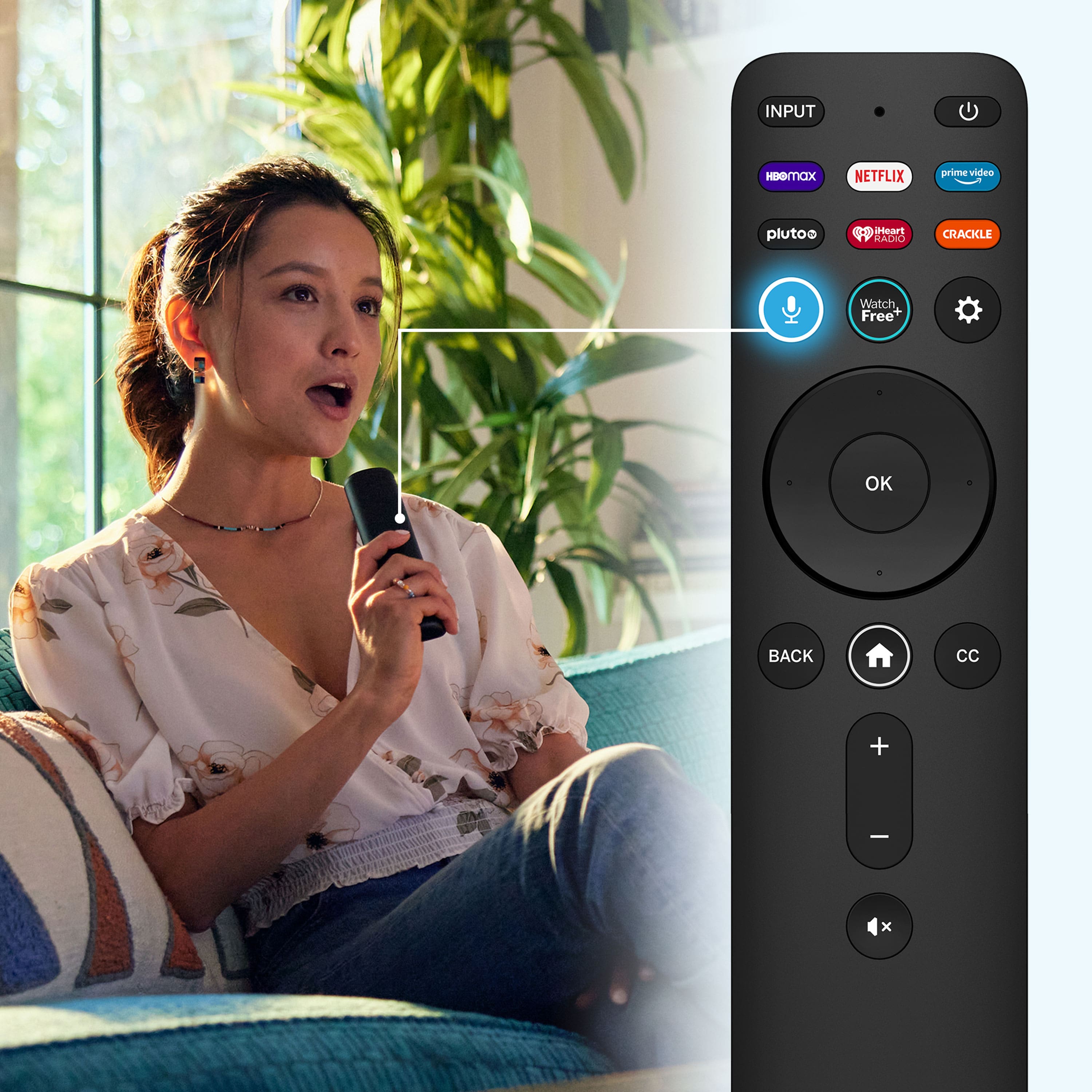
Posted .This reviewer received promo considerations or sweepstakes entry for writing a review.This tv has a beautiful picture and sound. It looks great with my ps5. I love that the remote controls my firestick, surround sound, and even my ps5.
I would recommend this to a friend - Pros mentioned:Picture quality
Smart tv
Posted .This reviewer received promo considerations or sweepstakes entry for writing a review.Great tv. Didnt know what to expect from a smart tv, the elimination of internet cords is a plus but not able to use my dvd player is a minus
I would recommend this to a friend Sunburned Faces... Really!
Posted .This reviewer received promo considerations or sweepstakes entry for writing a review.This TV reminded me of buying a color television back in the late 1960's. It was all about having good flesh tones back then (yes, showing my age). Today it's been all about black blacks and white whites... or is it now? In at least this particular model, all the skin colors looked like they were sunburned, just like back in the 60-70's. The color sets back then tinted towards the reds, so buying a set with a good flesh tone was the big deal. So here I am again seeing that same problem and having to read the User Manual & play with all the picture settings just to achieve good flesh tones without altering the colors in the overall picture. I spent days creating/saving a new Custom Picture Mode & comparing those saves - then, when on the internet, I found the same question: "What is the best picture setting for my Vizio TV? We recommend leaving the Contrast to '50', Color at '50', Tint at '0', and Sharpness at '0'. We selected the 'Warm' Color Temperature as it's closest to our calibration target of 6500K. If you prefer a warmer or cooler image, you should adjust this setting to your preference. " Should it be this hard to set up a TV? My previous Vizio was a M3D470KD - I don't remember having to adjust colors, contrasts, etc. to get a good overall color; in fact, before the color went out, I believe it had better colors in it than this model. Thus the reason I rated it a 3.
I would recommend this to a friendBrand response from VIZIO
Posted .I would like to offer the assistance of our award-winning technical support team with this issue. Please visit support.VIZIO.com and click on ‘Contact Us’. We’ve got agents ready to chat, text message, or speak with you on the phone.
- Pros mentioned:Gaming
amazing TB
Posted .This reviewer received promo considerations or sweepstakes entry for writing a review.incredible for gaming. Buy from best buy, this is the best possible setup without breaking thr bank!
I would recommend this to a friend