Customer Ratings & Reviews
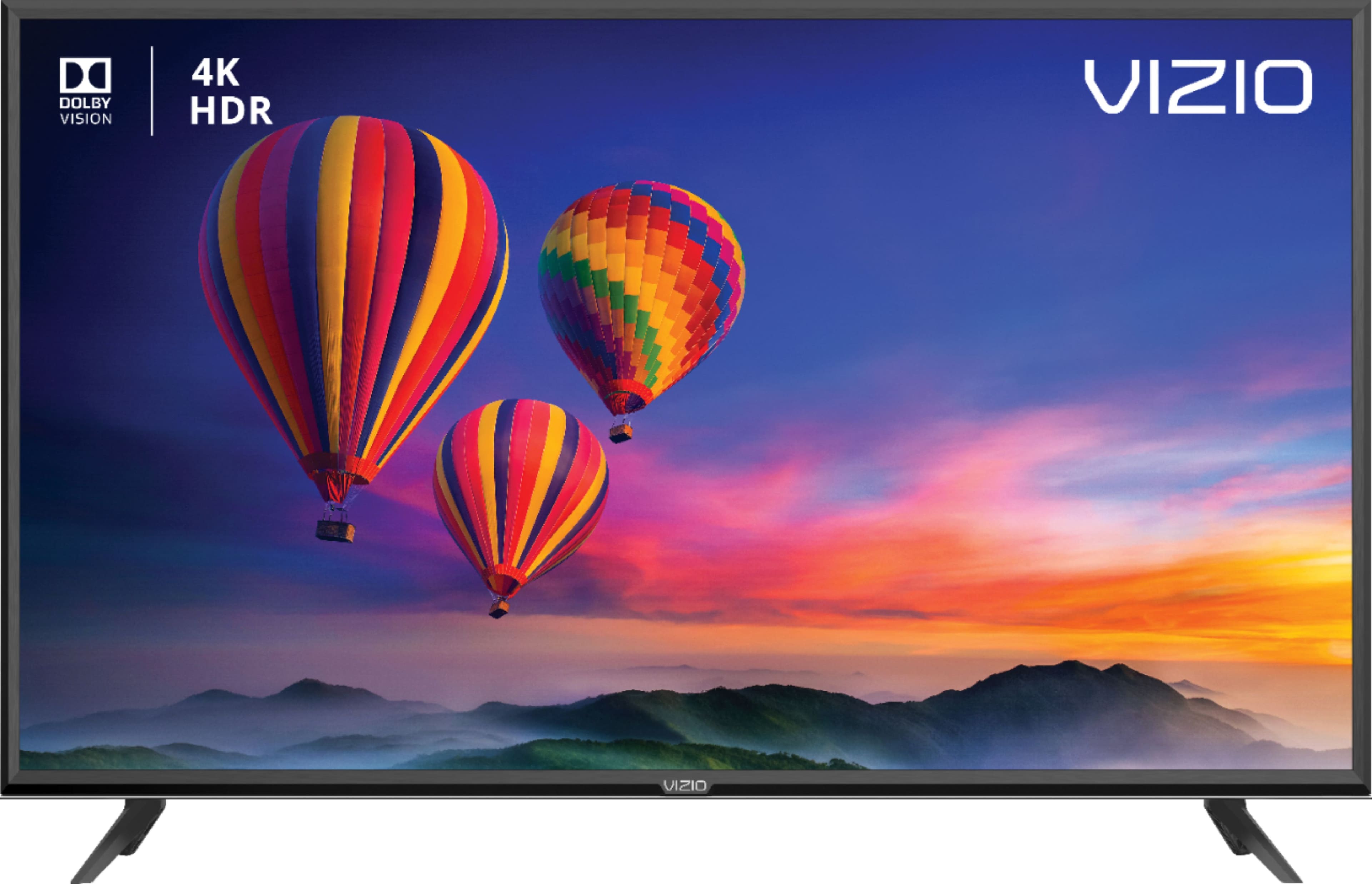
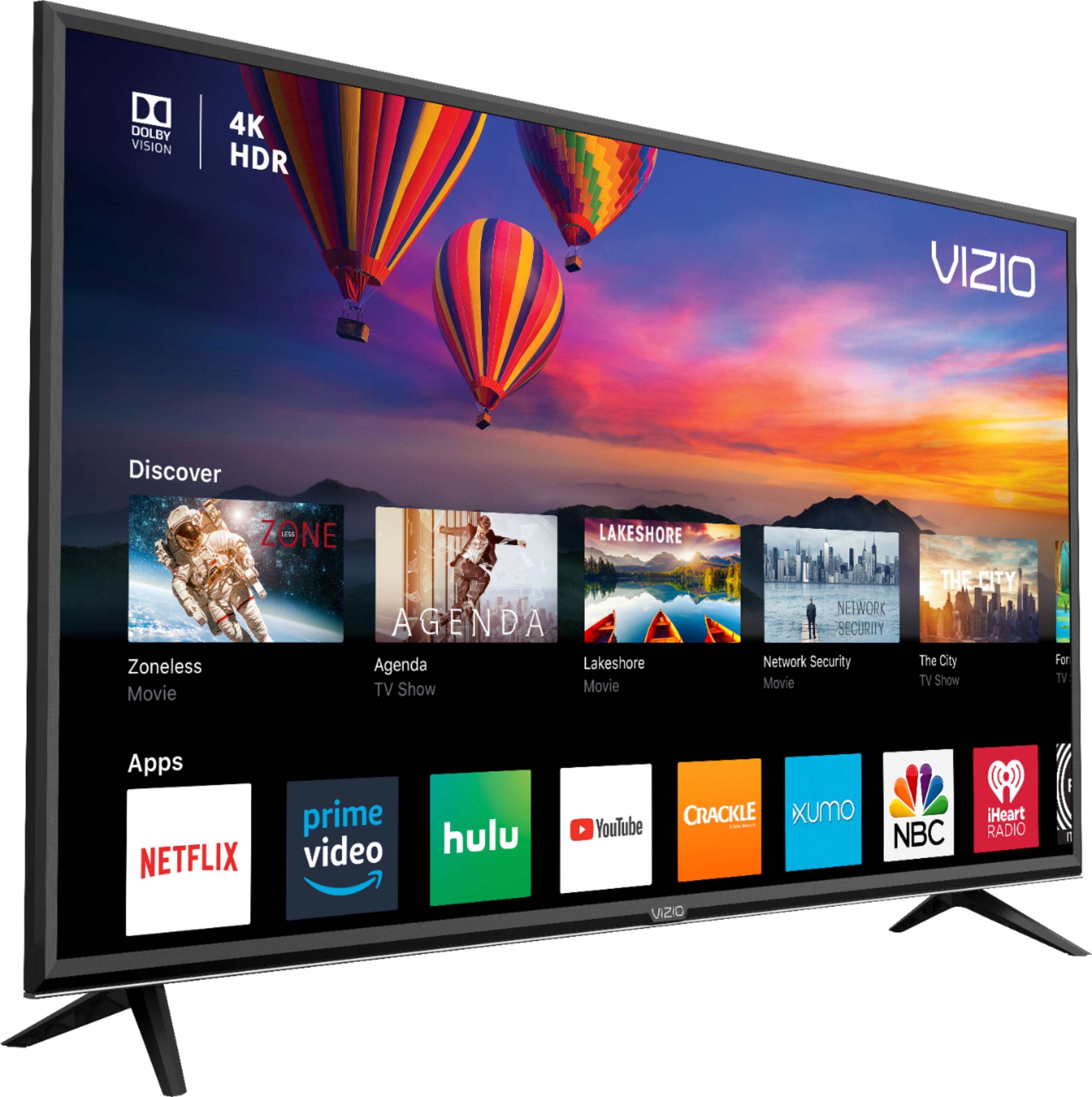
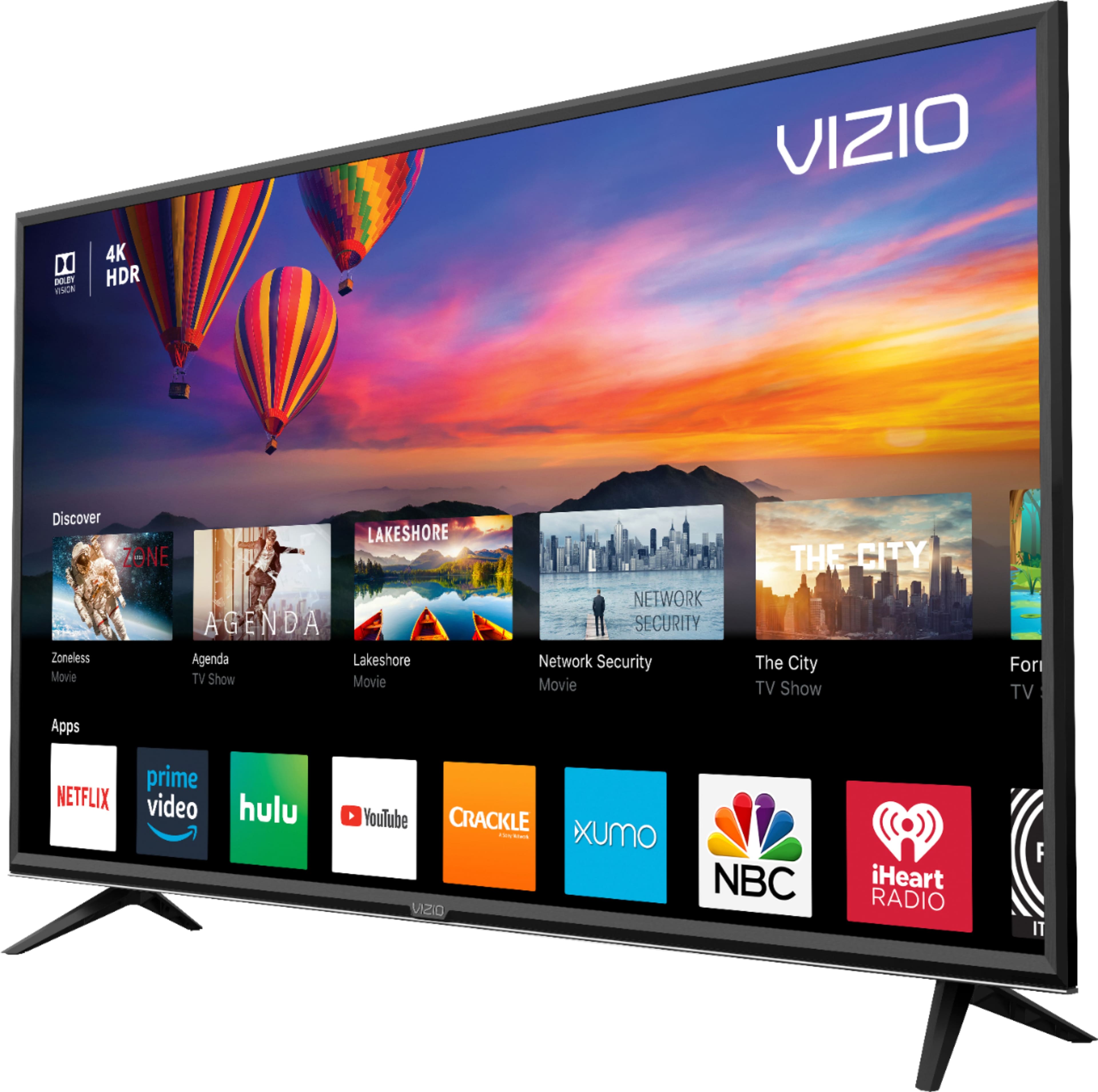
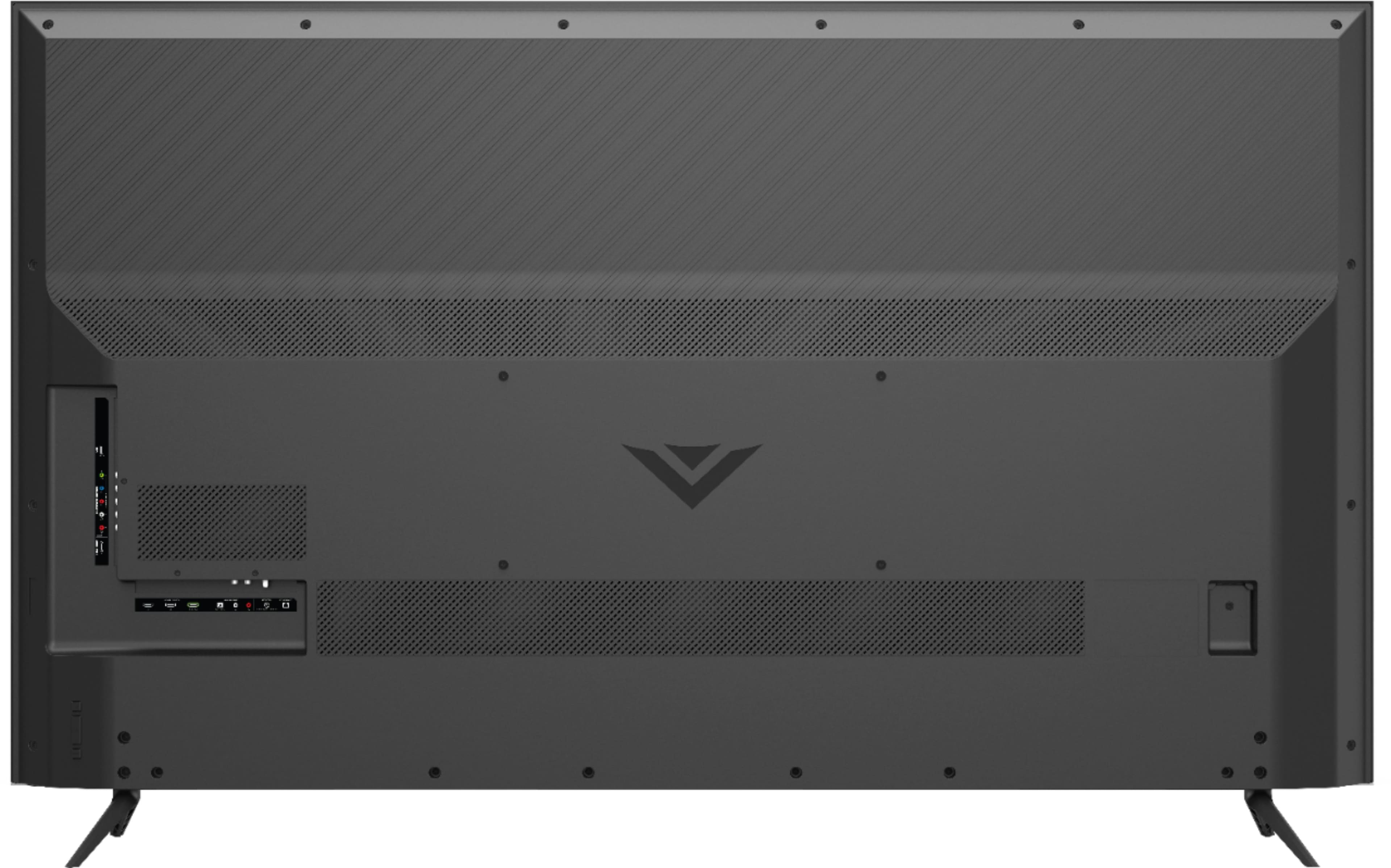




- Model:
- E70-F3
- SKU:
- 6259880
Rating by feature
- Picture Quality
Rating 4.2 out of 5 stars
- Sound Quality
Rating 3.7 out of 5 stars
- Brightness
Rating 4.2 out of 5 stars
Customers are saying
Customers are positive about the picture quality, price, large screen, and easy setup of the 70" Class - LED - E-Series - 2160p - Smart - 4K UHD TV with HDR. They appreciate the great clarity, affordability, size, and user-friendly installation process. However, customers are negative about the remote control, durability, Smartcast, speakers, and limited apps. They have concerns about the remote's responsiveness, the occasional inconsistency of the Smartcast feature, the low-quality built-in speakers, and the limited number of apps and lagging issues.
This summary was generated by AI based on customer reviews.
Ok TV for the price
||Posted . Owned for 1 month when reviewed.This reviewer received promo considerations or sweepstakes entry for writing a review.This is my 3rd and largest Vizio TV. My favorite is still the 55". The 70" picture is not nearly as clear as the 55". A little disappointed with this one.
No, I would not recommend this to a friendBrand response from VIZIOEntertainmentExpert
Posted .Hello Chamawolv, Thank you for the feedback. A few things that might help you get the kind of picture quality you are looking for. First, make sure the Display is getting a hi-definition or 4K signal. This means making sure that your source device (like a cable/satellite box) is capable of HD or 4K, and that it's connected to your Display with an HDMI cable that can deliver the HD or 4K picture. You can also change between pre-set picture modes on the display by pressing the PIC button on your remote. This will toggle between a few picture settings that look good in different situations. If your display is in a bright room, try Vivid or Calibrated. If it’s in a dimmer room, try Calibrated Dark.

- Pros mentioned:Picture quality, Price
Great purchase
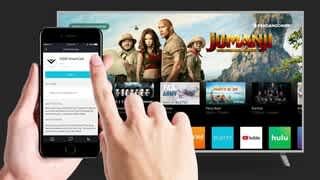
Posted .This reviewer received promo considerations or sweepstakes entry for writing a review.This TV looks awesome. I am impressed by the quality of the picture. No complaints at all. I have an iPhone and using the SmartCast is actually a lot of fun, very easy and user friendly. You can use your Vizio remote ( very good ) or use your phone for remote which I find even better. THEY NAILED IT WITH THIS OPTION! it works great. I upgraded from a 720p plasma. They tried sell me more expensive TV's with more features. I "settled" for this 70 inch and I am 100% satisfied with this purchase. Yes, there are better TVs but if you are looking for a 70 inch or bigger this is hard to beat. At this time I can not find anything wrong with this purchase at this price point. I paired it with a Vizio integrated one piece sound bar and I love it even more. A minimal investment for both compared to other 70 inch tv-soundbar combos and it looks great. I would highly recommend this this Vizio for anyone looking to upgrade on a budget. you will not be disappointed. I am not a tech guy, I simply wanted a very large 4K tv that looks good without spending a fortune. I am happy.
I would recommend this to a friend - Pros mentioned:Picture quality
Disappointed
||Posted . Owned for 1 month when reviewed.This reviewer received promo considerations or sweepstakes entry for writing a review.The best feature of this TV is that it turns on and that it has a 70" screen. It's all pretty much downhill from there. I'm not a TV snob, but the picture quality sucks and the mirror cast smart app only worked the first couple of days. It was cheap though. I got what I paid for. I would rather have my money back. Don't waste yours...
No, I would not recommend this to a friendBrand response from VIZIOEntertainmentExpert
Posted .Hello Dano, Thank you for the feedback. A few things that might help you get the kind of picture quality you are looking for. First, make sure the Display is getting a hi-definition or 4K signal. This means making sure that your source device (like a cable/satellite box) is capable of HD or 4K, and that it's connected to your Display with an HDMI cable that can deliver the HD or 4K picture. You can also change between pre-set picture modes on the display by pressing the PIC button on your remote. This will toggle between a few picture settings that look good in different situations. If your display is in a bright room, try Vivid or Calibrated. If it’s in a dimmer room, try Calibrated Dark. Please contact our customer support at 877-878-4946 for assistance with your television.
ok for size vs price
||Posted .This reviewer received promo considerations or sweepstakes entry for writing a review.Not the crisp picture that my LG has at all, and I think the smart aspect of the tv has stopped working already. Would not buy again but we needed that size and it met our budget.
No, I would not recommend this to a friendBrand response from VIZIOEntertainmentExpert
Posted .Hello Myovaio, please contact our customer support at 877-878-4946 for assistance with your television.
Possible Screen Flicker?
||Posted . Owned for 3 weeks when reviewed.This reviewer received promo considerations or sweepstakes entry for writing a review.I like everything about this TV so far, except it just might be developing a slight flicker in one corner. It's less than a month old. I hope I'm just seeing things.
No, I would not recommend this to a friendBrand response from VIZIOEntertainmentExpert
Posted .Hello MURPHtheSURF, please contact our customer support at 877-878-4946 for assistance with your television.
Ok tv
||Posted . Owned for 1.5 years when reviewed.This reviewer received promo considerations or sweepstakes entry for writing a review.Nice tv with only one problem. Tends to lose wifi connection every once and a while and takes a power cycle by pulling the plug to reset it.
I would recommend this to a friendJust a big TV
||Posted .This reviewer received promo considerations or sweepstakes entry for writing a review.I was expecting better viewing quality for this model. Turns out it is just a big TV. Very basic in lighting, very basic in picture quality, not much of a 4k TV.
No, I would not recommend this to a friendBrand response from VIZIOEntertainmentExpert
Posted .Hello Kipis, Thank you for the feedback. A few things that might help you get the kind of picture quality you are looking for. First, make sure the Display is getting a hi-definition or 4K signal. This means making sure that you're source device (like a cable/satellite box) is capable of HD or 4K, and that it's connected to your Display with an HDMI cable that can deliver the HD or 4K picture. You can also change between pre-set picture modes on the display by pressing the PIC button on your remote. This will toggle between a few picture setting that look good in different situations. If your display is in a bright room try Vivid or Calibrated. If it’s in a dimmer room try Calibrated Dark.
No sound
||Posted . Owned for more than 2 years when reviewed.This reviewer received promo considerations or sweepstakes entry for writing a review.After 2 years and almost 2 months of purchased, we are very disappointed with this tv. I was super excited when it was installed by Bestbuy tech. We had the perfect setup in our family room. Everything was fine until June of 2020, the sound would go off by itself. At first I thought my sound bar was going bad. It turned out that even the internal speakers were not producing sound. I had to unplug the tv and wait a few minutes and then restart the tv. Bestbuy came changed the main board back in June. August came and the sound went out again. Bestbuy came and a new main board was installed. Late October and here we go, sound went out again. To the point that watching tv is no longer fun. Bestbuy came Friday November 6 and a new main board was replaced ( for the third time ) Sunday morning kids turned the tv to watch cartoons, and guess what there’s no freaking sound. If I didn’t have a warranty, this tv would have been destroyed and recycled!!! What a piece of junk, or maybe it was a defective unit, regardless I called bestbuy and they started the replacement process since it has been “repaired” three times and it still not working. This was my first And last Vizio. It has been a nightmare to watch tv since June 2020.
No, I would not recommend this to a friendit's a disappointing 70"
||Posted .This reviewer received promo considerations or sweepstakes entry for writing a review.I was disappointed with the overall quailty of this vizio 70" tv. it was on sale for 1000 but I was still disappointed. the hd quality picture was not sharp quality. the smart tv features were not user friendly. most of all the sound quality was awful. I returned it for a sony 70" paid 200 more but much better quality tv.
No, I would not recommend this to a friendDark picture
||Posted . Owned for 1 year when reviewed.This reviewer received promo considerations or sweepstakes entry for writing a review.Picture is very dark Ive called the support team about this matter and there was nothing that they could
No, I would not recommend this to a friendVolume goes out
||Posted . Owned for 1.5 years when reviewed.This reviewer received promo considerations or sweepstakes entry for writing a review.Ehhh bought it because it was on sale, never do that with a tv. It’s not food. This thing is terrible my sound goes out picture sucks
No, I would not recommend this to a friend- Cons mentioned:Reliability
Great at first but doesn’t last.
||Posted . Owned for 1.5 years when reviewed.This reviewer received promo considerations or sweepstakes entry for writing a review.We’ve had small issues ever since we got it. One month short of 2 years and it’s taking a complete crap. Red line down the tv and you can pull up Netflix or other apps but as soon as you try to play them there is no picture. Yet other times it was no audio. Wouldn’t recommend at all. For 1049 it should have lasted way longer than 2 years.
No, I would not recommend this to a friend - Pros mentioned:Picture quality
Vizio sucks now.
||Posted . Owned for 5 months when reviewed.This reviewer received promo considerations or sweepstakes entry for writing a review.Only thing good about it is the size. They always deliver a crap user experience. Picture is dark and great for watching at night or with little light in the room. I returned the product and wont' be buying another Vizio for a long time. The Vizio tv's from years back are great.
No, I would not recommend this to a friend less than 1 year old left side of screen went dark
||Posted . Owned for 10 months when reviewed.This reviewer received promo considerations or sweepstakes entry for writing a review.At first I loved this tv, good picture for the price. About 9 months after purchase, the left side went black. Customer support was a pain but in the end they stated it is common with their tvs and will be sending a tech out in 7 to 10 business days to replace it with a certified used tv. Best buy who I bought the tv from was no help whatsoever. They stated that since I didnt pay their geek squad they could do nothing for me and I would have to call Vizio. I will never buy from Best Buy again due to this practice and I definitely will never buy a Vizio product again. Spend the extra money and get a better unit from another manufacturer from another retailer.
No, I would not recommend this to a friendGood buy
||Posted . Owned for 1 month when reviewed.This reviewer received promo considerations or sweepstakes entry for writing a review... great dollar for dollar. But didn’t meet my expectations when it came to watching sports! Upgraded to the Sony 65’ XBR900F.
I would recommend this to a friendNot impress
||Posted .This reviewer received promo considerations or sweepstakes entry for writing a review.I expected a better picture not impress with the out come. I bought the best HDM1 and still didn't get the wow factor
No, I would not recommend this to a friendBrand response from VIZIOEntertainmentExpert
Posted .Hello Fernando, Thank you for the feedback. A few things that might help you get the kind of picture quality you are looking for. First, make sure the Display is getting a hi-definition or 4K signal. This means making sure that you're source device (like a cable/satellite box) is capable of HD or 4K, and that it's connected to your Display with an HDMI cable that can deliver the HD or 4K picture. You can also change between pre-set picture modes on the display by pressing the PIC button on your remote. This will toggle between a few picture setting that look good in different situations. If your display is in a bright room try Vivid or Calibrated. If it’s in a dimmer room try Calibrated Dark.
70in
||Posted .This reviewer received promo considerations or sweepstakes entry for writing a review.Picture quality is ok I guess. Not bad for the price but would definitely spring for the better quality next time.
I would recommend this to a friendBrand response from VIZIOEntertainmentExpert
Posted .Hello Bcraft1215, Thank you for the feedback. A few things that might help you get the kind of picture quality you are looking for. First, make sure the Display is getting a hi-definition or 4K signal. This means making sure that you're source device (like a cable/satellite box) is capable of HD or 4K, and that it's connected to your Display with an HDMI cable that can deliver the HD or 4K picture. You can also change between pre-set picture modes on the display by pressing the PIC button on your remote. This will toggle between a few picture setting that look good in different situations. If your display is in a bright room try Vivid or Calibrated. If it’s in a dimmer room try Calibrated Dark.
Good picture but it keeps cutting off after turnon
||Posted .This reviewer received promo considerations or sweepstakes entry for writing a review.For some unknown reason the tv keeps cutting off after it turns on for the first time but stays on after that
I would recommend this to a friendBrand response from VIZIOEntertainmentExpert
Posted .Hello Drewbaby, please contact our customer support at 877-878-4946 for assistance with your television.
Clear vision but get frozen
||Posted . Owned for 1 year when reviewed.This reviewer received promo considerations or sweepstakes entry for writing a review.It been year I got the tv but lately getting froze and not turning on or turning off.
I would recommend this to a friendVizio
||Posted .This reviewer received promo considerations or sweepstakes entry for writing a review.This tv Quality is not so good the sound is ok and the tv color is so so meaning it could of been better
No, I would not recommend this to a friendBrand response from VIZIOEntertainmentExpert
Posted .Hello Catalyst, thank you for the feedback. A few things that might help you get the kind of picture quality you are looking for. First, make sure the Display is getting a hi-definition signal. This means making sure that you're source device (like a cable/satellite box) is capable of HD, and that it's connected to your Display with an HDMI cable that can deliver the HD picture. You can also change between pre-set picture modes on the display by pressing the PIC button on your remote. This will toggle between a few picture setting that look good in different situations. If your display is in a bright room try Vivid or Calibrated. If it’s in a dimmer room try Calibrated Dark.