Customer Ratings & Reviews




- Model:
- E70-F3
- SKU:
- 6259880
Rating by feature
- Picture Quality
Rating 4.2 out of 5 stars
- Sound Quality
Rating 3.7 out of 5 stars
- Brightness
Rating 4.2 out of 5 stars
Customers are saying
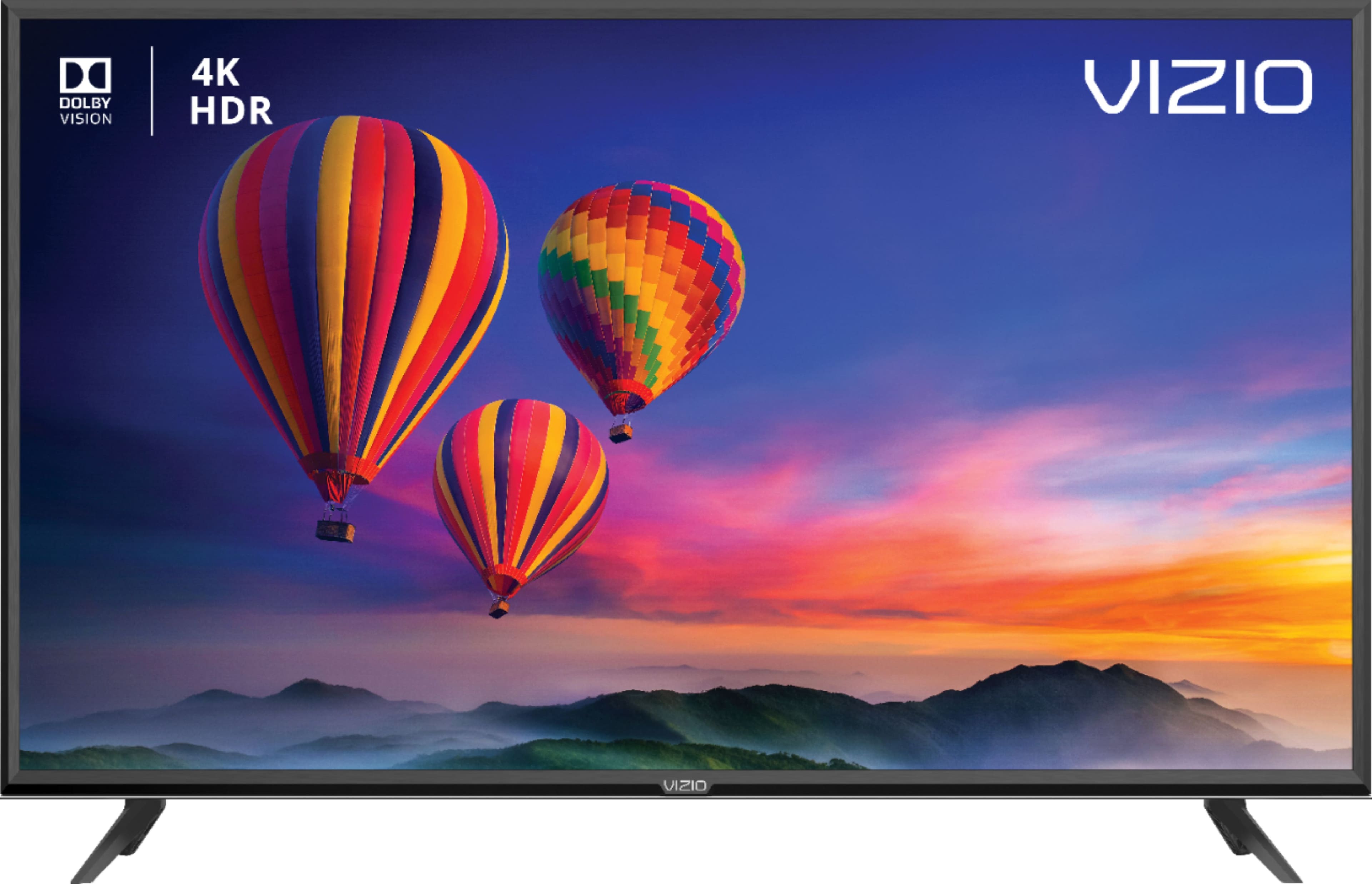
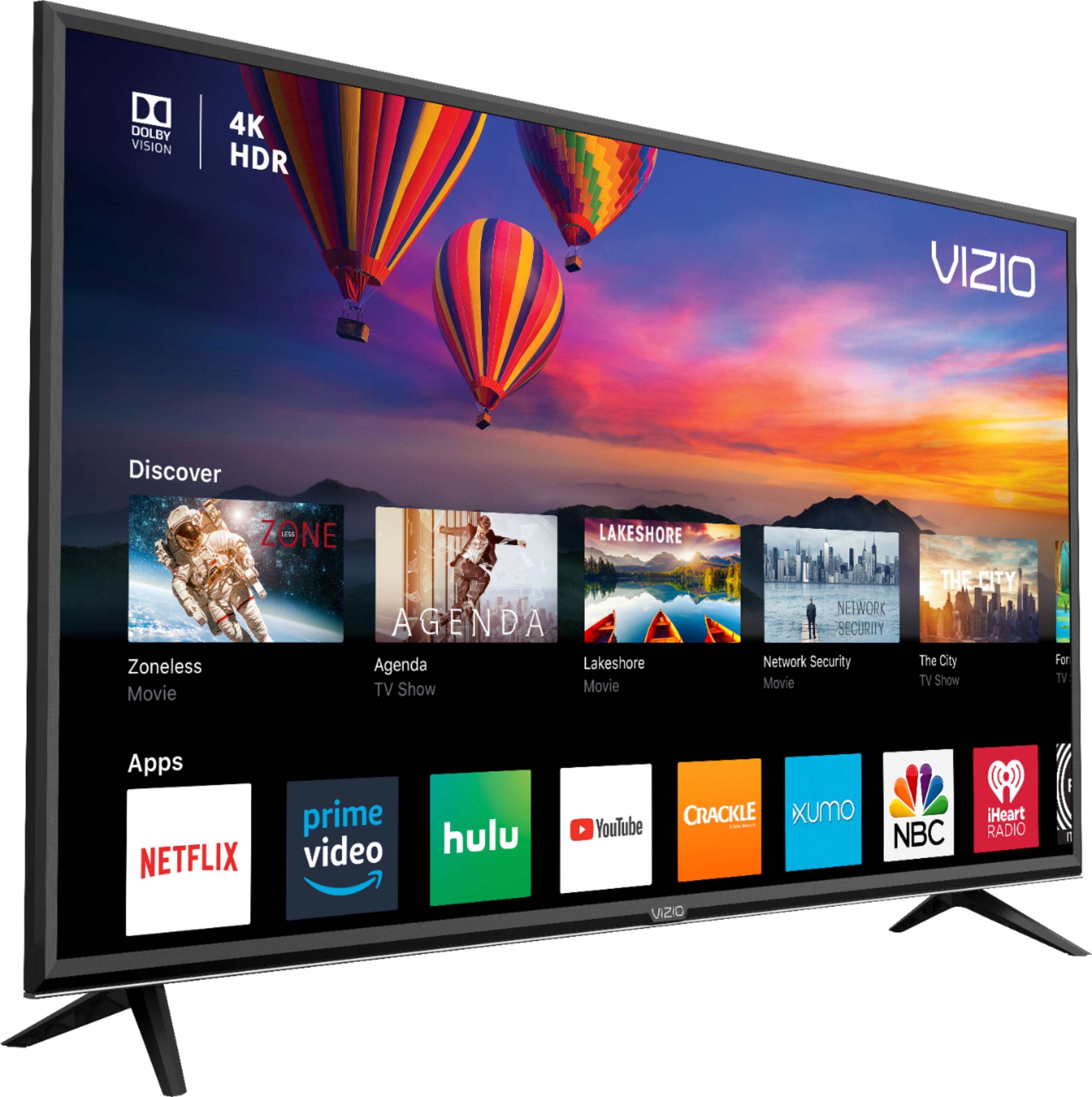
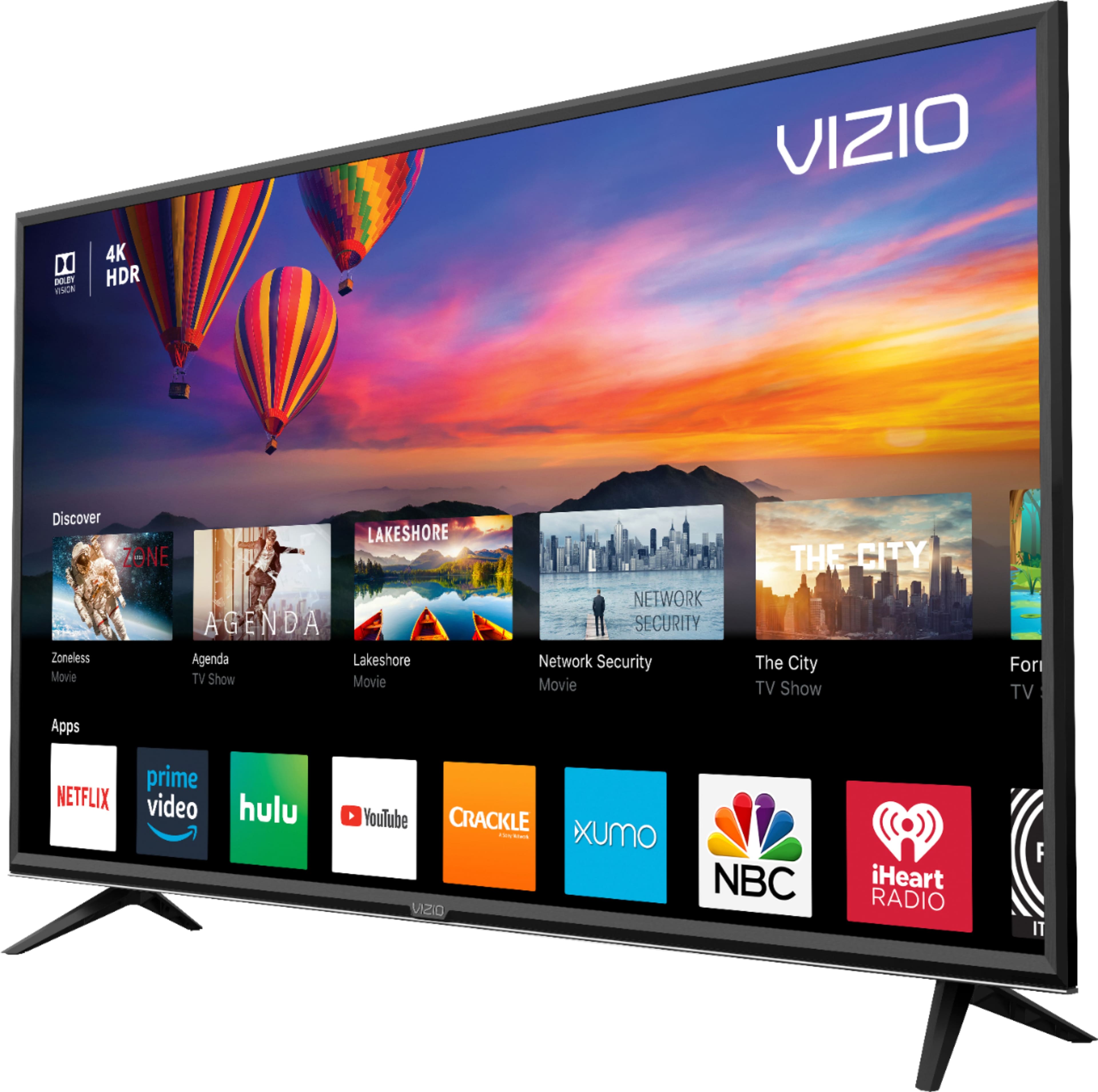
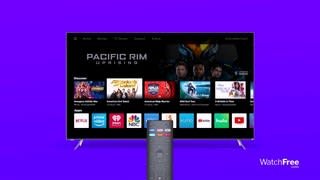
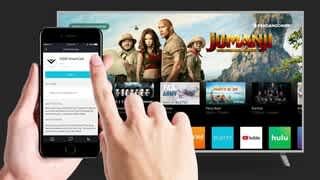
Customers are positive about the picture quality, price, large screen, and easy setup of the 70" Class - LED - E-Series - 2160p - Smart - 4K UHD TV with HDR. They appreciate the great clarity, affordability, size, and user-friendly installation process. However, customers are negative about the remote control, durability, Smartcast, speakers, and limited apps. They have concerns about the remote's responsiveness, the occasional inconsistency of the Smartcast feature, the low-quality built-in speakers, and the limited number of apps and lagging issues.
This summary was generated by AI based on customer reviews.
Ok tv
||Posted .This reviewer received promo considerations or sweepstakes entry for writing a review.It’s not the best quality and for some reason our internet doesn’t work when it’s plugged in all the sudden.
No, I would not recommend this to a friendBrand response from VIZIOEntertainmentExpert
Posted .Hello Angie, please contact our customer support at 877-878-4946 for assistance with your television.

Disappointed
||Posted .This reviewer received promo considerations or sweepstakes entry for writing a review.Bought this TV and did not turn on the very next day. Tried plugging it out and back in. worked for a day. Same issue next day. Do not recommend this TV
No, I would not recommend this to a friendBrand response from VIZIOEntertainmentExpert
Posted .Hello Disappionted, please contact our customer support at 877-878-4946 for assistance with your television.
Not what I expected
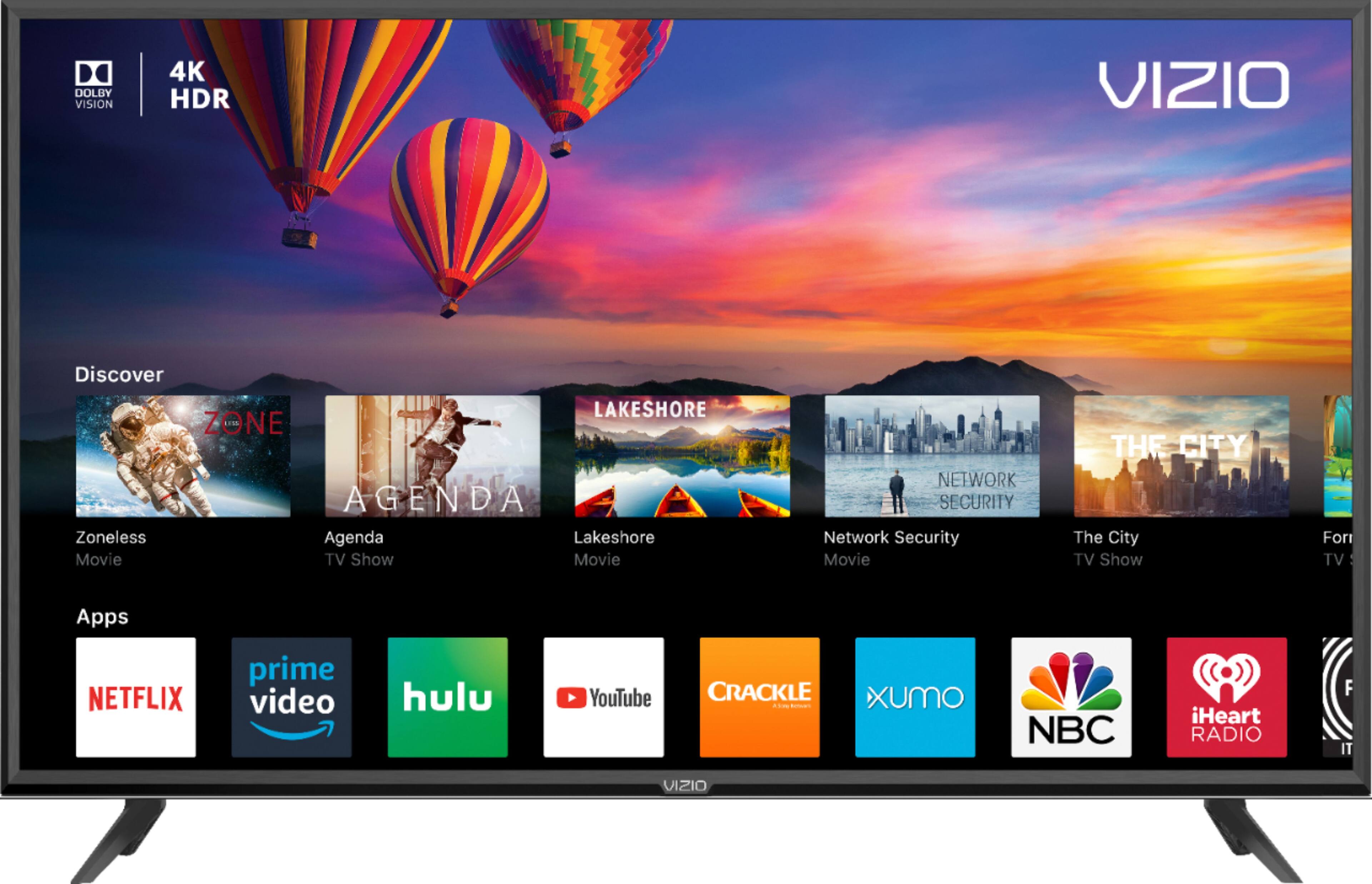
||Posted .This reviewer received promo considerations or sweepstakes entry for writing a review.I should have read the reviews. But since I didn’t, I will repeat them. The apps cannot be utilized with your WiFi. You will have to buy Vivos system. This feature is unlike the Samsung I have already. Smh. I should be able to watch YouTube if I want. Never again.
No, I would not recommend this to a friendBrand response from VIZIOEntertainmentExpert
Posted .Hello Tray, all of the applications on the television can work with WiFi or Ethernet. If your television is not connecting to a specific application please contact our customer service at 877-878-4946 for assistance with your television.
Stopped working within a month.
||Posted . Owned for 1 month when reviewed.This reviewer received promo considerations or sweepstakes entry for writing a review.Tv screen was blinking. Now it won’t turn on at all, all within a month of purchasing it. Waiting for vizio to come repair it. They said 5-7 business days to hear back from them. Have only been able to use it for 15min before it quit working.
No, I would not recommend this to a friendBrand response from VIZIOEntertainmentExpert
Posted .Hello James, thank you for your feedback. Please reach out to our customer support at 877-878-4946 for assistance if you have any issues with your television after the service.
Not great color
||Posted .This reviewer received promo considerations or sweepstakes entry for writing a review.Very dark screen. Hard to make out scenes of shows/movies that arent lighted
No, I would not recommend this to a friendBrand response from VIZIOEntertainmentExpert
Posted .Hello BBENZ, Thank you for the feedback. A few things that might help you get the kind of picture quality you are looking for. First, make sure the Display is getting a hi-definition or 4K signal. This means making sure that you're source device (like a cable/satellite box) is capable of HD or 4K, and that it's connected to your Display with an HDMI cable that can deliver the HD or 4K picture. You can also change between pre-set picture modes on the display by pressing the PIC button on your remote. This will toggle between a few picture setting that look good in different situations. If your display is in a bright room try Vivid or Calibrated. If it’s in a dimmer room try Calibrated Dark. If this does not help please contact our customer support at 877-878-4946 for assistance with your television.
Television
||Posted . Owned for 1.5 years when reviewed.This reviewer received promo considerations or sweepstakes entry for writing a review.purchased may 2019 and nov 2020 does not work. Will not turn on. Vizo support and Geek Squad not very helpful. Best Vizo could offer was 20% off a new tv. Geek Squad will cost 80$ just for a visit and we have already paid to 200$ for protection.
No, I would not recommend this to a friendpiece of trash
||Posted . Owned for 1 year when reviewed.This reviewer received promo considerations or sweepstakes entry for writing a review.bought this piece of crap one year and two months ago. it stopped working today, called vizio. since its been over a year they had me unplug it and plug it back in. that didn't work so told me to call a TV repair man. never buy thus product again.
No, I would not recommend this to a friendSmart not smart
||Posted .This reviewer received promo considerations or sweepstakes entry for writing a review.Vizio forces you to agreements or you would need a fire stick. After a few months an update forced me to go thru the sign in process every time I turn it on. That's a 10 minute delay before I can watch anything.
No, I would not recommend this to a friendBrand response from VIZIOEntertainmentExpert
Posted .Hello JoeNY, please contact our customer support at 877-878-4946 for assistance with your television.
Malfunction right out the box
||Posted .This reviewer received promo considerations or sweepstakes entry for writing a review.Disappointed. screen and apps stopped working right away
No, I would not recommend this to a friendBrand response from VIZIOEntertainmentExpert
Posted .Hello Ivan, please contact our customer support at 877-878-4946 for assistance with your television.
Don't like the tv!
||Posted . Owned for 1 month when reviewed.This reviewer received promo considerations or sweepstakes entry for writing a review.The tv screen show's a crappy picture. The picture was blurry. I had the tv for 8 months and one day I cut the tv on and there was a black line down the left side of tv with two white lines inside the black line.
No, I would not recommend this to a friendBrand response from VIZIOEntertainmentExpert
Posted .Hello Kaykay, Thank you for the feedback. A few things that might help you get the kind of picture quality you are looking for. First, make sure the Display is getting a hi-definition or 4K signal. This means making sure that your source device (like a cable/satellite box) is capable of HD or 4K, and that it's connected to your Display with an HDMI cable that can deliver the HD or 4K picture. You can also change between pre-set picture modes on the display by pressing the PIC button on your remote. This will toggle between a few picture settings that look good in different situations. If your display is in a bright room, try Vivid or Calibrated. If it’s in a dimmer room, try Calibrated Dark. Please reach out to our customer support at 877-878-4946 for assistance with your television display.
- Pros mentioned:ColorCons mentioned:Remote control
Bargain 4k with 4K HDR: E70-F3
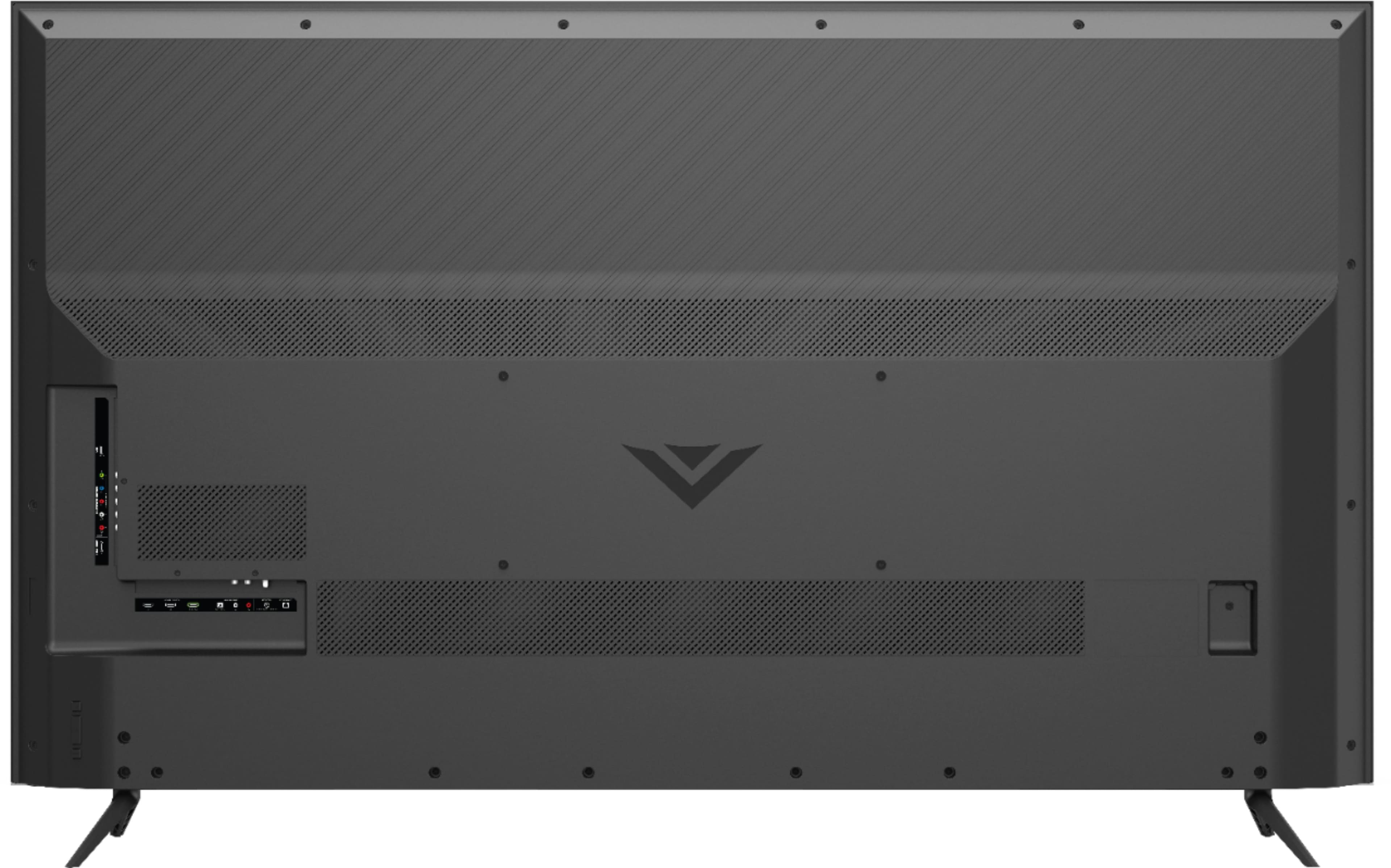
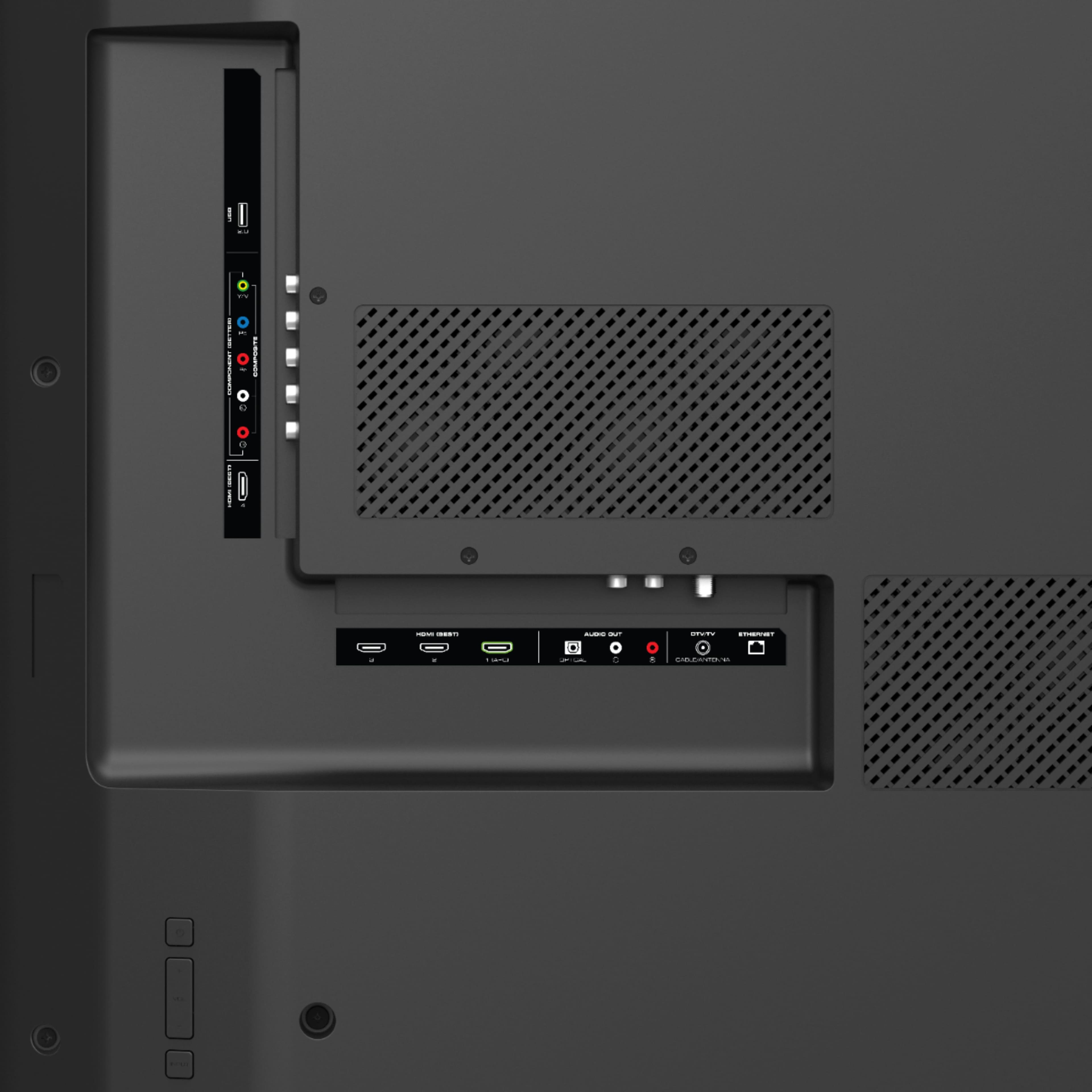
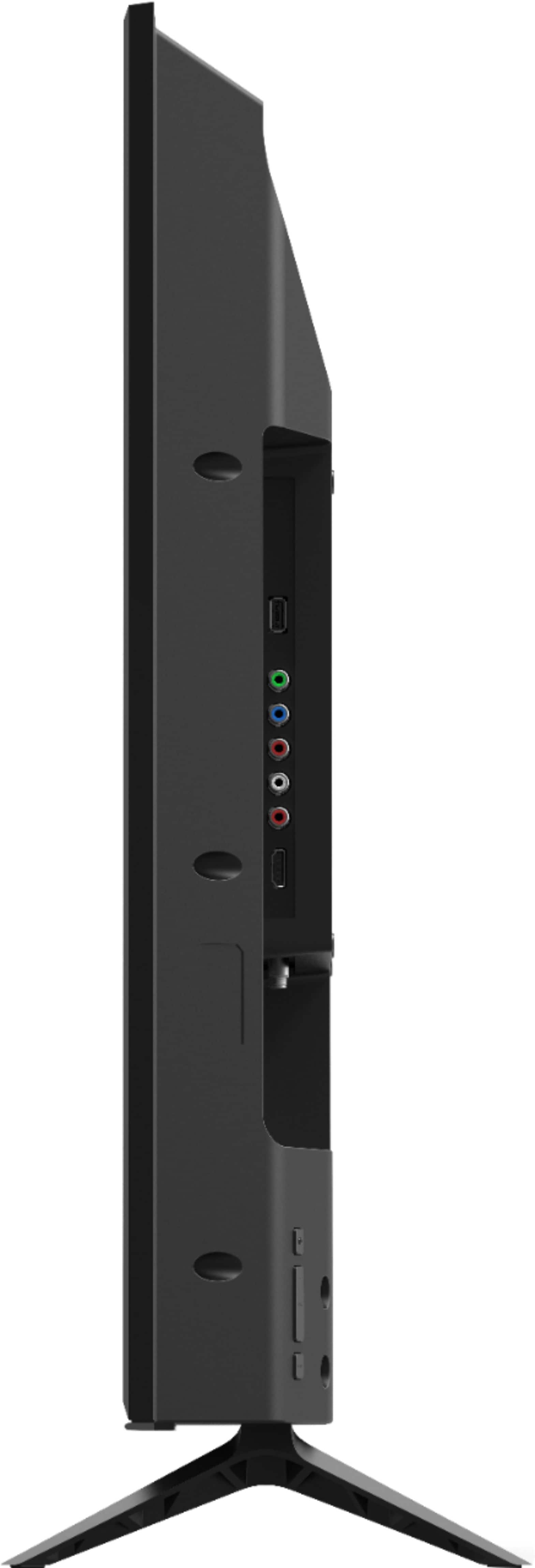
Posted .This reviewer received promo considerations or sweepstakes entry for writing a review.Colour is good. I haven't seen any pixilation or ghosting. There is some colour banding on my Roku 4k w/hdr, but I haven't seen it with any 4k movie. It needs a set of channel up/down buttons on the back, but at least it has power, volume and source buttons. Remote is pretty basic. Changing sources is a hassle due to the small time frame from hitting the button to navigating to the source selection before it kicks out of the option. Does not allow t.v. stations to be manually added if they don't show up when scanned for. T.v. is quick to set up and should be anchored due to the small footprint of the base. I have a cat, so mine is anchored to protect the t.v. and the cat. T.v. is very thick, but that's the price of back-lighting compared to side lit t.v.s that run the risk of light bleeding along the sides. Isn't a lot of room for the bottom row of connectors because of the narrow recess they are in. Thought I was going to break the antenna cable trying to connect it. No owner's guide. Must down load from the internet. Even then, it's lacking in-depth explanations of the features. Smart t.v. apps are intrusive, as they are functionally spyware. Have yet to find any mention of a cell phone app to control the t.v. Remote is i.r. based.
I would recommend this to a friend Vizio 70” SmartCast don’t buy
||Posted . Owned for 1.5 years when reviewed.This reviewer received promo considerations or sweepstakes entry for writing a review.The operating system is trash. Our tv is constantly freezing and will not play. The phone remote constantly forgets the connection. I will not buy another vizio tv again!!!
No, I would not recommend this to a friend- Pros mentioned:Picture quality, Price
Not bad at all
Posted .This reviewer received promo considerations or sweepstakes entry for writing a review.This is my 3rd Vizio and after 2 weeks I have to say this was a good investment. There are better TVs out there if you're willing to wait and want to pay a little more but the price/size of this one makes it a perfect addition if you want family room entertainment on a budget. Wall mounting was not a huge issue but I did have to move my mount down as the mounting holes are close to the bottom and the TV is very tall For calibration settings I went to rtings.com and made some small adjustments to the backlight on my own and everything is looking pretty good now. I'm using an Xbox One X and the games look amazing (especially Doom, Rise of the Tomb Raider, The Witcher 3 and Battlefront 2). This TV is considered budget 4K but so far I have no regrets and the family loves it. Give it a shot!
I would recommend this to a friend TV SUCKS
||Posted .This reviewer received promo considerations or sweepstakes entry for writing a review.Tv goes on by itself morning - noon and sometimes at night time with out doing anything.Returning it
No, I would not recommend this to a friendBrand response from VIZIOEntertainmentExpert
Posted .Hello cliff123, please contact our customer support at 877-878-4946 for assistance with your television.
Poor picture
||Posted .This reviewer received promo considerations or sweepstakes entry for writing a review.Picture quality was really poor in comparison to the LG's I had and the Samsung I purchased after returning this model. Dropped down to a 65 so sacrificed some size but am happy I did so
No, I would not recommend this to a friendTurns off by itself.. not a great buy
||Posted . Owned for 9 months when reviewed.This reviewer received promo considerations or sweepstakes entry for writing a review.I've had this tv for 9 months its started resetting.. turning off and back on to the home screen.. and the speaker going out to a hissing noise..
No, I would not recommend this to a friendWasn’t happy with the picture, taking it back
||Posted .This reviewer received promo considerations or sweepstakes entry for writing a review.I called my satellite company to try to get a box for a clearer picture. The one I have I should have a clear picture but I don’t. Will return the T.V.
No, I would not recommend this to a friendBrand response from VIZIOEntertainmentExpert
Posted .Hello Billy, thank you for the feedback. A few things that might help you get the kind of picture quality you are looking for. First, make sure the Display is getting a hi-definition signal. This means making sure that you're source device (like a cable/satellite box) is capable of HD, and that it's connected to your Display with an HDMI cable that can deliver the HD picture. You can also change between pre-set picture modes on the display by pressing the PIC button on your remote. This will toggle between a few picture setting that look good in different situations. If your display is in a bright room try Vivid or Calibrated. If it’s in a dimmer room try Calibrated Dark.
- Pros mentioned:Picture quality, Price
Fantastic!
Posted .This reviewer received promo considerations or sweepstakes entry for writing a review.I was skeptical due to the price, but wow this is an amazing picture. I spent weeks reading about the different technologies, lighting, blackness etc. It makes you very nervous about pulling the trigger. Ignore all of that. This TV is amazing, and there is no way to beat it for the money. After a couple weeks, I still watch it in awe. Enjoy the TV especially while saving money. Lastly, this also seemed to be the smallest form factor for a 70" TV. It fit in my entertainment center with 1/8" of space around the edges. That was just a bragging point on how good my measuring skills are. :)
I would recommend this to a friend Garbage
||Posted . Owned for 1.5 years when reviewed.This reviewer received promo considerations or sweepstakes entry for writing a review.This Tv didn’t even last 16 months. It stopped working 15 months after I brought it.....waste of money
No, I would not recommend this to a friendMight return
||Posted .This reviewer received promo considerations or sweepstakes entry for writing a review.Verry pore pic my old 50 e series vizio had a way better pic not werth the $8++
No, I would not recommend this to a friendBrand response from VIZIOEntertainmentExpert
Posted .Hello Marcsem231, Thank you for the feedback. A few things that might help you get the kind of picture quality you are looking for. First, make sure the Display is getting a hi-definition or 4K signal. This means making sure that you're source device (like a cable/satellite box) is capable of HD or 4K, and that it's connected to your Display with an HDMI cable that can deliver the HD or 4K picture. You can also change between pre-set picture modes on the display by pressing the PIC button on your remote. This will toggle between a few picture setting that look good in different situations. If your display is in a bright room try Vivid or Calibrated. If it’s in a dimmer room try Calibrated Dark. If the picture is still off please contact our customer support at 877-878-4946 for assistance.