Customer Ratings & Reviews




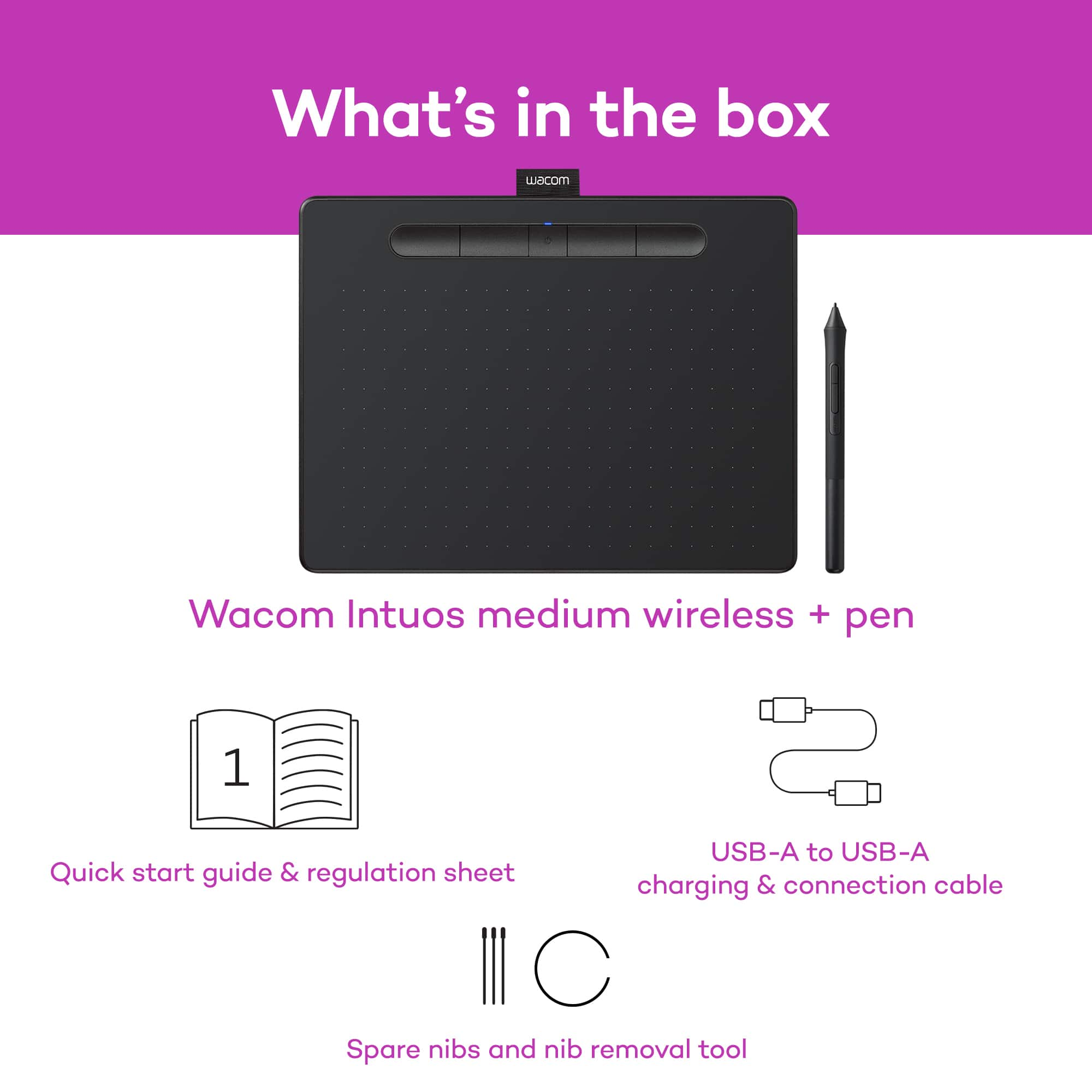

- Model:
- CTL6100WLK0
- |
- SKU:
- 10116293
Customer reviews
Rating 4.6 out of 5 stars with 650 reviews
(650 customer reviews)Rating by feature
- Value4.4
Rating 4.4 out of 5 stars
- Quality4.6
Rating 4.6 out of 5 stars
- Ease of Use4.4
Rating 4.4 out of 5 stars
- Cons mentioned:Software
Rated 4 out of 5 stars
WACOM tablet
Posted .This reviewer received promo considerations or sweepstakes entry for writing a review.GREAT tablet BUT be on notice...the bundled software provided by COREL (Painter Essentials 6) DOES'T work. Corel provided WACOM with Serial Numbers that are INVALID and won't allow you to activate your software. Repeated contacts with both WACOM and Corel (for 2 solid weeks) failed to resolve the problem. I finally gave-up (as most have done) and concentrated on 3rd party applications that work perfectly with my tablet. In short, the tablet works "perfect"...the software WON'T install.
This review is from Wacom - Intuos Graphic Drawing Tablet for Mac, PC, Chromebook & Android (Medium) with Software Included (Wireless) - Black
I would recommend this to a friend - Pros mentioned:Ease of use
Rated 5 out of 5 stars
Speeds up workflow!
Posted .This reviewer received promo considerations or sweepstakes entry for writing a review.I was introduced to this product by a family friend, soon after purchased it for photo editing and retouching, and fell in love with it. The Wacom tablet is an amazing tool that facilitates the editing process due to its precision and ease of use. At first it’s a little funny because you gonna get used to the pens interaction with the tablet itself and how it reflects on the monitor but after a few days of practice (playing solitaire helps a lot) you will be comfortable. It saves plenty of time and it’s simple to connect, especially with plenty of tutorials on the Wacom and YouTube website.
This review is from Wacom - Intuos Graphic Drawing Tablet for Mac, PC, Chromebook & Android (Medium) with Software Included (Wireless) - Black
I would recommend this to a friend Rated 5 out of 5 stars
Wacom Intuos tablet
Posted .This reviewer received promo considerations or sweepstakes entry for writing a review.The Intuos tablet is an excellent, responsive piece of digital equipment. My one minor complaint is I have large hands and wish the pen was a bit fatter along the lines of the Intuos 3 pen. It would have been nice to have a pen holder as the small pen will often roll off the desk.
This review is from Wacom - Intuos Graphic Drawing Tablet for Mac, PC, Chromebook & Android (Medium) with Software Included (Wireless) - Black
I would recommend this to a friend- Pros mentioned:Ease of use
Rated 5 out of 5 stars
Satisfactory
Posted .This reviewer received promo considerations or sweepstakes entry for writing a review.Works exactly as expected. Helps me work with better computers. Very easy using after using screens and I didn’t expect that.
This review is from Wacom - Intuos Graphic Drawing Tablet for Mac, PC, Chromebook & Android (Medium) with Software Included (Wireless) - Black
I would recommend this to a friend - Cons mentioned:Software
Rated 1 out of 5 stars
Not for the novice
Posted .This reviewer received promo considerations or sweepstakes entry for writing a review.Obviously many satisfied customers here, I envy them. What bothered me about it was that the three suites of software all require separate sign up and registration, though they are "free" -- i.e. included in price. You need to include your serial number. If you think you're going to find that on your box, guess again. Not a number that will be accepted anyhow. Some of the registration software blocks your progress and tries to get you to sign up for driver update software for your desktop/laptop at $10 a month. This is the last thing you need when you are struggling to get the thing operational. Bottom line is I found it extremely difficult to get it operational and impossible to get the software to work. It does work, after a fashion, with windows ink workspace. Since I see many people here very happy with it I can only consider my own deficiencies. But really. I built the computer I'm typing on and installed everything on it, I'm not THAT stupid. But apparently stupid enough not to like this hardware software. They could make it easier. They could make a system that boots up plugs in and offers basic serviceability with or without all the separately registered products.
This review is from Wacom - Intuos Graphic Drawing Tablet for Mac, PC, Chromebook & Android (Medium) with Software Included (Wireless) - Black
No, I would not recommend this to a friend - Pros mentioned:Ease of use
Rated 5 out of 5 stars
Medium Wacom
Posted .This reviewer received promo considerations or sweepstakes entry for writing a review.I love using my Wacom. It’s so much easier than using the mouse and no more wrist pain.
This review is from Wacom - Intuos Graphic Drawing Tablet for Mac, PC, Chromebook & Android (Medium) with Software Included (Wireless) - Black
I would recommend this to a friend Rated 3 out of 5 stars
Barely Mac compatible
Posted .This reviewer received promo considerations or sweepstakes entry for writing a review.Worked well for a while but it has serious issues with Mac compatability and ultimately I'm gonna need a different product. Works great for pc though.
This review is from Wacom - Intuos Graphic Drawing Tablet for Mac, PC, Chromebook & Android (Medium) with Software Included (Wireless) - Black
No, I would not recommend this to a friendRated 1 out of 5 stars
No support from Wacom
Posted .This reviewer received promo considerations or sweepstakes entry for writing a review.Beware Mac users. Express keys do not work on Mojave. And it's a frustrating, time-consuming experience trying to get help from customer support. Simple answers are not provided. Wacom needs to create a new driver/firmware to correct this problem. Apple released Mojave on September 24, 2018. Why is Wacom delaying the fix for the Intuos? Also, before buying this Intuos Small, I purchased the Intuos Pro Small and returned it after the CD rejected driver installation because it said it would not work on software prior to 10.6 and my operating systems are 10.12 on MacBook and 10.14 on iMac. Also, the small Pro has a battery while the medium and large models do not. So, given the battery and message from CD rom, Wacom is selling 5-year old models to unsuspecting customers who believe they’re buying new technology. Why would Wacom upgrade medium and large, but not small? I believe I know why. Do you?
This review is from Wacom - Intuos Graphic Drawing Tablet for Mac, PC, Chromebook & Android (Medium) with Software Included (Wireless) - Black
No, I would not recommend this to a friendRated 3 out of 5 stars
Adequate
Posted .This reviewer received promo considerations or sweepstakes entry for writing a review.Adequate. Works with Photoshop. Takes a while to get used to.
This review is from Wacom - Intuos Graphic Drawing Tablet for Mac, PC, Chromebook & Android (Medium) with Software Included (Wireless) - Black
I would recommend this to a friendRated 1 out of 5 stars
Not compatible with Windows 7
Posted .This reviewer received promo considerations or sweepstakes entry for writing a review.Not bluetooth compatible with windows 7 Item returned.
This review is from Wacom - Intuos Graphic Drawing Tablet for Mac, PC, Chromebook & Android (Medium) with Software Included (Wireless) - Black
No, I would not recommend this to a friend