Customer Ratings & Reviews
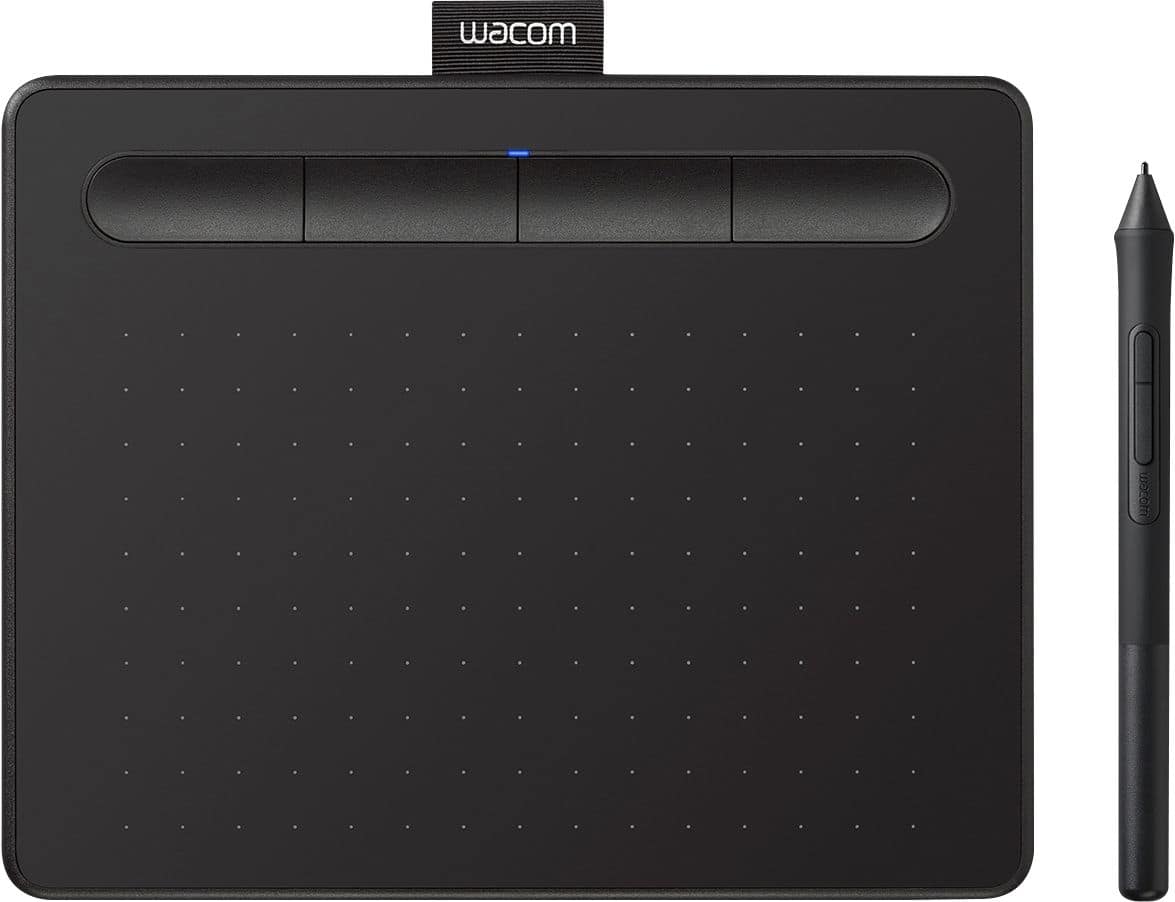
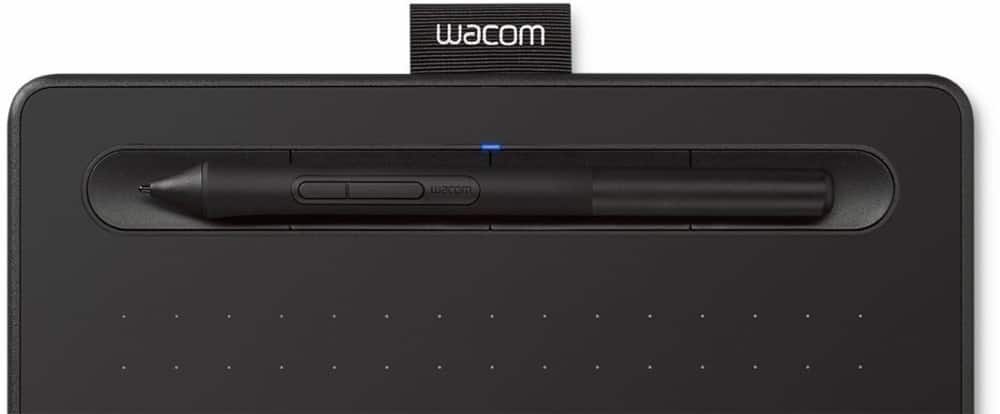
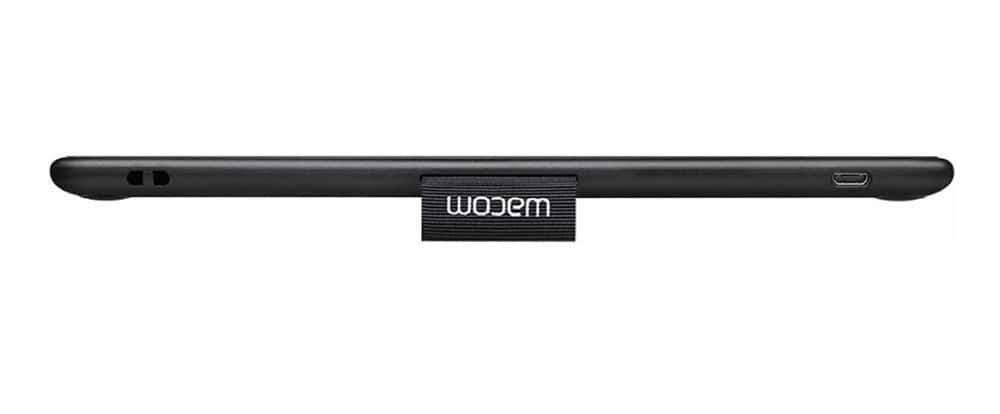
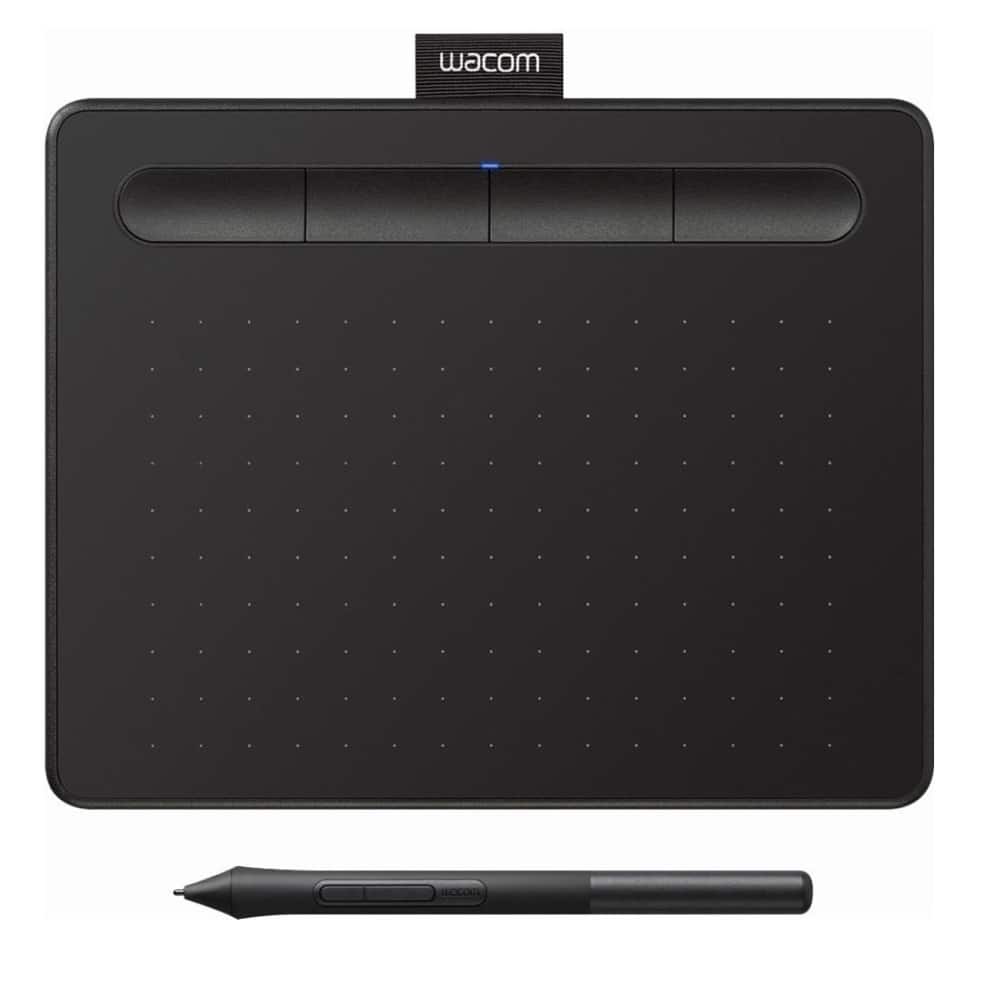
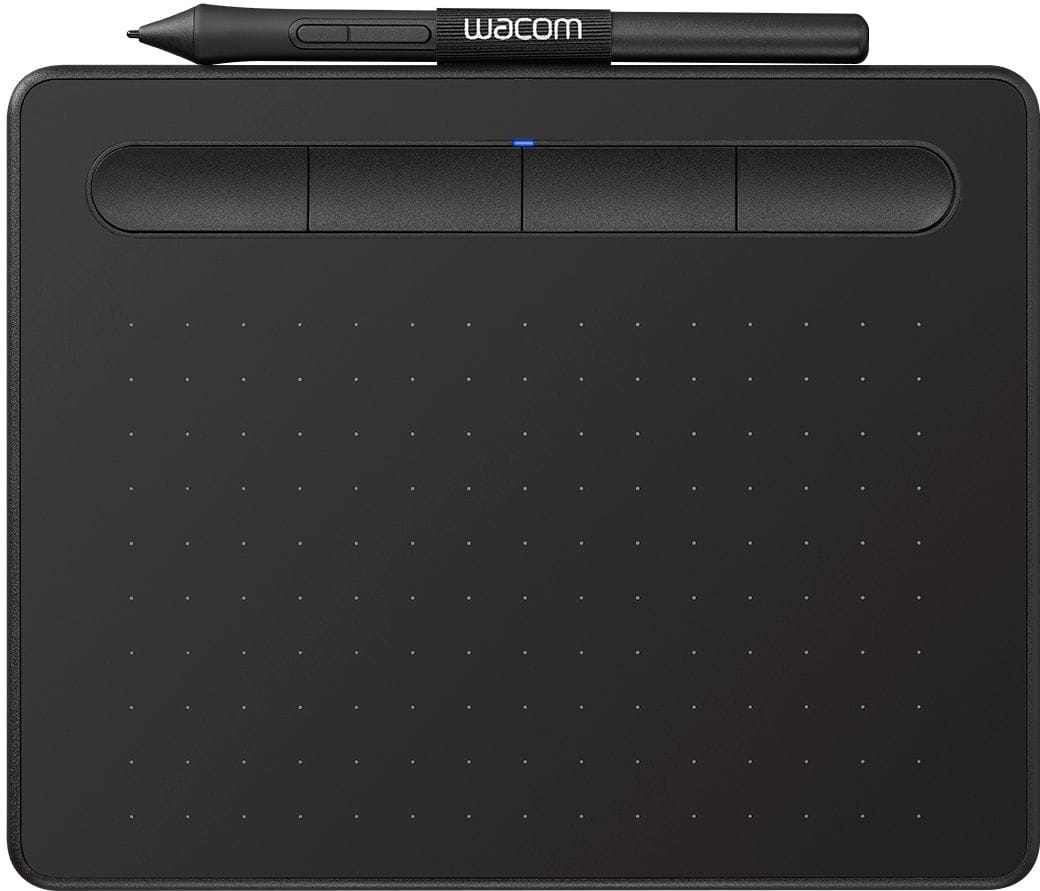
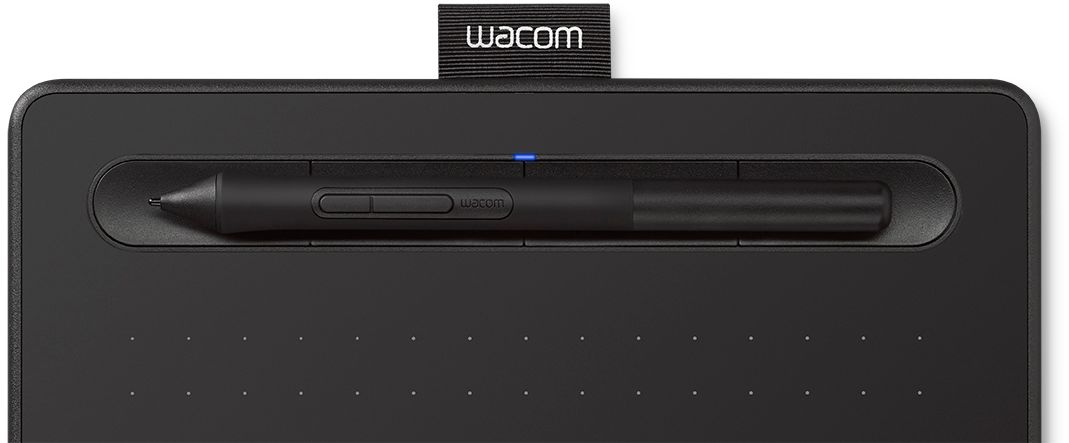
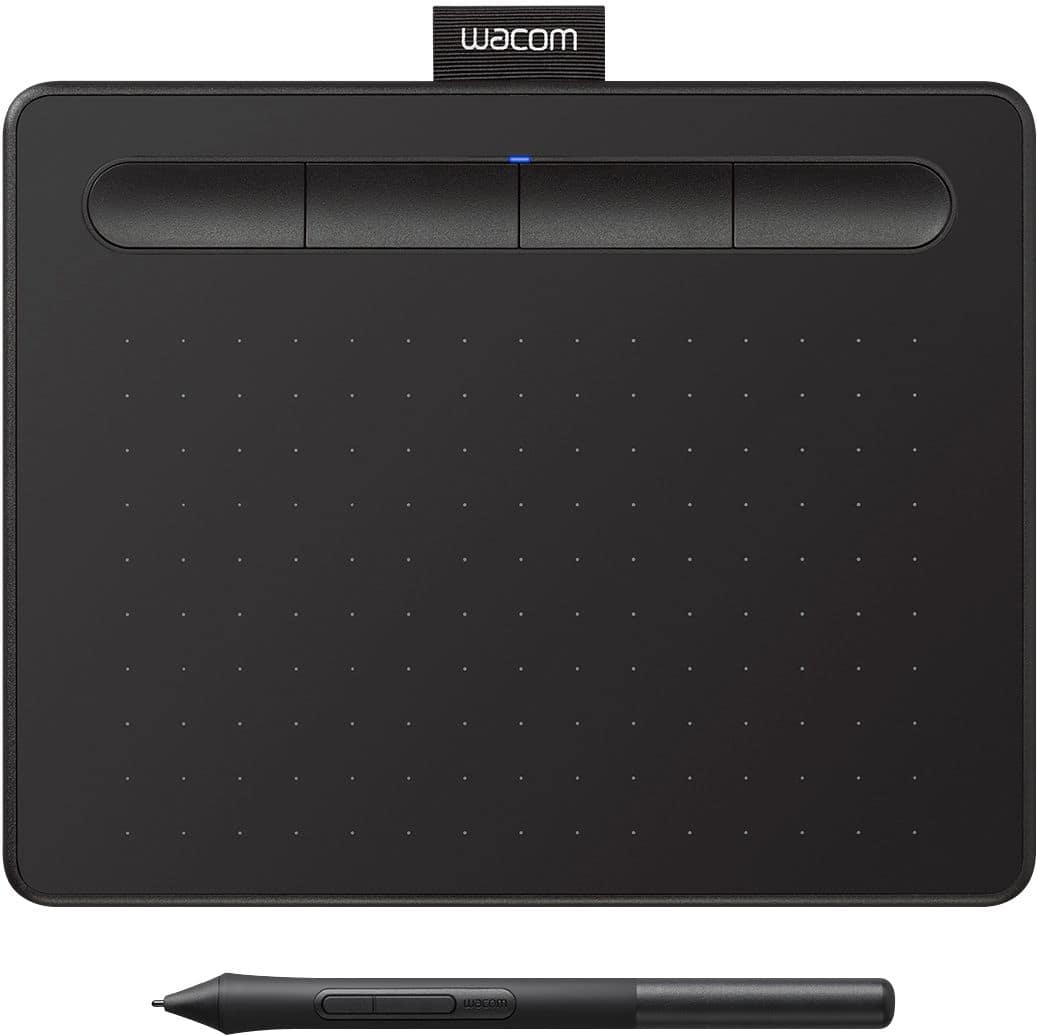

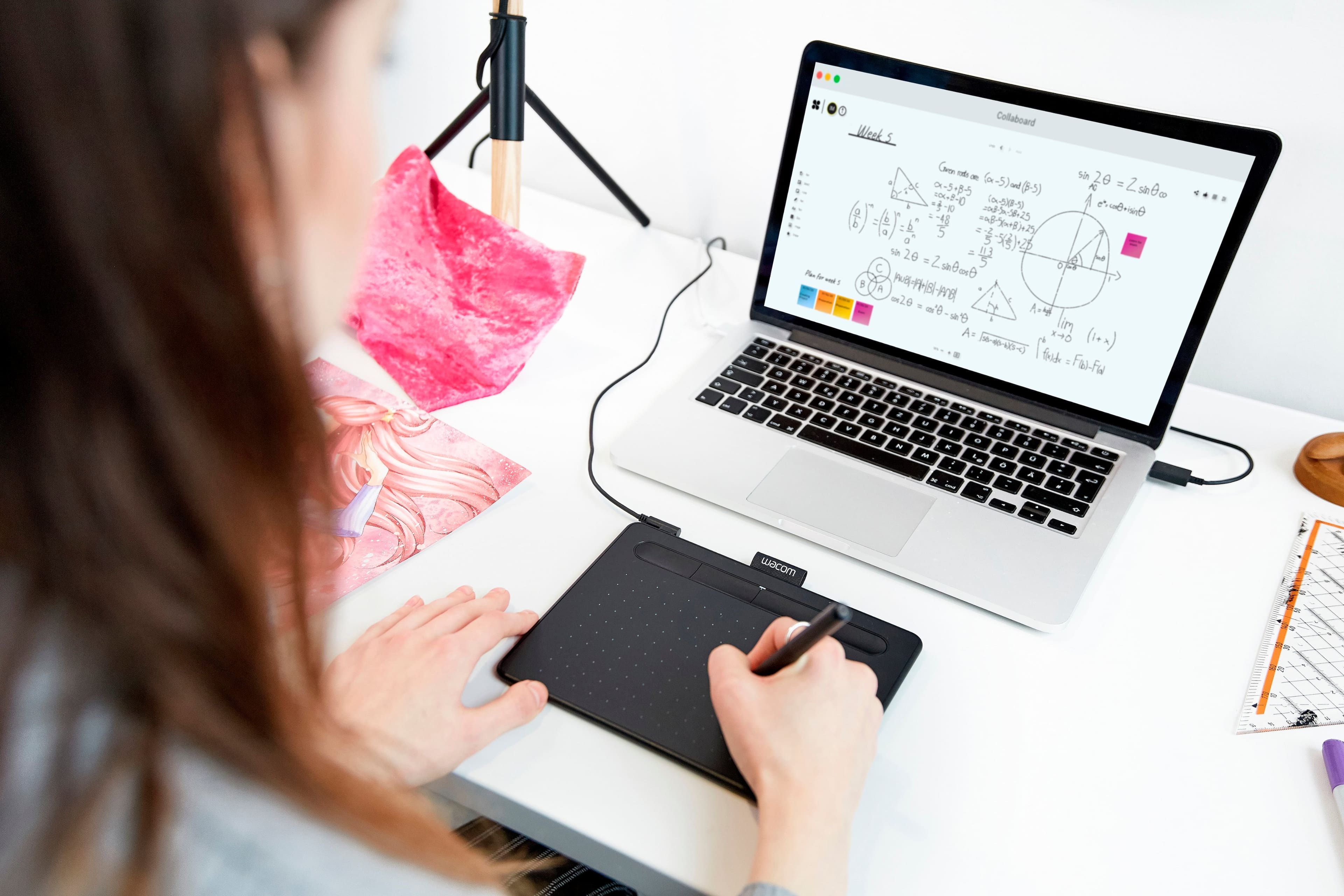
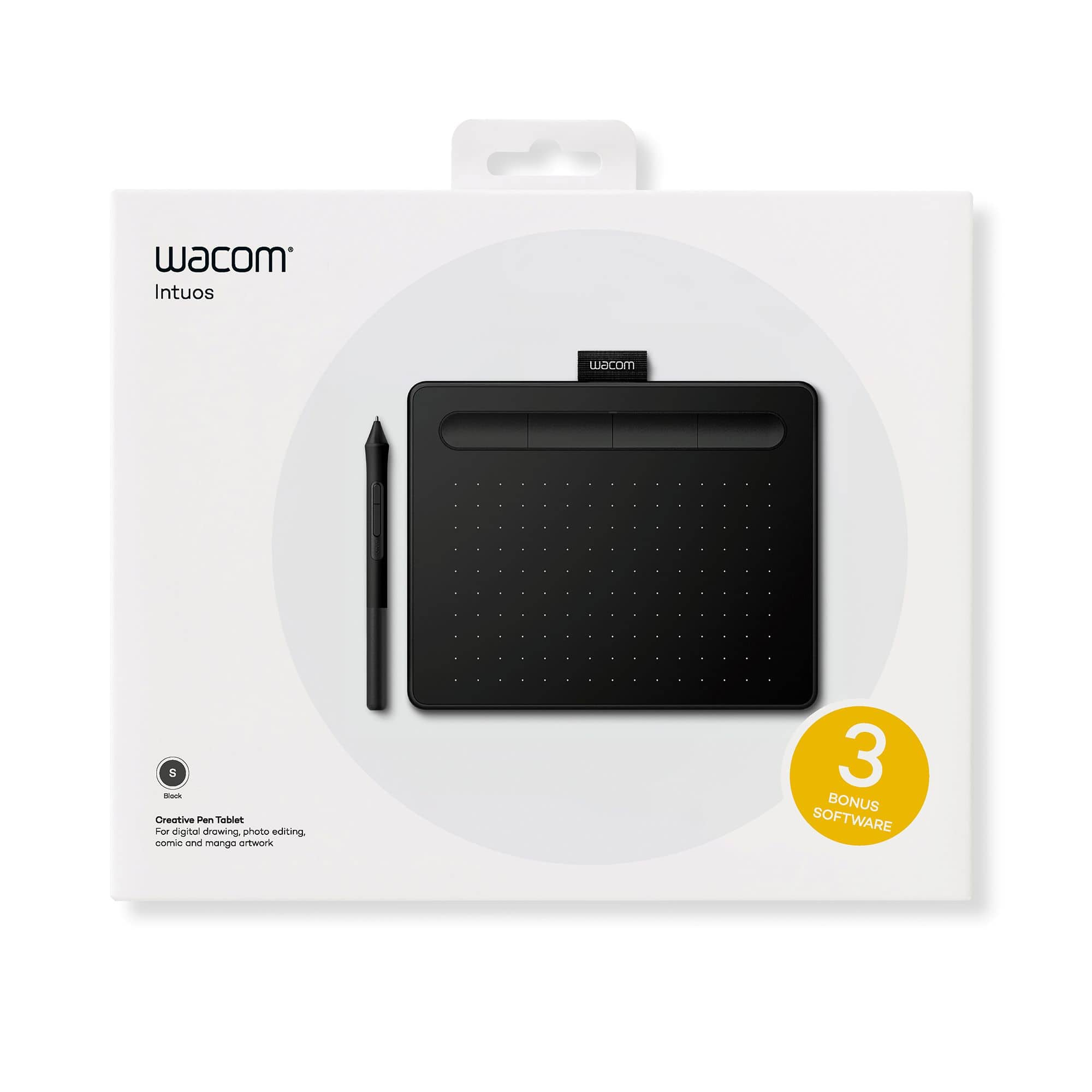
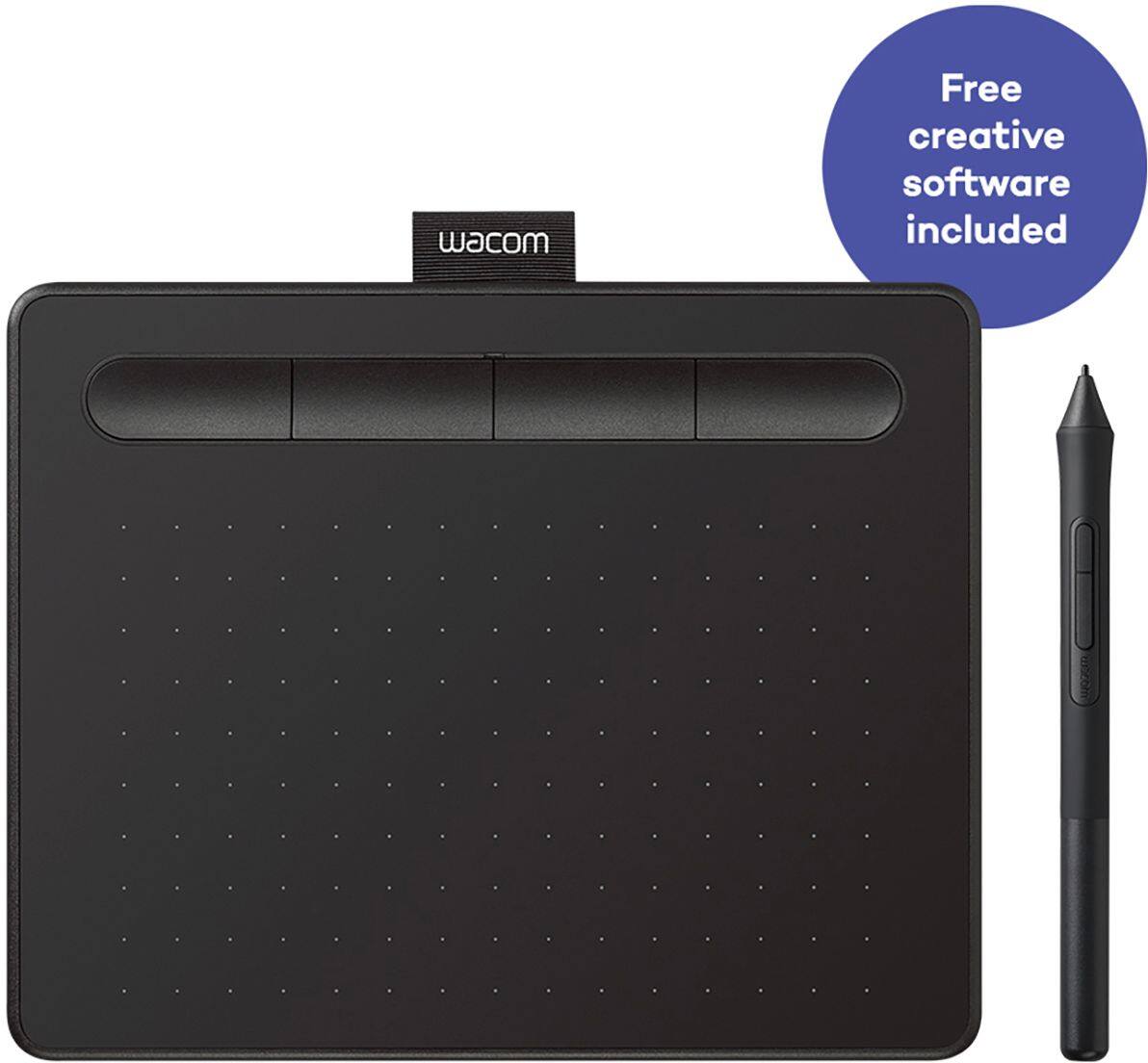

- Model:
- CTL4100
- |
- SKU:
- 6196636
Customer reviews
Rating 4.5 out of 5 stars with 1407 reviews
(1,407 customer reviews)Rating by feature
- Value4.6
Rating 4.6 out of 5 stars
- Quality4.6
Rating 4.6 out of 5 stars
- Ease of Use4.4
Rating 4.4 out of 5 stars
Customers are saying
Customers appreciate the Intuos Graphic Drawing Tablet for its ease of use, compact size, and overall quality, making it a good option for drawing. The included software bundle and compatibility are also well-received. However, some users have experienced initial setup issues and mention the sensitivity takes some getting used to. A few customers would prefer a Bluetooth option or a version with a screen.
This summary was generated by AI based on customer reviews.
- Pros mentioned:Drawing, Ease of use
Rated 5 out of 5 stars
Awesome item
||Posted . Owned for 3 weeks when reviewed.This reviewer received promo considerations or sweepstakes entry for writing a review.Love it. Easy to set up. Able to draw my projects out with no problem
I would recommend this to a friend - Pros mentioned:Ease of use
Rated 5 out of 5 stars
Great for beginners!
||Posted . Owned for 1 month when reviewed.This reviewer received promo considerations or sweepstakes entry for writing a review.It feels great to use! I'm not a professional artist by any means, but this tablet and the bonuses it comes with has made my journey into 2D art very enjoyable and fun! It's perfect for those who want a simple, yet VERY effective art tablet!
I would recommend this to a friend - Pros mentioned:Ease of use
Rated 5 out of 5 stars
Better than writing on a computer screen
||Posted . Owned for 8 months when reviewed.This reviewer received promo considerations or sweepstakes entry for writing a review.I have been using this pen tablet in my lectures since March 2020, when the Covid-19 pandemic started. I do not like writing on my laptop screen, which is not a horizontal surface. Since the drivers of this pen tablet are integrated with PowerPoint, it is very convenient to use it with PowerPoint presentations.
I would recommend this to a friend Rated 5 out of 5 stars
YES!
||Posted .This reviewer received promo considerations or sweepstakes entry for writing a review.I had an older model of this tablet. and while I am use to it, i also bought a new laptop that is not at all compatible with it, unfortunately. I am glad i bought this one, since it works smoothly with my laptop. i mainly use this tablet for photo editing in photoshop, and some light drawing as well. accurate precision, and the overall form factor is comfortable to hold and use.
I would recommend this to a friend- Pros mentioned:Size
Rated 4 out of 5 stars
Good, but can be great.
||Posted . Owned for 1 month when reviewed.This reviewer received promo considerations or sweepstakes entry for writing a review.Works good. Pros are small size, good build quality, pen is relatively responsive, works as a mouse, works well with just about all my drawing programs (even Msft Paint). Cons are even though it works as a mouse -not many software implementations to help it act as a mouse, small size means wrist bends at certain points, and there is no where to attach pen to pad.
I would recommend this to a friend - Pros mentioned:Ease of use, Size
Rated 4 out of 5 stars
Great little tablet
||Posted . Owned for 1 month when reviewed.This reviewer received promo considerations or sweepstakes entry for writing a review.great starter tablet, small and affordable this tablet will get you into digital art easily
I would recommend this to a friend - Pros mentioned:Ease of use
Rated 5 out of 5 stars
Must have starter tablet
||Posted . Owned for 3 weeks when reviewed.This reviewer received promo considerations or sweepstakes entry for writing a review.This tablet is a must have for those beginning in digital art. It's easy to set-up and provides a decent space to draw. The pressure sensitivity of the pen on the tablet does have a slight learning curve but overall a reliable portable tablet.
I would recommend this to a friend - Pros mentioned:Ease of use, Software
Rated 5 out of 5 stars
Very user friendly
||Posted . Owned for 1 month when reviewed.This reviewer received promo considerations or sweepstakes entry for writing a review.Very easy to install and register for product. And it comes with app for drawing. Great product!
I would recommend this to a friend - Pros mentioned:Ease of use
Rated 3 out of 5 stars
Good entry level tablet
||Posted . Owned for 1 month when reviewed.This reviewer received promo considerations or sweepstakes entry for writing a review.It's great entry level tablet but the small size is a hindrance. I would rather go for a mid-size at least. The good part is that connection to mac was a breeze. The drawing feel of the tablet is great. Works well in Adobe suite. If you want to use this for handwriting, then it's not good.
No, I would not recommend this to a friend - Pros mentioned:Software
Rated 5 out of 5 stars
Amazing drawing tablet for a beginner
||Posted .This reviewer received promo considerations or sweepstakes entry for writing a review.Had an older version but lost the pen to it and thought it was time to upgrade and this version is amazing! I love it! The top four buttons add a lot more functionality when drawing and very useful for editing any photoshop/premiere editing in general!
I would recommend this to a friend - Pros mentioned:Drawing
Rated 4 out of 5 stars
Drawing product
||Posted . Owned for 6 months when reviewed.This reviewer received promo considerations or sweepstakes entry for writing a review.This is a great product since my kids enjoy drawing and learning I would highly recommend this for anyone.
I would recommend this to a friend - Pros mentioned:Size
Rated 5 out of 5 stars
Love this Tablet!
||Posted . Owned for 1 year when reviewed.This reviewer received promo considerations or sweepstakes entry for writing a review.I really enjoy using this drawing tablet! My daughter used it in her digital art class and wanted to purchase one for personal use. The size of the tablet makes it easy to place on the table and put away when not in use. I love the precision of the pen. Highly recommend it if you are unable to get the larger size!
I would recommend this to a friend Rated 4 out of 5 stars
Fun time device
||Posted . Owned for 3 weeks when reviewed.This reviewer received promo considerations or sweepstakes entry for writing a review.Once you get use to this, it simply becomes an addiction to use. One flaw thought, no magmet on the pen, so be very careful tonavoid losing it
I would recommend this to a friend- Pros mentioned:Ease of use
Rated 5 out of 5 stars
Wonderful and Easy to Use
||Posted . Owned for 1 month when reviewed.This reviewer received promo considerations or sweepstakes entry for writing a review.Very great tablet, I had to buy a new writing pad when I was out of town and this beats the current one I use when I’m in the office. Easy to install and ready to go out the package. Highly recommend!
I would recommend this to a friend - Pros mentioned:Ease of use
Rated 4 out of 5 stars
Good product
||Posted .This reviewer received promo considerations or sweepstakes entry for writing a review.This was a gift for my teenager and she loves it. It is awesome for a beginner to digital art. It's easy to work with and set up. I only had an issue with space on my laptop but that isn't a product problem. Make sure you have storage and enough speed this will get you started. Also the 3 free programs seem to be okay I'm no expert but there may be better out there?
I would recommend this to a friend Rated 5 out of 5 stars
It's a Wacom
||Posted . Owned for 3 weeks when reviewed.This reviewer received promo considerations or sweepstakes entry for writing a review.I bought this on sale to test it out and I am glad I did. I've been wanting an art-tablet for a very long time and to now be able to own one is an amazing feeling. It makes me draw more than what I'm used to.
I would recommend this to a friendRated 4 out of 5 stars
Good customer service
||Posted . Owned for 3 weeks when reviewed.This reviewer received promo considerations or sweepstakes entry for writing a review.It did not work with my laptop but the customer service is good.
I would recommend this to a friend- Pros mentioned:Size
Rated 4 out of 5 stars
Recommend
||Posted . Owned for 1 month when reviewed.This reviewer received promo considerations or sweepstakes entry for writing a review.I've been a Wacom user for years but I use them as mouse replacements and not for the graphics side so I can definitely recommend them for that purpose. The small size is lightweight and portable but can actually be hard to use because it is a bit too small so if it fits you awesome because the next size up is a huge price jump.
I would recommend this to a friend Rated 4 out of 5 stars
Good For The Beginner
||Posted .This reviewer received promo considerations or sweepstakes entry for writing a review.Overall this was a good product, and I would have given it 5 stars but I feel the pen was too small in thickness, and is too light weight giving it a less than desired tactile feeling. Maybe it was just my preference; I do have medium to large hands. Anyhow, this product might be perfect for the beginner who wants to watch a budget. Note: If you want to go all out and budget is no problem, I hear the large tablet with the touch screen is ideal.
I would recommend this to a friendRated 5 out of 5 stars
Review on Wacom Tablet pickup experience
||Posted .This reviewer received promo considerations or sweepstakes entry for writing a review.Very helpful workers and got item smoothly. Thank you so much!
I would recommend this to a friend