Customer Ratings & Reviews
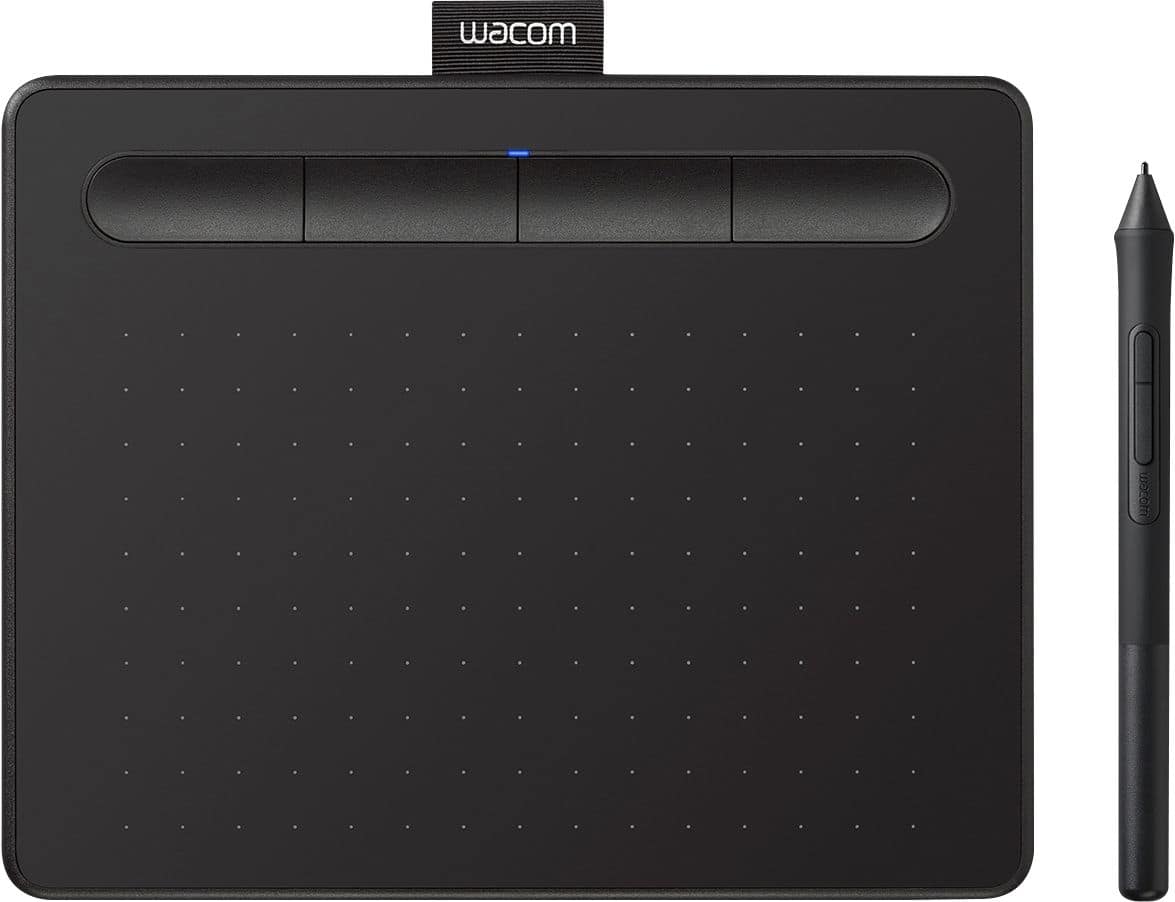
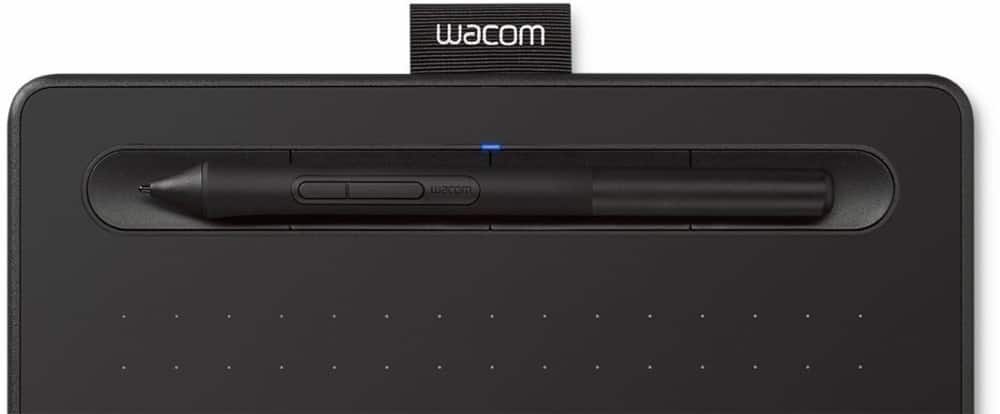
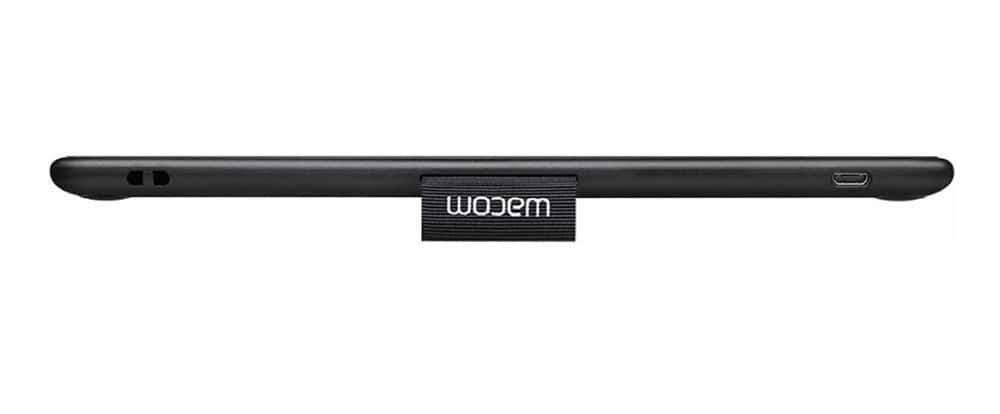
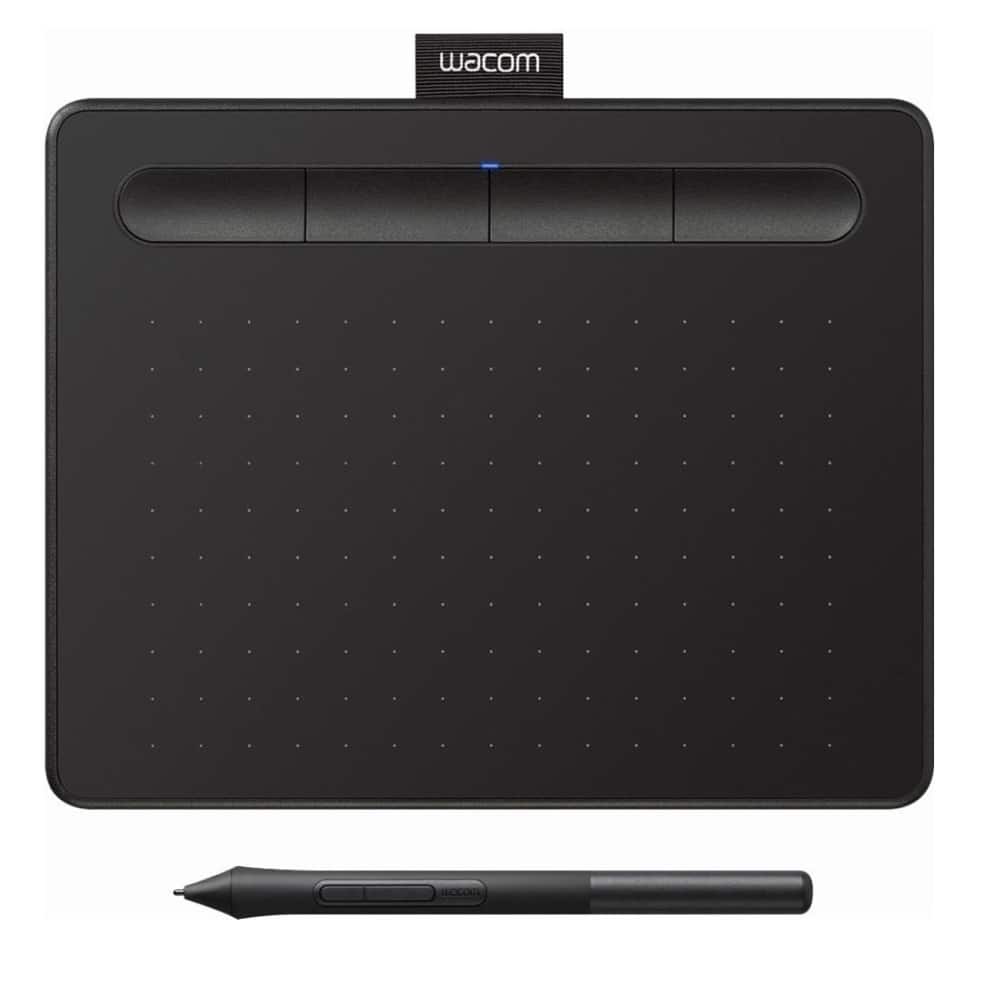
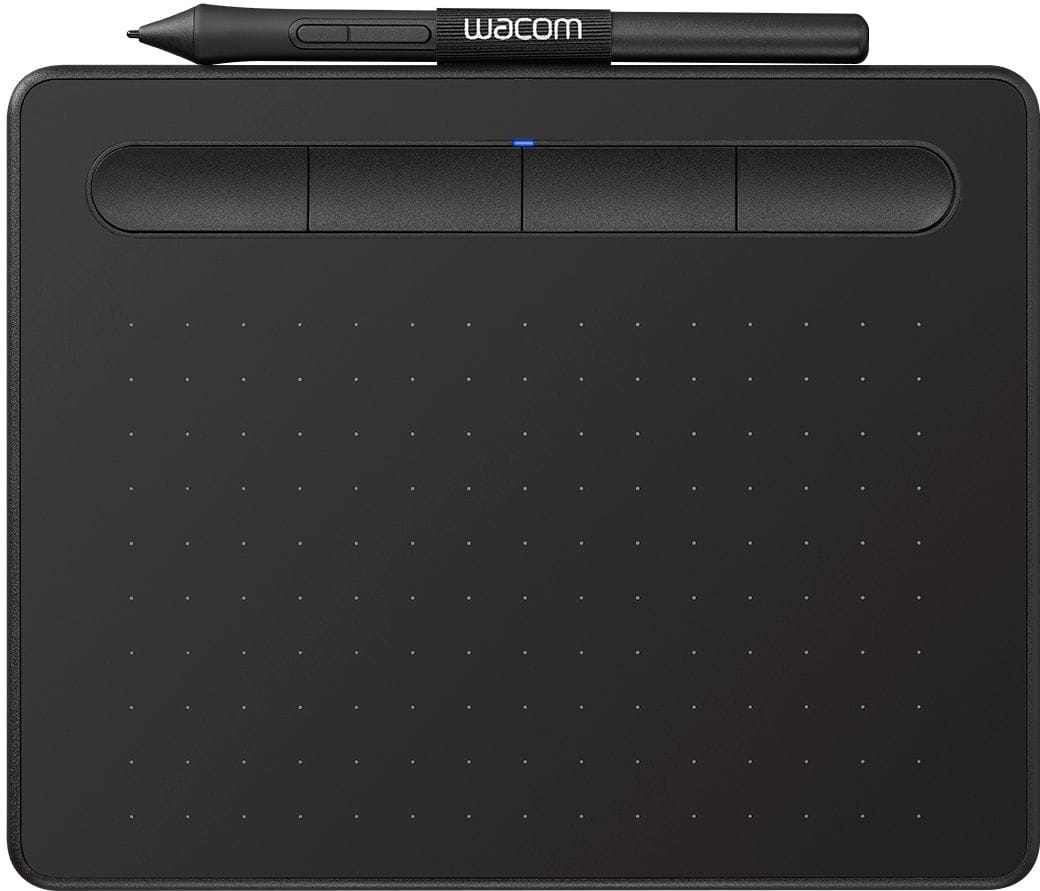
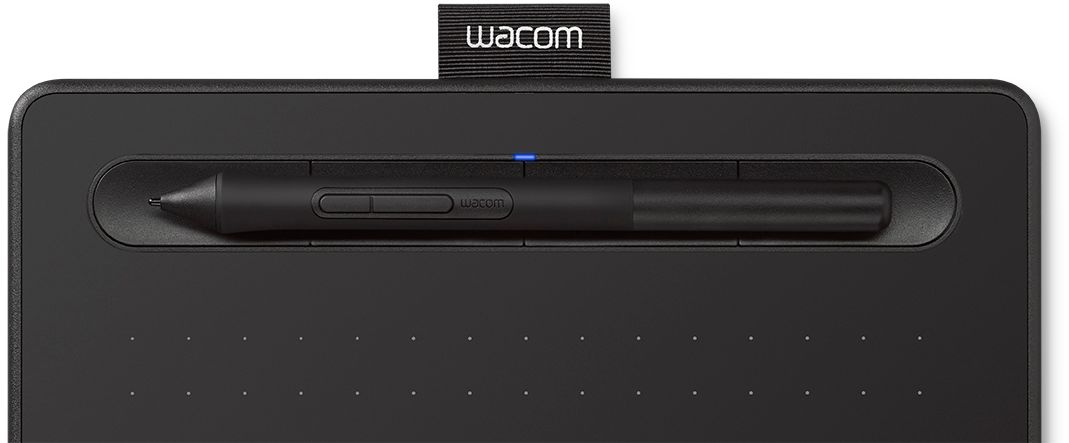
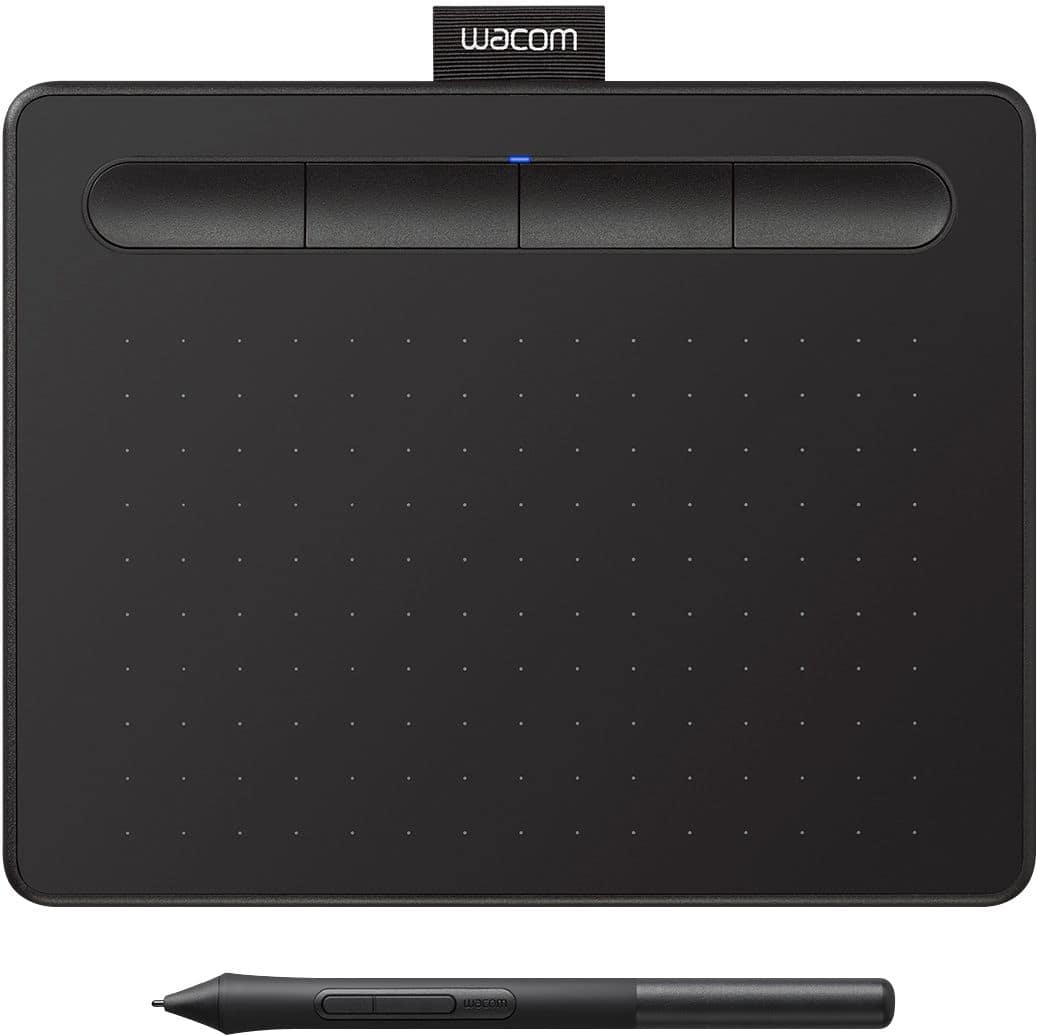

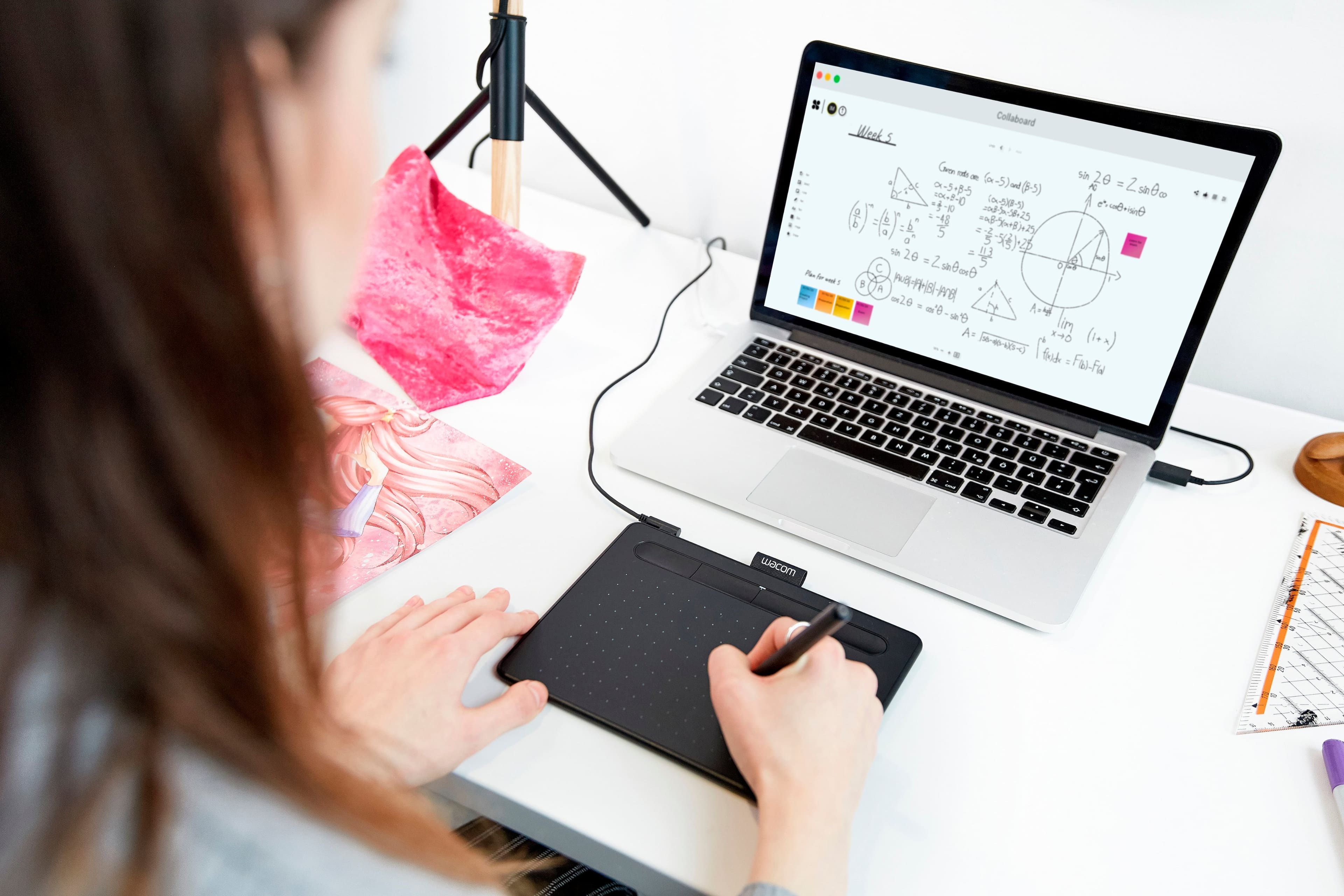

- Model:
- CTL4100
- |
- SKU:
- 6196636
Customer reviews
Rating 4.5 out of 5 stars with 1408 reviews
(1,408 customer reviews)Rating by feature
- Value4.6
Rating 4.6 out of 5 stars
- Quality4.6
Rating 4.6 out of 5 stars
- Ease of Use4.4
Rating 4.4 out of 5 stars
Customers are saying
Customers appreciate the Intuos Graphic Drawing Tablet for its ease of use, compact size, and overall quality, making it a good option for drawing. The included software bundle and compatibility are also well-received. However, some users have experienced initial setup issues and mention the sensitivity takes some getting used to. A few customers would prefer a Bluetooth option or a version with a screen.
This summary was generated by AI based on customer reviews.
- Pros mentioned:Drawing
Rated 5 out of 5 stars
So WORTH IT!!
||Posted . Owned for 1 month when reviewed.This reviewer received promo considerations or sweepstakes entry for writing a review.This is the writing and drawing tool to do a presentation. This is my 5th or 6th purchase and i give them out as gifts to my students. This last purchase was for my mentor as a token of appreciation.
I would recommend this to a friend - Pros mentioned:Size
Rated 5 out of 5 stars
Very nice drawing tablet
||Posted . Owned for 1 month when reviewed.This reviewer received promo considerations or sweepstakes entry for writing a review.I bought as a gift. My girlfriend says she loves the size because can have it with others apple wireless devices without needing much space. She likes the precision and loves that she can personalize every button on tablet and pen for every design program as Photoshop, Illustrator, after effects and more. For me the tablet buttons sound a little bit, could be better.
I would recommend this to a friend Rated 5 out of 5 stars
Great little pen tablet.
||Posted . Owned for 1 month when reviewed.This reviewer received promo considerations or sweepstakes entry for writing a review.Great little tablet so far. Sensitive with no lag. Getting used to the pressure sensitivity while drawing in Krita. Being able to set the buttons is also great.
I would recommend this to a friend- Pros mentioned:Ease of use
Rated 5 out of 5 stars
Wacom Intuos Graphic Drawing Table for Mac, PC
||Posted . Owned for 8 months when reviewed.This reviewer received promo considerations or sweepstakes entry for writing a review.excellent tool to use especially doing a lot of photo retouching and color grading in photoshop or Lightroom. it makes my work easy and faster than before
I would recommend this to a friend Rated 4 out of 5 stars
Good mouse substitute
||Posted . Owned for more than 2 years when reviewed.This reviewer received promo considerations or sweepstakes entry for writing a review.Used it as a mouse substitute for ergonomic reason as fingers are starting to hurt. It really helped a lot from that aspect. I used it in dual-monitor settings and resolution is still fine enough. The only imprecision issue is sometimes the software program would consider my click as a "mouse drag", probably because when I lift up the pen (to complete the click) and the tablet senses a horizontal movement within that small distance travel.
I would recommend this to a friend- Pros mentioned:Ease of use
Rated 5 out of 5 stars
Excellent for teaching on-line
||Posted . Owned for 1 month when reviewed.This reviewer received promo considerations or sweepstakes entry for writing a review.This tablet worked great and I'm technophobic! It was exactly like writing on paper. I am a teacher, teaching on-line for a statistics class and this option for drawing graphs, etc. was so much more precise than trying to draw with a stylus on my touch-screen computer.
I would recommend this to a friend - Pros mentioned:Ease of use
Rated 5 out of 5 stars
Solid Introduction to Drawing on a Tablet
||Posted .This reviewer received promo considerations or sweepstakes entry for writing a review.Got this for my girlfriend because she was interested in digital drawing. This is a pretty nifty little tablet for the price! Of course, it takes a lot of practice, but after about 2 hours of playing with it, she drew a super cute picture of Calcifer from Howl's Moving Castle! I even used it myself to design a logo and found it easy to grasp. If not easier than drawing with an actual pen!
I would recommend this to a friend - Pros mentioned:Ease of use
Rated 5 out of 5 stars
Better than any mouse
||Posted . Owned for more than 2 years when reviewed.This reviewer received promo considerations or sweepstakes entry for writing a review.I've yet to find a mouse that rivals a wacom tablet as it relates to editing photos or using lightroom & photoshop. There is absolutely no comparison. I'll go so far as to repeat what someone said that the cheapest tablet is better than the most expensive mouse. It's true.
I would recommend this to a friend - Pros mentioned:Ease of use
Rated 5 out of 5 stars
Great product
||Posted . Owned for 1 month when reviewed.This reviewer received promo considerations or sweepstakes entry for writing a review.The product works well but the program I’m using is over my head so is frustrating but then it’s not the product. Basically you plug it in but then it determines one’s skill and program you are using.
I would recommend this to a friend - Pros mentioned:Size
Rated 4 out of 5 stars
hope they have a medium size
||Posted . Owned for 1 week when reviewed.This reviewer received promo considerations or sweepstakes entry for writing a review.Quite ok. It can do better if the pen holder is on the side instead on the top. And because it's so small, it's difficult to pinpoint the area you're drawing esp if you're using a large screen. I returned it because of the size. The medium size however, it's at least 2 times of this price. Hope they have this version in medium size.
No, I would not recommend this to a friend - Pros mentioned:Size
Rated 5 out of 5 stars
Wacom Intuos
||Posted . Owned for 3 weeks when reviewed.This reviewer received promo considerations or sweepstakes entry for writing a review.Delivered fast. Exactly as described. Works great as it's the perfect size to sit right next to a MacBook Pro.
I would recommend this to a friend Rated 5 out of 5 stars
USB 2.0 entrance-friendly option
||Posted . Owned for 1 month when reviewed.This reviewer received promo considerations or sweepstakes entry for writing a review.Even though I returned it as I didn't need it, I still suggest you look into this product. I ended up with the wireless version over the wired one for the reason I am about to explain. If this means anything to you, if you're trying to use this wired, make sure the connection entrance is of the USB 2.0 entrance (black inside tip) as opposed to USB 3.0 (blue inside tip). But I am assuming that it still functions like my wireless one as well as compatible, minus the Bluetooth connection.
I would recommend this to a friend- Pros mentioned:Ease of use
Rated 4 out of 5 stars
Great with minor complaints
||Posted . Owned for 5 months when reviewed.This reviewer received promo considerations or sweepstakes entry for writing a review.Easy to write on Zoom whiteboards and general Zoom annotation. Pen is responsive. However, the center of the whiteboard doesn’t usually correlate with the center of the writing pad. And that problem is pronounced when I use a dual screen. Also, it’s too easy too accidentally click on the pen button when not intended. Otherwise, a very good product.
I would recommend this to a friend Rated 4 out of 5 stars
Great beginner, no screen, drawing tablet
||Posted . Owned for 3 weeks when reviewed.This reviewer received promo considerations or sweepstakes entry for writing a review.Great value for price. Takes some getting used to, but very useful for beginners who don't want to fully commit to something more expensive.
I would recommend this to a friend- Pros mentioned:Drawing
Rated 5 out of 5 stars
Great tablet for beginner or intermediate artists!
||Posted . Owned for 3 weeks when reviewed.This reviewer received promo considerations or sweepstakes entry for writing a review.My son convinced me to get this for him - I had previously heard nothing about the product. But it ended up being an excellent choice for him to continue his hobbies and interest of digital drawing, cartoon script making. Works very nice and he’s had no complaints so far. Lots of options and smooth drawing - has upped his quality!
I would recommend this to a friend - Pros mentioned:Ease of use
Rated 5 out of 5 stars
Really awesome!
||Posted . Owned for 1 month when reviewed.This reviewer received promo considerations or sweepstakes entry for writing a review.Works really well, I love how easy it was for me to use. Works like a dream! I didn't know whether I would be able to use it properly right away but I am getting used to it quickly! It came in the same day even though it said 2 days for shipping so I was really excited when it said it was coming in the day it came in!
I would recommend this to a friend Rated 5 out of 5 stars
Works out of the box with Linux Mint
||Posted .This reviewer received promo considerations or sweepstakes entry for writing a review.Worked straight out of the box with Linux Mint 21.1. Not sure about other distros. Works with Krita and Blender pretty well. Blender is already setup to handle tablets and pens for strength and radius brushes.
I would recommend this to a friend- Pros mentioned:Ease of use, Software
Rated 5 out of 5 stars
great product
||Posted . Owned for 1 month when reviewed.This reviewer received promo considerations or sweepstakes entry for writing a review.easy to use for beginners, come with 3 softwares and good price.
I would recommend this to a friend - Pros mentioned:Ease of use
Rated 5 out of 5 stars
Works well, non-trivial set up
||Posted . Owned for 3 weeks when reviewed.This reviewer received promo considerations or sweepstakes entry for writing a review.Great tablet for the price. A little difficult to install and set up on macOS Catalina, but was able to get it right using Wacom’s Troubleshooting guide on their website. It works really well. My kids use it for hand written virtual school work, and I’ve been using it with Clip Studio Paint (which came with it!).
I would recommend this to a friend Rated 4 out of 5 stars
Precision
||Posted . Owned for 1 month when reviewed.This reviewer received promo considerations or sweepstakes entry for writing a review.I don’t know how to really use this device, I’ve been using it for 4 weeks now and I can’t quite get a good precision on the stylus tip And the tablet. I’ve been using it to show my student math problems on zoom and my writing is horrible and that’s not usually the case. I guess I’ll have to Watch YouTube videos on how to be more precise with the writing tool. Also, this device is not wireless. I didn’t read that part when I purchased, I assumed it was when I saw the picture. Was in a rush to get my online teaching started.
I would recommend this to a friend