Customer Ratings & Reviews
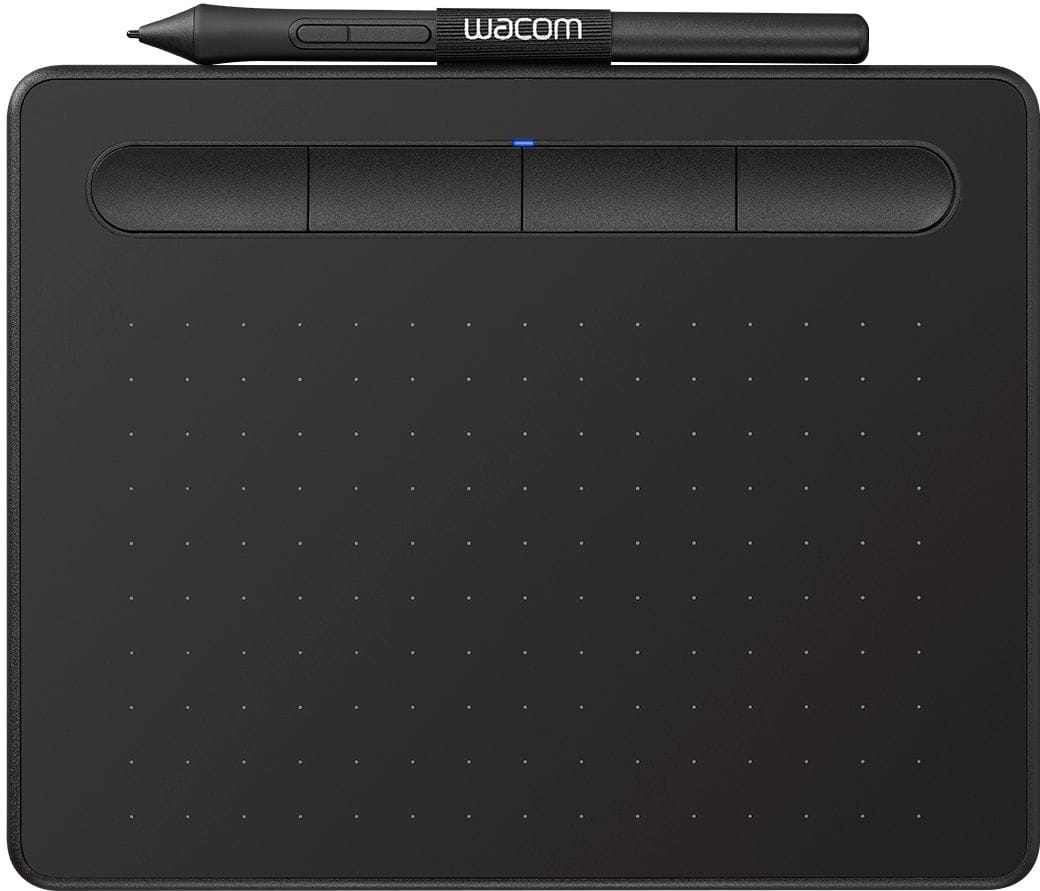
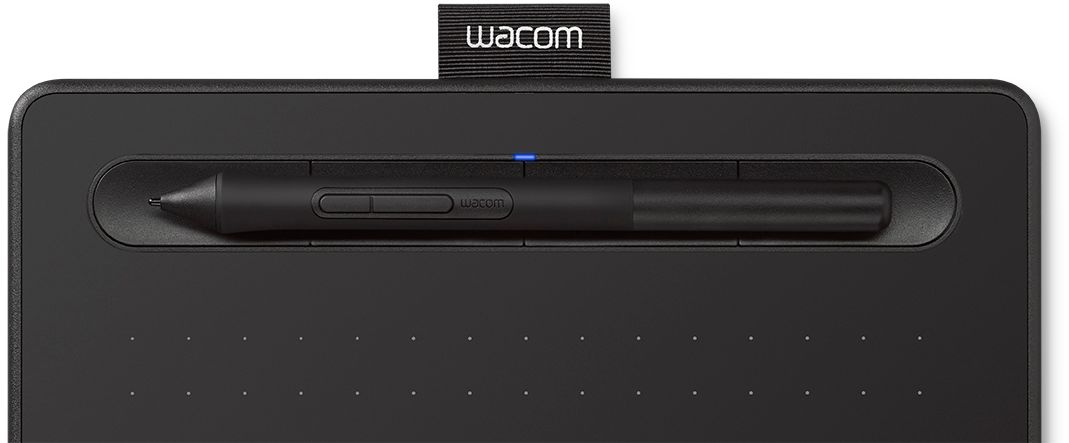
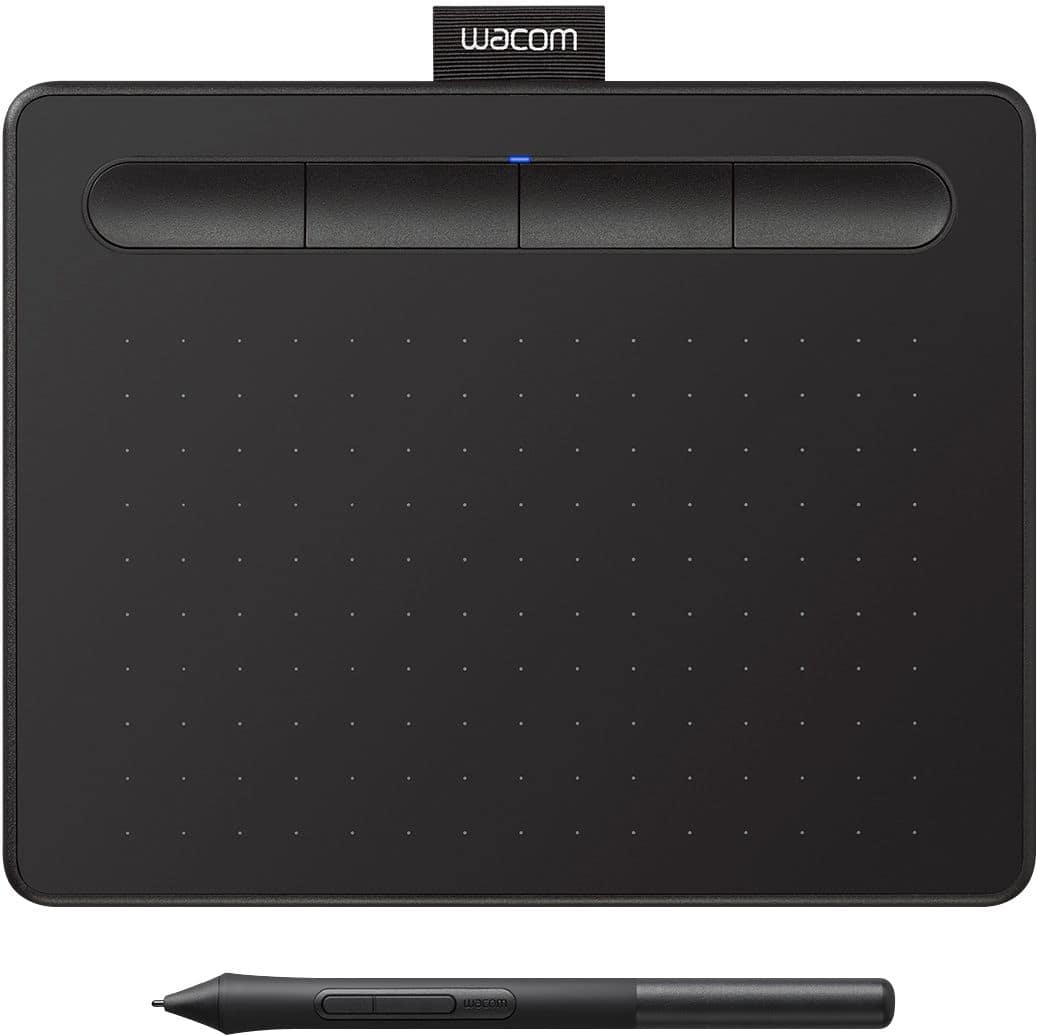

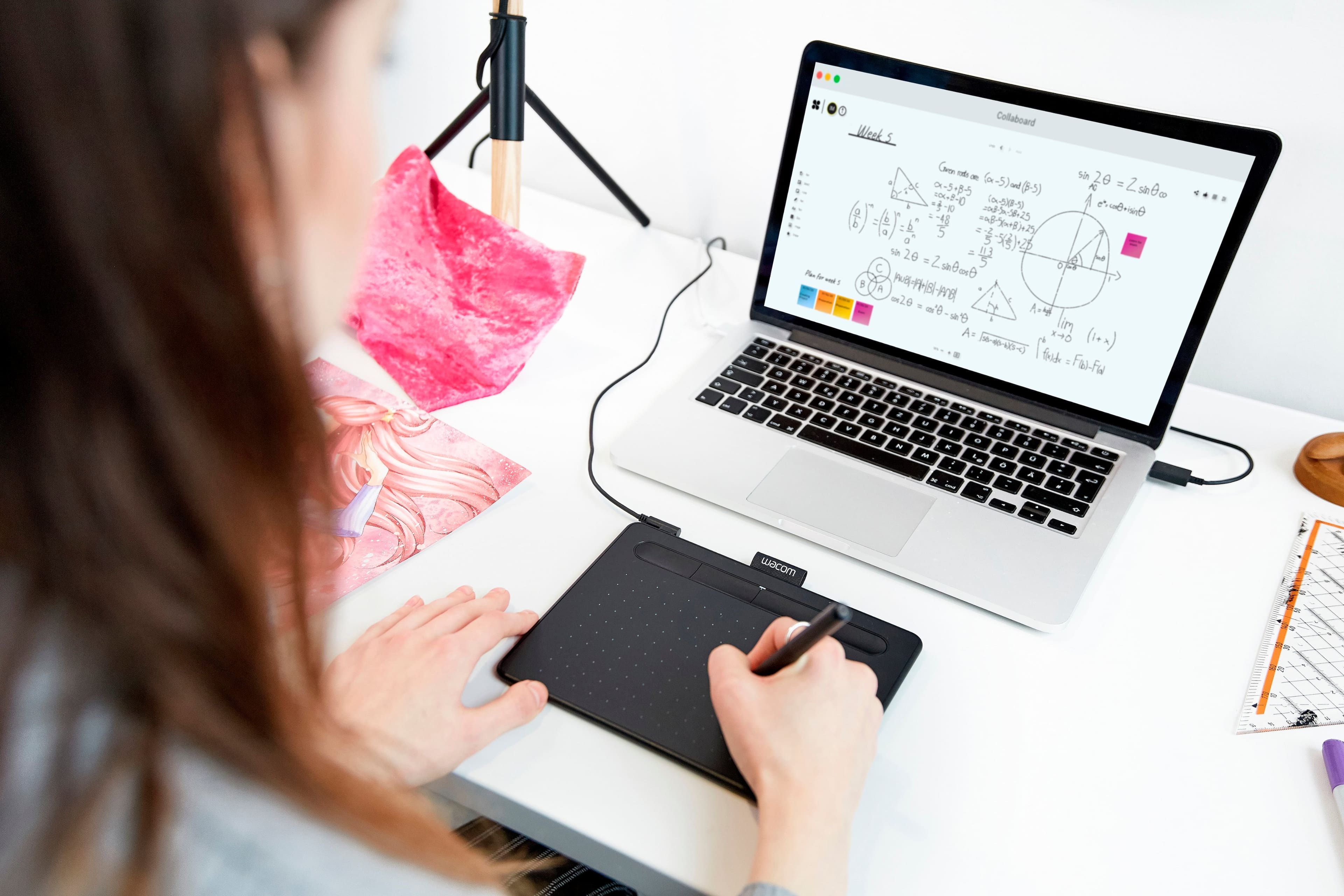

- Model:
- CTL4100
- |
- SKU:
- 6196636
Customer reviews
Rating 4.5 out of 5 stars with 1408 reviews
(1,408 customer reviews)Rating by feature
- Value4.6
Rating 4.6 out of 5 stars
- Quality4.6
Rating 4.6 out of 5 stars
- Ease of Use4.4
Rating 4.4 out of 5 stars
Customers are saying
Customers appreciate the Intuos Graphic Drawing Tablet for its ease of use, compact size, and overall quality, making it a good option for drawing. The included software bundle and compatibility are also well-received. However, some users have experienced initial setup issues and mention the sensitivity takes some getting used to. A few customers would prefer a Bluetooth option or a version with a screen.
This summary was generated by AI based on customer reviews.
- Pros mentioned:Ease of use
Rated 5 out of 5 stars
Graphic drawing tablet
||Posted . Owned for 11 months when reviewed.This reviewer received promo considerations or sweepstakes entry for writing a review.This is a present for my sister turned out to be absolutely excellent. Easy to use great value still last after a long time wonderful product nothing to complain about.
I would recommend this to a friend - Pros mentioned:Ease of use, Size
Rated 5 out of 5 stars
Value for money
||Posted . Owned for 3 weeks when reviewed.This reviewer received promo considerations or sweepstakes entry for writing a review.It delivers what promised. Easy to use and compact
I would recommend this to a friend - Pros mentioned:Ease of use
Rated 5 out of 5 stars
Great starter drawing pad
||Posted . Owned for 2 weeks when reviewed.This reviewer received promo considerations or sweepstakes entry for writing a review.Bought this for my daughter who is starting to do computer drawing here at home. She is 10 and it was easy enough for her to figure out how to use it in conjunction with her programs and some of the free drawing programs it comes with.
I would recommend this to a friend - Pros mentioned:Size, Software
Rated 5 out of 5 stars
Tablet
||Posted .This reviewer received promo considerations or sweepstakes entry for writing a review.Great tablet. The software is user friendly and Just the right size.
I would recommend this to a friend - Pros mentioned:Ease of use
Rated 5 out of 5 stars
Great Buy!
||Posted . Owned for 1 month when reviewed.This reviewer received promo considerations or sweepstakes entry for writing a review.I've been looking for a tablet for quite some time now and found this on the Best Buy's - 'Deal of the Day' for under $40.00. Works perfectly for what I'm using it for (photoshop/video editing). Easy to set up with no issues so far.
I would recommend this to a friend - Cons mentioned:Setup
Rated 5 out of 5 stars
Painful setup
||Posted . Owned for 1.5 years when reviewed.This reviewer received promo considerations or sweepstakes entry for writing a review.This thing is such a pain to setup. I wouldn't recommend.
No, I would not recommend this to a friend Rated 5 out of 5 stars
works very well.
||Posted . Owned for more than 2 years when reviewed.This reviewer received promo considerations or sweepstakes entry for writing a review.This works as you would expect. my daughter uses it all the time. she likes to keep it plugged in all the time instead of using the Bluetooth option She enjoys drawing with it.
I would recommend this to a friend- Pros mentioned:Software
Rated 5 out of 5 stars
Good tablet!
||Posted . Owned for 1 month when reviewed.This reviewer received promo considerations or sweepstakes entry for writing a review.Really good budget tablet for the price very responsive. I also like the software it comes with a lot of freebies! Would recommend 10/10
I would recommend this to a friend - Cons mentioned:Features
Rated 4 out of 5 stars
Good drawing tablet
||Posted . Owned for 2 weeks when reviewed.This reviewer received promo considerations or sweepstakes entry for writing a review.This may not be the most sophisticated graphic drawing tablet but it still gets the job done. If you are a professional designer you probably will want something larger and with more features but this was excellent for our purposes and it’s a good price also. We are totally satisfied with it and I’m sure you will be too.
I would recommend this to a friend - Pros mentioned:Ease of use
Rated 4 out of 5 stars
Wacom Review
||Posted . Owned for 2 weeks when reviewed.This reviewer received promo considerations or sweepstakes entry for writing a review.There’s a learning curve with the writing on it but it’s not hard and I really enjoy it .
I would recommend this to a friend - Pros mentioned:Ease of use
Rated 5 out of 5 stars
Great Image Creator
||Posted . Owned for 3 weeks when reviewed.This reviewer received promo considerations or sweepstakes entry for writing a review.I bought this for my dayghters birthday. She and I are very happy with this product. It is easy to use. Directions were clear. The pen glides on the pad creating great images. It is not bulky and stores easily. I would definitely reccomend this priduct for anyone that loves to doodle.
I would recommend this to a friend - Pros mentioned:Quality
Rated 4 out of 5 stars
Good quality for the price
||Posted . Owned for 3 months when reviewed.This reviewer received promo considerations or sweepstakes entry for writing a review.My son uses this for some online tutoring that he's doing, and while it takes a little tinkering to get the sensitivity just right, the response is pretty consistent - good quality for the price. The programmable buttons are nice, but we haven't used the bonus software, so can't comment on that.
I would recommend this to a friend - Pros mentioned:Quality
Rated 5 out of 5 stars
Very Intuitive and Great For Beginers
||Posted .This reviewer received promo considerations or sweepstakes entry for writing a review.I would recommend this for anyone who wants to start out digital drawing. Many professional started on it and that is why I decided to buy this one. It is cheap and works very well. It takes some getting used to, but after a while you will get used to it. It took me about 2-3 hours to get used to. Was well built and was a good quality for the price
I would recommend this to a friend Rated 4 out of 5 stars
Pretty Good
||Posted . Owned for 3 weeks when reviewed.This reviewer received promo considerations or sweepstakes entry for writing a review.Reliable and works as expected. Good for connecting to most devices and gives you a small two years of an art subscription
I would recommend this to a friend- Pros mentioned:Ease of use
Rated 5 out of 5 stars
Drawing Pad
||Posted . Owned for 1 month when reviewed.This reviewer received promo considerations or sweepstakes entry for writing a review.My pre teen son absolutely loves this. I purchased it for him so he could practice making graphics. It’s extremely user friendly and a great price for the quality.
I would recommend this to a friend Rated 4 out of 5 stars
Teaching from home? You may need this.
||Posted . Owned for 2 weeks when reviewed.This reviewer received promo considerations or sweepstakes entry for writing a review.I teach high school and, like many, am teaching from home for now. I needed a way to write like one would on a chalkboard / whiteboard / Smartboard. I am using this to write on my Smartboard software to share with my online class. It works fairly well. It tracks your cursor as you hover over the pad and then writes (or clicks or whatever) when you press on the tablet. For the price, I don't know if you can do much better. I did have problems getting the driver to work on my newer laptop and still have yet to get it working. I'm using my daughter's old laptop and it's doing ok. So that was a pain.
I would recommend this to a friend- Pros mentioned:Ease of use
Rated 4 out of 5 stars
Works great! I should've gone for a bigger size.
||Posted . Owned for 2 months when reviewed.This reviewer received promo considerations or sweepstakes entry for writing a review.Works just like expected. Easy setup. Easy to use however I believe that it's just a little too small. The build quality is great. Strange that the pen doesn't fit the loop at the top. Great product overall!
I would recommend this to a friend - Pros mentioned:Size
Rated 5 out of 5 stars
Great for Animating in Blender
||Posted . Owned for 1 month when reviewed.This reviewer received promo considerations or sweepstakes entry for writing a review.The Wacom Tablet is excellent! works like a charm and this size was plenty big for animating in Blender.
I would recommend this to a friend - Pros mentioned:Ease of use
Rated 5 out of 5 stars
very nice
||Posted .This reviewer received promo considerations or sweepstakes entry for writing a review.very nice , easy to use great mouse pen easy to connect.
I would recommend this to a friend - Pros mentioned:Drawing
Rated 5 out of 5 stars
Wonderful for the artists
||Posted . Owned for 3 weeks when reviewed.This reviewer received promo considerations or sweepstakes entry for writing a review.My granddaughter wanted this, I bought it for her 10th birthday and she loves it. She does a very detailed artistic drawings.
I would recommend this to a friend