Customer Ratings & Reviews
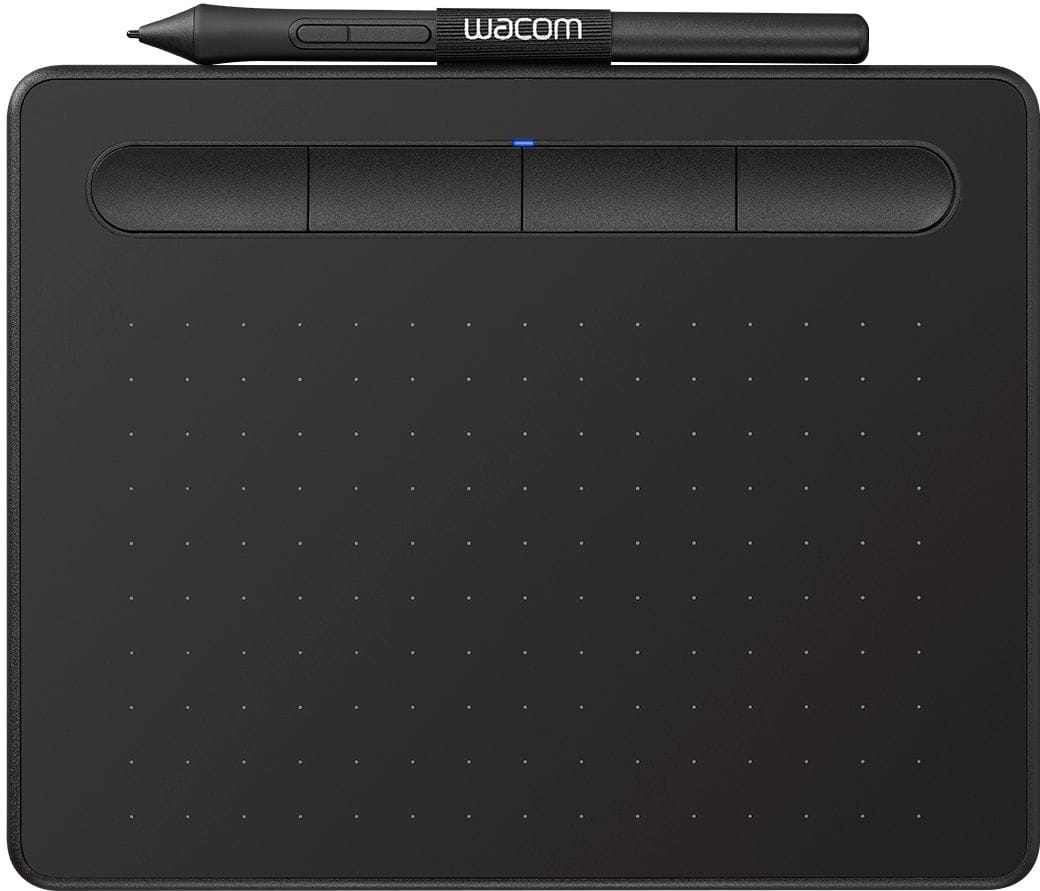
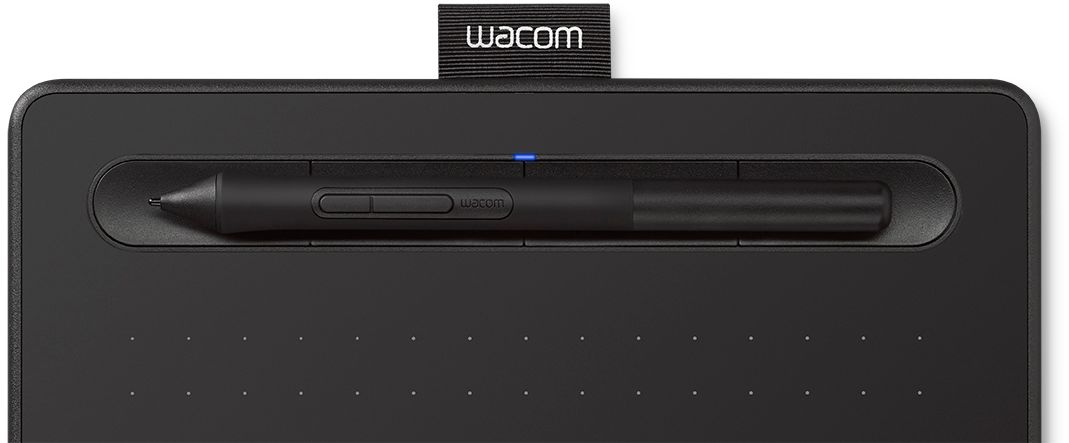
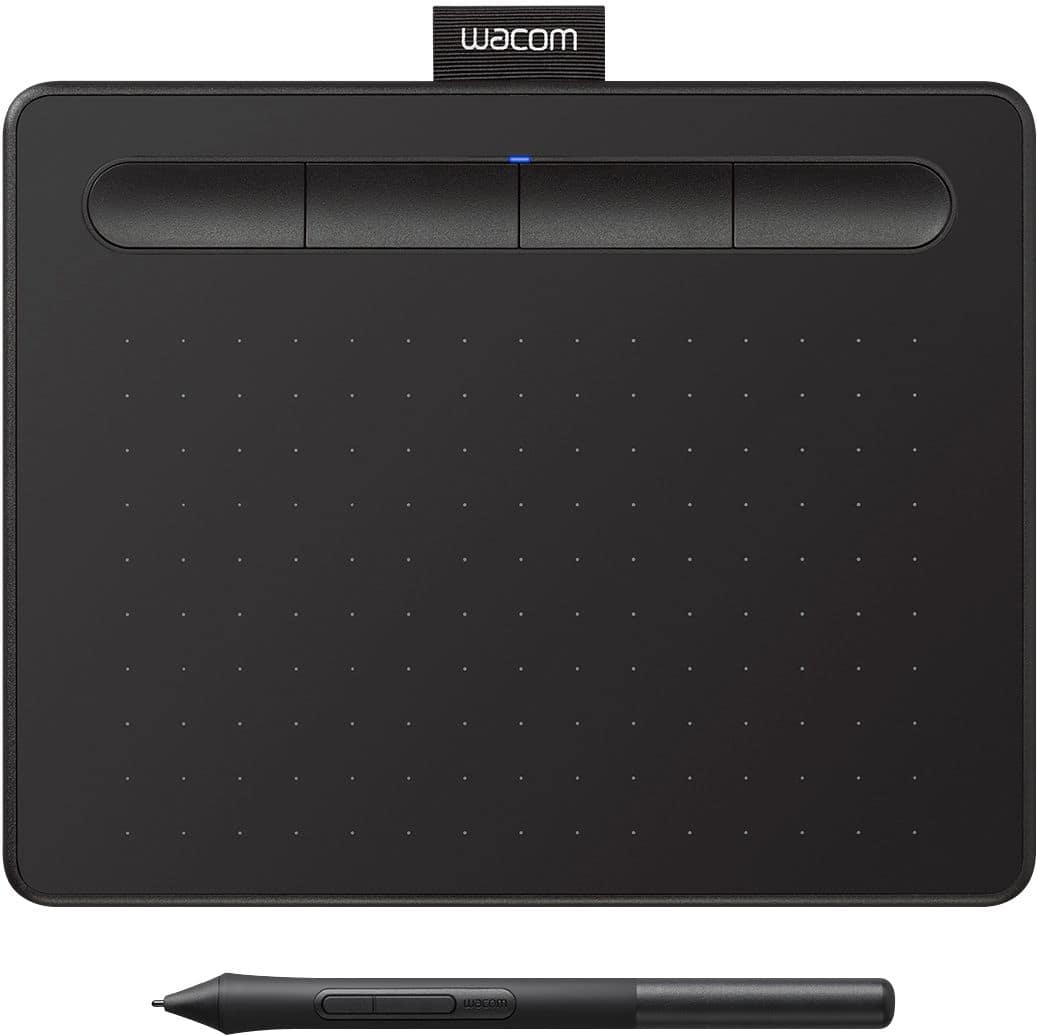


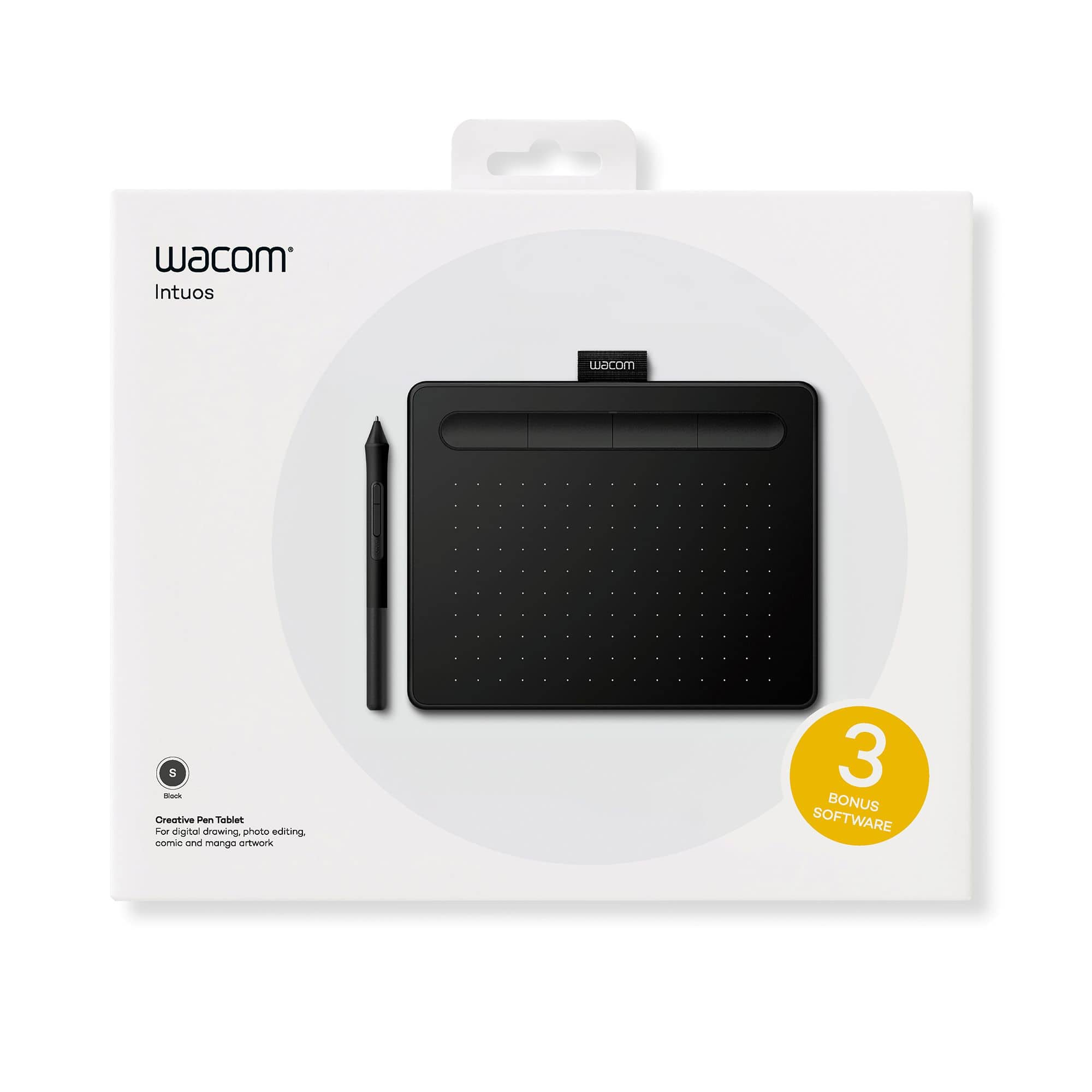

- Model:
- CTL4100
- |
- SKU:
- 6196636
Customer reviews
Rating 4.5 out of 5 stars with 1408 reviews
(1,408 customer reviews)Rating by feature
- Value4.6
Rating 4.6 out of 5 stars
- Quality4.6
Rating 4.6 out of 5 stars
- Ease of Use4.4
Rating 4.4 out of 5 stars
Customers are saying
Customers appreciate the Intuos Graphic Drawing Tablet for its ease of use, compact size, and overall quality, making it a good option for drawing. The included software bundle and compatibility are also well-received. However, some users have experienced initial setup issues and mention the sensitivity takes some getting used to. A few customers would prefer a Bluetooth option or a version with a screen.
This summary was generated by AI based on customer reviews.
- Pros mentioned:Ease of use
Rated 5 out of 5 stars
Great for using with creative software
||Posted . Owned for 1.5 years when reviewed.This reviewer received promo considerations or sweepstakes entry for writing a review.I've been using this for almost two years. It works great with Photoshop and I've also used it to take digital notes for class. It tracks drawing very well and is easy to use.
I would recommend this to a friend - Pros mentioned:Size
Rated 5 out of 5 stars
Wacom Tablet Review (short;5 stars)
||Posted . Owned for 1 month when reviewed.This reviewer received promo considerations or sweepstakes entry for writing a review.works great! small but that makes it great for transport. havent had any issues with it so far!
I would recommend this to a friend - Pros mentioned:Size
Rated 5 out of 5 stars
Convenient and small
||Posted . Owned for 3 weeks when reviewed.This reviewer received promo considerations or sweepstakes entry for writing a review.Really nice drawing tablet! I have a bigger one and this one is perfect for class. I can easily plug in and it's really convenient!
I would recommend this to a friend - Pros mentioned:Quality
Rated 4 out of 5 stars
Good, just not for Inkscape.
||Posted .This reviewer received promo considerations or sweepstakes entry for writing a review.Wacom tablets have had a high quality for years. The down side however is if you use really old programs with it that are no longer supported by the vendor. The newer drivers end up causing problems on older programs. Also this particular tablet seems to crash Inkscape.
I would recommend this to a friend - Pros mentioned:Ease of use
Rated 5 out of 5 stars
User Friendly!
||Posted . Owned for 2 weeks when reviewed.This reviewer received promo considerations or sweepstakes entry for writing a review.Easy to connect to our laptops! We bought another one to help our office functions flow better since it is so user friendly.
I would recommend this to a friend Rated 4 out of 5 stars
It works for the job
||Posted . Owned for 9 months when reviewed.This reviewer received promo considerations or sweepstakes entry for writing a review.Very use full tool writing notes and drawing if you want. It was a learning curb to write or draw while watching my screen.
I would recommend this to a friend- Pros mentioned:Size
Rated 5 out of 5 stars
grate
||Posted . Owned for 1 month when reviewed.This reviewer received promo considerations or sweepstakes entry for writing a review.absolutely grate its a bit small this 1 if u have the money you should get the big 1 if you have a artsy kid the small 1 is grate it comes with 3 tip replacements and a please to put a lil graduation cap thing idk what it is called like old phone hade
I would recommend this to a friend - Pros mentioned:Ease of use
Rated 5 out of 5 stars
Electric board
||Posted . Owned for 3 weeks when reviewed.This reviewer received promo considerations or sweepstakes entry for writing a review.Bought it from my child school and so far no complaints
I would recommend this to a friend - Pros mentioned:Ease of use
Rated 5 out of 5 stars
Great Product
||Posted .This reviewer received promo considerations or sweepstakes entry for writing a review.Purchased this item for my 8 year old son who is into drawing and was interested in starting to do animation and drawing on a computer. Easy set up and nice sleek look to the item as well. Needs a little practicing to get use to the way you use the pen for drawing but not hard to catch on.
I would recommend this to a friend Rated 4 out of 5 stars
Good for some
||Posted . Owned for 6 months when reviewed.This reviewer received promo considerations or sweepstakes entry for writing a review.Great for anyone that has digital notes and don’t want to spend too much money on a bigger tablet. Other than that, if you’re using it to do art, try and save for something better. The software is a bit confusing at first.
I would recommend this to a friendRated 5 out of 5 stars
Wacom Intuos
||Posted . Owned for 3 months when reviewed.This reviewer received promo considerations or sweepstakes entry for writing a review.The Wacom Intuos is a standard entry-level drawing tablet for digital media. I personally prefer and recommend corded electronics as opposed to bluetooth, due longer functional life (bluetooth connective devices can usually only function for about a year- so you'd better make sure you've got a full-coverage warranty) and lower risk of lag. Keep in mind that the Wacom Intuos is small, so if you're more used to drawing on paper in sketchbooks or 8"/11", you'll have an adjustment period.
I would recommend this to a friend- Pros mentioned:Ease of use
Rated 5 out of 5 stars
Great product for illustrators
||Posted . Owned for 1 month when reviewed.This reviewer received promo considerations or sweepstakes entry for writing a review.I have used Wacom tablets for over 20 years, they make illustrations so much easier. And it was a great deal. Love them!
I would recommend this to a friend - Pros mentioned:Ease of use
Rated 5 out of 5 stars
Very nice
||Posted . Owned for 2 weeks when reviewed.This reviewer received promo considerations or sweepstakes entry for writing a review.A very nice drawing tablet feels very sturdy and solid belt bought it for my daughter and she's very happy it's a little bit of a learning curve but it only takes about a few days good product will recommend.
I would recommend this to a friend - Pros mentioned:Ease of use
Rated 5 out of 5 stars
Excellent product.
||Posted . Owned for 1 month when reviewed.This reviewer received promo considerations or sweepstakes entry for writing a review.Excellent for online teaching. Can be used for anything requiring writing or drawing on the computer. Worked as advertised, can be configured to use multiple monitors if needed.
I would recommend this to a friend - Pros mentioned:Size
Rated 5 out of 5 stars
Works great for photoshop stuff!
||Posted . Owned for 1 month when reviewed.This reviewer received promo considerations or sweepstakes entry for writing a review.Thought it would be too small for my hands, but turns out it fits perfectly. Works well, tracks well, and now since imma be home for the next 3 weeks thanks to the RONA, I’ll get to abuse this thing. Yay!
I would recommend this to a friend - Pros mentioned:Size
Rated 5 out of 5 stars
Excellent Tablet
||Posted . Owned for 2 weeks when reviewed.This reviewer received promo considerations or sweepstakes entry for writing a review.I'm really impressed with how this tablet performs for it's price, and it's a nice size as to not take up as much desk room
I would recommend this to a friend - Pros mentioned:Size
Rated 5 out of 5 stars
Gaming
||Posted . Owned for 8 months when reviewed.This reviewer received promo considerations or sweepstakes entry for writing a review.My grandson requested this tablet to speed his response in playing OSU, an online game. He is very satisfied with it. I have the larger tablet that I use for photo editing with PhotoShop. Wacom tablets are wonderful!
I would recommend this to a friend - Pros mentioned:Size
Rated 5 out of 5 stars
Drawing
||Posted . Owned for 3 weeks when reviewed.This reviewer received promo considerations or sweepstakes entry for writing a review.Love it. Small enough to fit on my desk, but also a good size to work on. Easy to connect.
I would recommend this to a friend Rated 4 out of 5 stars
Great tablet for the price point
||Posted . Owned for 3 weeks when reviewed.This reviewer received promo considerations or sweepstakes entry for writing a review.This is a good solid graphic tablet. It works well though the quality of the writing/image may be a bit choppy at times, but in my opinion it is a good entry level tablet. I didn't want to get anything too expensive and this works great for the price point.
I would recommend this to a friend- Pros mentioned:Ease of use
Rated 5 out of 5 stars
Really great drawing pad.
||Posted .This reviewer received promo considerations or sweepstakes entry for writing a review.Bought this as a Christmas gift for my son. He is in college and says it's really useful for taking notes and drawing out solutions. He loves it. Definitely makes his work easier.
I would recommend this to a friend