Customer Ratings & Reviews
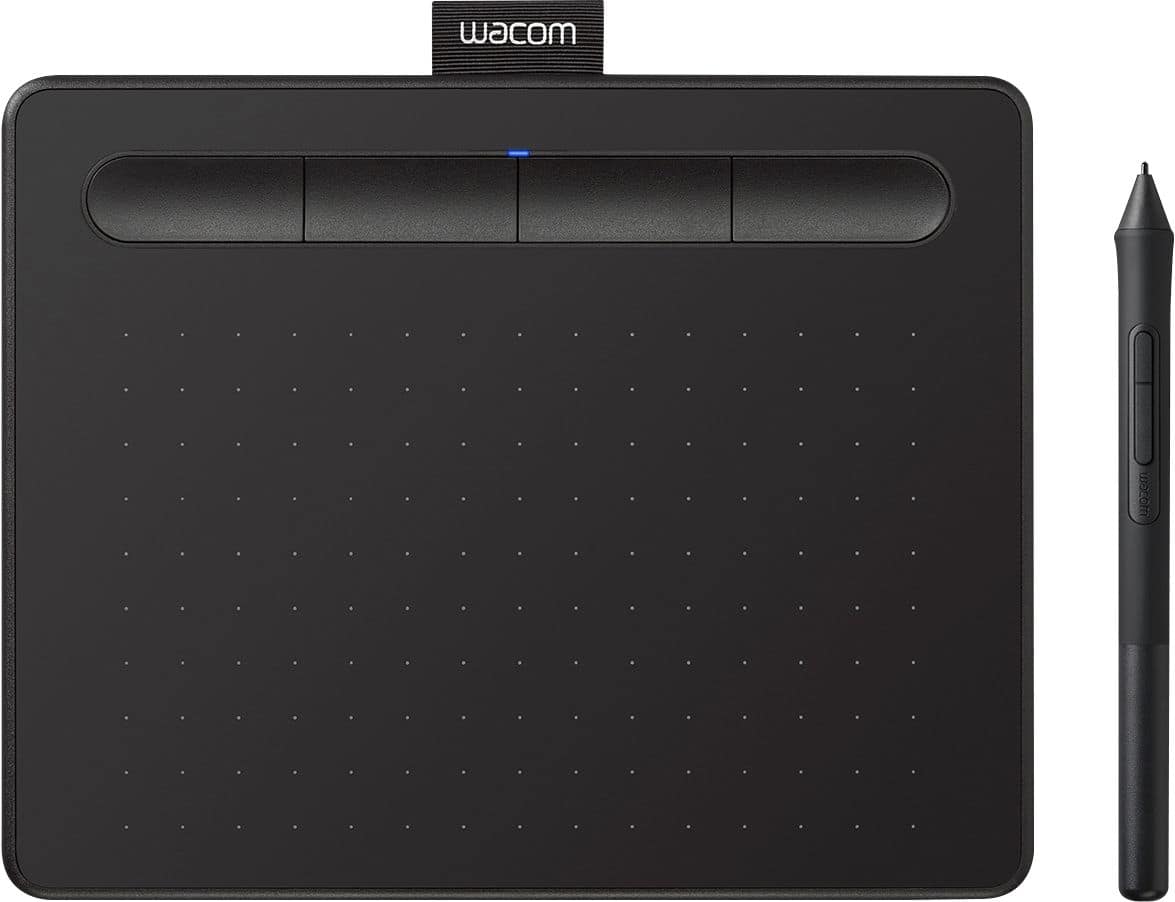
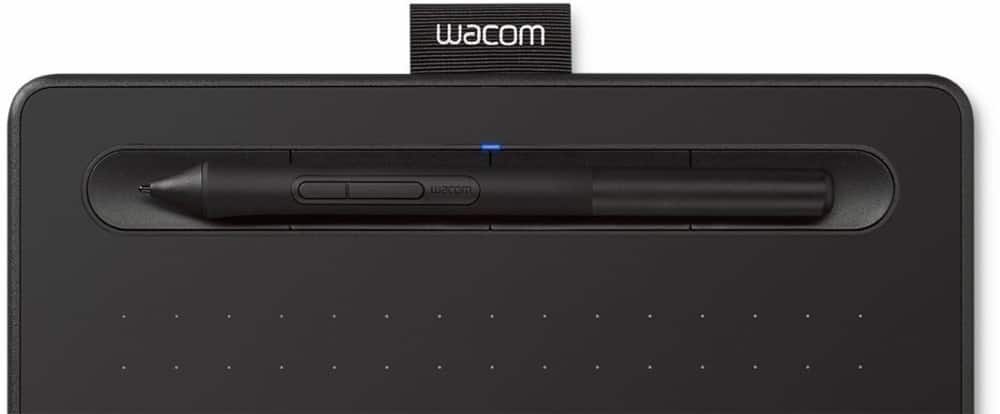
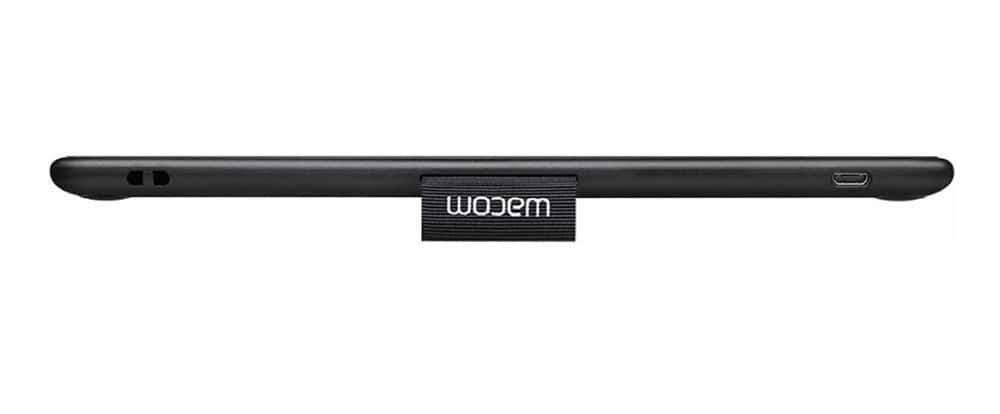
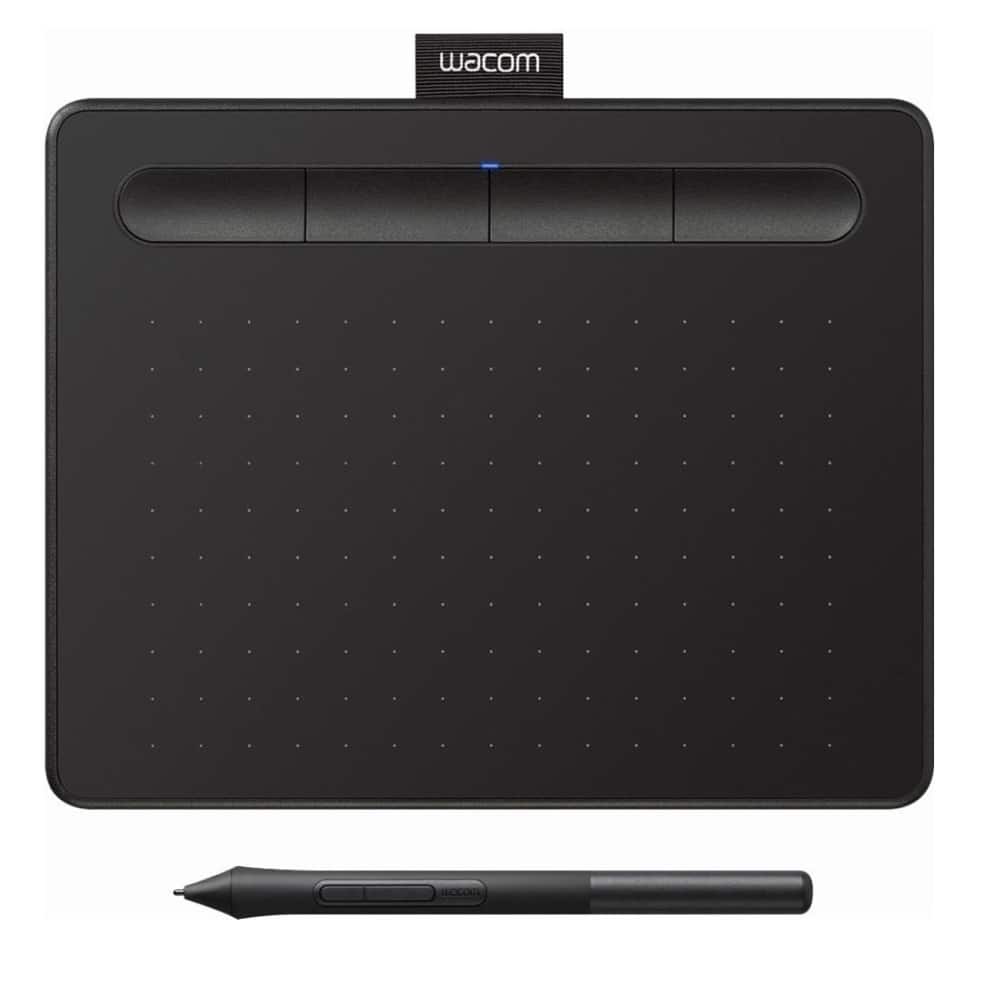


- Model:
- CTL4100
- |
- SKU:
- 6196636
Customer reviews
Rating 4.5 out of 5 stars with 1408 reviews
(1,408 customer reviews)Rating by feature
- Value4.6
Rating 4.6 out of 5 stars
- Quality4.6
Rating 4.6 out of 5 stars
- Ease of Use4.4
Rating 4.4 out of 5 stars
Customers are saying
Customers appreciate the Intuos Graphic Drawing Tablet for its ease of use, compact size, and overall quality, making it a good option for drawing. The included software bundle and compatibility are also well-received. However, some users have experienced initial setup issues and mention the sensitivity takes some getting used to. A few customers would prefer a Bluetooth option or a version with a screen.
This summary was generated by AI based on customer reviews.
Rated 5 out of 5 stars
Good for Beginners
||Posted . Owned for 1.5 years when reviewed.This reviewer received promo considerations or sweepstakes entry for writing a review.Bought this as an entry-level tool for my graphic design hobby and I’ve got to say it’s good for the money. The software is a good way to start learning.
I would recommend this to a friend- Pros mentioned:Ease of use
Rated 5 out of 5 stars
Good
||Posted . Owned for 1 week when reviewed.This reviewer received promo considerations or sweepstakes entry for writing a review.Very good, easy to use. Recommended. Connected to PC.
I would recommend this to a friend Rated 5 out of 5 stars
Good but basic
||Posted .This reviewer received promo considerations or sweepstakes entry for writing a review.For the price, this is a great tablet. If you don’t need a lot of bells and whistles, it’s a good choice.
I would recommend this to a friend- Pros mentioned:Size
Rated 5 out of 5 stars
Great Tablet!
||Posted . Owned for 5 months when reviewed.This reviewer received promo considerations or sweepstakes entry for writing a review.My daughter loves her tablet! I was going to take this one back and get the wireless one for her, but she preferred this one. It was a good purchase that was on sale. It does what it is supposed to and she has not had any issues with it.
I would recommend this to a friend - Pros mentioned:Ease of use
Rated 5 out of 5 stars
Great starter tablet
||Posted . Owned for 2 months when reviewed.This reviewer received promo considerations or sweepstakes entry for writing a review.Great if you want to get started with digital art. Easy to use and it comes with a choice of art programs to get your started!
I would recommend this to a friend - Pros mentioned:Ease of use
Rated 5 out of 5 stars
Wacom is worth it
||Posted . Owned for less than 1 week when reviewed.This reviewer received promo considerations or sweepstakes entry for writing a review.This works great on my iMac. Makes drawing so much more fun and even just using the computer for anything else is easier on wrist using the Wacom tablet.
I would recommend this to a friend Rated 4 out of 5 stars
Good Entry Level tablet
||Posted .This reviewer received promo considerations or sweepstakes entry for writing a review.I needed an art tablet to get back into digital painting and knew I could trust the Wacom line to have good features for the cost. Pros: inexpensive, decent pressure sensitivity for the size and price point. Cons: may feel shaky and less responsive to a seasoned digital artist.
I would recommend this to a friendRated 4 out of 5 stars
Small Intuos, Early Impressions
||Posted . Owned for 1 month when reviewed.This reviewer received promo considerations or sweepstakes entry for writing a review.This in relation to use on a Windows 10 system, I haven't tried it on my Mac yet. It works well and does the job for which was purchased. From my standpoint it has a couple of glaring issues, both relating to size. It's about the size of a mouse pad, and unless you have enough space for both it can be difficult to use. The second, and related issue, is that once installed it basically functions as the mouse so that the two interact if the other is moved. I have past experience with various larger Wacom tablets, largely on Silicon Graphics systems, where they were the standard but where any other pointing devices were kept as totally separate devices.
I would recommend this to a friend- Pros mentioned:Ease of use
Rated 5 out of 5 stars
Good for homework or art
||Posted . Owned for 3 weeks when reviewed.This reviewer received promo considerations or sweepstakes entry for writing a review.Great for drawing, in my case, to do homework that is more easily handwritten
I would recommend this to a friend - Pros mentioned:Ease of use
Rated 5 out of 5 stars
Perfect
||Posted . Owned for 3 weeks when reviewed.This reviewer received promo considerations or sweepstakes entry for writing a review.Does exactly what it's supposed to. I have a very expensive one, and this is better in terms of responsiveness and ease of use.
I would recommend this to a friend Rated 5 out of 5 stars
Compact, responsive and easy to use.
||Posted . Owned for 1 month when reviewed.This reviewer received promo considerations or sweepstakes entry for writing a review.Really good, portable drawing pad that's easy to plug in and use, and it's got good sensitivity and tracking to tightly reflect the hand strokes, so no real lag. The software and features are aplenty and fairly easy to get to. I use it as my whiteboard during virtual/digital presentations and am not disappointed. It does take some practice getting used to the hand-eye connection so I'd recommend practicing and accessing the various features before using it in a live presentation. Only minor drawback is it is USB so you've got the cord to deal with, but hey, it's portable. Very happy with this purchase.
I would recommend this to a friend- Pros mentioned:Size
Rated 5 out of 5 stars
Just what I needed
||Posted . Owned for 3 weeks when reviewed.This reviewer received promo considerations or sweepstakes entry for writing a review.I needed a compact tablet for photo editing. This works great. Would have liked a clip at the top for the pen but the little sleeve will serve that purpose I suppose. I’ve always had great luck with Wacom... I expect the same with this tablet.
I would recommend this to a friend Rated 5 out of 5 stars
Works very well
||Posted . Owned for 1 month when reviewed.This reviewer received promo considerations or sweepstakes entry for writing a review.Works very well and as expected. Needed no setup on Ubuntu, just plugged in and works
I would recommend this to a friend- Pros mentioned:Ease of use
Rated 4 out of 5 stars
Awesome but tricky...
||Posted . Owned for 6 months when reviewed.This reviewer received promo considerations or sweepstakes entry for writing a review.If you can give yourself enough time to retrain your brain to hand motions you'll love this. It's nothing like a regular mouse. If you use certain programs for drawing this may become your best friend. It will take time to get used to so practice...
I would recommend this to a friend - Pros mentioned:Quality
Rated 5 out of 5 stars
Wacom - Intuos Graphic Drawing Tablet for Mac, PC,
||Posted . Owned for 1 month when reviewed.This reviewer received promo considerations or sweepstakes entry for writing a review.Wacom - Intuos Graphic Drawing Tablet for Mac, PC, Chromebook & Android. Got the job done.
I would recommend this to a friend - Pros mentioned:Ease of use
Rated 5 out of 5 stars
Great tablet
||Posted . Owned for 1 month when reviewed.This reviewer received promo considerations or sweepstakes entry for writing a review.Great! Easy to set up and is perfect for learning to do digital art.
I would recommend this to a friend - Pros mentioned:Ease of use
Rated 5 out of 5 stars
Easy to Use
||Posted . Owned for 3 months when reviewed.This reviewer received promo considerations or sweepstakes entry for writing a review.I am new to drawing on the PC but, this was easy to get used to using. I am still working to understand the drawing program it comes with (ClipStudio) but, that is because I have never used an art program before.
I would recommend this to a friend - Pros mentioned:Ease of use
Rated 4 out of 5 stars
Works under Fedora 30
||Posted . Owned for 3 weeks when reviewed.This reviewer received promo considerations or sweepstakes entry for writing a review.The tablet worked with plug and play ease in Fedora 30. I was surprised that the stylus could affect the cursor when it was about 1 cm above the tablet.
I would recommend this to a friend - Pros mentioned:Ease of use
Rated 5 out of 5 stars
Drawing Tablet
||Posted . Owned for 2 months when reviewed.This reviewer received promo considerations or sweepstakes entry for writing a review.Used this tablet to create video lessons for my student teaching assignments and worked great. There's a small learning curve for using this, but overall very good to use.
I would recommend this to a friend Rated 5 out of 5 stars
Love it with my laptop/desktop
||Posted . Owned for 3 weeks when reviewed.This reviewer received promo considerations or sweepstakes entry for writing a review.Works great with OneNote as I annotate countless medical school lectures.
I would recommend this to a friend