Customer Ratings & Reviews
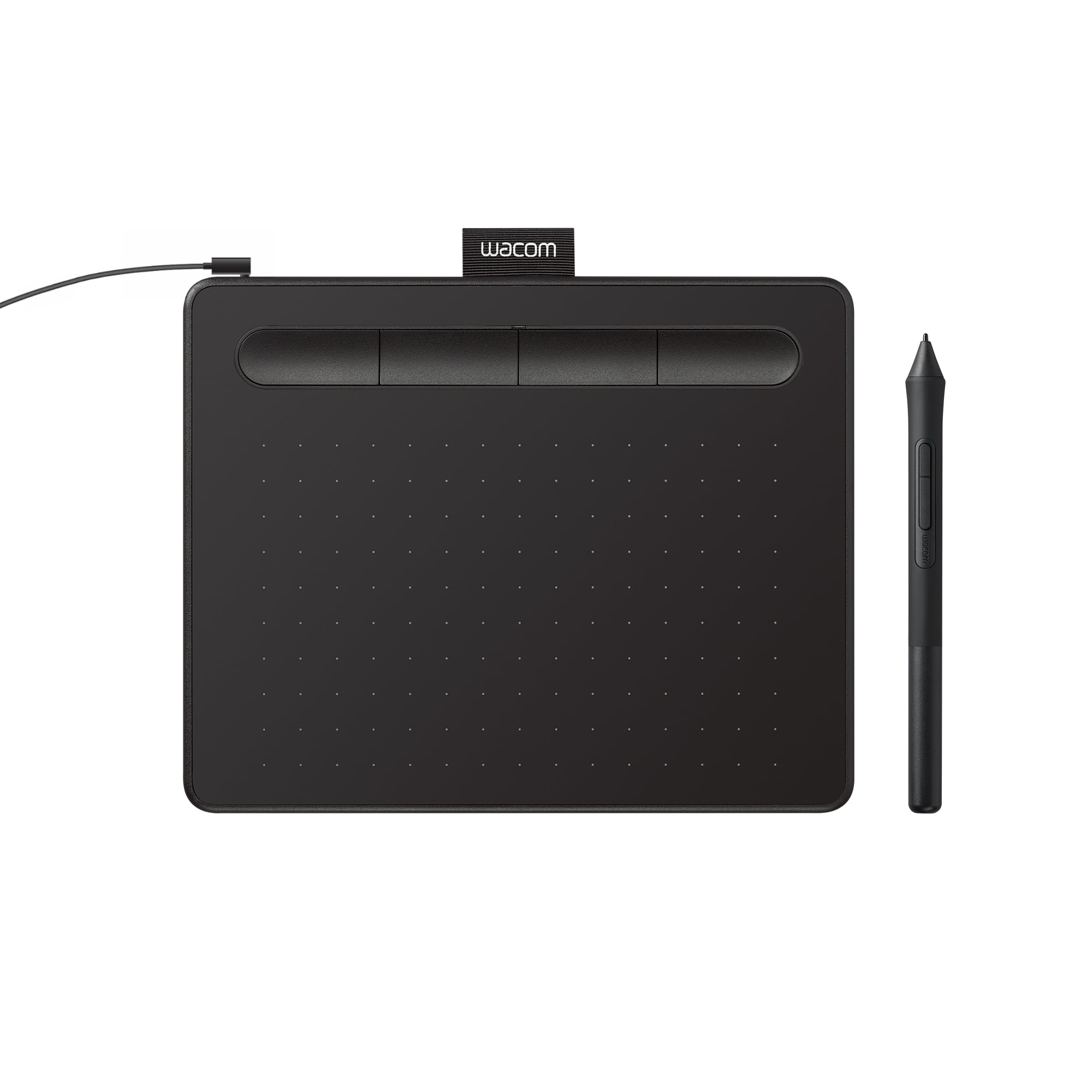
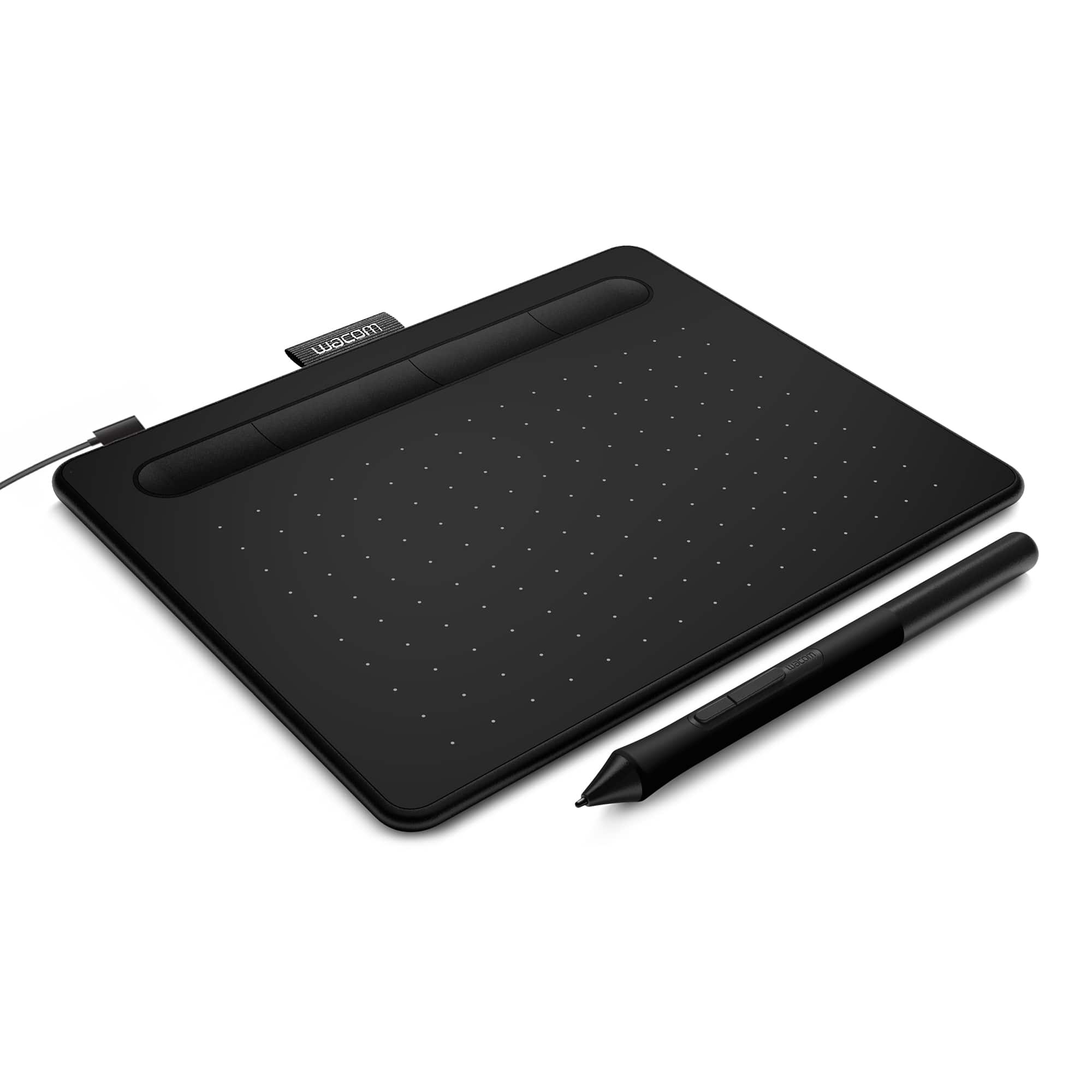
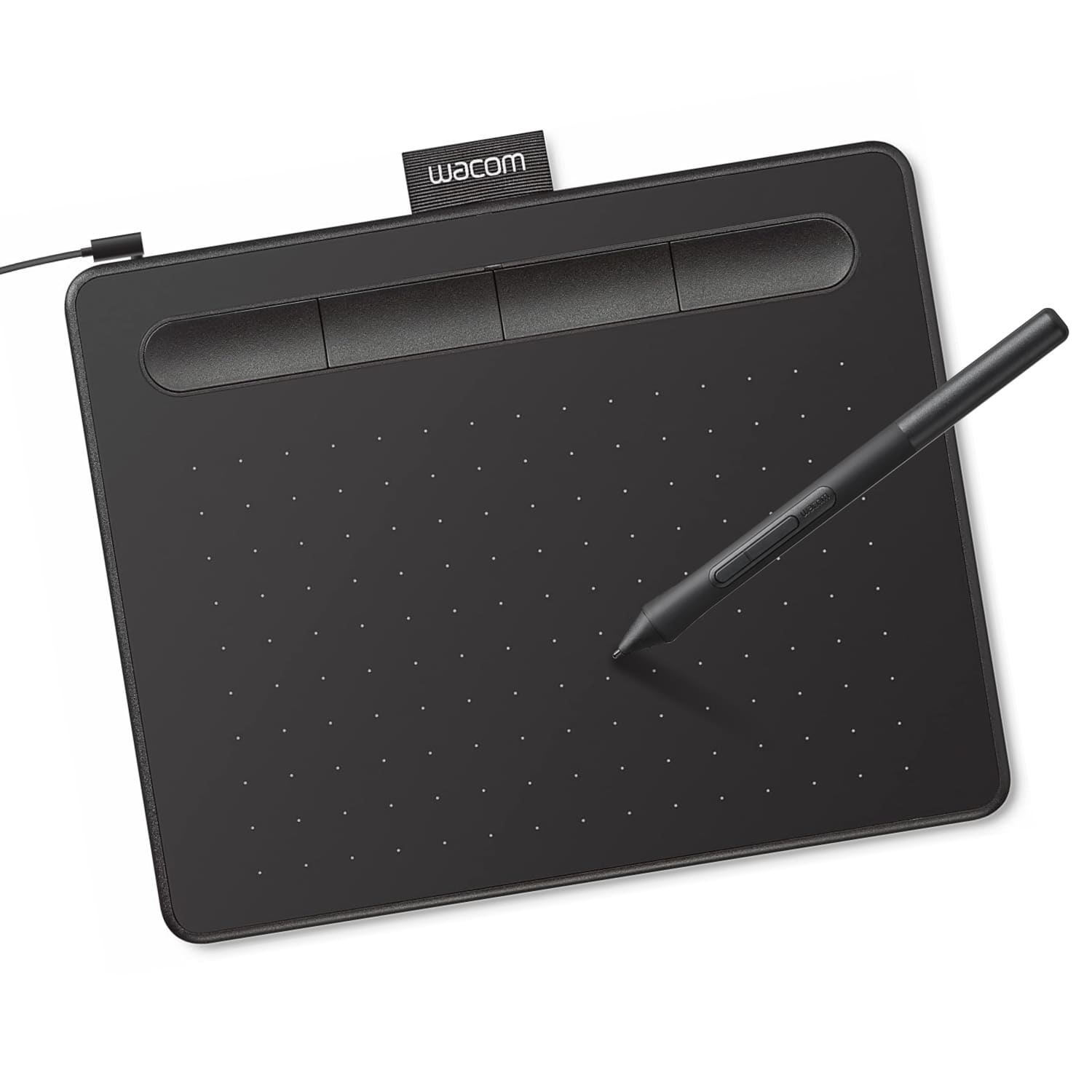




- Model:
- CTL4100
- |
- SKU:
- 6196636
Customer reviews
Rating 4.5 out of 5 stars with 1410 reviews
(1,410 customer reviews)Rating by feature
- Value4.6
Rating 4.6 out of 5 stars
- Quality4.6
Rating 4.6 out of 5 stars
- Ease of Use4.4
Rating 4.4 out of 5 stars
Customers are saying
Customers appreciate the Intuos Graphic Drawing Tablet for its ease of use, compact size, and overall quality, making it a good option for drawing. The included software bundle and compatibility are also well-received. However, some users have experienced initial setup issues and mention the sensitivity takes some getting used to. A few customers would prefer a Bluetooth option or a version with a screen.
This summary was generated by AI based on customer reviews.
Rated 2 out of 5 stars
Couldn't get it to work
||Posted .This reviewer received promo considerations or sweepstakes entry for writing a review.Gave it to my 15 year old daughter for her birthday but we couldn't get it to work.
No, I would not recommend this to a friendRated 2 out of 5 stars
Unsure
||Posted . Owned for less than 1 week when reviewed.This reviewer received promo considerations or sweepstakes entry for writing a review.Think the iPad was a better idea but I'm not positive yet.
No, I would not recommend this to a friendRated 2 out of 5 stars
Not great
||Posted .This reviewer received promo considerations or sweepstakes entry for writing a review.Bought this for my daughter. It's not all what we thought it would be.
No, I would not recommend this to a friendRated 1 out of 5 stars
Not what was needed.
||Posted . Owned for 1 month when reviewed.This reviewer received promo considerations or sweepstakes entry for writing a review.The control and precision is very poor. I’m not sure how it would compare to something like an iPad or surface pro but then again you are talking about a mere fraction of the cost of those two items. Just didn’t work for my son.
No, I would not recommend this to a friendRated 1 out of 5 stars
Hard to use
||Posted . Owned for 1 year when reviewed.This reviewer received promo considerations or sweepstakes entry for writing a review.Bought it for my daughter as a Christmas gift since she loves to draw. She used it once…it was hard to use. She couldn’t get the hang of it. I ended up buying her a drawing laptop instead.
No, I would not recommend this to a friendRated 1 out of 5 stars
Don't waist your money
||Posted .This reviewer received promo considerations or sweepstakes entry for writing a review.First of all the pad is very small, I don't recommend it if you are trying to work on big projects, I will suggest that you save some more cash and get something larger that this. It also freezes a lot when you are trying to move one side to the other.
No, I would not recommend this to a friendRated 1 out of 5 stars
Dificult to use
||Posted . Owned for 1.5 years when reviewed.This reviewer received promo considerations or sweepstakes entry for writing a review.Dificult to manage and to get used to , prefer the wacom tablet
No, I would not recommend this to a friendRated 1 out of 5 stars
Good for nothing
||Posted . Owned for 1 month when reviewed.This reviewer received promo considerations or sweepstakes entry for writing a review.Good for nothing. Need to pay monthly in order to use. Not advised at all
No, I would not recommend this to a friendRated 1 out of 5 stars
Terrible for kids
||Posted . Owned for 5 months when reviewed.This reviewer received promo considerations or sweepstakes entry for writing a review.I was told it would be easy to use. However, I got it for my 10 year old daughter. We both spent more time crying and getting frustrated with it than enjoying it. I didn't like it at all.
No, I would not recommend this to a friendRated 1 out of 5 stars
Wacom driver does not connect
||Posted . Owned for 1 month when reviewed.This reviewer received promo considerations or sweepstakes entry for writing a review.Wacom driver won’t install and unable to use tablet
No, I would not recommend this to a friendRated 1 out of 5 stars
Not good
||Posted . Owned for 7 months when reviewed.This reviewer received promo considerations or sweepstakes entry for writing a review.The pen is not so comfortable to write with, because the buttons on the side get pressed when you are holding it
No, I would not recommend this to a friendRated 1 out of 5 stars
Was not good purchase
||Posted .This reviewer received promo considerations or sweepstakes entry for writing a review.To hard to draw and look at screen the apple pen is much better choice can draw on iPad
No, I would not recommend this to a friendRated 1 out of 5 stars
Not good
||Posted .This reviewer received promo considerations or sweepstakes entry for writing a review.Not a great way for online teaching. Hard to write and doesn't have compatibility with many applications.
No, I would not recommend this to a friendRated 1 out of 5 stars
Not compatible
||Posted . Owned for 6 months when reviewed.This reviewer received promo considerations or sweepstakes entry for writing a review.Didn’t work for the laptop we bought it for unfortunately
No, I would not recommend this to a friendRated 1 out of 5 stars
Review
||Posted .This reviewer received promo considerations or sweepstakes entry for writing a review.Wire needs to be replaced after a year, so go for the wireless instead
No, I would not recommend this to a friendRated 1 out of 5 stars
Badbuy
||Posted . Owned for 9 months when reviewed.This reviewer received promo considerations or sweepstakes entry for writing a review.This product should be a lot less expensive not worth the buy for the quality
No, I would not recommend this to a friendRated 1 out of 5 stars
Horrible
||Posted . Owned for 3 weeks when reviewed.This reviewer received promo considerations or sweepstakes entry for writing a review.Terrible item I'm returning it non compatible with chromebooks
No, I would not recommend this to a friendRated 1 out of 5 stars
Either you like or don't like
||Posted .This reviewer received promo considerations or sweepstakes entry for writing a review.This device is not something I am comfortable using.
No, I would not recommend this to a friend- Pros mentioned:Ease of use, Software
Rated 5 out of 5 stars
Best for Starting Out
Posted .This reviewer received promo considerations or sweepstakes entry for writing a review.It is incredibly easy to pick up and use for a first time digital artist, and the software it comes with is top notch and excellent to really get you into the door of digital art.
I would recommend this to a friend - Pros mentioned:Software
Rated 5 out of 5 stars
Worthwhile Product
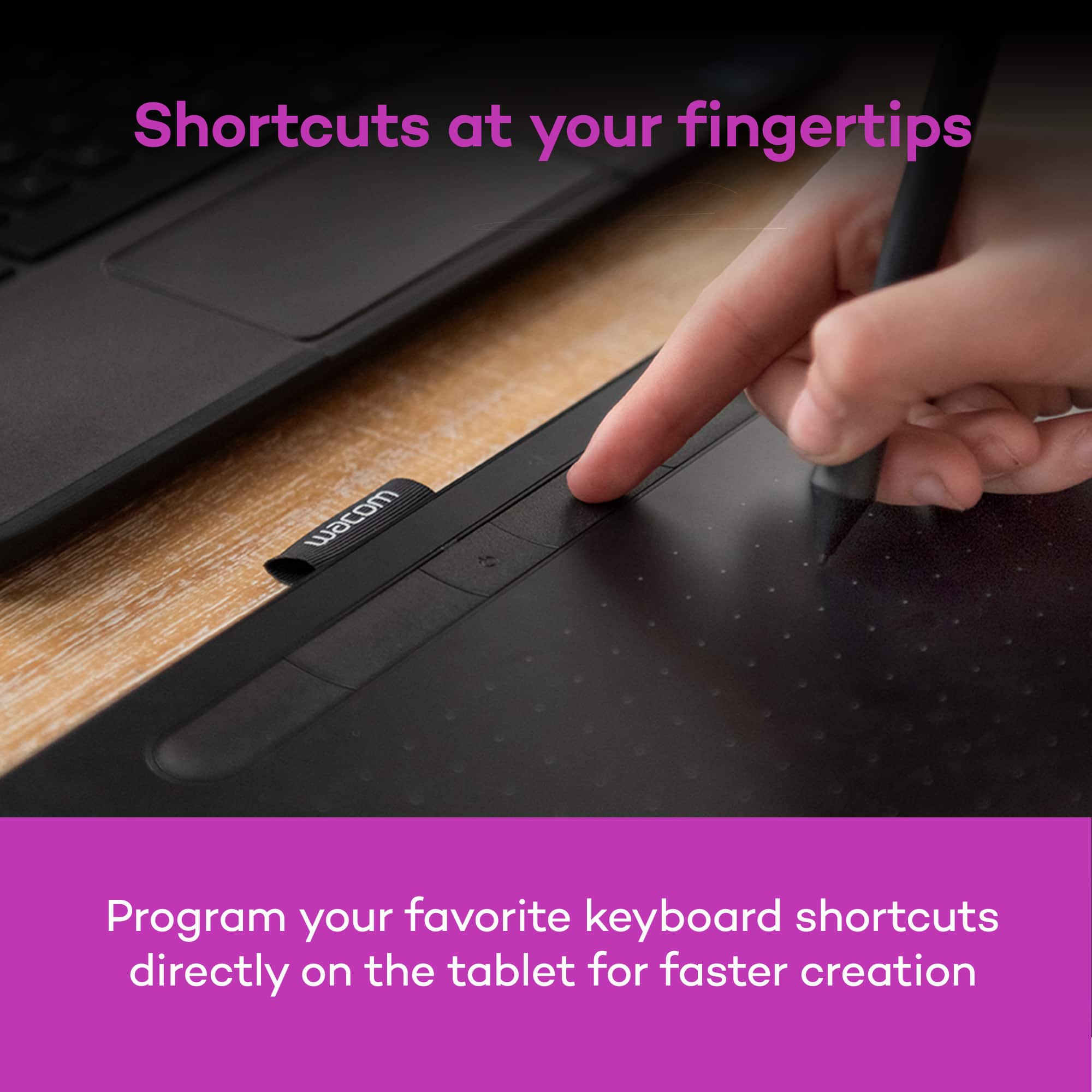
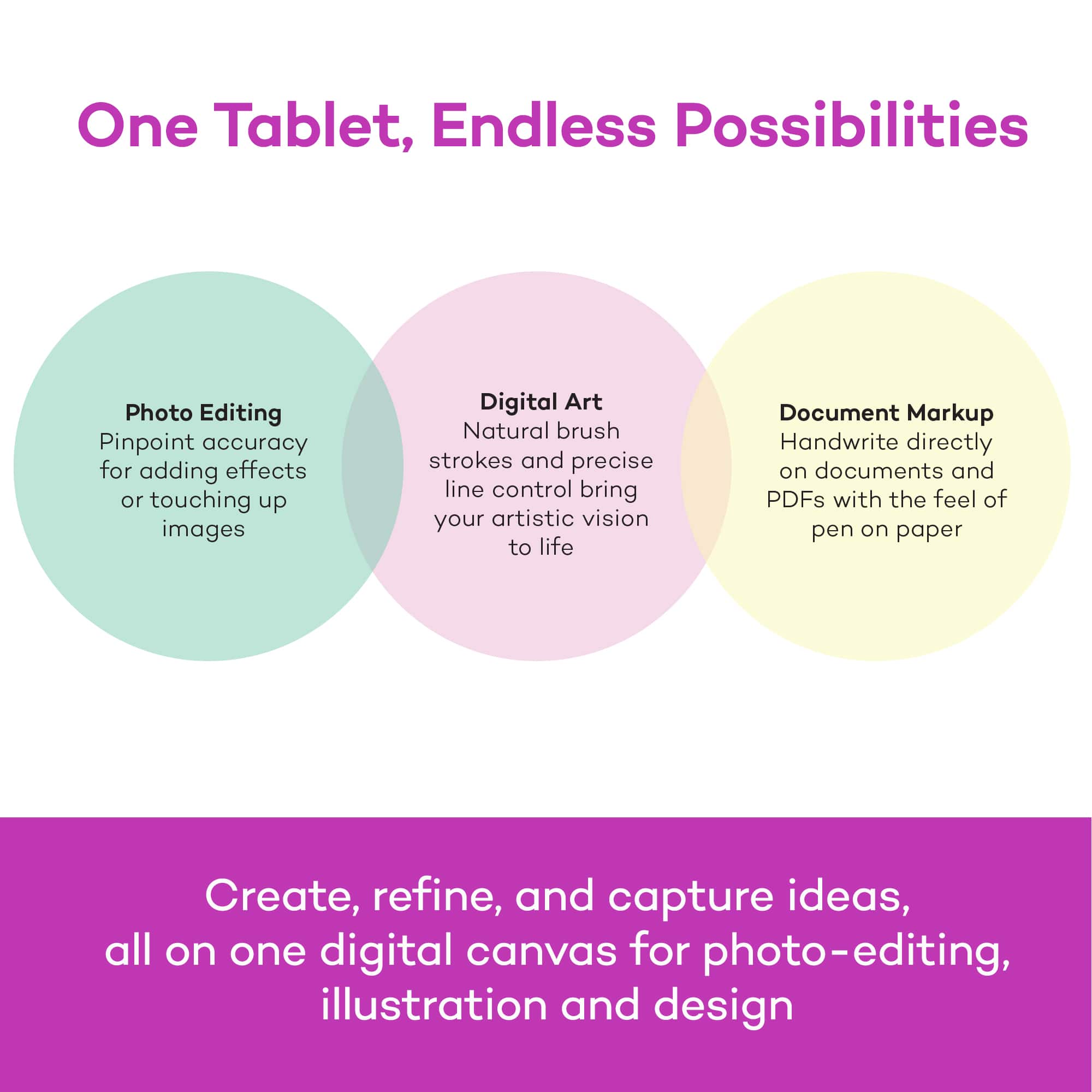
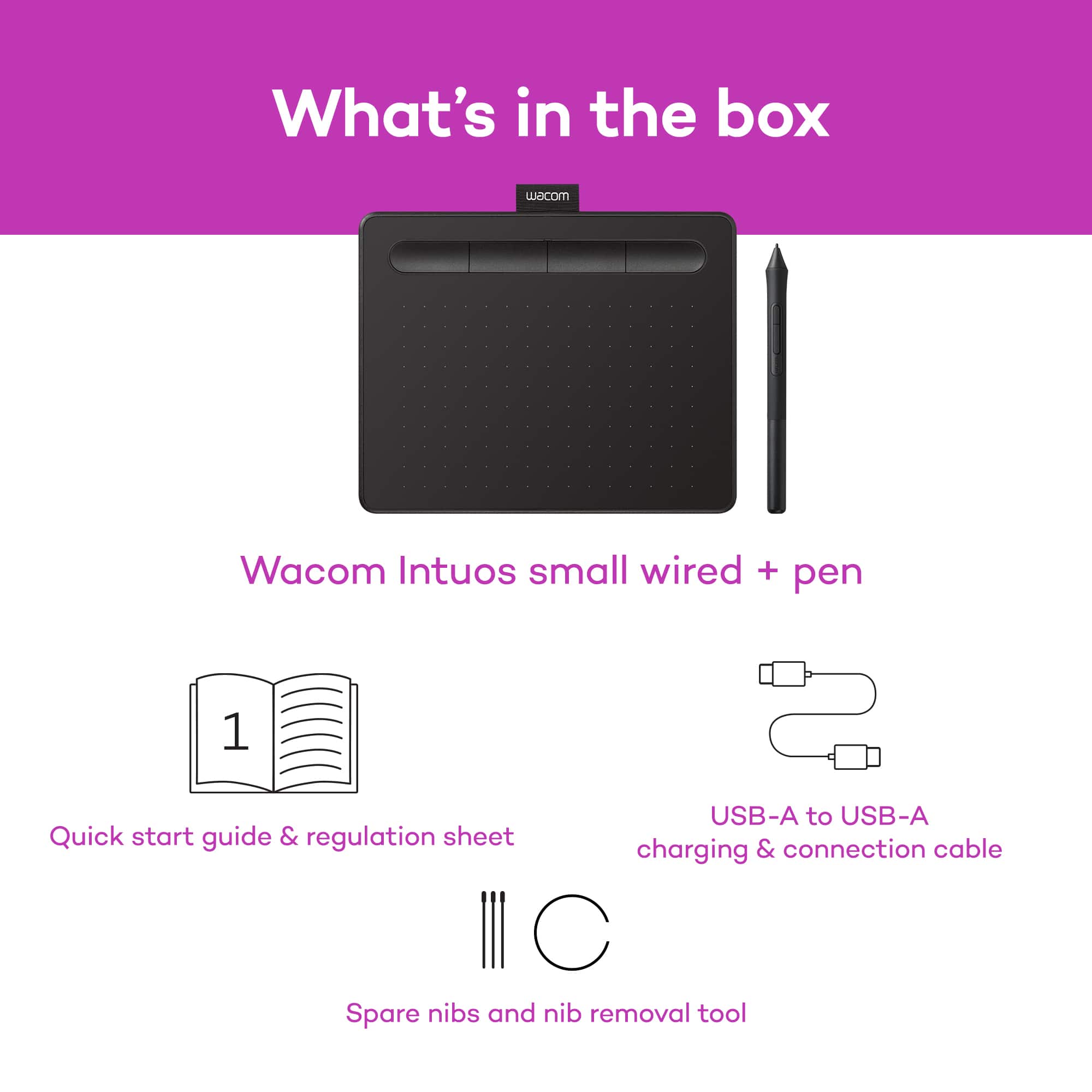
Posted .This reviewer received promo considerations or sweepstakes entry for writing a review.I have been using this drawing tablet consistently for about two years now, and it has served me well. The product comes with software including Clip Studio Paint, as well as Corel Painter and Aftershot. I am just now updating my software since my two year license expired, and I plan on continuing to use it and the tablet. Since it is affordable, especially compared to other drawing tablets, it is a good one to use if you want to make digital art without spending over $100. The tablet itself connects via USB port and is lightweight; I have traveled with it many times and had no issue with the cords or set up. My only con for the product so far is that I broke my tablet pen in half. Luckily, it still works just fine, though I can’t get to the extra pen nibs in the pen compartment. Admittedly, stepping on the pen was a user error, so I recommend keeping track of it and keeping it in a safe spot with your tablet. Additionally, it would be helpful if there were clearer instructions for programming pen and tablet buttons. As expected of screenless drawing tablets, there is a learning curve with drawing as well as operating the software, but it proves worth it. A big pro for this product is the aforementioned software. It’s not only good for drawing and painting, but can also be used for photo editing, animating, and 3D modeling. I highly recommend this product to those looking for an affordable drawing tablet. It is an extremely versatile device and any possible negatives are largely outweighed by the benefits of a reliable device.
I would recommend this to a friend