Customer Ratings & Reviews
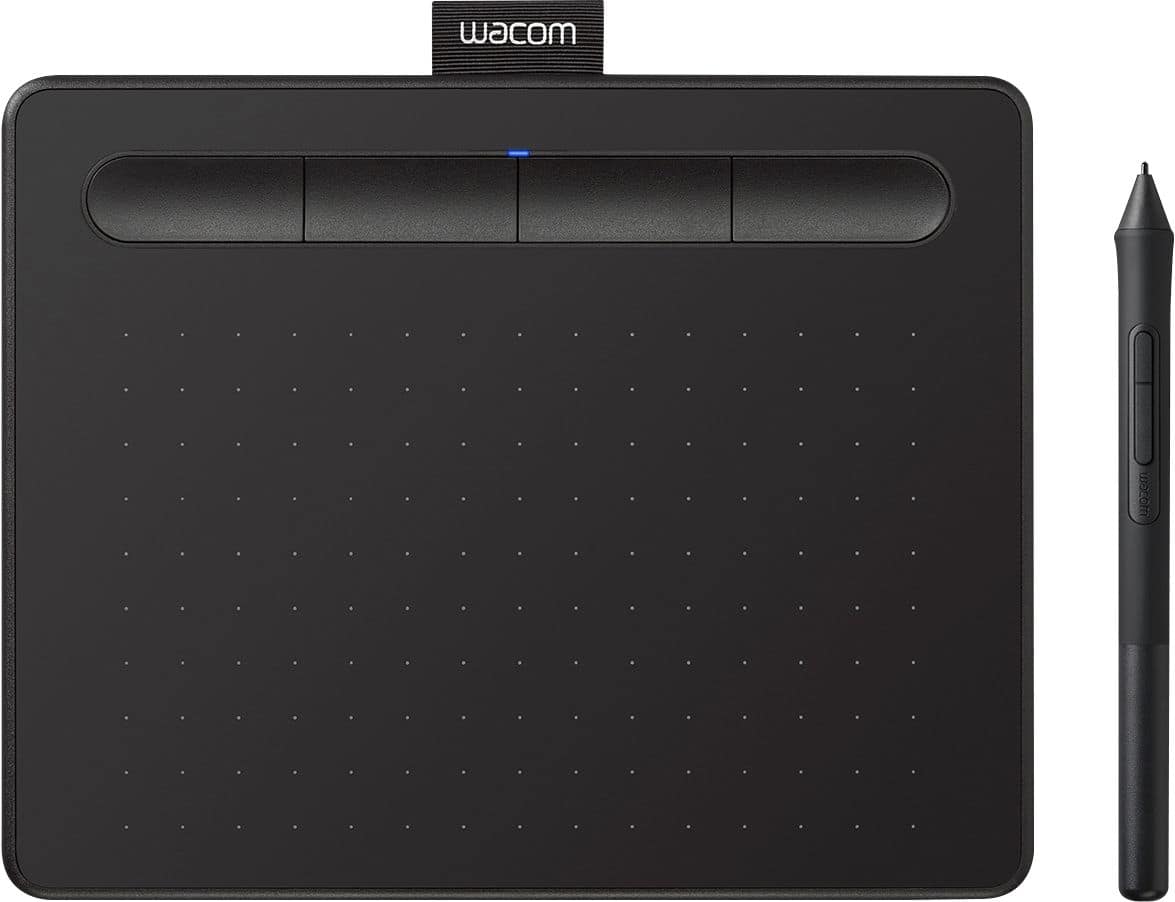
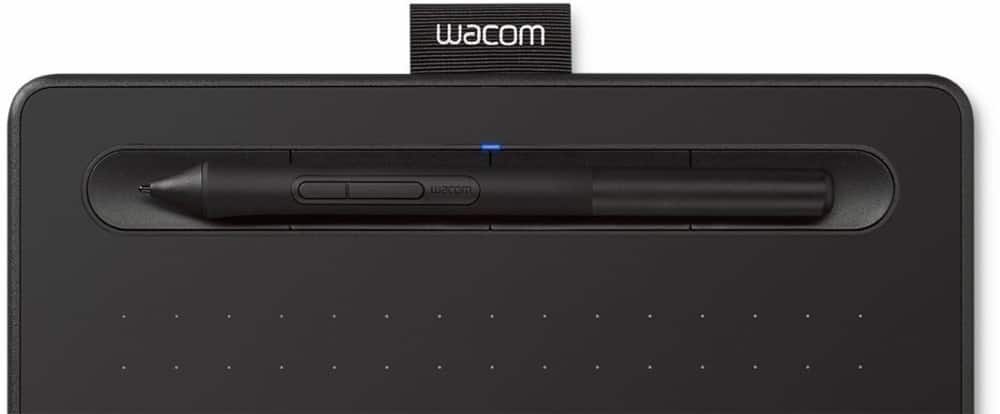
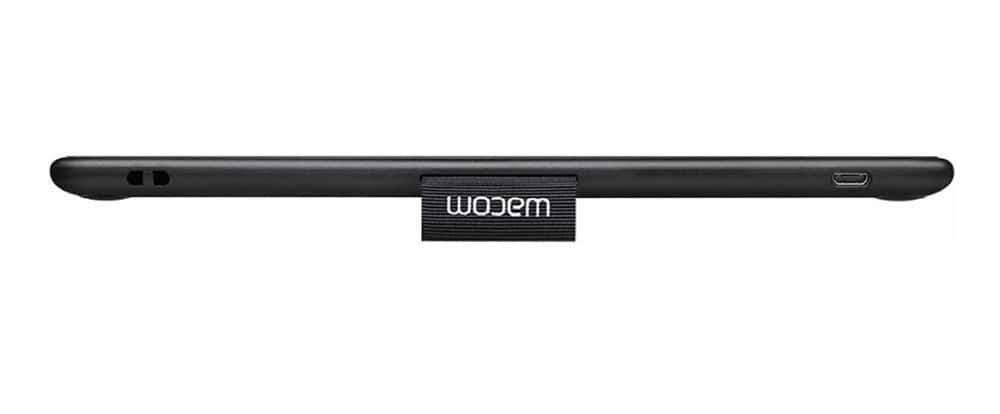
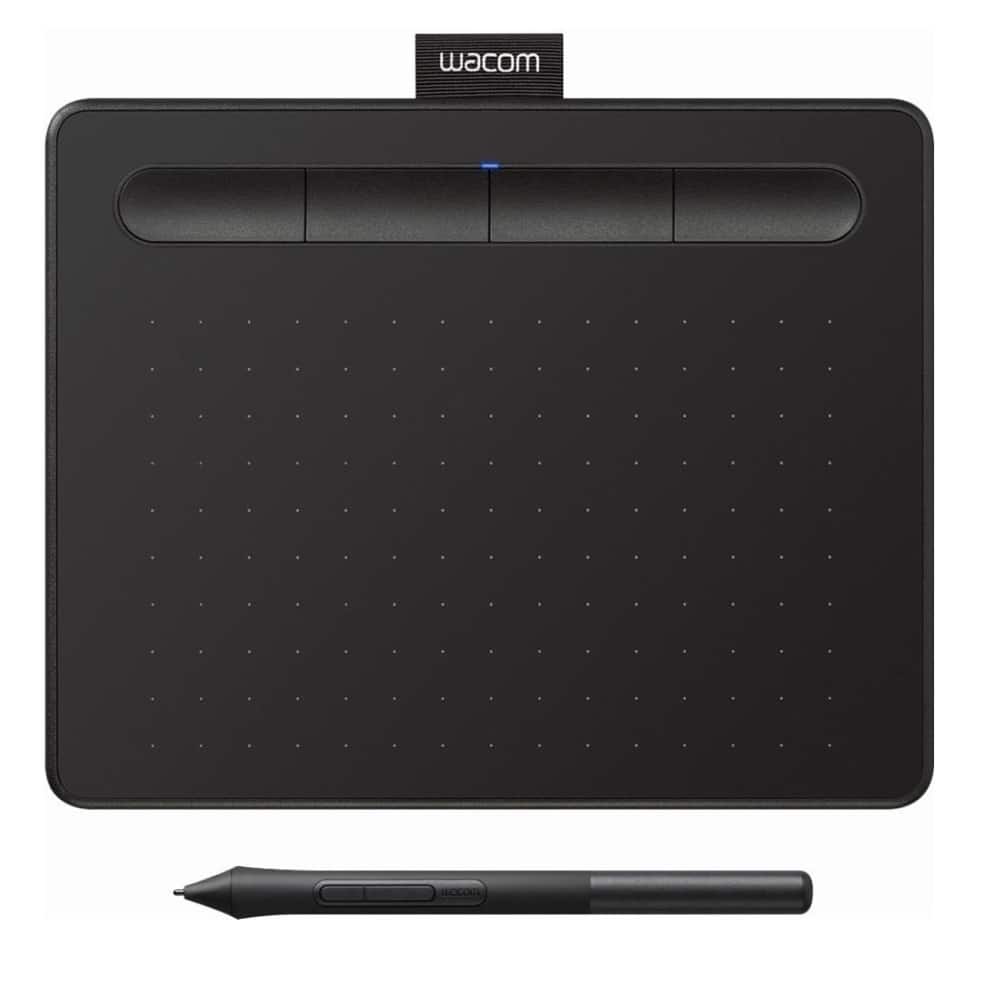
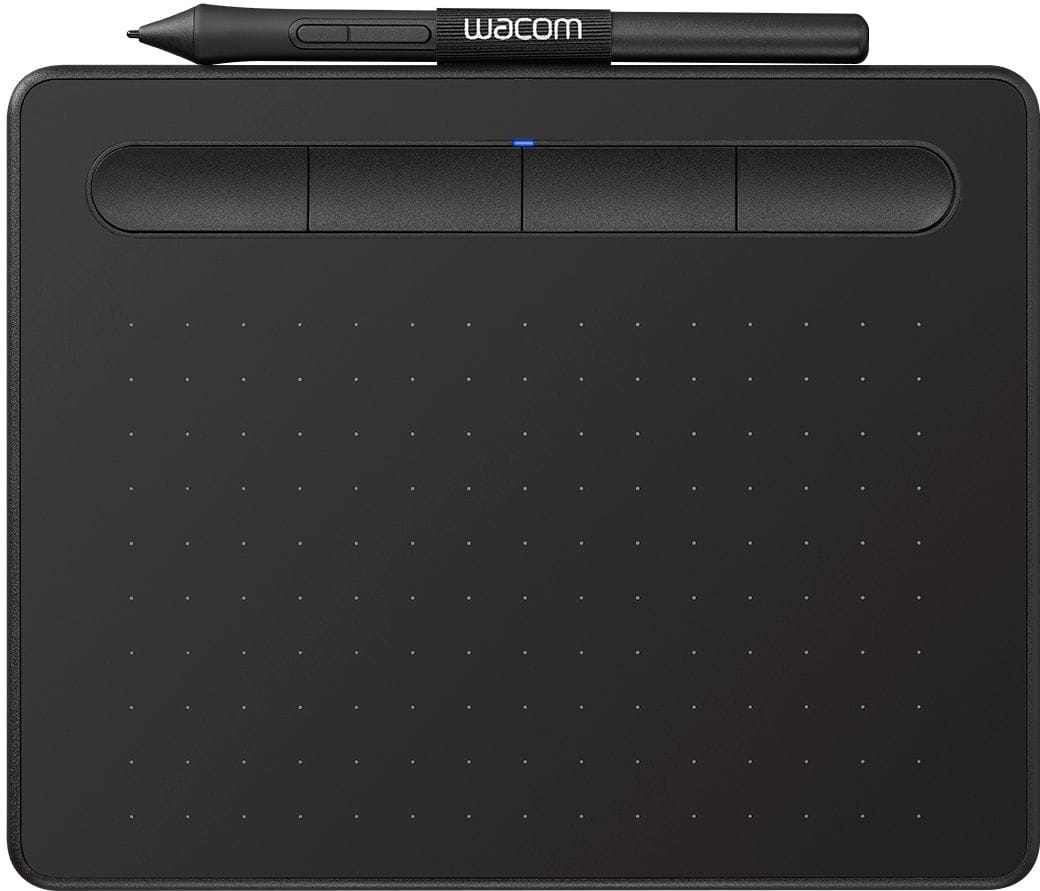
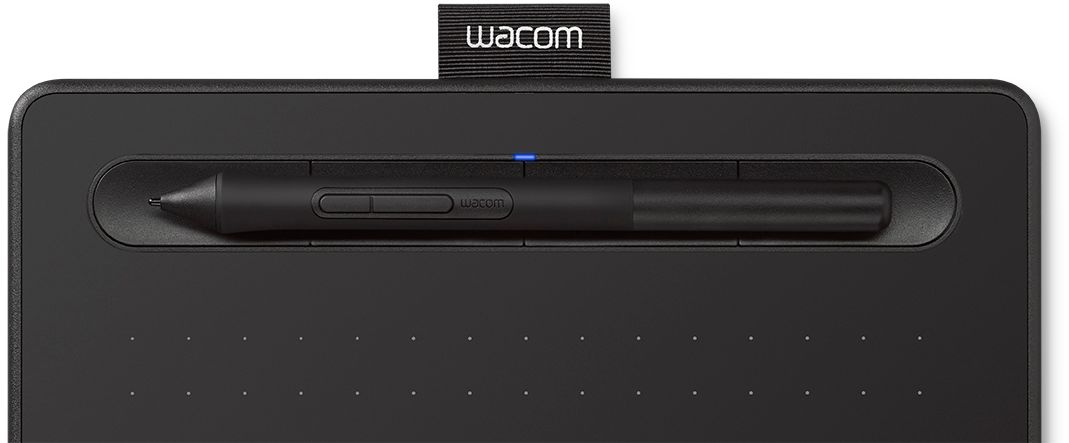
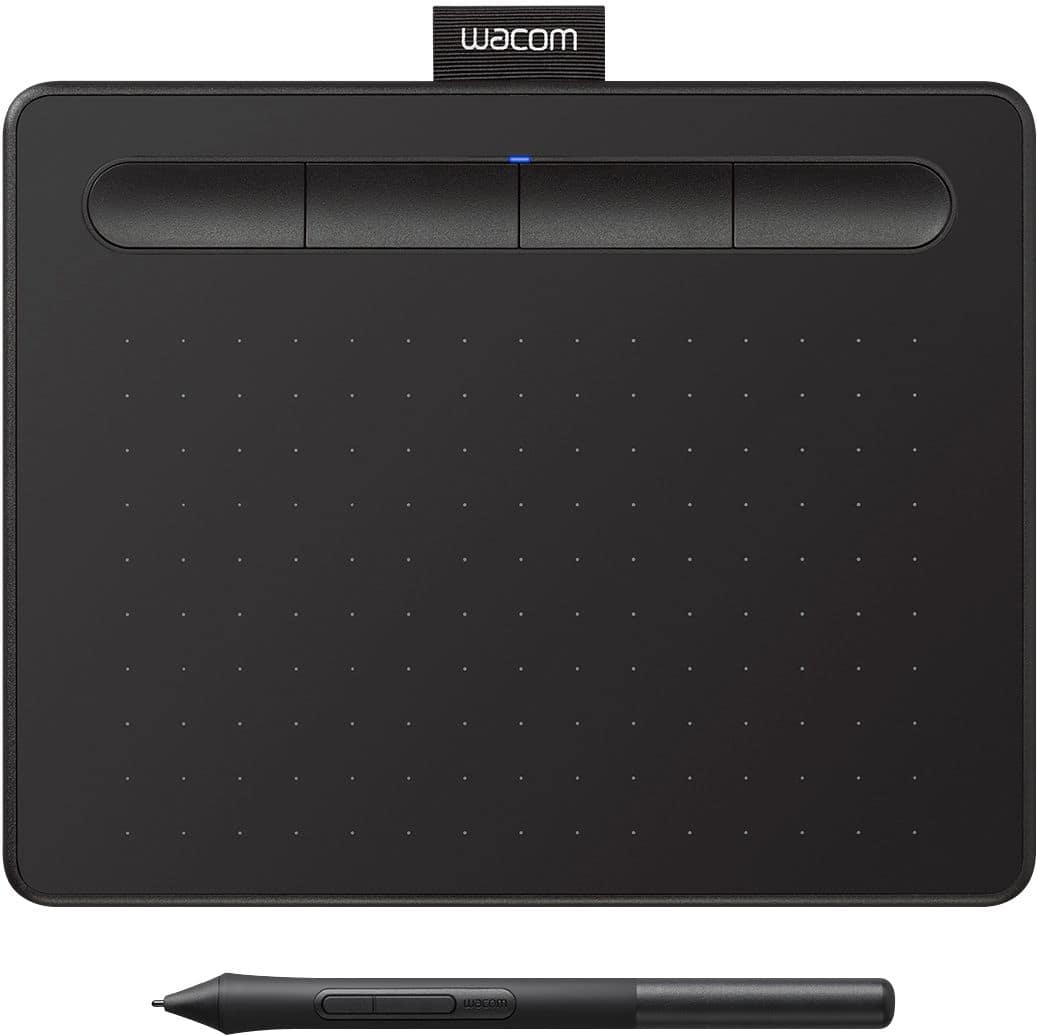


- Model:
- CTL4100
- |
- SKU:
- 6196636
Customer reviews
Rating 4.5 out of 5 stars with 1407 reviews
(1,407 customer reviews)Rating by feature
- Value4.6
Rating 4.6 out of 5 stars
- Quality4.6
Rating 4.6 out of 5 stars
- Ease of Use4.4
Rating 4.4 out of 5 stars
Customers are saying
Customers appreciate the Intuos Graphic Drawing Tablet for its ease of use, compact size, and overall quality, making it a good option for drawing. The included software bundle and compatibility are also well-received. However, some users have experienced initial setup issues and mention the sensitivity takes some getting used to. A few customers would prefer a Bluetooth option or a version with a screen.
This summary was generated by AI based on customer reviews.
- Pros mentioned:Ease of use
Rated 5 out of 5 stars
Mouse Substitute
||Posted . Owned for 3 weeks when reviewed.This reviewer received promo considerations or sweepstakes entry for writing a review.Looking to replace a dying computer mouse, I decided to take a leap and try my hand at a drawing tablet. It takes a bit of getting used to, but it has some definite advantages in "work from home" situations where you're forced to use a mouse to do something that you would ordinarily do by hand on paper. One complaint I do have is that the nib seems to wear down a but quicker than I would have expected (based on experience with another Wacom), but perhaps I'm just pushing too hard on it...
I would recommend this to a friend - Pros mentioned:Ease of use, Size
Rated 4 out of 5 stars
Beginners drawing tablet
||Posted . Owned for 8 months when reviewed.This reviewer received promo considerations or sweepstakes entry for writing a review.I bought this for my brother, who is very good at drawing. I told him this would be a better tool than using his small cell phone, and could jump to his laptop and draw a bit more 'normal'. It was easy to install and he's loved it.
I would recommend this to a friend - Pros mentioned:Ease of use
Rated 5 out of 5 stars
Works well, just as I hoped it would!
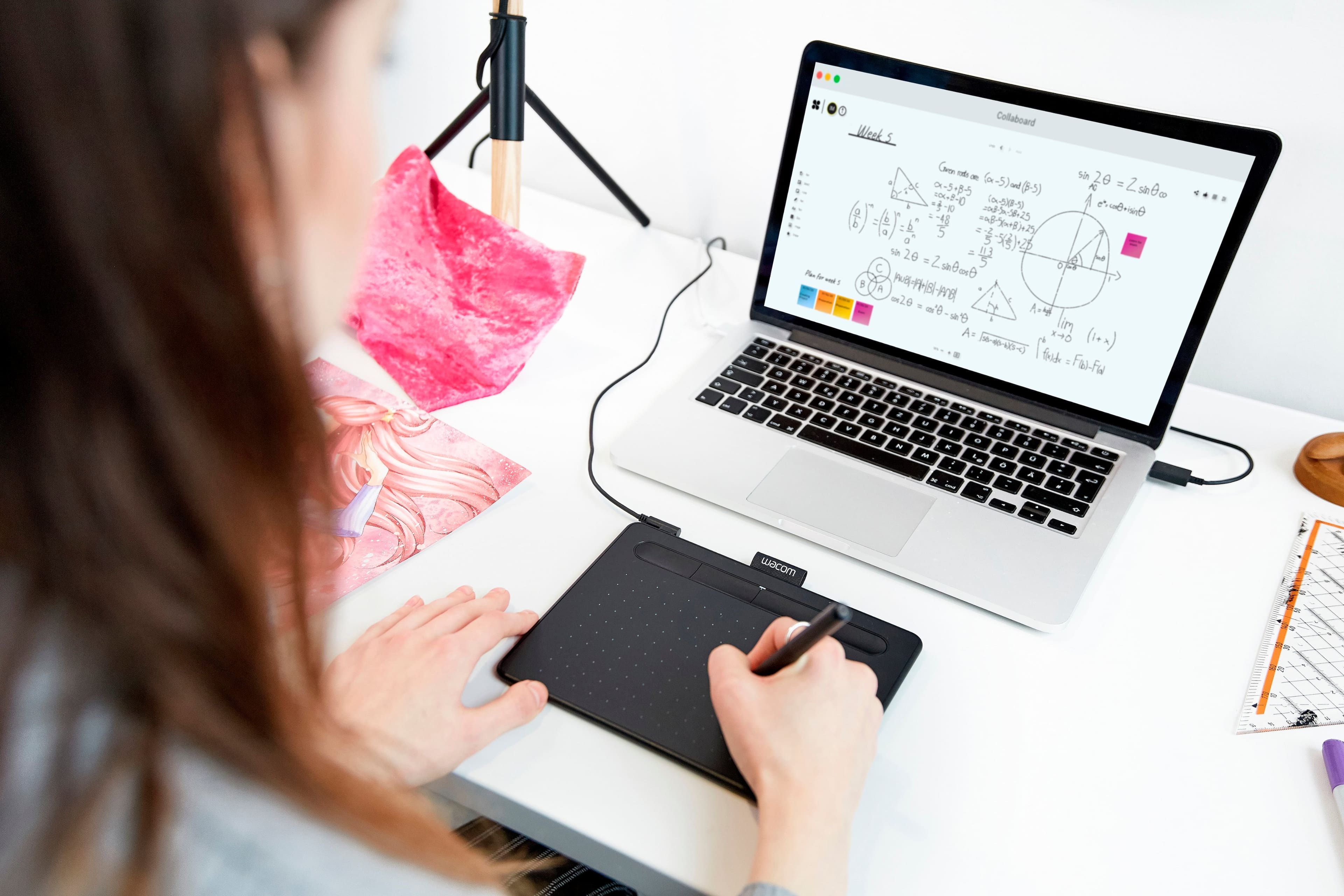
||Posted .This reviewer received promo considerations or sweepstakes entry for writing a review.Didn't know anyting about these drawing tablets, but I needed something that would allow me to write out math equations and draw diagrams since I'm doing distance teaching because of the pandemic. I plugged it in and it worked first time. Takes a little bit of practice, but you get used to it pretty quick. Made a huge difference in the legibility of my writing. Totally worth it - highly recommend!
I would recommend this to a friend Rated 5 out of 5 stars
Haven't had any problems!
||Posted .This reviewer received promo considerations or sweepstakes entry for writing a review.I don't need my drawing tablet to do much, but this does everything I could ask for, bonus points for being portable!
I would recommend this to a friendRated 5 out of 5 stars
awesome
||Posted .This reviewer received promo considerations or sweepstakes entry for writing a review.Awesome little tablet. Easy to connect, easy to use.
I would recommend this to a friend- Pros mentioned:Ease of use, Size
Rated 5 out of 5 stars
Perfect tablet for basic user
||Posted . Owned for 1 week when reviewed.This reviewer received promo considerations or sweepstakes entry for writing a review.Love the size for a student needing to do electronic drawing homework without needing touchscreen. Simple to install. I have my old tablet from 15 years ago and it's still working.
I would recommend this to a friend Rated 5 out of 5 stars
Works well for him
||Posted .This reviewer received promo considerations or sweepstakes entry for writing a review.My son loves it and putting it to good use. Definitely a great gift for an artist.
I would recommend this to a friend- Pros mentioned:Ease of use, Size
Rated 4 out of 5 stars
Fun little art pad
||Posted . Owned for 2 months when reviewed.This reviewer received promo considerations or sweepstakes entry for writing a review.Fun little art pad. Used it to learn digital art and photoshop. Easy to carry around because its small. Took me a bit to get used to the trackpad at first but feels natural after some time
I would recommend this to a friend - Pros mentioned:Ease of use, Size
Rated 5 out of 5 stars
Surprisingly great!
||Posted . Owned for 1 month when reviewed.This reviewer received promo considerations or sweepstakes entry for writing a review.A little small, but definitely worth getting. If you're still new to digital art this the perfect tablet for you. Once you get the hang of it definitely go bigger.
I would recommend this to a friend Rated 4 out of 5 stars
An ‘Okay’ Product That Could Be Better
||Posted .This reviewer received promo considerations or sweepstakes entry for writing a review.Decent product for what is, my only complaint, and it’s a big one, both the pen and the tablet are very fragile and if not handled with extreme care will break easily if dropped too hard on a desk even from short distances.
No, I would not recommend this to a friend- Pros mentioned:Drawing, Quality
Rated 5 out of 5 stars
Great Drawing Tablet
||Posted .This reviewer received promo considerations or sweepstakes entry for writing a review.I bought this tablet for both my son and husband. My son is using his for drawing video graphics and my husband is using his to illustrate his first children’s book. They both love their tablets and the quality of work it puts out.
I would recommend this to a friend - Pros mentioned:Ease of useCons mentioned:Sensitivity
Rated 5 out of 5 stars
Drawing via Pad Input Device
||Posted . Owned for 3 weeks when reviewed.This reviewer received promo considerations or sweepstakes entry for writing a review.Works well in the Windows 10 environment. If any negative, it is too sensitive, however, it does achieve precise lines and is generally very easy to use.
I would recommend this to a friend - Pros mentioned:Drawing, Quality
Rated 5 out of 5 stars
Great pad
||Posted . Owned for less than 1 week when reviewed.This reviewer received promo considerations or sweepstakes entry for writing a review.Very good quality product, draws good and links week with laptop
I would recommend this to a friend - Pros mentioned:Ease of use
Rated 5 out of 5 stars
AMAZING TABLET
||Posted . Owned for 4 months when reviewed.This reviewer received promo considerations or sweepstakes entry for writing a review.This has been one of my greatest purchases. I love how smoothly im able to draw. Its super easy to use and east to understand. I highly recommend this to anyone who wants a drawing tablet but doesnt want to spend hundreds.
I would recommend this to a friend - Pros mentioned:Ease of use
Rated 5 out of 5 stars
Accessible and easy to setup
||Posted . Owned for 2 weeks when reviewed.This reviewer received promo considerations or sweepstakes entry for writing a review.Took me 10 minutes to setup when downloading the software. Plugged in with clip studio paint and worked instantly.
I would recommend this to a friend - Pros mentioned:Ease of use
Rated 5 out of 5 stars
Excellent drawing tablet -- works well with Linux
||Posted . Owned for 1 year when reviewed.This reviewer received promo considerations or sweepstakes entry for writing a review.This drawing tablet works well with Linux. It was recognized and work in Ubuntu without any tweaking. My daughter uses Krita and has made great use of it. Now I am thinking of getting one for myself.
I would recommend this to a friend - Pros mentioned:Quality, Software
Rated 5 out of 5 stars
Wonderful Drawing Tablet
||Posted . Owned for 1 month when reviewed.This reviewer received promo considerations or sweepstakes entry for writing a review.Very good quality and its driver and software is excellent.
I would recommend this to a friend Rated 5 out of 5 stars
Happy!
||Posted .This reviewer received promo considerations or sweepstakes entry for writing a review.My niece enjoyed her christmas present this year. Sent it to AZ and it arrived safely. Thank youu
I would recommend this to a friend- Pros mentioned:Drawing
Rated 5 out of 5 stars
Wacom Intuos S
||Posted . Owned for 1 month when reviewed.This reviewer received promo considerations or sweepstakes entry for writing a review.It is very useful for drawing and sculpting. Compatible with many softwares
I would recommend this to a friend - Pros mentioned:Ease of use
Rated 5 out of 5 stars
Awesome
||Posted . Owned for 2 months when reviewed.This reviewer received promo considerations or sweepstakes entry for writing a review.I liked it. Easty to use while inline teaching. The pen also good.
I would recommend this to a friend