Customer Ratings & Reviews
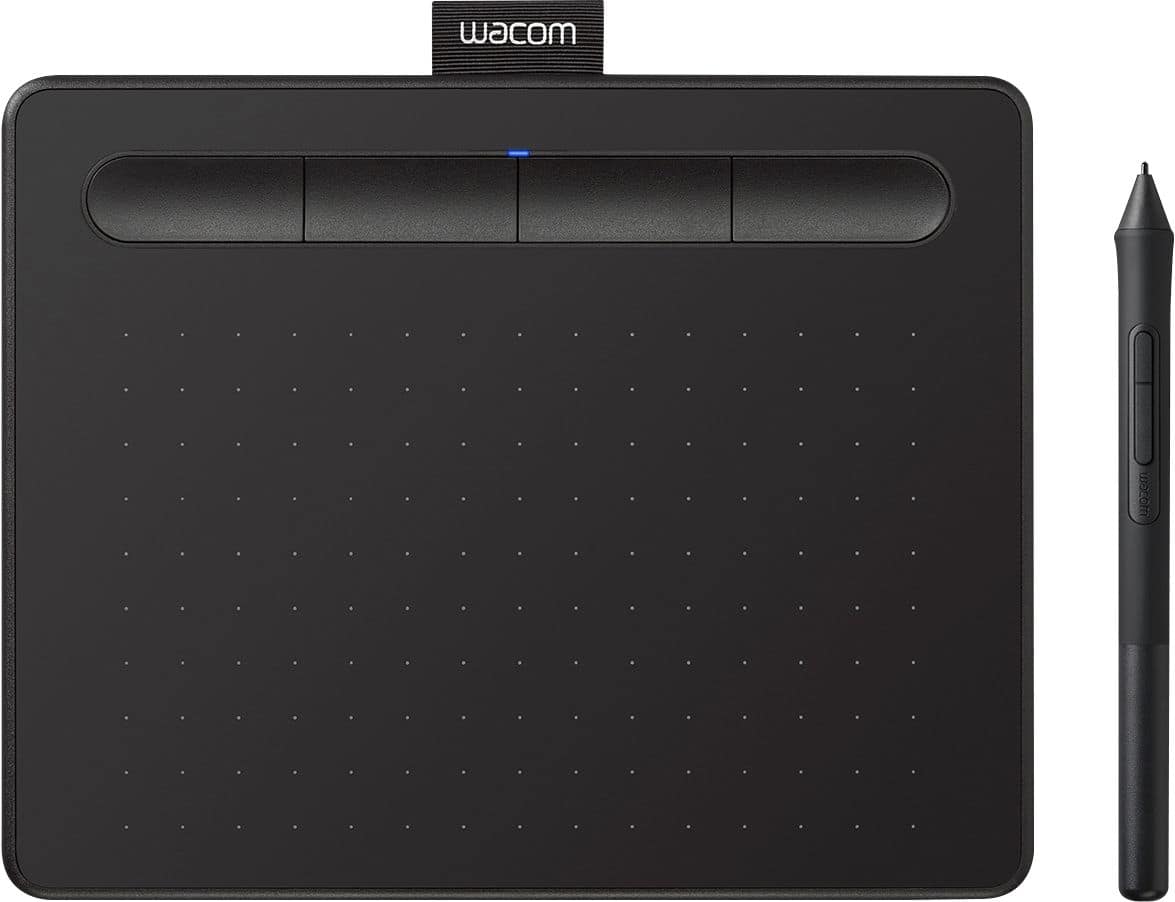
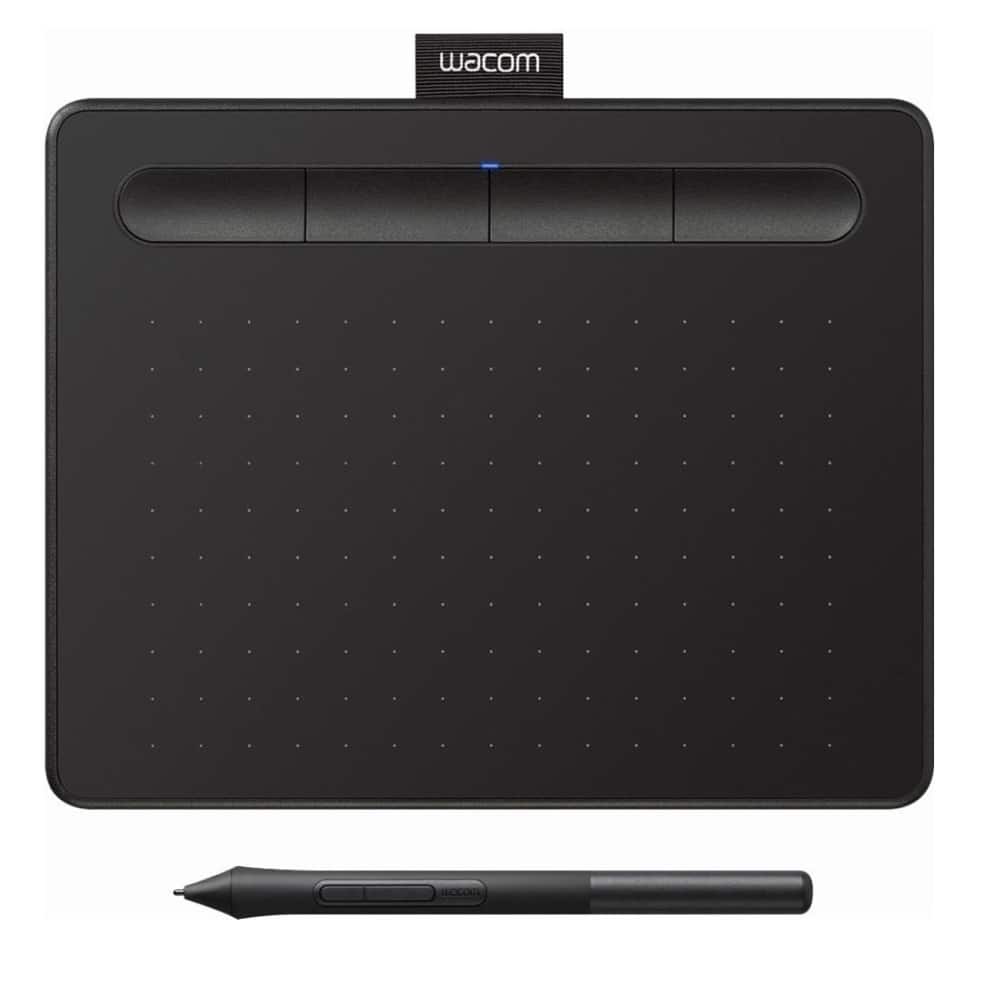
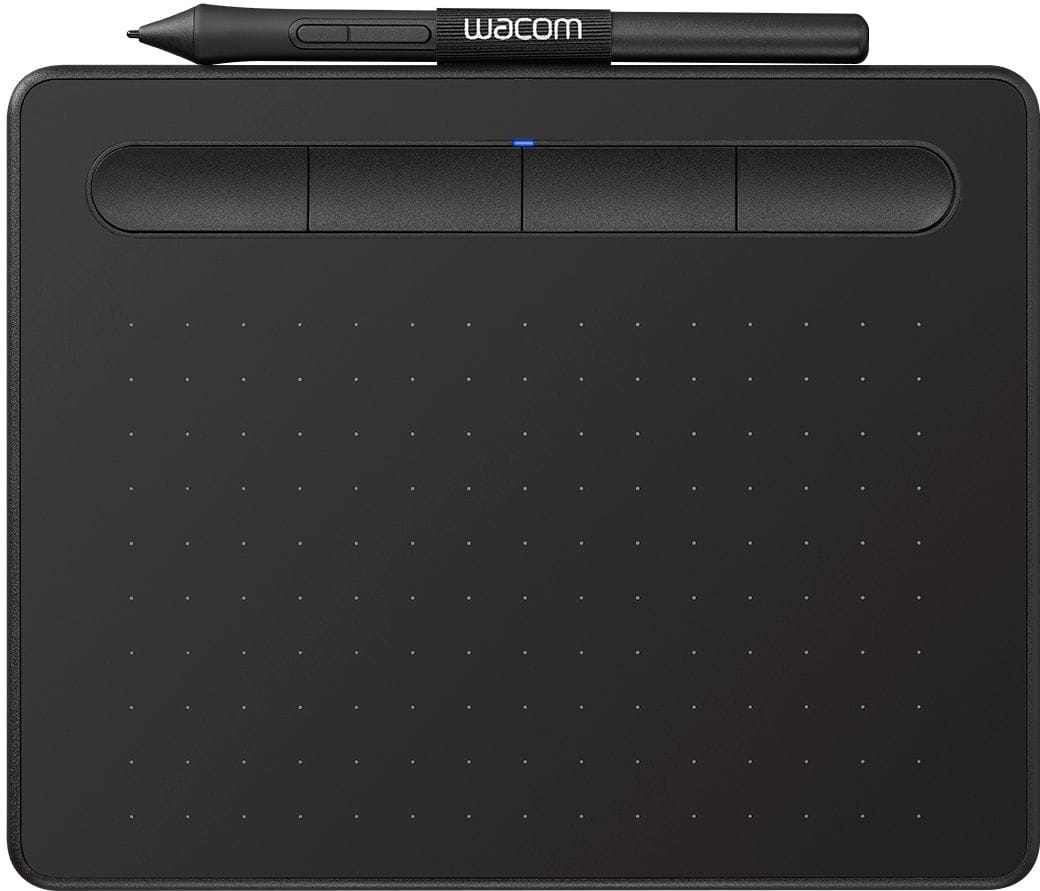
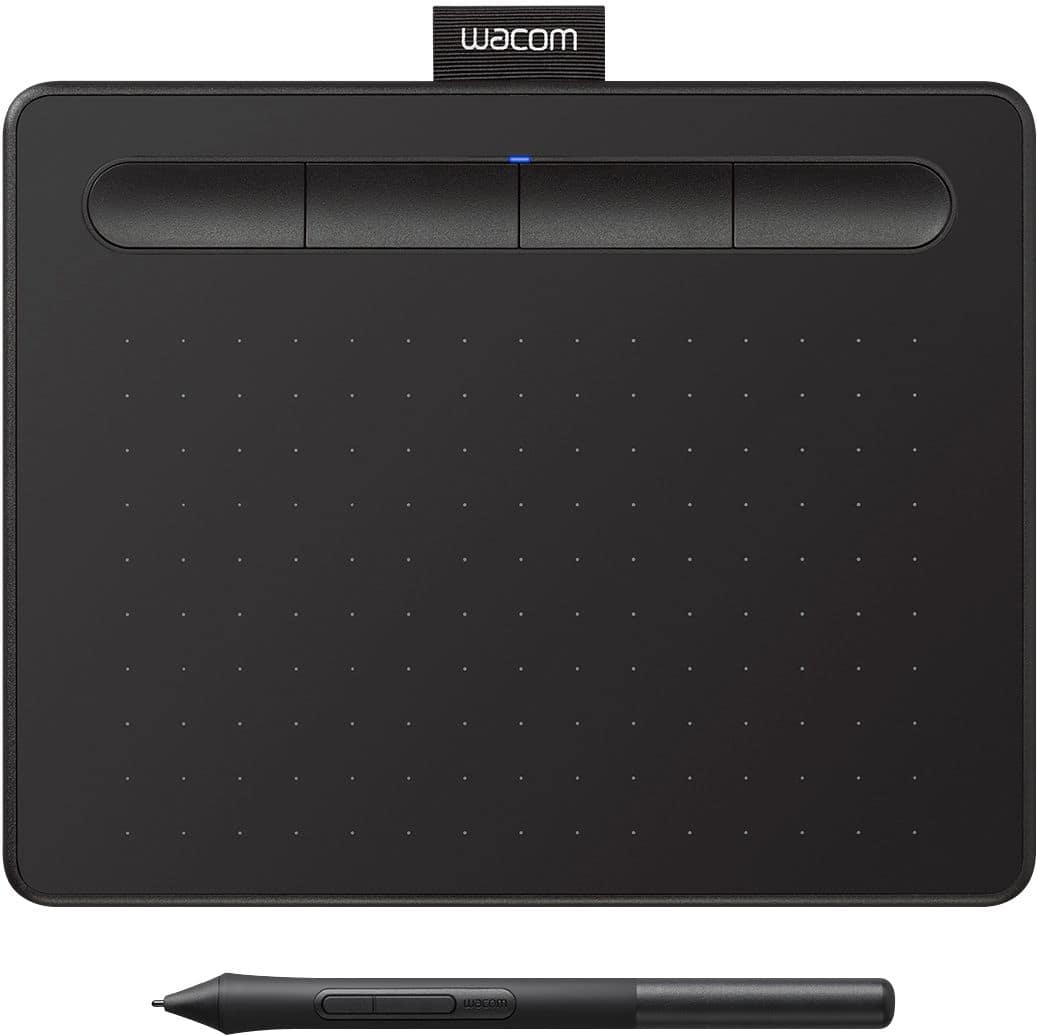


- Model:
- CTL4100
- |
- SKU:
- 6196636
Customer reviews
Rating 4.5 out of 5 stars with 1407 reviews
(1,407 customer reviews)Rating by feature
- Value4.6
Rating 4.6 out of 5 stars
- Quality4.6
Rating 4.6 out of 5 stars
- Ease of Use4.4
Rating 4.4 out of 5 stars
Customers are saying
Customers appreciate the Intuos Graphic Drawing Tablet for its ease of use, compact size, and overall quality, making it a good option for drawing. The included software bundle and compatibility are also well-received. However, some users have experienced initial setup issues and mention the sensitivity takes some getting used to. A few customers would prefer a Bluetooth option or a version with a screen.
This summary was generated by AI based on customer reviews.
Rated 5 out of 5 stars
Fulfills its purpose
||Posted .This reviewer received promo considerations or sweepstakes entry for writing a review.Slim and very easy to bring anywhere. Some things I'd prefer: Quieter buttons Would be nice with a case to put in my schoolbag Levers (?) to stand up the pad to put it on a slant, for stability and comfortable writing
I would recommend this to a friend- Pros mentioned:Drawing, Ease of use
Rated 5 out of 5 stars
Great drawing tablet.
||Posted . Owned for 1 year when reviewed.This reviewer received promo considerations or sweepstakes entry for writing a review.Great drawing tablet. It works great with any application and helps me draw and bring my imagination to the screen. Definitely worth the investment.
I would recommend this to a friend - Pros mentioned:Software
Rated 5 out of 5 stars
Perfect
||Posted . Owned for 4 months when reviewed.This reviewer received promo considerations or sweepstakes entry for writing a review.This is my first drawing tablet, and it's been wonderful to use. The pen is nice and the free Clip Studio Paint software was a great included benefit.
I would recommend this to a friend - Pros mentioned:Ease of use
Rated 4 out of 5 stars
Pretty decent for beginners
||Posted . Owned for 1 month when reviewed.This reviewer received promo considerations or sweepstakes entry for writing a review.Its not bad for what it is. My pen from my previous tablet started coming apart and no one has a specific pen for that tablet anymore so this was a decent, affordable choice. I've technically downgraded because I had a medium sized tablet, and the tablet was a lot smoother. This one feels like I'm scratching it every time I draw but it's held up well so far. It's not being damaged or anything, just feels like it, but I've gotten used to it. I say if you're looking for something affordable, easily portable, and easy to use this is pretty good. Plus it comes with nibs inside the pin
I would recommend this to a friend - Pros mentioned:Ease of use
Rated 4 out of 5 stars
Great Tablet for Travel or Beginners
||Posted . Owned for 3 weeks when reviewed.This reviewer received promo considerations or sweepstakes entry for writing a review.I bought this tablet while at a convention to use for an art demo. In my home studio I use a Wacom Intuos Pro Medium, which I had sadly forgotten to pack. This small basic tablet was perfect for the painting demo I gave. I plan to use it for travel purposes to events since it's easier to pack than my larger Wacom. I had no problems installing the drivers from my hotel room wifi and it performed perfectly during the demo. It's a great price for students and anyone thinking about exploring digital art.
I would recommend this to a friend - Pros mentioned:Ease of useCons mentioned:Sensitivity
Rated 4 out of 5 stars
Priced Right. Easy Install.
||Posted . Owned for 2 weeks when reviewed.This reviewer received promo considerations or sweepstakes entry for writing a review.Hooked up quickly and was able to use right away. Seemed to work fine, seemed a bit touchy on sensitivity which probably could be changed in settings.
I would recommend this to a friend Rated 4 out of 5 stars
Convenient drawing tablet, but horrible cable
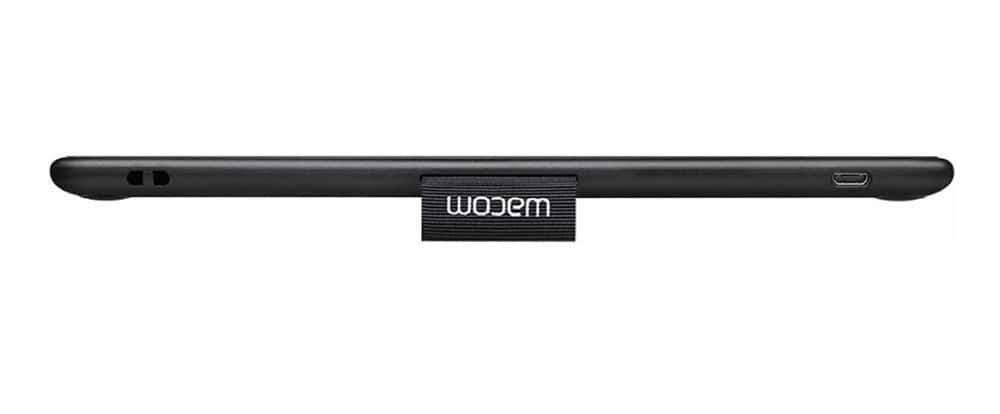
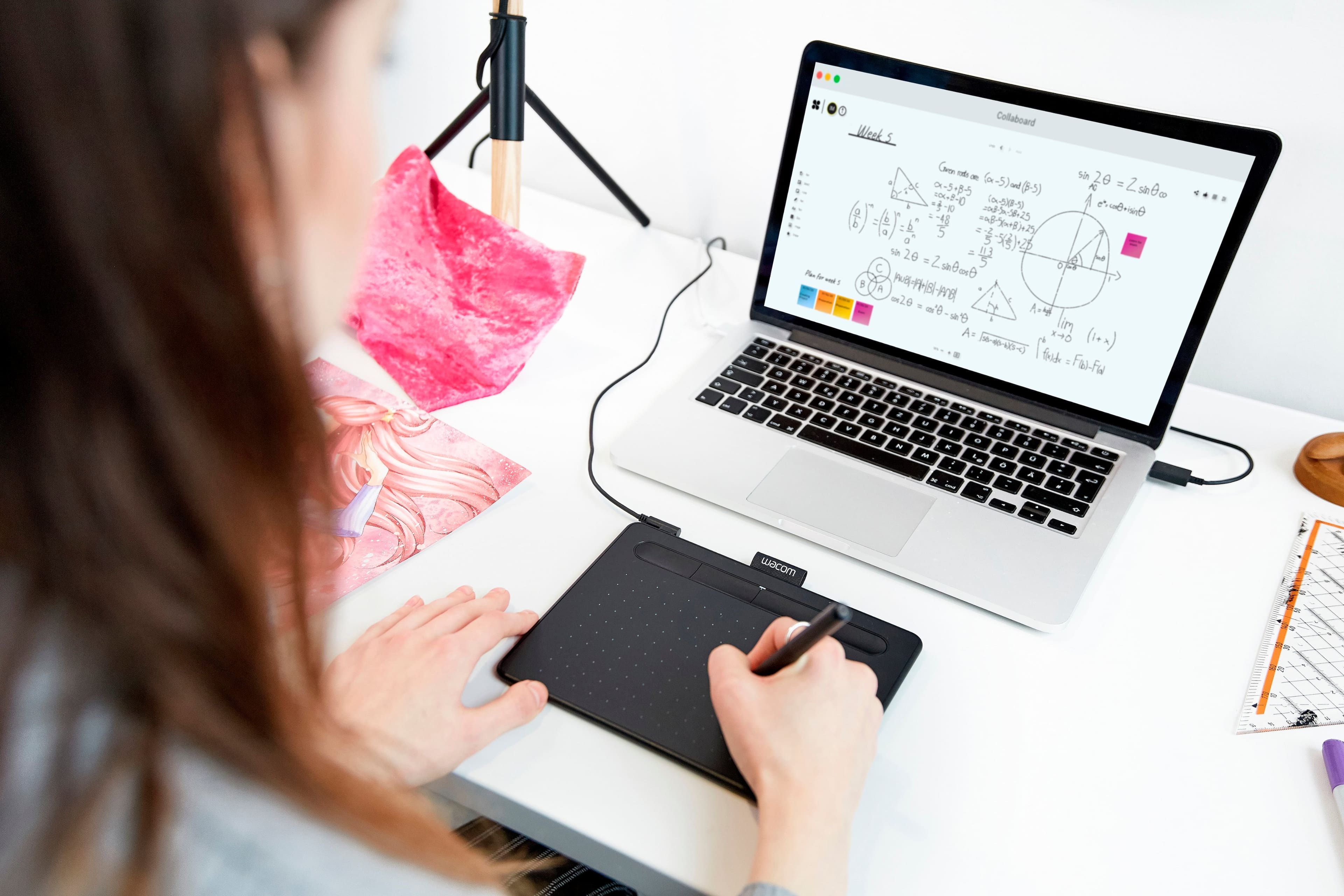
||Posted . Owned for 1 week when reviewed.This reviewer received promo considerations or sweepstakes entry for writing a review.We own several of these small Intuos drawing tablets--two obsolete models, two recent wireless/corded models of this same generation and now 3 of this exact model. Truth be told, the only reason I bought this latest one is because it was on clearance and I lost the pen to my other one. Not only that, the cord both recent non-wireless models went bad and the L-shaped mini-USB is hard to find. You can use a regular micro-usb cable, but they are also obsolete at this point. So I figured I get a pen and a cord with a spare tablet for the same price as buying a pen and a cord at the clearance price. Here's the issue I have with Wacom: The tablet is great, but the cords are very low quality, at least for the basic model. Stores don't carry pens or the right cords (or even the pen nibs for that matter), so you end up having to buy directly from Wacom, which is a hassle, plus you have to wait. The tablet itself, I think would last pretty much forever, but they become obsolete by new pen technology that doesn't work with old, or new USB technology. I personally do not draw with the Wacom, but demonstrate math problems using drawing software. My daughters are both artists and love using these for that purpose.
I would recommend this to a friend- Pros mentioned:Ease of use, Quality
Rated 5 out of 5 stars
Excellent product
||Posted . Owned for 2 months when reviewed.This reviewer received promo considerations or sweepstakes entry for writing a review.Excellent product, excellent quality, easy to use.
I would recommend this to a friend - Pros mentioned:Quality
Rated 5 out of 5 stars
Perfect- In every way!
||Posted . Owned for 3 months when reviewed.This reviewer received promo considerations or sweepstakes entry for writing a review.This tablet is an amazing tablet for the price! I was skeptical at first, but she sure does put in the work and works amazingly.
I would recommend this to a friend - Pros mentioned:Ease of use
Rated 5 out of 5 stars
Best starter tablet for beginner
||Posted . Owned for 3 weeks when reviewed.This reviewer received promo considerations or sweepstakes entry for writing a review.If you are just starting and trying to get into digital imaging or painting this tablet is the one for you. I like it very much especially how wild it integrates with software such as Photoshop and illustrator. It is also programmable to be used in 3-D modeling software which I use called Maya another free one online called blender. I totally recommend this tablet for beginners and even those who are intermediate or expert users
I would recommend this to a friend - Pros mentioned:Ease of use
Rated 5 out of 5 stars
Not just for graphics, makes an awesome mouse
||Posted . Owned for 1.5 years when reviewed.This reviewer received promo considerations or sweepstakes entry for writing a review.Bought one years ago for photo editing and I have bee using them ever since. If using a mouse hurts your wrist, this should help, I hate using a mouse now. I just wish these had the eraser on the back end like my old one. It does take getting use to and a few minutes to stop regretting the purchase. When I got my first one my friend came to edit a picture and was cussing me out for about 5 min, then asked where to get one. he loved it.
I would recommend this to a friend - Pros mentioned:Size
Rated 5 out of 5 stars
This tablet makes work a breeze!
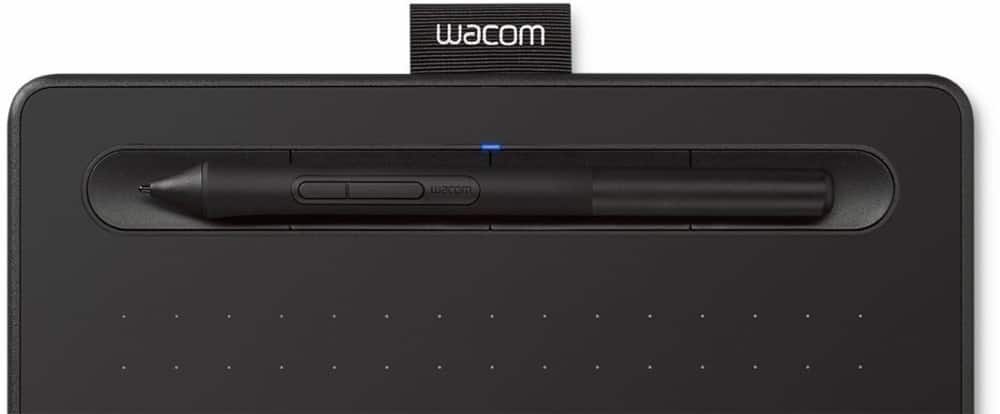
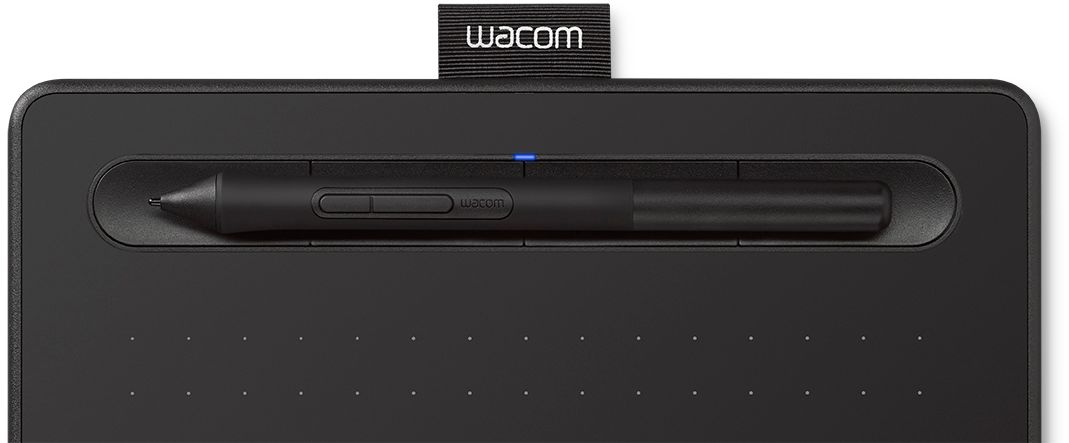
||Posted . Owned for 3 weeks when reviewed.This reviewer received promo considerations or sweepstakes entry for writing a review.I've used the Wacom Pad for years and decided to retire my old one. This is like my old one in size and capability. The best part is the depression at the top where you can put the stylus. For years, there was a separate little stand that either fell over or was too inconvenient to use so I laid the pen on my desk. Yes, it always rolled off and hit the floor. The pad is small but the work area is perfect for me. I'm a digital artist and the pen makes precise work a breeze. I also use it as a mouse all the time.
I would recommend this to a friend - Pros mentioned:Quality, Size
Rated 5 out of 5 stars
Got what I paid for
||Posted . Owned for 1 month when reviewed.This reviewer received promo considerations or sweepstakes entry for writing a review.I wanted an affordable drawing tablet that could fit easily into a small bag but still be of a high quality, and this was it for me.
I would recommend this to a friend - Pros mentioned:Drawing, Ease of use
Rated 5 out of 5 stars
Wacom drawing tablet excellent
||Posted . Owned for more than 2 years when reviewed.This reviewer received promo considerations or sweepstakes entry for writing a review.Wacom drawing tablet is so easy to use I have bought 4 for the artists in my family. They have tried different ones but this one is the best.
I would recommend this to a friend - Pros mentioned:Software
Rated 5 out of 5 stars
It’s a cheap guy, what do you want for $40?
||Posted . Owned for more than 2 years when reviewed.This reviewer received promo considerations or sweepstakes entry for writing a review.Mad tight. Mad dank. Draw anime girls that do whatever you want them to do, because you’re the artist here, pal. Does this qualify me for the gift card? I need that. This tablet is sick for the budget and the software it comes with is pretty cool.
I would recommend this to a friend - Pros mentioned:Size, Software
Rated 5 out of 5 stars
Great little drawing pad
||Posted . Owned for 1 month when reviewed.This reviewer received promo considerations or sweepstakes entry for writing a review.Great price on this item (and the free software!) made me choose to purchase at Best Buy. Perfect size and included stylus.
I would recommend this to a friend - Pros mentioned:Quality
Rated 5 out of 5 stars
Small as described, yet powerful
||Posted . Owned for 2 months when reviewed.This reviewer received promo considerations or sweepstakes entry for writing a review.I've always used Wacom tablets, so I may be a bit biased. However, I've tried a Huion for months and ended up returning to Wacom. Something about the quality just wasn't there with Huion. I purchased this Wacom Intuos as a gift for my girlfriend. I'm used to the new Intuos Pro model and prefer it over this one, but this is still a great option for any digital artist. No issues with it, and I would recommend it to anybody.
I would recommend this to a friend - Pros mentioned:DrawingCons mentioned:Screen
Rated 5 out of 5 stars
Great for beginner
||Posted .This reviewer received promo considerations or sweepstakes entry for writing a review.Purchased for my 14 year old who loves to draw. She does very well with it. I was concerned about not having a screen on the pad...but for $69...it's great.
I would recommend this to a friend - Pros mentioned:Ease of use
Rated 5 out of 5 stars
Best tablet for OSU
||Posted . Owned for 7 months when reviewed.This reviewer received promo considerations or sweepstakes entry for writing a review.I use mainly for the game “OSU” and it works perfectly. Fast response time, durable, and easy to travel with.
I would recommend this to a friend - Pros mentioned:Ease of use, Size
Rated 5 out of 5 stars
Great new Wacom tablet.
||Posted . Owned for 3 weeks when reviewed.This reviewer received promo considerations or sweepstakes entry for writing a review.Great new Wacom tablet. It is small, not the medium so it fits easily in a backpack or briefcase. Travels well and very portable.
I would recommend this to a friend