Customer Ratings & Reviews



- Model:
- CTL6100WLK0
- |
- SKU:
- 6196632
Customer reviews
Rating 4.6 out of 5 stars with 651 reviews
(651 customer reviews)Rating by feature
- Value4.4
Rating 4.4 out of 5 stars
- Quality4.6
Rating 4.6 out of 5 stars
- Ease of Use4.4
Rating 4.4 out of 5 stars
Customers are saying
Customers are impressed with the Intuos Graphic Drawing Tablet, particularly its ease of use, quality, and ideal size. Many appreciate the convenience of its wireless feature and find it suitable for drawing. Some customers have noted concerns about the software, compatibility, lag, learning curve, and setup.
This summary was generated by AI based on customer reviews.
- Pros mentioned:Quality
Rated 5 out of 5 stars
We Own Several
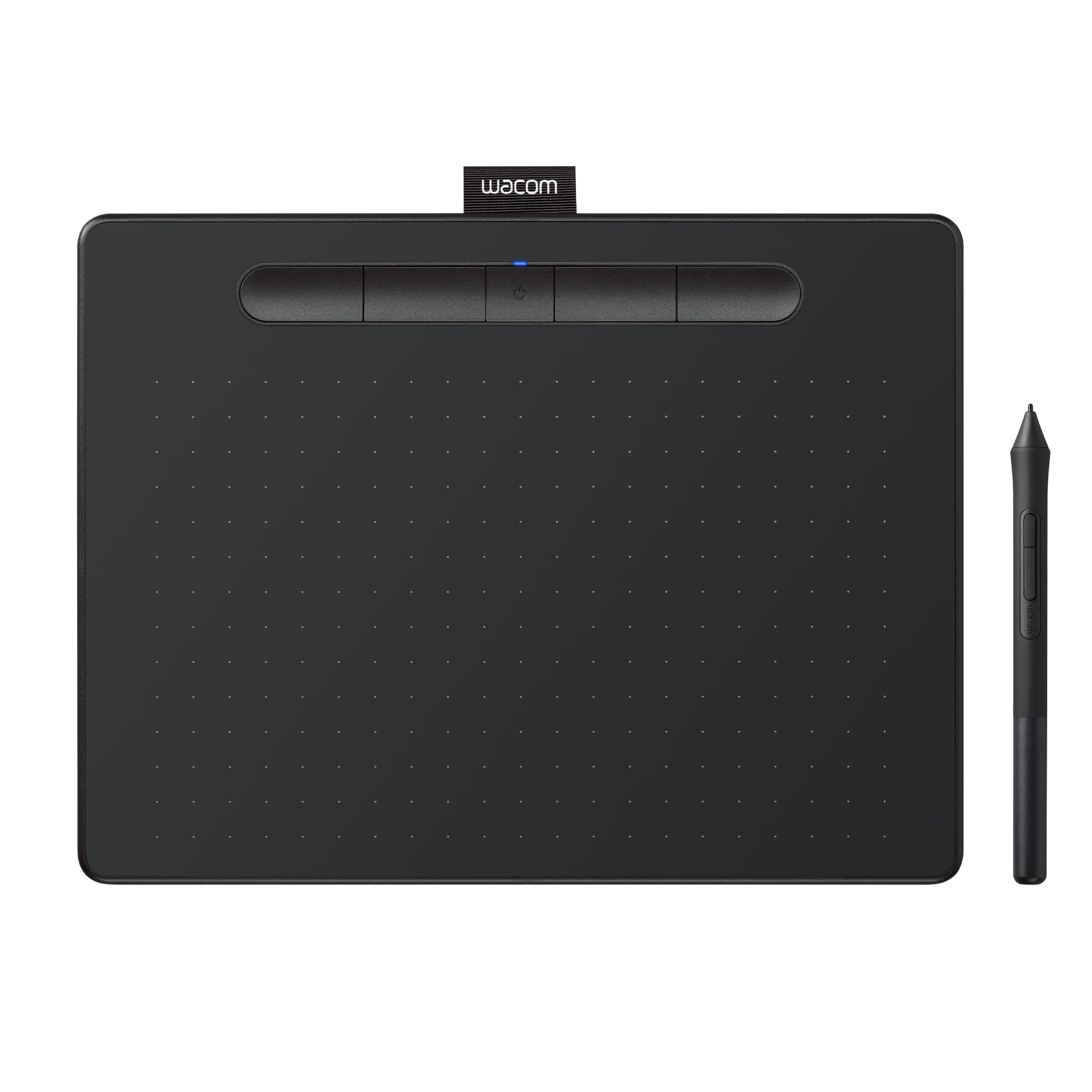
||Posted .This reviewer received promo considerations or sweepstakes entry for writing a review.This is one of several Wacom tablets we have purchased for our household. They are used by children, ages 9-16, as well as adults 18 and over. The Wacom tablets have proven reliable and sturdy, and we take them everywhere we go. Our tablets are used daily and for hours by novice and experienced artists. Be certain to purchase additional stylus tips, as they do wear down quickly (under what I would consider moderate to heavy use.) All-in-all, this tablet is a good purchase at its price point and we will likely purchase one to two more in the future.
I would recommend this to a friend - Pros mentioned:Ease of use, Size
Rated 5 out of 5 stars
Love it!
||Posted .This reviewer received promo considerations or sweepstakes entry for writing a review.I found the smaller size harder to work with, so this one is perfect for me! The jump between the small and medium sizes is really significant though, but I have found this product so helpful with the work I have to do (Illustrator fashion flats and other basic fashion design computer work). A real time saver and I haven't had any hiccups so far in the 2+ months I have been using it.
I would recommend this to a friend - Pros mentioned:Ease of use
Rated 5 out of 5 stars
Works beautifully
||Posted . Owned for 3 weeks when reviewed.This reviewer received promo considerations or sweepstakes entry for writing a review.Classes were abruptly transitioned to online. I purchased the tablet to use in lieu of the whiteboard I normally employ during lectures. After a couple of days of practice and adjusting the pen settings, it is difficult to imagine how I would conduct a class without it. I recommend this device to anyone who needs to write or draw online.
I would recommend this to a friend Rated 5 out of 5 stars
Much better than a mouse in graphics!
||Posted .This reviewer received promo considerations or sweepstakes entry for writing a review.I've been using the smaller Intuos for a while and decided to go a little bigger. Once you get used to the method, it's much easier to makes those finer adjustments . . . once you get used to it! It may not come over night. Many things can be fined tuned for specific apps so when you open the app, it's set for that prog. And being wireless you're not "tied" to the desk. Put it on your lap! For the price for non-professionals, it's great for consumers.You can even use it as a mouse . . . again, when you get used to it! Not hard to do just requires muscle memory different from what you're used to with a mouse.
I would recommend this to a friend- Pros mentioned:Drawing
Rated 5 out of 5 stars
Amazing drawing pad!
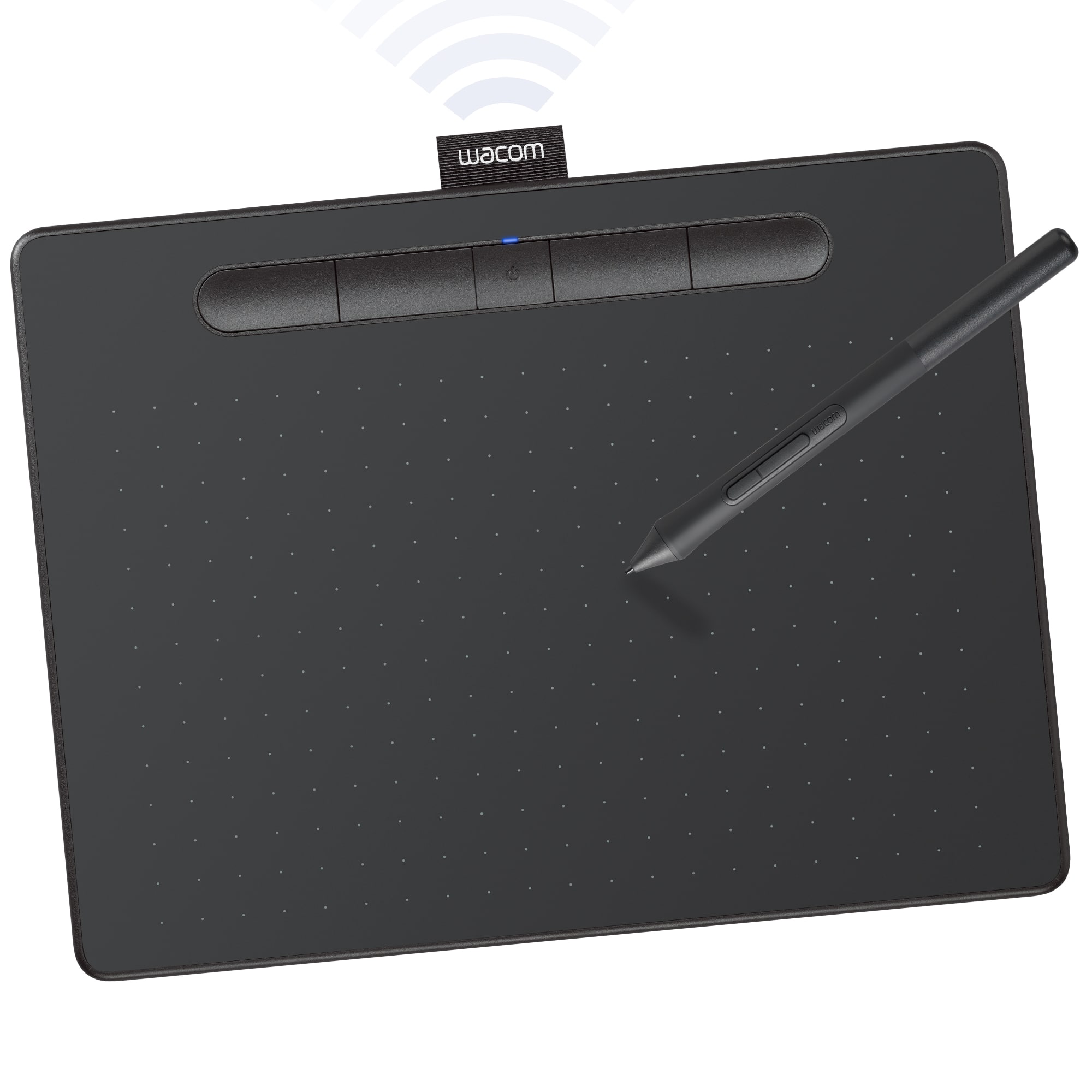
||Posted . Owned for 4 months when reviewed.This reviewer received promo considerations or sweepstakes entry for writing a review.Drawing feels smooth and responsive. The tracking and pressure sensitivity is excellent. The pen works perfectly and does not need to be charged. One charge of the tablet will last a long time. However, you can use it wired. I really love this drawing pad! I am recommending to a friend now already!
I would recommend this to a friend - Pros mentioned:Size
Rated 5 out of 5 stars
Awesome accessory!
||Posted . Owned for 2 months when reviewed.This reviewer received promo considerations or sweepstakes entry for writing a review.I bought this to be able to write on me recorded lectures. It is a very awesome drawing tablet. The size is worth it as I was debating getting the smaller one but opted for the medium and was not disappointed. The pen is great too and comes with more tips in case you need more. Its a great all around tablet!
I would recommend this to a friend - Pros mentioned:Size, Wireless
Rated 5 out of 5 stars
Nice mid-size tablet for graphics arts
||Posted .This reviewer received promo considerations or sweepstakes entry for writing a review.This tablet will work as both a Bluetooth wireless device and direct via USB if connected to your computer. The tablet is the perfect size for desktop use, small enough that you don't have to re-arrange your desktop each time you wish to use it. Resolution and response time are just what you'd expect from a Wacom brand tablet. No problems!
I would recommend this to a friend - Pros mentioned:Size, Wireless
Rated 5 out of 5 stars
Welcome into us tablet
||Posted . Owned for more than 2 years when reviewed.This reviewer received promo considerations or sweepstakes entry for writing a review.This tablet is a great size. Being Bluetooth makes it more awesome. No delay in its function. Enjoy every minute with it. Great for Photoshop!
I would recommend this to a friend - Pros mentioned:Quality
Rated 4 out of 5 stars
Recommended For People Who Have Limited Budget
||Posted . Owned for 1.5 years when reviewed.This reviewer received promo considerations or sweepstakes entry for writing a review.Compare to all other brands, Wacom's quality is always trustworthy. I have been using this brand for more than 8 years. Everything about wacom is awesome, except their plug hole. My tablet die quickly (within 2 years, my last intuos tablet lived 6 years!) because of this. However, I still recommend Wacom, I love this brand and I believe I will keep using it in my entire art life.
I would recommend this to a friend - Pros mentioned:Ease of use
Rated 5 out of 5 stars
Answered our needs.
||Posted . Owned for 2 weeks when reviewed.This reviewer received promo considerations or sweepstakes entry for writing a review.Comprehensive utility and reliable, easy to use tool.
I would recommend this to a friend - Pros mentioned:Ease of use, Size
Rated 5 out of 5 stars
Easy to use and Setup
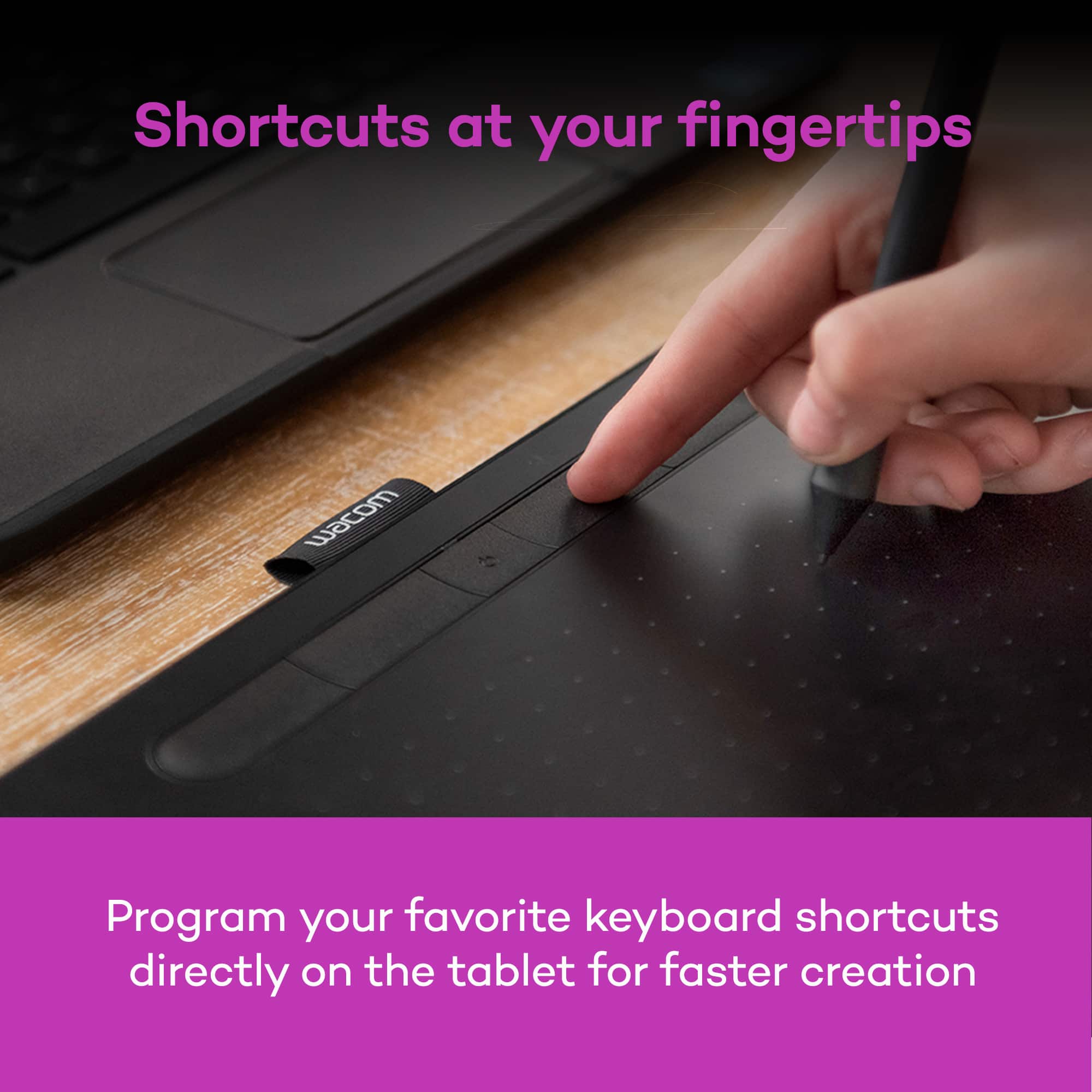
||Posted . Owned for 1 month when reviewed.This reviewer received promo considerations or sweepstakes entry for writing a review.It is easy to use and setup. It is the perfect size for photo retouching. The customization is really nice since you can change it for each app it is used for. The only downside is it would be nice it there was place to put the pen so it doesn't get lost.
No, I would not recommend this to a friend - Pros mentioned:Ease of useCons mentioned:Software
Rated 5 out of 5 stars
Works great
||Posted . Owned for 3 weeks when reviewed.This reviewer received promo considerations or sweepstakes entry for writing a review.The product works great, the operator needs practice. Setup was relatively easy though it is a bit more complicated to get it perfect with photoshop. For a beginner like me a tip that could write on a piece of transparent paper later over would be a helpful learning tool
I would recommend this to a friend - Pros mentioned:Quality
Rated 5 out of 5 stars
Great product for drawing
||Posted .This reviewer received promo considerations or sweepstakes entry for writing a review.Excelent product, worked as expected, connected easily to my laptop
I would recommend this to a friend - Pros mentioned:Ease of useCons mentioned:Learning curve
Rated 4 out of 5 stars
Worth the wait. Awesome tool!
||Posted . Owned for 3 weeks when reviewed.This reviewer received promo considerations or sweepstakes entry for writing a review.I didn’t want to buy it…I’d been putting it off for a long time. Now I wish I had gotten it sooner. Works good. I was pleased how easy it is to use. Had a little leaning curve but it’s great!
I would recommend this to a friend - Pros mentioned:Ease of use, Size
Rated 5 out of 5 stars
Great Wacom tablet for my artistic needs
||Posted . Owned for 3 weeks when reviewed.This reviewer received promo considerations or sweepstakes entry for writing a review.Great size, easy to use, buttons at top seem pointless but this is a minor gripe. Great purchase
I would recommend this to a friend - Pros mentioned:Wireless
Rated 5 out of 5 stars
Small but mighty
||Posted . Owned for 3 weeks when reviewed.This reviewer received promo considerations or sweepstakes entry for writing a review.Over the past 20 years, during a professional career in photography, I’ve had 4 Wacom tablets, all the way up to the largest flagship LCD model, think $$$$. I recently tried this simpler wireless model and a sold. When you want need to do meticulous touching on digital photographs, a tablet is indispensable. Lightweight, cordless and as sensitive as you could possibly want, I recommend this is where you jump in. Using any tablet has a small learning curve. You won’t be disappointed with this investment.
I would recommend this to a friend - Pros mentioned:Drawing, Ease of use
Rated 5 out of 5 stars
Great for schoolwork
||Posted . Owned for 1 month when reviewed.This reviewer received promo considerations or sweepstakes entry for writing a review.It works very well! I love using it to tutor and draw diagrams!
I would recommend this to a friend - Pros mentioned:Size
Rated 5 out of 5 stars
All the quality I've come to expect from Wacom.
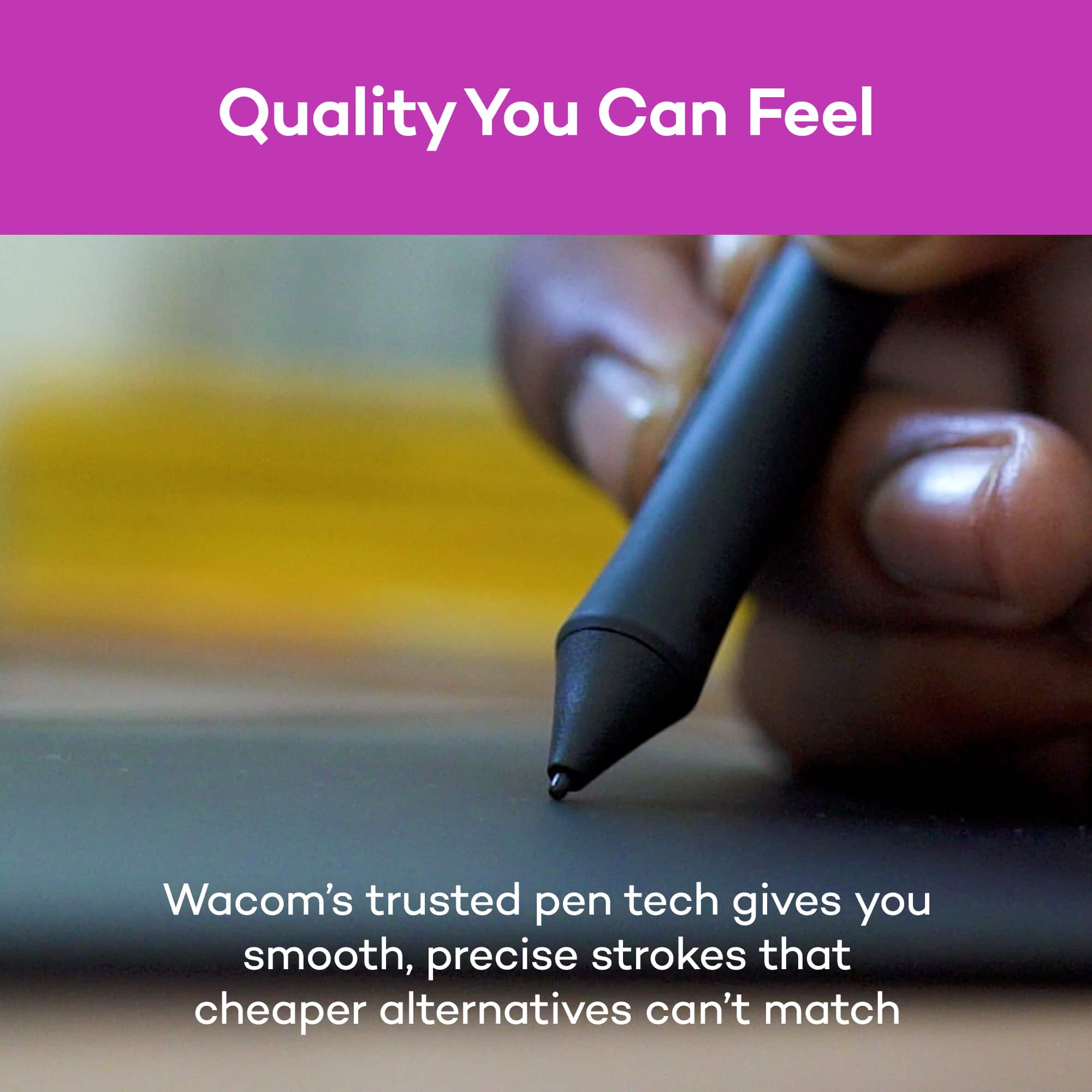
||Posted .This reviewer received promo considerations or sweepstakes entry for writing a review.The Windows 10 upgrade finally ended my long-time use of the Wacom Intuous I bought in the mid 90s. I had been hoping to not get the bluetooth version (I don't have a bluetooth receiver on my machine) but since they were sold out and the price wasn't too much more I got it anyway because I can just use it with the USB cable. It works great out of the box. I didn't care for the free software, but only because I have better software. It's a good, reliable, solid product that does what it was designed to do very well. Pressure and tilt sensitivity is great. It's not so big it takes up a lot of space on my desk and not so small I can't work with it. Just a perfect fit for me.
I would recommend this to a friend - Pros mentioned:Quality, Size
Rated 5 out of 5 stars
Wacom - Intuos Wireless Graphic Drawing Tablet (Me
||Posted . Owned for 11 months when reviewed.This reviewer received promo considerations or sweepstakes entry for writing a review.Birth Day Present for my Daughter in Art School. Just what she wanted. Not too big and not too small. Very high quality and Wacom included other software with a purchase that is very expensive on its own.
I would recommend this to a friend - Cons mentioned:Software
Rated 4 out of 5 stars
Pad good-support meh..
||Posted . Owned for 2 weeks when reviewed.This reviewer received promo considerations or sweepstakes entry for writing a review.Registration instructions consist of pictures that assumes everything happens automatically at startup. When that does not happen and you go to the Wacom website to manually register to get the software downloads the trouble begins. After several misdirections I Broke the code and got the software. I use the pad connected to the PC with no issues. Pressure sensitivity is good. The “free software” is functional, but be prepared to be bombarded by constant upgrade requests for full versions. Buy for the pad, not the software.
I would recommend this to a friend