Customer Ratings & Reviews
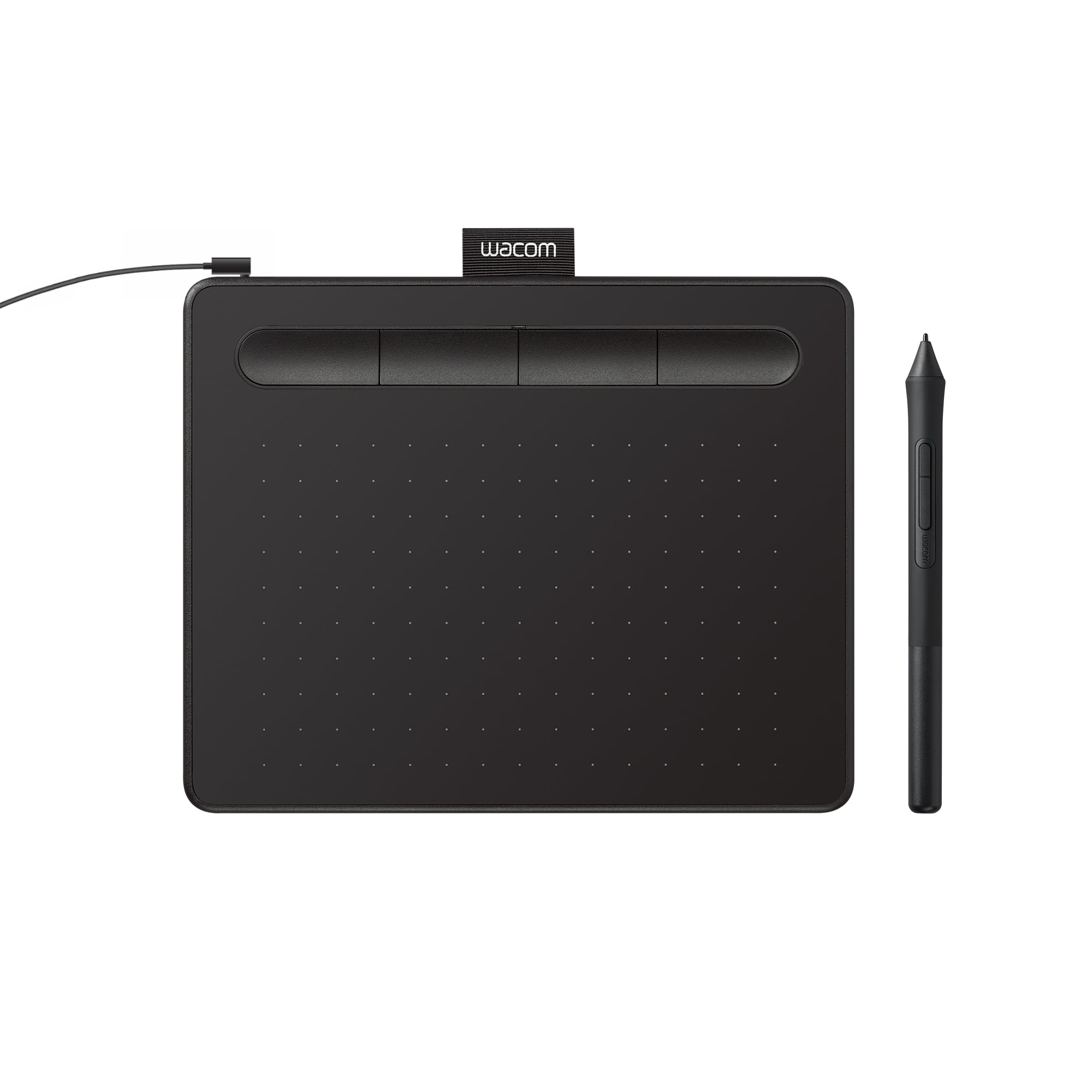
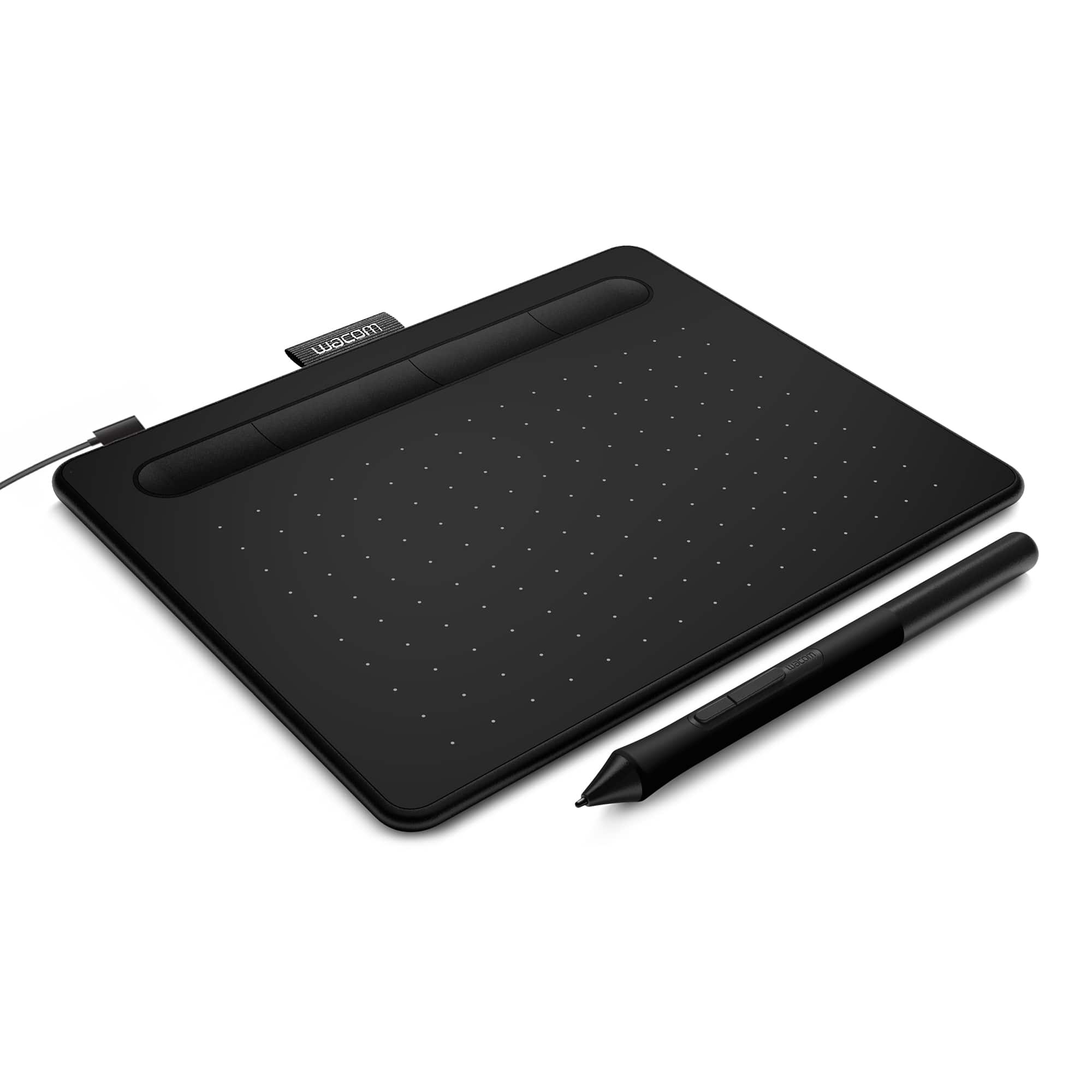
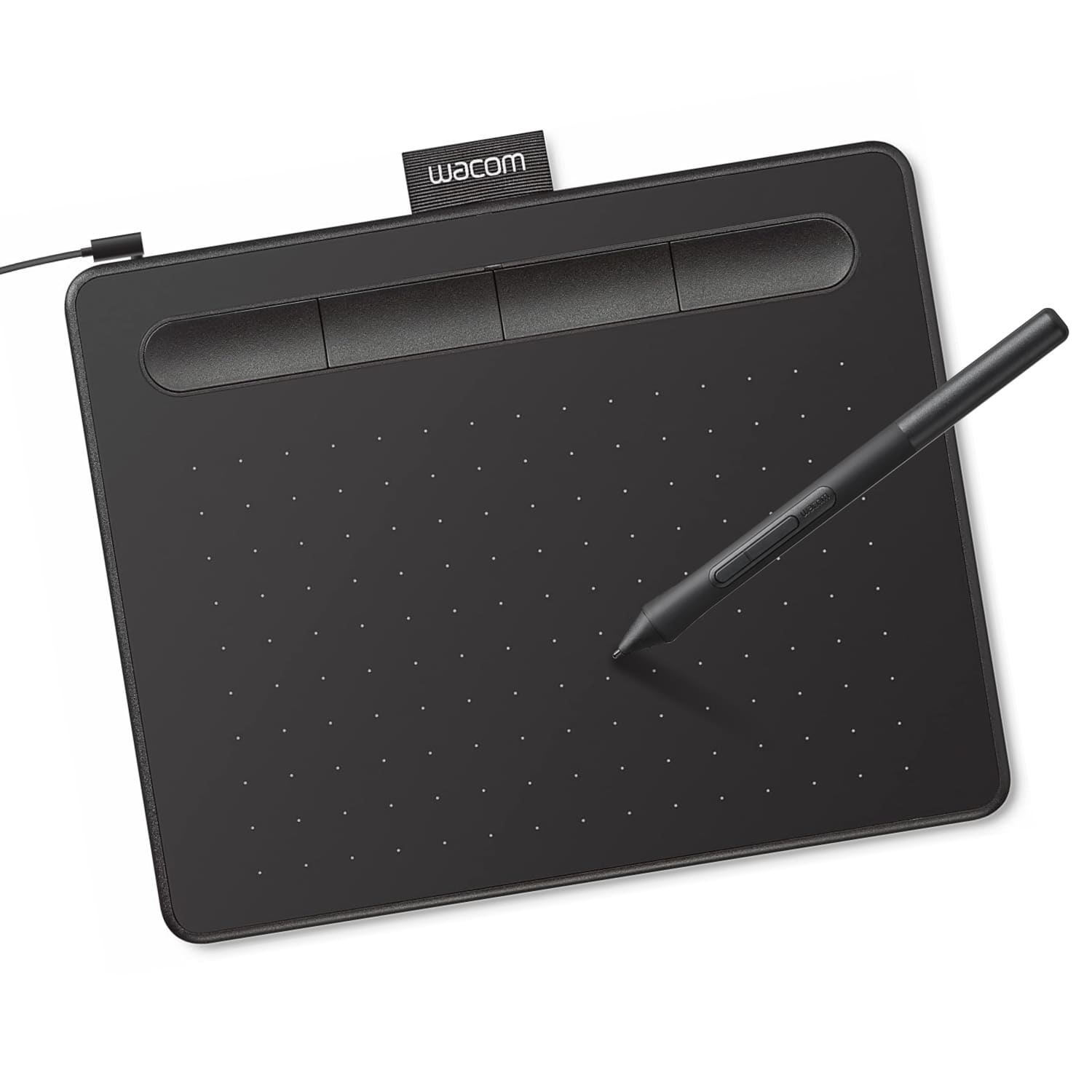




- Model:
- CTL4100
- |
- SKU:
- 6196636
Customer reviews
Rating 4.5 out of 5 stars with 1420 reviews
(1,420 customer reviews)Rating by feature
- Value4.6
Rating 4.6 out of 5 stars
- Quality4.6
Rating 4.6 out of 5 stars
- Ease of Use4.4
Rating 4.4 out of 5 stars
Customers are saying
Customers regard the Intuos Graphic Drawing Tablet as easy to use, with good overall performance for its price, and a suitable size for limited desk space. The included software bundle and drawing capabilities are also appreciated, along with its compatibility and precision. However, some customers have reported issues with the pen, setup, and connectivity, as well as a perceived lack of features.
This summary was generated by AI based on customer reviews.
- Pros mentioned:Ease of use
Rated 5 out of 5 stars
Wouldn't want to live without!
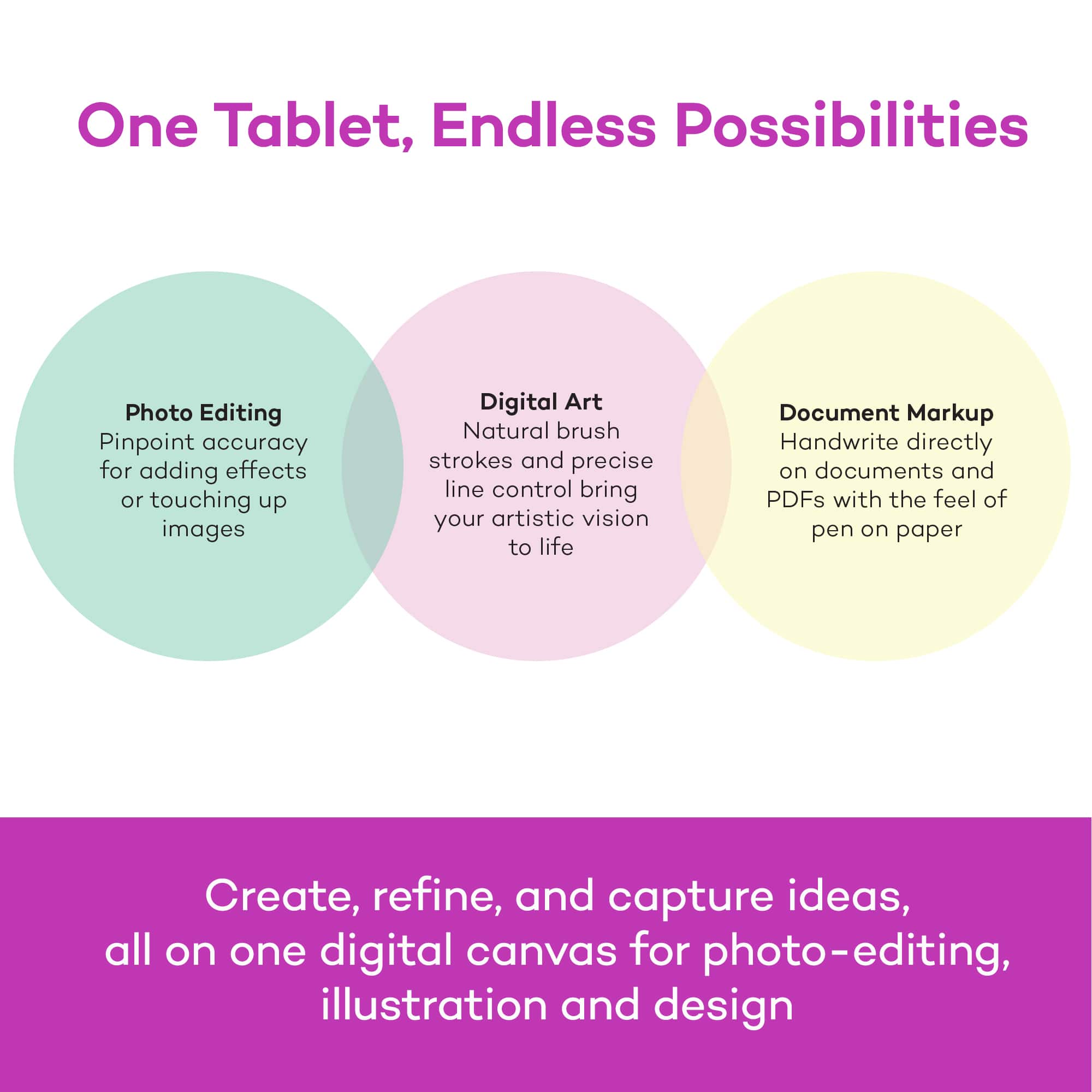
||Posted . Owned for 1 month when reviewed.This reviewer received promo considerations or sweepstakes entry for writing a review.As a teacher and having to teach through distant learning. I use this drawing tablet daily helping students to understand math problems. I annotate on papers so students can improve in their writing. This is a must tool for distant learning.
I would recommend this to a friend - Pros mentioned:Ease of use
Rated 5 out of 5 stars
Great Drawing Tablet
||Posted . Owned for 11 months when reviewed.This reviewer received promo considerations or sweepstakes entry for writing a review.Great tablet to purchase if you're just getting started into digital art. Set up was very easy and the pen is very comfortable in my hand.
I would recommend this to a friend Rated 5 out of 5 stars
A great investment!
||Posted .This reviewer received promo considerations or sweepstakes entry for writing a review.Amazing quality! So efficient and portable, it is truly a great investment and helps improve your skills significantly!
I would recommend this to a friend- Cons mentioned:Setup
Rated 3 out of 5 stars
If this is what you want, it's a good one
||Posted . Owned for less than 1 week when reviewed.This reviewer received promo considerations or sweepstakes entry for writing a review.Very difficult to set up, however once all the drivers are installed and everything is in order it appears to work fairly well. I'm not able to give this a very accurate review as I have discovered I prefer to draw on the visible portion as opposed to drawing and with my head straight which seems unnatural to me. From what I am able to knowledgeably comment on it appears to be good if that's what you're looking for and our tech savvy enough to get it running.
I would recommend this to a friend - Pros mentioned:Ease of use
Rated 5 out of 5 stars
Wacom Intuos S
||Posted . Owned for 1 month when reviewed.This reviewer received promo considerations or sweepstakes entry for writing a review.Easy to install great for hobbyist and beginners. I can take it anywhere for some fast sketching or if i dont want to use my wacome one I just hook it up to my android and tada its just as effective as the sketch book. So yeah if ure looking for a fast and reliable inexpensive tablet u found it.
I would recommend this to a friend - Pros mentioned:Ease of use
Rated 5 out of 5 stars
Wacom
||Posted . Owned for 1 year when reviewed.This reviewer received promo considerations or sweepstakes entry for writing a review.It’s an awesome product super light and easy to use! And fast delivery!!!
I would recommend this to a friend - Pros mentioned:Price
Rated 5 out of 5 stars
Wacom-Intuos Graphic Drawing Tablet
||Posted . Owned for 4 months when reviewed.This reviewer received promo considerations or sweepstakes entry for writing a review.This tablet is the best for beginners like myself, I would highly recommended it to anyone who is looking for something affordable and easy to use before purchasing something more bigger.
I would recommend this to a friend - Pros mentioned:Ease of use
Rated 5 out of 5 stars
Solid Introduction to Drawing on a Tablet
||Posted .This reviewer received promo considerations or sweepstakes entry for writing a review.Got this for my girlfriend because she was interested in digital drawing. This is a pretty nifty little tablet for the price! Of course, it takes a lot of practice, but after about 2 hours of playing with it, she drew a super cute picture of Calcifer from Howl's Moving Castle! I even used it myself to design a logo and found it easy to grasp. If not easier than drawing with an actual pen!
I would recommend this to a friend - Pros mentioned:Ease of use
Rated 5 out of 5 stars
Great Tablet!
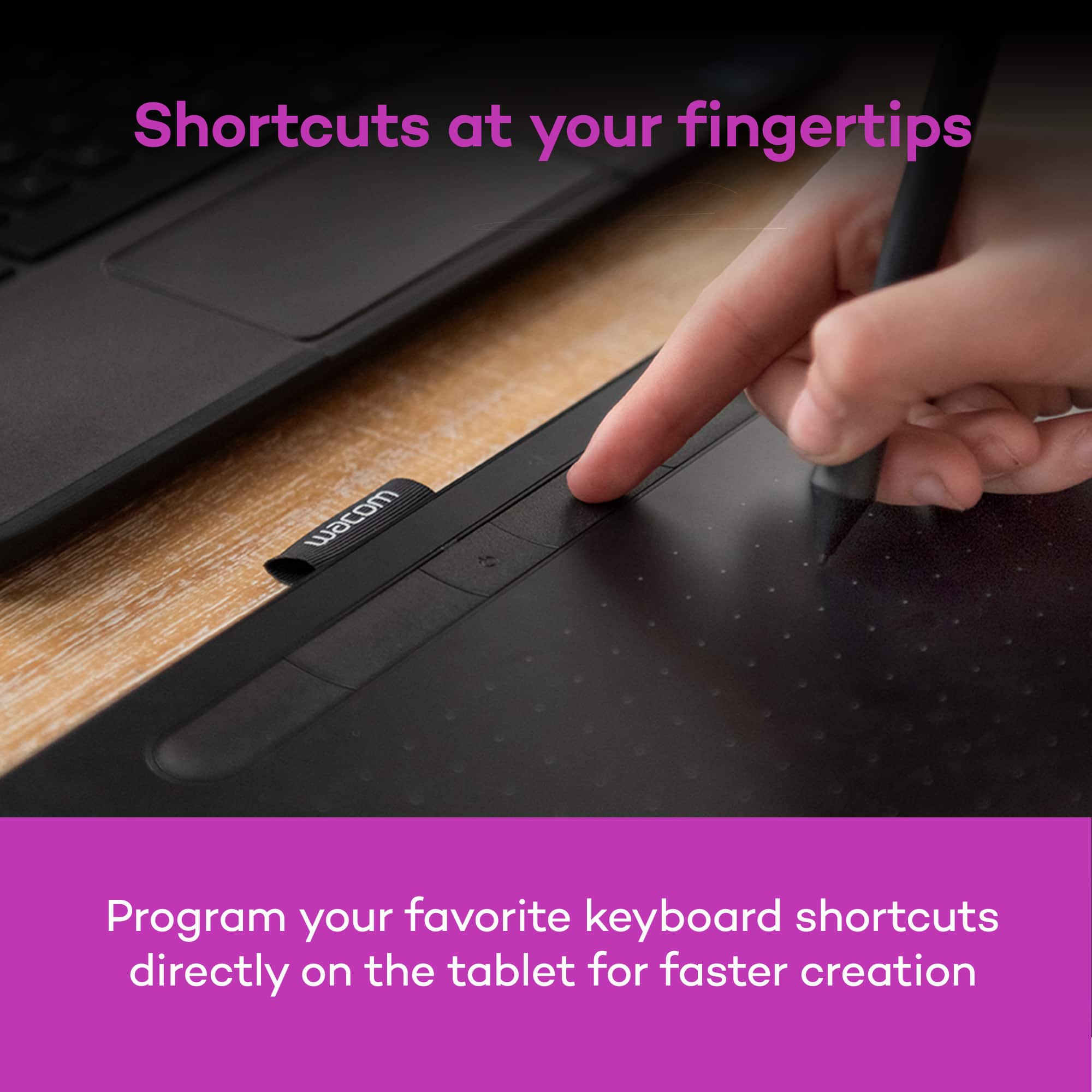
||Posted . Owned for 4 months when reviewed.This reviewer received promo considerations or sweepstakes entry for writing a review.Bought this for use in photoshop and Illustrator and it definitely lives up to the recommendations I was given for it. Set up was easy and the buttons on the pad and the pen allow for lots of possibilities!
I would recommend this to a friend - Pros mentioned:Ease of use
Rated 5 out of 5 stars
Better than any mouse
||Posted . Owned for more than 2 years when reviewed.This reviewer received promo considerations or sweepstakes entry for writing a review.I've yet to find a mouse that rivals a wacom tablet as it relates to editing photos or using lightroom & photoshop. There is absolutely no comparison. I'll go so far as to repeat what someone said that the cheapest tablet is better than the most expensive mouse. It's true.
I would recommend this to a friend Rated 5 out of 5 stars
So WORTH IT!!
||Posted . Owned for 1 month when reviewed.This reviewer received promo considerations or sweepstakes entry for writing a review.This is the writing and drawing tool to do a presentation. This is my 5th or 6th purchase and i give them out as gifts to my students. This last purchase was for my mentor as a token of appreciation.
I would recommend this to a friend- Pros mentioned:Size
Rated 4 out of 5 stars
hope they have a medium size
||Posted . Owned for 1 week when reviewed.This reviewer received promo considerations or sweepstakes entry for writing a review.Quite ok. It can do better if the pen holder is on the side instead on the top. And because it's so small, it's difficult to pinpoint the area you're drawing esp if you're using a large screen. I returned it because of the size. The medium size however, it's at least 2 times of this price. Hope they have this version in medium size.
No, I would not recommend this to a friend Rated 5 out of 5 stars
Above expectations
||Posted . Owned for 1 week when reviewed.This reviewer received promo considerations or sweepstakes entry for writing a review.It delivers much more than expected. I’m using as a whiteboard, mostly to draw sketches and diagrams. For this use case it is amazing.
I would recommend this to a friendRated 5 out of 5 stars
Great little pen tablet.
||Posted . Owned for 1 month when reviewed.This reviewer received promo considerations or sweepstakes entry for writing a review.Great little tablet so far. Sensitive with no lag. Getting used to the pressure sensitivity while drawing in Krita. Being able to set the buttons is also great.
I would recommend this to a friend- Pros mentioned:Ease of use
Rated 5 out of 5 stars
Wacom Intuos Graphic Drawing Table for Mac, PC
||Posted . Owned for 8 months when reviewed.This reviewer received promo considerations or sweepstakes entry for writing a review.excellent tool to use especially doing a lot of photo retouching and color grading in photoshop or Lightroom. it makes my work easy and faster than before
I would recommend this to a friend Rated 5 out of 5 stars
Very fun and straightforward!
||Posted . Owned for 7 months when reviewed.This reviewer received promo considerations or sweepstakes entry for writing a review.It works as intended, a goto tablet for drawing, as always!
I would recommend this to a friend- Pros mentioned:Ease of use
Rated 4 out of 5 stars
Great with minor complaints
||Posted . Owned for 5 months when reviewed.This reviewer received promo considerations or sweepstakes entry for writing a review.Easy to write on Zoom whiteboards and general Zoom annotation. Pen is responsive. However, the center of the whiteboard doesn’t usually correlate with the center of the writing pad. And that problem is pronounced when I use a dual screen. Also, it’s too easy too accidentally click on the pen button when not intended. Otherwise, a very good product.
I would recommend this to a friend - Pros mentioned:Ease of use
Rated 5 out of 5 stars
Great product
||Posted . Owned for 1 month when reviewed.This reviewer received promo considerations or sweepstakes entry for writing a review.The product works well but the program I’m using is over my head so is frustrating but then it’s not the product. Basically you plug it in but then it determines one’s skill and program you are using.
I would recommend this to a friend Rated 5 out of 5 stars
Great tablet for beginner or intermediate artists!
||Posted . Owned for 3 weeks when reviewed.This reviewer received promo considerations or sweepstakes entry for writing a review.My son convinced me to get this for him - I had previously heard nothing about the product. But it ended up being an excellent choice for him to continue his hobbies and interest of digital drawing, cartoon script making. Works very nice and he’s had no complaints so far. Lots of options and smooth drawing - has upped his quality!
I would recommend this to a friendRated 5 out of 5 stars
Smooth!
||Posted . Owned for 3 weeks when reviewed.This reviewer received promo considerations or sweepstakes entry for writing a review.Absolutely love it! Smooth pen & works nicely with my pc
I would recommend this to a friend