Customer Ratings & Reviews
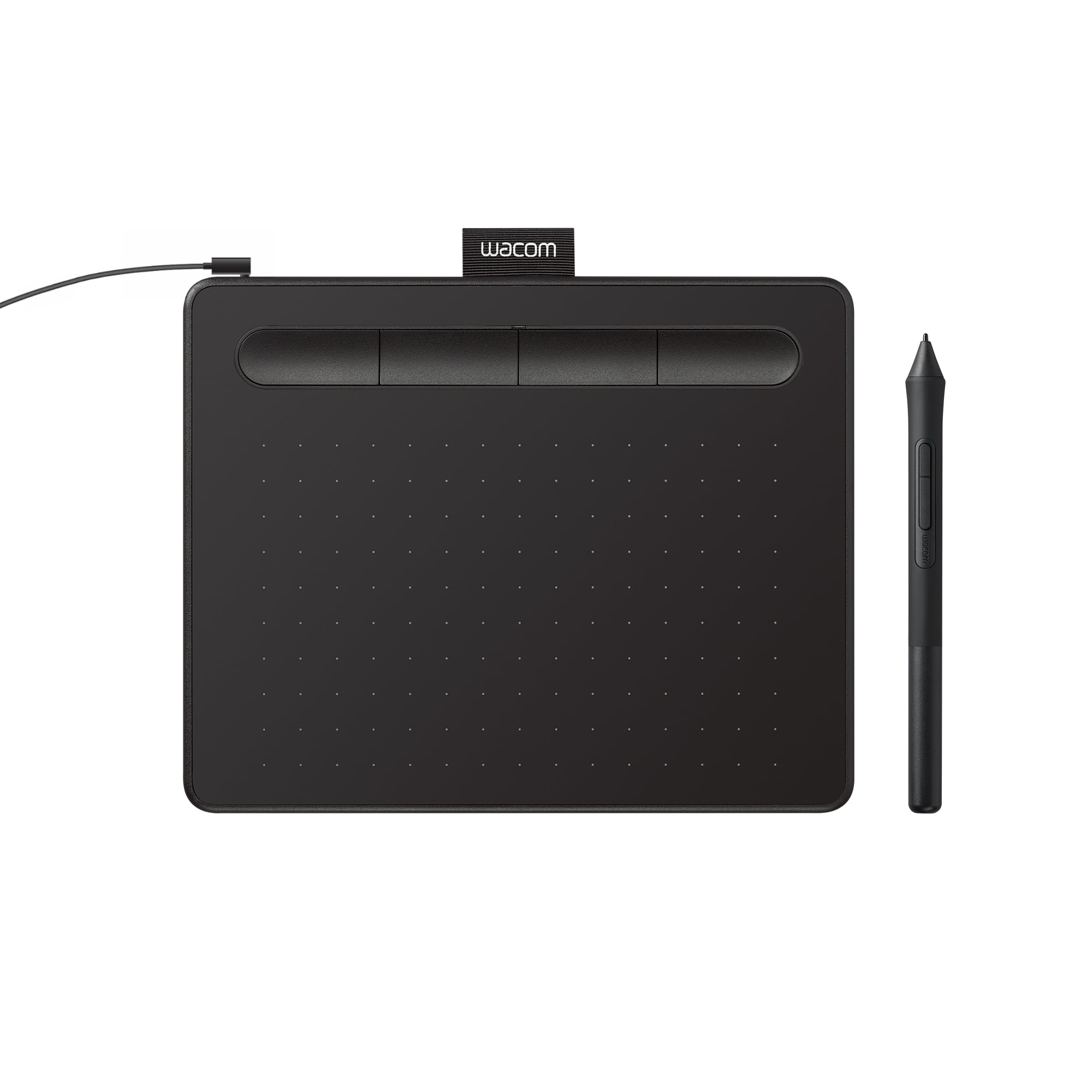
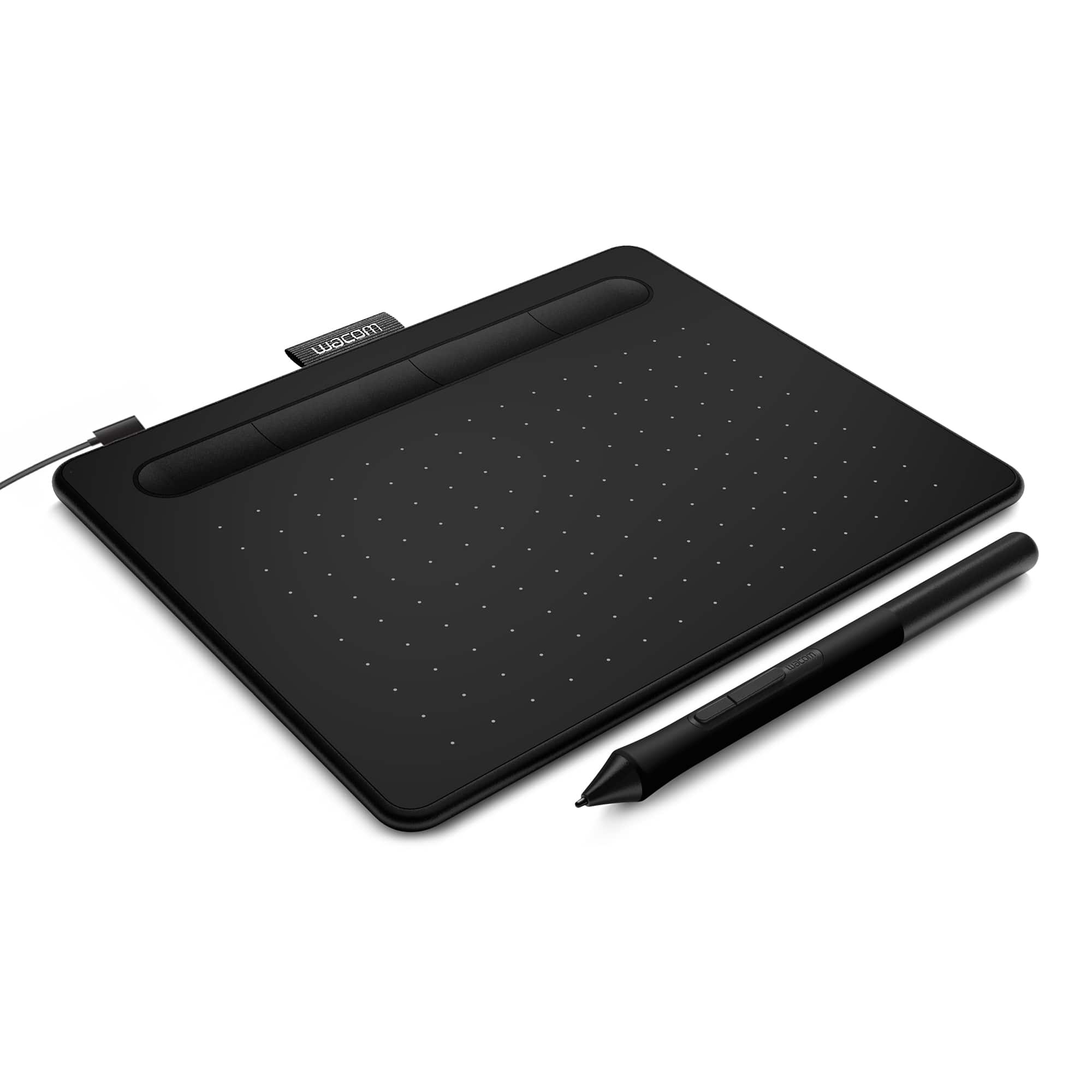
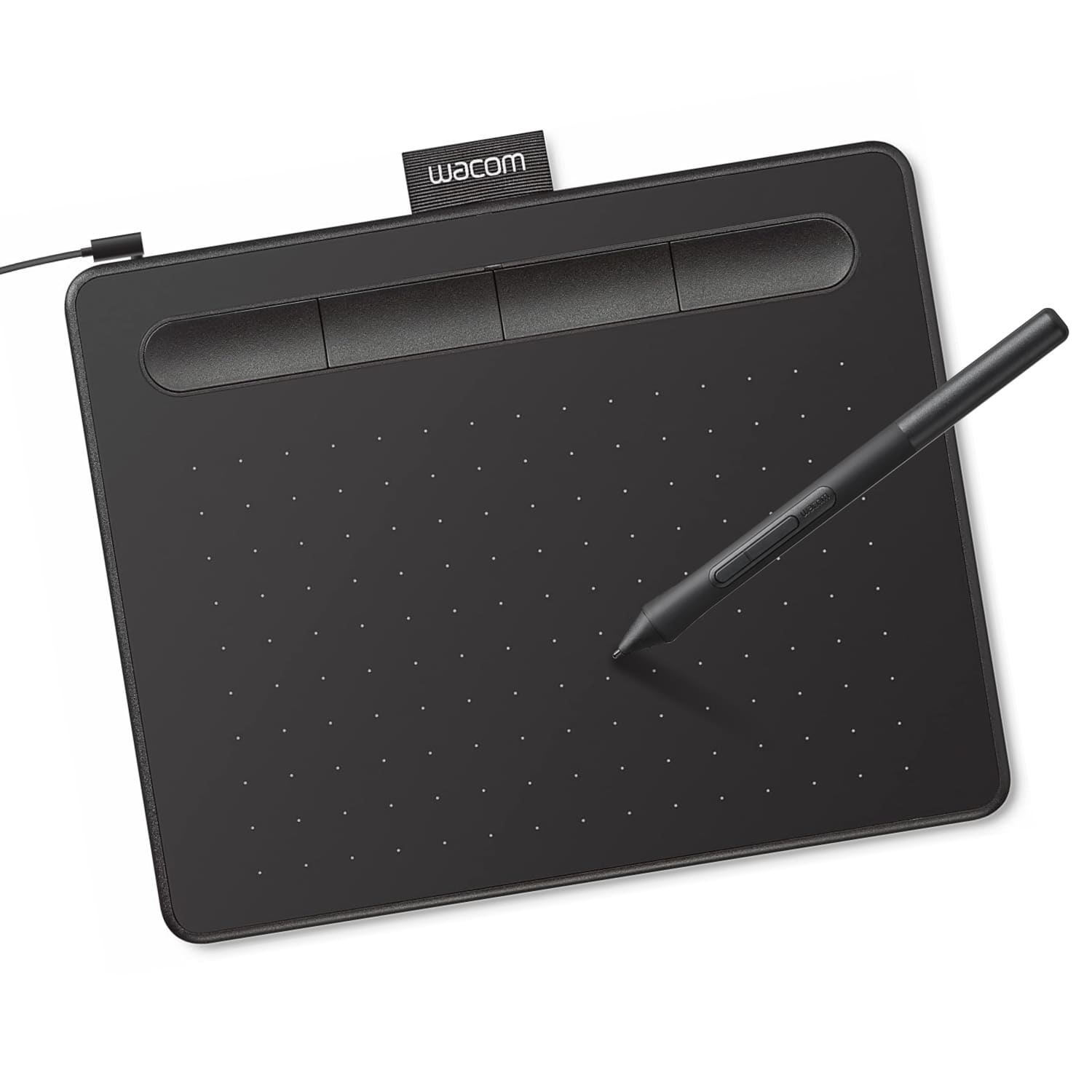




- Model:
- CTL4100
- |
- SKU:
- 6196636
Customer reviews
Rating 4.5 out of 5 stars with 1420 reviews
(1,420 customer reviews)Rating by feature
- Value4.6
Rating 4.6 out of 5 stars
- Quality4.6
Rating 4.6 out of 5 stars
- Ease of Use4.4
Rating 4.4 out of 5 stars
Customers are saying
Customers regard the Intuos Graphic Drawing Tablet as easy to use, with good overall performance for its price, and a suitable size for limited desk space. The included software bundle and drawing capabilities are also appreciated, along with its compatibility and precision. However, some customers have reported issues with the pen, setup, and connectivity, as well as a perceived lack of features.
This summary was generated by AI based on customer reviews.
- Pros mentioned:Overall performanceCons mentioned:Connectivity
Rated 4 out of 5 stars
great for drawing
||Posted . Owned for 2 months when reviewed.This reviewer received promo considerations or sweepstakes entry for writing a review.Hard to connect to computer. works good once connected
I would recommend this to a friend - Pros mentioned:Ease of use
Rated 5 out of 5 stars
Really awesome!
||Posted . Owned for 1 month when reviewed.This reviewer received promo considerations or sweepstakes entry for writing a review.Works really well, I love how easy it was for me to use. Works like a dream! I didn't know whether I would be able to use it properly right away but I am getting used to it quickly! It came in the same day even though it said 2 days for shipping so I was really excited when it said it was coming in the day it came in!
I would recommend this to a friend Rated 4 out of 5 stars
Good mouse substitute
||Posted . Owned for more than 2 years when reviewed.This reviewer received promo considerations or sweepstakes entry for writing a review.Used it as a mouse substitute for ergonomic reason as fingers are starting to hurt. It really helped a lot from that aspect. I used it in dual-monitor settings and resolution is still fine enough. The only imprecision issue is sometimes the software program would consider my click as a "mouse drag", probably because when I lift up the pen (to complete the click) and the tablet senses a horizontal movement within that small distance travel.
I would recommend this to a friend- Pros mentioned:Price
Rated 4 out of 5 stars
Great beginner, no screen, drawing tablet
||Posted . Owned for 3 weeks when reviewed.This reviewer received promo considerations or sweepstakes entry for writing a review.Great value for price. Takes some getting used to, but very useful for beginners who don't want to fully commit to something more expensive.
I would recommend this to a friend Rated 5 out of 5 stars
Works out of the box with Linux Mint
||Posted .This reviewer received promo considerations or sweepstakes entry for writing a review.Worked straight out of the box with Linux Mint 21.1. Not sure about other distros. Works with Krita and Blender pretty well. Blender is already setup to handle tablets and pens for strength and radius brushes.
I would recommend this to a friendRated 5 out of 5 stars
USB 2.0 entrance-friendly option
||Posted . Owned for 1 month when reviewed.This reviewer received promo considerations or sweepstakes entry for writing a review.Even though I returned it as I didn't need it, I still suggest you look into this product. I ended up with the wireless version over the wired one for the reason I am about to explain. If this means anything to you, if you're trying to use this wired, make sure the connection entrance is of the USB 2.0 entrance (black inside tip) as opposed to USB 3.0 (blue inside tip). But I am assuming that it still functions like my wireless one as well as compatible, minus the Bluetooth connection.
I would recommend this to a friend- Pros mentioned:Size
Rated 5 out of 5 stars
Wacom Intuos
||Posted . Owned for 3 weeks when reviewed.This reviewer received promo considerations or sweepstakes entry for writing a review.Delivered fast. Exactly as described. Works great as it's the perfect size to sit right next to a MacBook Pro.
I would recommend this to a friend Rated 4 out of 5 stars
Precision
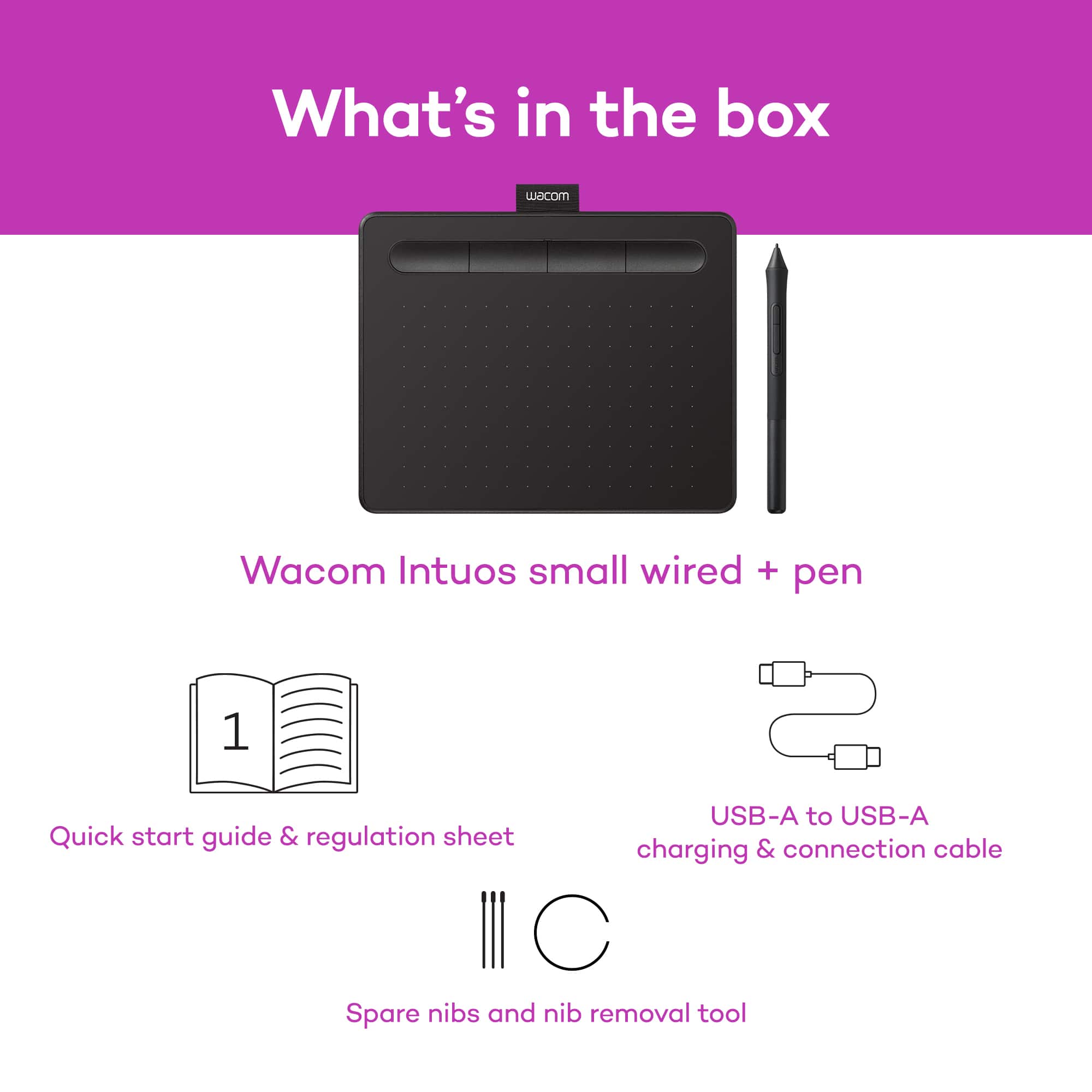
||Posted . Owned for 1 month when reviewed.This reviewer received promo considerations or sweepstakes entry for writing a review.I don’t know how to really use this device, I’ve been using it for 4 weeks now and I can’t quite get a good precision on the stylus tip And the tablet. I’ve been using it to show my student math problems on zoom and my writing is horrible and that’s not usually the case. I guess I’ll have to Watch YouTube videos on how to be more precise with the writing tool. Also, this device is not wireless. I didn’t read that part when I purchased, I assumed it was when I saw the picture. Was in a rush to get my online teaching started.
I would recommend this to a friend- Pros mentioned:Ease of use
Rated 5 out of 5 stars
Works well, non-trivial set up
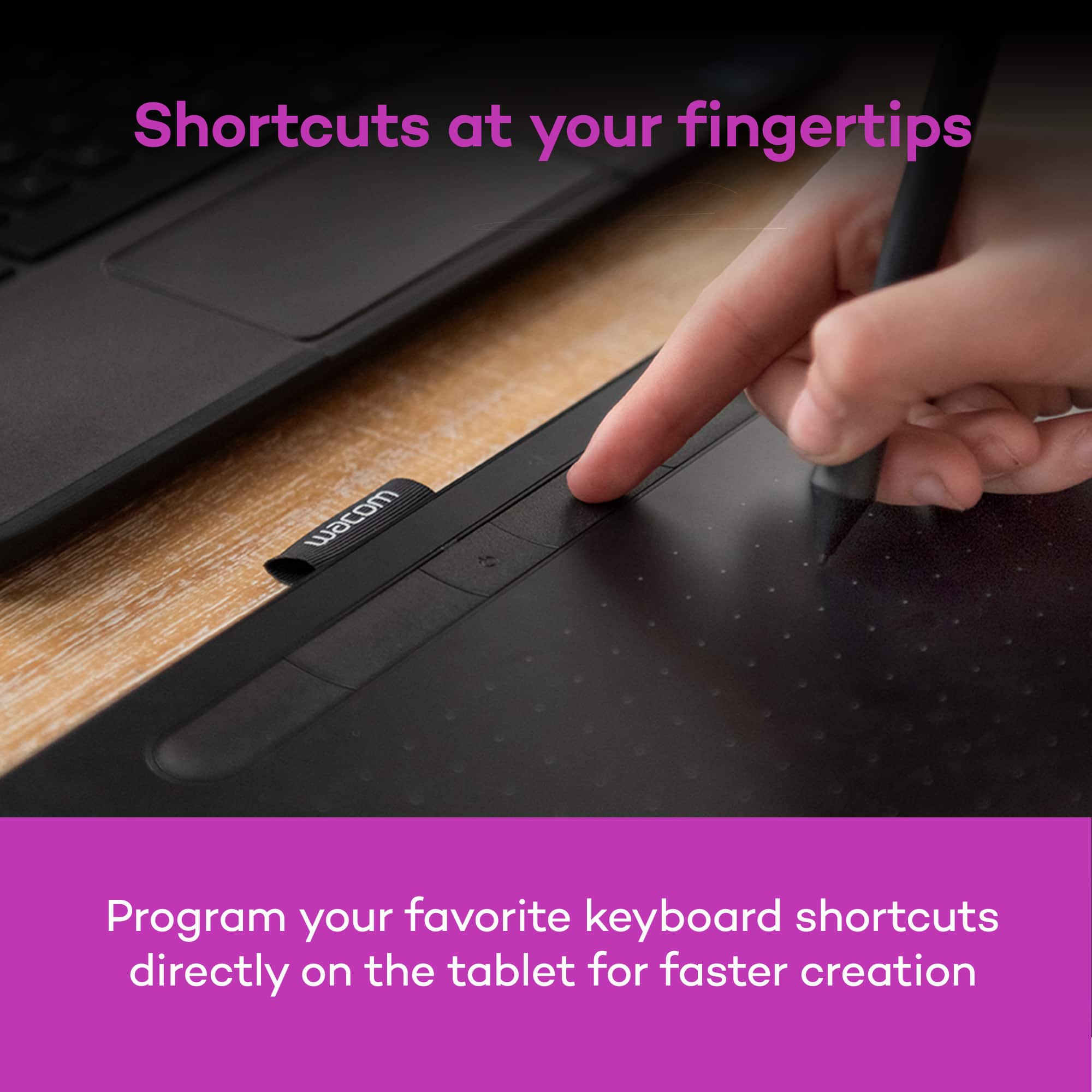
||Posted . Owned for 3 weeks when reviewed.This reviewer received promo considerations or sweepstakes entry for writing a review.Great tablet for the price. A little difficult to install and set up on macOS Catalina, but was able to get it right using Wacom’s Troubleshooting guide on their website. It works really well. My kids use it for hand written virtual school work, and I’ve been using it with Clip Studio Paint (which came with it!).
I would recommend this to a friend - Pros mentioned:Ease of use, Size
Rated 5 out of 5 stars
Value for money
||Posted . Owned for 3 weeks when reviewed.This reviewer received promo considerations or sweepstakes entry for writing a review.It delivers what promised. Easy to use and compact
I would recommend this to a friend - Pros mentioned:Size, Software
Rated 5 out of 5 stars
Tablet
||Posted .This reviewer received promo considerations or sweepstakes entry for writing a review.Great tablet. The software is user friendly and Just the right size.
I would recommend this to a friend - Pros mentioned:Ease of use
Rated 5 out of 5 stars
Great starter drawing pad
||Posted . Owned for 2 weeks when reviewed.This reviewer received promo considerations or sweepstakes entry for writing a review.Bought this for my daughter who is starting to do computer drawing here at home. She is 10 and it was easy enough for her to figure out how to use it in conjunction with her programs and some of the free drawing programs it comes with.
I would recommend this to a friend - Pros mentioned:Ease of use
Rated 5 out of 5 stars
Graphic drawing tablet
||Posted . Owned for 11 months when reviewed.This reviewer received promo considerations or sweepstakes entry for writing a review.This is a present for my sister turned out to be absolutely excellent. Easy to use great value still last after a long time wonderful product nothing to complain about.
I would recommend this to a friend - Pros mentioned:Overall performance
Rated 5 out of 5 stars
Very Intuitive and Great For Beginers
||Posted .This reviewer received promo considerations or sweepstakes entry for writing a review.I would recommend this for anyone who wants to start out digital drawing. Many professional started on it and that is why I decided to buy this one. It is cheap and works very well. It takes some getting used to, but after a while you will get used to it. It took me about 2-3 hours to get used to. Was well built and was a good quality for the price
I would recommend this to a friend - Pros mentioned:Ease of use
Rated 5 out of 5 stars
Great Image Creator
||Posted . Owned for 3 weeks when reviewed.This reviewer received promo considerations or sweepstakes entry for writing a review.I bought this for my dayghters birthday. She and I are very happy with this product. It is easy to use. Directions were clear. The pen glides on the pad creating great images. It is not bulky and stores easily. I would definitely reccomend this priduct for anyone that loves to doodle.
I would recommend this to a friend - Pros mentioned:Overall performance
Rated 4 out of 5 stars
Good quality for the price
||Posted . Owned for 3 months when reviewed.This reviewer received promo considerations or sweepstakes entry for writing a review.My son uses this for some online tutoring that he's doing, and while it takes a little tinkering to get the sensitivity just right, the response is pretty consistent - good quality for the price. The programmable buttons are nice, but we haven't used the bonus software, so can't comment on that.
I would recommend this to a friend Rated 4 out of 5 stars
Good customer service
||Posted . Owned for 3 weeks when reviewed.This reviewer received promo considerations or sweepstakes entry for writing a review.It did not work with my laptop but the customer service is good.
I would recommend this to a friendRated 4 out of 5 stars
Teaching from home? You may need this.
||Posted . Owned for 2 weeks when reviewed.This reviewer received promo considerations or sweepstakes entry for writing a review.I teach high school and, like many, am teaching from home for now. I needed a way to write like one would on a chalkboard / whiteboard / Smartboard. I am using this to write on my Smartboard software to share with my online class. It works fairly well. It tracks your cursor as you hover over the pad and then writes (or clicks or whatever) when you press on the tablet. For the price, I don't know if you can do much better. I did have problems getting the driver to work on my newer laptop and still have yet to get it working. I'm using my daughter's old laptop and it's doing ok. So that was a pain.
I would recommend this to a friend- Pros mentioned:Software
Rated 5 out of 5 stars
Good tablet!
||Posted . Owned for 1 month when reviewed.This reviewer received promo considerations or sweepstakes entry for writing a review.Really good budget tablet for the price very responsive. I also like the software it comes with a lot of freebies! Would recommend 10/10
I would recommend this to a friend Rated 5 out of 5 stars
Review on Wacom Tablet pickup experience
||Posted .This reviewer received promo considerations or sweepstakes entry for writing a review.Very helpful workers and got item smoothly. Thank you so much!
I would recommend this to a friend