Customer Ratings & Reviews
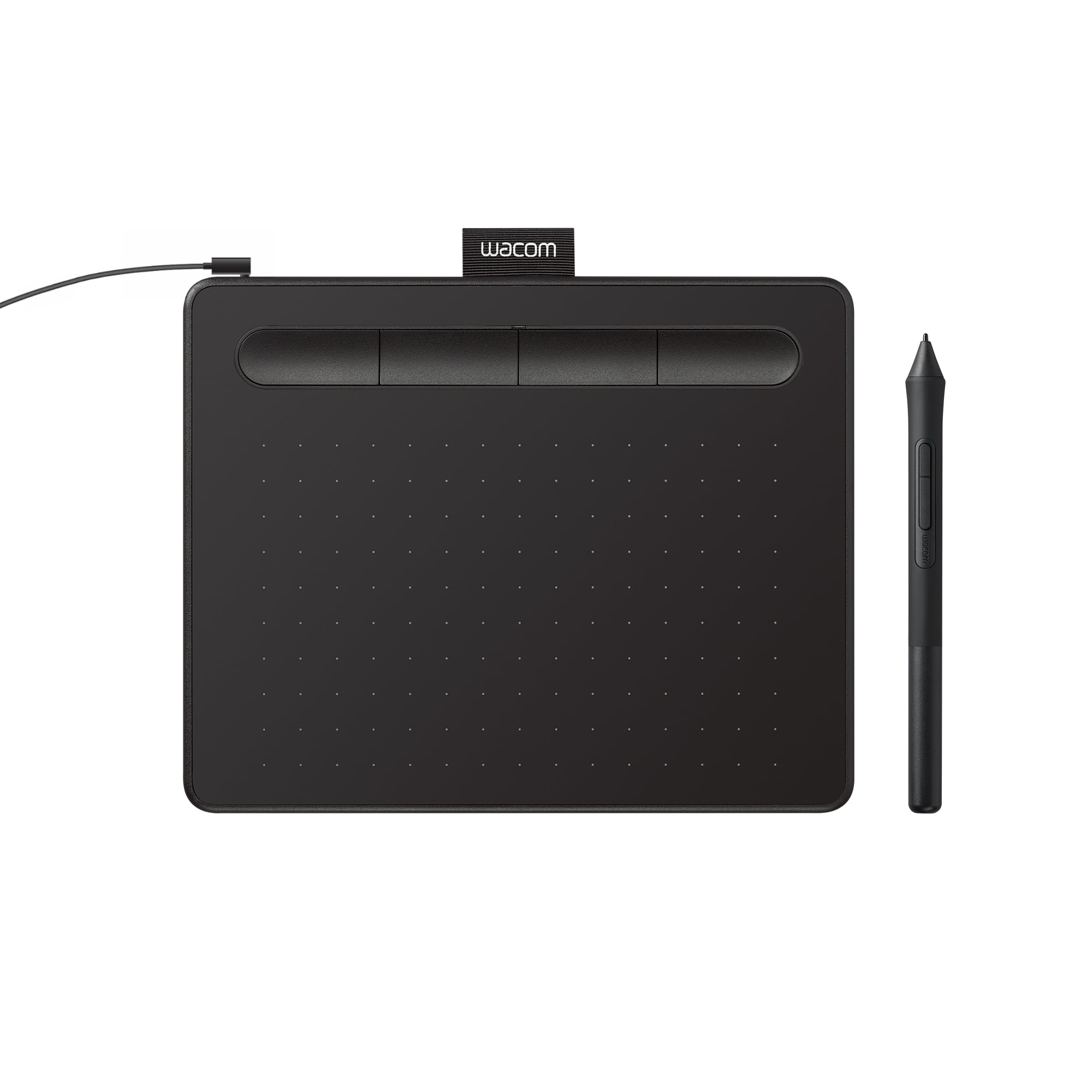
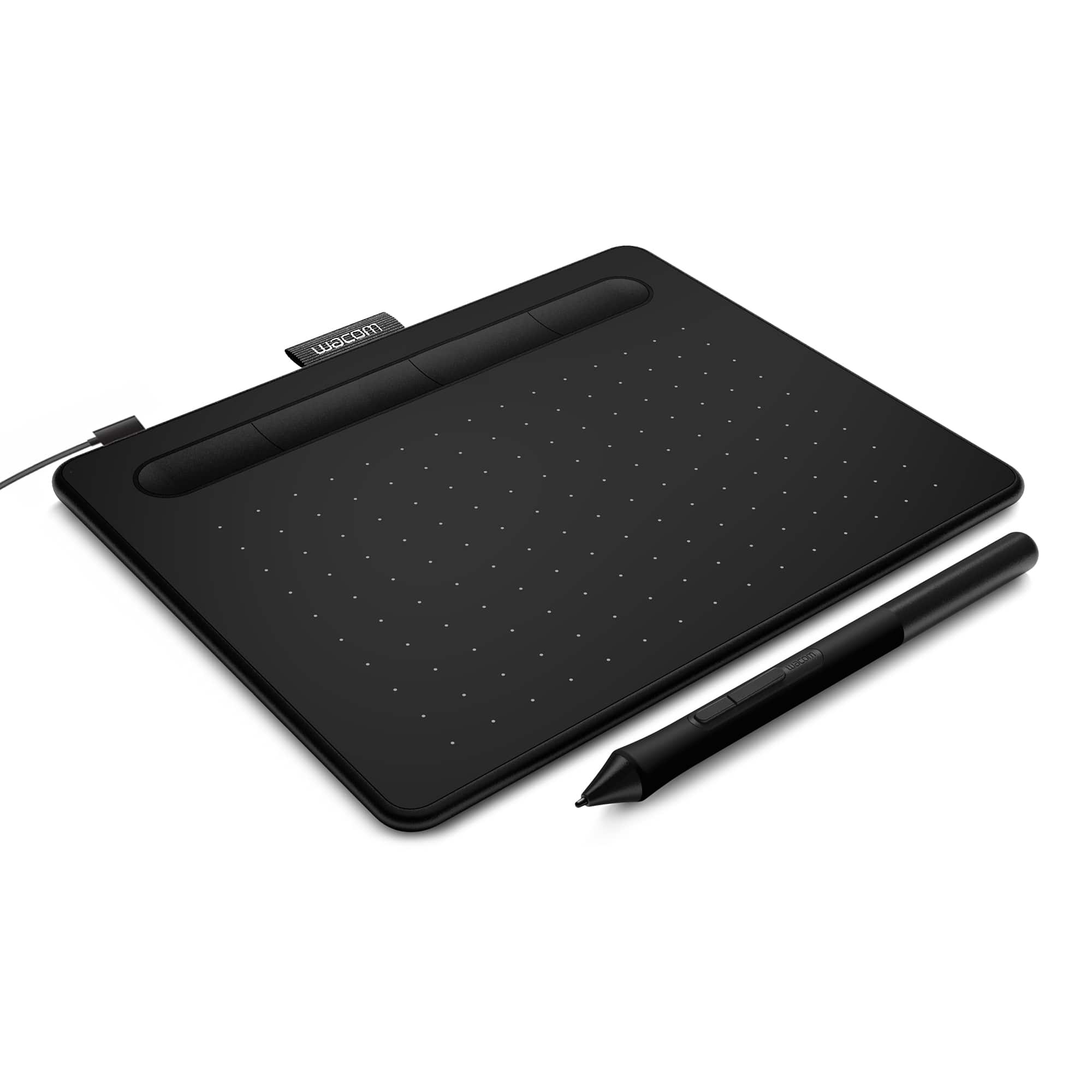
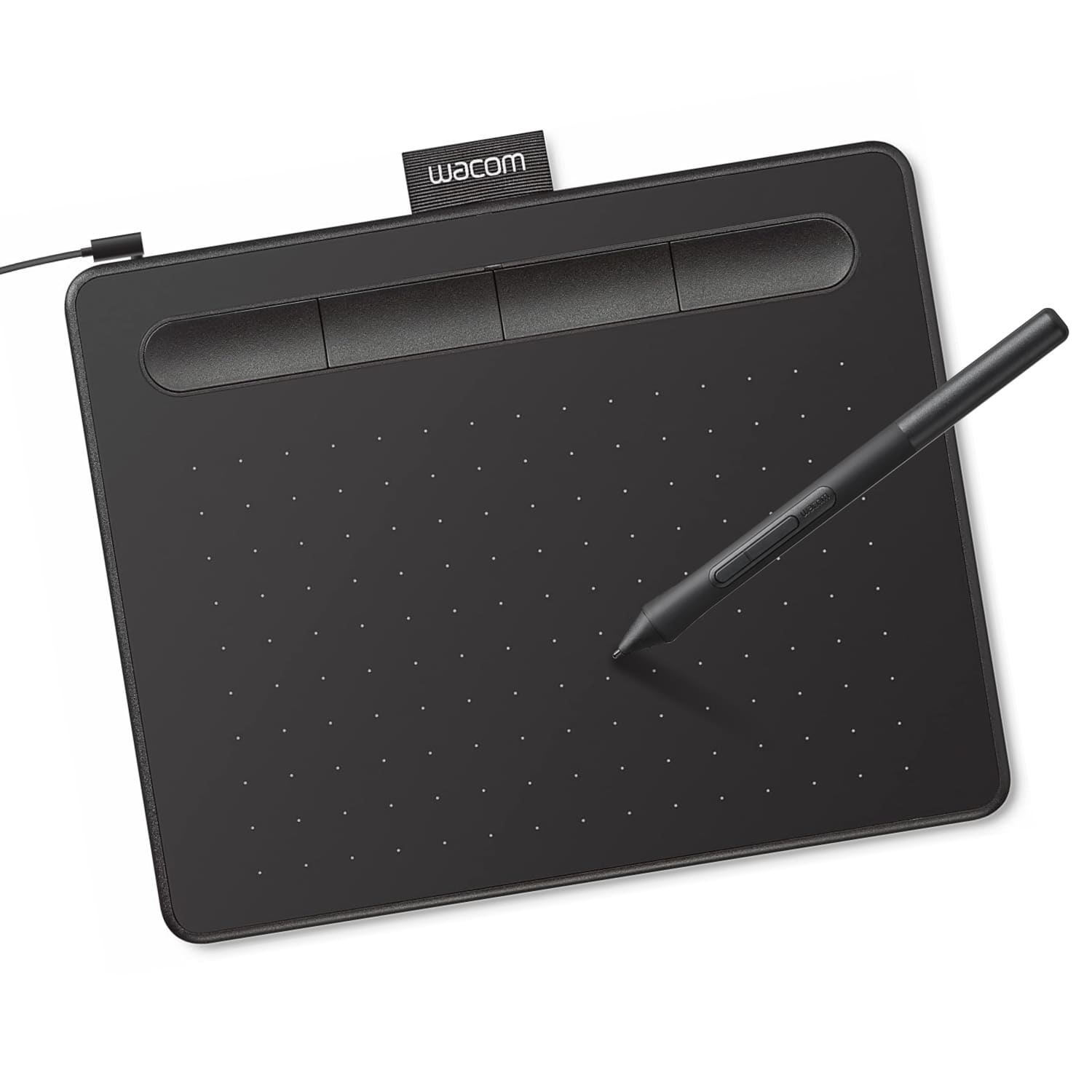

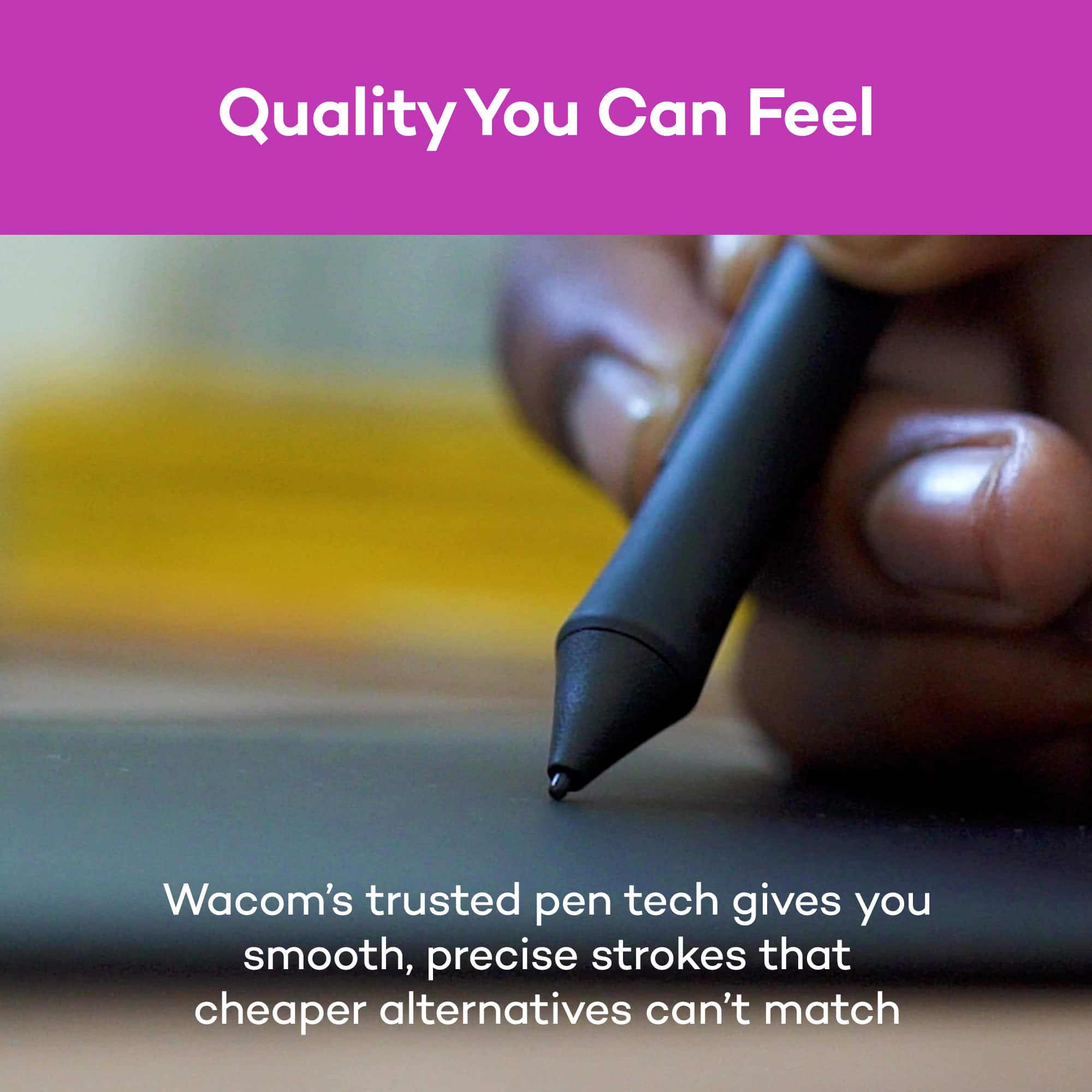



- Model:
- CTL4100
- |
- SKU:
- 6196636
Customer reviews
Rating 4.5 out of 5 stars with 1420 reviews
(1,420 customer reviews)Rating by feature
- Value4.6
Rating 4.6 out of 5 stars
- Quality4.6
Rating 4.6 out of 5 stars
- Ease of Use4.4
Rating 4.4 out of 5 stars
Customers are saying
Customers regard the Intuos Graphic Drawing Tablet as easy to use, with good overall performance for its price, and a suitable size for limited desk space. The included software bundle and drawing capabilities are also appreciated, along with its compatibility and precision. However, some customers have reported issues with the pen, setup, and connectivity, as well as a perceived lack of features.
This summary was generated by AI based on customer reviews.
- Pros mentioned:Ease of use
Rated 5 out of 5 stars
Best budget drawing tablets
||Posted . Owned for 1 month when reviewed.This reviewer received promo considerations or sweepstakes entry for writing a review.very responsive. Easy to set up nice design and comfortable pen.
No, I would not recommend this to a friend - Pros mentioned:Ease of use, Price
Rated 4 out of 5 stars
Worth it for the price.
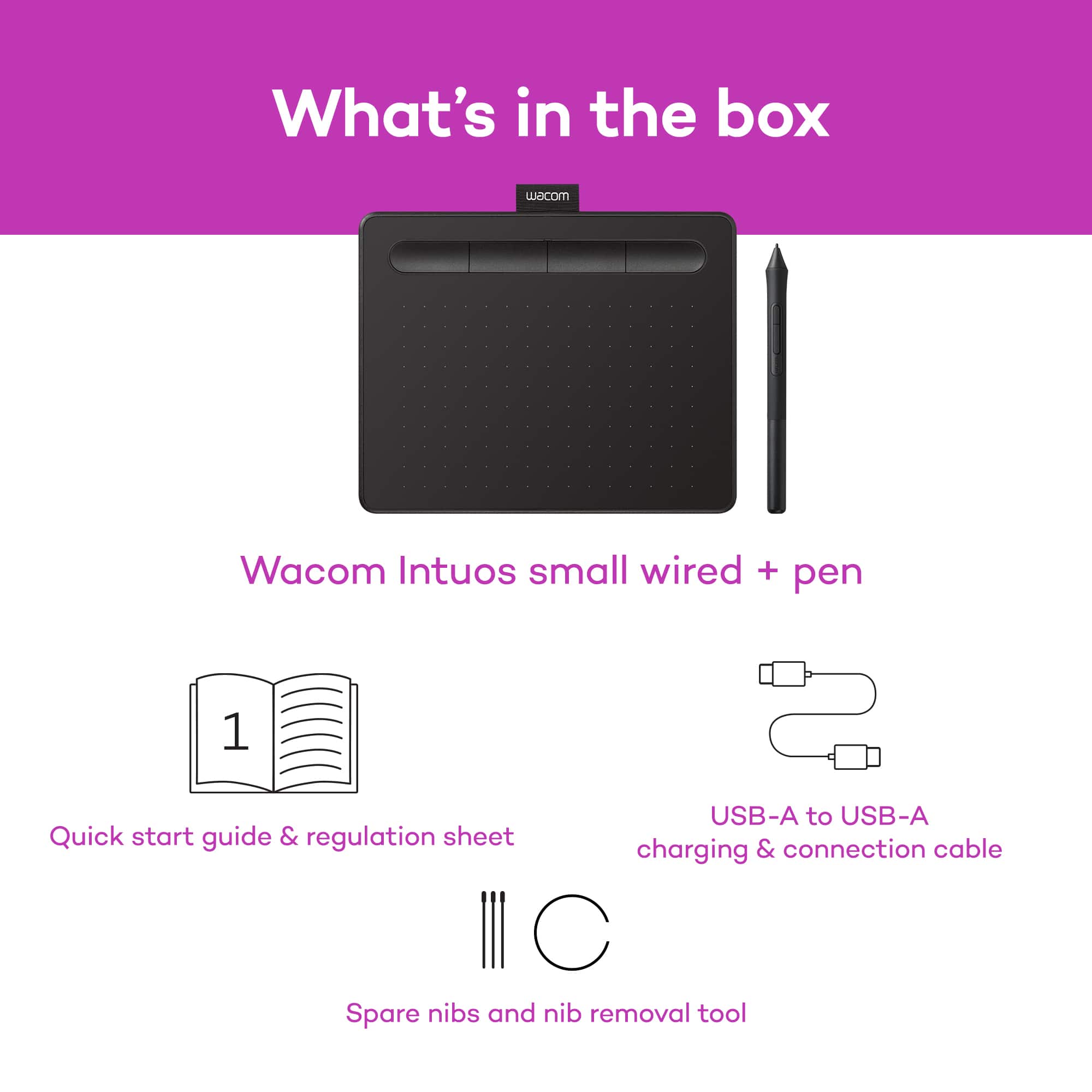
||Posted . Owned for less than 1 week when reviewed.This reviewer received promo considerations or sweepstakes entry for writing a review.My Daughter loved this Wacom-Intuos graphic drawing tablet for her daily drawing activity. It is easy to connect to laptops and configured. You don't get drivers with the purchase but you download from Wacom website and install. Worth it for the price.
I would recommend this to a friend - Pros mentioned:Ease of use
Rated 5 out of 5 stars
Affordable and Functional!
||Posted .This reviewer received promo considerations or sweepstakes entry for writing a review.Purchased this after my old tablet, a Wacom Bamboo CTH470, ceased working due to a few mishaps in handling during a move, so I was looking for something lower price and usable, but I feel like this has managed to surpass my expectations. It serves its purpose very well, it is responsive and easy to use with the plug-and-play functionality much like the CTH470, and well worth the purchase.
I would recommend this to a friend - Pros mentioned:Overall performance
Rated 5 out of 5 stars
Easy to Use for Real Artists
||Posted . Owned for 2 months when reviewed.This reviewer received promo considerations or sweepstakes entry for writing a review.This tablet is a game changer for my daughter. I paired it with a new HP laptop for Christmas for her. It makes her digital art projects so much easier than comparable products!
I would recommend this to a friend - Pros mentioned:Size
Rated 5 out of 5 stars
Not disappointed
||Posted . Owned for 1 month when reviewed.This reviewer received promo considerations or sweepstakes entry for writing a review.Easy to install and use. Perfect size to not clutter a desk. Delivered faster than expected.
I would recommend this to a friend - Pros mentioned:Size
Rated 4 out of 5 stars
Great blackboard substitute for distance learning
||Posted . Owned for 1 month when reviewed.This reviewer received promo considerations or sweepstakes entry for writing a review.As a Chemistry professor, I need to write formulas, equations, and chem math problems, also chemical structures and lab experiment illustration. Now that I'm forced to teach on-line, I'd be lost without the Wacom-Intuos tablet. Despite its small size, it is a great tool for doing what I need to do, for the short time that I'm forced to do it. It took a bit of learning and adjusting to the pen's sensitivity, but now I feel comfortable. On my 5 yr old computer, writing was slow and some symbols and text fused together; not so on my new computer, which is very responsive. The pen has no eraser, so if you try to correct an error you must erase the whole screen. Yuk! That feature can be corrected by buying a $400+ model that's designed for a pro. Another Yuk!
No, I would not recommend this to a friend - Pros mentioned:Ease of use
Rated 5 out of 5 stars
Perfect Budget Drawing Tablet
||Posted .This reviewer received promo considerations or sweepstakes entry for writing a review.Excellent drawing pad for both pros and beginners. To be honest I think any aspiring digital artist should own this and maybe just consider this over more expensive ones. Mainly because of how well it works for the price point. Once you get the hang of a screenless drawing tablet, it becomes so easy to use in day to day activities.
I would recommend this to a friend - Pros mentioned:Overall performance
Rated 5 out of 5 stars
Feels like a robbery!
||Posted .This reviewer received promo considerations or sweepstakes entry for writing a review.As an artist who regularly draws, sculpts, or wants to use a pencil as a mouse, then I highly recommend this product! Especially with its price, I think its a great deal.
I would recommend this to a friend - Pros mentioned:Overall performance
Rated 4 out of 5 stars
Functional + Proprietary
||Posted .This reviewer received promo considerations or sweepstakes entry for writing a review.The product works well, my only complaint is that it feels as if it relies heavily on proprietary software that you have to install yourself but it still works very well and the setup is minimal.
I would recommend this to a friend - Pros mentioned:Ease of use
Rated 5 out of 5 stars
Amazing drawing pad
||Posted . Owned for 11 months when reviewed.This reviewer received promo considerations or sweepstakes entry for writing a review.I originally bought this drawing for gaming and it did beyond it’s intended use drawing pad is very smooth and upper class as far as using it for gaming would definitely recommend and the drawing pad is extremely durable and easy to set up would buy again or for a friend
I would recommend this to a friend Rated 4 out of 5 stars
Great starter tablet!
||Posted .This reviewer received promo considerations or sweepstakes entry for writing a review.Having tooled around with it's larger chinese Huion counterpart for several years I finally bit the bullet of the wacom price increase and picked this up namely because I was tired of replacing pen batteries and for the free software bundle. While the surface work area is considerably smaller than what Im accustomed to with the huion, this tablet is great. I do prefer the smooth work area of the huion however, but so far this tablet has already given me far fewer compatibility headaches in various softwares. The dpi seems to scale well, the work surface is a bit rough for my taste, but does help prevent any slips that would have occured on my huion while sketching or drawing a precise line. The hotkeys actually work as intended and having a battery free pen is a lifesaver. The pressure sensitivity seems to work well, though as with any pen you will need to fine tune it to your respective program, whether it be with the wacom software or curves within your program. Overall I would buy this product again, though I'd probably go up to medium size as I use mine for art and not photo retouching like many who purchase this small tablet. Another great product from Wacom, and the bundled art software helps justify the price if you're in search of a comprehensive painting/illustration program that'll likely cost you an arm and a leg.
I would recommend this to a friend- Pros mentioned:Overall performance
Rated 5 out of 5 stars
Waycom
||Posted .This reviewer received promo considerations or sweepstakes entry for writing a review.Very good drawing tablet. Arrived quickly. Intuitive to use.
I would recommend this to a friend Rated 4 out of 5 stars
Tablet is great but Pen feels cheap
||Posted .This reviewer received promo considerations or sweepstakes entry for writing a review.After trying multiple more expensive Wacom Tablets I finally settled on one I will be using for a significant amount of time. The surface is smooth and the pressure sensitivity is highly responsive for the Photoshop work that I do. Although there are larger more expensive Wacom tablets I appreciate the smooth finish on this cheaper model. The more expensive models have a rough finish that cause significant drag on the pen’s nib that interferes with allowing me to create smooth paths and make smooth strokes. The only downside to this tablet vs the more expensive ones is how cheap the pen feels. It feels largely hollow and it is a hassle to pick it up from the indent vs how convenient it was to pick it up from the pen holder the other tablets came with. Overall I would recommend this product it’s just a shame that the pen feels so cheap.
I would recommend this to a friend- Pros mentioned:Ease of use
Rated 5 out of 5 stars
Great first drawing tablet
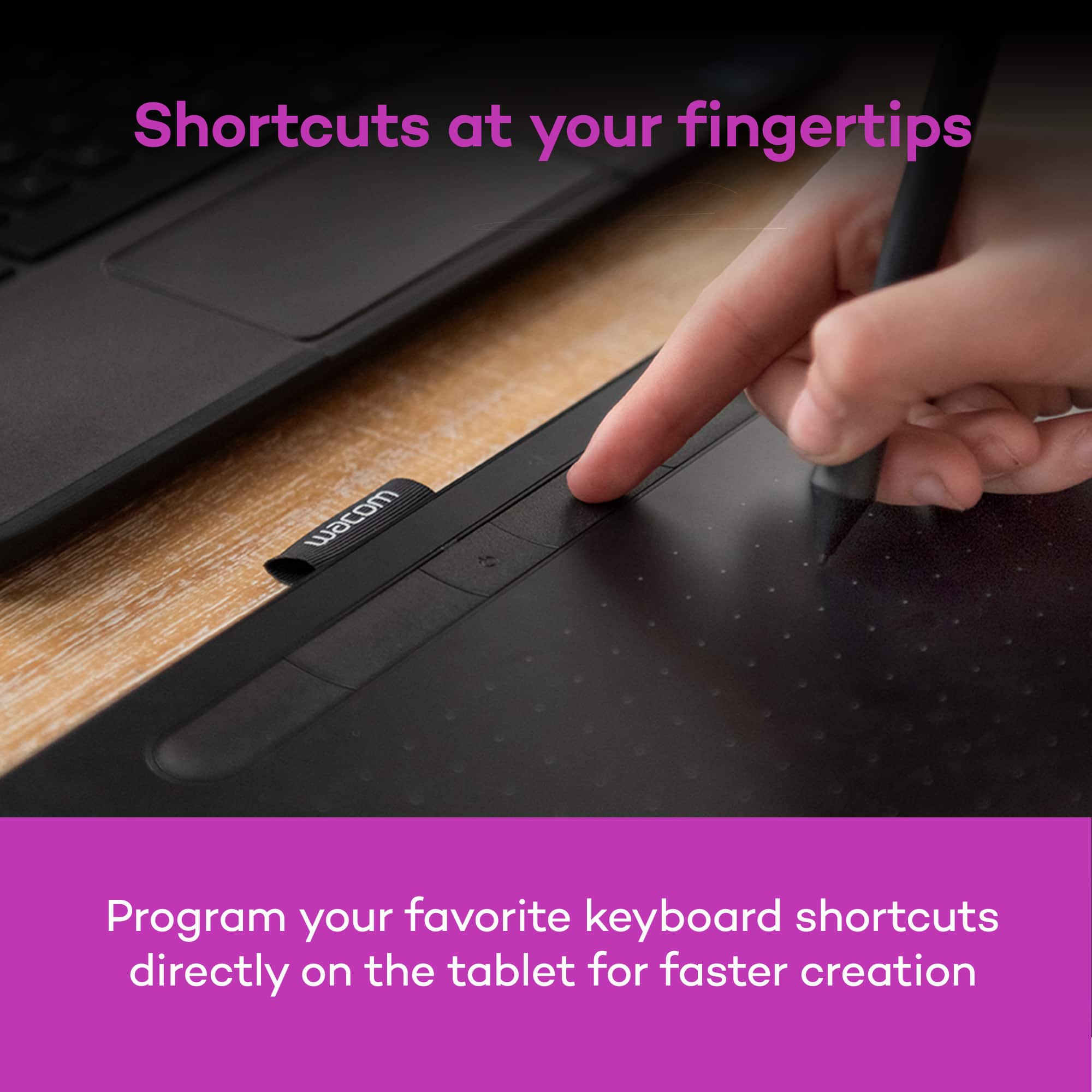
||Posted .This reviewer received promo considerations or sweepstakes entry for writing a review.I've had a great time using this as my first digital art tablet. It was easy to remap the buttons to what works for me.
I would recommend this to a friend - Pros mentioned:Overall performance
Rated 5 out of 5 stars
Satisfied
||Posted . Owned for 3 weeks when reviewed.This reviewer received promo considerations or sweepstakes entry for writing a review.I bought this tablet to play Osu! its a great beginner tablet.
I would recommend this to a friend - Pros mentioned:Ease of use, Size
Rated 5 out of 5 stars
Great for Beginners to Masters!
||Posted . Owned for 2 months when reviewed.This reviewer received promo considerations or sweepstakes entry for writing a review.Been going back and forth about whether or not I needed to buy a tablet for my computer (because I was using an ipad) but this tablet has done WONDERS for my workflow for illustrations. I love how customizable the buttons are and just how straightforward it is to use. And the small size is a plus for my limited amount of space! Very great product.
I would recommend this to a friend - Pros mentioned:Overall performance
Rated 5 out of 5 stars
Great item
||Posted .This reviewer received promo considerations or sweepstakes entry for writing a review.Product was a gift for my 13 year old daughter and she loves it. Works wonders with her laptop and she doesn't have to hassle with paper.
I would recommend this to a friend - Cons mentioned:Features
Rated 2 out of 5 stars
Outdated and features removed
||Posted .This reviewer received promo considerations or sweepstakes entry for writing a review.I have had a Wacom tablet for many year and it still worked well except Wacom decided not to update the MacOS driver effectively bricking it. (it still works on Windows 11) I got this as a newer equivalent for my Mac. However, although it is a current Wacom product, it is almost as many years old, uses the same technology (it still has the outdated microUSB connection) and it has less features for no good reason. The old, almost identical, entry level Wacom tablet had both finger touch and stylus input, this has only stylus input. Finger input is now reserved for the much more expensive models in the lineup. These seem to be marketing decision not technology limitation , so I'd advise looking at other manufacturer's products, in case Wacom decides to force obsolescence through driver support again.
No, I would not recommend this to a friend - Pros mentioned:Ease of use, Size
Rated 5 out of 5 stars
Do I Recommend? Yes!
||Posted .This reviewer received promo considerations or sweepstakes entry for writing a review.So far it has been working great! I thought it would be difficult to look at my laptop screen instead of my hand but it's not. If you are able to type without looking at your keyboard, I think you'll get this down pretty easy. I also love that the settings are customizable. I have been using the Corel Painter 7 that comes with it to create my own logo and to draw. For a beginner like me, it is a much cheaper option than buying a tablet with a screen. Plus I feel that for an average 15.6'' inch laptop like the Acer Nitro 5, small works just fine.
I would recommend this to a friend - Pros mentioned:Ease of use
Rated 5 out of 5 stars
Highly recommend for artist
||Posted .This reviewer received promo considerations or sweepstakes entry for writing a review.Its honestly a great product for any beginner artist or advance. Very easy to use and store away.
I would recommend this to a friend