Customer Ratings & Reviews
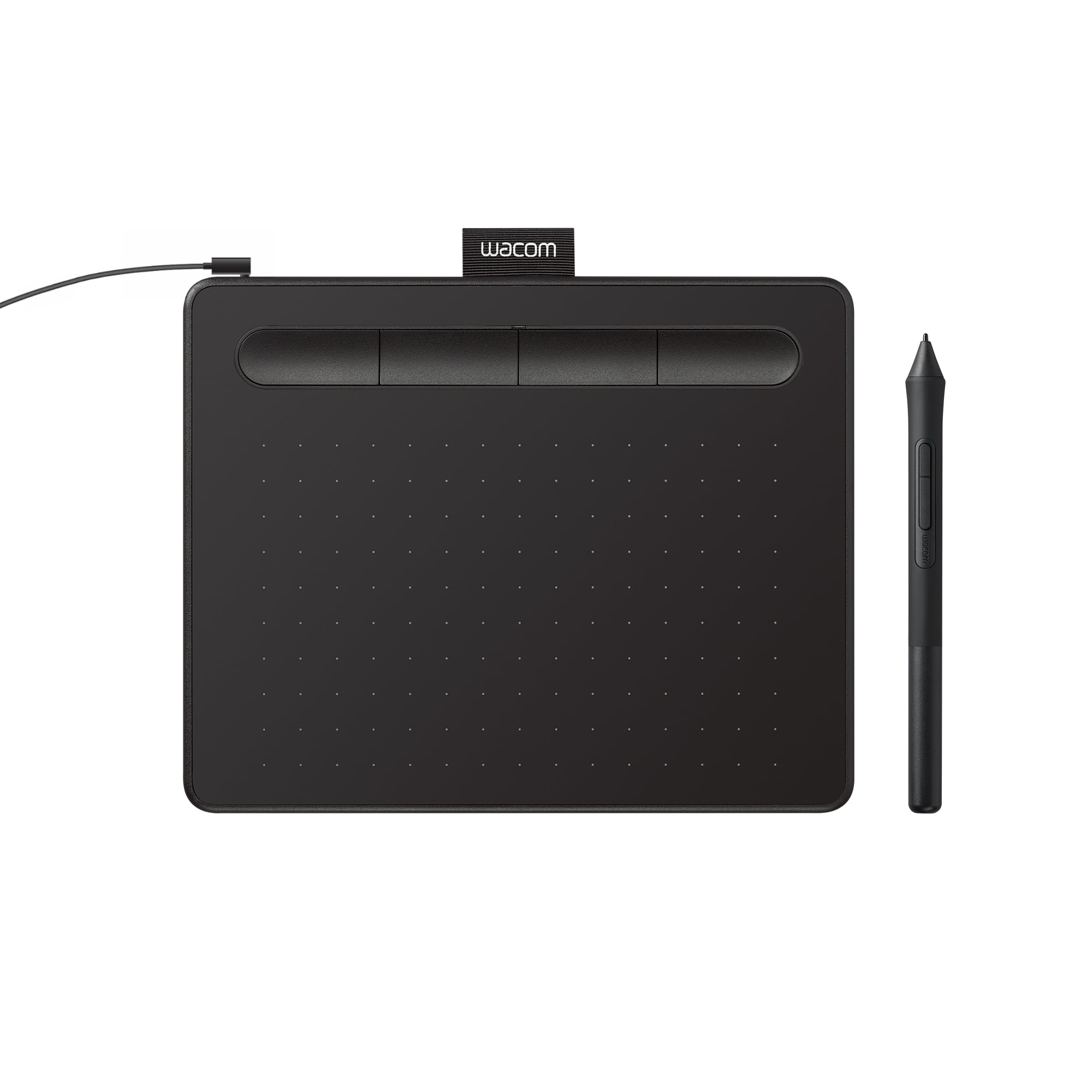
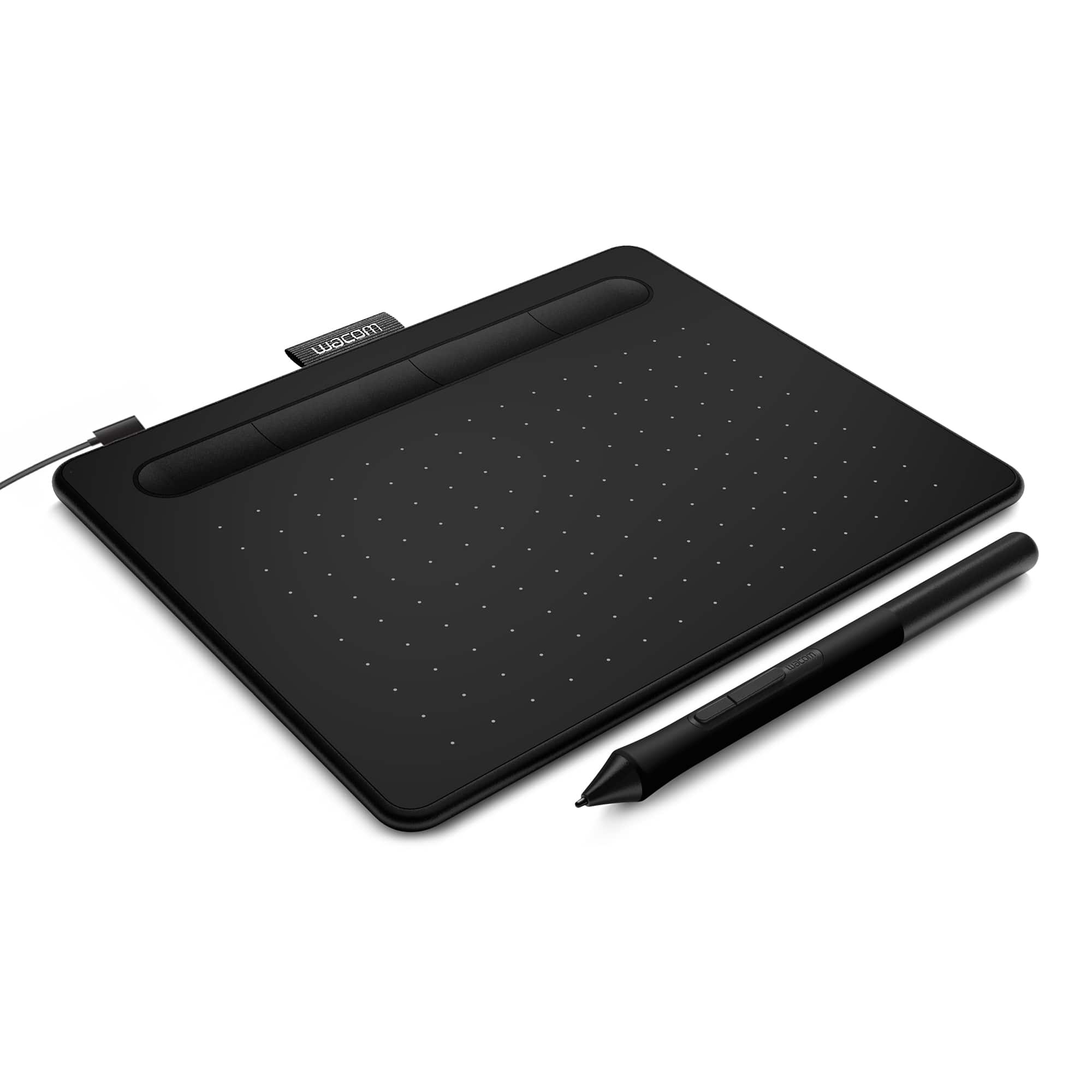
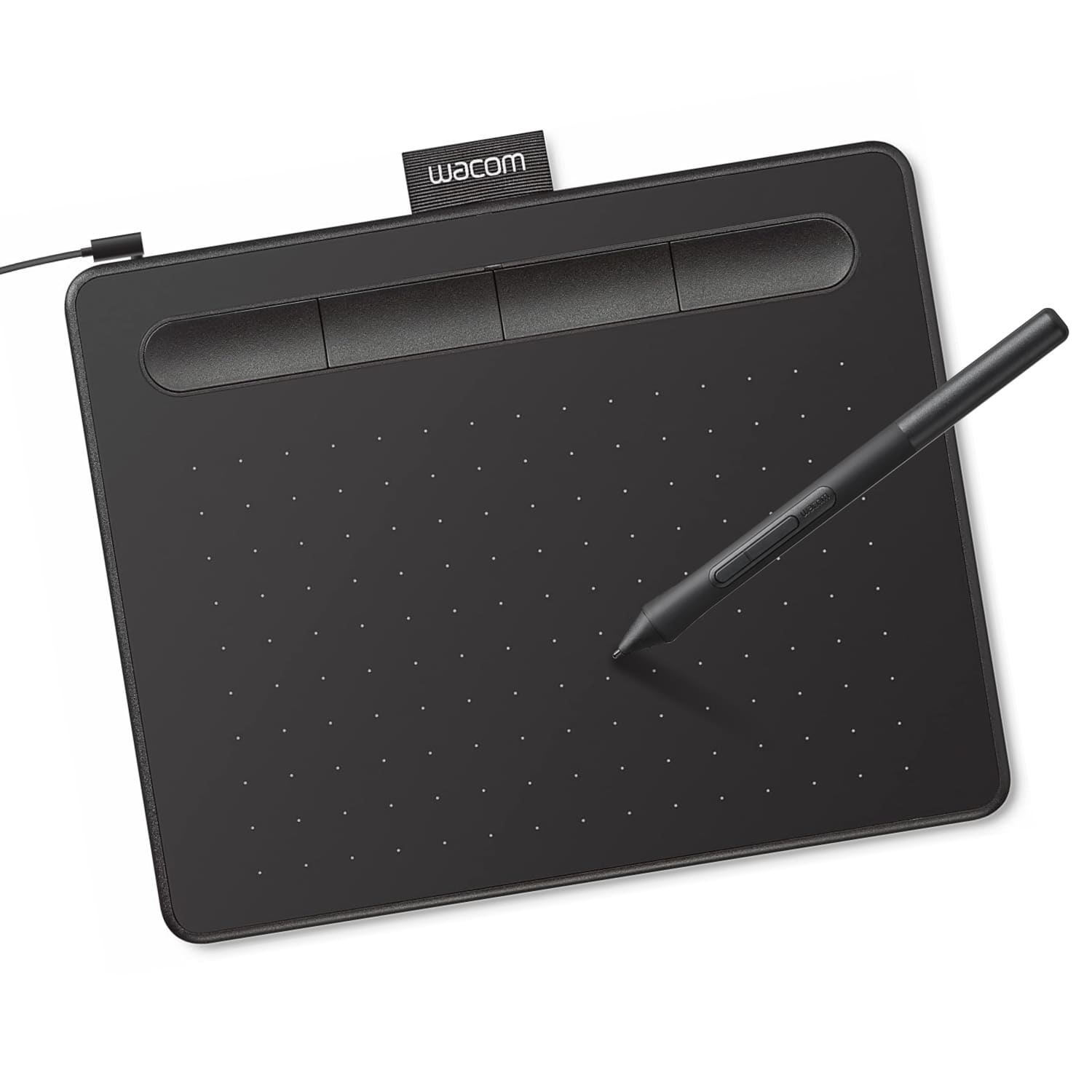





- Model:
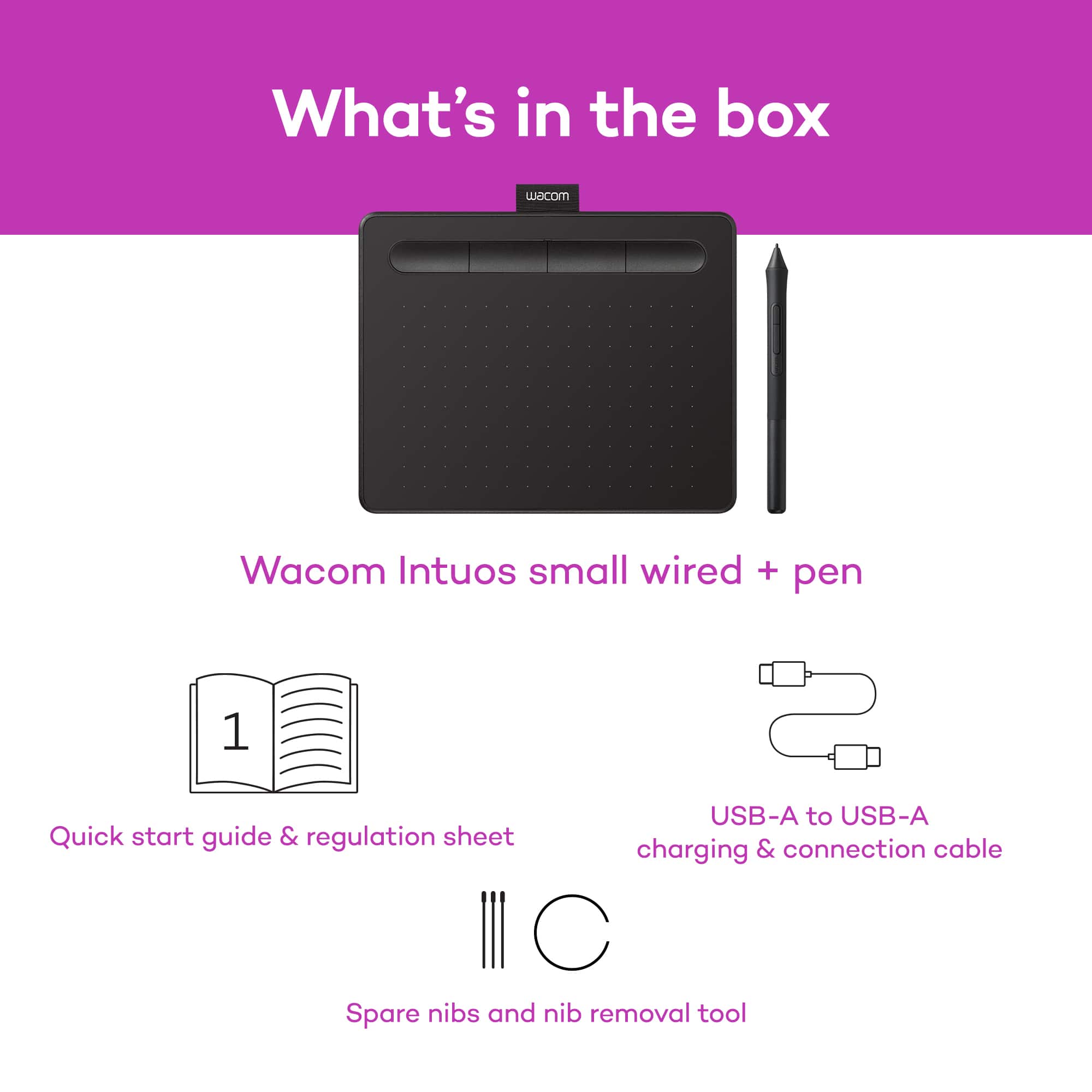
- CTL4100
- |
- SKU:
- 6196636
Customer reviews
Rating 4.5 out of 5 stars with 1420 reviews
(1,420 customer reviews)Rating by feature
- Value4.6
Rating 4.6 out of 5 stars
- Quality4.6
Rating 4.6 out of 5 stars
- Ease of Use4.4
Rating 4.4 out of 5 stars
Customers are saying
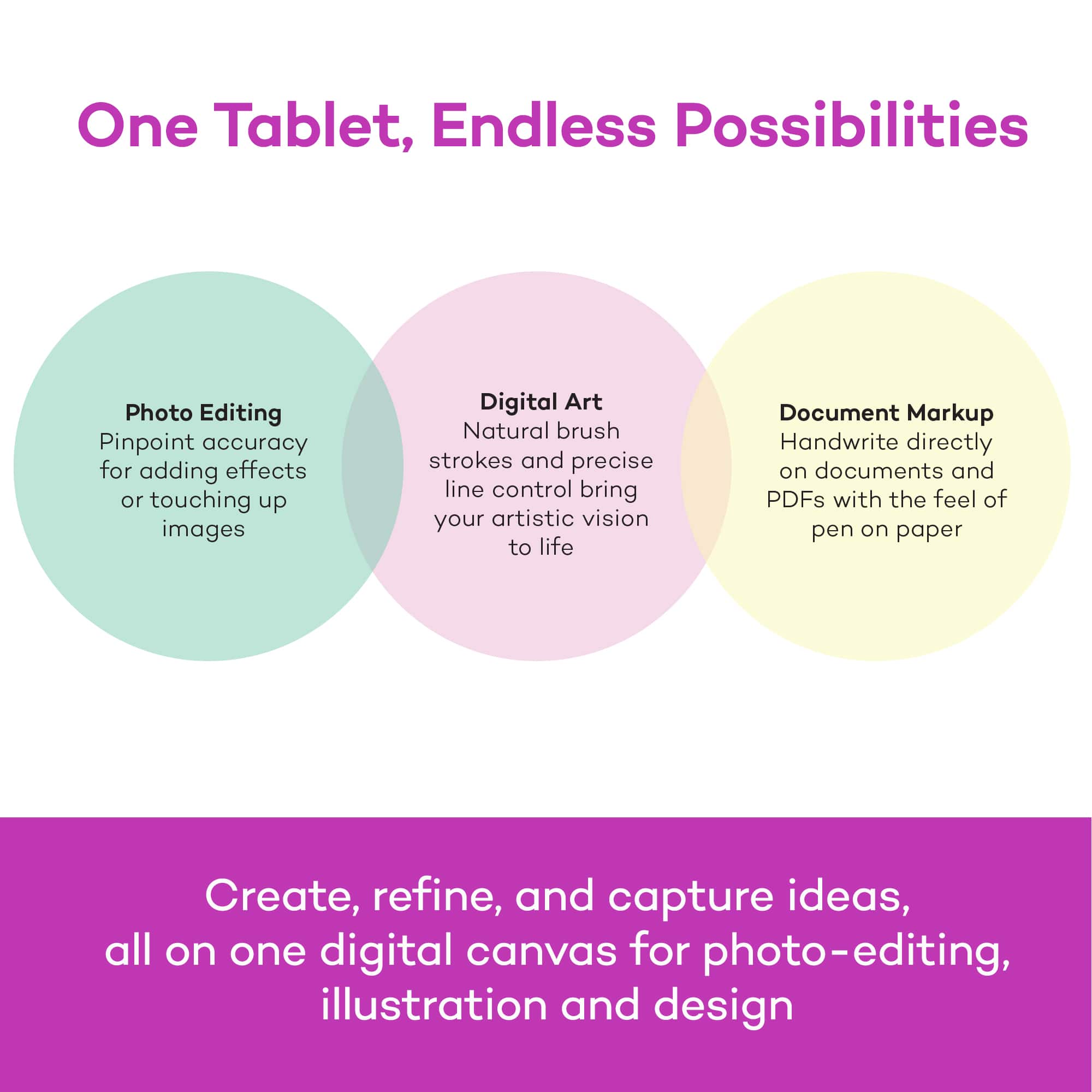
Customers regard the Intuos Graphic Drawing Tablet as easy to use, with good overall performance for its price, and a suitable size for limited desk space. The included software bundle and drawing capabilities are also appreciated, along with its compatibility and precision. However, some customers have reported issues with the pen, setup, and connectivity, as well as a perceived lack of features.
This summary was generated by AI based on customer reviews.
Rated 4 out of 5 stars
sweet and simple
Posted .This reviewer received promo considerations or sweepstakes entry for writing a review.Great beginners tablet as well as for when you need to break out some quick hand done elements. not the best for complex design or nearly as advanced as some models but gets the job done
I would recommend this to a friend- Pros mentioned:Ease of use
Rated 4 out of 5 stars
idk :3
Posted .This reviewer received promo considerations or sweepstakes entry for writing a review.uh it helps me draw nicely and very easy to use alot of buttons to help shortcuts
I would recommend this to a friend - Pros mentioned:Ease of use
Rated 5 out of 5 stars
Great Starter Tablet
Posted .This reviewer received promo considerations or sweepstakes entry for writing a review.I am loving my Wacom so far. I am new to tablets and would definitely recommend this to any beginner.
I would recommend this to a friend Rated 5 out of 5 stars
Good for hobby drawing
Posted .This reviewer received promo considerations or sweepstakes entry for writing a review.Enjoying using this to relearn how to draw digitally
I would recommend this to a friendRated 5 out of 5 stars
Professional quality and reliable
Posted .This reviewer received promo considerations or sweepstakes entry for writing a review.Impressed with my wacom tablet and pen. Helping me build my design portfolio and create professional work. Recommend!!
I would recommend this to a friend- Pros mentioned:Price
Rated 4 out of 5 stars
Great Product, Great Price
Posted .This reviewer received promo considerations or sweepstakes entry for writing a review.Very good intro drawing tablet at an excellent price.
I would recommend this to a friend Rated 5 out of 5 stars
a tablet
Posted .This reviewer received promo considerations or sweepstakes entry for writing a review.What do you want me to say? It's a graphics tablet. It works. End of review
I would recommend this to a friend- Pros mentioned:Ease of use
Rated 5 out of 5 stars
awesome product
Posted .This reviewer received promo considerations or sweepstakes entry for writing a review.this product is super helpful with programs such as Photoshop and Lightroom, it helps make it easier to adjust images
I would recommend this to a friend Rated 1 out of 5 stars
8 months in, it’s BROKE :(
Posted .This reviewer received promo considerations or sweepstakes entry for writing a review.My first decent tablet was a Wacom Bamboo Connect. I got it when I was around 13-14 (can’t remember exactly when). I’m 22 now, and just this year I had to give it up after I got a new laptop with Windows 10, and it stopped working correctly with it. In hindsight the connect wasn’t really that great, but it lasted me a long time so it was durability that made me decide to get the Intuos, back in..maybe April? It’s November now and it stopped working. The port became loose and started getting funky with the connection (y’know, the thing where it connects on and off?) and every time I moved it’d disconnect. It finally stopped connecting completely. That being said, I don’t work at a desk, I stay at my boyfriends a lot and transport my laptop and tablet around very often. This one just wasn’t sturdy enough to handle it, I guess, because unlike the connect there wasn’t anything to hold the connection in place and keep it from moving around and breaking. So I’ve had this dang thing 8-ish months and it’s already broken, unlike the one I had before, which lasted 8 years. Long story short, I switched to a Huion. It’s much better quality (over 8k pressure levels!!) and doesn’t cost /that/ much more. So if you’re reading this, you’re better off not getting this tablet. Check out other ones instead, unless this is a more beginner-level one for you and you don’t plan on transporting it.
No, I would not recommend this to a friendRated 5 out of 5 stars
great option at this price point!
Posted .This reviewer received promo considerations or sweepstakes entry for writing a review.great value for the price - I also have a slightly less expensive off brand model from amazon and I like this one better as far as feel and control.
I would recommend this to a friendRated 4 out of 5 stars
Works well
Posted .This reviewer received promo considerations or sweepstakes entry for writing a review.Really good product, the tablet and pen themselves work great. The software was kinda hard to install but i figured it out.
I would recommend this to a friendRated 4 out of 5 stars
Adequate
Posted .This reviewer received promo considerations or sweepstakes entry for writing a review.So far so good for infrequent graphic design needs. Probably a bit too small for what I wanted. Good value.
I would recommend this to a friendRated 5 out of 5 stars
Awesome
Posted .This reviewer received promo considerations or sweepstakes entry for writing a review.It's awesome! I love that it comes with 2 years of free CSM
I would recommend this to a friendRated 5 out of 5 stars
Wonderous
Posted .This reviewer received promo considerations or sweepstakes entry for writing a review.The tablet works wonderfully and feels very nice to use! I love it!
I would recommend this to a friendRated 4 out of 5 stars
Great for beginners
Posted .This reviewer received promo considerations or sweepstakes entry for writing a review.This wasn't what my son wanted, my misunderstanding but after him getting it out and meddling with it he thinks it's great.
I would recommend this to a friendRated 5 out of 5 stars
Legendary product
Posted .This reviewer received promo considerations or sweepstakes entry for writing a review.Good product!!!!!!!!!!!!!!!!!!!!!!!!!!!!!!!!!!!!!!!
I would recommend this to a friendRated 4 out of 5 stars
Good quality
Posted .This reviewer received promo considerations or sweepstakes entry for writing a review.Good quality, reliable, and a overall nice design.
I would recommend this to a friendRated 2 out of 5 stars
No bluetooth
Posted .This reviewer received promo considerations or sweepstakes entry for writing a review.seems like a good product but its not Bluetooth even though it says on best buy website it is.
No, I would not recommend this to a friend- Cons mentioned:Pen
Rated 3 out of 5 stars
Not the best but not the worst..
Posted .This reviewer received promo considerations or sweepstakes entry for writing a review.Wasn't the best tablet I've used, the pen nips got run down quickly, and the paper texture on top was a bit uncomfortable when drawing (I enjoy smoother screens) but it's good if you like tablets of this kind I suppose! I'll stick with other brands when it comes to non display tablets like these. I also must have gotten a defect as mine stopped working and lagged a lot less than a month after purchase :(
No, I would not recommend this to a friend Rated 1 out of 5 stars
Express Keys don't work on Mojave
Posted .This reviewer received promo considerations or sweepstakes entry for writing a review.Beware Mac users. Express keys do not work on Mojave. And it's a frustrating, time-consuming experience trying to get help from customer support. Simple answers are not provided. Wacom needs to create a new driver/firmware to correct this problem. Apple released Mojave on September 24, 2018. Why is Wacom delaying the fix for the Intuos? Also, before buying this Intuos Small, I purchased the Intuos Pro Small and returned it after the CD rejected driver installation because it said it would not work on software prior to 10.6 and my operating systems are 10.12 on MacBook and 10.14 on iMac. Also, the small Pro has a battery while the medium and large models do not. So, given the battery and message from CD rom, Wacom is selling 5-year old models to unsuspecting customers who believe they’re buying new technology. Why would Wacom upgrade medium and large, but not small? I believe I know why. Do you?
No, I would not recommend this to a friend