Customer Ratings & Reviews
- Model:
- WDBDNH0020BBK-WRSN
- |
- SKU:
- 6551144
Customer reviews
Rating 4.8 out of 5 stars with 334 reviews
(334 customer reviews)Rating by feature
- Value4.6
Rating 4.6 out of 5 stars
- Quality4.8
Rating 4.8 out of 5 stars
- Ease of Use4.8
Rating 4.8 out of 5 stars
Customers are saying
Customers praise the BLACK SN770M 2TB Internal SSD's large storage capacity, ease of installation, and excellent performance. Many found it easy to install and compatible with various devices like the ROG Ally and Steam Deck. While some users noted the higher price point, the overall positive feedback highlights its speed and effectiveness as a significant upgrade. The compact size is also appreciated, although some users mentioned heat generation under heavy load.
This summary was generated by AI based on customer reviews.
Rated 5 out of 5 stars
Ton of storage for your handheld.
||Posted . Owned for 1 month when reviewed.This reviewer received promo considerations or sweepstakes entry for writing a review.Fast storage for your gaming handheld. Trusted company. Easy to install.
I would recommend this to a friendRated 5 out of 5 stars
Very happy with purchase
||Posted . Owned for 1 month when reviewed.This reviewer received promo considerations or sweepstakes entry for writing a review.Amazing card! Got this when it was discounted for the steam deck!
I would recommend this to a friendRated 5 out of 5 stars
Great product
||Posted . Owned for 1 month when reviewed.This reviewer received promo considerations or sweepstakes entry for writing a review.Works great fit perfect had no issues installing the new one
I would recommend this to a friendRated 5 out of 5 stars
Best upgrade
||Posted . Owned for 3 weeks when reviewed.This reviewer received promo considerations or sweepstakes entry for writing a review.Best product to upgrade for asus ally, and easy to install.
I would recommend this to a friendRated 5 out of 5 stars
Perfect upgrade
||Posted . Owned for 3 weeks when reviewed.This reviewer received promo considerations or sweepstakes entry for writing a review.Works great and quality built. Perfect upgrade for rog ally
I would recommend this to a friendRated 4 out of 5 stars
WD _ Black SN770M 2TB
||Posted . Owned for 1 month when reviewed.This reviewer received promo considerations or sweepstakes entry for writing a review.work great with windows. Could not get it to work on the xBox Series S as internal or with expansion card
I would recommend this to a friend- Pros mentioned:Performance, Speed, Storage
Rated 5 out of 5 stars
ROG Ally + 2TB NVMe SSD = Incredible Speed
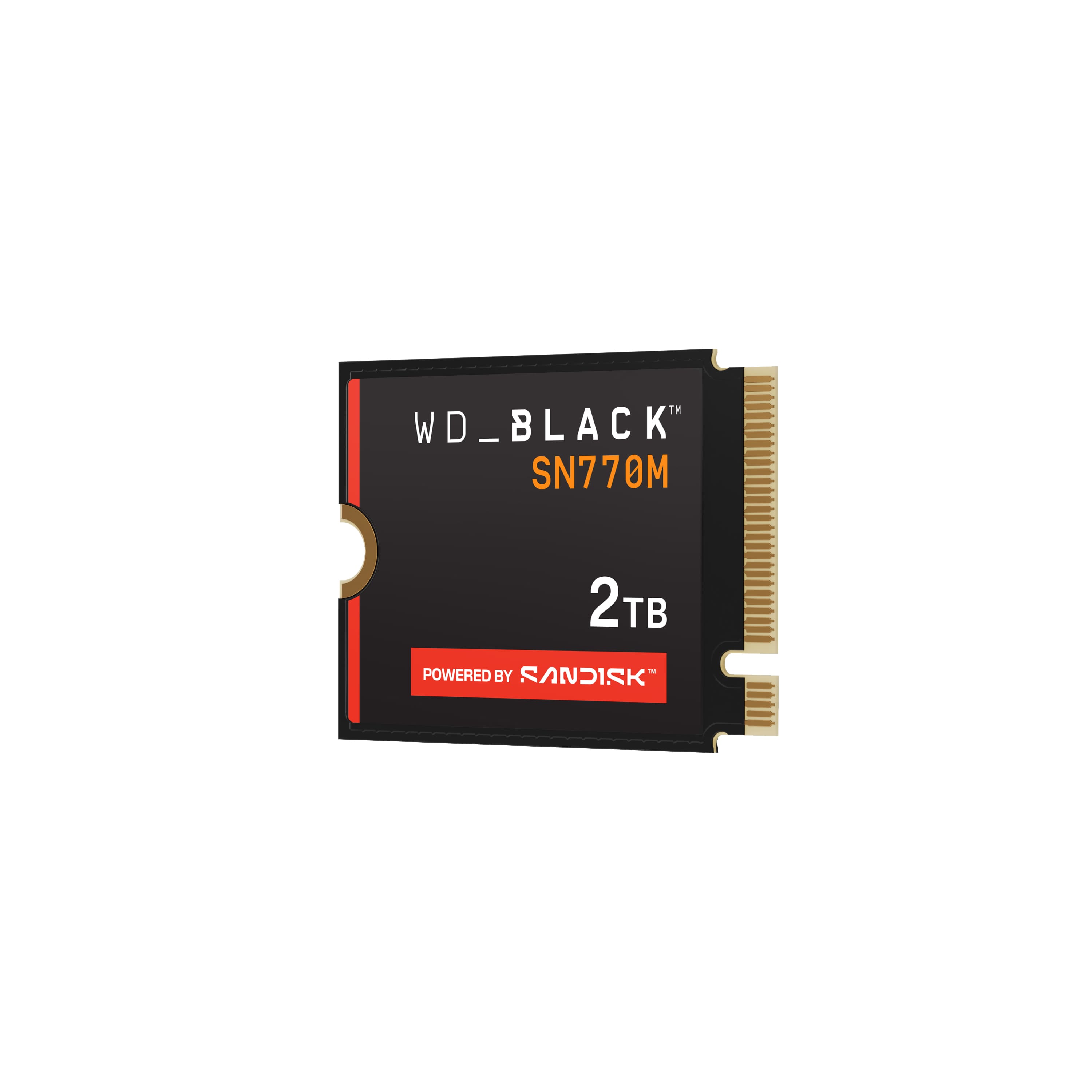
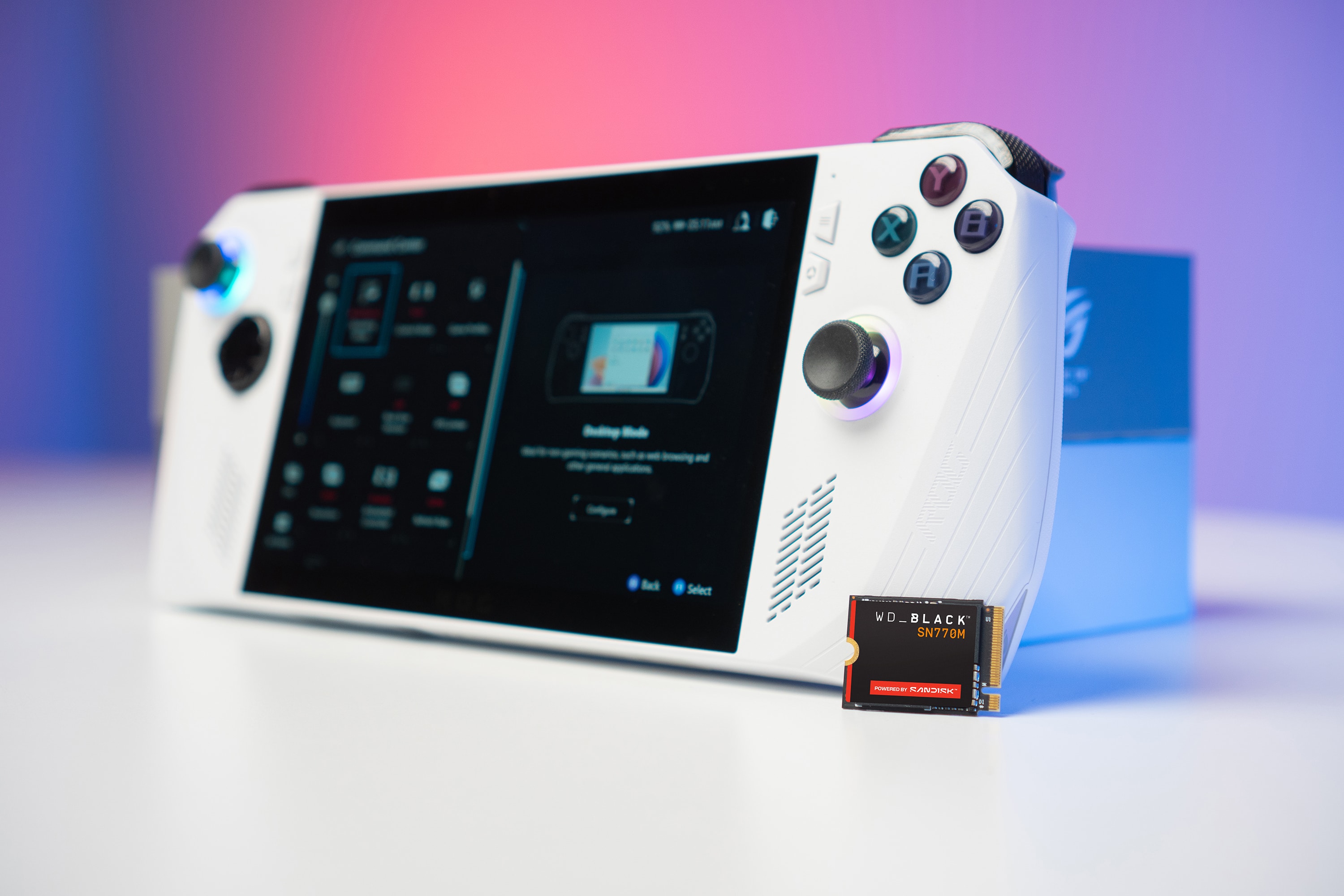
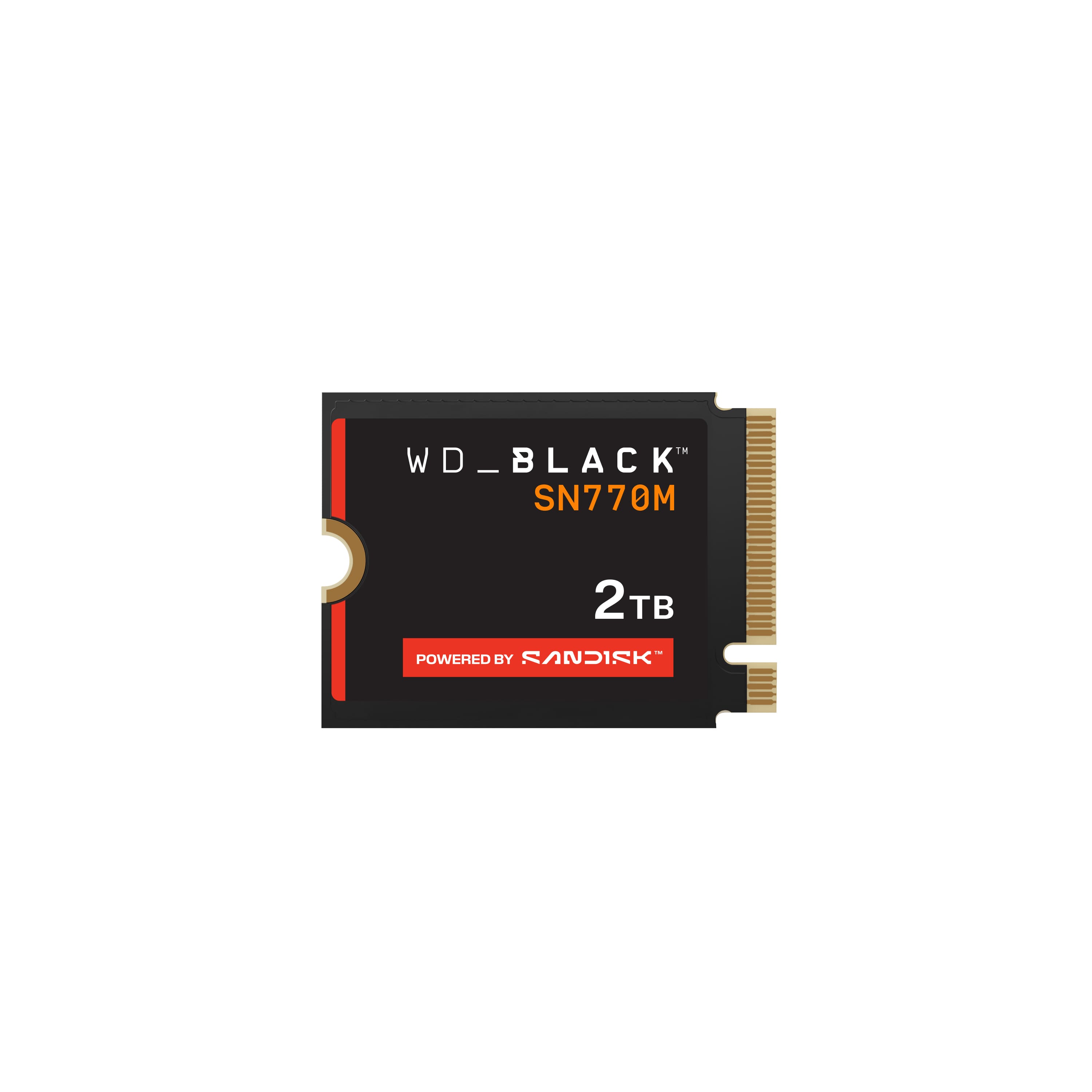
|Posted .This reviewer received promo considerations or sweepstakes entry for writing a review.It’s really incredible just how far storage has come in just the last decade, not to mention two decades. We have seen storage capacities go up, while size of drives have gone down, all while increasing the read/write speeds to huge amounts. The WD Blank SN770M is probably the best example of this phenomenon I have ever seen. Designed for mobile gaming in the age of portable PCs, this M.2 2230 NVMe SSD is small, like REALLY small. At just around 1.1”x0.85”, it is about the size of an SD Card and comes with a full 2TB of storage with quoted read speeds of 5150 MB/s and write speeds of 4850 MB/s; which is very fast for gaming use cases. I don’t tend to stress test SSDs too much in everyday use, but I re-download almost my entire game collection on my ASUS ROG Ally (~1.5TB worth of games) and the speeds were incredibly fast. I was up and running in no time, and when actually jumping into games the speed uptick was very noticeable. Loading screens were often blink and you're ready to go, and actual running performance was great. I had no thermal issues, or hitching in any of the games I tested. World streaming in some of the open world games I enjoy, like Spider-Man, were seamless, with no stuttering or noticeable impacts on performance. With support for Microsofts DirectStorage, even some of the more memory intensive games, like Ratchet & Clank Rift Apart, should perform quite well. Honestly, in my time using my ROG Ally with the SSD, I have had nothing but incredible performance from the drive. It fits all of my favorite games, loads, and runs them without issue, making the handheld feel even snappier and more performant than usual. My only real complaint, and it has nothing to do with the drive itself, is that the set-up process with the ROG Ally was unnecessarily difficult. The actual install of the drive was super simple, but needing to reload Windows was incredibly irritating, as it would often get hung up during the install process. Your mileage may vary, but it required some guides and searching to figure out that I needed to adjust the date/time in the ROG Ally BIOS to correct for an infinite checking issue I was getting. Again, this is not specific to this drive, and is an issue with the ROG Ally itself, but is something to just be aware of if you are using this drive with the ROG Ally; which is something I recommend, as it is a significant improvement in storage from the base storage! So, overall I highly recommend this drive if you are looking for faster and bigger storage in a class-leading form factor. Do your research before upgrading your handhelds internal storage, especially if like me you were upgrading your ROG Ally, but with some guides and how-tos, you should be up and running in no time.
I would recommend this to a friend - Pros mentioned:Installation, Speed, Storage
Rated 5 out of 5 stars
BUILT FOR GAMERS!!!
|Posted .This reviewer received promo considerations or sweepstakes entry for writing a review.The WD_BLACK SN770M is M.2 2230 NVMe PCIe Gen 4x4 SSD that is built for games and their mobile gaming devices. The SSD that I tested is a 2 TB SSD that I used with my Asus Rug Ally. My Ally originally came with 512GB SSD which was not bad at all but was very limited with space due to the size of the games, I could only download a couple games at a time. The WD_BLACK provided with ample amount of storage with substantially faster installation and faster boot times. This SSD offers read speeds up to 5150 MB/s and write speeds of 4850 MB/s. The SSD is compatible with the Asus Rog Ally, Valve Steam Deck, Microsoft Surface and certain Dell laptops. The installation process for the SSD was rather simple. I was able to find the instructions on the Asus 's website and I was able to follow the steps to perform the upgrade and reload the windows using the Asus BIOS Utility. If you are going to using the cloud recovery mode, just remember that you will lose all your data on the device. Asus recommends cloning the SSD prior to installation. Overall, I am very pleased with the WD_BLACK SN770M. It offers ample storage for any of your preferred gaming device and you will also notice a substantial difference in your device installation/boot times. Would definitely recommend.
I would recommend this to a friend Rated 4 out of 5 stars
ssd
||Posted . Owned for 1 month when reviewed.This reviewer received promo considerations or sweepstakes entry for writing a review.what i wanted but not exactly what i needed.......
I would recommend this to a friendRated 4 out of 5 stars
good quality
||Posted . Owned for 3 weeks when reviewed.This reviewer received promo considerations or sweepstakes entry for writing a review.very efficient and good quality I would recommend it to more people.
No, I would not recommend this to a friend- Cons mentioned:Price
Rated 2 out of 5 stars
Black Friday Prices are a lie.
||Posted . Owned for 1 week when reviewed.This reviewer received promo considerations or sweepstakes entry for writing a review.item is only rated low due to price. Black Friday price is the same price that I paid 7 days prior. black friday is a lie. BestBuy should have a report item option.
I would recommend this to a friend Rated 2 out of 5 stars
If you're intending to clone, don't buy this drive
||Posted . Owned for less than 1 week when reviewed.This reviewer received promo considerations or sweepstakes entry for writing a review.Terrible support. It seems there is only one way to set this up using the cloud restore feature in the bios. If you're hoping to clone the existing drive using WD Acronis using a usb enclosure, Acronis won't detect. I bought this drive expecting proper support and software. I contacted support and after sending multiple pictures of the setup with a Chris J @ WD, was told to connect the drive directly. Which in this case doesn't make any sense. Already regret the purchase.
No, I would not recommend this to a friend- Pros mentioned:Ease of use, Speed, Storage
Rated 5 out of 5 stars
Great game storage!
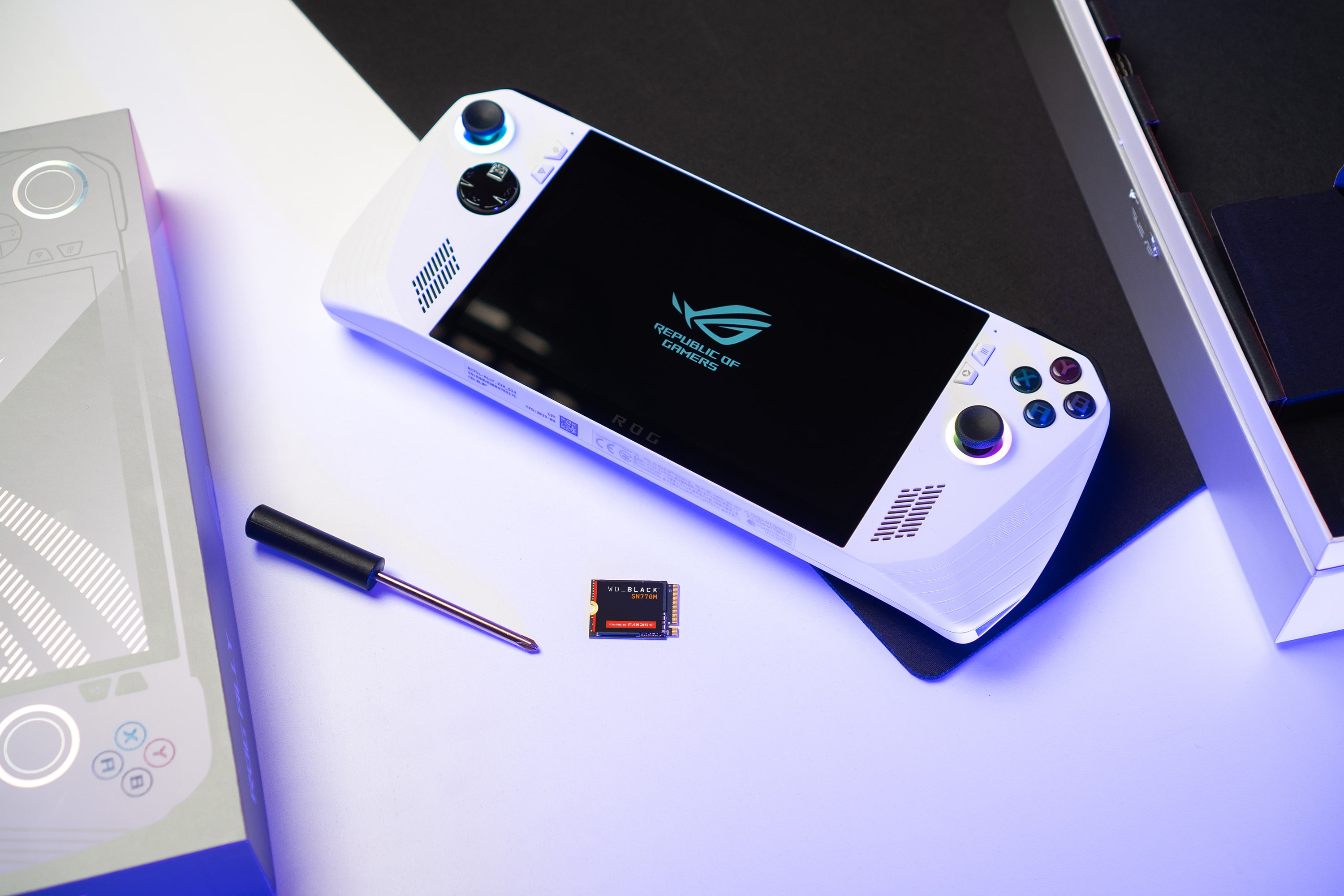
|Posted .This reviewer received promo considerations or sweepstakes entry for writing a review.The Western Digital Black Solid State Drive for the Asus Rog Ally is a great upgrade and is so easy to install and format. This little drive comes with 2 TB of storage. You may want to seperately back up your files. This process uses Asus cloud storage and my install did not transfer all of my game data. It is all still on the original SSD but just a precaution. There are just 6 screws on the back of the Ally to take out. They are long screws and the bottom center screw does not get fully removed. Carefully pry apart the casing. The plastic is actually prettty soft and will deform easily if using a prying tool so be careful. After taking the backing off, you will unplug the battery, remove the black film in the middle of the top portion that is covering the stock SSD. Take the small screw out that is holding down the ssd and carefully slide out from the socket. This socket does not rotate up like a lot of SSD sockets do. Install the new WD Black SSD, reinsert the holding screw, put the film back over the center, plug back in the battery and close the case up. Reinstall all of the screws and almost done! The unit may not power on afterwards which is ok, just plug in the charging cord and you will leave it in for the rest of the install. Power on and over some time, the system will boot into the bios where you can go to the advanced tab and select Asus Cloud backup. It may not connect for several times but should eventually connect. After it connects it will take quite a bit of time to download and install windows on the new ssd. There will be some prompts along the way. After windows installs you will have to follow all of the prompts to install windows just like new. If you didn't back everything up to the Asus cloud storage beforehand, you will have to reinstall everything again. Overall, you end up with about 1.8TB of usable space on the new SSD and games do seem to load faster overall. Still an easy upgrade and worth the extra high speed storage space.
I would recommend this to a friend - Pros mentioned:Ease of use, Speed, Storage
Rated 5 out of 5 stars
The ROG Ally is good, but it can be better!
|Posted .This reviewer received promo considerations or sweepstakes entry for writing a review.PROS: - Very fast - High capacity - Easy to install CONS: - None == BEFORE INSTALLING == I would HIGHLY recommend that you backup your game library to an external storage device before upgrading your storage. The Ally allows you to perform a cloud backup of your device, but a good USB-C SSD will likely be faster (and not count against your ISP data limit) than doing everything over WiFi. It should go without saying, but make sure to completely power off your Ally before swapping out the storage. == INSTALLING IN ROG ALLY == I really appreciate how easy ASUS made it to upgrade the storage in the Ally. Just need to remove all but one screw and then separate the back panel from the Ally (I used a guitar pick). Next disconnect the battery, unscrew the M.2 screw, gently pull the old SSD out, insert the new WD SDD, and go through the previous steps in reverse. When you boot up the Ally, you'll be at the BIOS screen and will need to perform a cloud backup of your device. I found it quicker to not do a full recovery, but just Windows and all the ASUS software instead. I saved my Steam library to an external USB-C drive and transferred everything over the USB-C port. == PERFORMANCE == I love this upgrade! It's really fast and I now have 4x the storage as before, which is really great considering how huge new AAA games are getting... Western Digital has been my go-to brand for storage devices for the past couple decades, so I'm thrilled they have an SSD that fits inside my Ally! Since I've only owned this for a little over a week, I can't speak to how well it hold up over time, but if it's anything like my other WD devices, it should last quite a long time.
I would recommend this to a friend - Cons mentioned:Heat
Rated 1 out of 5 stars
Compatibility issue!
||Posted . Owned for 3 weeks when reviewed.This reviewer received promo considerations or sweepstakes entry for writing a review.Did not work for a Dell Latitude 7440. Had issues loading OS on it and ran very hot. May just a compatibility issue.
No, I would not recommend this to a friend - Pros mentioned:Ease of use, Speed, Storage
Rated 5 out of 5 stars
Speedy!!
|Posted .This reviewer received promo considerations or sweepstakes entry for writing a review.You need more storage for you ROG Ally where here you go. It’s amazing that with a device this small you can add so much more extra space to your device. I’m not a very technical PC person I knkw my way around them but installing or removing part I get very nervous so I always ask someone to do it for me: I decided this time I would do it myself. I was very surprised how easy it was to do it just remove some screws disconnect and take out the battery and there you have access to swap the card. Then put it all back and boot up the system after that clicked a couple of things and I was off to the races it was nice having all the extra space and I never felt like the new card was slower in my case I felt like things loaded faster. Extremely easy to use and install. If your in the market for an nvme to expand your handheld pc this is definitely the one to get works great and easy to use. Now I can go back to adding games to my system and not have to worry about juggling which games I have installed.
I would recommend this to a friend - Pros mentioned:Performance
Rated 1 out of 5 stars
Boyfriend Christmas gift
||Posted . Owned for 1 week when reviewed.This reviewer received promo considerations or sweepstakes entry for writing a review.I have bought for a Christmas gift. Boyfriend loves! Completely in love !
I would recommend this to a friend Rated 1 out of 5 stars
24H2 killed this SSD until you update it
||Posted . Owned for less than 1 week when reviewed.This reviewer received promo considerations or sweepstakes entry for writing a review.The fault is not at WD but Microsoft If you’re on 24H2 you have to download the SSD firmware update or you will get constant blue screens of death
No, I would not recommend this to a friendBrand response from Western Digital Team
Posted .Hi CarlosL, As of February 2025, Western Digital has separated into two independent companies and the support process for your Western Digital and Sandisk branded products may have changed. All Hard Drive products remain with Western Digital, and all SSD and Flash products are now supported by Sandisk. We apologize for any confusion or inconvenience. For support of your SSD or Flash product, please contact the SanDisk support team on Social Media handle @sandisk
- Cons mentioned:Heat
Rated 1 out of 5 stars
Runs too hot in Alienware M18
||Posted . Owned for 1 month when reviewed.This reviewer received promo considerations or sweepstakes entry for writing a review.Runs too hot when installed in alienware M18......
No, I would not recommend this to a friend Rated 1 out of 5 stars
Unable to return broken module
||Posted . Owned for 1 month when reviewed.This reviewer received promo considerations or sweepstakes entry for writing a review.Wouldn't purchase through bestbuy. Got to putting this into my computer and it doesn't work; the return window is laughably short.
No, I would not recommend this to a friend


![LACK SN770M WD | SN770M Digital. Works with PCle One notch slots only. Supercharge your handheld gaming device with speeds up to 5,150 MB/s [1TB and 2TB models]. Based on read speed, unless otherwise stated. 1MB/s = 1 million bytes per second. Based on internal testing; performance may vary depending on host device, usage conditions, drive capacity, and other factors.](https://pisces.bbystatic.com/image2/BestBuy_US/images/products/6551/6551144cv23d.jpg;maxHeight=54;maxWidth=54;format=webp)