Customer Ratings & Reviews











- Model:
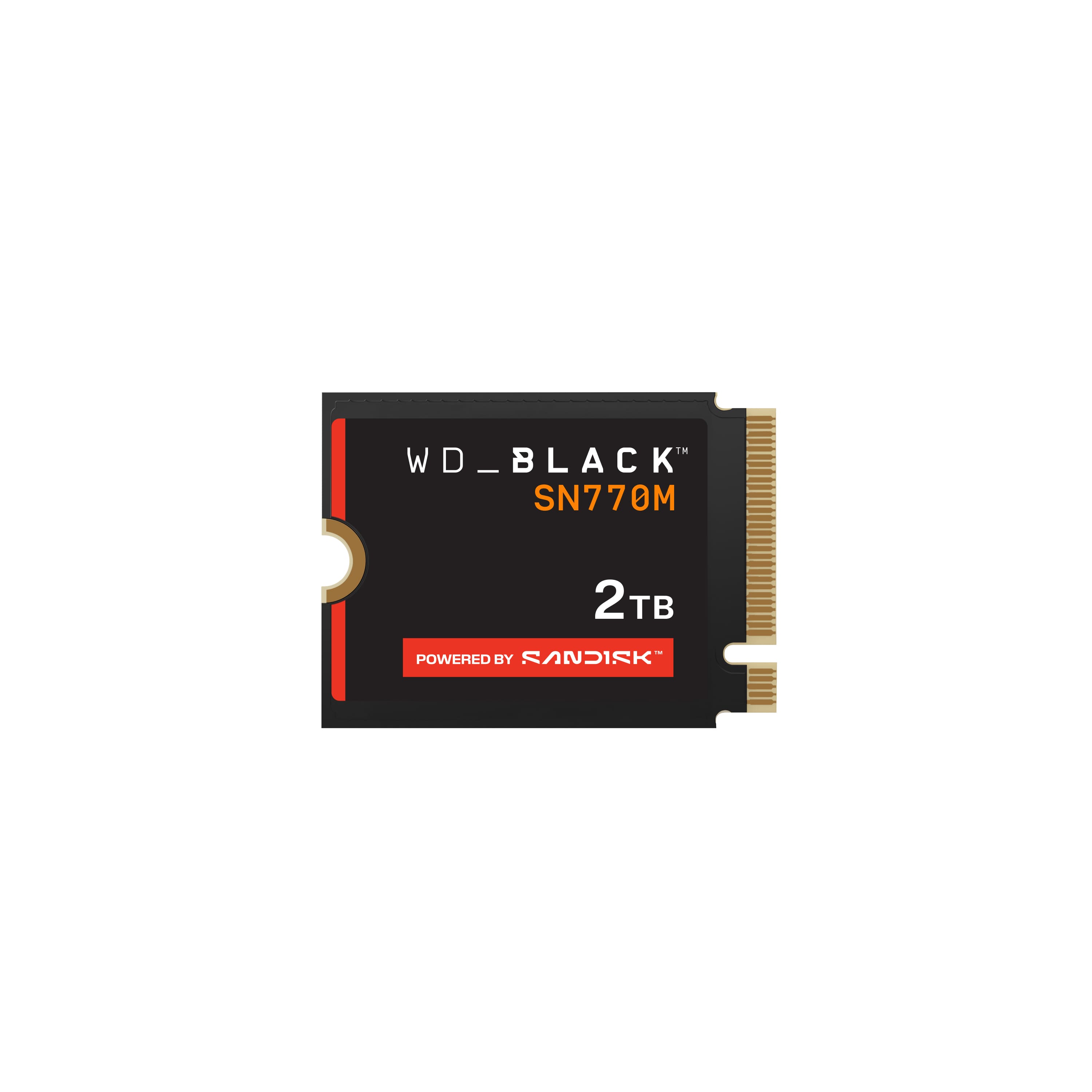
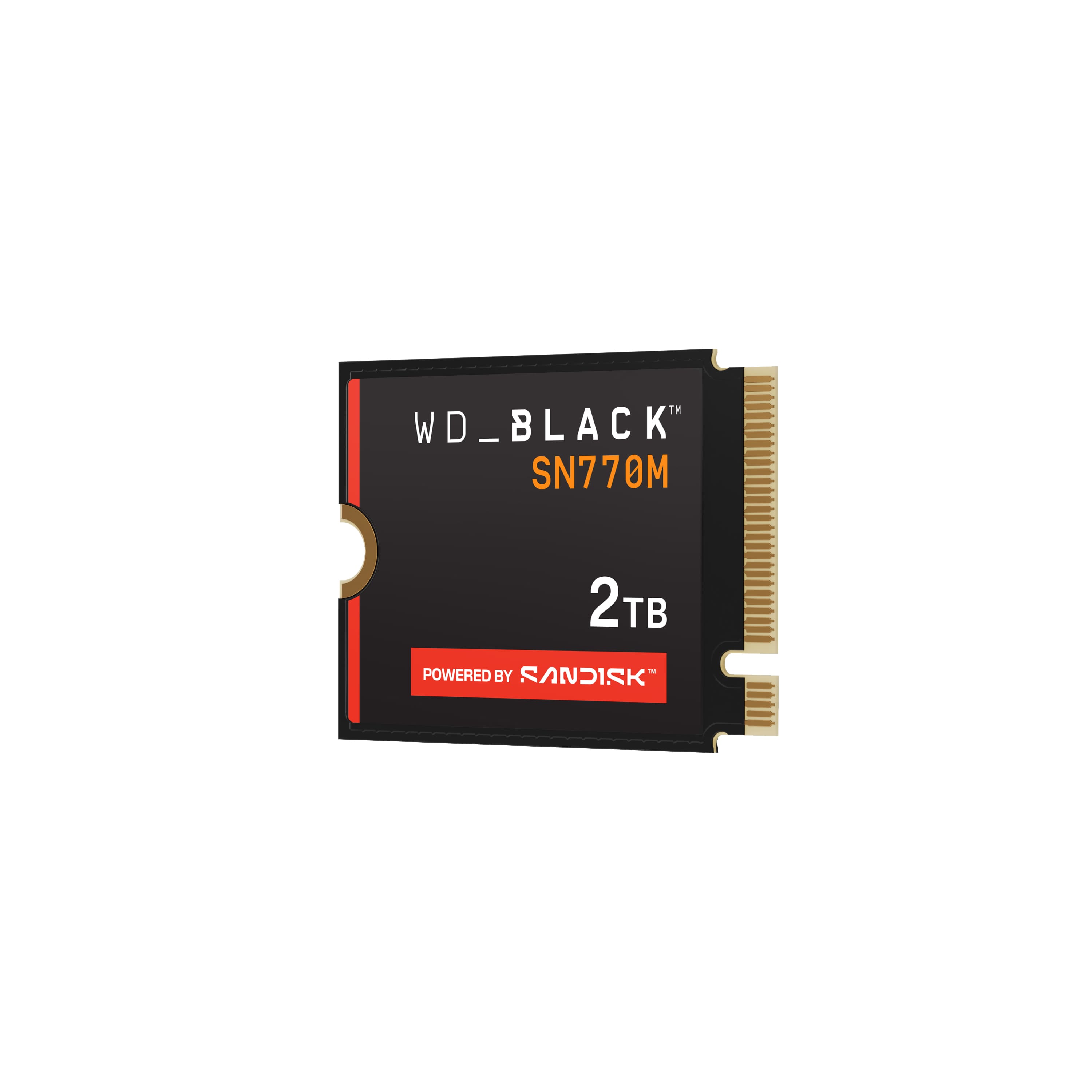
- WDBDNH0020BBK-WRSN
- SKU:
- 6551144
Rating by feature
- Value
Rating 4.6 out of 5 stars
- Quality
Rating 4.8 out of 5 stars
- Ease of Use
Rating 4.8 out of 5 stars
to a friend
Customers are saying
Customers praise the BLACK SN770M 2TB Internal SSD for its ample storage, impressive speed, and overall excellent performance. Users also appreciate its ease of installation and perfect compatibility. Some customers noted that the price was higher than expected and that the SSD tends to run a little hot.
This summary was generated by AI based on customer reviews.

Great game storage!
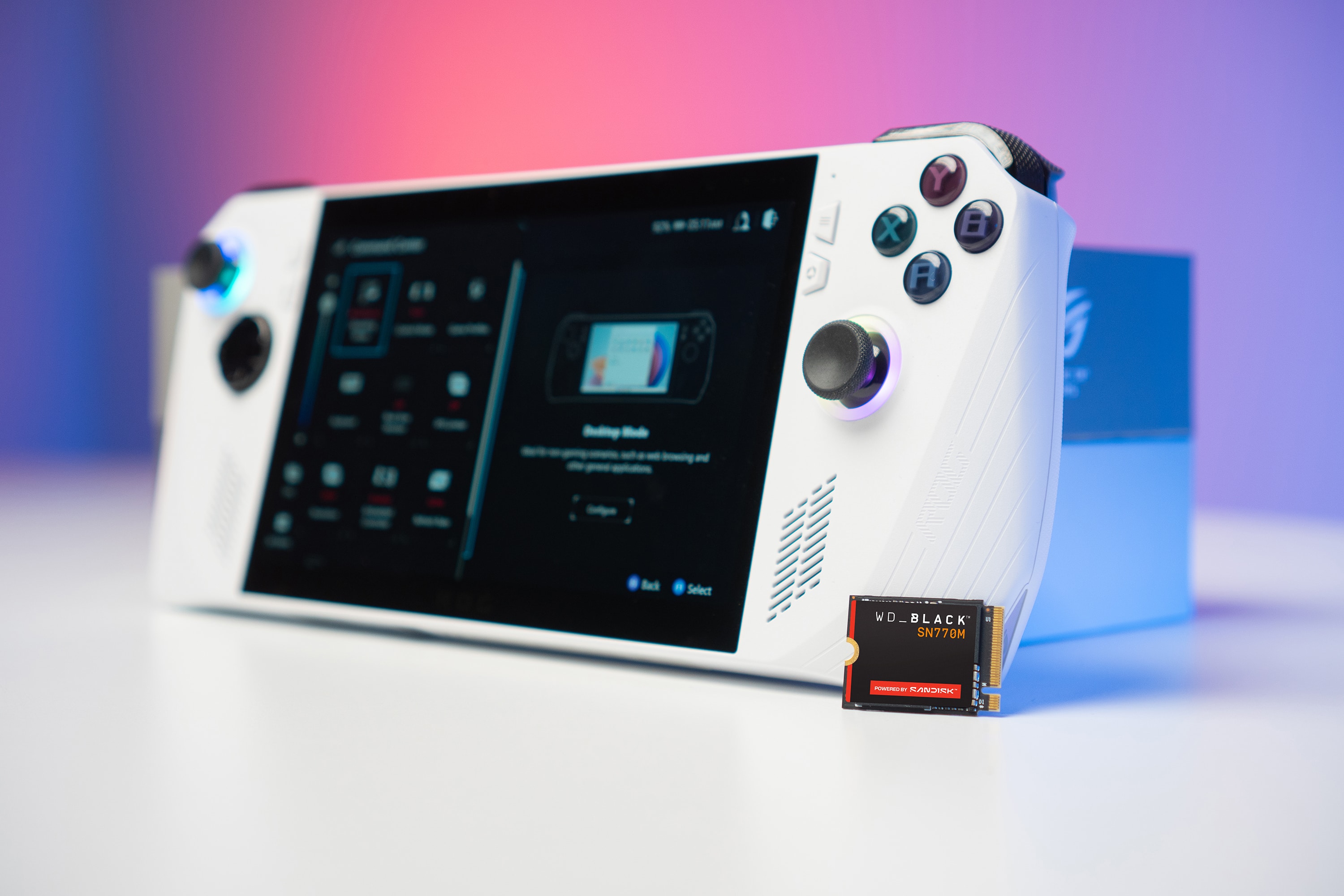
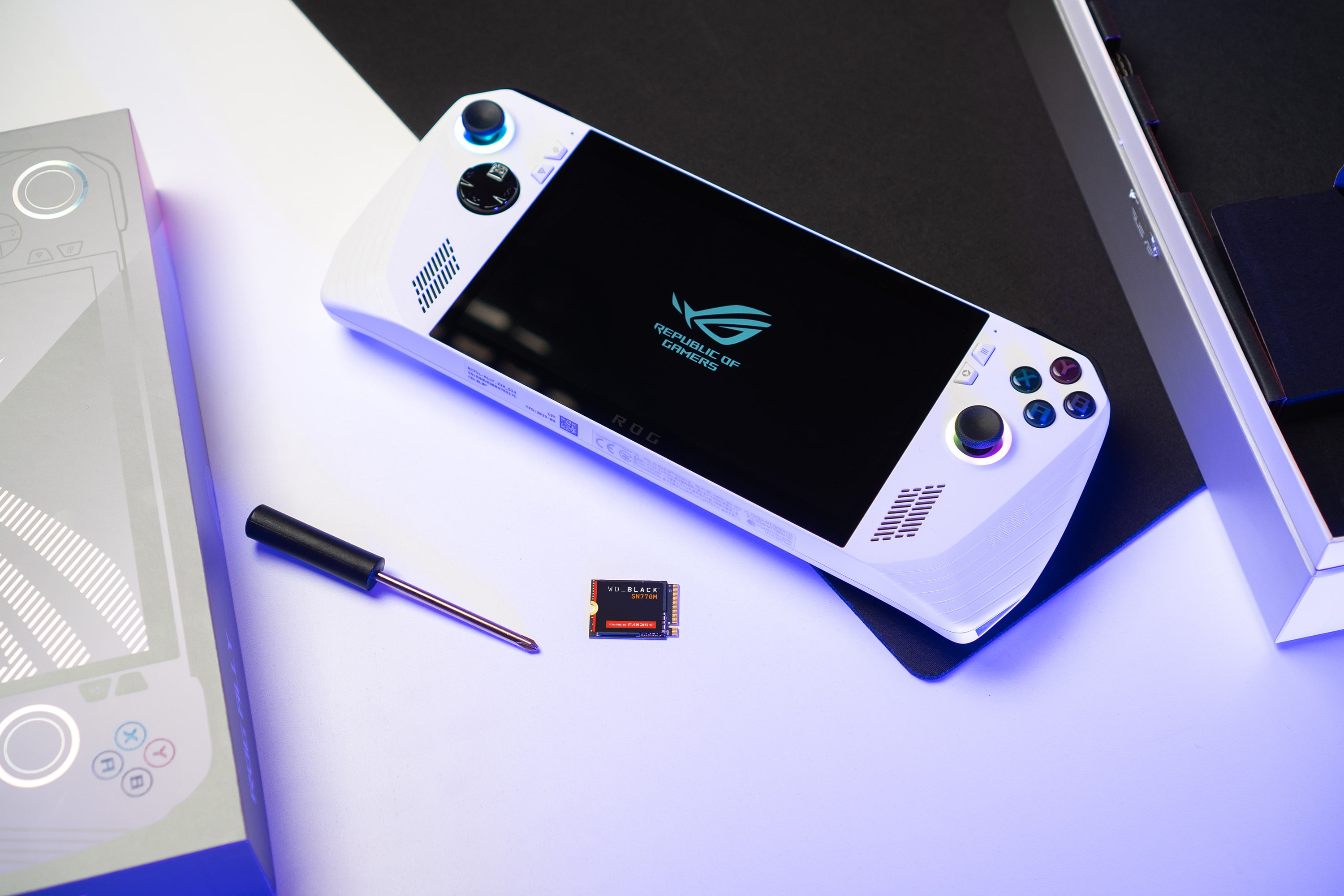
|Posted .This reviewer received promo considerations or sweepstakes entry for writing a review.The Western Digital Black Solid State Drive for the Asus Rog Ally is a great upgrade and is so easy to install and format. This little drive comes with 2 TB of storage. You may want to seperately back up your files. This process uses Asus cloud storage and my install did not transfer all of my game data. It is all still on the original SSD but just a precaution. There are just 6 screws on the back of the Ally to take out. They are long screws and the bottom center screw does not get fully removed. Carefully pry apart the casing. The plastic is actually prettty soft and will deform easily if using a prying tool so be careful. After taking the backing off, you will unplug the battery, remove the black film in the middle of the top portion that is covering the stock SSD. Take the small screw out that is holding down the ssd and carefully slide out from the socket. This socket does not rotate up like a lot of SSD sockets do. Install the new WD Black SSD, reinsert the holding screw, put the film back over the center, plug back in the battery and close the case up. Reinstall all of the screws and almost done! The unit may not power on afterwards which is ok, just plug in the charging cord and you will leave it in for the rest of the install. Power on and over some time, the system will boot into the bios where you can go to the advanced tab and select Asus Cloud backup. It may not connect for several times but should eventually connect. After it connects it will take quite a bit of time to download and install windows on the new ssd. There will be some prompts along the way. After windows installs you will have to follow all of the prompts to install windows just like new. If you didn't back everything up to the Asus cloud storage beforehand, you will have to reinstall everything again. Overall, you end up with about 1.8TB of usable space on the new SSD and games do seem to load faster overall. Still an easy upgrade and worth the extra high speed storage space.
I would recommend this to a friendThe ROG Ally is good, but it can be better!
|Posted .This reviewer received promo considerations or sweepstakes entry for writing a review.PROS: - Very fast - High capacity - Easy to install CONS: - None == BEFORE INSTALLING == I would HIGHLY recommend that you backup your game library to an external storage device before upgrading your storage. The Ally allows you to perform a cloud backup of your device, but a good USB-C SSD will likely be faster (and not count against your ISP data limit) than doing everything over WiFi. It should go without saying, but make sure to completely power off your Ally before swapping out the storage. == INSTALLING IN ROG ALLY == I really appreciate how easy ASUS made it to upgrade the storage in the Ally. Just need to remove all but one screw and then separate the back panel from the Ally (I used a guitar pick). Next disconnect the battery, unscrew the M.2 screw, gently pull the old SSD out, insert the new WD SDD, and go through the previous steps in reverse. When you boot up the Ally, you'll be at the BIOS screen and will need to perform a cloud backup of your device. I found it quicker to not do a full recovery, but just Windows and all the ASUS software instead. I saved my Steam library to an external USB-C drive and transferred everything over the USB-C port. == PERFORMANCE == I love this upgrade! It's really fast and I now have 4x the storage as before, which is really great considering how huge new AAA games are getting... Western Digital has been my go-to brand for storage devices for the past couple decades, so I'm thrilled they have an SSD that fits inside my Ally! Since I've only owned this for a little over a week, I can't speak to how well it hold up over time, but if it's anything like my other WD devices, it should last quite a long time.
I would recommend this to a friendCompatibility issue!
||Posted . Owned for 3 weeks when reviewed.This reviewer received promo considerations or sweepstakes entry for writing a review.Did not work for a Dell Latitude 7440. Had issues loading OS on it and ran very hot. May just a compatibility issue.
No, I would not recommend this to a friendSpeedy!!
|Posted .This reviewer received promo considerations or sweepstakes entry for writing a review.You need more storage for you ROG Ally where here you go. It’s amazing that with a device this small you can add so much more extra space to your device. I’m not a very technical PC person I knkw my way around them but installing or removing part I get very nervous so I always ask someone to do it for me: I decided this time I would do it myself. I was very surprised how easy it was to do it just remove some screws disconnect and take out the battery and there you have access to swap the card. Then put it all back and boot up the system after that clicked a couple of things and I was off to the races it was nice having all the extra space and I never felt like the new card was slower in my case I felt like things loaded faster. Extremely easy to use and install. If your in the market for an nvme to expand your handheld pc this is definitely the one to get works great and easy to use. Now I can go back to adding games to my system and not have to worry about juggling which games I have installed.
I would recommend this to a friendBoyfriend Christmas gift
||Posted . Owned for 1 week when reviewed.This reviewer received promo considerations or sweepstakes entry for writing a review.I have bought for a Christmas gift. Boyfriend loves! Completely in love !
I would recommend this to a friendRuns too hot in Alienware M18
||Posted . Owned for 1 month when reviewed.This reviewer received promo considerations or sweepstakes entry for writing a review.Runs too hot when installed in alienware M18......
No, I would not recommend this to a friendUnable to return broken module
||Posted . Owned for 1 month when reviewed.This reviewer received promo considerations or sweepstakes entry for writing a review.Wouldn't purchase through bestbuy. Got to putting this into my computer and it doesn't work; the return window is laughably short.
No, I would not recommend this to a friendFast drive for handheld gaming devices and laptops
|Posted .This reviewer received promo considerations or sweepstakes entry for writing a review.WD SN770M 2TB Internal SSD is a mobile game drive that can be used to expand your handheld gaming device like Asus ROG Ally or Valve Steam Deck. It is also compatible with laptops that house M.2 2230 drives. It is super-fast with read speeds up to 5150 MB/s. Being a 2TB drive helps with storing large library of games locally. I was able to upgrade my Asus ROG Ally easily. It comes with a 512GB drive, which is not enough to store the entire library of games and media. Before you start, make sure your BIOS is updated with the latest firmware using the MyAsus app. You also need a small Phillips screwdriver to remove the screws from the backplate. Once you replace the drive, ROG Ally will boot into the UEFI BIOS mode so you can install Windows 11 from Asus Cloud Recovery. After the upgrade, the boot up time for my ROG Ally is significantly improved. The application and game loading times were blazingly quick. Overall, this is a much-needed upgrade that boosts drive speeds and provides plenty of storage for all your handheld gaming device needs.
I would recommend this to a friendHefty storage upgrade
|Posted .This reviewer received promo considerations or sweepstakes entry for writing a review.This card is a major upgrade to the one that comes provided in my ROG Ally, being four times the size. Being that the Ally comes with a single port for the card, this would be a replacement, not an addition, so if there's anything you want to save, make sure to do so before replacing the card. Card installation is pretty simple, with a single screw after sliding the storage into the slot; it'll likely take longer to remove the back plate of the device you're adding it to. You will need to go through a lengthy process of reinstalling the OS, but, at least with the ROG Ally this card was meant to upgrade, there was an Asus recovery function accessible through the BIOS. After the process, you will have to reinstall some programs and run a number of updates, as it is essentially a fresh device where the dive is concerned. However, with the increased space and speed of the WD-Black SN770M, this process is much quicker (and less battery consuming) than the initial setup of the device. Plus, the design around the device beyond just the increased speeds is the space, and it can definitely hold more games on it, and get them up and running smoother and faster.
I would recommend this to a friendLevel Up your Portable Gaming!
|Posted .This reviewer received promo considerations or sweepstakes entry for writing a review.Since launch I have absolutely loved my Asus Rog Ally and I take it with me every day no matter where I go! The downside has been the smaller storage size that has really limited my library, and being someone who loves to have a variety of games ready to go I needed something more. I have used several M.2 solid state drives from Western Digital in the past so the WD Black SN770M 2TB seemed like the most obvious choice for a quick upgrade on my Asus ROG Ally. The physical install is simple, I think it took me all of 15 minutes to get my factory SSD out and the WD Black SSD installed into my system. After a quick reinstall of the Operating System I was ready to go! I have dozens of great games now installed on my system that I can take with me everywhere, without having to worry about deleting and reinstalling games all the time due to small storage size! In addition the load times have improved, and the read/write speeds have made transferring files and downloading titles so much quicker! If you need more storage, this is absolutely the way to go!
I would recommend this to a friendAbout to buy my second!
Posted .This reviewer received promo considerations or sweepstakes entry for writing a review.Snappy. Gorgeous. Easy to install. Another budget banger from Western Digital. I would say top 5 ssd for steam decks or allys considering price to power.
I would recommend this to a friendInsane speeds and storage
Posted .This reviewer received promo considerations or sweepstakes entry for writing a review.These are a myst have for speed and storage. With every penny
I would recommend this to a friendUpgrade
Posted .This reviewer received promo considerations or sweepstakes entry for writing a review.I bought this to replace the original memory in my steam deck so i can have good download a d upload speeds along with better storage.
I would recommend this to a friendSteam deck upgrade
Posted .This reviewer received promo considerations or sweepstakes entry for writing a review.Great for the steam deck. Has worked greak so far. Fastest m.2 that fits in the steam deck at time of order
I would recommend this to a friendGreat NVME
Posted .This reviewer received promo considerations or sweepstakes entry for writing a review.Solid nvme storage, you win’t be disappointed. Try and find it on sale when possible.
I would recommend this to a friendWorks as expected
Posted .This reviewer received promo considerations or sweepstakes entry for writing a review.Works as expected, mirrored data over quickly from old drive and works well so far
I would recommend this to a friendSteamdeck working confirmed.
Posted .This reviewer received promo considerations or sweepstakes entry for writing a review.Fit perfectly in the steamdeck and working amazingly.
I would recommend this to a friendGreat
Posted .This reviewer received promo considerations or sweepstakes entry for writing a review.Is what it says put it in my steam deck and it works great
I would recommend this to a friendWorks great
Posted .This reviewer received promo considerations or sweepstakes entry for writing a review.Works great. Replaced main drive in a surface pro 9.
I would recommend this to a friendNo complaints
Posted .This reviewer received promo considerations or sweepstakes entry for writing a review.Love it works great in the rog ally was nervous about the sd card getting fried so i skipped straight to this
I would recommend this to a friend