Customer Ratings & Reviews


- Model:
- WDBCHH0010BBK-WESN
- SKU:
- 6557911
Rating by feature
- Value
Rating 4.7 out of 5 stars
- Quality
Rating 4.7 out of 5 stars
- Ease of Use
Rating 4.7 out of 5 stars
Customers are saying
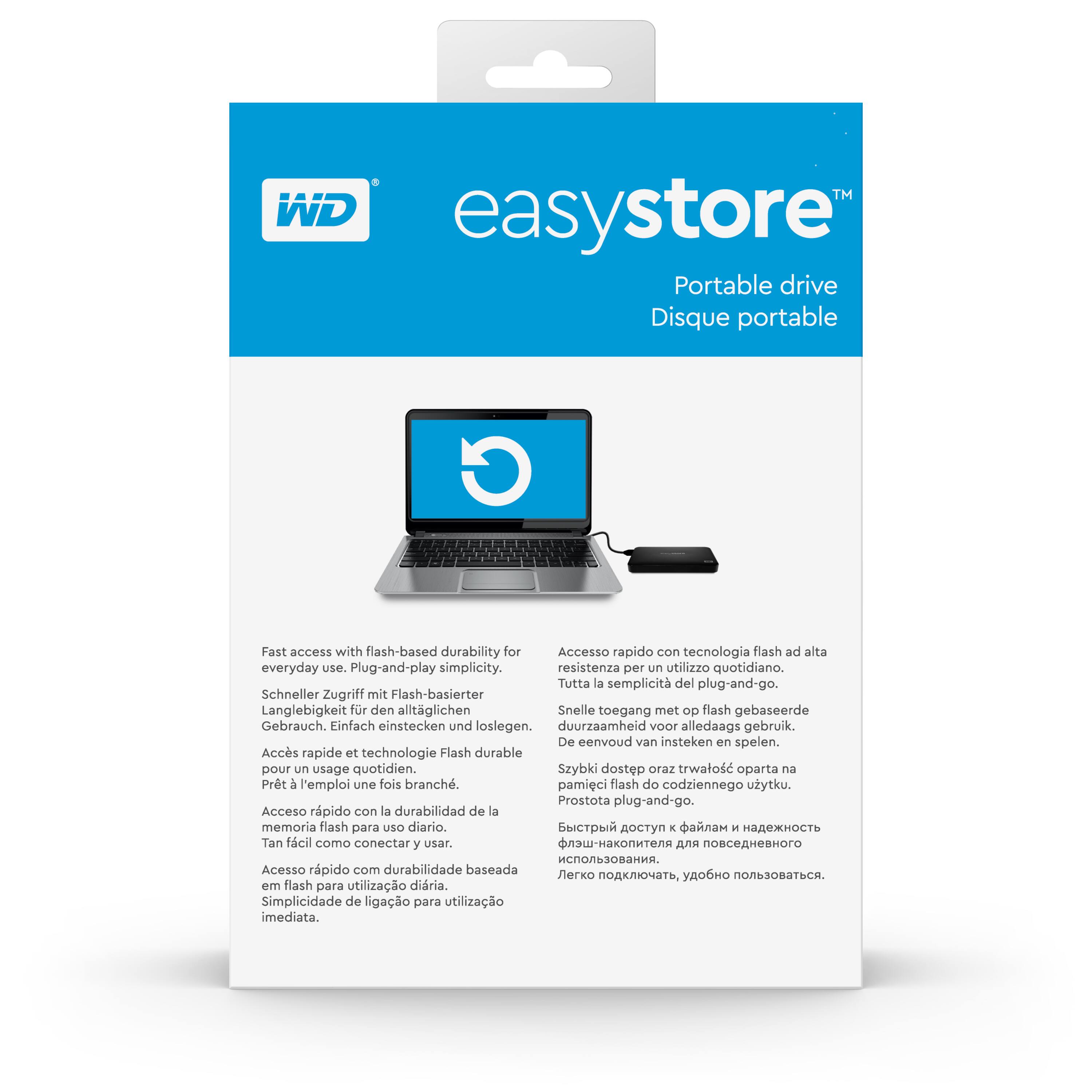
Customers are impressed with the Easystore 1TB External USB 3.0 Portable Drive's ease of use, ample storage capacity, and compact size, making it convenient and portable. Many appreciate its fast USB 3.0 transfer speeds and consider it a great value for the price. While some users found the included software subpar, the drive's functionality is largely praised.
This summary was generated by AI based on customer reviews.
- Pros mentioned:Size, Storage

Digital Hoarder Edition
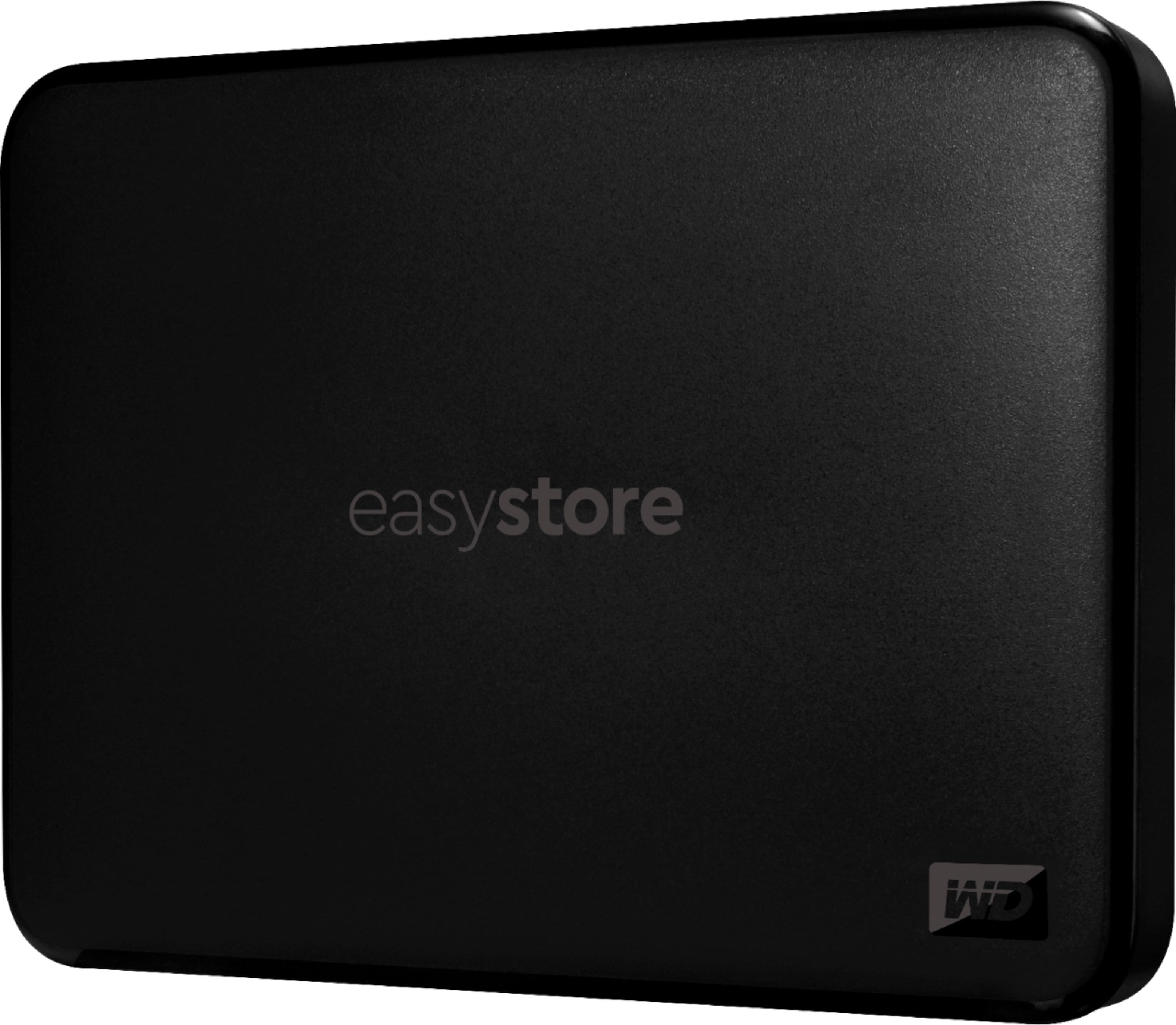
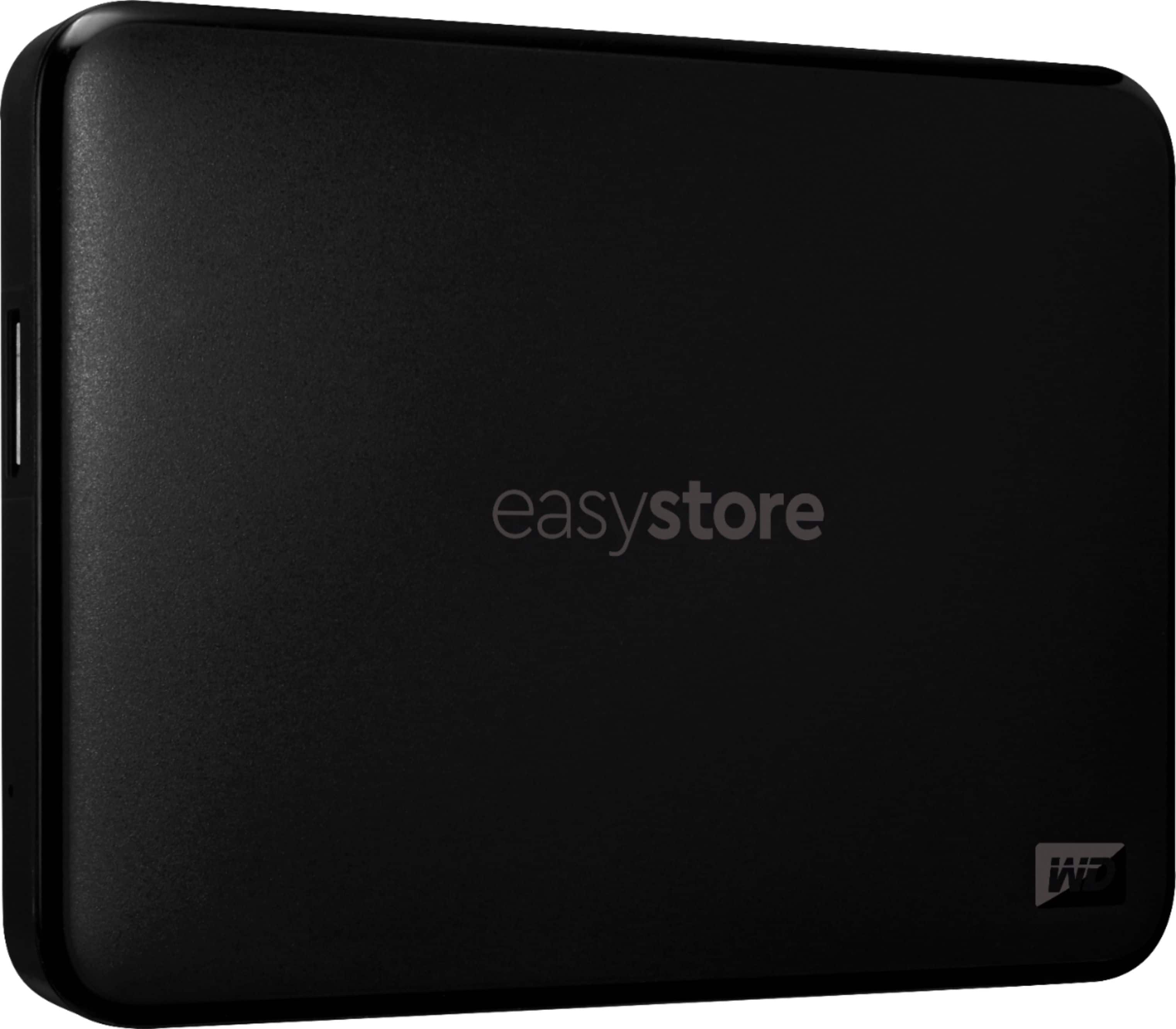
|Posted .This reviewer received promo considerations or sweepstakes entry for writing a review.The WD - Easystore 1TB External USB 3.0 Portable Drive is super light weight and relatively compact due it being a solid state drive and not disc. SSD in my opinion are more stable and have less read errors due to impact. Less moving parts increases reliability. 1TB of storage is more than enough for the average user. It comes with software to install for I assume digital encryption. However, it is not needed if you are storing non sensitive data. I am not even sure if I can even call it a complaint or con about the WD - Easystore 1TB External USB 3.0 Portable Drive, is that I would prefer just a USB-C connection or even a USB connection to the WD - Easystore 1TB External USB 3.0 Portable Drive, instead of the USB-A. Because those USB-C and USB connections are more readily available. The USB-A connection is not quite as common and I definitely do not have any those laying around if the cable gets lost or broken. Also I feel that it should have some type of LED light once connected, so that you can tell the unit is connected and powered on. But overall, I would say this functions for what is intended!
- Pros mentioned:Size, SpeedCons mentioned:Software
light and compact
|Posted .This reviewer received promo considerations or sweepstakes entry for writing a review.I enjoy having this. So far, I use it for some older games that I enjoy playing from time to time. This works great for them. One game I enjoy playing is call of duty advance warfare because of it allowing me to create a game and I can play just with bots when I want to play online game types and just relax. I also have been enjoying the speed of this hard drive that allows me to record some game plays from my desktop, and then I take this to my laptop and edit and upload the videos. This hard drive is pretty small compared to some others and super light so easy to pack with a laptop and does not add to much extra weight. It has some prebuilt software built into the hard drive itself so when you plug it in you have a couple options to choose. But this is part of why I am giving 4 stars. I personally don't use the software it came with, but I was going to try. When I would start either software (2) both would open up and then say add a supported WD drive. Would not let me click to add a drive and would not detect the Hard drive itself. My pc detected it fine. My other thing is, why are Hard drives using the weird connector instead of a usb-c. Like I mentioned though, my PC detected this hard drive and what I wanted it for, it works for me. I just wanted to install older games to not use up my internal drives as well as record gameplay for the same reason and this worked great for that. I recommend this if you are looking for a small light weight hard drive. I have a iphone 14 pro max and this is thinner, not as tall, and just a tad bit wider but a bit lighter.
I would recommend this to a friend - Pros mentioned:Size, Speed
Very compact, portable, plenty of storage
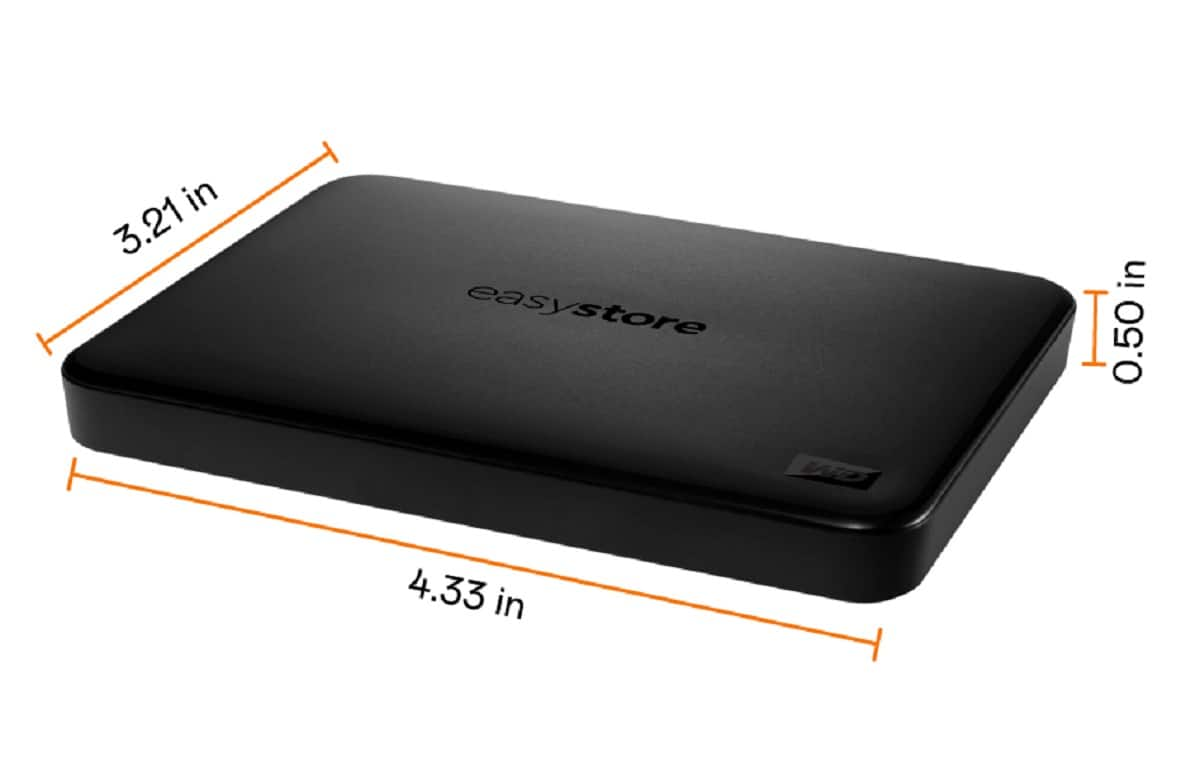
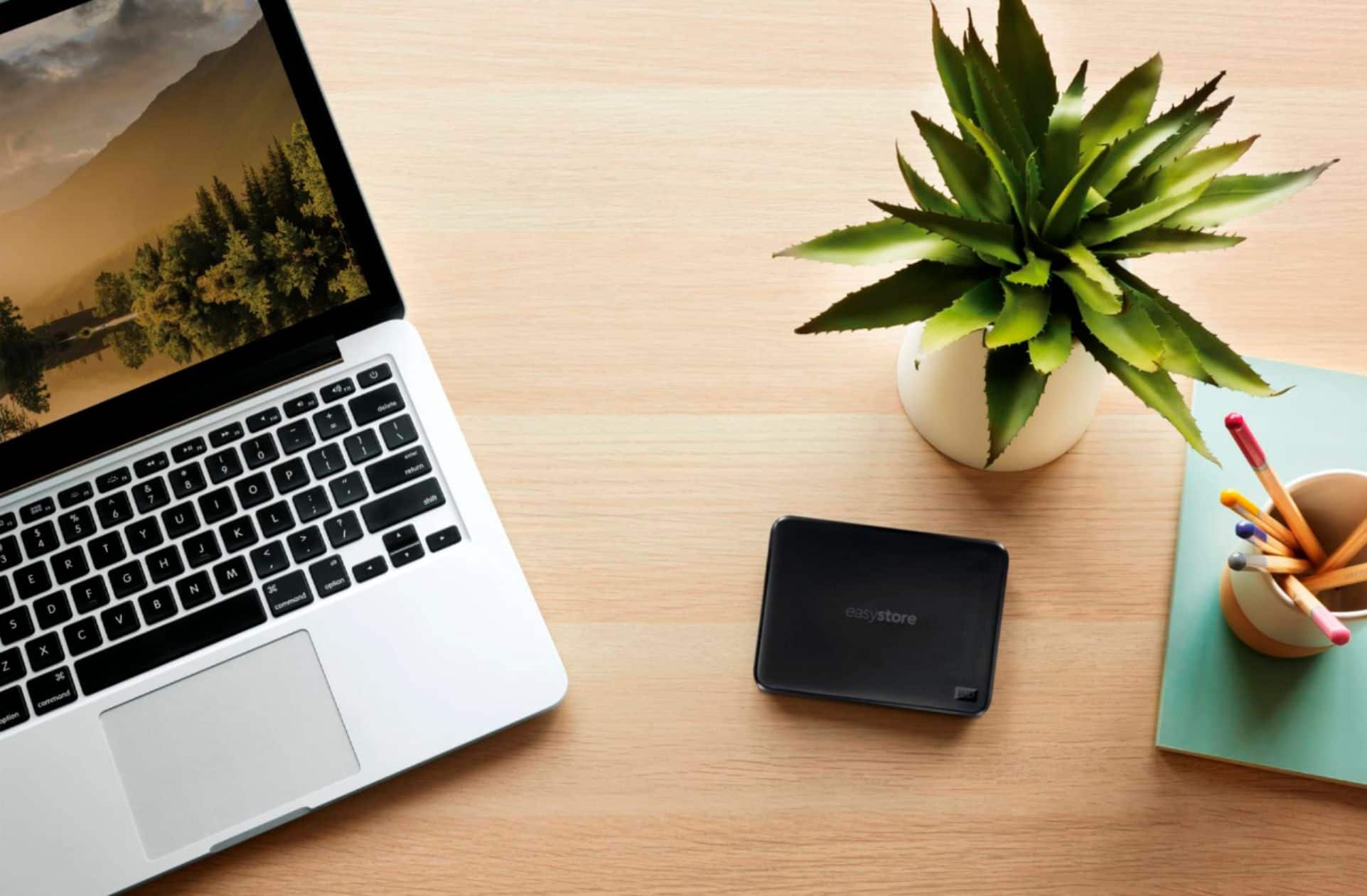
|Posted .This reviewer received promo considerations or sweepstakes entry for writing a review.This one terabyte drive is small enough to fit in my back pocket, jacket pocket, back pack, etc. This is by far the smallest unit per terabyte that I have ever owned. It is also quite light and the included connection cords and instructions are just what you'd expect. The response time when pulling up files is great and it works with my apple and other devices without a hitch. I have a Windows 10 machine and an earlier version of Windows on my laptop and there was no issue with comms or speed, although I do notice that the packaging indicated it was for Windows 10+. The USB-A 'Superspeed' cable thta came with it was neither too long nor too short - this was a huge plus for me since I primarily use it to carry home PC files along for laptop use and vice versa. The included backup software was easy to load and use on my desktop machine. The small size is handy but also makes me worry a bit about losing the drive as it is sort of a different form factor? So far not a problem as I keep it in an inner pocket of my backpack.
I would recommend this to a friend Returned!
||Posted . Owned for 2 weeks when reviewed.This reviewer received promo considerations or sweepstakes entry for writing a review.I could not get this external hard drive to work for me.
No, I would not recommend this to a friend- Pros mentioned:Size, Usb
Excellent data storage & software for a low price.
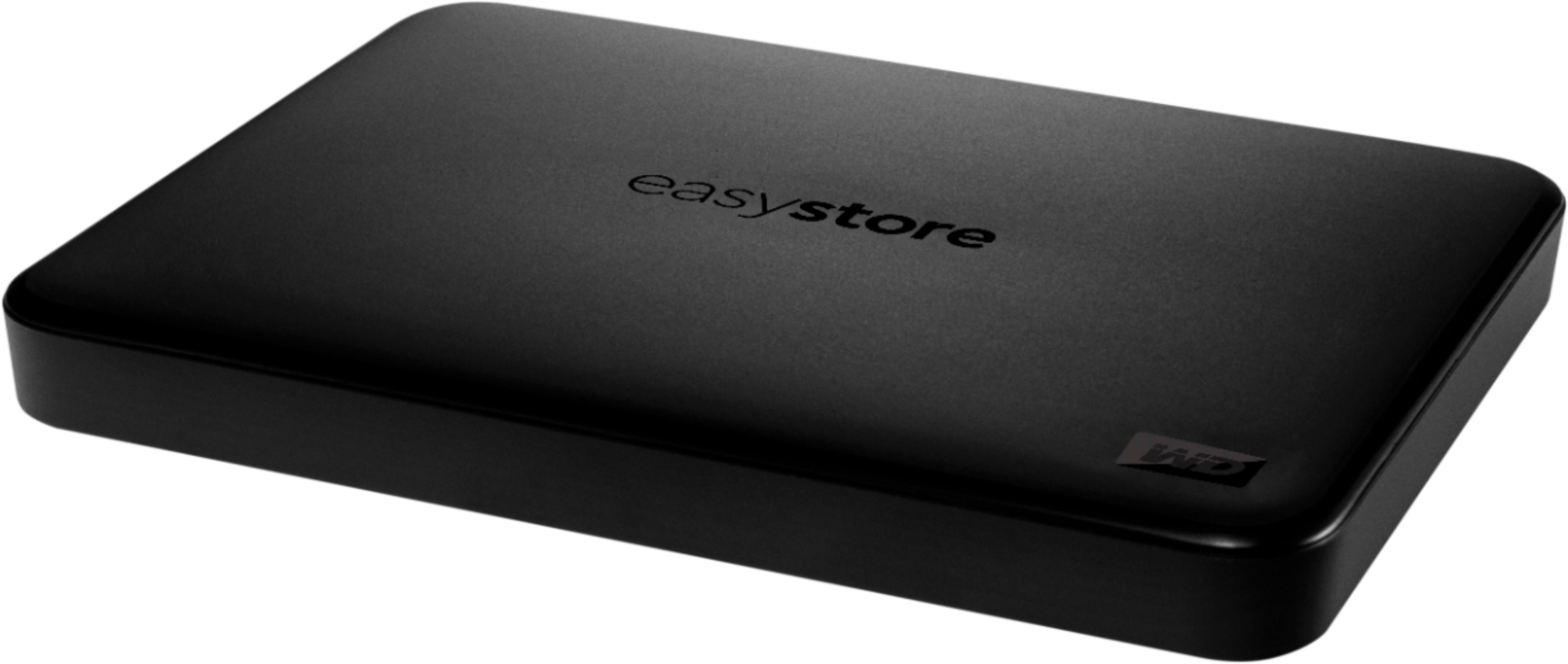
|Posted .This reviewer received promo considerations or sweepstakes entry for writing a review.The Western Digital Easy Store Portable Drive is a 1TB (1 terabyte), USB 3.0, solid-state storage device housed in a hard, plastic case that is about half the size of a smart phone. This portable drive will easily fit into your shirt pocket. The portable drive comes with an 18-inch USB cable that has a Type-A plug on one end to plug into your computer and a Type Micro-B USB 3.0 plug on the other end to plug into the Easy Store Portable Drive. I’ve only used this drive for about a week, but my experiences so far has been positive, at least after the software setup. When you look at the drive and cable you think Plug’n-Play, but that’s not necessarily the case in my experience. Once I plugged the Easy Store Portable Drive cable into my Windows 10 computer it was instantly recognized. You can then see that there are two Western Digital Software installation files stored on the drive: one for Mac and the other for Windows. You must be connected to the Internet because once I executed the installation file for Windows, it began downloading the 755 MB main software installation Zip file. Once unzipped, the downloaded software installed the Acronis True Image for Western Digital backup management software on my computer. Along the way, I was offered the opportunity to back up the entire drive to Dropbox, which of course would come with a Dropbox subscription. So, I declined that. I also attempted to install the recommended WD Discovery software, but it kept failing to install because it didn’t like the Western Digital My Cloud Home software already installed on my computer for my Western Digital NAS. It kept complaining that my WD My Cloud Home software was no longer supported. However, it is working fine. If you don’t already have a Western Digital product and software account, you will have to create one complete with username and password. Since I already had a WD account because of my NAS, that was no problem. It was not the smoothest set up experience, but once I had everything up and running, I was able to use the Acronis True Image application to create and schedule several backups from my NAS to the Easy Store Portable Drive. I quickly found that this is a very fast writing drive. I did four large directory backups from my NAS to the Easy Store Portable Drive. Here are my results: 140.6 GB, 584.6 Mbps, 35m 49s 76.7 GB, 474.8 Mbps, 24m 51s 72.6 GB, 1,856.9 Mbps, 5m 51s 4.9 GB, 469.0 Mbps, 1m 38s I thought the backups went very quickly compared to other backup software that I’ve used in the past. The Acronis True Image application bundled with the Easy Store Portable Drive is a very mature and easy to use software product that allows you to control all aspects of your backup schemes. You can select a variety of periodic scheduled backup events and times. You can select from an assortment of backup schemes and methods such as single version, version chain, incremental, differential, and custom backups. You can then set all sorts of options for each backup scheme. I am looking forward to playing around with these backup schemes to find what works best for me. There is also a bunch of advanced settings where you can set pre/post commands, backup splitting, backup validation, removable media settings, error handling, file level security settings, computer shutdown, and performance settings. You can even have the software notify you by email with the status of your backup operations. There is an Acronis True Image for Western Digital User Guide that will be installed on your computer when you click on the Help ? in the software for the first time. It is a very well-done user guide that explains the Acronis True Image software quite well and also introduces you to the many concepts of data backup and recovery. The Acronis True Image software application offers some additional tools that allow you to clone disks, create rescue media, and cleanse your drives. Be very careful using the Acronis DriveCleanser and make sure you know what you’re doing. It’s designed to destroy data and wipe your drive partitions clean. This Western Digital Easy Store 1 TB Portable Drive combined with the Acronis True Image software will help you create a very reasonably priced yet highly effective backup and disk management program for the home consumer. I will be recommending it to family and friends.
I would recommend this to a friend Scheduling a drop off appointment is too difficult
||Posted . Owned for 1 month when reviewed.This reviewer received promo considerations or sweepstakes entry for writing a review.Takes too long to schedule drop off appointment. Only obvious options are change or cancel appointment.
No, I would not recommend this to a friendwprthless
||Posted . Owned for 3 weeks when reviewed.This reviewer received promo considerations or sweepstakes entry for writing a review.A #1 ripoff isn't worth the powder to blow this stupid thing to smithereerns
No, I would not recommend this to a friend- Pros mentioned:Size, Speed
Great superfast device. Low price.
|Posted .This reviewer received promo considerations or sweepstakes entry for writing a review.This Western DIgital Easystore drive offers at very low-price, high-speed transfer and storage of your files. I was happily surprised when storing a Windows directory of files on my Easystore, I had a transfer rate of 347 Mb/s. I’d never seen my computer exchange files so quickly to a device. The specifications for the drive indicate it has a speed of up to 5 Gbp/s but I guess my computer doesn’t support anything near that. I’m more than happy with the speed I achieved . The drive comes with backup software included, which I didn’t set up. I just use it to store some pictures and audio files, and it did the job beautifully and as I say quickly. Included is the short cord which connects the drive to your device with a USB-A plug on the end. Also included is a tiny instruction manual in several different languages. I believe you’d need an electron microscope to read anything on it, lol, but you most likely wouldn’t need the manual to operate the drive. It's pre-formulated for NTFS. You might need to reformat it for macOS. The bottom line is for a low price you have a very small, lightweight, high speed device to safely store your files. If you’re looking for a device for that purpose, I think you’d the happy with the Easystore.
I would recommend this to a friend - Pros mentioned:Ease of use, Usb
Great portable drive
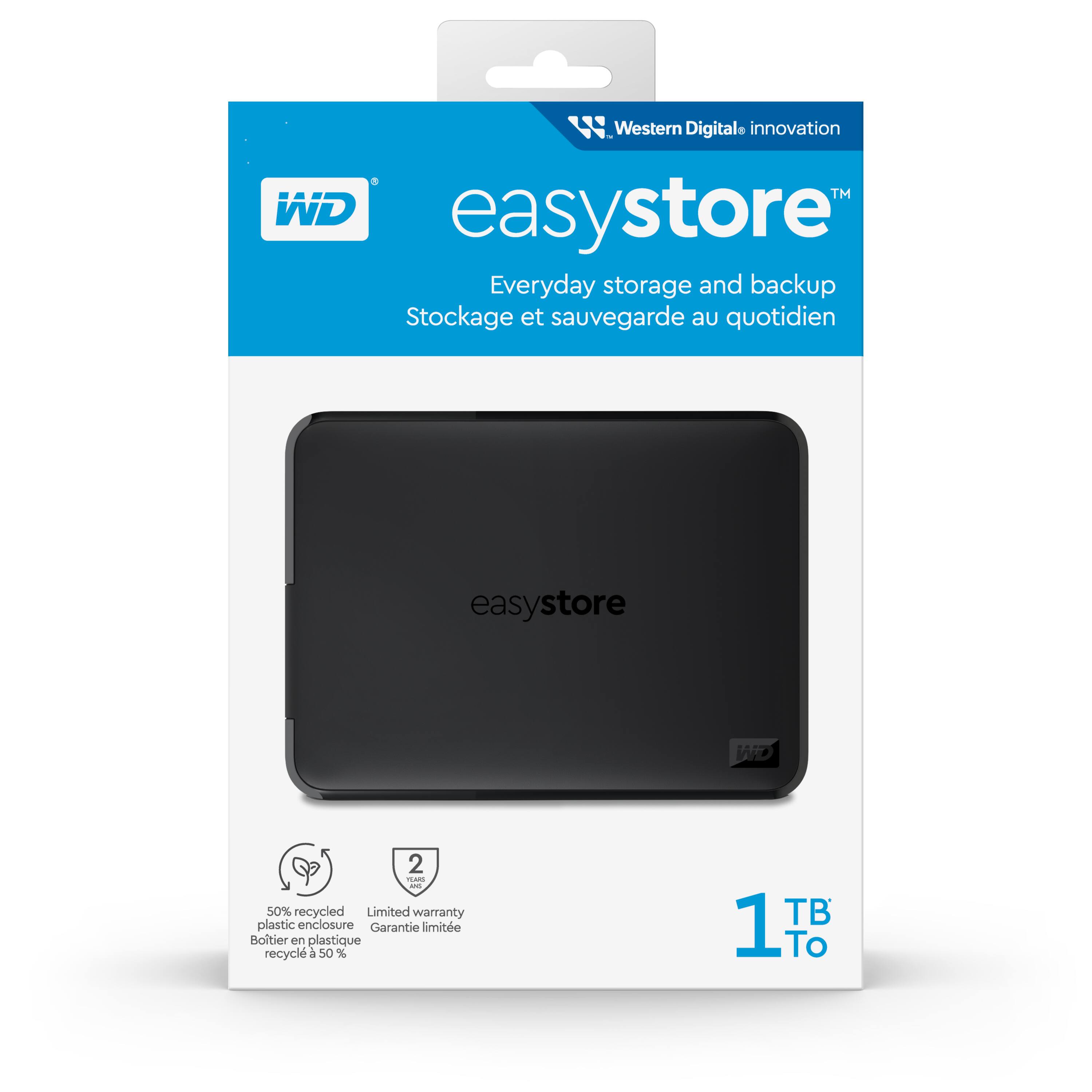
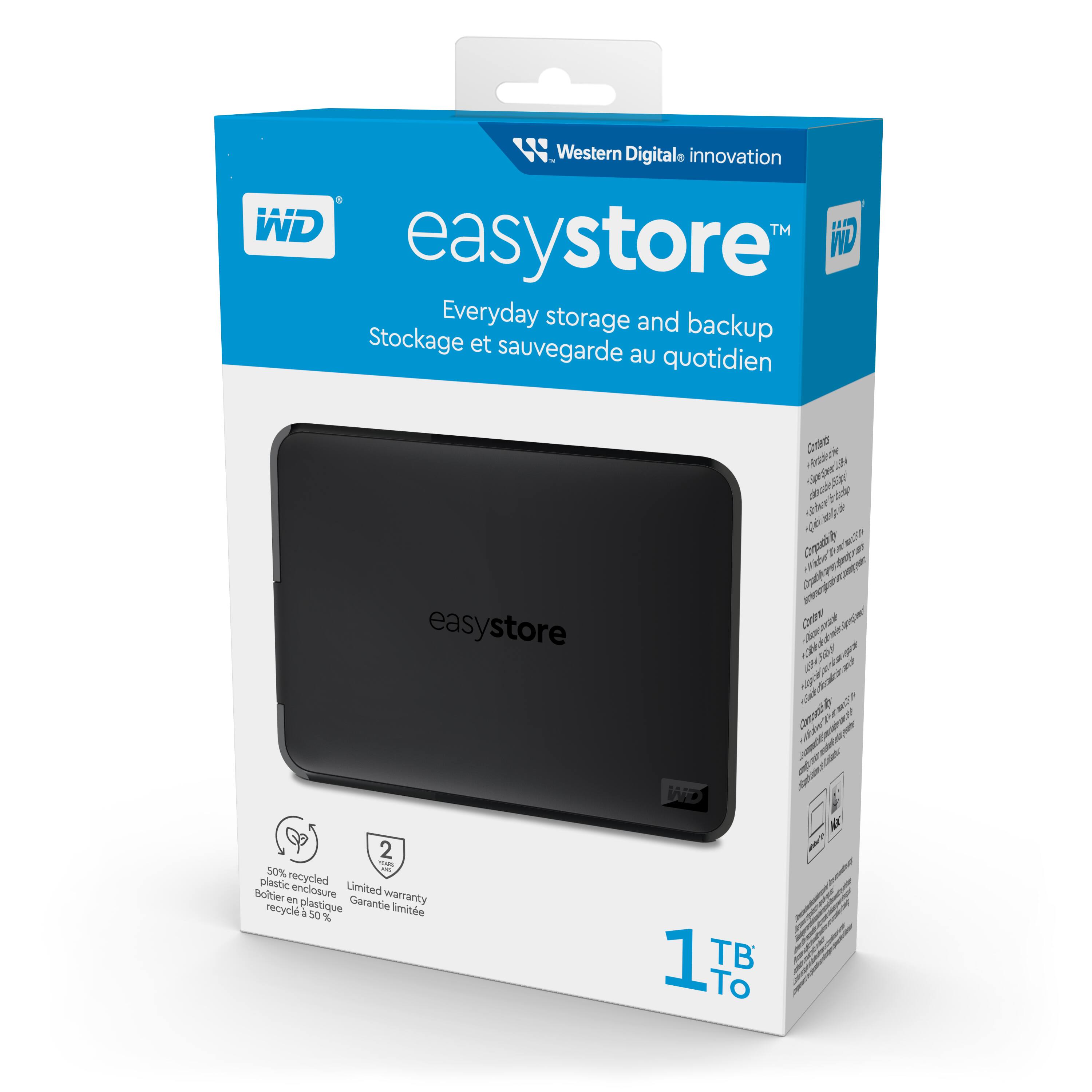
|Posted .This reviewer received promo considerations or sweepstakes entry for writing a review.There’s certain brands that you think of when you think of certain products and when it comes to storage drives Western Digital is one. It’s a brand I know I can count on when I need any kind of storage solution. The Easystore is a small and very lightweight portable drive that’s easy to take with you on the go. Installation is a simple and quick plug and play operation. The device supports USB 3.0 and is backwards compatible with 2.0 devices. Western Digital says the device is made up of 50 percent recycled material. In a time where e-waste is becoming more of a problem, it’s nice to see a company trying to reduce their impact on the planet. My only knock would be I would have liked to of seen them use a USB-C cable instead of the USB-B. The biggest reason is if you forget the cable it will be harder to find someone that has one that you could use compared with USB-C. Having a backup drive for important documents,pics or anything is becoming more and more important with the digital age. Though you can use the cloud, if you’re like me, I would rather have my own backup that only I can access and the Easystore is a great inexpensive option.
I would recommend this to a friend - Pros mentioned:Size, Speed
Great iPhone Companion Drive
|Posted .This reviewer received promo considerations or sweepstakes entry for writing a review.I want to start by thanking Best Buy for sending me this WD Easystore drive for review. I have the new iPhone 15 Pro Max and it will shoot 4K video at 60FPS but in order to shoot in the highest quality called Apple ProRes, you have to plug in an external SSD as it will not record to the phone directly in that quality. That's where this little drive comes in. This drive is the exact same size of the iPhone 15 Pro Max and can therefore be velcroed onto the back of the phone to make carrying the drive with me on shoots really easy. I plug the drive into the USB-C port on the iPhone using a USB-A to USB-C adapter and I can start shooting immediately. I recorded a test video in the highest quality for 1 minute and the file size was 12.81Gbs. The iPhone told me that with this drive attached, I could record 71 minutes of 4K ProRes video. Normally transferring an almost 13Gb file to my Mac Studio would take about 3-4 minutes but with this drive it took only 33.65 seconds. Now imagine I had to shoot a 1 hour video, the file size would be 768Gb. If my math is correct, it would only take about 33.65 minutes to transfer the file to the computer for editing. Of course your time will vary depending upon your computer. As a comparison, I copied the file from the Easystore to the iPhone and then used AirDrop to send the file to the Mac Studio. The transfer took 3 minutes and 45 seconds to complete. You can see why using this external drive is perfect for this kind of work. Since the drive is extremely fast, I can also keep movies, TV shows or photos on the drive and play them back on the iPhone itself with no lag. My only complaint about this drive is that it has a USB3.0 jack and not a USB-C interface. They should have included a USB-C adapter or a USB-3.0 to USB-C cable with the drive as most new computers have a USB-C jack. Still, this drive is perfect fo my needs and will make transfering videos to my computer much faster.
I would recommend this to a friend - Pros mentioned:Storage, Usb
Easy to use portable drive
|Posted .This reviewer received promo considerations or sweepstakes entry for writing a review.The WD easystore 1TB hard drive is a great bang for the buck. With many computers coming with smaller hard drives, most people need an external drive for storing larger files such as pictures and videos. This drive has a few features to help make this process easier. It is compatible with both Mac and PC, It has automatic backup options, and it comes with utility software to configure the drive. It comes with a USB 3 cable and is backwards compatible with USB 2. The only downside to me is that is does not come with a USB-C cable although these can be bought separately or you can use a dongle. USB 3 speeds allow for high-speed transfer between your device and the external drive. 1 TB of storage is plenty for storing music, videos, pictures, and anything else you might not want to store directly on your computer. When it comes to storage devices, I always look to a name I can trust because I would hate to lose all my data. WD is a well-known and trusted brand. Since it is lightweight, and durable, it can be used on the go without worry. Overall, this is a great and easy to use hard drive that I would recommend to anyone looking for external storage.
I would recommend this to a friend - Pros mentioned:Ease of use, Storage
Small and mighty digital storage
|Posted .This reviewer received promo considerations or sweepstakes entry for writing a review.Happy to get the chance to review this product. This Western Digital does not disappoint when it comes to portable storage for your files. I have never had a WD storage device fail in my years, so they are my go-to for both backup and portable storage. This drive is smaller than a deck of cards, yet holds one terbyte of data-- yeah, like a lot. I have a ranch and we take tons of photos of the livestock for posting online for sale. I also am on the board for a couple of non-profits, so I have lots of info I like to keep at my fingertips. While it's great to store things in the cloud, sometimes the cloud is not available! Taking the drive out of the box and getting it setup took a few minutes for windows. then I was in business! I set up folders and easily store my files for portable use. I also tried the drive on three laptops and a desktop and it worked flawlessly, and I was able to read files. This drive can be useful for backing up photos and files, or using it to carry them with you. I find that it is the easiest way to move a large number of files between computers. I think you will find that WD is truly a leader in storage devices!
I would recommend this to a friend - Pros mentioned:Storage, Usb
Great for backing up files
|Posted .This reviewer received promo considerations or sweepstakes entry for writing a review.Western Digital easystore 1TB external drive Setup on this small external drive is very simple: it’s plug and play. 1. Connect it via the supplied USB cable. 2. Install the included software (both Mac and Windows installation software are included on the drive.) 3. You’re in business. You can now start copying files to your new external drive for safekeeping or transferring to another computer. I copied my working files from three different computers to this new external drive so I could have them available as backup whenever and wherever I needed them, and I could also have them available for use on any of my computers whenever I needed them. After backing up my working files from the three computers, I had only used 10gb of space, so it still showed 921gb of open space. It’s always nice to have peace of mind, knowing that your important files are backed up and available when/if needed. I should point out that it’s not an SSD, so you probably want to handle it a bit more carefully. If you’re worried about that, spend a few more dollars and get the SSD. Otherwise, this external drive should work just fine for you.
I would recommend this to a friend - Pros mentioned:Ease of use, Speed
Nice compact drive
|Posted .This reviewer received promo considerations or sweepstakes entry for writing a review.This is a compact external drive that can easily be connected to a device via USB and used to store up to 1TB worth of data. The drive is quite small and light, making it extremely portable, and It comes pre-formatted to work with either Mac or Windows. I already have an older higher capacity WD portable drive, so I decided to dedicate this one to backups of photos and videos. The transfer speeds are good; I’m getting about 300MB/s, which is fine for my purposes. Since the drive is so portable, it obviously makes it easy to travel with, which is how I’ve been using it. Although the plastic enclosure seems sturdy enough, I bought a zippered travel pouch for added protection. Overall, I’m very pleased with this drive. The only reason I would ‘ding’ it is that it uses WD’s ‘special’ connector to connect the USB cable to the drive (the older drive is the same way). I’m not sure why they do this since if something happens to the cable, the drive is useless until you get another cable. Maybe I should ask them. Anyway, other than the cable (and that’s me being picky), the drive has been great.
- Pros mentioned:Speed
Solid and reliable
|Posted .This reviewer received promo considerations or sweepstakes entry for writing a review.I have quite a few external ssd storage devices that I use for everything from backing up photos to functioning as external PlayStation storage, so this isn’t a new experience for me. I do like the weight of this drive, it’s light enough that I don’t feel it trying to drag my pants off when I throw it in a pocket. It certainly seems to be tough despite being so light. I toss it in my backpack to travel back and forth from work and it is standing up to that handling just fine. It’s plenty quick when transferring graphic files and I’ve never seen any indication that it is heating up. Now for the not so great parts. There have been times when I’d have liked to have a longer cable, like when the only available USB slot is on the back of a tower that sits on the floor; I worry I’ll forget it if I can’t see it. Also, there was software loaded on the drive that I couldn’t install. I tried on two different computers, both running Windows 11, with no success. It doesn’t impact the ability to copy files to the drive, but it makes me wonder if there is some sort of fantastic file management tool I’m missing out on. The pros outweigh the cons so I’m comfortable in saying this is not a purchase you’ll regret.
I would recommend this to a friend - Pros mentioned:Speed, Storage
Compact and lightweight
|Posted .This reviewer received promo considerations or sweepstakes entry for writing a review.Lightweight and compact storage. If you need extra storage space for files,pictures etc... this is a great Lightweight and portable option. Weather you have a PC or Mac device this harddrive will give you the extra space you need. Im my case I needed to free up some space in my home computer. I have a lot of 3D models that tend to take up quite a bit of space, but I also didnt want to have a large hardrive that would take up space in my work area. I was also looking for a drive with fast tranfer speeds, loading 3d models can be very slow especially when the models are highly detailed. The WD easystore can transfer up to 5Gbps which is pretty fast. Setup was pretty easy, plugged it into an open USB port with the provided Superspeed usb-A cable and was able to transfer files from my computer to the hard drive right away. And transfer of a little over 1000 files took about 30 seconds. Only issue I had was with the preloaded install guide download, it got stuck at 18% a couple times during setup. So if you are looking for a compact Lightweight external storage device, look no further than the WD easystore.
I would recommend this to a friend - Pros mentioned:Ease of use, Speed, Storage
Easystore external hard drive
Posted .This reviewer received promo considerations or sweepstakes entry for writing a review.This drive provides excellent portable storage. I primarily use it for work, for text and audio files. It's fast and easy to use.
I would recommend this to a friend Solid state backup, solid price
|Posted .This reviewer received promo considerations or sweepstakes entry for writing a review.This is a fast, very light-weight external backup drive. It comes with an 18” USB type-A to USB 3.0 micro-B cable. If, for some reason, you need a longer cable that type can easily be purchased. The USB micro-B connector is the wider, two-port, type of connection with the extra pins to get the high-speed data transfers. For the price, this seems like a great choice for quickly backing up files. I’ve transferred quite a few 3 to 5 GB video files that take maybe 10 seconds each. I’ve also backed up some folders that had hundreds of smaller files. Even though it wasn’t as much data, it did take longer (as expected) since Windows is doing a bunch of file reads, etc. The only small criticism I have of this drive is that I wish it had a status light of some sort. Just being able to see at a glance that it’s connected and powered up would be nice. Also, an activity light when it’s reading/writing could be handy. Beyond that, it’s a great drive. It’s fast, light, easy on the budget, and comes with a 2-year warranty from Western Digital.
I would recommend this to a friendUpgrade for my Tesla!
|Posted .This reviewer received promo considerations or sweepstakes entry for writing a review.So I got this for my Tesla, which comes with only 128GB storage. However, this storage can be used on pretty much anything. 1TB is good for my use though. The first thing I noticed is how this storage unit feels in the hand, it's not very heavy at all. Has almost no weight to it, and feels hollow for the most part in comparison to all of my other units. That does not take away from the products performance, but I had to point this out. With that being said, build quality is still pretty good. It's just a plastic casing. The performance when tested, speeds are decent. This is not an SSD, so be mindful when trying to decide on which type of storage to get. SSDs are faster, but sometimes can be very expensive when compared to portable storage drive like this. While this is fast, it's not the fastest. If you are just transferring files from your computer, it's fine. Again, I used it for recording in my Tesla, and I don't see any issues. If you need an affordable option for storage, give this one a try. It works with pretty much anything.
I would recommend this to a friend- Pros mentioned:Storage
worth it
Posted .This reviewer received promo considerations or sweepstakes entry for writing a review.very worth the price for the amount of storage, not the strongest case in the world, and you should know how to care for it before using it, but worth it
I would recommend this to a friend