Customer Ratings & Reviews
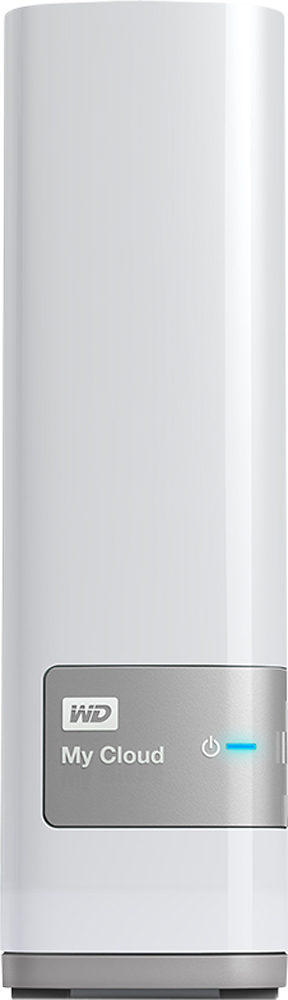
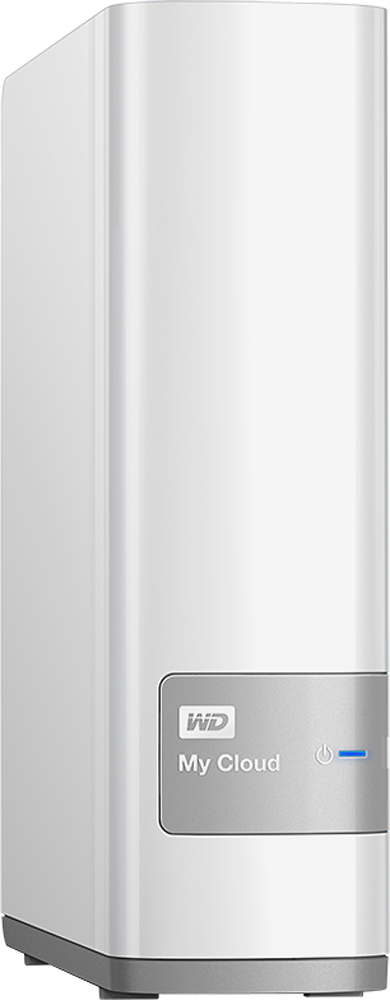
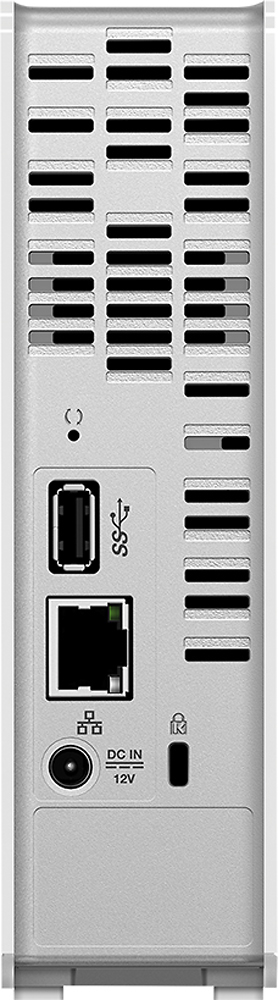
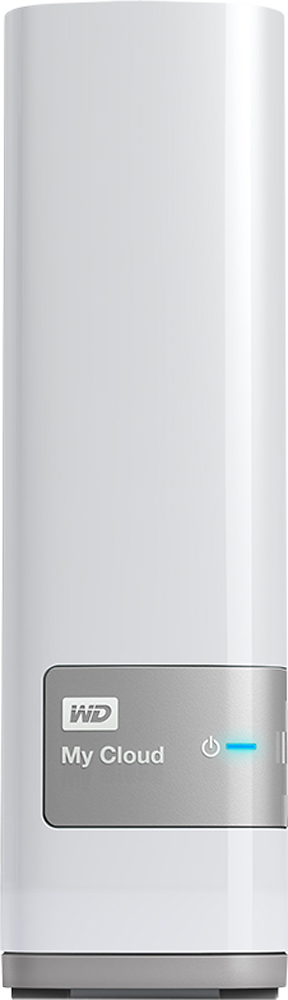
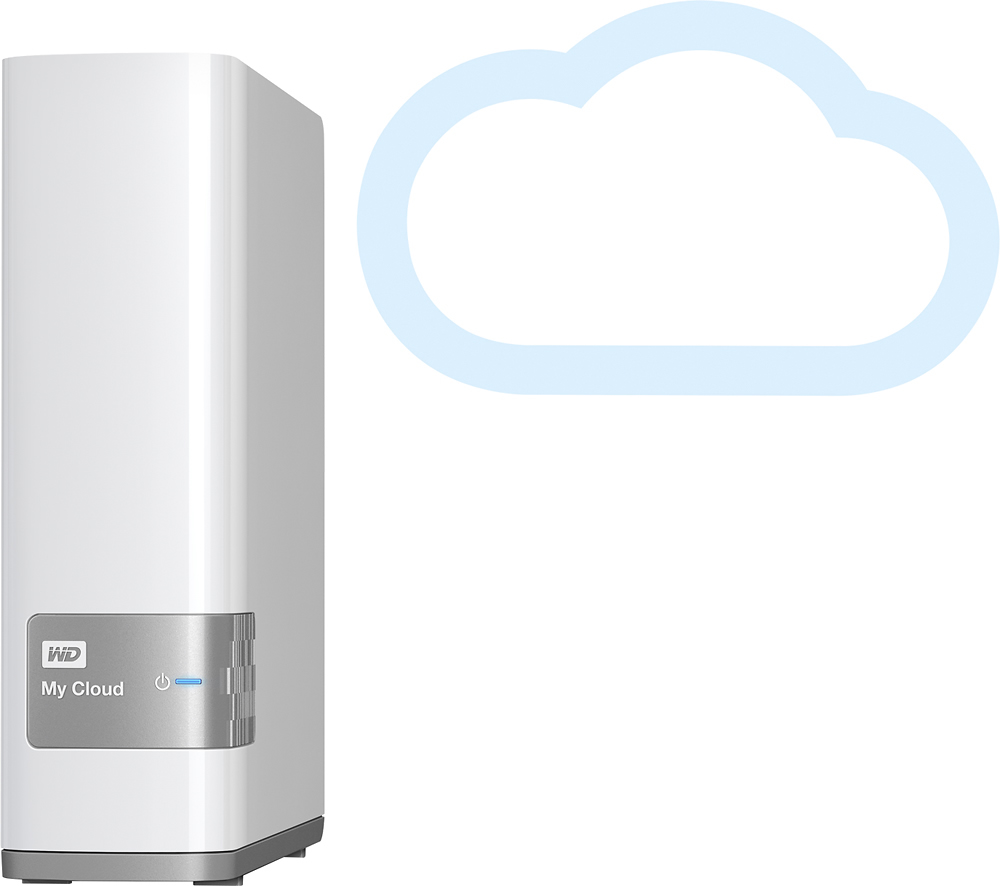

- Model:
- WDBCTL0040HWT-NESN
- |
- SKU:
- 2832018
Customer reviews
Rating 4.2 out of 5 stars with 1848 reviews
(1,848 customer reviews)Rating by feature
- Ease of Use3.5
Rating 3.5 out of 5 stars
Customers are saying
Customers find value in the My Cloud 4TB External Hard Drive's ease of use, large storage capacity, and relatively quick setup. Positive feedback also highlights its performance, remote access capabilities, and competitive price. However, some users experienced challenges with the software and interface, suggesting areas for improvement. The instructions could also benefit from greater clarity and detail.
This summary was generated by AI based on customer reviews.
Rated 4 out of 5 stars
Good beginner NAS drive
||Posted .This reviewer received promo considerations or sweepstakes entry for writing a review.This is a way better nas drive then I expected. I use it to stream my ripped blu rays and it works perfect
I would recommend this to a friendRated 4 out of 5 stars
Working as expected
||Posted .This reviewer received promo considerations or sweepstakes entry for writing a review.It was easy to setup to router and to synchronize with my computers. The video instructions is not very detailed and it took me a while to understand how to move files from my computer to the cloud; not real intuitive or easy. But I succeeded in moving all of my photos to the cloud and still trying to setup my computer to automatically backup if that is possible. Overall, I have peace of mind knowing important files are off my computer in a safe place.
I would recommend this to a friend- Pros mentioned:Ease of use
Rated 4 out of 5 stars
Good Buy
||Posted .This reviewer received promo considerations or sweepstakes entry for writing a review.Very easy to setup. Have had it up and running for about a month and the automatic backup is doing its job.
I would recommend this to a friend - Pros mentioned:Ease of use
Rated 5 out of 5 stars
Good home NAS device
||Posted .This reviewer received promo considerations or sweepstakes entry for writing a review.I normally dislike these home Network Attached storage devices but this little WD has one me over so far. I didn't bother with any software, I just scanned by network for the ip address and got right in from there.
I would recommend this to a friend - Pros mentioned:Ease of use
Rated 5 out of 5 stars
This is a great product
||Posted .This reviewer received promo considerations or sweepstakes entry for writing a review.I like that all of my computers can access the drive, so it cuts WAY down on using a thumb drive to move files from one computer to another. The software is simple to install, and the drive is just a click away.
I would recommend this to a friend - Pros mentioned:Storage
Rated 4 out of 5 stars
Reasonably priced NAS solution
||Posted .This reviewer received promo considerations or sweepstakes entry for writing a review.I found the to be a reasonably priced NAS solution for Backing up photos. Simple set up.
I would recommend this to a friend - Pros mentioned:Ease of use
Rated 4 out of 5 stars
Great buy
||Posted .This reviewer received promo considerations or sweepstakes entry for writing a review.Somewhat awkward to use att first but once familiar it is a very useful device for home network storage
I would recommend this to a friend - Pros mentioned:SetupCons mentioned:Speed
Rated 4 out of 5 stars
Works as advertised.
||Posted .This reviewer received promo considerations or sweepstakes entry for writing a review.Setup was easy and I was able to drag and drop a large group of files over to transfer. Transfer time is slow with large files. Biggest setback is the inability to use it as ready storage for video files (iMovie Events) in iMovie editing.
I would recommend this to a friend - Pros mentioned:StorageCons mentioned:Speed
Rated 4 out of 5 stars
Good product but slow sometimes
||Posted .This reviewer received promo considerations or sweepstakes entry for writing a review.This is a good product. However, uploading photos/videos from iphone or Android phone takes a long time even when using a strong wi-fi network. Not sure if its a limitation of the 'MyCloud' hardware or the app itself. But, overall a good place to save all your documents.
I would recommend this to a friend - Pros mentioned:Ease of use
Rated 5 out of 5 stars
Works as expected
||Posted .This reviewer received promo considerations or sweepstakes entry for writing a review.I have always found WD products to work well. This product is no exception. Setup was mostly easy. I did find that initially how rights are assigned is a little confusing. But got through it and works great.
I would recommend this to a friend - Pros mentioned:Ease of use, Setup
Rated 5 out of 5 stars
Plug and Play - Great Storage!
||Posted .This reviewer received promo considerations or sweepstakes entry for writing a review.Was looking for something that can store documents and photo for my family with easy access for all computers in the household. Did some research and was told that a NAS or network driver were what I was looking for. Check BestBuy for some good options and this came up. The setup was plain and simple. Good instruction on setting the MyCloud account. Everything is running smooth. All computers are able to access the driver 24/7. Quiet too!
I would recommend this to a friend - Pros mentioned:Ease of useCons mentioned:Instructions
Rated 3 out of 5 stars
Good storage device - instructions are vague
||Posted .This reviewer received promo considerations or sweepstakes entry for writing a review.The installation and setup instructions need to be more defined. The setup was easy for some of the devices in my home but vague for others. I was able to use the My Cloud 4TB External Hard Drive to access Time machine for my MacBook Pro but could not figure out how to backup my iPad Pro separately. I was only able to input one of three iPads. I will update this review once I complete the additional backups on the rest of my devices. (1 HP desktop, 3 iPads, one MacBook Air and 2 iPhones )
I would recommend this to a friend - Cons mentioned:Software
Rated 3 out of 5 stars
Great Product / OK Software
||Posted .This reviewer received promo considerations or sweepstakes entry for writing a review.The hard drive is a great hard drive, but the software included (which is needed in order to use the hard drive) is complete rubbish. It's very slow and doesn't include many of the details needed to manage the hard drive and the files and folders contained in the hard drive. Also the Dashboard app for the hard drive doesnt work 50% of the time.
I would recommend this to a friend - Pros mentioned:Ease of use, Storage
Rated 5 out of 5 stars
My Cloud 4TB
||Posted .This reviewer received promo considerations or sweepstakes entry for writing a review.First I caught this gem on sale which was a bonus. This piece of hardware was very simple to connect to the network and before you know it I had my computers backed up and nice additional storage to relieve a lot of space from my phone. With the app I installed everything I have stored on the NAS is available to me as long as I have a wifi or wireless connection. Awesome product!
I would recommend this to a friend - Pros mentioned:Performance, Price, Storage
Rated 5 out of 5 stars
Great HD, great price!
||Posted .This reviewer received promo considerations or sweepstakes entry for writing a review.Great backup drive for a Mac. Large 4 TB, great price, good performance. Works well with Time Machine.
I would recommend this to a friend Rated 2 out of 5 stars
Below expectations
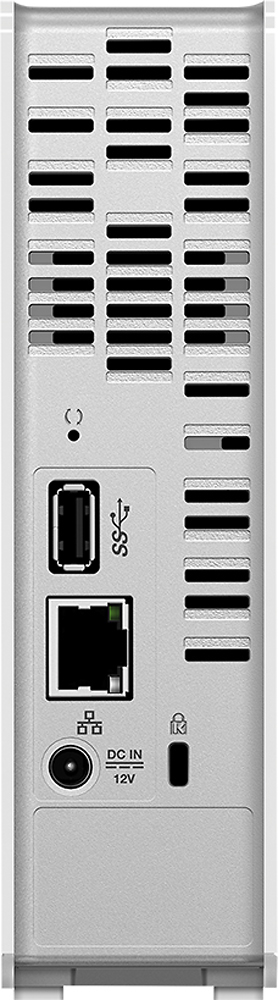
||Posted .This reviewer received promo considerations or sweepstakes entry for writing a review.I bought this device hoping it will be a NAS. Installing it was fairly easy. I didn’t want to register with WD the first day, so I bypassed the process and got directly to the http menu interface after updating it to the latest firmware. The first problem appeared when I tried to customize it. I only wanted to change the name and the description, and as soon as I deleted the description data, the entire form was disabled and grey out, including the name field. It never worked again. I decided to go without a network name, and started creating user shares and defining ownership. I used the email from one of the customers to keep the information organized inside the web interface. A couple hours later, and for some mysterious reason nobody can yet explain, that particular user (not an administrative account) started to receive advertisement emails from the Western Digital company. I deleted the email address from the MyCloud interface, and blocked the device access to the internet. This also killed the possibility of remotely connecting to the HDD, but I didn’t want to trouble my customers with spam emails from WD. Any other further emails were also defined as junk inside the email client. At this point I decided to make a backup of the settings, and to factory-restore the MyCloud. The restoring never finished, and the menu was stuck on that particular screen for an entire day not matter the option I selected. When I finally got it back online after unplugging it from the wall, I couldn’t make the backup settings to work, as the MyCloud read the file, uploaded it, rebooted and everything stayed just the same. Not even the IP address changed from DHCP to static. I took it back to BestBuy, and got a second one. The story repeated; then I got a third one. This one was even worse, as the performance degraded in a matter of minutes. It was returned as well. One of the most bizarre details of this NAS is that the menu has an option to shut it down by software, but the Ethernet port stays on not matter what. The only way to restore its function is to manually unplug it and plug it back to power, which requires a full access to the device. Why this port is still on while the rest is inaccessible is surprising, unless WD is planning to be able to wake it up on LAN access in a future firmware release. Apparently, the WD MyCloud is not ready for consumer use. The good side of this story: small, beautifully designed device, an available USB 3.0 port to connect an extra HDD or flash drive, menu interface is easy to understand; it’s very easy to update and check status from the main menu, and extremely easy to access on a network. Both, the machine and the USB access are really fast (unless the degrading issues start to show up, of course). Now, every time I go to BestBuy, I visit the WD MyCloud area and stare to this NAS, wishing that it will work in the near future. Meanwhile, I got an external USB 3.0 Toshiba Canvio 4TB and connected it to a router with an USB share port functionality. It’s very decent configuration.
No, I would not recommend this to a friendRated 4 out of 5 stars
Very handy with a major "oddity"
||Posted .This reviewer received promo considerations or sweepstakes entry for writing a review.I really enjoy this storage device - happy with the amount of space and the easy setup. However, the device is designed by default to use their app and not FTP or mapping the drive so you have to take a few extra steps to get the drive conveniently accessible outside of their own app. Also, the web/remote access is handy to have accessible to different "users" but the folder management access could use a bit of a touch up.
I would recommend this to a friend- Pros mentioned:Ease of use
Rated 5 out of 5 stars
Works well just what I was looking for.
||Posted .This reviewer received promo considerations or sweepstakes entry for writing a review.This was setup for a small office. It is working great to share files with multiple users. It was easy to setup. Very happy with this product so far.
I would recommend this to a friend - Pros mentioned:Ease of use
Rated 5 out of 5 stars
Great
||Posted .This reviewer received promo considerations or sweepstakes entry for writing a review.Easy to setup and use. Great knowing I have a network backup drive that does all the work automatically and I no longer have to worry about remembering to plug in my backup drive to my laptop.
I would recommend this to a friend - Pros mentioned:Ease of use
Rated 4 out of 5 stars
easy network drive to setup
||Posted .This reviewer received promo considerations or sweepstakes entry for writing a review.drive was as simple as plug in and bootup. the share partition was setup and ready to go.
I would recommend this to a friend