Customer Ratings & Reviews
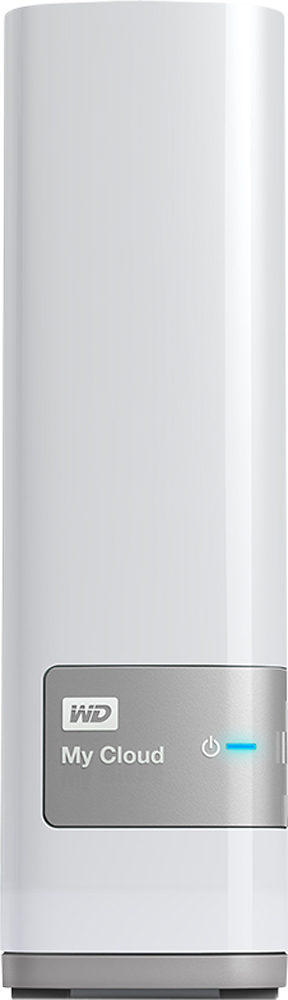
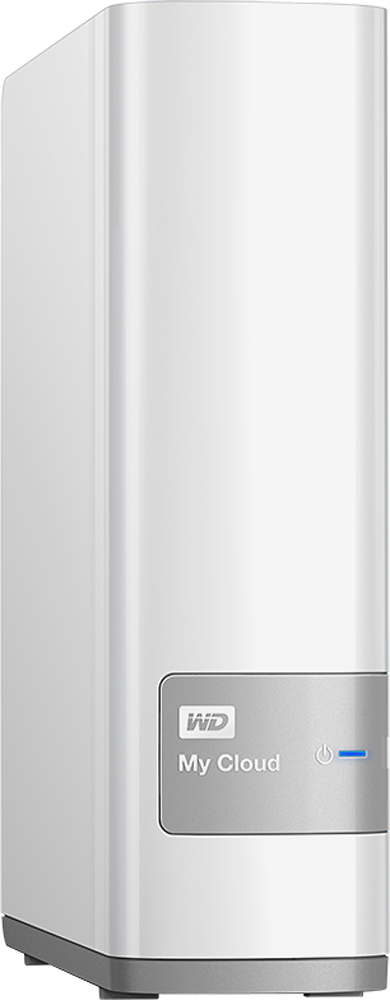
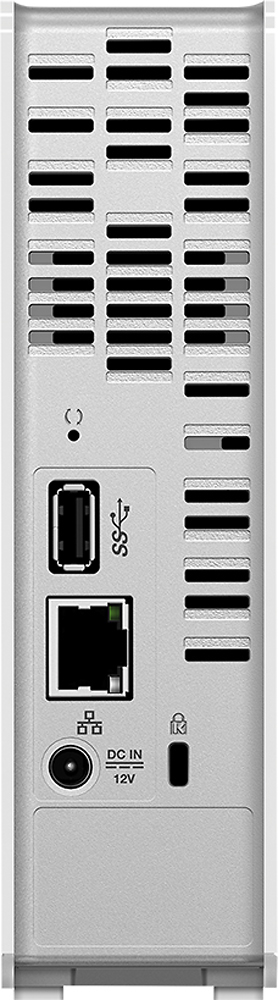

- Model:
- WDBCTL0040HWT-NESN
- |
- SKU:
- 2832018
Customer reviews
Rating 4.2 out of 5 stars with 1848 reviews
(1,848 customer reviews)Rating by feature
- Ease of Use3.5
Rating 3.5 out of 5 stars
Customers are saying
Customers find value in the My Cloud 4TB External Hard Drive's ease of use, large storage capacity, and relatively quick setup. Positive feedback also highlights its performance, remote access capabilities, and competitive price. However, some users experienced challenges with the software and interface, suggesting areas for improvement. The instructions could also benefit from greater clarity and detail.
This summary was generated by AI based on customer reviews.
- Pros mentioned:SetupCons mentioned:Speed
Rated 4 out of 5 stars
Happy so far
Posted .This reviewer received promo considerations or sweepstakes entry for writing a review.The device was easy to setup and it has been working well for the last couple of months. The remote access was working well too, but recently after I changed from Win7 to Win8.1, I've been having some certificate error while accessing the remote drive. I've tried IE and chrome and both behaved the same way. I tried all the troubleshooting steps I could get my hands on, but nothing has helped so far. Other than that this device is a good purchase for the price. I read a lot of bad reviews about the speed. I get around 3-6 Mbps while writing to it over wifi, but it is a lot faster if my laptop is connected through Ethernet cable. If you are doing a bulk copy of your files to the drive, I suggest letting it run overnight while the laptop/desktop is connected to the router through wire. I also have to warn that, if you are transferring files from another USB drive to this NAS, you will get terrible speed if you connect the USB drive straight to the NAS and initiate the copy from your laptop. I hear this is how it is for most NASes, and it would be better to just hook the USB drive to your laptop and start the copy from there.
I would recommend this to a friend Rated 3 out of 5 stars
Died after two years
||Posted . Owned for more than 2 years when reviewed.This reviewer received promo considerations or sweepstakes entry for writing a review.It worked well for two years. Don’t know why it died
I would recommend this to a friendRated 1 out of 5 stars
Good concept, bad execution
||Posted .This reviewer received promo considerations or sweepstakes entry for writing a review.I have a small design/marketing agency and thought this would be a great alternative to an entire server system for my employees and myself to work from. In concept it works fine. But it took six hours with two different WD folks on the phone and it still doesn't work as promised. I am a pretty strong IT guy and this falls far short of what they advertise. Buyer beware - you will spend a LOT of time setting it up and maintaining it every time you log in. If you can log in. Still a lot cheaper than a server or VPN system, but not sure the time lost makes up for the price difference.
No, I would not recommend this to a friend- Pros mentioned:Storage
Rated 1 out of 5 stars
too complex could not get it to work
||Posted .This reviewer received promo considerations or sweepstakes entry for writing a review.Bought this on sales clerk recommendation. All I wanted was an external,hard drive with more memory than my current one. My cloud is much more than that. My tech consultant could not get it to work. I will be returning it.
No, I would not recommend this to a friend Rated 3 out of 5 stars
Not user friendly
||Posted .This reviewer received promo considerations or sweepstakes entry for writing a review.Won't let you back up whole folders. Only files in the folders.
No, I would not recommend this to a friendRated 2 out of 5 stars
Difficult to set up.
||Posted .This reviewer received promo considerations or sweepstakes entry for writing a review.This was difficult to set up. I plugged it into my router, and it would cause my internet to go out. I would unplug it, and my internet would be fine. I worked for days trying to figure out why, and finally did. Then it is difficult to setup the auto backup. I am still not fully functional.
No, I would not recommend this to a friendRated 1 out of 5 stars
Too complicated
||Posted .This reviewer received promo considerations or sweepstakes entry for writing a review.Bad design. Too complicated to set up or use. Too bulky.
No, I would not recommend this to a friendRated 3 out of 5 stars
nice for the price
||Posted .This reviewer received promo considerations or sweepstakes entry for writing a review.My husband wanted this unit to back photos. He said it works ok.
No, I would not recommend this to a friendRated 3 out of 5 stars
Not bac
||Posted .This reviewer received promo considerations or sweepstakes entry for writing a review.A little confusing to set up ,wish it was more plug and play
I would recommend this to a friendRated 3 out of 5 stars
kind of complicated to load up
||Posted .This reviewer received promo considerations or sweepstakes entry for writing a review.I'm having problems viewing photos on my phone that I upload to my pc
I would recommend this to a friendRated 1 out of 5 stars
Not user friendly
||Posted .This reviewer received promo considerations or sweepstakes entry for writing a review.The salesperson recommended this when my husband was looking to purchase an external hard drive. We liked the idea that it was a "cloud" and any of our devices (Computers, cell phones, tablets, etc.) could access or be accessed. It is very difficult and time consuming to figure out. The problem is, I have yet to be able to access the cloud! The company seems to be nice and eager to help, but I have a busy schedule and can't hook up with them. I would have liked it to be simple... like an external hard drive. ...Where you right click the file/files/folder/folders and then send or copy/cut and go directly in to the cloud and paste it in the file you'd like. Nope, not that easy. I'm not sure if the conflict is with the Win 10 or if it's just the way the cloud is set up.
No, I would not recommend this to a friendRated 3 out of 5 stars
Does what I paid for
||Posted .This reviewer received promo considerations or sweepstakes entry for writing a review.Needed to update my computer. Irem was recommended.
I would recommend this to a friendRated 3 out of 5 stars
No cord
||Posted .This reviewer received promo considerations or sweepstakes entry for writing a review.No cord makes it hard to operate so I took it back
No, I would not recommend this to a friendRated 3 out of 5 stars
great for storage
||Posted .This reviewer received promo considerations or sweepstakes entry for writing a review.Is good but when downloading from outside are pretty slow....
I would recommend this to a friendRated 2 out of 5 stars
Not as easy as it advertises
||Posted .This reviewer received promo considerations or sweepstakes entry for writing a review.The instructions on here made it look easy to use. I've had to call Western Digital customer service at least 3 times for help. And I'm still not sure how to use this. I think this works easier for people who have taken Networking classes before
No, I would not recommend this to a friendRated 2 out of 5 stars
Constantly disconnects
||Posted .This reviewer received promo considerations or sweepstakes entry for writing a review.I've had it for a few months and it tends to disconnect from the network, so it's annoying to have to reset the connection periodically. You might be better off with a stand alone external drive or set up an htpc as a server.
No, I would not recommend this to a friendRated 1 out of 5 stars
No Support form Western Digital
||Posted .This reviewer received promo considerations or sweepstakes entry for writing a review.When Setting this item up there were many issues with the software. I did not actually gain control of the dashboard for 2 weeks (and many hours of attempting to get there). The on-line help topics required you to be able to do things that you could not access. Numerous e-mails to Western Digital's support went unanswered (still have never received a response of any kind from them). Still have work to do on permissions and partitions of the drive (does not work in the manner that the on-line instructions indicate).
No, I would not recommend this to a friendRated 2 out of 5 stars
not enough directions
||Posted .This reviewer received promo considerations or sweepstakes entry for writing a review.I was really looking forward to acquiring this item. Once i received it the directions were minimal. Even after going online to the site, the directions were difficult to find and follow. Not very user friendly.
No, I would not recommend this to a friendRated 1 out of 5 stars
The drive will not go to sleep
||Posted .This reviewer received promo considerations or sweepstakes entry for writing a review.The drive will not go to sleep unless you turn off cloud access. I have worked with WD support for over 2 weeks they agreed to buy back the drive because it was longer than BB 15 return policy. The drive running all the time will fail prematurely. I also have old WD MyLiveDrive on the same network for 5years and it went to sleep with the cloud access without issue. WD blamed my network and I switch routers from dlink to Google wifi mesh neither worked well with this MYclouddrive to allow it to sleep. Im looking for anther drive that works well with these well know networks routers.
No, I would not recommend this to a friendRated 2 out of 5 stars
just ok
||Posted .This reviewer received promo considerations or sweepstakes entry for writing a review.Cant stream music to all my devices, Have to down load files first, and they don't show up in my music player library, have to go to files, Will only play one song at a time.
No, I would not recommend this to a friend