Customer Ratings & Reviews




- Model:
- WDBVXC0040HWT-NESN
- SKU:
- 5990204
Rating by feature
- Value
Rating 4.0 out of 5 stars
- Quality
Rating 4.2 out of 5 stars
- Ease of Use
Rating 4.0 out of 5 stars
Customers are saying
Customers love the My Cloud Home 4TB Personal Cloud for its easy setup, ample storage, and reasonable price. They appreciate the convenience of being able to access and share their files from anywhere. However, some users have experienced compatibility issues with previous generation drives, software crashes, and data loss.
This summary was generated by AI based on customer reviews.
better then the old style so far
||Posted .This reviewer received promo considerations or sweepstakes entry for writing a review.im not having a issue like i did the old one works great
I would recommend this to a friendGreat for Apple Time Machine
||Posted . Owned for 1 week when reviewed.This reviewer received promo considerations or sweepstakes entry for writing a review.Used this to replace the outdated Apple Time Capsule. Works great and fast.
I would recommend this to a friendPainfully Slow
||Posted . Owned for less than 1 week when reviewed.This reviewer received promo considerations or sweepstakes entry for writing a review.This device installs quickly and easily. That the good part. Backups are painfully slow. A 50gb iPhoto backup took 5 hours with nothing else being backed up. A time machine backup of my MacBook was showing over 1 day before I stopped it and delated the files. I will be returning this.
No, I would not recommend this to a friendNot really a NAS
||Posted . Owned for 3 weeks when reviewed.This reviewer received promo considerations or sweepstakes entry for writing a review.It works well. But as a heads up, it does not act like a real NAS
I would recommend this to a friendJust ok
||Posted .This reviewer received promo considerations or sweepstakes entry for writing a review.I like it’s a cloud but uploading the pics else where is like pulling teeth
No, I would not recommend this to a friendGood product
||Posted . Owned for 1 month when reviewed.This reviewer received promo considerations or sweepstakes entry for writing a review.Good product but updating firmware should be easier
I would recommend this to a friendAwesome!!!
||Posted . Owned for 3 weeks when reviewed.This reviewer received promo considerations or sweepstakes entry for writing a review.Great product, great price, would definitely recommend.
I would recommend this to a friendAwesome
||Posted . Owned for 3 months when reviewed.This reviewer received promo considerations or sweepstakes entry for writing a review.Excellent product. Nice online application too. Very helpful and easy instructions
I would recommend this to a friendNOT a NAS Drive
||Posted .This reviewer received promo considerations or sweepstakes entry for writing a review.Overall it is JUST a network accessible backup drive. Not accessible like a NAS drive for pulling content.... Not Music nor Movies Get a BUFFALO NAS drive for that. That’s what I did. This product description is deceptive. Buyer beware.
No, I would not recommend this to a friendI hate it with a passion and will be returning it.
||Posted .This reviewer received promo considerations or sweepstakes entry for writing a review.Horrible user experience. Worthless if you are trying to back up files, it will take a week to upload even 1 terabyte, assuming it doesn't crash and make you start your upload over. This isn't on your network like you would think it is. Your files all go through WD servers before they are stored on your drive.
No, I would not recommend this to a friendGreat Drive
||Posted .This reviewer received promo considerations or sweepstakes entry for writing a review.Works as advertised and backups up my computer quickly.
I would recommend this to a friend- Pros mentioned:Ease of use, Setup

Easy and Simple Cloud Storage
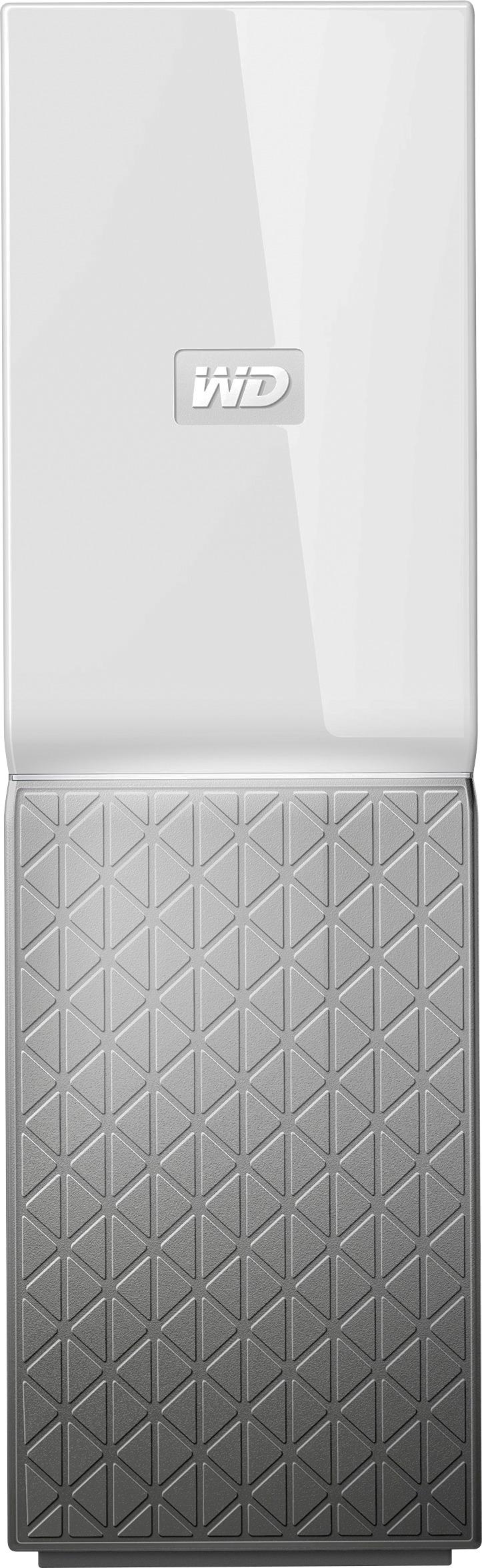
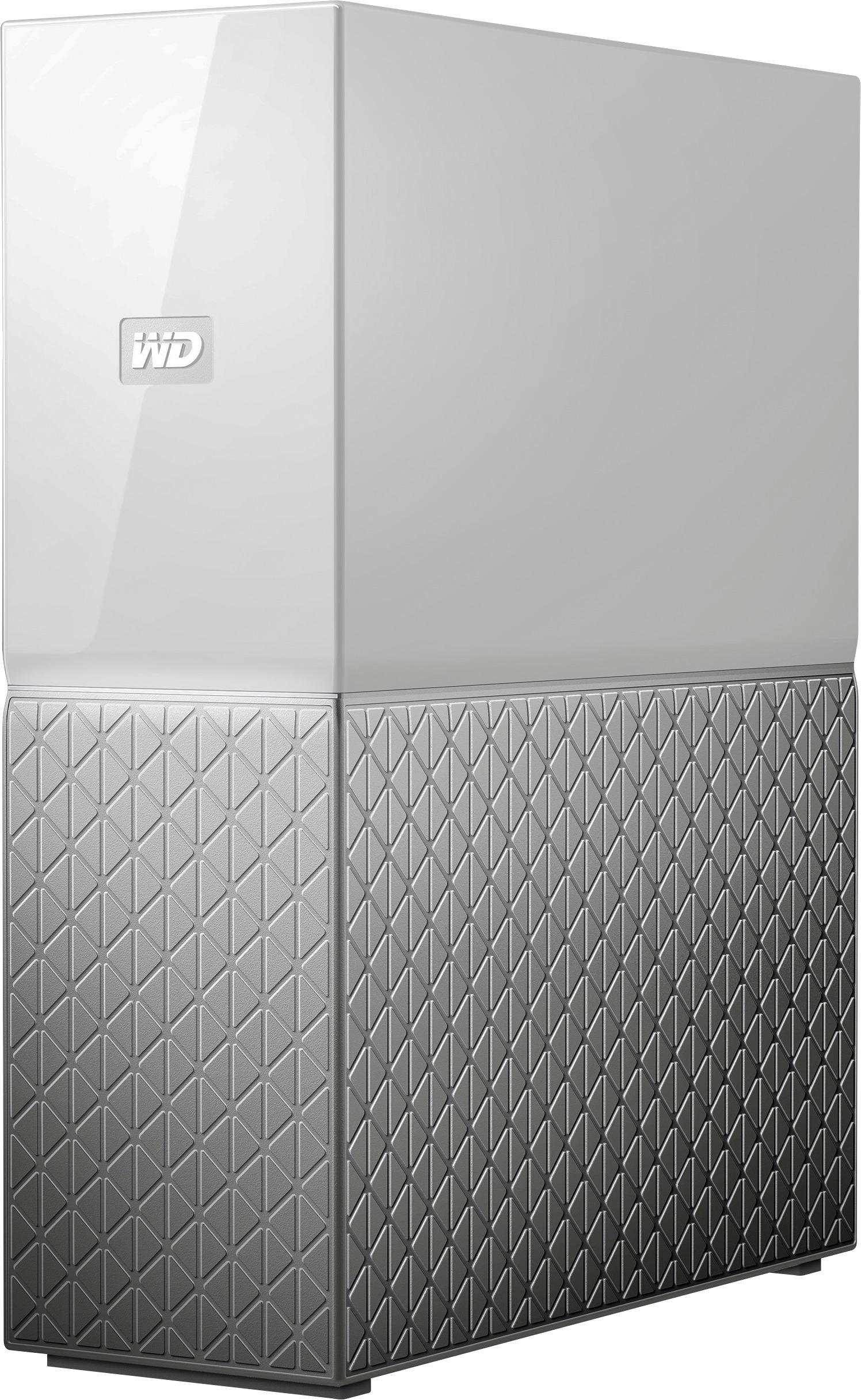
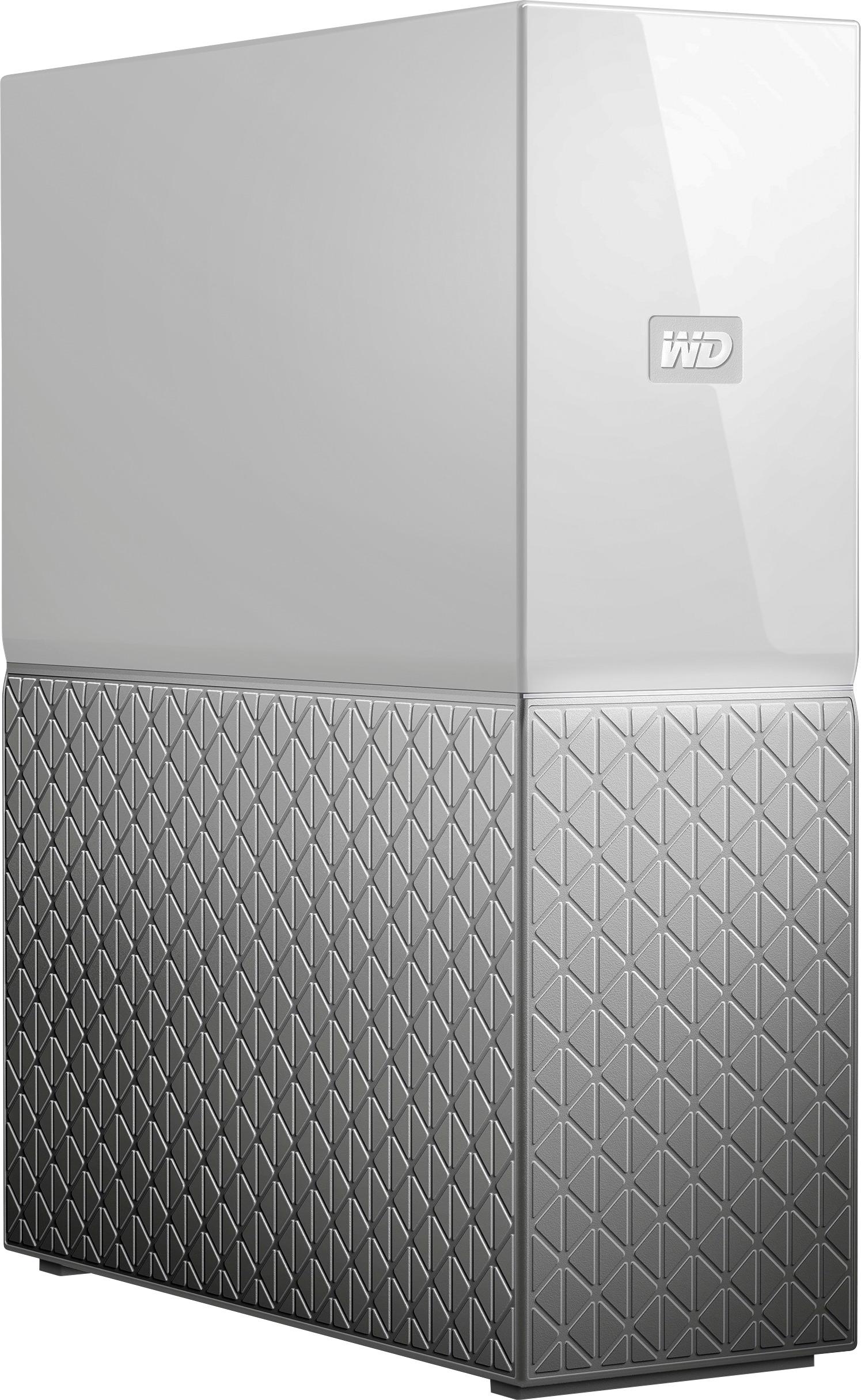
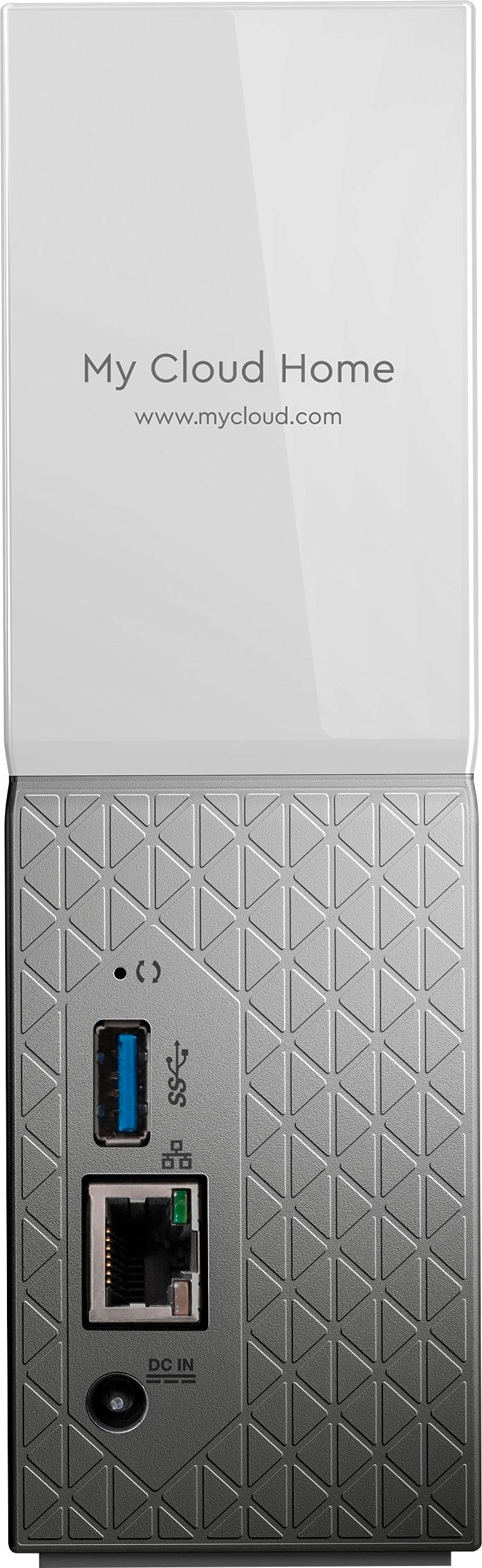
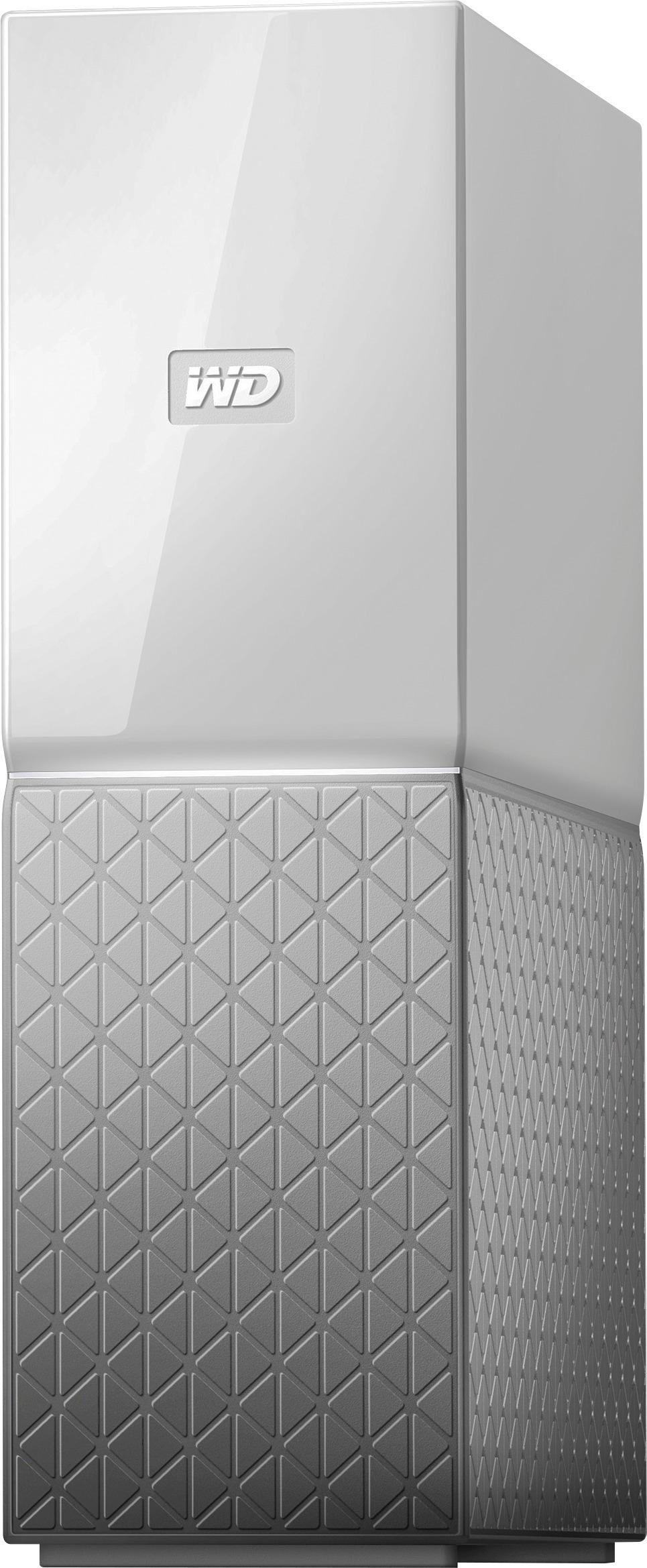
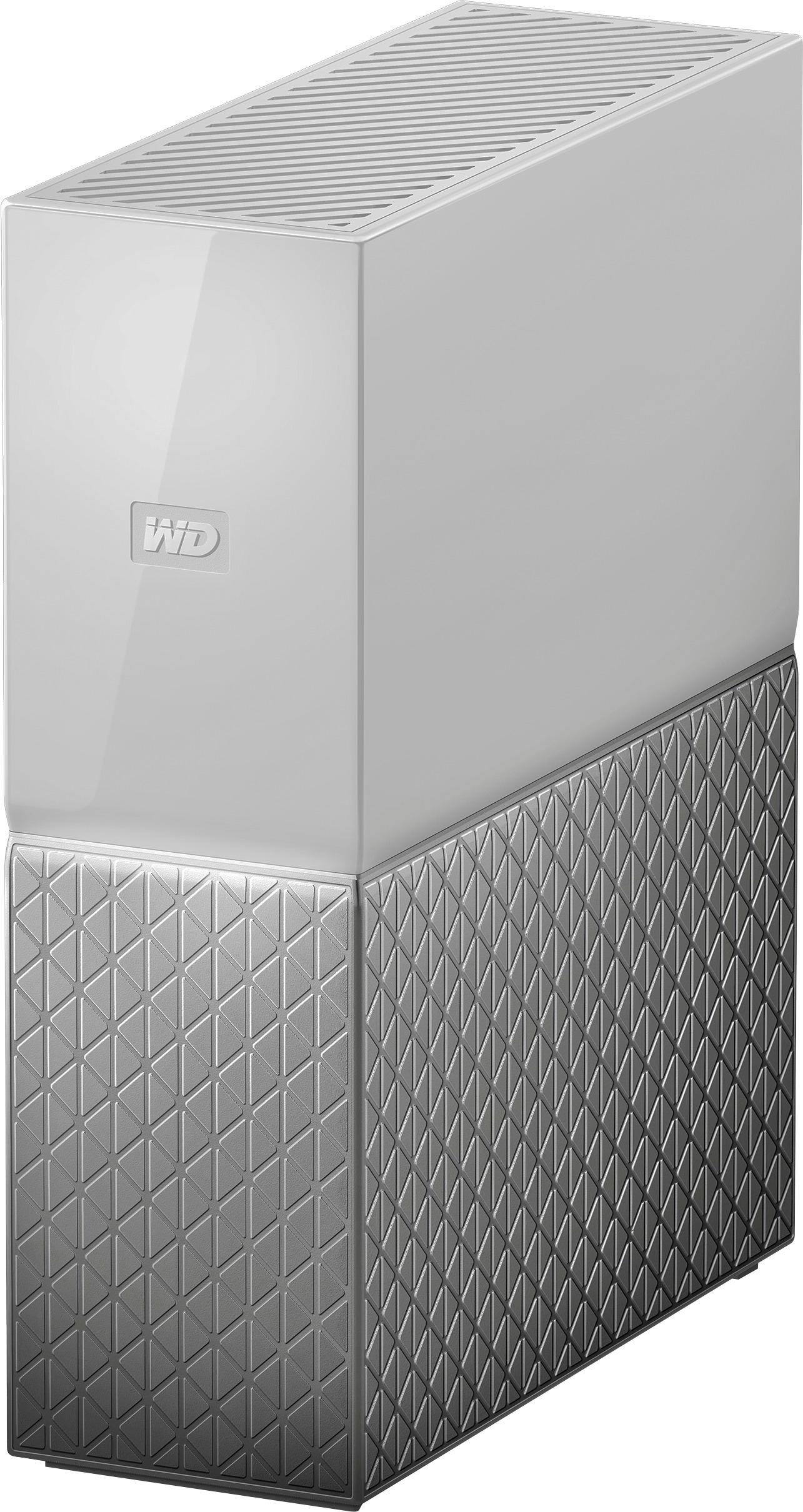
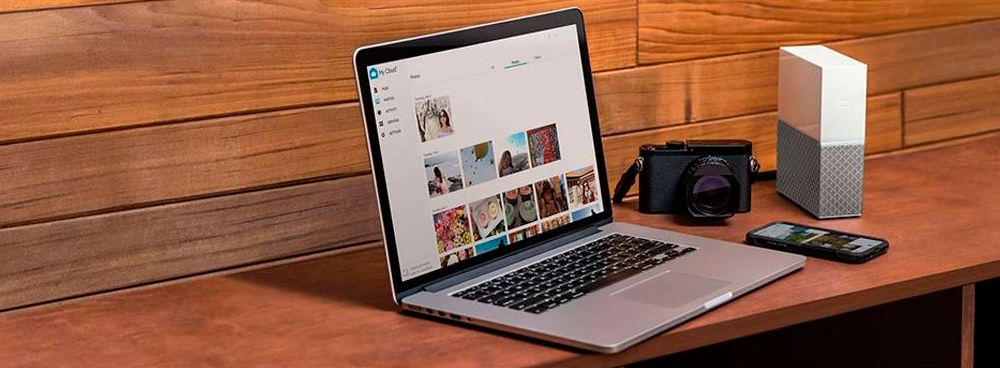
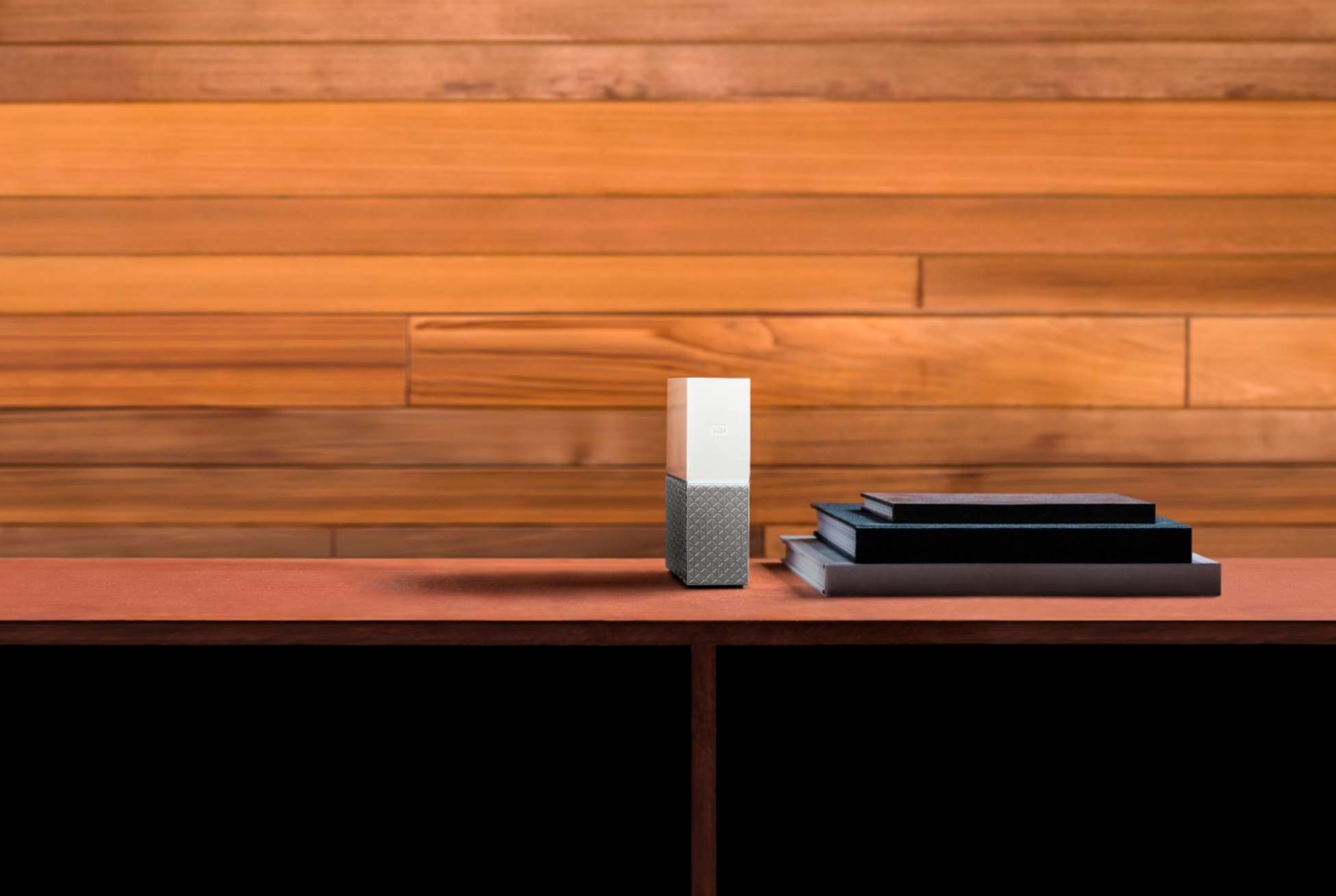
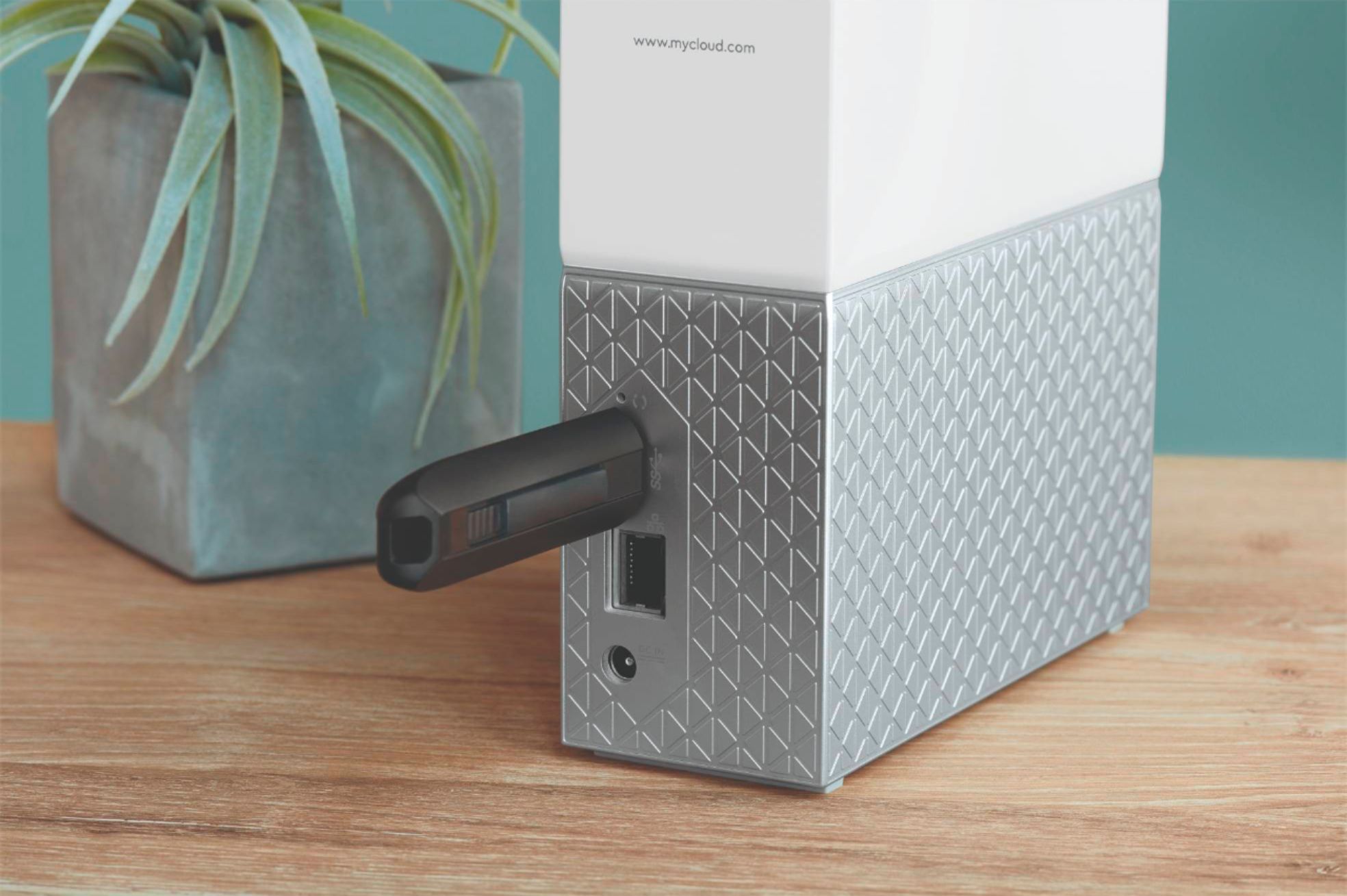
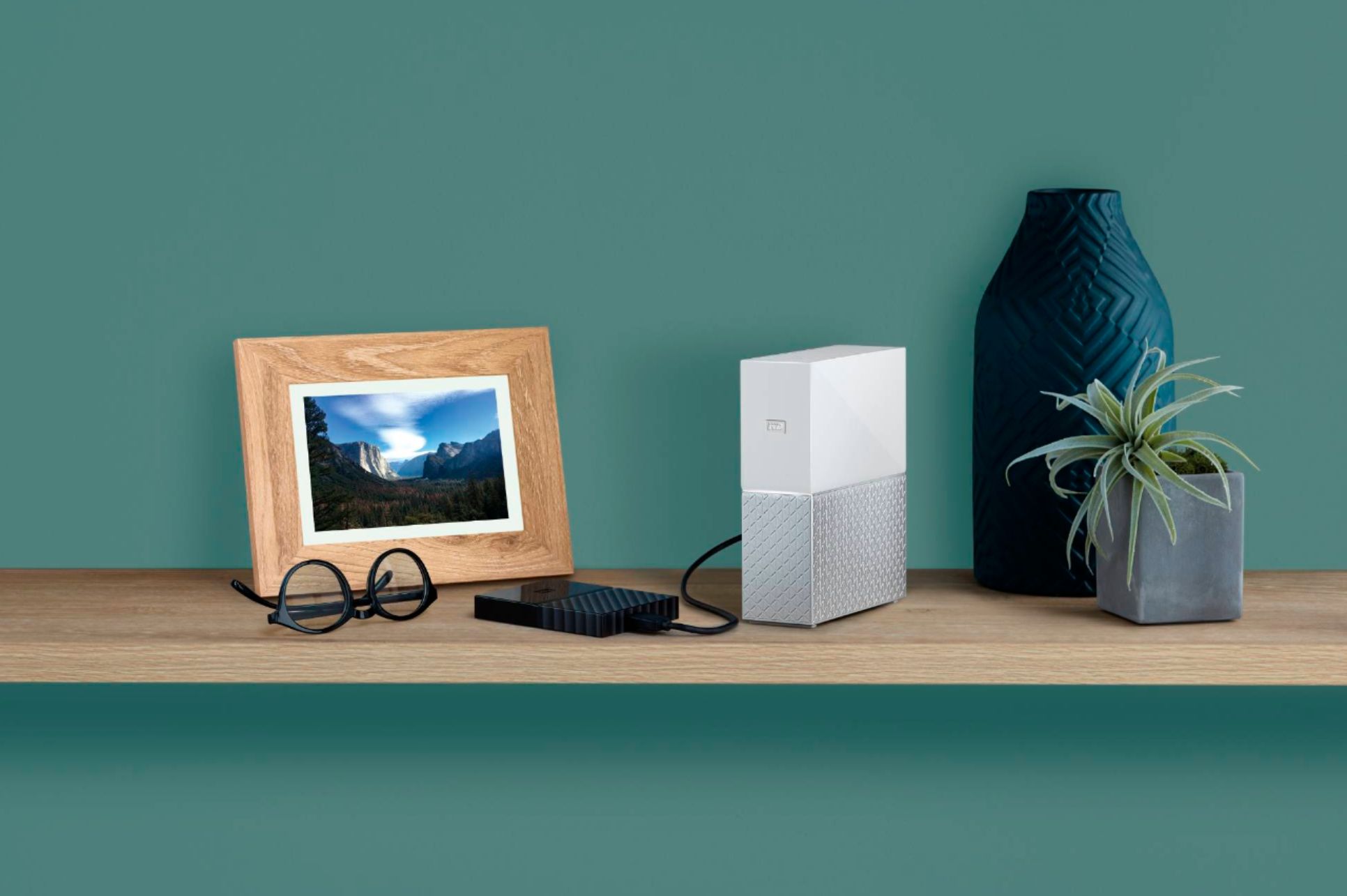
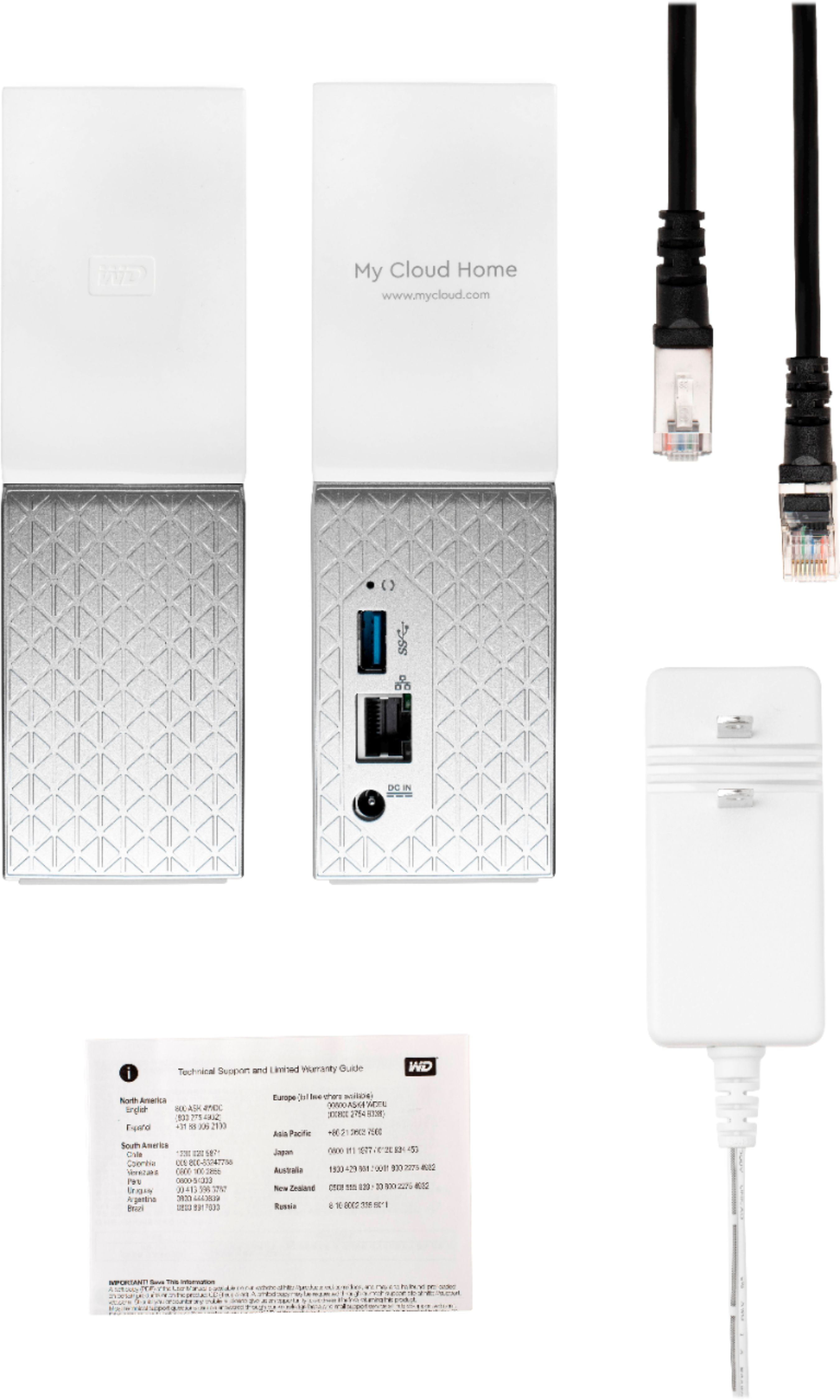
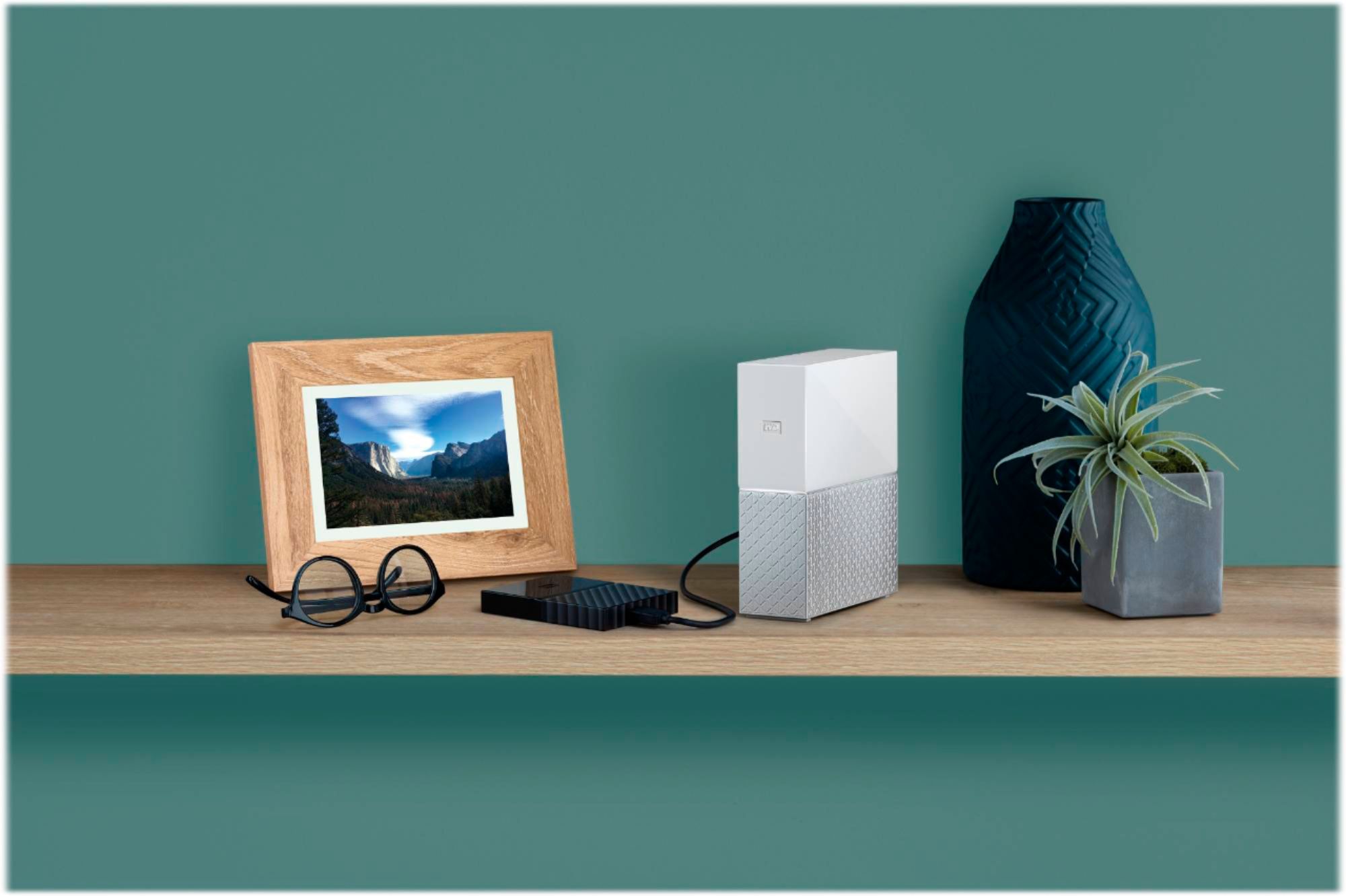
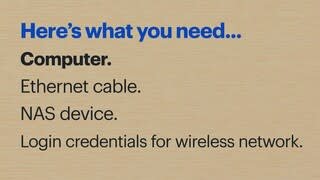
|Posted .This reviewer received promo considerations or sweepstakes entry for writing a review.The Western Digital My Cloud Home is the company's latest offering in personal cloud storage solutions. It's a small, compact rectangular, unassuming device measuring 6-7/8” high x 2-1/8” wide x 5-1/2” deep, with a stylish two tone color of white and metallic silver plastic exterior housing the spinning hard drive inside the unit. Yes, it is a spinning drive. It would have been nice if it were an SSD drive, but that would have cost a lot more. The unit must connect directly to a wireless router via an ethernet cable. The cable is included in the box. The cloud drive is powered by an ac power adapter. The My Cloud Home is a feature rich personal cloud storage device. I will highlight some of the prominent features and functions (the positives) I found to be most useful as well as some of the things I did not like (the negatives). Positives +Easy and simple to set up. Plug in the power, connect the supplied ethernet cable from the Cloud Home to your router, proceed to mycloud.com/hello webpage to create an acccount. The next steps are simply to download the My Cloud Home app from the Google Play or Apple App store. You're done. +Versatility: You have three options to back-up and sync data. Use the mobile app, use a web browser to access the MyCloud.com web based app, or use the desktop app. +Automatically syncs and back up photos and videos from your phone onto the drive. Depending on the speed of your wireless connections, the My Cloud Home quickly makes a copy of the photo onto the drive. You don't have to worry about running low on storage on your phone. +Syncs online cloud content from Dropbox, Google Drive, One Drive, Google Photos, Box, and Facebook. Once I granted permission for the file transfer, all of my Google Drive documents and Google Photos pictures all magically copied over to the Western Digital Cloud Home drive. +Files from a desktop or laptop computer are also easily synced. Using either the desktop app or the web based app, files can easily be moved by dragging and dropping in the Windows desktop environment. With the Desktop app you have the most flexibility in the Windows environment. You can do things you normally would do like sort by filename, by date, by size, open and delete files, re-name files etc. The My Cloud Home drive functions like an external hard drive, only it is not physically connected to your computer, but wirelessly through your router. +Allows multiple users to create accounts where the data is private so that users do not have access to each others data unless they provide permission to share it. Negatives: - No power button on the drive. You can only remotely power down the My Cloud Home using the Shut Down function on either the mobile app or the MyCloud.com web based app. Once powered down, the only way to turn it back on is to unplug the device and plug it back in. There is no way to remotely power on the drive. Would be nice to be able to power on and off remotely so that the drive isn't constantly running. -No standby mode. Since the drive functions as a personal server, it remains on and continuously spinning until you power it down. If the drive is on all the time and spinning, this brings into question the longevity and durability of the unit. -The mobile app syncs only photos and videos from the phone. All other files do not sync. This means that if you have any text documents, spreadsheets, or pdfs on your phone, there is no simple method to sync or upload to the My Cloud Home. I could not find a way to manually upload a non-picture/non-video file to the My Cloud Home using the mobile app. Western Digital should fix this via an app update. -You cannot use the drive by plugging it into your host computer like you would with an external hard drive. If for some reason your internet wifi connection is down, you have no way of accessing your data from the My Cloud Home. Western Digital should consider including a way for dual functionality as both a Cloud drive and as a traditional external hard drive. -Simple set up, but no supplied user manual. You must find and download the user manual online at Western Digital's MyCloudHome product webpage. In summary, the Western Digital My Cloud Home provides the ease and flexibility of having your own personal cloud base storage solution and a viable alternative to 3rd party online cloud based storage such as Google Drive, Drop Box, and many others. There is good value in having your own personal home based cloud since you are able to access all of your digital content anywhere in the world without the storage limitations imposed by cloud service providers. Plus you have the comfort of knowing that all your precious digital content is stored in your home network cloud drive instead of in some server half-way around the world. Despite some of the minor negatives that I listed above, the My Cloud Home is a very good drive and the negatives should not deter you from making it one of your top considerations.
I would recommend this to a friend Great external storage device
||Posted .This reviewer received promo considerations or sweepstakes entry for writing a review.This device works great especially for accessing files away from your local network.
I would recommend this to a friendEasy to use
||Posted . Owned for 1 week when reviewed.This reviewer received promo considerations or sweepstakes entry for writing a review.Great product. Product auto backs up everything on all our devices.
I would recommend this to a friendNice device
||Posted . Owned for 1 month when reviewed.This reviewer received promo considerations or sweepstakes entry for writing a review.Worked great for what I wanted it for and usually dependable western digital.
I would recommend this to a friendWD ICloud
||Posted . Owned for 3 weeks when reviewed.This reviewer received promo considerations or sweepstakes entry for writing a review.I like WD memory storage I had use it for years the convenience of saving docs, pics, music and videos via wi-fi is great, but the reason I had purchased another was due to their software upgrade. However, I notice this particular product is not included in their software upgrade taking in effect in 2022. Making many of their devices useless unless you connect it to your computer so make sure you do you research, before buying.
No, I would not recommend this to a friendHas been really nice to have
||Posted .This reviewer received promo considerations or sweepstakes entry for writing a review.I use this to automatically back up my phone, iPad and girlfriends photos and videos
I would recommend this to a friendExactly what I wanted
||Posted . Owned for 1 month when reviewed.This reviewer received promo considerations or sweepstakes entry for writing a review.So many features. Praying I am smart enough to use to it's potential
I would recommend this to a friendPersonal cloud
||Posted . Owned for more than 2 years when reviewed.This reviewer received promo considerations or sweepstakes entry for writing a review.It is very slow and not recommended for beginners.
No, I would not recommend this to a friendSo far easy set up and does what I need
||Posted . Owned for 3 weeks when reviewed.This reviewer received promo considerations or sweepstakes entry for writing a review.I recommend this product for home integration of pc phone etc.
I would recommend this to a friend