Customer Ratings & Reviews




- Model:
- WDBVXC0040HWT-NESN
- SKU:
- 5990204
Rating by feature
- Value
Rating 4.0 out of 5 stars
- Quality
Rating 4.2 out of 5 stars
- Ease of Use
Rating 4.0 out of 5 stars
Customers are saying
Customers love the My Cloud Home 4TB Personal Cloud for its easy setup, ample storage, and reasonable price. They appreciate the convenience of being able to access and share their files from anywhere. However, some users have experienced compatibility issues with previous generation drives, software crashes, and data loss.
This summary was generated by AI based on customer reviews.
Backup Drive
||Posted .This reviewer received promo considerations or sweepstakes entry for writing a review.This product sucked. Couldn't get it to connect or work on the network. Difficult to use.
No, I would not recommend this to a friendA Basic personal cloud
||Posted . Owned for 3 weeks when reviewed.This reviewer received promo considerations or sweepstakes entry for writing a review.A good way to backup your data from connected devices
I would recommend this to a friendDied after 48 hours
||Posted .This reviewer received promo considerations or sweepstakes entry for writing a review.Completely dead (no power) after 48 hours of use..
No, I would not recommend this to a friendThis product is not intuitive
||Posted .This reviewer received promo considerations or sweepstakes entry for writing a review.I had aHard time setting it up for Home cloud storage.
No, I would not recommend this to a friendData Erased
||Posted .This reviewer received promo considerations or sweepstakes entry for writing a review.Unit did an update and erased all my files. I do not recommend this product.
No, I would not recommend this to a friendWD Mycloud
||Posted .This reviewer received promo considerations or sweepstakes entry for writing a review.Worst customer care service, My Cloud Not working.
No, I would not recommend this to a friendGREAT FOR BUSINESS STARTUP
||Posted .This reviewer received promo considerations or sweepstakes entry for writing a review.NICE AND COMPACT AND A MUST HAVE FOR BACKUP OF DOCUMENTS
I would recommend this to a friend- Pros mentioned:Ease of use, Storage

Great, easy to Us Storage But Lacking Some Options
|Posted .This reviewer received promo considerations or sweepstakes entry for writing a review.Having used a previous generation of this HP storage line I had great hopes for this generation. The system is very easy to set up and to start backing up your Mac or PC devices. It's also great to be able to wirelessly backup your photos on your Android or iOS devices. A final handy feature is the ability to backup your cloud storage from other services (Dropbox, Google Photos, One Drive, etc). This allows you to have a local copy of what is on these services. There are a few items that would be nice if the system could do. First, the ability to backup more than just photos on your Android and iOS devices. Second, better file management via the app would be helpful. However, these items are not a show stopper by any means. If you are looking for easy to use cloud storage for home, this solution will fit that need nicely.
I would recommend this to a friend regret purchase
||Posted . Owned for 1 month when reviewed.This reviewer received promo considerations or sweepstakes entry for writing a review.Does not do as states. Cannot transfer my prior cloud stores or music.
No, I would not recommend this to a friend- Pros mentioned:Ease of use, Storage
Easy setup and plenty of space!
|Posted .This reviewer received promo considerations or sweepstakes entry for writing a review.Pros: VERY easy to setup, instructions are very clear. Lots of space. Easy to setup multiple user accounts for access. iPhone app worked well too. Folder sharing between users seems pretty straightforward and worked without issue. Would like to have a "common" drive space as well vs just setting up the sharing from a primary user account. Cons: Slows down my home network a little bit (was getting some video stutter on other devices while this drive was syncing). Not clear if when accessing the drive from another device on the same network IN the house if the data is transferred on the internet or the intranet only. Was not able to perform backup from Mac to MyCloud drive using Carbon Copy Cloner.
I would recommend this to a friend - Pros mentioned:Setup, Storage
Love the space!
|Posted .This reviewer received promo considerations or sweepstakes entry for writing a review.Out of the box, set up was pretty easy and the design of the My Cloud was very nice, not too big. Have to download the manual if you need it. Plugged into my router, downloaded software/app, set up an account and started downloading. Tons of space for pictures, music etc… I’m always running out of space on my phone so this is great. The download/upload speed depends on the speed of your router/service. Mine was pretty good but did slow down other devices on the network while uploading tons of pics. Easy to access files using the mobile app from anywhere too. The family is able to access and download their pictures as well. It would be a plus if it was a wireless device and didn’t have to be plugged in router. This is a definite plus for the family with all the pictures we take!!
I would recommend this to a friend - Pros mentioned:Ease of use, Storage
An easy home cloud solution
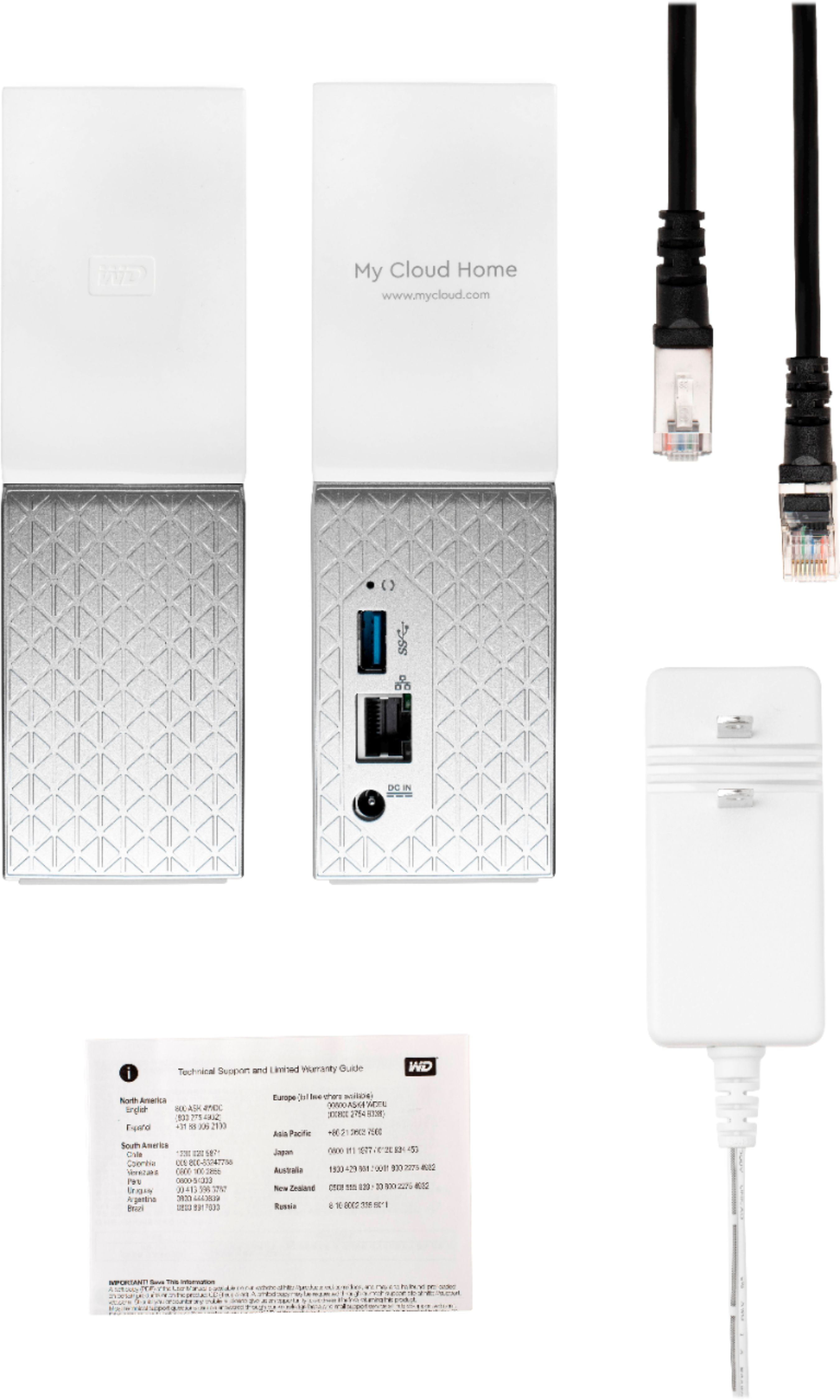
|Posted .This reviewer received promo considerations or sweepstakes entry for writing a review.If you’re looking for an easy alternative to a cloud based home network solution, this might be the way you’ll want to go. Setting up My Cloud is easy and doesn’t take long at all. The box comes with the My Cloud, power supply, Ethernet cable, a quick setup card, and the tiniest instruction sheet I’ve ever seen in my life (seriously, what is this, instructions for ants?). Luckily, you shouldn’t need the instructions as it’s just basic common-sense facts about where to store your My Cloud. Setup is easy and shouldn’t take long. My Cloud allows you to back up your Mac OS X, iOS and Android devices, along with Windows 7, 8, and 10. The one thing I love about this device is that I don’t have to format the drive to back up everything that I own. No more dealing with multiple external hard drives. There are several applications that Western Digital offers; a mobile app, a Windows desktop app, and one for Mac OS X. The mobile app allows you to enable an auto back up, which you can run in the background, if you wish and you can store all your photos and videos to My Cloud. This might be a viable alternative for those that have a ton of photos/videos and you don’t want to pay extra for iCloud. The app has a lot of features that would take me forever to talk about, so I’ll list a few. You can connect to other cloud services such as Dropbox and Google Drive, IFTTT; a free web-based service to create applets, and if you buy another My Cloud device, you can transfer data from one to the other. You can also reboot the device directly from the app if you’re having issues. When My Cloud was connected to my Wi-Fi router, both my MacBook Pro and Windows 10 laptop found it quickly. I would recommend that you download the WD Discovery app to make things a bit easier though. Time Machine backups on My Cloud is easy to add, just change the disk in settings and make sure it connects as a guest and you’re good to go. With Windows 10, just go to File History, select your My Cloud and then the Public folder, then turn it on. You’re good to go and you have both systems ready to back up in no time. One thing I was also excited for with this is being able to store my music on My Cloud. I have a lot of music and must keep it on an external drive. This device works perfect with my 2017 MacBook Pro and makes it nice to not have to carry around an external drive along with my MacBook Pro. Just point iTunes to your My Cloud music folder and it will start playing as long as it’s connected. I did the same thing with my Windows 10 laptop, that way if I’m working on either one I have my music all there. I don’t get excited about things like this too much, but I must say, after upgrading my old MacBook Pro and having to buy adapters, this is awesome. It offers so much more than I want to type, but I don’t want to bore you to death. If you’re looking for an easy home cloud solution, this is a great way to go!
I would recommend this to a friend - Pros mentioned:Ease of use, Setup, Storage
Overall Great Product!
Posted .This reviewer received promo considerations or sweepstakes entry for writing a review.The setup of this product was really easy. Once setup everything connects easily amongst other devices like tablets or phones. It was really nice to be able to access the content away from home to show family our vacation pictures that are stored on my cloud. I didn't see many administrative options and I'm ok with that, I wasn't looking for anything too hardcore if you are then you are probably going to want to look at another WD product. This product overall was easy to setup works well and has saved a lot of space on my personal computer. I'm excited to add more content as time goes by. Very satisfied!
I would recommend this to a friend Drive failed in 3 months
||Posted .This reviewer received promo considerations or sweepstakes entry for writing a review.I have had this drive for 3 months and out of no where i have a "slow breathing light" . WD said the drive is dead and that they are not responsible for lost data. 3 TB of work gone and i can not open the enclosure or I loose my opportunity to replace it with a "refurbished" one they want to send. Garbage product and Garbage customer support.
No, I would not recommend this to a friend- Pros mentioned:Setup, Storage
Worth every penny
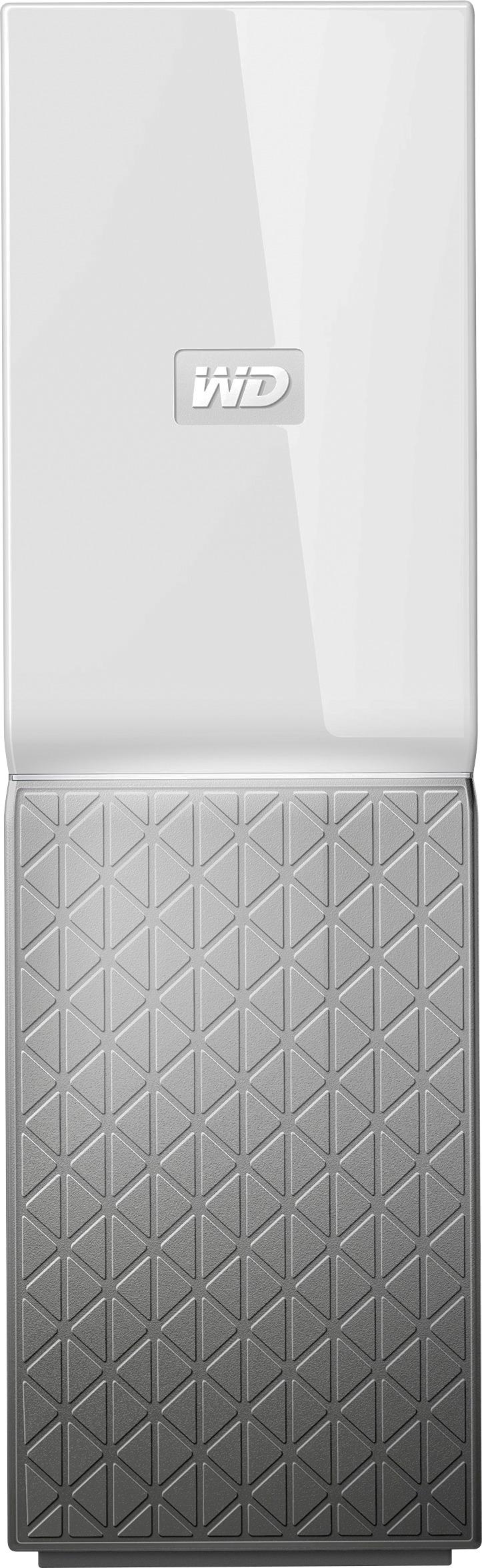
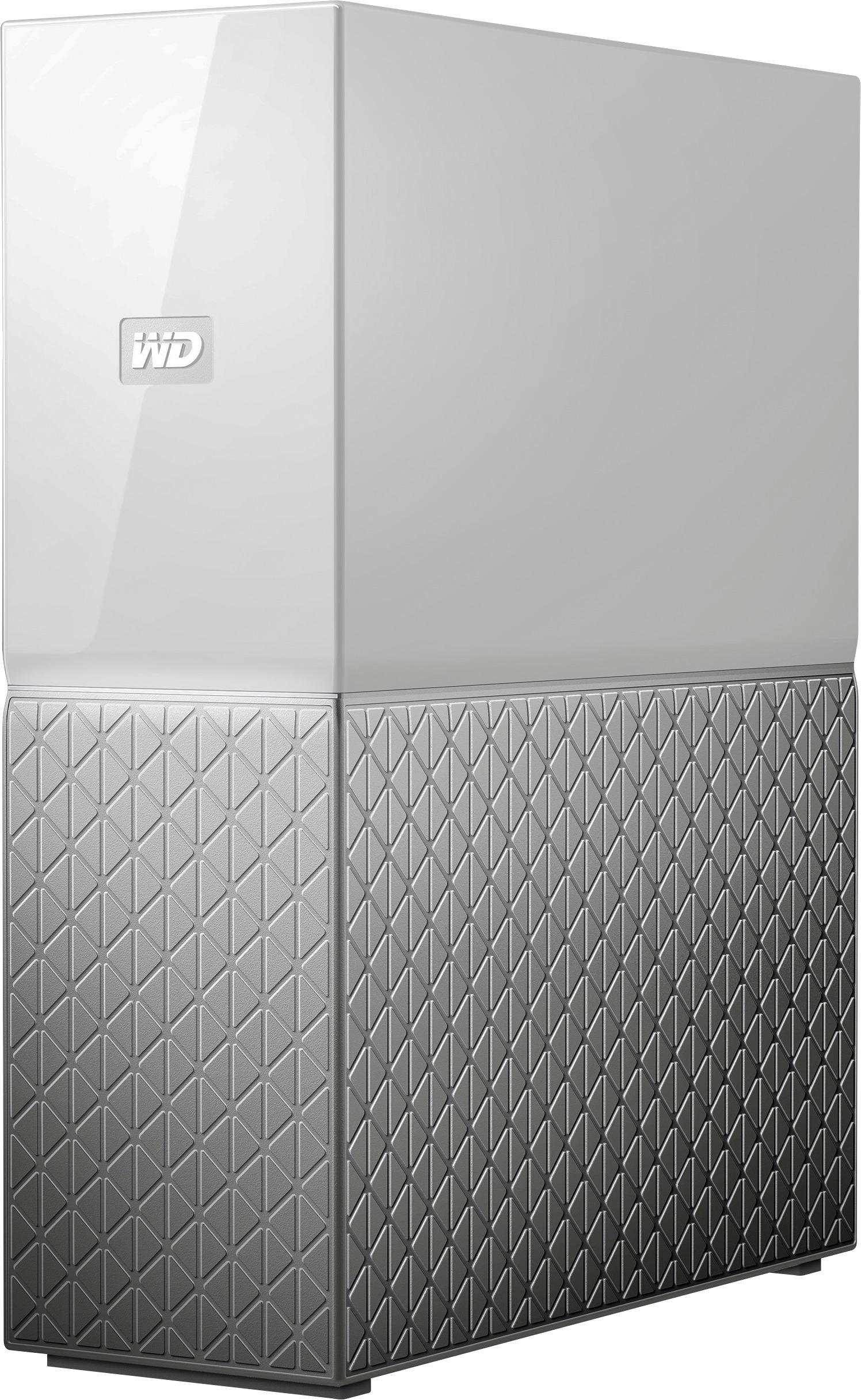
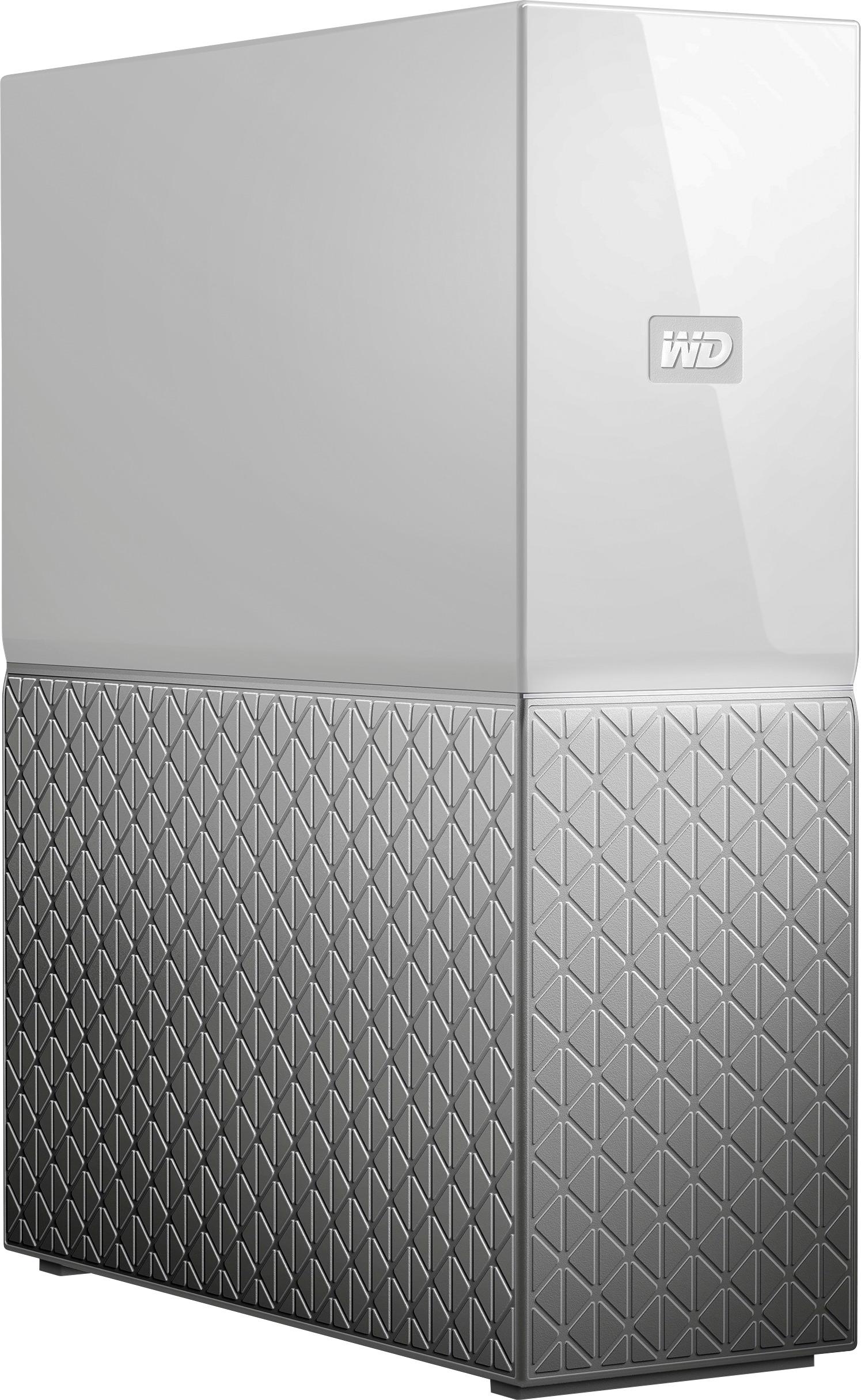
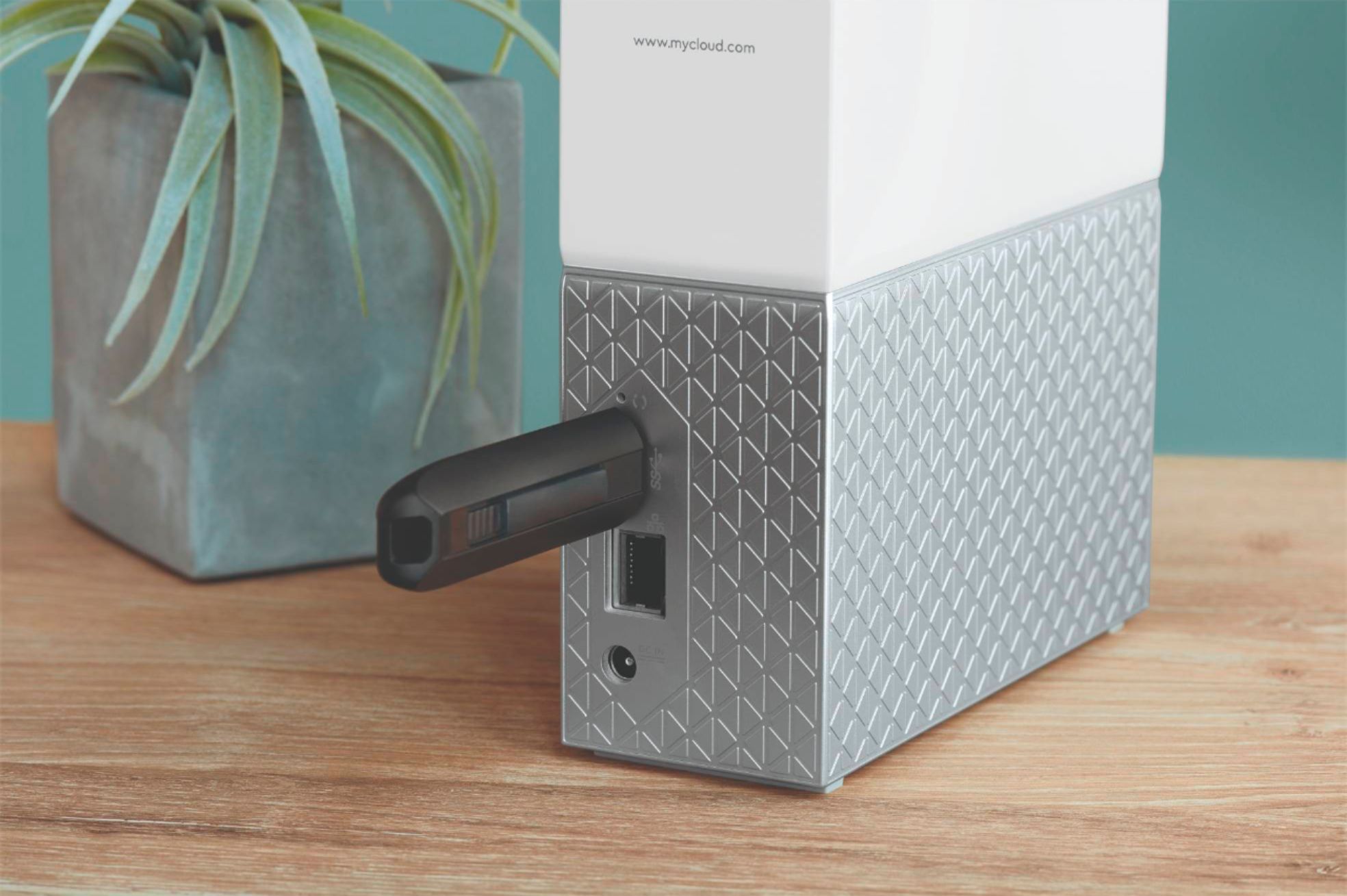
|Posted .This reviewer received promo considerations or sweepstakes entry for writing a review.I decided to go with this based on WD's reputation in the market and my experience with their products in the past. I'm glad that I did and the product lived upto my expectations. I like the two tone finish (color) of the drive. It is powered by an AC power adapter. I already own WD's 2TB external portable hard drive and now added this 4TB cloud drive. Set up was much easy. I set it up and connected my previous hard drive to it's USB drive. So now I literally have 6TB of storage space. I attached the drive to my router (ethernet cable is provided with the drive), created an account at mycloud.com/hello, downloaded the software in my laptop and was ready to transfer files within few minutes. The data can be backed up using their desktop or mobile app. Speed is very good as was expected, which of course will also depend on your internet speed. I have an internet connection of 75+ mbps, so the transfers happened much quickly. You can automatically sync your phone data with this drive and have a back up. You will have a peace of mind knowing all your personal data is stored in your personal drive instead of some common place shared by everyone around. This is my first cloud drive and needless to say, I didn't know much about it and to explore it completely, it would take me months because there are so many things that you can do with this little monster. The software may be confusing to some people but the good news is WD has it's own learning center where people like me can learn and understand the technology. There are some helpful tips and tutorial videos in the website. Here's the link to that: https://mycloud.com/learn There's no user manual provided with the drive but can be downloaded from the above link. All in all, I'm very much satisfied with this drive and hope to maximize it use.
I would recommend this to a friend Better off without it
||Posted .This reviewer received promo considerations or sweepstakes entry for writing a review.Don't bother., It keeps losing connectivity and freezes all the time when you try to open a file out of it.
No, I would not recommend this to a friend- Pros mentioned:Ease of use, Storage
Perfect Home Cloud Network
|Posted .This reviewer received promo considerations or sweepstakes entry for writing a review.The Western Digital My Cloud is a pretty awesome way of creating your own personal cloud for your family. My wife is in school and I do a lot of papers for work and for other things. We can both access our files easily through our phone. It’s a great thing for shared documents or even pictures. First off, it’s 4 TBs so that is a ton of storage. Each of us have laptops that have 500 GBs on them and now we have consolidated all our old photos to free up room on our personal computers. The drive is not even close to half way full. Another function that I like actually the most is being able to save things on my phone and then I can directly upload them to my My Cloud via the app on my phone. If you really think about it, you literally are saving space on your phone and saving the docs in a secure location with ease. All those photos your friends send you or important family paperwork. All saved easily. Installation is simple. I have Comcast like half the world it seems, and it was nearly plug and play. You have to establish a profile and log in, but the directions are very intuitive. One thing that I have not tried and really need to try, is how you can back up data from external devices. I have a smaller external HD and I can connect it to the back of the WD My Cloud and move everything to the WD drive. That way I have things duplicated and have my family pictures at my disposal on my disposal. This is my first venture into this level of home computer networking, and I think it is great for a novice like me. I highly recommend this to anyone that could benefit from having cloud access they can easily control and manage. Perfect for a family or even for kids in school with their studies.
I would recommend this to a friend - Pros mentioned:Setup
Easy setup, Cloud Access, Ethernes Access is slow
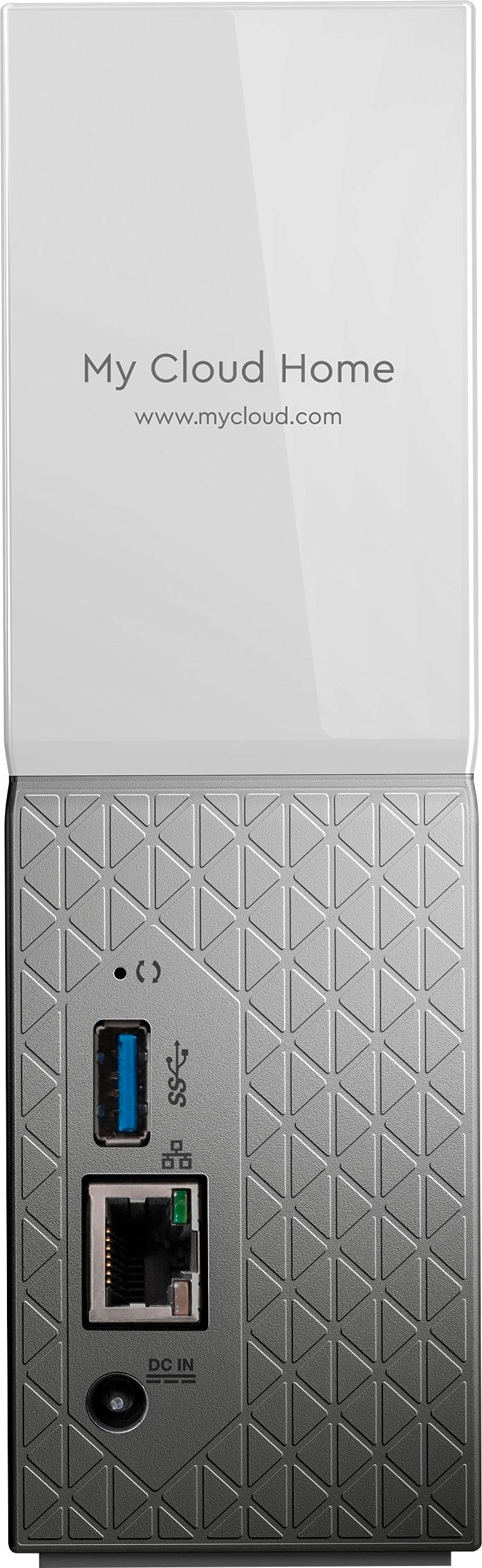
|Posted .This reviewer received promo considerations or sweepstakes entry for writing a review.This is the first cloud drive I have owned and it is quite a nice device. Setup is very simple: 1. Plug it in, power and Ethernet. 2.Wait about 10 minutes in case there are updates, then download the app on your phone. That's it! When you run the app for this first time, you need to create a my cloud account and you can chose to autobackup your phones photos and videos. This only applies to items in your phones's camera folder it seems but you can manually upload other files/folders as well. However, it does not seem that you can sync (autobackup) any other folders on your phone to the cloud drive. This is a strange omission in the app and it is very surprising that there is not an easy way to do this as it is obviously useful. Onto the desktop app. Once installed and after you sign in the cloud drive appears as an icon and as a new hard drive on the PC. Adding files is as simple as dragging and dropping - Here again, WD did not include any free sync software to automatically back up selected desktop folders to the drive. Luckily, in the PC world there are many options out there for this and even some of the free ones are fine depending on what you need to do. Sharing is easy both from the mobile app or the PC, you can create a link to a file or folder to send to anyone you wish to share the content with. One other issue is that even over a gigabit Ethernet connection, copying files to the drive from the desktop was very slow, about 1/10th of the speed I get when copying from PC to PC over the same network. I can't think of a good reason for this to be so slow. The drive provides a USB 3 port as well, so you can speed up your initial back up using this. So, overall, if your primary purpose is to be able to upload your photos and videos and share them easily, this drive is a great choice. But it is not a good comprehensive back up / sync for your phone, and you will need additional software to make it a full back up solution for your PC.
I would recommend this to a friend - Pros mentioned:Setup
Wanted to really like it BUT
|Posted .This reviewer received promo considerations or sweepstakes entry for writing a review.I think the biggest issue is it is trying to be a VERY easy (and cheaper) alternative to a true NAS system. GREAT idea BUT unfortunately, in my opinion, its this simplicity that ultimately causes it to fall short in some areas. It does do some things well and for many people this may be enough. So for me it is 60/40 to recommend BUT maybe its my expectations that are not in line with this devices mission or its intended audience/consumer. Also maybe future firmware/software updates will help. My Impressions; Very nicely packaged Looks good and very quiet BUT a tad heavy at 3 lbs. Comes with CAT 5.e ethernet cable Had it set it up and running in 10 minutes – using mycloud.com/hello site and installing downloaded unzipped install file/process. Sends email for you to confirm account Easy to drag and drop files/folders into device using win 10 file explorer. 3.5TB was free after initial install. BUT 500GB overhead is a tad steep or is this just me? Has USB 3.0 connector BUT not very convenient being in the back of the device (I have a 3.0 USB extension cable I can use so not to big of an issue) WD Discovery desktop software is pretty easily navigated and it has built in access to apps - but most you have to go to their sites to install. Most have a “learn more” click option – which is good in my case as I didn’t know what a few of them did; WD Backup – I installed directly from WD Discovery software BUT in trying to setup a backup plan it would only allow me to backup to my 2TB WD external USB 3.0 disc drive (or dropbox) – even though I have 2TB and 4TB external USB 3.0 Seagate drives and 3 2TB WD internal drives - all connected to my desktop. So I unstalled it WD Security – didn’t try Plex - Have not tried this before and was looking forward to giving it a go so I installed it on my desktop using the WD Discovery link and following its directions. BUT after several attempts it still could not find the WD device as a server. So I signed into My Cloud Home account using web browser and found Plex as one of the 4 options that it appears you have to enable 1st. Would have been good to know but was not documented anywhere I found. Anyway wound up not being worth the effort as Plex had issues trying to play my M2TS movie files - time of movie was 1800 hours and it did not recognize closed captions. Went back to using VLC (cant move movie forward or backward in time while playing) and deleted Plex folder from device and disabled it using web interface. Very disappointing but maybe its my file format that was the issue. Upthere Home (4 months free) – didn’t try Acronis True Image- free version you must download from its site. Have tried it before and do not use it Drive Security – didn’t try it Data Eraser – didn’t try it Digi.me – didn’t try it Magisto – didn’t try it EbcryptStick – didn’t try it Also you can import data your social media accounts or other cloud storage. I did not use either function so cant speak to how it works. Can send an invite to others for them to create their own account at which point during setup they are allocated their own backup “partition” within the WD device. Each user can only see their files/folders BUT if using win 10 file explorer it does show the correct space free/used for ALL data/users. You can send a link(s) to others that allows them to access your file/folders. BUT I could not find anywhere you could designate access, such as view only, download, delete etc. As far as I could tell they can view and download. Can disable your sharing but not sure if its person by person or global. Using your desktop/laptop you can right click on a file or folder and set it to be synched to this device BUT it seems it only works on data stored on your C drive. As I mentioned I have several other internal and external drives all of which I could drag and drop but did not have the synch option show up on any of them. You can add the My Cloud app to your phone/tablet and it will give you an option to back up your data. BUT it appears to only backup what is in your “camera” folder. On my android phone I have separate folders that are not under camera where I keep pictures and videos. My wife create her own WD account /partition and since she keeps all of her pics/videos under camera on her Iphone – she was able to back them all up. Since it appears you cannot designate any other folder(s) to be backed up - contacts, movies, etc cannot be done. Just a bit of technical info; The device shows as a network drive in windows 10 file explorer and uses KDFFS file system and you can using the WD software reset, or delete all data. As far as time needed to add data from desktop to WD device I added 34GB of data averaging at least 25mbps or so. Took maybe 20 minutes give or take? I used wired desktop Ethernet connection thru Orbi AC router. I had no problem streaming movies I created at 1920 by 1080P. 7943kbps data rate with 8363kbps total bit rate at 23fps thru Orbi AC wireless router and LG G4 phone using AC wireless. Pictures were the same – no problem-o. Nice attempt BUT I think it needs a tad more refinement.
I would recommend this to a friend - Pros mentioned:Setup, Storage
Up And Running Under 10 Minutes
|Posted .This reviewer received promo considerations or sweepstakes entry for writing a review.Setup Could not be simpler. Hook it up to an ethernet port on your router, plug it into the electric and put the app on your phone set up an online account, thats it! (You can give other family members or colleagues or friends access or their own little space to if you desire) You can start backing up from your phone now and while that happening you can log into the same account on you computer and start backing it up as well. They do have a few apps you can put on the computer but you can do that after you start the backup. We got the 4TB model and it should be more than enough for many years. Its a compact device, about twice as big as our Motorola Surfboard Modem. Transfer speed was rather fast, but of course that depends on your router and your devices WiFi connection speeds. Really economical and high quality from Wester Digital. Since you can upload and download from anywhere its like having your own personal server or cloud. You cant go wrong with having one of these for a backup of all your precious photos and important documents
I would recommend this to a friend