Customer Ratings & Reviews


- Model:
- WDBAGF0010BGY-WESN
- SKU:
- 10116516
Rating by feature
- Value
Rating 4.6 out of 5 stars
- Quality
Rating 4.7 out of 5 stars
- Ease of Use
Rating 4.7 out of 5 stars
Customers are saying
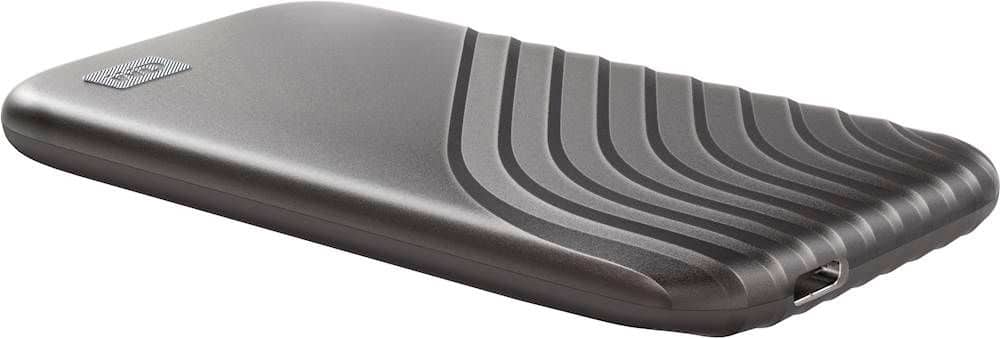
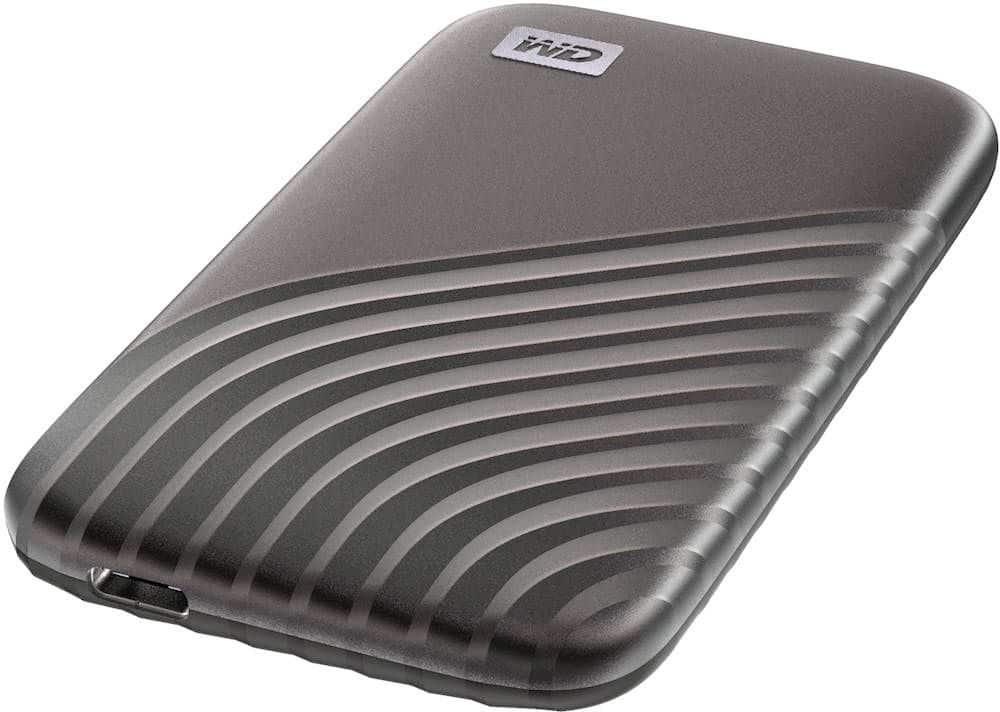
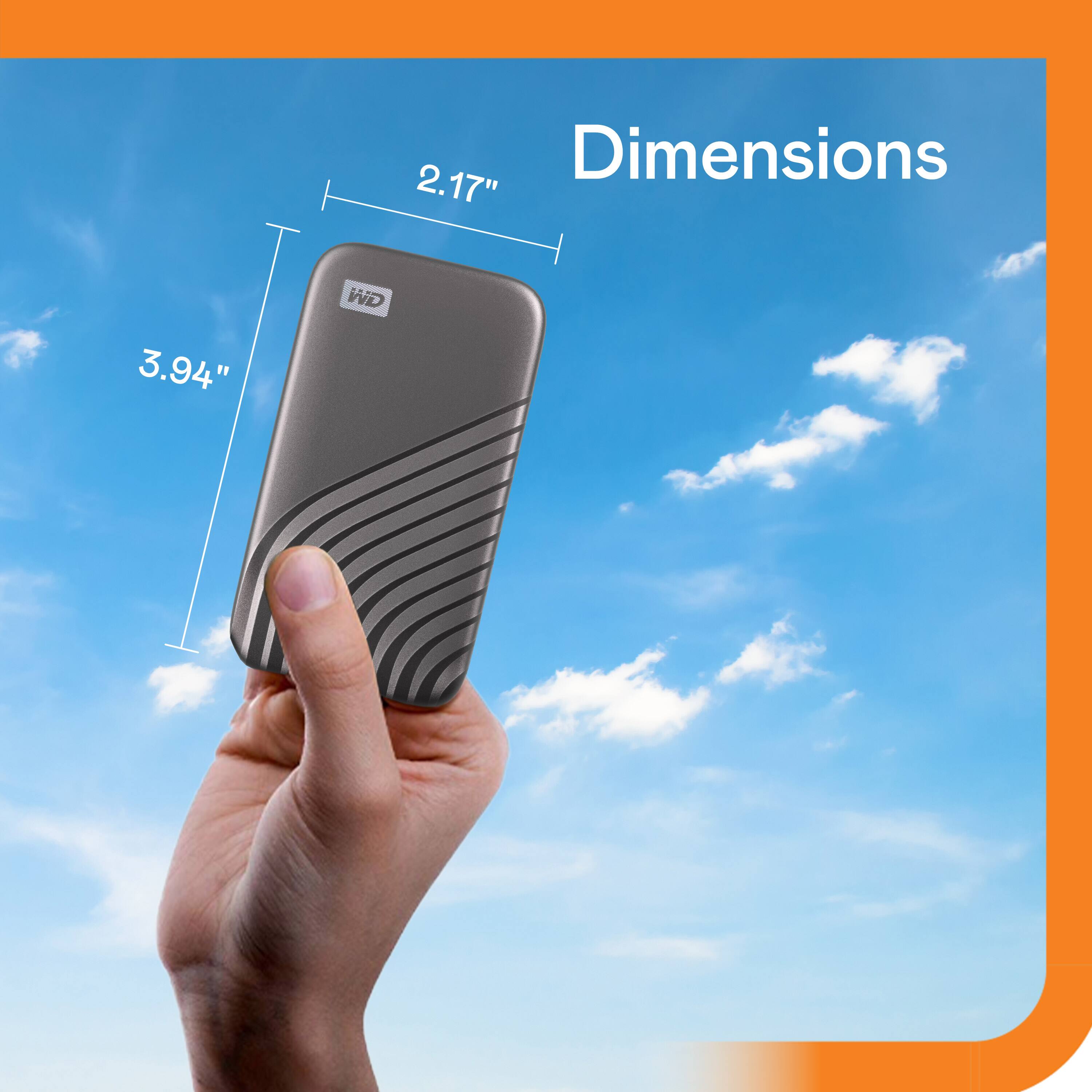
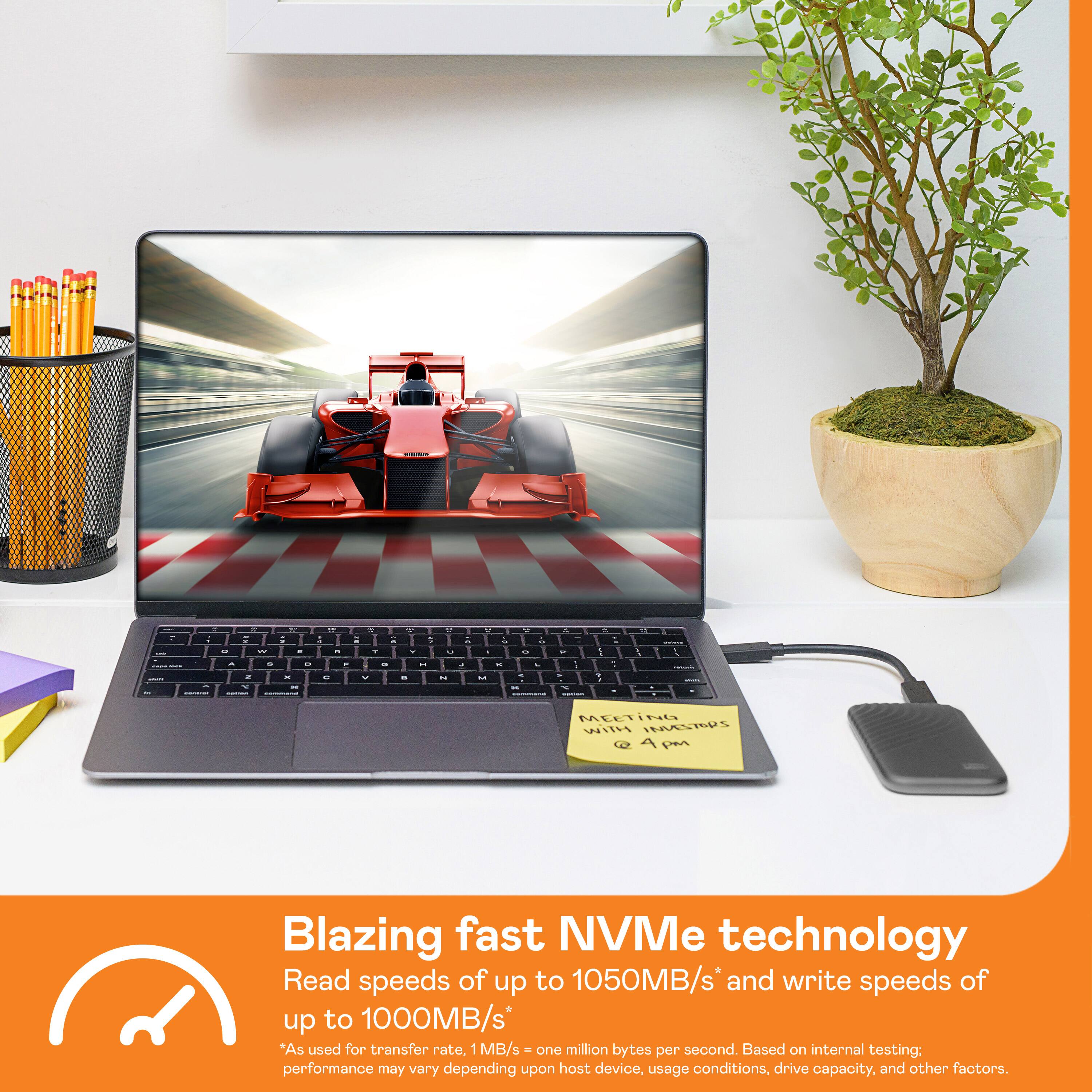
Customers regard the product highly for its impressive speed, excellent portability, and overall reliable performance, often appreciating its compact size. They also value its storage capacity, versatile connectivity, and lightweight design. However, some users have noted that the device can get warm quickly, and a few experienced compatibility issues or desired a longer cable.
This summary was generated by AI based on customer reviews.
- Pros mentioned:Overall performance, Speed, Storage capacity
Decent speeds and reliable
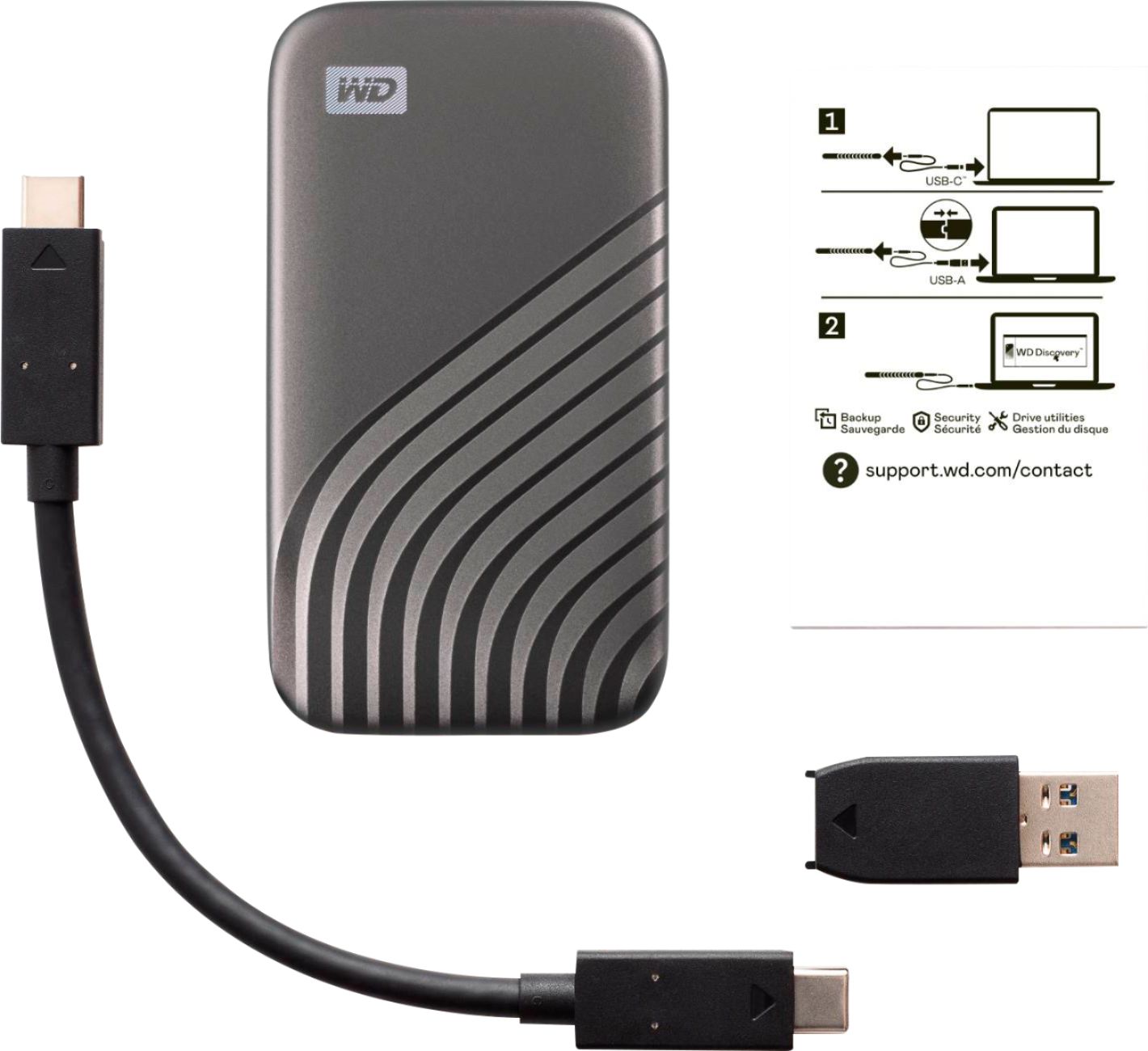
||Posted . Owned for 8 months when reviewed.This reviewer received promo considerations or sweepstakes entry for writing a review.It certainly is not the fastest external SSD you can buy, but if you don't need extreme speeds, and still want something speedy with good reliability, then this is a good option. I use it with my Pop OS Linux machine to store and transfer files and it works great. It also works well with Windows and Mac if you format it for those devices. I have had no issues with this device so far, and it comes with an adapter if you want to use it on a USB-A port. Not much to say here, it works, it isn't the fastest, but it is speedy, and 1TB is decent enough for storing copies of your files.
I would recommend this to a friend - Pros mentioned:Overall performance, SizeCons mentioned:Heat dissipation
Super fast efficient massive storage device
||Posted . Owned for 1 month when reviewed.This reviewer received promo considerations or sweepstakes entry for writing a review.Love this SSD!!! Very small compact hard to believe the performance and amount of storage all in this little device. Highly recommended performs fast and efficient, no overheating issues, great all around. Huge plus comes in my favorite color blue also. Got mines with a nice discount on sale also !!!! Just plug and play very easy to use!
I would recommend this to a friend - Pros mentioned:Speed

A Great External Memory Expansion.
|Posted .This reviewer received promo considerations or sweepstakes entry for writing a review.First of all I'm using this as extra memory for a PS5, so I'm assuming that it works perfectly fine for a PC or Mac product. The WD My Passport is great, it is compatible with my PS5 and has no issue being reconfigured by the console to use as extra storage. I'm using it to hold all my digital PS4 games and am saving my main storage for PS5 games. I haven't seen any issues with it since I've gotten it, all my games load up perfect and super fast. If WD gets on the list of approved internal memory expansions I might just end up buying that as well.
I would recommend this to a friend - Pros mentioned:Portability, Speed
Compact, Reliable, Perfect for Designers
||Posted . Owned for 1.5 years when reviewed.This reviewer received promo considerations or sweepstakes entry for writing a review.The WD My Passport 1TB External SSD has been a lifesaver for my work as a graphic designer. It’s super lightweight and portable, making it easy to take everywhere I go. The USB Type-C connection ensures fast transfer speeds, a huge plus when handling large design files. It’s durable and reliable, and it gives me peace of mind knowing my projects are always backed up and accessible. I highly recommend it to anyone needing efficient, portable storage!
I would recommend this to a friend - Pros mentioned:Overall performance, Portability, Speed
SUper fast and compact
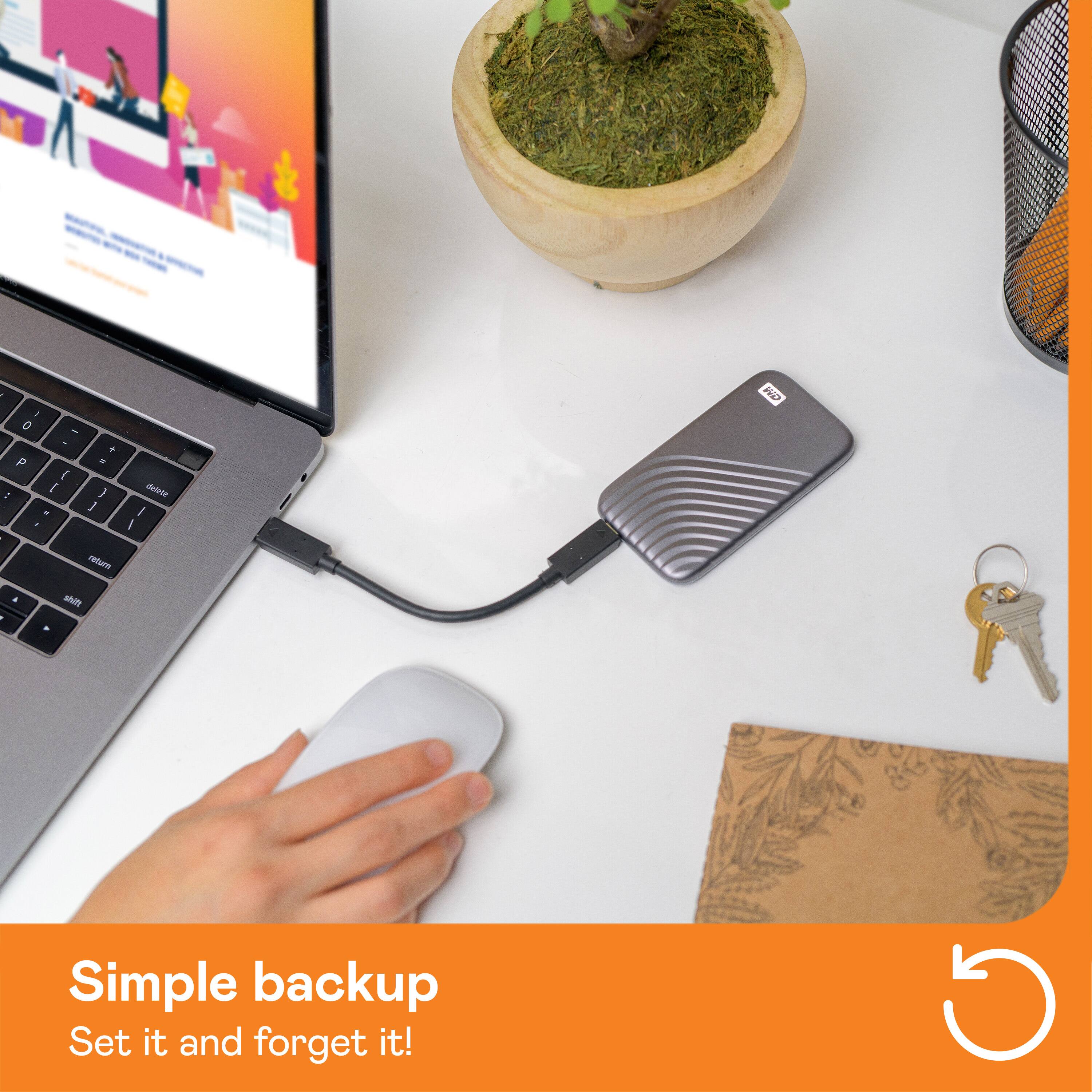
||Posted . Owned for 3 months when reviewed.This reviewer received promo considerations or sweepstakes entry for writing a review.This drive is perfect for slipping into a compact laptop or tablet bag, and pairs well with the iPad Pro with the USB-C connector. I appreciate the shorter cable that comes with it so that when it's on my desk next to my laptop, I don't have excessive cord laying around. It's fast, and seems to be pretty reliable.
I would recommend this to a friend - Pros mentioned:Portability, Storage capacity
Great option
||Posted .This reviewer received promo considerations or sweepstakes entry for writing a review.What can I say. This is simply a very portable and great storage ssd looking to back up hard drive or additional storage. I was surprised at how small and easy to carry it is and so much storage at that. Well built and easy to use by simply plugging in. I’d recommend this easily to anyone.
I would recommend this to a friend - Pros mentioned:Portability, Storage capacity
Worth device
||Posted . Owned for 3 months when reviewed.This reviewer received promo considerations or sweepstakes entry for writing a review.When I needed to save some data from an old laptop the staff recommended this external drive. They retrieved my data, stored it on this device and I was ready to go with no lost data. It is small with big capacity and very handy.
I would recommend this to a friend - Pros mentioned:Portability, Storage capacity
Wonderful to have!
||Posted . Owned for 1.5 years when reviewed.This reviewer received promo considerations or sweepstakes entry for writing a review.Love this! I store everything from photos, school documents, and tax documents. Easy to transport and use.
I would recommend this to a friend - Pros mentioned:Overall performance, Portability, Speed
Great on M1 Mac Mini
||Posted . Owned for 1 month when reviewed.This reviewer received promo considerations or sweepstakes entry for writing a review.Using on an M1 Mac Mini to hold a large database. Speeds are as advertised and works great. Seems be almost as fast as the built in SSD. Small and compact so it is easy to keep out of the way. Invested in a longer cord because the one supplied is very short.
I would recommend this to a friend - Pros mentioned:Portability, Size
WD ssd a great drive
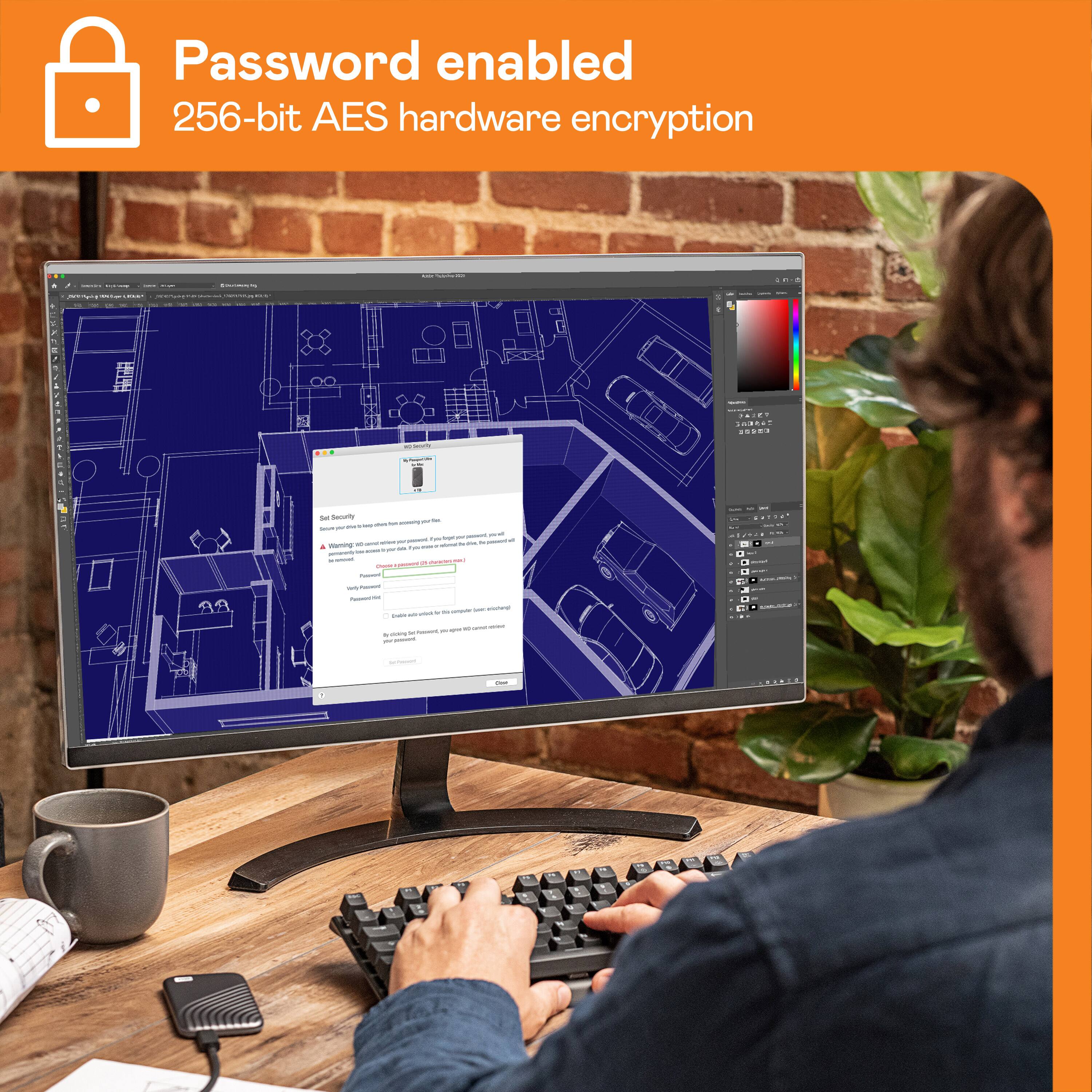
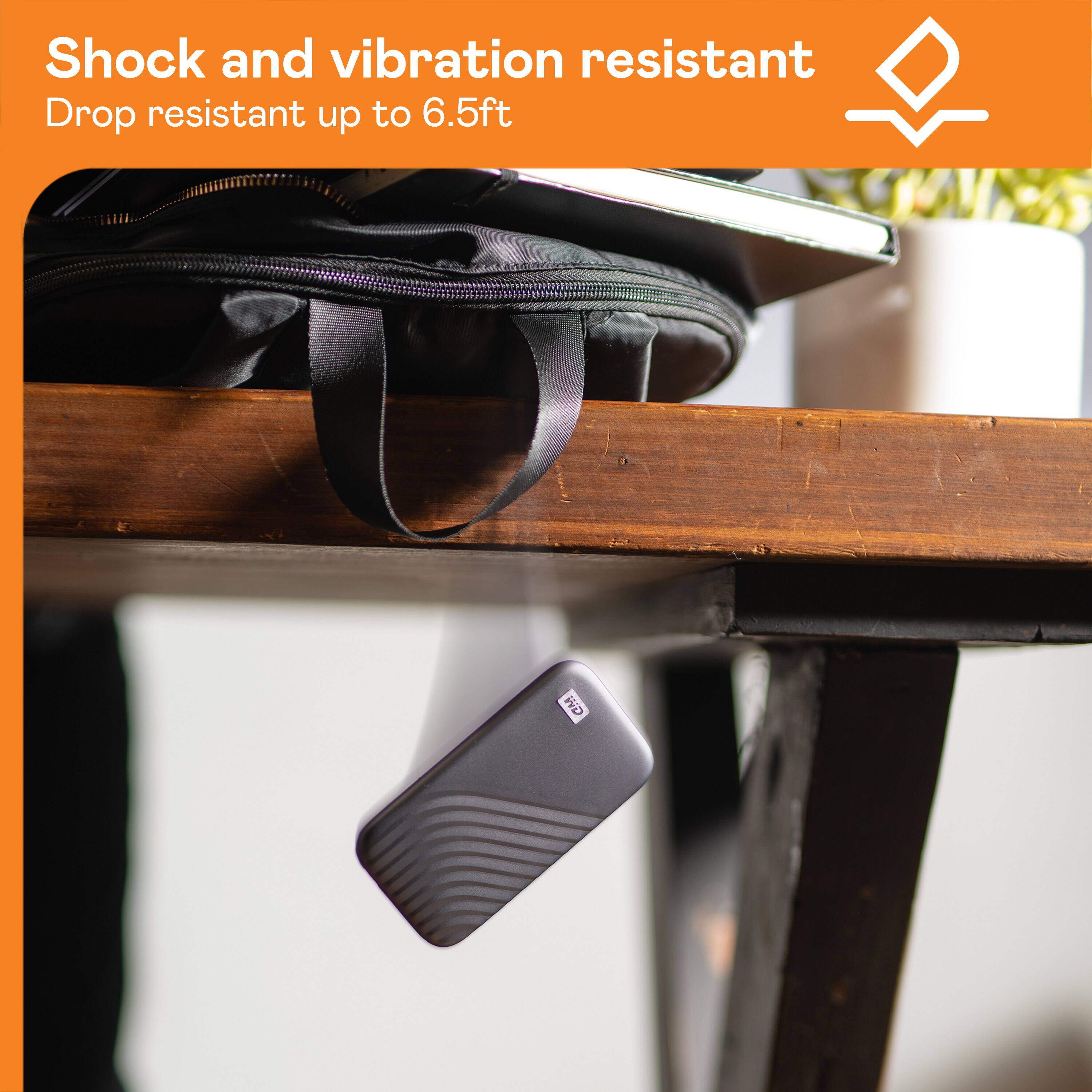
||Posted . Owned for 3 months when reviewed.This reviewer received promo considerations or sweepstakes entry for writing a review.After discovering that if you drop an external hard drive 1 time on a hard floor you loose your back up I switched to solid state drives. I own 5 solid state drives all are western digital. Any of them will fit in a shirt pocket. Unlike thumb drives they are really fast. They are not just a memory stick they have electronics which gives them their speed . When you plug this in for the first time management software will load on your computer from the drive. It will do stuff like let you set up encryption if you want it. After that just plug it in and you can see the drive in explorer. It works just like an internal drive. This is easy to use. They are tough, you can haul them around or drop them and they still work. The price for 512 GB or 1TB is very reasonable and big enough for most users. WD quality is great. If I need another drive tomorrow I will get another WD ssd from Best Buy. Of the 5 drives I have I like the looks of this one the best. I would and have recommended these to a friend.
I would recommend this to a friend - Pros mentioned:Overall performance, Size
Great high speed choice, highly recommend!
||Posted . Owned for 3 weeks when reviewed.This reviewer received promo considerations or sweepstakes entry for writing a review.This drive is physically tiny, much smaller and lighter than I had expected and it's super fast! I backed my entire MacBook up in only a few minutes whereas my previous external drive was telling me 3+ hours and it was not the first time I had used it to back up. Great high speed choice, highly recommend!
I would recommend this to a friend - Pros mentioned:Overall performance, PortabilityCons mentioned:Heat dissipation
Small, thin, hot, yet fast and spacious.
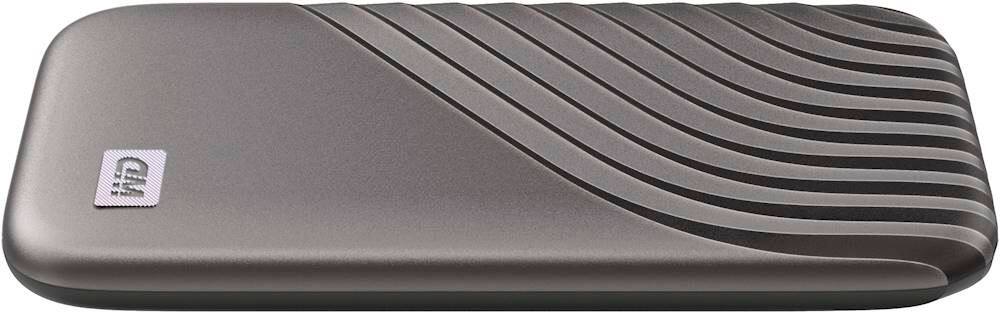
||Posted .This reviewer received promo considerations or sweepstakes entry for writing a review.Thin, feels durable, but runs hotter than I would have thought. The cable also had a twist in it so the drive wouldn't lay flat on the table next to my notebook. I was able to 'twist' the cable, and it works perfectly, but the heat is surprising. It seems hotter towards the cable plug end of the unit. Hmm. But it's fast, and really small for the capacity.
I would recommend this to a friend - Pros mentioned:Portability, Speed
Great!!!
||Posted .This reviewer received promo considerations or sweepstakes entry for writing a review.Super fast and easy to carry! The blue My Passport SSD feels solid, transfers files in a flash, and keeps my stuff secure—perfect for on-the-go or at home.
I would recommend this to a friend - Pros mentioned:Portability, Size, Speed
Great external solid state drive.
||Posted . Owned for 3 weeks when reviewed.This reviewer received promo considerations or sweepstakes entry for writing a review.Solid state is the way to go. This drive is so much more compact than the usual WD external drives I have gotten in the past. Plus it is much faster. I feel more confident with this lasting longer. I've had external hard drives die in the past losing data.
I would recommend this to a friend - Pros mentioned:Portability, Storage capacity
Lil box
||Posted . Owned for 11 months when reviewed.This reviewer received promo considerations or sweepstakes entry for writing a review.This is a nice product. It’s stores most everything that I want and it’s portable and best of all you don’t have to plug it in the wall. It’s just a plug and play.
I would recommend this to a friend - Pros mentioned:Size, Speed
Small in size, big in speed!
||Posted . Owned for less than 1 week when reviewed.This reviewer received promo considerations or sweepstakes entry for writing a review.By "portable", they really mean portable! I can't believe how small this thing is. And being an SSD with a USB-C interface, it's way faster than my old desktop mechanical external drives. And kudos to WD for including a USB-A adapter if you need one. So far, so good!
I would recommend this to a friend - Pros mentioned:Size, Speed
Excellent back-up drive
||Posted . Owned for 5 months when reviewed.This reviewer received promo considerations or sweepstakes entry for writing a review.purchased this to back up a new MacBook air with USB-C ports. This is very light weight and compact, the transfer is much, much faster than my previous USB-A external drive. Highly recommend if your computer has USB-C ports.
I would recommend this to a friend - Pros mentioned:Size, SpeedCons mentioned:Heat dissipation
Best peripheral that I own
||Posted . Owned for 2 weeks when reviewed.This reviewer received promo considerations or sweepstakes entry for writing a review.So small and so fast! Love the USB 2.0 to 3.0 converter. Makes it easy to find a port! Using USB 3.0, this little thing is like lightning! It does get a little warm, although I was using it to store a live SQL database!!
I would recommend this to a friend - Pros mentioned:Portability, Size
Compact and lightweight
||Posted .This reviewer received promo considerations or sweepstakes entry for writing a review.Seems to work like a charm so far. I particularly like the small and lightweight size and ease of use,
I would recommend this to a friend - Pros mentioned:Overall performance, SpeedCons mentioned:Heat dissipation
Fast and compact
||Posted . Owned for 1 month when reviewed.This reviewer received promo considerations or sweepstakes entry for writing a review.It is very fast and works well. It does get a bit hot to the touch when doing large transfers, but I don't think that is a problem. I like how much faster it is than regular hard disk based external drives
I would recommend this to a friend