Customer Ratings & Reviews



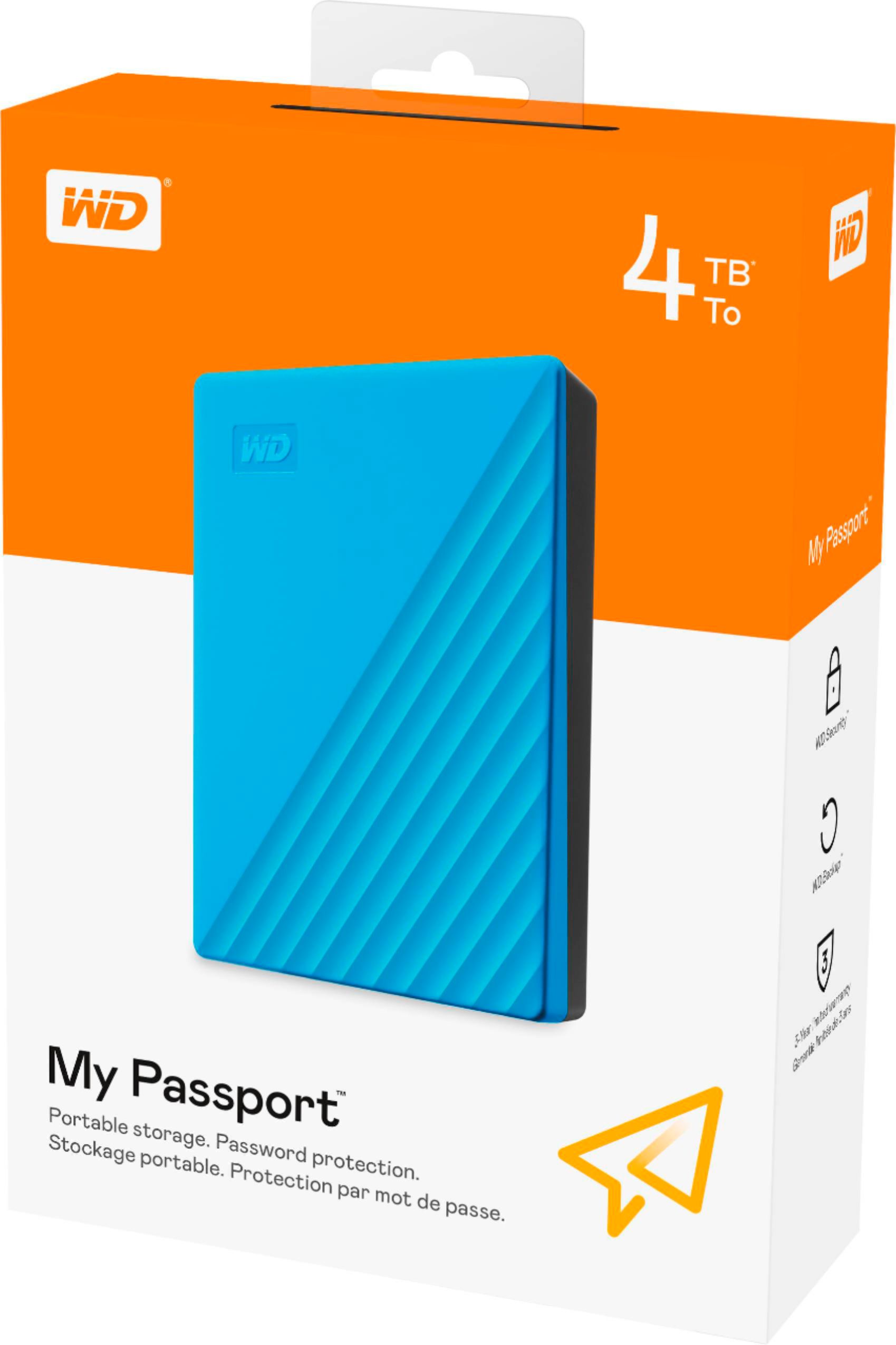
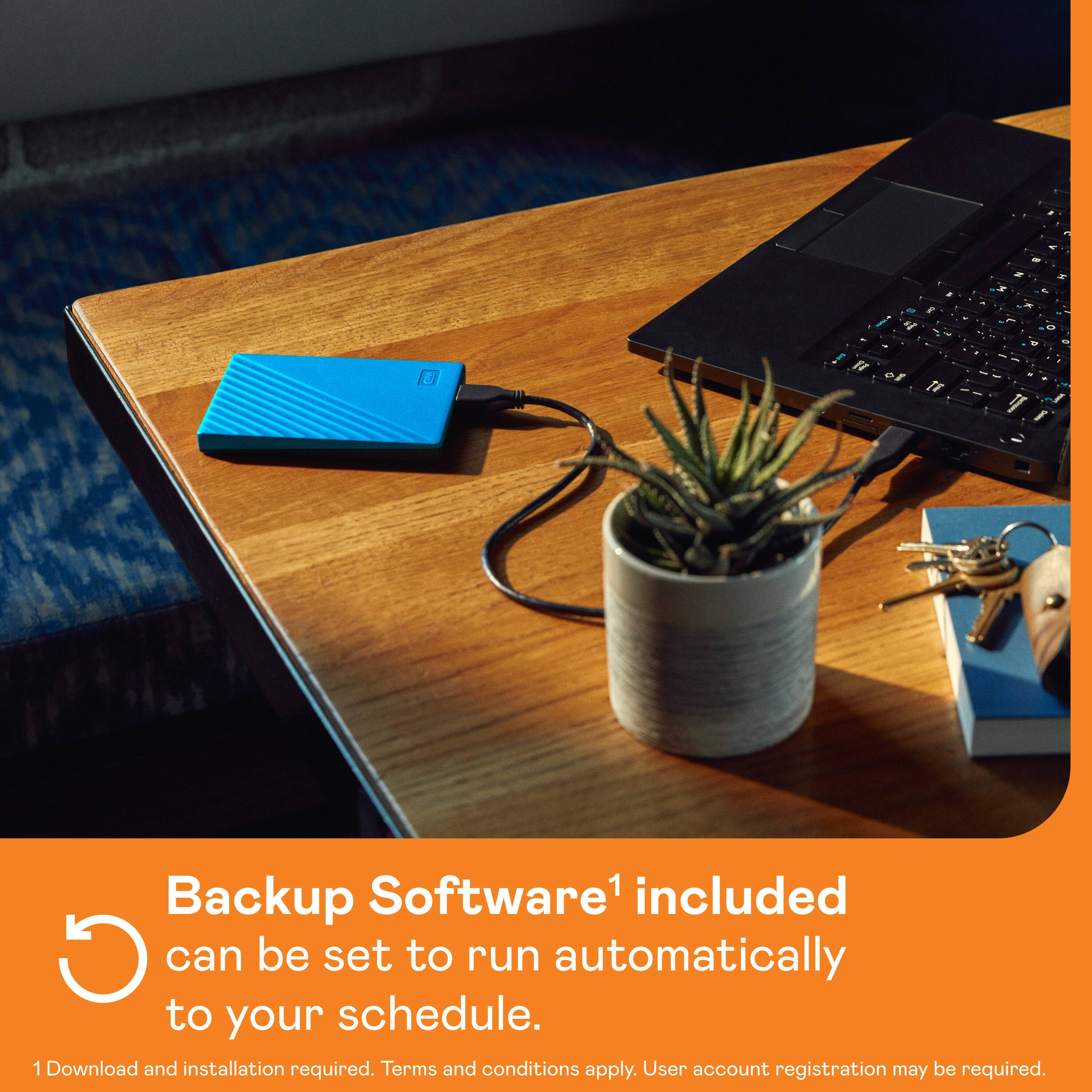
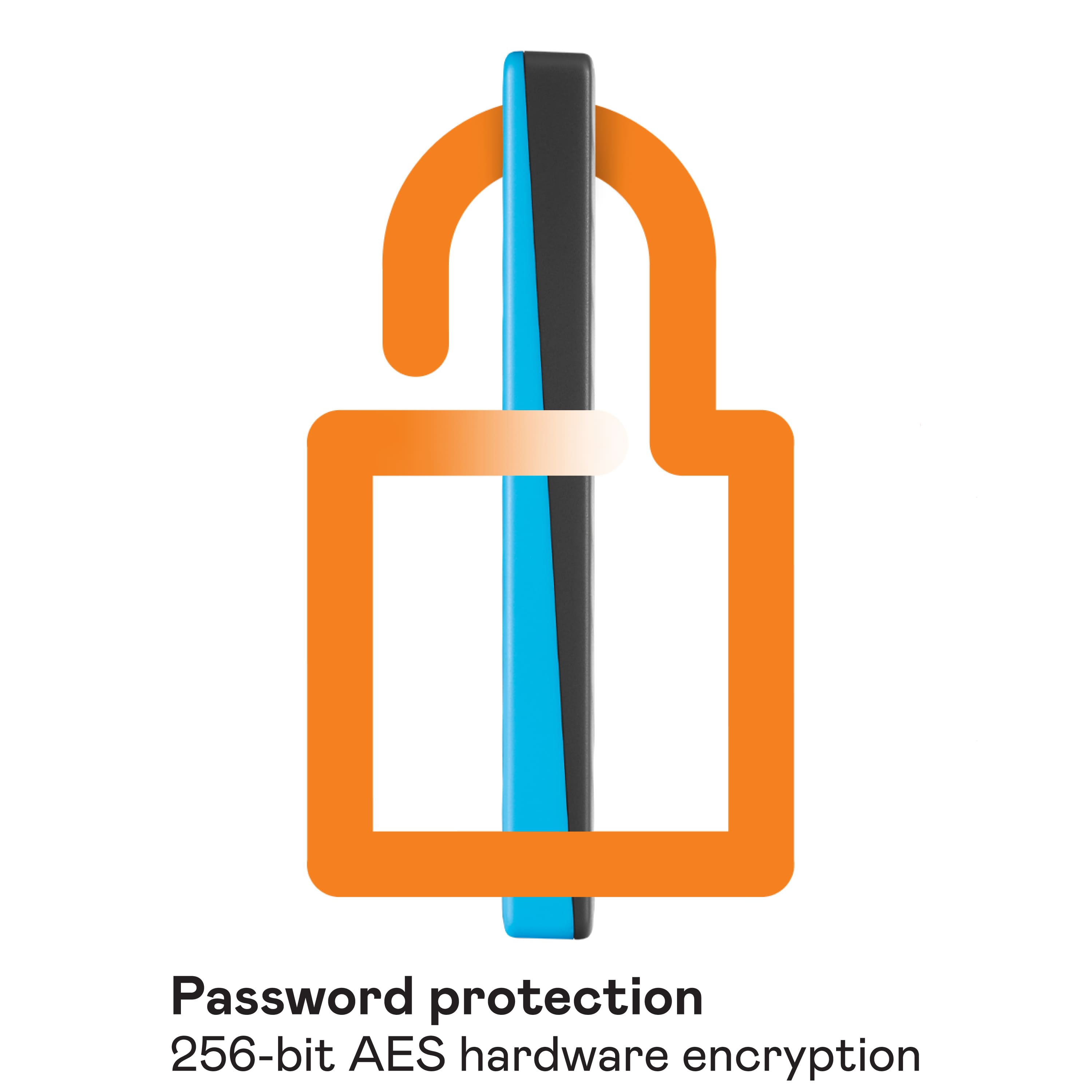
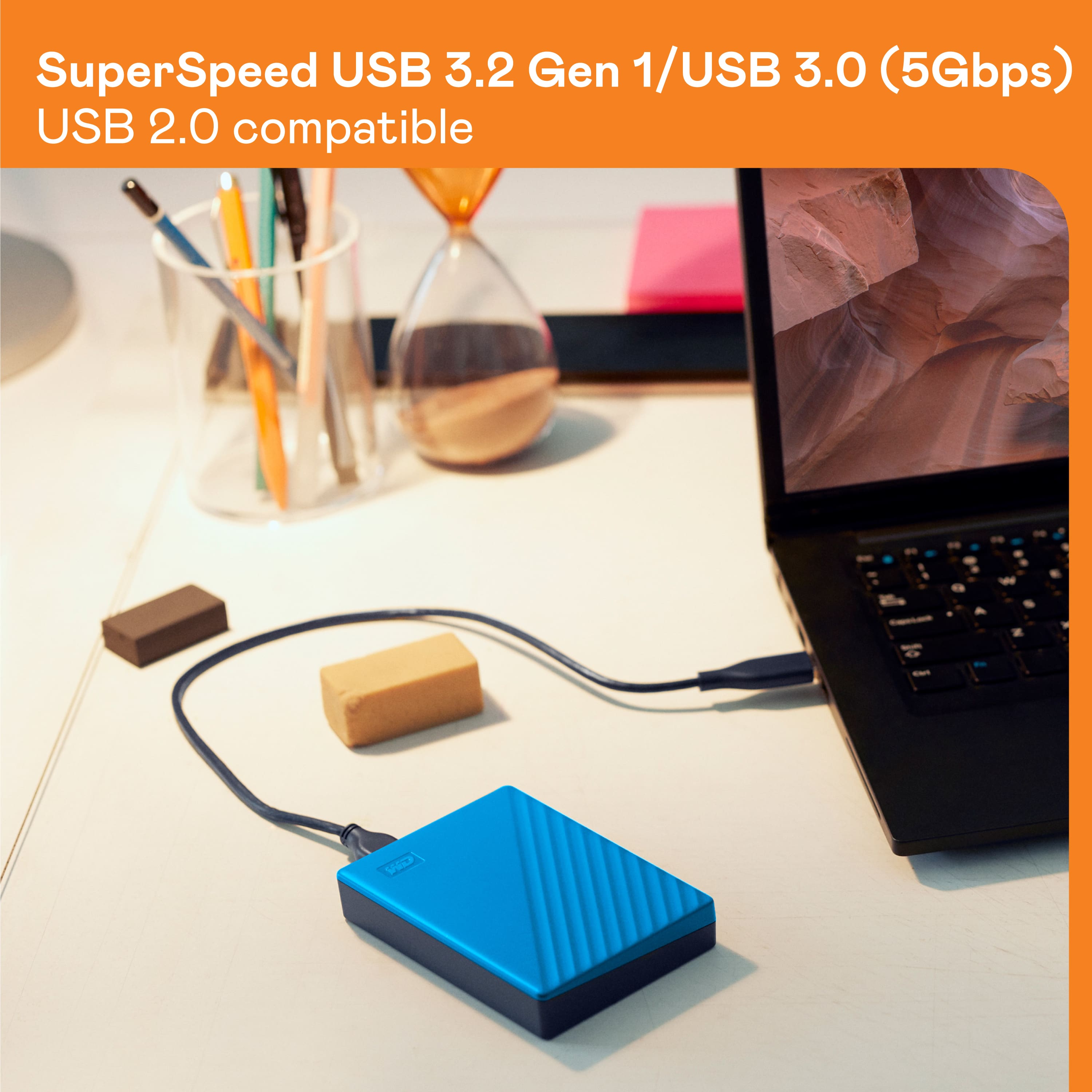
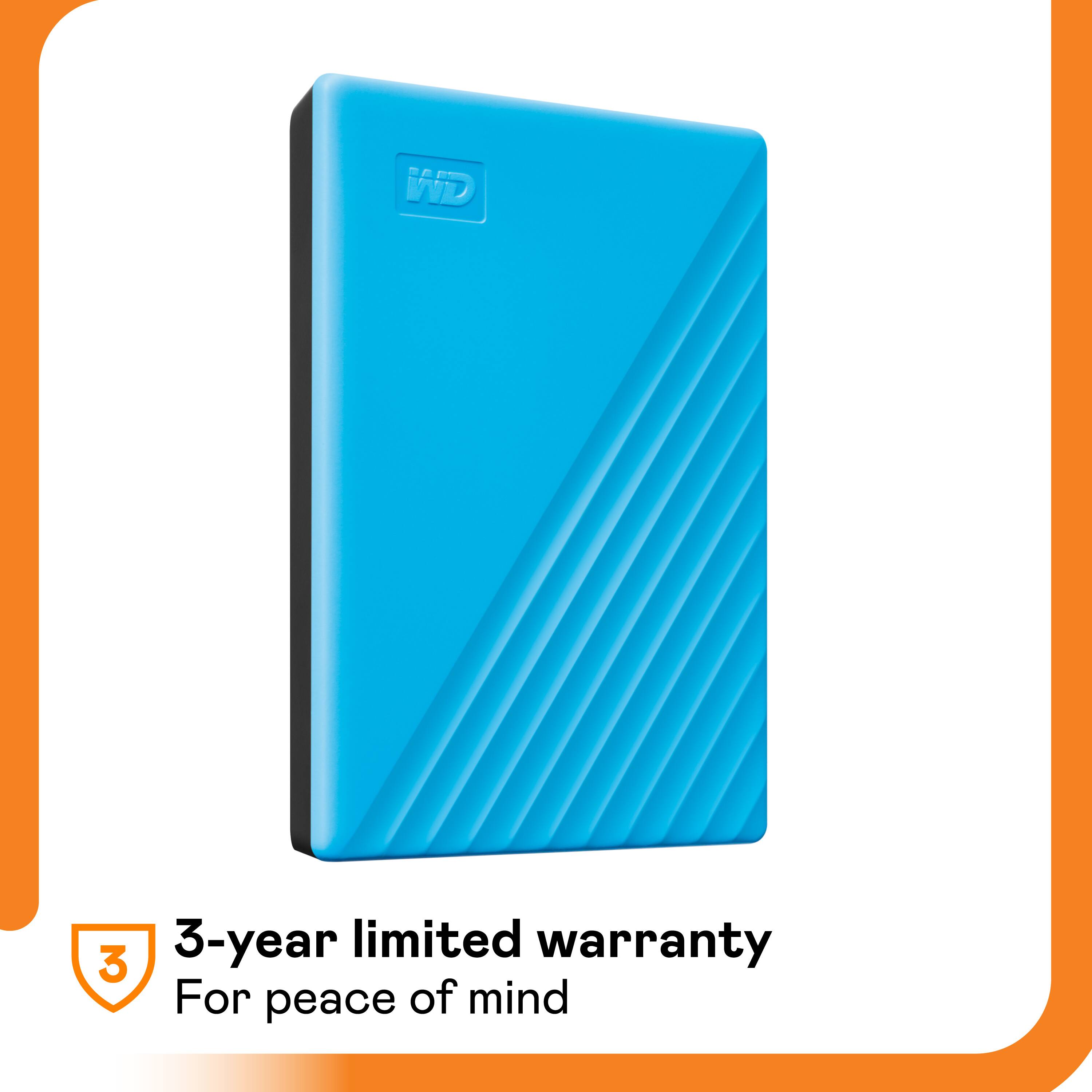

- Model:
- WDBPKJ0040BBL-WESN
- SKU:
- 11232778
Rating by feature
- Value
Rating 4.6 out of 5 stars
- Quality
Rating 4.7 out of 5 stars
- Ease of Use
Rating 4.7 out of 5 stars
- Pros mentioned:Ease of use

Great backup solution for stationary systems
|Posted .This reviewer received promo considerations or sweepstakes entry for writing a review.So far, I am impressed and very happy with the WD - My Passport 4TB External USB 3.0 Portable Hard Drive with Hardware Encryption. I set mine up on my self-built windows-based desktop PC and it couldn’t have been easier to setup and use since all you really have to do is plug it in to your PC. The included USB cable provides the power required to operate the drive and it is nice not having to deal with an additional cable for power. I used to use an old external drive enclosure with old hard drives leftover from old systems for backup purposes but it was large, noisy, and required power from another source. All of these issues have been resolved by this My Passport drive including the sound issue despite the fact that it still uses a mechanical drive. This brings me to my next point which is that despite being labeled a “portable hard drive”, I think it should primarily be used in a stationary system since the internal components of mechanical drives are susceptible to damage if they are moved around a lot. The hardware encryption is a nice feature but becomes a bit less necessary if you don’t use this as a portable drive and instead simply set it up on a stationary system like I have done with mine. The included software is user-friendly and very easy to figure out and operate which is great because it really helps the drive do what I feel it is best designed for: backing things up. If you are looking for a drive with a great amount of capacity for your stationary system, you can’t go wrong with this My Passport 4TB External USB 3.0 hard drive and I highly recommend it!
I would recommend this to a friend - Pros mentioned:Ease of use, Storage
Secure, easy to use, ready out of the box!
|Posted .This reviewer received promo considerations or sweepstakes entry for writing a review.I can't speak enough about how easy this drive is to set up and use. This is no doubt a combination of the way that Windows 10 immediately recognizes the drive and waits ready to transfer data and the ease to which Western Digital has set up their software for quick backups of your system. The 4 TBs of space that is available should also prove to be enough for most users to back up at least one system and all of their digital media! The look is very subtle but functional, not the most flashy drive but still quite stylish!
I would recommend this to a friend - Pros mentioned:Reliability, Storage
Lots of space, lots of speed
|Posted .This reviewer received promo considerations or sweepstakes entry for writing a review.I use WD hard drives almost exclusively because of their reliability. This one is no exception. It’s very fast and it comes with a nice app which make transferring files a breeze. Data transfer is extremely fast due to the USB 3.0 port. It does not heat up as I thought and it got its own hardware encryption which I prefer to windows software encryption. The footprint is square so designed is plain, but for back up and portable storage it does an excellent job. I got 3 of these for my photos, PC’s and laptops backups.
I would recommend this to a friend - Pros mentioned:Ease of use
Small - Secure - Effective
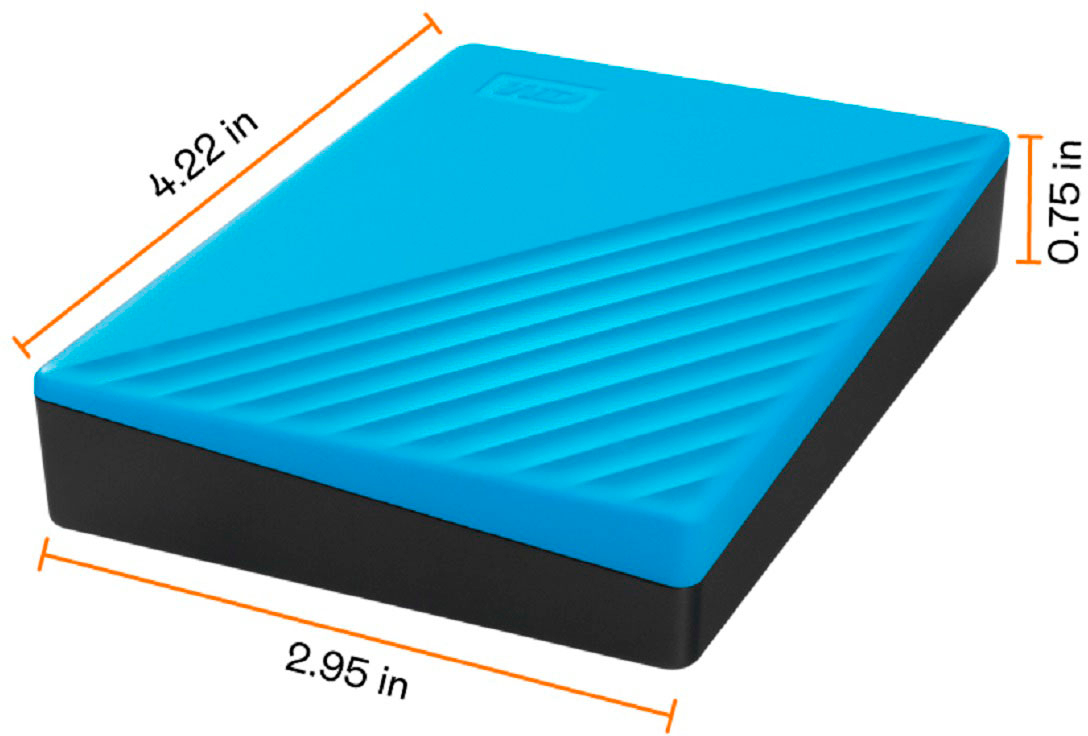
|Posted .This reviewer received promo considerations or sweepstakes entry for writing a review.The WD My Passport 4TB comes with a portable hard drive and a high speed USB 3.0 connector. The portable storage comes with a 3 year warranty. The model number is WDBPKJ0040BBK-WESN. I connected it to my computer running Windows 10 and it was recognized right away. In file explorer you will see it as My Passport (H:). The H may be a different letter for you depending on how many drives you have. There are two files on the drive. Each provides the ability to install WD Discovery for Windows or Mac. I installed the Windows version. There is a Storage and Apps section. The storage section allows you to import files from your social media account(s) or cloud storage. It also shows the status of the drive and the settings. In the setting section you can define a password if desired. Lastly, there is an option to register your device. Registration was super simple. This drive also supports 256 bit AES encryption. The Apps section has Utilities, Security and Backup options to install. I did install the Security program and set a password for the drive. There is also the option to allow the drive to auto-unlock when connected to my computer. I like this feature! It has a small form factor measuring approximately 4” L x 3” W x 0.75” H. This will easily fit in a pocket. I tested the speed of writing files to the drive. The MP3’s are smaller files and have a folder structure of artist/album/song. Video files are much larger. Here are some results: - Music MP3 > 11.9 GB > min 12 MB/s, max 60 MB/s, avg 48MB/s - Video MKV > 20.6 GB > min 100 MB/s, max 120 MB/s, avg 114MB/s - Video TS > 18.6 GB > min 100 MB/s, max 120 MB/s, avg 116MB/s In summary, it has a 3 year warranty and has reasonable data transfer speeds. The purpose of this is to be a backup drive of your data. It is well designed for the purpose. I have had many WD products in the past and they have been very reliable. SanDisk now owns WD and SanDisk is also a well-respected name in the storage space. I cannot speak to how long this will last but I expect it to last a long time.
I would recommend this to a friend - Pros mentioned:Storage
Competent portable USB 3.0 Drive with options
|Posted .This reviewer received promo considerations or sweepstakes entry for writing a review.I like this drive. It is in a small form factor for a mechanical drive, just a bit bigger dimensions than a deck of playing cards. It has no vents in the solid plastic case. The activity led is a muted white color (which can be turned off via the desktop PC app WD Discovery). The WD Discovery app is also used for another of WD's products, My Cloud Home, so you might already have it installed. Another option that WD Discovery gives you is the ability to easily set a password and password hint for the My Passport drive. When setting the password you have the option to auto unlock the drive on just the computer from which you are setting the password. And WD reminds you that if you lose the password, you will lose access to your files and will have to reformat or erase the drive to remove the password. I tested the speed of the drive (hooked up via usb 3.0 port) via UserBenchmark and got the following results on an empty drive: WD My Passport 4TB 3.5TB free, Operating at USB 3.1 Speed SusWrite @10s intervals: 111 118 112 116 113 106 MB/s Relative performance 60.8% Good Read 130 Write 112 Mixed 81 SusWrite 113 145% 109 MB/s So about what you would expect for an external mechanical USB 3.0 style drive. I had no problem transferring both large files taking several minutes and many many smaller files in large batches back and forth between PC and drive. I was able to backup and restore a drive image via Macrium Reflect on this drive, and also a Macrium Reflect File and Folder Backup and Restore. I was also able to successfully use this drive as external storage space for an Xbox One console. All in all a very handy backup and storage device with enough useable space (3.6 TB) to handy a variety of storage demands.
I would recommend this to a friend - Pros mentioned:Storage
Great little drive with added security
|Posted .This reviewer received promo considerations or sweepstakes entry for writing a review.Like most of the small form factor portable hard drives, its powered by the usb cable so you don't need two cables. Its a spinning HDD not a SSD but thats expected here at this size and price point. I specifically use mine as a backup drive so its only plugged in when I need to move data to it. Mine was 4TB which shows as 3.63TB formatted in Windows 10. The encryption software is on the root of the disk drive and supports 256-bit AES encryption which is pretty standard these days. You don't have to use the encryption if you have no need to encrypt the drive or prefer other software to do so. Its not encrypted out of the box. Drive spins right up, mounts, and writes/reads data with no issues. Few pros and cons based on my recent usage. Pros: Small Form factor USB 3.0 Powered by usb cable 4TB (3.63TB formatted in Windows 10) Quite Comes with encryption software for Windows and Mac Cons: Gets pretty hot when reading/writing to for extended time I've had good luck with hard drives from Western Digital in the past and I expect the same quality out of this drive. Its overall a nice little drive and I get that security knowing that my data is backed up.
I would recommend this to a friend Fast and large capacity portable drive
|Posted .This reviewer received promo considerations or sweepstakes entry for writing a review.When I saw the option to receive and review this drive, I had it in my head that it was a thunderbolt model. No idea where that came from other than wishful thinking. I was imagining plugging it into my phone to copy files! That would have been awesome! It's not thunderbolt. I would hope by now that there were more thunderbolt portable drives by now, but I digress. It is USB 3.0 which still increases speed for reading, writing, and transferring. When copying a 2+ GB video file, it only took a few seconds to copy the entire file The copy dialog box showed that it was transferring at 120MB per second. That's certainly fast enough for me! And with 4TB of space, there's more than enough room to store just about anything I need it to. It could hold almost 2000 video files that are 2GB. It's can back up files from multiple computers with ease! Other than my initial silliness in expecting it to be what it wasn't, I'm very pleased with the speed and capacity of this Western digital drive! I will be able to back up and transfer most anything I want with this high capacity very quickly!
I would recommend this to a friend- Pros mentioned:Ease of use
Works fabulously!
|Posted .This reviewer received promo considerations or sweepstakes entry for writing a review.I got this Passport external hard drive because we were shutting down an old computer and buying a new. We are old fashioned and have many documents, pictures and videos on our computer as opposed to having them on a cloud. We needed something that we could use to transfer all our stuff from one computer to the new one fairly easy and quickly. The Passport hard drive was easy to set up on the old computer and very user friendly in showing us how to download the our files to the external hard drive. We set up our new computer and connected the external hard drive and within 15 minutes we had all of our files on the new computer. It was very painless and very quick procedure. If you are looking for a device to store or transfer large amount of files in a quick and easy way, I highly recommend this Passport hard drive.
I would recommend this to a friend - Pros mentioned:Price, Size
External Hard Drive
Posted .This reviewer received promo considerations or sweepstakes entry for writing a review.Perfect size and good price. Exactly what I was looking for.
I would recommend this to a friend - Pros mentioned:Size
Great Backup
Posted .This reviewer received promo considerations or sweepstakes entry for writing a review.Large capacity, nice speed with a small footprint.
I would recommend this to a friend - Pros mentioned:Size
Simple, effective backup solution
|Posted .This reviewer received promo considerations or sweepstakes entry for writing a review.The Western Digital My Passport portable hard drive is an effective and simple drive for occasional backups. In my use case, I back up my computer data every few weeks and store the drive in a fireproof safe. The drive works right out of the box so there is no need to set up the WD software and encryption if you don't want to, however I would still recommend doing so. The WD software allows you to schedule backups and enable the encryption and it is equally as simple to setup. Transfer speeds are a little better than other USB3 portable drives I have but the limiting factor is the 5400rpm mechanical drive. The case is small and attractive, even if it feels a bit on the cheap plastic side.
I would recommend this to a friend Ok Drive, Great Storage, Not really Portable
|Posted .This reviewer received promo considerations or sweepstakes entry for writing a review.The Western Digital My Passport 4TB drive is another in a line of consumer facing portable USB hard drives from WD intended for storage and backup purposes. This drive packs a stunning 4TB of capacity into the package that I've come to get used to that is rated for USB 3.0 speeds. The hard drive features hardware encryption which means that none of the data on the drive can be used or recovered by anyone else, even if they gain physical control of your drive. This in many times is not the case with computing machines which feature a method by which someone could gain access to the OS via some convoluted forgot or reset password mechanism. Lost or stolen, your data is secure - which in turn increases the likelihood that you will practice good computing hygiene by actually backing it up on some media which may have a greater likelihood of going out of your direct control. The drive is literally plug and play. Power and data go over the USB cable so only one connection is required between the drive and your PC. The USB cable is included in the package with the drive and is blue at the USB connector (so genuine USB 3.0). The drive is quiet, though needing to say this reveals that the drive is of the spinning platter type, an HDD and not a SDD. As a result, while this is a USB 3.0 drive, I suspect transfer speeds will be limited by the 5400 rpm drive itself, rather than the connection interface. The drive has some files preloaded. The major one, aside from the manual is the WD Discovery app. This is what lets you set a drive password. Once you do this, you will need to use the app to unlock the drive each time it is connected to a machine before use. Not a big deal, but also not obvious or presented to you upon connecting the drive so many may forget or not realize that they don't have the benefit of the hardware encryption enabled. Running a benchmark test shows about 115 MB/s sequential read and write speeds. USB 3.0 allows up to 5Gb/s which translates to 635MB/s so clearly, speed is limited by the drive itself. WD's utilities can configure and manage doing backups for you but I prefer to let schedule and let Windows handle it. Doing this raises some conflict as Windows would like to be able to auto backup when the drive is connected which means not having the hardware encryption enabled! Speaking of Windows, it is unclear to me whether Mac users will also see the same utilities available on the drive when they plug it in to their machines. In fact, it is likely they do not since those utilities are on the single formatted drive which uses up the entire rated capacity. As a drive, it works well. Transfered data to and from the drive, albeit slower than some of my thumb drives which are themselves getting pretty large in size (500GB). A backup scheduled with Windows worked well. The drive actually works. But, you won't get the full USB 3.0 speed. The drive actually supports USB 2.0 so you can use it with older machines. That has a maximum transfer rate of around 60MB/s so the max transfer is about twice the USB 2.0 speed. But with USB 3.0 and USB C (which is typically USB 3.x or thunderbolt) available, I don't understand why a consumer would go for a slower option. And not only is this option slower, it quite frankly is not a reliable medium for portable data storage. Spinning drives are best used and kept relatively immobile. This is because they are subject to dust, shock, and damage from magnets. Placing them in a fully sealed enclosure helps and the size of this drive makes it such that heat is unlikely to become an issue. But that doesn't solve the shock issue and these drives can be damaged from what seems like a relatively minor amount of shock - especially an amount that one would expect from something portable and of a size that some could fit into your pocket. Despite being portable, you don't want to toss this into a bag or have it bounce around though that's relatively safe with the drive unpowered. While the included cable is relatively short, ensuring that you will keep the drive on the same desk or surface as the machine you're using, you will still want to be careful about moving it around on said surface - again to avoid shock. From what I can tell, the drive doesn't have accelerometers or other sensors which detect impending shock and park the drive head to prevent disc damage. So, what will happen is that inevitably, unless one doesn't actually use this in a portable fashion, it will inevitably get damaged under normal use! Sure, it comes with a 3 year warranty, but there's very limited chance of recovery if you set a hardware encryption password, which you'd then need to provide to WD or some third party to try and recover your data and if you used this as storage and not backup for some other device, you may not have a chance at recovering that data at all. Certainly, SSDs can fail but they inherently have no moving parts which makes them much more robust for a consumer facing portable drive. I think in 2019, if you're going to sell a spinning drive as portable storage, it needs to have features that ensure long term longevity with normal use in addition to the ability to secure your data.
No, I would not recommend this to a friend- Pros mentioned:Storage
Nice purchase
Posted .This reviewer received promo considerations or sweepstakes entry for writing a review.Bought this a few uears ago. Very easy to operate , great storage capacity, nice and sleak design. Worth the money .
I would recommend this to a friend - Pros mentioned:Storage
Fast, large capacity and compact!
|Posted .This reviewer received promo considerations or sweepstakes entry for writing a review.I've used a lot of external drives over the years, and this is by far the fastest to I've owned to date! I was able to transfer all my pictures (over 3tb) to this hard drive and edit, find duplicates and do general clean up with no lag! I really couldn't tell the difference between it and an internal drive! I haven't needed the encryption features yet, but I did explore them and the interface is easy and intuitive.
I would recommend this to a friend - Pros mentioned:Storage
Excellent Storage Drive
Posted .This reviewer received promo considerations or sweepstakes entry for writing a review.This drive is fantastic for larger files or backing up another computer.
I would recommend this to a friend - Pros mentioned:Ease of use
A happy solution arrived
Posted .This reviewer received promo considerations or sweepstakes entry for writing a review.I feared about not backing up my data on a regular basis. On a Geek Squad visit, the tech advised that my backups could be scheduled to occur automatically by the purchase of this external portable hard drive. It's been scheduled to backup, but thankfully, I haven't had to use that function yet.
I would recommend this to a friend - Pros mentioned:Storage
Great Portable External Hard Drive
|Posted .This reviewer received promo considerations or sweepstakes entry for writing a review.This 4GB Western Digital portable hard drive makes an excellent travel companion or if desk space is at a premium. The USB 3 connection is plenty fast for transferring files to and from your computer. It makes an excellent backup solution and provides encryption as well if you need/want it. Western Digital has an excellent history and I have no issues with trusting my critical files to this drive.
I would recommend this to a friend - Pros mentioned:Ease of use
Super simple, secure and useful
|Posted .This reviewer received promo considerations or sweepstakes entry for writing a review.It's super simple to use. Transfers videos, videogames and images easily and quickly. Password encryption means I have some peace of mind if it were to go missing. The only negative I can find is the cable that goes in the hard drive is from prior to micro USB so if I lost the cable I'd have to buy a new one. I received this product in part for my review.
I would recommend this to a friend - Pros mentioned:Storage
WD - 4TB Hard Drive is Amazing!
Posted .This reviewer received promo considerations or sweepstakes entry for writing a review.This product has been great to work with, and stores all the data I need!
I would recommend this to a friend - Pros mentioned:Size
Great storage
Posted .This reviewer received promo considerations or sweepstakes entry for writing a review.Fast and data saving storage box that is easy to use with a sleek design and very size compatible.
I would recommend this to a friend