Customer Ratings & Reviews


- Model:
- 470144
- SKU:
- 6364298
Rating by feature
- Value
Rating 3.7 out of 5 stars
- Quality
Rating 4.2 out of 5 stars
- Ease of Use
Rating 4.1 out of 5 stars
to a friend
Customers are saying
Customers value the Home MultiRoom Cell Phone Signal Booster Kit for its ability to improve signal strength, call quality, and overall performance. While the product is considered easy to use and provides great coverage, some customers have noted challenges during installation. A few customers mentioned the unit gets hot, and some feel the product is a little pricey.
This summary was generated by AI based on customer reviews.
No cell signal boost.
||Posted .This reviewer received promo considerations or sweepstakes entry for writing a review.Returned. I could not get it to do anything. No change in cell signal. Did not work for me.
No, I would not recommend this to a friendCell booster
||Posted . Owned for 3 months when reviewed.This reviewer received promo considerations or sweepstakes entry for writing a review.Total waste of money. Installed and the product didn’t boost my cell signal any.
No, I would not recommend this to a friendWould not recommend
||Posted .This reviewer received promo considerations or sweepstakes entry for writing a review.I have to be right beside the device for my service. Would not recommend. Tried to return and Best Buy would not accept.
No, I would not recommend this to a friendReview
||Posted . Owned for 3 weeks when reviewed.This reviewer received promo considerations or sweepstakes entry for writing a review.Not a good product for multistory home………………………………
No, I would not recommend this to a friend
A good band-aid for poor Carrier coverage.
|Posted .This reviewer received promo considerations or sweepstakes entry for writing a review.I won't be terribly lengthy in this review. The biggest thing to overcome was installing this. It is by no means easy and requires a professional if your not very handy around the house or are unable to get on to your room to install it. I didn't know what I was in for when first getting this so in order to install it, someone had to be home and I had to pay a fair amount to get it installed, so bear that in mind. If you're not apt at doing complicated installs, you should probably talk with a professional first before going through with the purchase. That said, given the cost endured, I don't know if I could recommend it for the average user and I'm incredibly tech savvy given my I.T. background If you're sole goal is to alleviate the gaps in coverage that many cell providers inevitably provide to their users and don't mind spending the coin, then go for it cause it will help, though of course your mileage may vary. Since my closest tower for my provider is roughly 3-5 miles away it did provide a boost for reception, speed wise not so much. Our home isn't very large so with coverage in the house moving about inside, outside didn't affect the signal strength as it remained steady. Unfortunately my provider is Sprint, and to get anything over 5Mbps downstream is nothing short of a modern day miracle in SW Missouri. Upstream has always been a joke and generally I average .01Mbps. There's not really anything that can be done by the Weboost to increase this as it's all depending on load of the carrier's cell towers. I generally got maybe 1 bar of 4g LTE where we are and according to the coverage map, we're in the Good coverage. I'm not sure what constitutes good here though. The reception did increase of course, but again, it didn't affect the speeds very much compared to if I was over by the tower. I would say going from sometimes 1 bar 3g to getting around 3 or 4 bars of 4g would be definite improvement. One other thing to mention, before this the only way one could make a call was by using the Wi-Fi Calling. That's no longer needed now In time I believe it will get better. I'll be excited to see what comes down the pipe in a few years once 5G gets a significantly stronger presence in the area.
I would recommend this to a friendNot impressed
||Posted . Owned for 3 weeks when reviewed.This reviewer received promo considerations or sweepstakes entry for writing a review.Not impressed, gained 1 bar and it comes and goes. After reading reviews I was hoping for a better service.
No, I would not recommend this to a friendDid not Boost
||Posted . Owned for 3 weeks when reviewed.This reviewer received promo considerations or sweepstakes entry for writing a review.Numerous attempts to get it to work. We could not see any "boost" in signal. Returned to Best Buy for a refund.
No, I would not recommend this to a friendNo change.
||Posted . Owned for 4 months when reviewed.This reviewer received promo considerations or sweepstakes entry for writing a review.Didn't change anything. Never had any problem with weboost products. But wouldn't recommend this model.
No, I would not recommend this to a friendBadservice
||Posted . Owned for 3 weeks when reviewed.This reviewer received promo considerations or sweepstakes entry for writing a review.Bought it,but noone can install it.i pay big money on a service contract, but the cannot install.
No, I would not recommend this to a friendWeboost did not work for me
||Posted . Owned for 2 weeks when reviewed.This reviewer received promo considerations or sweepstakes entry for writing a review.I had high hopes for this product but it simply did not work.
No, I would not recommend this to a friendNope
||Posted . Owned for less than 1 week when reviewed.This reviewer received promo considerations or sweepstakes entry for writing a review.Fix not boost my At&t- green light but did not help with my cell connection
No, I would not recommend this to a friendDo not waste your money
||Posted . Owned for 3 months when reviewed.This reviewer received promo considerations or sweepstakes entry for writing a review.This did not help at all. do not waste your money,
No, I would not recommend this to a friendPoor service
||Posted . Owned for 3 weeks when reviewed.This reviewer received promo considerations or sweepstakes entry for writing a review.Does not boost more than one room and only boost one cell phone.
No, I would not recommend this to a friendSignal booster
||Posted . Owned for 1 week when reviewed.This reviewer received promo considerations or sweepstakes entry for writing a review.It didn’t nothing for the signal in my home. I was displeased and returned the item.
No, I would not recommend this to a friendTrash
||Posted . Owned for 1 week when reviewed.This reviewer received promo considerations or sweepstakes entry for writing a review.Just trash be more specific if u have 1 bar out side it only covers 1000sq feet
No, I would not recommend this to a friendCell Booster did Not Boist!
||Posted . Owned for 1 month when reviewed.This reviewer received promo considerations or sweepstakes entry for writing a review.Does not work! Hard to set up and two contractors could not get it installed!
No, I would not recommend this to a friendPowerful Cellular Boost
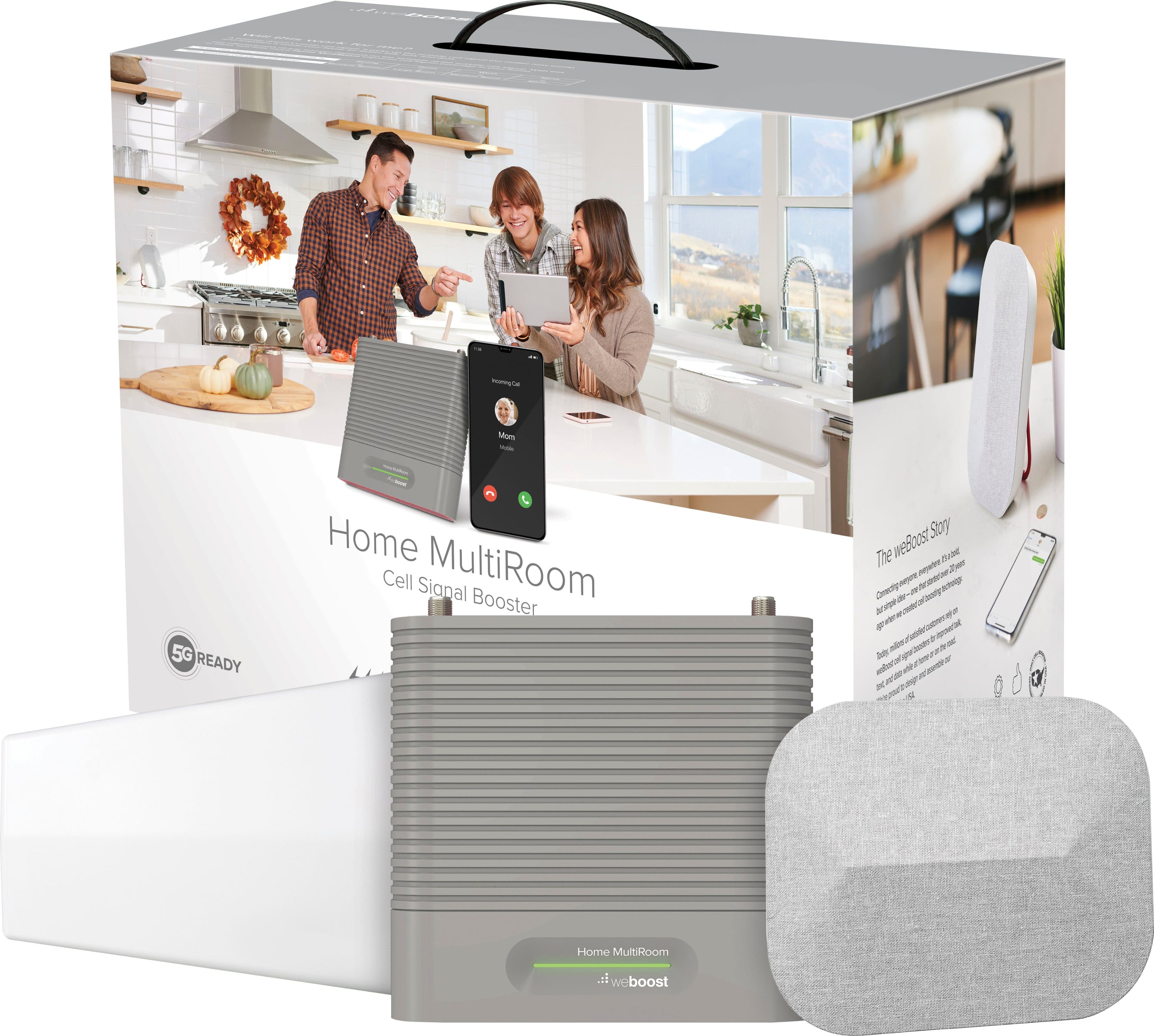
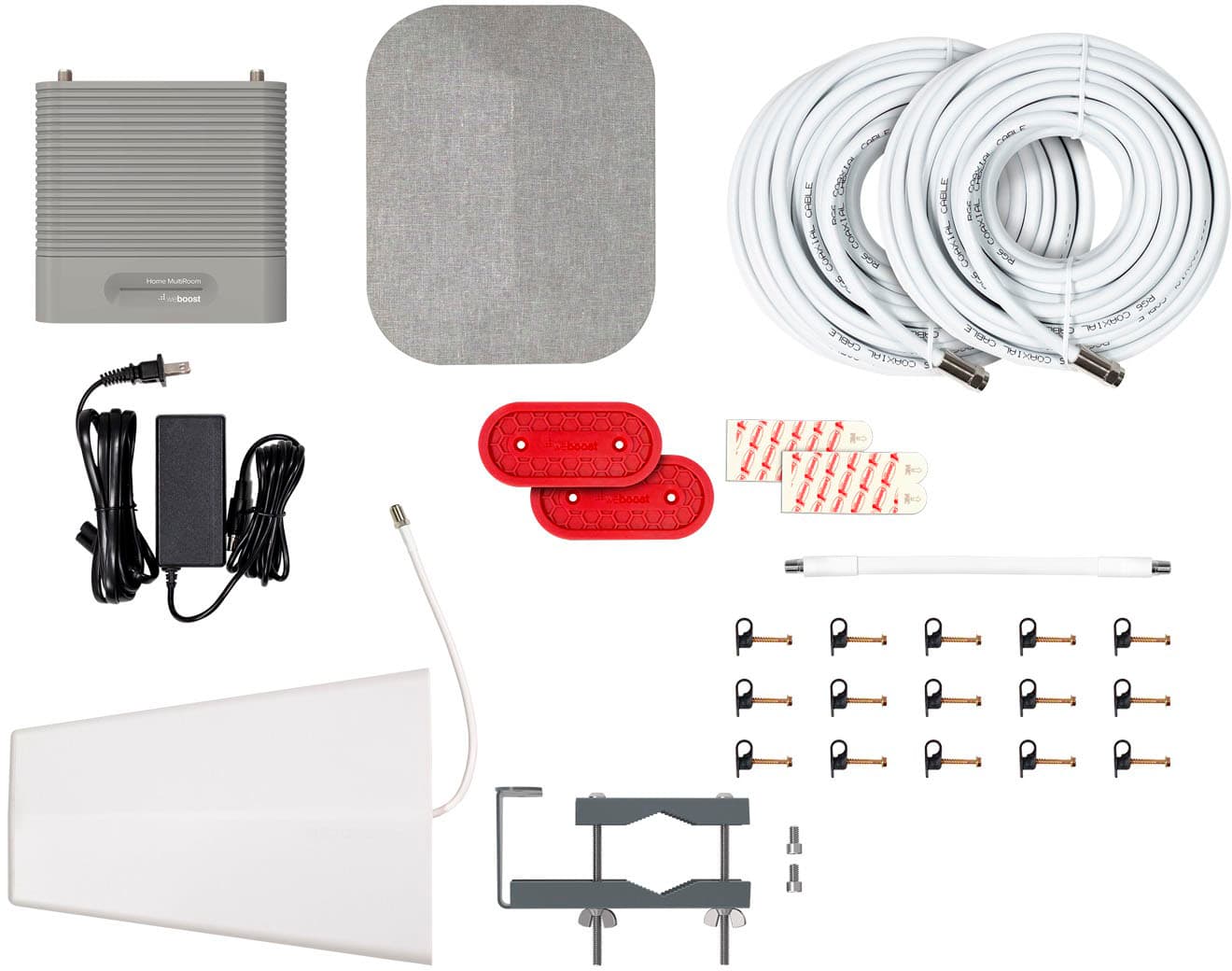
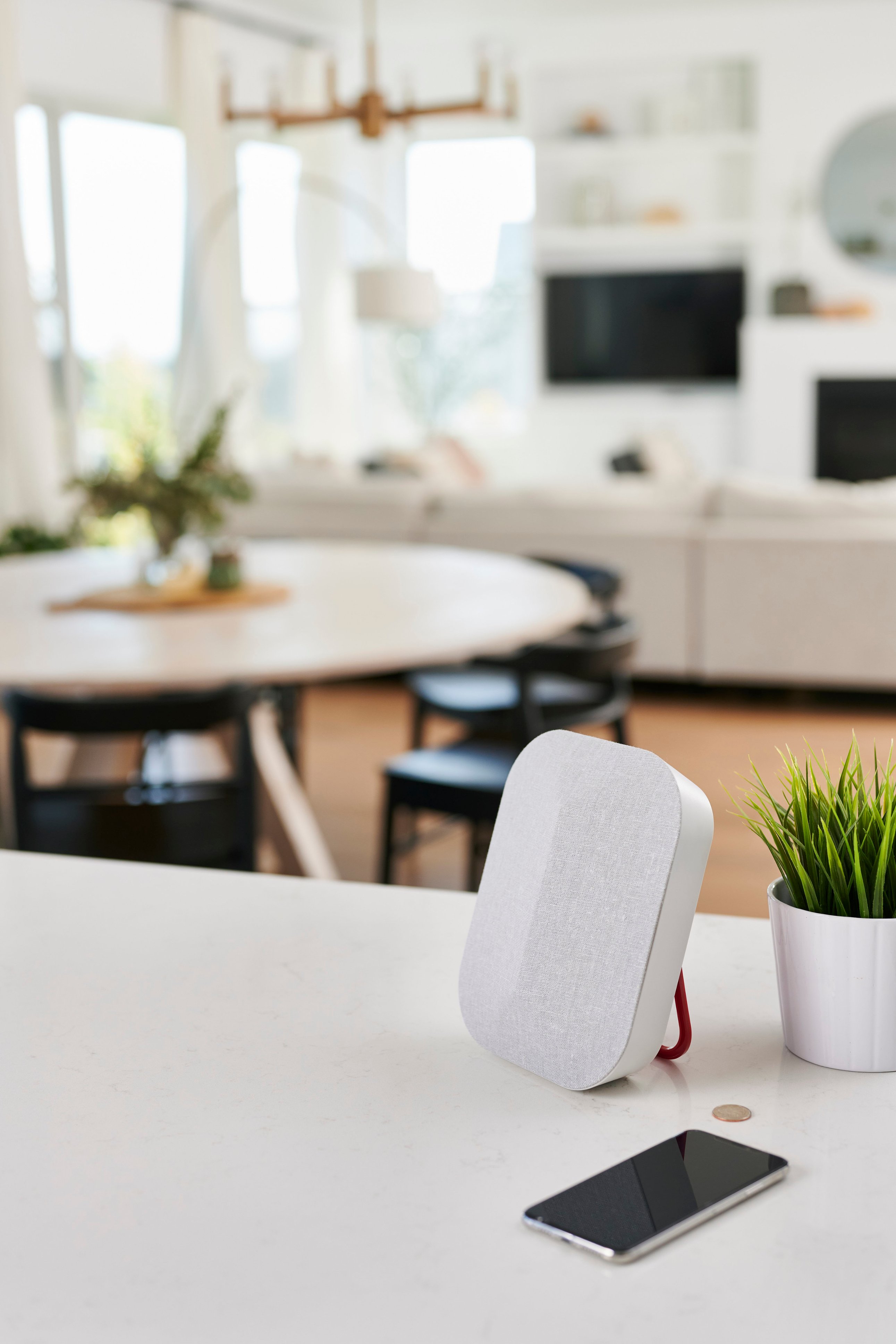
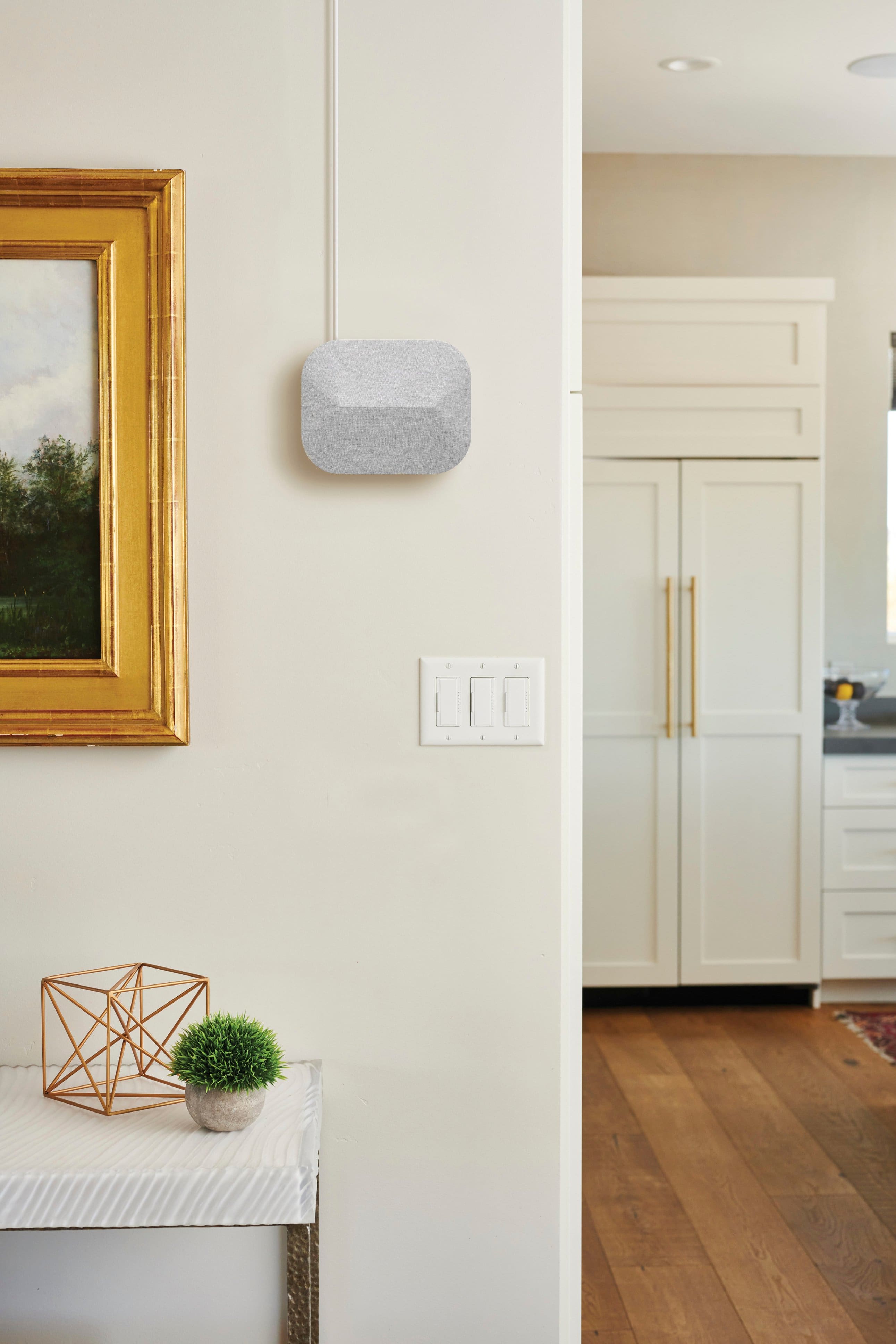
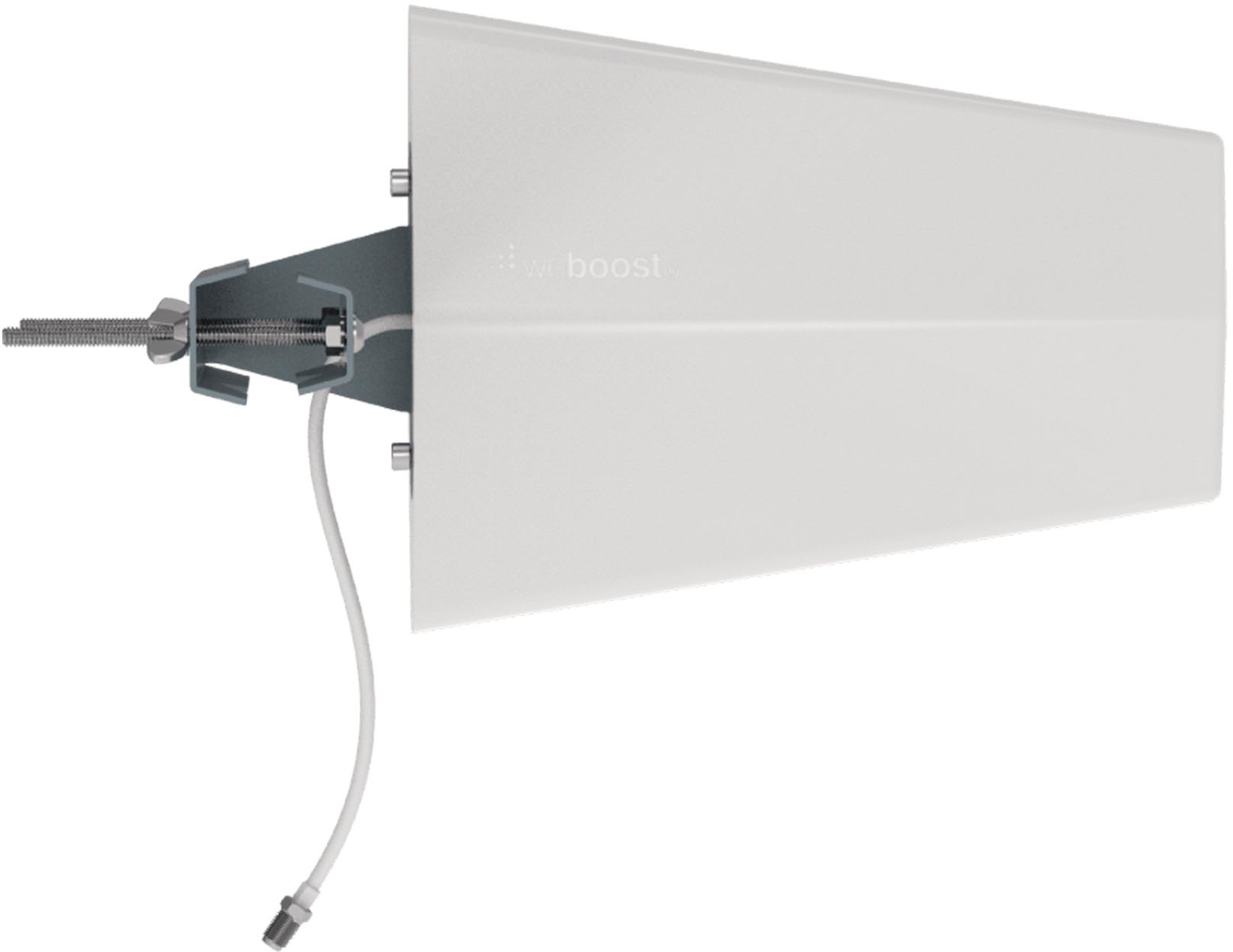
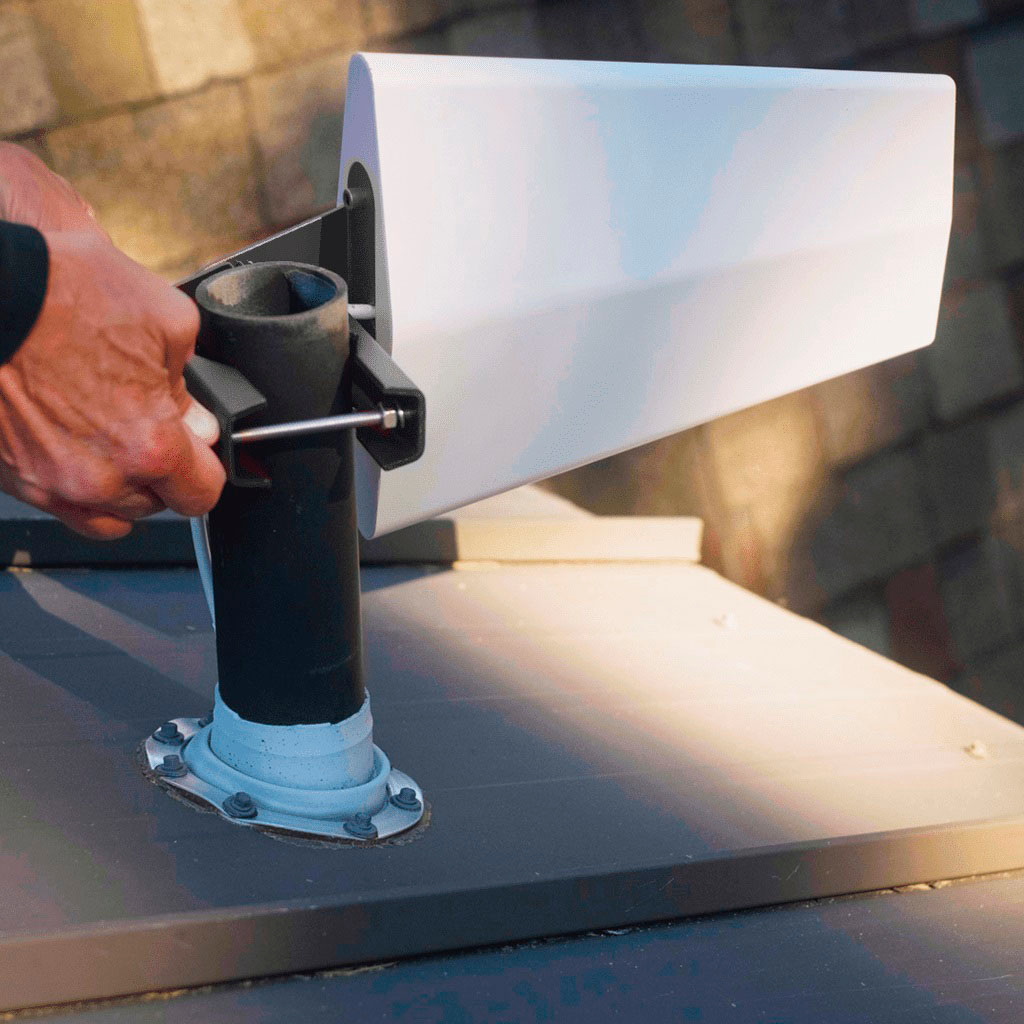
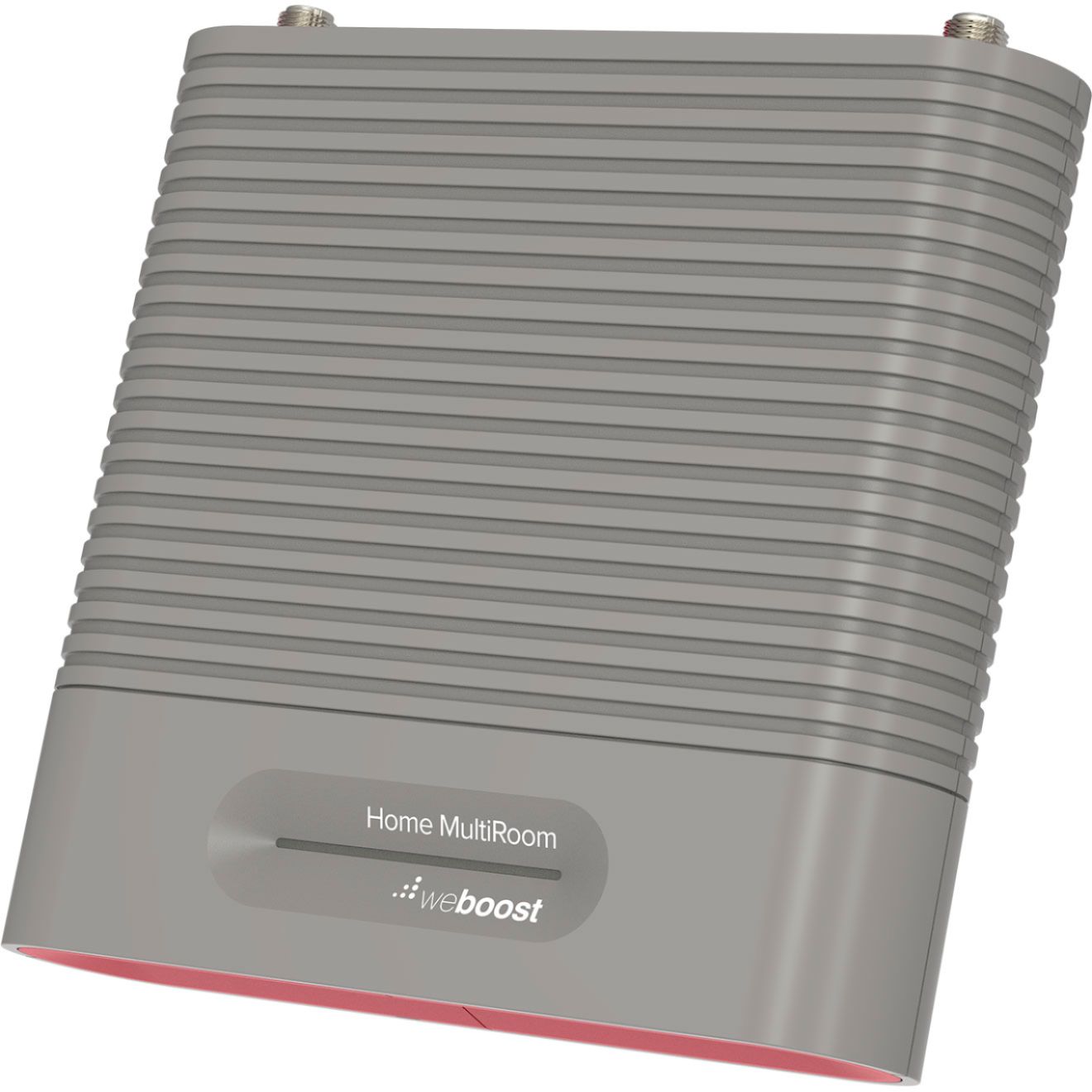
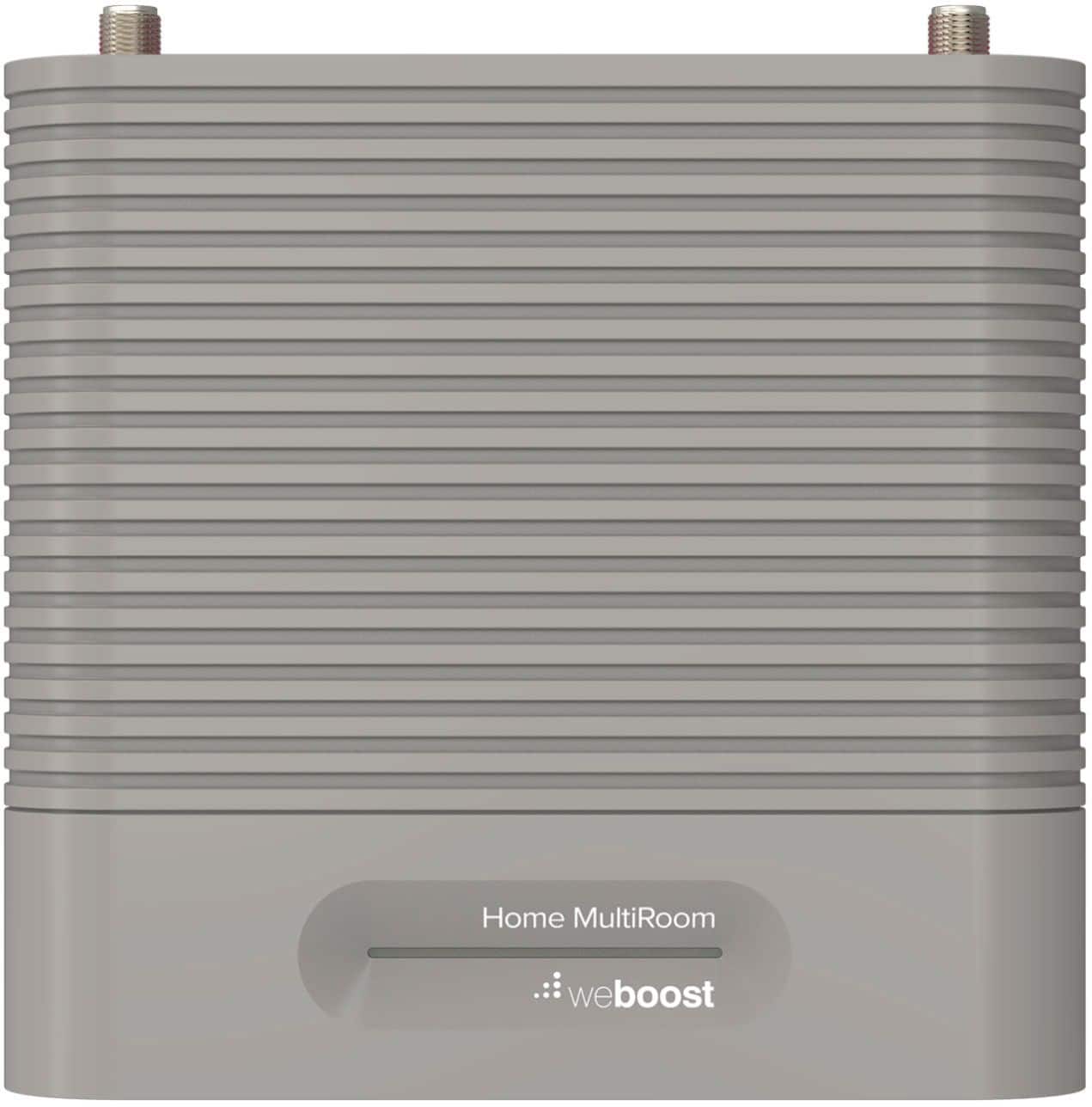
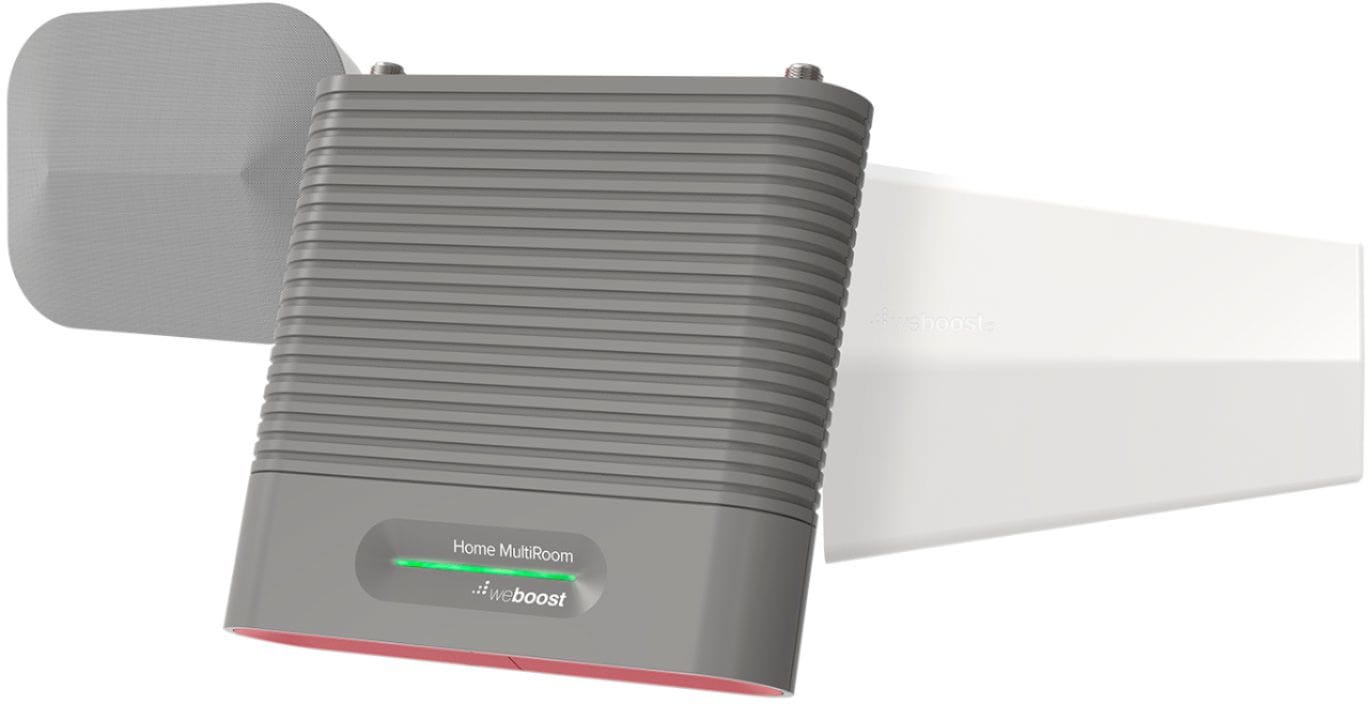
|Posted .This reviewer received promo considerations or sweepstakes entry for writing a review.The weboost Home MultiRoom Cellular Booster Model 470144 is very simple and a little complicated too. It works and works well, and it does require two people to install it in order to maximize the products potential. It can boost cellular signal strength across 5,000 sq. ft and can do so while multiple users are simultaneously accessing its potential. How it works is very simple and everything you need to install the weboost is included in the package. Basically, the weboost works to increase cellular power to your home or office and to do so the cellular boost works as a three-step process. The system includes an outside antenna, a booster that is electrically powered, and an indoor antenna. The three are connected using RG6 cable which is also included. The company even includes a flatwire section of RG6 equipped with connectors to help bring the cable into the home through a window opening. When installed properly, the weboost can give your cellular calls a Max Gain of 65dB. In simple language, a dB is a decibel and decibels are the measurement of sound. The decibel scale was made by humans, so it is actually a pretty good representation of how the human auditory system perceives sound. Normal conversational speech is between 60-70 decibels, whereas a whisper is around 20 dB. The weboost has been designed not only to boost cellular sound to 65 dB, but to make stronger connections, eliminate drop calls and increase data speeds. Installation is a little trickier especially if you wish to conceal the cables. The exterior antenna is small and light, but it does connect well with the closest cell tower when you activate the system. The exterior antenna must be mounted outside; and it needs to be on a pole, mounted to the fascia board of the eave of the house, or connected to an existing stack vent, etc. protruding from the roof that is already a part of the home’s system. I connected it to an existing pole. The Booster connects to the exterior antenna by RG6 cable and the package includes two (2) sections of 15 feet of RG6 cable and the flatwire to run above or under the window and connect the two. The Booster has two terminals, each marked either “outside antenna” or “inside antenna” where the terminal ends of both RG6 cables need to respectively connect upon completion of the installation. In addition to the two (2) 15 ft. sections of cable, the package also contains a 30 ft. section of RG6 cable that should be used to connect the booster’s “inside antenna” connection to the inside antenna. The indoor antenna needs to be placed in the home or office where the signal is MOST NEEDED, and it should be positioned at least 24 inches away from the Booster. The Booster has a linear light to help you line up the antennas for the best cellular reception possible. It is powered by electricity, but do not connect it to the electrical power until you are ready to line up the system for use. When I was ready and had a helper, I plugged the electrical cord into a new power strip because I’ve already had 2 routers that were plugged into power strips be knocked out by lightning and I wish to avoid that happening again. Before connecting the Booster to the electrical power, double check that the two terminals have 1) the 30’ cable leading to the indoor antenna, and 2) the two (2) 15’ sections joined by the cable flatwire leading to the exterior antenna. A very important step to remember while installing the unit is that placement of these three (3) components is very important. The inside antenna must be placed at least 20 feet from the exterior antenna if the imaginary line between the two would be vertical (meaning the antenna is placed on or near the roof), and 50 feet if it is more in line with the exterior antenna horizontally. Before finishing the installation be sure to contact your cellular company to register your device and seek permission. Each of the major carriers have a dedicated section on their websites to “boosters”. After you have decided the location of each of the three (3) devices, secured and wired each of them, it is at this point of the installation that two (2) people (preferably 3) are required to “optimize” and finish the installation. The Booster can now be electrically powered by using the power adapter that is also included. As one person rotates the outside antenna in 1/8 increments, the other person needs to check cellular signals on their phone near the interior antenna. That person or a third person needs to unplug the booster unit and reconnect it to electrical power between each observed reading of the cell phone’s signal strength. When the signal is at its greatest, the exterior antenna should be secured tight to the exact position it was in when this occurred. The Booster’s linear light offers a series of light communication to you, the user, as to what is going on between the Weboost and the closest cellular tower. The lights illuminate either Green, Red, Yellow, or a combination of these colors; and they either stays solid or remain in a blinking pattern. These codes convey various measurements or issues with the cell tower’s boost to your home. Your personal cell is probably the best reference after analyzing all issues as to how well the weboost is performing. If the signal indicator shows strength at a high level, then you are probably ‘good to go’. I would recommend this product for anyone having poor cellular service in their home who might be looking for a good solution to the problem. It is a quality product and works very well. The only con that I had with the product was more of an installation dilemma, because for me, concealing the cables was a little bit of an issue. I was eventually able to utilize the ceiling in my basement to conceal the cable wires and make it a cleaner installation. The weboost comes with a 2-Year Warranty and I highly recommend that you look at it if you are seeking a solution to poor cellular service in your home or office. I feel certain that in most cases, its ability to project high signal strengths will solve your problem.
I would recommend this to a friendProb a good product but didn’t work for me
||Posted . Owned for 1 month when reviewed.This reviewer received promo considerations or sweepstakes entry for writing a review.I was to far away from cell tower didn’t work I guess,
No, I would not recommend this to a friendTricky install, but worth it
|Posted .This reviewer received promo considerations or sweepstakes entry for writing a review.WeBoost Home MultiRoom Cell Signal Booster I live in a rural area not real close to cell towers. Not horrible, but not great, either. I got the WeBoost Cell Signal Booster to try to improve the connectivity. I received the kit a few days ago, and I have set it up temporarily until I can more properly install it. I have not really fine-tuned it yet, waiting for final placement to do that, but the preliminary results look promising. The kit comes with everything I needed to install - at least for my testing. Inside antenna, outside antenna, mounting hardware and hex key for both, signal amplifier with power supply, two 15’ coax cables, one 30’ coax cable, a short flat connector cable to use through a window or door, and instructions. Although the instructions are well laid out and clear, it was still a tricky install, even if a temporary one. The most difficult part was aligning the outside antenna. There is one indicator light that shows errors, but nothing to show signal strength. It’s really too bad, as the process with an iPhone is not ideal. You need to put the phone in Field Test Mode by entering *3003#12345#* and hitting Dial. Tap on Serving Cell Meas and look for rsrp0. Every few seconds the display refreshes, and the line where rsrp0 moves. A less negative number is better than a more negative one, so -95 is better than -115. By a bunch, I guess. Anyway, you need to power off and power on the signal amplifier after each antenna move, and turn off and on cellular each time. Also, your WiFi should be turned off. There is an app called OpenSignal that will point to the nearest tower. My signal hasn’t changed by very much, but I think it is because I still haven’t tweaked the outside antenna properly. My reason for not giving this 5 stars is not because of the signal, but because there is no easy way to determine the proper direction and elevation to point the antenna due to no meter or sequence of lights. Otherwise, it is well built and comes with most everything needed to install, except maybe a ladder!
I would recommend this to a friendDoes not work good for me
||Posted . Owned for 1 week when reviewed.This reviewer received promo considerations or sweepstakes entry for writing a review.This made no difference in my service and I would not recommend it
No, I would not recommend this to a friend