Customer Ratings & Reviews



- Model:
- 474445
- SKU:
- 6405723
Rating by feature
- Value
Rating 2.9 out of 5 stars
- Quality
Rating 3.5 out of 5 stars
- Ease of Use
Rating 3.5 out of 5 stars
Customers are saying
Customers find value in the signal strength, installation process, call quality, and bandwidth improvements provided by the Installed Home Complete Cell Signal Booster Kit. The professional installation is appreciated, and users report improved call quality with fewer dropped calls. However, some customers have noted that the coverage area may not always meet expectations.
This summary was generated by AI based on customer reviews.
- Pros mentioned:Call quality, Signal strength

Good improvement in indoor cellular signal
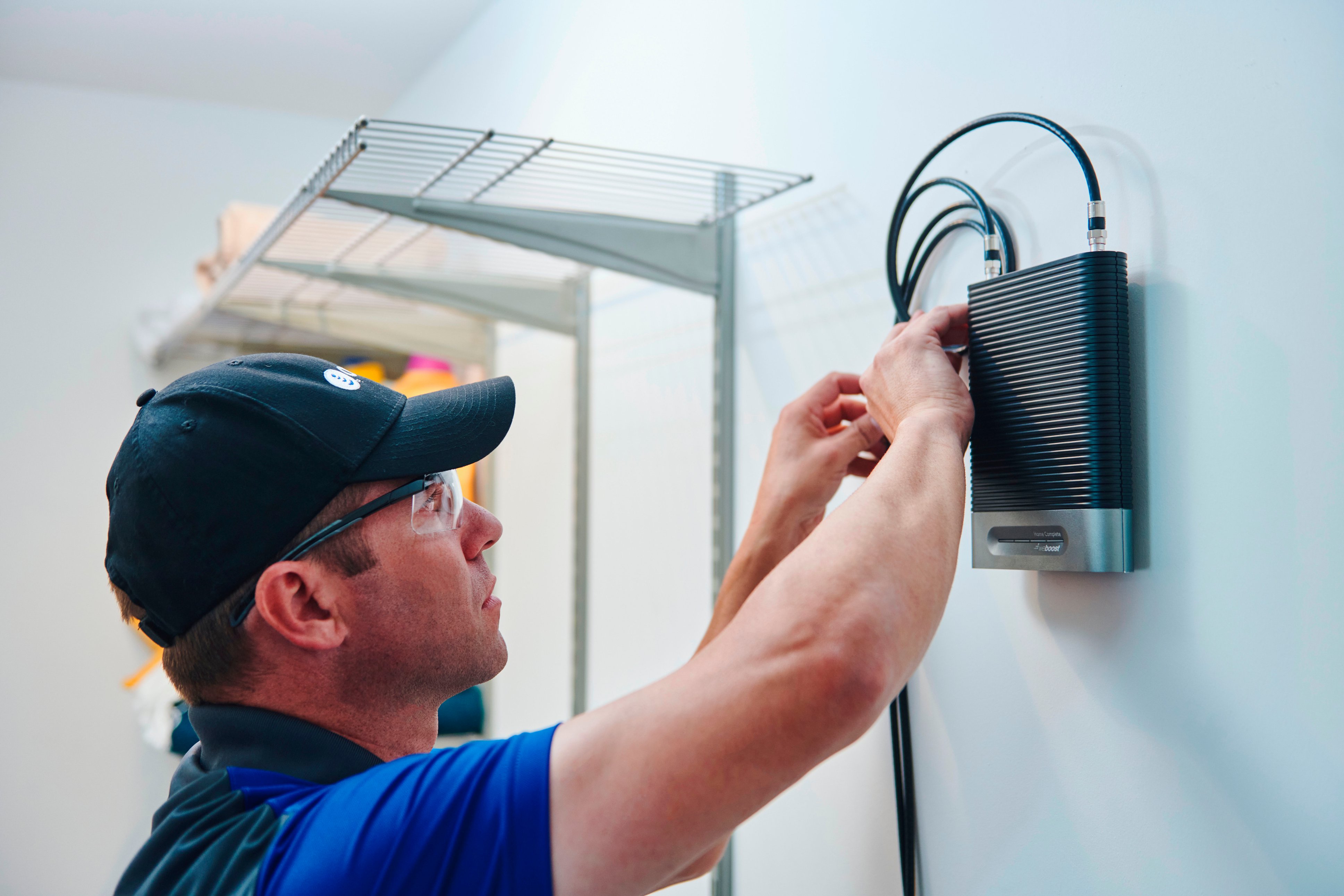
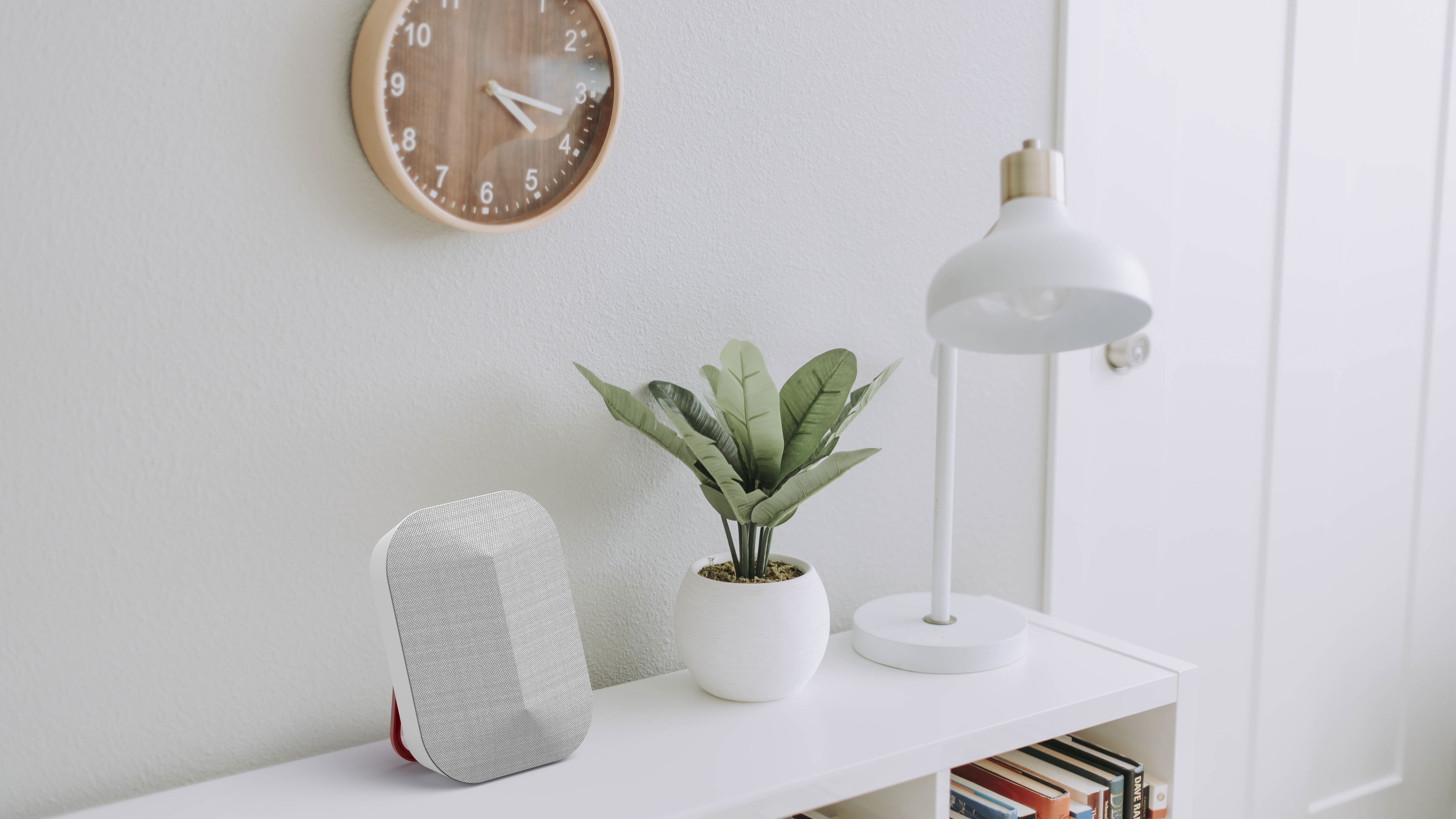
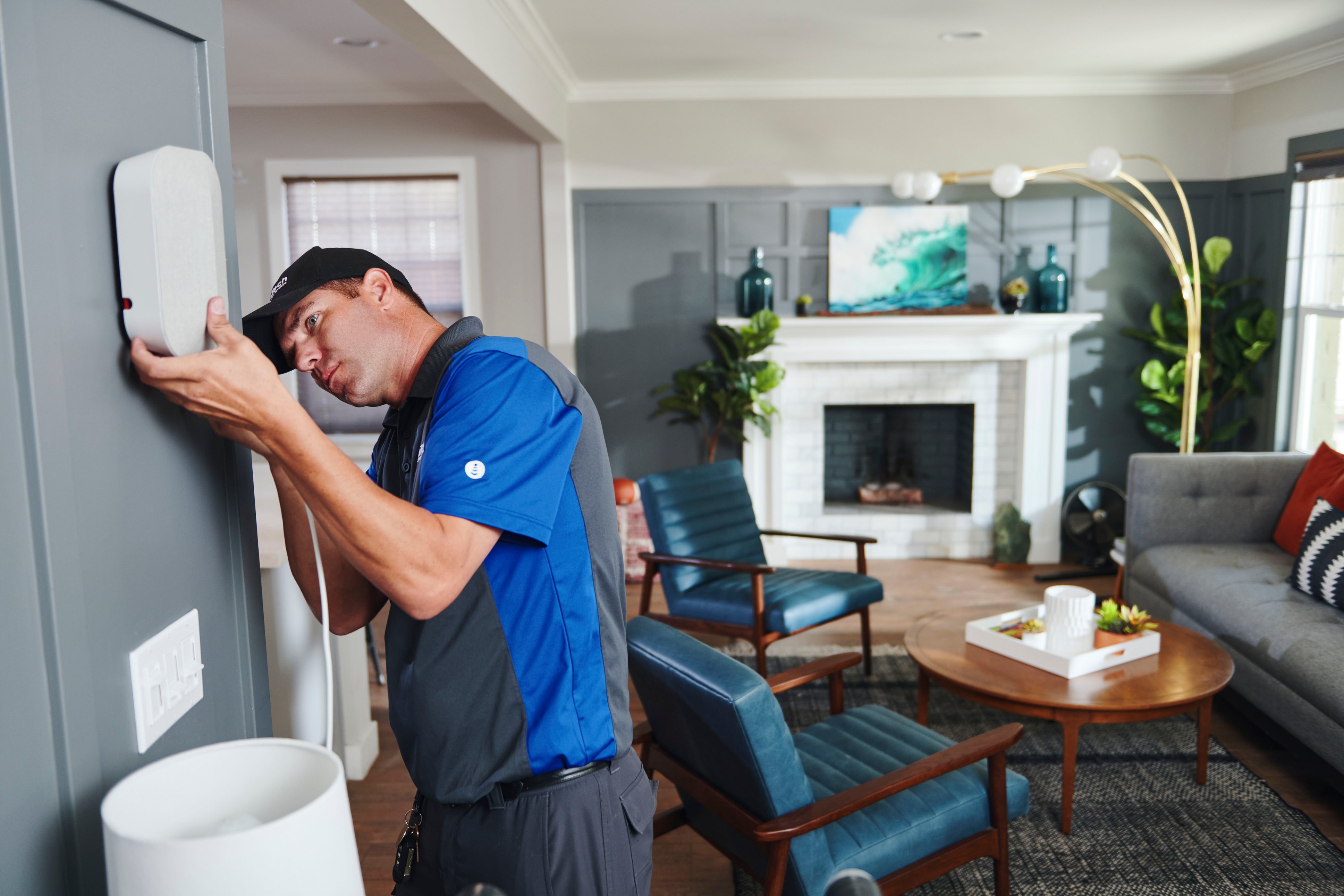
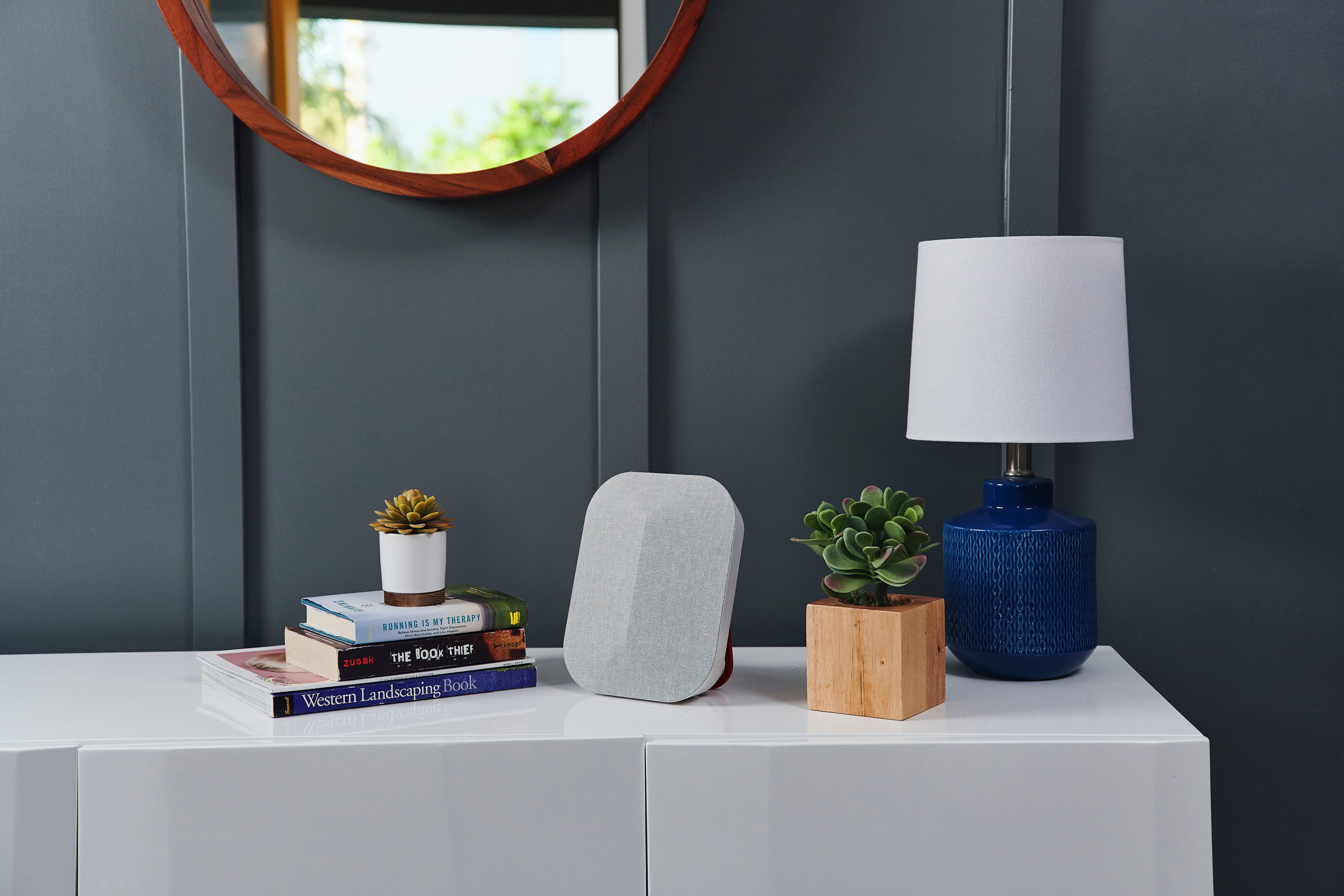
|Posted .This reviewer received promo considerations or sweepstakes entry for writing a review.The water tower up the street from our home needed routine maintenance and painting and the cellular antennas were removed. As a result, the cellular reception in our home dropped to 1 bar. We often had trouble hearing callers, calls were dropped, and text messaged would sometimes be delayed for hours. The antennas could not be replaced because there was a change in the building codes that required reinforcement of the footers under the water tower. The weBoost antenna increased the 4G signal strength in our home from 1 bar to 3 bars (sufficient to enable good audio connections and drop-free calls). The technician performing the installation (included in the cost of the system) was excellent and was able to locate the best remaining cell tower near our home and amplify the signal to permit reliable cell service inside. The system does require a small horizontal roof-top antenna, coaxial cable to the indoor booster (close to an existing power outlet), and coaxial cable to the indoor antenna. The installer can make cable runs hidden in attic, crawl space, or in-wall. The indoor antenna can be wall-mounted or placed on a table using the built-in “kick stand”.
I would recommend this to a friend - Pros mentioned:Installation, Signal strength
Not a Cellular Panacea, Inconsistent Results
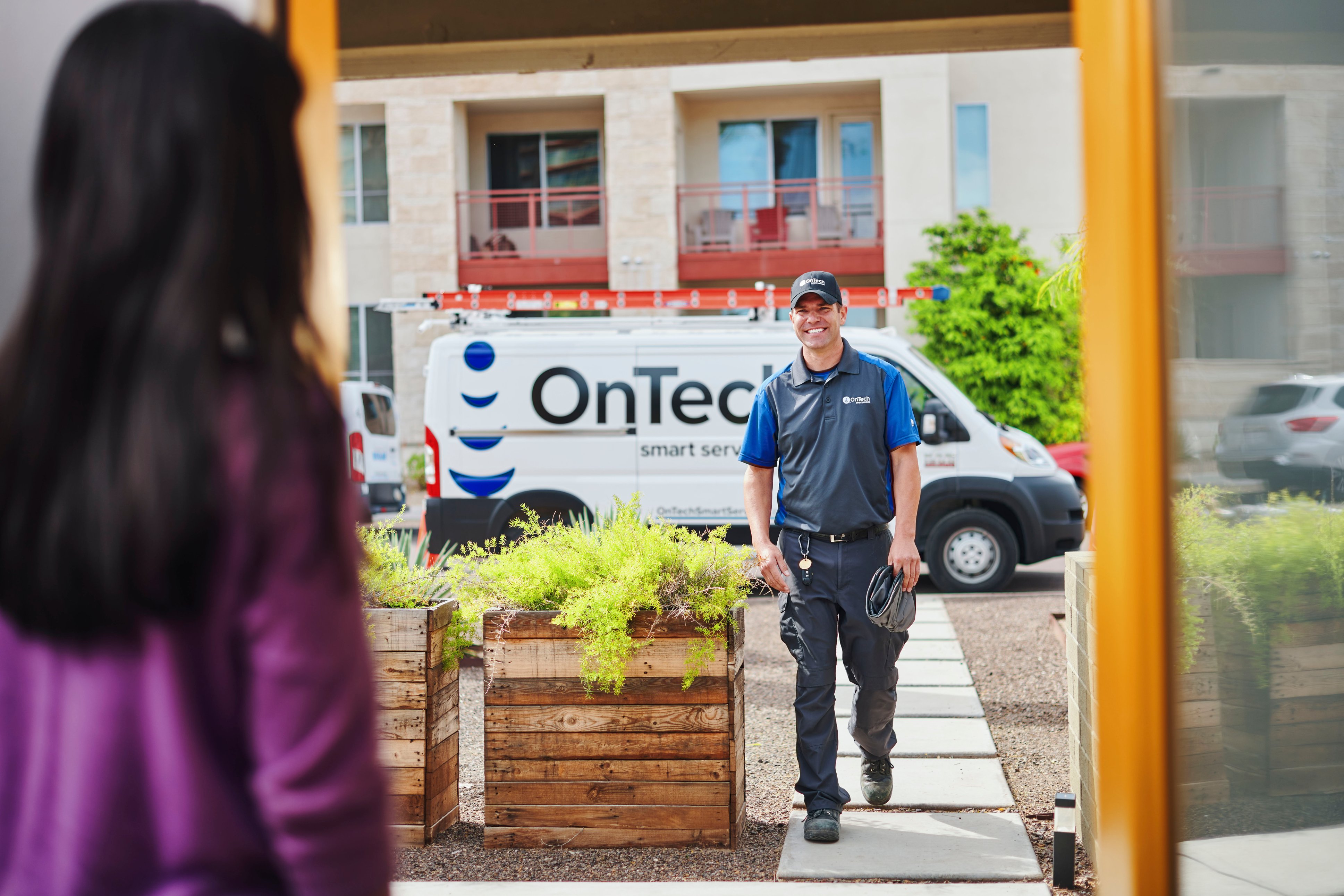
|Posted .This reviewer received promo considerations or sweepstakes entry for writing a review.I have Sprint as my carrier because I'm grandfathered into a really cheap family plan with Unlimited Plan, but the downside is that I'm pretty much guaranteed low signal in some areas even though I'm in the Greater Metro DC Area. Even at my home which is just 10 miles outside of DC, I get 2-3 bars and roughly 15Mbps download on 4G LTE. I jumped at the chance to use the weBoost hoping to get 100Mbps or more that I can get in areas closer to Sprint towers. The overall set-up process with weBoost is amazing, white glove treatment and super easy. Wilson contracts with OnTech which is a contractor that does all kinds of tech home installs. They are usually available within 2-3 days of when you request an appointment, and the included code on the weBoost kit means you pay nothing for the installation. Great so far! Unfortunately, the fact they use contractors means they are using instructions and don't have a ton of experience with this specific installation. They do smart cameras, mesh networks, Dish TV installs, and the weBoost is just one more unicorn install they deal with. The first tech that came out didn't seem like he had done one before and was in contact a lot with his home base and install documentation. Needless to say, the first visit didn't end particularly well, I actually got worse performance with the weBoost than without for Downloads from around 18Mbps to around 5Mbps. Upload speeds increased a to 15Mbps, but no one wants to pay $1K for a downgrade in some areas and upgrade in others. I contacted weBoost and they were great, went through a bunch of questions and asked me to send them pics. They came to the conclusion the installation was not done correctly and told me to call OnTech to schedule another appointment to fix it. Again, pretty seamless experience, 2nd tech showed up in PPE on time within the window and he moved the booster unit away from the outside Antenna saying there was interference if they were too close. The green lights on the unit itself this time went to 4 bars, and while the actual performance from my phone using speedtest wasn't an improvement, it wasn't worse. Another really interesting observation was that the 2nd Tech had an Android phone and had MUCH better results with the weBoost connected than without. My wife and I both have iPhone Xs and we both got much better (2-3x) results with the weBoost Disconnected. So odd. The first installer hung the outside antenna on the garage eave instead of higher up on the 2nd story of the house. I suggested moving the outside antenna multiple times but the 2nd tech didn't seem to want to do that. Bottom line, if you are already getting decent Wireless signal to your home I don't think I would recommend this unit. If you are in the middle of nowhere, it may be worth looking into as the difference between watching Netflix or not. Overall the experience was good, I'm glad I got to try it, but based off of my results I could not recommend this to someone in a similar situation in the suburbs, with good, but not great signal. If you're in rural areas where you have clear lines of sight to the nearest tower with no interference, it could make a big difference for you.
No, I would not recommend this to a friend - Cons mentioned:Coverage
Installer told me to return and save my money !
||Posted . Owned for 1 month when reviewed.This reviewer received promo considerations or sweepstakes entry for writing a review.This is a joke. The installer told me it only do one room, he off the record recommended me to return it. What does that tell you? Buyer with no cell service this is not the answer.
No, I would not recommend this to a friend - Pros mentioned:Signal strength
Be mindful of your starting point
|Posted .This reviewer received promo considerations or sweepstakes entry for writing a review.First let me say that the installation of this is nothing to sneeze at. It must be mounted to the outside of your house, pointing *directly* at your nearest tower (line of sight) and then cable run (no more than 60ft) to the boost box, then cable run (no more than 30ft) to the broadcaster in your house. So it's quite involved. That said, our installer was absolutely *awesome* - literally zero complaints. He did a great job telling me how it worked, what to expect, how the install went, etc. We started with a -108dB reading from Verizon - basically non-existent. At the end we were up to -78. This is still not good, but it's better. Basically, the difference is between .5 bars and 1.5 bars. So, while our phones still show us at ~1 bar, there was effectively a 3x increase in signal and the reliability and LTE speed are definitely better. But do not go into this thinking you're going to go from no bars to 5 bars with this unit; it can only do so much with what it has to work with.
I would recommend this to a friend - Pros mentioned:Call quality, Signal strength
Works as advertised
|Posted .This reviewer received promo considerations or sweepstakes entry for writing a review.I unfortunately live in a cell signal dead zone and this brought it back to life. Before I would generally get 1 bar, and sometimes even no signal. Calls would drop if I could even make them, texts would fail...it was such a pain. Guests would always have to get on the wifi because cell signal here was so poor. I did read prior to installation that if you have a poor signal, it may not even help, but figured I would give it a try. After install, I pretty much get 2 or 3 bars, calls rarely drop, and I can even use phone apps when the wifi is turned off. So, yeah, not a miracle product, but it is working well so far. The installers were great and they were able to place the various units in locations that we don't even notice them. Wires were run cleanly, and it only took about two hours. For the price, it was well worth it for me. I will say that sending and receiving texts with pics is much faster and more reliable, calls work, and I don't even notice the hardware. There are no apps or logins, it just works in the background with no beeps or dings!! Great product!! I felt like I was destined to never get a cell signal, but alas, weBoost has come to the rescue
I would recommend this to a friend - Pros mentioned:Installation, Signal strength
Gained 1-2 Bars Cell Strength
|Posted .This reviewer received promo considerations or sweepstakes entry for writing a review.We live in a very remote area, down in a valley so cell phone service and internet has always been an issue. Once the WeBoost was installed, we did gain 1-2 bars so I did give it a four star rating. If you have a chance to get professional installation for this device, I would definitely recommend it as they did a much better job of installing it properly than we had on another one. The instructions are plain enough, but you need to know where your towers are and you need to make sure you don't cross the antennae with the booster path for optimum performance. The only reason I did not give this 5 stars is because they claim to improve "the Wi-Fi and cellular network speed" and while it does boost the signal strength, I don't think it increases the speed. Also, it is supposed to work up to 7500 sq. ft. but the signal was only boosted one bar in a space that was only 2 rooms away. It's still worth the increased performance, and I assume homes or offices with more line-of-sight availability to cell phone towers will perform much better.
I would recommend this to a friend - Pros mentioned:Bandwidth, Signal strength
Impressive product that works
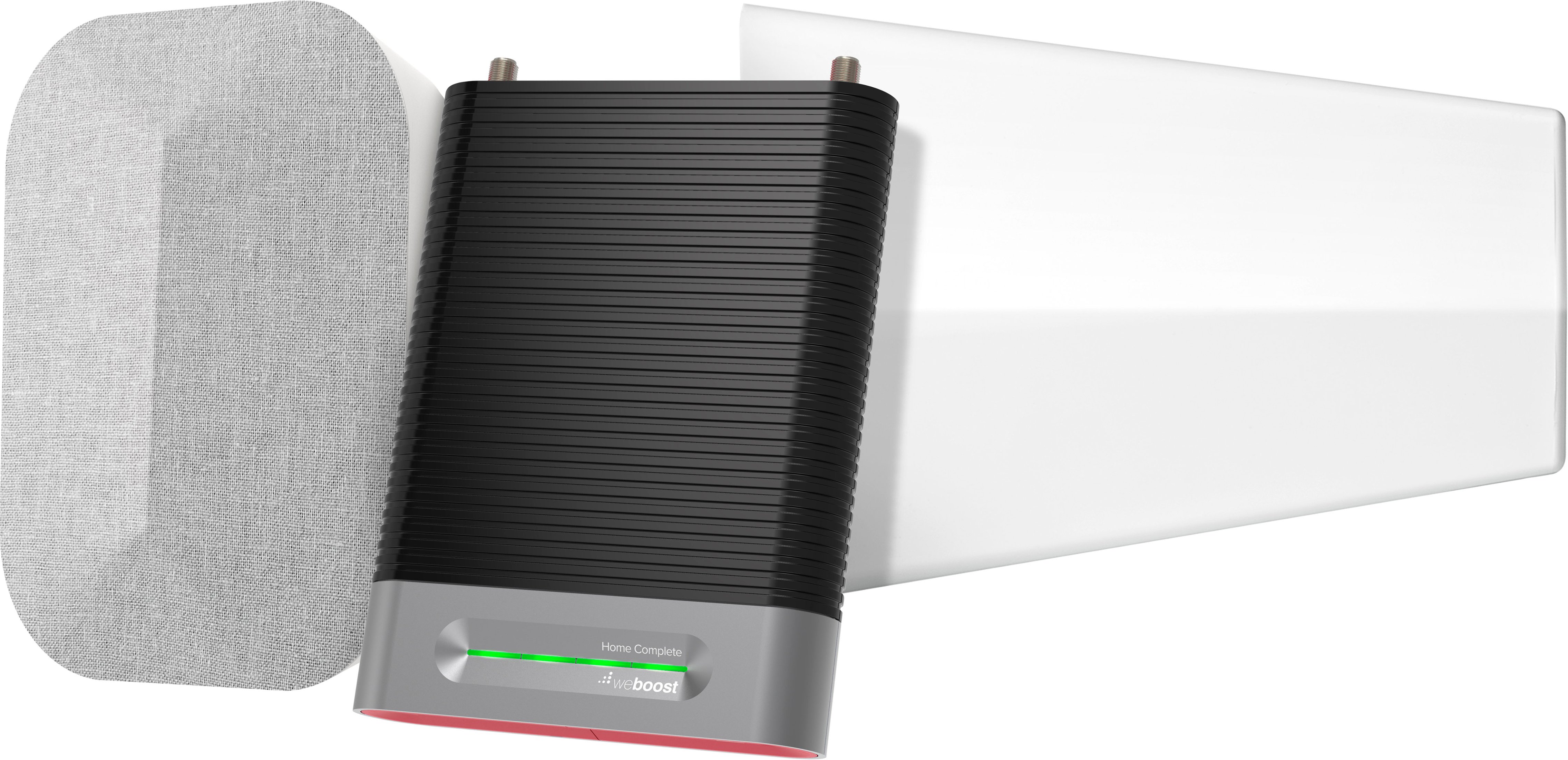
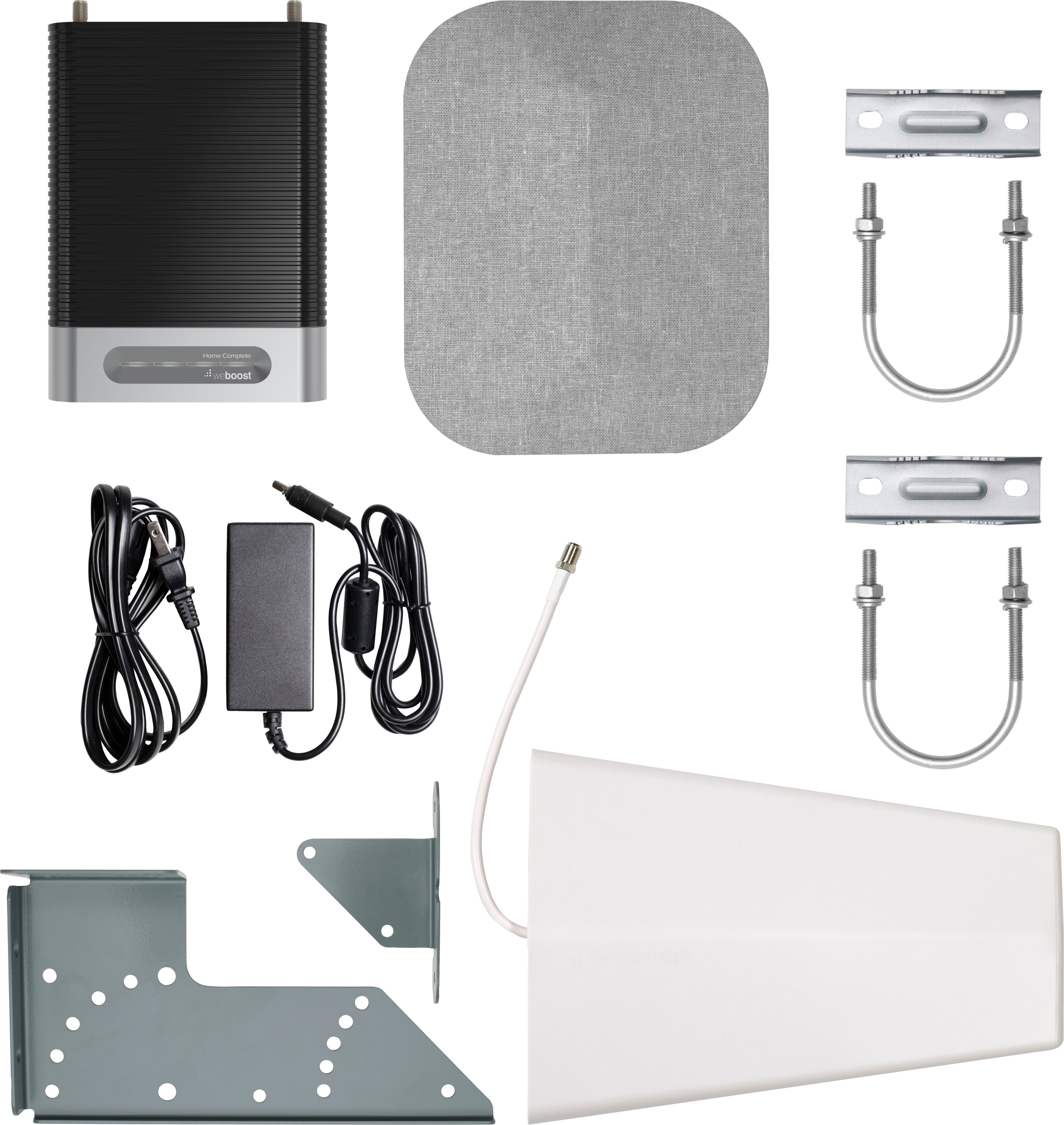
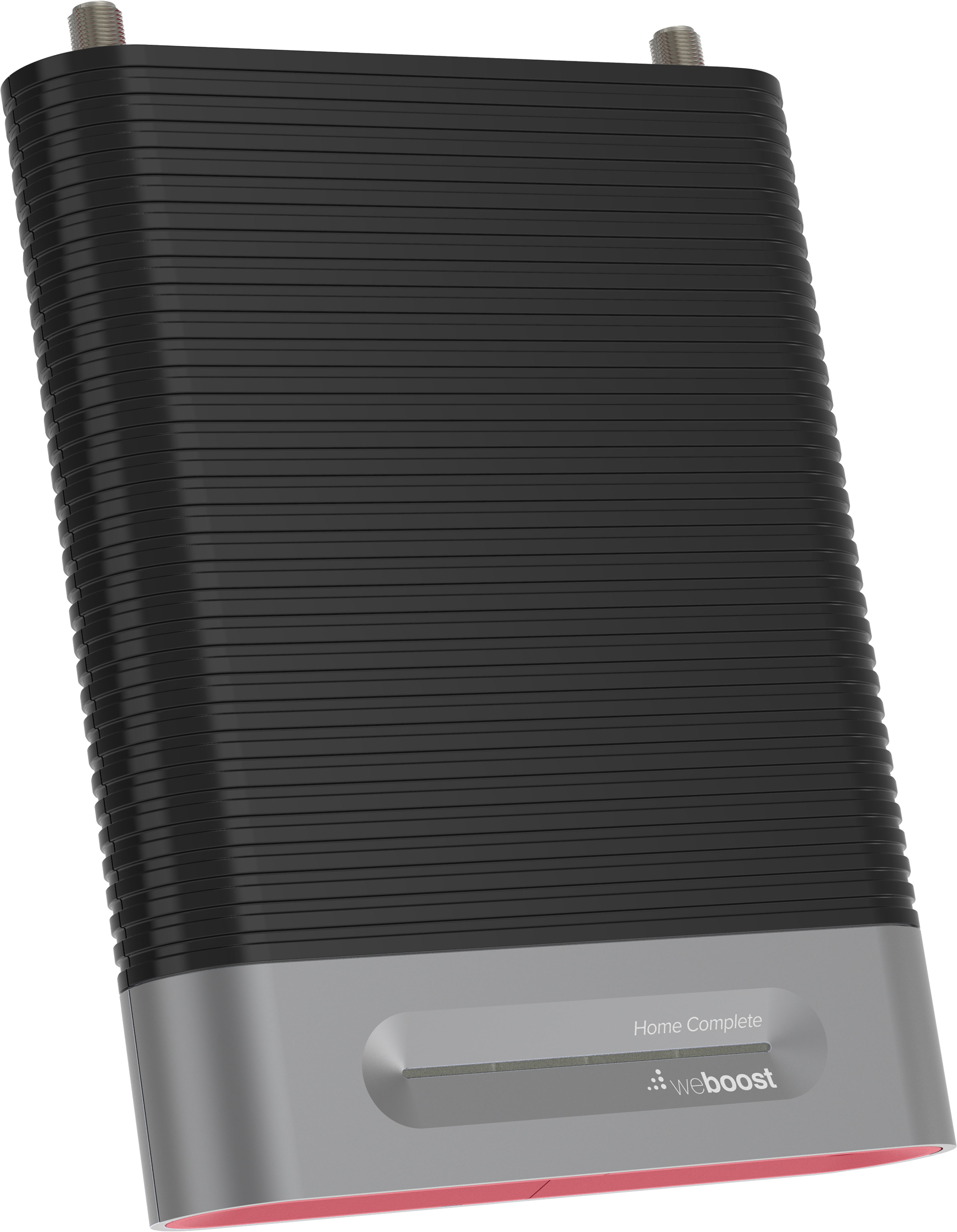
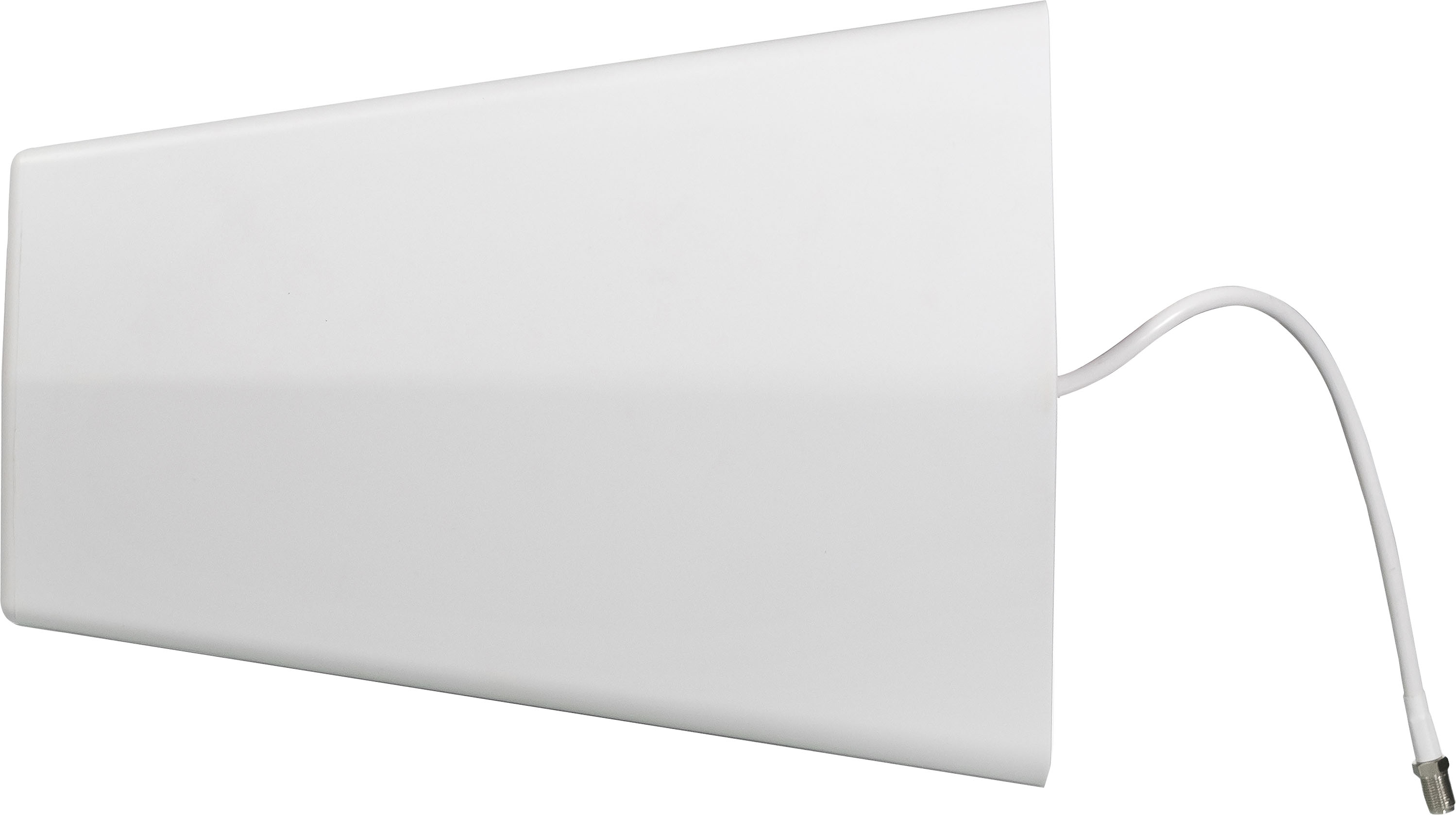
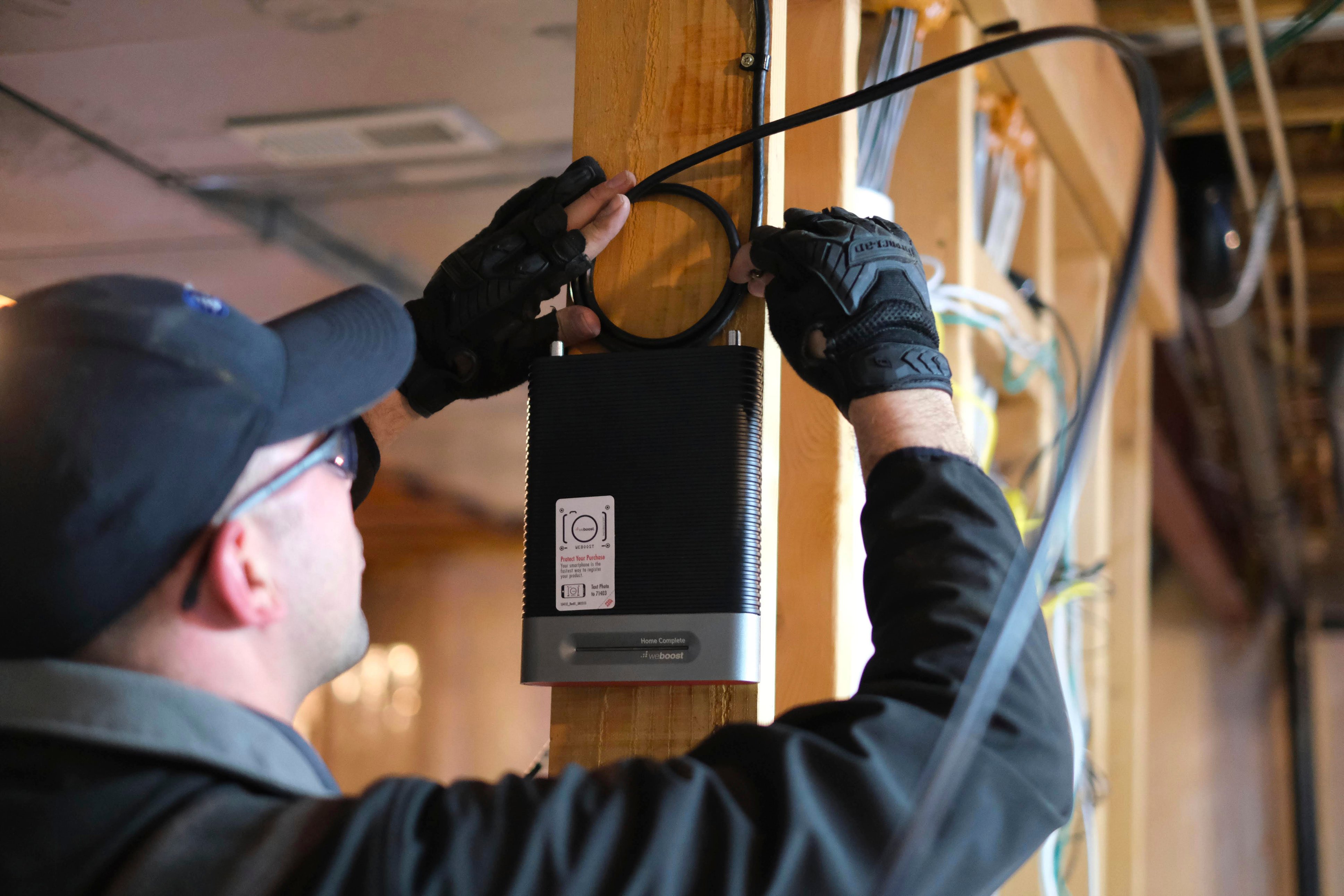
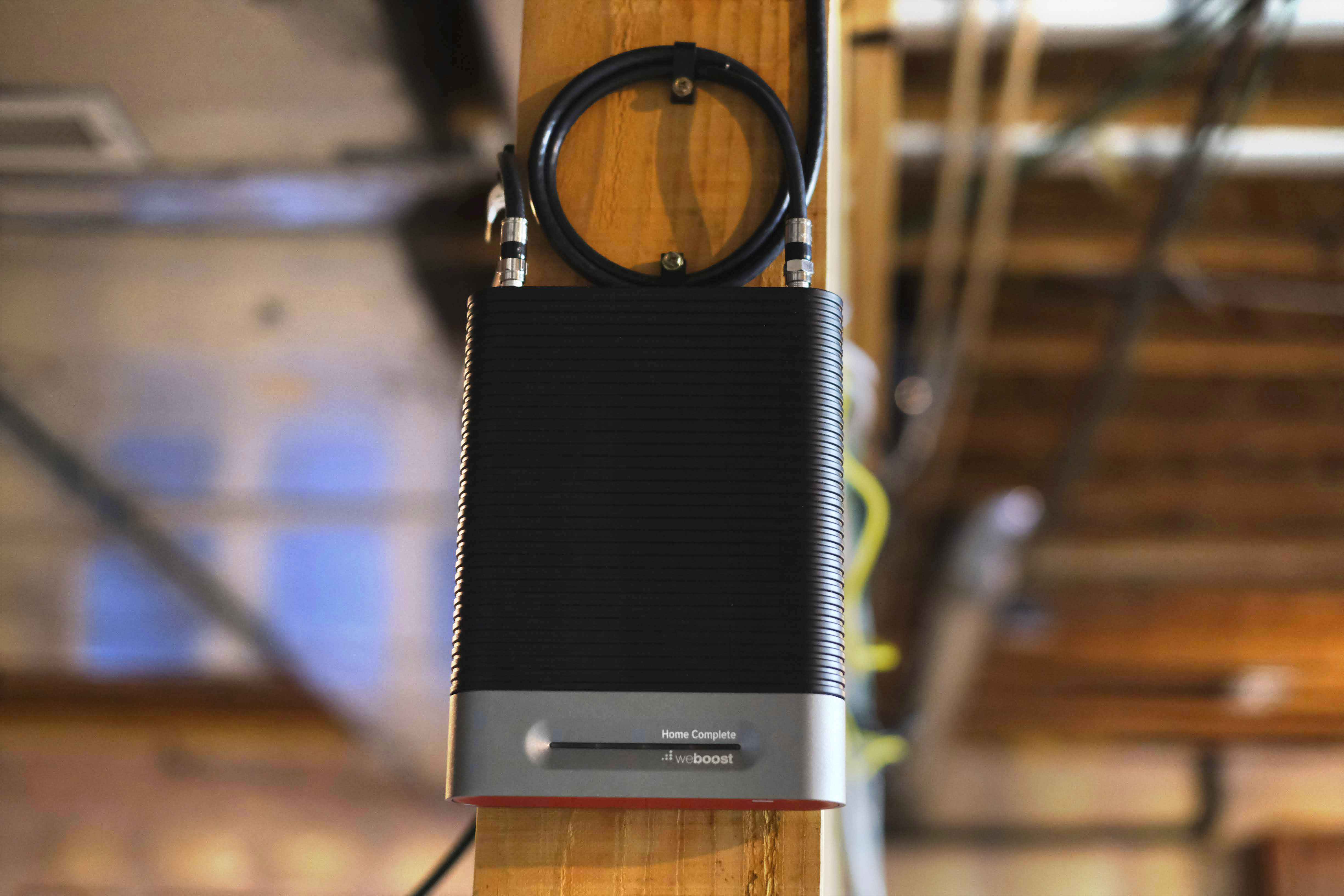
|Posted .This reviewer received promo considerations or sweepstakes entry for writing a review.The weBoost Complete home installation kit is pretty impressive. To give you an idea of what I am dealing with, I do have cell service in my house. I live in the suburbs, in an area that is growing in population, however, the area still seems to be a dead zone for some things. Cell service is hit or miss, depending on your provider of course. T-Mobile is a Washington company, and it is my service provider. They are not the fastest, and their coverage is not always first place. In my residence, I get anywhere between one and two bars on my phone. Plus I am getting just under 50 mbps download speed for my mobile internet on my phone. Those are the basics for my set up. The weBoost device is not small, and it needs to be professionally installed. You will see in some of the other reviews, that there is a fairly significant antenna that needs to be installed outside, and they run a line the wall and into the location where you want the indoor components installed. There are three basic components to the system: 1. The outside directional antenna (already mentioned it) 2. The inside panel antenna 3. Home Complete (Brains) 4. Installation instructions The Home Complete is a little smaller than an X-Box. It makes no noise, but has a fairly bright light. Make sure you have the installer place it where you want it to live forever, or at least give you some extra wiring so you can move it around if you need to. I installed mine in the Livingroom and it is hidden behind a piece of furniture. Out of sight, out of mind. The panel antenna is different, as it needs to broadcast the signal and should be in a location to maximize that benefit. Mine is on the fireplace mantle, but I may move it later. The indoor antenna is fairly large and I am trying to find a way to disguise it somehow. I mentioned the instructions for the installation? That is because when you purchase this item the install was free. My install was fulfilled by Dish Network and the process to reserve the install date was done all online with a code provided in the box. Very easy and the installer was awesome. Very COVID-19 friendly, and the install looks very clean and professional. So the results? Full bars on my phone and the mobile internet speed jumped from the low 50’s (mbps) to 67+ mbps. A fairly significant increase right? But the full bars is what is important. Do I need this in my house? It can be argued either way. But this would be a great tool for someone living out in a fairly remote location. Given the fact that this product works with any provider it gives everyone the option for their home. Not everyone needs it. But if you do it is a resource available to you and one that I can say with confidence that it works.
I would recommend this to a friend - Pros mentioned:Bandwidth, Signal strength
Exceptional Cellular Improvement
|Posted .This reviewer received promo considerations or sweepstakes entry for writing a review.The weBoost - Booster Kit drastically improved the cellular reception in my home. The cellular reception in my home was low to moderate prior having the weBoost - Booster Kit installed. Now, I have remarkable signal strength throughout my home. Even the lower level, which traditionally was a dead zone without Wi-Fi calling. You'll want to have the unit professionally installed to ensure optimized placement of the components, but you'll be glad you did! I am typically on calls throughout the day and it's critical that I have adequate signal strength for call clarity. Thanks to the weBoost - Booster Kit, I don't have to worry. It's such a relief. Prior to the weBoost kit, I would see consistent maximum bandwidth of approximately 20 - 30 Mbps of throughput on my cellular device (iPhone X) without Wi-Fi enabled at the areas of my home with the strongest signal. Now, I get nearly triple that bandwidth! Even areas that had poor reception now have nearly 70Mbps of throughput. I love the design. It's not a large unit and looks great in my home, thanks to the sleek casing. The unit is inconspicuously placed in the corner without drawing attention to itself. It's also quiet. No buzzing, humming or noise of any kind. I'm extremely happy about the weBoost - Booster Kit. I highly recommend this kit for anyone that wants to improve wireless signals in their home/office.
I would recommend this to a friend - Pros mentioned:Signal strength
Boost your cell signal AND your happiness
|Posted .This reviewer received promo considerations or sweepstakes entry for writing a review.SITUATION: I couldn’t get a good signal on my cell phone in MY OWN house. I was lucky if I got 1 bar. Phone calls I made or received had a delay before they went through. Once connected, I experienced a lot of interference with our voices cutting in and out. 9 times out of 10, I had to walk out on my front porch or lean out the 2nd floor window in the attempt to hear the caller better. Because this was making my life so miserable, I bought a new landline and told my friends and family to call me that way. As we cope with the COVID-19 pandemic, I have been working from home for over five weeks and forced to depend on my cell phone for all work-related phone calls. I can’t tell you how aggravating it has been with such poor cell phone performance due to a weak signal. Getting the weBoost Home Complete was my way to resolve this situation as there was a good chance I would continue to work out of my house for another three months or more. I went for the installation option because there was no way I or my husband would be able to set this up, even after having watched several videos on YouTube. That was the 2nd best decision I made. The 1st one was choosing the weBoost signal booster. BEFORE: It took me less than 10 minutes to set up an appointment and create my OnTech account. As a matter of fact, I was given a slot for the next day. The day of the appointment, I received an email narrowing down the window of arrival for the technician and a phone call when he was on his way. I was able to track his arrival through my OnTech account. The technician spent time figuring out the best outdoor location in relation to the nearest cell tower with an app that gives a dBm signal read. He tried 5 different spots to see where the strongest signal was. What I learned in this process is that the number of bars is not an accurate way to measure cell phone signal strength. Cell phone signals are radio waves that operate within the -50 decibel-milliwatts (dBm) to -120 dBm. The following information is a general assumption: • -50 to -79 dBm is generally considered a great signal • -80 to -89 dBm is generally considered a good signal • -90 to -99 dBm is generally considered an average signal • -100 to -109 dBm is generally considered a poor signal • -110 to -120 dBm is generally considered a very poor signal I’ll give you one guess where mine were measuring–in the dead zone! Our numbers outside were -116, -108, -113. The highest was -106, so that was the location where the antenna was mounted. The technician (William) was very receptive to the request of trying to make the outside antenna as unobtrusive as possible, but would maximize the signal in the rooms we utilized the most. He drilled a hole into the siding and used a silicone weather-sealer after threading the cable through. The outside antenna was set up first, then the inside antenna. We used the kickstand option versus mounting. If we had chosen to have it mounted, it would have been screwed into the wall. (**The box with my weBoost did not contain screws for the mounting plate.) Once the unit was installed, William took time to adjust both antennas until our signal was at the highest it could be. I tested it by making a few phone calls in different rooms in the house. The installation typically takes about 2 hours depending on the cable length and the route to the indoor unit (basement, drop ceiling). AFTER: Once the signal booster was installed, I was getting 3-4 bars in the room with the booster. I got 2-3 bars in the next room. Upstairs in my office, I was able to get 1-2 bars (before it was 0-1). Testing out some calls I immediately noticed faster connection, more voice clarity and less interference with cutting in and out. But the better way to see the improvement is to check the dBm. I have an Android so here is how I find my cell phone’s signal strength: • Tap Settings • Tap About Phone • Tap Status or Network • Tap SIM Status • Your dBm is under Signal strength I was getting -86 dBm by the booster, -100 dBm in the next room, -113 dBm at the other end of the house on the same floor, -110 to -114 dBm upstairs (FYI these numbers fluctuate at any given time). So, what do these numbers mean? A signal increase of just 3dB is two times the power and signal amplification; 6dBm is four times. The real test was making cell phone calls that had noticeable improvement. Going forward, I’ll need to keep an eye on the power unit to make sure all the lights are green. If there is any red, we were advised to unplug the unit and plug it back in to let it reset. We can also move the indoor unit (if it is using the kickstand versus being mounted) if necessary, but that it should be able to stay put where it is. The instructions are brief, easy to read, and offer great information on safety guidelines. Be sure to register your signal booster with your wireless provider. My guess is that you will love this product as much as I do if you cut the cord to a landline and you depend on your cell phone to make calls. If you want a stress-free experience with the weBoost signal booster, then order the installation. You won't regret it.
I would recommend this to a friend - Pros mentioned:Signal strength
Fantastic...but do your research...
|Posted .This reviewer received promo considerations or sweepstakes entry for writing a review.I think it's important to start off immediately that you must look into where your closest cell phone tower is relative to your home. Please look into using the suggested apps by WeBoost themselves at https://www.youtube.com/watch?v=PKc_yVT26Xo The Apps listed are OpenSignal, LTE Speed Coverage Map and Network Cell Info Lite. I personally used OpenSignal as it was the first on the list and it did exactly what I needed it to. To find the closest tower with the best possible line of sight, and figure out the best way to mount the antenna. Now, this package does include professional installation. So the real work is on their technicians. But if this is going to require a pole to be installed, possibly electrical work in order to accomodate the power requirements if the location it needs to be in does not have any outlet close, etc. Then you're are definitely going to want to know prior to pulling the trigger on this. This is not a deal breaker, it likely doesn't apply to everyone considering this product. But I feel it's absolutely necessary to know prior to diving into this project. I gave this 4 stars not because of anything wrong with this product. It's fantastic and does exactly what it advertises. But your mileage may vary only due to unknown variables that some may not consider prior to making this purchase. If you have done your due diligence and require a desperately needed signal booster, you're looking at the right item.
I would recommend this to a friend - Pros mentioned:Signal strength
Signal Gains in hard to use locations!
|Posted .This reviewer received promo considerations or sweepstakes entry for writing a review.The weBoost - Booster Kit - White/Gray/Black offers cellular signal gains even in hard to use locations for any of the big service providers. Without the use of Wi-Fi, which is very questionable at times depending upon our local internet provider, our cell service is questionable at best, usually producing 1 bar of LTE - not enough to do much with anything using data. We had to get a Microcell / Internet Range extender for our company Verizon just to get data services in the house and to ensure our calls did not drop. We had the weBoost Kit installed by professionals and the pro was awesome! He was knowledgeable and helpful. Before the installation, which took about 1.5 hours, the signal was the usual 1 LTE bar. After the install, we received 3 bars LTE and the data actually worked. Speed tests showed about 13 Mbps d/l and 9 Mbps u/l for reference. Our biggest issue, and only reason for 4 stars is that the weBoost antenna is not omni-directional - it is very linear. It only boosts in line-sight, not the traditional Wi-Fi bubble most people are used too. This can be troublesome for those wanting this product installed in a certain room or location. It will need to be installed in location that can be pointed towards the direction you want covered most. Stand behind it and basically nothing. PROS - Does what is says - Increases and Boosts cell signals! - Universal for most cell services - just point the outside antenna toward the right tower and you are ready to go. - Professional installation is worth it and insures quality! - Increase signals in hard to access buildings or outdoor locations, from 1 to full bars in full LTE and 5G signals where available. - Quality product and build. CONS - Linear (line of sight) directional antenna - limits where it can be effectively placed or mounted
I would recommend this to a friend - Pros mentioned:Signal strength
Nice equipment limited by substandard installation
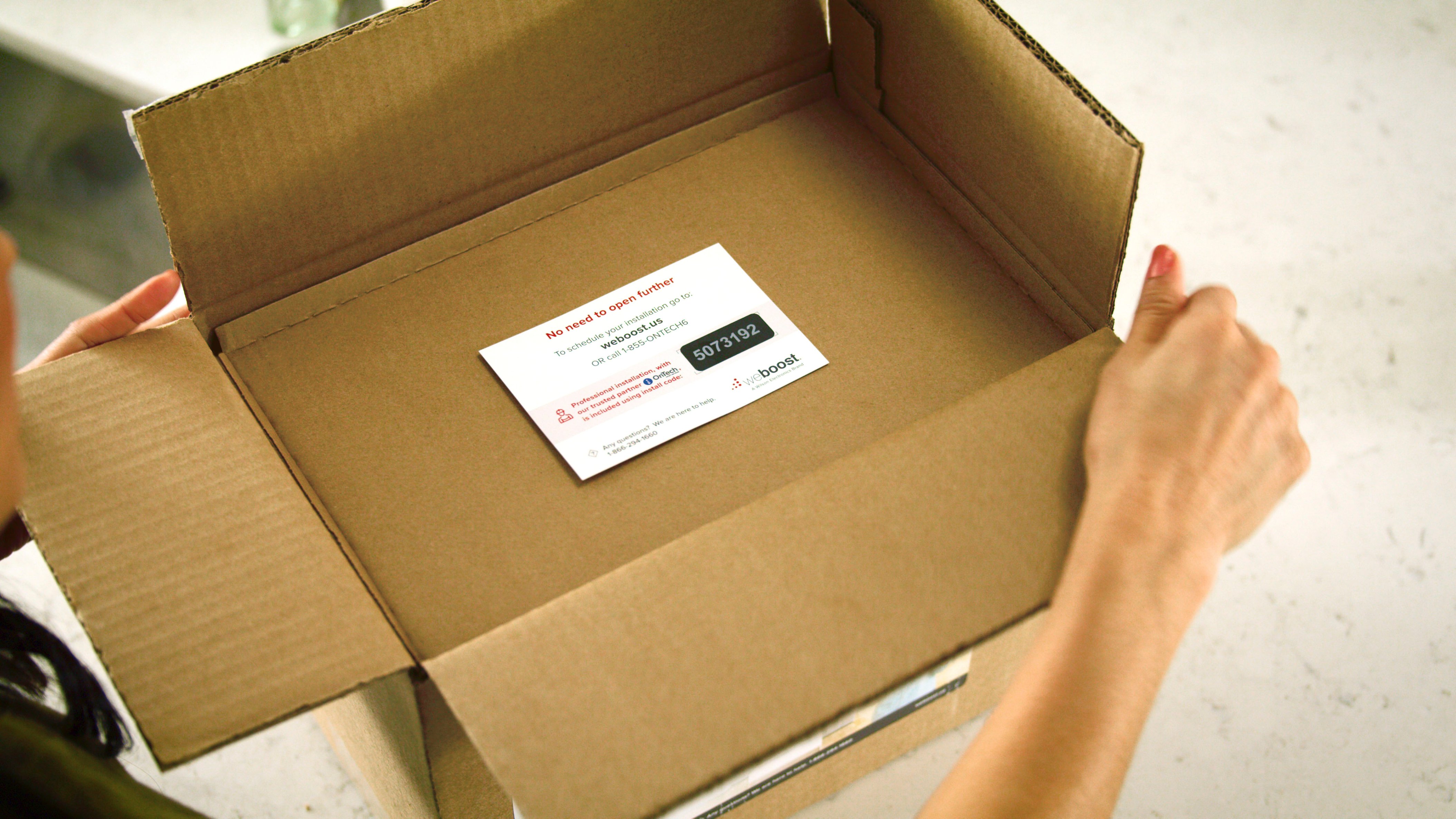
|Posted .This reviewer received promo considerations or sweepstakes entry for writing a review.The weBoost - Booster Kit - White/Gray/Black consists of the outdoor antenna, cables, the indoor transmitter, and the power supply/booster. It is sold as a package that includes professional installation. In fact, it is advertised as such and emphasizes the overall effectiveness and end-product satisfaction being enhanced due to professional installation. The installation is provided by OnTech, which is owned by Dish Satellite. When you open the weBoost box, there is a card on top of the contents that gives you contact information for OnTech to arrange installation. Regarding the equipment, it appears in every way to be sturdy and able to act as advertised. The power supply/booster can be mounted in various locations so it can be hidden out of the way. The transmitter can be set on a horizontal surface or mounted on a wall. It has a light gray surface so that it won’t draw a lot of attention if you need to mount it on a wall. I live in the country where the cell signal runs from zero to one or two bars depending on which way the wind’s blowing – I realize that isn’t a scientific statement, but it seems that way when you go looking in the house for a place where you can actually make a phone call or text. I have to say that the weBoost has increased our signal strength in, perhaps, half of our home. Ours has 4000 sf of living space, but the product claim is that it will handle up to 7000 sf. Well, that’s not the case in our home, but here is the rest of the story… After contacting OnTech for installation I was promptly contacted by the installer for directions since even GPS gets tangled from time to time where we live. When I first contacted OnTech, I saw their calendar online, which showed available dates for installation. Sunday was open so I selected that day. The installer showed up Sunday morning. I want to emphasize that he was courteous, neat, and pleasant to work with. His truck showed Dish Satellite on the outside, and he explained that Dish owned OnTech and he did installations for Dish but had recently started doing installations for OnTech with weBoost hardware. I really had no complaints about the installer, but it became painfully obvious that he was not an experienced installer of weBoost equipment. To start with, I had a 6’ antenna mast in place on the peak of my roof that had no antenna on it. I told the installer I wanted the weBoost antenna mounted there since it would put the antenna at the highest place on my home – the nearest cell tower is probably 8 or 9 miles away. He said Dish would not allow their installers to get on roofs. I discussed this with him and suggested he call his supervisor to get clearance to do this with my permission. He said they wouldn’t approve it no matter who he talked to and that it was a hard and fast rule that they could not get on a customer’s roof nor mount anything on the roof. He ended up mounting the antenna onto the fascia of the peak of a gable bump-out on my house. The way the ground drops away on the rear of the house he had to get at least 20’ or more up his ladder to do this. To get on my roof from where his truck was parked would have taken 10’ up the ladder and from there to simply walk to the antenna mast on a 6/12 pitch roof along the ridge. He could have mounted the antenna while simply standing on my roof – the mast wasn’t tall enough to require a ladder. I would have had a better installation of the antenna and he would have had a safer and easier installation of the weBoost antenna. Once the antenna was installed on the gable fascia, he used a mapping program on his smartphone to show the location of the nearest cell tower(s), and he then pointed the antenna in the general direction shown by his map. Frankly, since we’re talking about professional installation that is promised and part of this package, I expected him to use a field strength signal meter attached to the weBoost antenna to align it with the tower in the most precise way possible. That way would ensure the antenna was receiving the strongest signal possible for that mounting location. I asked the installer about this and he said they were not given field strength signal meters and they were expected to point the antenna in the direction of the tower shown on their phone’s mapping software. So, if the antenna on my home is receiving the strongest cell signal possible from the tower, it’s truly by accident. You can only boost the signal the antenna receives. In addition, there was a 3G tower and a 4G tower near each other. Since we don’t stream anything from home through the cell connection (we have WiFi for that), he recommended using the 3G signal since it was stronger than the 4G signal. I agreed, but at the same time I wondered how he could determine actual cell strength between the two without the proper equipment. Even if the 4G didn’t have as strong a signal as the 3G, wouldn’t the extra bandwidth of 4G figure into that equation? There are several variables involved when setting up a cell booster in your home. The vertical distance from the outside antenna to the inside transmitter has certain requirements and restrictions. The length of cable between the two has certain requirements and restrictions. The direction the transmitter is pointing also has certain requirements relative to the outside antenna etc. In other words, the several variables must be all accounted for while at the same time finding the best location in the home for the transmitter to provide the widest signal coverage for your home. Unfortunately, my installer had little, or no, experience installing weBoost equipment, or any other cell signal boosting equipment for that matter. He had no special equipment to help him achieve the best arrangement of the inside equipment for the best results, and I'm pretty certain he had no specialized training outside of satellite installations. This left trial and error with both of us discussing all these things while moving equipment around to try to achieve optimum signal and coverage. Experience counts for a lot when juggling multiple variables while trying to install cell signal boosting equipment for the best result. He spent a lot of hours at my place tirelessly working with me, but it was hopeless because neither of us had the real training, experience or specialized equipment to do the job in a professional manner – I’m not talking about running cable here or there or mounting things because my installer knew what he was doing in that area. He simply didn’t know what he was doing to get the optimum signal strength and coverage for my home. So, is my cell phone signal better in my home after the installation of weBoost? Yes, maybe…it is in certain parts of the house and not at all in others. Do I have the best signal strength hitting my antenna from the tower and the best signal strength in my home? I seriously doubt it. Could my inside equipment (not to mention my outside antenna) be rearranged by an experienced installer of cell signal booster equipment to achieve a better result for my household? No doubt. The following day I received a survey from OnTech about my installation experience. I outlined in that survey what I’ve written here in this review. Have I heard anything further from OnTech or anyone else more than a week later? No, I have not. I had a good installer – for cable equipment, but not for cell signal boosting equipment. In addition, Dish’s rules about staying off roofs has given me a substandard opportunity for the best signal strength from the nearest tower because my installer couldn't put the outside antenna in the best location. Further, manual aiming of the antenna cannot guarantee the best signal strength even where they ended up mounting the antenna. The present arrangement of the inside equipment is based on guess and finally settling on where it finally ended up since we were both worn out fooling with it for several hours. The bottom line is that weBoost has good equipment, but seriously professional installation is everything when it comes to getting the best signal strength and signal coverage for your home. In this expensive package, you’re paying for professional installation and you’re promised professional installation. In my case, I did not receive professional installation. I’m a little better off with weBoost than before, but not by much, and I’m convinced I could have a much better experience if I’d been given the professional installation promised.
I would recommend this to a friend - Pros mentioned:Signal strength
Excellent solution for a rural customer
|Posted .This reviewer received promo considerations or sweepstakes entry for writing a review.Before we installed the weBoost our cell signal inside or outside the house for AT&T was one bar or less. The signal strength was around -120db and very often the phone indicated it was not attached to the network. It was impossible to use any internet data functions such as browser. The weBoost came with professional installation, a link was provided inside the box with a code that is used to schedule the installation; it was very easy to use. The techs from On Tech came out the next day and did a very nice job of installing the equipment, I should add they wore face masks and shoe protection inside the house. They ran a tester outside that showed each of the major carrier’s towers, data capability, and the signal strength. They then mounted the outside antenna on the house pointed towards the best tower that supported our carrier. They mounted the inside equipment in the house to provide the optimum coverage inside. After the weBoost install was completed I had 5 bars on each cell phone tested, had clear signal on the voice calls made. The signal strength showed around -80db and speed testing indicated over 5 MB download speed and 4 MB upload, data speed was excellent using the internet data functions of the phone.
I would recommend this to a friend Good but expensive
|Posted .This reviewer received promo considerations or sweepstakes entry for writing a review.Received this product and scheduled installation. This product consists of basically 3 items. Signal receiver, Booster, internal Antenna. All connected via standard RG6 cable. The outside receiver antenna is rather large, measuring about 12" long and 8" tall. All items include a mounting bracket. With the internal antenna having a wall-mount and kickstand. Install was done by a contractor. There was a card in the box to call and schedule. Install was scheduled within a couple of days. Upon arrival, the installer confirmed all parts were in the box. He then surveyed all around my property with a meter to determine the strongest inbound signal. Followed by discussing where to install the 3 main components. There are apparently a few things to consider when installing such as not crossing the signal(creating a signal loop whereas the receiver antenna doesn't try to pick up the emitting antenna!). I did not have to supply anything for the install so the box and installer had everything needed. We initially installed the component for the entirety of my home of approx 5000sqft. We installed on the main level outer wall. The signal was moderate and doesn't cover my whole home, unfortunately. It does provide a decent signal boost in both dbm and ASU. With a starting signal of 112 dropping to about 89 with the device. I have since decided to relocate the internal antenna to my basement where I experience the worst incoming signal. I now get a great boost down to 75 dBm!!! Overall, this device does work when installed properly. The internal antenna is not large and is easy to integrate into your decor. I found that it does cover my basement areas quite well and provides great service enhancement for that area(3 part underground basement). We did have a hard time determining a good location for the antennas due to construction and access. So your results may vary. I think this is a good product but may be priced out of reach for some with cheaper options available if you simply need a signal boost and have a window nearby! if you need to get signal to a hard to reach area(basement) or a building that may deflect outside signal form permeating within(metal buildings) This would be what you are looking for!! I dropped the rating down to 3 stars for the following reasons 1. I did not receive the coverage area as stated of 7500sqft. 2. price is rather high for this product IMO - I have not priced this against other options 3. Limitations in install options - distance from the booster, receiver location limitations, installer limitations 4. Hard to troubleshoot - installer had to move the booster a few times to determine why we were not initially getting the desired boost. Took about an extra hour+ during the install.
I would recommend this to a friend- Pros mentioned:Installation
A big letdown for me.
|Posted .This reviewer received promo considerations or sweepstakes entry for writing a review.The cell service in my home sucks. At least for Sprint service. I came across the weBoost - Booster Kit hoping that it would improve my cell service, but the results were highly disappointing. Before I get into the service, I will start by mentioning that the purchase of the weBoost - Booster Kit came with professional installation by onTech technicians. They came out and installed the system in about one hour. The two technicians were extremely professional and took extra precaution during the COVID-19 era. The technicians explained the way weBoost - Booster Kit works. When I told them about my cell service in my home and out, and they were completely honest about the weBoost - Booster Kit most likely not being much help after install. They will need to install an outside antenna outside of your home, so they will need to do drilling through your roof. They will also need to do some drilling through your exterior and interior walls to run the exterior antenna cables to the receiver inside of your home. I checked the work, and everything looks legit. On to the end results. I'm very disappointed at the weBoost - Booster Kit. I was hoping that there would be at least some improvement to my cell service, but I was wrong. Before the installation, I only had one bar of cell service. After the install I saw absolutely no change in my service. The technicians installed the interior antenna in a way that was supposed to maximize coverage area, but even after that I saw not change. I tried every room in my home, including outside, and still saw no improvement. Although the technicians said that the service bars were not a true indicator of cell service/performance, I am still convinced that there was no change in service improvement, as I tried sending a media message to see if anything change, but it was a no-go. The receiver does displays a connection strength light bar, and it is a full green (good connection). The weBoost - Booster Kit was a big letdown. I was expecting some change, especially for the price of the system. Honestly, I cannot recommend this system because there is no guarantee that it will improve your service. I guess if your service provider sucks there is nothing you can do to change that except to change your service provider.
No, I would not recommend this to a friend didnt work
Posted .This reviewer received promo considerations or sweepstakes entry for writing a review.the product may be fine the installer did not know his job he came unprepared, placed the antenna to far from unit and did not let us know we did not have proper signal for this to work long term
No, I would not recommend this to a friend