Customer Ratings & Reviews
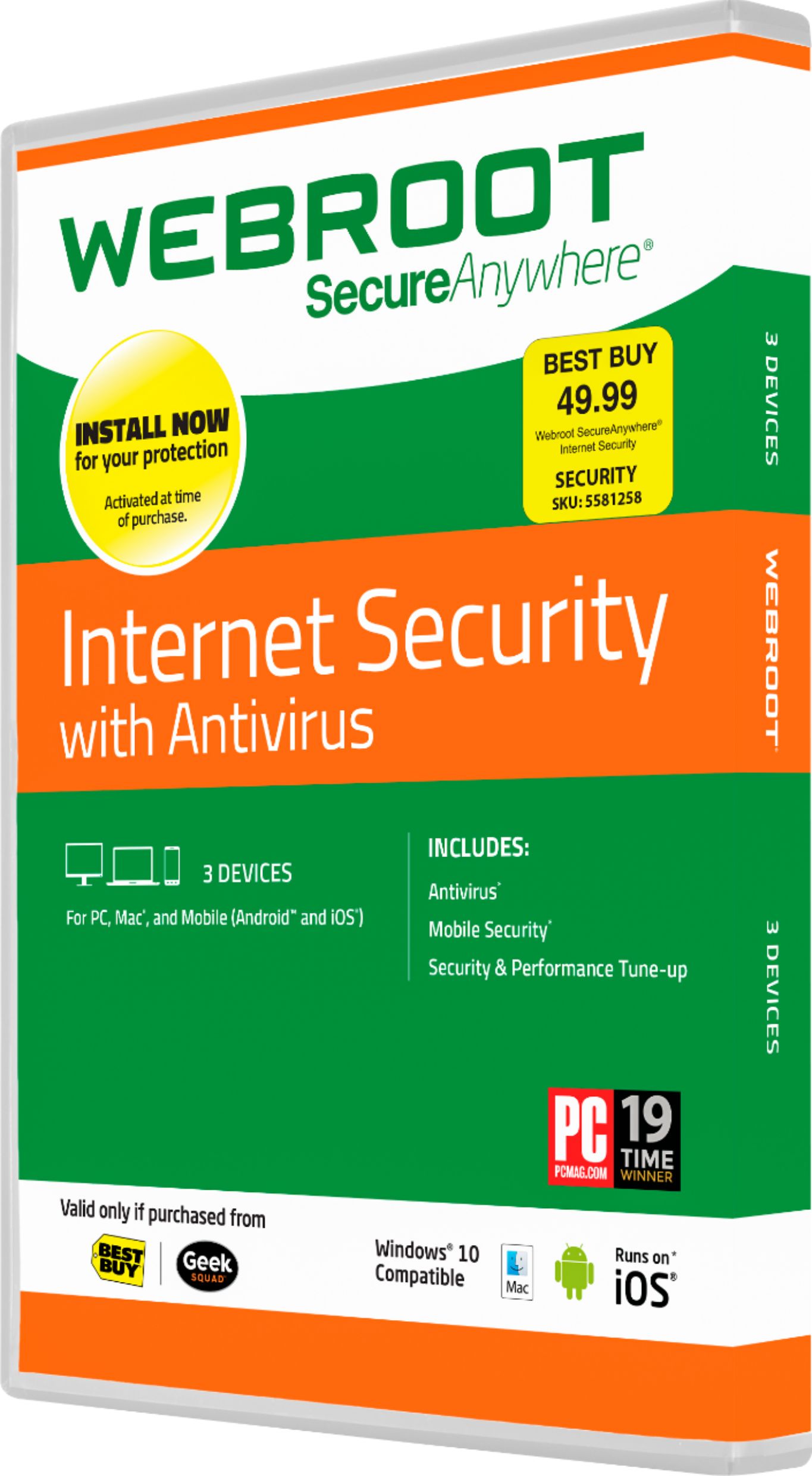
- Model:
- 8112498
- SKU:
- 1688832
Rating by feature
- Value
Rating 4.1 out of 5 stars
- Quality
Rating 4.0 out of 5 stars
- Ease of Use
Rating 4.4 out of 5 stars
Customers are saying
Customers highly value Webroot SecureAnywhere Internet Security for its ease of installation, reliable virus protection, and overall performance without compromising their computer's speed. They appreciate that it comes free with certain purchases and offers satisfactory security features. However, some users have concerns about compatibility issues, potential slowdown of their computers, and the relatively short subscription length of six months.
This summary was generated by AI based on customer reviews.
Not recommended
||Posted .This reviewer received promo considerations or sweepstakes entry for writing a review.Uninstalled on computer 3 days after installing as I had already picked up a virus this software failed to pick up. Would not recommend this product to anyone.
No, I would not recommend this to a friendBrand response from WebrootTeam
Posted .I apologize for your frustrating experience. In the rare case Webroot misses a virus, our advanced journaling and remediation technology will protect you and reverse any changes the virus made.
After the malicious file/program is marked as 'Bad', it is sent to the Webroot Intelligence Network and then down to every device with SecureAnywhere so that our customers are protected in real-time.
Mike R
Webroot Community Support
Customer service sucks
||Posted .This reviewer received promo considerations or sweepstakes entry for writing a review.Sales clerk told me to purchase this for my laptop that i was purchasing to bad the laptop didnt have a cd player so now i still have this
No, I would not recommend this to a friendBrand response from WebrootTeam
Posted .If you don't have a CD drive, you can use the download link for Best Buy customers provided here:
https://www.webroot.com/us/en/home/products/geeksquad-dl
We sincerely apologize for any inconvenience.
[email protected]
-Webroot Community Support-
Crashed my laptop over and over and over again
||Posted .This reviewer received promo considerations or sweepstakes entry for writing a review.I installed it and kept it for about a week and then had to delete it because it kept crashing my system. Ever since I deleted it, my laptop works just fine!
No, I would not recommend this to a friendBrand response from WebrootTeam
Posted .I apologize for any conflicts Webroot may have been causing. Our technicians can take a look for no additional cost if you would like to open a support ticket.
Support Ticket: https://www.webrootanywhere.com/servicewelcome.asp
Mike R
Webroot Community Team
Now I know why it was free.
||Posted .This reviewer received promo considerations or sweepstakes entry for writing a review.If I purchased this I would have really been disappointed but since it was free I said what do you expect from something you got for free?
No, I would not recommend this to a friendBrand response from WebrootTeam
Posted .We apologize if you did not want to use our Software included with your purchase.
Webroot SecureAnywhere has been given the Editors' Choice by PC Magazine and is consistently rated against the top competitors in the industry. Keep in mind that all vendors included in The Best Antivirus Protection of 2016 list are paid services.
http://www.pcmag.com/article2/0,2817,2372364,00.asp
Not impressed
||Posted .This reviewer received promo considerations or sweepstakes entry for writing a review.I didn't even install this because I think anti virus software is a scam. Been running my iMac for over 2 years without any and no issues.
No, I would not recommend this to a friendBrand response from WebrootTeam
Posted .Truk, it is typically advisable to completely discard software you don't plan on using, as a product should be reviewed for its' efficacy with a well-rounded point of view.
We do apologize for any inconvenience we may have caused you.
Not necessary for a new mac
||Posted .This reviewer received promo considerations or sweepstakes entry for writing a review.I receive the software with the purchase of my new iMac. After talking with apple care i decided that i really did not need to install it on my computer.
No, I would not recommend this to a friendWorst software ever
||Posted .This reviewer received promo considerations or sweepstakes entry for writing a review.Installed and uninstalled three times. Every time I installed it my computer would repeatedly crash. Back to Norton. At least it doesn't crash my computer.
No, I would not recommend this to a friendIt broke my pc
||Posted .This reviewer received promo considerations or sweepstakes entry for writing a review.When I install this it said we need to restart to install so I did then I turned it back on and logged on but then I saw a black screen with a cursor
No, I would not recommend this to a friendBrand response from WebrootTeam
Posted .Hi,
I'd recommend that you try to install the software again, but in "Safe Mode with Networking" - if you'd like assistance with this, please contact the Best Buy support team - they'll be able to go through the process with you step by step.
Webroot Community Team
Mark M.
Never used the product
||Posted .This reviewer received promo considerations or sweepstakes entry for writing a review.I received this product with the purchase of a laptop. I didn't feel the need to use the product and never actually opened the package.
No, I would not recommend this to a friendBrand response from WebrootTeam
Posted .It is typically advisable to completely discard software you don't plan on using, as a product should be reviewed for its' efficacy with a well-rounded point of view.
We do apologize for any inconvenience we may have caused you.
Do not recommend
||Posted .This reviewer received promo considerations or sweepstakes entry for writing a review.Did not protect me from Stack Player and seemed to allow other problems with other problems. Many other files seem to have been changed
No, I would not recommend this to a friendBrand response from WebrootTeam
Posted .Stan, we sincerely apologize for any problems you've encountered using our Software.
Any threat related concerns or questions need to be dealt with by our Advanced Malware Removal Team directly to ensure all users are protected against the threat(s) in question:
Support Number: 1-866-612-4227 M-F 7am−6pm MT Send us a Support Ticket: https://detail.webrootanywhere.com/servicewelcome.asp
-Webroot Community Support-
I keep getting pop up ads everywhere I go.
||Posted .This reviewer received promo considerations or sweepstakes entry for writing a review.I have checked my settings and I still get pop up ads all the time. I never got them with the anti virus software I used in the past. Very annoying.
No, I would not recommend this to a friendBrand response from WebrootTeam
Posted .Hi,
Webroot only blocks malicious pop-ups - that is to say, only pop-ups that attempt to infect your computer or are themselves caused by an infection. Some websites have their own pop-ups which are not dangerous and offer additional information or features.
If you don't want to see these pop-ups, they can be blocked by changing the settings in your broweser. Below are the instructions for the three major browsers: Chome, Firefox and Internet Explorer.
Internet Explorer:
1. Open Internet Explorer.
2. Click on Tools (or the gear icon in the upper right corner).
3. Go to Pop-Up Blocker in the drop-down menu.
4. Select Pop-Up Blocker Settings.
5. Set the blocking level to high at the bottom of the window.
Mozilla Firefox:
1. Open Firefox.
2. Click on Tools (or the orange Firefox button).
3. Select Options.
4. Select Content from the tabs along the top.
5. Check the box next to "Block pop-up windows."
Google Chrome:
1. Open Chrome.
2. Click on the Options list on the upper right (the three lines).
3. From the drop-down, select Settings.
4. At the bottom of the page, click "Show advanced settings..."
5. Under the Privacy section, click "Content settings..."
6. Set the pop-ups settings to "Do not allow..."
Webroot Community Team
Mark M.
Wasted purchase, since laptop has no drive for use
||Posted .This reviewer received promo considerations or sweepstakes entry for writing a review.It was terrible to be required by your staff to purchase this when the laptop doesn't have a disk drive. Employees need better training. A waste of money.
No, I would not recommend this to a friendBrand response from WebrootTeam
Posted .Sorry about the wait - You can use the link below to download Webroot for a PC purchased at Best Buy and it will install in seconds.
http://updates.webroot.com/downloads/WRInstallBestBuy.exe
Mike R
Webroot Social Media Representative
Dont buy
||Posted .This reviewer received promo considerations or sweepstakes entry for writing a review.This product came free with the laptop purchase. It constantly puts pop ups on the screen and they don't go away. You have to restart it.
No, I would not recommend this to a friendBrand response from WebrootTeam
Posted .Holmes618,
We apologize for the issue you have experienced. Are you sure that the popups you are seeing are coming from Webroot and not another program on your computer? Please reach out to our support team and we can take a look at this for you.
Support Number: 1-866-612-4227
Support Ticket: https://detail.webrootanywhere.com/servicewelcome.asp
Web security
||Posted .This reviewer received promo considerations or sweepstakes entry for writing a review.I do not care for this product. I wish I had of stuck with my gut and gone with Norton or McAfee or something other than this!!! Very unsatisfied! \
No, I would not recommend this to a friendForced upon me
||Posted .This reviewer received promo considerations or sweepstakes entry for writing a review.This was given to me at the checkout when I purchased a laptop. I had no use for it so I tossed it in the trash as soon as I got home.
No, I would not recommend this to a friendBrand response from WebrootTeam
Posted .We do apologize for any inconvenience we may have caused you.
It is typically advisable to completely discard software you don't plan on using, as a product should be reviewed for its' efficacy with a well-rounded point of view.
Pointless if you have a Mac
||Posted .This reviewer received promo considerations or sweepstakes entry for writing a review.I didn't pay for it since it came with my Mac but there was no point in using it since Macs already have all the protection you need
No, I would not recommend this to a friendCould not even get it to download!
||Posted .This reviewer received promo considerations or sweepstakes entry for writing a review.When I bought my son a laptop the employee told me to get this as well. What a mistake!! Do yourself a favor and don't waste your time with this program.
No, I would not recommend this to a friendNot good.
||Posted .This reviewer received promo considerations or sweepstakes entry for writing a review.I don't know what you're talking about. If it's the Asus laptop we bought from you earlier this year, it;s been nothing but trouble.
No, I would not recommend this to a friendBrand response from WebrootTeam
Posted .Jerry, we sincerely apologize for any issues you've encountered with your Asus laptop.
Our Support Team is here to help. Please feel free to reach out us directly so that we may resolve all of your concerns/questions at no charge.
Support Number: 1-866-612-4227 M-F 7am−6pm MT
Send us a Support Ticket: https://detail.webrootanywhere.com/servicewelcome.asp
-Webroot Community Support-
sucks
||Posted .This reviewer received promo considerations or sweepstakes entry for writing a review.Best buy said this is better security protection then the MacAfee that was on my computer when I bought it.NOT!!!!!!! Got a virus in 2 days.THANKS
No, I would not recommend this to a friendBrand response from WebrootTeam
Posted .Hello,
We apologize for the frustration that you experienced. We have seen from time to time when subscribers switch from one vendor to another that an infection surfaces rather immediately. One of the reasons for this is due to the way malware is written and how it is discovered. Malware writers have a variety of techniques that they employ in their arsenal against unsuspecting and unwitting consumers. Many times a piece of code will not be seen until a new AV that uses different methods of detection is put on the system. This may or may not have been the case in your circumstance. It is hard to tell from the general statement made, however, traditional AV programs can sometimes miss newer variants of threats that rapidly propagate in the wild. Our software uses a different method that traditional signatures to determine threats and therefore we can detect threats more quickly than some vendors in the security industry.
Regards,
The Webroot Team
Garbage
||Posted .This reviewer received promo considerations or sweepstakes entry for writing a review.Terrible "free" anti-virus software they give you to try to get you to buy a subscription. Does this really work on anyone anymore?
No, I would not recommend this to a friendBrand response from WebrootTeam
Posted .We apologize if you did not want to use our Software included with your purchase.
Webroot SecureAnywhere has been given the Editors' Choice by PC Magazine and is consistently rated the highest against top competitors in the industry. Keep in mind that all vendors included in The Best Antivirus Protection of 2016 list are paid services.
http://www.pcmag.com/article2/0,2817,2372364,00.asp