ASUS Monitor For Photo Editing
-
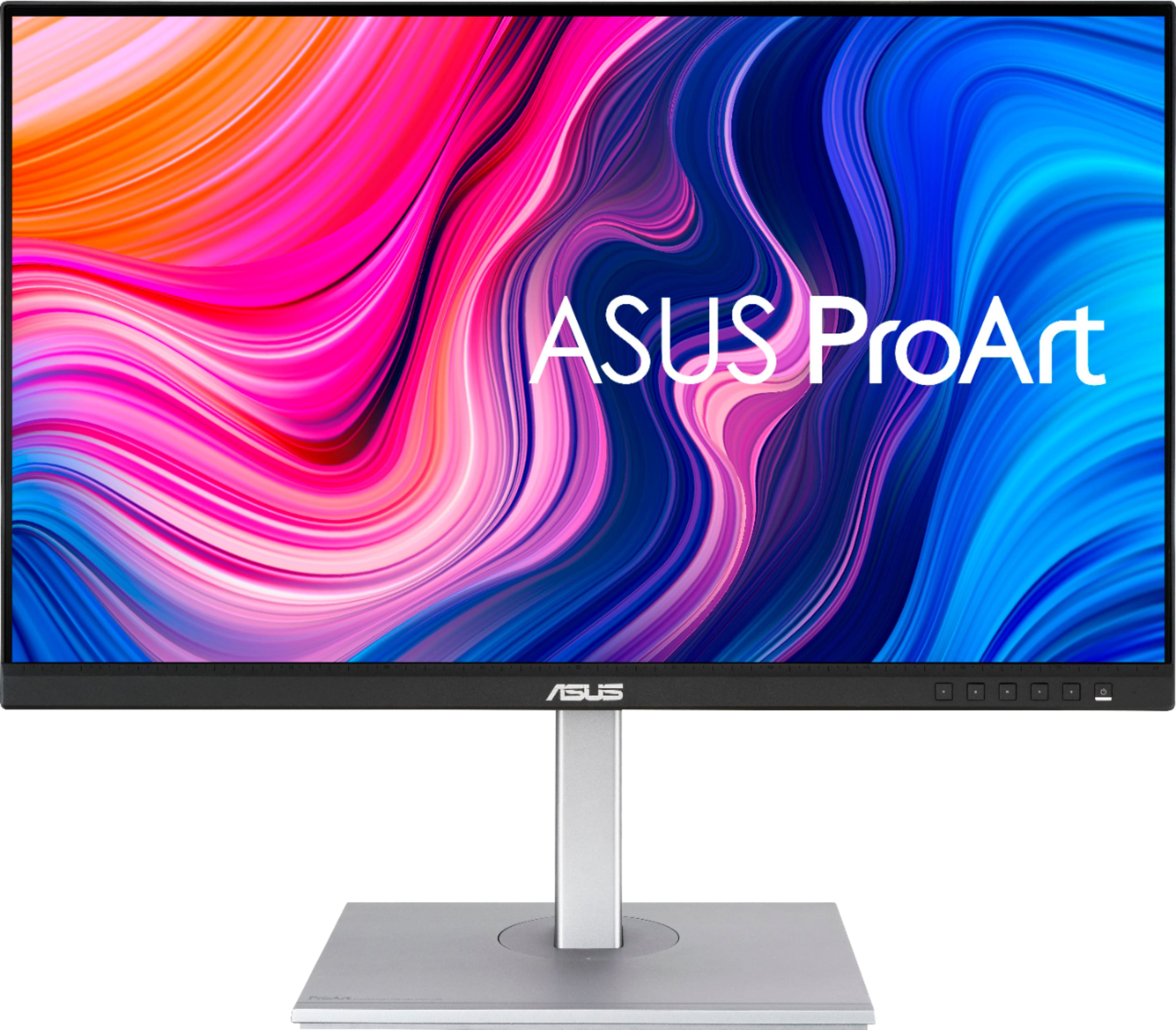
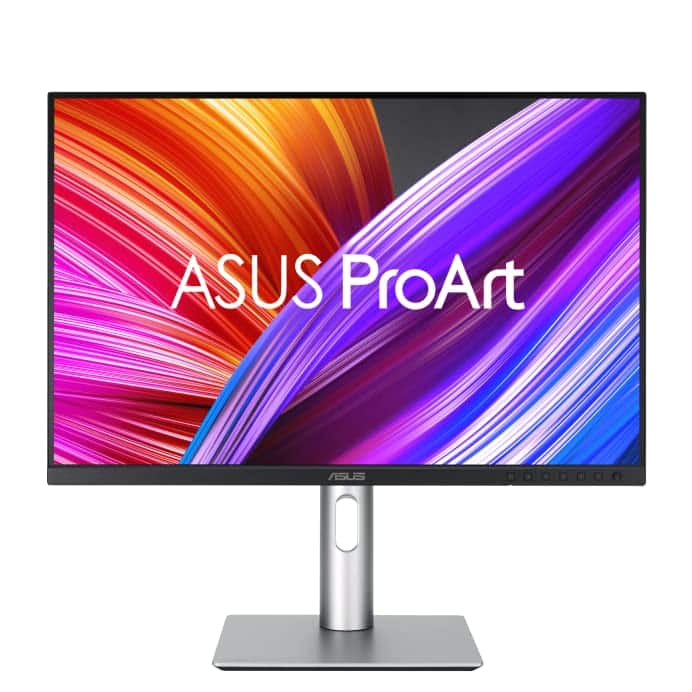
ASUS - ProArt 27" 4K IPS Professional Monitor with HDR (DisplayPort, HDMI, USB-C) - Black
SKU: JJ8Q7RWQ2RThe display has nice coloring best for graphic design if you are looking for good sound its not the best...I love the quality and the ability to customize settings....Absolute best monitor I've ever purchased.......
See all All MonitorsProduct Description
A professional black 4K UHD IPS monitor with HDR10, USB-C, and wide 178° viewing angles.Your price for this item is $329.99Save $70The previous price was $399.99 -
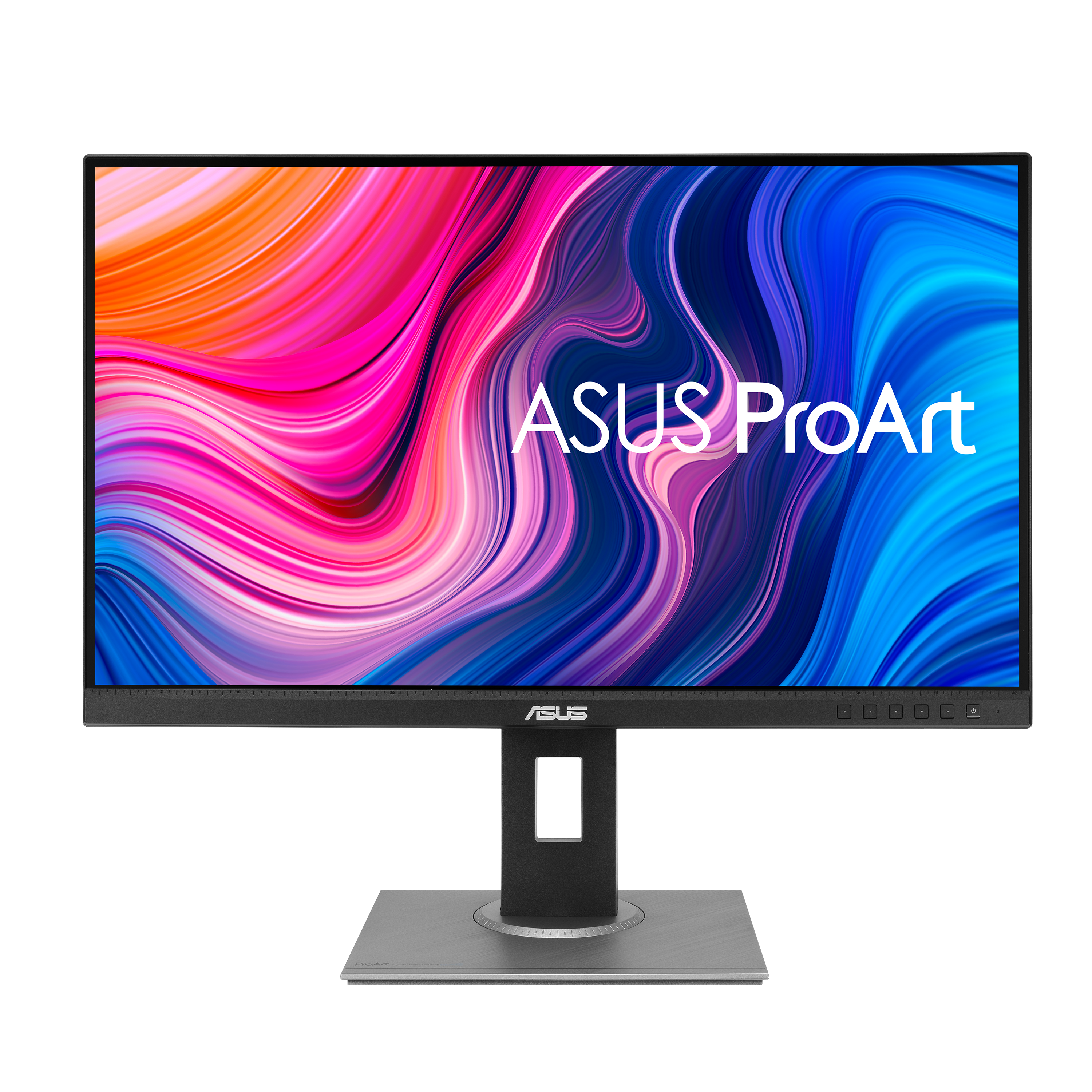
ASUS - ProArt 24" FHD IPS 75Hz Professional Monitor (DisplayPort, HDMI) - Black
SKU: JJ8Q7RZK72See all All MonitorsProduct Description
A professional black IPS monitor with FHD resolution, 75Hz refresh rate, adjustable stand, and integrated speakers.Your price for this item is $239.99 -
ASUS - 24" FHD IPS 75Hz Monitor (DisplayPort, HDMI) - Black
SKU: JJG7VQZJC3See all All MonitorsProduct Description
A black IPS LCD monitor with Full HD resolution, 75Hz refresh rate, Adaptive-Sync, and ergonomic adjustments.Your price for this item is $139.99 -
ASUS - ProArt PA278QV 27" IPS WQHD Adaptive-Sync Monitor (DisplayPort, HDMI, USB) - Black
SKU: JJ8Q7R7ZPPThis ProArt series are generally regarded as one of the best budget MacOS displays....Love this about the display....I use it primarily for programming and research - lots of browsing and typing etc -...
See all All MonitorsProduct Description
A black IPS monitor with WQHD resolution, superb color accuracy, adjustable stand, and multiple connectivity options.Your price for this item is $200.08Save $83The previous price was $283.22 -
ASUS - ProArt 32" 2K IPS 165Hz Professional Monitor with FreeSync Premium Pro and HDR (DisplayPort, HDMI) - Black
SKU: JJG7VQTY8YSee all All MonitorsProduct Description
A black IPS monitor with 2K resolution, 165Hz refresh rate, HDR10, and FreeSync Premium Pro support.Your price for this item is $592.23 -
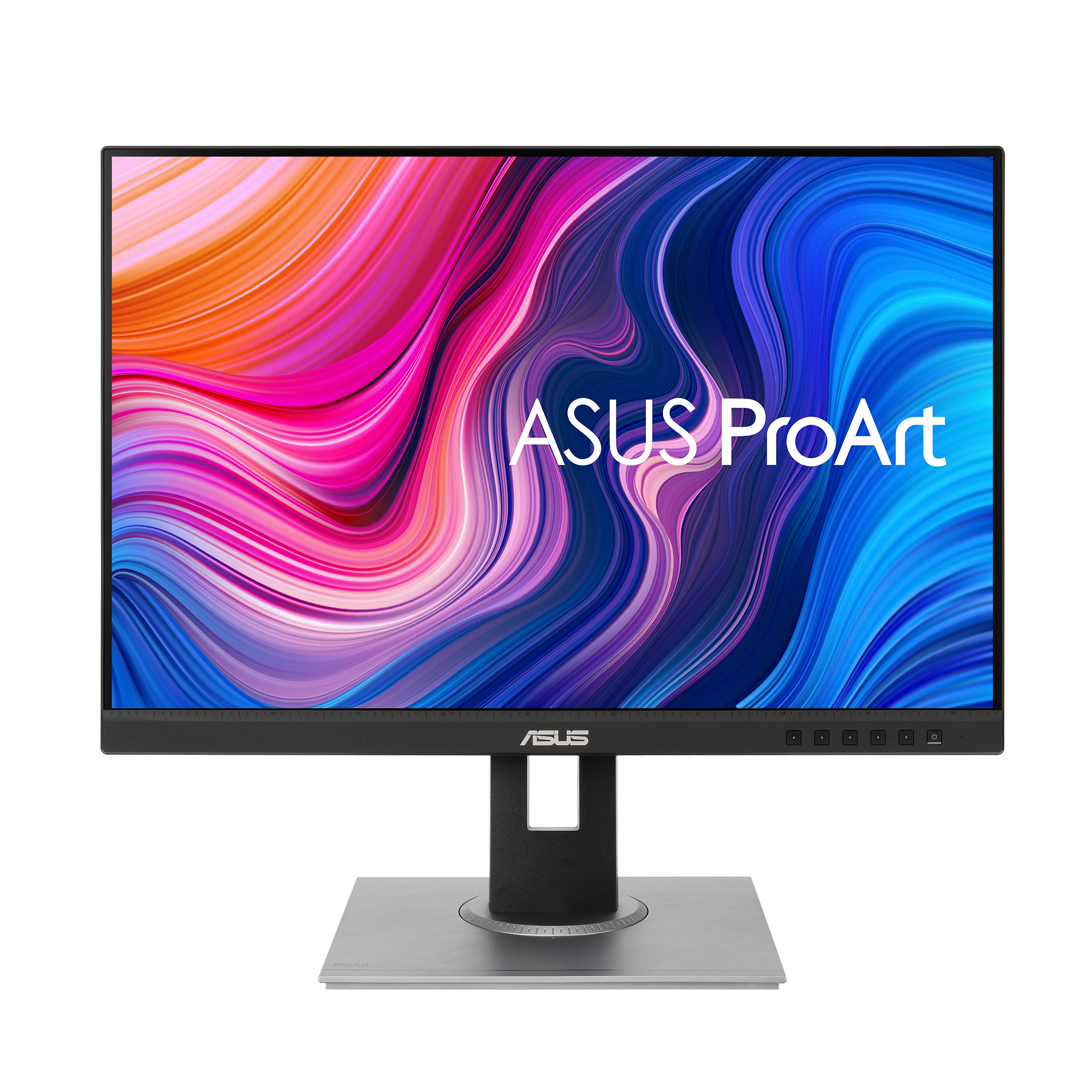
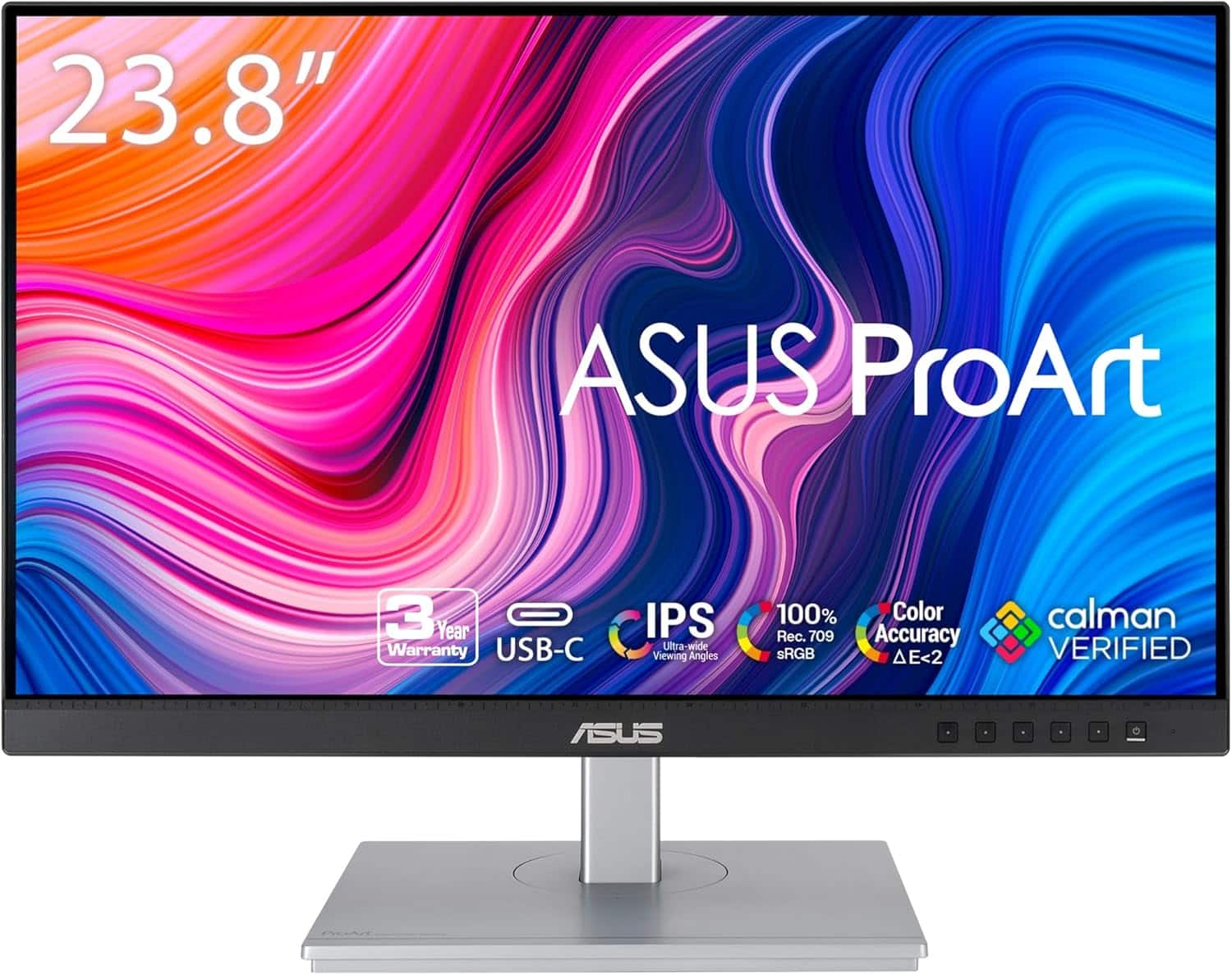
ASUS - ProArt 24" FHD+ IPS 75Hz Professional Monitor (DisplayPort, HDMI, VGA) - Black
SKU: JJ8Q7RC653See all All MonitorsProduct Description
A black IPS monitor with 1920 x 1200 resolution, 75Hz refresh rate, and superb color accuracy.Your price for this item is $154.00Save $56The previous price was $210.84 -
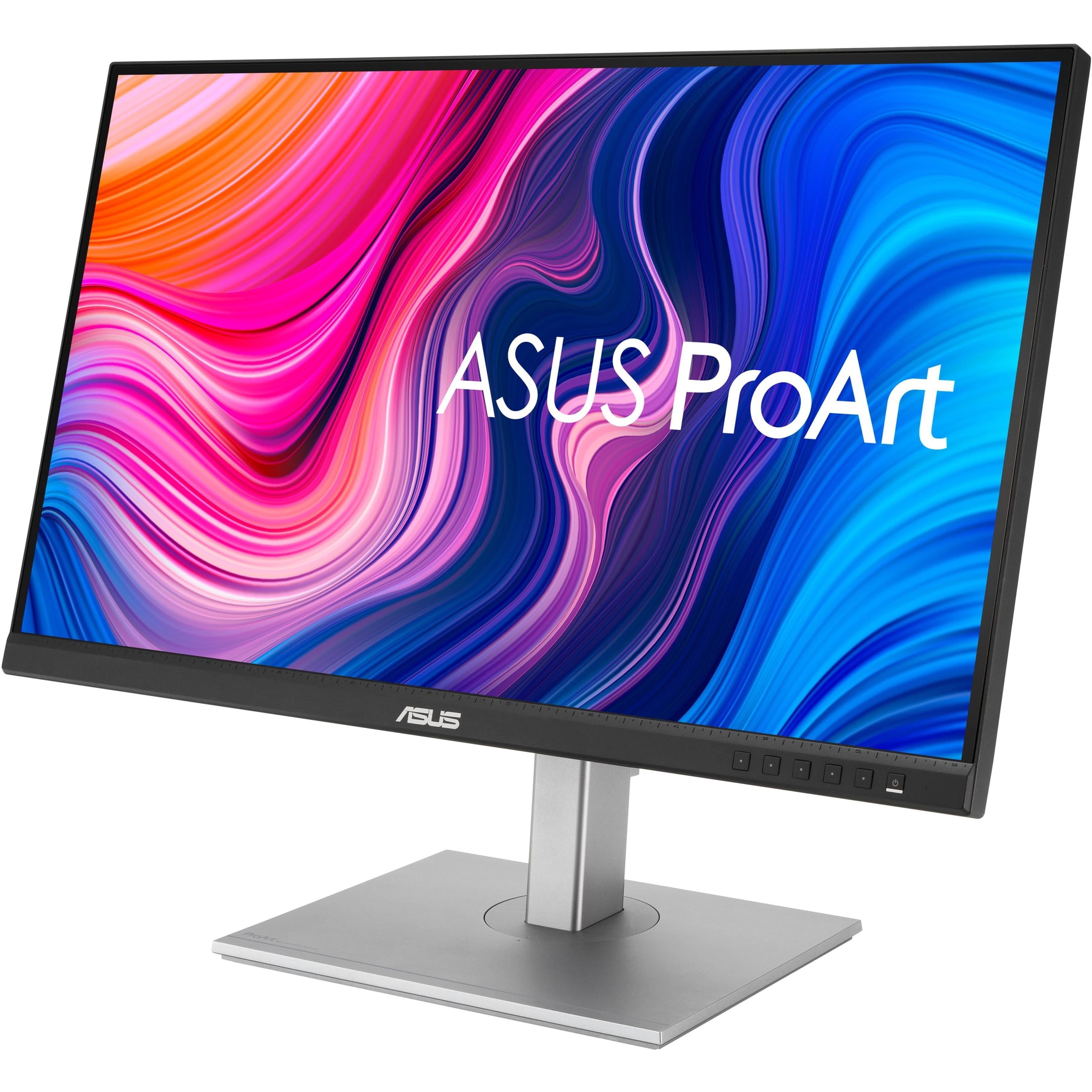
ASUS - ProArt 27 LCD Monitor (DisplayPort USB, HDMI) - Silver/Black
SKU: JJ8Q7R58J3Love the Pro Art line...Great monitor. Color is excellent. Nice selection of ports.
See all All MonitorsProduct Description
A silver and black IPS monitor with QHD resolution, adjustable stand, integrated speakers, and versatile connectivity.Your price for this item is $269.66Save $30The previous price was $299.99 -
ASUS - ProArt PA248CRV 24.1" WUXGA LCD Monitor - Silver
SKU: JJG7VWX6QLGreat monitor -- but very BIG for using on a desk!
See all All MonitorsProduct Description
A silver professional LCD monitor with IPS panel, 16:10 aspect ratio, and versatile USB-C connectivity.Your price for this item is $214.99Save $21The previous price was $236.30 -
ASUS - ProArt PA278CV- 27" WQHD (2560 x 1440) Display Monitor - Black
SKU: JXRKGP5RQYSee all All MonitorsProduct Description
A black, anti-glare LCD monitor with QHD 2560 x 1440 resolution, 75Hz refresh rate, and Calman verification.Your price for this item is $359.89 -
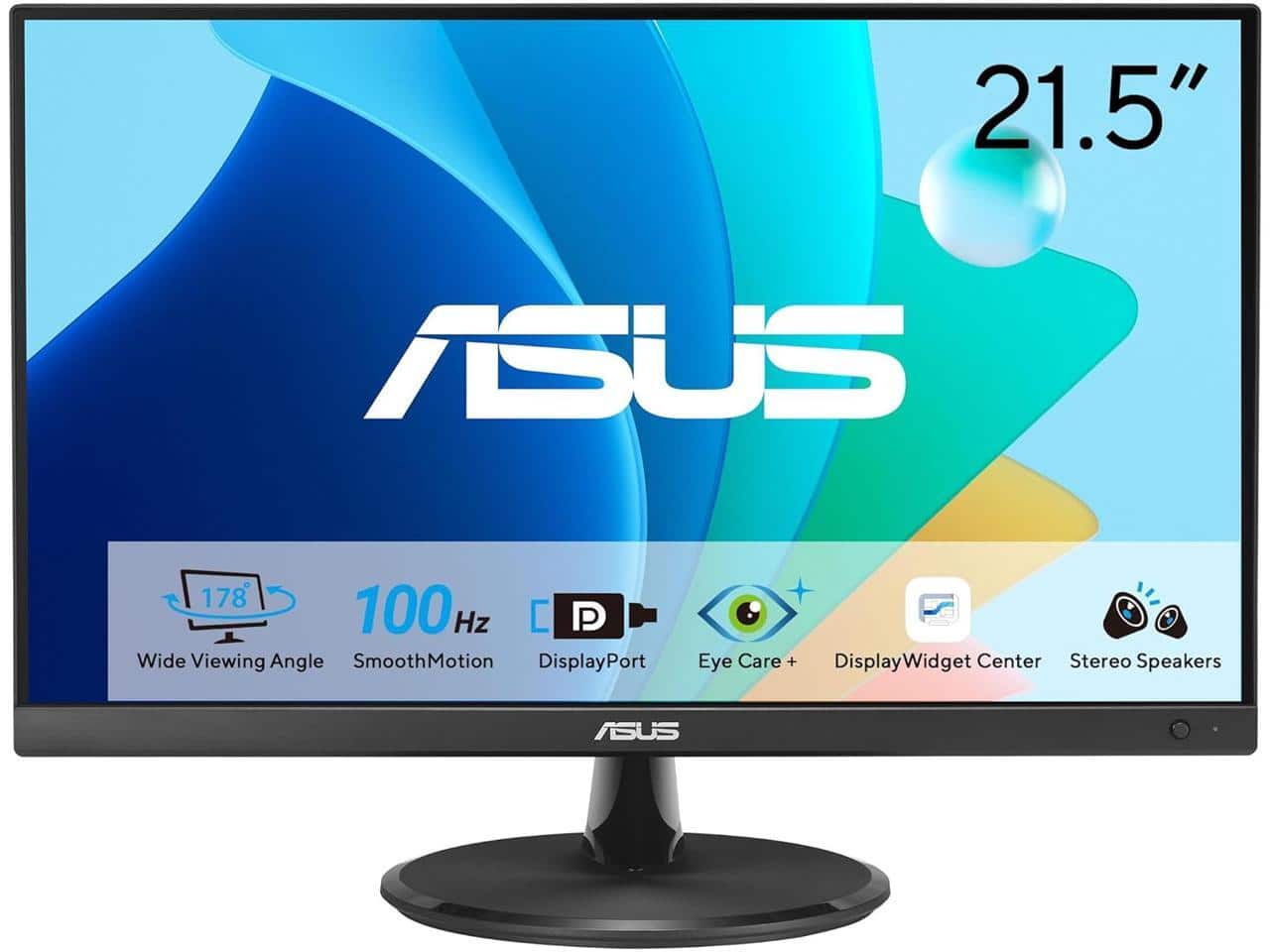
ASUS - 22" Eye Care Monitor – 100Hz, IPS, Full HD, 99% sRGB, Frameless, Low Blue Light, 3 yr warranty - Black
SKU: JJGGLH3LPKSee all All MonitorsProduct Description
A black frameless IPS monitor with 100Hz refresh rate, Full HD resolution, and low blue light technology.Your price for this item is $131.99Save $21The previous price was $153.07



Best Sellers







Related Pages




FAQ
ASUS monitors designed for photo editing often feature high color accuracy, wide color gamuts such as 100% sRGB or Adobe RGB coverage, factory calibration, and IPS panels for consistent viewing angles. These attributes ensure true-to-life image reproduction, which is essential for professional photo editing.
Many ASUS monitors for photo editing support hardware calibration, allowing users to fine-tune color settings directly on the monitor using compatible calibration tools. This helps maintain color consistency and accuracy over time.
Yes, ASUS monitors typically offer multiple connectivity options such as HDMI, DisplayPort, and USB-C, making them compatible with both Windows and Mac computers commonly used for photo editing.
ASUS monitors recommended for photo editing generally use IPS (In-Plane Switching) panel technology, which provides superior color accuracy and wide viewing angles—ideal for tasks that require precise image adjustments.
Many ASUS monitors designed for photo editing come with ergonomic stands that allow height, tilt, swivel, and pivot adjustments. This flexibility helps users create a comfortable and efficient workspace for long editing sessions.