Affordable Monitor For Photo Editing
-
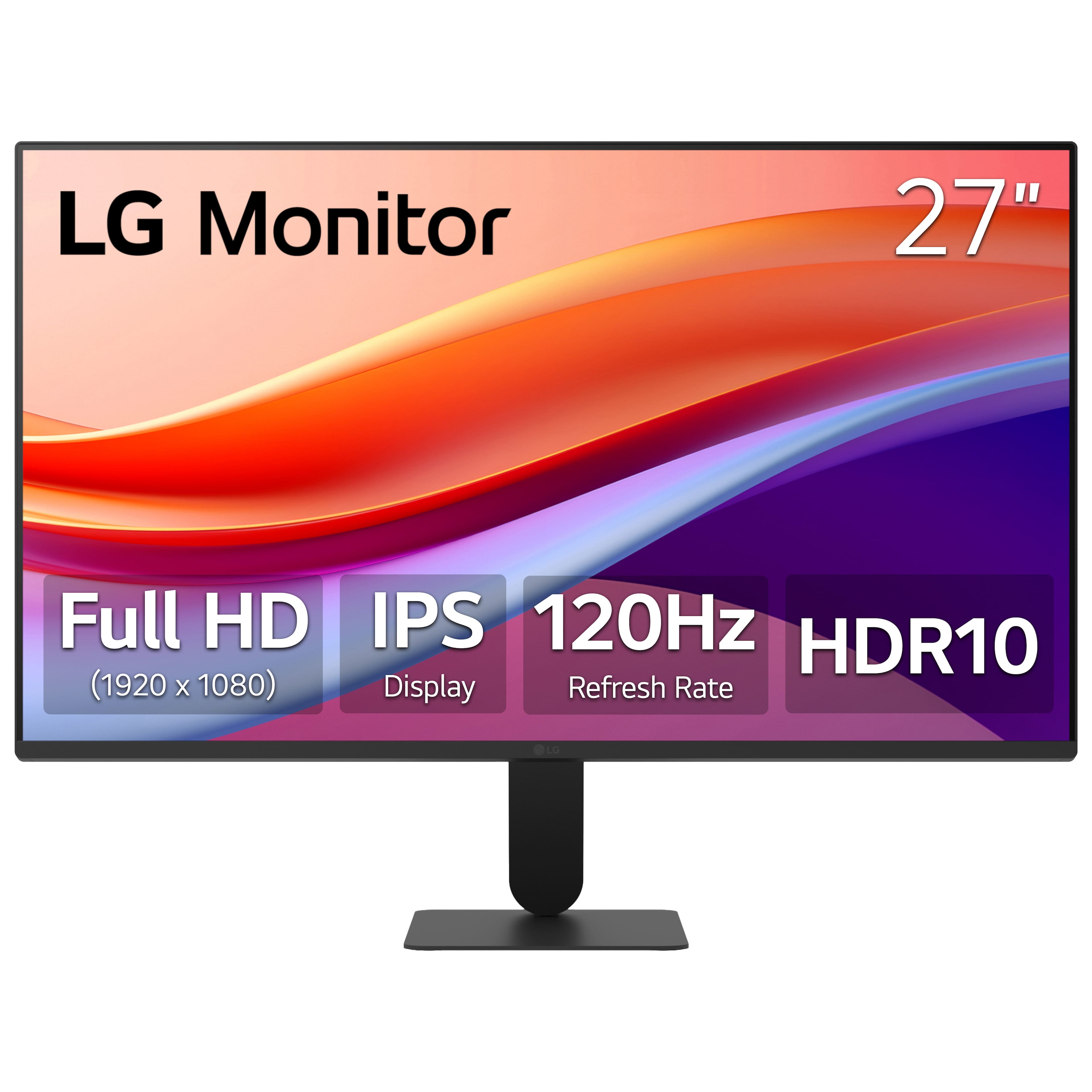
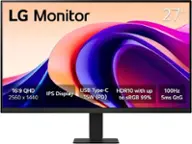
LG - 27" IPS FHD 120Hz Monitor with HDR10 (HDMI) - Black
SKU: JJ8VPZKPZ6Great value...Great value great price great product thank team best buy...Great monitor for gaming and Best Buy helped me pick the rite one
See all All MonitorsProduct Description
A black IPS monitor with 120Hz refresh rate, HDR10 support, and ultra-slim bezels for vibrant visuals.Your price for this item is $109.99Save $140The previous price was $249.99 -
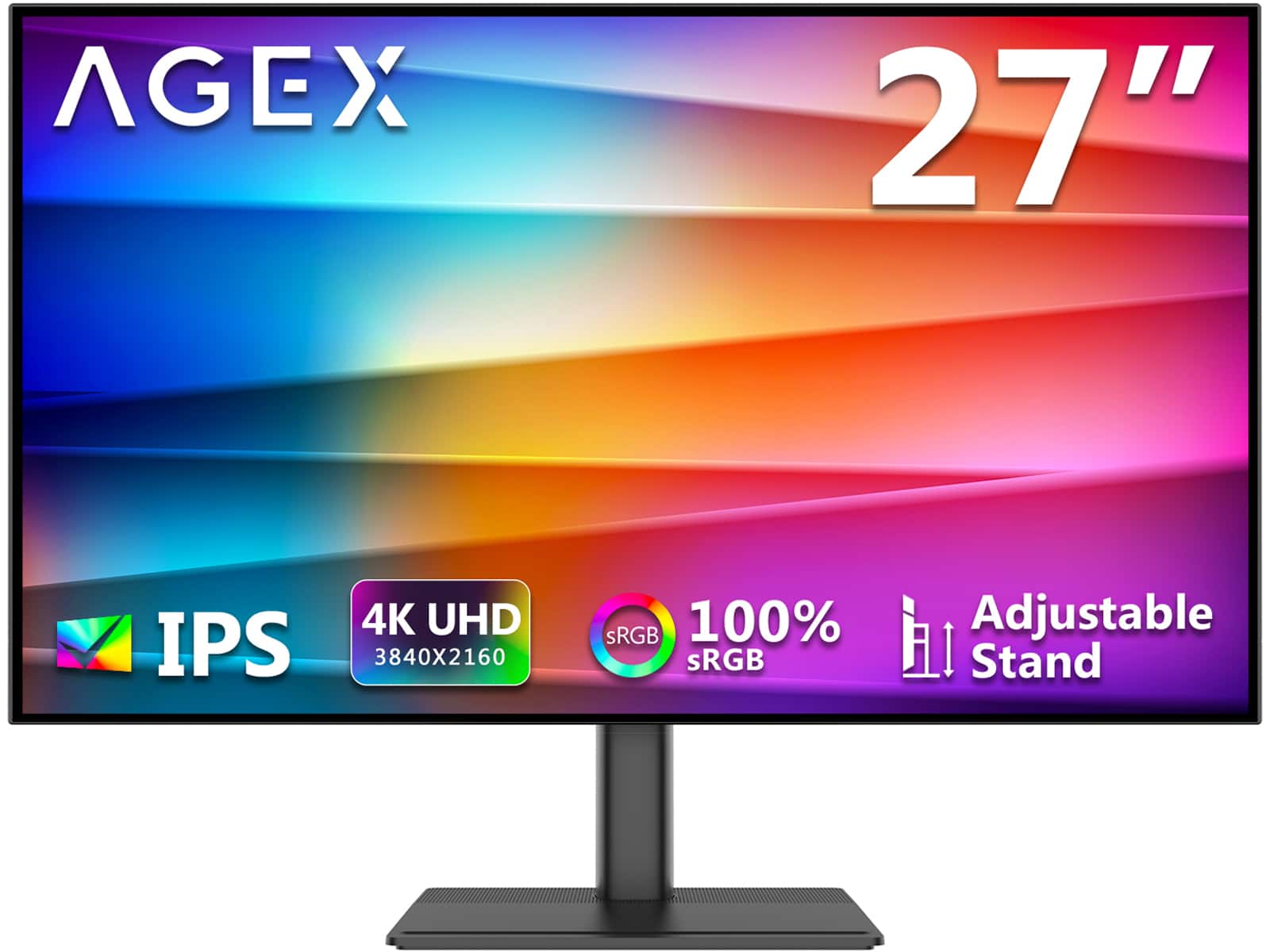
AGEX - A27I4K 27" 4K UHD 3840 x 2160 1.07B Display Colors 100% sRGB IPS Monitor with Adjustable Stand - Black
SKU: J3LH5H8TZLSee all All MonitorsProduct Description
A black IPS monitor offering 4K UHD resolution, 100% sRGB color, HDR10, and an adjustable stand.Your price for this item is $199.99 -
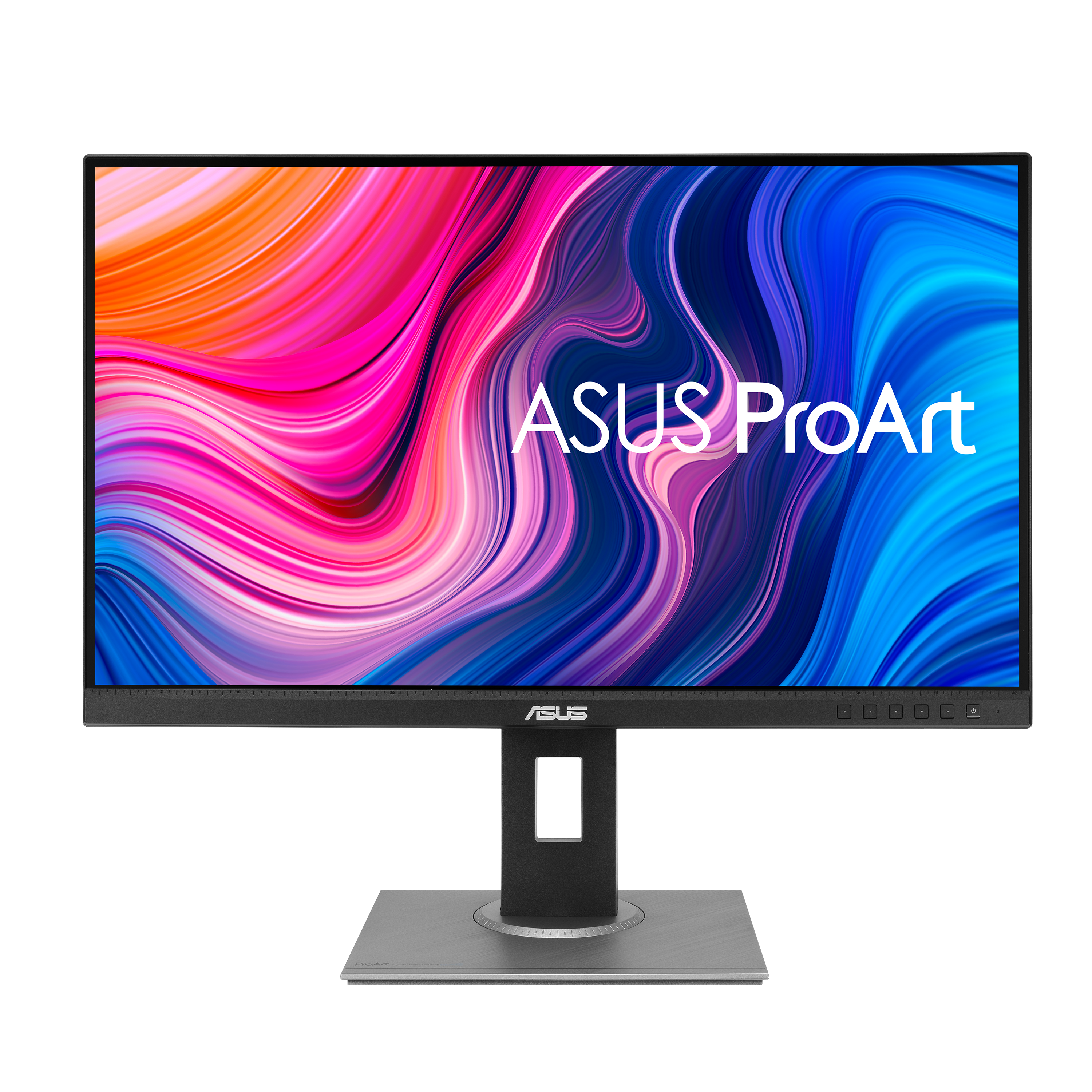
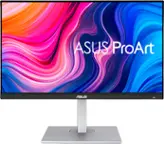
ASUS - ProArt PA278QV 27" IPS WQHD Adaptive-Sync Monitor (DisplayPort, HDMI, USB) - Black
SKU: JJ8Q7R7ZPPThis ProArt series are generally regarded as one of the best budget MacOS displays....Love this about the display....I use it primarily for programming and research - lots of browsing and typing etc -...
See all All MonitorsProduct Description
A black IPS monitor with WQHD resolution, superb color accuracy, adjustable stand, and multiple connectivity options.Your price for this item is $200.08Save $83The previous price was $283.22 -
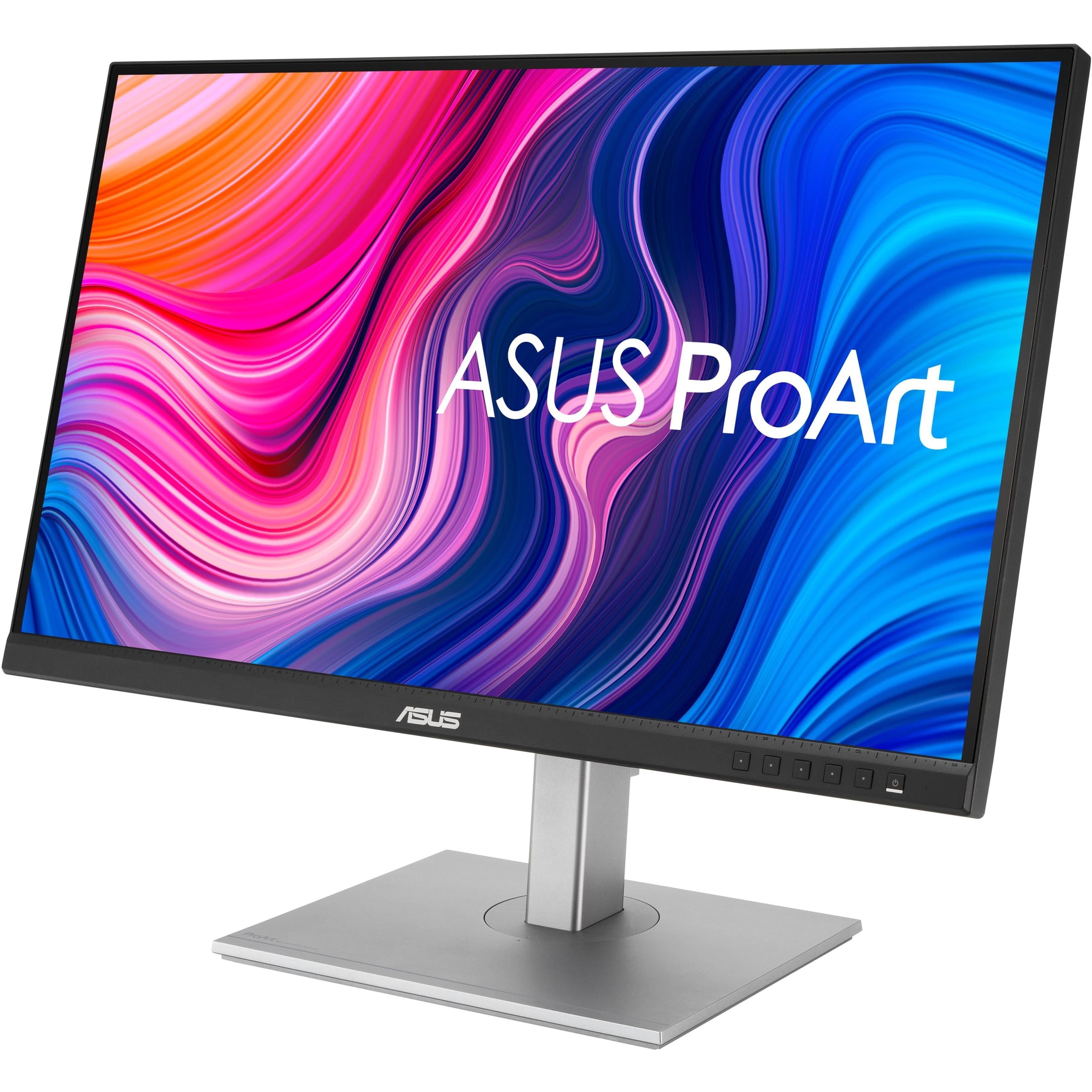
ASUS - ProArt 27 LCD Monitor (DisplayPort USB, HDMI) - Silver/Black
SKU: JJ8Q7R58J3Great monitor. Color is excellent. Nice selection of ports....Love the Pro Art line
See all All MonitorsProduct Description
A silver and black IPS monitor with QHD resolution, adjustable stand, integrated speakers, and versatile connectivity.Your price for this item is $269.66Save $30The previous price was $299.99 -
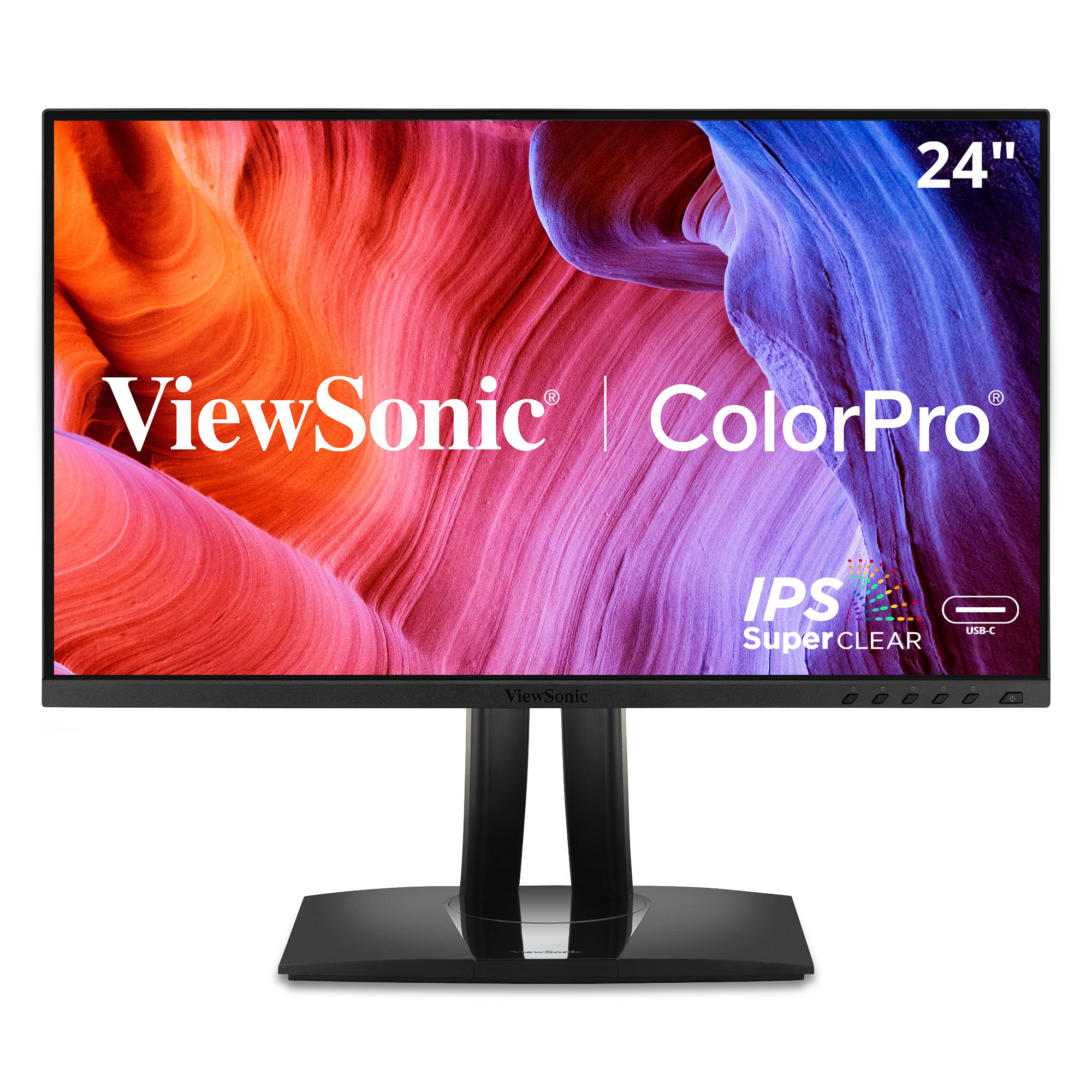
ViewSonic - ColorPro VP2456A 24" IPS FHD Ergonomic Monitor (USB, HDMI, DP, USB-C) - Black
SKU: J37H8G774GSee all All MonitorsProduct Description
A black IPS monitor with factory-calibrated color accuracy, 120Hz refresh rate, and versatile USB-C connectivity.Your price for this item is $199.99 -
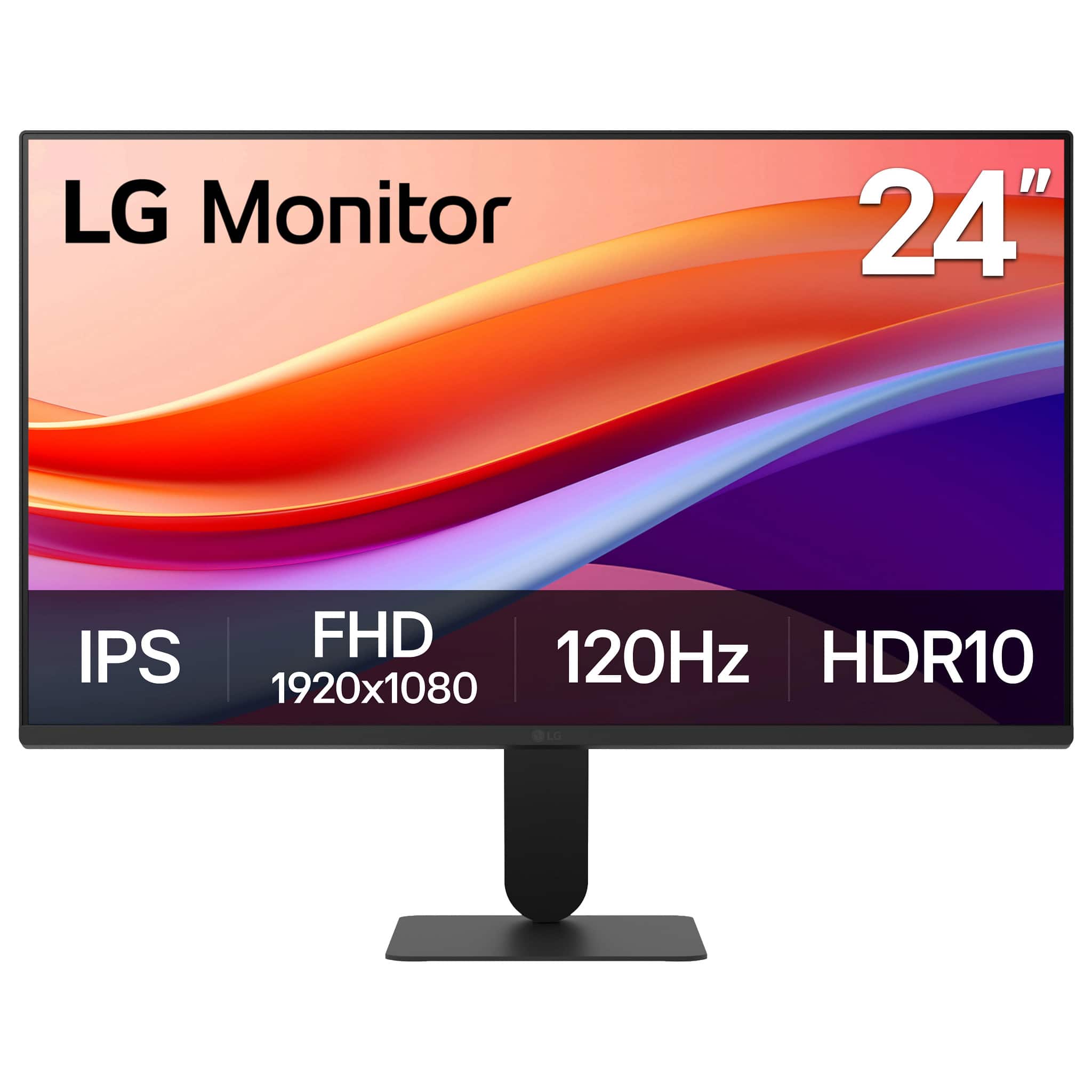
LG - 24" IPS FHD 120Hz Monitor with HDR10 (HDMI) - Black
SKU: JJ8VPZKPZZBest for the price....Love everything about it except the headphone jack....Best monitor I ever owned for under $100, clear visuals and color, functions great
See all All MonitorsProduct Description
A black IPS monitor with Full HD resolution, 120Hz refresh rate, HDR10, and ultra-slim bezels.Your price for this item is $199.99 -
Samsung - ViewFinity 32" S6 (S60D) QHD HR10 High Resolution Monitor with Easy Setup Stand (USB Hub, HDMI, DisplayPort) - Black
SKU: J3ZYG2T9HYSee all All MonitorsProduct Description
A high-resolution black QHD monitor with HDR10, adjustable stand, USB hub, and advanced eye comfort features.Your price for this item is $299.99Save $80The previous price was $379.99 -
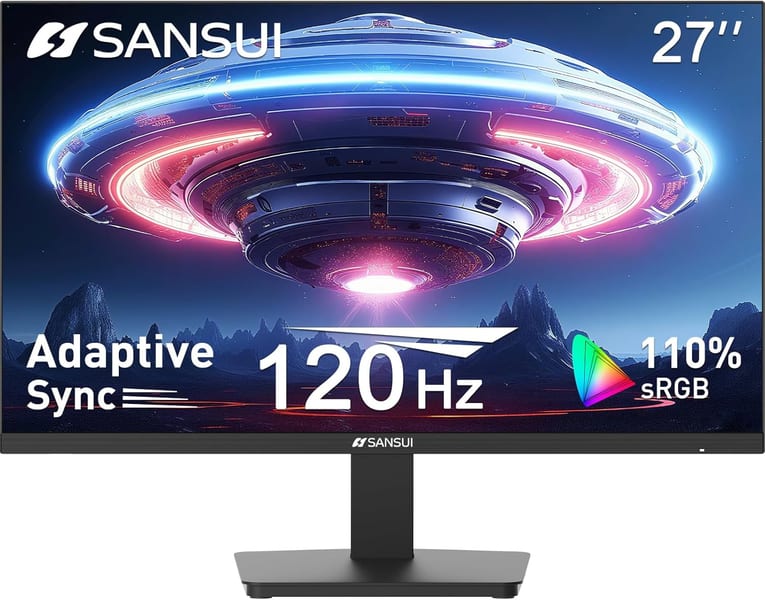
Sansui - 27" FHD IPS 180Hz Monitor - Black
SKU: J3R8ZTQR55See all All MonitorsProduct Description
A black IPS monitor with 180Hz refresh rate, HDR, FreeSync, and eye-care features for smooth visuals.Your price for this item is $179.99 -
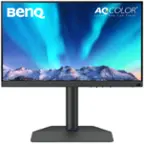
BenQ - AQCOLOR SW272U Photographer 27" IPS LED 4K Monitor with AdobeRGB (USB Type C,HDMI,DP) - Gray
SKU: J39QZT5JZZNice color great set up Review:I am extremely happy with this BenQ monitor.
See all All MonitorsProduct Description
A gray 27" IPS 4K monitor delivering 99% Adobe RGB coverage and precise color calibration for photographers.Your price for this item is $1,499.99Save $50The previous price was $1,549.99 -
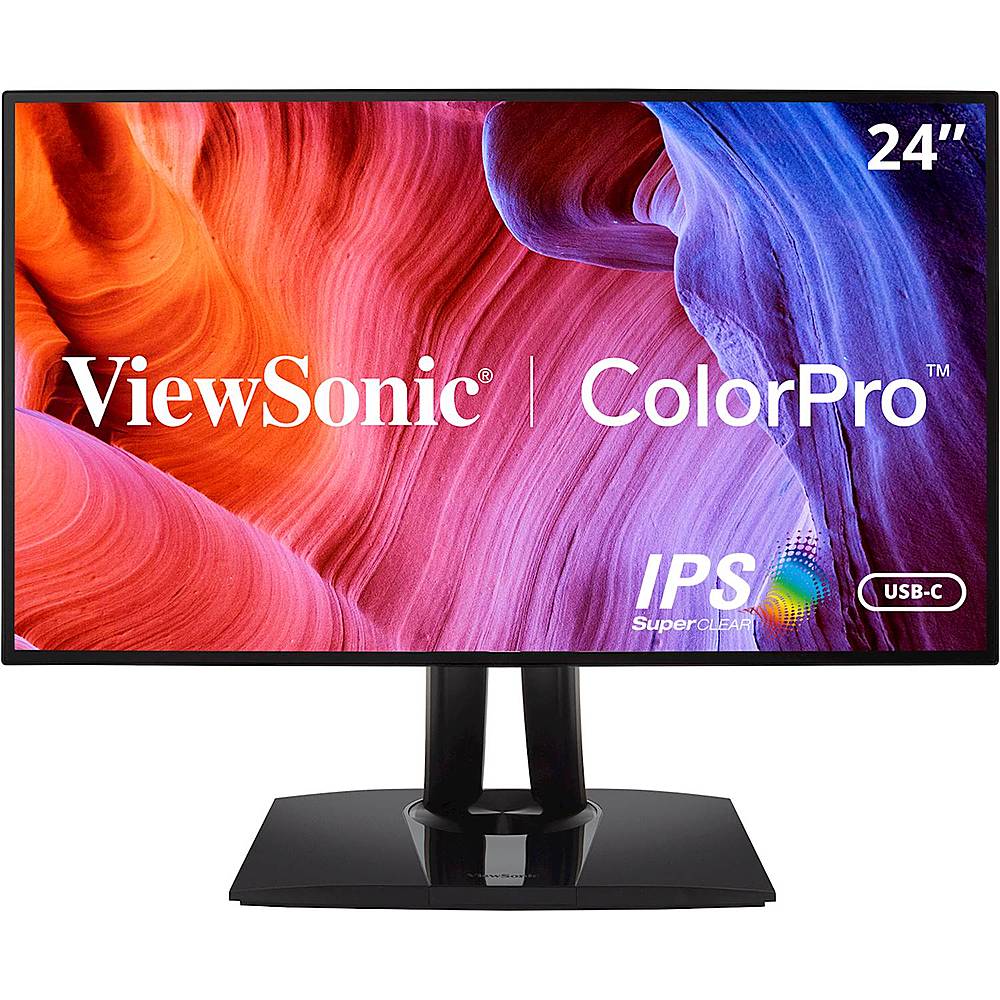
ViewSonic - VP2468A 24" IPS LED FHD Monitor - Black
SKU: J37H88FQXCSee all All MonitorsProduct Description
A black IPS LED monitor with FHD resolution, USB-C connectivity, and factory-calibrated color accuracy for professionals.Your price for this item is $299.99


Best Sellers







Related Pages


FAQ
When choosing a monitor for photo editing, look for features such as high color accuracy (sRGB or Adobe RGB coverage), IPS panel technology for better viewing angles, and adjustable brightness settings. These features help ensure your photos display true-to-life colors and details.
Color accuracy is crucial for photo editing because it ensures that the colors you see on your monitor match the final output, whether it's printed or shared digitally. A monitor with high color fidelity helps you make precise edits and maintain consistency across devices.
Yes, many budget-friendly monitors offer excellent color reproduction and features suitable for amateur and even professional photo editing. Look for monitors with good color gamut coverage and factory calibration for the best results without breaking the bank.
IPS (In-Plane Switching) panels provide wider viewing angles and more accurate color reproduction compared to TN panels. This consistency ensures that your images look the same from different angles, which is essential for precise photo editing.
It's recommended to calibrate your monitor at least once a month if you do frequent photo editing. Regular calibration helps maintain color accuracy and ensures your edits look consistent across different devices and media.