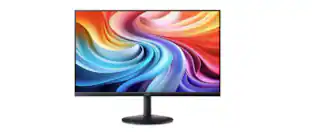
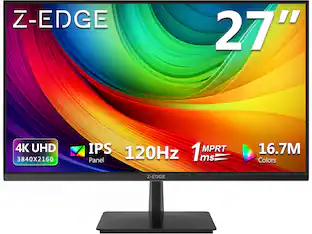
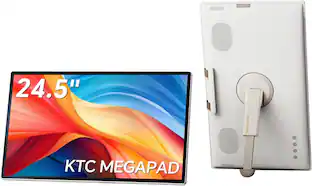
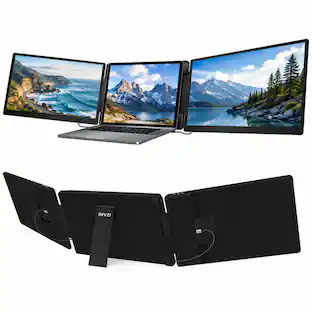
LG - 24" IPS FHD 120Hz Monitor with HDR10 (HDMI) - Black
Customers are saying
Customers frequently mention the monitor's overall performance, noting the picture and brightness are excellent. Many appreciate the refresh rate and the monitor's size. However, some customers have noted that assembling the monitor can be difficult.
Screen Size
23.8"Highlights
Vivid Color with Full HD Resolution
The LG 24" IPS monitor with Full HD (1920 x 1080) resolution delivers sharp, vibrant visuals from virtually any angle. Whether you're tackling tasks, browsing the web, or managing your inbox, this monitor helps you stay clear, focused, and productive.
Virtually Borderless. Visually Seamless.
The ultra-slim bezels and 3-side virtually borderless design creates a clean, modern look that keeps your focus where it belongs—on the screen. The sleek stand and base adds a floating feel, perfect for dual setups or a clutter-free workspace.
Experience Smooth Motion with 120Hz
With a fast 120Hz refresh rate, you’ll experience smoother frame transitions. Whether you're working or gaming, enjoy more fluid visuals with less screen stutter and motion blur.
1ms Motion Blur Reduction for Crisp Gameplay
1ms Motion Blur Reduction(MBR) keeps fast-paced gameplay sharp by minimizing blur and ghosting. Whether you're tracking enemies or racing to the finish, every frame stays crisp—giving you the edge when it matters most.
Work, Create and Game in Bold Color
With HDR10 support and up to 99% sRGB color gamut coverage, this LG Monitor delivers rich, vivid color across a wide spectrum—ideal for immersive gaming, creative projects, and everyday productivity.
Customize Your Screen View with the Switch App
The Switch app¹ transforms your screen into a multitasking hub for work, gaming, and streaming. Effortlessly split the screen into up to 6 sections, customize display layouts, or launch video calls with a single hotkey. Navigate smart features with ease and switch seamlessly between your PC and the built-in webOS streaming platform.
Adjustable Tilt for Easy Viewing
From video calls to multitasking, the tilt-adjustable display helps you find your ideal viewing angle. With smooth adjustment from -5° to 20°, the LG Monitor provides a viewing position that feels just right—no matter what you're working on.
Action As It Happens
Dynamic Action Sync minimizes input lag for faster reactions—so you can respond to every move, shot, or turn the instant it happens.
Black Stabilizer
Black Stabilizer brightens dark scenes, helping gamers spot enemies hiding in the shadows and react quickly during sudden flashes—keeping you one step ahead in every battle.
Easy Viewing, Comfortable Reading
Reader Mode lowers blue light levels, creating a more comfortable viewing experience—great for reading documents, browsing the web, or working for extended periods.
- Refresh Rate120HzMaximum Resolution1920 x 1080Response Time5 millisecondsPanel TypeIPSSynchronization TechnologyNot Applicable
Reviews
Rating 4.6 out of 5 stars with 362 reviews
- Overall Performance (129)
- Refresh Rate (19)
- Setup (16)
- Size (12)
- Resolution (9)
- Button Layout (3)
Customer Images
The vast majority of our reviews come from verified purchases. Reviews from customers may include My Best Buy members, employees, and Tech Insider Network members (as tagged). Select reviewers may receive discounted products, promotional considerations or entries into drawings for honest, helpful reviews.
Compare similar products
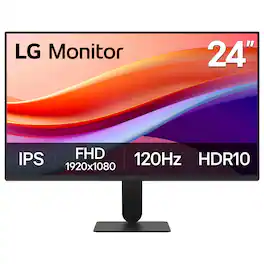
The 24" class (23.8" screen) Full HD (1920 x 1080) IPS monitor delivers sharp, vibrant visuals from virtually any angle—ideal for working...and even playing from home. Whether you're tackling emails, browsing the web, or managing projects, this monitor helps you stay clear, focused, and productive. Its ultra-slim bezels and 3-side virtually borderless design bring a clean, modern look to any home office setup. The sleek stand adds a floating feel that’s perfect for dual monitor workstations or minimal desk spaces. A 120Hz refresh rate ensures smoother scrolling and frame transitions, while 1ms Motion Blur Reduction (MBR) keeps fast-moving visuals crisp—great for multitasking or after-hours gaming. With HDR10 and up to 99% sRGB color gamut coverage, this LG monitor delivers vivid, accurate color across everything from video calls to creative projects. Whether you're outfitting a new home office or upgrading your current work-from-home setup, the LG 24U41YA-B monitor offers the clarity, speed, and style you need to stay productive and inspired.
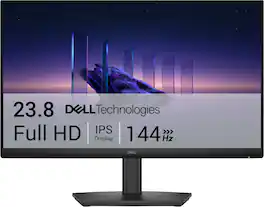
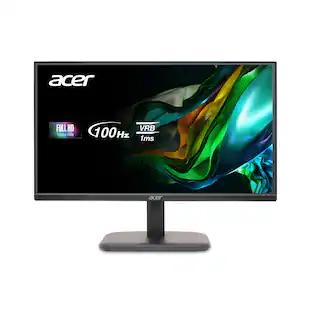
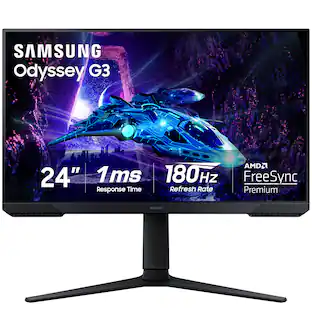
Breeze through everyday tasks on this 23.8-inch monitor with 144Hz refresh rate, 1ms Moving Picture Response Time (MPRT), and TÜV 3-star certification for eye comfort.
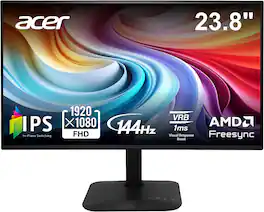
Introducing Acer's KA242Y gaming monitor - the Full HD resolution monitor that can keep up with your game play. Through AMD FreeSync technology, the game’s frame rate is determined by your graphics card, not the fixed refresh rate of the monitor, giving you a serious competitive edge. Plus, users can enjoy comfortable viewing experience while gaming via flicker-less and low dimming display. The design saves space on your desk and lets you place multiple monitors side by side to build a seamless big-screen display.
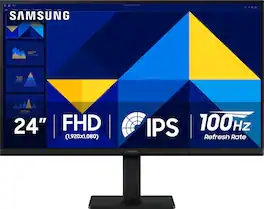
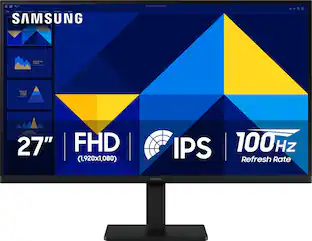
Samsung’s 24" S3 Monitor enables smooth performance, heightened productivity, and greater comfort. The IPS Panel delivers a stunning color experience across the entire display with less color washing, offering clarity from any viewpoint so tones stay consistent and accurate. The 100Hz refresh rate reduces lag and motion blur while playing games, watching videos, or working. Game Picture Mode with optimizable game settings enables instant adjustment of color and image contrast. Eye Saver Mode protects vision, reduces blue light and screen flicker, and extends comfort even during long sessions. The ergonomic super-slim design is a stylish addition to any environment, while ultra-thin border bezels make the most of screen space. Multiple connectivity enables devices to be plugged straight into the monitor for increased flexibility.
| Pros for LG - 24" IPS FHD 120Hz Monitor with HDR10 (HDMI) - Black | |||
|---|---|---|---|
| Overall Performance, Refresh Rate, Resolution, Setup, Size | Overall Performance, Refresh Rate, Adjustability | Overall Performance, Refresh Rate, Display Size | Overall Performance, Resolution, Refresh Rate, Screen Size, Connectivity |
| Cons for LG - 24" IPS FHD 120Hz Monitor with HDR10 (HDMI) - Black | |||
| Button Layout | Connectivity | There were no cons for this product— | Adjustability, Speakers, Port Count |
Specs
Is this compatible with Bluetooth?
Answered by LG Digital Customer CareThe LG 24" IPS FHD 120Hz Monitor with HDR10 (HDMI) - Black, Model # 24U41YA-B, does not support Bluetooth...^Ivan.
Does this monitor have an HDMI input?
Yes, this monitor has one HDMI input.
This question and answer was generated by AI based on customer and product data.Can I tilt this monitor for better viewing?
Yes, you can tilt this monitor for easy viewing.
This question and answer was generated by AI based on customer and product data.What is the refresh rate of this monitor?
The refresh rate of this monitor is 120Hz.
This question and answer was generated by AI based on customer and product data.Does this monitor have HDR support?
Yes, this monitor has High Dynamic Range (HDR) support.
This question and answer was generated by AI based on customer and product data.

Customers often buy these together
Office Software


Computer Keyboards

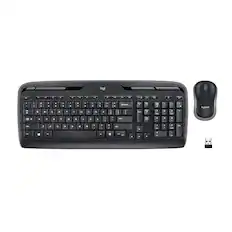
Logitech - MK270 Full-size Wireless Membrane Keyboard and Mouse Bundle for PC - Black
$26.99The price was $29.99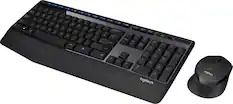
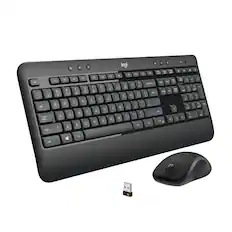
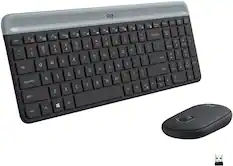
Logitech - MK345 Full-size Wireless Membrane Keyboard and Mouse Combo for PC, Laptop with Palm Rest - Graphite
Top Deal$31.99The price was $34.99
![Esc F1 F2 F3 F4 F5 F6 F7 F8 F9 F10 F11 F12 Print Screen Scroll Lock Pause Break 1 2 3 4 5 6 7 8 9 0 - + = Backspace Insert Home H Page Up A Num Look 1 I Tab Q W E R T Y U I o P { [ } ] I I Delete End IN Page Down 7 Home 8 9 Pg Up Caps A Lock A S D F G H J K L ; : DE g Enter 4 5 6 Shift Z X C V N M < > ? I Shift 1 End 2 3 Pp Dn Enter Ctrl Alt Alt Ctrl 0 Ins Del](https://pisces.bbystatic.com/image2/BestBuy_US/images/products/a588d446-5678-40ae-86b8-1f15e0026e66.jpg;maxHeight=232;maxWidth=233?format=webp)

More recommended items
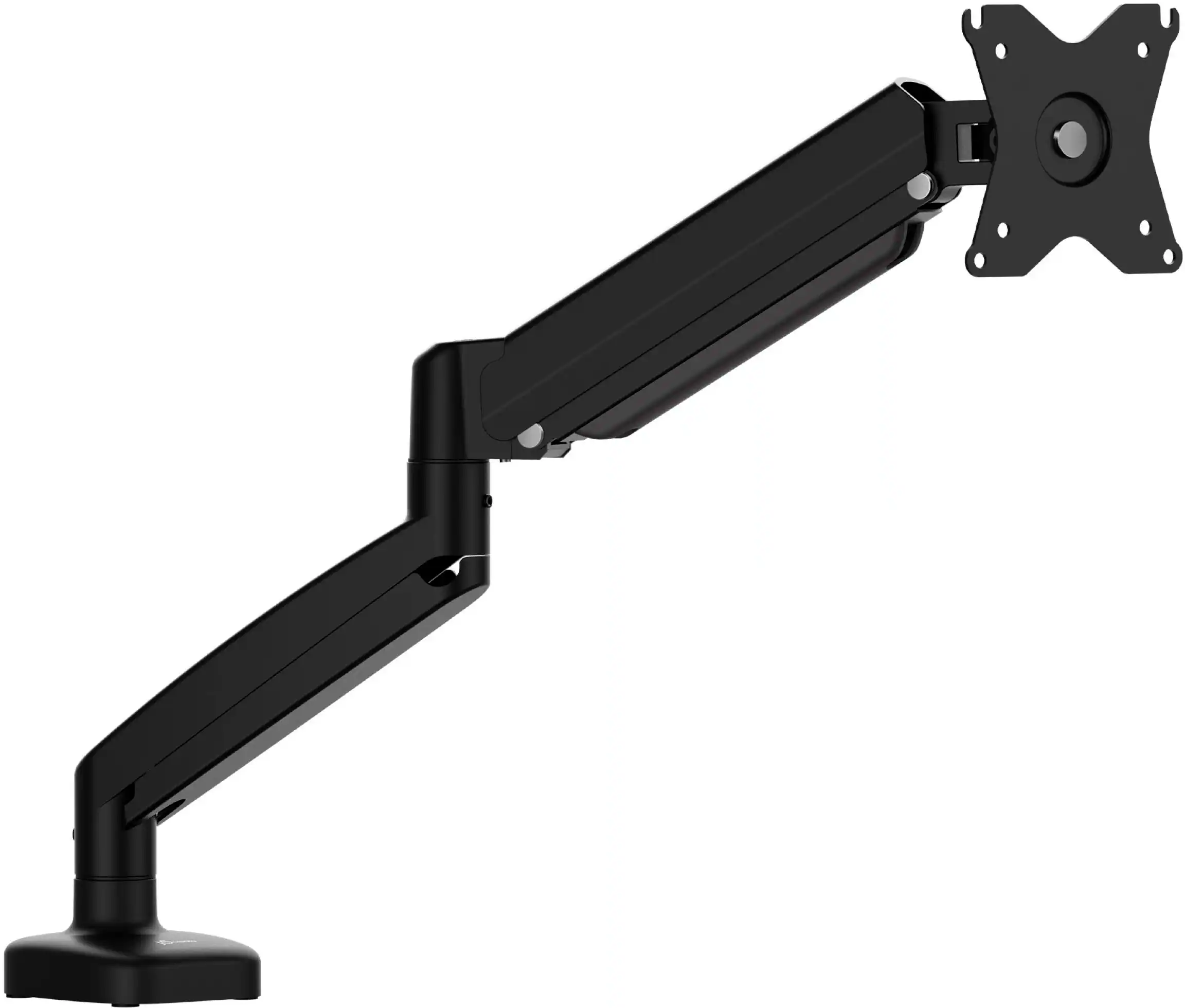 Monitor Stands
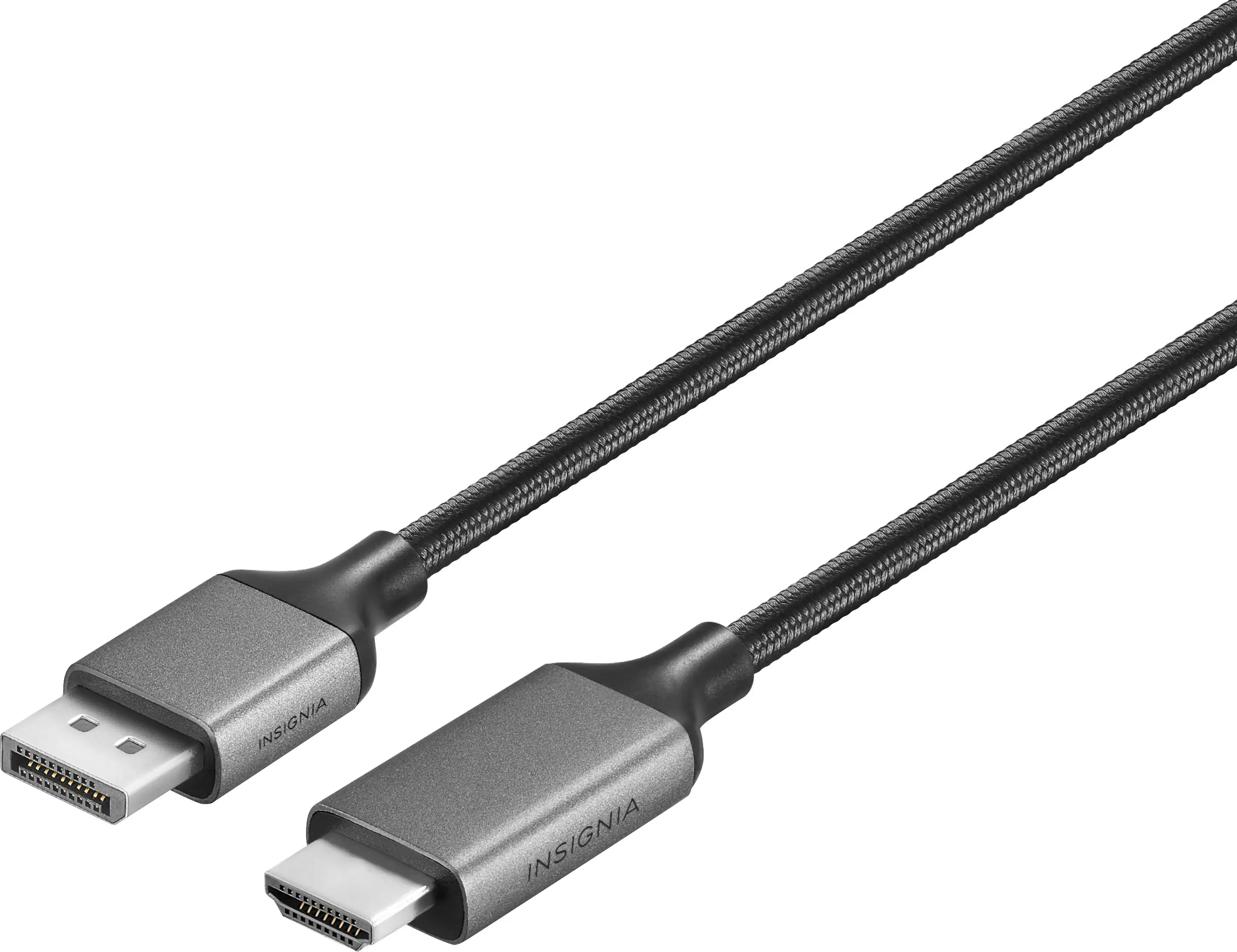 Monitor and Video Cables
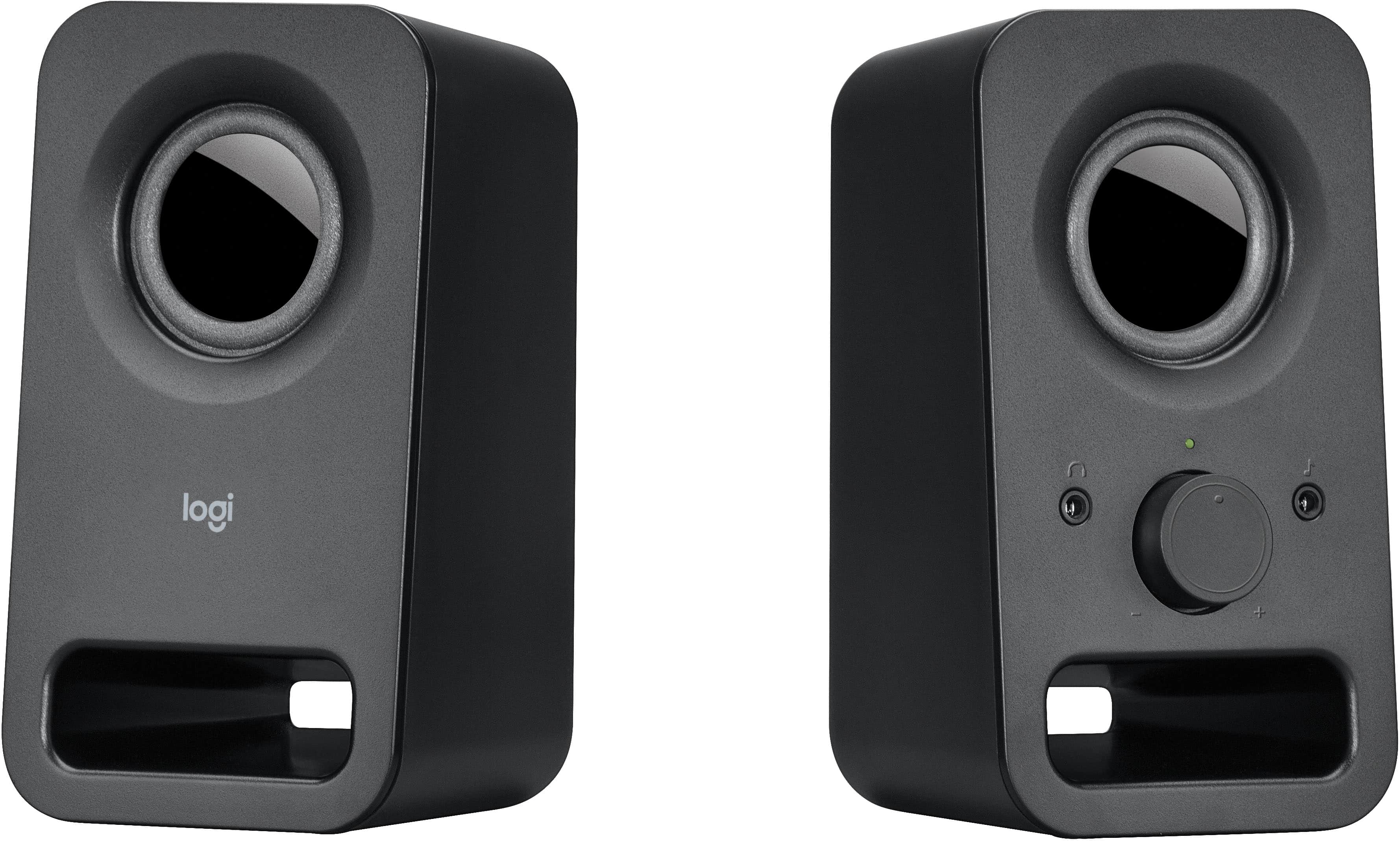 Computer Speakers
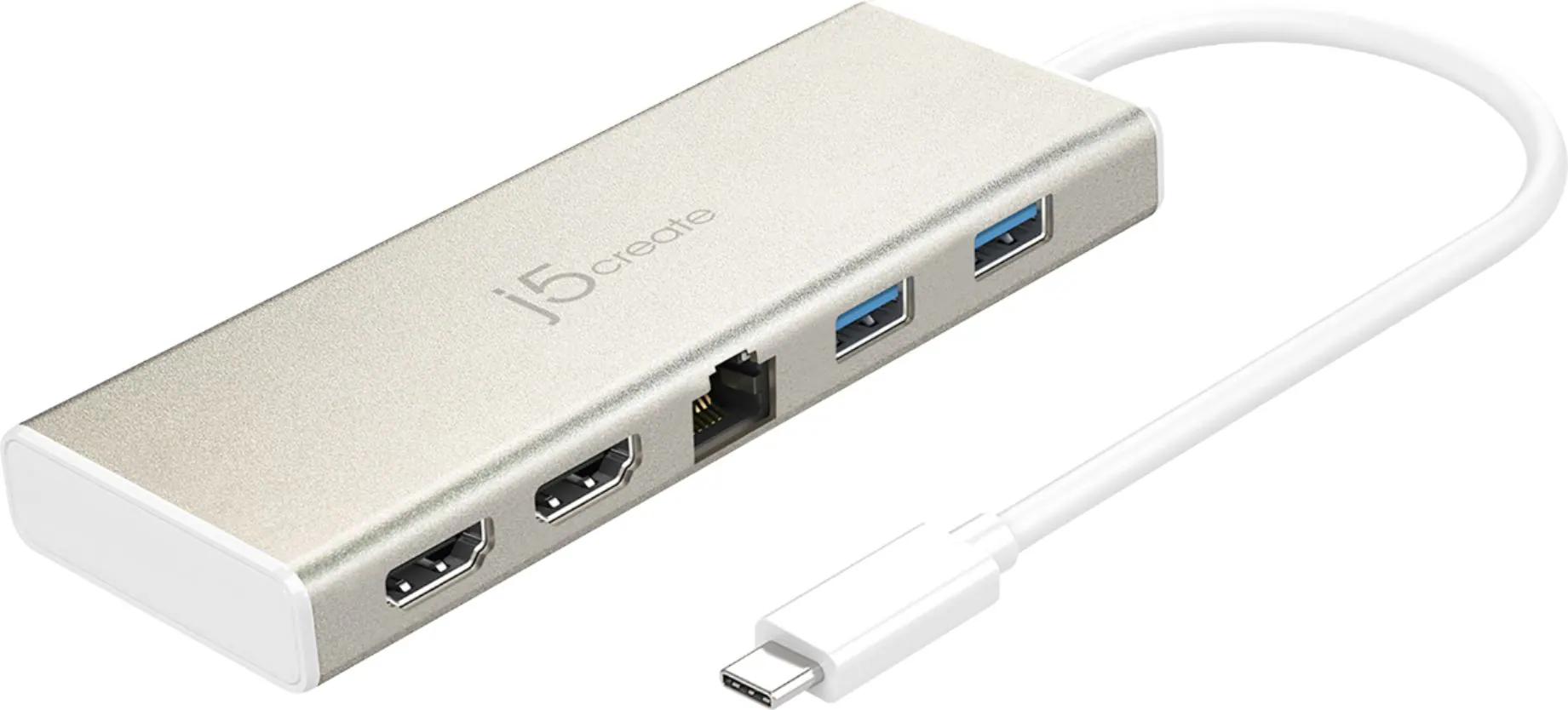 Laptop Docking Stations
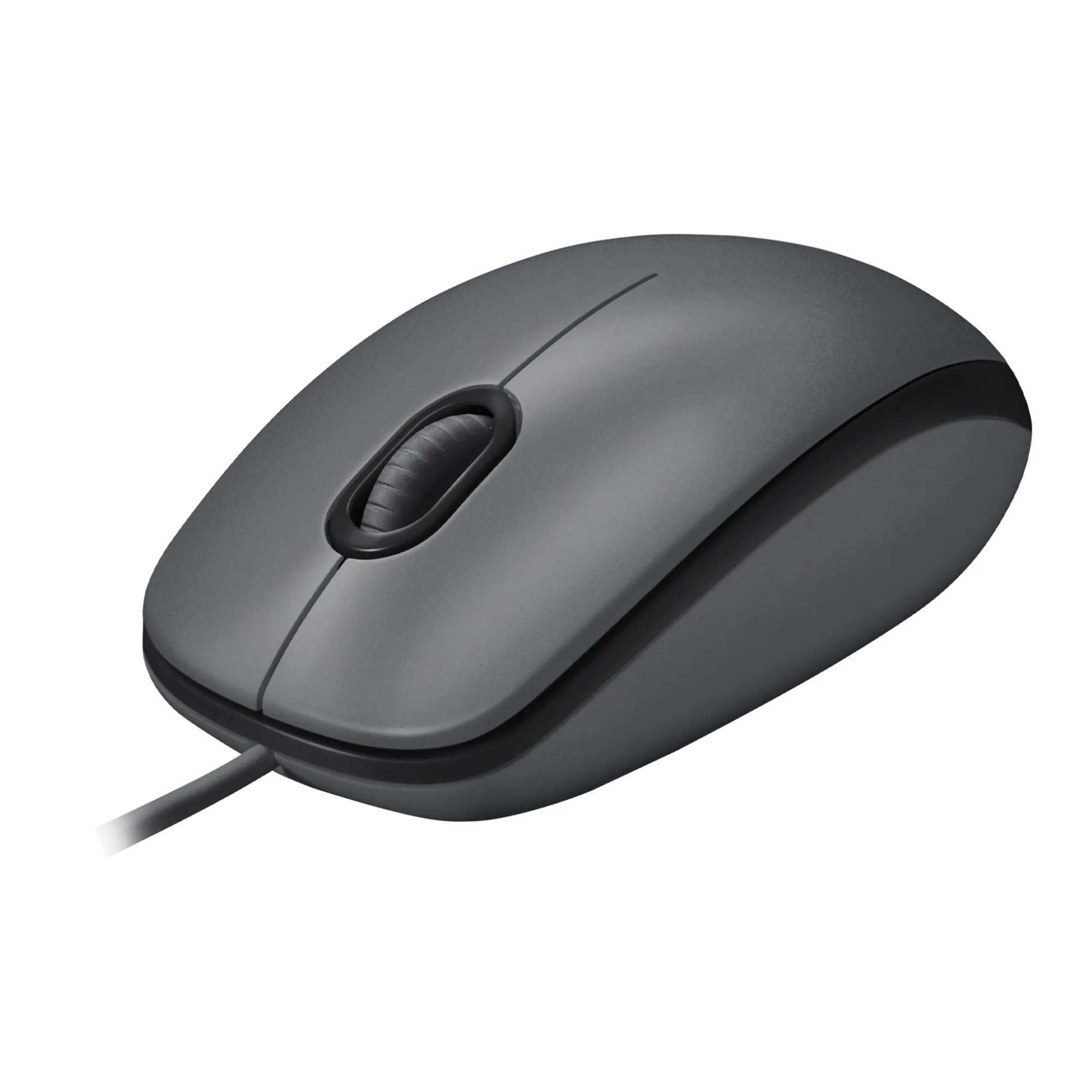 Mice
Mice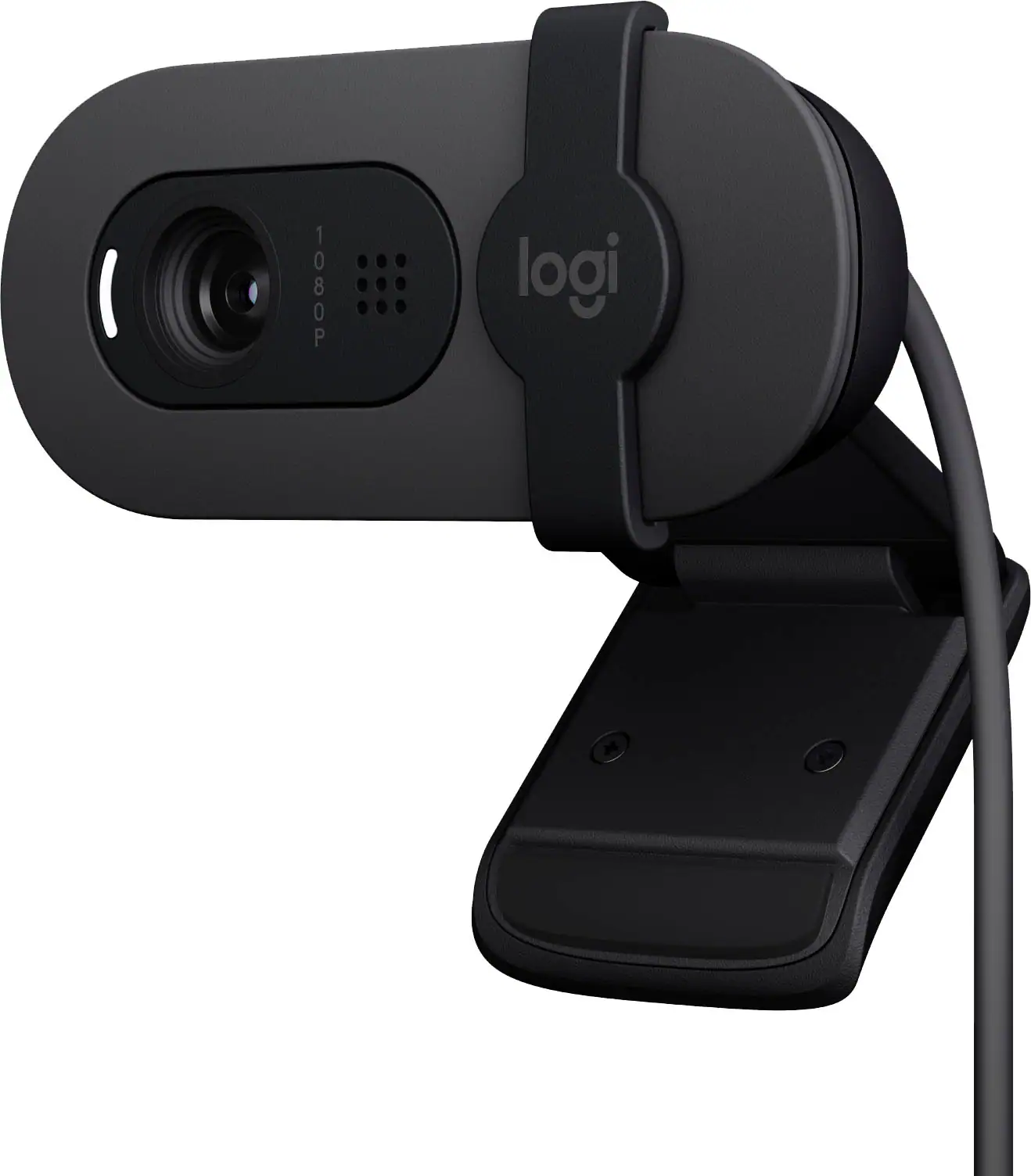 Web Cameras
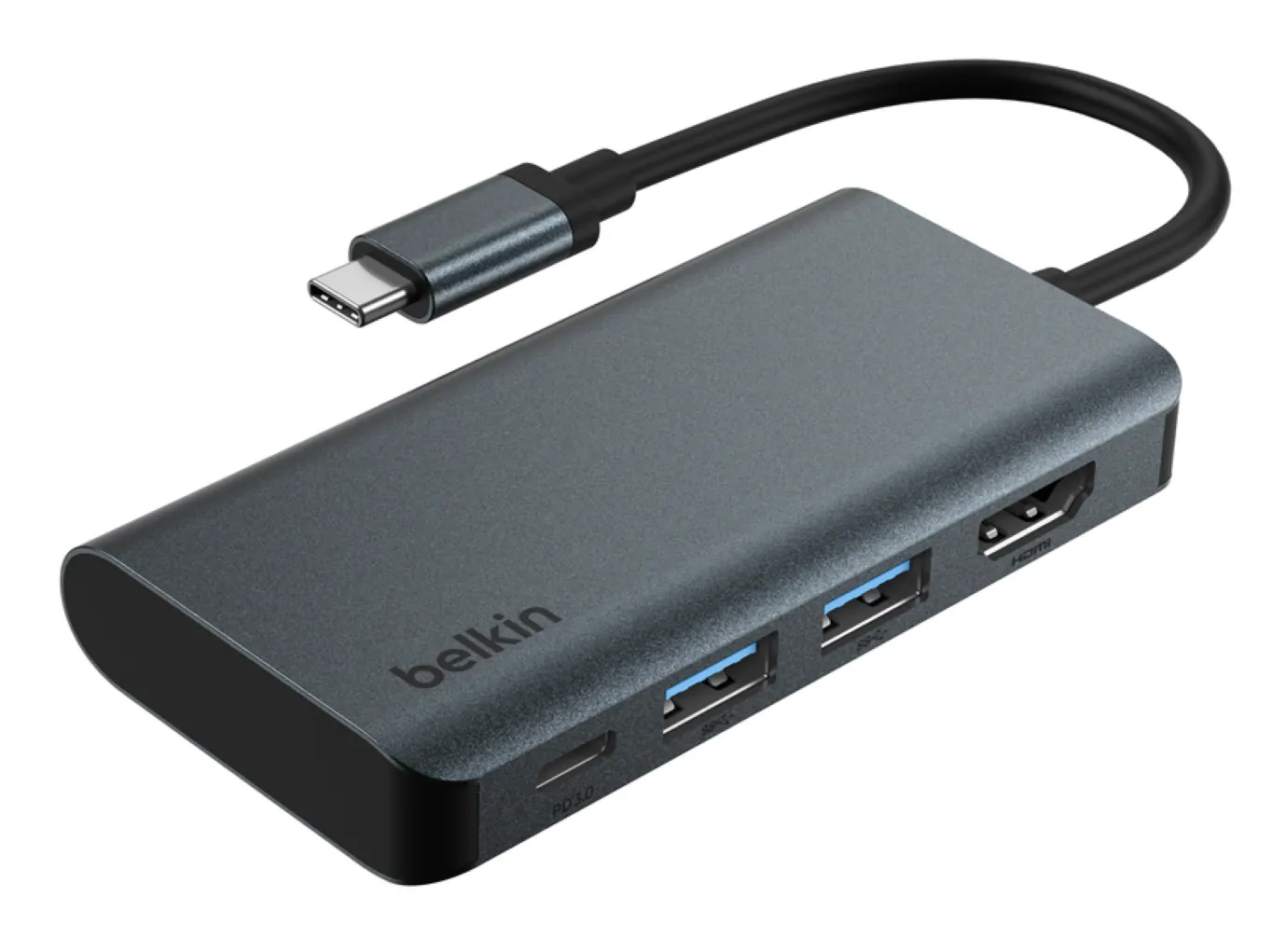 Cables and Adapters
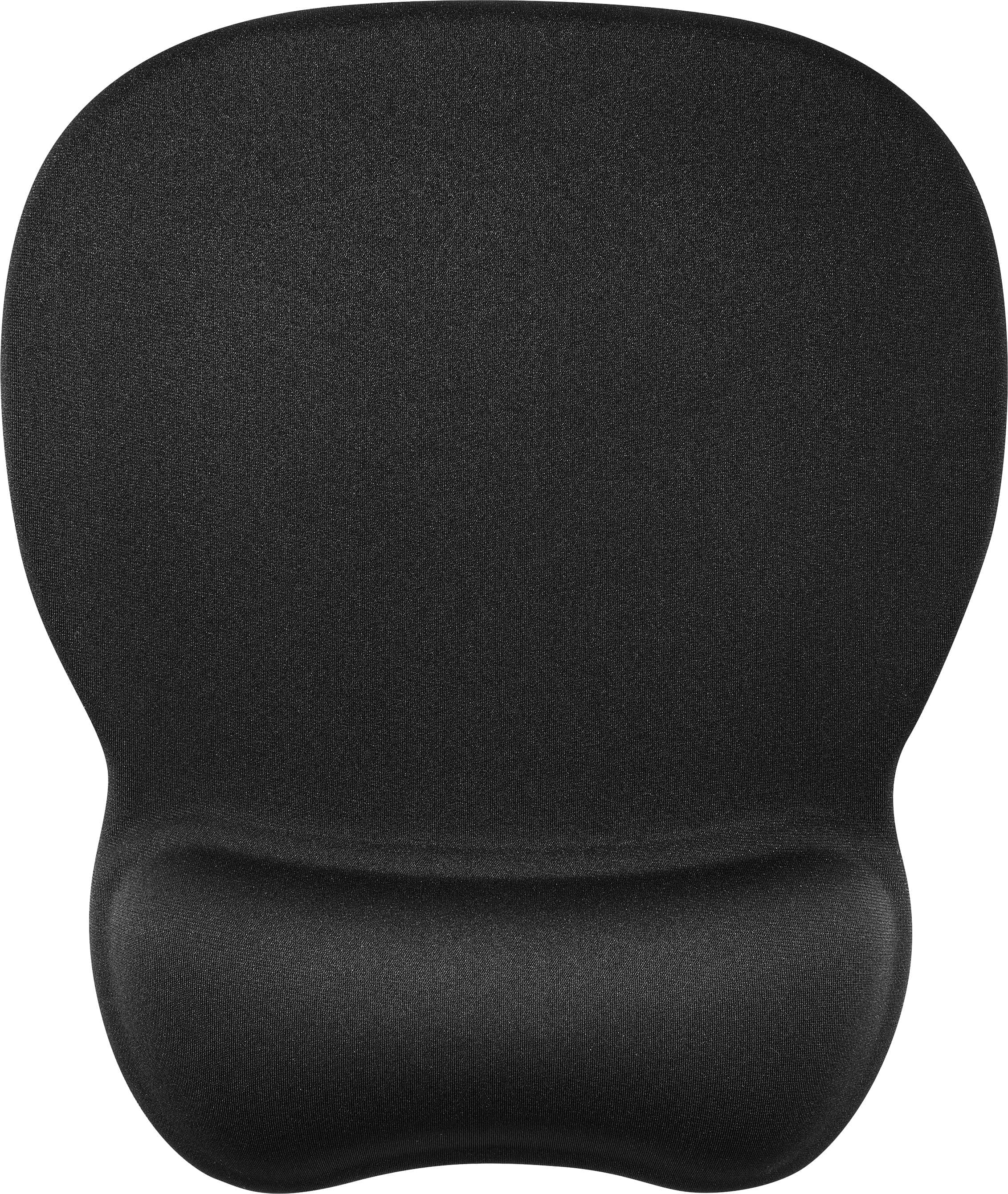 Mouse Pads
More to consider
 Top Deal$79.99The price was $119.99
 $89.99The price was $109.99
 Top Deal$94.99The price was $149.99
 Top Deal$149.99The price was $229.99
 $69.99The price was $159.99
 $189.99The price was $299.99
 $129.99The price was $142.34
 $120.99The price was $129.99

Explore tech essentials Sponsored
 $169.99The price was $199.99

Discover related products
 $12.99The price was $13.99
 $24.99The price was $27.99







Keep exploring
 $899.00The price was $934.64
 $1,499.99The price was $2,101.91
 $431.99The price was $453.31
 $824.99The price was $979.32