Best Monitor For Editing
-
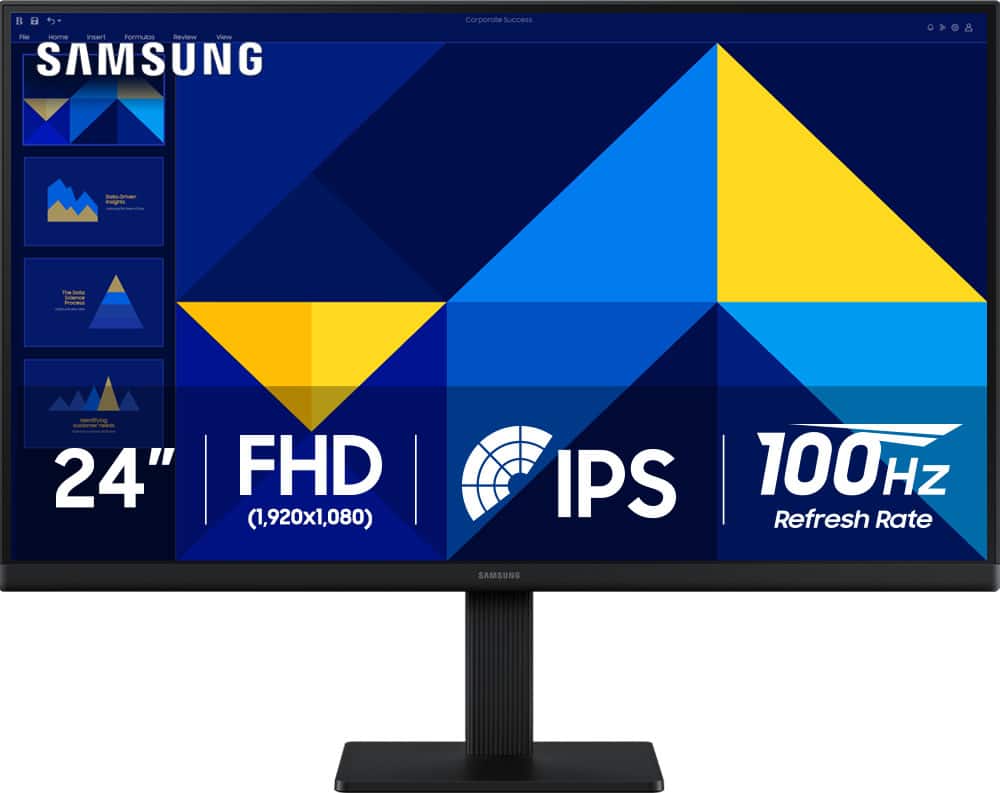
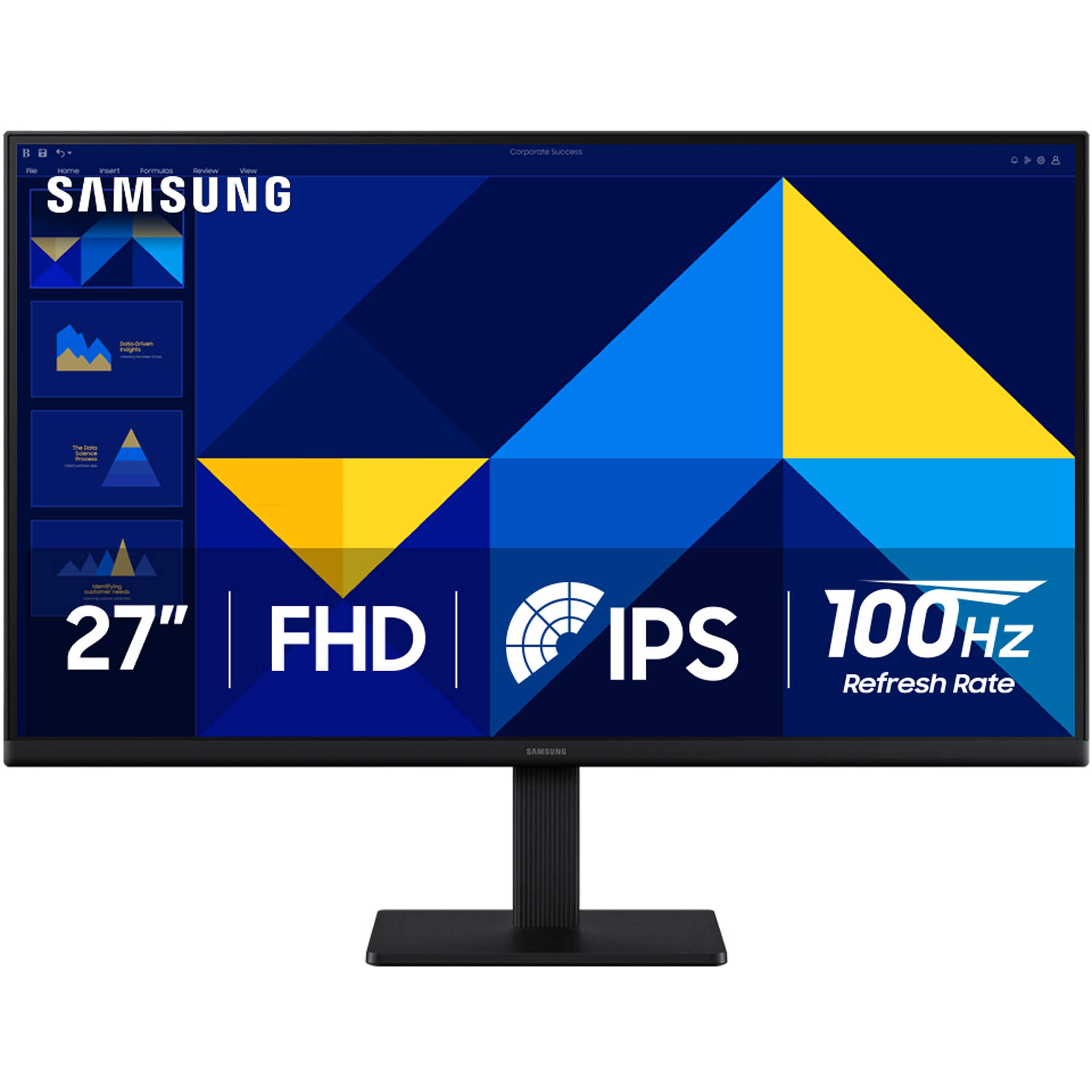
Samsung - 24" S3 (S30GD) IPS LED FHD 100Hz Monitor (HDMI, D-sub) - Black
SKU: J3ZYG24Z7VLove my new Monitor. Thanks to Best But for a great deal/...Great product for the money...Love it. Great picture. Easy to hook up, excellent
See all All MonitorsProduct Description
A black IPS LED monitor with 100Hz refresh rate, FHD resolution, and multiple connectivity options.Your price for this item is $89.99Save $30The previous price was $119.99 -
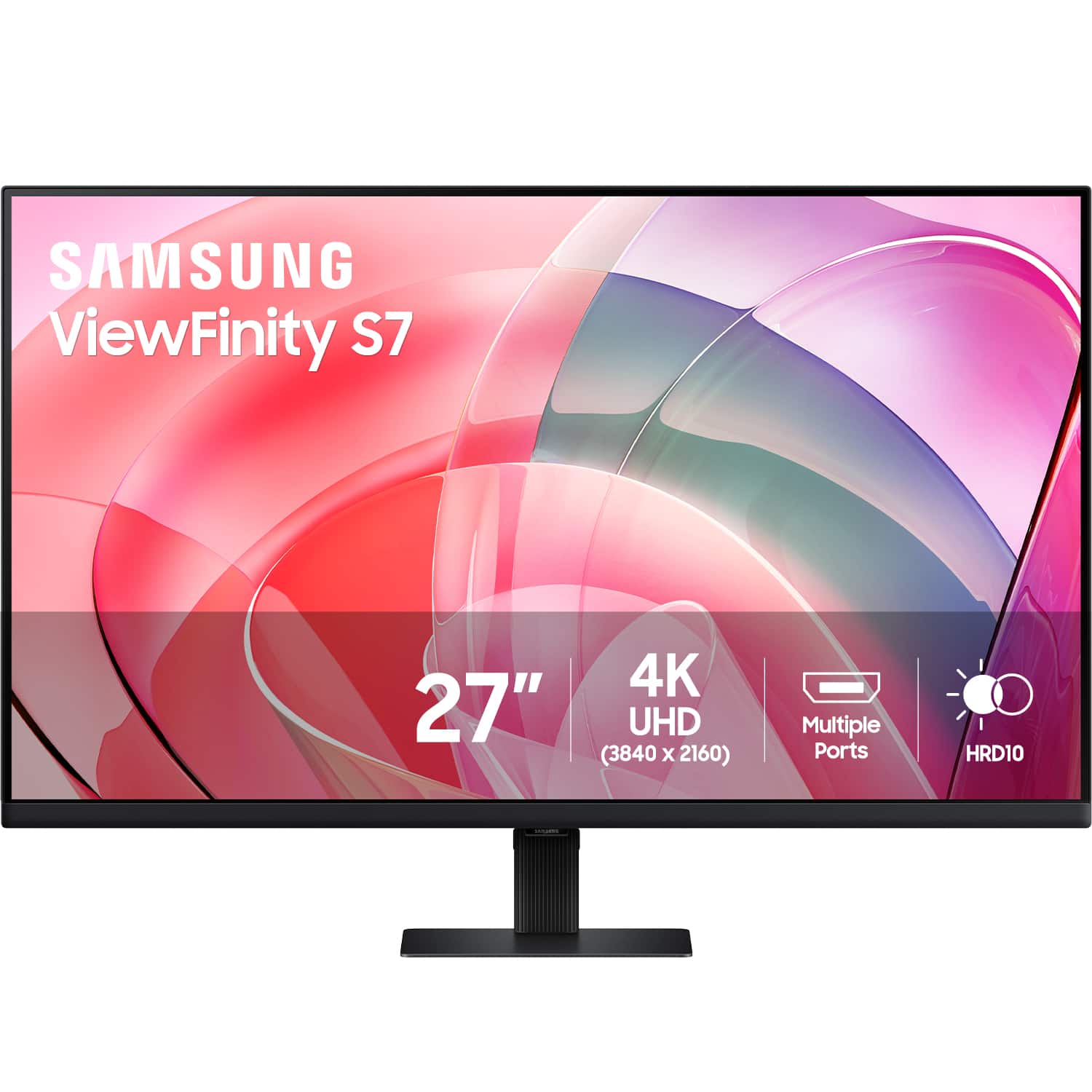
Samsung - 27” ViewFinity S7 LED 4k UHD 60Hz Monitor with HDR 10 (DisplayPort, HDMI) - Black
SKU: J3ZYG2T6FWLove it best graphics and size...Love it use for streaming and casual gaming. Would recommend.....Best monitor ever!...Definitely the best monitor I could ever ask for. Highly recomended.
See all All MonitorsProduct Description
A black LED monitor delivering 4K UHD resolution, HDR10, eye care features, and versatile connectivity options.Your price for this item is $349.99 -
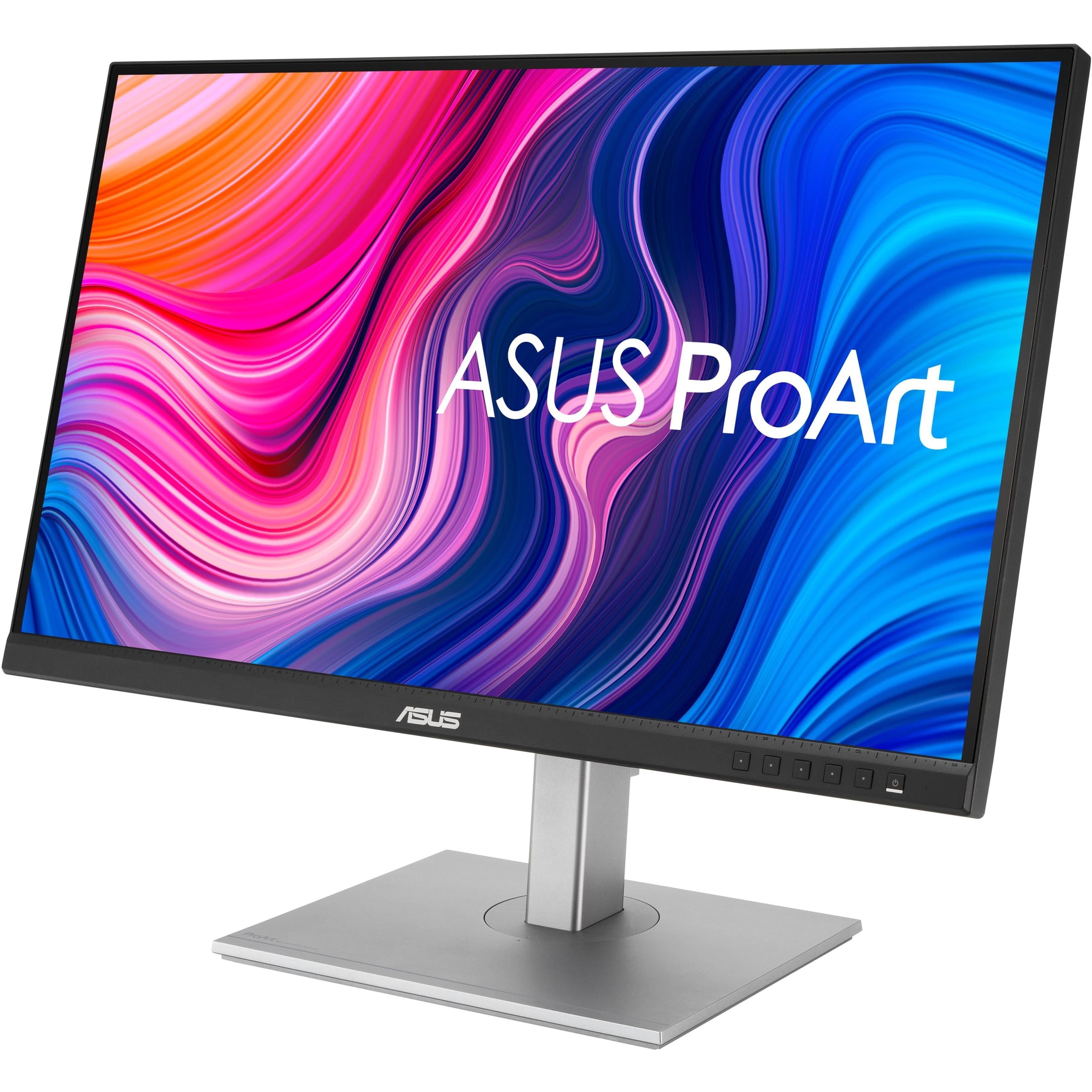
ASUS - ProArt 27 LCD Monitor (DisplayPort USB, HDMI) - Silver/Black
SKU: JJ8Q7R58J3Great Monitor!...Great monitor!!...It's works great the USB feature was a main selling point why I chose this model.
See all All MonitorsProduct Description
A silver and black IPS monitor with QHD resolution, adjustable stand, integrated speakers, and versatile connectivity.Your price for this item is $307.37 -
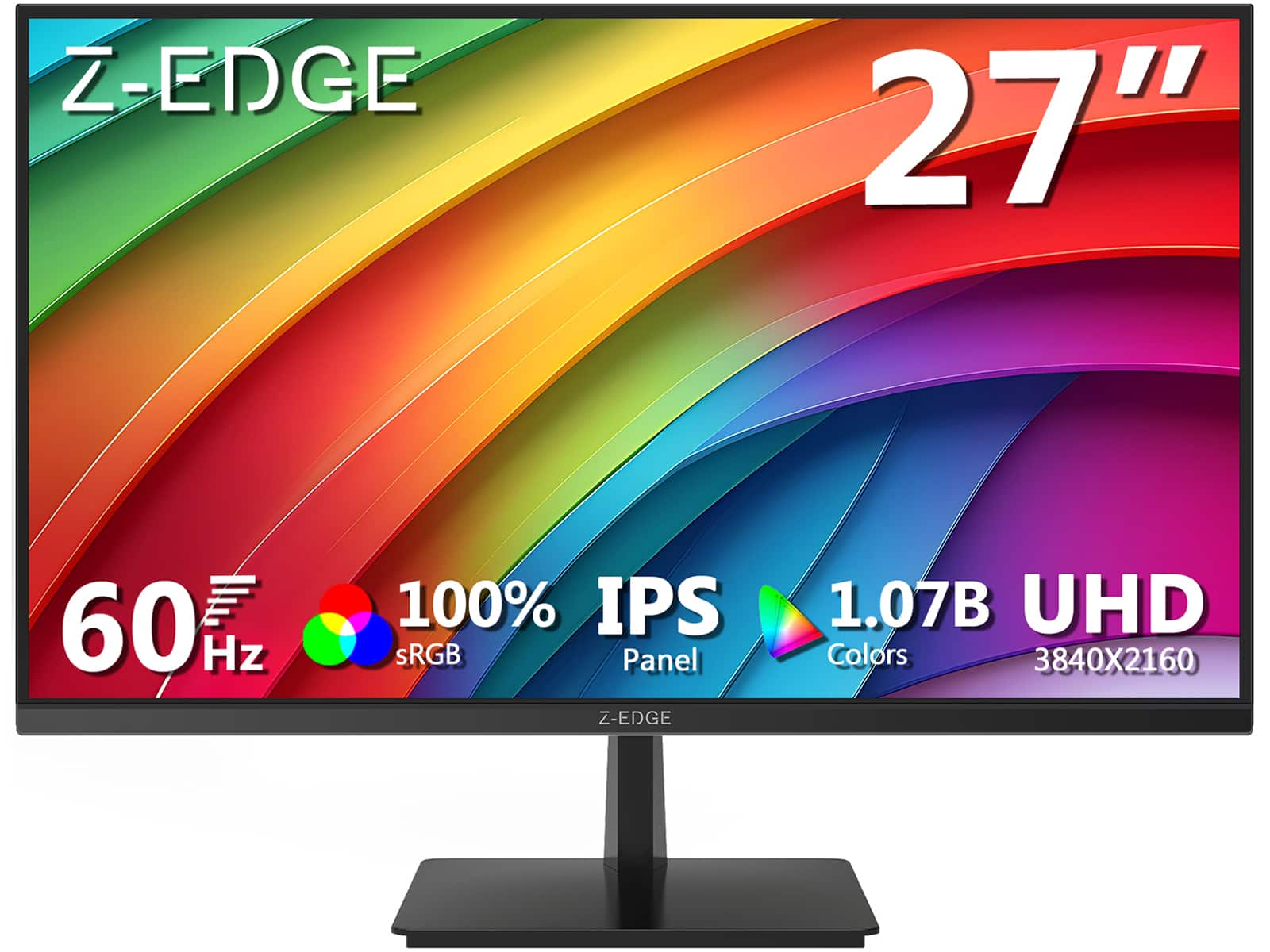
Z Z-Edge - U27P4K 27" IPS 4K Monitor, Ultra HD 3840 x 2160, 300 cd/m², 60Hz, HDMI + DP, 1.07B Colors, 100% sRGB - Black
SKU: J3LH5H8P8JSee all All MonitorsProduct Description
A sleek black 27-inch IPS 4K monitor with HDR10, 100% sRGB, FreeSync, HDMI, and DisplayPort connectivity.Your price for this item is $179.99Save $10The previous price was $189.99 -
Acer - B7 24" AG IPS Monitor UM.QB7AA.601 - Black
SKU: JJ8V8HXCZ5See all All MonitorsProduct Description
An eco-friendly black IPS monitor offering 4K UHD resolution, adjustable stand, and advanced eye protection features.Your price for this item is $198.01 -
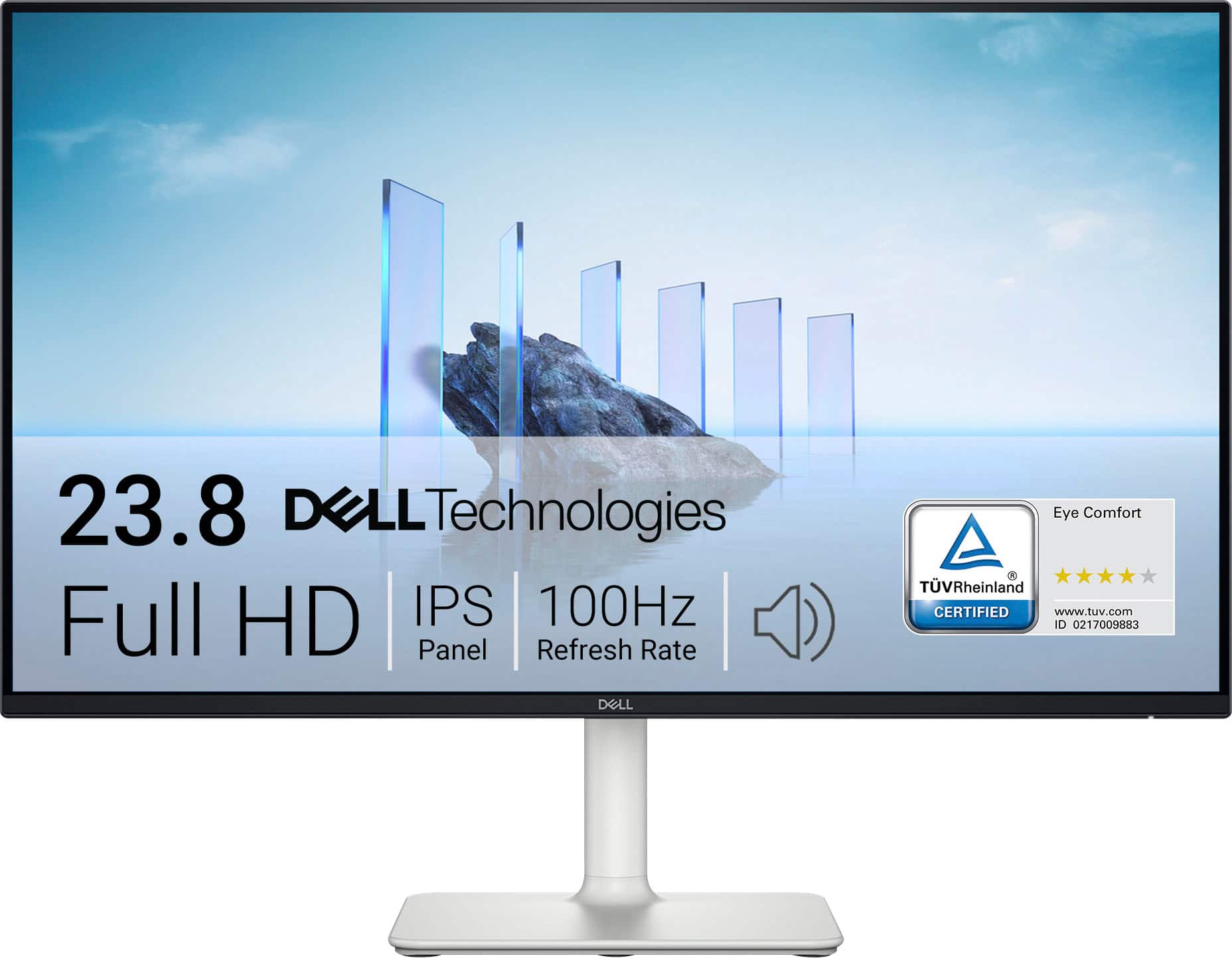
Dell - S2425H 24" IPS LED FHD 100Hz 8ms Monitor (HDMI) - Ash White
SKU: J3K4L62KC5By far 100% the best side monitor and maybe even great for console gaming display I’ve ever used....Love the speaker feature with clarity on screen!...Love my computer screen!...I love the computer screen...
See all All MonitorsProduct Description
An ash white IPS LED monitor with FHD resolution, 100Hz refresh rate, and integrated speakers for immersive viewing.Your price for this item is $289.99 -
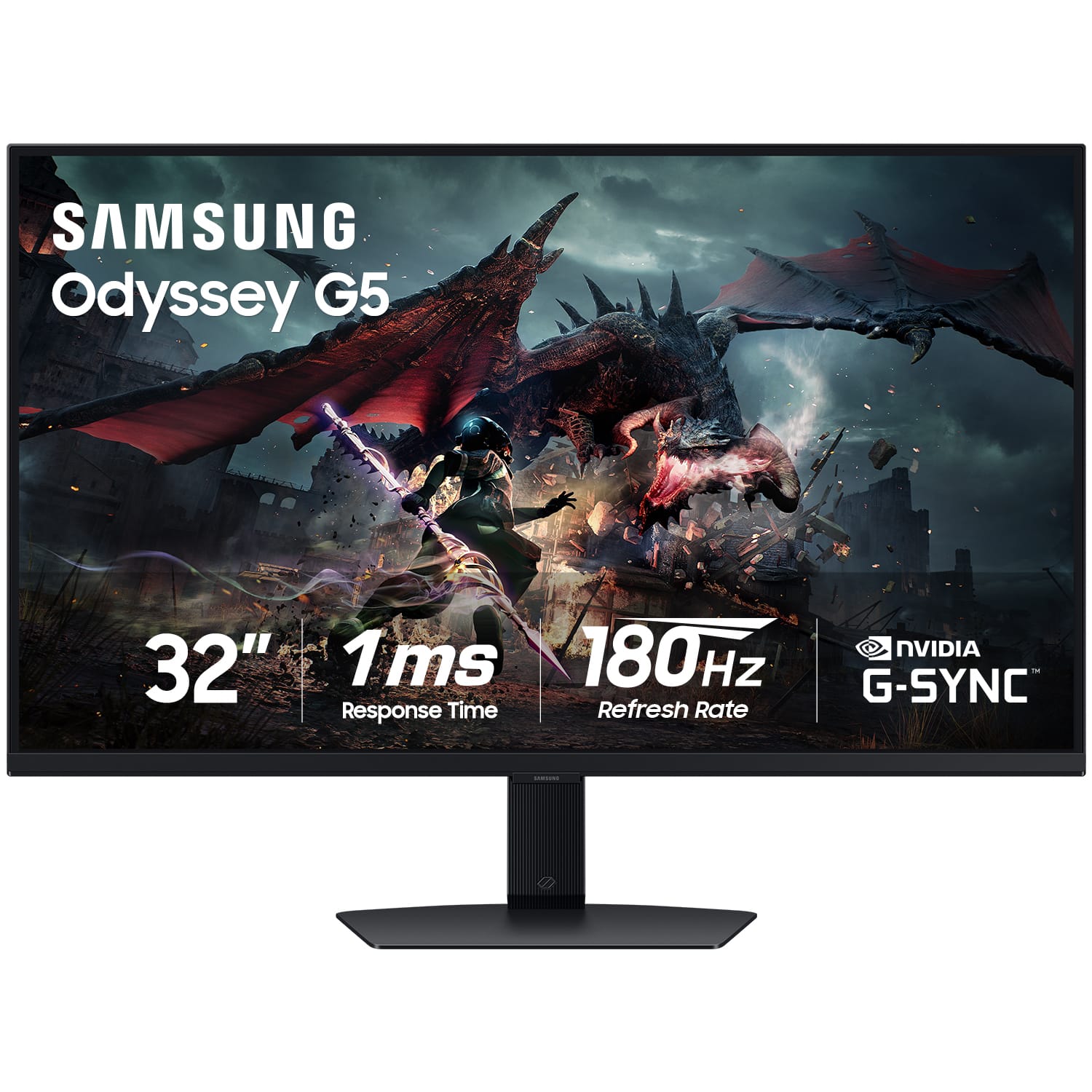
Samsung - 32" Odyssey G50D QHD IPS 180Hz 1ms AMD FreeSync and G-Sync Compatible Gaming Monitor with HDR 400 (DisplayPort, HDMI) - Black
SKU: J3ZYG2HPL9Best bang for you buck with great picture and response time...Good but not great if you aren’t running 4k gaming. 27inchs is best for 2k gaming
See all Gaming MonitorsProduct Description
A black QHD gaming monitor with 180Hz refresh rate, 1ms response, HDR 400, and adaptive sync.Your price for this item is $214.99Save $215The previous price was $429.99 -
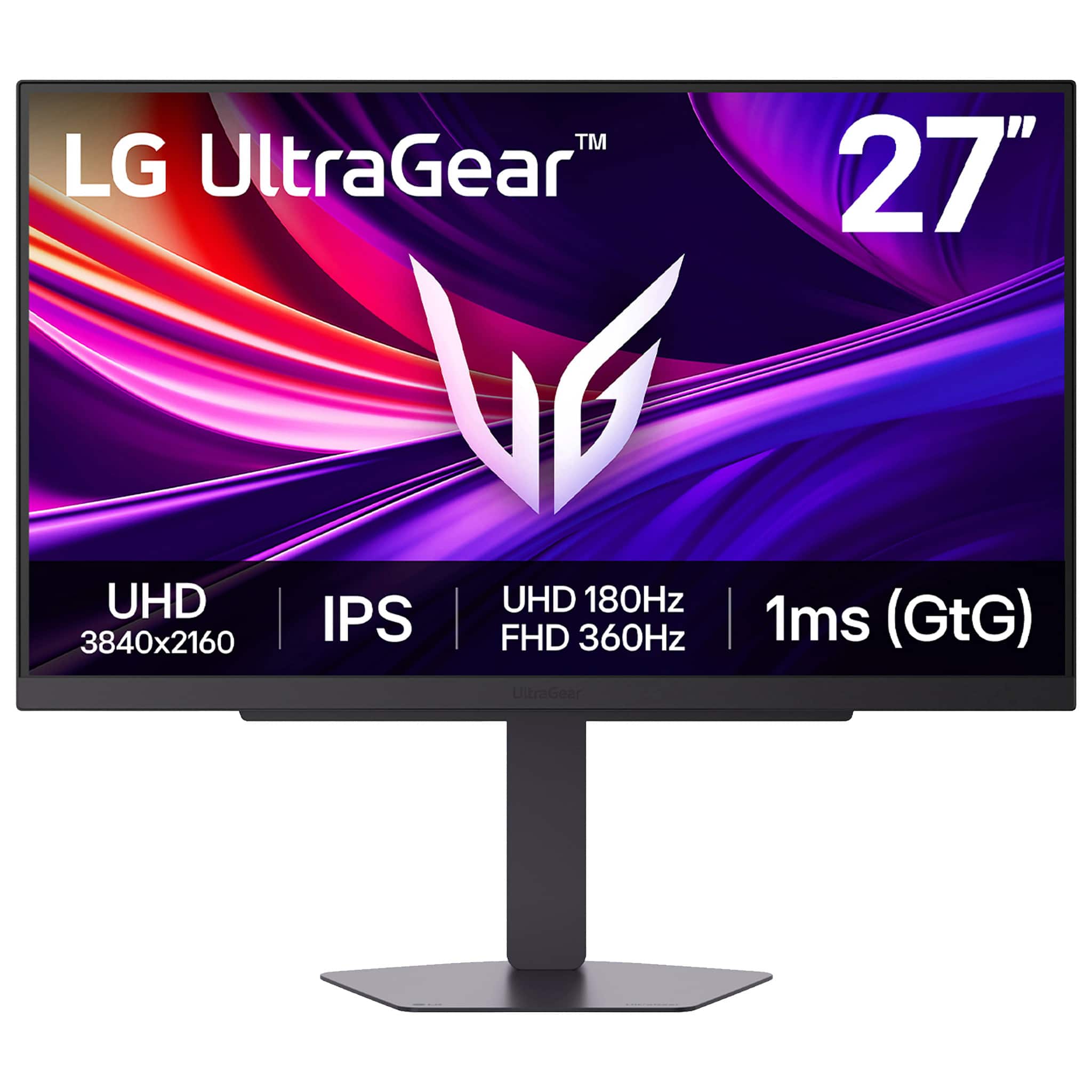
LG - UltraGear 27" IPS Dual Mode (4K UHD 180Hz, FHD 360Hz), 1ms, NVIDIA G-SYNC, AMD Freesync Gaming Monitor (HDMI, DP, USB-C) - Black
SKU: JJ8VPZKP8SGreat Investment!...Great Monitor, looks great great graphics! Best purchase made!...Great Monitor...Great monitor at a great price!! Thank you Best buy cuatomer service!!
See all Gaming MonitorsProduct Description
A black IPS gaming monitor with 4K UHD, 180Hz refresh rate, 1ms response, and adaptive sync support.Your price for this item is $599.99 -
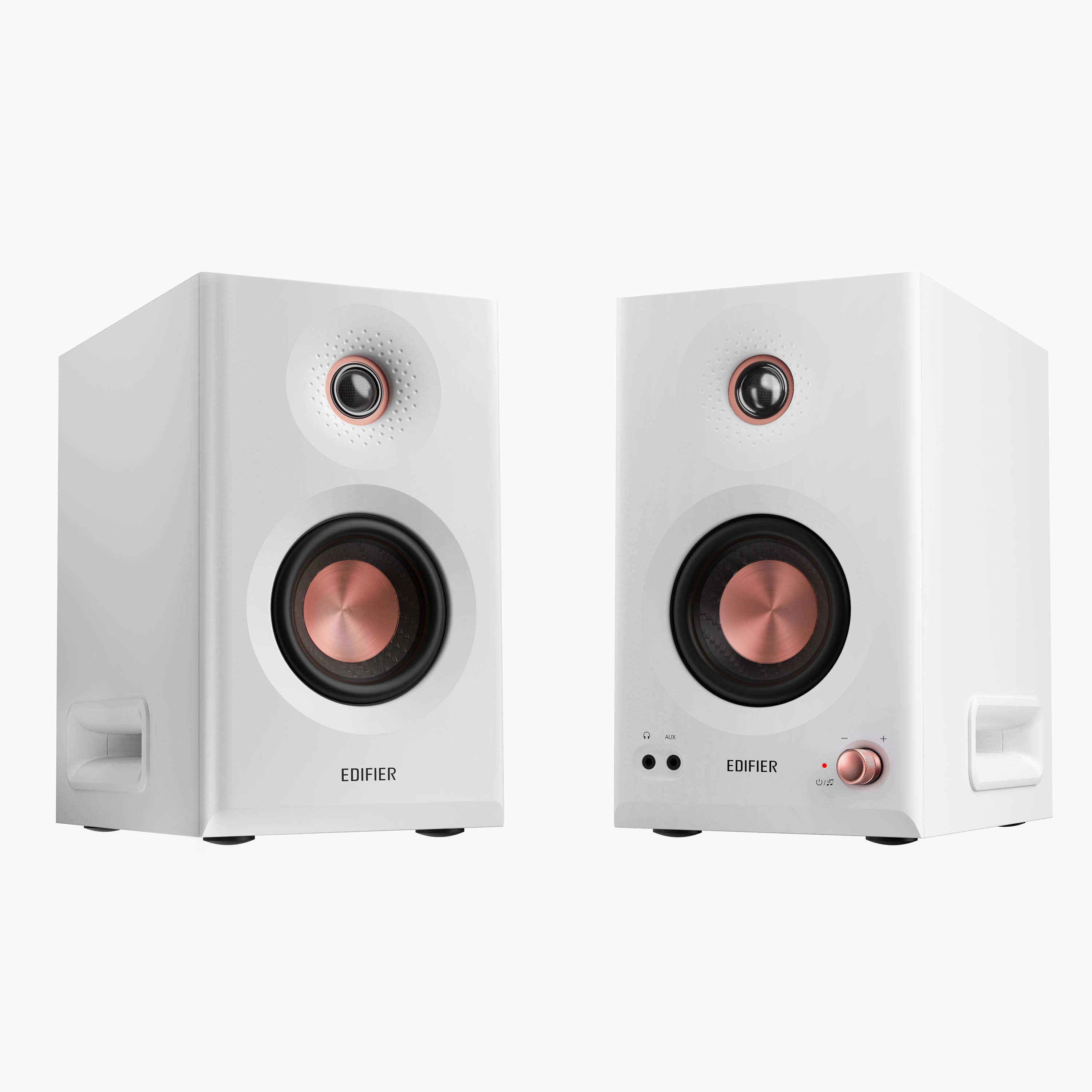
Edifier - MR5 Powered Studio Monitor 2.0 Speakers (Pair) - White
SKU: J3WSK7S68LAmazing loud and clear also very beautifully made ideal to match anything of household items I love it...best purchase ever 100% satisfied
See all Computer SpeakersProduct Description
A pair of white powered studio monitors delivering precise, natural sound with tri-amped active crossover technology.Your price for this item is $349.99 -
Samsung - 27" (S30GD) IPS Business Essential Monitor (HDMI) - Black
SKU: J3ZYG24ZX8Great picture...this product is very nice has a great quality High Vivid color definitely the clarity is amazing there's
See all All MonitorsProduct Description
A sleek black IPS monitor with 100Hz refresh rate, Full HD resolution, and height-adjustable, ultra-thin design.Your price for this item is $129.99Save $20The previous price was $149.99

Best Sellers






Related Pages




FAQ
When choosing a monitor for editing, prioritize features such as high color accuracy, wide color gamut coverage (like sRGB or Adobe RGB), high resolution (such as 4K), and good viewing angles. An IPS panel is often preferred for its color consistency and clarity.
Yes, IPS (In-Plane Switching) panels are generally considered the best choice for editing because they offer superior color accuracy, wider viewing angles, and more consistent image quality compared to TN or VA panels.
Color calibration ensures that the colors displayed on your monitor are as accurate as possible, which is essential for editing photos and videos. This helps ensure your work looks consistent across different devices and when printed.
HDR (High Dynamic Range) support allows your monitor to display a wider range of colors and contrasts, making it easier to see details in both bright and dark areas of your content. This is especially useful for video editing and color grading.
While not strictly necessary, using multiple monitors can enhance your workflow by providing more screen space for timelines, toolbars, and reference images. Many editors find a dual-monitor setup increases productivity and makes multitasking easier.