HDR Monitors For Media Editing
-
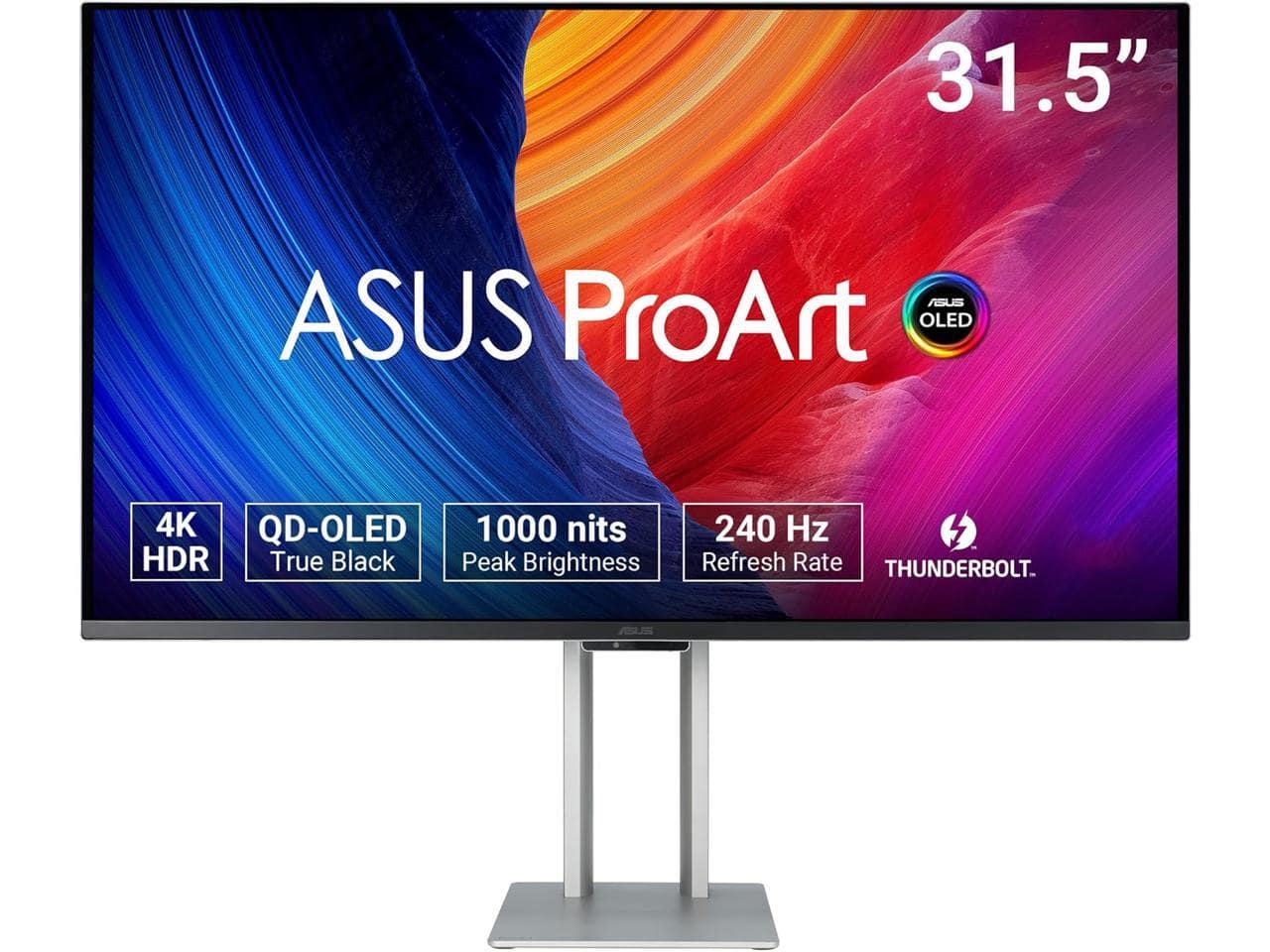
ASUS - ProArt PA32UCDM 32" 4K HDR QD-OLED Monitor - 240Hz, 0.1ms, Auto Calibration, Dolby Vision, 99% DCI-P3, Thunderbolt4
SKU: JJGGLQ8296See all All MonitorsProduct Description
A professional 32" 4K QD-OLED monitor with 240Hz refresh rate, Dolby Vision, and 99% DCI-P3 coverage.Your price for this item is $1,835.43 -
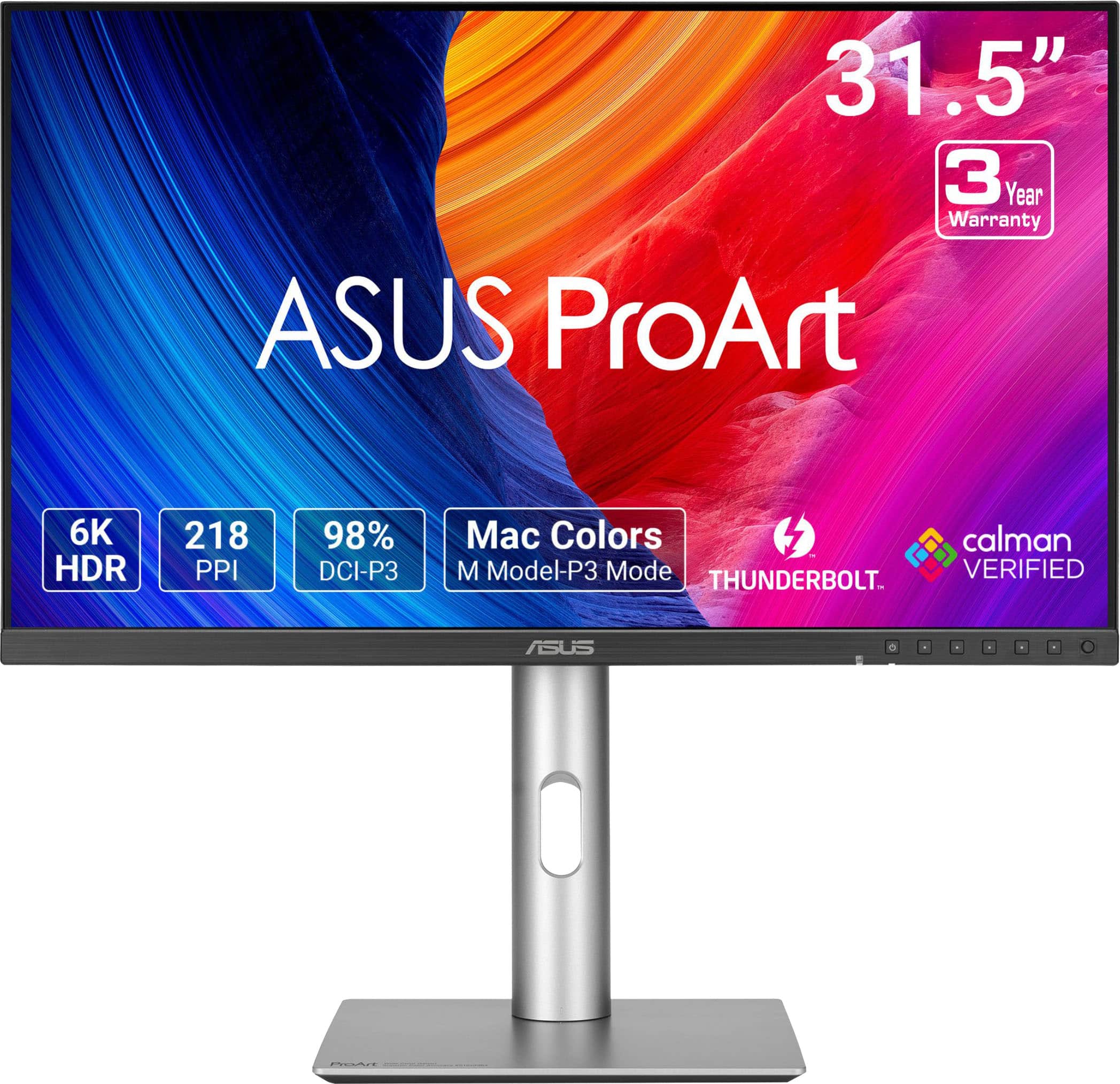
ASUS - ProArt 32" 6K IPS Professional Monitor with HDR 10 (DisplayPort, HDMI) - Black
SKU: JJGGLQVYFCBest Budget 6K, surprisingly from ASUS....Great Monitor...I spent hours looking a reviews on the 32” montiors on the market, This one is super sharp, great colors
See all All MonitorsProduct Description
A professional 32-inch black IPS monitor with 6K resolution, HDR10, and dual Thunderbolt 4 ports.Your price for this item is $1,199.99Save $100The previous price was $1,299.99 -
ASUS - ProArt 27" 5K IPS Professional Monitor with HDR (DisplayPort, HDMI) - Black
SKU: JJGGLQP8YYI love the charging USBC and that monitor can be the docking station....Screen is great works well with my MacbookPro....Best 5K Mac Monitor At a Reasonable Price...Screen great - easy set up
See all All MonitorsProduct Description
A professional 27-inch black IPS LED monitor with 5K resolution, HDR10, and exceptional color accuracy.Your price for this item is $707.95Save $44The previous price was $752.54 -
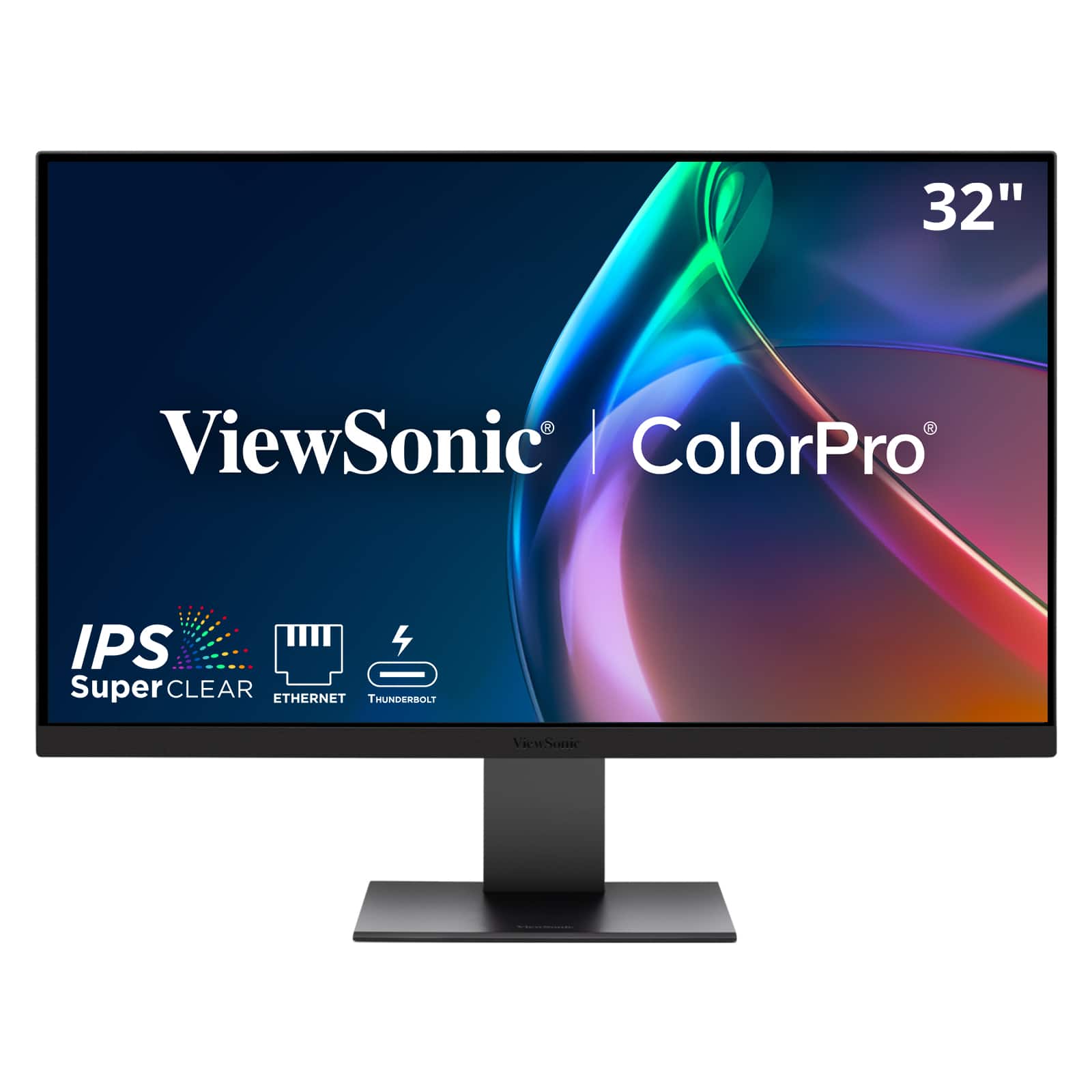
ViewSonic - VP3276T-4K 32" 4K IPS Docking Monitor with Thunderbolt 4, Advanced Ergonomics, 100% sRGB Rec 709, Pantone Vali - Black
SKU: J37H88VKY5See all All MonitorsProduct Description
A professional 32-inch 4K UHD IPS monitor with Thunderbolt 4, HDR400, and 100% sRGB color accuracy.Your price for this item is $799.99 -
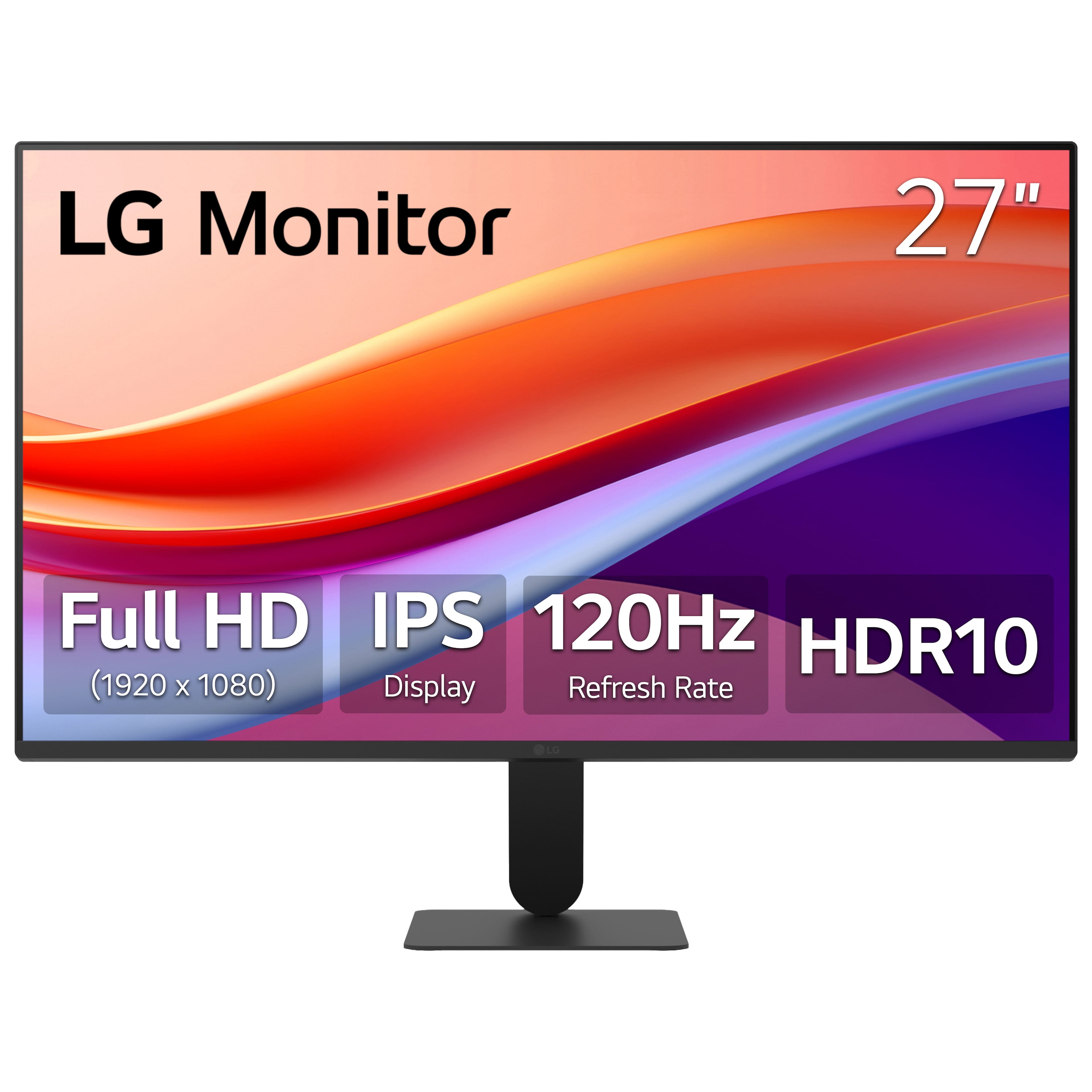
LG - 27" IPS FHD 120Hz Monitor with HDR10 (HDMI) - Black
SKU: JJ8VPZKPZ6Great value...Great value great price great product thank team best buy...Great monitor for gaming and Best Buy helped me pick the rite one
See all All MonitorsProduct Description
A black IPS monitor with 120Hz refresh rate, HDR10 support, and ultra-slim bezels for vibrant visuals.Your price for this item is $109.99Save $140The previous price was $249.99 -
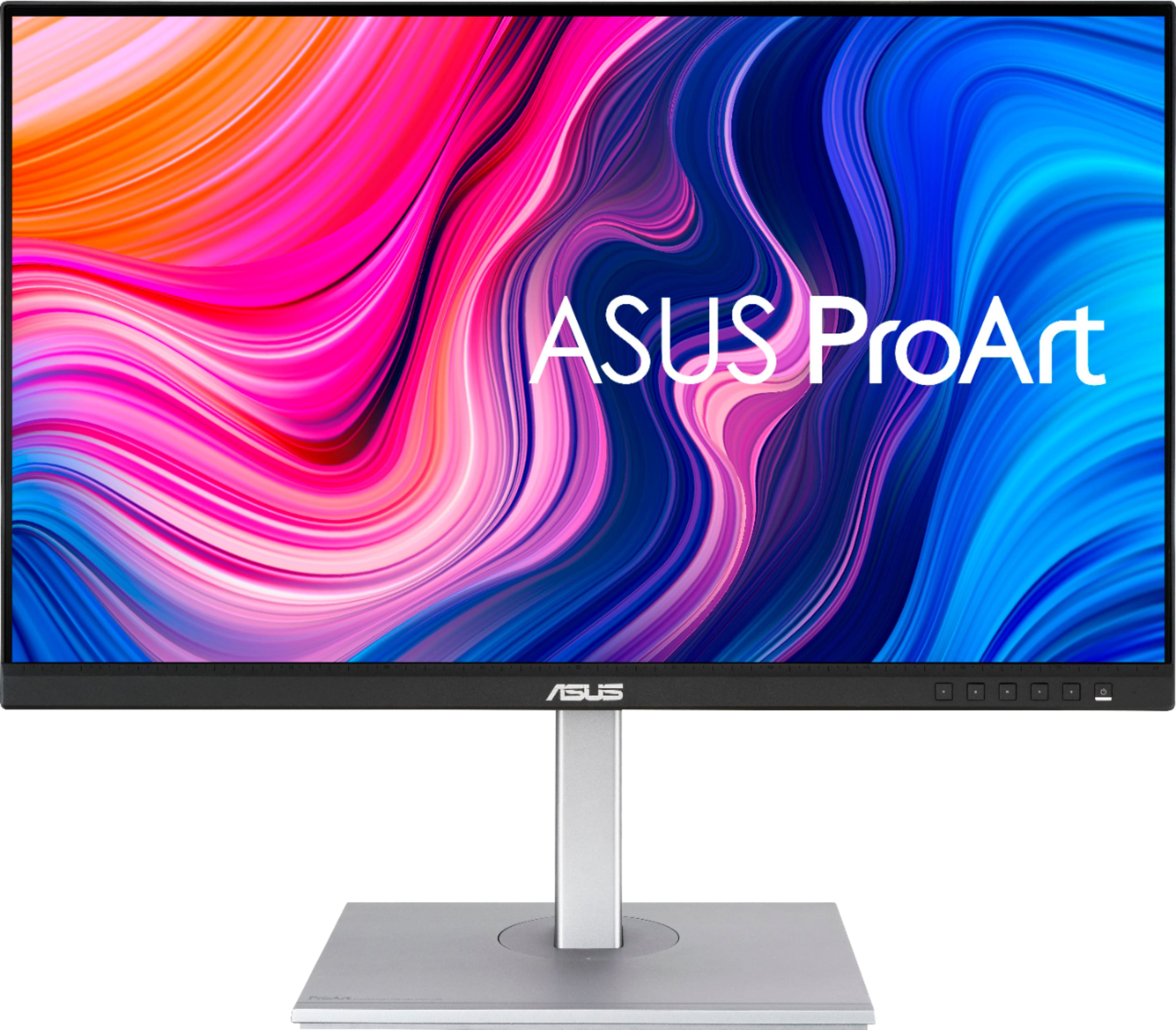
ASUS - ProArt 27" 4K IPS Professional Monitor with HDR (DisplayPort, HDMI, USB-C) - Black
SKU: JJ8Q7RWQ2RBest quality, Great Price...Absolute best monitor I've ever purchased....I love the quality and the ability to customize settings....Great Display...The display has nice coloring best for graphic design...
See all All MonitorsProduct Description
A professional black 4K UHD IPS monitor with HDR10, USB-C, and wide 178° viewing angles.Your price for this item is $329.99Save $70The previous price was $399.99 -
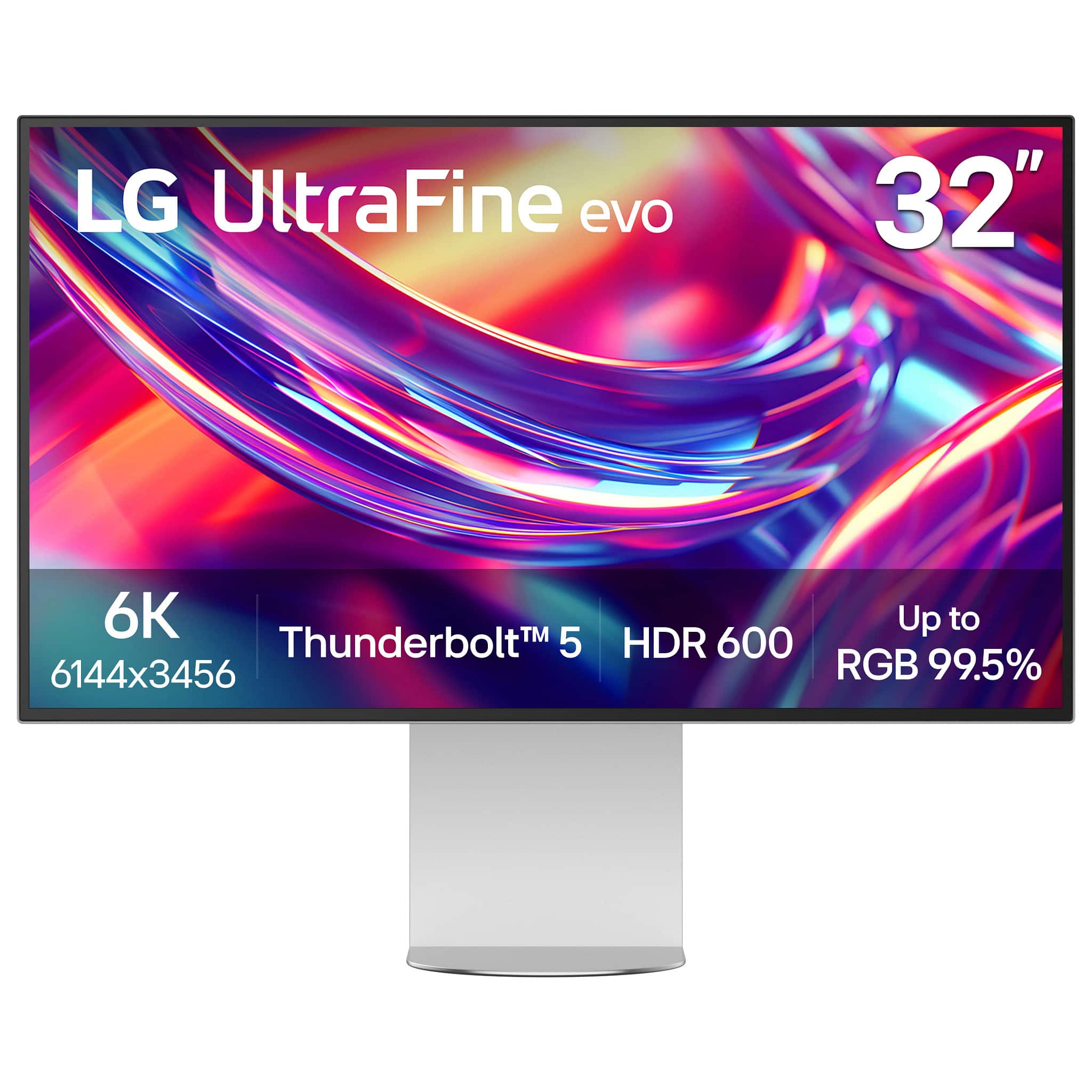
LG - 32” UltraFine evo 6K Nano IPS Black Professional Monitor with DisplayHDR 600 (Thunderbolt 5, HDMI, DisplayPort, USB-C) - Silver
SKU: JJ8VPZKRFKBest of image on LG I ever had....The best monitor I bought, I love it, I love the quality of image.the only reason for what I returned...Studio Grade Screen, Best Connection Flexibility...I love how...
See all All MonitorsProduct Description
A professional 32-inch silver and black Nano IPS monitor with 6K resolution, Thunderbolt 5, and HDR 600.Your price for this item is $1,499.99Save $500The previous price was $1,999.99 -
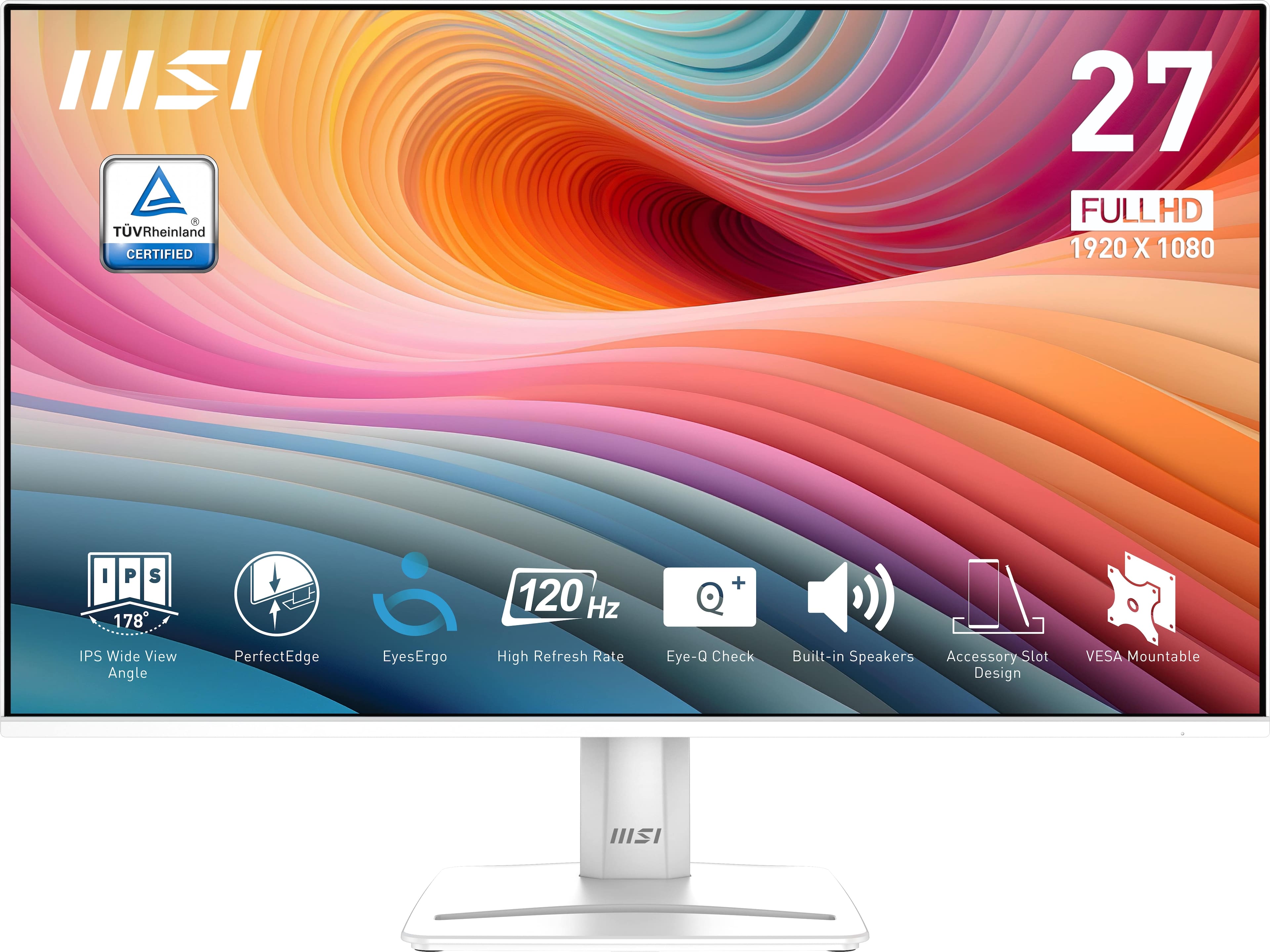
MSI - PRO MP275W E2 27" FHD 120Hz 1ms Adaptive Sync Monitor with HDR ready ,Built-in Speakers (DisplayPort, HDMI ) - Matte White
SKU: J3P7TXSV6CSee all All MonitorsProduct Description
A matte white IPS monitor with 120Hz refresh rate, 1ms response, HDR, and built-in speakers.Your price for this item is $195.60Save $4The previous price was $200.56 -
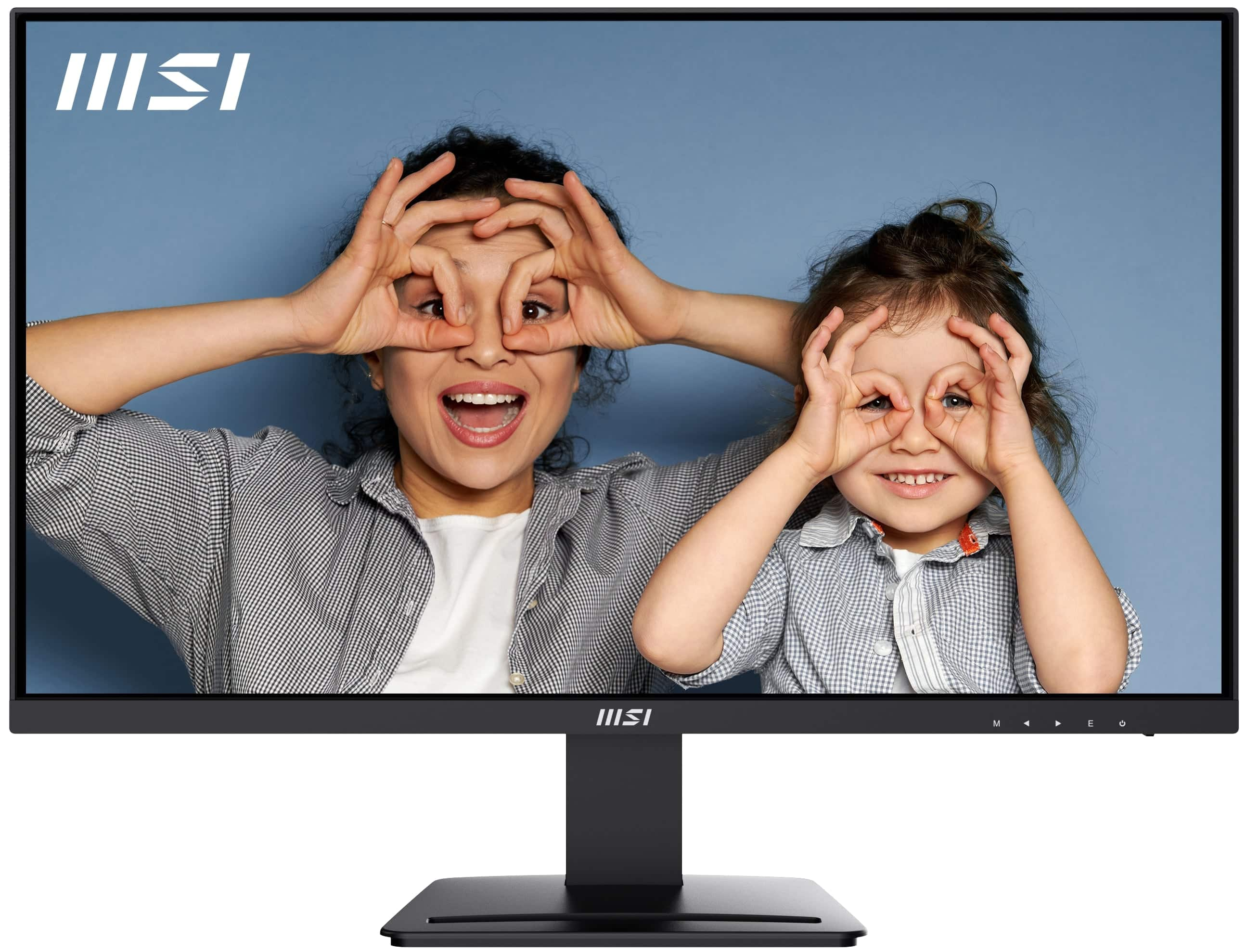
MSI - PRO MP273U 27" UHD 60Hz 4ms Adaptive Sync Monitor with HDR ready ,Built-in Speakers (DisplayPort, HDMI ) - Matte Black
SKU: J3P7TXPW8KThe built-in speakers are not the best but gets the job done....Practical and looks great...resolution is better than my current one and I haven’t noticed any delays or lagging so the visuals look great...
See all All MonitorsProduct Description
A matte black 27-inch 4K UHD IPS monitor with HDR, Adaptive Sync, built-in speakers, and ergonomic design.Your price for this item is $162.99Save $37The previous price was $199.99 -
Dough - Spectrum One 27-In. 4K HDR 144-Hz Monitor with USB-C Dock - Matte
SKU: CGCLR566CXSee all All MonitorsProduct Description
A matte 4K UHD monitor with HDR, 144Hz refresh rate, and USB-C docking for versatile connectivity.Your price for this item is $399.99Save $200The previous price was $599.99

Best Sellers







Related Pages





FAQ
HDR (High Dynamic Range) monitors offer a wider color gamut, higher brightness levels, and improved contrast, allowing editors to see more detail in both shadows and highlights. This results in more accurate color grading and a better representation of how content will appear on HDR-capable devices.
IPS (In-Plane Switching) panels are most commonly used in HDR monitors for media editing due to their superior color accuracy and wide viewing angles. Some high-end monitors may also use OLED or Mini LED technology for even better contrast and color performance.
Color accuracy is crucial for media editing, as it ensures that the colors you see on your monitor closely match the final output. Look for monitors with factory calibration, high color coverage (such as Adobe RGB or DCI-P3), and low Delta E values for the best results.
To fully utilize an HDR monitor, you'll need compatible editing software that supports HDR workflows, as well as a graphics card capable of outputting HDR signals. Additionally, enabling HDR settings in your operating system may be required.
Look for certifications such as VESA DisplayHDR (400, 600, or higher), Pantone Validated, or CalMAN Verified. These indicate that the monitor meets industry standards for brightness, color accuracy, and overall performance suitable for professional media editing.