High Resolution Monitors For Graphic Design
High resolution monitors for graphic design are essential tools for creative professionals seeking clarity, precision, and vibrant color reproduction in their work. Whether you're editing photos, creating digital illustrations, or working on detailed layouts, the right display can make all the difference in your creative process. Explore a variety of high resolution monitors for graphic design that deliver exceptional image quality and support your artistic vision, ensuring every detail is showcased with stunning accuracy.
Read More-
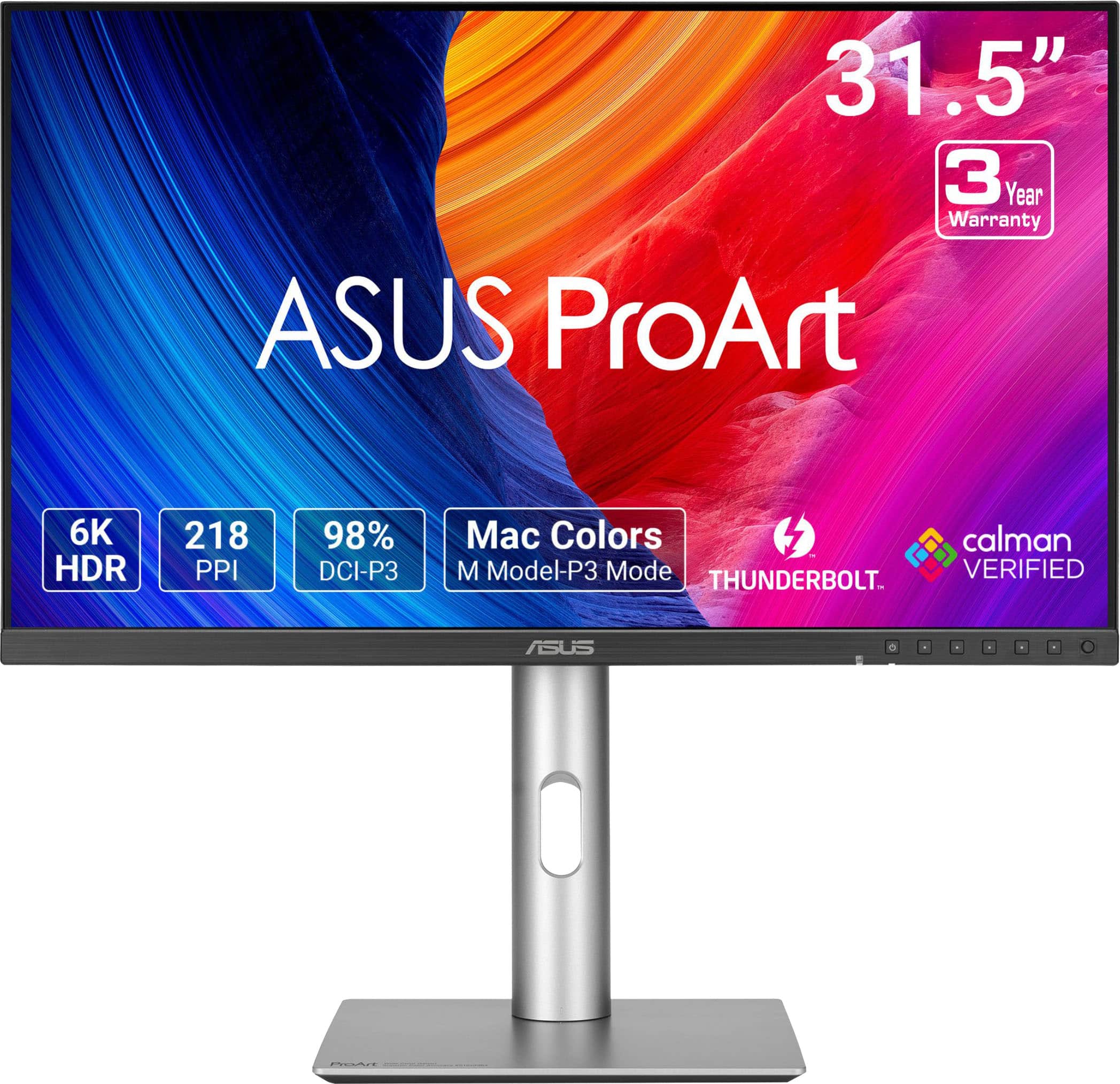
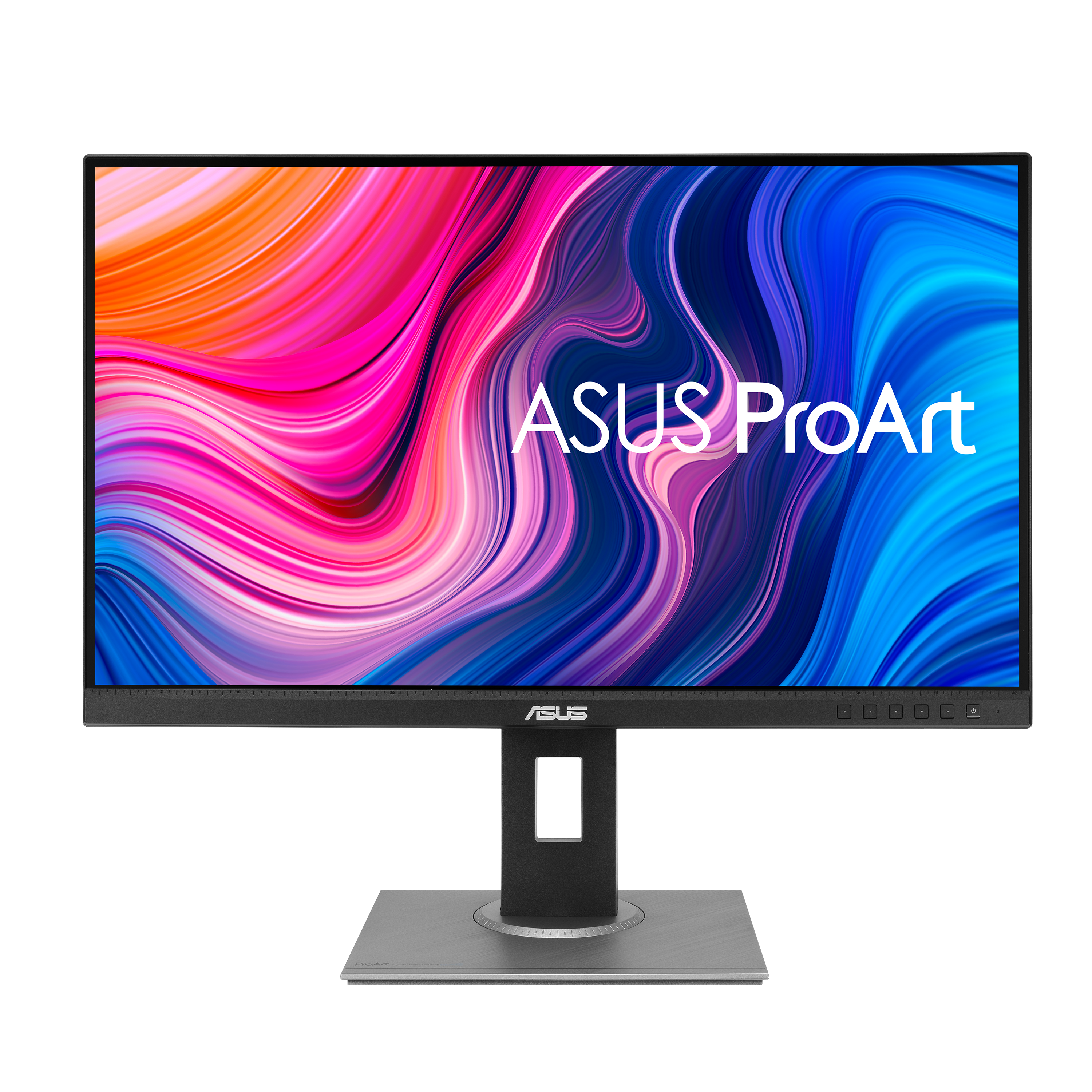
ASUS - ProArt 32" 6K IPS Professional Monitor with HDR 10 (DisplayPort, HDMI) - Black
SKU: JJGGLQVYFCBest Budget 6K, surprisingly from ASUS....Great Monitor
See all All MonitorsProduct Description
A professional 32-inch black IPS monitor with 6K resolution, HDR10, and dual Thunderbolt 4 ports.$1,199.99 Your price for this item is $1,199.99Save $100Was $1,299.99The previous price was $1,299.99 -
ASUS - ProArt 27" 5K IPS Professional Monitor with HDR (DisplayPort, HDMI) - Black
SKU: JJGGLQP8YYBest 5K Mac Monitor At a Reasonable Price...Screen great - easy set up...Screen is great works well with my MacbookPro....I love the charging USBC and that monitor can be the docking station.
See all All MonitorsProduct Description
A professional 27-inch black IPS LED monitor with 5K resolution, HDR10, and exceptional color accuracy.$707.95 Your price for this item is $707.95Save $44Was $752.54The previous price was $752.54 -
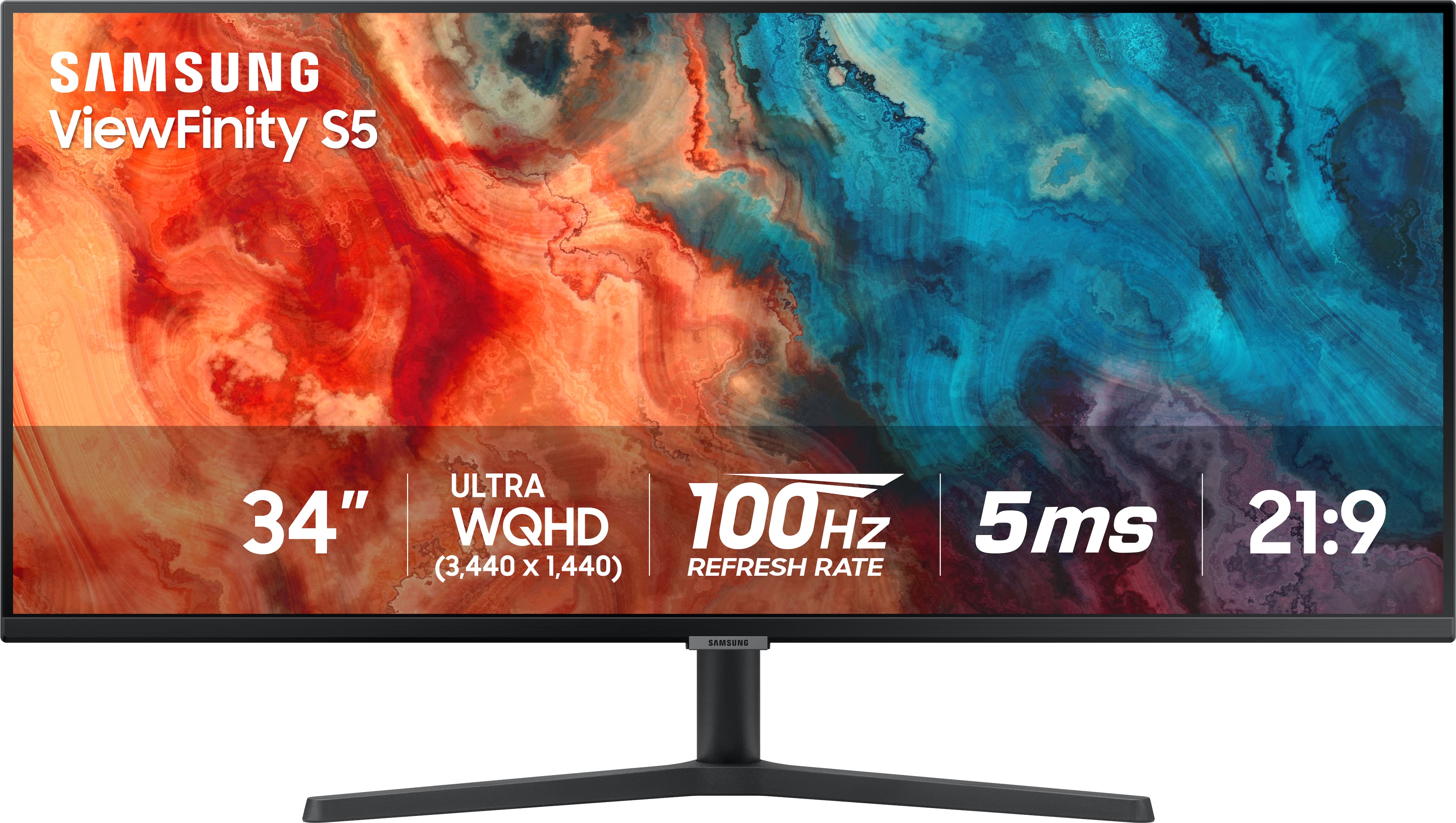
Samsung - 34” ViewFinity S5 Ultrawide QHD 100Hz AMD FreeSync Monitor with HDR10 (DisplayPort, HDMI) - Black
SKU: J3ZYG2PYZ8Best value wide monitor...Love this monitor for multitasking. Great value for the price!...I love it...Wow so beautiful I love it It’s work so good thank you Best Buy
See all All MonitorsProduct Description
An ultrawide black LED monitor with QHD resolution, 100Hz refresh rate, HDR10, and AMD FreeSync support.$309.00 Your price for this item is $309.00Save $20Was $329.99The previous price was $329.99 -
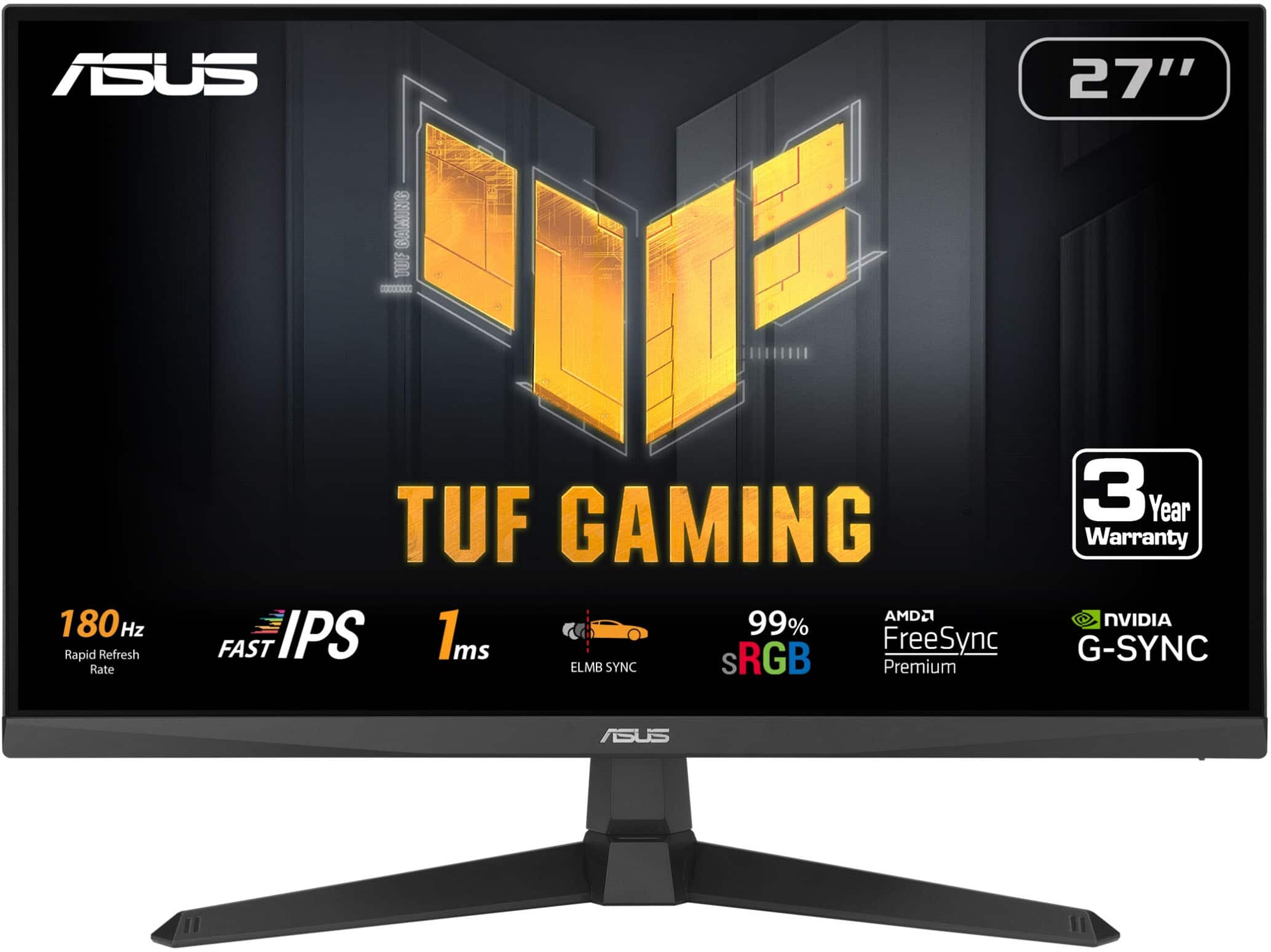
ASUS - TUF Gaming 27" FHD IPS 180Hz 1ms Gaming Monitor with FreeSync Premium (DisplayPort, HDMI) - Black
SKU: JJGGLR3P55Love it, fast delivery and two of these run great with my ASUS TUFF laptop!...I love these things.
See all Gaming MonitorsProduct Description
A black IPS gaming monitor offering 180Hz refresh rate, 1ms response, and FreeSync Premium for smooth gameplay.$179.99 Your price for this item is $179.99 -
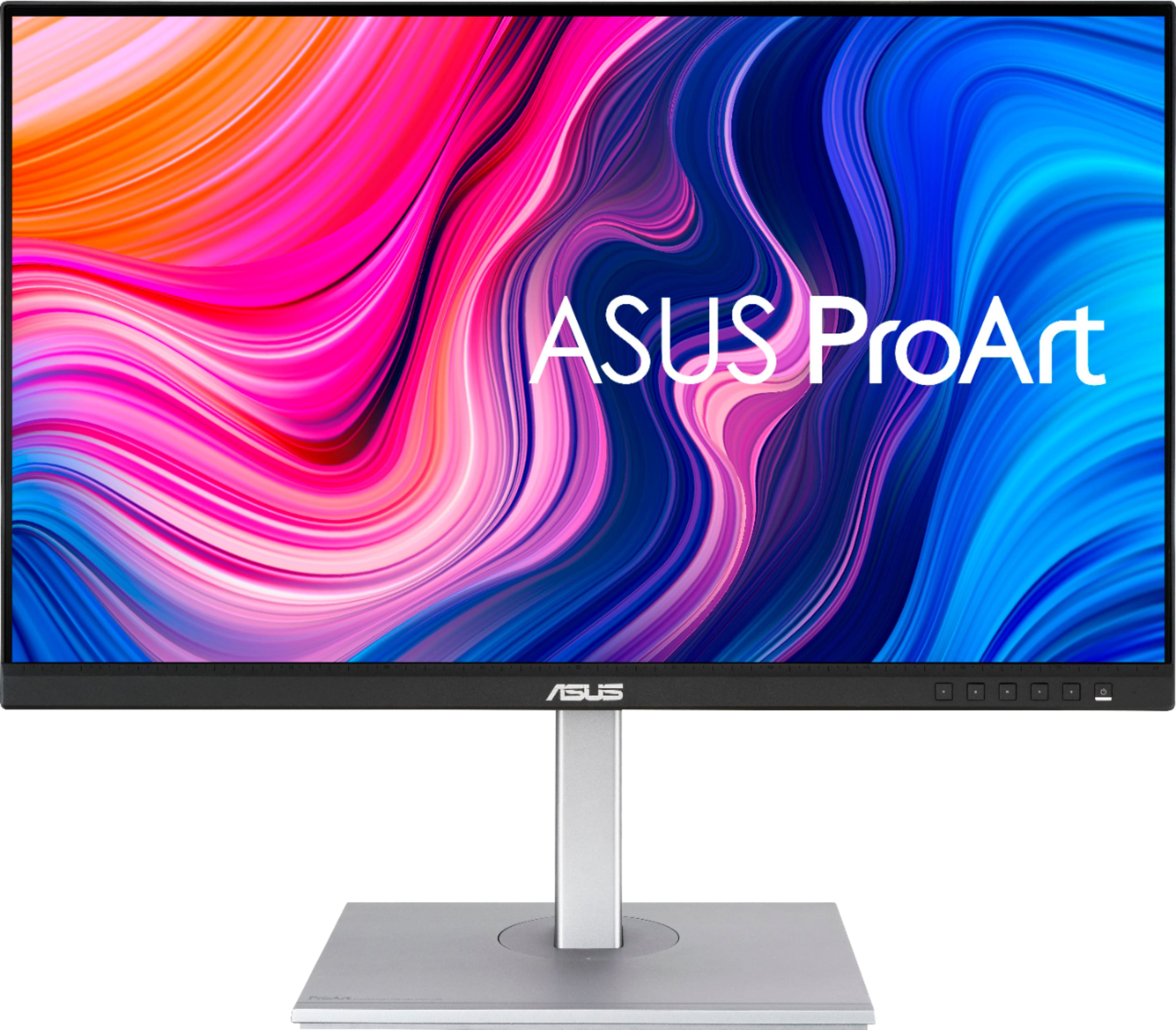
ASUS - ProArt 27" 4K IPS Professional Monitor with HDR (DisplayPort, HDMI, USB-C) - Black
SKU: JJ8Q7RWQ2RBest quality, Great Price...Absolute best monitor I've ever purchased....I love the quality and the ability to customize settings....Great Display...The display has nice coloring best for graphic design...
See all All MonitorsProduct Description
A professional black 4K UHD IPS monitor with HDR10, USB-C, and wide 178° viewing angles.$329.99 Your price for this item is $329.99Save $70Was $399.99The previous price was $399.99 -
Sony - 27” INZONE M10S OLED QHD 480Hz 0.03ms NVIDIA G-SYNC Gaming Monitor with HDR400 (DisplayPort 2.1 UHBR10) - Black
SKU: J7XSRH56RPSee all All MonitorsProduct Description
A black OLED gaming monitor featuring 480Hz refresh rate, 0.03ms response, QHD resolution, and NVIDIA G-SYNC.$898.00 Your price for this item is $898.00 -
ASUS - ProArt PA278QV 27" IPS WQHD Adaptive-Sync Monitor (DisplayPort, HDMI, USB) - Black
SKU: JJ8Q7R7ZPPThis ProArt series are generally regarded as one of the best budget MacOS displays....Love this about the display....I use it primarily for programming and research - lots of browsing and typing etc -...
See all All MonitorsProduct Description
A black IPS monitor with WQHD resolution, superb color accuracy, adjustable stand, and multiple connectivity options.$200.08 Your price for this item is $200.08Save $83Was $283.22The previous price was $283.22 -
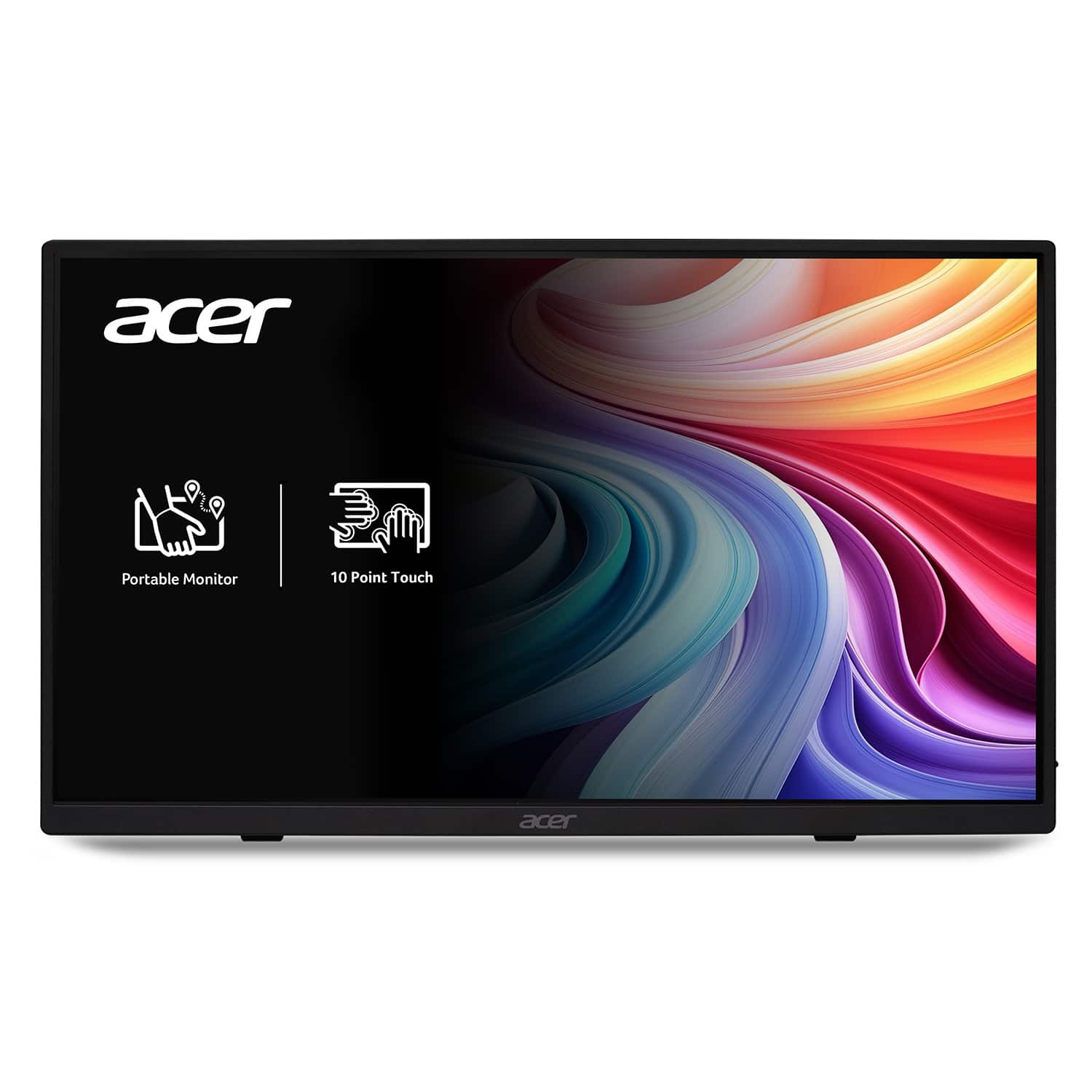
Acer - 15.6" LCD FHD 60Hz Adaptive Sync IPS Portable Touch Monitor (USB Type-C, Mini HDMI & Micro USB) - Black
SKU: JJ8V8HX2VPBest thing i ever used and its versatility is great helps me monitor my gens and has helped during my...I love this monitor! I use it for my textbooks and have never been failed!...I love how portable...
See all All MonitorsProduct Description
A portable black IPS touch monitor with Full HD resolution, Adaptive Sync, and versatile USB Type-C connectivity.$129.99 Your price for this item is $129.99Save $40Was $169.99The previous price was $169.99 -
BenQ - AQCOLOR PD3205U Designer 31.5" IPS LED 4K UHD Monitor with HDR10 (HDMI/DP/USB-C 90W/USB Type B) - Gray
SKU: J39QZT4T9RGreat color...this monitory as it will slow down your machine because of the way it has convert video output for best...Great product
See all All MonitorsProduct Description
A gray IPS LED monitor delivering 4K UHD resolution, HDR10 support, and versatile connectivity for creative work.$549.99 Your price for this item is $549.99Save $30Was $579.99The previous price was $579.99 -
BenQ - RD280UA 28.2” IPS LED 3:2 4K+ Advanced Coding Mode Programming Monitor with Backlight (HDMI/DP/USB-C 90W) - Metallic gray
SKU: J39QZT5X5PBest monitor for office and technical work...Best monitor I've used in years!...BenQ did a great job wrapping this panel in a solid frame with options for a stand or support arm, controllable...Great...
See all All MonitorsProduct Description
A metallic gray 28.2" IPS monitor with 4K+ resolution, 3:2 aspect ratio, and advanced coding features.$599.99 Your price for this item is $599.99Save $80Was $679.99The previous price was $679.99
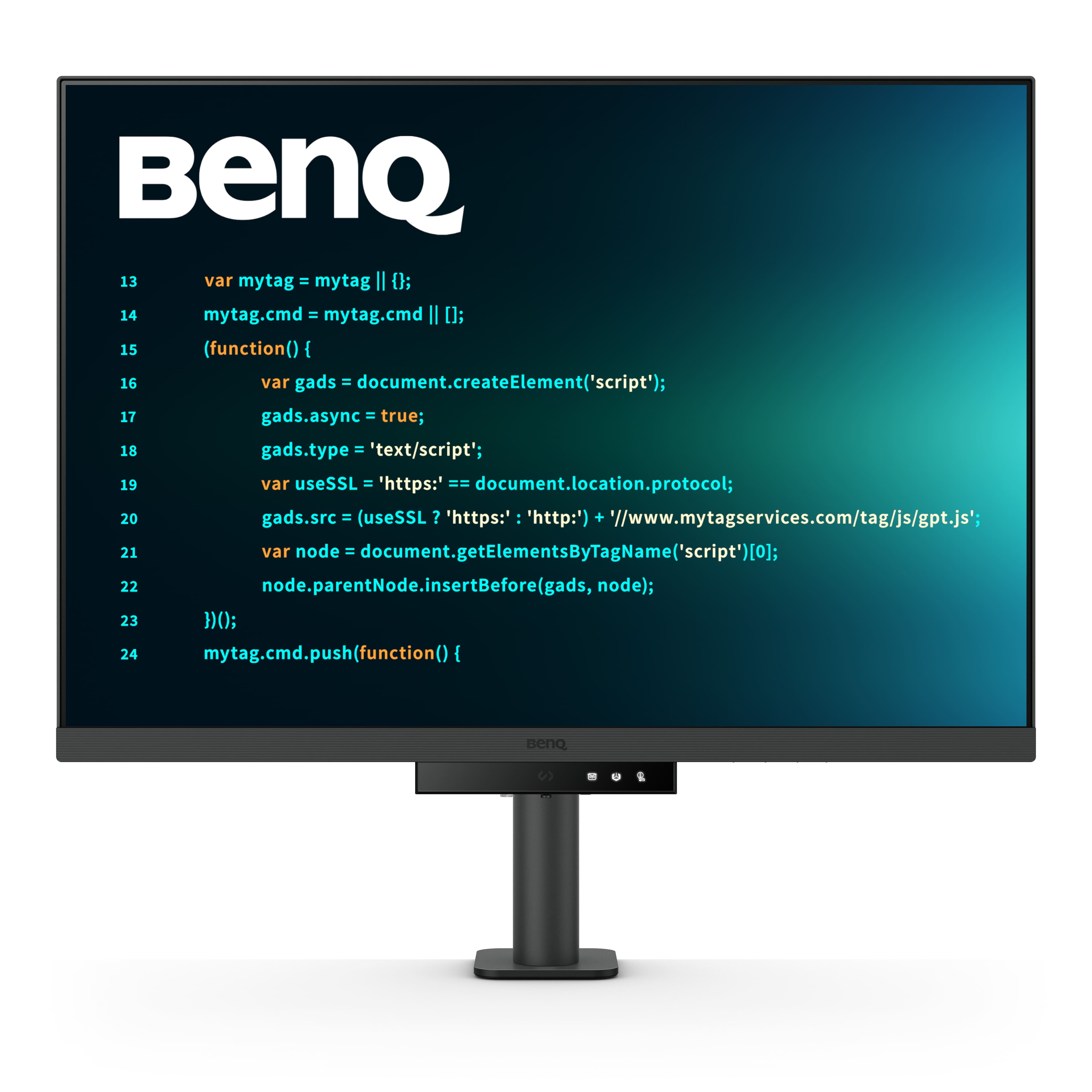
High-resolution monitors for graphic design bring fine detail into focus, from the delicate serifs in a wordmark to the texture of a photograph stretched across a layout. A 4K monitor typically provides 3840 x 2160 pixels, while a 5K monitor commonly offers 5120 x 2880 pixels, giving designers more detail for evaluating typography, illustrations, photographs, and interface elements. That extra definition is especially useful when a project involves small text, intricate vector paths, or subtle adjustments to an image mask. On a 27- to 32-inch screen, 4K is a practical starting point for detailed creative work; 5K can provide even finer pixel density at comparable sizes. Resolution alone, however, does not determine how much usable workspace you get. Screen size, viewing distance, and operating system scaling all influence whether menus feel comfortable and how much of a canvas fits alongside your tools. At the same resolution, a smaller display packs its pixels more tightly, while a larger display gives you a physically bigger surface to work on. Think of the familiar moment when a layout looks finished at a glance, but a closer look reveals an awkward gap between letters or a rough edge around a cutout. A sharp display makes those inspection tasks more comfortable, although checking work at appropriate zoom levels still matters. For students, freelance illustrators, photographers, production artists, and in-house creative teams, a well-chosen monitor can support both focused detail work and a broader view of a project. A spacious screen can keep a page layout, reference image, and layers panel visible together, reducing the need to shuffle windows. If most of your work is digital illustration or branding, prioritize crisp detail and dependable color over specifications intended primarily for competitive gaming. Designers who also edit video or create motion graphics may appreciate a higher refresh rate for smoother interaction, but resolution, color performance, and compatibility remain central purchase considerations.
Color accuracy deserves as much attention as pixel count when comparing graphic design monitors. A high-resolution screen can render a photograph beautifully while still displaying its colors inaccurately, so look beyond descriptions such as “vivid” or “rich.” Color gamut describes the range of colors a monitor can reproduce; color accuracy describes how closely those colors match their intended values. For websites, social graphics, and many everyday digital deliverables, near-complete sRGB coverage is a useful baseline. Adobe RGB coverage can matter for photography and print-oriented workflows, while P3 coverage is relevant to wide-color digital content and some video work. These color spaces are not interchangeable, and a high coverage percentage in one does not guarantee comparable coverage in another. Match the display to the color spaces your applications and final deliverables actually use. Factory calibration can offer a helpful starting point, particularly when the manufacturer provides a calibration report. A stated Delta E below 2 generally indicates small measured color differences, though the testing method and color mode matter. For ongoing color-critical work, compatibility with a calibration device is worth considering; hardware calibration, when supported, adjusts the monitor’s internal settings rather than relying solely on graphics output corrections. IPS panels are a common choice for design because they typically offer wide viewing angles and consistent-looking color, helpful when a colleague pulls up a chair to review a composition. Panel type alone does not guarantee accuracy, and brightness uniformity across the screen also deserves attention. A pale background should not look noticeably warmer on one side than the other. For print work, remember that a luminous screen and ink on paper behave differently. Appropriate brightness, soft proofing with the correct profiles, and controlled room lighting help make comparisons more meaningful. HDR support is useful for suitable HDR workflows, but the label by itself does not establish professional color performance. Peak brightness, contrast, gamut, and the display’s actual HDR capabilities all contribute to the result.
The best high-resolution monitor for your graphic design setup also needs to fit the way you work at your desk. Start with the physical space: a large display should leave room for a keyboard, drawing tablet, and a comfortable viewing distance without forcing you to turn your head constantly. Height adjustment, tilt, and swivel help place the screen comfortably, while pivot support can be useful for reviewing portrait layouts, posters, or long web pages. A compatible monitor arm can free up desk space, provided its mounting pattern and weight capacity match the display. An antiglare surface may be helpful near windows or overhead lighting, although positioning the screen to avoid direct reflections remains important. Connectivity is another detail worth checking before purchase. Your computer, cable, and monitor must all support the desired resolution and refresh rate; a port that physically fits is not enough to confirm compatibility. USB-C can simplify a laptop-based workspace by carrying video, data, and charging through one connection, but these capabilities vary, and power delivery should meet your laptop’s requirements. If you are building a portable creative setup around an external display, High Resolution Laptops for Designers can complement your search for a computer suited to detailed visual work. A built-in USB hub is convenient for connecting everyday peripherals, while a KVM switch, when included, can let you share a keyboard and mouse between compatible computers. For two-monitor arrangements, consider available desk width, output support, and the effort involved in matching color across displays. Budget for useful accessories and calibration equipment rather than spending everything on screen size alone. A thoughtfully chosen monitor can also make a meaningful gift for a design student preparing a portfolio or a creative professional establishing a home studio, especially when you know their computer connections and workspace dimensions. During the cooler months, when indoor project time may stretch into longer evenings, comfortable positioning and balanced room lighting can make the setup more pleasant. The most useful upgrade is one that combines readable detail, trustworthy color, and everyday convenience in a display that suits the work you actually create.
Best Sellers
Related Pages
FAQ
When choosing a high resolution monitor for graphic design, look for features such as wide color gamut coverage (like Adobe RGB or DCI-P3), accurate color calibration, IPS panel technology for consistent viewing angles, and high pixel density for sharp image detail.
Color accuracy ensures that the colors you see on your screen match the final output, whether it's printed material or digital media. This is crucial for graphic designers to maintain consistency and quality in their work.
While refresh rate is more critical for gaming, a higher refresh rate can provide smoother motion when working with animations or video editing. However, for static image editing, color accuracy and resolution are typically more important than refresh rate.
IPS (In-Plane Switching) panels offer superior color reproduction and wider viewing angles compared to other panel types. This means colors remain consistent even when viewed from different angles, which is essential for collaborative design work.
Yes, many graphic designers use dual or multi-monitor setups to expand their workspace. This allows you to have reference materials, toolbars, and your main project open simultaneously, improving workflow and productivity.