High Resolution Monitor For MacBook Pro
-
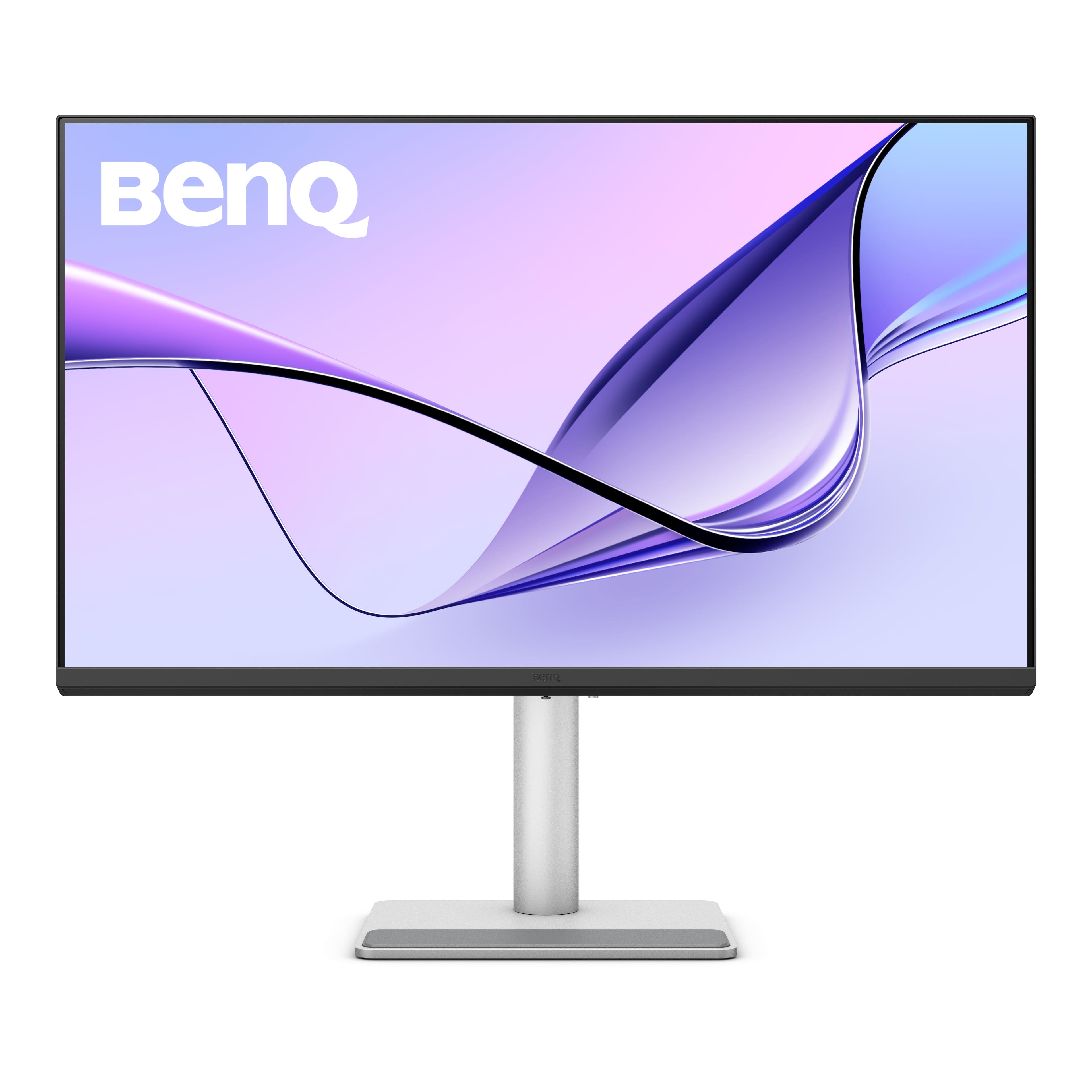
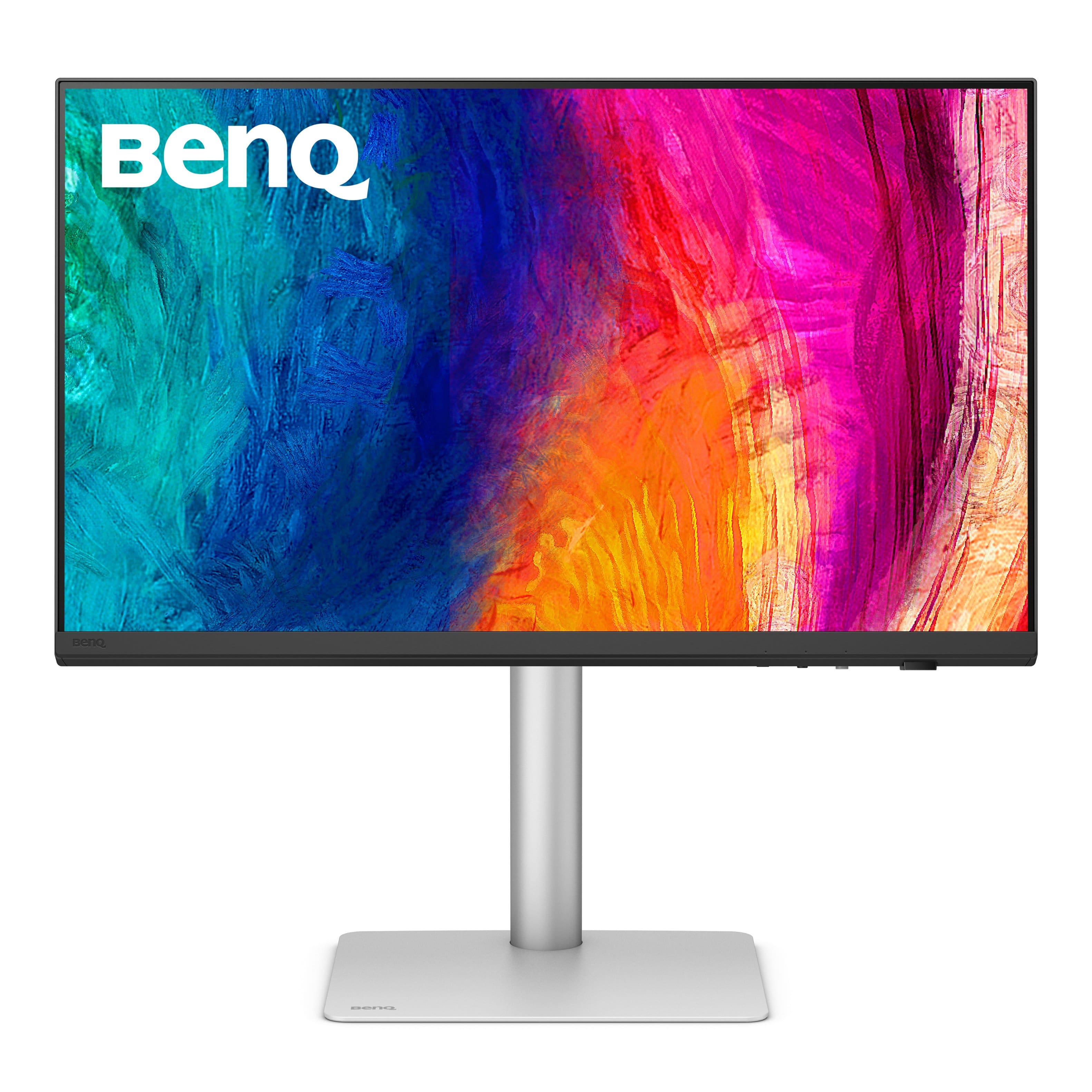
BenQ - MA320U 31.5" IPS LED 4K UHD Nano Matte Monitor for MacBook Pro and MacBook Air (HDMI/USB-C 90W) - Gray
SKU: J39QZT58XQSee all All MonitorsProduct Description
A gray IPS LED monitor featuring 4K UHD resolution, dual USB-C ports, HDR, and integrated speakers.Your price for this item is $649.99Save $80The previous price was $729.99 -
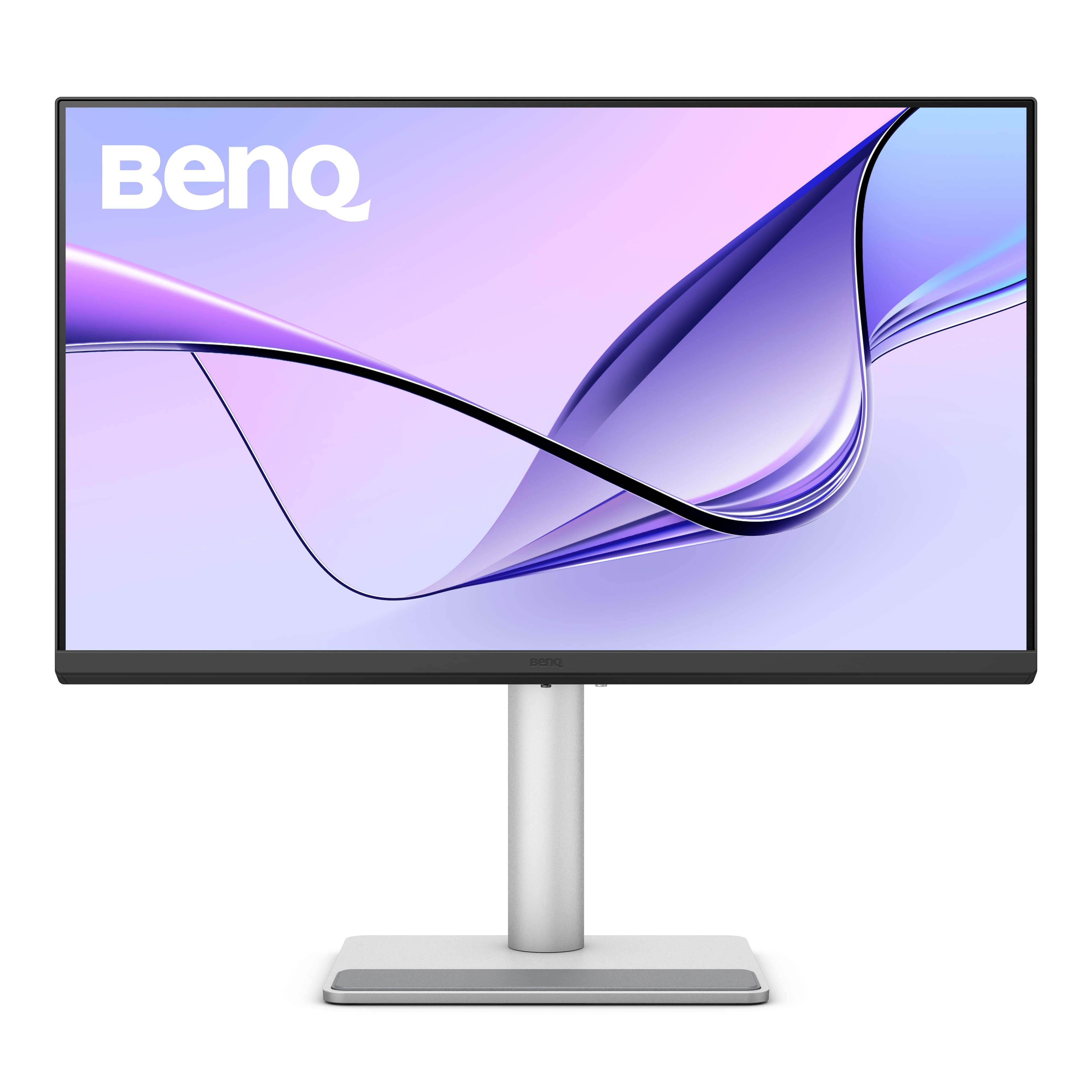
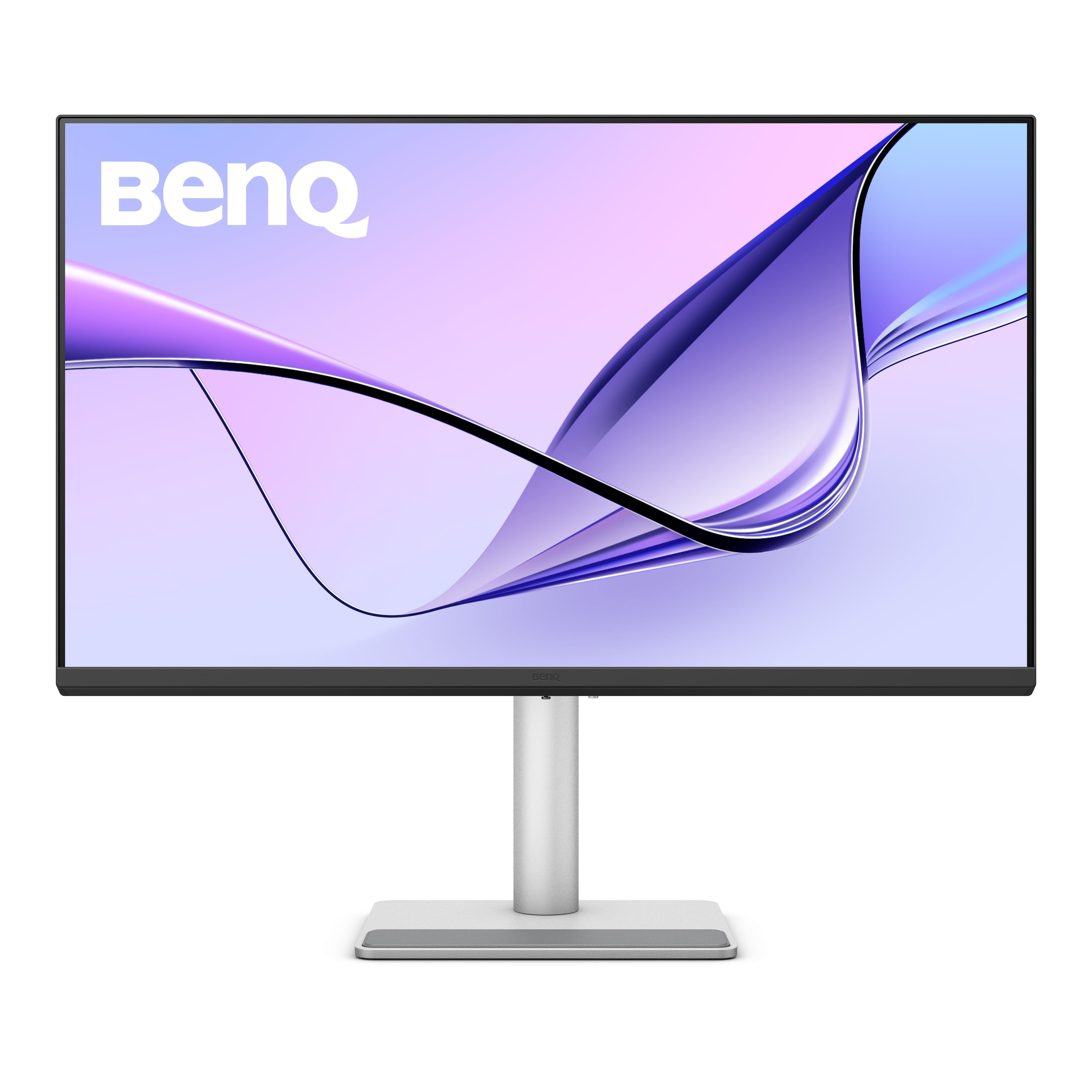
BenQ - MA270U 27" IPS LED 4K UHD Nano Matte Monitor for MacBook Pro and MacBook Air (HDMI/USB-C 90W) - Gray
SKU: J39QZT583GLove this monitor! Works so well with my MacBook Air laptop....I wish Best Buy had it at the store rather than only online....It’s a great option compared to the Apple version....I love it
See all All MonitorsProduct Description
A gray IPS LED monitor with 4K UHD resolution, dual USB-C, HDR, and integrated speakers.Your price for this item is $549.99 -
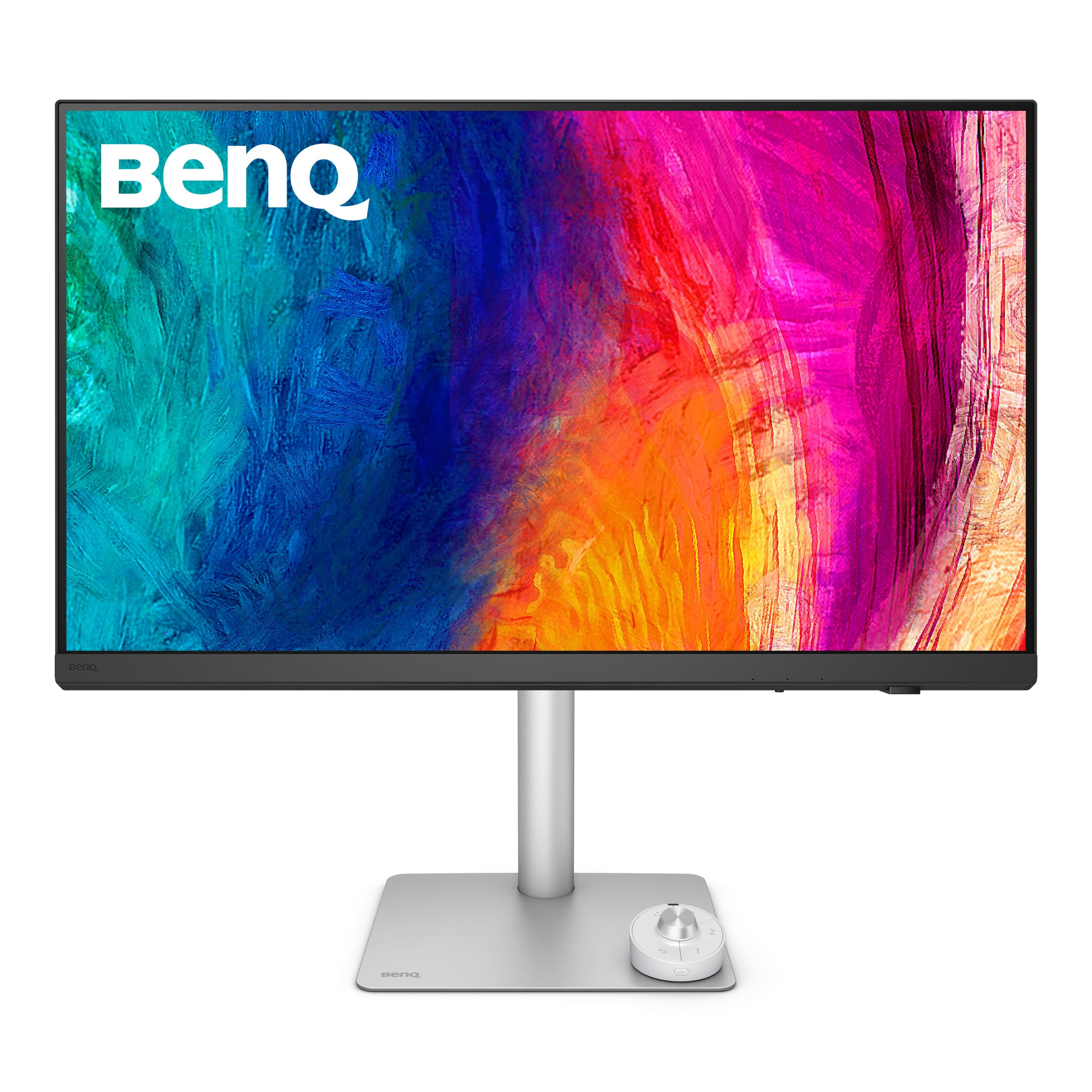
BenQ - PD3226G 31.5" IPS LED 4K 144Hz Mac Compatibile Monitor (HDMI/DP/Thunderbolt 4 90W) - White
SKU: J39QZT58XJgreat monitor...I love it and I highly recommend it. I use it for my photo editing mostly.
See all All MonitorsProduct Description
A white IPS LED monitor offering 4K UHD resolution, 144Hz refresh rate, and Thunderbolt 4 connectivity.Your price for this item is $899.99Save $100The previous price was $999.99 -
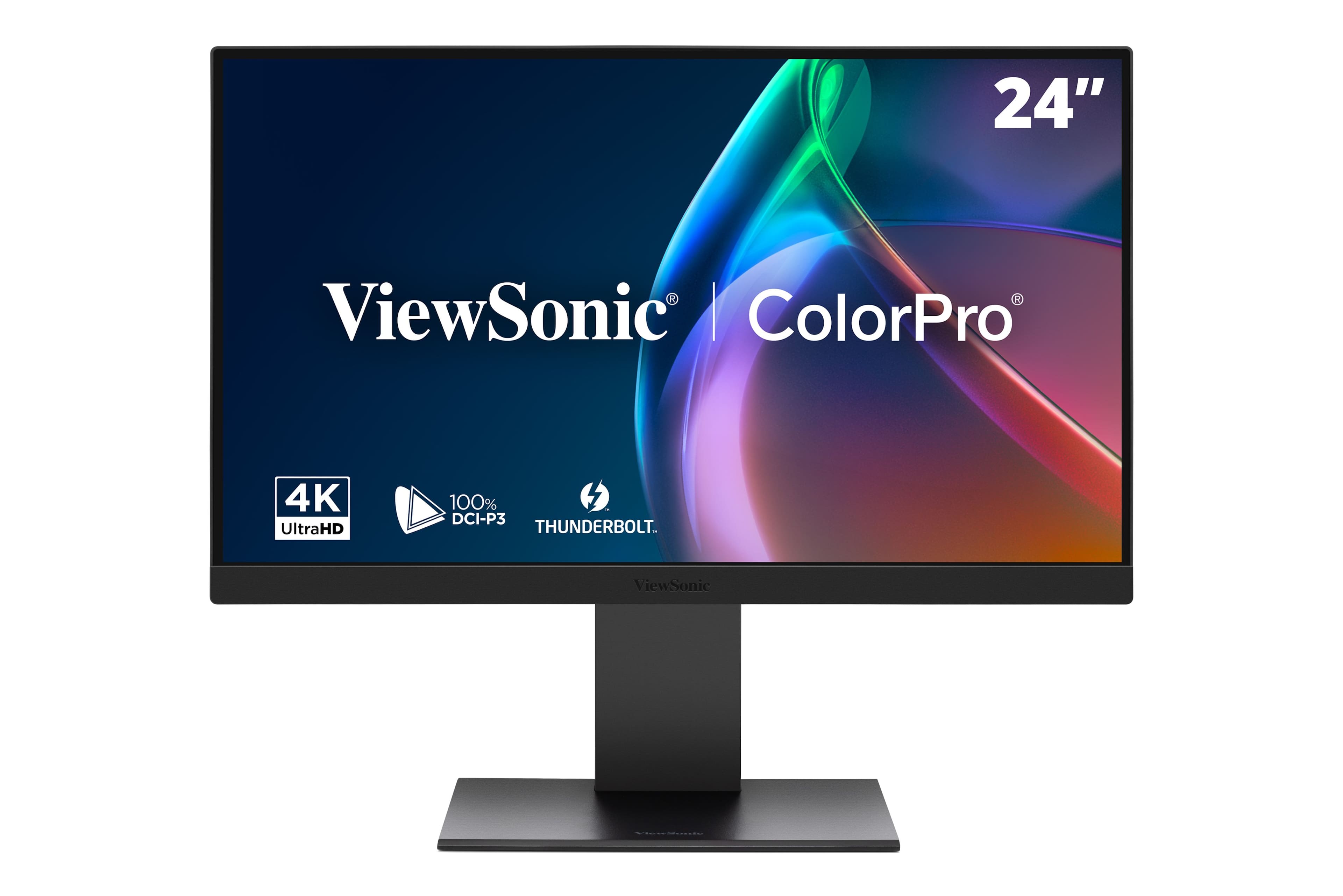
ViewSonic - VP2488-4K 24" 4K Mac-Ready Monitor with 100%sRGB, 98% DCI-P3, Pantone Validated (Thunderbolt 4, USB, HDMI, DP) - Multi
SKU: J37H8G7JHHGreat monitor, terrific features and...Great monitor, terrific features and bold vivid colors. A perfect companion for my new Mac mini....ViewSonic was my first choice as I own an older ViewSonic monitor...
See all All MonitorsProduct Description
A black 24-inch 4K LED monitor with 100% sRGB, Thunderbolt 4, and advanced ergonomic adjustments.Your price for this item is $549.99Save $35The previous price was $585.81 -
BenQ - PD2730S 27" IPS LED 5K Mac Compatible Monitor (HDMI/Thunderbolt 4 90W/DP) - White
SKU: J39QZT58RWSee all All MonitorsProduct Description
A white IPS LED monitor featuring a 5K resolution, 98% P3 color, and Thunderbolt 4 connectivity.Your price for this item is $1,228.20 -
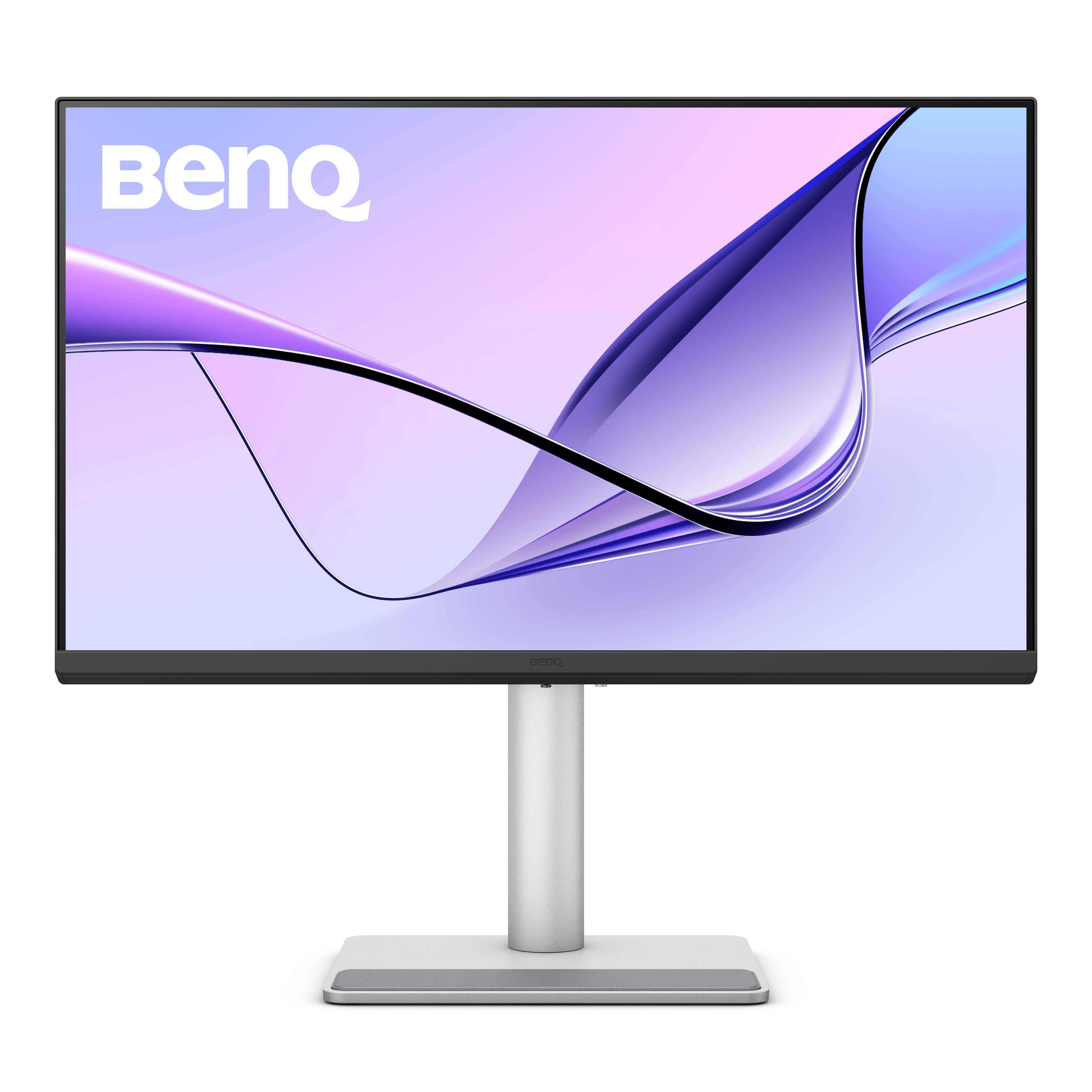
BenQ - MA320UP 31.5" IPS LED 4K Nano Gloss Monitor for Macbook (HDMI/USB-C 90W) - Gray
SKU: J39QZT5YTTSee all All MonitorsProduct Description
A gray IPS monitor featuring 4K UHD resolution, HDR, adjustable stand, integrated speakers, and Energy Star certification.Your price for this item is $649.99Save $50The previous price was $699.99 -
ViewSonic - VP2788-5K 27 IPS 5K UHD Mac- Ready Monitor (Thunderbolt4,USB HUB, HDMI, DP) - Black
SKU: J37H88V533See all All MonitorsProduct Description
A sleek black 27" IPS monitor with 5K UHD resolution, Thunderbolt 4 connectivity, and ergonomic stand.Your price for this item is $929.99 -
BenQ - MA270UP 27" IPS LED 4K Nano Gloss Monitor for Macbook (HDMI/USB-C 90W) - Gray
SKU: J39QZT5YTPSee all All MonitorsProduct Description
A black 27-inch 4K LED monitor with dual USB-C, 90W power delivery, and adjustable stand.Your price for this item is $549.99Save $76The previous price was $626.49 -
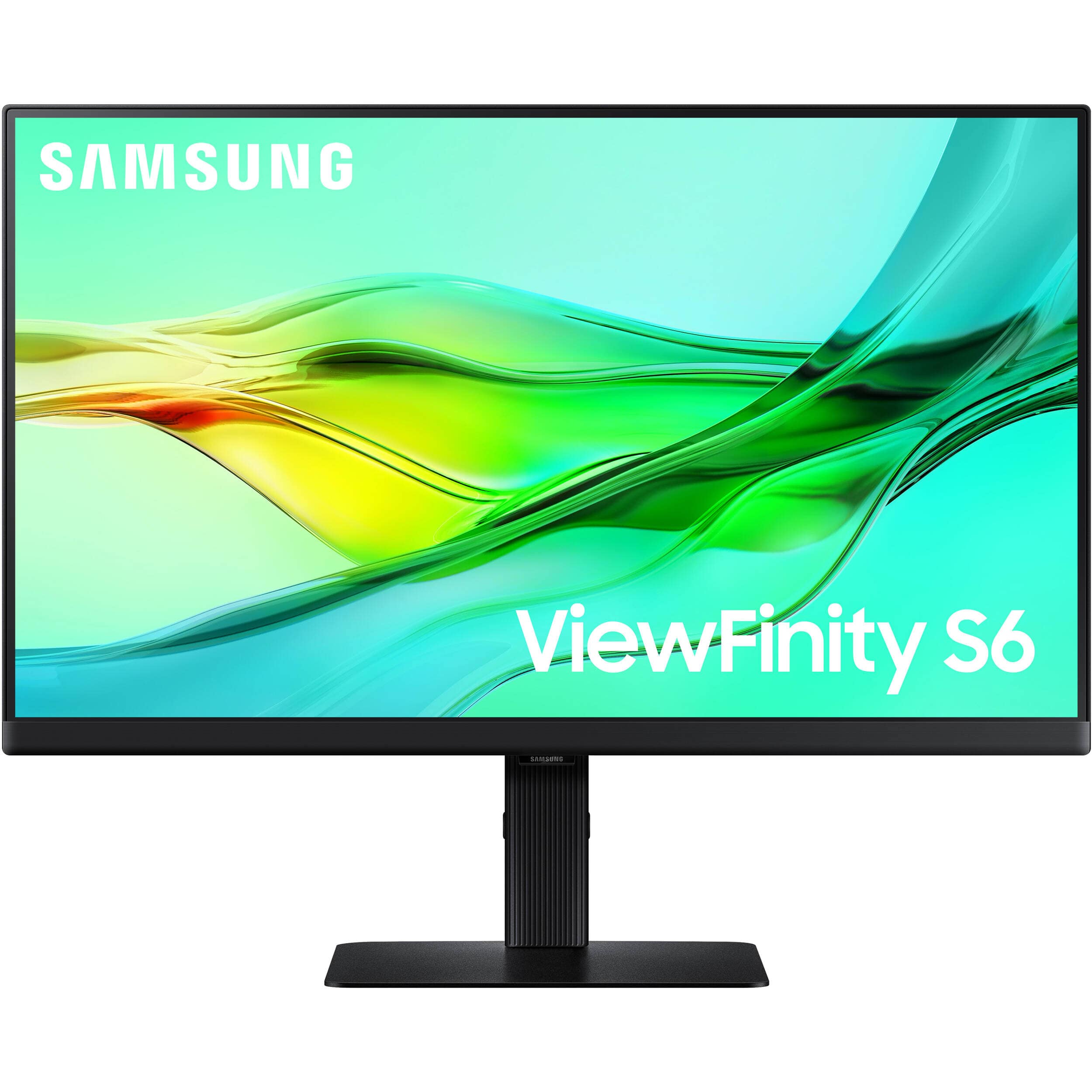
Samsung - 27" ViewFinity S6 (S60D) QHD HDR10 High Resolution Monitor (DisplayPort, HDMI, USB) - Black
SKU: J3ZYG2T9J3See all All MonitorsProduct Description
A black IPS monitor with QHD resolution, HDR10 support, 100Hz refresh rate, and versatile connectivity options.Your price for this item is $249.99Save $80The previous price was $329.99 -
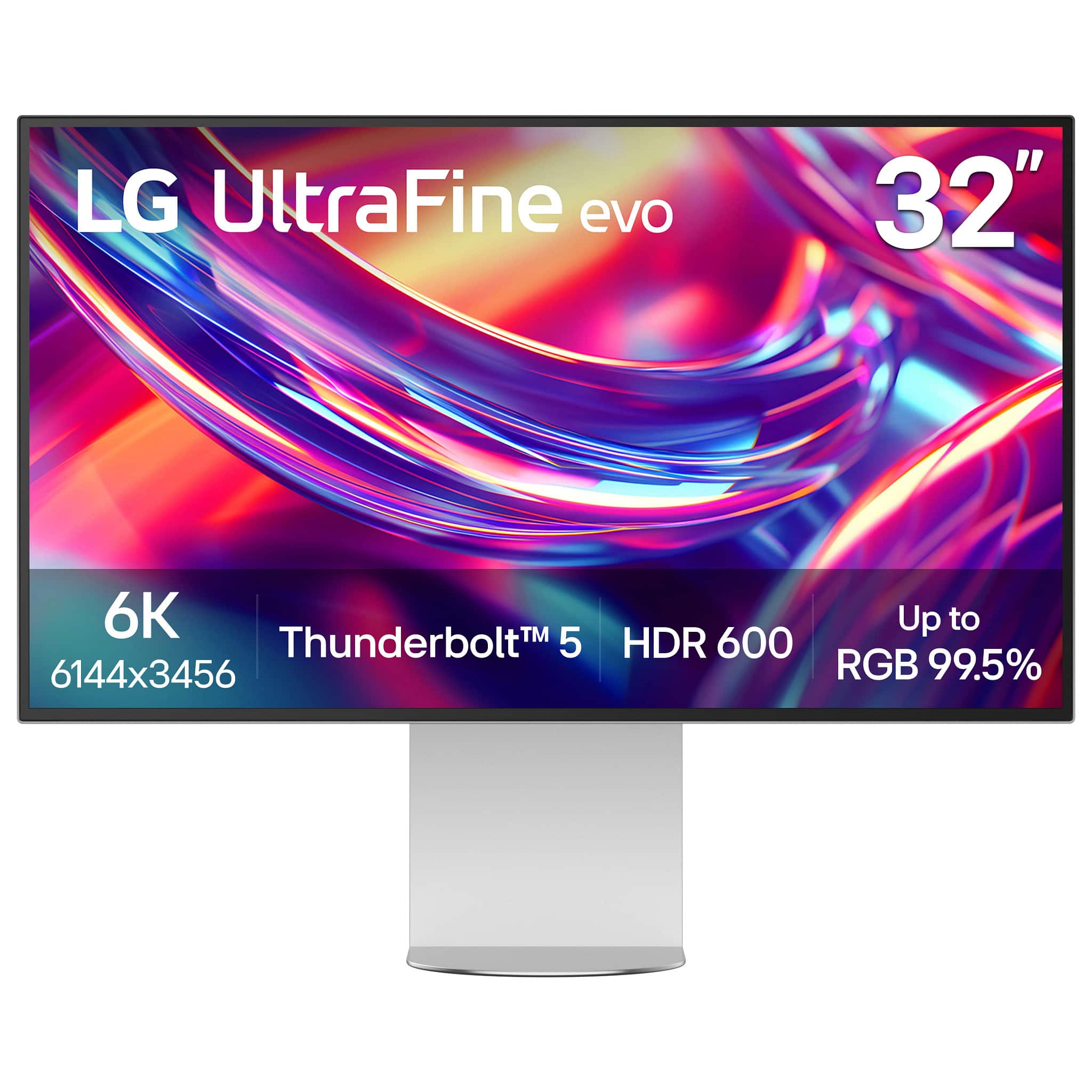
LG - 32” UltraFine evo 6K Nano IPS Black Professional Monitor with DisplayHDR 600 (Thunderbolt 5, HDMI, DisplayPort, USB-C) - Silver
SKU: JJ8VPZKRFKBest of image on LG I ever had....The best monitor I bought, I love it, I love the quality of image.the only reason for what I returned...Studio Grade Screen, Best Connection Flexibility...I love how...
See all All MonitorsProduct Description
A professional 32-inch silver and black Nano IPS monitor with 6K resolution, Thunderbolt 5, and HDR 600.Your price for this item is $1,499.99Save $500The previous price was $1,999.99

Best Sellers







Related Pages
FAQ
Yes, most high resolution monitors are compatible with MacBook Pro models that have USB-C or Thunderbolt ports. Many monitors include USB-C or Thunderbolt connectivity, allowing for seamless video, audio, and power delivery with a single cable. Always check the monitor’s specifications for port compatibility.
Absolutely. High resolution monitors often feature advanced color accuracy and wide color gamuts, making them ideal for professional photo and video editing on a MacBook Pro. Look for monitors with features like IPS panels, high color accuracy (such as 99% sRGB or DCI-P3 coverage), and factory calibration.
External monitors do not natively support True Tone, as this feature is exclusive to Apple displays. However, Night Shift can be enabled for most external monitors connected to your MacBook Pro, allowing you to reduce blue light for more comfortable viewing.
Yes, most MacBook Pro models support multiple external monitors, including high resolution displays. The exact number and resolution supported depend on your MacBook Pro's model and year. Check Apple’s official specifications for your device to confirm multi-monitor support.
For enhanced productivity, consider monitors with features such as ultra-wide screens, adjustable stands, built-in USB hubs, and picture-in-picture modes. High refresh rates, ergonomic adjustments, and flicker-free technology can also improve comfort and efficiency during extended use.