HDMI Monitors For Mac Mini
-
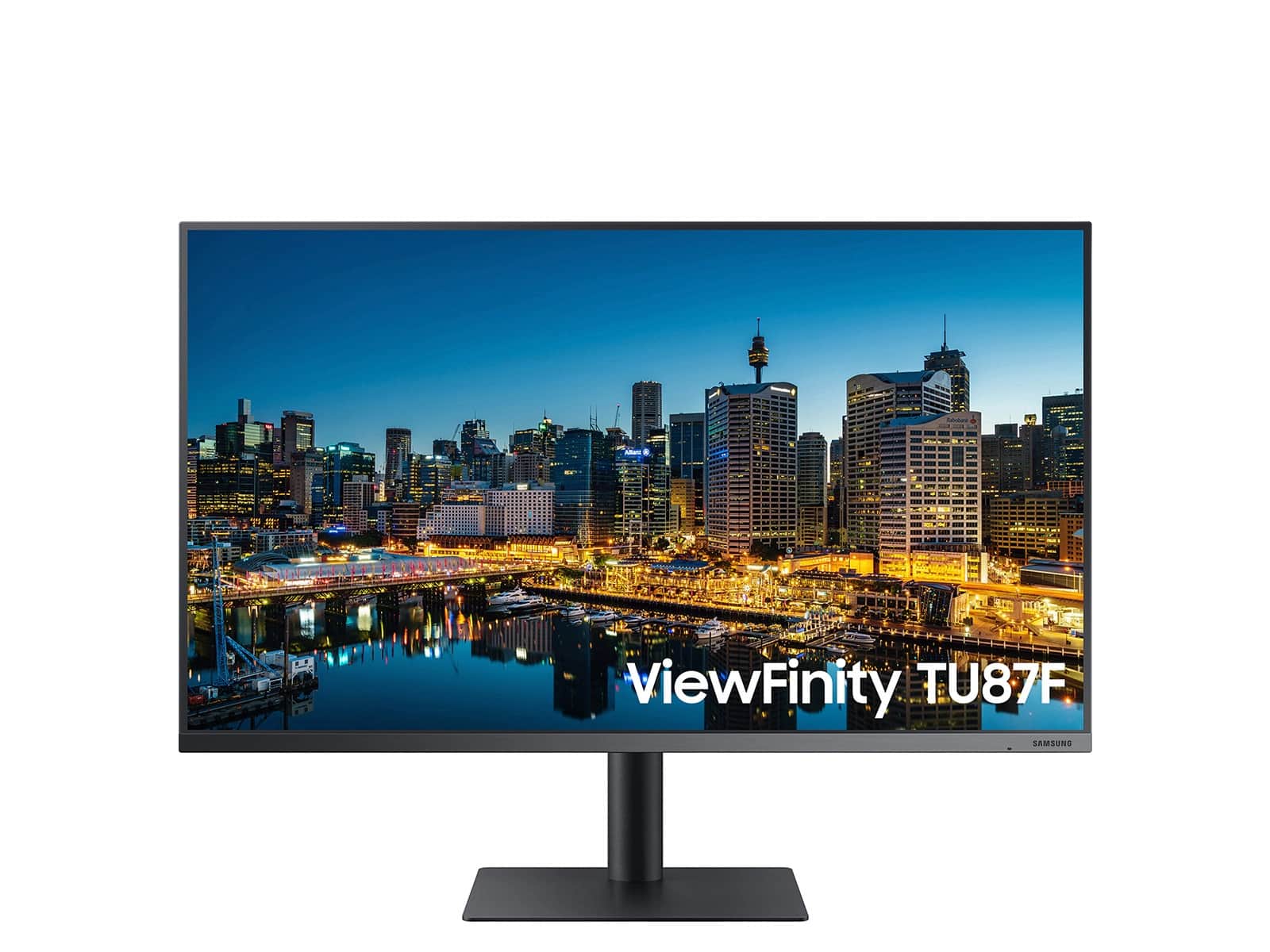
Samsung - ViewFinity 32" TU874 LED UHD Monitor (HDMI, USB, Thunderbolt) - Black
SKU: J3ZYGCV375It’s a great monitor! Very easy to put together and hook up. And the picture just looks great!
See all All MonitorsProduct Description
A black UHD LED monitor featuring Thunderbolt 3, HDR10, adjustable stand, and 4K resolution for versatile connectivity.Your price for this item is $499.99Save $70The previous price was $569.99 -
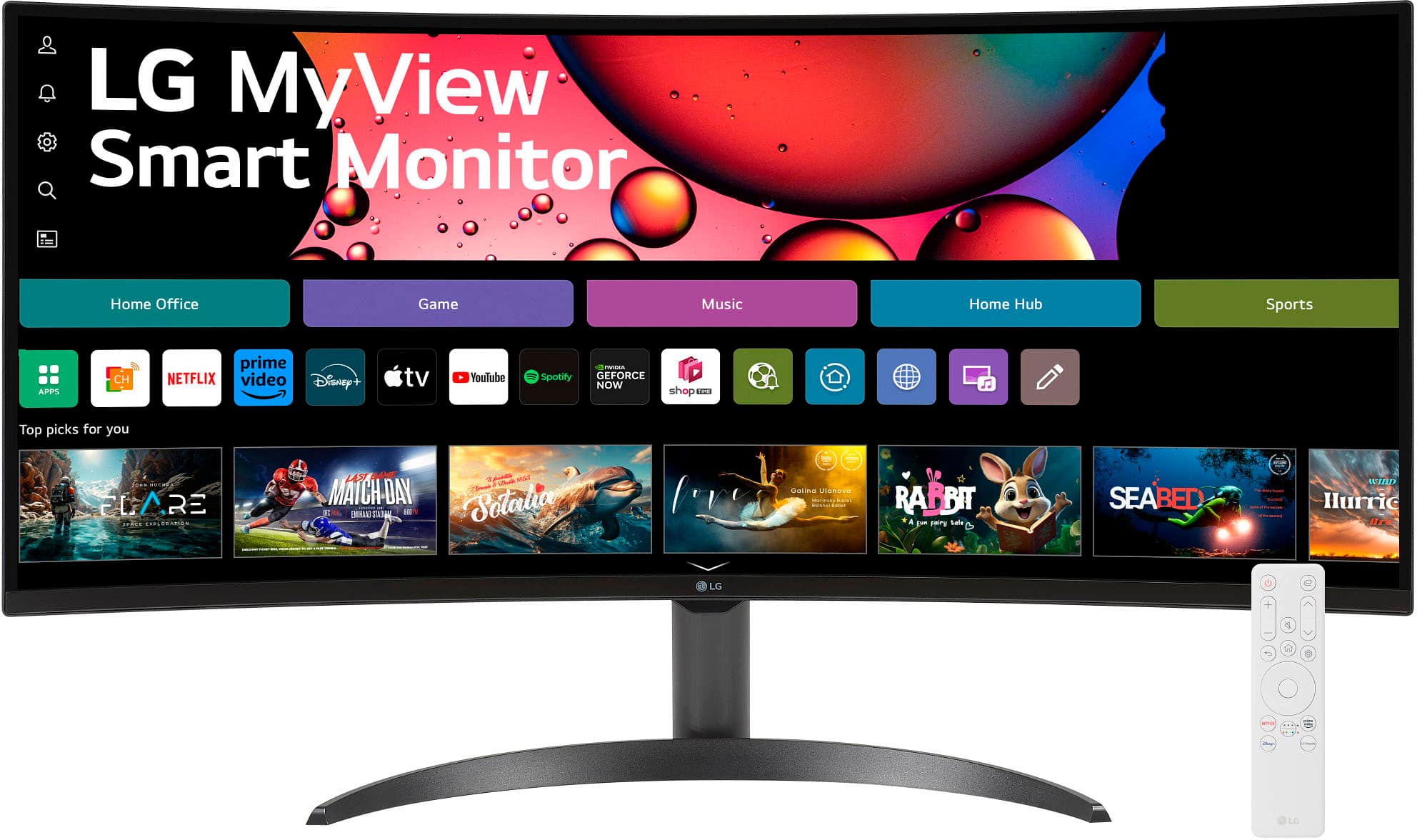
LG - 34" WQHD 100Hz 5ms Smart Monitor with HDR10 (HDMI, USB-A) - Black
SKU: JJ8VPZHZVYgreat display...love the color ... easy set up ..wish best buy had it kn white ......One of the best screen i have used so far. Love it.
See all All MonitorsProduct Description
An ultra-wide curved black smart monitor with WQHD resolution, HDR10, 100Hz refresh rate, and streaming apps.Your price for this item is $309.99Save $40The previous price was $349.99 -
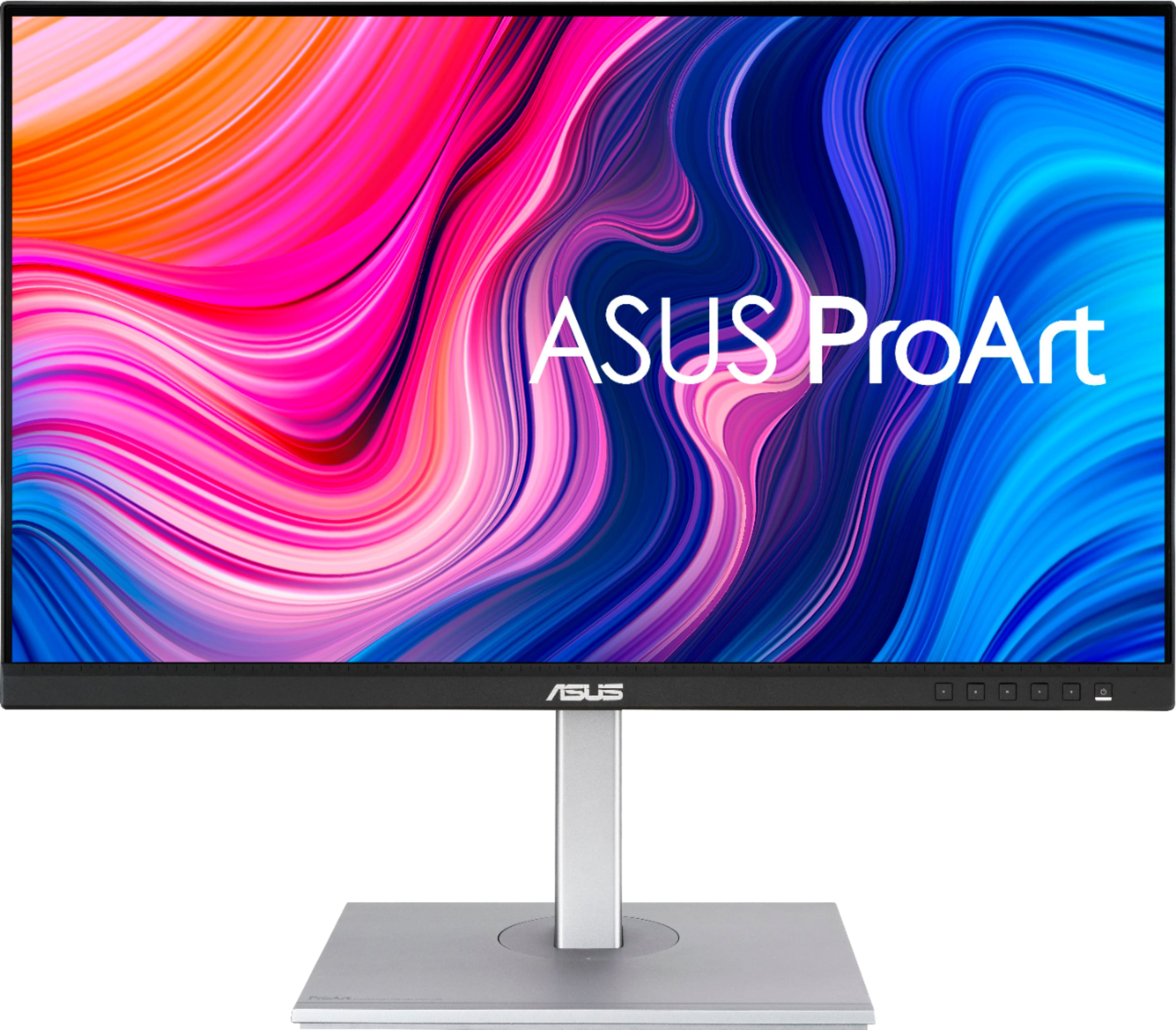
ASUS - ProArt 27" 4K IPS Professional Monitor with HDR (DisplayPort, HDMI, USB-C) - Black
SKU: JJ8Q7RWQ2RBest quality, Great Price...Absolute best monitor I've ever purchased....I love the quality and the ability to customize settings....Great Display...The display has nice coloring best for graphic design...
See all All MonitorsProduct Description
A professional black 4K UHD IPS monitor with HDR10, USB-C, and wide 178° viewing angles.Your price for this item is $370.99Save $29The previous price was $399.99 -
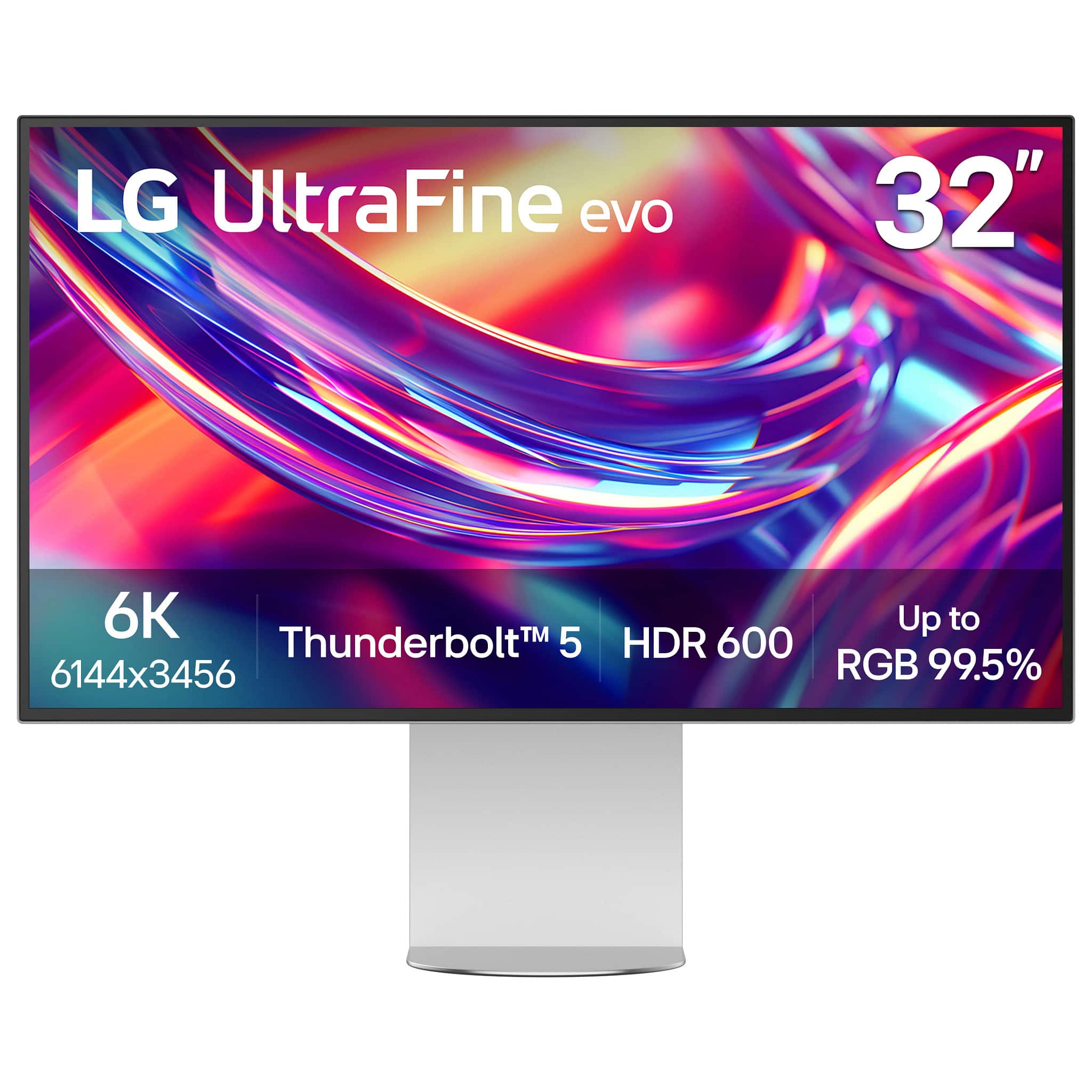
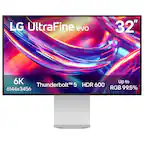
LG - 32” UltraFine evo 6K Nano IPS Black Professional Monitor with DisplayHDR 600 (Thunderbolt 5, HDMI, DisplayPort, USB-C) - Silver
SKU: JJ8VPZKRFKThe best monitor I bought, I love it, I love the quality of image.the only reason for what I returned...I love how I can use any device on my desktop without needing a separate hub, which I sometimes...
See all All MonitorsProduct Description
A professional 32-inch silver and black Nano IPS monitor with 6K resolution, Thunderbolt 5, and HDR 600.Your price for this item is $1,299.99Save $700The previous price was $1,999.99 -
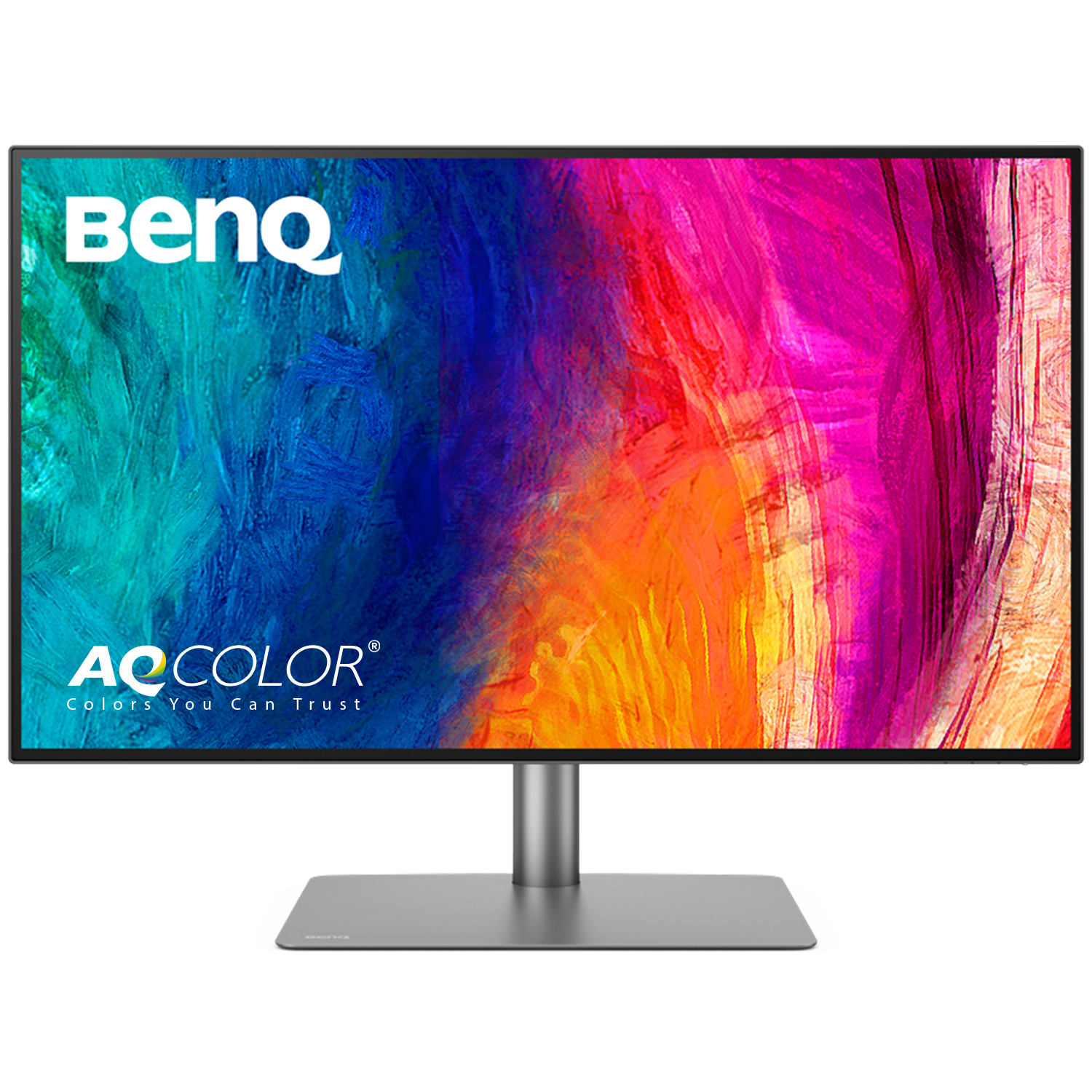
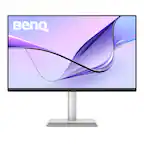
BenQ - AQCOLOR PD3225U 31.5" IPS Black LED 4K P3 Mac Compatible Designer Monitor (HDMI/DP/Thunderbolt 3 85W) - Metallic Gray
SKU: J39QZT5X4Xbest buy...ordering easy - the price was right - delivery was great - monitor excellent quality and works great...I love my self gift
See all All MonitorsProduct Description
A metallic gray 31.5" 4K IPS monitor with 98% P3 color, HDR, and Thunderbolt 3 connectivity.Your price for this item is $849.99Save $150The previous price was $999.99 -
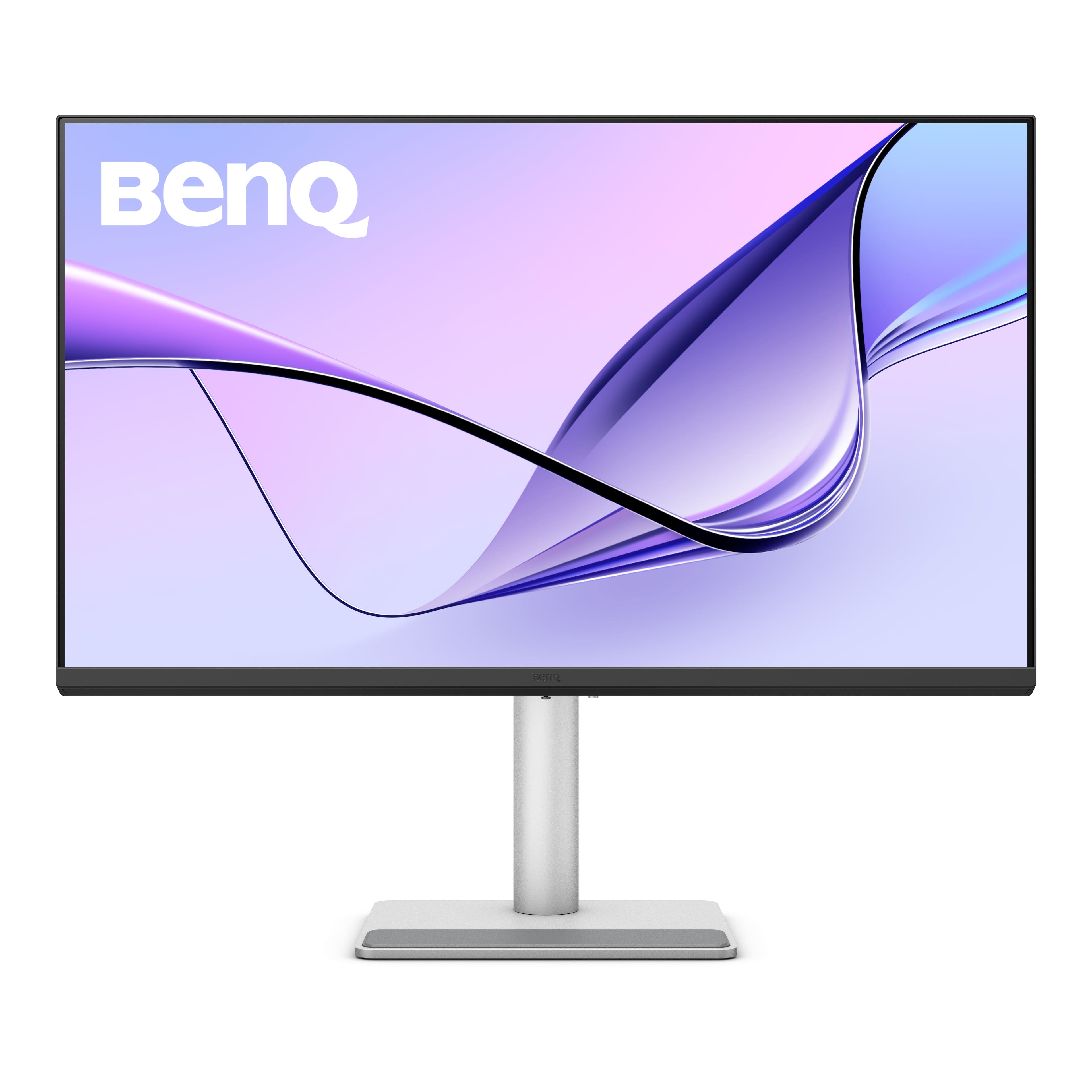
BenQ - MA320U 31.5" IPS LED 4K UHD Nano Matte Monitor for MacBook Pro and MacBook Air (HDMI/USB-C 90W) - Gray
SKU: J39QZT58XQVery cool monitor I could not be more impressed with a product like this price was right best purchase
See all All MonitorsProduct Description
A gray IPS LED monitor featuring 4K UHD resolution, dual USB-C ports, HDR, and integrated speakers.Your price for this item is $649.99Save $80The previous price was $729.99 -
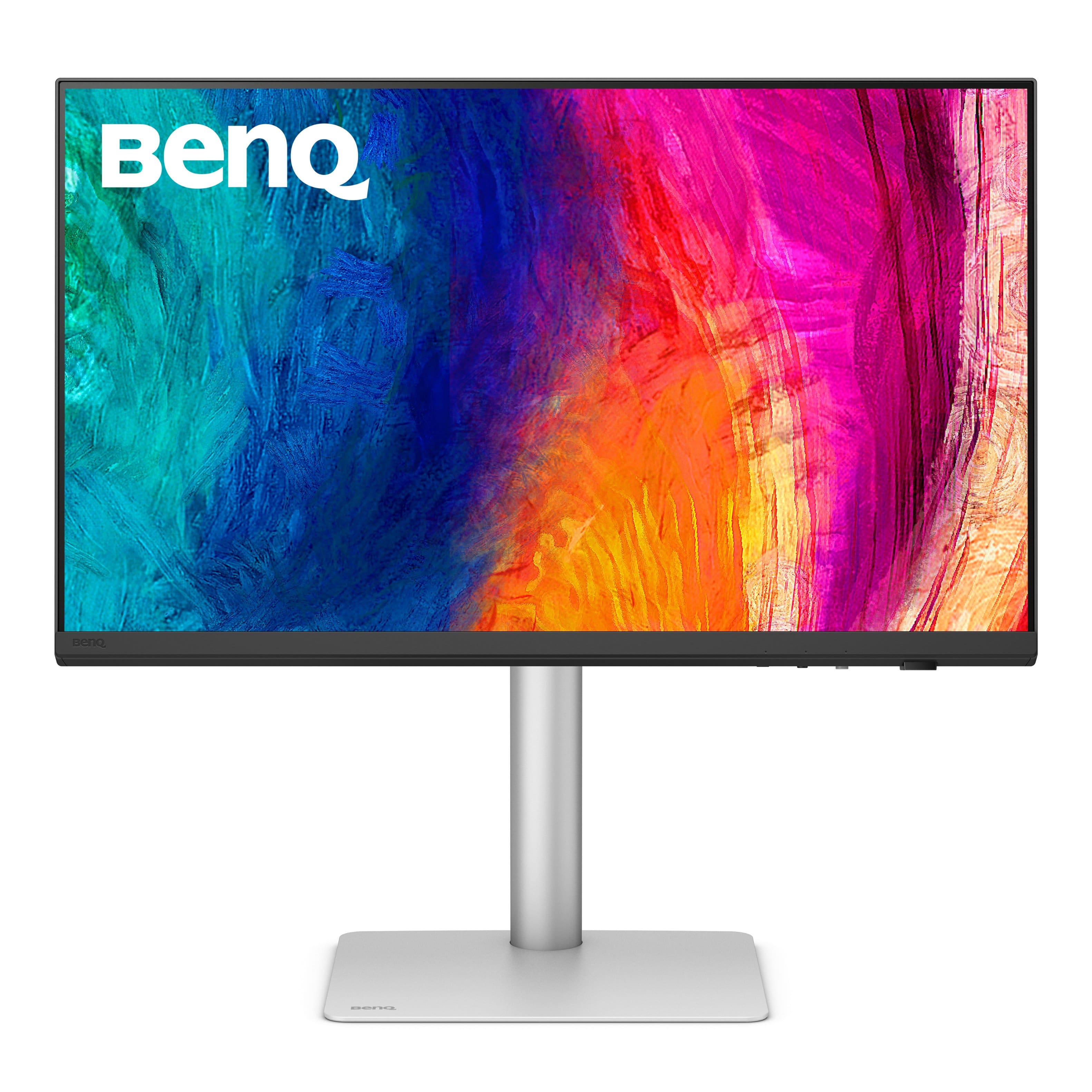
BenQ - PD3226G 31.5" IPS LED 4K 144Hz Mac Compatibile Monitor (HDMI/DP/Thunderbolt 4 90W) - White
SKU: J39QZT58XJSee all All MonitorsProduct Description
A white IPS LED monitor offering 4K UHD resolution, 144Hz refresh rate, and Thunderbolt 4 connectivity.Your price for this item is $899.99Save $100The previous price was $999.99 -
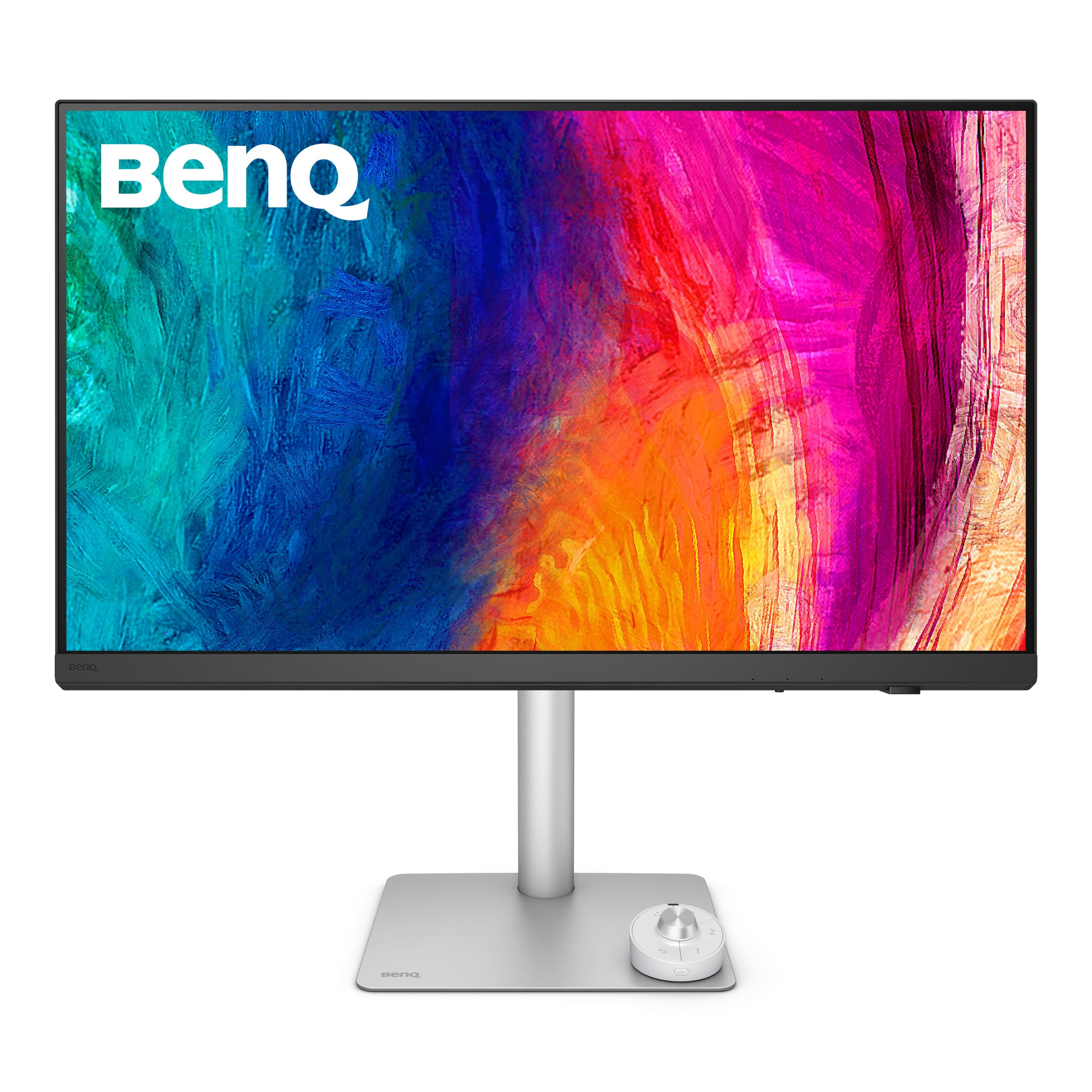
BenQ - PD2730S 27" IPS LED 5K Mac Compatible Monitor (HDMI/Thunderbolt 4 90W/DP) - White
SKU: J39QZT58RWSee all All MonitorsProduct Description
A white IPS LED monitor featuring a 5K resolution, 98% P3 color, and Thunderbolt 4 connectivity.Your price for this item is $1,228.45 -
ViewSonic - VP2788-5K 27 IPS 5K UHD Mac- Ready Monitor (Thunderbolt4,USB HUB, HDMI, DP) - Black
SKU: J37H88V533See all All MonitorsProduct Description
A sleek black 27" IPS monitor with 5K UHD resolution, Thunderbolt 4 connectivity, and ergonomic stand.Your price for this item is $929.99 -
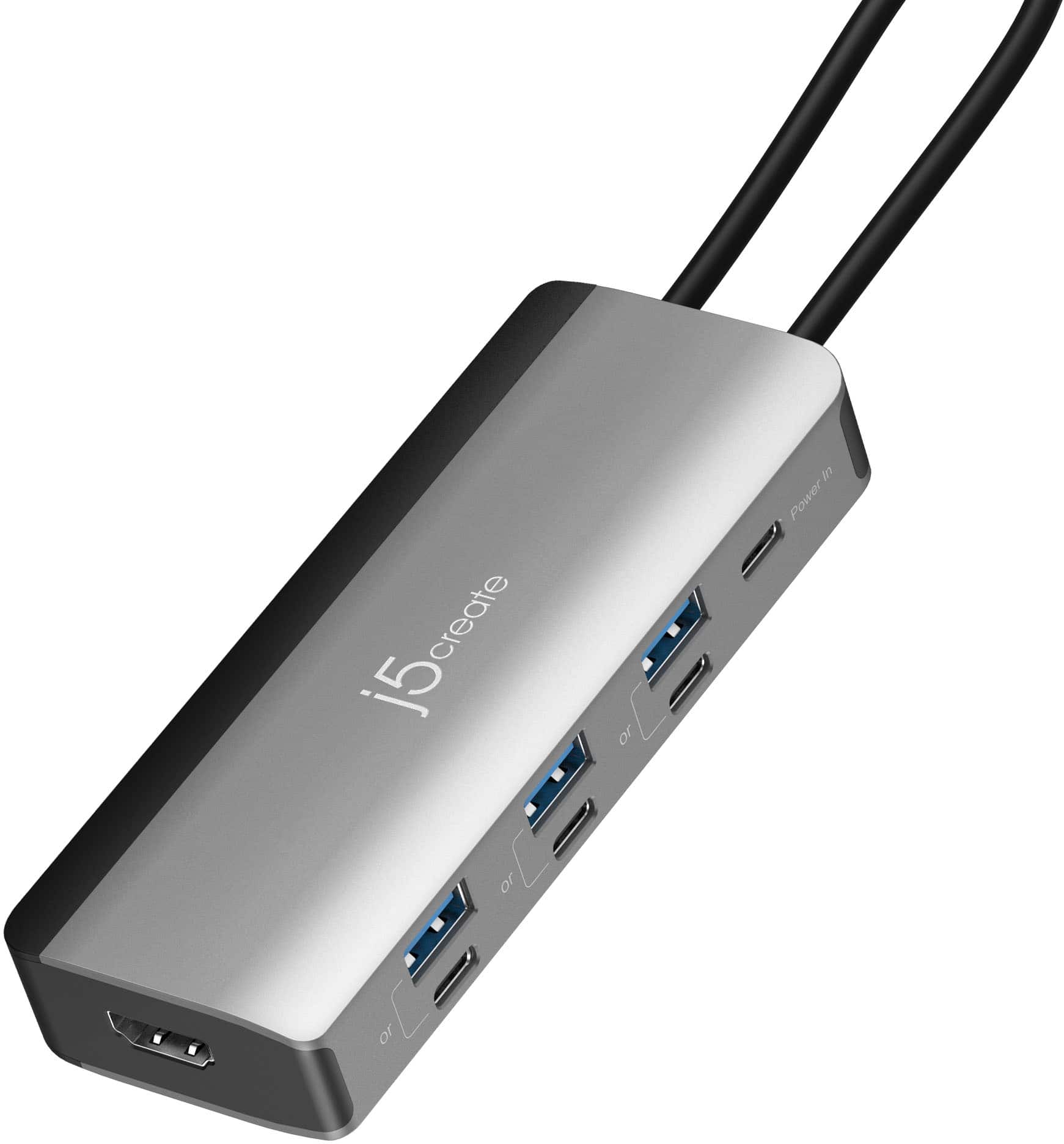
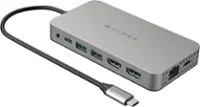
j5create - Flexible Ports USB-C® 4K144 HDMI™ Hub - Slim 8 in 1 for Windows, macOS, Chrome OS - Space Gray
SKU: J36445R6GZGreat traveling hub for your device that needs extra ports. Very small and easy to use....Definitely a Best Buy best price...Works great. Love how the plug docks inside the adapter to keep it clean
See all Docking StationsProduct Description
A space grey hub offering 4K HDMI, seven USB ports, and PD charging for versatile device connectivity.Your price for this item is $59.99

Best Sellers






Related Pages

FAQ
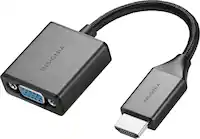
Yes, HDMI monitors are compatible with all recent Mac Mini models, as they feature HDMI output ports. For older Mac Mini models, you may need an adapter to connect to HDMI monitors.
No special setup is required. Simply connect the HDMI cable from your Mac Mini to the monitor, and the Mac Mini should automatically detect and configure the display. You can adjust display settings in the System Settings menu under 'Displays.'
Yes, many Mac Mini models support multiple monitors. You can connect one monitor via HDMI and another through Thunderbolt/USB-C with the appropriate adapter. Check your model's specifications for the maximum number of supported displays.
Yes, HDMI monitors with built-in speakers can receive audio directly from your Mac Mini through the HDMI connection. Make sure to select the monitor as the audio output device in your Mac's sound settings.
Many HDMI monitors support high resolutions, including Full HD (1080p), Quad HD (1440p), and 4K Ultra HD. The maximum supported resolution will depend on both your Mac Mini’s capabilities and the monitor’s specifications.