Mac Compatible 4K Monitors
-
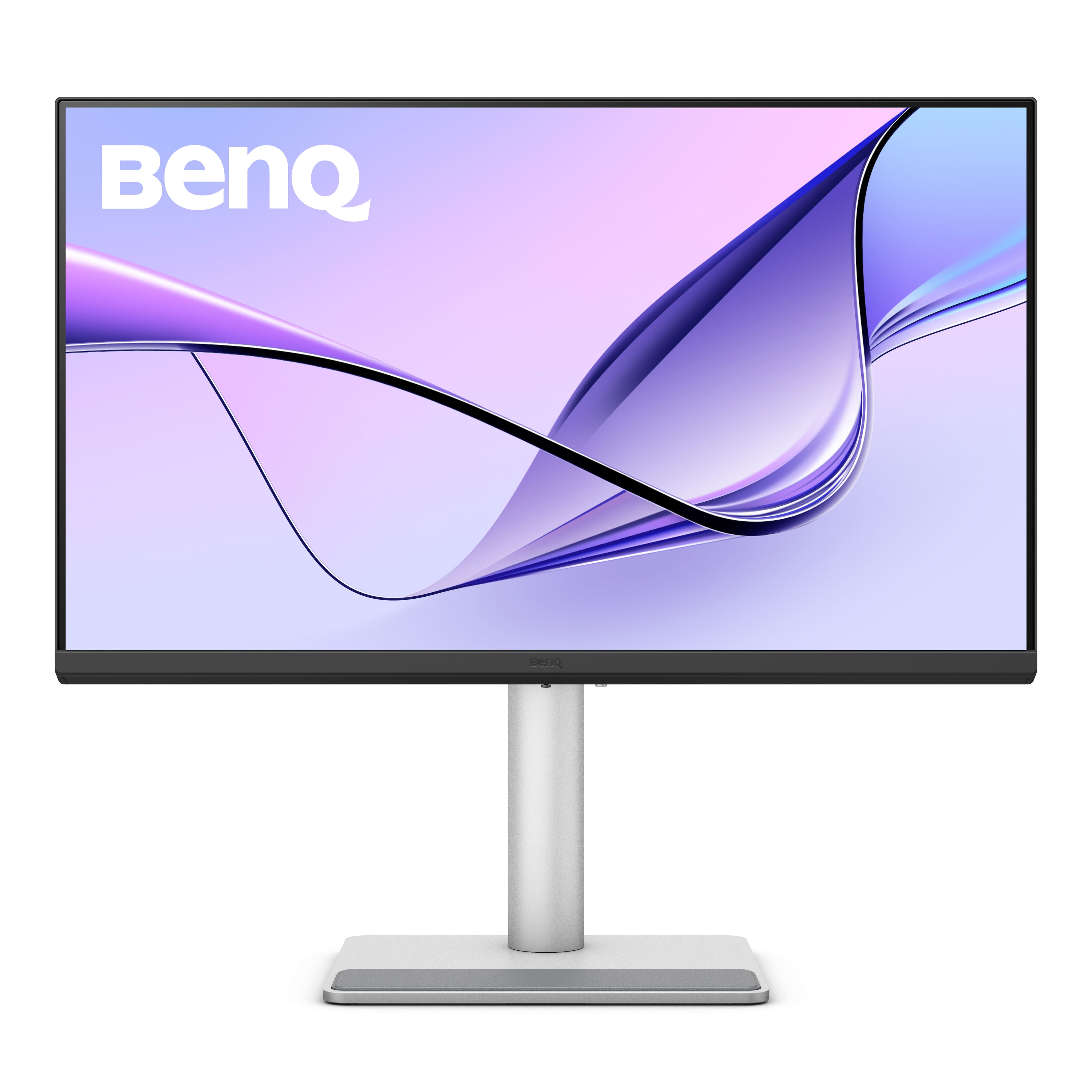
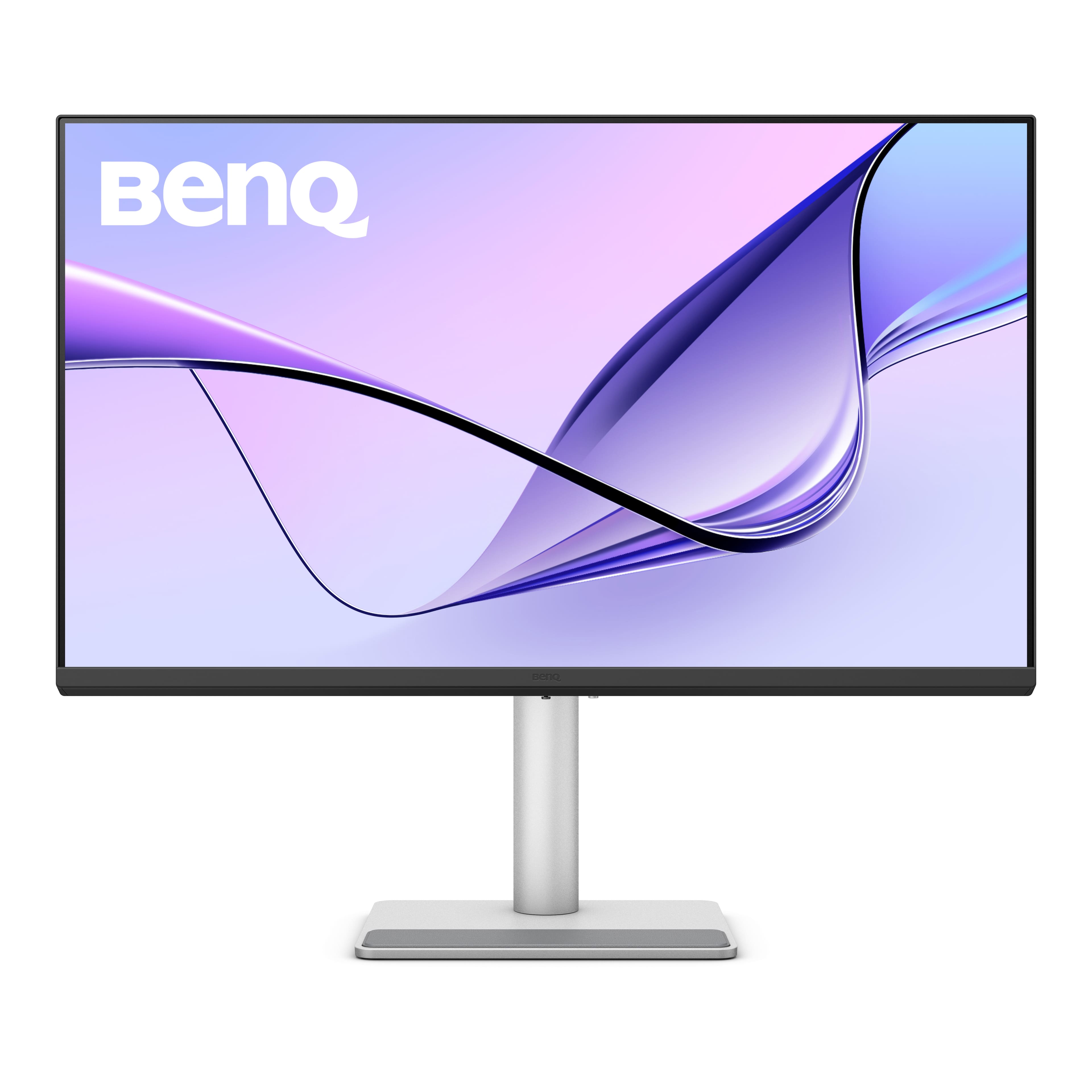
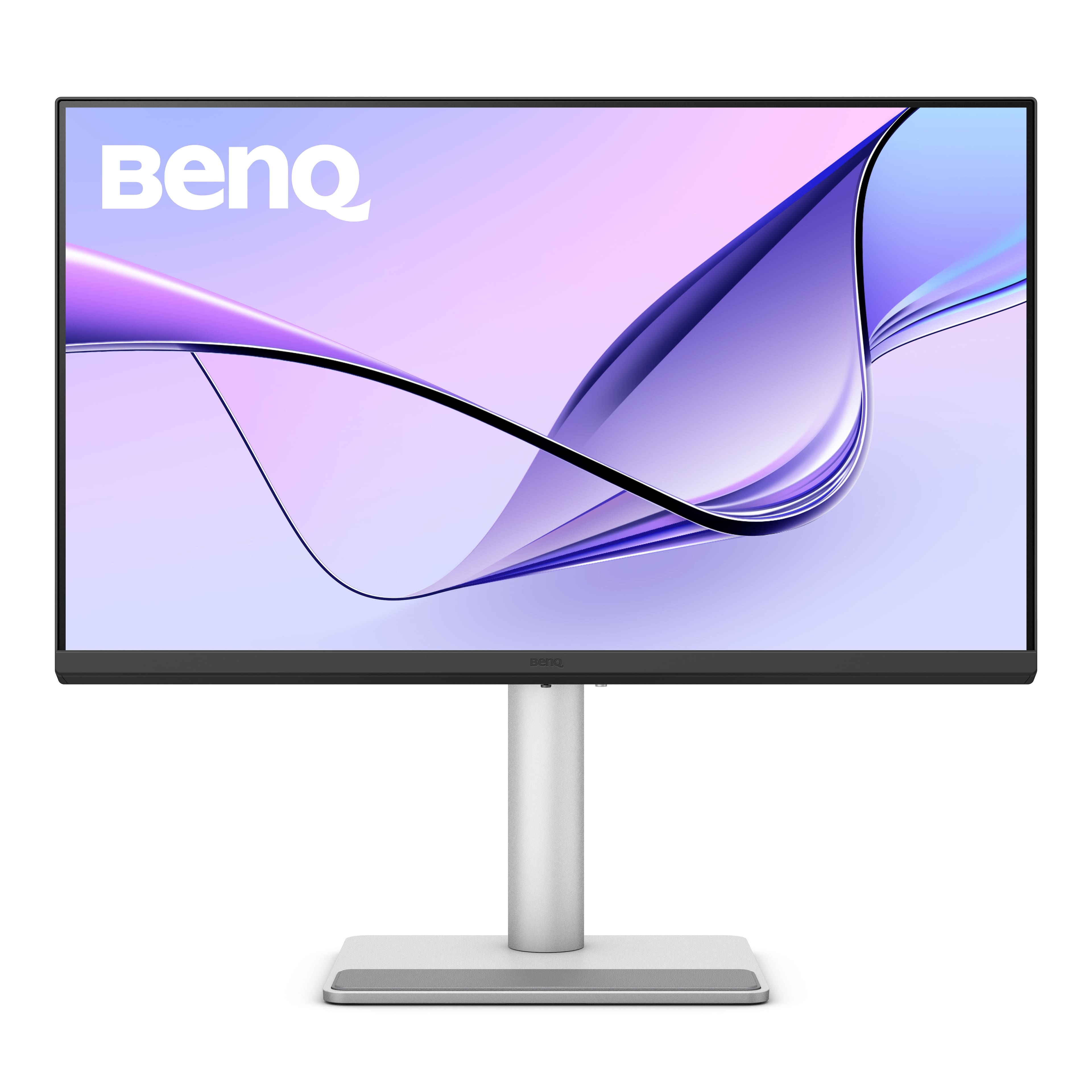
BenQ - MA270U 27" IPS LED 4K UHD Nano Matte Monitor for MacBook Pro and MacBook Air (HDMI/USB-C 90W) - Gray
SKU: J39QZT583GLove this monitor! Works so well with my MacBook Air laptop....I wish Best Buy had it at the store rather than only online....I love it...It’s a great option compared to the Apple version.
See all All MonitorsProduct Description
A gray IPS LED monitor with 4K UHD resolution, dual USB-C, HDR, and integrated speakers.Your price for this item is $549.99 -
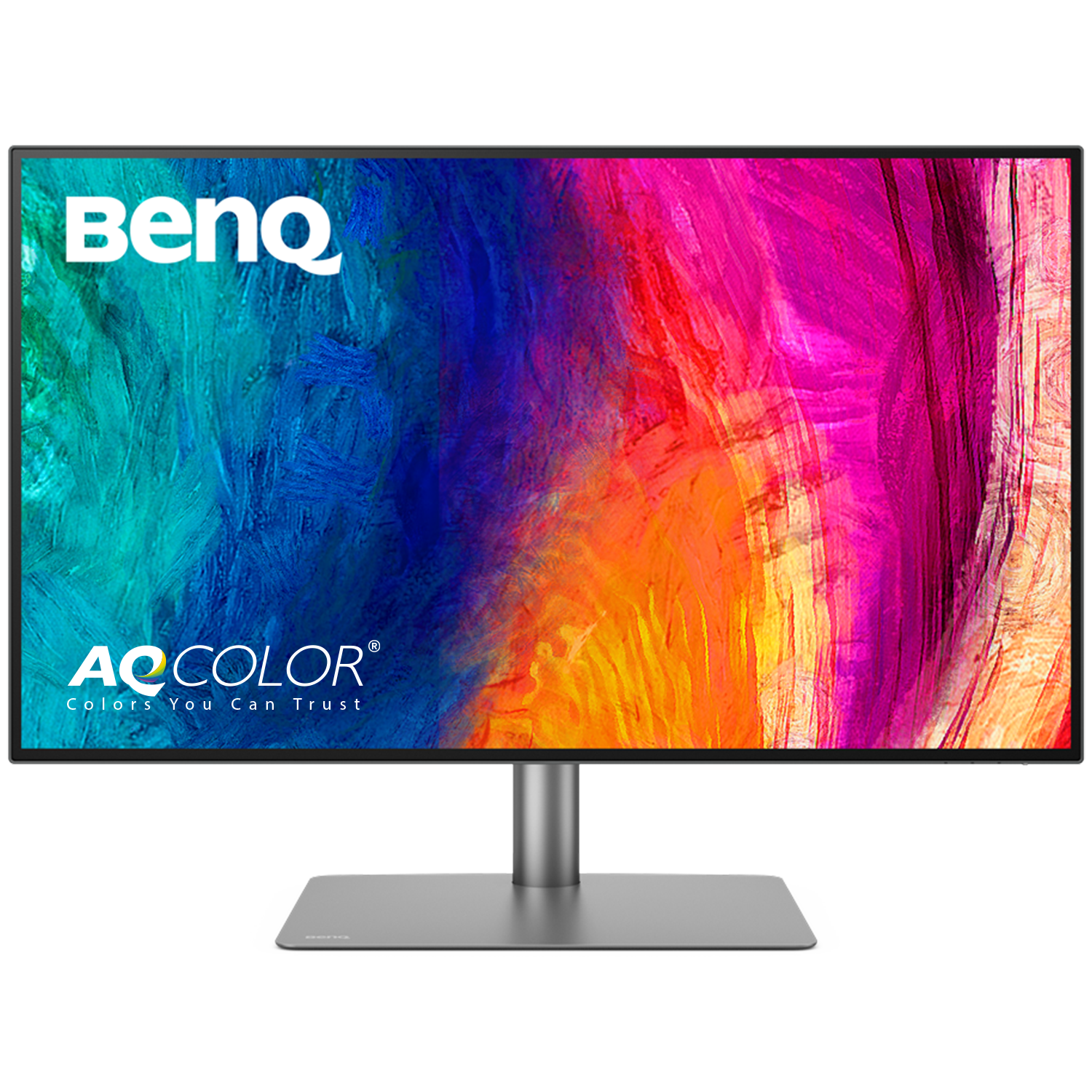
BenQ - AQCOLOR PD3225U 31.5" IPS Black LED 4K P3 Mac Compatible Designer Monitor (HDMI/DP/Thunderbolt 3 85W) - Metallic Gray
SKU: J39QZT5X4Xbest buy...ordering easy - the price was right - delivery was great - monitor excellent quality and works great...I love my self gift
See all All MonitorsProduct Description
A metallic gray 31.5" 4K IPS monitor with 98% P3 color, HDR, and Thunderbolt 3 connectivity.Your price for this item is $849.99Save $150The previous price was $999.99 -
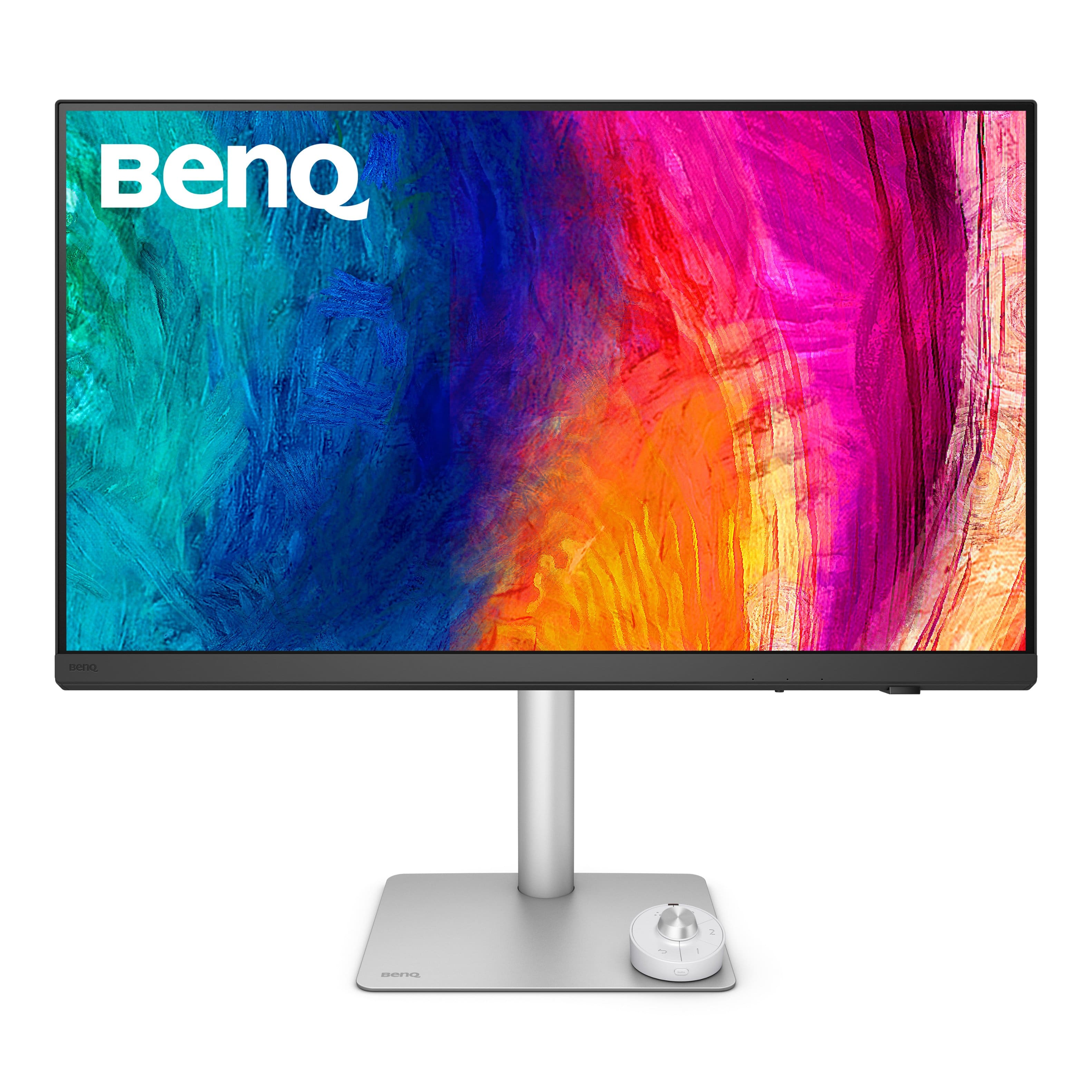
BenQ - AQCOLOR PD3205U Designer 31.5" IPS LED 4K UHD Monitor with HDR10 (HDMI/DP/USB-C 90W/USB Type B) - Gray
SKU: J39QZT4T9RGreat color...this monitory as it will slow down your machine because of the way it has convert video output for best...Great product
See all All MonitorsProduct Description
A gray IPS LED monitor delivering 4K UHD resolution, HDR10 support, and versatile connectivity for creative work.Your price for this item is $549.99Save $30The previous price was $579.99 -
BenQ - PD3226G 31.5" IPS LED 4K 144Hz Mac Compatibile Monitor (HDMI/DP/Thunderbolt 4 90W) - White
SKU: J39QZT58XJgreat monitor...I love it and I highly recommend it. I use it for my photo editing mostly.
See all All MonitorsProduct Description
A white IPS LED monitor offering 4K UHD resolution, 144Hz refresh rate, and Thunderbolt 4 connectivity.Your price for this item is $899.99Save $100The previous price was $999.99 -
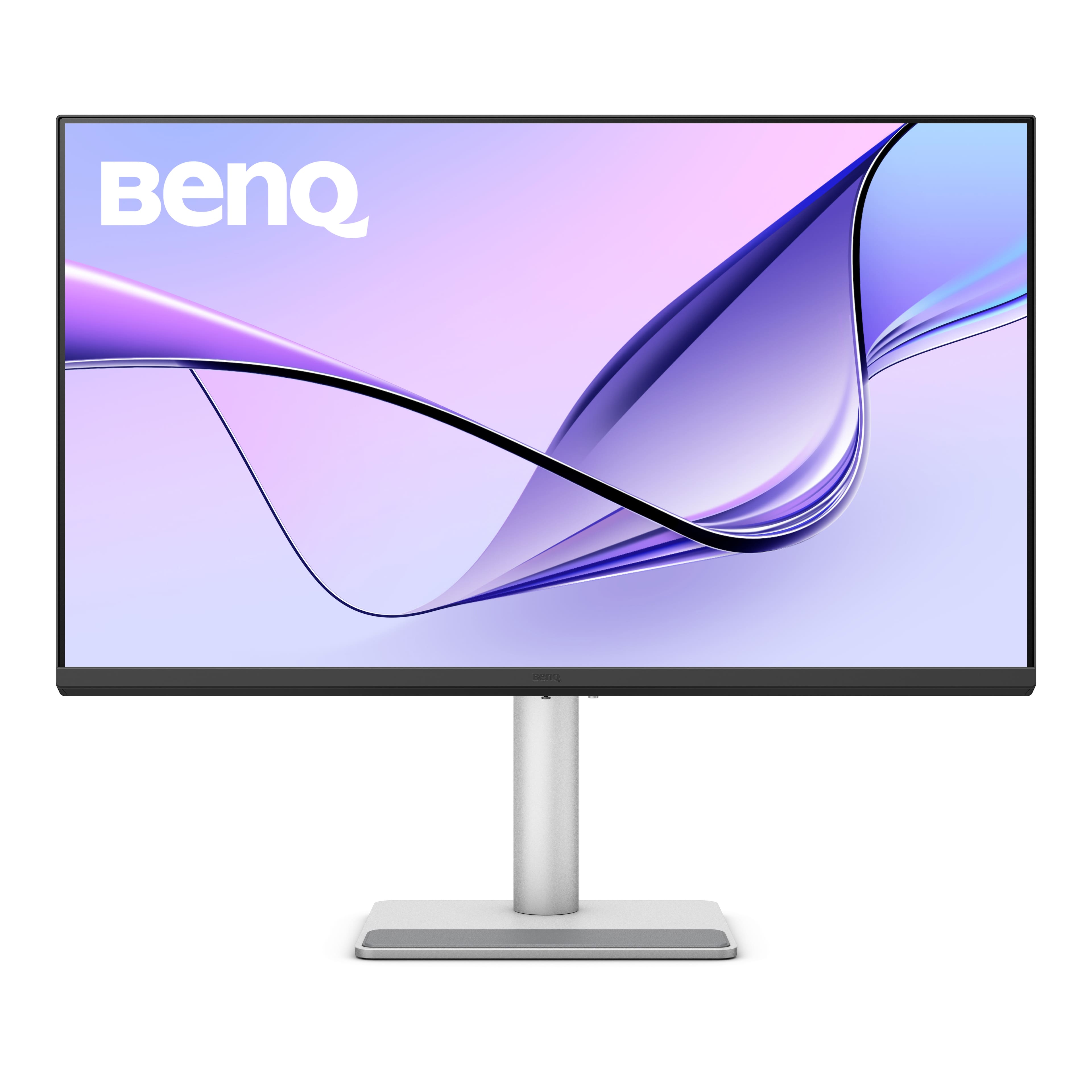
BenQ - MA320U 31.5" IPS LED 4K UHD Nano Matte Monitor for MacBook Pro and MacBook Air (HDMI/USB-C 90W) - Gray
SKU: J39QZT58XQSee all All MonitorsProduct Description
A gray IPS LED monitor featuring 4K UHD resolution, dual USB-C ports, HDR, and integrated speakers.Your price for this item is $549.99Save $180The previous price was $729.99 -
BenQ - MA320UP 31.5" IPS LED 4K Nano Gloss Monitor for Macbook (HDMI/USB-C 90W) - Gray
SKU: J39QZT5YTTSee all All MonitorsProduct Description
A gray IPS monitor featuring 4K UHD resolution, HDR, adjustable stand, integrated speakers, and Energy Star certification.Your price for this item is $649.99Save $50The previous price was $699.99 -
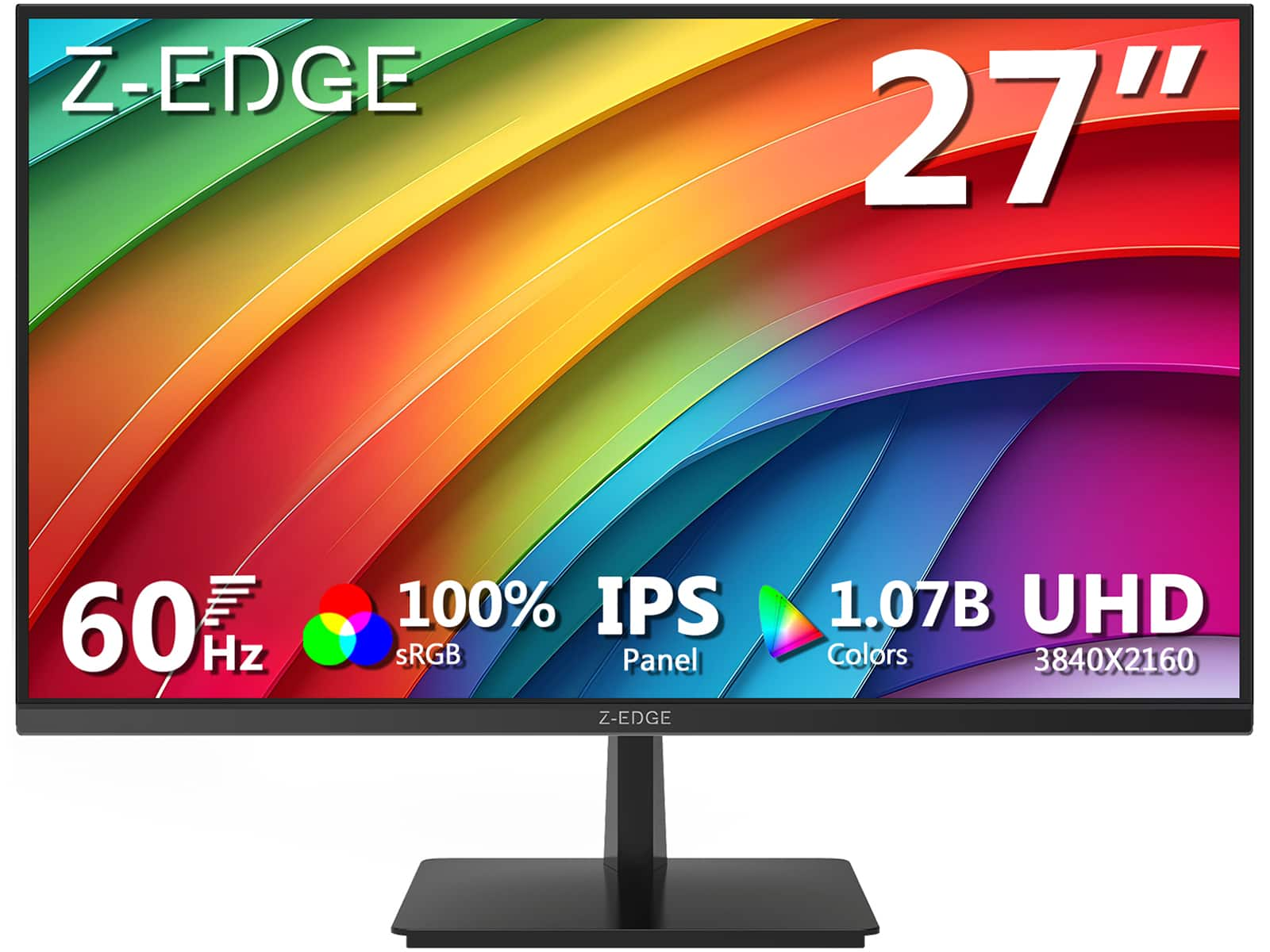
Z Z-Edge - U27P4K 27" IPS 4K Monitor, Ultra HD 3840 x 2160, 300 cd/m², 60Hz, HDMI + DP, 1.07B Colors, 100% sRGB - Black
SKU: J3LH5H8P8JGreat monitor for the value...Best 4k 27 inch monitor for the price. The stand can tilt but doesn't raise.
See all All MonitorsProduct Description
A sleek black 27-inch IPS 4K monitor with HDR10, 100% sRGB, FreeSync, HDMI, and DisplayPort connectivity.Your price for this item is $169.99Save $30The previous price was $199.99 -
BenQ - MA270UP 27" IPS LED 4K Nano Gloss Monitor for Macbook (HDMI/USB-C 90W) - Gray
SKU: J39QZT5YTPSee all All MonitorsProduct Description
A black 27-inch 4K LED monitor with dual USB-C, 90W power delivery, and adjustable stand.Your price for this item is $549.99Save $30The previous price was $579.99 -
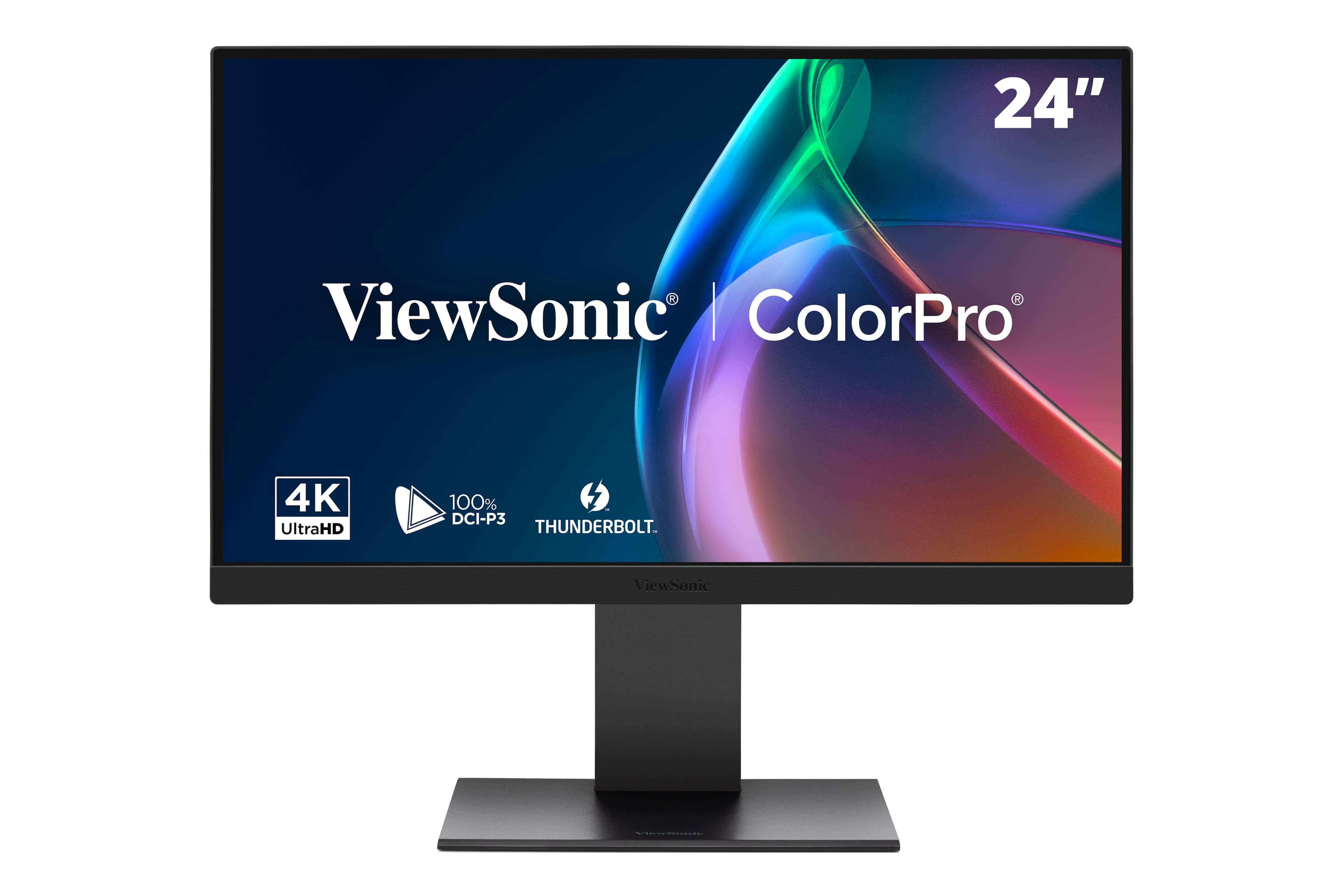
ViewSonic - VP2488-4K 24" 4K Mac-Ready Monitor with 100%sRGB, 98% DCI-P3, Pantone Validated (Thunderbolt 4, USB, HDMI, DP) - Multi
SKU: J37H8G7JHHSee all All MonitorsProduct Description
A black 24-inch 4K LED monitor with 100% sRGB, Thunderbolt 4, and advanced ergonomic adjustments.Your price for this item is $549.99Save $81The previous price was $631.56 -
Z Z-Edge - 27" Ultra HD 3840 x 2160 100% sRGB 60Hz 5ms IPS 4K Monitor, HDR10, HDMI + DP, FreeSync Compatible - Black
SKU: J3LH5H8S3KSee all All MonitorsProduct Description
A black IPS 4K monitor featuring HDR10, 100% sRGB, FreeSync, and multiple HDMI and DisplayPort inputs.Your price for this item is $169.99Save $20The previous price was $189.99 -
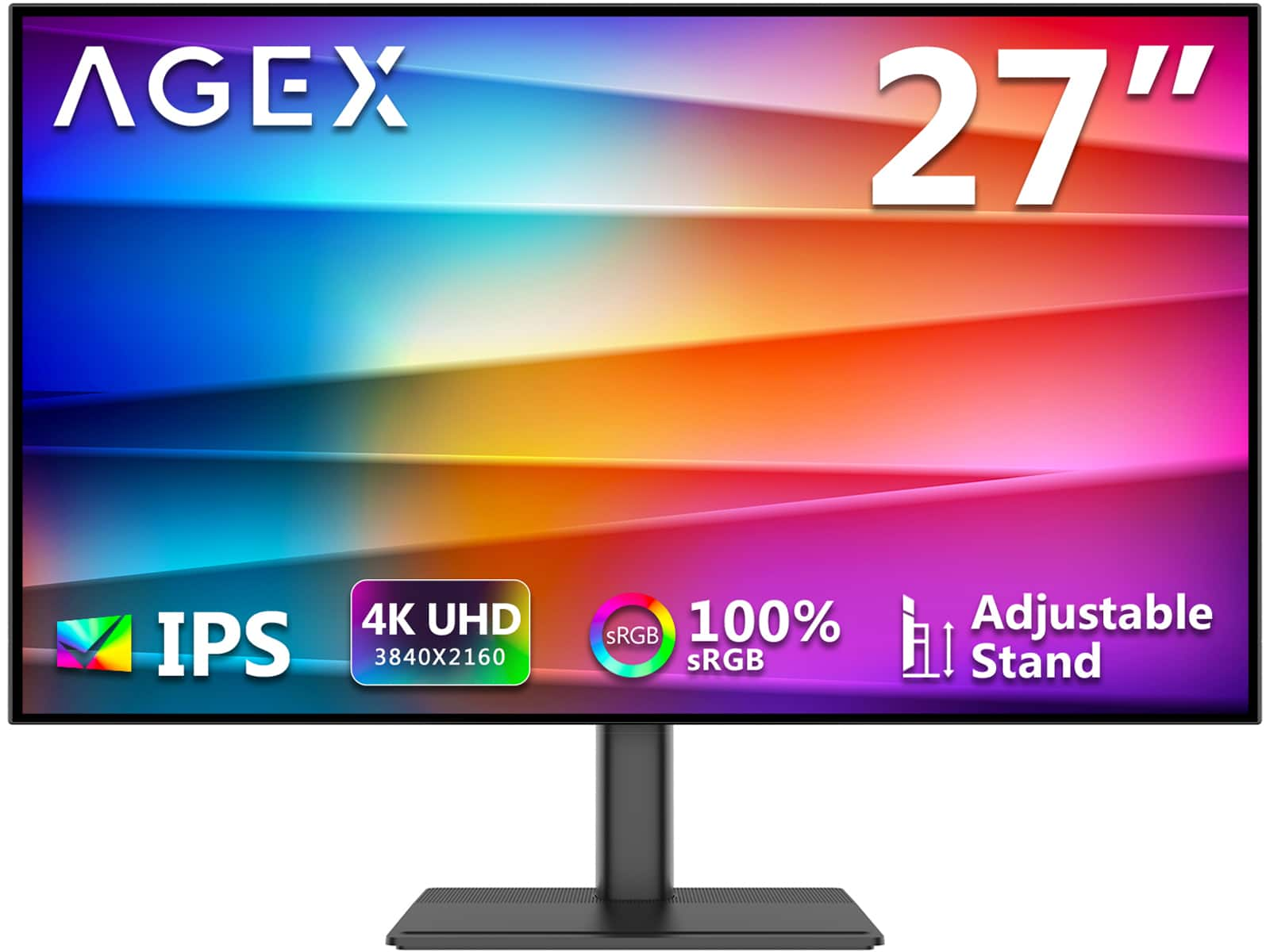
AGEX - A27I4K 27" 4K UHD 3840 x 2160 1.07B Display Colors 100% sRGB IPS Monitor with Adjustable Stand - Black
SKU: J3LH5H8TZLSee all All MonitorsProduct Description
A black IPS monitor offering 4K UHD resolution, 100% sRGB color, HDR10, and an adjustable stand.Your price for this item is $189.99Save $10The previous price was $199.99 -
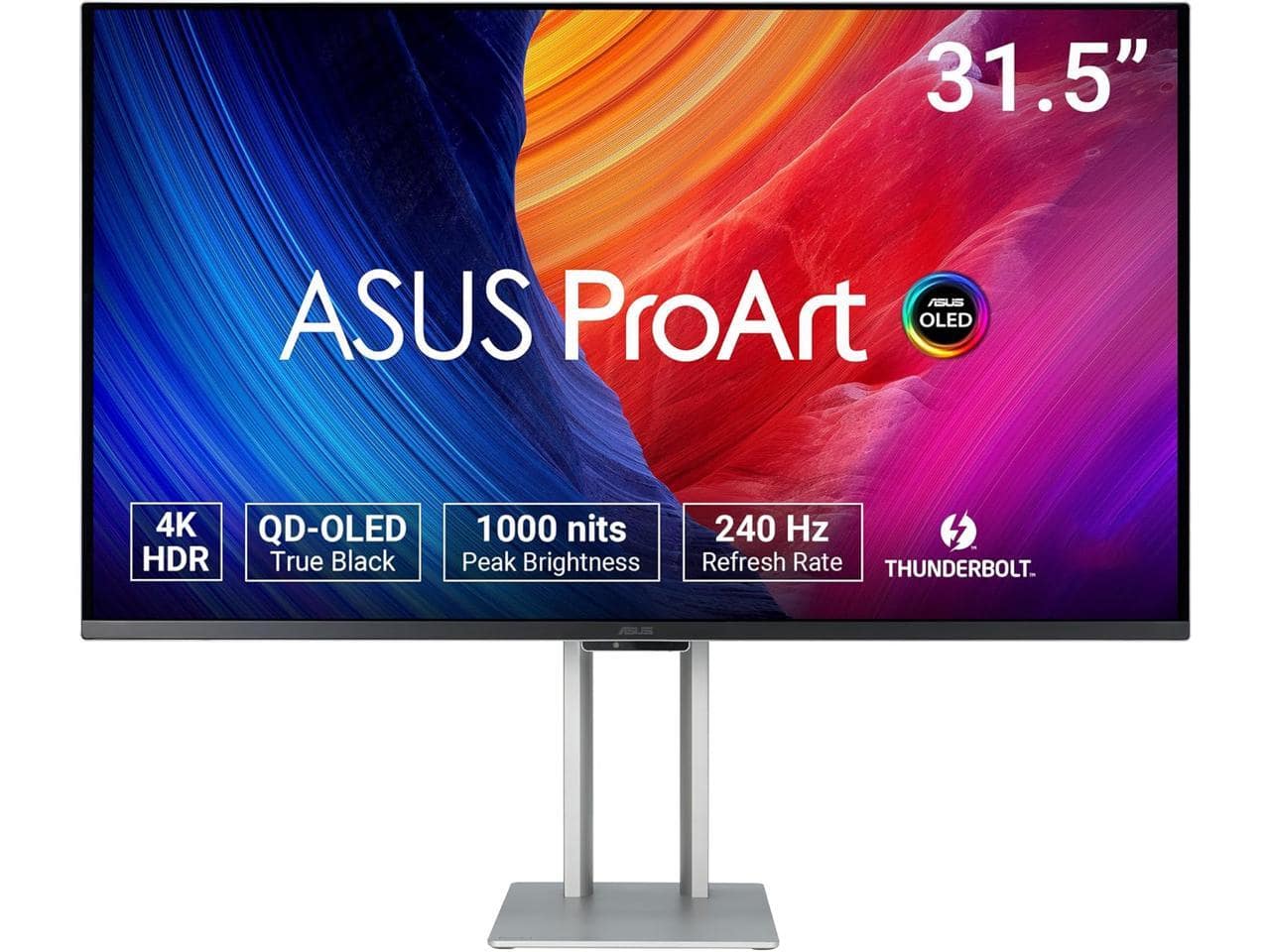
ASUS - ProArt PA32UCDM 32" 4K HDR QD-OLED Monitor - 240Hz, 0.1ms, Auto Calibration, Dolby Vision, 99% DCI-P3, Thunderbolt4
SKU: JJGGLQ8296See all All MonitorsProduct Description
A professional 32" 4K QD-OLED monitor with 240Hz refresh rate, Dolby Vision, and 99% DCI-P3 coverage.Your price for this item is $1,699.00Save $156The previous price was $1,855.28 -
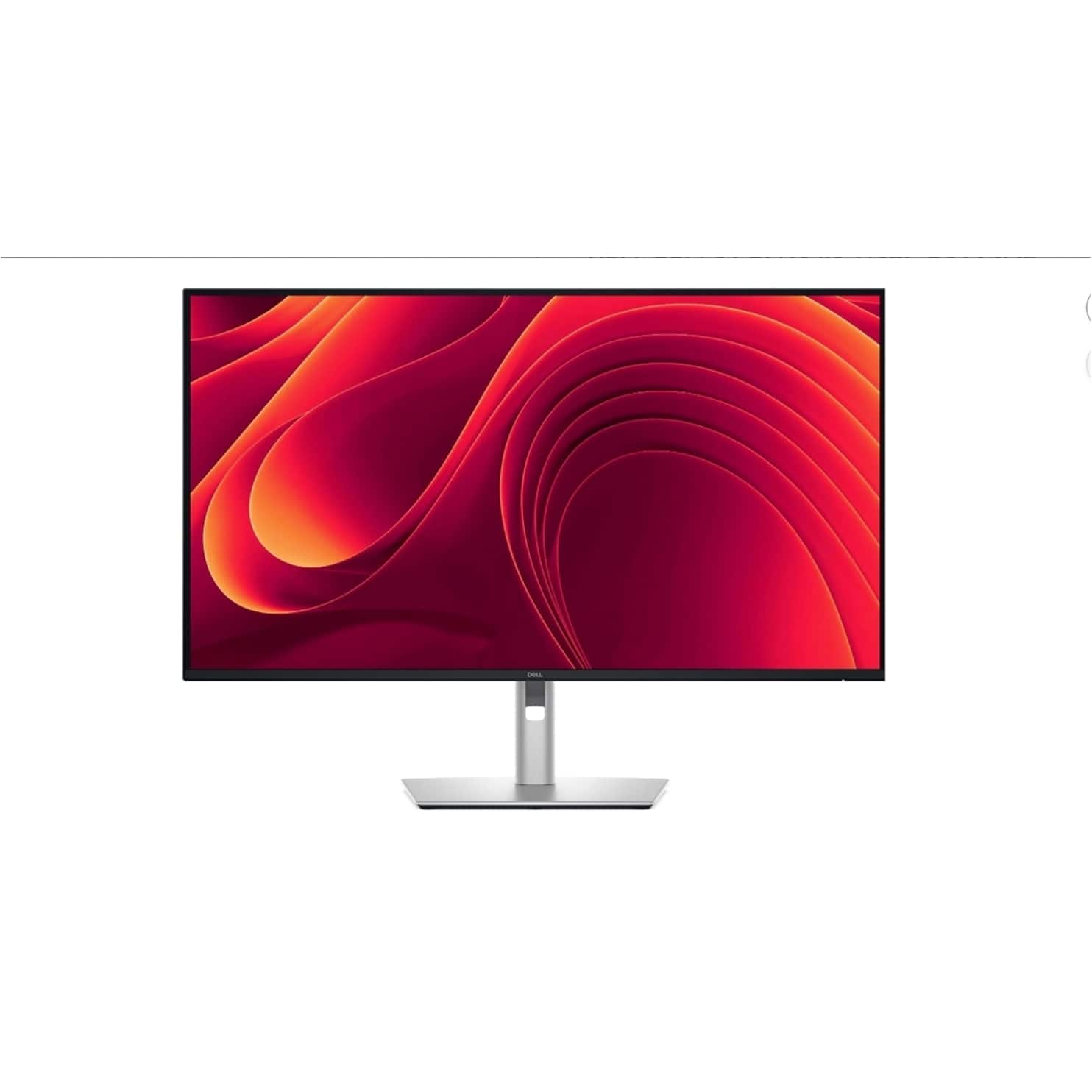
Dell - Pro Plus 31.5" IPS LED 4K UHD 100Hz Monitor (USB, HDMI) - Black, Gray, Dual Color - Silver
SKU: CPY84W9QJCSee all All MonitorsProduct Description
A dual-color 31.5" 4K UHD IPS monitor with 100Hz refresh rate and versatile USB, HDMI connectivity.Your price for this item is $525.00Save $74The previous price was $599.00 -
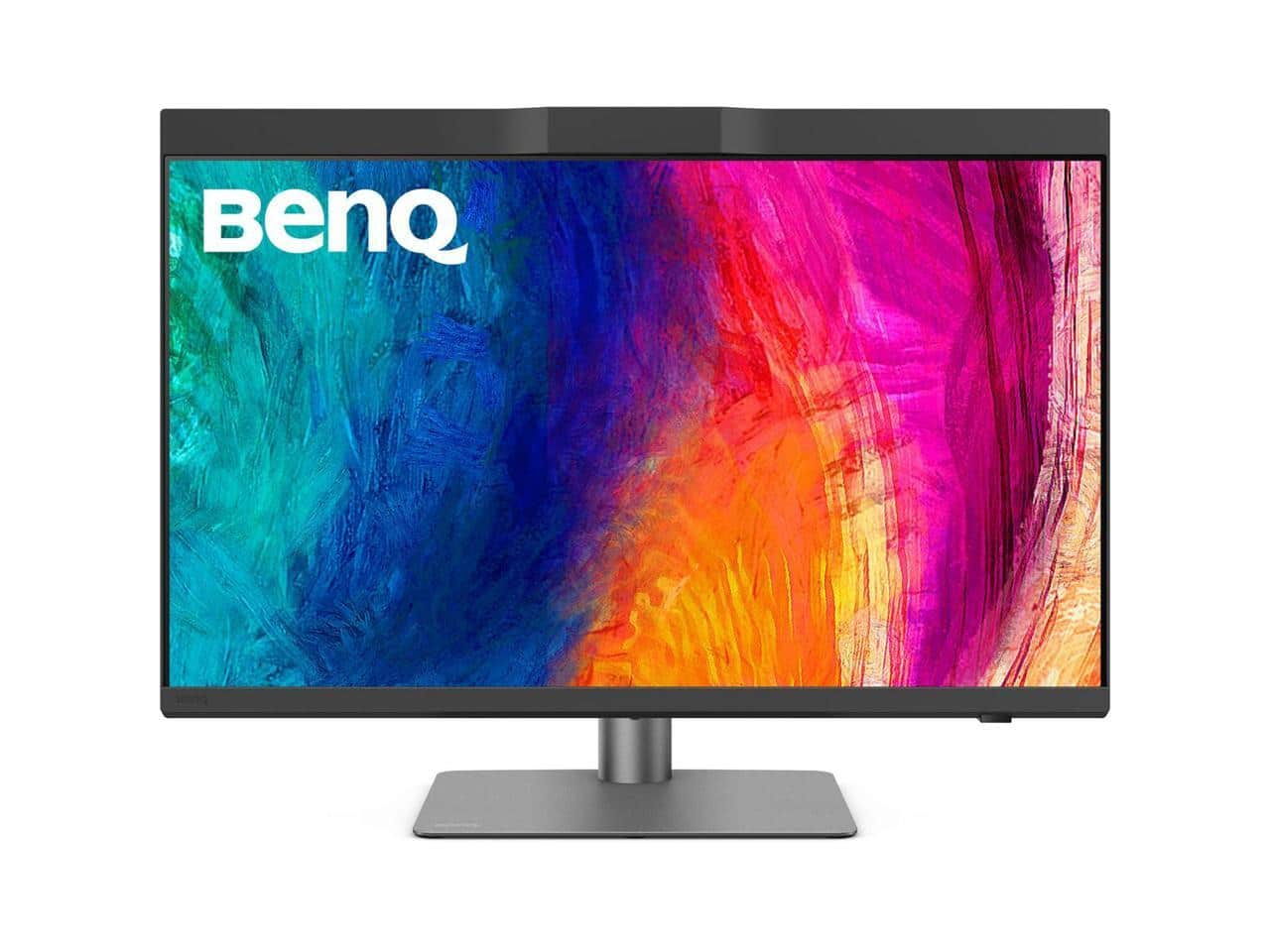
BenQ - PD2770U 27" 4K UHD IPS Monitor - 3840x2160 - 1.07B Colors - USB-C - HDMI - DP - USB Hub - KVM
SKU: J39QZT5Y93See all All MonitorsProduct Description
A 4K UHD IPS monitor with 1.07 billion colors, USB-C, HDMI, DisplayPort, USB hub, and KVM.Your price for this item is $1,599.99Save $100The previous price was $1,699.99 -
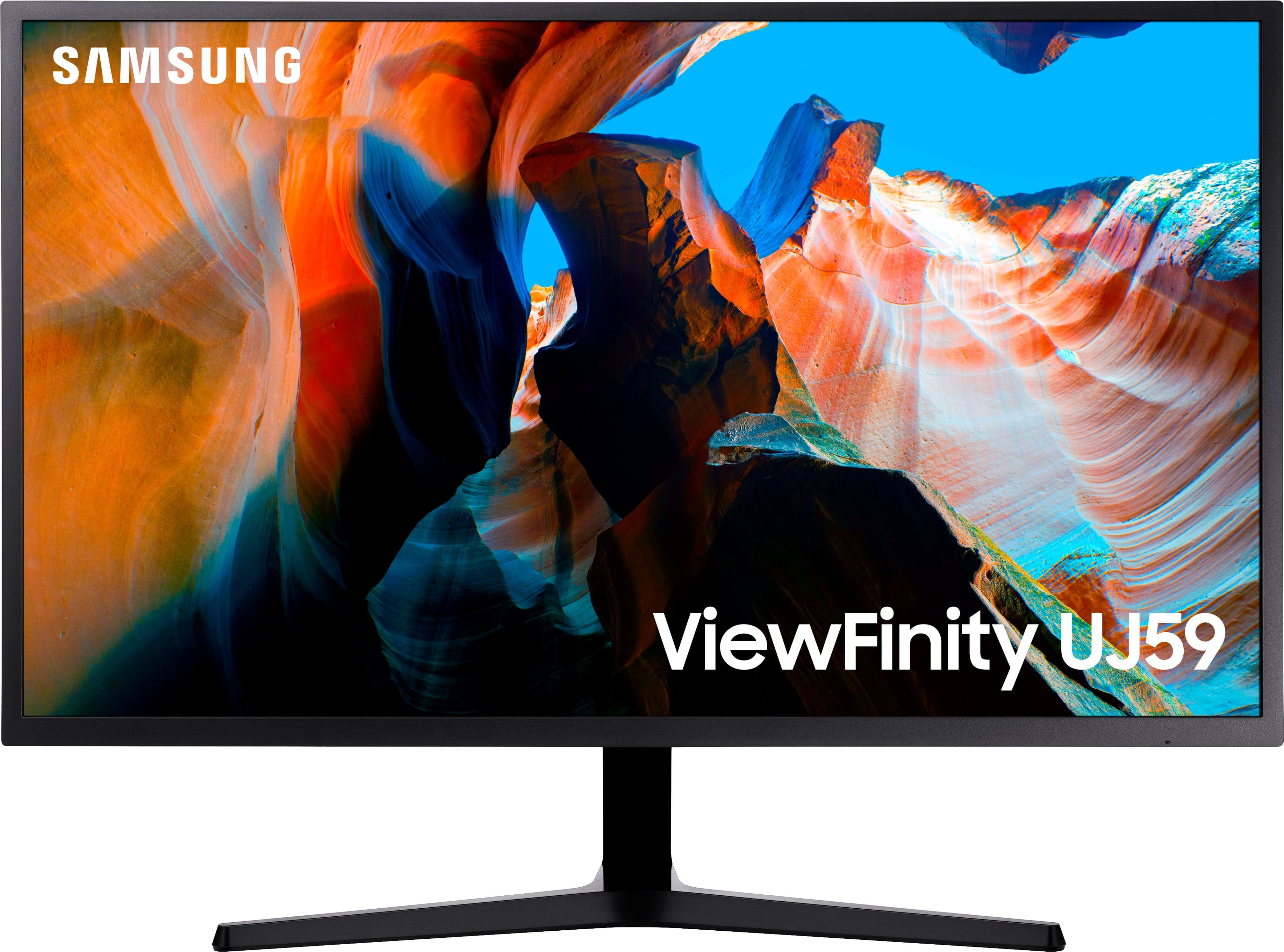
Samsung - 32" ViewFinity UJ59 4K UHD LED VA Monitor with AMD FreeSync, 4ms, 60Hz, HDMI/DisplayPort - Dark Gray/Blue
SKU: J3ZYGC34HLGreat Monitor...This monitor is so great that I went back to Best Buy and got a 2nd one for my wife....I love the picture and color quality....It's really I love it. Best Monitor I used ever.
See all All MonitorsProduct Description
A dark gray and blue UHD monitor with 4K resolution, AMD FreeSync, and vivid color accuracy.Your price for this item is $339.99Save $14The previous price was $353.99 -
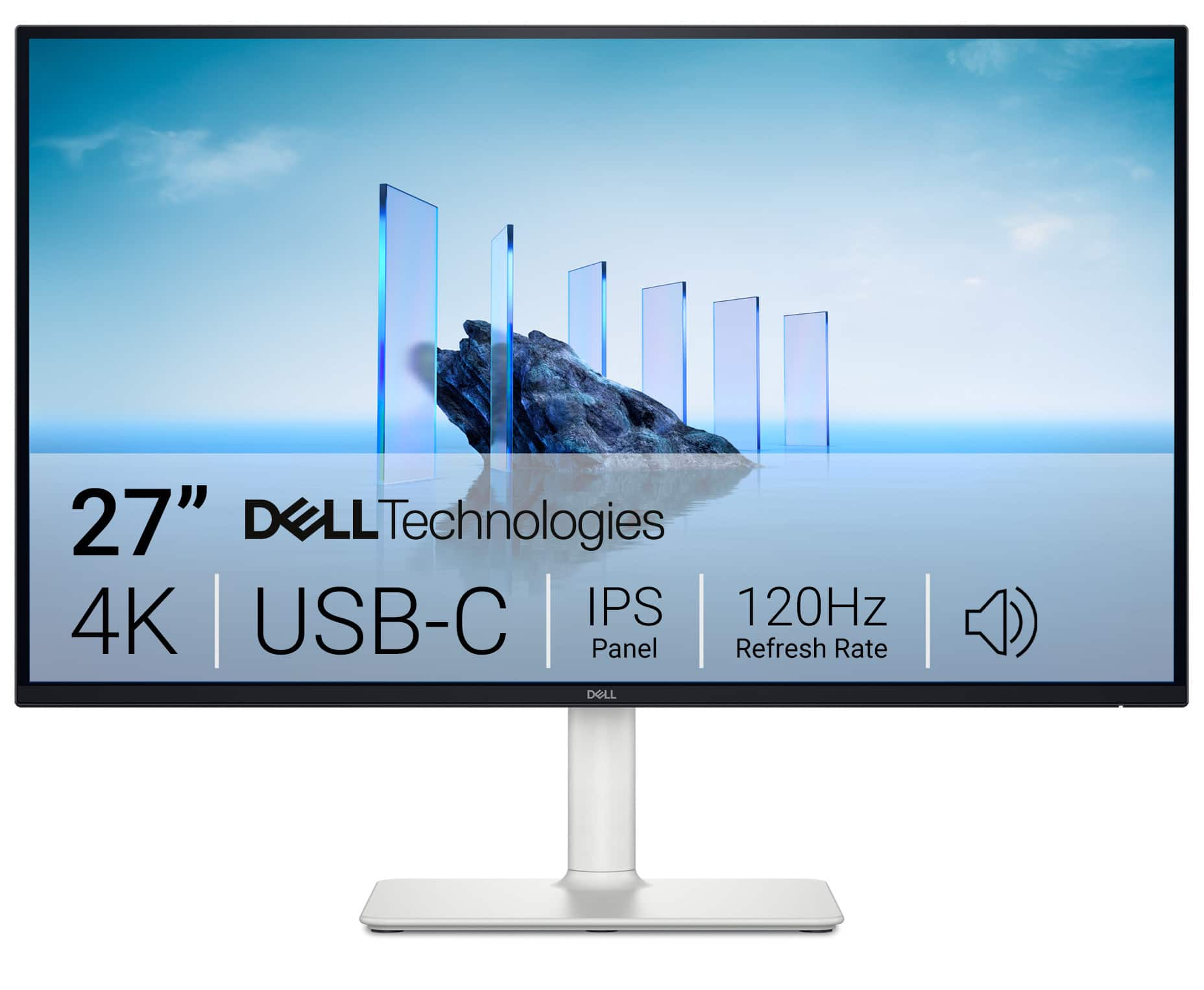
Dell - S2725QC 27" IPS LED 4K UHD 120Hz 8ms FreeSync Premium Monitor with HDR (HDMI, DisplayPort, USB) - Ash White
SKU: J3K4L63JXVI love this monitor!! It's the best size for work, and had the best picture on it....I love it...My best purchase in the year, the sound it’s so great and the quality of the screen it’s amazing!!!
See all All MonitorsProduct Description
A silver IPS LED monitor featuring 4K UHD resolution, 120Hz refresh rate, FreeSync, and USB-C connectivity.Your price for this item is $249.99Save $120The previous price was $369.99 -
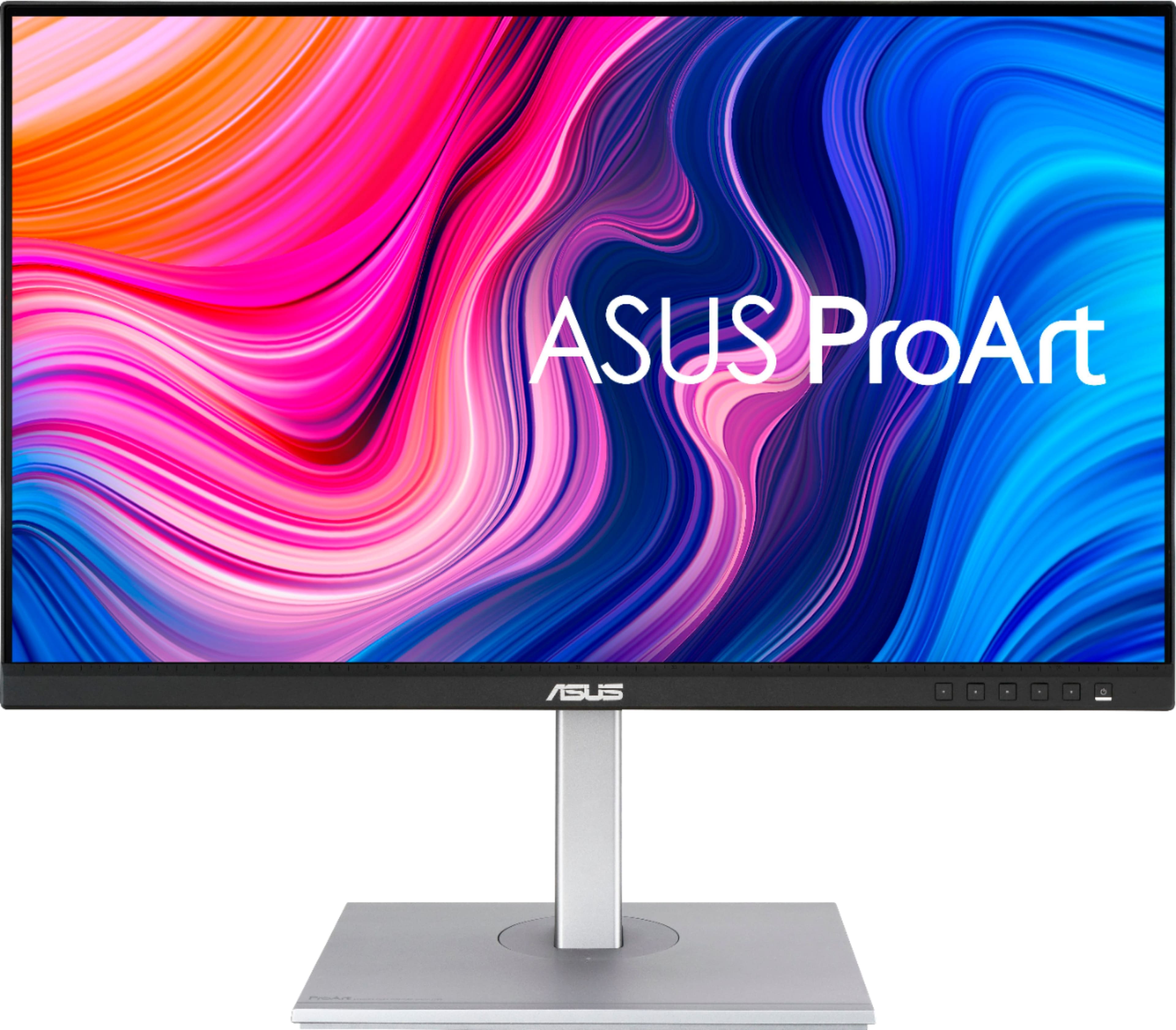
ASUS - ProArt 27" 4K IPS Professional Monitor with HDR (DisplayPort, HDMI, USB-C) - Black
SKU: JJ8Q7RWQ2RBest quality, Great Price...Absolute best monitor I've ever purchased....I love the quality and the ability to customize settings....Great Display...The display has nice coloring best for graphic design...
See all All MonitorsProduct Description
A professional black 4K UHD IPS monitor with HDR10, USB-C, and wide 178° viewing angles.Your price for this item is $299.99Save $100The previous price was $399.99 -
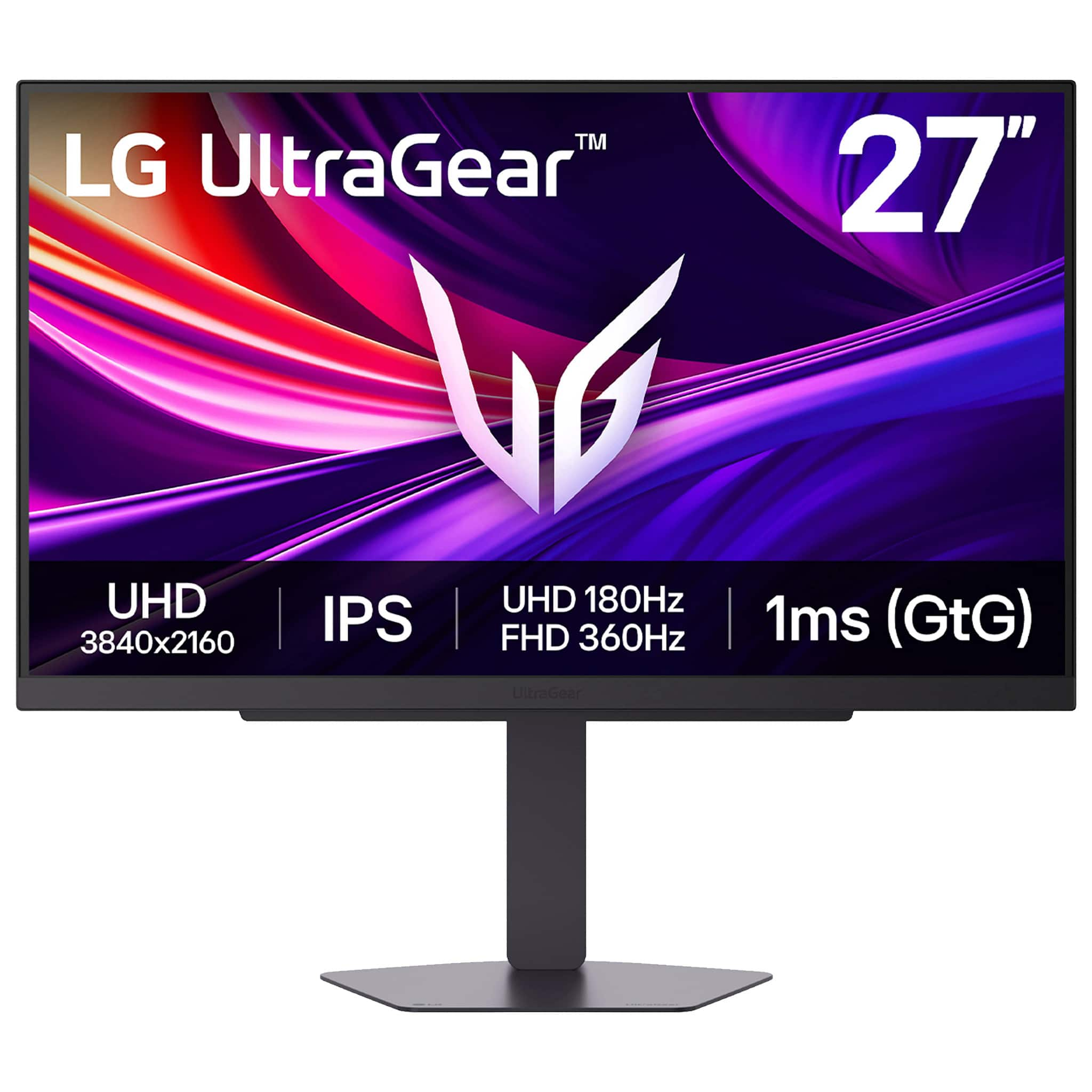
LG - UltraGear 27" IPS Dual Mode (4K UHD 180Hz, FHD 360Hz), 1ms, NVIDIA G-SYNC, AMD Freesync Gaming Monitor (HDMI, DP, USB-C) - Black
SKU: JJ8VPZKP8SBest monitor I’ve owned...Great resolution and refresh rate is noticeably nice...Love it...Love the color on this monitor ive been having a great experience so far
See all Gaming MonitorsProduct Description
A black IPS gaming monitor with 4K UHD, 180Hz refresh rate, 1ms response, and adaptive sync support.Your price for this item is $346.99Save $253The previous price was $599.99 -
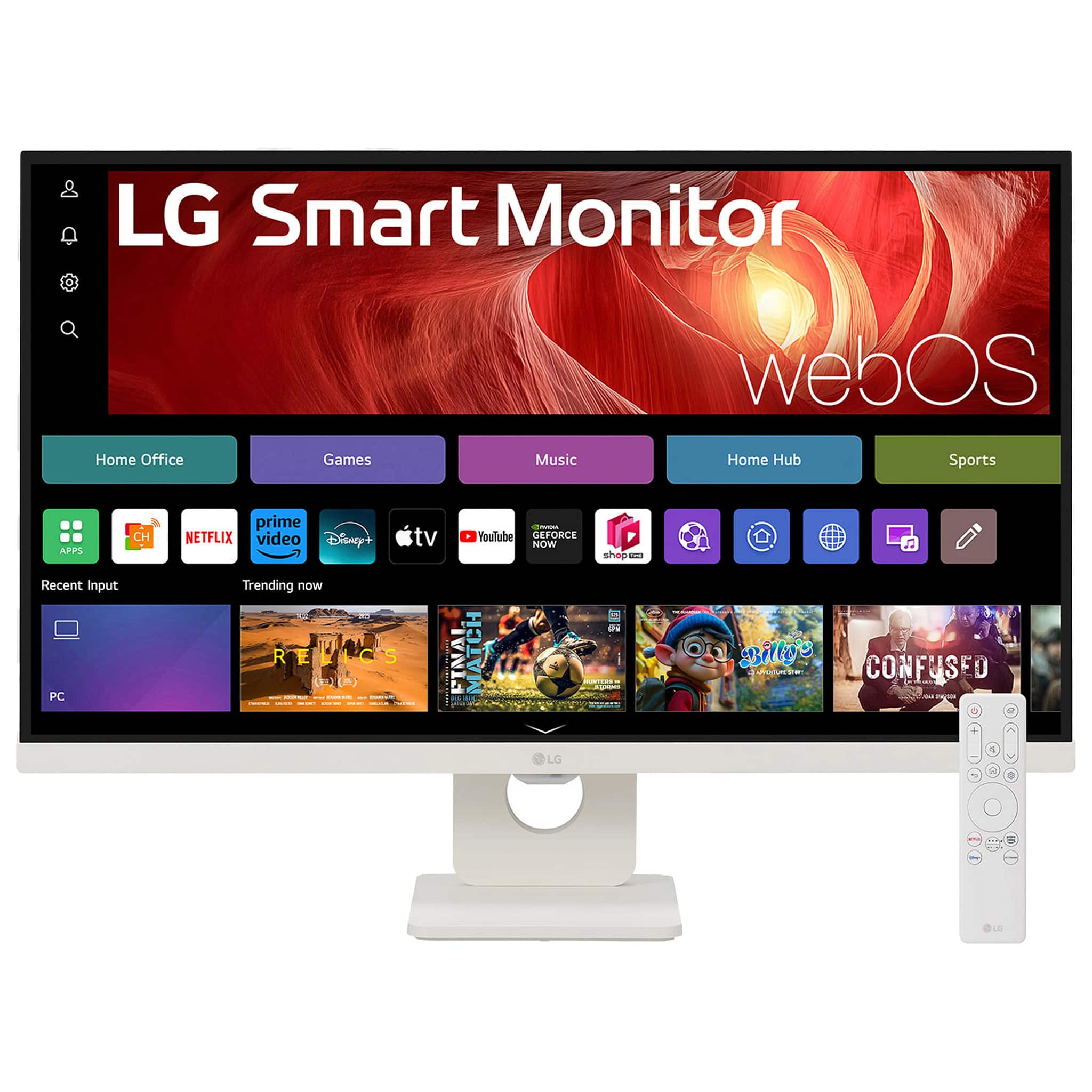
LG - 27" IPS UHD 60Hz 5ms Smart Monitor with HDR10 (HDMI, USB-C) - White
SKU: JJ8VPZWS3ZBest of the best for semi truck....This monitor has lg tv and speakers it’s great and good 4k for games but 60 fps...Great screen love the netflix feature. Very good !!
See all All MonitorsProduct Description
A white UHD 4K IPS smart monitor with HDR10, webOS, USB-C, HDMI, and built-in stereo speakers.Your price for this item is $341.99Save $38The previous price was $379.99 -
Samsung - 37" ViewFinity S8 S80UD LED 4K UHD High Resolution Monitor with HDR10, USB-C and Ergonomic Stand - Black
SKU: J3ZYG2FH67This product has great features and I love it...I use my Samsung for gaming watching movies connecting Samsung devices, easy to work with has great resolution...and great ultra HD this is the best product...
See all All MonitorsProduct Description
A black 4K UHD LED monitor with HDR10, USB-C charging, ergonomic stand, and built-in KVM switch.Your price for this item is $379.99Save $205The previous price was $584.99 -
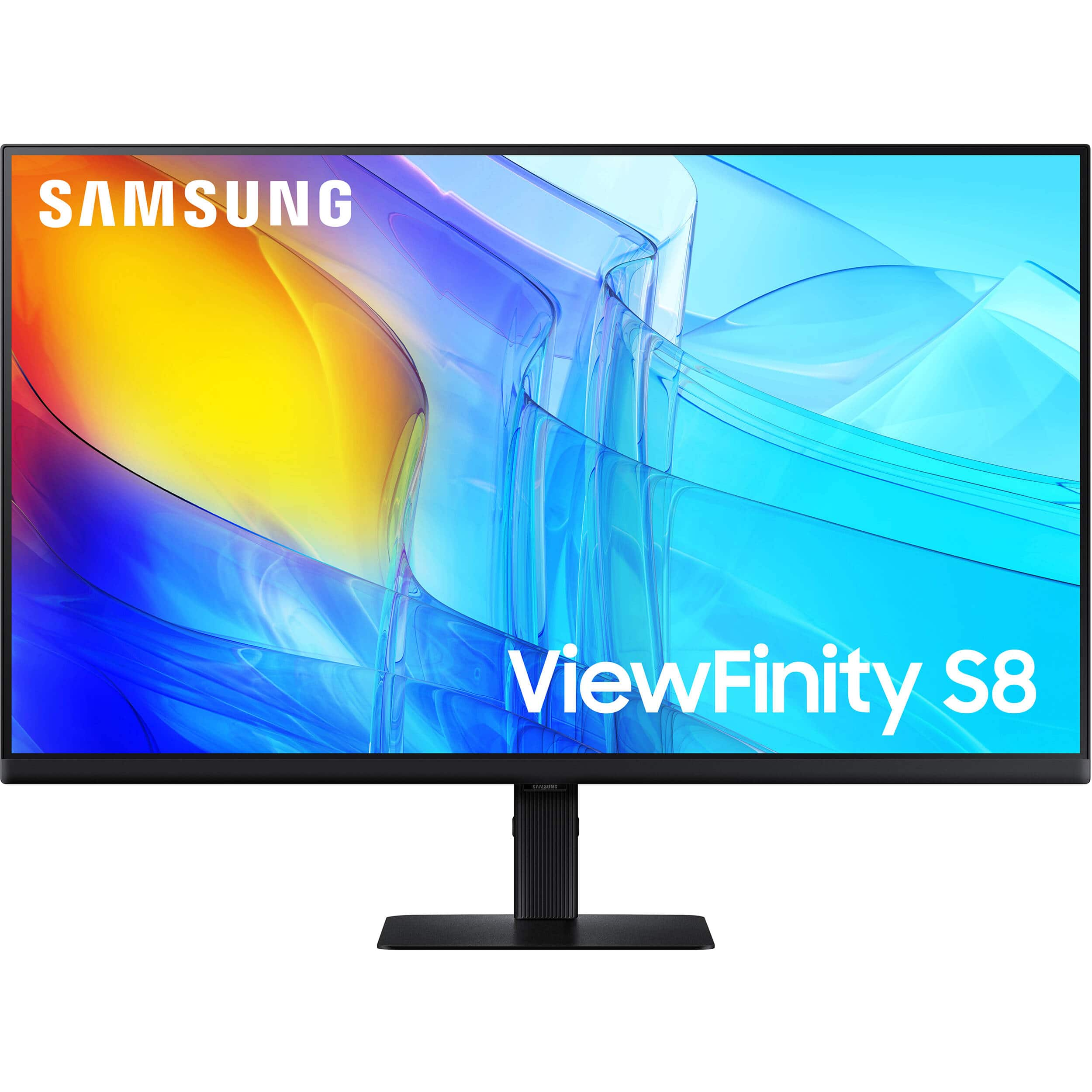
Samsung - 27" ViewFinity S8 (S80D) 4K UHD HDR10 High Resolution Monitor with Ergonomic Stand (DisplayPort, HDMI, USB) - Black
SKU: J3ZYG2T6ZJSee all All MonitorsProduct Description
A 4K UHD IPS monitor in black with HDR10, ergonomic stand, and versatile DisplayPort, HDMI, and USB connectivity.Your price for this item is $444.29 -
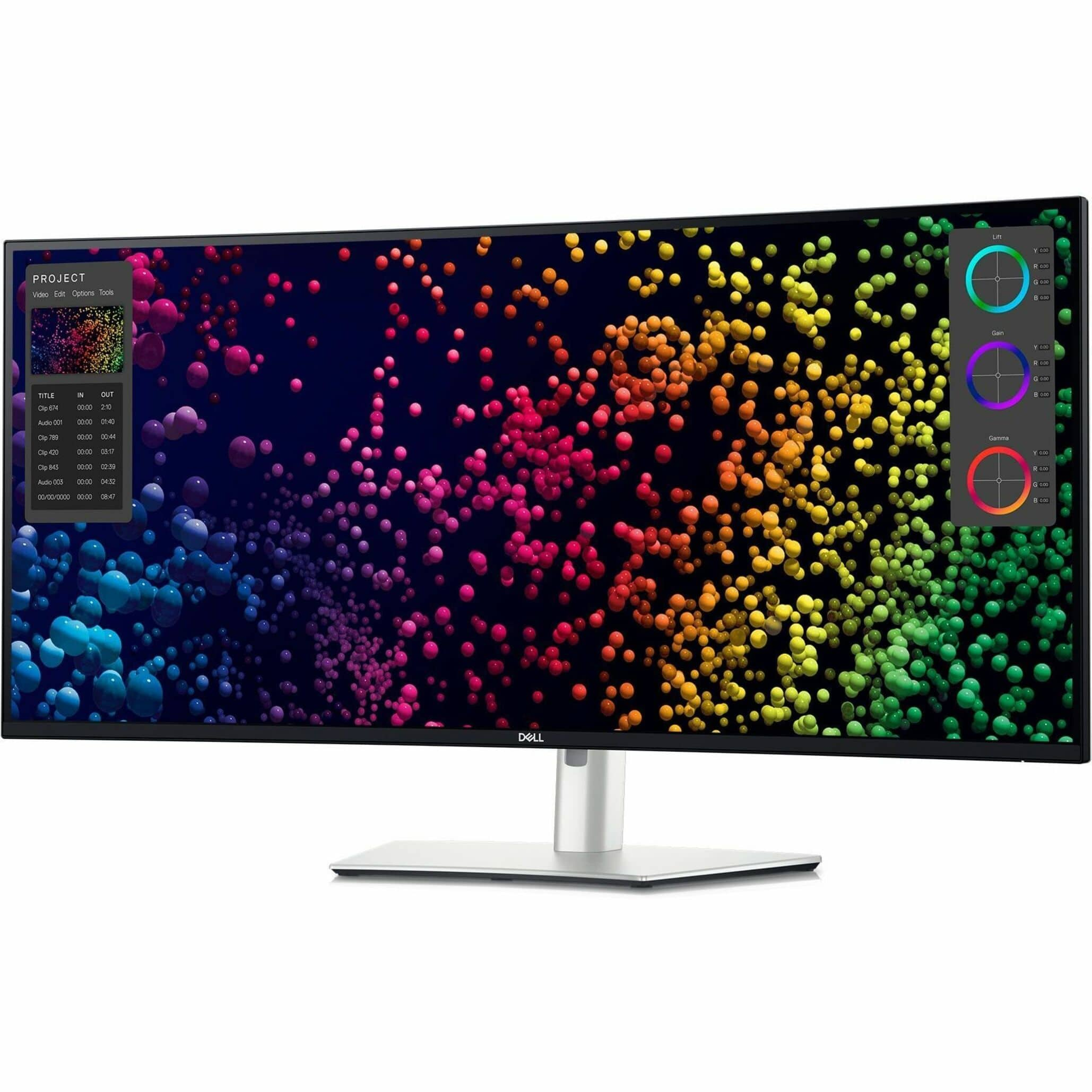
Dell - UltraSharp 39.7" IPS LED Curved 120Hz Monitor with HDR (USB, HDMI) - Black, Silver, Dual Color
SKU: J3K4L6CF8HSee all Curved MonitorsProduct Description
A dual-color curved IPS LED monitor with 5K resolution, 120Hz refresh rate, HDR, and Thunderbolt 4 connectivity.Your price for this item is $1,429.99Save $910The previous price was $2,339.99 -
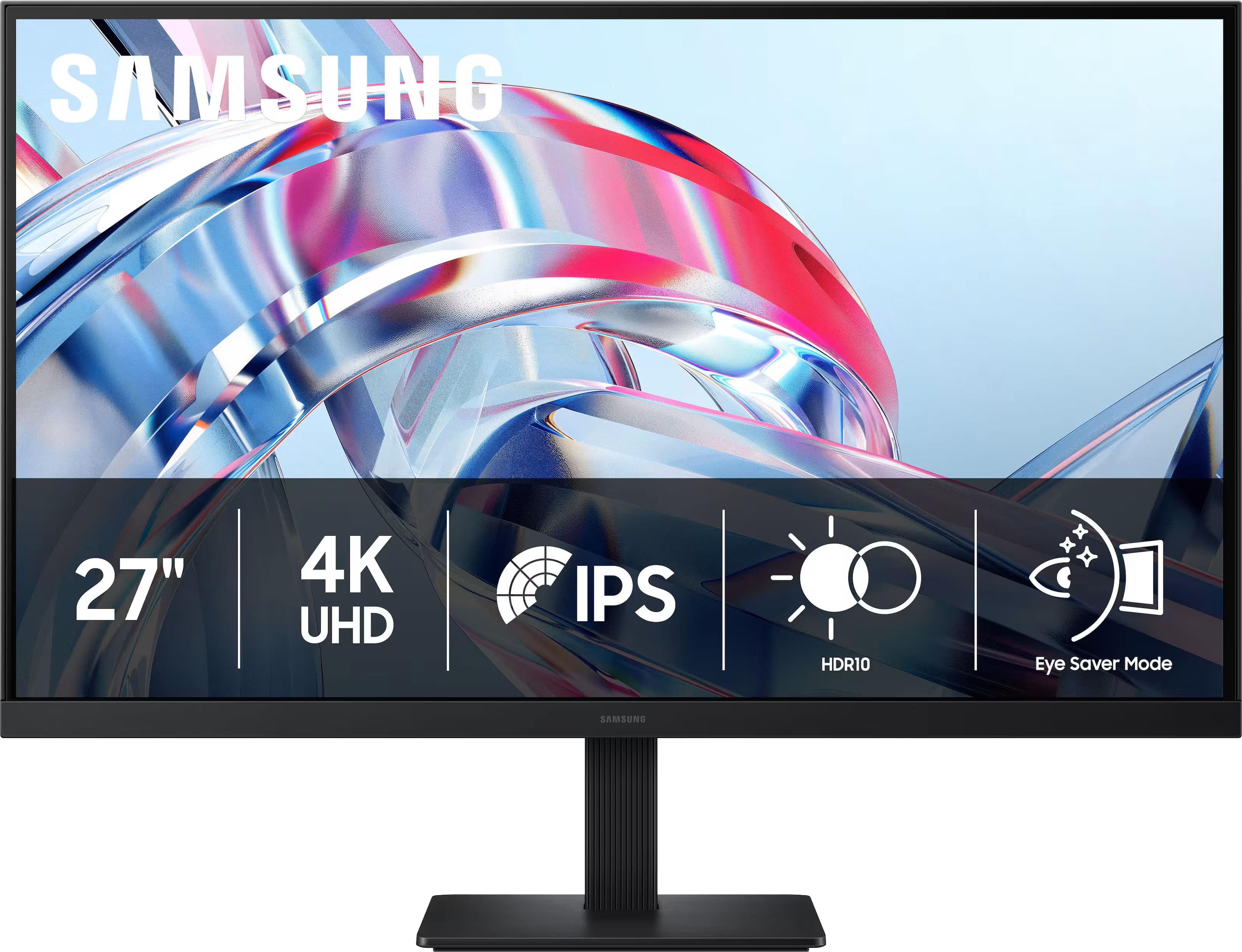
Samsung - 27" (S70H) IPS LED 4K UHD HDR10 High Resolution Monitor (HDMI, DP) - Black
SKU: JJGRF3HKXZGreat fetrtrse...Sharpness is aswome no flicker coloraccuracy dead on the best contrast last I've seen in a long time...All hail da best buy
See all All MonitorsProduct Description
A black IPS LED monitor offering 4K UHD resolution, HDR10 support, and wide 178° viewing angles.Your price for this item is $219.99Save $80The previous price was $299.99 -
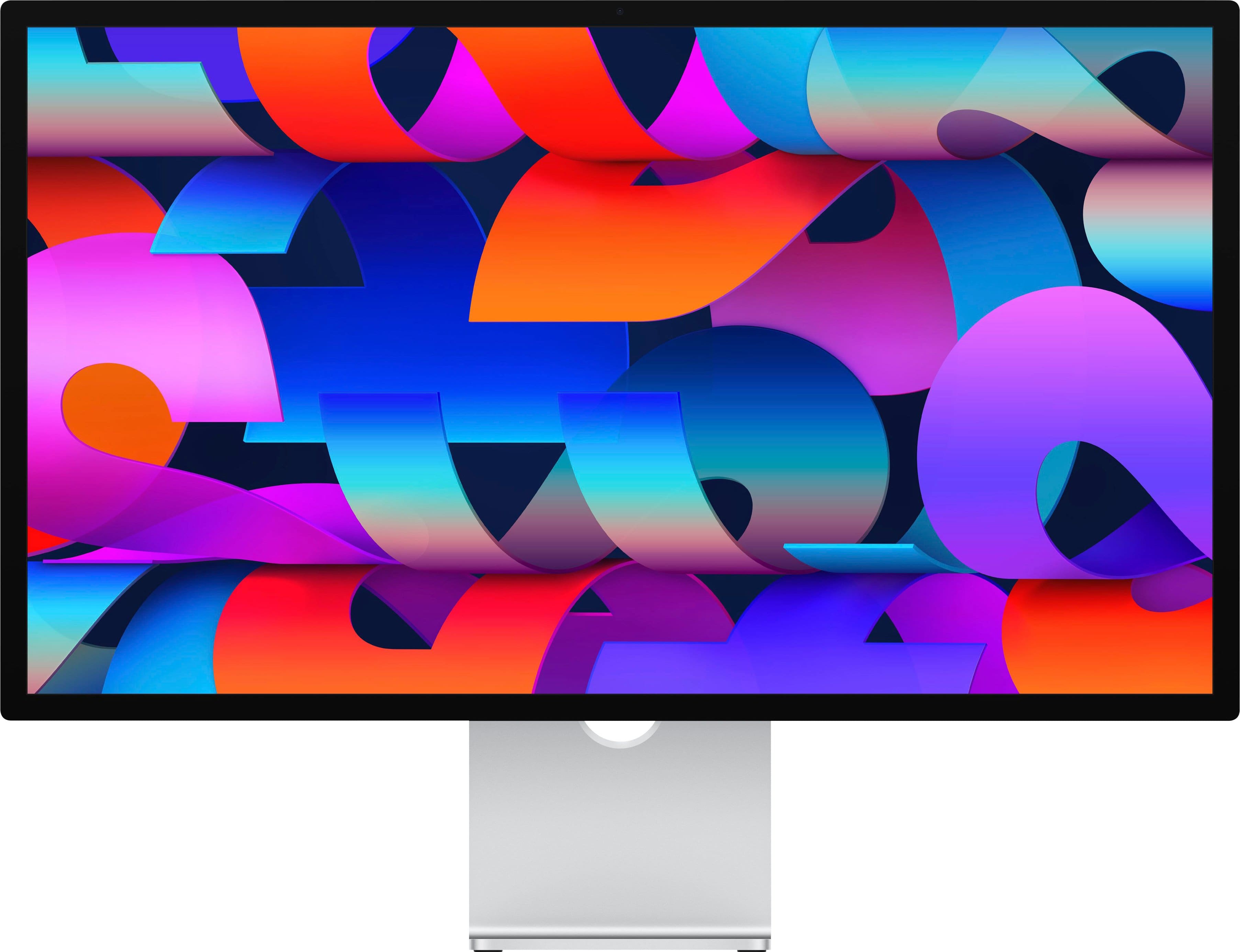
Apple - Studio Display - Standard glass - Tilt-adjustable stand - Silver
SKU: JJGCQLL4HFBest Monitor...And it looks great on the desk....Best screen by far. I read reviews and product is aligned with all online feedback
See all All MonitorsProduct Description
A silver 27-inch 5K Retina display featuring a 12MP webcam, advanced speakers, and Thunderbolt connectivity.Your price for this item is $1,599.99


Best Sellers

Related Pages


FAQ
Depending on your Mac and monitor, you can connect through USB-C, Thunderbolt, HDMI, or DisplayPort with a compatible adapter. For USB-C video, both the Mac port and monitor connection must support video output and input, respectively. Check the cable or adapter specifications for support of your intended 4K refresh rate.
Yes, a USB-C or Thunderbolt monitor with USB Power Delivery can carry video and charge a compatible MacBook through one cable. Charging capability depends on the monitor’s power output, the cable’s power rating, and the MacBook’s power requirements. Not every USB-C monitor provides laptop charging.
Open System Settings, then select Displays to view options for each connected monitor. Depending on the hardware, you can adjust resolution scaling, refresh rate, color profile, rotation, and HDR. You can also arrange your displays and choose whether to mirror or extend your Mac desktop.
Check your Mac’s technical specifications for its supported number of external displays and permitted resolution and refresh-rate combinations. Support varies by Mac model, chip, and connection method. A dock does not automatically increase native display support, and macOS generally does not support DisplayPort MST daisy-chaining for separate extended desktops.
Depending on the monitor, color features may include sRGB or P3 gamut coverage, selectable color modes, HDR support, and hardware calibration. macOS also supports display color profiles, including compatible profiles supplied by monitor manufacturers. Check individual specifications because 4K resolution alone does not indicate color gamut or calibration capabilities.