LG - 27" IPS UHD 60Hz 5ms Smart Monitor with HDR10 (HDMI, USB-C) - White
Customers are saying
Customers have good things to say about the overall performance, particularly highlighting the high display quality. Users also appreciate the clean, aesthetic design, the ideal size for gaming, and the impressive refresh rate. However, some users have expressed frustration regarding the monitor's connectivity, noting that it can be difficult to use as a dedicated display.
Highlights
Seamless Flexibility for Work and Play
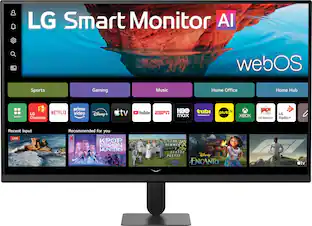
Experience powerful flexibility with the LG Smart Monitor with webOS. A 27" 4K UHD screen, LG Smart Monitor reimagines how you work, watch, and play with builit-in seamless access to your favorite streaming and cloud gaming apps.
Vivid Color with 4K UHD Resolution
See the quick response and versatility of an IPS Display. With 4K UHD (3840 x 2160) resolution, LG's Smart Monitor IPS display features vibrant color and clarity at wide angles. Work through your projects with ease and efficiency.
Seamless Channel Surfing with webOS
With LG's webOS, enjoy easy access to streaming apps like Netflix, Prime Video, Disney+, YouTube, Apple TV, and 300+ free LG Channels.¹ Get personalized recommendations, explore apps like Sports, Game, and LG Fitness, and easily control everything with a remote or touch.
Home Office without a PC
webOS enables you to remotely access your PC and Cloud PC via Remote PC. This functionality lets you utilize various home office services, including video conferencing and cloud-based applications, all without a PC.²
Brightness Control
Brightness Control detects light sources in your space and automatically adjusts the screen brightness for crisp and clear visuals, whether it's day or night.
AI tools in webOS: Dynamic Tone Mapping
Experience enhanced visuals in webOS with AI tools. Dynamic Tone Mapping adjusts brightness and contrast for optimal detail, so movies and games look amazing on screen.
A Gorgeous Desktop Centerpiece
Smart on the inside and smart looking on the outside with a 3-side, virtually frameless design with a sleek profile and flat stand that looks great on virtually any desktop. The screen’s tilt adjustment allows for viewing the screen the way you like it.
Put More Ports to Work
With a USB-C port easily connect, charge, transfer data, and deliver power (up to 65W) through a single cable, providing seamless support for your laptop and other devices simultaneously. There are also two HDMI and two USB ports for even more connection versatility.
Mirror Your Devices: AirPlay 2 + Screen Share + Bluetooth
Effortlessly share content from your smart device to our monitor with AirPlay 2 (for Apple devices), Screen Share (for Android devices). Connect instantly and enjoy a seamless viewing and audio experience on a larger screen with just a few taps.³
Customize Your Screen View with the Switch App
The Switch app⁴ transforms your screen into a multitasking hub for work, gaming, and streaming. Effortlessly split the screen into up to 6 sections, customize display layouts, or launch video calls with a single hotkey. Navigate smart features with ease and switch seamlessly between your PC and the built-in webOS streaming platform, all with intuitive shortcuts.
Quick Control
Discover the convenience of Quick Control on the LG Smart Monitor, which provides easy access to menus through simple actions with a keyboard and mouse. It also enables seamless switching between PC and webOS using keyboard shortcuts.
Versatile Connectivity
With a USB Type-C, two HDMI (2.0) and two USB ports connect with confidence knowing your devices will be compatible with this display.
- Refresh Rate60HzMaximum Resolution3840 x 2160Response Time5 millisecondsPanel TypeIPSSynchronization TechnologyNot Applicable, Not Applicable
Reviews
Rating 4.6 out of 5 stars with 100 reviews
- Overall Performance (33)
- Design (5)
- Refresh Rate (3)
- Size (3)
- Connectivity (5)
Customer Images
The vast majority of our reviews come from verified purchases. Reviews from customers may include My Best Buy members, employees, and Tech Insider Network members (as tagged). Select reviewers may receive discounted products, promotional considerations or entries into drawings for honest, helpful reviews.

Compare similar products

Smart Display. Serious Performance. Seamless Entertainment. Upgrade your desktop with the 27-inch LG UHD 4K Smart Monitor. The UHD (3840 x 2160) IPS display with up to 90% DCI-P3 color coverage and HDR support brings sharp detail and brilliant color to everything from spreadsheets to content streaming, video calls and cloud gaming. With built-in webOS24 and a dedicated remote, you get easy, instant access to your favorite streaming platforms like Netflix, Prime Video, Disney+, and more—plus 300+ free LG Channels. Game directly in the cloud with NVIDIA GeForce NOW, Amazon Luna, or Blacknut¹—no console or PC required. Need to get stuff done? The Switch app makes multitasking easy. Divide the screen into up to six sections, customize layouts, or launch video calls with a hotkey—all while switching effortlessly between your PC and the built-in smart features². Built-in stereo speakers deliver bold, immersive sound. The ergonomic stand tilt adjusts to your ideal viewing angle, while USB Type-C with 65W power delivery, two HDMI ports, and two USB inputs make it easy to connect everything you need. Whether you're working, creating, or kicking back—this monitor does it all.
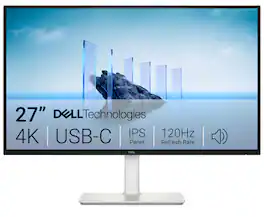
Dell 27 Plus 4K USB-C Monitor - S2725QC. Whether you're watching movies or playing games, enjoy an immersive viewing experience with improved eye comfort on a 4-star certified monitor*.
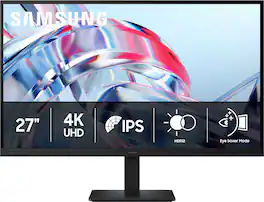
Samsung’s 27" ViewFinity S7 (S70H) High Resolution Monitor delivers visual excellence and exceptional productivity. 4K UHD (3840x2160) resolution with high pixel density reveals greater levels of detail for a more streamlined experience. HDR10 optimizes contrast, offering a gamut of more than 1 billion accurate colors with darker blacks and brighter highlights for engaging content. The distinctive 178° wide viewing angle delivers consistent brightness across the screen, providing clear and precise visuals, allowing a variety of viewing positions. Features HDMI and DP ports for multiple connectivity of peripherals for a convenient interface that ensures a seamless workflow. Eye comfort technology certified by TÜV includes Eye Saver Mode which reduces eye strain by minimizing blue light and prevents screen flickering to stay comfortable even during long sessions. Samsung Display Manager enables easy access to split screen setup, brightness adjustment, KVM, PIP/PBP and precise calibration.
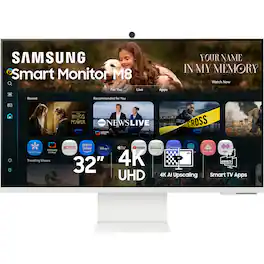
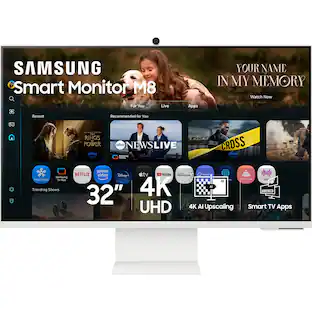
Samsung’s 32" M8 Smart Monitor, with the NQM AI Processor and featuring 4K UHD resolution, delivers an AI-powered experience. Smart TV Apps provide instant access to your favorite content. The processor upscales lower-resolution content to 4K, while the AI Picture Optimizer adapts visuals for optimal quality whether you're working, gaming, or watching videos. Knox Security protects your data and enhances the safety of your IoT connections through tightly controlled access. Click-to-Search provides instant content details. Gaming Hub gives access to the biggest games from top streaming partners with no PC or console required. Active Voice Amplifier Pro uses advanced audio processing to ensure dialogue comes through clearly. SmartThings enables control of connected devices, turning your monitor into a central IoT hub. The SlimFit Camera attaches to the monitor and provides clear picture quality. The ergonomically designed stand supports comfortable viewing with height adjustment, tilt, and pivot capabilities. Multiple ports, including USB-C, HDMI, and USB-A, make connectivity simple.
| Pros for LG - 27" IPS UHD 60Hz 5ms Smart Monitor with HDR10 (HDMI, USB-C) - White | |||
|---|---|---|---|
| Design, Refresh Rate, Overall Performance, Size | Refresh Rate, Image Quality, Connectivity, Port Count, Adjustability | Display Quality | Display Quality, Design, Ease of Setup |
| Cons for LG - 27" IPS UHD 60Hz 5ms Smart Monitor with HDR10 (HDMI, USB-C) - White | |||
| Connectivity | Volume Control | There were no cons for this product— | There were no cons for this product— |
Specs
How to get this monitor to *not* turn on when I use the LG-remote for another LG-TV in the same room?
Answered by LG Digital Customer CareHello there, Wollern. Thank you for your inquiry about the 27U731SA-W.AUS monitor. We understand your question about preventing the monitor from turning on when you use the remote for a different LG TV. This situation can occur because many LG products use similar infrared (IR) codes for basic functions like power on/off. To prevent this, you can try changing the power synchronization settings on the monitor. In the monitor's settings menu, look for an option that controls its behavior when a signal is received from an external device, such as TV power sync. If you cannot find the setting, please send us a private message on Social Media @LGUSSupport and our team will be more than happy to explore possible solutions. https://www.bestbuy.com/site/lg-27-ips-uhd-60hz-5ms-smart-monitor-with-hdr10-hdmi-usb-c-white/6619496.p?skuId=6619496 We appreciate your patience. —Renzo
What is the magnet on the back of the panel (center, top) for?
Answered by LG Digital Customer CareThe magnet you are referring to on the LG 27-inch 4K UHD IPS Smart Monitor with webOS and USB Type-C, Model # 27U731SA-W, is for an optional webcam which has to be purchased separately. The compatible LG webcam, Model # CAM23PW, mentioned in the owner's manual can be purchased from LG. You can contact our Support on social media using our handle @LGUSSUPPORT for assistance with where to purchase the webcam...^Ivan.

Does this monitor have a built in camera
Answered by LG Digital Customer CareThe LG 27-inch 4K UHD 60 Hz 5 ms IPS Smart Monitor with webOS and USB Type-C, Model # 27U731SA-W, does not have a built-in webcam. The webcam is an optional feature and is not supplied as an accessory. You can contact our Support Center on social media using our handle @LGUSSUPPORT about where you can order the LG Webcam, Model # CAM23PW...^Ivan.
Is this monitor HDR compatible?
Yes, this monitor supports HDR10.
This question and answer was generated by AI based on customer and product data.Does this monitor have built-in speakers?
Yes, this monitor has built-in stereo speakers.
This question and answer was generated by AI based on customer and product data.

Customers often buy these together
Computer Keyboards

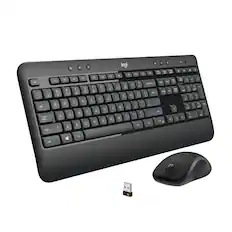
Logitech - MK270 Full-size Wireless Membrane Keyboard and Mouse Bundle for PC - Black
$26.99The price was $29.99


![F1, esc, !, -, 1, tab, caps lock, shift, F2, @, 2, Q, A, F3, Q, #, 3, W, S, Z, F4, $4, E, D, X, F5, %, 5, R, F, C, F6, 44, A, 6, T, G, V, F7, HI &, 7, Y, H, logi, F8, FO, 4, *, (, 8, 9, U, I, J, K, M, N, FI0, 0, O, L, <, -, alt, page up, page down, end, down, delete, home, 1, P, [, ] 5, 5, 4, ., -, enter, :, 1, 3, enter, I, 2, 1, Pg up, [, ] 5, 5, 4, ., -, enter, ?, >, /, 0, del, a, 4, ins, e, ctrl, *, fn, ctrl, fn, alt, logi.](https://pisces.bbystatic.com/image2/BestBuy_US/images/products/6536/6536551_sd.jpg;maxHeight=232;maxWidth=233?format=webp)
![Sure, here is the corrected and grouped text:
```
ESC F1 F2 F3 F4 F5 F6 F7 F8 F9 F10 F11 F12 1 2 3 logitech - - 1 2 # $ 4 % 5 6 & 7 8 9 0 - - back insert home page up num lock clear / . tab Q W E R T Y U I O P { [ } ] / delete end page down 7 home 8 A 9 P9 up + caps lock A S D F G H J K L : ; a enter 4 5 6 shift Z X C V B N M < > ? shift 1 end 2 3 pg dn enter ctrl fn start alt opt alt crnd x alt cmd x fn ctrl alt opt 0 ins del 1 logitech
```](https://pisces.bbystatic.com/image2/BestBuy_US/images/products/5761/5761911_sd.jpg;maxHeight=232;maxWidth=233?format=webp)
![esc ! - 1 tab caps lock shift ctrl F2 F3 # 2 3 Q W E R T Y U I O P A S D F G H J K L Z X C V B N M start opt alt cmd logi 44 HI . F10 F8 F7 F6 * ( ) - - & 0 8 9 7 O P U I Y K L H J > < N M B F + = { [ : I : ? I alt cmd 2 30 3 1 FQ page insert home up backspace page 1 delete end down ) ] / I I & shift ctrl fn opt 6 / + / clear 8 9 + 7 & P9 up home 5 6 4 a 4 2 3 enter 1 dn pg end = 0 del ins](https://pisces.bbystatic.com/image2/BestBuy_US/images/products/6539/6539508_sd.jpg;maxHeight=232;maxWidth=233?format=webp)
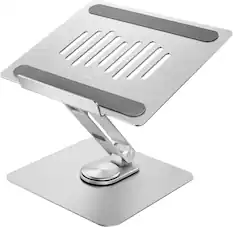
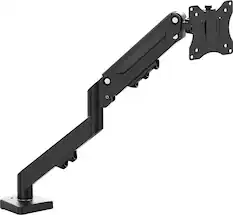
Monitor Stands

More recommended items
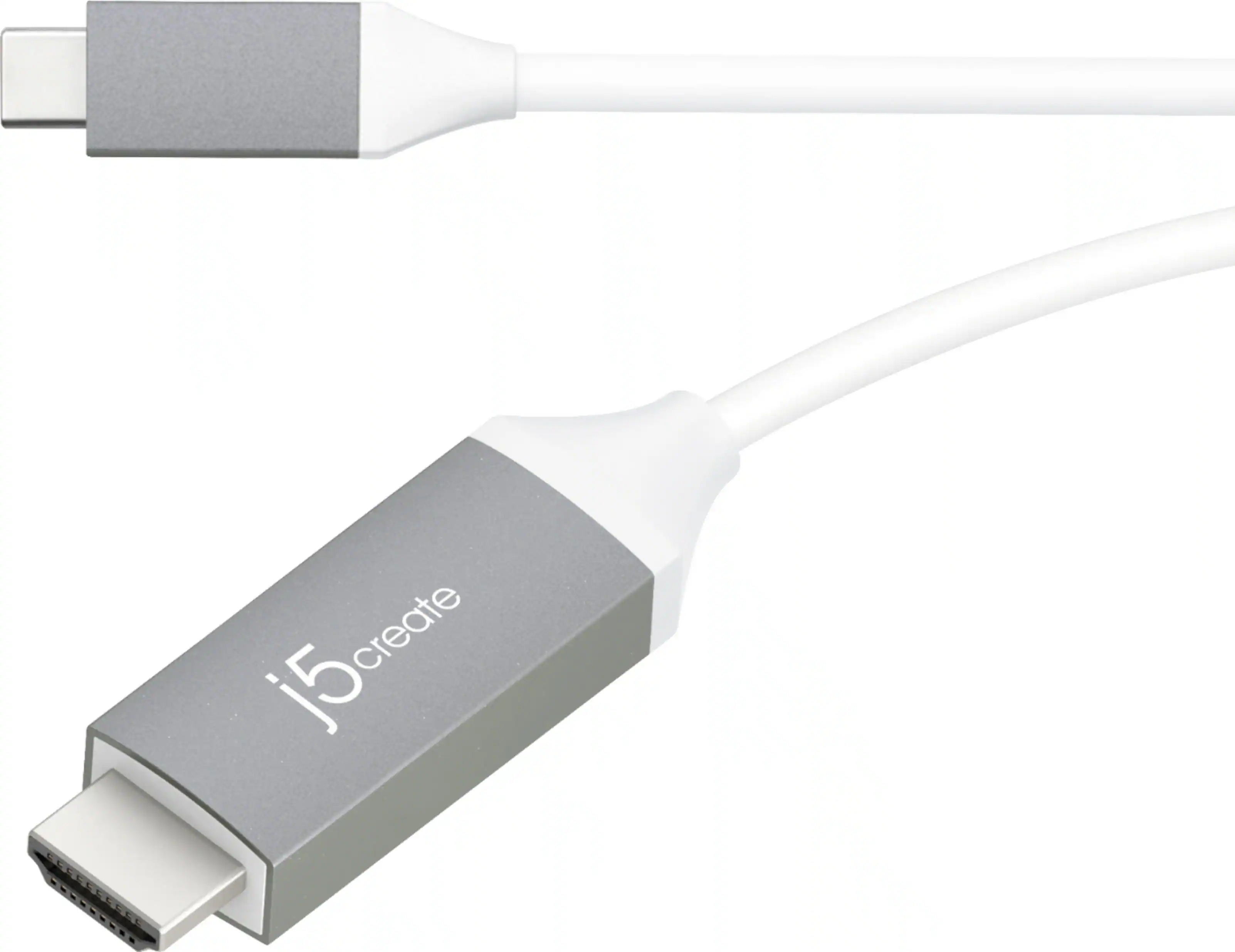 Monitor and Video Cables
 Laptop Docking Stations
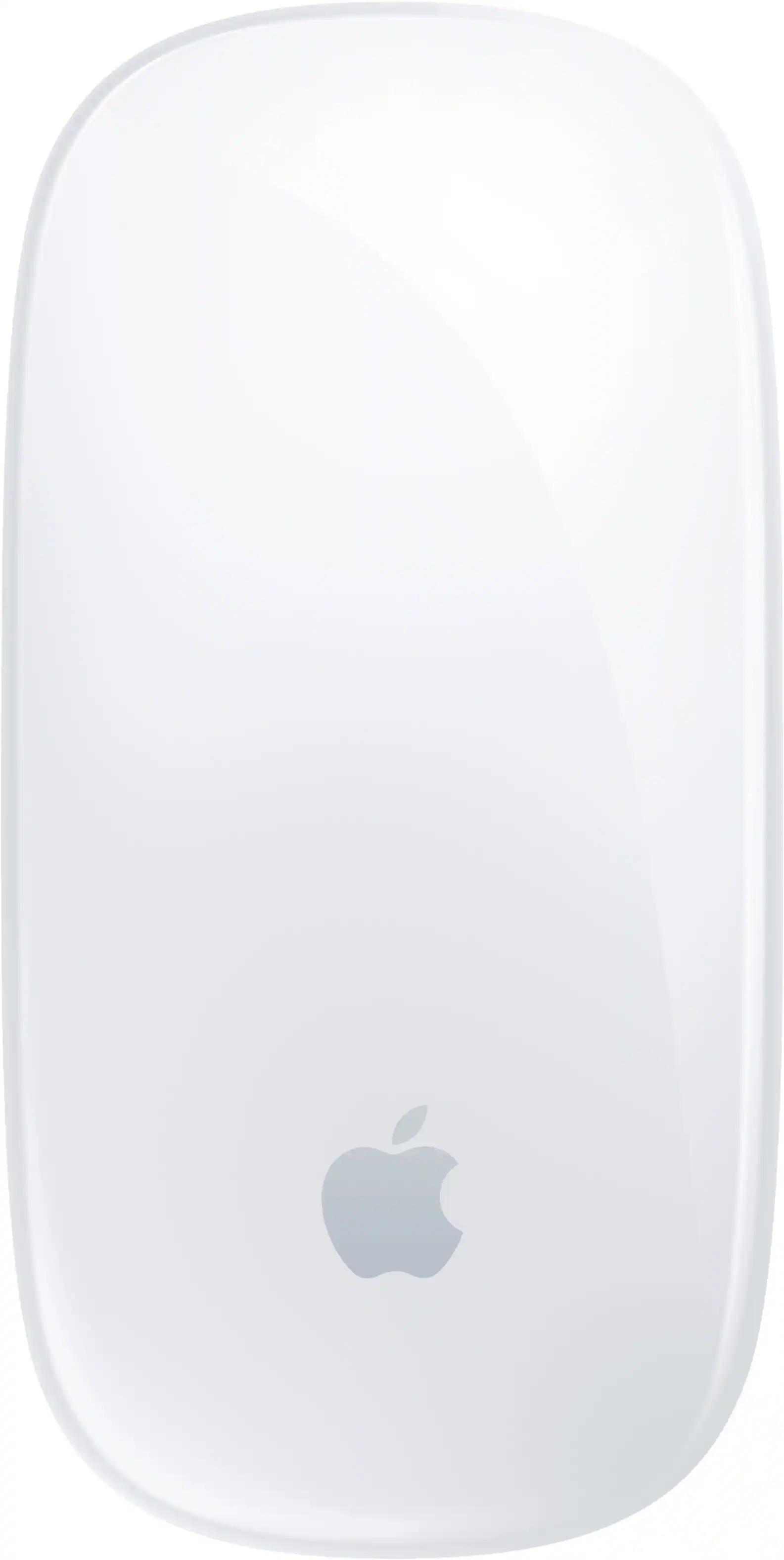 Mice
Mice Web Cameras
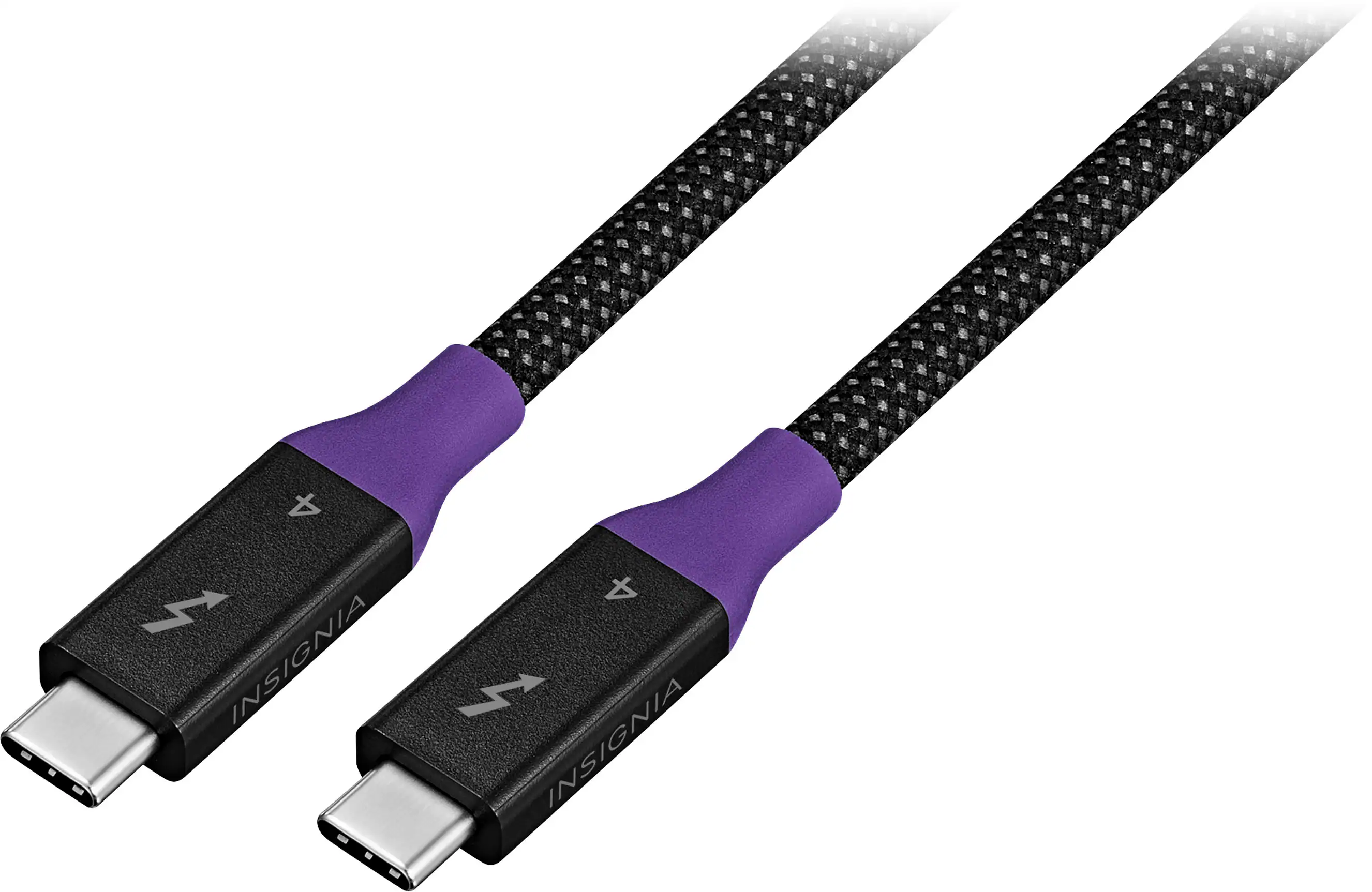 Cables and Adapters
 Mouse Pads
Customers ultimately bought
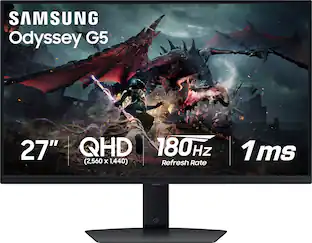 Clearance$209.99The price was $349.99
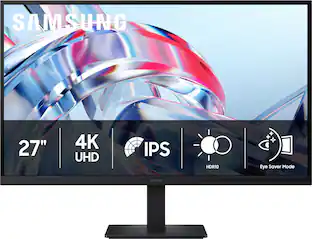 $199.99The price was $299.99
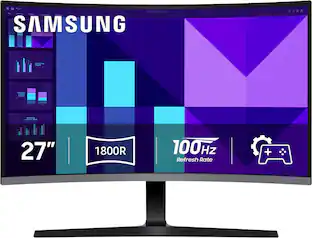 Top Deal$139.99The price was $199.99


Explore tech essentials Sponsored
- $199.99The price was $299.99


Discover related products
 $12.99The price was $13.99







Keep exploring
 $755.99The price was $971.99
 $189.99The price was $221.49
 $899.00The price was $934.64
 $299.99The price was $309.99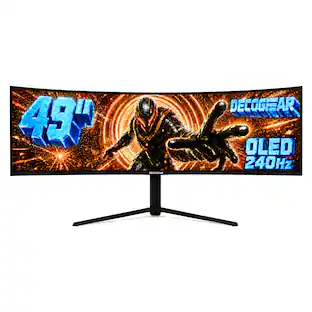
Deco Gear - 49" QD-OLED 240Hz Curved Super Ultrawide Gaming Monitor 5K DQHD 0.03 ms HDR400 90W USB-C
$769.99The price was $1,539.99 $1,499.99The price was $2,101.91