Thunderbolt 4 Monitors For Mac
-
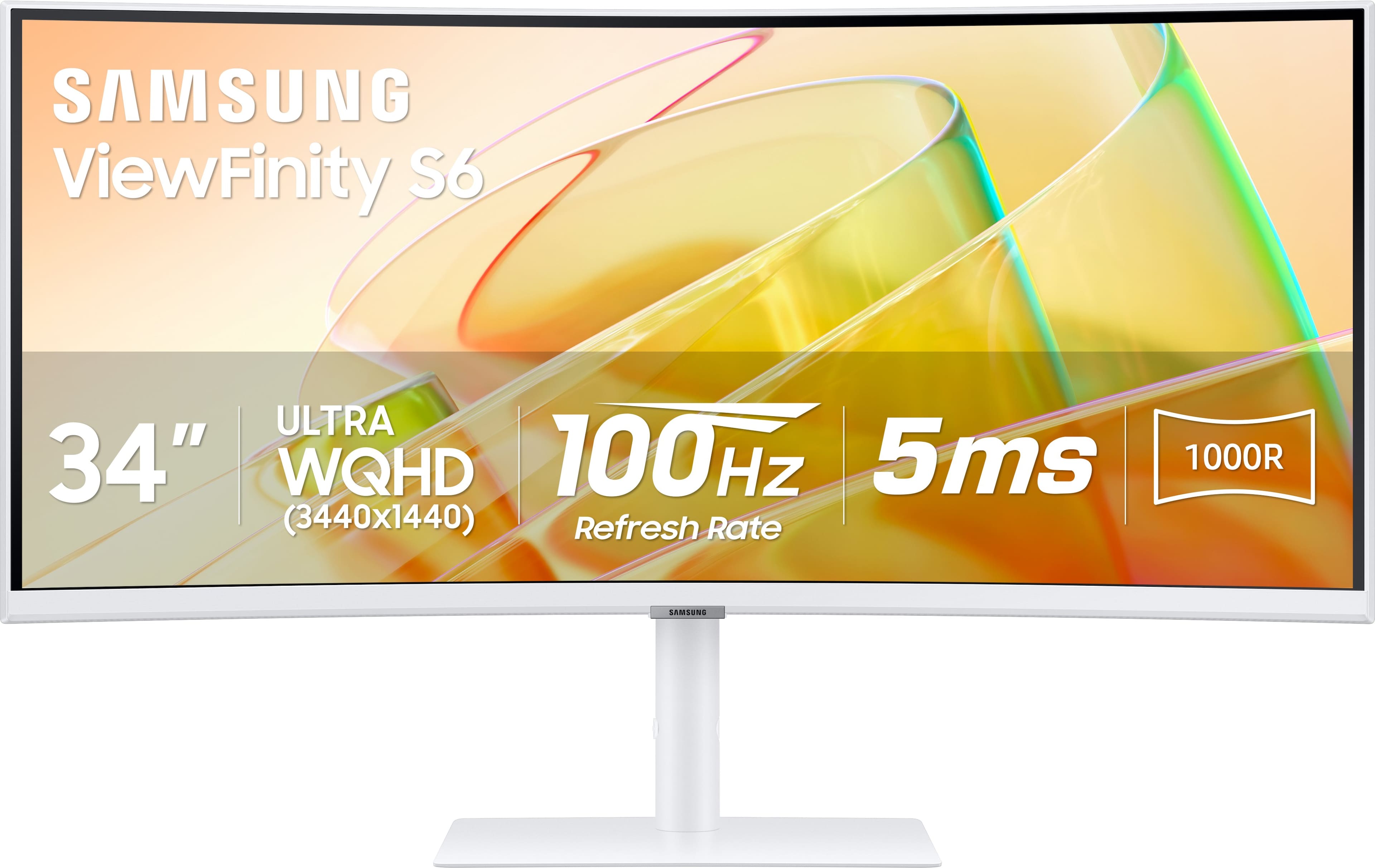
Samsung - 34" ViewFinity S65TC Ultra-WQHD 100Hz AMD FreeSync HDR10 Curved Monitor with Thunderbolt 4 and Built-in Speakers - WARM WHITE
SKU: J3ZYG2RHGGI love samsung...Best screen I've ever seen! This is the best money I've ever spent!...Great Product!...Great product. Very happy with Best Buy and their timely shipment and product care.
See all All MonitorsProduct Description
A warm white curved ultrawide monitor with 100Hz refresh rate, HDR10, AMD FreeSync, and Thunderbolt 4 connectivity.Your price for this item is $449.99Save $350The previous price was $799.99 -
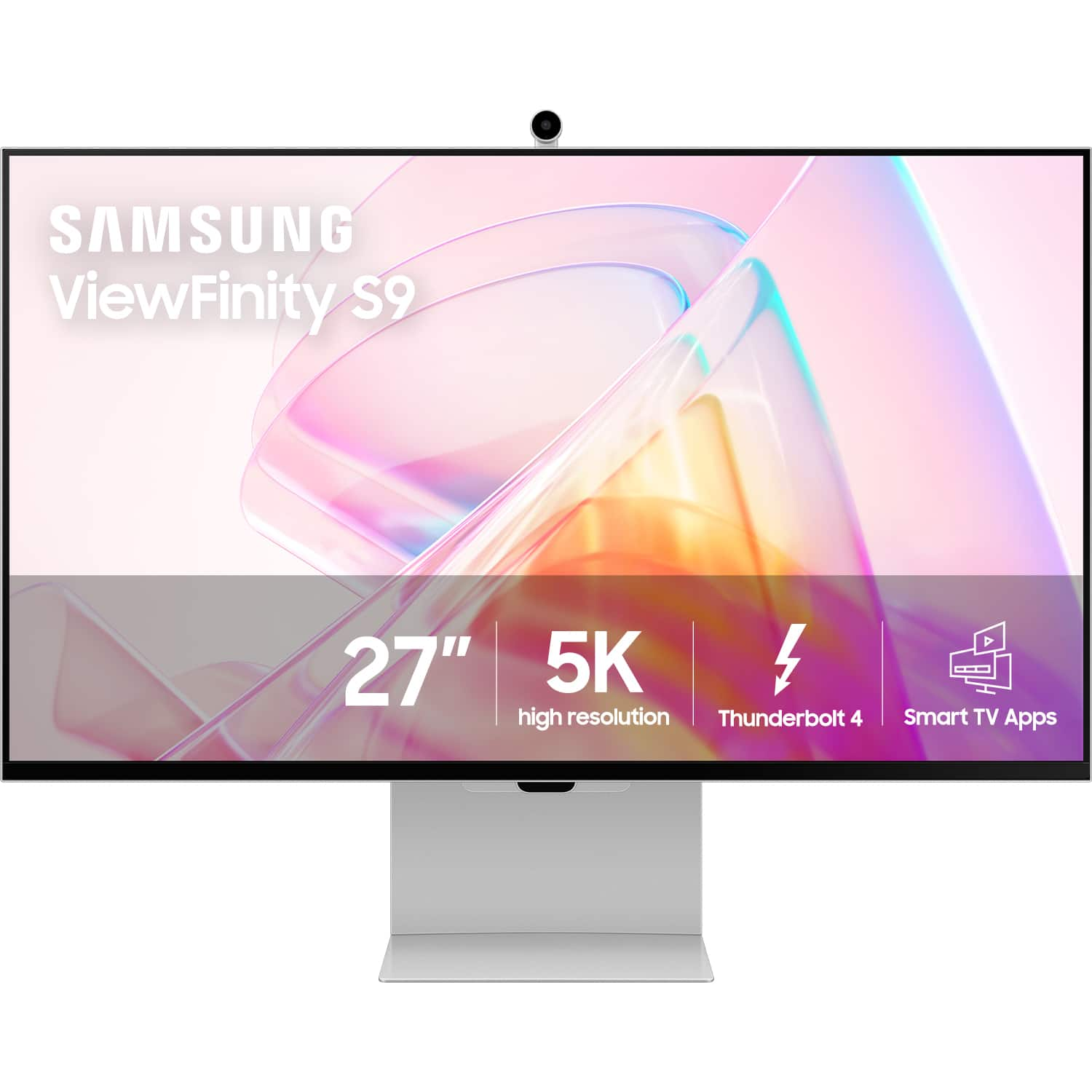
Samsung - 27" ViewFinity S9 5K IPS Smart Monitor with Matte Display, Thunderbolt 4 and SlimFit Camera - Silver
SKU: J3ZYG29QVV[This review was collected as part of a promotion.] love the colors of my screen very natural and real...This is a great looking monitor, but it loses signal for no reason....I called Samsung and Best...
See all All MonitorsProduct Description
A silver IPS smart monitor with 5K resolution, matte display, Thunderbolt 4, and modular 4K camera.Your price for this item is $1,599.99 -
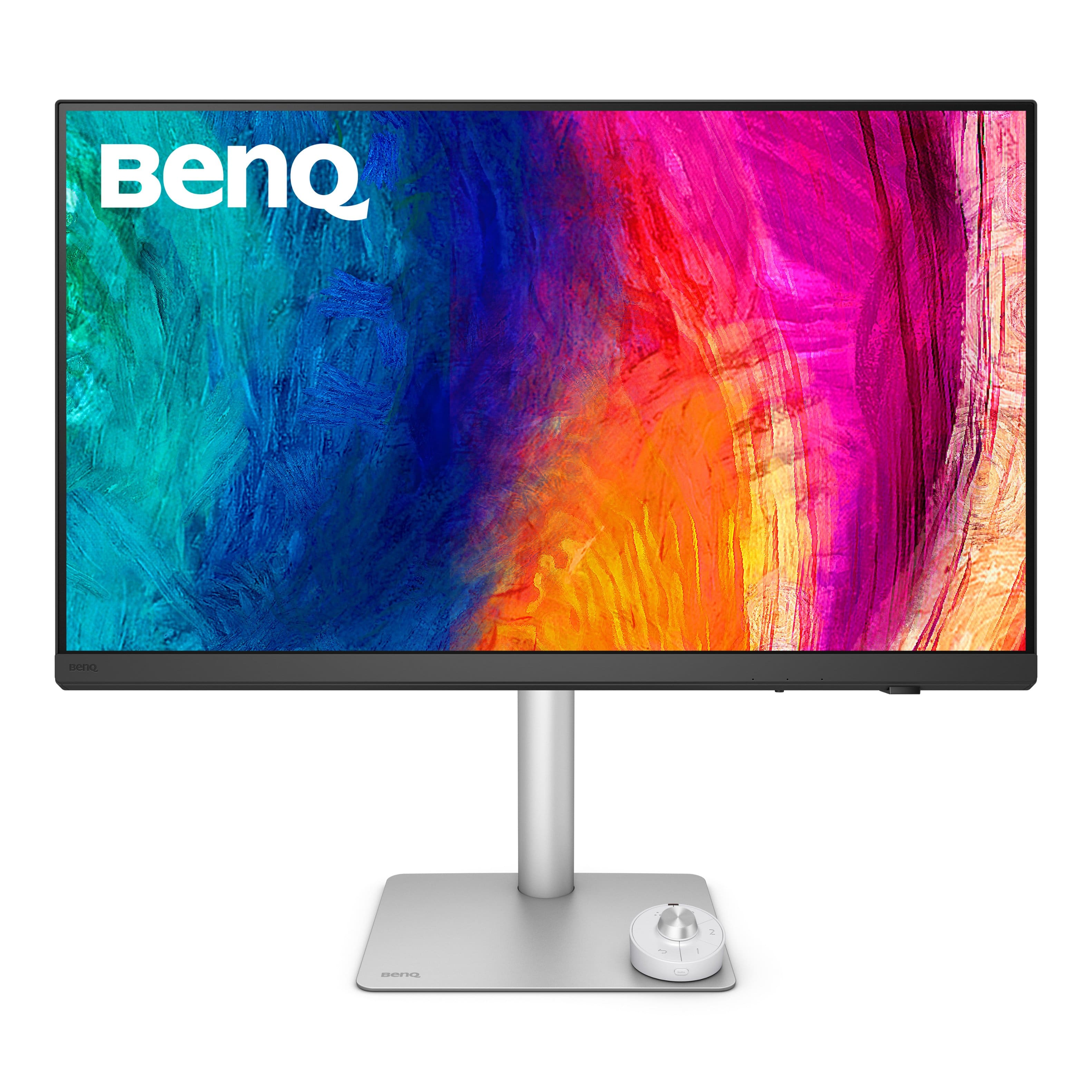
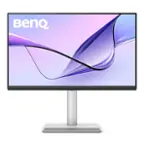
BenQ - PD3226G 31.5" IPS LED 4K 144Hz Mac Compatibile Monitor (HDMI/DP/Thunderbolt 4 90W) - White
SKU: J39QZT58XJgreat monitor...I love it and I highly recommend it. I use it for my photo editing mostly.
See all All MonitorsProduct Description
A white IPS LED monitor offering 4K UHD resolution, 144Hz refresh rate, and Thunderbolt 4 connectivity.Your price for this item is $899.99Save $100The previous price was $999.99 -
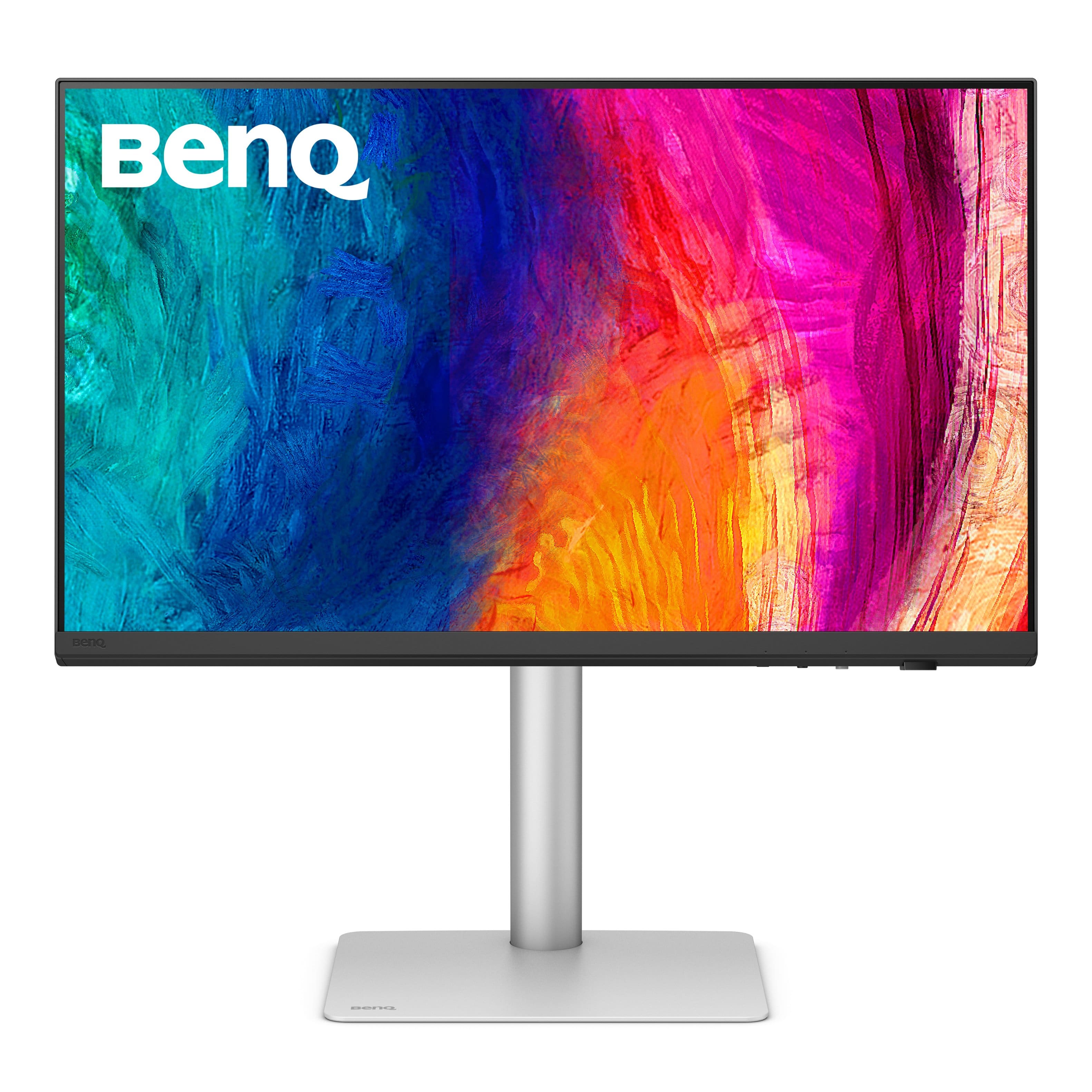
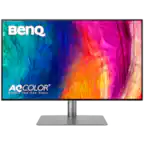
BenQ - PD2730S 27" IPS LED 5K Mac Compatible Monitor (HDMI/Thunderbolt 4 90W/DP) - White
SKU: J39QZT58RWSee all All MonitorsProduct Description
A white IPS LED monitor featuring a 5K resolution, 98% P3 color, and Thunderbolt 4 connectivity.Your price for this item is $1,099.99 -
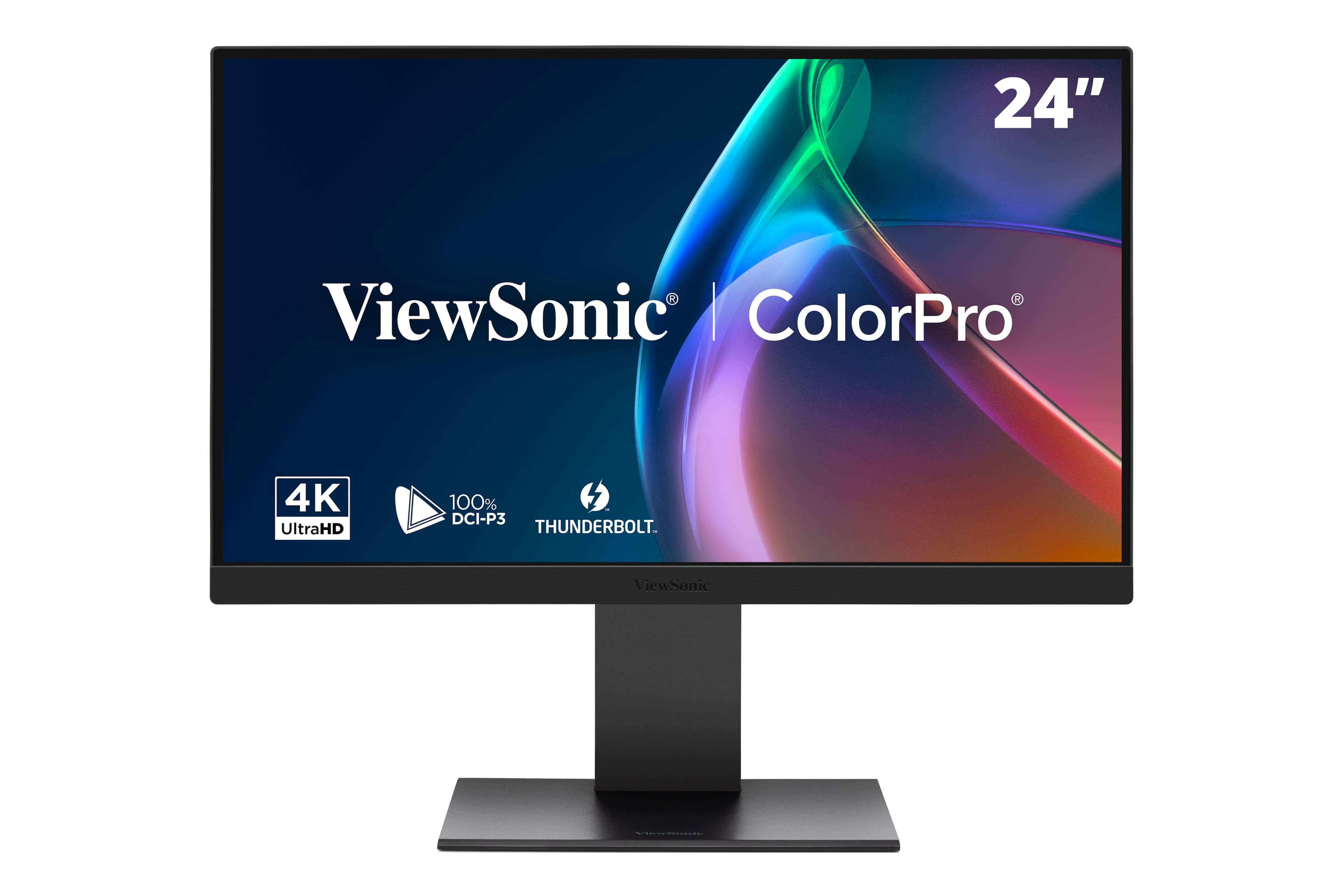
ViewSonic - VP2488-4K 24" 4K Mac-Ready Monitor with 100%sRGB, 98% DCI-P3, Pantone Validated (Thunderbolt 4, USB, HDMI, DP) - Multi
SKU: J37H8G7JHHSee all All MonitorsProduct Description
A black 24-inch 4K LED monitor with 100% sRGB, Thunderbolt 4, and advanced ergonomic adjustments.Your price for this item is $549.99Save $81The previous price was $631.56 -
ViewSonic - VP2788-5K 27 IPS 5K UHD Mac- Ready Monitor (Thunderbolt4,USB HUB, HDMI, DP) - Black
SKU: J37H88V533See all All MonitorsProduct Description
A sleek black 27" IPS monitor with 5K UHD resolution, Thunderbolt 4 connectivity, and ergonomic stand.Your price for this item is $962.19 -
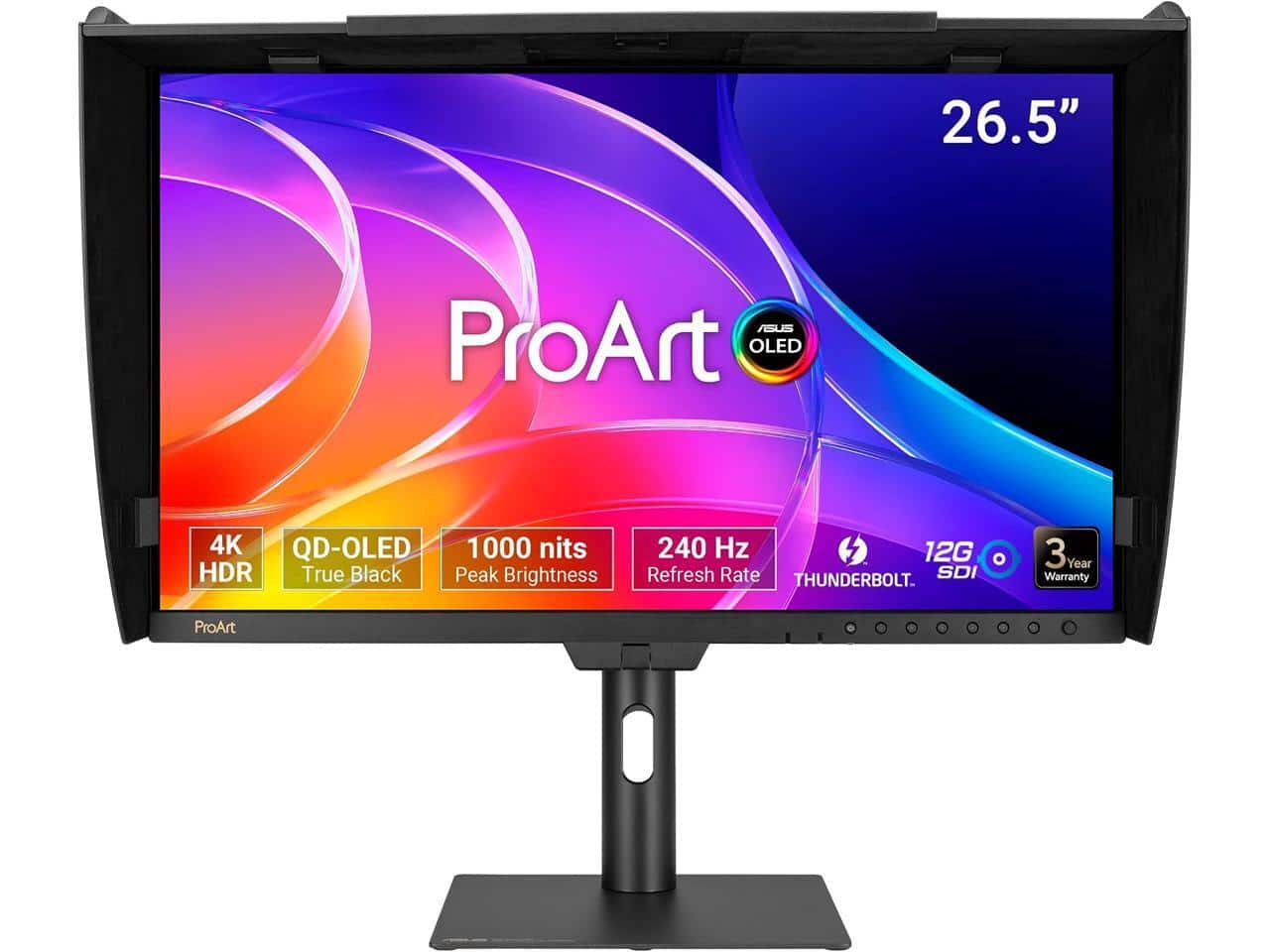
ASUS - ProArt PA27USD 27" 4K QD OLED Monitor, 240Hz, 99% DCI-P3, Delta E<1, HDR, 12G SDI, Thunderbolt 4 - Black
SKU: JJGHGPKCKZSee all All MonitorsProduct Description
A black 4K QD OLED monitor with 240Hz refresh rate, HDR, Thunderbolt 4, and 99% DCI-P3.Your price for this item is $2,219.40 -
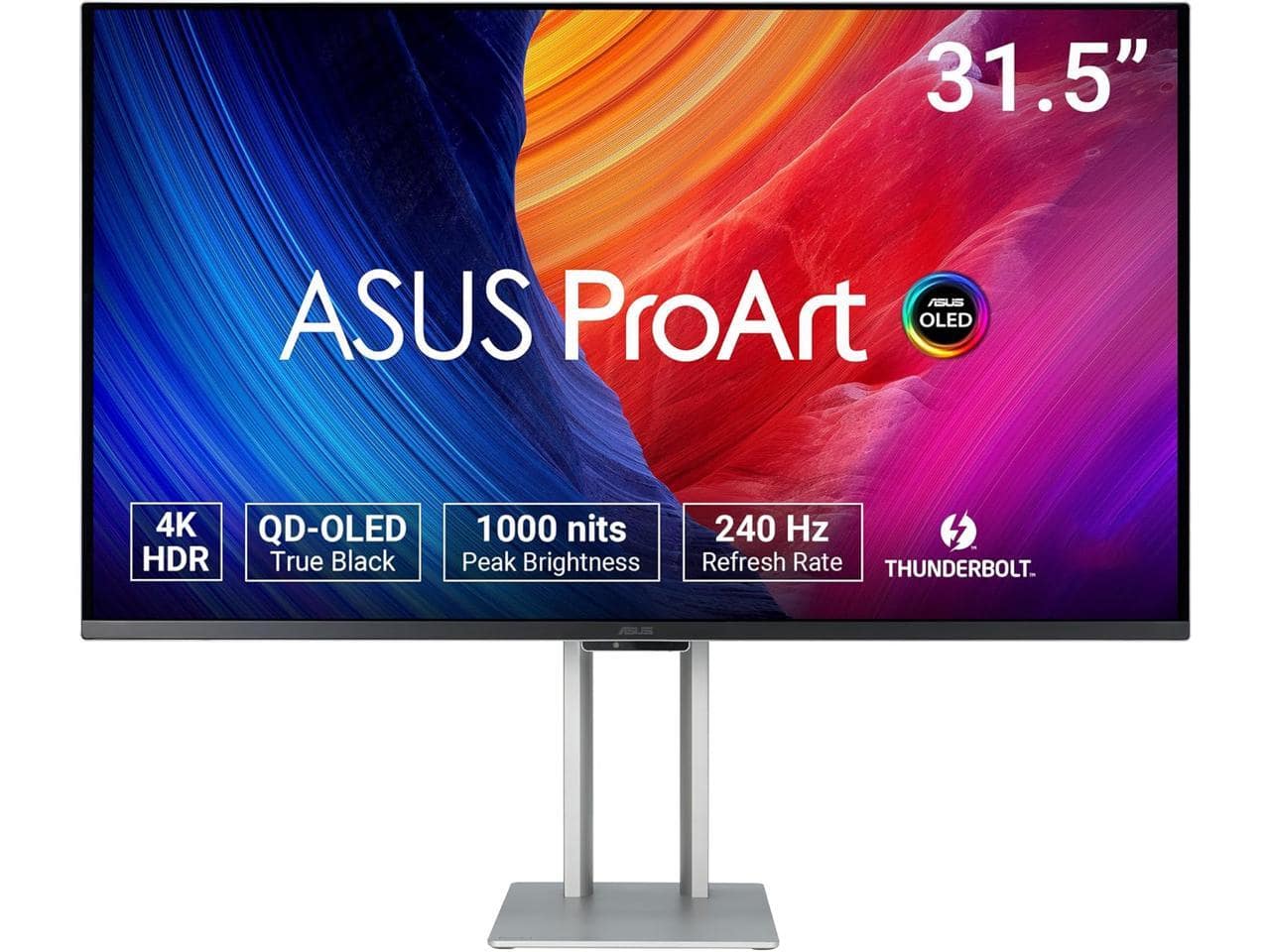
ASUS - ProArt PA32UCDM 32" 4K HDR QD-OLED Monitor - 240Hz, 0.1ms, Auto Calibration, Dolby Vision, 99% DCI-P3, Thunderbolt4
SKU: JJGGLQ8296See all All MonitorsProduct Description
A professional 32" 4K QD-OLED monitor with 240Hz refresh rate, Dolby Vision, and 99% DCI-P3 coverage.Your price for this item is $1,699.00Save $156The previous price was $1,855.28 -
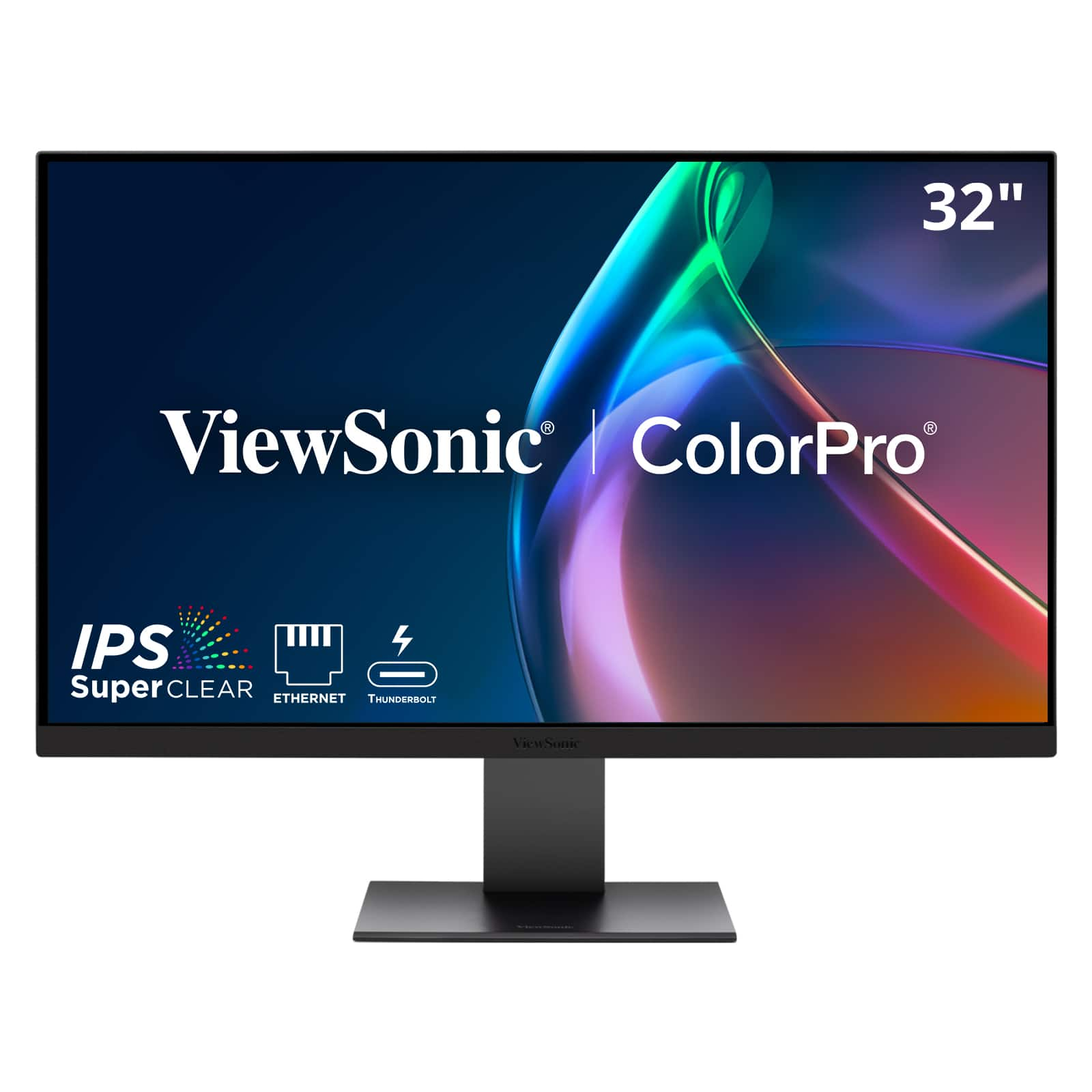
ViewSonic - VP3276T-4K 32" 4K IPS Docking Monitor with Thunderbolt 4, Advanced Ergonomics, 100% sRGB Rec 709, Pantone Vali - 95% DCI-P3
SKU: J37H88VKY5See all All MonitorsProduct Description
A 4K IPS docking monitor with Thunderbolt 4, 100W power delivery, HDR400, and 95% DCI-P3 coverage.Your price for this item is $799.99 -
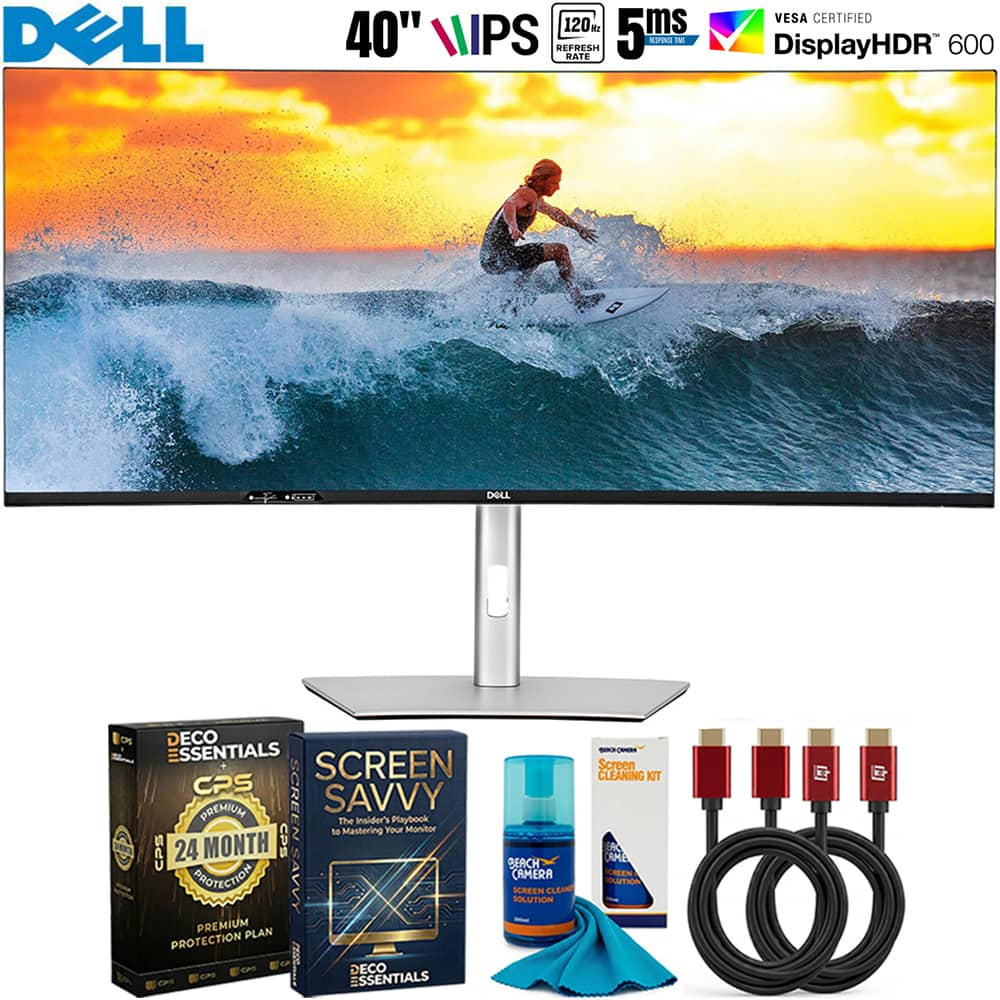
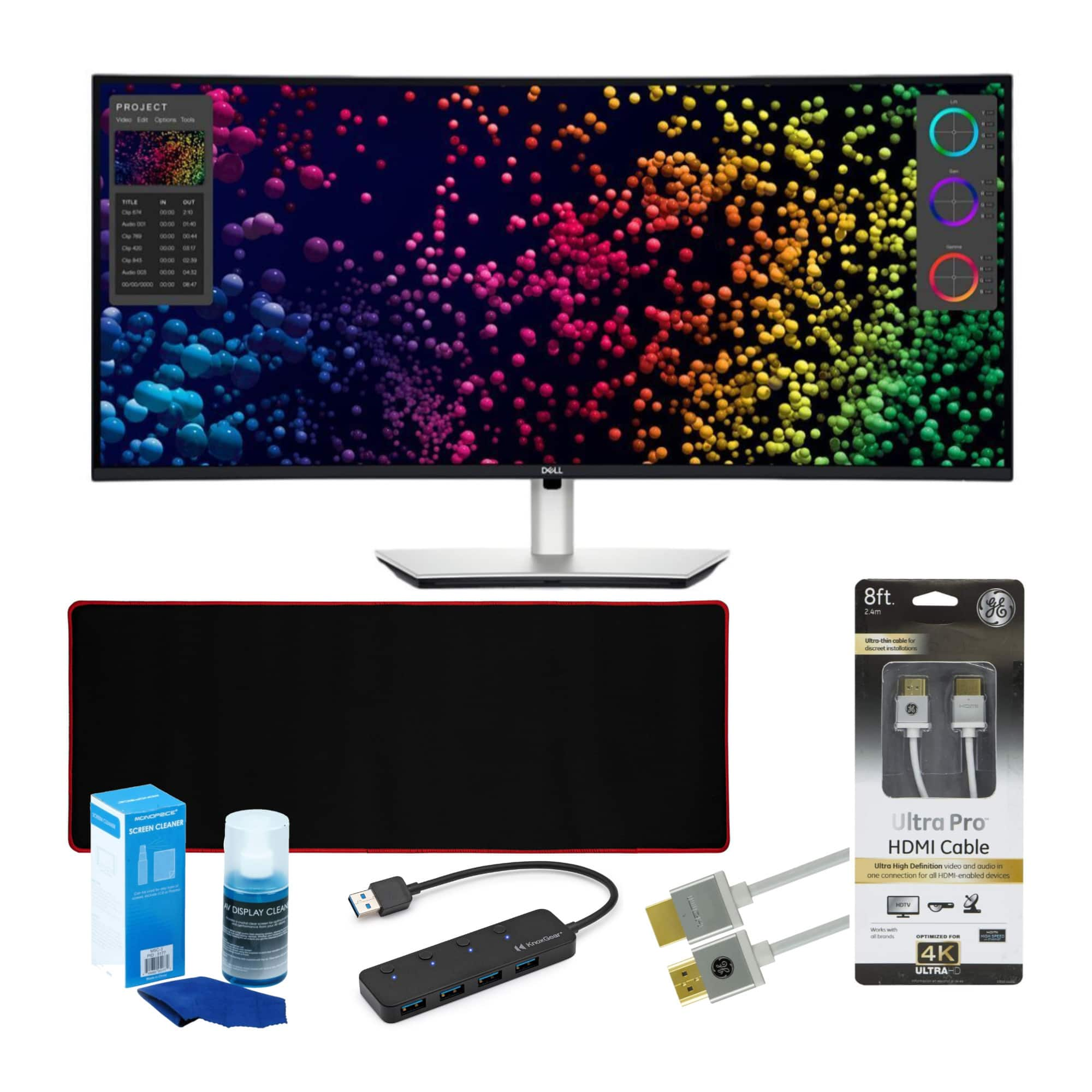
Bundle - Dell - U4025QW UltraSharp 40 Curved Thunderbolt Hub Monitor + 26-Month Extended Warranty Package - Black|Silver|Dual Color
SKU: JJG3SJSXF3See all Curved MonitorsProduct Description
A black-and-silver curved IPS monitor with 5K resolution, 120Hz refresh rate, HDR 600, and Thunderbolt 4.Your price for this item is $1,651.00Save $267The previous price was $1,918.99 -
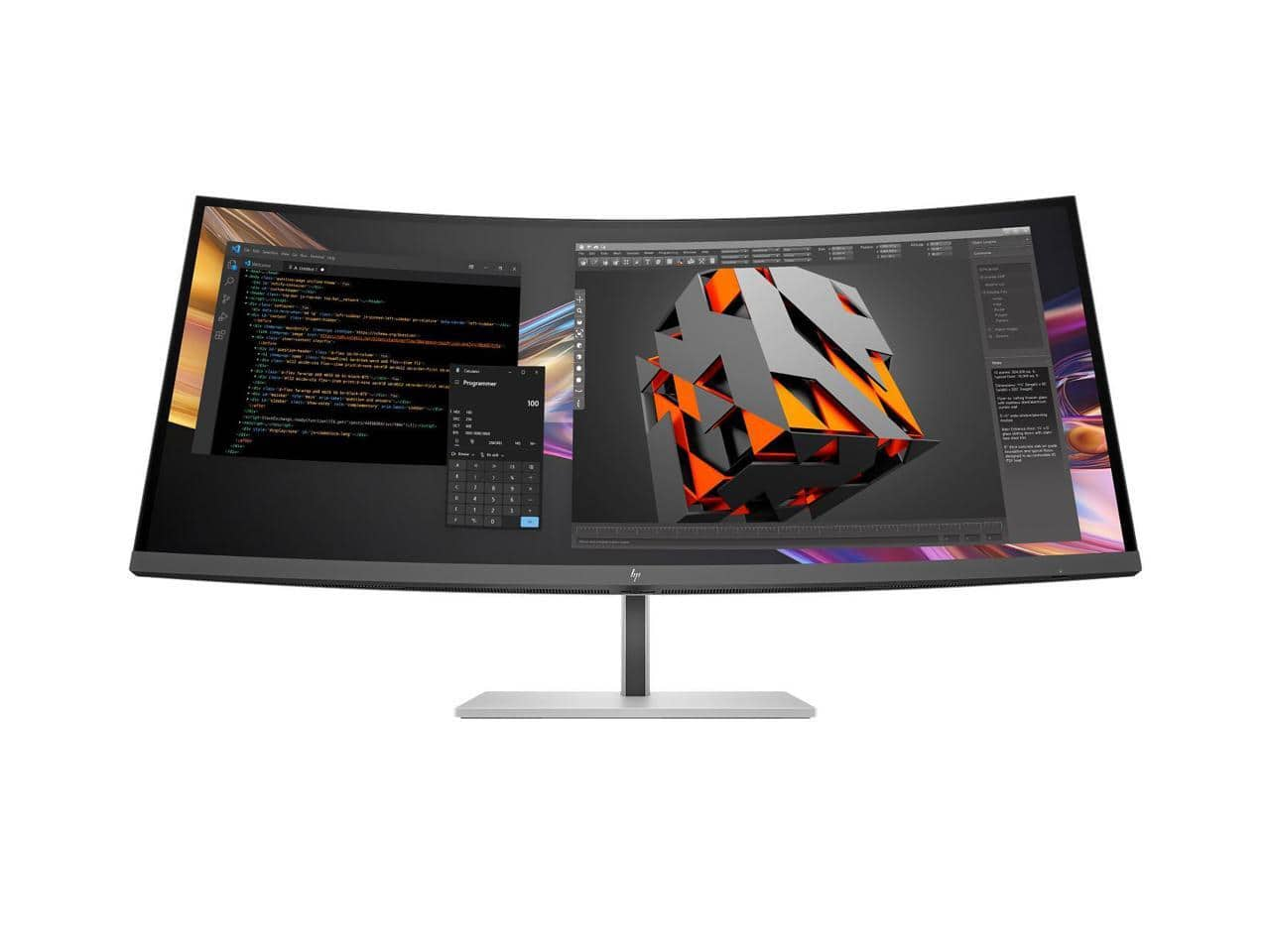
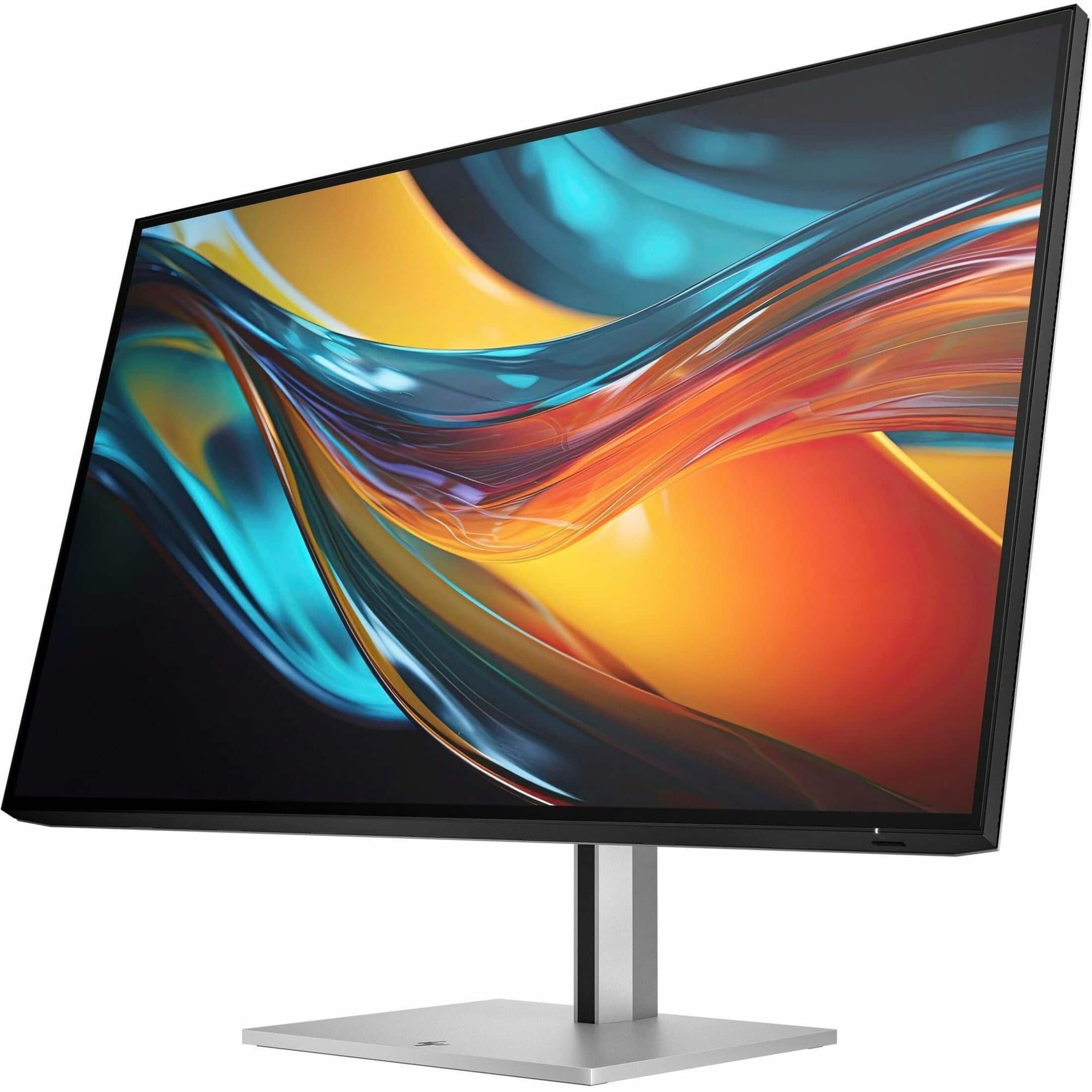
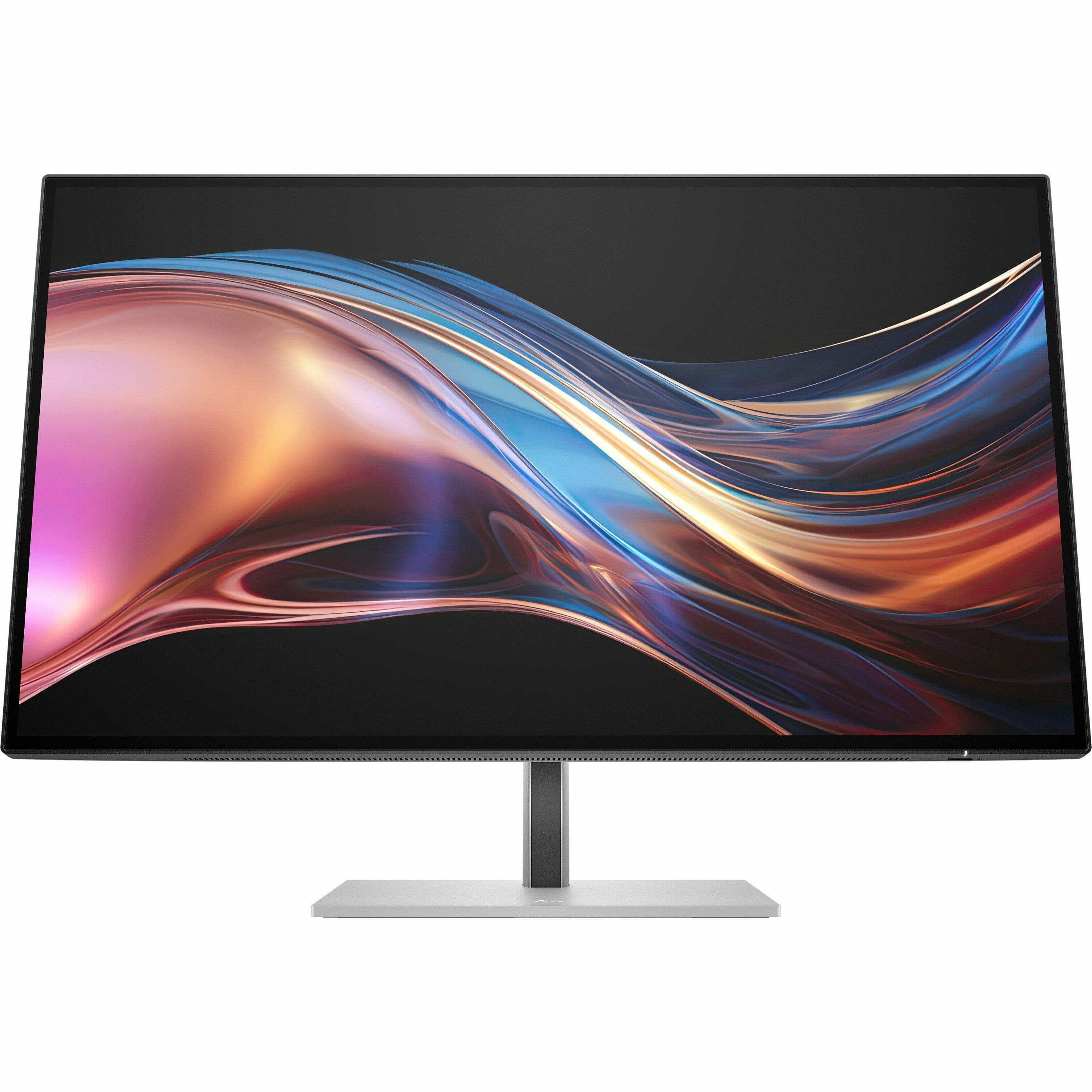
HP - Series 7 Pro 37.5 inch WQHD+ Thunderbolt 4 Computer Monitor - 738pu 37.5" WQHD+ (3840 x 1600) - Black
SKU: JJGLFKGT6CSee all All MonitorsProduct Description
A black IPS LED monitor with WQHD+ resolution, Thunderbolt 4 connectivity, and adjustable stand height.Your price for this item is $973.00Save $463The previous price was $1,436.07 -
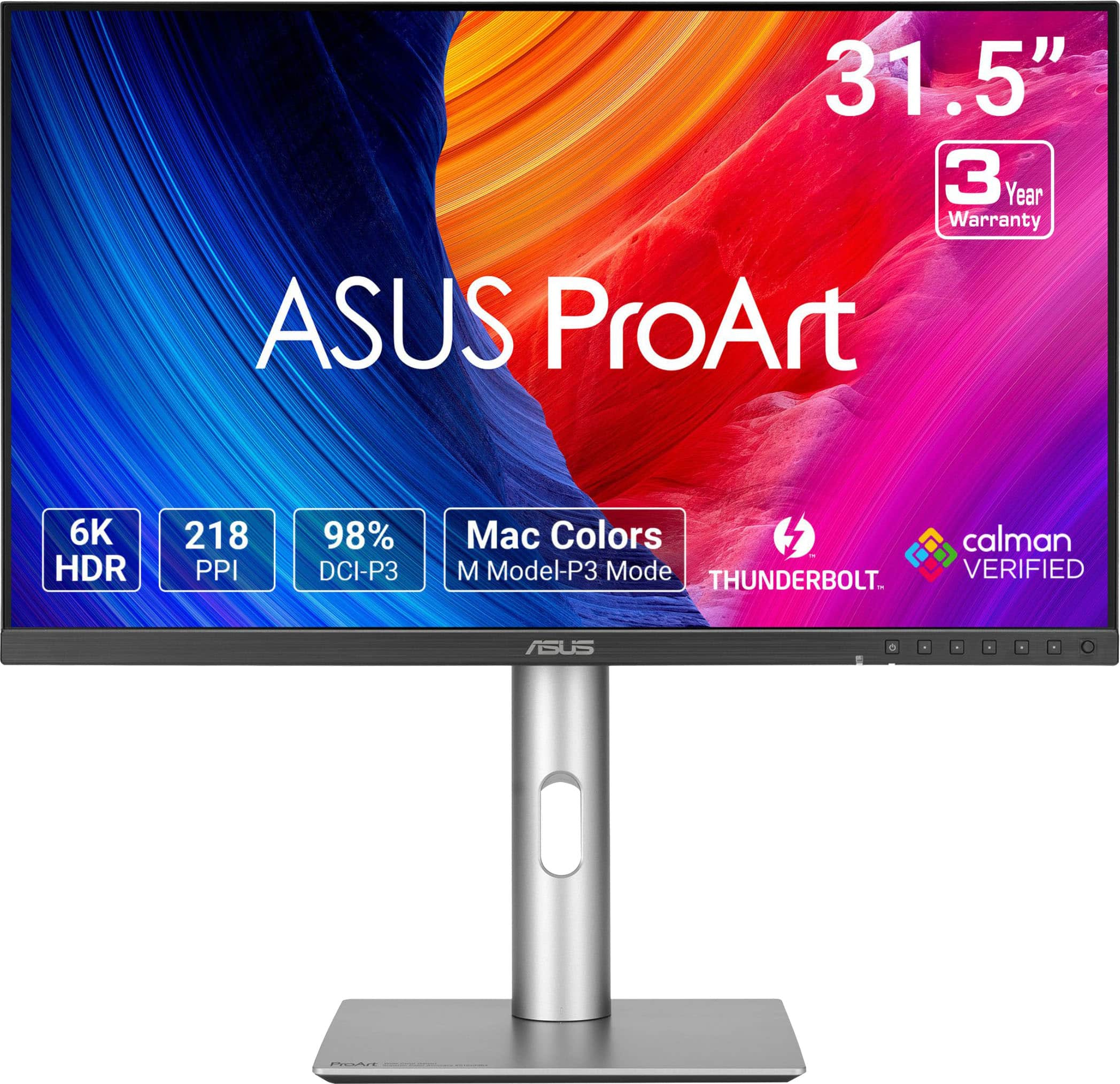
ASUS - ProArt 32" 6K IPS Professional Monitor with HDR 10 (DisplayPort, HDMI) - Black
SKU: JJGGLQVYFCBest Budget 6K, surprisingly from ASUS....Great Monitor
See all All MonitorsProduct Description
A professional 32-inch black IPS monitor with 6K resolution, HDR10, and dual Thunderbolt 4 ports.Your price for this item is $1,099.99Save $200The previous price was $1,299.99 -
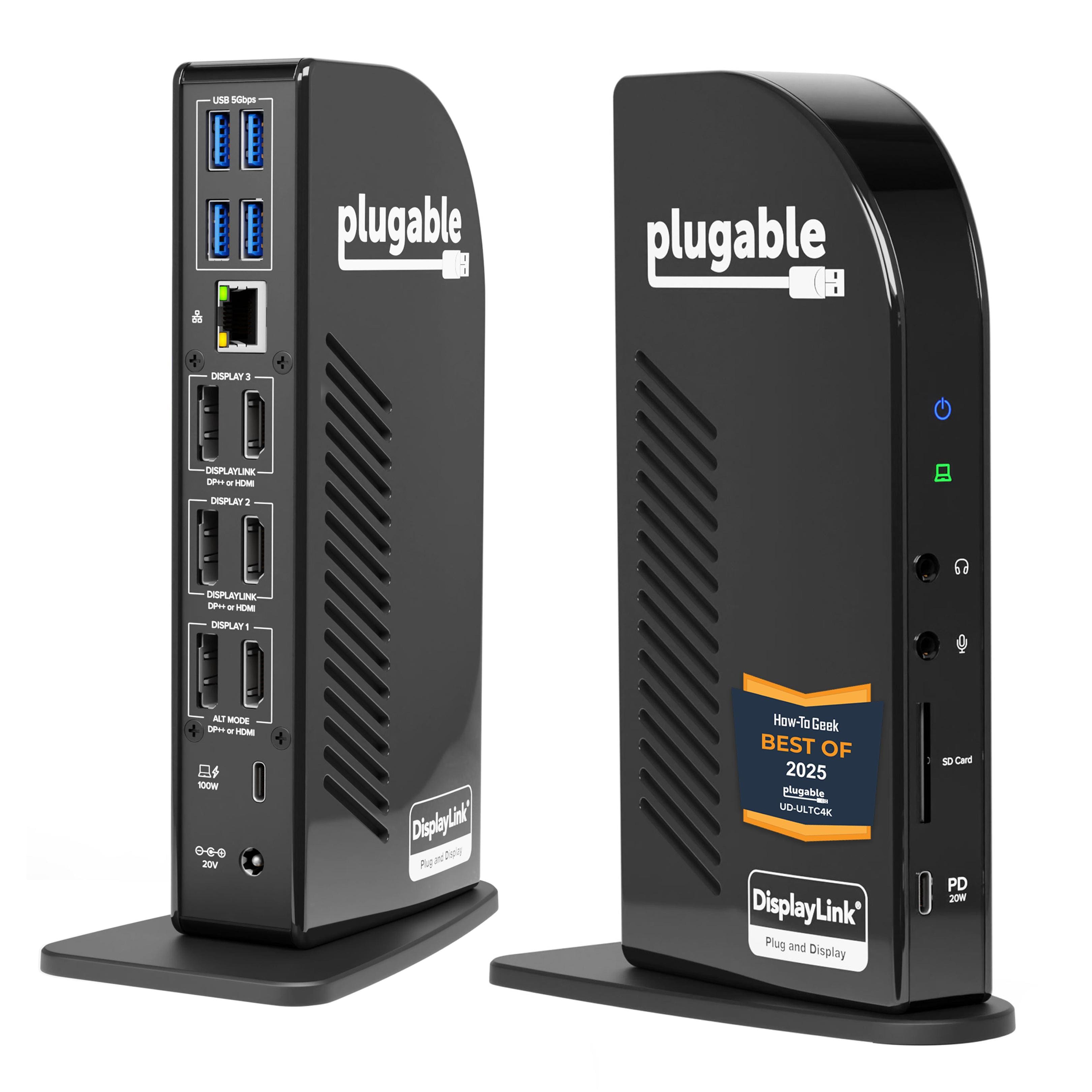
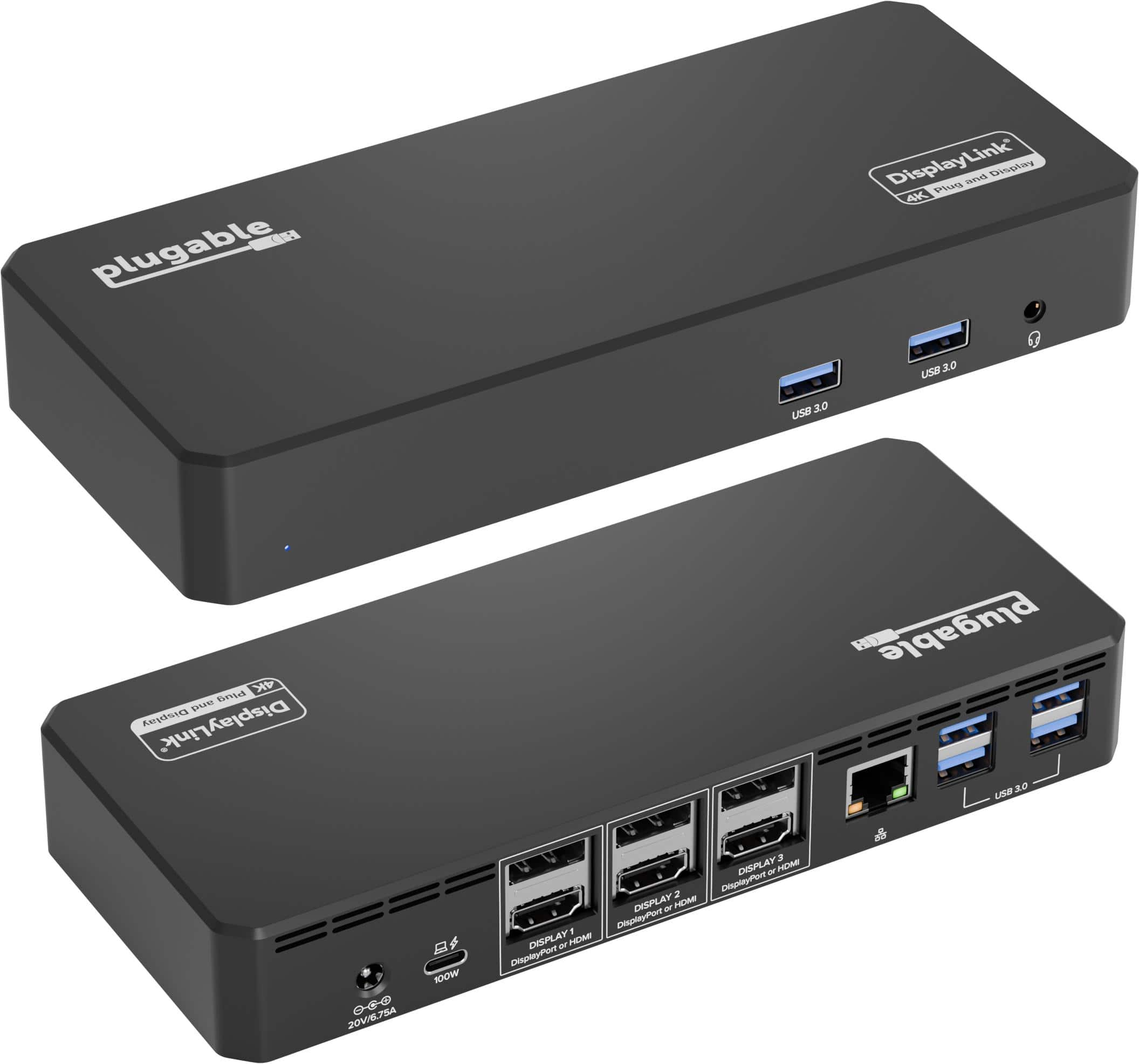
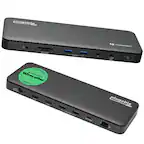
Plugable - 4K USB C Docking Station Triple Monitor -100W Power Delivery,USBC Dock for Thunderbolt 3/4,USB-C Windows,Mac - Black
SKU: J3YLP62WLPGreat features...Works perfectly and save space great features easy to setup and durability material and size very helpful...Great product!
See all Docking StationsProduct Description
A versatile black USB-C docking station supporting triple 4K monitors, 100W power delivery, and multiple ports.Your price for this item is $245.99 -
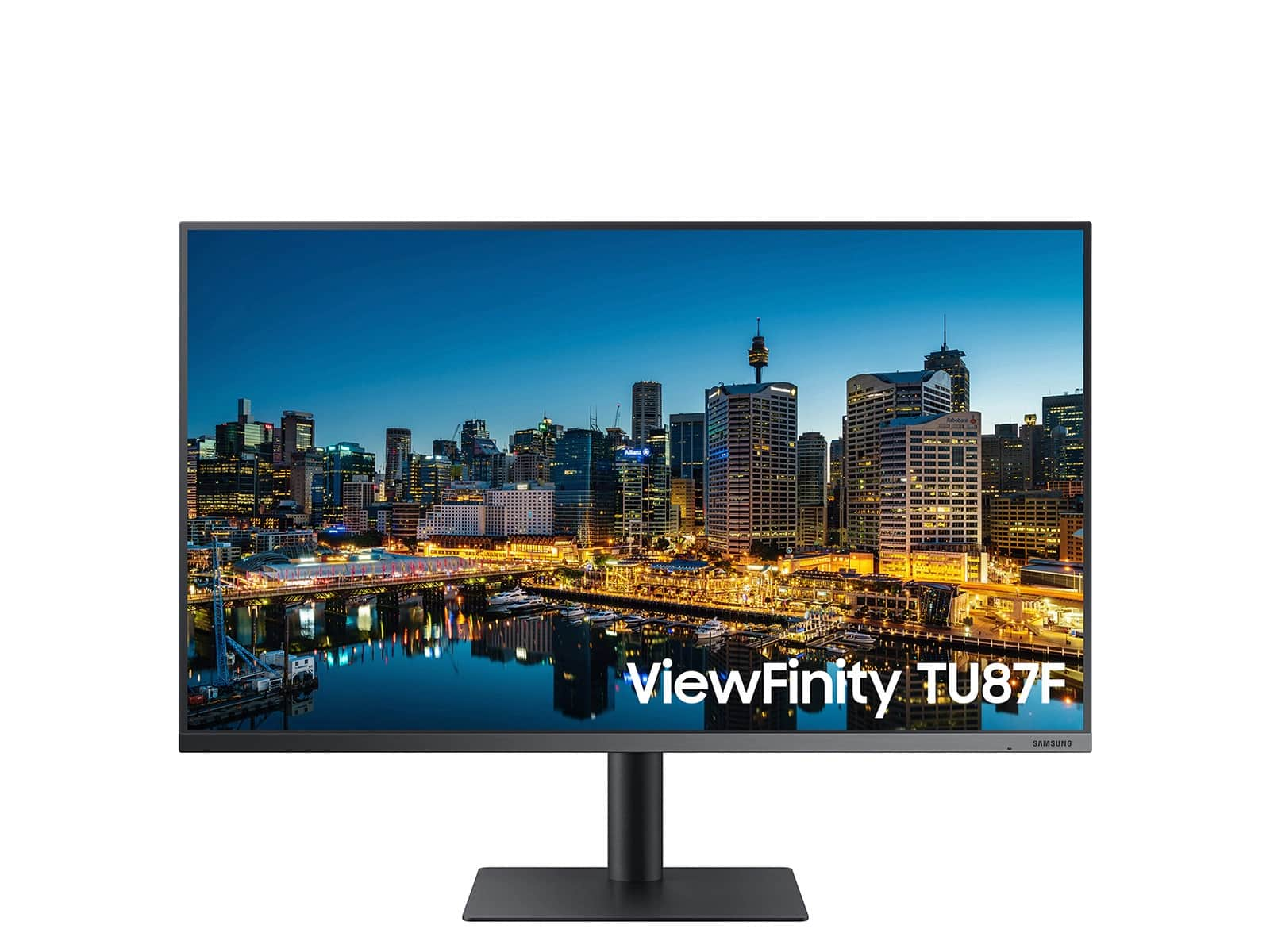
Samsung - ViewFinity 32" TU874 LED UHD Monitor (HDMI, USB, Thunderbolt) - Black
SKU: J3ZYGCV375love it planning on buying another...[This review was collected as part of a promotion.] love it glad I bought it definitely would recommend...It’s a great monitor! Very easy to put together and hook...
See all All MonitorsProduct Description
A black UHD LED monitor featuring Thunderbolt 3, HDR10, adjustable stand, and 4K resolution for versatile connectivity.Your price for this item is $569.99 -
Dell - UltraSharp 40 Inch Curved Thunderbolt Hub Monitor with USB 3.0 Hub Bundle - Silver
SKU: JJG2FXH97KSee all All MonitorsProduct Description
A silver curved LCD monitor featuring a 5K UHD resolution, Thunderbolt hub, and 120Hz refresh rate.Your price for this item is $2,199.99 -
HP - 7 Pro 31.5" IPS LED 4K UHD 60Hz Monitor with HDR (USB, HDMI) - Black, Gray, Dual Color
SKU: JJGLF4CX2HSee all All MonitorsProduct Description
A dual-color black and gray 31.5" 4K UHD IPS LED monitor with Thunderbolt 4 and HDR support.Your price for this item is $823.00Save $176The previous price was $999.99 -
Plugable - 12-in-1 USB C Triple Monitor Docking Station - 3X HDMI or 3X DisplayPort - Mac, Windows,Thunderbolt,USB4,USB-C - Black
SKU: J3YLP62K3YWorks great easy to use.
See all Docking StationsProduct Description
A versatile black docking station supporting triple 4K monitors, 100W charging, Ethernet, and multiple USB connections.Your price for this item is $229.99 -
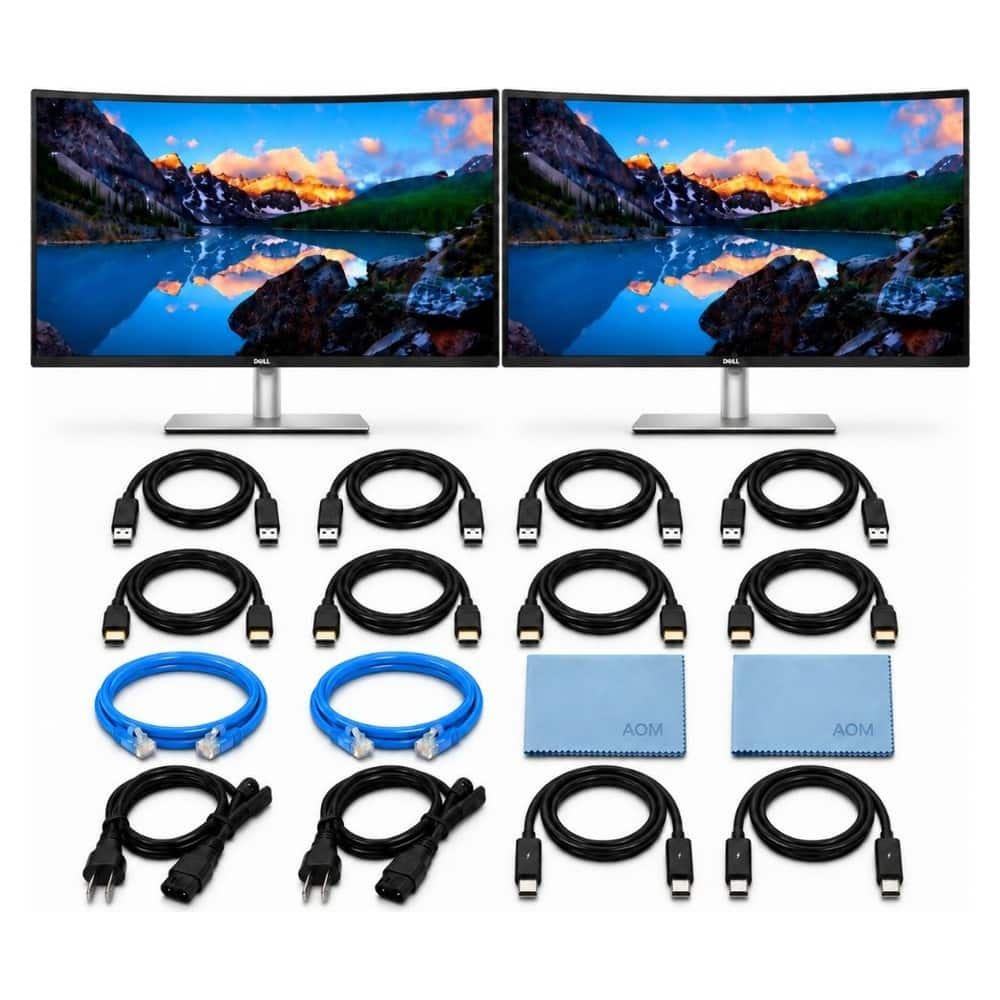
Bundle - Dell - UltraSharp 34 Curved U3425WE 2-Pack with ZoomSpeed DisplayPort, HDMI & Ethernet Cables + 2x AOM Cloths - 2 Pack
SKU: J37PQYFSLLSee all Curved MonitorsProduct Description
A dual-monitor bundle with curved WQHD IPS Black displays, 120Hz refresh, Thunderbolt 4, and cables.Your price for this item is $1,895.99 -
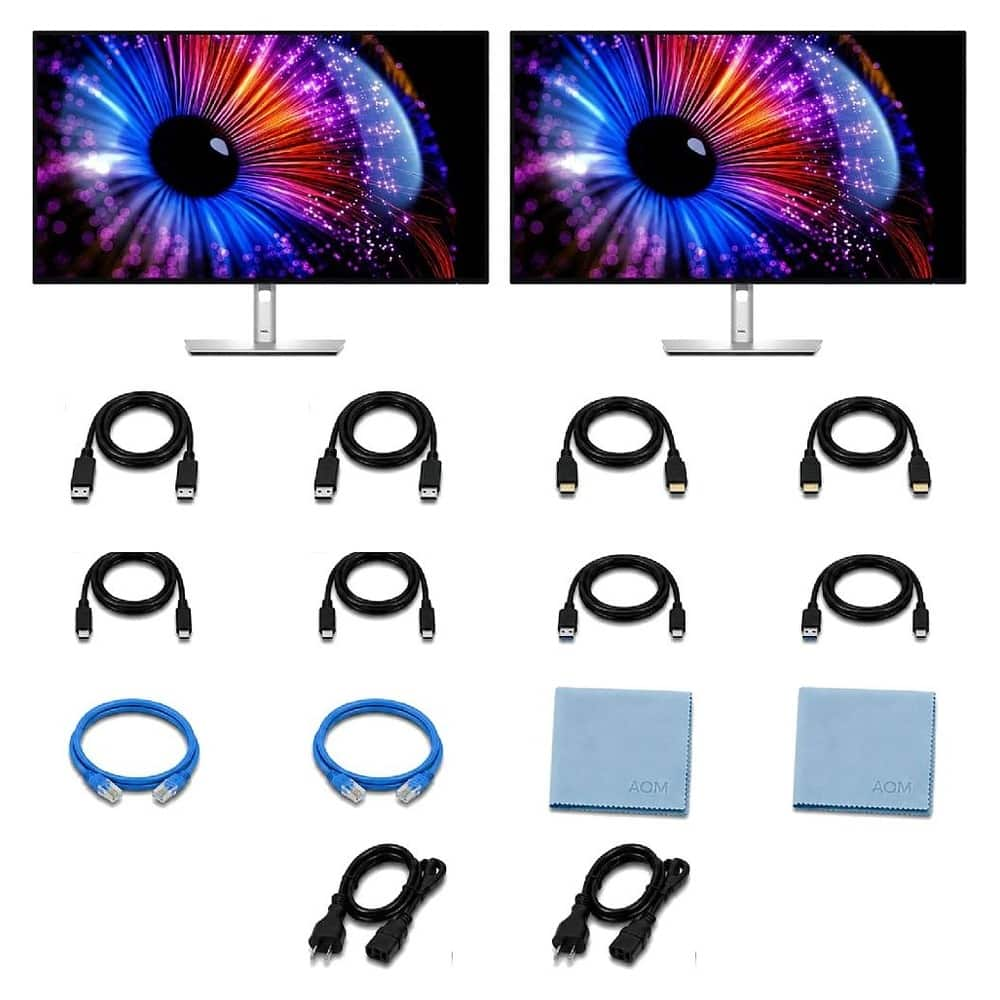
Bundle - Dell - UltraSharp 27 QHD U2724DE 2-Pack with 2x ZoomSpeed HDMI & Ethernet Cables + 2x AOM Cleaning Cloths - 2 Pack
SKU: J37PQYFSP6See all All MonitorsProduct Description
A two-monitor workstation bundle with QHD IPS Black displays, 120Hz refresh, Thunderbolt 4, and adjustable stands.Your price for this item is $1,399.99 -
HP - 27" IPS LED 120Hz FreeSync Premium (AMD Adaptive Sync) Monitor with HDR (USB, HDMI) - Natural Silver, Silver
SKU: JJG9TTK2W3See all All MonitorsProduct Description
A silver IPS LED monitor with QHD resolution, 120Hz refresh rate, HDR400, and AMD FreeSync Premium.Your price for this item is $609.99 -
HP - 27" IPS LCD 4K UHD 60Hz Monitor with HDR (USB, HDMI) - Natural Silver, Silver
SKU: JJGLFKGJ74See all All MonitorsProduct Description
A silver IPS LCD monitor delivering 4K UHD resolution, HDR400, Thunderbolt 4 connectivity, and factory-calibrated color.Your price for this item is $511.00Save $228The previous price was $739.99 -
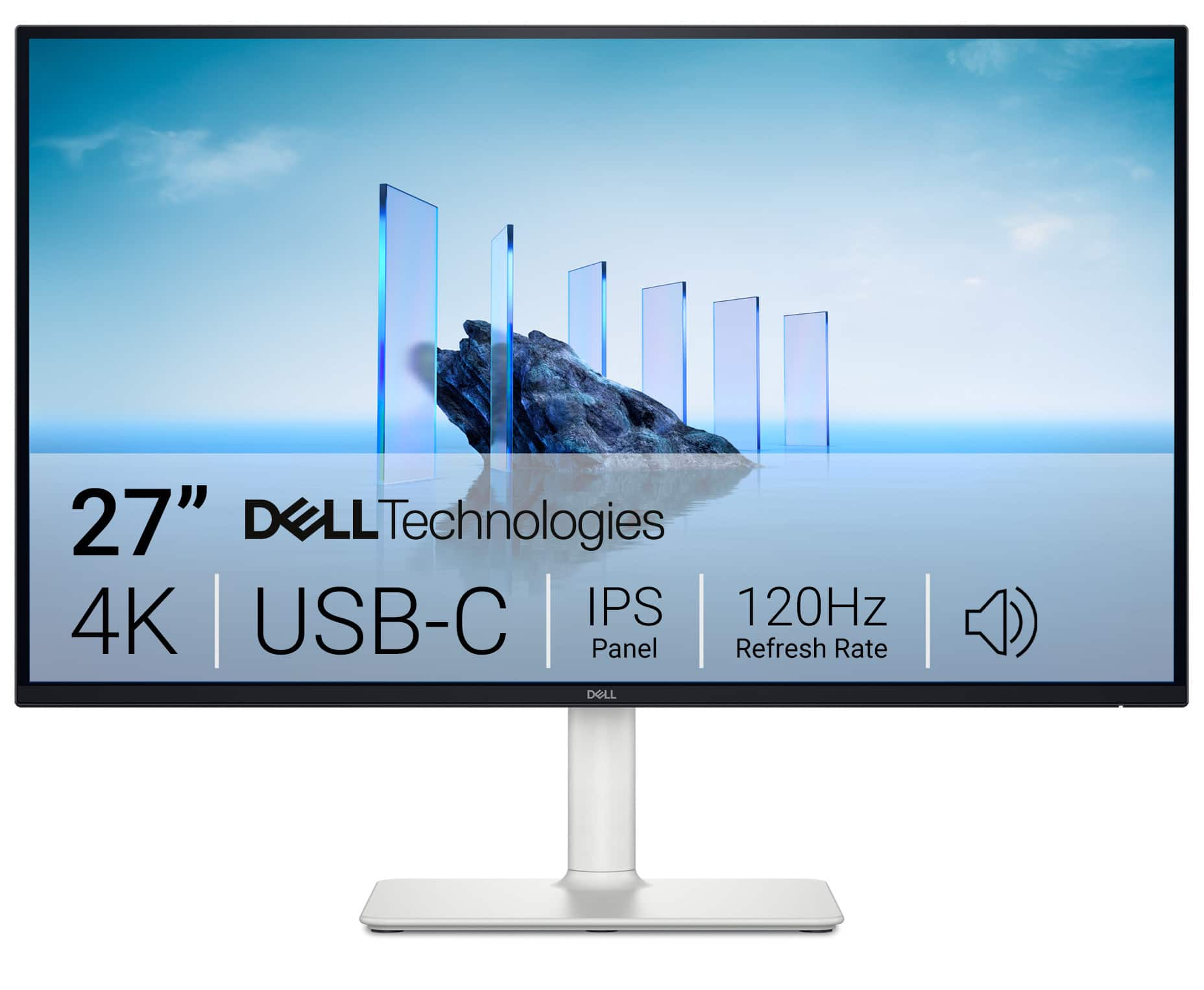
Dell - S2725QC 27" IPS LED 4K UHD 120Hz 8ms FreeSync Premium Monitor with HDR (HDMI, DisplayPort, USB) - Ash White
SKU: J3K4L63JXVI love this monitor!! It's the best size for work, and had the best picture on it....I love it...My best purchase in the year, the sound it’s so great and the quality of the screen it’s amazing!!!
See all All MonitorsProduct Description
A silver IPS LED monitor featuring 4K UHD resolution, 120Hz refresh rate, FreeSync, and USB-C connectivity.Your price for this item is $249.99Save $120The previous price was $369.99 -
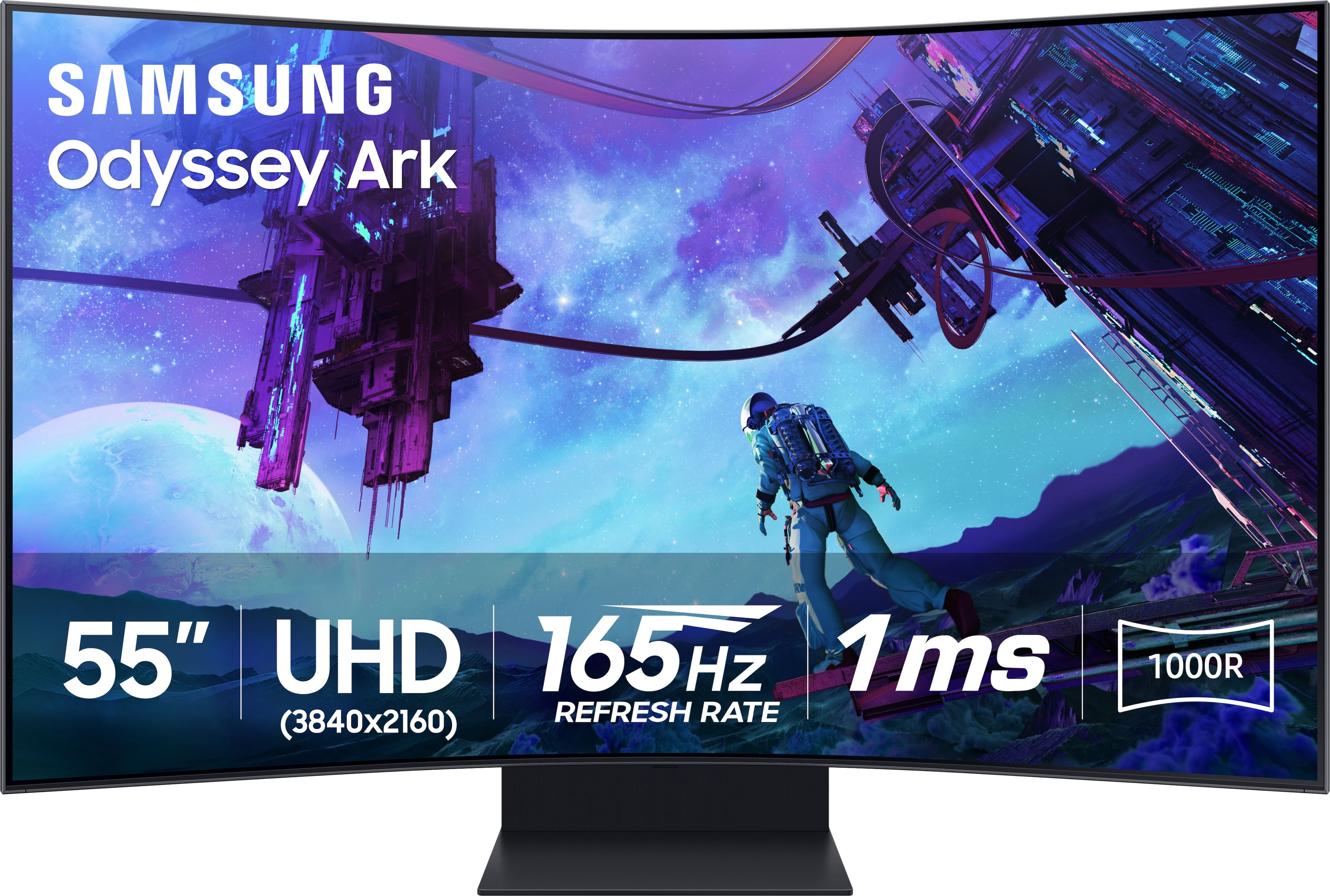
Samsung - 55" Odyssey Ark 2nd Gen. Curved 4K UHD Quantum Mini-LED FreeSync Prem Pro 1ms GTG Gaming Screen - Black
SKU: J3ZYG29HGWBest montior ever...This is the best montior I have ever used, it is very flexible on usage you can control size of screen...and up to 4 inputs, love it....Great Job samsung....Great features
See all Gaming MonitorsProduct Description
A curved black 4K UHD gaming monitor with 165Hz refresh rate, 1ms response, and Quantum Mini-LED display.Your price for this item is $2,429.99Save $270The previous price was $2,699.99 -
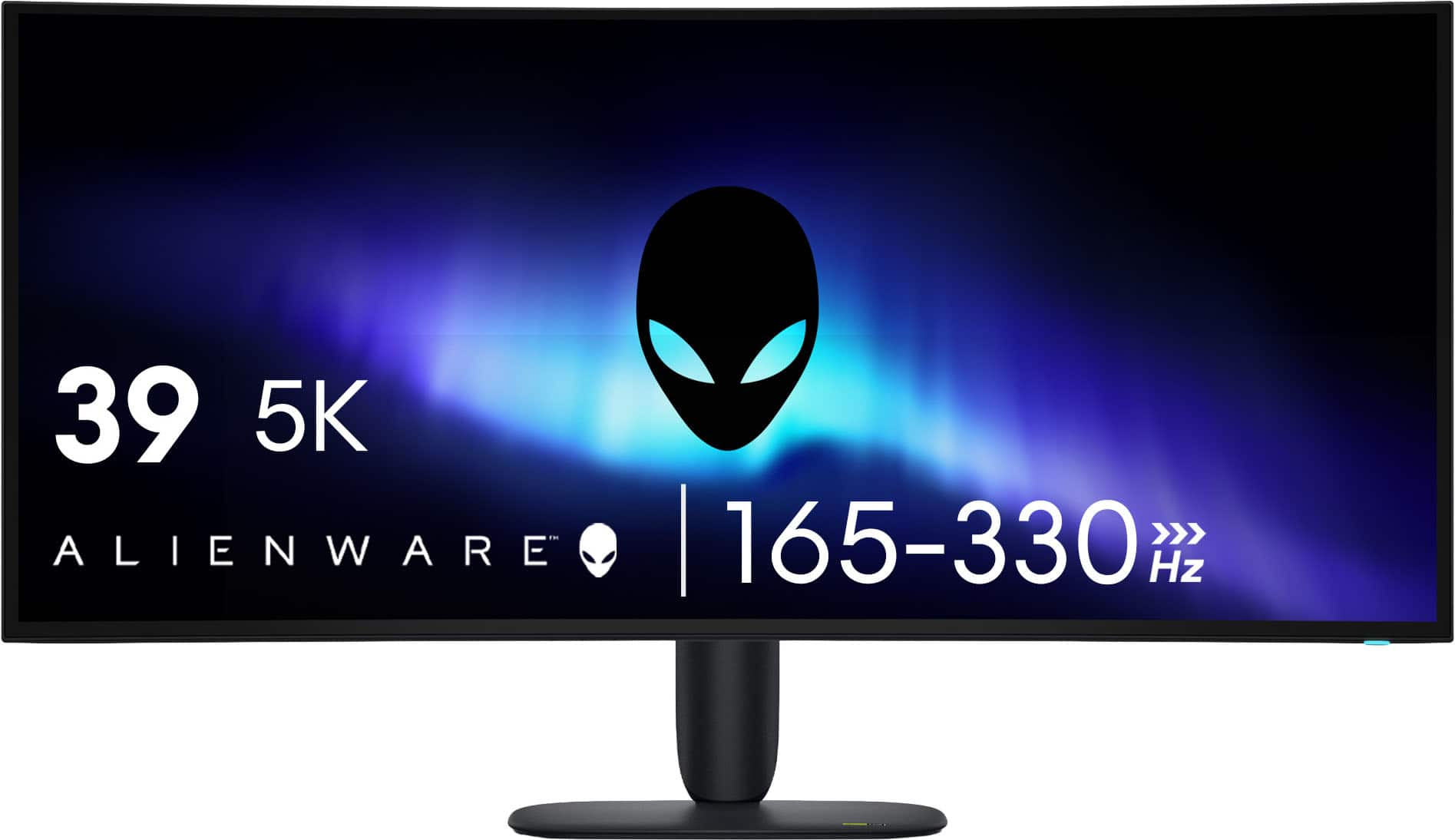
Alienware - 39" 5K OLED 330Hz 0.03ms FreeSync Premium Pro and G-SYNC Compatible Curved Gaming Monitor with HDR (HDMI, DisplayPort) - Black
SKU: J3K4L6KJV9Great monitor...Best monitor I’ve ever used. Highly recommend. Great brightness and color reproduction....Best bang for the buck....LOVE IT...Functionally I would assume most people would love either...
See all Curved Gaming MonitorsProduct Description
A black OLED gaming monitor featuring curved 5K HDR, 165Hz, FreeSync Premium Pro, and G-SYNC Compatible adaptive sync.Your price for this item is $999.99Save $100The previous price was $1,099.99


Best Sellers

Related Pages


FAQ
Thunderbolt 4 uses the USB-C connector but supports a certified connection standard with up to 40 Gbps of bandwidth for video and data. A USB-C monitor may instead use DisplayPort Alt Mode and offer different data capabilities. Check the monitor’s specifications for its connection type, supported resolutions, refresh rates, and power delivery.
Compatibility depends on the Mac’s ports, external display support, and the monitor’s requirements. Macs with Thunderbolt 4 or Thunderbolt 5 ports can connect to Thunderbolt 4 monitors, while Thunderbolt 3 Macs may also work with limitations. For Macs with other connections, check whether the monitor supports an alternative video input, such as HDMI or USB-C with DisplayPort Alt Mode.
Yes, a Thunderbolt 4 monitor that supplies USB Power Delivery through its upstream port can send video and charge a compatible MacBook through one cable. The available charging wattage varies by monitor. Compare that output with your MacBook’s power requirements, since a lower-wattage connection may charge more slowly or may not keep the battery charged during demanding tasks.
Use a certified Thunderbolt 4 cable to support the connection’s full video and data capabilities. A cable with USB-C connectors is not necessarily a Thunderbolt cable, and some USB-C cables support only charging and basic data transfer. If the monitor includes a Thunderbolt cable, follow its documentation for connecting it to the Mac and the designated upstream port.
Yes, if the monitor includes a built-in hub with the appropriate ports. Accessories such as keyboards, mice, external storage drives, and webcams can connect through the monitor’s downstream ports and communicate with the Mac over the Thunderbolt connection. Available ports, data speeds, and accessory power vary by monitor, and connected devices share the link’s bandwidth.