Mac Docking Station For 3 Monitors
-
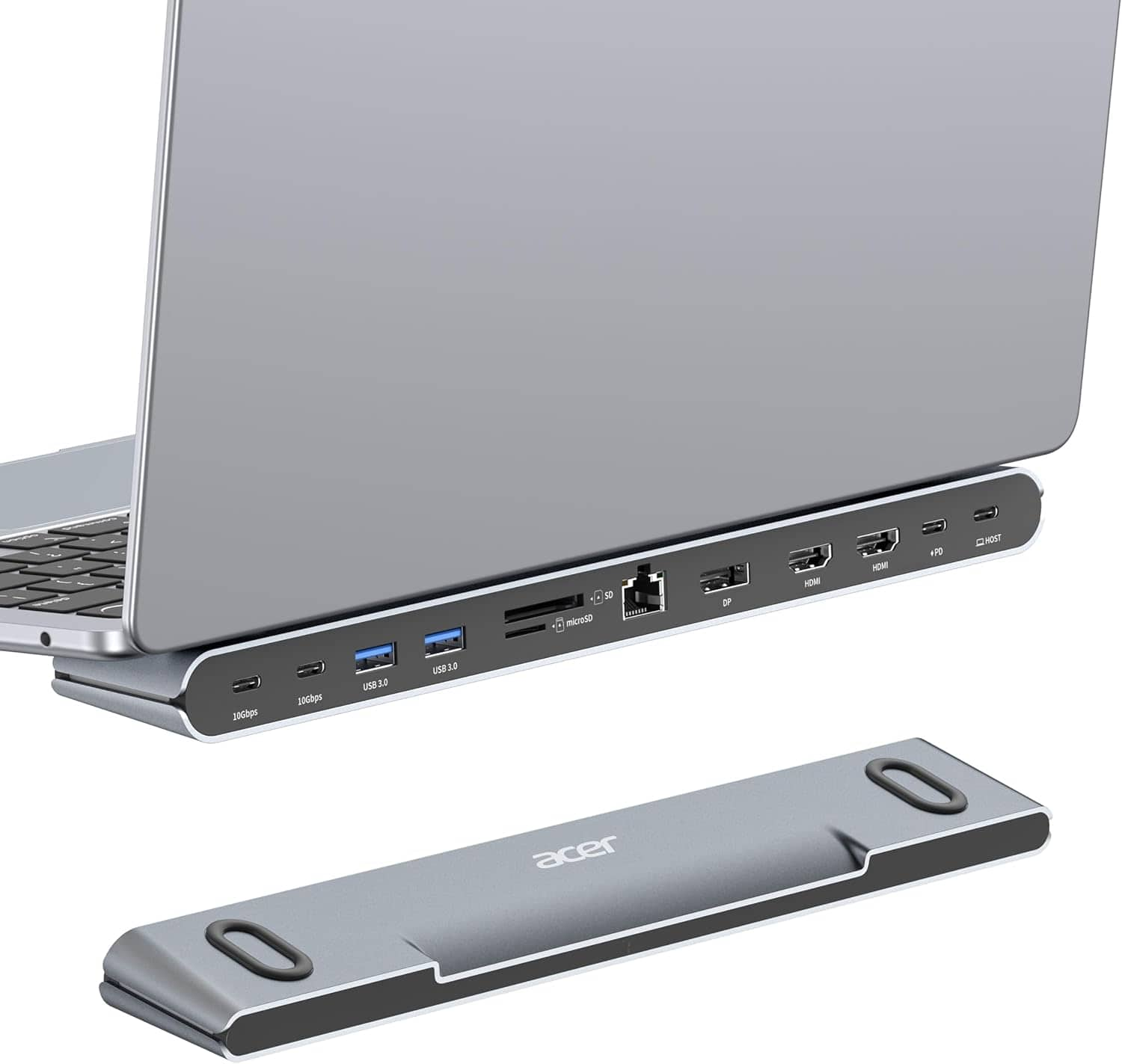
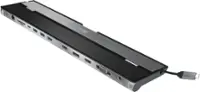
Acer - Laptop Docking Station Stand, 11-in-1 USB C Docking Station 3 Monitors with DP 8K + Dual HDMI 4K@60Hz, Ethernet - Silver
SKU: JJ8V8HLL74It's worked great with no connectivity issues or dropouts so far.
See all Docking StationsProduct Description
A versatile silver docking station supporting three monitors with DP 8K, dual HDMI 4K, Ethernet, and USB 3.0.Your price for this item is $71.99Save $8The previous price was $79.99 -
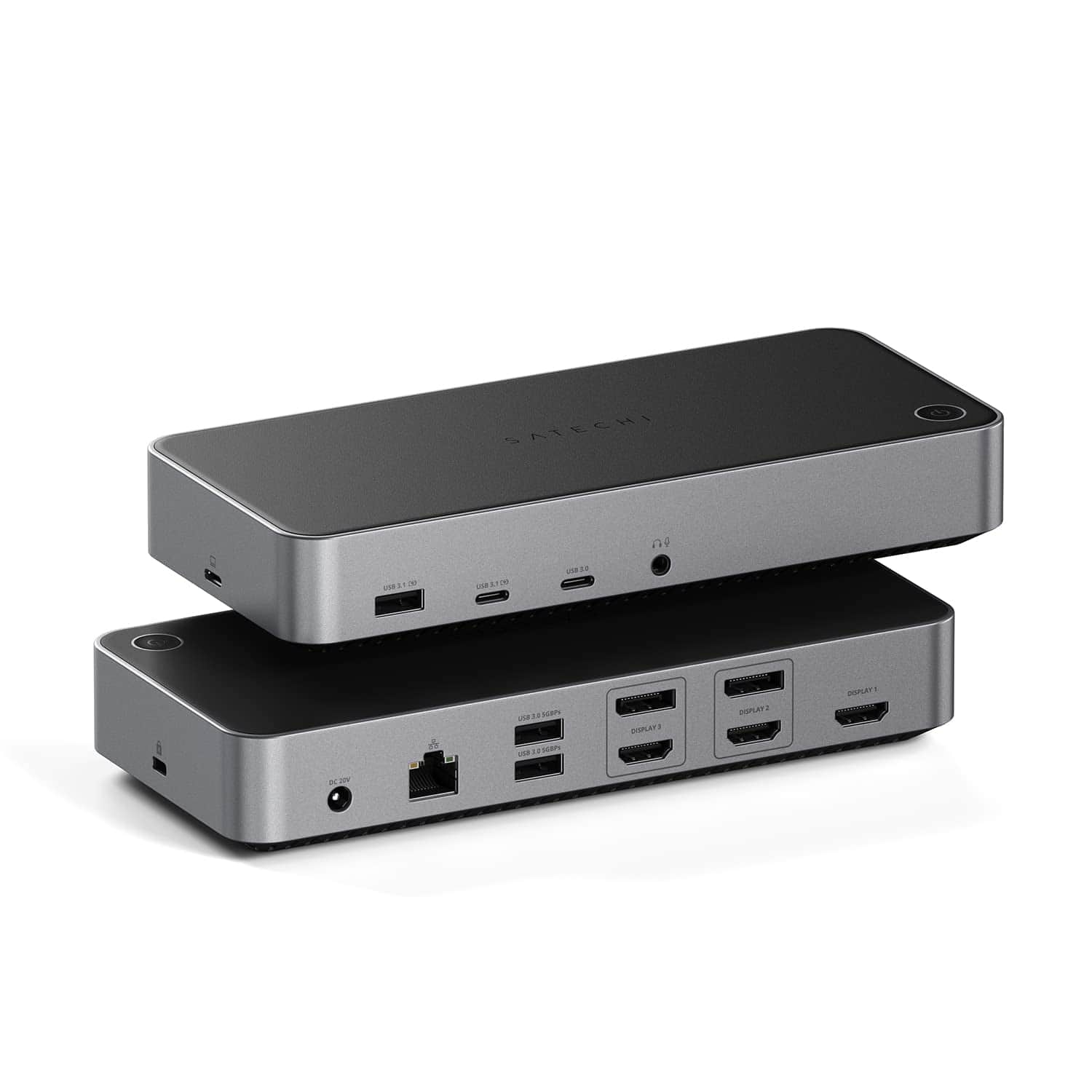
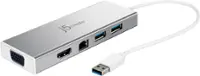
Satechi - 13-in-1 Triple 4K USB-C Docking Station - 100W Charging, 2 DP, 3 HDMI, 2 USB-C, 3 USB-A, Ethernet
SKU: J3GWC4CCRKSee all Docking StationsProduct Description
A versatile 13-in-1 USB-C docking station supporting triple 4K displays, 100W charging, and extensive connectivity.Your price for this item is $299.99 -
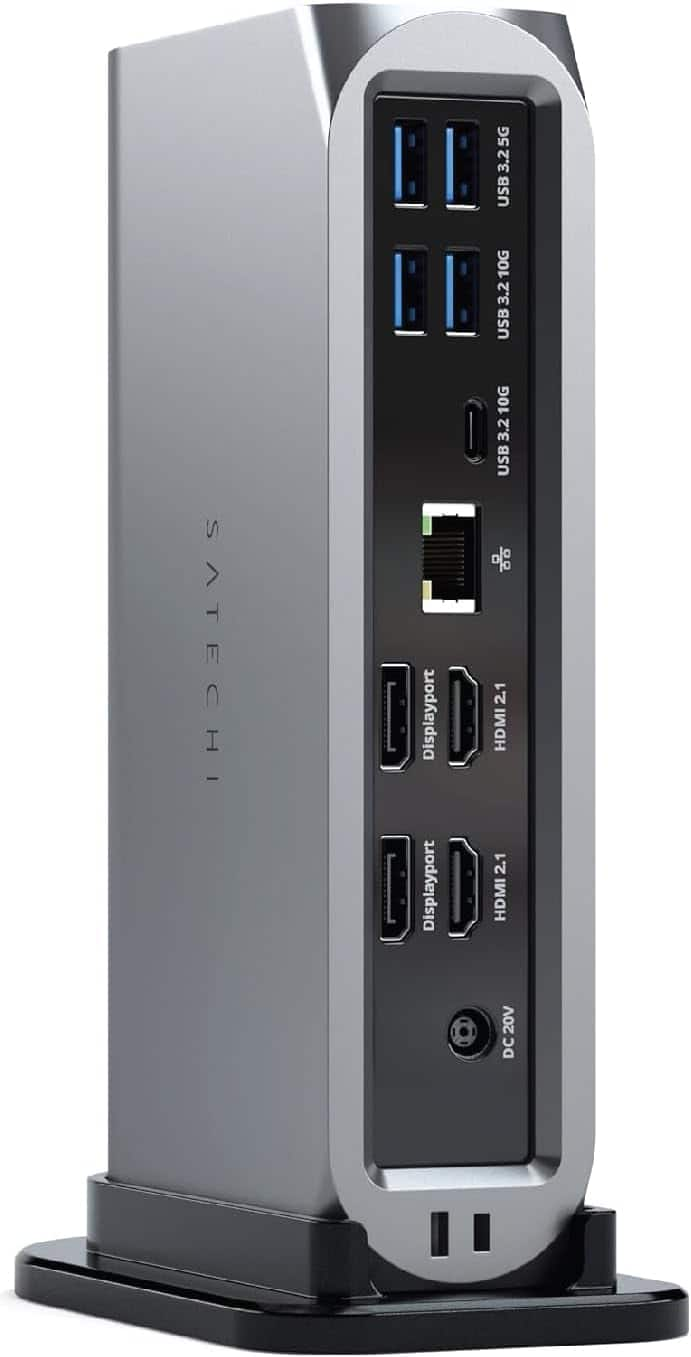
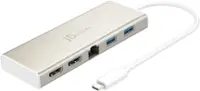
Satechi - Thunderbolt 4 Multimedia Pro Dock-2 DisplayPort, 2 HDMI, USB C, 5 USB A Port, Micro/SD, Audio, Ethernet Docking Station - Space Gray
SKU: J3GWC4CJ5Tworks great...I have a macbook pro (2017) and this works great for my monitor....Great dock for Macbooks.
See all Docking StationsProduct Description
A versatile space gray aluminum dock offering Thunderbolt 4, four display support, USB, Ethernet, and audio ports.Your price for this item is $349.99 -
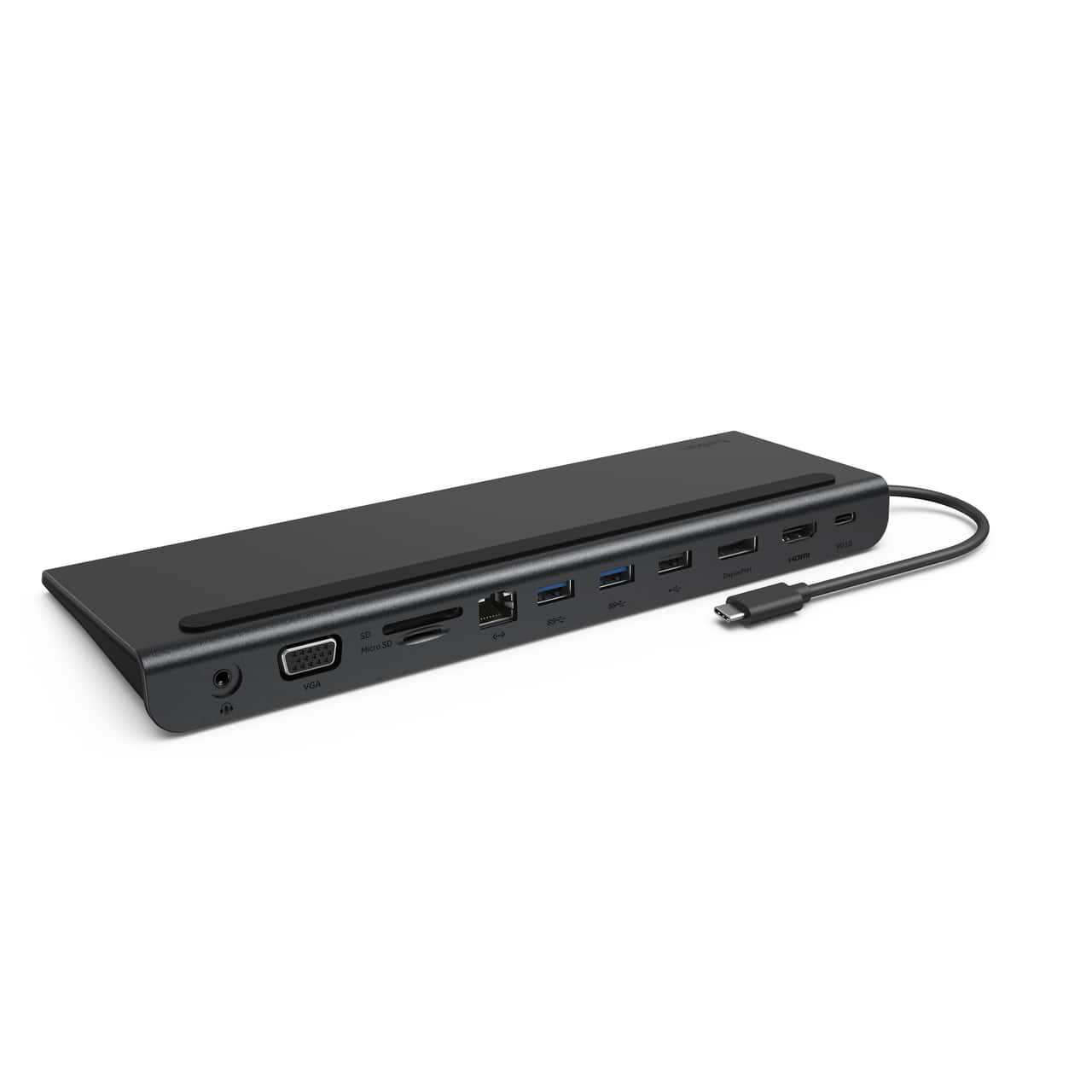
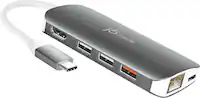
Belkin - 11-in-1 USB C Hub with 4K HDMI, DP, VGA, 100W PD Docking Station for MacBook Pro, Air, and more - Dark Gray
SKU: JX5329KY4LWorks great and love the small profile. Using with a Lenovo Yoga 7i....Works great
See all Docking StationsProduct Description
A dark gray 11-in-1 USB-C hub offering 4K HDMI, DisplayPort, VGA, 100W PD, and Ethernet connectivity.Your price for this item is $99.99 -
ViewSonic - VG2756-4K 27" IPS 4K UHD Docking Monitor (HDMI, USB-C, DisplayPort) - Black
SKU: J37H88F6T3The adjustability: great. Can swivel and adjust height no issues. Setup: great.
See all All MonitorsProduct Description
A black 27-inch IPS 4K UHD monitor with USB-C docking, Ethernet, ergonomic stand, and integrated speakers.Your price for this item is $449.99

Best Sellers


Related Pages



FAQ
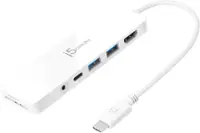
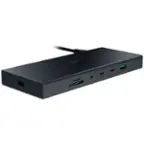
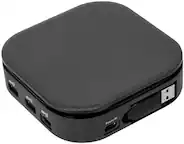
Yes, many Mac docking stations are designed to support up to three external monitors, allowing you to expand your workspace and increase productivity. Be sure to check your Mac model’s compatibility with triple monitor setups.
Most Mac docking stations for three monitors offer a combination of HDMI, DisplayPort, and USB-C/Thunderbolt ports. Additional ports such as USB-A, Ethernet, and audio jacks are commonly included for enhanced connectivity.
Many Mac docking stations are plug-and-play and do not require additional software. However, some models may need drivers, especially if they use DisplayLink technology. Always refer to the manufacturer's instructions for setup details.
Yes, most Mac docking stations provide Power Delivery (PD) through USB-C or Thunderbolt ports, allowing you to charge your MacBook while using multiple monitors and other peripherals.
Many docking stations are designed to work with both Intel-based and Apple Silicon (M1, M2, etc.) Macs. However, some features, such as the number of supported external monitors, may vary based on your Mac’s hardware and operating system.