Docking Stations For MacBook
-
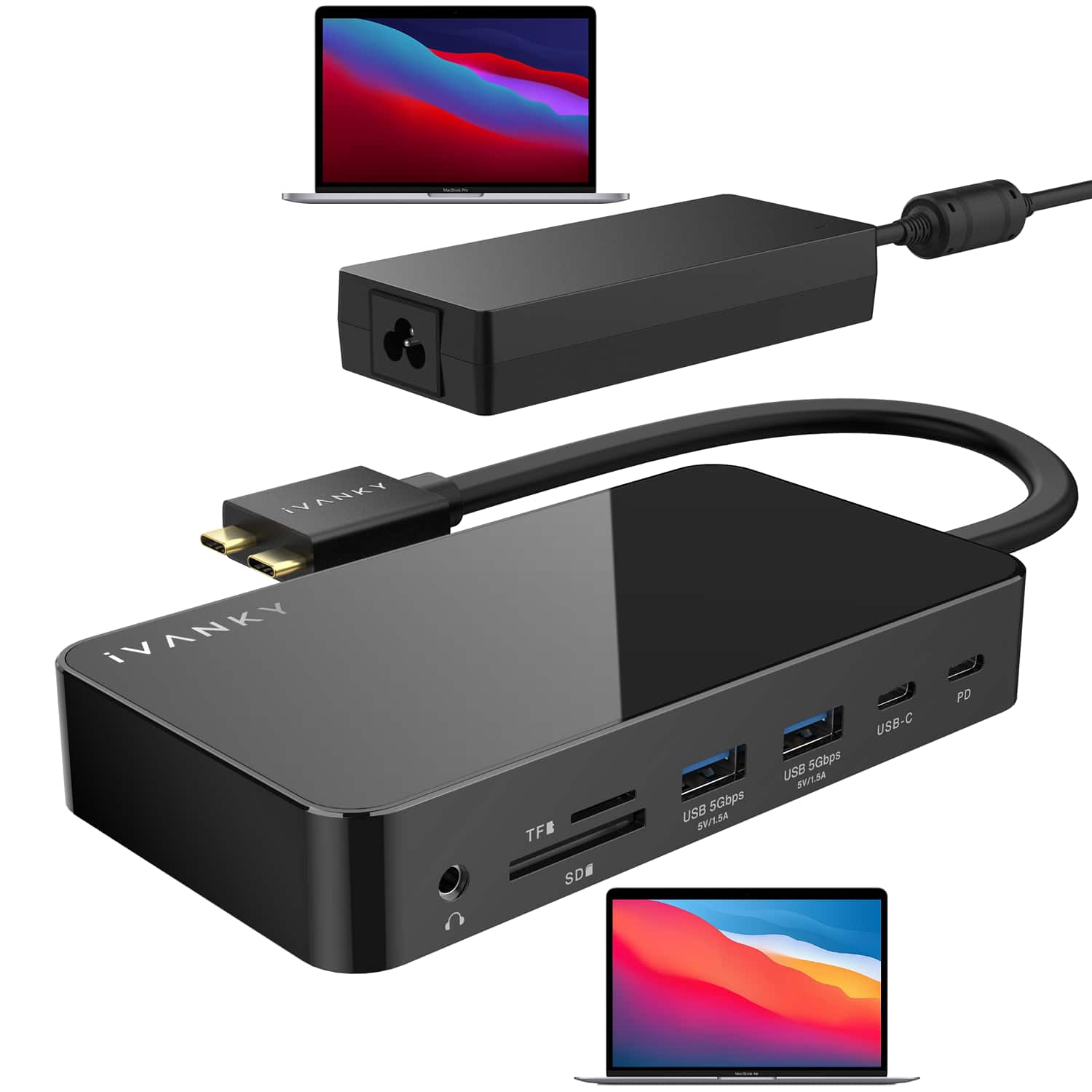
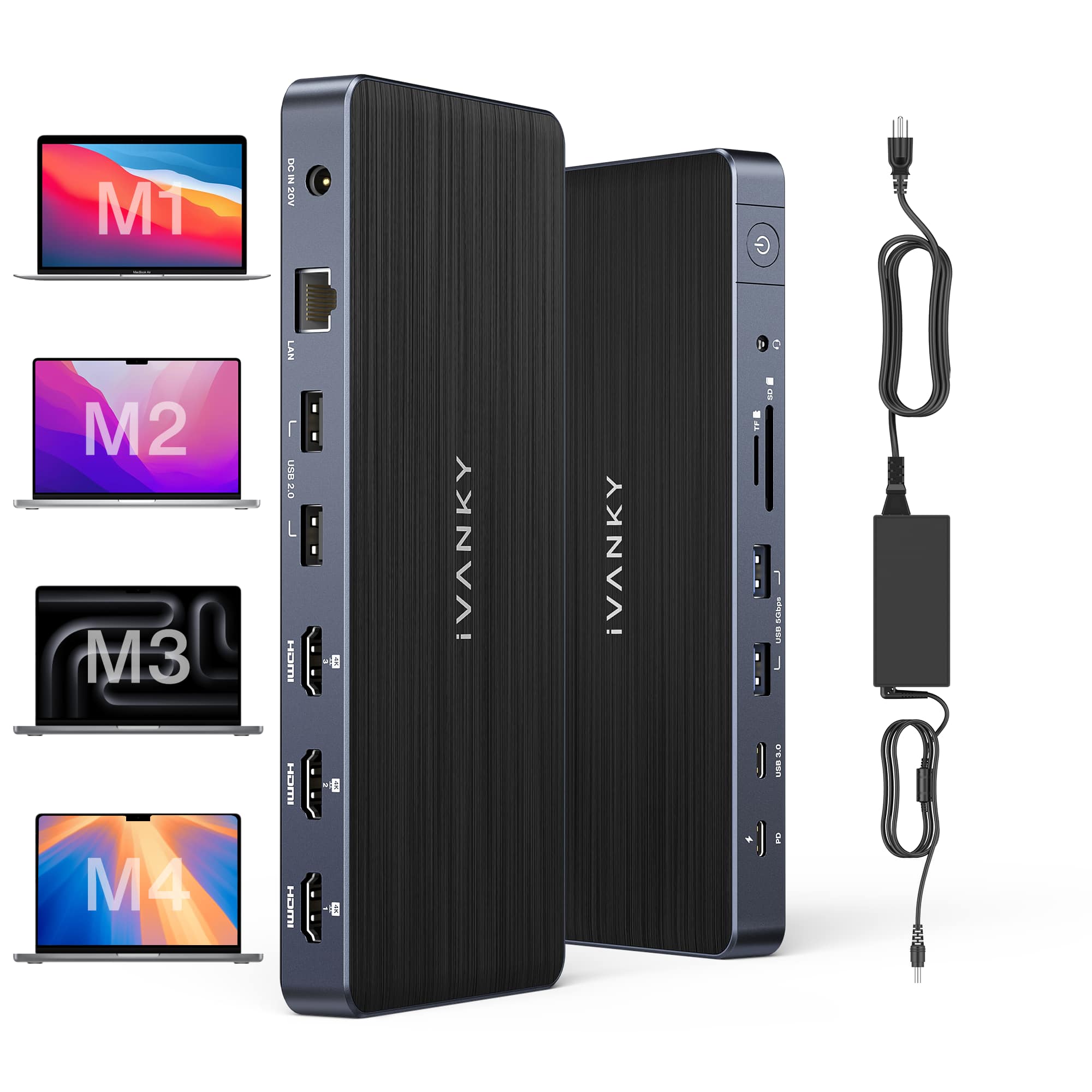
iVANKY - 12-in-2 FusionDock 1 Dual 4K@120Hz Display for M5 MacBook Pro Docking Station with 150W Power Adapter
SKU: CZTZ2FCVT6See all Docking StationsProduct Description
A versatile docking station supporting dual 4K@60Hz displays, 6 USB ports, Ethernet, and 150W power delivery.Your price for this item is $113.98 -
j5create - USB-C Triple Display Docking Station - Black
SKU: J36445R3Y6Works great. Plenty of connectivity options. Best value in docking stations....Thank you Best Buy for helping me pick this out. I love this...Great Dock....Great gear
See all Docking StationsProduct Description
A versatile black docking station offering triple display support, 100W Power Delivery, and 13 essential ports.Your price for this item is $99.99 -
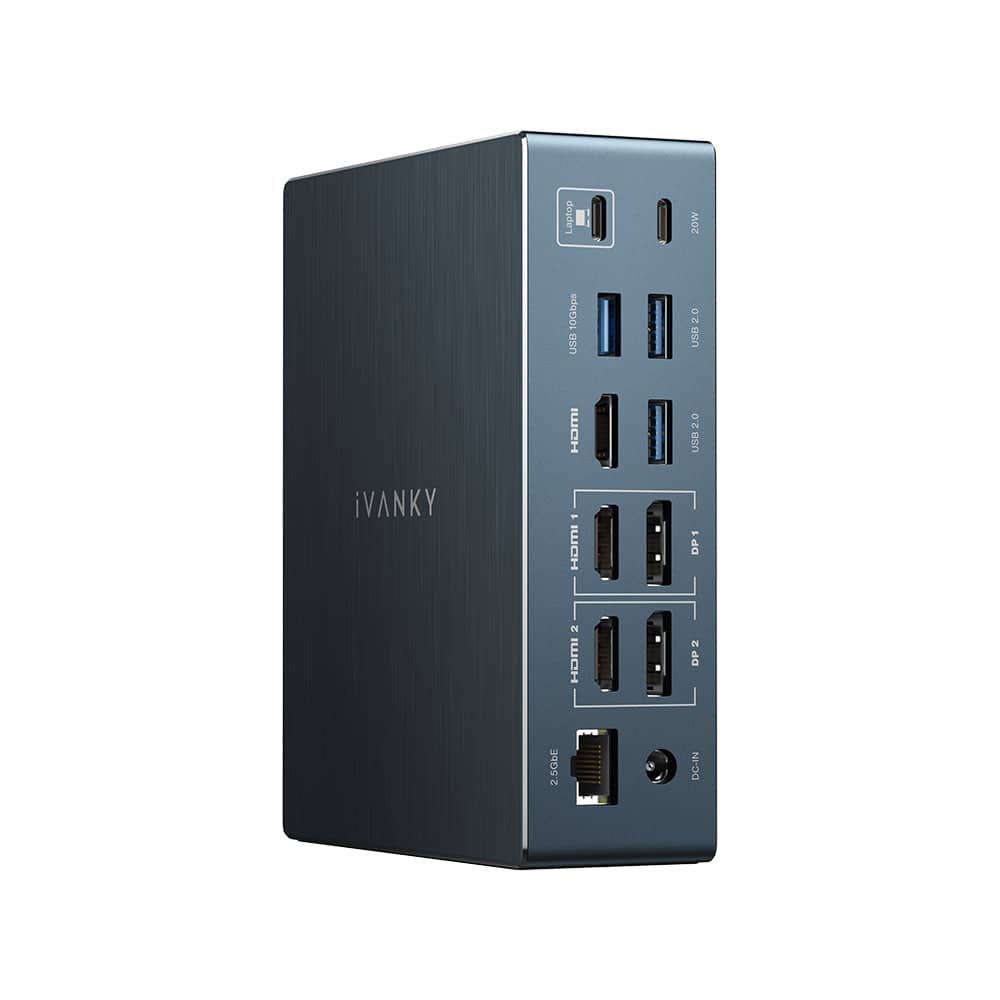
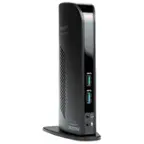
iVANKY - 12-in-2 Dual 4K FusionDock Docking Station for MacBook Pro with 150W Power Adapter - Black
SKU: CZTZ2F27V5See all Docking StationsProduct Description
A black vertical docking station supporting dual 4K displays, 6 USB ports, Ethernet, and 96W power delivery.Your price for this item is $139.99 -
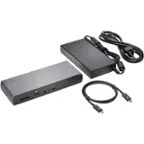
j5create - USB-C Triple Display Docking Station with 100W PD Adapter
SKU: J36445R3PKSee all Docking StationsProduct Description
A versatile black docking station offering triple display support, 100W power delivery, and extensive connectivity options.Your price for this item is $149.99 -
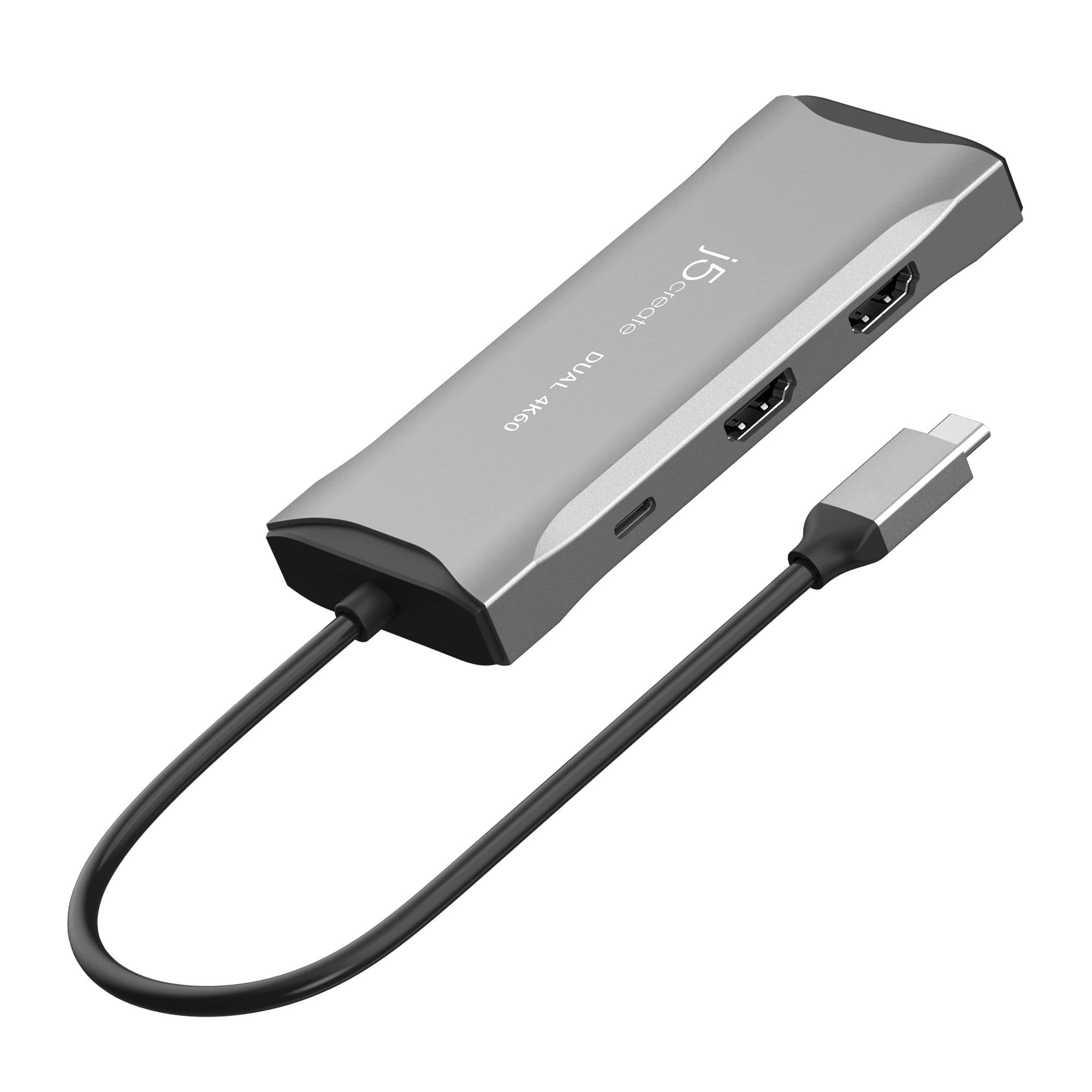
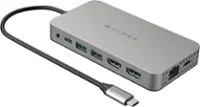
j5create - USB-C® Dual HDMI™ 4K60 Mini Dock for Windows, macOS, Chrome OS - Space Gray
SKU: J36445R9F2Great technical support and range of products....Great piece of gear and the customer service and advice was excellent....This is my second purchase from Best Buy and I am totally impressed with their...
See all Docking StationsProduct Description
A space grey mini dock enabling dual 4K60 HDMI displays, USB 5Gbps ports, and 100W pass-through charging.Your price for this item is $89.99 -
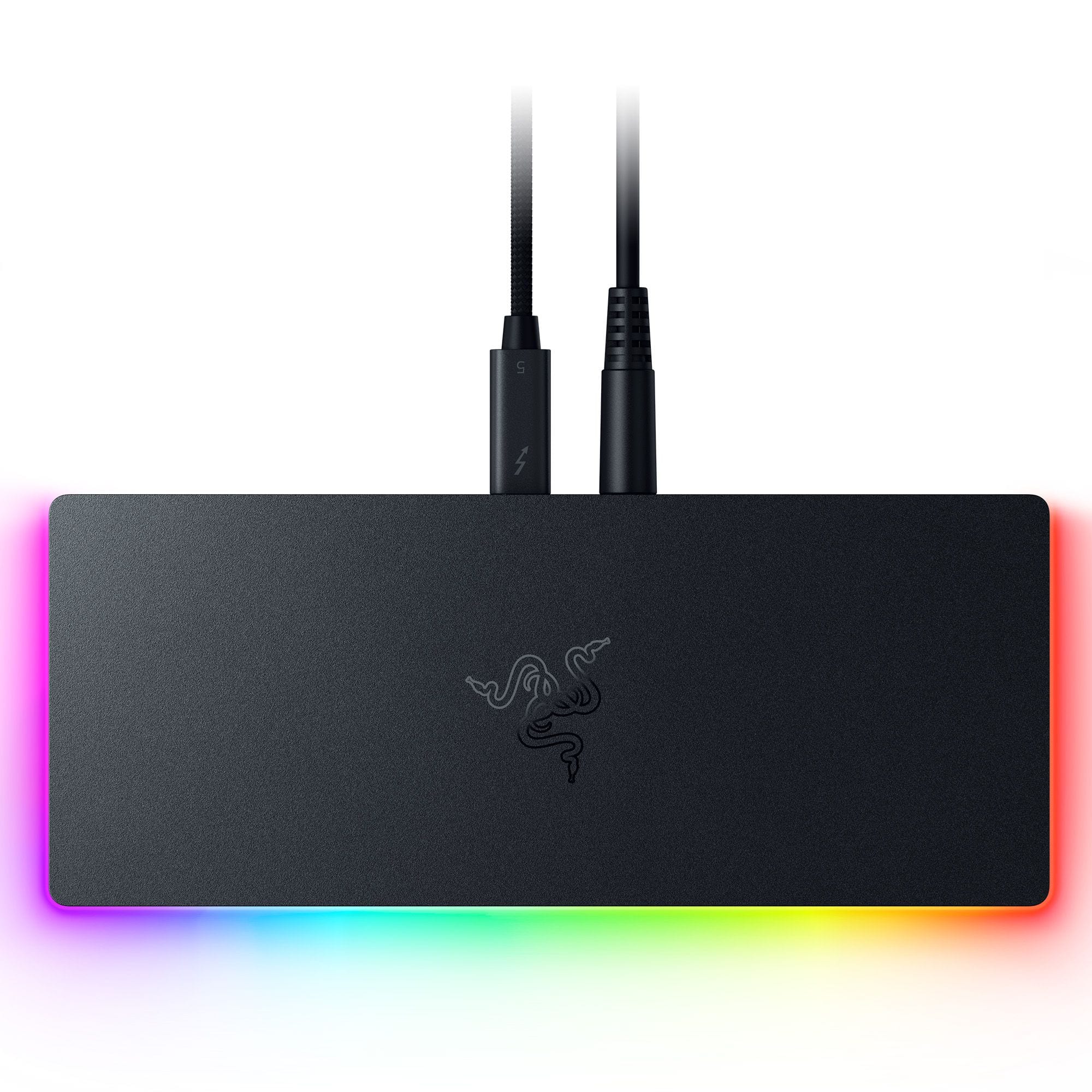
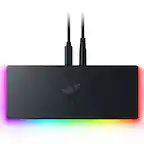
Razer - Thunderbolt 5 Dock Chroma: 11-Port Docking Station - 120Gbps Transfer - Triple 4K 144Hz or 8K 60Hz Display - PC & Mac - Black
SKU: J39HWFH95SLove this. Use for my laptop. All the plugins. This is great. Does see touches very easily....Great when its working
See all Docking StationsProduct Description
A sleek black anodized aluminum dock with 10 ports, M.2 storage slot, Chroma RGB, and triple 4K support.Your price for this item is $379.99Save $20The previous price was $399.99 -
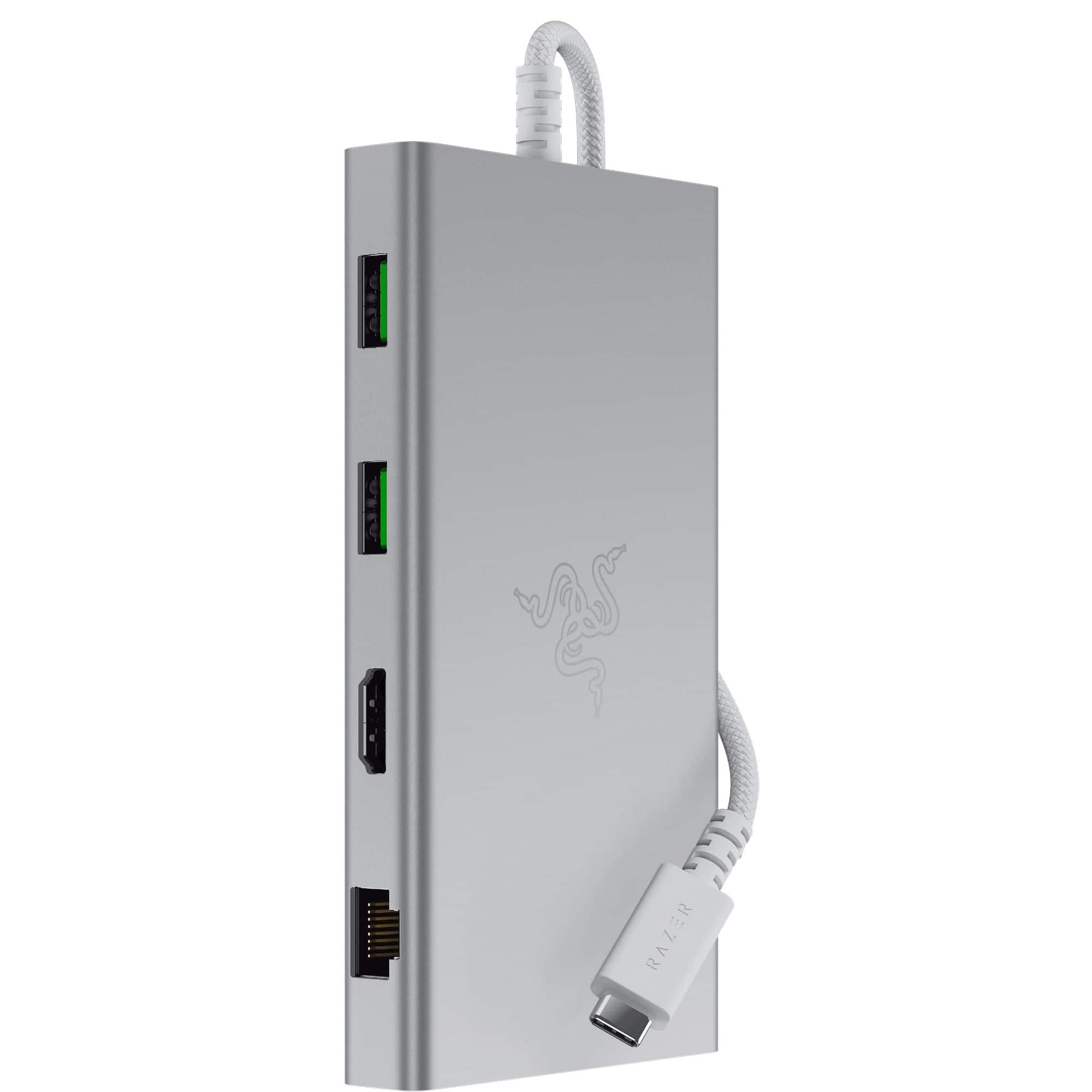
Razer - USB C Dock Station with 11 Ports for Windows 10 or later (PC with USB‑C); macOS 10.13 or later (Mac) - Mercury
SKU: J39HWFHPGLSee all Docking StationsProduct Description
A versatile silver USB-C dock offering 11 ports, including headphone jack, memory card slot, and Ethernet.Your price for this item is $92.99Save $37The previous price was $129.99 -
iVANKY - FusionDock 14-in-1 Docking Station with 180W Power Adapter, Triple 4K@60Hz Monitor For Macbook
SKU: CZTZ2F27QJSee all Docking StationsProduct Description
A versatile 14-in-1 docking station supporting triple 4K@60Hz monitors, 96W PD, and 2.5GbE for MacBooks.Your price for this item is $189.99 -
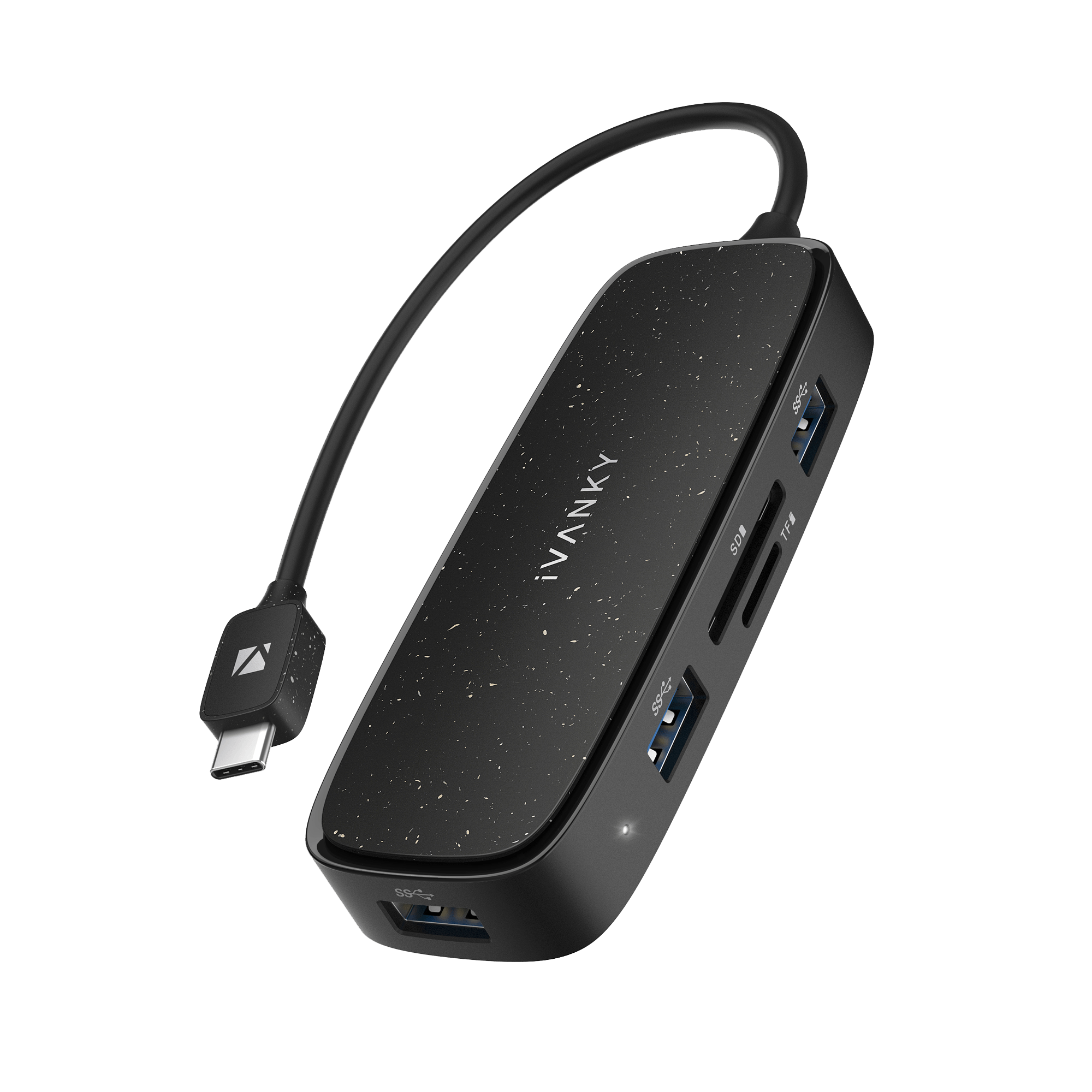
iVANKY - Classic 7-in-1 USB-C Hub Docking Station For PC Laptop MacBook
SKU: CZTZ2F2JWWSee all Docking StationsProduct Description
A versatile 7-in-1 USB-C hub that adds multiple ports and display support for laptops and PCs.Your price for this item is $14.99 -
iVANKY - FusionDock 20 in 1 Triple 4K@60Hz DisplayLink Docking Station for MacBook Pro with 180W Power Adapter - Black
SKU: CZTZ2F2CC5See all Docking StationsProduct Description
A black 20-in-1 docking station supporting triple 4K@60Hz displays, 2.5GbE, and 180W power delivery.Your price for this item is $239.99



Best Sellers






Related Pages





FAQ
When choosing a docking station for your MacBook, consider the types and number of ports you need, such as USB-C, HDMI, Ethernet, and SD card readers. Also, check for compatibility with your MacBook model, support for dual monitors, power delivery (PD) for charging, and whether it supports high-speed data transfer.
Many docking stations are designed to be compatible with both MacBook Air and MacBook Pro models, especially those with USB-C or Thunderbolt 3/4 ports. Always verify the specific compatibility details in the product description to ensure it works with your MacBook model.
Yes, many docking stations support connecting two or more external monitors to your MacBook. Look for models that specify multi-display support and check the maximum resolution and refresh rates supported for each monitor.
Most modern docking stations with USB-C or Thunderbolt connectivity offer power delivery, allowing you to charge your MacBook while connected. Check the wattage supported by the docking station to ensure it meets your MacBook's charging requirements.
You can connect a wide range of devices and accessories to a MacBook docking station, including external monitors, keyboards, mice, printers, external hard drives, SD cards, Ethernet cables, and audio devices. The exact compatibility depends on the ports available on the docking station.