MacBook Docking Stations
-
Razer - USB C Dock Station with 11 Ports for Windows 10 or later (PC with USB‑C); macOS 10.13 or later (Mac) - Black
SKU: J39HWFHP8KGreat for Gaming Laptop...Sleek, Powerful Dock with Great Connectivity — Jus...USB-C Dock Station with 11 Ports is exactly what you’d expect from Razer — premium build quality, great
See all Docking StationsProduct Description
A sleek black aluminum alloy dock offering 11 ports, including USB, Ethernet, and audio for PC and Mac.Your price for this item is $79.99Save $50The previous price was $129.99 -
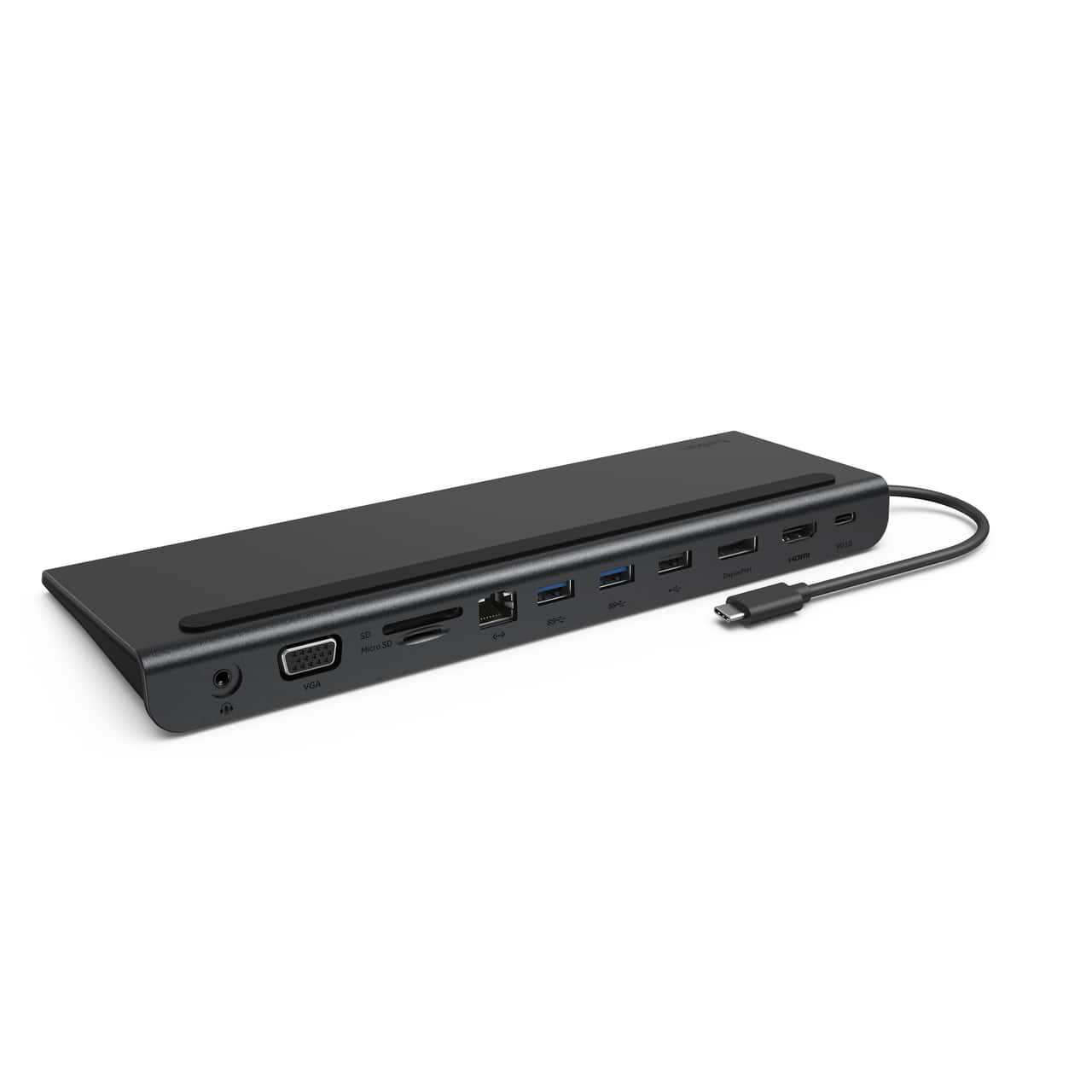
Belkin - 11-in-1 USB C Hub with 4K HDMI, DP, VGA, 100W PD Docking Station for MacBook Pro, Air, and more - Dark Gray
SKU: JX5329KY4LWorks great and love the small profile. Using with a Lenovo Yoga 7i....Works great
See all Docking StationsProduct Description
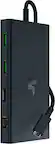
A dark gray 11-in-1 USB-C hub offering 4K HDMI, DisplayPort, VGA, 100W PD, and Ethernet connectivity.Your price for this item is $99.99 -
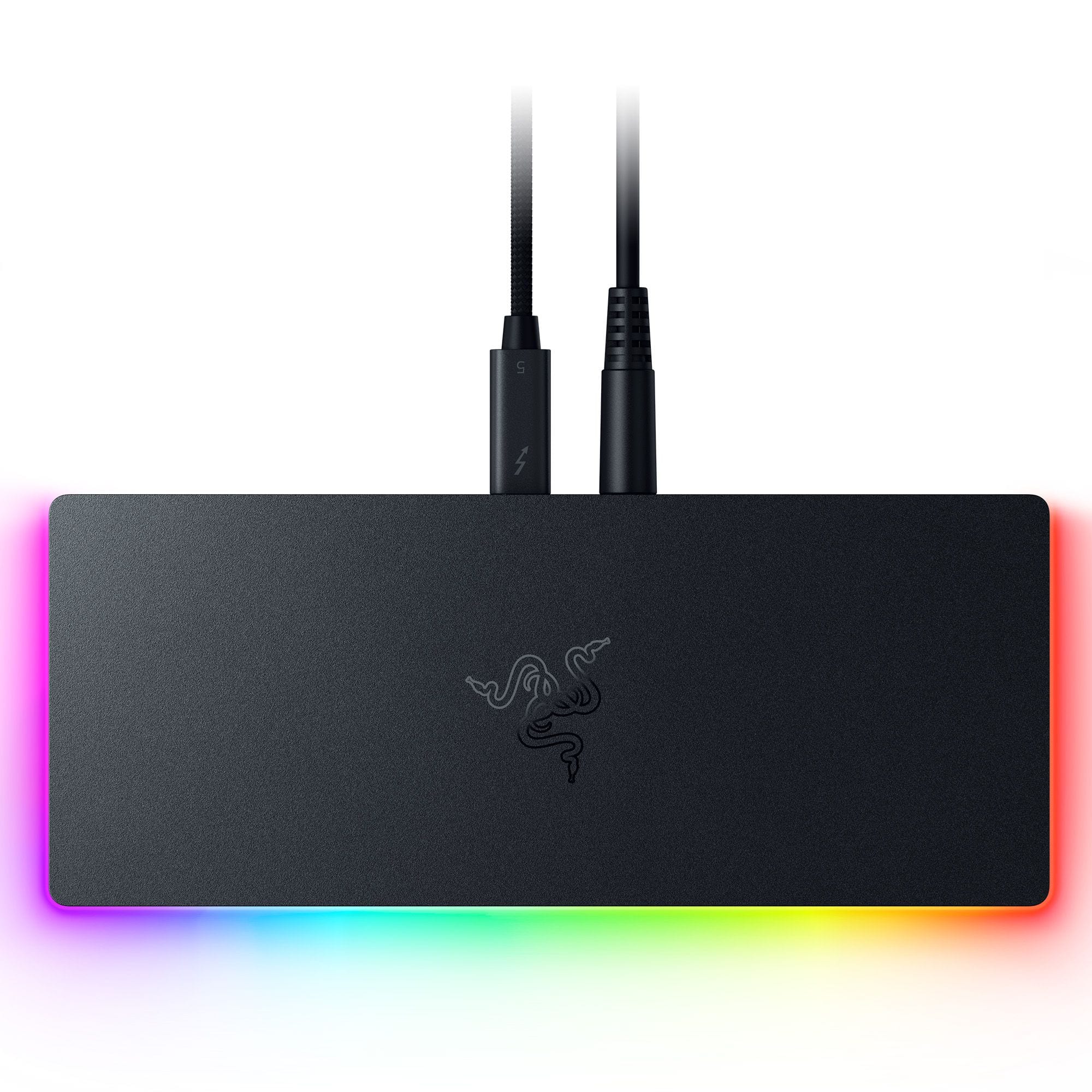
Razer - Thunderbolt 5 Dock Chroma: 11-Port Docking Station - 120Gbps Transfer - Triple 4K 144Hz or 8K 60Hz Display - PC & Mac - Black
SKU: J39HWFH95SLove this. Use for my laptop. All the plugins. This is great. Does see touches very easily....The only reason I would recommend this product is that it did work great the first day.
See all Docking StationsProduct Description
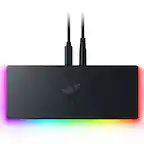
A sleek black anodized aluminum dock with 10 ports, M.2 storage slot, Chroma RGB, and triple 4K support.Your price for this item is $399.99 -
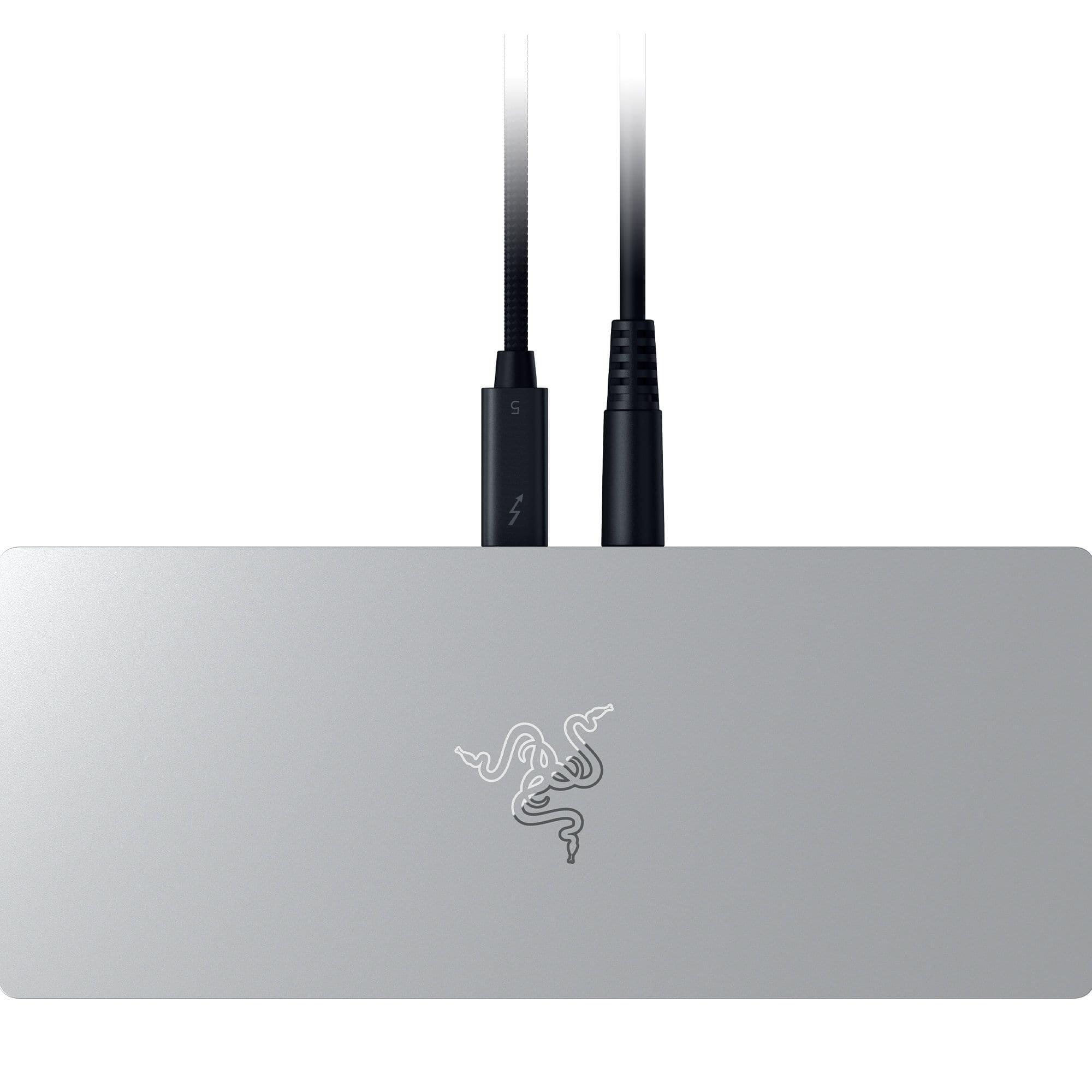
Razer - Thunderbolt 5 Dock: 11-Port Docking Station - 120Gbps Transfer - Triple 4K 144Hz or 8K 60Hz Display - PC & Mac - Mercury
SKU: J39HWFH9F2See all Docking StationsProduct Description
An anodized aluminum mercury dock offering 10 ports, M.2 storage slot, and triple 4K display support.Your price for this item is $379.99Save $10The previous price was $389.99 -
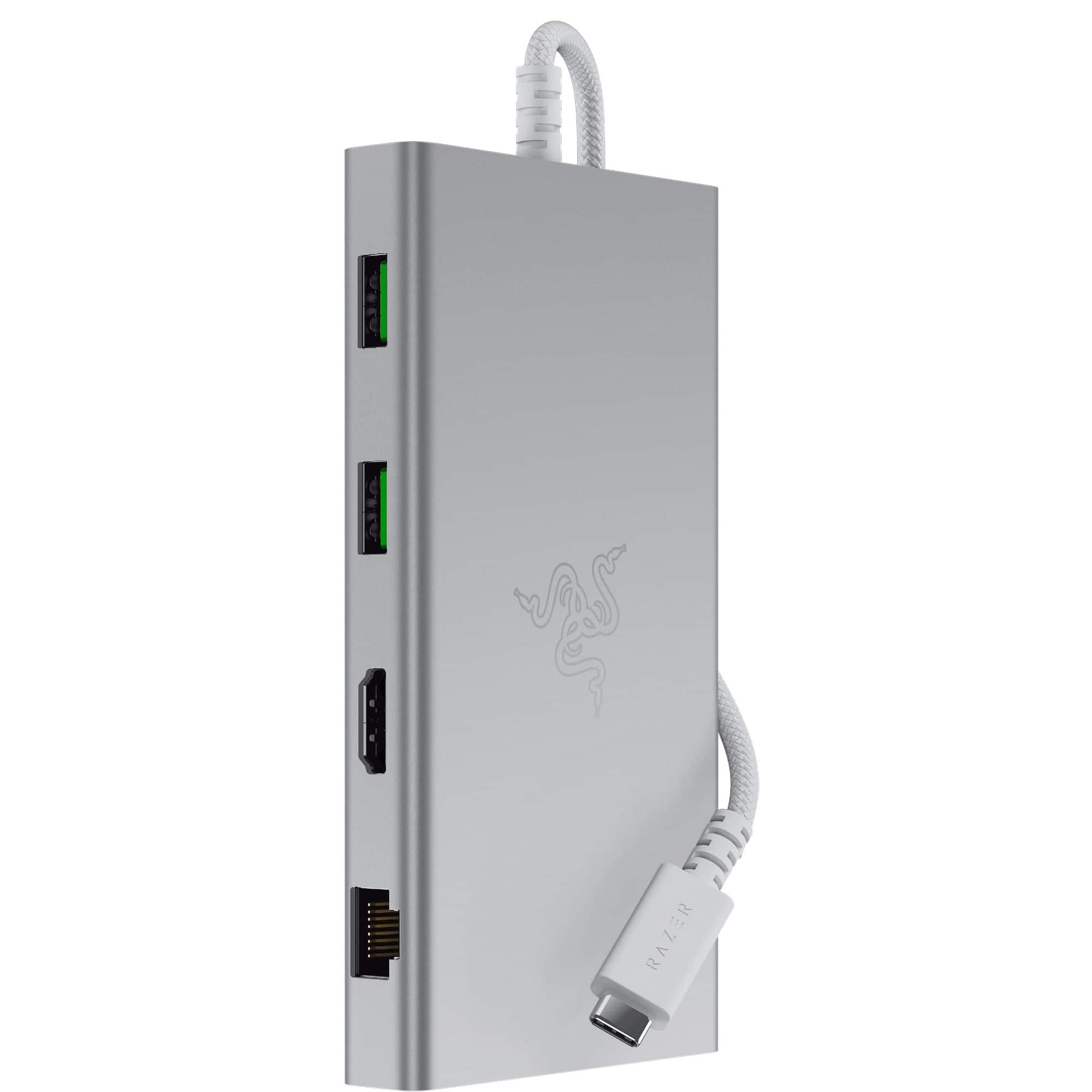
Razer - USB C Dock Station with 11 Ports for Windows 10 or later (PC with USB‑C); macOS 10.13 or later (Mac) - Mercury
SKU: J39HWFHPGLSee all Docking StationsProduct Description
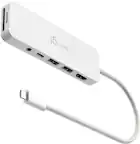
A versatile silver USB-C dock offering 11 ports, including headphone jack, memory card slot, and Ethernet.Your price for this item is $129.99 -
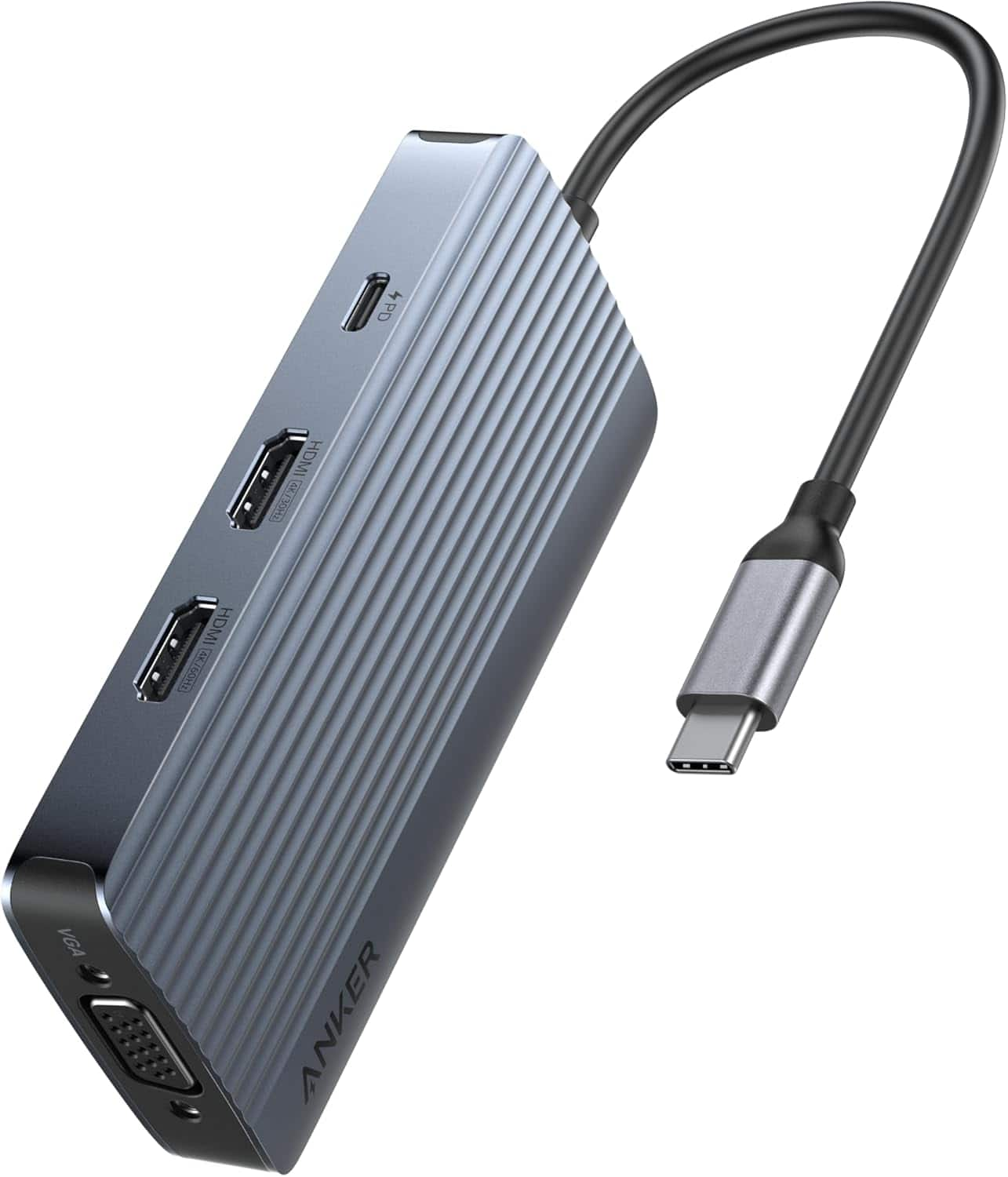
Anker - 8-in-1 USB-C Hub USB C Docking Station Triple Display Multi-Port Dongle - Gray
SKU: JJ858R36WJSee all USB HubsProduct Description
A versatile gray USB-C hub offering triple display support, 2 HDMI, VGA, and fast 5Gbps data transfer.Your price for this item is $39.99 -
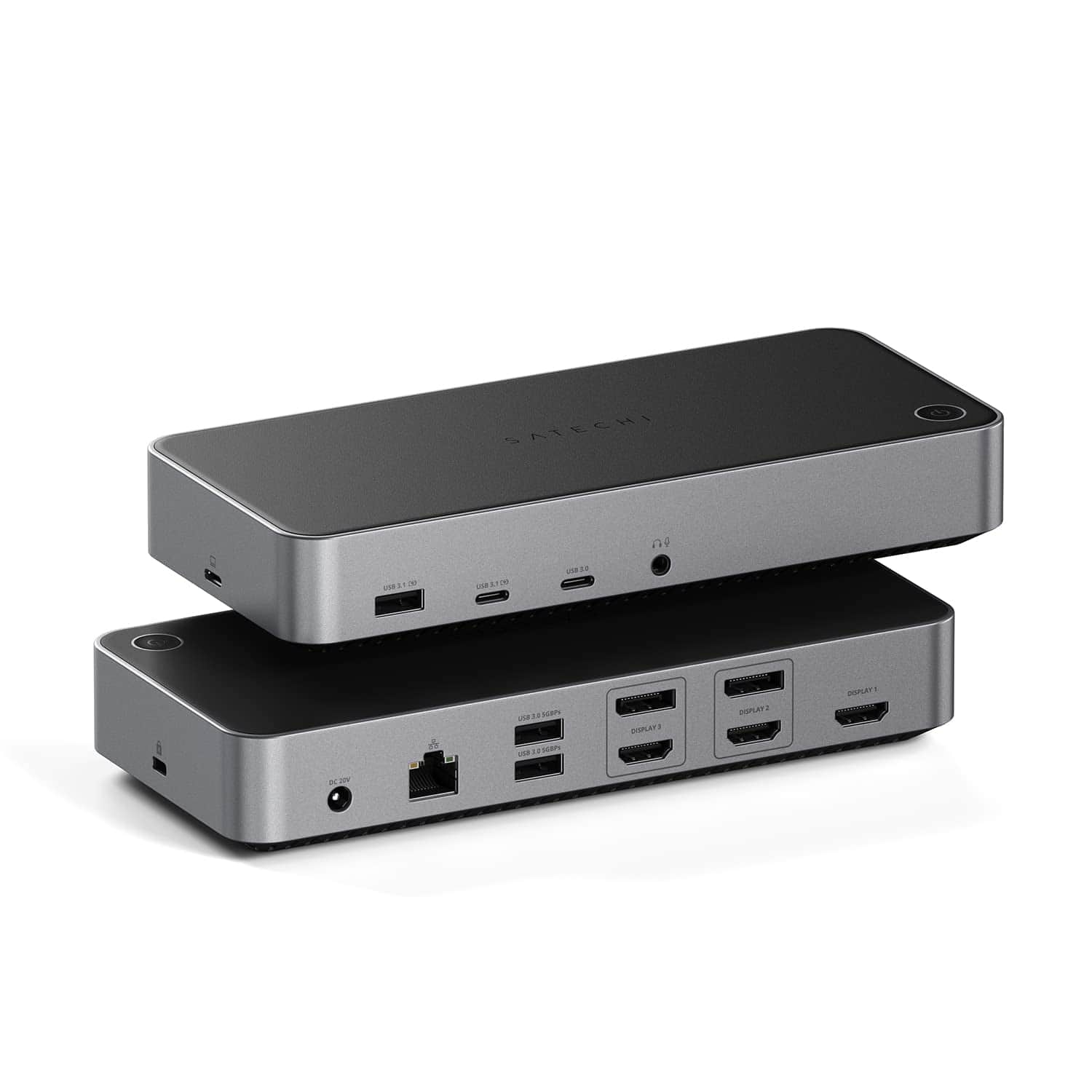
Satechi - Thunderbolt 4 Multimedia Pro Dock-2 DisplayPort, 2 HDMI, USB C, 5 USB A Port, Micro/SD, Audio, Ethernet Docking Station - Space Gray
SKU: J3GWC4CJ5TGreat dock for Macbooks.
See all Docking StationsProduct Description
A versatile space gray aluminum dock offering Thunderbolt 4, four display support, USB, Ethernet, and audio ports.Your price for this item is $349.99 -
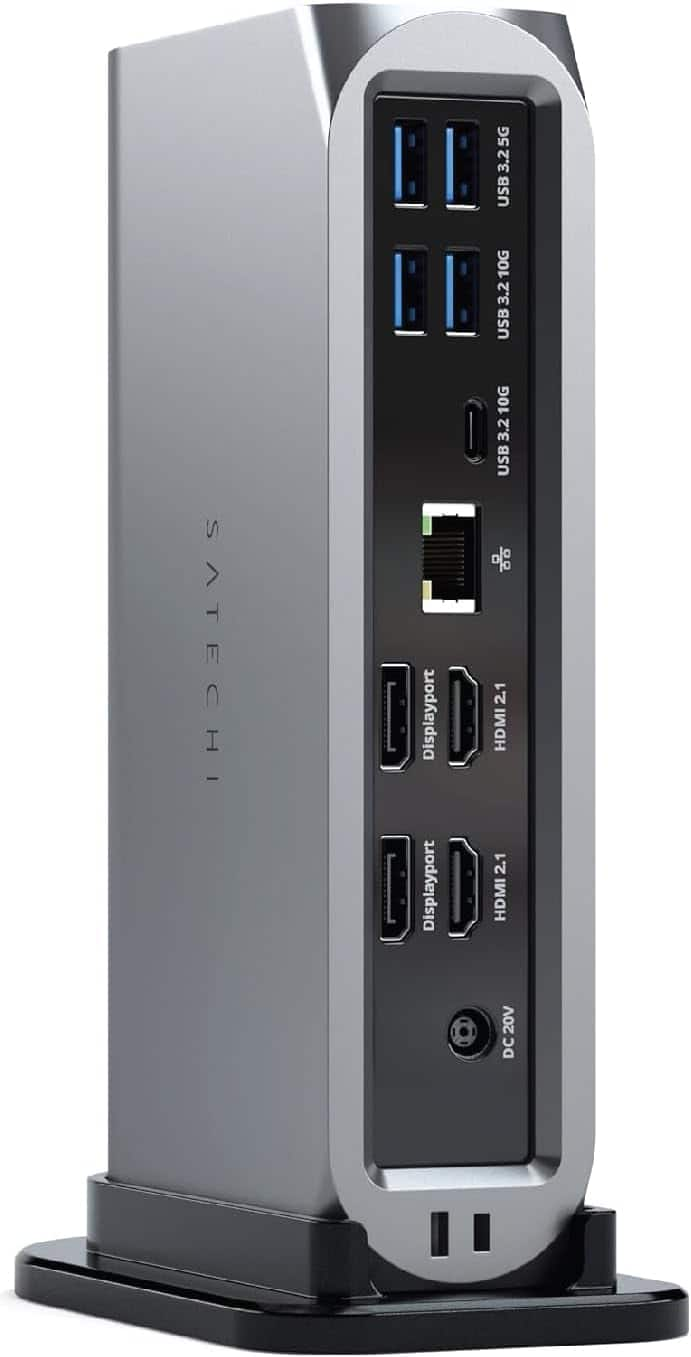
Satechi - 13-in-1 Triple 4K USB-C Docking Station - 100W Charging, 2 DP, 3 HDMI, 2 USB-C, 3 USB-A, Ethernet
SKU: J3GWC4CCRKSee all Docking StationsProduct Description
A versatile 13-in-1 USB-C docking station supporting triple 4K displays, 100W charging, and extensive connectivity.Your price for this item is $299.99 -
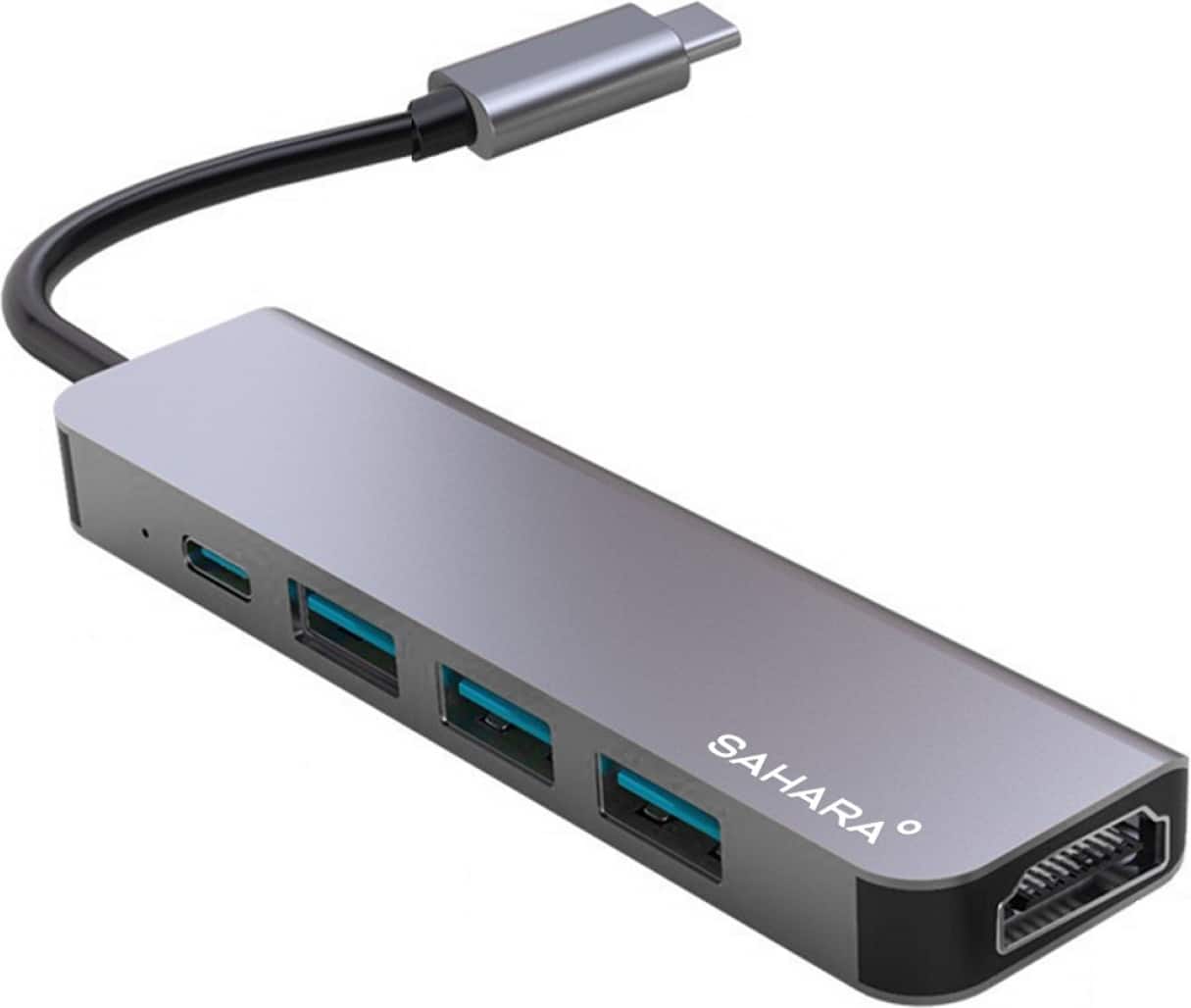
SaharaCase - 5-in-1 USB-C Docking Station - Space Gray
SKU: J3GW2YSQSVSee all Docking StationsProduct Description
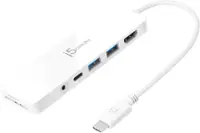
A sleek space gray aluminum hub offering HDMI, USB-C, and three USB ports for seamless connectivity.Your price for this item is $39.95 -
ViewSonic - VG2756-4K 27" IPS 4K UHD Docking Monitor (HDMI, USB-C, DisplayPort) - Black
SKU: J37H88F6T3The adjustability: great. Can swivel and adjust height no issues. Setup: great.
See all All MonitorsProduct Description
A black 27-inch IPS 4K UHD monitor with USB-C docking, Ethernet, ergonomic stand, and integrated speakers.Your price for this item is $449.99


Best Sellers

Related Pages


FAQ
When choosing a MacBook docking station, consider the types and number of ports you need, such as USB-C, HDMI, Ethernet, and SD card slots. Also, look for compatibility with your MacBook model and support for dual or triple monitor setups if needed.
Yes, many MacBook docking stations support connecting two or more external monitors. Check the product specifications to ensure it supports the monitor configuration you require, such as dual 4K displays.
Most modern MacBook docking stations offer power delivery via USB-C, allowing you to charge your MacBook while using the dock. Be sure to verify the wattage output to match your MacBook’s charging requirements.
Many docking stations are compatible with both macOS and Windows laptops, but some features may be optimized for MacBook models. Always check the compatibility details in the product description.
A USB-C hub typically offers a few extra ports for basic connectivity, while a docking station usually provides a wider range of ports, higher power delivery, and support for multiple monitors, making it ideal for workstation setups.