Powered Docking Station
-
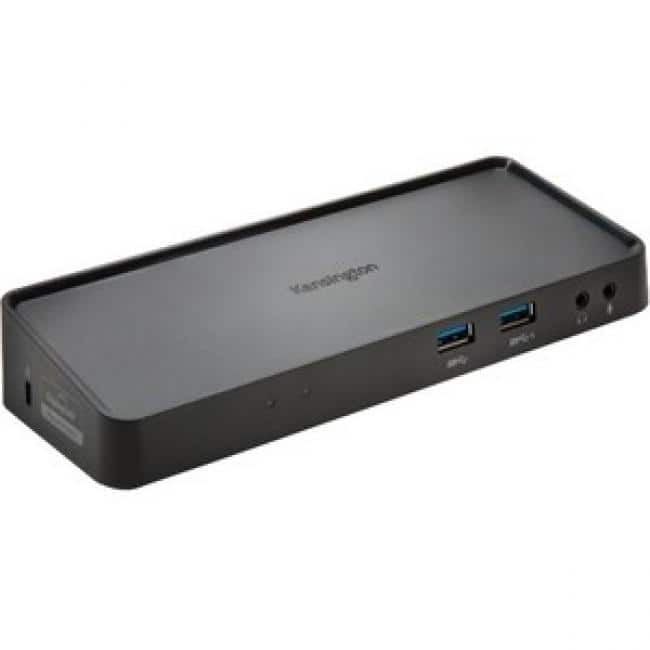
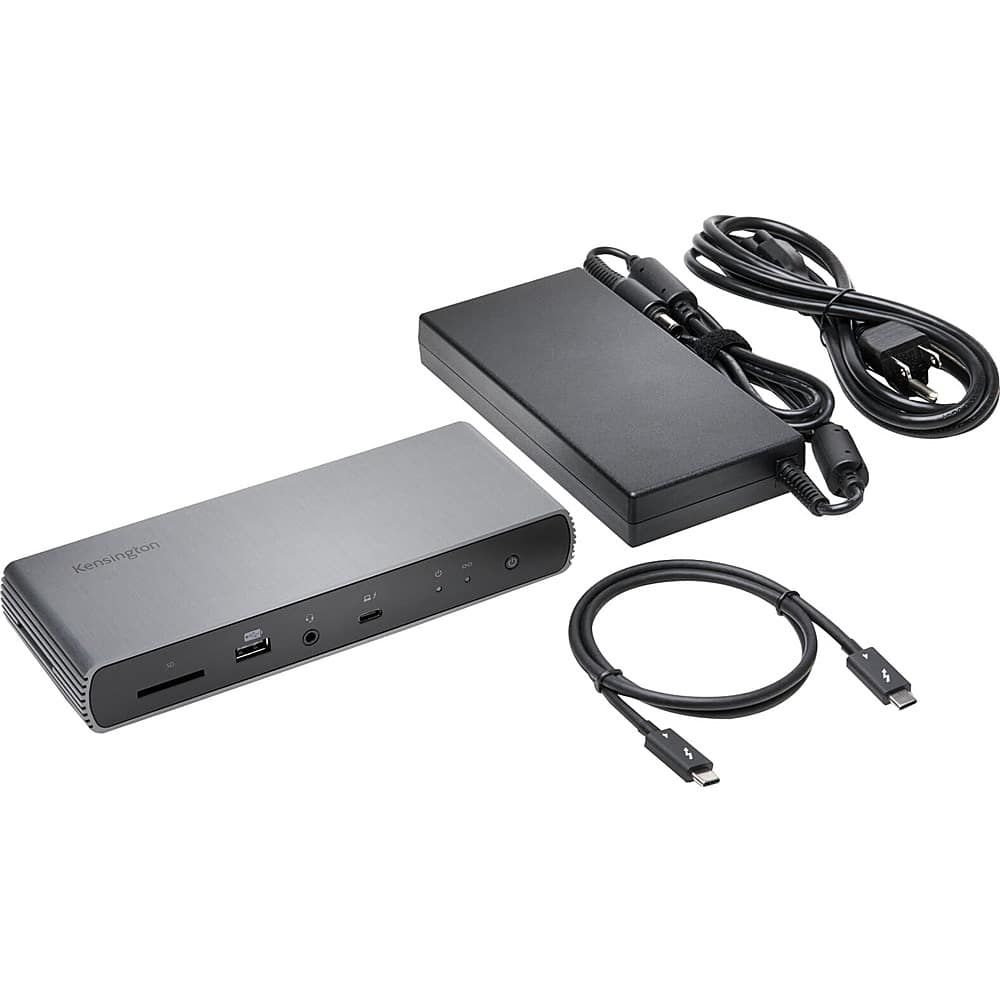
Kensington - SD3650 Universal USB 3.0 Docking Station - USB 3.0 - 6 x USB Ports - 2 x USB 2.0 - 4 x USB 3.0 - Network
SKU: J7RJZKQWVCSee all Docking StationsProduct Description
A powered docking station supporting dual DisplayPort and HDMI outputs for Windows, Mac OS, and Surface devices.Your price for this item is $81.99Save $3The previous price was $85.98 -
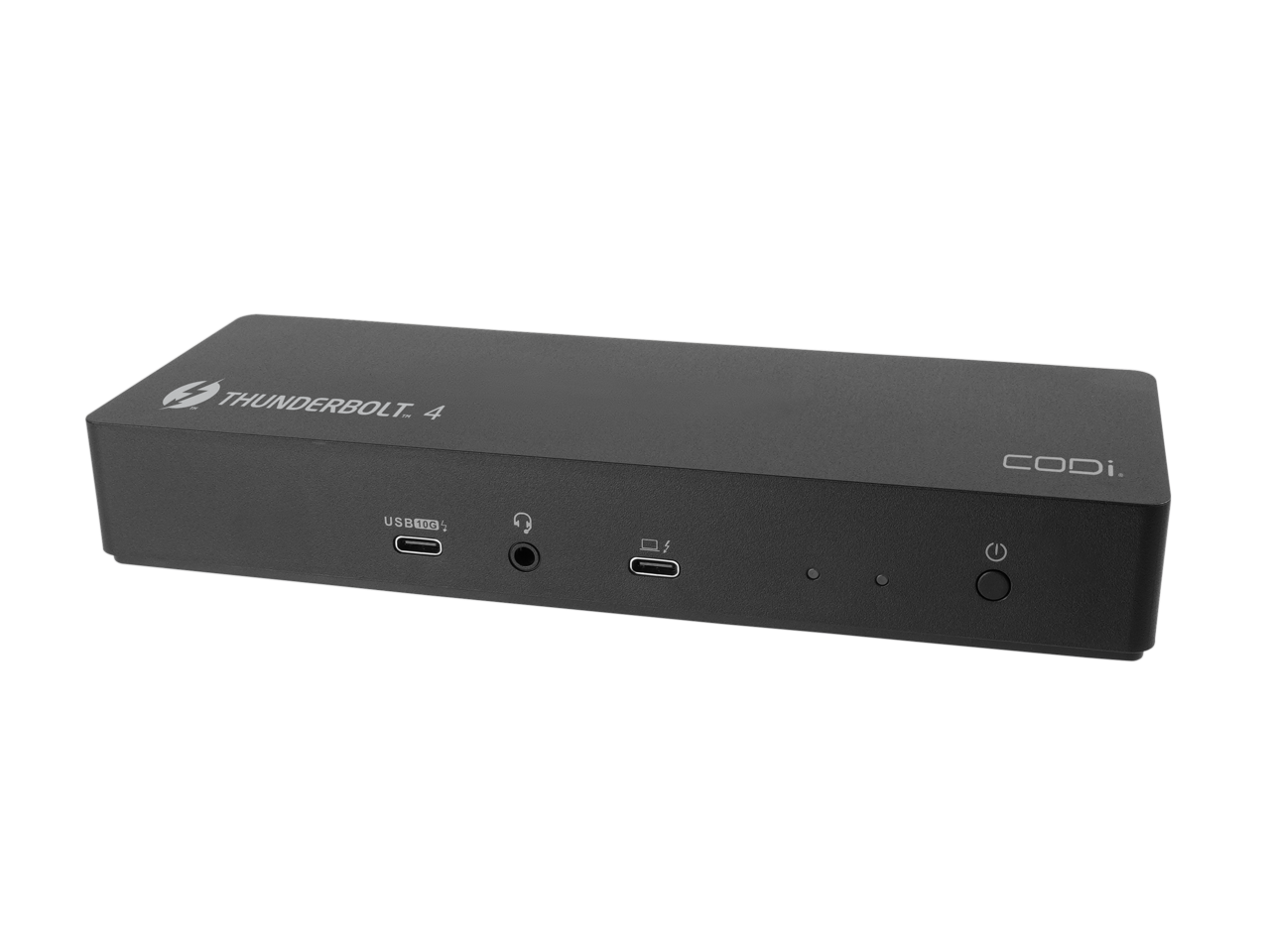
CODi - 10-in-1 Thunderbolt 4 Docking Station with 8K Display Support and 96W Power Delivery
SKU: JX24YF3C2YSee all Docking StationsProduct Description
A versatile black docking station offering Thunderbolt 4 connectivity, 8K display support, charging, and SD card reader.Your price for this item is $380.95 -
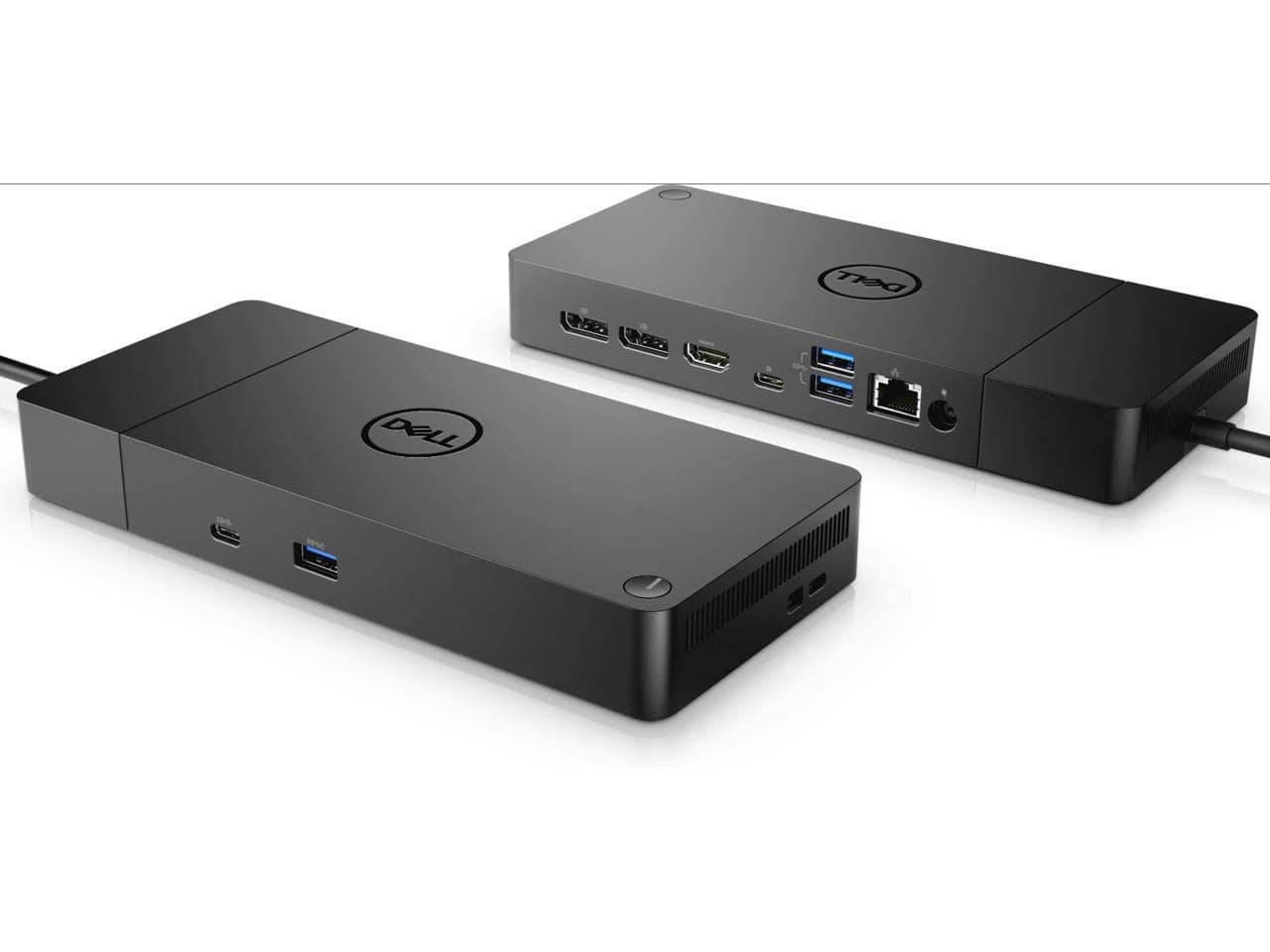
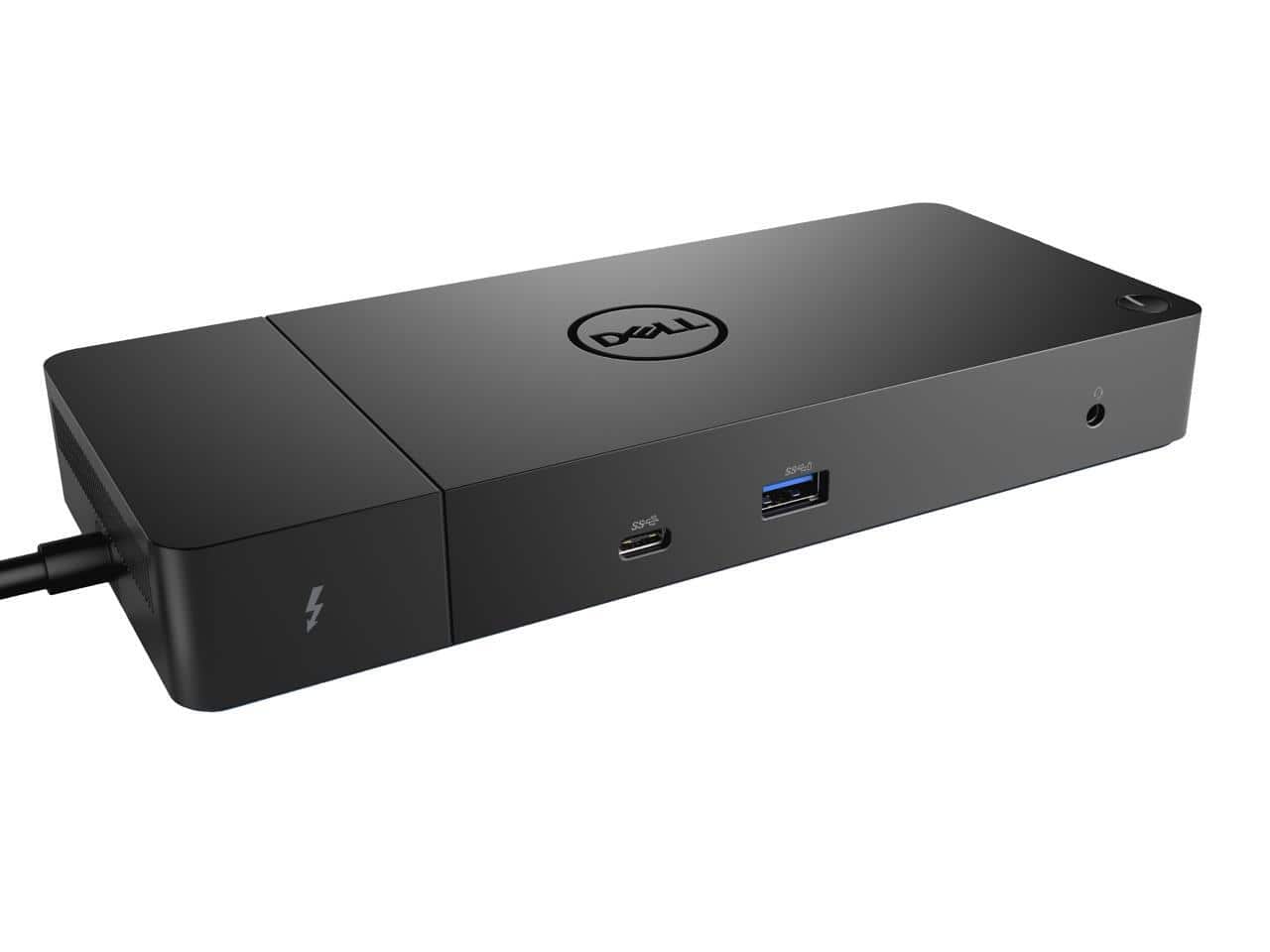
Dell - M3HVW Thunderbolt Dock WD19TBS Docking Station 180W Power Adapter (130W Power Delivery) 210-AZBI
SKU: J3K4L9V9Y8See all Docking StationsProduct Description
A black docking station delivering 130W power, supporting six displays and multiple connectivity options via Thunderbolt 3.Your price for this item is $279.99Save $220The previous price was $499.99 -
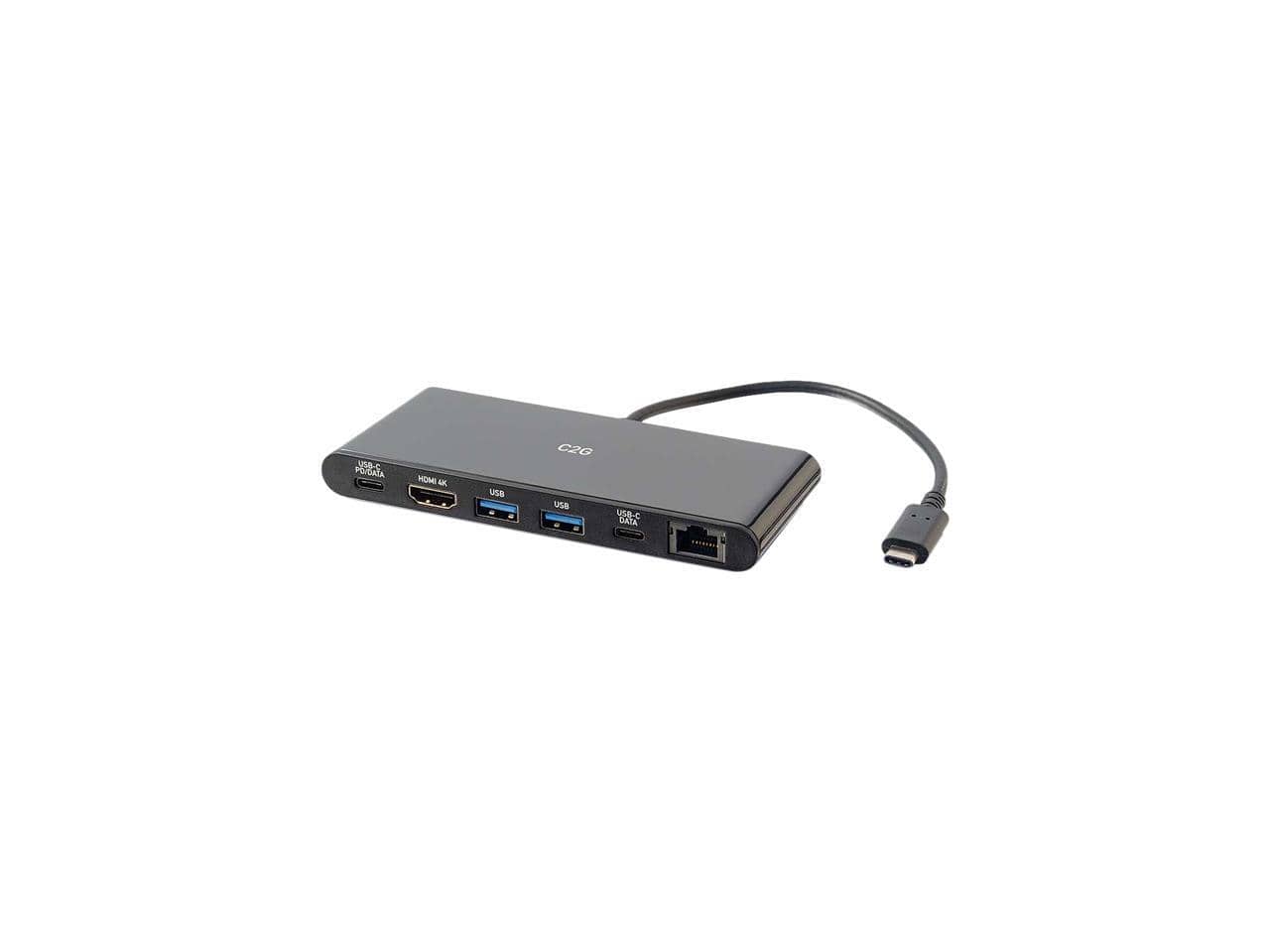
Cables to Go - C2G 28845 USB-C Docking Station with 4K HDMI, Ethernet, USB and Power Delivery
SKU: JXVJXCFS6YSee all Docking StationsProduct Description
A black powered USB-C docking station supporting 4K HDMI, Ethernet, four USB ports, and power delivery.Your price for this item is $61.33 -
Dell - WD19TB Thunderbolt Docking Station with 180W AC Power Adapter (130W Power Delivery)
SKU: J3K4L9SRH3See all Docking StationsProduct Description
A versatile Thunderbolt docking station supporting up to three displays with 130W power delivery and multiple output ports.Your price for this item is $302.49 -
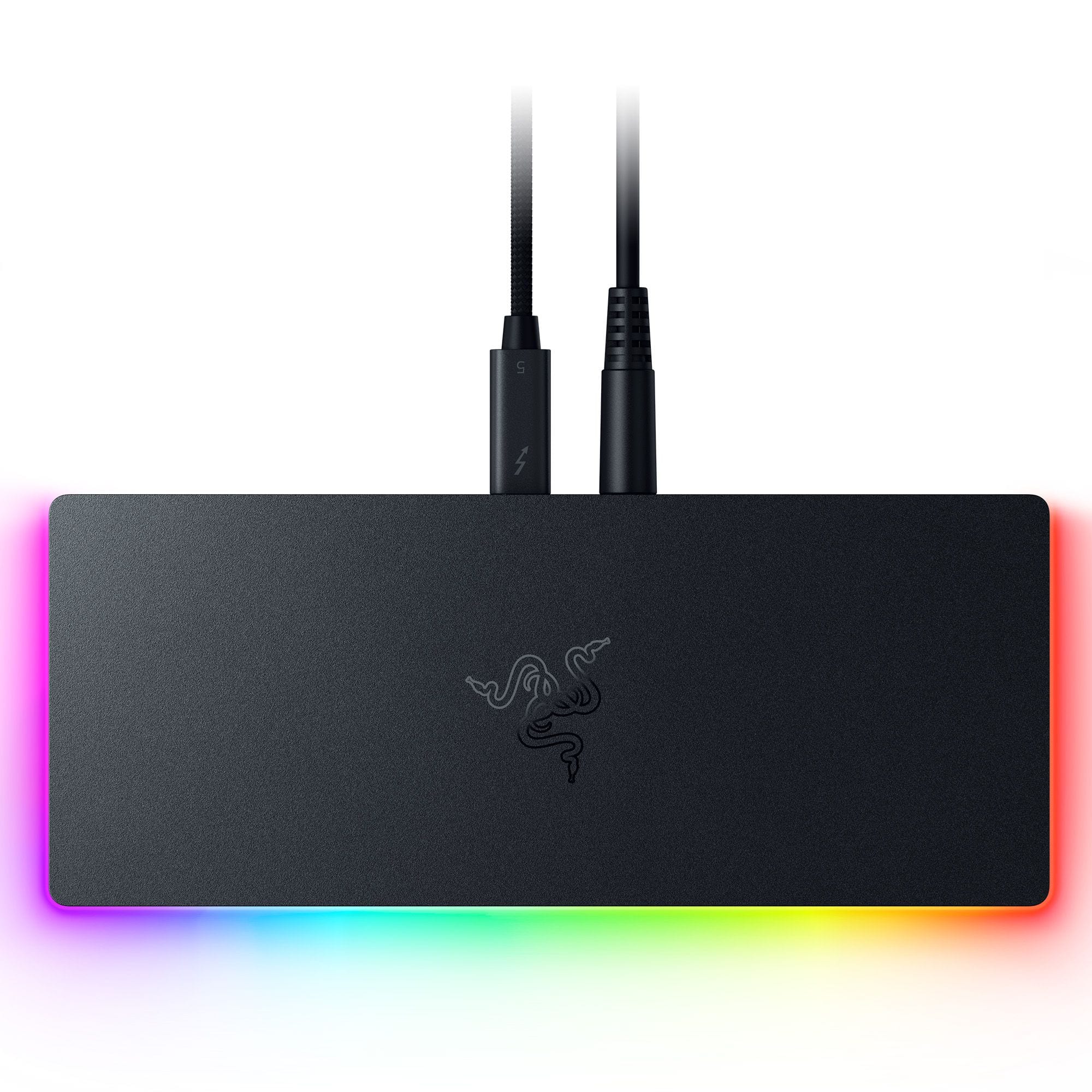
Razer - Thunderbolt 5 Dock Chroma: 11-Port Docking Station - 120Gbps Transfer - Triple 4K 144Hz or 8K 60Hz Display - PC & Mac - Black
SKU: J39HWFH95SSee all Docking StationsProduct Description
A sleek black anodized aluminum dock with 10 ports, M.2 storage slot, Chroma RGB, and triple 4K support.Your price for this item is $399.99 -
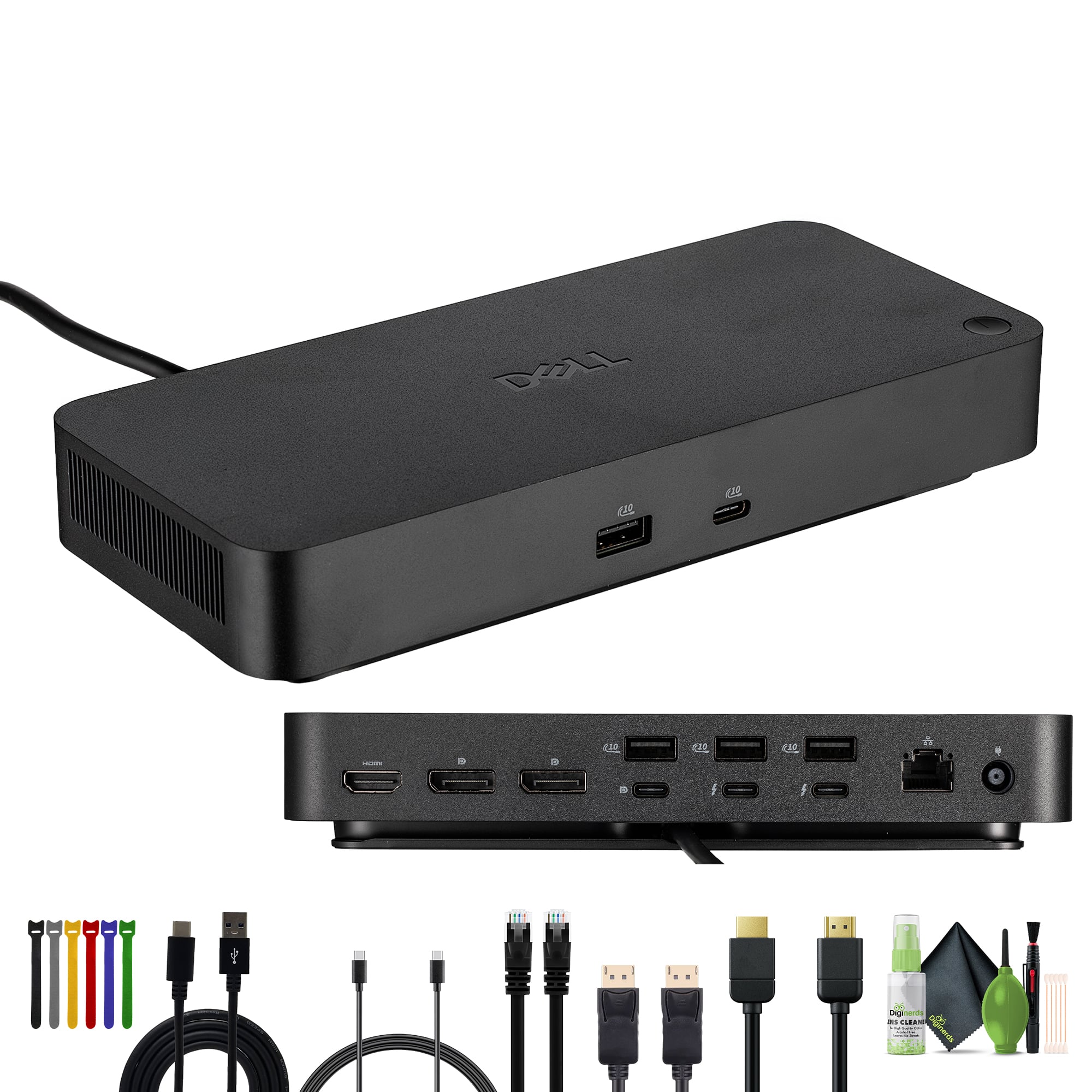
Bundle - Dell - SD25TB4 Pro Thunderbolt 4 Smart Dock
SKU: J7QPQZK9LLSee all Docking StationsProduct Description
An advanced docking station with Thunderbolt 4, multiple display support, robust security, and eco-friendly materials.Your price for this item is $414.95Save $1The previous price was $415.95 -
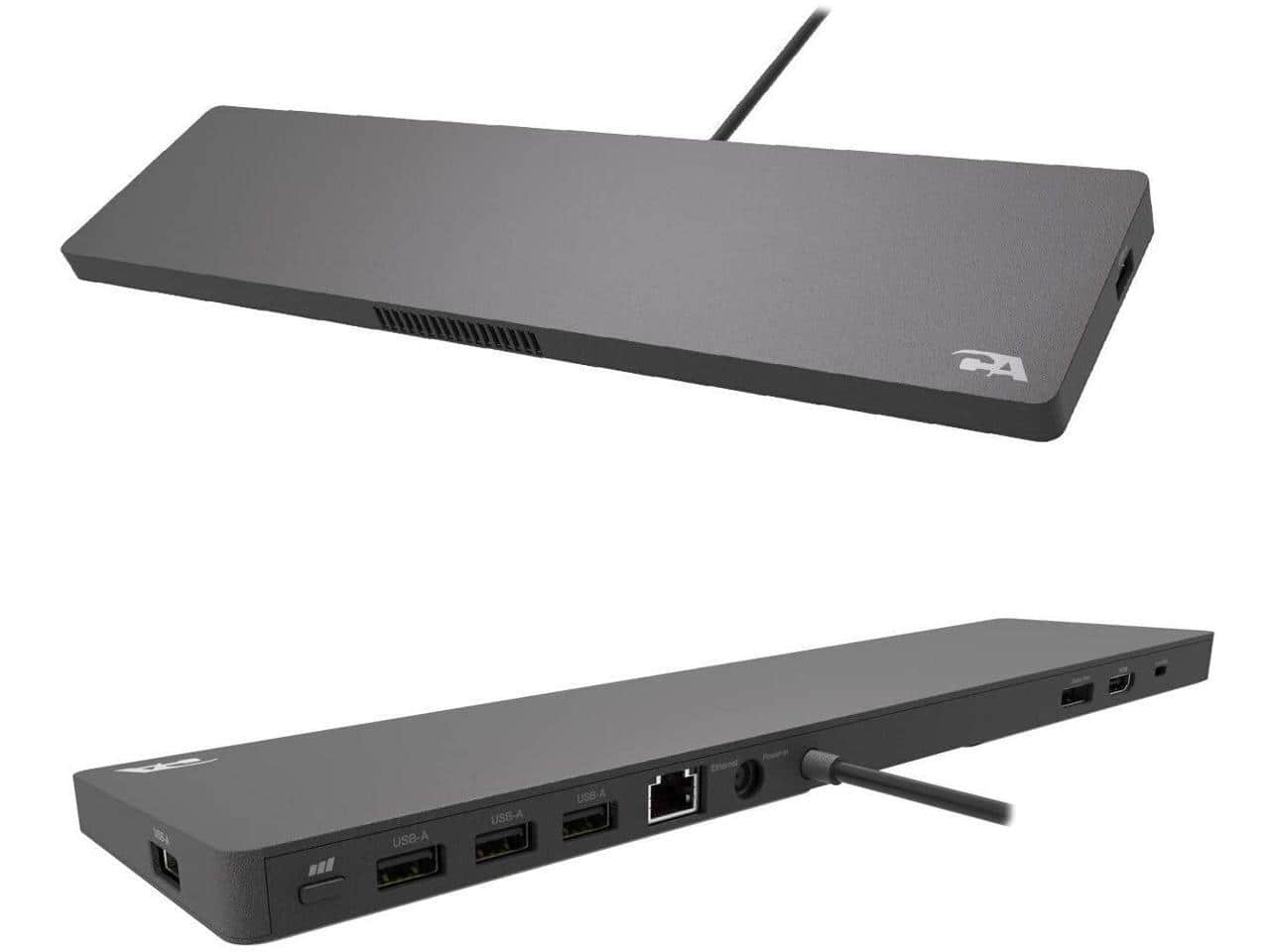
Cyber Acoustics - DS-2000 Universal Essential Docking Station - USB-C - 4K - 90 Watts - 10/100/1000 GbE
SKU: JX35WHCGY6See all Docking StationsProduct Description
A universal USB-C docking station supporting 4K displays, 90W power delivery, and gigabit Ethernet connectivity.Your price for this item is $193.37Save $9The previous price was $203.04 -
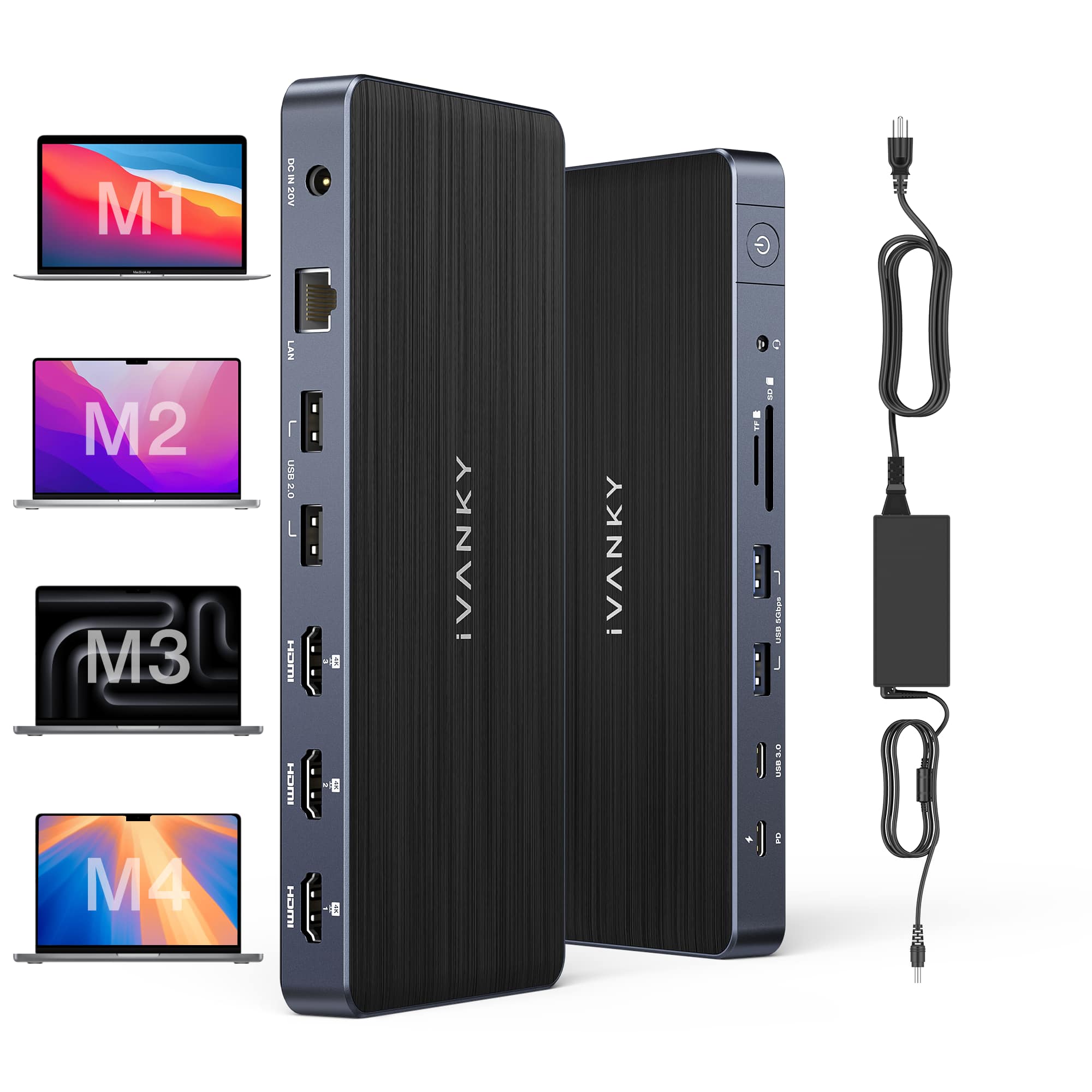
iVANKY - FusionDock 14-in-1 Docking Station with 180W Power Adapter, Triple 4K@60Hz Monitor For Macbook
SKU: CZTZ2F27QJSee all Docking StationsProduct Description
A versatile 14-in-1 docking station supporting triple 4K@60Hz monitors, 96W PD, and 2.5GbE for MacBooks.Your price for this item is $189.99 -
Kensington - SD5700T Thunderbolt 4 Dual 4K Docking Station with 90W PD - Gray
SKU: J7RJZKH9ZGSee all Docking StationsProduct Description
A gray docking station offering dual 4K display support, 90W power delivery, and 11 connectivity ports.Your price for this item is $269.80
Best Sellers


Related Pages




FAQ
Powered docking stations are compatible with a wide range of devices, including laptops, tablets, and smartphones. Most models support both Windows and Mac operating systems, as well as USB-C, Thunderbolt, or USB-A connections. Please check the product specifications for detailed compatibility information.
Most powered docking stations feature a variety of ports, such as HDMI, DisplayPort, USB-A, USB-C, Ethernet, audio jacks, and SD card readers. This allows you to connect multiple peripherals like monitors, keyboards, mice, printers, and external storage devices.
Yes, powered docking stations are designed to deliver power to your laptop while also charging other connected devices, such as smartphones or tablets, through their USB ports. The charging capability may vary depending on the docking station model and the connected devices.
To set up a powered docking station, simply connect it to your computer using the appropriate cable (such as USB-C or Thunderbolt). Then, plug in your peripherals to the docking station’s ports. Most modern operating systems will automatically recognize the docking station and connected devices.
Many powered docking stations support dual or even triple monitor setups, depending on the available video output ports and your computer’s capabilities. Always check the product description for details on supported display configurations.