Surface Docking Station
-
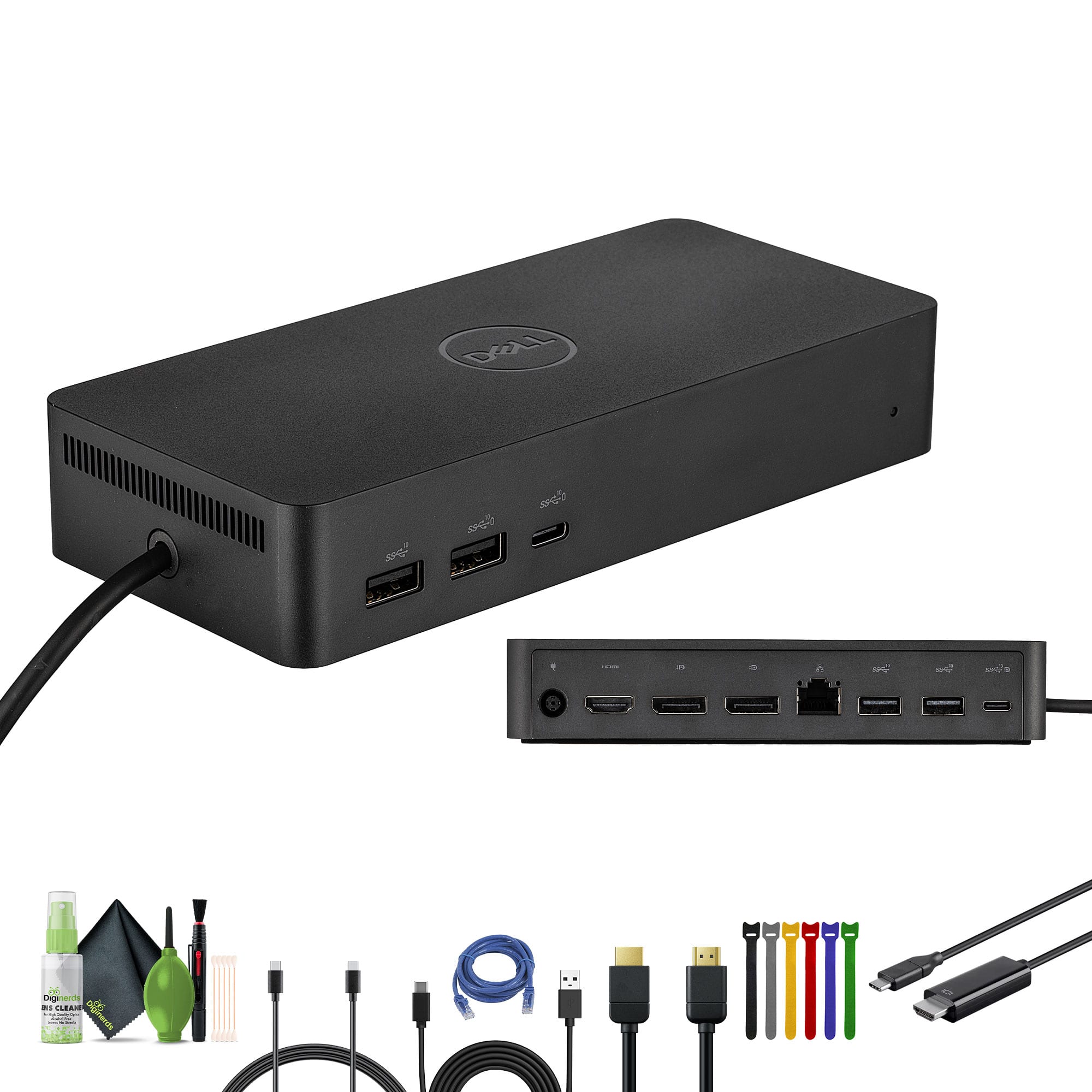
Dell - SD25 Pro Smart Dock -USB-C Docking Station Bundle with Accessories
SKU: J7QPQZK9GKSee all Docking StationsProduct Description
A versatile USB-C docking station bundle supporting up to four monitors, high-speed Ethernet, and eco-friendly materials.Your price for this item is $330.95 -
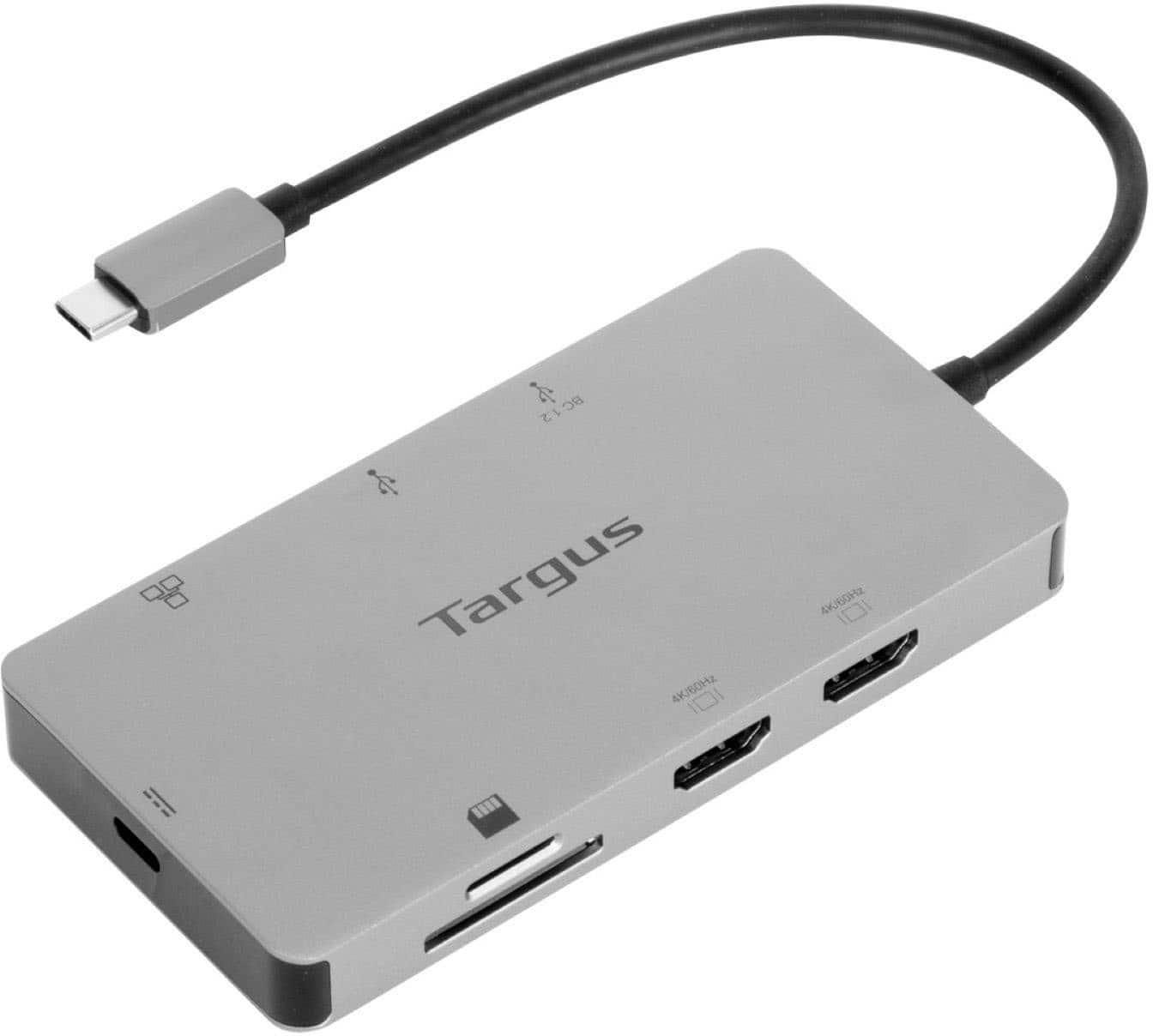
Targus - USB-C Dual HDMI 4K Docking Station with 100W PD Pass-Thru - Silver
SKU: J7QXPVJ4RZWe love it....Love it...LOVE
See all Docking StationsProduct Description
A sleek silver docking station enabling dual 4K HDMI displays, 100W PD pass-thru, and versatile connectivity.Your price for this item is $79.99Save $20The previous price was $99.99 -
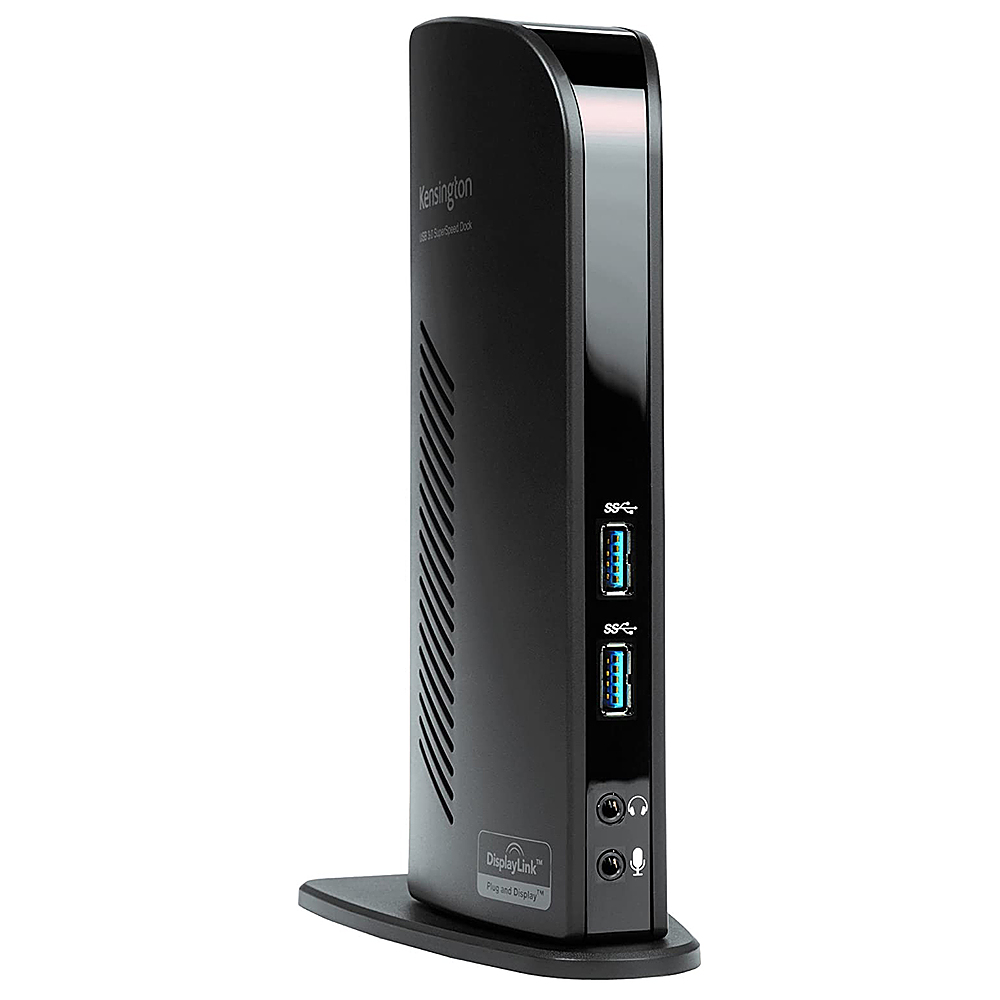
Kensington - USB 3.0 Docking Station Dual DVI/HDMI/VGA sd3500v - Black
SKU: J7RJZKQW6VSee all Docking StationsProduct Description
A black USB 3.0 docking station offering dual video output, multiple ports, and headphone jack connectivity.Your price for this item is $86.49 -
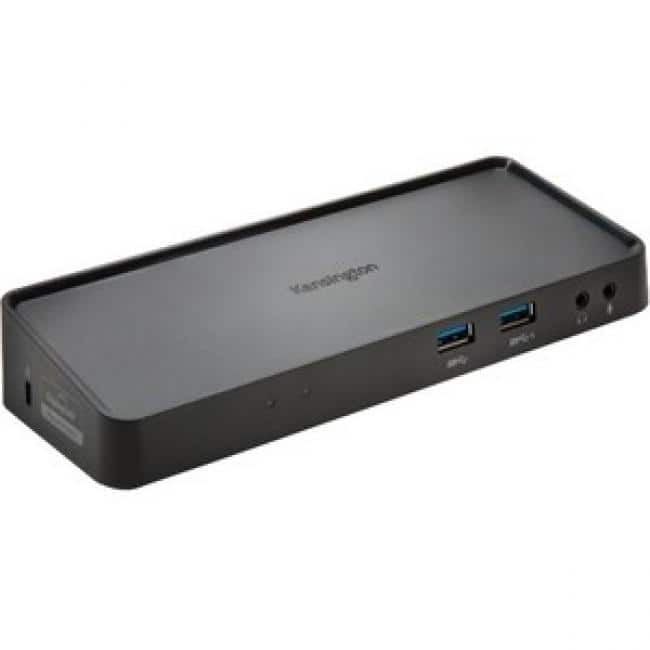
Kensington - SD3650 Universal USB 3.0 Docking Station - USB 3.0 - 6 x USB Ports - 2 x USB 2.0 - 4 x USB 3.0 - Network
SKU: J7RJZKQWVCSee all Docking StationsProduct Description
A powered docking station supporting dual DisplayPort and HDMI outputs for Windows, Mac OS, and Surface devices.Your price for this item is $100.11 -
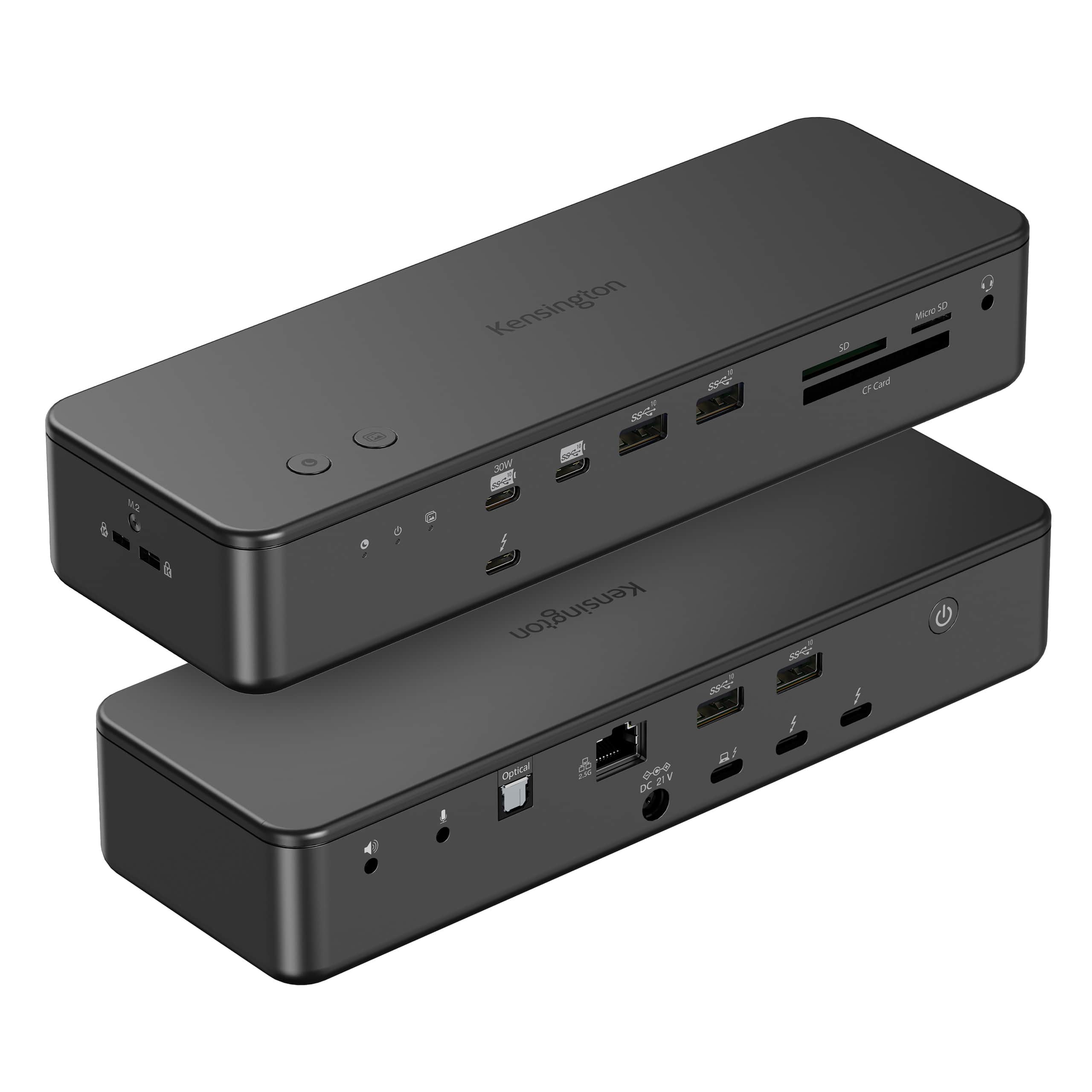
Kensington - EQ Pro Thunderbolt 5 Dock for MacBook, 19-in-1, Dual 6K at 60Hz, 140W Power, M.2 SSD Slot - K33612NA - Black
SKU: J7RJZWKGYQSee all Docking StationsProduct Description
A black, heat-dissipating Thunderbolt 5 docking station supporting up to four displays for seamless multitasking.Your price for this item is $449.99 -
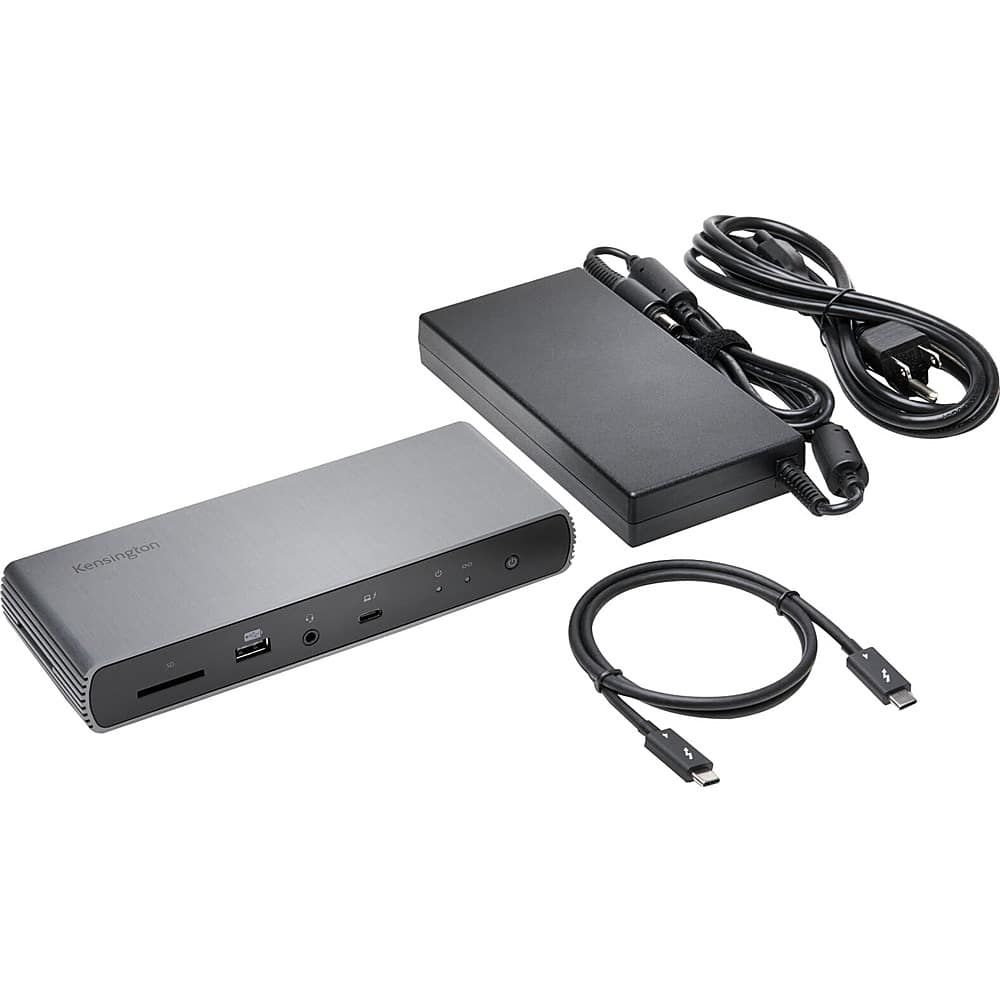
Kensington - SD5700T Thunderbolt 4 Dual 4K Docking Station with 90W PD - Gray
SKU: J7RJZKH9ZGSee all Docking StationsProduct Description
A gray docking station offering dual 4K display support, 90W power delivery, and 11 connectivity ports.Your price for this item is $269.80 -
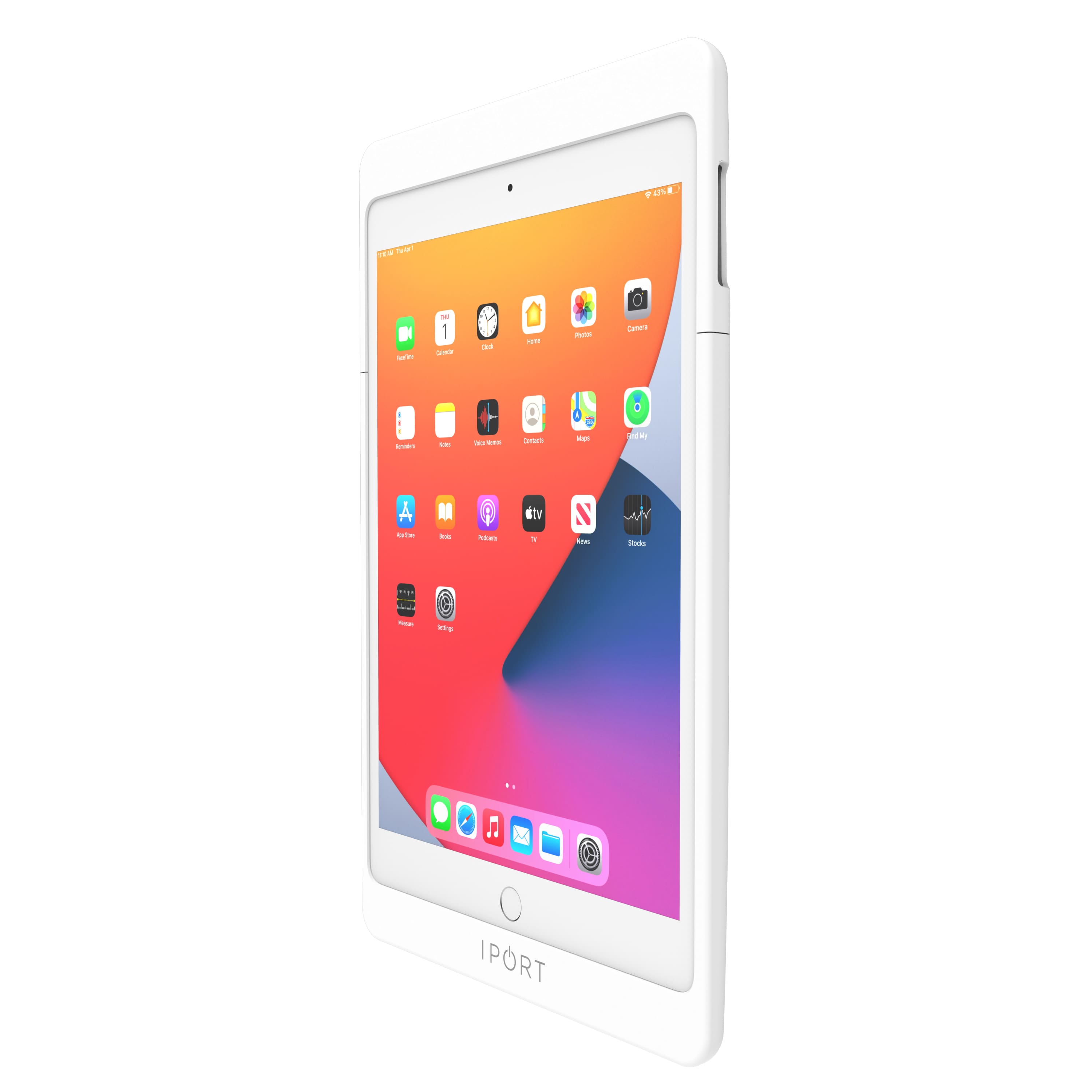
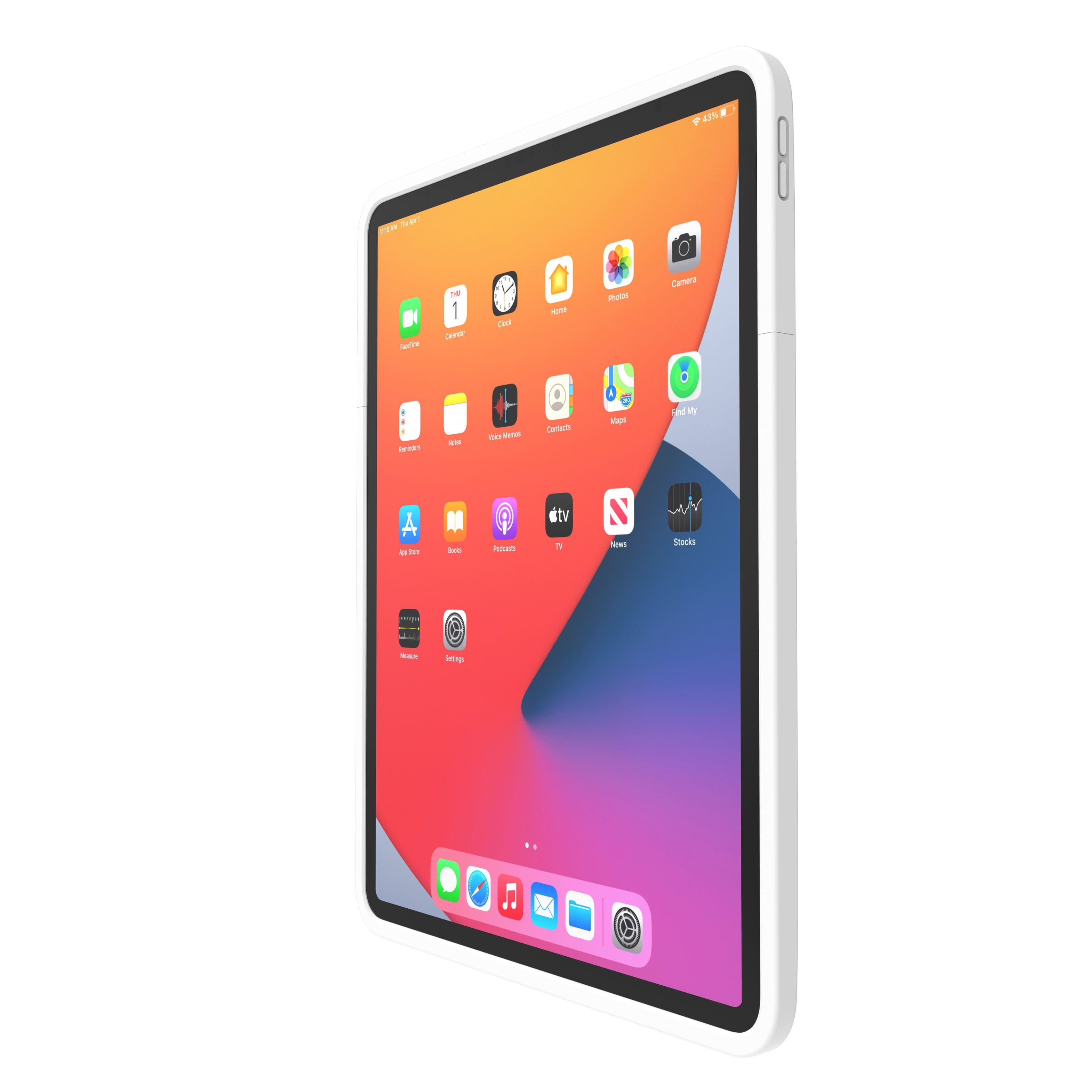
iPort - CONNECT PRO - CASE FOR APPLE IPAD 10.2" (9th Gen) (Each) - White
SKU: J78WGVF8ZWSee all Tablet Cases, Covers & Keyboard FoliosProduct Description
A white modular case that protects, charges, and securely connects your iPad while allowing full functionality.Your price for this item is $300.00 -
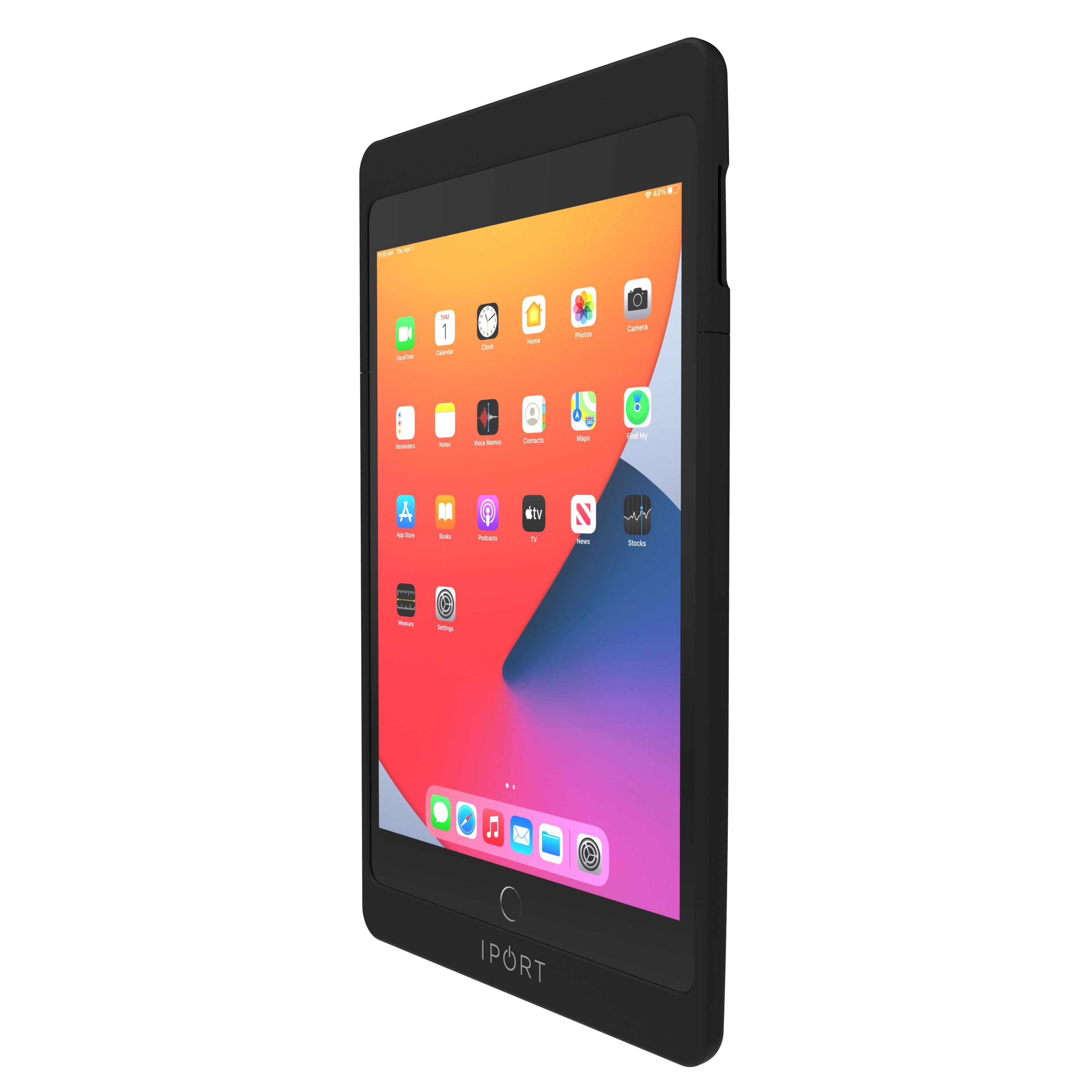
iPort - CONNECT PRO - CASE FOR APPLE IPAD 10.2" (9th Gen) (Each) - Black
SKU: J78WGVF8ZJVery durable case and heavy duty love my merchandise
See all Tablet Cases, Covers & Keyboard FoliosProduct Description
A modular black case that protects, charges, and securely connects your iPad while allowing full functionality.Your price for this item is $300.00 -
iPort - CONNECT PRO - CASE FOR APPLE IPAD 12.9" (6th Gen) (Each) - White
SKU: J78WGVFG82See all Tablet Cases, Covers & Keyboard FoliosProduct Description
A white modular case that protects, charges, and securely connects your iPad while allowing full functionality.Your price for this item is $300.00 -
Kensington - SD4780P Docking Station - Black
SKU: J7RJZKQ9FXSee all Docking StationsProduct Description
A versatile black docking station supporting dual displays, six USB ports, and compatibility with Windows, Mac, and Chrome.Your price for this item is $320.21

Best Sellers


Related Pages

FAQ
Surface Docking Stations are designed to work with Microsoft Surface devices, including select models of Surface Pro, Surface Laptop, and Surface Book. Always check the product specifications to ensure compatibility with your specific Surface device.
Most Surface Docking Stations feature a variety of ports such as USB-A, USB-C, Ethernet, audio out, and DisplayPort or HDMI for connecting monitors and other peripherals.
Yes, many Surface Docking Stations support dual monitor setups, allowing you to extend your workspace by connecting two external displays. Check the product details for supported monitor configurations.
In most cases, Surface Docking Stations work seamlessly with Windows and Surface devices without the need for extra drivers. However, it’s recommended to keep your device’s firmware and Windows OS updated for optimal performance.
To set up a Surface Docking Station, simply connect it to your Surface device using the provided cable, then plug in your peripherals such as monitors, keyboard, and mouse. The connection is usually plug-and-play for quick and easy setup.