Kensington - USB 3.0 Docking Station Dual DVI/HDMI/VGA sd3500v - Black
About this product
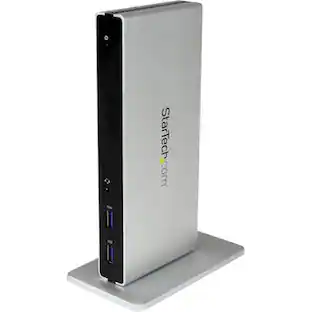
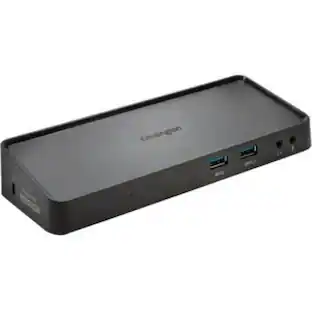
Ultra-thin laptops and 2-in-1 convertibles like the Microsoft Surface Pro offer great mobile productivity and sleek good looks. But that also means they usually come up short on connectivity ports. As a result, you’re constantly plugging and unplugging peripherals. That’s where the SD3500v USB 3.0 Universal Docking Station comes in. It turns one USB port into six so you have access to all your peripherals, including keyboard, mouse, printer and external hard drive. And with dual HD video output, you can add two external monitors to boost productivity. The dock’s two USB 3.0 ports support super-speed data transfer of up to 5 Gbps.
Features
Connect two additional screens with 1 DVI Out & 1 HDMI Out
Expand your workspace by adding additional monitors. Connect your DVI monitor to the DVI port or use the included DVI>VGA adapter to connect your VGA monitor. If you've got an HDMI monitor, you can connect directly into the HDMI out port.
Extend Mode
Extend your workspace by making it bigger. Extend mode allows you to share your whole desktop across multiple screens. Ideal for improved productivity by working with, and viewing, multiple applications at the same time.
Clone Mode
Allows you to replicate the same content on your second display as you do on your master display.
2 Front USB 3.0 Ports
Two fast and powerful USB 3.0 ports are positioned on the front of the dock for when you want to charge a phone or tablet, or transfer data from another device. Headphone and microphone input ports are also conveniently within reach when they’re needed.
4 Rear USB 2.0 Ports
Connect all your peripherals with 4 USB ports. These ports are strategically located on the back of the docking station to help keep your printer, keyboard and mice cables or wireless dongles hidden from view.
Specifications
- Maximum Number of Displays Supported1Number of DisplayPort Outputs (Total)1
Reviews
Rating 4.6 out of 5 stars with 9 reviews
The vast majority of our reviews come from verified purchases. Reviews from customers may include My Best Buy members, employees, and Tech Insider Network members (as tagged). Select reviewers may receive discounted products, promotional considerations or entries into drawings for honest, helpful reviews.
Compare similar products
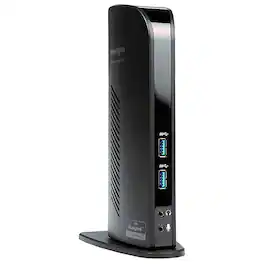
Ultra-thin laptops and 2-in-1 convertibles like the Microsoft Surface Pro offer great mobile productivity and sleek good looks. But that also means they usually come up short on connectivity ports. As a result, you’re constantly plugging and unplugging peripherals. That’s where the SD3500v USB 3.0 Universal Docking Station comes in. It turns one USB port into six so you have access to all your peripherals, including keyboard, mouse, printer and external hard drive. And with dual HD video output, you can add two external monitors to boost productivity. The dock’s two USB 3.0 ports support super-speed data transfer of up to 5 Gbps.
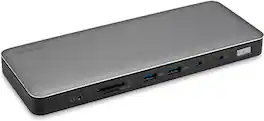
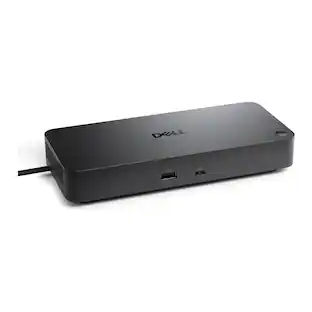
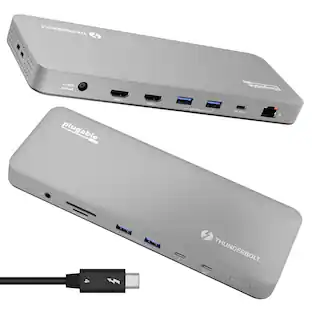
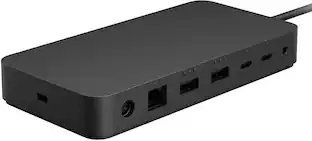
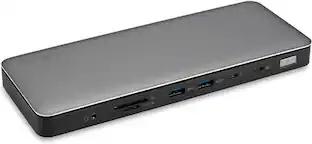
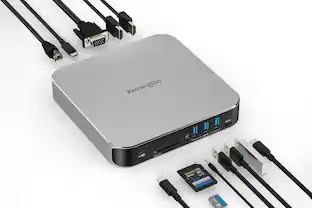
The Kensington SD5760T Thunderbolt 4 Docking Station is a high-performance docking solution engineered to expand connectivity and productivity for modern workstations. Utilizing Thunderbolt 4 technology, it delivers ultra-fast data transfer speeds up to 40Gbps and supports dual 4K displays or a single 8K display, providing crisp visuals and efficient multitasking. The dock includes multiple USB-C and USB-A ports, Gigabit Ethernet, and audio in/out, enabling seamless integration with peripherals, networked devices, and multimedia systems. Its compact, durable design maintains a tidy and professional workspace, while 100W power delivery ensures connected laptops and devices operate at peak performance. Ideal for professionals requiring reliable multi-display support, robust connectivity, and high-speed data transfer, the SD5760T Thunderbolt 4 Docking Station combines versatility, efficiency, and future-ready performance in a sleek and durable design.
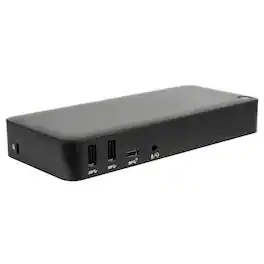
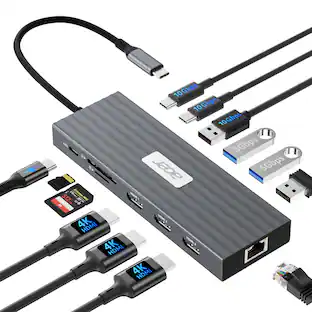
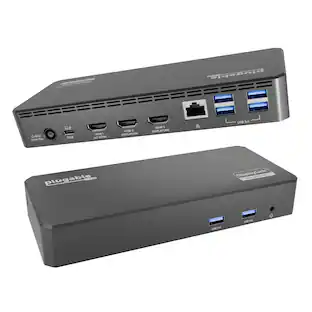
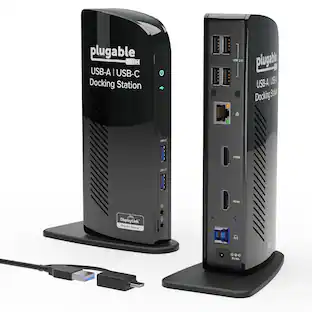
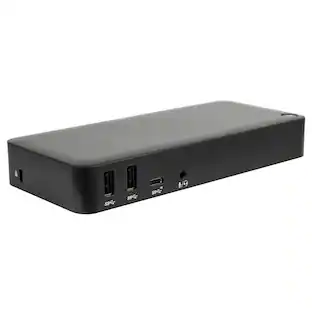
Create a more powerful, productive workstation with the Targus USB-C™ DisplayPort™ Alt. Mode Triple Video Docking Station with 85W Power. This Alternate Mode dock packs all of the ports and power you need and is designed to support and power a wide variety of laptop brands and operating systems – up to 85W. With video performance up to 3840x2160 p60 for single display, 2560x1440 p60 for dual displays, and 1920x1080 p60 for three displays, you are sure to get crisp and clear images. Connect all of your favorite accessories with a combination of USB-A (4 USB 3.2 Gen1 ports, 1 fast-charging) and USB-C (1x 3.2 Gen2), plus Ethernet and audio ports.

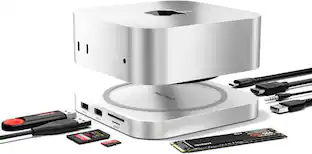
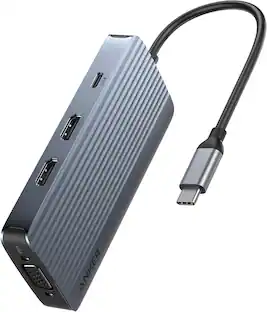
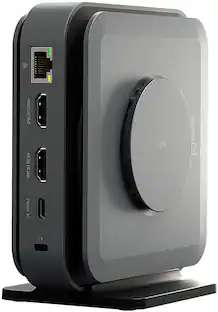
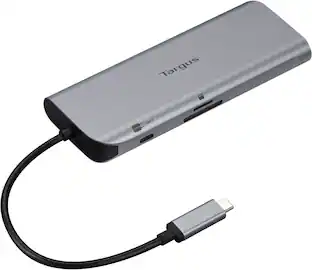
This compact multi-port dock is ideal for office application, featuring everything from the essential two HDMI outputs, USB ports, Gigabit Ethernet, SD/microSD card reader, Audio Jack and an upgraded Power Delivery 3.1 specification. It comes with a mount for saving-space vertical placement and gives you the ability to connect your MacBook or other USB-C compatible laptops to a 4K monitor or TV. With USB Power Delivery 3.1 it’ll take you to a new flexible power application, you'll be able to charge your laptop and power your peripherals with a single USB-C power adapter even if your laptop only has one USB-C port. The top of the dock functions as a wireless charging pad that supports up to 15W fast charging. Access a wired network through the Gigabit Ethernet port for a fast and stable network connection. It is also equipped with a cable storage compartment which ensures an easy connection regardless of your USB-C port’s location. Power Adapter to support Wireless Charging Sold Separately.
| Pros for Kensington - USB 3.0 Docking Station Dual DVI/HDMI/VGA sd3500v - Black | |||
|---|---|---|---|
| There were no pros for this product— | There were no pros for this product— | Connectivity | Wireless Charging, Ease of use, Overall Performance, Ports, HDMI |
| Cons for Kensington - USB 3.0 Docking Station Dual DVI/HDMI/VGA sd3500v - Black | |||
| There were no cons for this product— | There were no cons for this product— | There were no cons for this product— | Compatibility, Noise Level, Power Supply, Price |
Specs
Customers often buy these together
 $79.99The price was $99.99
 $34.99The price was $49.99





More to consider
 $119.99The price was $129.99
Explore tech essentials Sponsored
Discover related products
 $249.00The price was $275.00
 $12.99The price was $13.99